Why dehydration sells
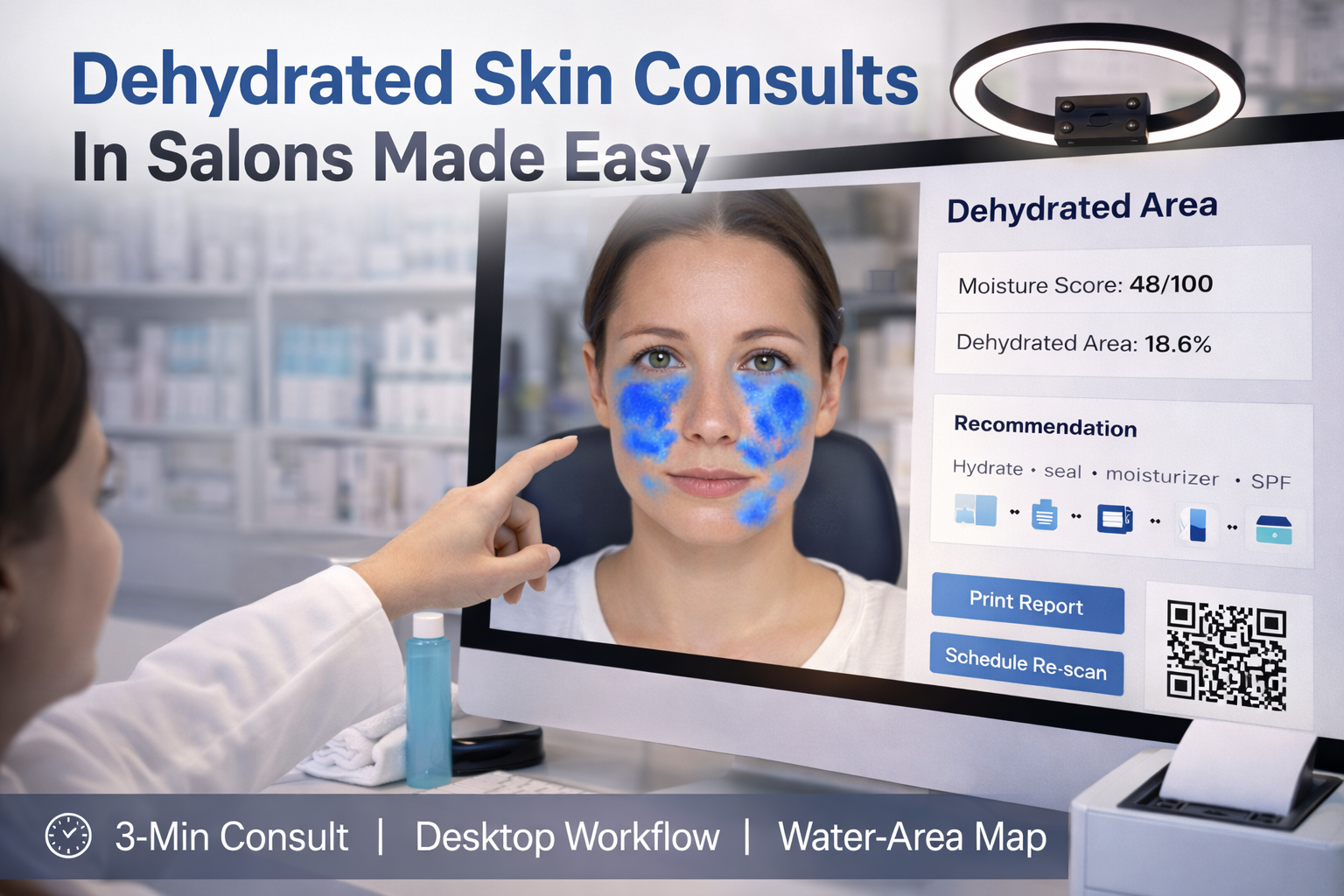
Clients often describe “tight + flaky, but still oily.” Dehydration (water-loss) is easy to explain and easy to track when you can show a visual map. Use this as cosmetic guidance (not medical diagnosis).
The 3-minute desktop consultation flow
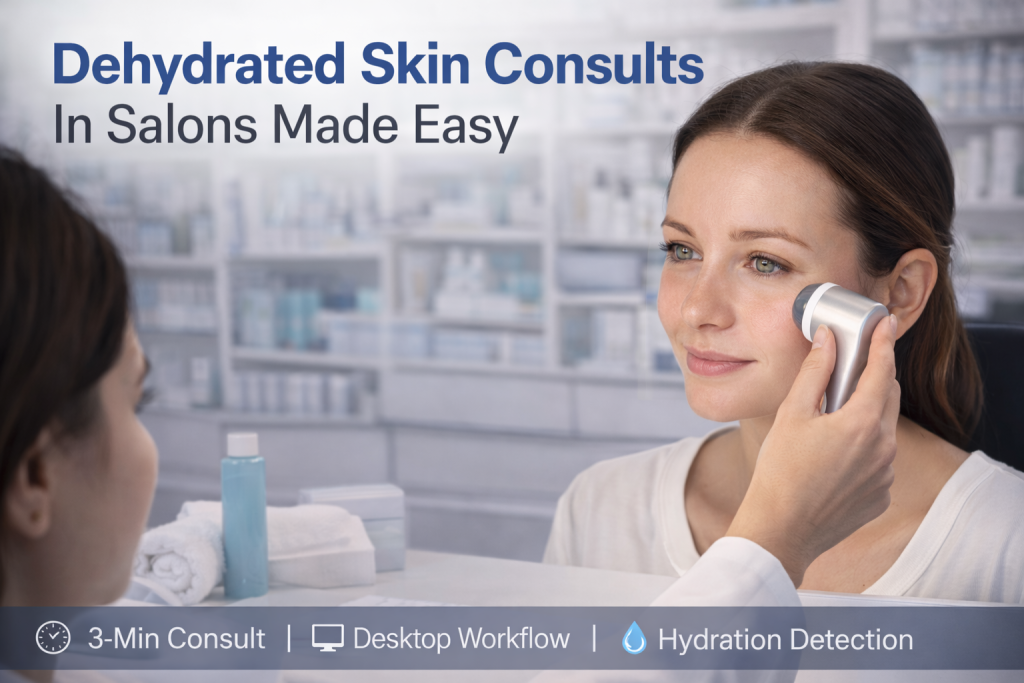
- Capture (20s): Take a front photo under a fixed ring light (no filters).
- Analyze (20s): Display the Dehydrated Area overlay (darker blue = more dehydrated) plus Moisture Score / Area Ratio.
- Plan (60s): A simple “hydrate + seal” routine: humectant → moisturizer → SPF. Offer an optional in-clinic hydration service.
- Close (30s): Print or QR the report and schedule a re-scan in 2–4 weeks for before/after.
Build & deployment blueprint (practical and stable)
- Hardware: 1080p+ camera, fixed lighting (5000–5600K), neutral background, 21–27″ screen, optional printer/QR.
- Architecture: Desktop/Kiosk UI → your Gateway API → AILabTools. Keep the API key only on the gateway.
- Kiosk deployment: Auto-launch fullscreen (Windows Assigned Access / macOS kiosk launcher), block OS popups, retry on network failure.
- Ops: Rate-limit per device, log latency/errors (no photos), store only derived metrics unless the client explicitly consents.
API example (your gateway calls AILabTools)
Request the dehydration overlay via return_maps=water_area.
Curl
curl --request POST
  --url https://www.ailabapi.com/api/portrait/analysis/skin-analysis-pro
  --header 'Content-Type: multipart/form-data'
  --header 'ailabapi-api-key: <api-key>'
  --form image='@example-file'
  --form left_side_image='@example-file'
  --form right_side_image='@example-file'
  --form 'return_maps=<string>'
  --form 'return_marks=<string>'
  --form 'roi_outline_color=<string>'
--form 'return_side_results=<string>'Python
import requests

url = "https://www.ailabapi.com/api/portrait/analysis/skin-analysis-pro"

files = {
    "image": ("example-file", open("example-file", "rb")),
    "left_side_image": ("example-file", open("example-file", "rb")),
    "right_side_image": ("example-file", open("example-file", "rb"))
}
payload = {
    "return_maps": "<string>",
    "return_marks": "<string>",
    "roi_outline_color": "<string>",
    "return_side_results": "<string>"
}
headers = {"ailabapi-api-key": "<api-key>"}

response = requests.post(url, data=payload, files=files, headers=headers)

print(response.text)JavaScript
const form = new FormData();
form.append('image', '<string>');
form.append('left_side_image', '<string>');
form.append('right_side_image', '<string>');
form.append('return_maps', '<string>');
form.append('return_marks', '<string>');
form.append('roi_outline_color', '<string>');
form.append('return_side_results', '<string>');

const options = {method: 'POST', headers: {'ailabapi-api-key': '<api-key>'}};

options.body = form;

fetch('https://www.ailabapi.com/api/portrait/analysis/skin-analysis-pro', options)
  .then(res => res.json())
  .then(res => console.log(res))
.catch(err => console.error(err));Docs: https://www.ailabtools.com/docs/ai-portrait/analysis/skin-analysis-pro