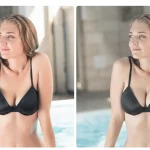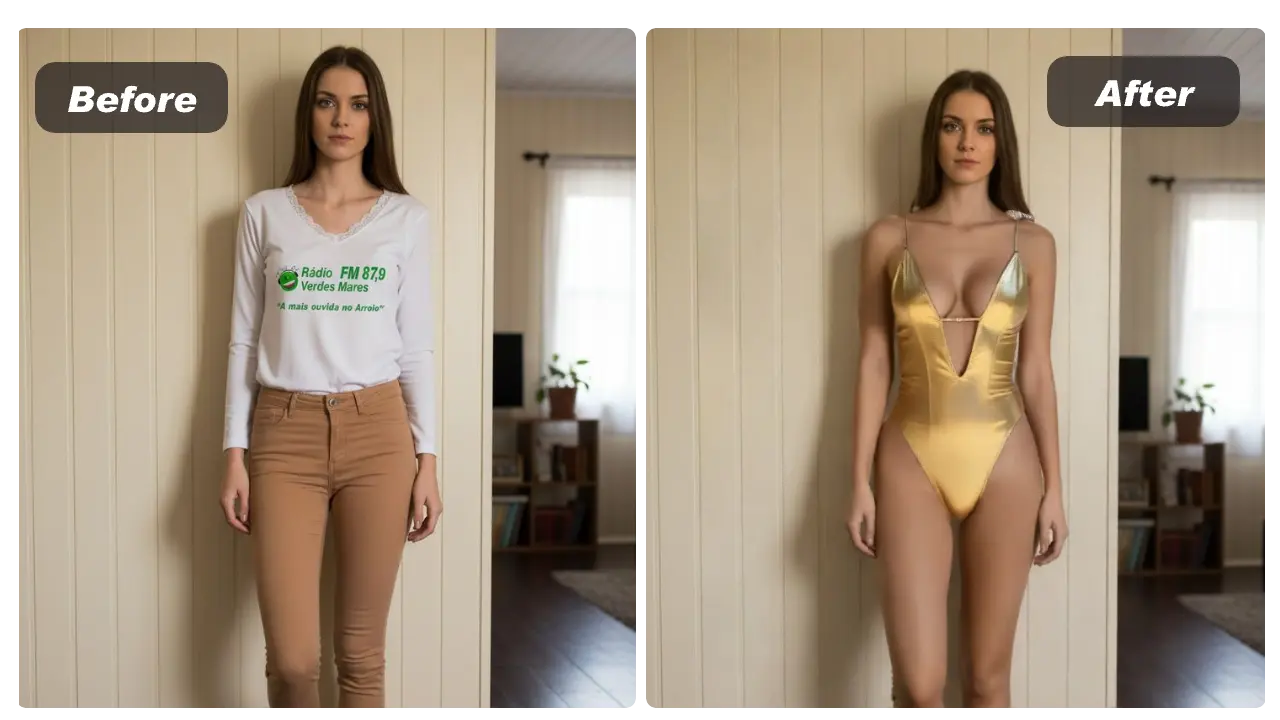
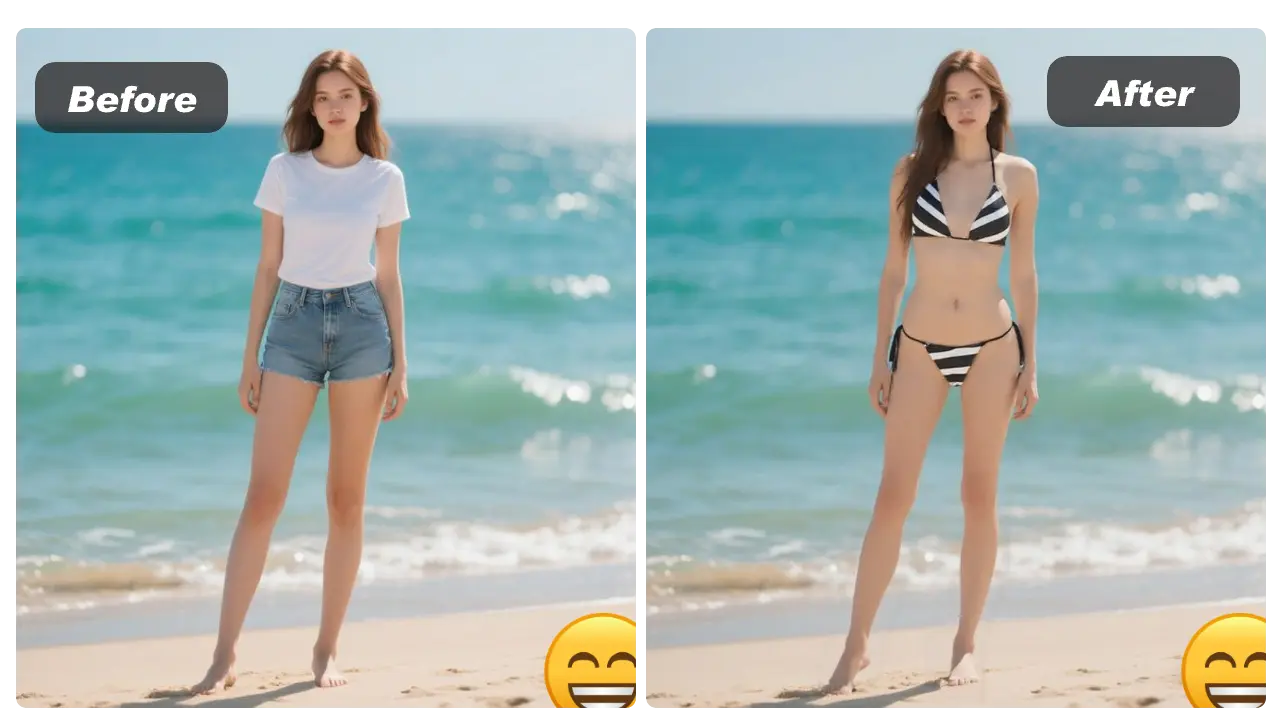
If you’re searching for ai bikini, you’re usually trying to preview a swimwear look quickly—without a photoshoot, without manual editing, and without turning the image into explicit content. AILabTools AI Bikini is built for exactly that: it applies a virtual bikini overlay on your photo (SFW), and you can try it free with no login, or integrate it into your app via API.
Try it here: https://www.ailabtools.com/ai-bikini
Related docs (try-on clothes): https://www.ailabtools.com/docs/ai-portrait/editing/try-on-clothes
What “ai bikini” means here (and what it doesn’t mean)
AILabTools frames ai bikini as a safe virtual try-on: it adds a digital bikini on top of your existing photo and does not undress the subject or generate nudity—a safer alternative to what many people mean when they search “ai undress.”
This makes it usable for:
-
Swimwear concept previews
-
Content mockups for summer looks
-
Creative styling experiments (within platform rules)
How the AI Bikini try-on works
On the product page, the tool accepts:
-
a Portrait Image (your photo)
-
a Clothing Image (the bikini image you want to try on)
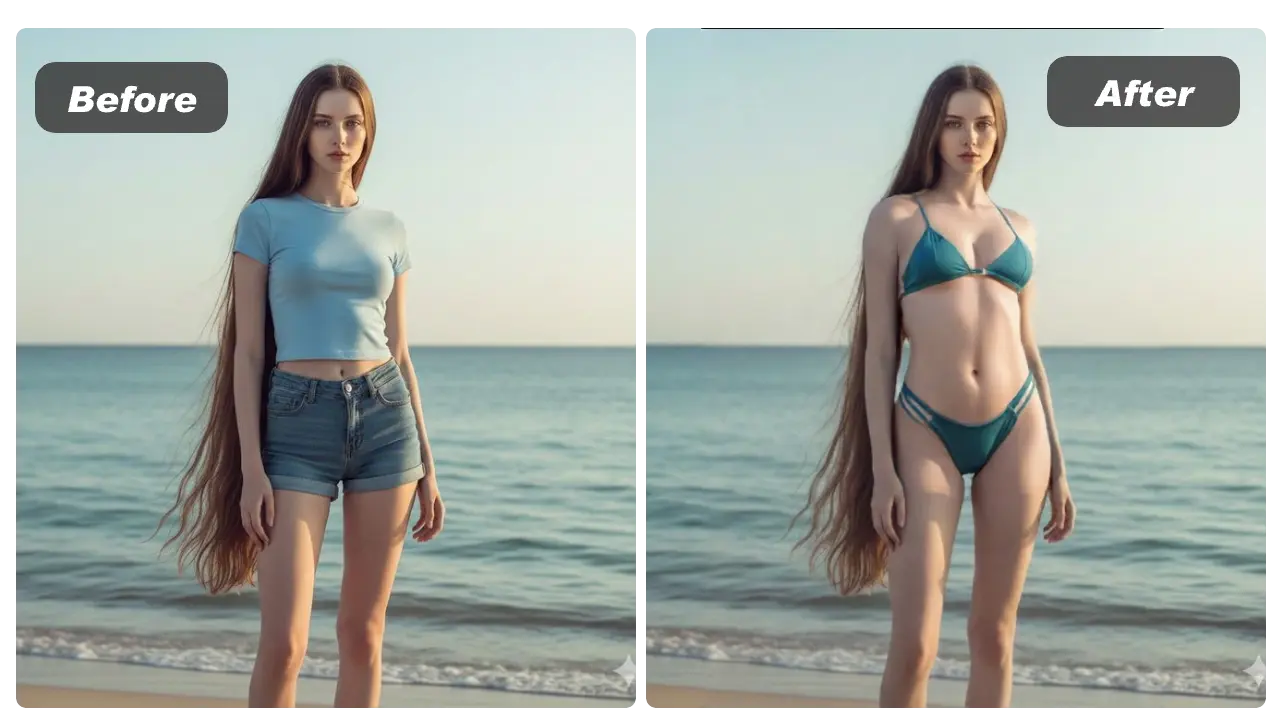
Then it generates a result where the bikini is aligned to body outline and pose (virtual overlay), keeping the output within safe boundaries.
No login + free experience: fast workflow
You can test ai bikini online without creating an account, and the site states there’s a free version with limited usage for trying styles and previewing outputs.
A simple workflow is:
-
Upload your portrait image + a bikini clothing image
-
Click Generate
-
Download the result (optional share)
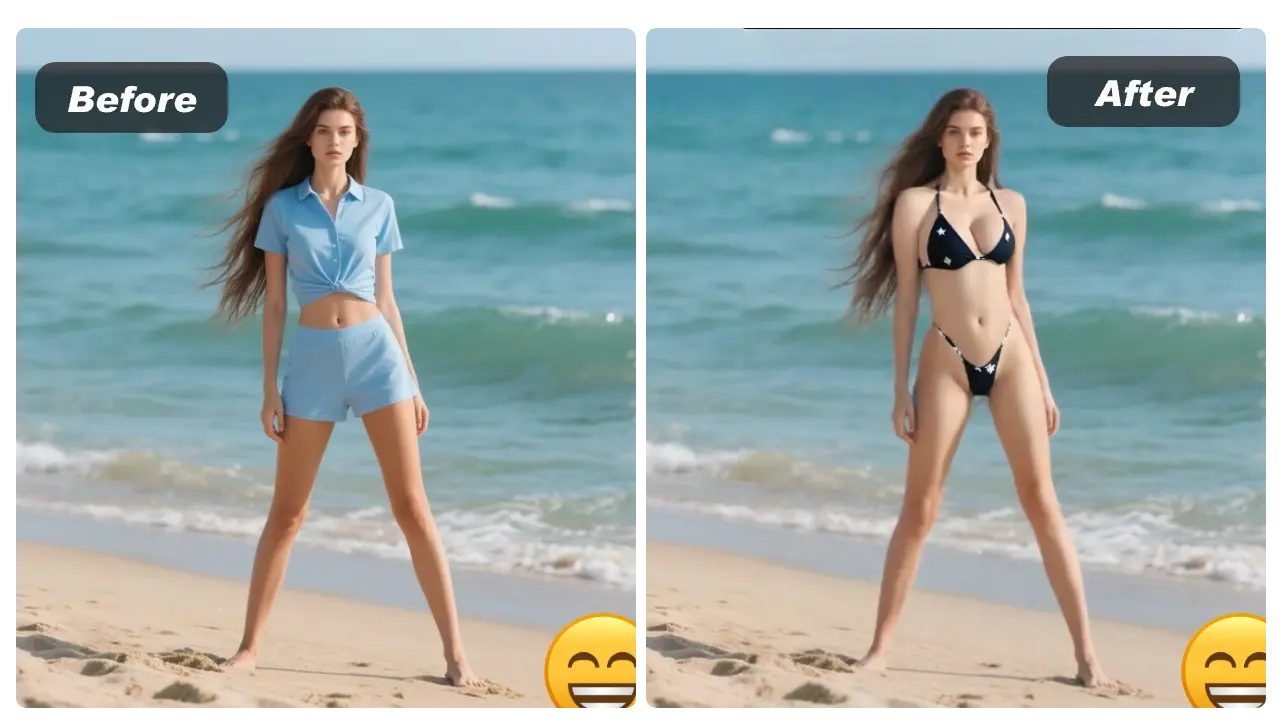
Tips for better, more realistic results
For best try-on quality, the page recommends using clear photos with good lighting, avoiding blurry or overly cropped images, and keeping the content clothed and non-explicit so the model can detect body outline reliably.
Practical tips:
-
Use a neutral background and even lighting
-
Prefer upper-body or full-body portraits that aren’t heavily occluded
-
Use a clean, well-framed bikini clothing image
Privacy note: temporary storage
AILabTools states that uploaded and generated images are automatically deleted within 24 hours for privacy protection.
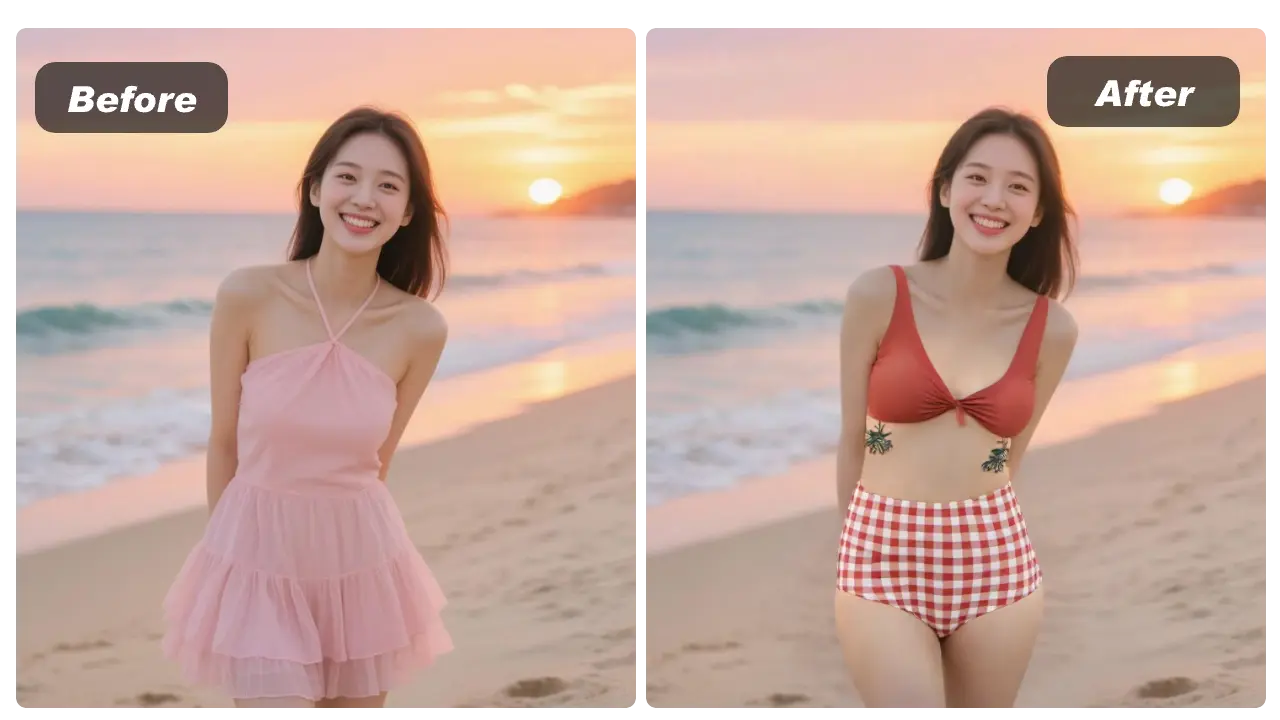
Developers: add “ai bikini” to your app with the API
If you’re building a virtual try-on feature, AILabTools provides an API under the Try-on Clothes documentation (the same pipeline that supports clothing overlays).
Endpoint (multipart/form-data):
-
POST https://www.ailabapi.com/api/portrait/editing/try-on-clothes
Key fields include:person_image,clothes_image, andclothes_type.
The docs also describe an async task flow that returns atask_id, then you query results to get the final image URL.
Docs you can link in your blog:
-
Try-on Clothes overview: https://www.ailabtools.com/docs/ai-portrait/editing/try-on-clothes
-
Try-on Clothes API: https://www.ailabtools.com/docs/ai-portrait/editing/try-on-clothes/api
Internal links: recommended related tools
If readers want a “full look” workflow (body silhouette + hair), add these related internal links:
-
AI Breast Expansion: https://www.ailabtools.com/ai-breast-expansion
-
Hairstyle Changer: https://www.ailabtools.com/hairstyle-changer
This keeps visitors exploring adjacent portrait styling tools in the same session.
Conclusion
For the keyword ai bikini, the clearest promise is: safe bikini overlay try-on, free to test with no login, and API-ready for product integration. Start with the online tool to validate the look, then move to the API when you need scale, automation, or in-app experiences.