> ## Documentation Index
> Fetch the complete documentation index at: https://ailabtools.mintlify.site/llms.txt
> Use this file to discover all available pages before exploring further.
# AI Image Extender API
> AI Image Extender API expands images beyond their original borders using prompts, canvas, frame, or four-side extension modes.
## Request
* **URL**: `https://www.ailabapi.com/api/image/editing/ai-image-extender`
* **Method**: `POST`
* **Content-Type**: `multipart/form-data`
### Image requirements
* **Image format**: `JPEG` `JPG` `PNG`
* **Image size**: No more than 5 MB.
* **Image resolution**: Larger than 64x64px, smaller than 4096x4096px.
### Headers
| Field | Required | Type | Description |
| :----------------- | :------- | :------- | :---------------------------------------------------- |
| `ailabapi-api-key` | YES | `string` | Application API KEY. [Get API KEY](/docs/get-api-key) |
### Body
#### Fixed Fields
| Field | Required | Type | Scope | Default | Description |
| :-------------- | :------- | :-------- | :---------- | :------ | :------------------------------------------------------------------------------------------------------------------------------------------------------------------------------------------------------------------------------------------------------------------------------------------------------- |
| `custom_prompt` | NO | `string` | | | Prompt Content (English only). Please limit the prompt content to 100 English words or fewer. Any content beyond this limit may have minimal impact on the generated result. Use standard vocabulary to avoid failing the review process. |
| `steps` | NO | `integer` | \[1, +] | `30` | Sampling steps determine the level of detail in the generated image. A higher value may result in better quality, but it will significantly increase the processing time. |
| `strength` | NO | `float` | \[0.1, 1.0] | `0.8` | The smaller the value, the closer it is to the original image. |
| `scale` | NO | `float` | \[1, 20] | `7` | The degree to which the text description influences the output. |
| `seed` | NO | `integer` | \[-1, +] | `0` | Random seed, used as the basis for determining the initial state of the diffusion process. It must be a non-negative number (`-1` represents a random seed). If the random seed is the same positive integer and all other parameters are identical, the generated image will most likely be consistent. |
| `max_height` | NO | `integer` | \[0, +] | `1920` | Maximum output height. Resized to the specified dimensions as a fallback after the image expansion process. |
| `max_width` | NO | `integer` | \[0, +] | `1920` | Maximum output width. Resized to the specified dimensions as a fallback after the image expansion process. |
#### Non-Mask Expanded Image
| Field | Required | Type | Scope | Default | Example | Description |
| :------- | :------- | :------ | :-------- | :------ | :----------------------------------------------------------------------------------------------- | :------------------------- |
| `image` | YES | `file` | | | 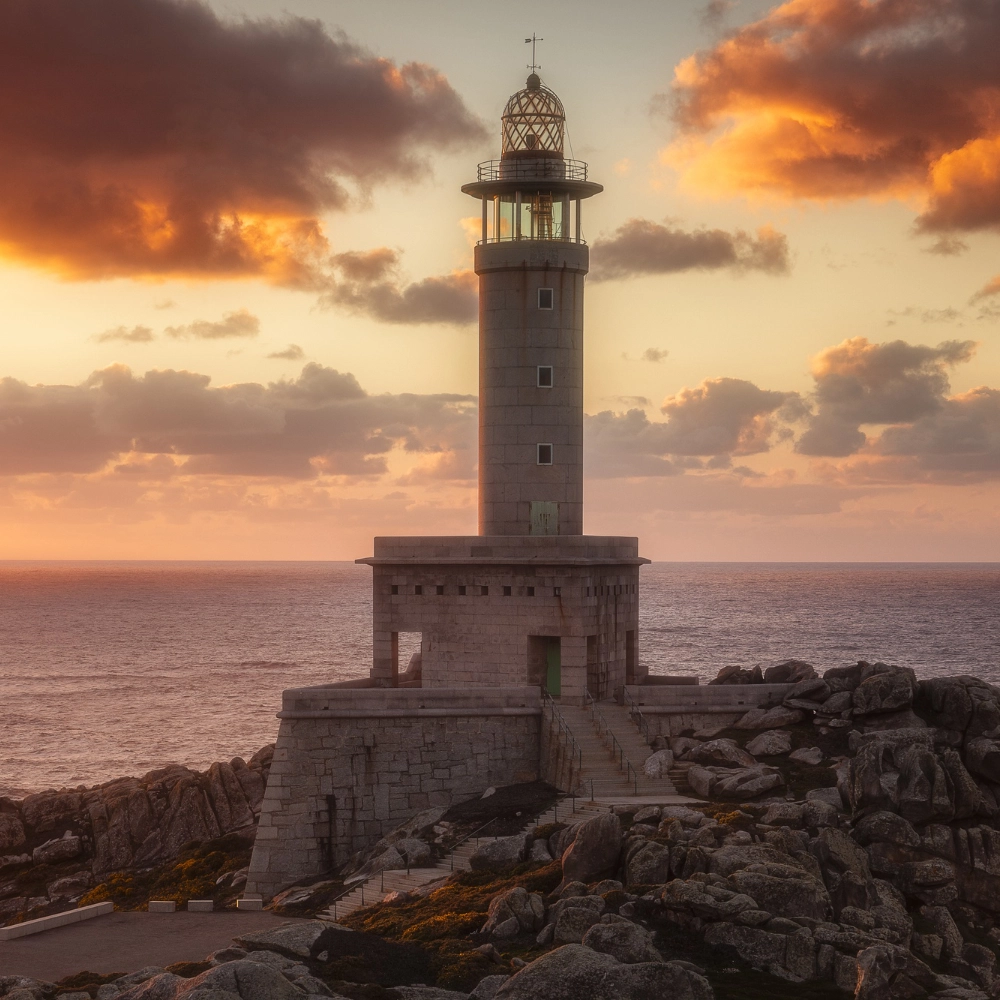 | Original image. |
| `top` | NO | `float` | \[0, 1.0] | `0.1` | | Upward expansion ratio. |
| `bottom` | NO | `float` | \[0, 1.0] | `0.1` | | Downward expansion ratio. |
| `left` | NO | `float` | \[0, 1.0] | `0.1` | | Leftward expansion ratio. |
| `right` | NO | `float` | \[0, 1.0] | `0.1` | | Rightward expansion ratio. |
#### Mask Expanded Image
| Field | Required | Type | Example | Description |
| :------ | :------- | :----- | :---------------------------------------------------------------------------------------------------- | :-------------- |
| `image` | YES | `file` | 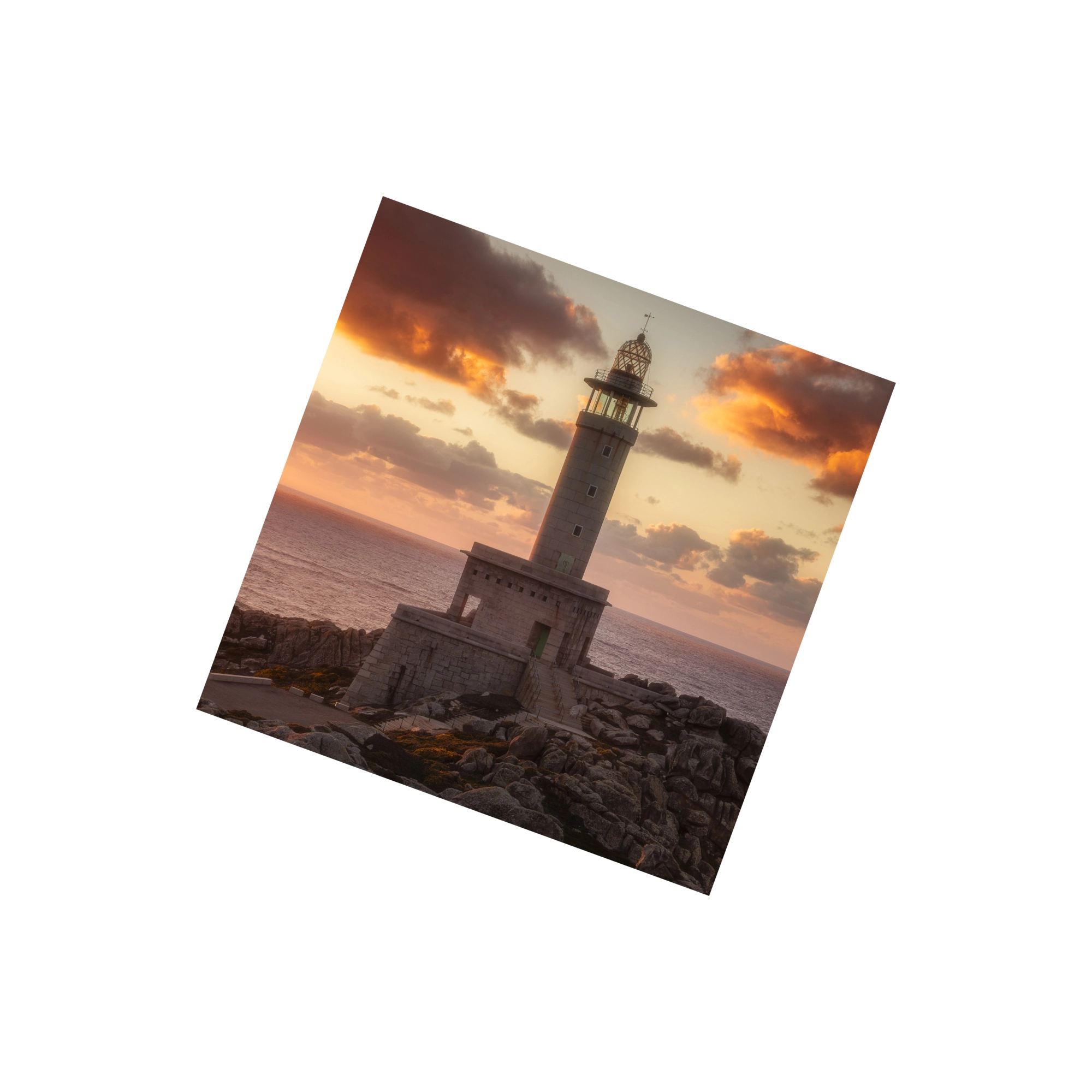 | Original image. |
| `mask` | YES | `file` |  | Mask image. |
## Response
**Response Field Handling Flow**
1. **Handle `Public Response Fields`**
Parse and validate the `Public Response Fields`, checking the status code or response message to ensure the request is successful and error-free.
2. **Handle `Business Response Fields`**
If the `Public Response Fields` are valid and error-free, proceed with processing the business logic in the `Business Response Fields`.
### Public Response Fields
Viewing Public Response Fields and Error Codes
### Business Response Fields
| Field | Type | Description |
| :-------------------- | :---------------- | :----------------------------------------------------------- |
| `data` | `object` | The content of the result data returned. |
| +`binary_data_base64` | `array of string` | Output the processed image as a Base64 array (single image). |
### Response Example
```json theme={null}
{
"request_id": "",
"log_id": "",
"error_code": 0,
"error_msg": "",
"error_detail": {
"status_code": 200,
"code": "",
"code_message": "",
"message": ""
},
"data": {
"binary_data_base64": []
}
}
```
## OpenAPI
````yaml POST /api/image/editing/ai-image-extender
openapi: 3.0.0
info:
title: AILabAPI
description: >-
[AILabTools](https://www.ailabtools.com) is an advanced tool that
offers a vast array of simple and flexible API endpoints to suit your
specific needs. With just one [API
KEY](https://www.ailabtools.com/doc/get-api-key), you can easily call
any of the endpoints and integrate them quickly into your application or
workflow, allowing for smooth and efficient operations.
[AILabTools](https://www.ailabtools.com) is continuously evolving,
and you can anticipate even more API endpoints being added in the future,
further enhancing its capabilities and usefulness for your artificial
intelligence and machine learning requirements.
version: 1.0.0
servers:
- url: https://www.ailabapi.com
description: Production server
security:
- apiKeyAuth: []
tags:
- name: AI IMAGE
- name: AI IMAGE > Image Enhancement
- name: AI IMAGE > Image Effects
- name: AI IMAGE > Image Editing
- name: AI IMAGE > Image Scoring
- name: AI BACKGROUND REMOVAL
- name: AI BACKGROUND REMOVAL > Portrait
- name: AI BACKGROUND REMOVAL > General
- name: AI PORTRAIT
- name: AI PORTRAIT > Portrait Effects
- name: AI PORTRAIT > Portrait Enhance
- name: AI PORTRAIT > Portrait Editing
- name: AI PORTRAIT > Portrait Analysis
- name: AI COMMON
paths:
/api/image/editing/ai-image-extender:
post:
tags:
- AI IMAGE > Image Editing
summary: AI Image Extender
description: >-
AI Image Extender API expands images beyond their original borders using
prompts, canvas, frame, or four-side extension modes.
requestBody:
content:
multipart/form-data:
schema:
type: object
properties:
image:
type: string
format: binary
description: Original image.
mask:
type: string
format: binary
description: Mask image.
steps:
type: integer
description: >-
Sampling steps determine the level of detail in the
generated image. A higher value may result in better
quality, but it will significantly increase the processing
time.
example: '30'
strength:
type: number
description: >-
The smaller the value, the closer it is to the original
image.
example: '0.8'
scale:
type: integer
description: >-
The degree to which the text description influences the
output.
example: '7'
seed:
type: integer
description: >-
Random seed, used as the basis for determining the initial
state of the diffusion process. It must be a non-negative
number (`-1` represents a random seed). If the random seed
is the same positive integer and all other parameters are
identical, the generated image will most likely be
consistent.
example: '0'
top:
type: number
description: Upward expansion ratio.
example: '0.1'
bottom:
type: number
description: Downward expansion ratio.
example: '0.1'
left:
type: number
description: Leftward expansion ratio.
example: '0.1'
right:
type: number
description: Rightward expansion ratio.
example: '0.1'
max_height:
type: integer
description: >-
Maximum output height. Resized to the specified dimensions
as a fallback after the image expansion process.
example: '1920'
max_width:
type: integer
description: >-
Maximum output width. Resized to the specified dimensions as
a fallback after the image expansion process.
example: '1920'
responses:
'200':
headers:
Content-Type:
schema:
type: string
example: application/json
content:
application/json:
schema:
type: object
example:
request_id: ''
log_id: ''
error_detail:
code: ''
code_message: ''
message: ''
data:
binary_data_base64: []
description: Success
components:
securitySchemes:
apiKeyAuth:
type: apiKey
in: header
name: ailabapi-api-key
description: API Key for authentication
````