> ## Documentation Index
> Fetch the complete documentation index at: https://ailabtools.mintlify.site/llms.txt
> Use this file to discover all available pages before exploring further.

# Try on Clothes Premium API

> Try on Clothes Premium API creates high-quality virtual try-on images with realistic garment fit, texture, and body alignment.

## Request

* **URL**: `https://www.ailabapi.com/api/portrait/editing/try-on-clothes-premium`
* **Method**: `POST`
* **Content-Type**: `multipart/form-data`

### Image requirements

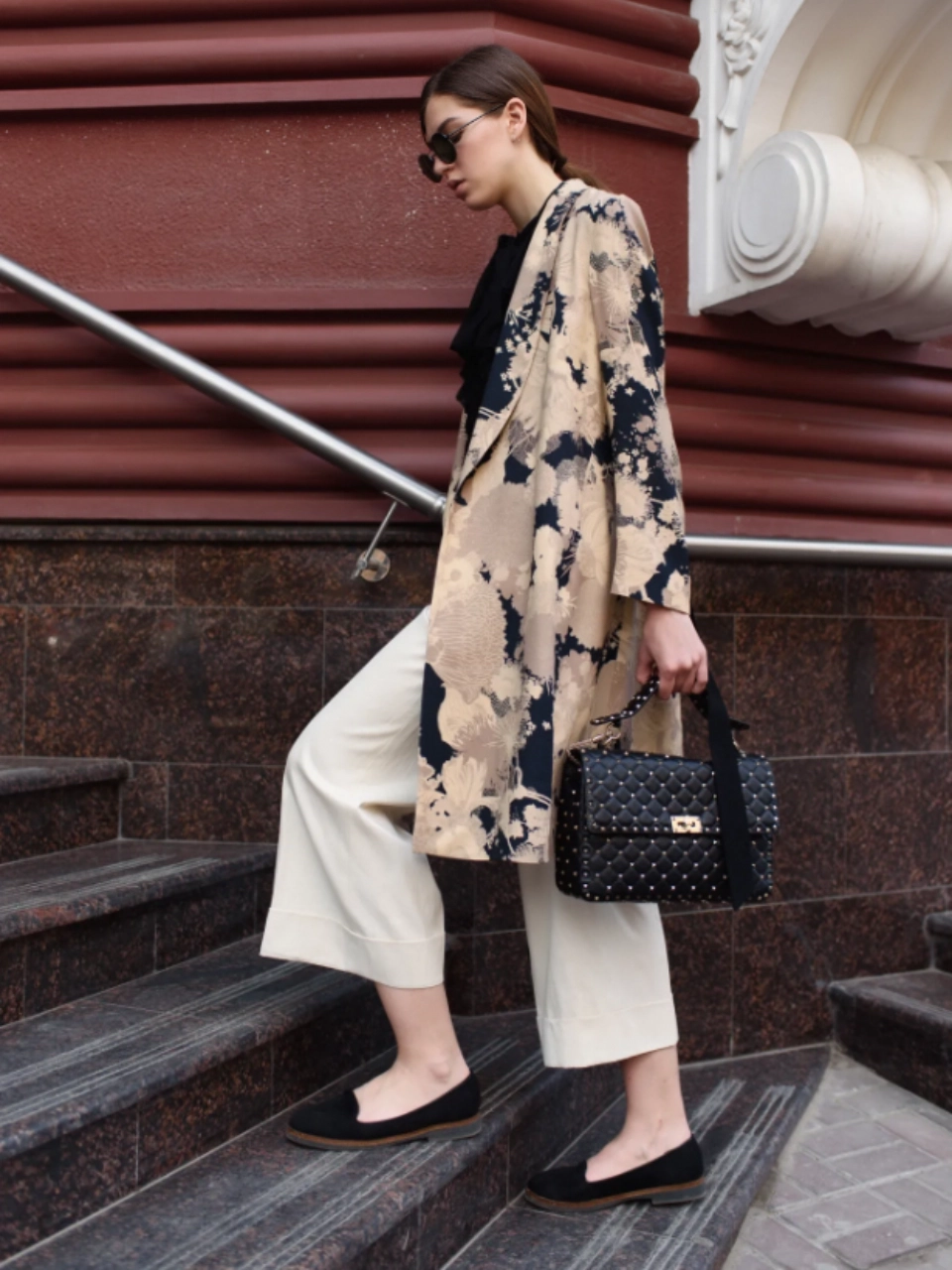
#### Portrait

* **Image format**: `JPG` `JPEG` `PNG` `BMP`
* **Image size**: No more than 5 MB.
* **Image resolution**: Larger than 150x150px, smaller than 4096x4096px.
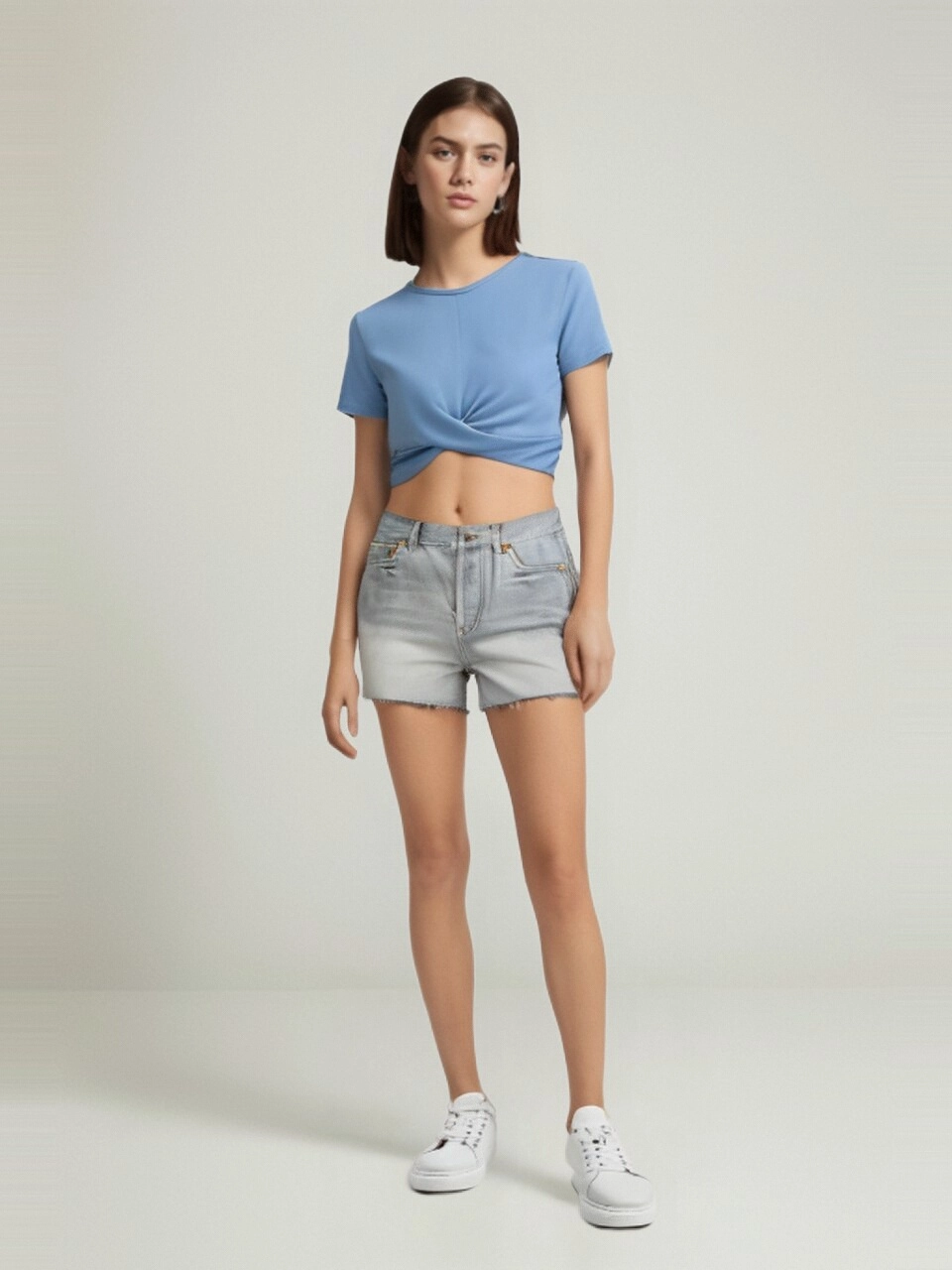
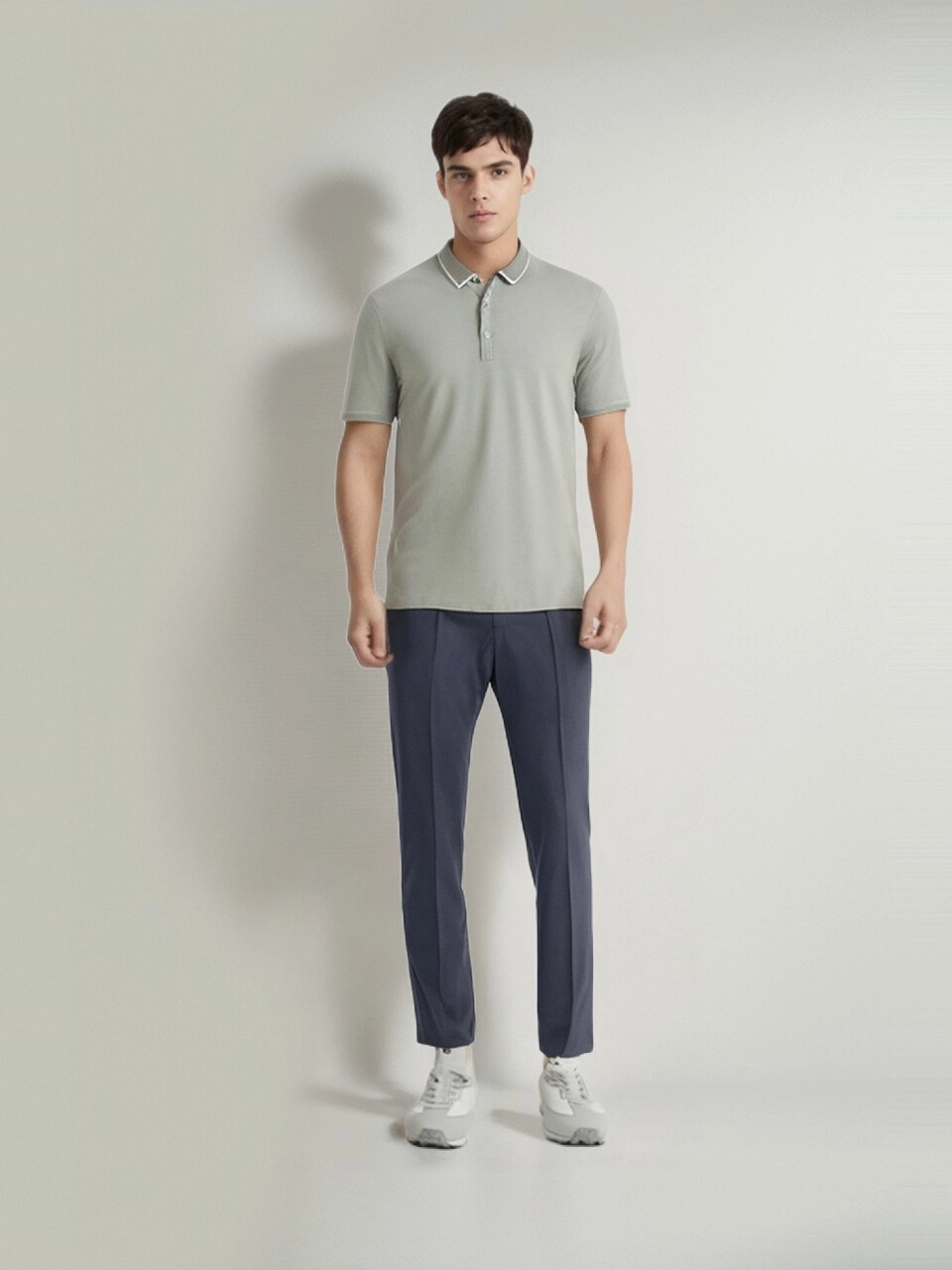
* **Pose requirements**: full-body front view with hands fully visible. Arm positioning should avoid wide openings, crossing, or other exaggerated gestures.

##### Correct Example

<table className="border border-collapse border-gray-300">
  <tr>
    <td className="border border-gray-300 p-4 text-center">
      <div style={{'display':'grid','grid-template-columns':'repeat(2,1fr)','grid-gap':'16px'}}>
        <img alt="Correct Example Image" src="https://ai-resource.ailabtools.com/try-on-clothes/doc/example/CorrectExample-1.webp" />

        <img alt="Correct Example Image" src="https://ai-resource.ailabtools.com/try-on-clothes/doc/example/CorrectExample-2.webp" />
      </div>
    </td>
  </tr>
</table>

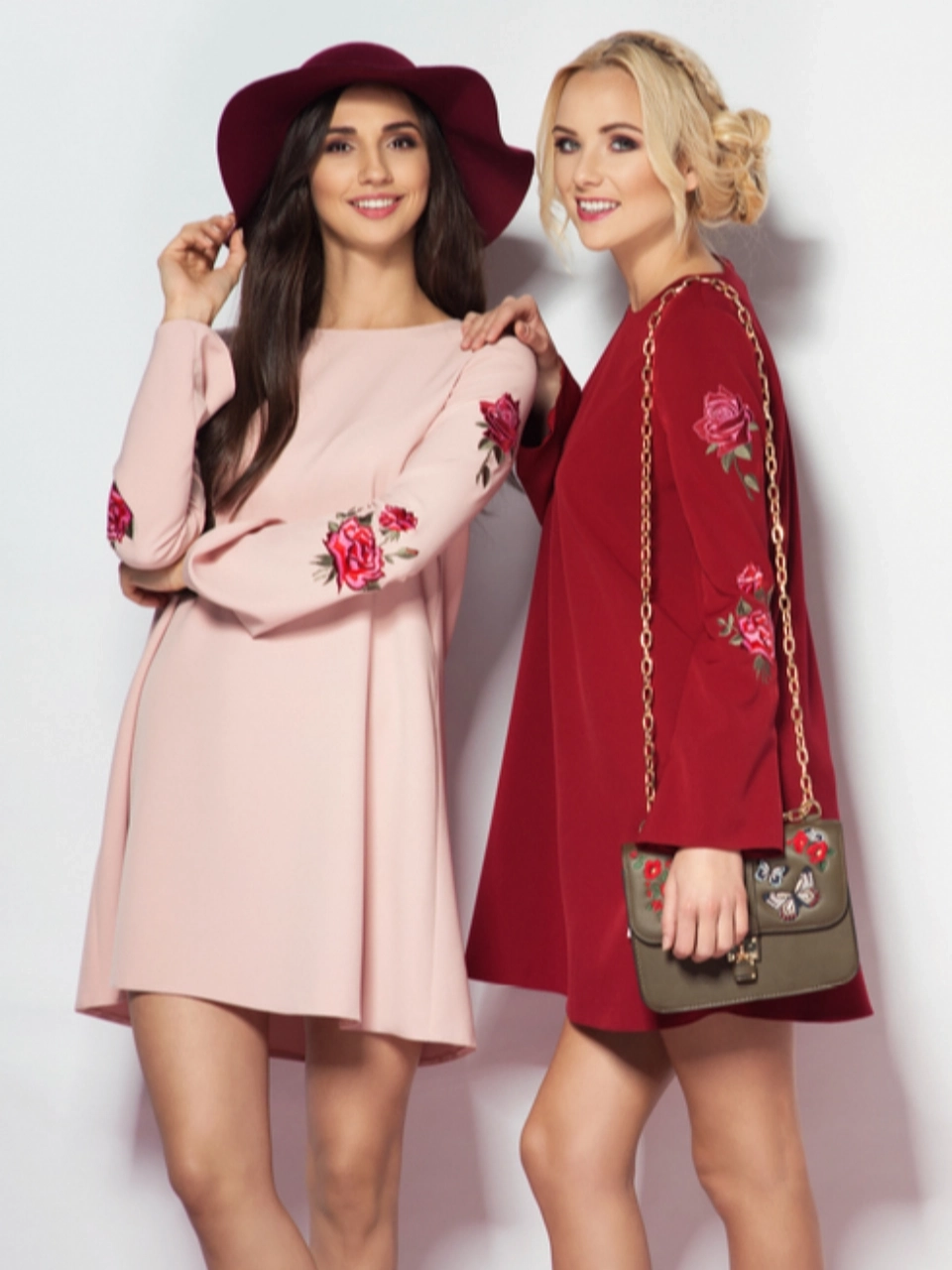
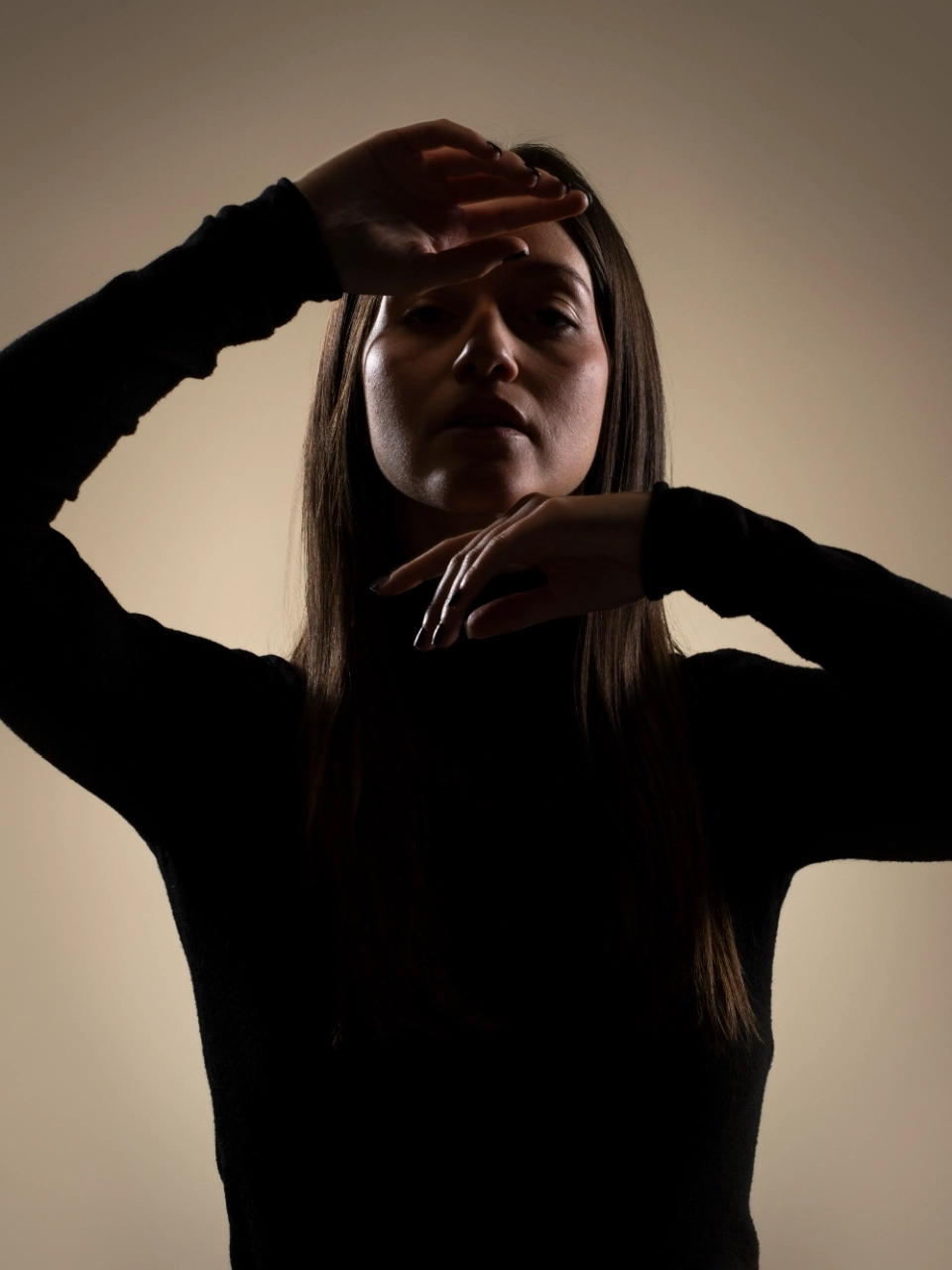
##### Incorrect Example

<table className="border border-collapse border-gray-300">
  <tr>
    <td className="border border-gray-300 p-4 text-center">
      <div style={{'display':'grid','grid-template-columns':'repeat(4,1fr)','grid-gap':'16px'}}>
        <div style={{'display':'flex','align-items':'center','justify-content':'center'}}>Non-Front Full-Body Shot <br /> (Avoid uploading side views, sitting poses, lying down poses, or half-body photos.)</div>
        <div style={{'display':'flex','align-items':'center','justify-content':'center'}}>Group Photo</div>
        <div style={{'display':'flex','align-wrap':'center','justify-content':'center'}}>Clothing Obstruction <br /> (Avoid holding items, bags, etc.)</div>
        <div style={{'display':'flex','align-items':'center','justify-content':'center'}}>Lighting Too Dark / Blurry</div>
      </div>
    </td>
  </tr>

  <tr>
    <td className="border border-gray-300 p-4 text-center">
      <div style={{'display':'grid','grid-template-columns':'repeat(4,1fr)','grid-gap':'16px'}}>
        <div>
          <img alt="Incorrect Example Image" src="https://ai-resource.ailabtools.com/try-on-clothes/doc/example/SideView-1.webp" />
        </div>

        <div>
          <img alt="Incorrect Example Image" src="https://ai-resource.ailabtools.com/try-on-clothes/doc/example/MultiplePeople-1.webp" />
        </div>

        <div>
          <img alt="Incorrect Example Image" src="https://ai-resource.ailabtools.com/try-on-clothes/doc/example/Occlusion-1.webp" />
        </div>

        <div>
          <img alt="Incorrect Example Image" src="https://ai-resource.ailabtools.com/try-on-clothes/doc/example/PoorImage-1.webp" />
        </div>
      </div>
    </td>
  </tr>
</table>

#### Clothing

* **Image format**: `JPG` `JPEG` `PNG` `BMP`
* **Image size**: No more than 5 MB.
* **Image resolution**: Larger than 150x150px, smaller than 4096x4096px.
* **Pose requirements**: full-body front view with hands fully visible. Arm positioning should avoid wide openings, crossing, or other exaggerated gestures.
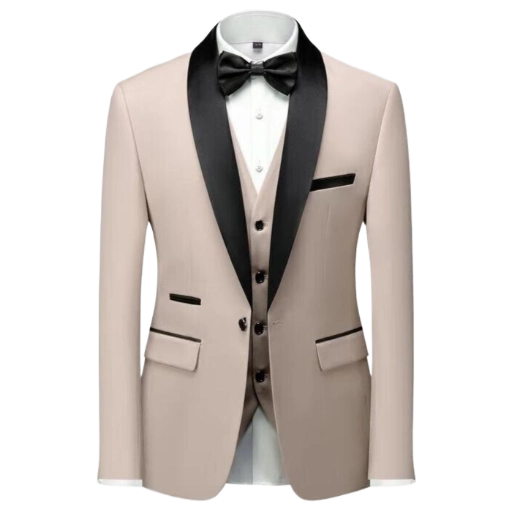
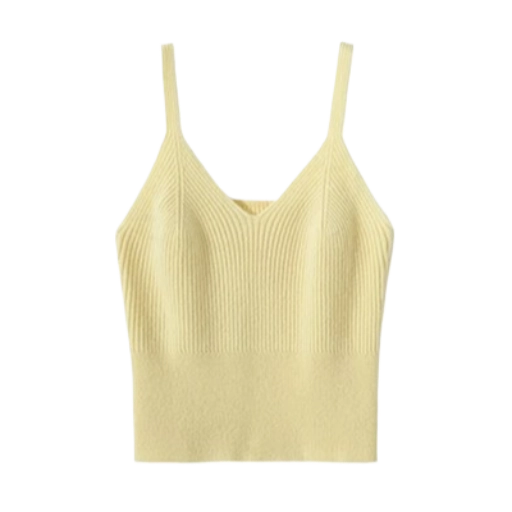
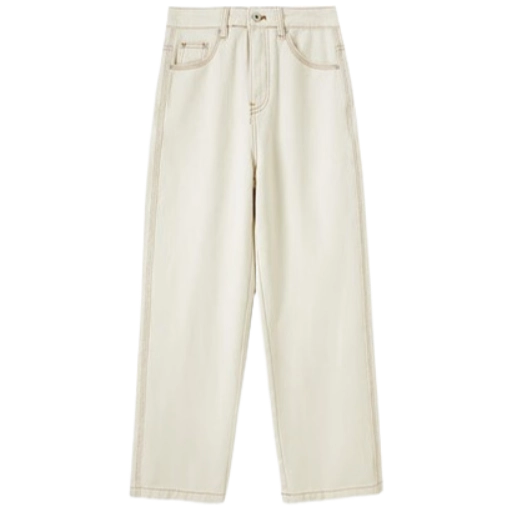
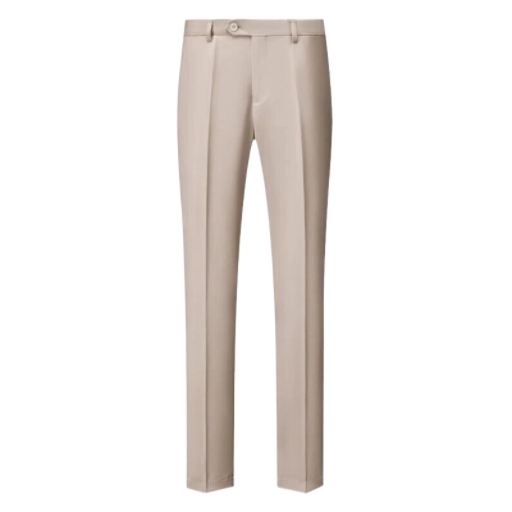
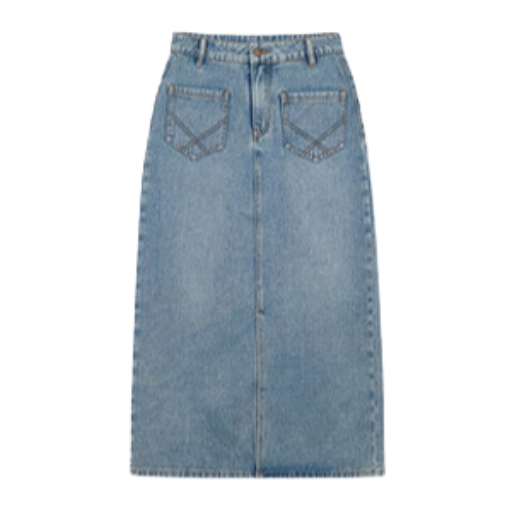
* **Clothing Category**: Minimal Patterns & Prints. Examples include jeans, polo shirts, yoga wear, dresses, suits, T-shirts, etc.
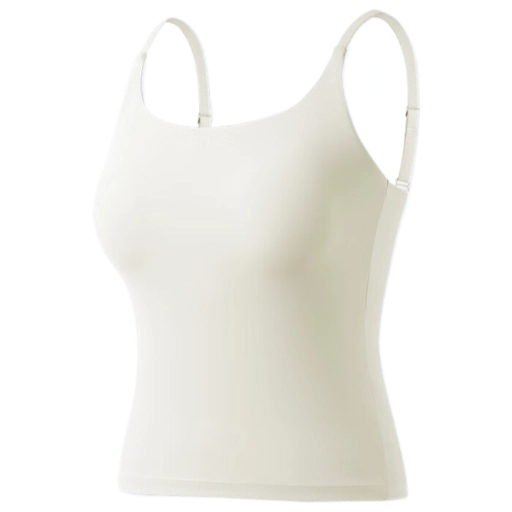
* **Upload a clear, well-aligned flat-lay image of the clothing.**
* **Background should be simple, clean, and well-lit.**
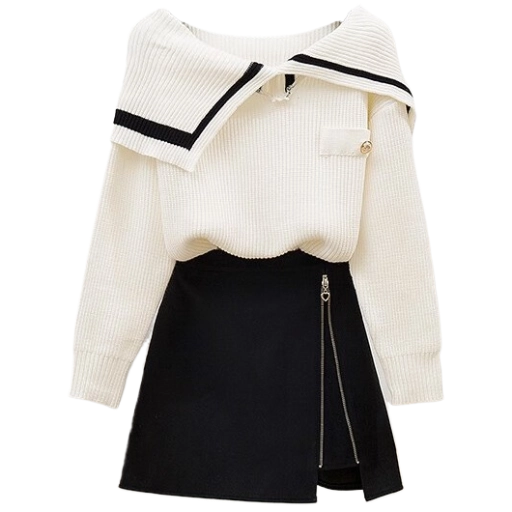
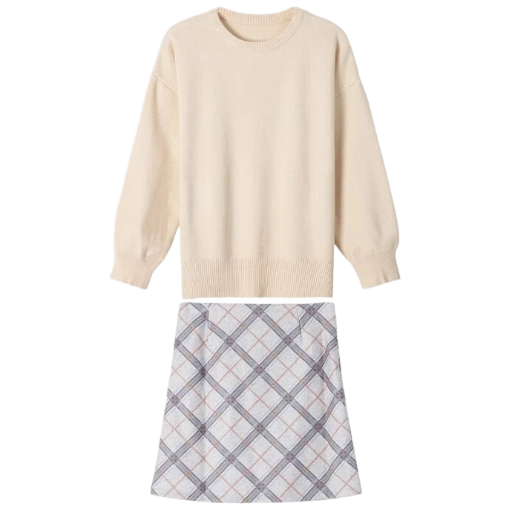
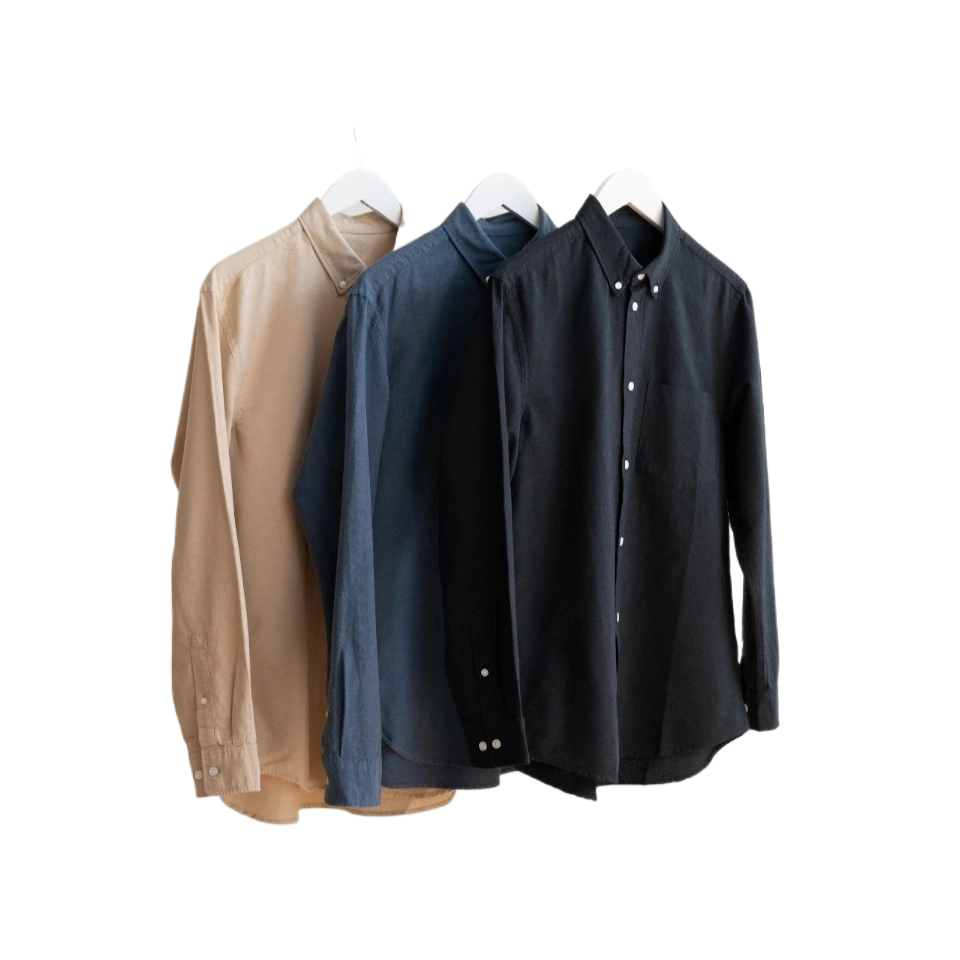
* **Only a single item of clothing should be displayed in the image.**
* **No layering with other clothing items.**
* **The clothing item should occupy as much of the image frame as possible.**

##### Correct Example

<table>
  <tr>
    <td>
      <div style={{'display':'grid','grid-template-columns':'repeat(4,1fr)','grid-gap':'16px'}}>
        <img alt="Correct Example Image" src="https://ai-resource.ailabtools.com/try-on-clothes/doc/example/CorrectExampleTop-1.webp" />

        <img alt="Correct Example Image" src="https://ai-resource.ailabtools.com/try-on-clothes/doc/example/CorrectExampleTop-2.webp" />

        <img alt="Correct Example Image" src="https://ai-resource.ailabtools.com/try-on-clothes/doc/example/CorrectExampleTop-3.webp" />

        <img alt="Correct Example Image" src="https://ai-resource.ailabtools.com/try-on-clothes/doc/example/CorrectExampleSuit-1.webp" />
      </div>
    </td>
  </tr>

  <tr>
    <td>
      <div style={{'display':'grid','grid-template-columns':'repeat(4,1fr)','grid-gap':'16px'}}>
        <img alt="Correct Example Image" src="https://ai-resource.ailabtools.com/try-on-clothes/doc/example/CorrectExampleBottom-1.webp" />

        <img alt="Correct Example Image" src="https://ai-resource.ailabtools.com/try-on-clothes/doc/example/CorrectExampleBottom-2.webp" />

        <img alt="Correct Example Image" src="https://ai-resource.ailabtools.com/try-on-clothes/doc/example/CorrectExampleBottom-3.webp" />

        <img alt="Correct Example Image" src="https://ai-resource.ailabtools.com/try-on-clothes/doc/example/CorrectExampleSuit-2.webp" />
      </div>
    </td>
  </tr>
</table>

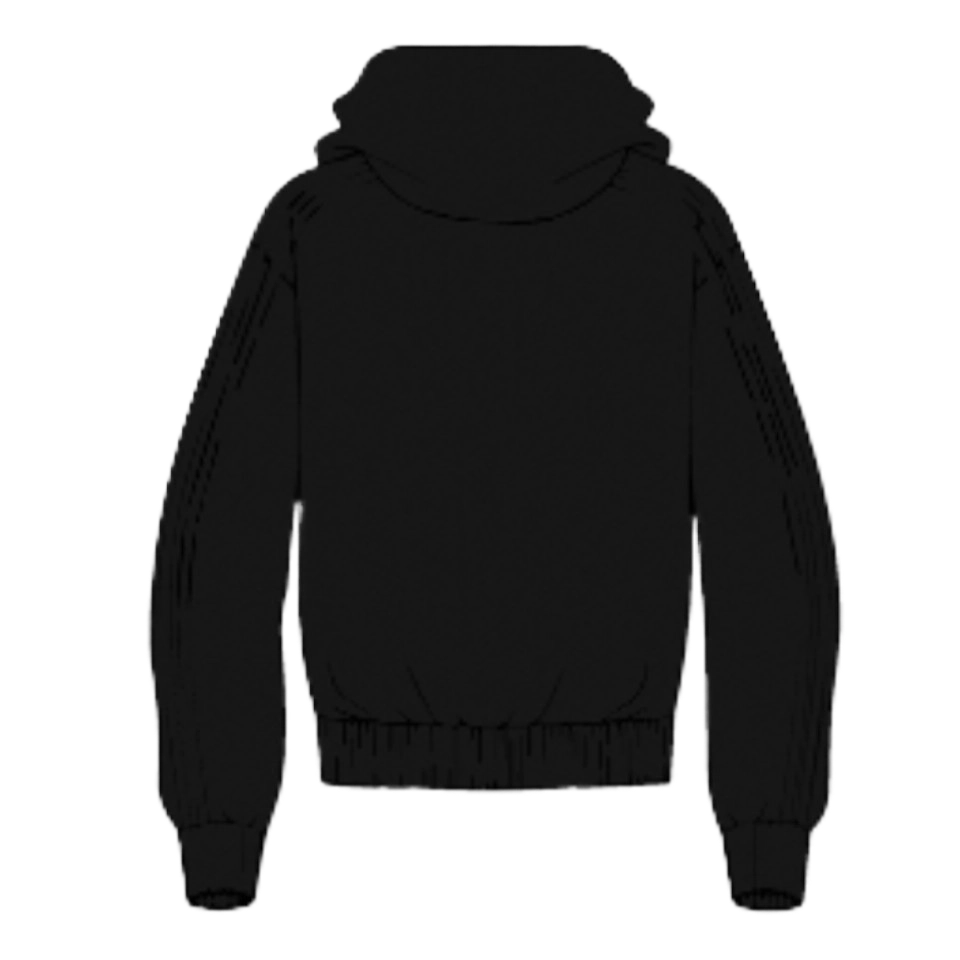
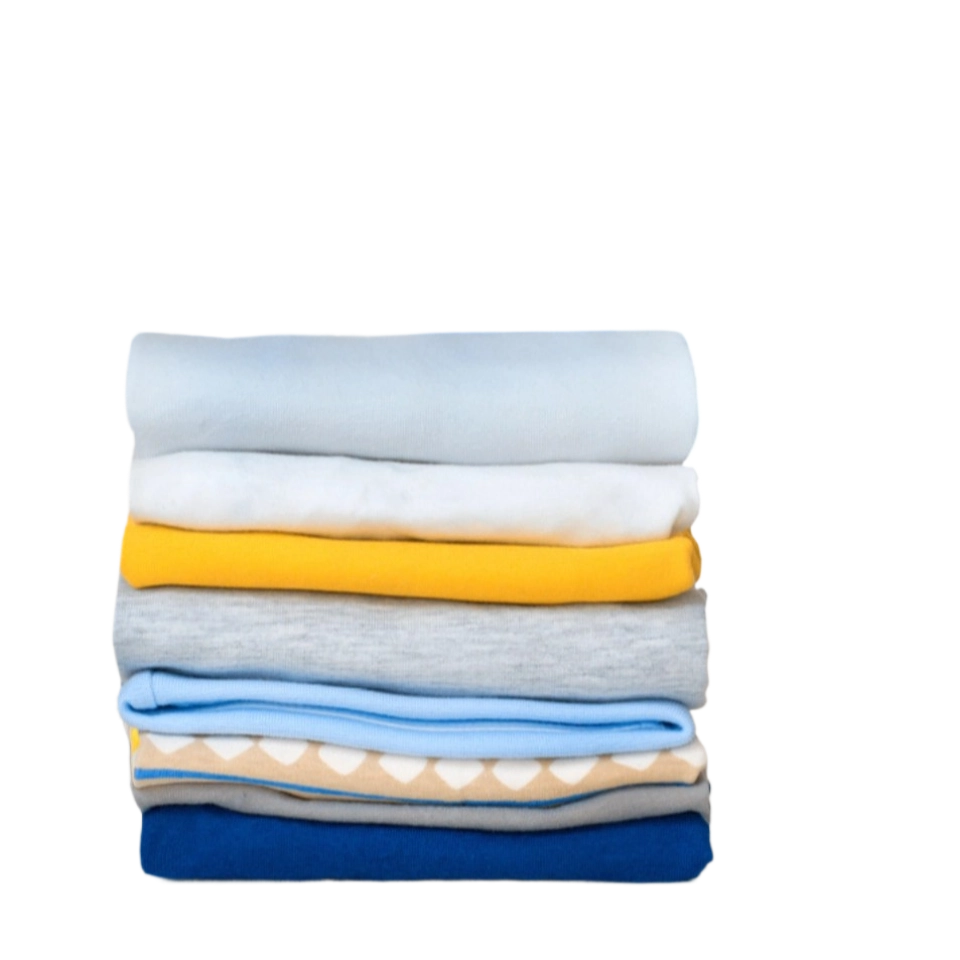
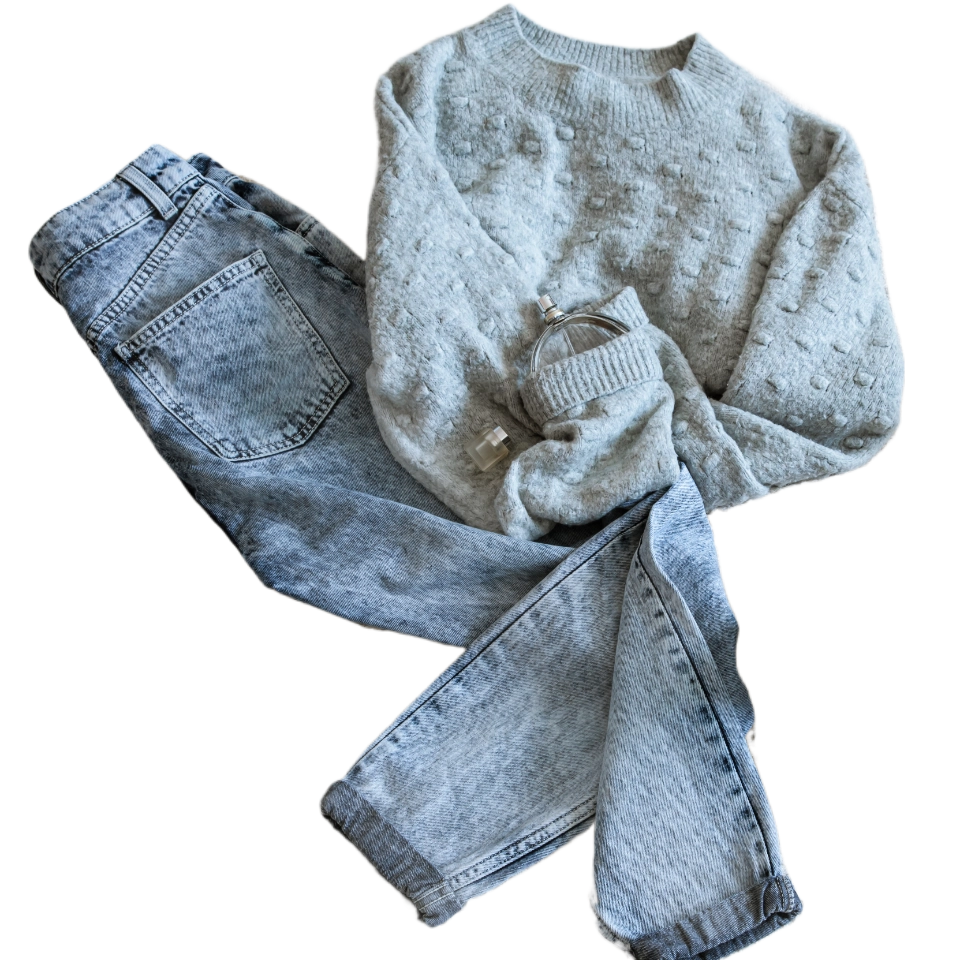
##### Incorrect Example

<table>
  <tr>
    <td>
      <div style={{'display':'grid','grid-template-columns':'repeat(4,1fr)','grid-gap':'16px'}}>
        <div style={{'display':'flex','align-items':'center','justify-content':'center'}}>Multiple Clothing Items</div>
        <div style={{'display':'flex','align-items':'center','justify-content':'center'}}>Non-Front View</div>
        <div style={{'display':'flex','align-items':'center','justify-content':'center'}}>Folded Obstruction</div>
        <div style={{'display':'flex','align-items':'center','justify-content':'center'}}>Clothing Wrinkles</div>
      </div>
    </td>
  </tr>

  <tr>
    <td>
      <div style={{'display':'grid','grid-template-columns':'repeat(4,1fr)','grid-gap':'16px'}}>
        <div>
          <img alt="Incorrect Example Image" src="https://ai-resource.ailabtools.com/try-on-clothes/doc/example/MultiplePieces-1.webp" />
        </div>

        <div>
          <img alt="Incorrect Example Image" src="https://ai-resource.ailabtools.com/try-on-clothes/doc/example/Back-1.webp" />
        </div>

        <div>
          <img alt="Incorrect Example Image" src="https://ai-resource.ailabtools.com/try-on-clothes/doc/example/Folds-1.webp" />
        </div>

        <div>
          <img alt="Incorrect Example Image" src="https://ai-resource.ailabtools.com/try-on-clothes/doc/example/Pleats-1.webp" />
        </div>
      </div>
    </td>
  </tr>
</table>

### Headers

| Field              | Required | Type     | Description                                           |
| :----------------- | :------- | :------- | :---------------------------------------------------- |
| `ailabapi-api-key` | YES      | `string` | Application API KEY. [Get API KEY](/docs/get-api-key) |

### Body

| Field            | Required | Type      | Scope                | Default | Description                                                                                                                                                                                                                        |
| :--------------- | :------- | :-------- | :------------------- | :------ | :--------------------------------------------------------------------------------------------------------------------------------------------------------------------------------------------------------------------------------- |
| `task_type`      | YES      | `string`  | `async`              |         | \`\`async`: Asynchronous tasks.`                                                                                                                                                                                                   |
| `person_image`   | YES      | `file`    |                      |         | Portrait Image.                                                                                                                                                                                                                    |
| `top_garment`    | YES      | `file`    |                      |         | Upper Body Clothing Image.                                                                                                                                                                                                         |
| `bottom_garment` | NO       | `file`    |                      |         | `If no lower body clothing image is provided, the lower body clothing effect will be randomly generated.`, `If lower body clothing is not needed (e.g., when the upper body garment is a dress), this value should be left empty.` |
| `resolution`     | NO       | `integer` | `-1`, `1024`, `1280` | `-1`    | ``-1`: Original image resolution.`, ``1024`: 576x1024px.`, \`\`1280`: 720x1280px.`                                                                                                                                                 |
| `restore_face`   | NO       | `boolean` | `true`, `false`      | `true`  | ``true`: Keep the model’s original face.`, ``false`: Regenerate the model’s face.`                                                                                                                                                 |

## Response

<Warning>
  **Response Field Handling Flow**

  1. **Handle `Public Response Fields`**

     Parse and validate the `Public Response Fields`, checking the status code or response message to ensure the request is successful and error-free.

  2. **Handle `Business Response Fields`**

     If the `Public Response Fields` are valid and error-free, proceed with processing the business logic in the `Business Response Fields`.
</Warning>

### Public Response Fields

<a href="/docs/response-description" target="_blank">Viewing Public Response Fields and Error Codes</a>

### Business Response Fields

| Field       | Type     | Scope   | Description                                                                                                                                       |
| :---------- | :------- | :------ | :------------------------------------------------------------------------------------------------------------------------------------------------ |
| `task_type` | `string` | `async` | Task Type. \`\`async`: Asynchronous tasks.`                                                                                                       |
| `task_id`   | `string` |         | Asynchronous task ID. <br />**Please use this field when calling the [Querying Async Task Results](/docs/ai-common/async-task-results/api) API.** |

### Response Example

```json theme={null}
{
  "request_id":     "",
  "log_id":         "",
  "error_code":     0,
  "error_msg":      "",
  "error_detail":   {
    "status_code":  200,
    "code":         "",
    "code_message": "",
    "message":      ""
  },
  "task_type":      "",
  "task_id":        ""
}
```

<Tip>
  This API is asynchronous, please keep `task_id` and call [`Querying Async Task Results`](/docs/ai-common/async-task-results/api) to get the final results.

  Asynchronous task results are valid for 24 hours. It is recommended that asynchronous task results be queried every 5 seconds.
</Tip>

## `Querying Async Task Results` Response

<Warning>
  **Response Field Handling Flow**

  1. **Handle `Public Response Fields`**

     Parse and validate the `Public Response Fields`, checking the status code or response message to ensure the request is successful and error-free.

  2. **Handle `Business Response Fields`**

     If the `Public Response Fields` are valid and error-free, proceed with processing the business logic in the `Business Response Fields`.
</Warning>

### Public Response Fields

<a href="/docs/response-description" target="_blank">Viewing Public Response Fields and Error Codes</a>

### Business Response Fields

| Field          | Type      | Scope         | Description                                                                                                              |
| :------------- | :-------- | :------------ | :----------------------------------------------------------------------------------------------------------------------- |
| `task_status`  | `integer` | `0`, `1`, `2` | Asynchronous task status. ``0`: The task is queued.` ``1`: Asynchronous processing.` \`\`2`: Processing was successful.` |
| `output`       | `object`  |               |                                                                                                                          |
| +`image_url`   | `string`  |               | Result image URL.                                                                                                        |
| `usage`        | `object`  |               |                                                                                                                          |
| +`image_count` | `integer` |               | Number of generated images.                                                                                              |

<Tip>
  All result URLs are temporarily available and will expire after 24 hours.
</Tip>

### Response Example

```json theme={null}
{
  "error_code":     0,
  "error_msg":      "",
  "error_detail":   {
    "status_code":  200,
    "code":         "",
    "code_message": "",
    "message":      ""
  },
  "task_status":    0,
  "output":         {
    "image_url": ""
  },
  "usage":          {
    "image_count": 0
  }
}
```


## OpenAPI

````yaml POST /api/portrait/editing/try-on-clothes-premium
openapi: 3.0.0
info:
  title: AILabAPI
  description: >-
    [<b>AILabTools</b>](https://www.ailabtools.com) is an advanced tool that
    offers a vast array of simple and flexible API endpoints to suit your
    specific needs. With just one [<b>API
    KEY</b>](https://www.ailabtools.com/doc/get-api-key), you can easily call
    any of the endpoints and integrate them quickly into your application or
    workflow, allowing for smooth and efficient operations. 
     
    [<b>AILabTools</b>](https://www.ailabtools.com) is continuously evolving,
    and you can anticipate even more API endpoints being added in the future,
    further enhancing its capabilities and usefulness for your artificial
    intelligence and machine learning requirements.
  version: 1.0.0
servers:
  - url: https://www.ailabapi.com
    description: Production server
security:
  - apiKeyAuth: []
tags:
  - name: AI IMAGE
  - name: AI IMAGE > Image Enhancement
  - name: AI IMAGE > Image Effects
  - name: AI IMAGE > Image Editing
  - name: AI IMAGE > Image Scoring
  - name: AI BACKGROUND REMOVAL
  - name: AI BACKGROUND REMOVAL > Portrait
  - name: AI BACKGROUND REMOVAL > General
  - name: AI PORTRAIT
  - name: AI PORTRAIT > Portrait Effects
  - name: AI PORTRAIT > Portrait Enhance
  - name: AI PORTRAIT > Portrait Editing
  - name: AI PORTRAIT > Portrait Analysis
  - name: AI COMMON
paths:
  /api/portrait/editing/try-on-clothes-premium:
    post:
      tags:
        - AI PORTRAIT > Portrait Editing
      summary: Try on Clothes Premium
      description: >-
        Try on Clothes Premium API creates high-quality virtual try-on images
        with realistic garment fit, texture, and body alignment.
      requestBody:
        content:
          multipart/form-data:
            schema:
              type: object
              properties:
                task_type:
                  type: string
                  description: |-
                    Task Type. 
                    - `async`: Asynchronous tasks.
                  example: async
                person_image:
                  type: string
                  format: binary
                  description: Portrait image.
                top_garment:
                  type: string
                  format: binary
                  description: Upper Body Clothing Image.
                resolution:
                  type: number
                  description: >-
                    Output Image Resolution. If you need to call **[Try on
                    Clothes
                    Refiner](https://documenter.getpostman.com/view/26387069/2s93JxqgHE#75de8e09-37dd-4b31-b4f8-33a666cebb2a)**
                    in the future, select `-1`. 

                    - `-1`: Original image resolution. 

                    - `1024`: 576x1024px. 

                    - `1280`: 720x1280px.
                  example: '-1'
                restore_face:
                  type: boolean
                  description: >-
                    Whether to Keep the Model’s Face. If you need to call **[Try
                    on Clothes
                    Refiner](https://documenter.getpostman.com/view/26387069/2s93JxqgHE#75de8e09-37dd-4b31-b4f8-33a666cebb2a)**
                    in the future, select `true`. 

                    - `true`: Keep the model’s original face. 

                    - `false`: Regenerate the model’s face.
                  example: 'true'
                bottom_garment:
                  type: string
                  format: binary
                  description: >-
                    Lower Body Clothing Image. 

                    - If no lower body clothing image is provided, the lower
                    body clothing effect will be randomly generated. 

                    - If lower body clothing is not needed (e.g., when the upper
                    body garment is a dress), this value should be left empty.
      responses:
        '200':
          headers:
            Content-Type:
              schema:
                type: string
                example: application/json
          content:
            application/json:
              schema:
                type: object
              example:
                request_id: ''
                log_id: ''
                error_detail:
                  code: ''
                  code_message: ''
                  message: ''
                task_type: ''
                task_id: ''
          description: Success
components:
  securitySchemes:
    apiKeyAuth:
      type: apiKey
      in: header
      name: ailabapi-api-key
      description: API Key for authentication

````