# AILabTools
> AILabTools artificial intelligence platform, provides powerful online image editing tools to help you easily process photos, providing black and white image colouring, sharpness enhancement, contrast enhancement, image lossless enlargement, portrait animation, photo age change, photo gender change, image style change and many other practical and powerful functions, and provides the corresponding API interface, use AILabTools online image processing, easy and efficient online P-map, you can also use the API to develop your own image processing tools.
This file contains all documentation content in a single document following the llmstxt.org standard.
## Querying Async Task Results API
# AILabTools API - Querying Async Task Results - API
:::tip
For asynchronous interface, after calling the API, the returned result is not the real request result, you need to save the `task_id` in the returned result and then call this interface to get the real request result.
Asynchronous task results are valid for 24 hours. It is recommended that asynchronous task results be queried every 5 seconds.
:::
## Request
- **URL**: `https://www.ailabapi.com/api/common/query-async-task-result`
- **Method**: `GET`
### Headers
| Field | Required | Type | Description |
|:-------------------|:---------|:---------|:---------------------------------------------------|
| `ailabapi-api-key` | YES | `string` | Application API KEY. [Get API KEY](get-api-key.md) |
### Query Params
| Field | Required | Type | Description |
|:----------|:---------|:---------|:------------------------------------------------|
| `task_id` | YES | `string` | The `task_id` returned by the asynchronous API. |
## Response
:::warning[Response Field Handling Flow]
1. **Handle `Public Response Fields`**
Parse and validate the `Public Response Fields`, checking the status code or response message to ensure the request is successful and error-free.
2. **Handle `Business Response Fields`**
If the `Public Response Fields` are valid and error-free, proceed with processing the business logic in the `Business Response Fields`.
:::
### Public Response Fields
Viewing Public Response Fields and Error Codes
### Business Response Fields
| Field | Type | Scope | Description |
|:--------------|:----------|:---------------------------------------|:--------------------------------------------------------------------------------------------------------------------------------------------|
| `task_status` | `integer` | `0` `1` `2` | Asynchronous task status. `0`: The task is queued. `1`: Asynchronous processing. `2`: Processing was successful. |
### Response Example
```json
{
"error_code": 0,
"error_msg": "",
"error_detail": {
"status_code": 200,
"code": "",
"code_message": "",
"message": ""
},
"task_status": 0
}
```
## Sample Code
- [Introduction to Get Sample Code](get-sample-code.md)
- [Sample Code][PostmanURL]
## File Storage Policy
:::tip
- **Response Files**:
- **Storage Duration**: 24 hours.
- **Deletion Method**: Automatic Deletion upon Timeout.
:::
## Async APIs
- [AI Cartoon Generator](ai-image/effects/ai-anime-generator/api.md)
- [HD Color Migration](ai-image/effects/image-hd-color-migration/api.md)
- [Hairstyle Changer Pro](ai-portrait/effects/hairstyle-editor-pro/api.md)
- [Smart Beauty](ai-portrait/effects/smart-beauty/async-api.md)
- [Face Beauty Pro](ai-portrait/effects/face-beauty-pro/async-api.md)
- [Try on Clothes](ai-portrait/editing/try-on-clothes/api.md)
- [Try on Clothes Pro](ai-portrait/editing/try-on-clothes-pro/api.md)
- [Try on Clothes Refiner](ai-portrait/enhance/try-on-clothes-refiner/api.md)
[PostmanURL]: https://documenter.getpostman.com/view/26387069/2s93JxqgHE#e57f808e-f0a6-4e22-afd0-c509267e5b53
---
## Querying Credits API
# AILabTools API - Querying Credits - API
## Request
- **URL**: `https://www.ailabapi.com/api/common/query-credits`
- **Method**: `GET`
### Headers
| Field | Required | Type | Description |
|:-------------------|:---------|:---------|:---------------------------------------------------|
| `ailabapi-api-key` | YES | `String` | Application API KEY. [Get API KEY](get-api-key.md) |
## Response
:::warning[Response Field Handling Flow]
1. **Handle `Public Response Fields`**
Parse and validate the `Public Response Fields`, checking the status code or response message to ensure the request is successful and error-free.
2. **Handle `Business Response Fields`**
If the `Public Response Fields` are valid and error-free, proceed with processing the business logic in the `Business Response Fields`.
:::
### Public Response Fields
Viewing Public Response Fields and Error Codes
### Business Response Fields
| Field | Type | Scope | Description |
|:-------------------------|:----------|:---------------------|:------------------------------------|
| `data` | `array` | | |
| +`unique_sign` | `string` | [View](#unique_sign) | Unique identification. |
| +`name` | `string` | | Name. |
| +`balance` | `float` | | Credit Balance. |
| +`total` | `float` | | Total Credits. |
| +`last_recharge_balance` | `float` | | Balance after last purchase. |
| +`balance_warning` | `float` | | Credit Balance Early Warning Value. |
| +`first_buy_time` | `integer` | | Time of first purchase. |
| +`last_update_time` | `integer` | | Last update time. |
#### Unique Identification {#unique_sign}
Name
Unique identification
Universal Credits (all APIs supported)
common
Category
API Name
Unique identification
Image Enhancement
[Image Dehaze](ai-image/enhance/image-defogging.md)
image_dehazing
[Image Upscaler](ai-image/enhance/image-lossless-enlargement.md)
image_lossless_enlargement
[Stretched Image Restoration](ai-image/enhance/stretch-image-recovery.md)
image_distortion_correction
[Image Sharpness Enhancement](ai-image/enhance/image-sharpness-enhancement.md)
image_clarity_enhancement
[Image Contrast Enhancement](ai-image/enhance/image-contrast-enhancement.md)
image_contrast_enhancement
[Image Color Enhancement](ai-image/enhance/image-color-enhancement.md)
image_color_enhancement
Image Effects
[AI Cartoon Generator](ai-image/effects/ai-anime-generator.md)
image_ai_cartoon_generator
[AI Photo Colorize](ai-image/effects/image-colorization.md)
image_coloring
[Photo to Painting](ai-image/effects/image-style-conversion.md)
image_style_transfer
[Style Transfer](ai-image/effects/image-style-migration.md)
image_style_migration
[Color Migration](ai-image/effects/image-color-migration.md)
image_color_migration
[HD Color Migration](ai-image/effects/image-hd-color-migration.md)
image_hd_color_migration
Image Editing
[AI Image Cropping](ai-image/editing/image-cropping.md)
image_cropping
[Intelligent Composition](ai-image/editing/intelligent-composition.md)
image_intelligent_composition
[Photo Retouch](ai-image/editing/photo-retouching.md)
image_photo_editing
[Image Invisible Picture Watermark](ai-image/editing/image-invisible-image-watermark.md)
image_invisible_image_watermark
[Image Invisible Text Watermark](ai-image/editing/image-invisible-text-watermarking.md)
image_invisible_text_watermark
[Remove Objects](ai-image/editing/remove-objects.md)
image_remove_objects
[Remove Objects Advanced](ai-image/editing/remove-objects-advanced.md)
image_remove_objects_advanced
[Remove Objects Pro](ai-image/editing/remove-objects-pro.md)
image_remove_objects_pro
[AI Object Replacer](ai-image/editing/ai-object-replacer.md)
image_ai_object_replacer
[AI Image Extender](ai-image/editing/ai-image-extender.md)
image_ai_image_extender
Image Scoring
[Image Composition Aesthetics Score](ai-image/rating/image-composition-aesthetics-scoring.md)
image_composition_aesthetics_rating
[Image Exposure Score](ai-image/rating/image-exposure-score.md)
image_exposure_rating
Category
API Name
Unique identification
Portrait Effects
[Cartoon Yourself](ai-portrait/effects/portrait-animation.md)
portrait_cartoonization
[Merge Portraits](ai-portrait/effects/face-fusion.md)
portrait_face_fusion
[Smart Beauty](ai-portrait/effects/smart-beauty.md)
portrait_intelligent_beautification
[AI Skin Beauty](ai-portrait/effects/smart-skin.md)
portrait_intelligent_skin_retouching
[AI Face Slimming](ai-portrait/effects/smart-face-slimming.md)
portrait_intelligent_face_slimming
[Face Beauty](ai-portrait/effects/face-beauty.md)
portrait_facial_beautification
[Face Beauty Advanced](ai-portrait/effects/face-beauty-advanced.md)
portrait_facial_beautification_advanced
[Face Beauty Pro](ai-portrait/effects/face-beauty-pro.md)
portrait_facial_beautification_pro
[Face Filters](ai-portrait/effects/face-filter.md)
portrait_facial_filters
[Change Facial Expressions](ai-portrait/effects/emotion-editor.md)
portrait_expression_editing
[Hairstyle Changer](ai-portrait/effects/hairstyle-editor.md)
portrait_hairstyle_editing
[Hairstyle Changer Pro](ai-portrait/effects/hairstyle-editor-pro.md)
portrait_hairstyle_editing_pro
[Live Photos](ai-portrait/effects/live-photo.md)
portrait_live_photos
[Hitchcock Special Effects](ai-portrait/effects/hitchcock-effects.md)
portrait_hitchcock_effect
[Face Blur](ai-portrait/effects/blurred-faces.md)
portrait_facial_blurring
[Age & Gender Swap](ai-portrait/effects/face-attribute-editing.md)
portrait_face_attribute_editing
[AI Face Enhancer](ai-portrait/effects/ai-face-enhancer.md)
portrait_face_restoration_enhancement
[Lips Color Changer](ai-portrait/effects/lips-color-changer.md)
portrait_lips_color_changer
Portrait Editing
[Try on Clothes](ai-portrait/editing/try-on-clothes.md)
portrait_try_on_clothes
[Try on Clothes Pro](ai-portrait/editing/try-on-clothes-pro.md)
portrait_try_on_clothes_pro
Portrait Enhance
[Try on Clothes Refiner](ai-portrait/enhance/try-on-clothes-refiner.md)
portrait_try_on_clothes_refiner
Portrait Analysis
[Facial Landmarks](ai-portrait/analysis/face-key-points.md)
portrait_facial_keypoints
[Detect Skin Disease](ai-portrait/analysis/skin-disease-detection.md)
portrait_skin_disease_detection
[Skin Analyze](ai-portrait/analysis/skin-analysis.md)
portrait_skin_analysis_basic
[Skin Analyze Advanced](ai-portrait/analysis/skin-analysis-advanced.md)
portrait_skin_analysis_advanced
[Skin Analyze Pro](ai-portrait/analysis/skin-analysis-pro.md)
portrait_skin_analysis_professional
[Face Analyzer](ai-portrait/analysis/face-analyzer.md)
portrait_face_analyzer
[Face Analyzer Advanced](ai-portrait/analysis/face-analyzer-advanced.md)
portrait_face_analyzer_advanced
Category
API Name
Unique identification
General
[Universal Background Removal](ai-cutout/general/universal-background-removal.md)
cutout_general_background_removal
[Food Background Removal](ai-cutout/general/food-background-removal.md)
cutout_food_background_removal
[Product Background Removal](ai-cutout/general/commodity-background-removal.md)
cutout_product_background_removal
[Costume Background Removal](ai-cutout/general/apparel-background-removal.md)
cutout_clothing_background_removal
Portrait
[Human Background Removal](ai-cutout/portrait/portrait-background-removal.md)
cutout_human_body_background_removal
[Head Extraction](ai-cutout/portrait/avatar-extraction.md)
cutout_avatar_extraction
[Hairstyle Extraction](ai-cutout/portrait/hairstyle-extraction.md)
cutout_hair_extraction
### Response Example
```json
{
"error_code": 0,
"error_msg": "",
"error_detail": {
"status_code": 200,
"code": "",
"code_message": "",
"message": ""
},
"data": [
{
"unique_sign": "",
"name": "",
"balance": 0,
"total": 0,
"last_recharge_balance": 0,
"balance_warning": 0,
"first_buy_time": 0,
"last_update_time": 0
}
]
}
```
## Sample Code
- [Introduction to Get Sample Code](get-sample-code.md)
- [Sample Code][PostmanURL]
[PostmanURL]: https://documenter.getpostman.com/view/26387069/2s93JxqgHE#c3791873-9427-47c3-9c87-4121181a9e23
---
## Animal Background Removal API
# AILabTools API - Animal Background Removal - API
## Request
- **URL**: `https://www.ailabapi.com/api/cutout/general/animal-background-removal`
- **Method**: `POST`
- **Content-Type**: `multipart/form-data`
### Image requirements
- **Image format**: `JPEG` `JPG` `BMP` `PNG`
- **Image size**: No more than 3 MB.
- **Image resolution**: Larger than 50x50px, smaller than 2000x2000px.
### Headers
| Field | Required | Type | Description |
|:-------------------|:---------|:---------|:---------------------------------------------------|
| `ailabapi-api-key` | YES | `string` | Application API KEY. [Get API KEY](get-api-key.md) |
### Body
| Field | Required | Type | Scope | Description |
|:--------------|:---------|:---------|:---------------------------------------------------|:-------------------------------------------------------------------------------------------------------------------------------------------------------------------------------------------------------------------------------------------------------------------------------------------------------------------------------|
| `image` | YES | `file` | | |
| `return_form` | NO | `string` | `mask` `whiteBK` `crop` | Specifies the form of the returned image. If not set, the four-channel PNG map is returned. `mask`: Returns a single channel mask. `whiteBK`: Return to white background image. `crop`: Returns the four-channel PNG image after cropping (cropping out the blank areas around the edges). |
## Response
:::warning[Response Field Handling Flow]
1. **Handle `Public Response Fields`**
Parse and validate the `Public Response Fields`, checking the status code or response message to ensure the request is successful and error-free.
2. **Handle `Business Response Fields`**
If the `Public Response Fields` are valid and error-free, proceed with processing the business logic in the `Business Response Fields`.
:::
### Public Response Fields
Viewing Public Response Fields and Error Codes
### Business Response Fields
| Field | Type | Description |
|:-------------|:---------|:-----------------------------------------|
| `data` | `object` | The content of the result data returned. |
| +`image_url` | `string` | Resulting image URL address. |
:::tip
The URL address is a temporary address, valid for 24 hours, and will not be accessible after it expires. If you need to save the file for a long time or permanently, please visit the URL address within 24 hours and download the file to your own storage space.
:::
### Response Example
```json
{
"request_id": "",
"log_id": "",
"error_code": 0,
"error_msg": "",
"error_detail": {
"status_code": 200,
"code": "",
"code_message": "",
"message": ""
},
"data": {
"image_url": ""
}
}
```
## Sample Code
- [Introduction to Get Sample Code](get-sample-code.md)
- [Sample Code][PostmanURL]
[PostmanURL]: https://documenter.getpostman.com/view/26387069/2s93JxqgHE#e743286c-91b0-454c-94ae-067cfe964703
---
## Animal Background Removal API(General)
# AILabTools API - Animal Background Removal - Introduction
Identify the animal outline in the input image, separate it from the background, and return the segmented foreground animal map.
## Application Scenarios
- **Pet photo album**: Home camera captures photos of pets (such as cats and dogs) playing at home, and then uses the algorithm to split the bokeh family clutter background to form a pet photo album.
- **Creative advertisement production**: the material taken by wild or captive animals is divided into animal images using the algorithm, and then combined with other materials to create an advertisement that fits the original idea.
## Featured Advantages
- **Exclusive scene capability**: for animal segmentation scenes, accurate segmentation of animal targets, and accurate segmentation of animal hair.
## Renderings show
| `return_form` | ORIGINAL IMAGE | RESULT IMAGE |
|:--------------|:-----------------------------------|:---------------------------------------|
| - | ![ORIGINAL IMAGE][OriginalImage-1] | ![RESULT IMAGE][ResultImage-default-1] |
| `mask` | ![ORIGINAL IMAGE][OriginalImage-1] | ![RESULT IMAGE][ResultImage-mask-1] |
| `whiteBK` | ![ORIGINAL IMAGE][OriginalImage-1] | ![RESULT IMAGE][ResultImage-whiteBK-1] |
[OriginalImage-1]: https://ai-resource.ailabtools.com/rapidapi/cutout/AnimalBackgroundRemoval/OriginalImage-1.webp
[ResultImage-default-1]: https://ai-resource.ailabtools.com/rapidapi/cutout/AnimalBackgroundRemoval/ResultImage-default-1.webp
[ResultImage-mask-1]: https://ai-resource.ailabtools.com/rapidapi/cutout/AnimalBackgroundRemoval/ResultImage-mask-1.webp
[ResultImage-whiteBK-1]: https://ai-resource.ailabtools.com/rapidapi/cutout/AnimalBackgroundRemoval/ResultImage-whiteBK-1.webp
---
## Costume Background Removal API
## Request
### Image requirements
- **Image format**: `JPEG` `JPG` `BMP` `PNG`
- **Image size**: No more than 3 MB.
- **Image resolution**: Larger than 50x50px, smaller than 3000x3000px.
### Body
| Field | Required | Type | Scope | Example | Default | Description |
|:--------------|:---------|:----------|:-----------------------------------------------------------------------------------------------------------------|-------------|---------|:----------------------------------------------------------------------------------------------------------------------------------------------------------------------------------------------------------------------------------------------------------------------|
| `image` | YES | `file` | | | | |
| `out_mode` | NO | `integer` | `0` `1` | `0` | `0` | Specifies the type of segmentation result to return, which affects the content of the `image_url` field. `0`: Default segmentation result of the main clothing. `1`: Combined segmentation result based on the category specified by `cloth_class`. |
| `cloth_class` | NO | `string` | `tops` `coat` `skirt` `pants` `bag` `shoes` `hat` | `tops,coat` | | Clothing categories. Multiple values can be submitted at once, separated by commas (,). `tops`: Tops. `coat`: Coat. `skirt`: Skirt. `pants`: Pants. `bag`: Bag. `shoes`: Shoes. `hat`: Hat. |
| `return_form` | NO | `string` | `mask` `whiteBK` | | | Specify the desired image format for the output. `whiteBK`: Returns an image with a white background. `mask`: Returns a single-channel mask. If not specified, a four-channel PNG image will be returned. |
## Response
:::warning[Response Field Handling Flow]
1. **Handle `Public Response Fields`**
Parse and validate the `Public Response Fields`, checking the status code or response message to ensure the request is successful and error-free.
2. **Handle `Business Response Fields`**
If the `Public Response Fields` are valid and error-free, proceed with processing the business logic in the `Business Response Fields`.
:::
### Public Response Fields
Viewing Public Response Fields and Error Codes
### Business Response Fields
| Field | Type | Description |
|:---------------|:---------|:----------------------------------------------------------------------------------------|
| `data` | `object` | The content of the result data returned. |
| +`elements` | `array` | Returns an array of elements. |
| ++`0` | `object` | |
| +++`image_url` | `string` | Returns the keying result image URL address. |
| ++`1` | `object` | |
| +++`class_url` | `object` | Return the URL corresponding to the clothing category based on the input `cloth_class`. |
| ++++`tops` | `string` | Tops URL. |
| ++++`coat` | `string` | Coat URL. |
| ++++`skirt` | `string` | Skirt URL. |
| ++++`pants` | `string` | Pants URL. |
| ++++`bag` | `string` | Bag URL. |
| ++++`shoes` | `string` | Shoes URL. |
| ++++`hat` | `string` | Hat URL. |
:::tip
The URL address is a temporary address, valid for 24 hours, and will not be accessible after it expires. If you need to save the file for a long time or permanently, please visit the URL address within 24 hours and download the file to your own storage space.
:::
### Response Example
```json
{
"request_id": "",
"log_id": "",
"error_code": 0,
"error_msg": "",
"error_detail": {
"status_code": 200,
"code": "",
"code_message": "",
"message": ""
},
"data": {
"elements": [
{
"image_url": ""
},
{
"class_url": {
"tops": "",
"coat": "",
"skirt": "",
"pants": "",
"bag": "",
"shoes": "",
"hat": ""
}
}
]
}
}
```
---
## Costume Background Removal API(Apparel-background-removal)
# AILabTools API - Costume Background Removal - API:V1.0.0
## Request
- **URL**: `https://www.ailabapi.com/api/cutout/general/apparel-background-removal`
- **Method**: `POST`
- **Content-Type**: `multipart/form-data`
### Image requirements
- **Image format**: `JPEG` `JPG` `BMP` `PNG`
- **Image size**: No more than 3 MB.
- **Image resolution**: Larger than 50x50px, smaller than 3000x3000px.
### Headers
| Field | Required | Type | Description |
|:-------------------|:---------|:---------|:---------------------------------------------------|
| `ailabapi-api-key` | YES | `string` | Application API KEY. [Get API KEY](get-api-key.md) |
### Body
| Field | Required | Type |
|:--------|:---------|:-------|
| `image` | YES | `file` |
## Response
:::warning[Response Field Handling Flow]
1. **Handle `Public Response Fields`**
Parse and validate the `Public Response Fields`, checking the status code or response message to ensure the request is successful and error-free.
2. **Handle `Business Response Fields`**
If the `Public Response Fields` are valid and error-free, proceed with processing the business logic in the `Business Response Fields`.
:::
### Public Response Fields
Viewing Public Response Fields and Error Codes
### Business Response Fields
| Field | Type | Description |
|:--------------|:---------|:---------------------------------------------|
| `data` | `object` | The content of the result data returned. |
| +`elements` | `array` | Returns an array of elements. |
| ++`image_url` | `string` | Returns the keying result image URL address. |
:::tip
The URL address is a temporary address, valid for 24 hours, and will not be accessible after it expires. If you need to save the file for a long time or permanently, please visit the URL address within 24 hours and download the file to your own storage space.
:::
### Response Example
```json
{
"request_id": "",
"log_id": "",
"error_code": 0,
"error_msg": "",
"error_detail": {
"status_code": 200,
"code": "",
"code_message": "",
"message": ""
},
"data": {
"elements": [
{
"image_url": ""
}
]
}
}
```
## Sample Code
:::tip[[👉 Online Experience 👈](https://www.ailabtools.com/cutout-clothing-background-removal-example)]
If you'd like to see the actual effects, please visit the experience page for a trial.
:::
- [Introduction to Get Sample Code](get-sample-code.md)
- [Sample Code][PostmanURL]
[PostmanURL]: https://documenter.getpostman.com/view/26387069/2s93JxqgHE#34bba950-f2c5-4033-be02-09669b6b1d01
---
## Costume Background Removal API(3)
# AILabTools API - Costume Background Removal - API:V1.1.0
## Request
- **URL**: `https://www.ailabapi.com/api/cutout/general/apparel-background-removal`
- **Method**: `POST`
- **Content-Type**: `multipart/form-data`
### Image requirements
- **Image format**: `JPEG` `JPG` `BMP` `PNG`
- **Image size**: No more than 3 MB.
- **Image resolution**: Larger than 50x50px, smaller than 3000x3000px.
### Headers
| Field | Required | Type | Description |
|:-------------------|:---------|:---------|:---------------------------------------------------|
| `ailabapi-api-key` | YES | `string` | Application API KEY. [Get API KEY](get-api-key.md) |
### Body
| Field | Required | Type | Scope | Example | Description |
|:--------------|:---------|:---------|:-----------------------------------------------------------------------------------------------------------------|-------------|:-----------------------------------------------------------------------------------------------------------------------------------------------------------------------------------------------------------------------------------------------------------|
| `image` | YES | `file` | | | |
| `cloth_class` | NO | `string` | `tops` `coat` `skirt` `pants` `bag` `shoes` `hat` | `tops,coat` | Clothing categories. Multiple values can be submitted at once, separated by commas (,). `tops`: Tops. `coat`: Coat. `skirt`: Skirt. `pants`: Pants. `bag`: Bag. `shoes`: Shoes. `hat`: Hat. |
| `return_form` | NO | `string` | `mask` `whiteBK` | | Specify the desired image format for the output. `whiteBK`: Returns an image with a white background. `mask`: Returns a single-channel mask. If not specified, a four-channel PNG image will be returned. |
## Response
:::warning[Response Field Handling Flow]
1. **Handle `Public Response Fields`**
Parse and validate the `Public Response Fields`, checking the status code or response message to ensure the request is successful and error-free.
2. **Handle `Business Response Fields`**
If the `Public Response Fields` are valid and error-free, proceed with processing the business logic in the `Business Response Fields`.
:::
### Public Response Fields
Viewing Public Response Fields and Error Codes
### Business Response Fields
| Field | Type | Description |
|:---------------|:---------|:----------------------------------------------------------------------------------------|
| `data` | `object` | The content of the result data returned. |
| +`elements` | `array` | Returns an array of elements. |
| ++`0` | `object` | |
| +++`image_url` | `string` | Returns the keying result image URL address. |
| ++`1` | `object` | |
| +++`class_url` | `object` | Return the URL corresponding to the clothing category based on the input `cloth_class`. |
| ++++`tops` | `string` | Tops URL. |
| ++++`coat` | `string` | Coat URL. |
| ++++`skirt` | `string` | Skirt URL. |
| ++++`pants` | `string` | Pants URL. |
| ++++`bag` | `string` | Bag URL. |
| ++++`shoes` | `string` | Shoes URL. |
| ++++`hat` | `string` | Hat URL. |
:::tip
The URL address is a temporary address, valid for 24 hours, and will not be accessible after it expires. If you need to save the file for a long time or permanently, please visit the URL address within 24 hours and download the file to your own storage space.
:::
### Response Example
```json
{
"request_id": "",
"log_id": "",
"error_code": 0,
"error_msg": "",
"error_detail": {
"status_code": 200,
"code": "",
"code_message": "",
"message": ""
},
"data": {
"elements": [
{
"image_url": ""
},
{
"class_url": {
"tops": "",
"coat": "",
"skirt": "",
"pants": "",
"bag": "",
"shoes": "",
"hat": ""
}
}
]
}
}
```
## Sample Code
:::tip[[👉 Online Experience 👈](https://www.ailabtools.com/cutout-clothing-background-removal-example)]
If you'd like to see the actual effects, please visit the experience page for a trial.
:::
- [Introduction to Get Sample Code](get-sample-code.md)
- [Sample Code][PostmanURL]
[PostmanURL]: https://documenter.getpostman.com/view/26387069/2s93JxqgHE#34bba950-f2c5-4033-be02-09669b6b1d01
---
## Costume Background Removal API(4)
# AILabTools API - Costume Background Removal - API:V1.2.0
## Request
- **URL**: `https://www.ailabapi.com/api/cutout/general/apparel-background-removal`
- **Method**: `POST`
- **Content-Type**: `multipart/form-data`
### Image requirements
- **Image format**: `JPEG` `JPG` `BMP` `PNG`
- **Image size**: No more than 3 MB.
- **Image resolution**: Larger than 50x50px, smaller than 3000x3000px.
### Headers
| Field | Required | Type | Description |
|:-------------------|:---------|:---------|:---------------------------------------------------|
| `ailabapi-api-key` | YES | `string` | Application API KEY. [Get API KEY](get-api-key.md) |
### Body
| Field | Required | Type | Scope | Example | Description |
|:--------------|:---------|:----------|:-----------------------------------------------------------------------------------------------------------------|-------------|:-----------------------------------------------------------------------------------------------------------------------------------------------------------------------------------------------------------------------------------------------------------|
| `image` | YES | `file` | | | |
| `out_mode` | NO | `integer` | `0` `1` | `0` | `0` | Specifies the type of segmentation result to return, which affects the content of the `image_url` field. `0`: Default segmentation result of the main clothing. `1`: Combined segmentation result based on the category specified by `cloth_class`. |
| `cloth_class` | NO | `string` | `tops` `coat` `skirt` `pants` `bag` `shoes` `hat` | `tops,coat` | Clothing categories. Multiple values can be submitted at once, separated by commas (,). `tops`: Tops. `coat`: Coat. `skirt`: Skirt. `pants`: Pants. `bag`: Bag. `shoes`: Shoes. `hat`: Hat. |
| `return_form` | NO | `string` | `mask` `whiteBK` | | Specify the desired image format for the output. `whiteBK`: Returns an image with a white background. `mask`: Returns a single-channel mask. If not specified, a four-channel PNG image will be returned. |
## Response
:::warning[Response Field Handling Flow]
1. **Handle `Public Response Fields`**
Parse and validate the `Public Response Fields`, checking the status code or response message to ensure the request is successful and error-free.
2. **Handle `Business Response Fields`**
If the `Public Response Fields` are valid and error-free, proceed with processing the business logic in the `Business Response Fields`.
:::
### Public Response Fields
Viewing Public Response Fields and Error Codes
### Business Response Fields
| Field | Type | Description |
|:---------------|:---------|:----------------------------------------------------------------------------------------|
| `data` | `object` | The content of the result data returned. |
| +`elements` | `array` | Returns an array of elements. |
| ++`0` | `object` | |
| +++`image_url` | `string` | Returns the keying result image URL address. |
| ++`1` | `object` | |
| +++`class_url` | `object` | Return the URL corresponding to the clothing category based on the input `cloth_class`. |
| ++++`tops` | `string` | Tops URL. |
| ++++`coat` | `string` | Coat URL. |
| ++++`skirt` | `string` | Skirt URL. |
| ++++`pants` | `string` | Pants URL. |
| ++++`bag` | `string` | Bag URL. |
| ++++`shoes` | `string` | Shoes URL. |
| ++++`hat` | `string` | Hat URL. |
:::tip
The URL address is a temporary address, valid for 24 hours, and will not be accessible after it expires. If you need to save the file for a long time or permanently, please visit the URL address within 24 hours and download the file to your own storage space.
:::
### Response Example
```json
{
"request_id": "",
"log_id": "",
"error_code": 0,
"error_msg": "",
"error_detail": {
"status_code": 200,
"code": "",
"code_message": "",
"message": ""
},
"data": {
"elements": [
{
"image_url": ""
},
{
"class_url": {
"tops": "",
"coat": "",
"skirt": "",
"pants": "",
"bag": "",
"shoes": "",
"hat": ""
}
}
]
}
}
```
## Sample Code
:::tip[[👉 Online Experience 👈](https://www.ailabtools.com/cutout-clothing-background-removal-example)]
If you'd like to see the actual effects, please visit the experience page for a trial.
:::
- [Introduction to Get Sample Code](get-sample-code.md)
- [Sample Code][PostmanURL]
[PostmanURL]: https://documenter.getpostman.com/view/26387069/2s93JxqgHE#34bba950-f2c5-4033-be02-09669b6b1d01
---
## Costume Background Removal API(5)
# AILabTools API - Costume Background Removal - API
## Request
- **URL**: `https://www.ailabapi.com/api/cutout/general/apparel-background-removal`
- **Method**: `POST`
- **Content-Type**: `multipart/form-data`
### Image requirements
- **Image format**: `JPEG` `JPG` `BMP` `PNG`
- **Image size**: No more than 3 MB.
- **Image resolution**: Larger than 50x50px, smaller than 3000x3000px.
### Headers
| Field | Required | Type | Description |
|:-------------------|:---------|:---------|:---------------------------------------------------|
| `ailabapi-api-key` | YES | `string` | Application API KEY. [Get API KEY](get-api-key.md) |
### Body
| Field | Required | Type | Scope | Example | Default | Description |
|:--------------|:---------|:----------|:-----------------------------------------------------------------------------------------------------------------|-------------|---------|:----------------------------------------------------------------------------------------------------------------------------------------------------------------------------------------------------------------------------------------------------------------------|
| `image` | YES | `file` | | | | |
| `out_mode` | NO | `integer` | `0` `1` | `0` | `0` | Specifies the type of segmentation result to return, which affects the content of the `image_url` field. `0`: Default segmentation result of the main clothing. `1`: Combined segmentation result based on the category specified by `cloth_class`. |
| `cloth_class` | NO | `string` | `tops` `coat` `skirt` `pants` `bag` `shoes` `hat` | `tops,coat` | | Clothing categories. Multiple values can be submitted at once, separated by commas (,). `tops`: Tops. `coat`: Coat. `skirt`: Skirt. `pants`: Pants. `bag`: Bag. `shoes`: Shoes. `hat`: Hat. |
| `return_form` | NO | `string` | `mask` `whiteBK` | | | Specify the desired image format for the output. `whiteBK`: Returns an image with a white background. `mask`: Returns a single-channel mask. If not specified, a four-channel PNG image will be returned. |
## Response
:::warning[Response Field Handling Flow]
1. **Handle `Public Response Fields`**
Parse and validate the `Public Response Fields`, checking the status code or response message to ensure the request is successful and error-free.
2. **Handle `Business Response Fields`**
If the `Public Response Fields` are valid and error-free, proceed with processing the business logic in the `Business Response Fields`.
:::
### Public Response Fields
Viewing Public Response Fields and Error Codes
### Business Response Fields
| Field | Type | Description |
|:---------------|:---------|:----------------------------------------------------------------------------------------|
| `data` | `object` | The content of the result data returned. |
| +`elements` | `array` | Returns an array of elements. |
| ++`0` | `object` | |
| +++`image_url` | `string` | Returns the keying result image URL address. |
| ++`1` | `object` | |
| +++`class_url` | `object` | Return the URL corresponding to the clothing category based on the input `cloth_class`. |
| ++++`tops` | `string` | Tops URL. |
| ++++`coat` | `string` | Coat URL. |
| ++++`skirt` | `string` | Skirt URL. |
| ++++`pants` | `string` | Pants URL. |
| ++++`bag` | `string` | Bag URL. |
| ++++`shoes` | `string` | Shoes URL. |
| ++++`hat` | `string` | Hat URL. |
:::tip
The URL address is a temporary address, valid for 24 hours, and will not be accessible after it expires. If you need to save the file for a long time or permanently, please visit the URL address within 24 hours and download the file to your own storage space.
:::
### Response Example
```json
{
"request_id": "",
"log_id": "",
"error_code": 0,
"error_msg": "",
"error_detail": {
"status_code": 200,
"code": "",
"code_message": "",
"message": ""
},
"data": {
"elements": [
{
"image_url": ""
},
{
"class_url": {
"tops": "",
"coat": "",
"skirt": "",
"pants": "",
"bag": "",
"shoes": "",
"hat": ""
}
}
]
}
}
```
## Sample Code
:::tip[[👉 Online Experience 👈](https://www.ailabtools.com/cutout-clothing-background-removal-example)]
If you'd like to see the actual effects, please visit the experience page for a trial.
:::
- [Introduction to Get Sample Code](get-sample-code.md)
- [Sample Code][PostmanURL]
[PostmanURL]: https://documenter.getpostman.com/view/26387069/2s93JxqgHE#34bba950-f2c5-4033-be02-09669b6b1d01
---
## Costume Background Removal API(General)
# AILabTools API - Costume Background Removal - Introduction
Using advanced AI technology, it intelligently identifies the costume in an image, automatically removes the background, and highlights the clothing details, enhancing presentation for e-commerce, fashion photography, and advertising design.
## Application Scenarios
- **E-commerce Apparel Segmentation**: Enables foreground segmentation of e-commerce apparel images, allowing for background separation and replacement, and facilitating batch processing and creation of main images for e-commerce apparel.
- **Virtual Try-On Creation**: In virtual try-on scenarios such as wedding photography, traditional ethnic costumes, Hanfu, cosplay makeup, etc., the clothing is segmented through a pre-processing stage of the images, followed by outfit changes and virtual try-ons using AIGC (AI-generated content) technology.
- **Personalized Intelligent Recognition**: Allows for segmentation and masking of specified categories within images, including outerwear, tops (including inner linings), pants, skirts, hats, shoes, and bags, thereby enabling personalized clipping and processing of specified types of apparel.
## Featured Advantages
- **Multi-Type Automatic Recognition**: Automatically identifies the main apparel in an image without the need for additional specification of clothing positions, and can return masks for specified categories.
- **Applicable in Various Apparel Scenes**: Suitable for precise clipping scenarios such as human mannequin apparel, real human apparel, apparel-only images, and virtual human apparel.
- **Complex Full Category Segmentation**: Suitable for segmentation of apparel subjects in multiple apparel product categories and under complex background conditions, achieving precise segmentation across all categories.
## Renderings show
Original Image
-
mask
whiteBK
### Garment Extraction Based on Clothing Categories
Original Image
hat
tops
skirt
shoes
Original Image
tops
pants
bag
shoes
---
:::tip[[👉 Online Experience 👈](https://www.ailabtools.com/cutout-clothing-background-removal-example)]
If you'd like to see the actual effects, please visit the experience page for a trial.
:::
## Billing Instructions
- A certain number of credits will be consumed for each successful API call.
### Amount of Credits Deducted
| API | Number of Credits |
|:---------------------------|:------------------|
| Costume Background Removal | 1 |
### Resource Package
#### Universal Credits (Supports All APIs)
##### Applied to Costume Background Removal
| Amounts | Credits | Amounts/Credit | Allowable Requests | Amounts/Request |
|----------:|----------:|---------------:|-------------------:|----------------:|
| $12.00 | 2,000 | $0.0060 | 2,000 | $0.0060 |
| $27.50 | 5,000 | $0.0055 | 5,000 | $0.0055 |
| $50.00 | 10,000 | $0.0050 | 10,000 | $0.0050 |
| $135.00 | 30,000 | $0.0045 | 30,000 | $0.0045 |
| $212.00 | 50,000 | $0.0043 | 50,000 | $0.0043 |
| $400.00 | 100,000 | $0.0040 | 100,000 | $0.0040 |
| $1,050.00 | 300,000 | $0.0035 | 300,000 | $0.0035 |
| $1,500.00 | 500,000 | $0.0030 | 500,000 | $0.0030 |
| $2,500.00 | 1,000,000 | $0.0025 | 1,000,000 | $0.0025 |
:::tip[Buy Now]
- Pricing
- Developer Platform
:::tip[Customization]
If you require more credits, please contact us at business@ailabtools.com.
:::
## File Storage Policy
:::tip
- **Uploaded Files**: Not stored.
- **Response Files**:
- **Storage Duration**: 24 hours.
- **Deletion Method**: Automatic Deletion upon Timeout.
:::
[OriginalImage-1]: https://ai-resource.ailabtools.com/rapidapi/cutout/CostumeBackgroundRemoval/OriginalImage-1.webp
[ResultImage-default-1]: https://ai-resource.ailabtools.com/rapidapi/cutout/CostumeBackgroundRemoval/ResultImage-default-1.webp
---
## Product Background Removal API
## Request
### Image requirements
- **Image format**: `JPEG` `JPG` `BMP` `PNG`(8-bit, 16-bit, 64-bit PNG not supported)
- **Image size**: No more than 3 MB.
- **Image resolution**: Less than 2000x2000px.
### Body
| Field | Required | Type | Scope | Description |
|:--------------|:---------|:---------|:---------------------------------------------------|:-------------------------------------------------------------------------------------------------------------------------------------------------------------------------------------------------------------------------------------------------------------------------------------------------------------------------------|
| `image` | YES | `file` | | |
| `return_form` | NO | `string` | `mask` `whiteBK` `crop` | Specifies the form of the returned image. If not set, the four-channel PNG map is returned. `mask`: Returns a single channel mask. `whiteBK`: Return to white background image. `crop`: Returns the four-channel PNG image after cropping (cropping out the blank areas around the edges). |
## Response
:::warning[Response Field Handling Flow]
1. **Handle `Public Response Fields`**
Parse and validate the `Public Response Fields`, checking the status code or response message to ensure the request is successful and error-free.
2. **Handle `Business Response Fields`**
If the `Public Response Fields` are valid and error-free, proceed with processing the business logic in the `Business Response Fields`.
:::
### Public Response Fields
Viewing Public Response Fields and Error Codes
### Business Response Fields
| Field | Type | Description |
|:-------------|:---------|:-----------------------------------------|
| `data` | `object` | The content of the result data returned. |
| +`image_url` | `string` | Resulting image URL address. |
:::tip
The URL address is a temporary address, valid for 24 hours, and will not be accessible after it expires. If you need to save the file for a long time or permanently, please visit the URL address within 24 hours and download the file to your own storage space.
:::
### Response Example
```json
{
"request_id": "",
"log_id": "",
"error_code": 0,
"error_msg": "",
"error_detail": {
"status_code": 200,
"code": "",
"code_message": "",
"message": ""
},
"data": {
"image_url": ""
}
}
```
---
## Product Background Removal API(Commodity-background-removal)
# AILabTools API - Product Background Removal - API
## Request
- **URL**: `https://www.ailabapi.com/api/cutout/general/commodity-background-removal`
- **Method**: `POST`
- **Content-Type**: `multipart/form-data`
### Image requirements
- **Image format**: `JPEG` `JPG` `BMP` `PNG`(8-bit, 16-bit, 64-bit PNG not supported)
- **Image size**: No more than 3 MB.
- **Image resolution**: Less than 2000x2000px.
### Headers
| Field | Required | Type | Description |
|:-------------------|:---------|:---------|:---------------------------------------------------|
| `ailabapi-api-key` | YES | `string` | Application API KEY. [Get API KEY](get-api-key.md) |
### Body
| Field | Required | Type | Scope | Description |
|:--------------|:---------|:---------|:---------------------------------------------------|:-------------------------------------------------------------------------------------------------------------------------------------------------------------------------------------------------------------------------------------------------------------------------------------------------------------------------------|
| `image` | YES | `file` | | |
| `return_form` | NO | `string` | `mask` `whiteBK` `crop` | Specifies the form of the returned image. If not set, the four-channel PNG map is returned. `mask`: Returns a single channel mask. `whiteBK`: Return to white background image. `crop`: Returns the four-channel PNG image after cropping (cropping out the blank areas around the edges). |
## Response
:::warning[Response Field Handling Flow]
1. **Handle `Public Response Fields`**
Parse and validate the `Public Response Fields`, checking the status code or response message to ensure the request is successful and error-free.
2. **Handle `Business Response Fields`**
If the `Public Response Fields` are valid and error-free, proceed with processing the business logic in the `Business Response Fields`.
:::
### Public Response Fields
Viewing Public Response Fields and Error Codes
### Business Response Fields
| Field | Type | Description |
|:-------------|:---------|:-----------------------------------------|
| `data` | `object` | The content of the result data returned. |
| +`image_url` | `string` | Resulting image URL address. |
:::tip
The URL address is a temporary address, valid for 24 hours, and will not be accessible after it expires. If you need to save the file for a long time or permanently, please visit the URL address within 24 hours and download the file to your own storage space.
:::
### Response Example
```json
{
"request_id": "",
"log_id": "",
"error_code": 0,
"error_msg": "",
"error_detail": {
"status_code": 200,
"code": "",
"code_message": "",
"message": ""
},
"data": {
"image_url": ""
}
}
```
## Sample Code
:::tip[[👉 Online Experience 👈](https://www.ailabtools.com/cutout-product-background-removal-example)]
If you'd like to see the actual effects, please visit the experience page for a trial.
:::
- [Introduction to Get Sample Code](get-sample-code.md)
- [Sample Code][PostmanURL]
[PostmanURL]: https://documenter.getpostman.com/view/26387069/2s93JxqgHE#afc93193-0eae-4e07-ab13-5a6086b44c4b
---
## Product Background Removal API(General)
# AILabTools API - Product Background Removal - Introduction
Using advanced AI technology, it intelligently identifies the product in an image, automatically removes the background, and highlights product details, making it ideal for e-commerce, advertising, and design applications.
## Application Scenarios
- **Merchandise poster picture production**: split the target goods from the photographed physical photos of the goods, and then carry out subsequent graphic design to produce promotional pictures of the goods.
## Featured Advantages
- **Automatic identification of goods**: It can automatically identify the main goods in the picture and perform accurate segmentation of the main goods and the background.
- **Suitable for multi-commodity and complex background scenarios**: suitable for multi-commodity and complex background conditions of commodity segmentation.
## Renderings show
| `return_form` | ORIGINAL IMAGE | RESULT IMAGE |
|:--------------|:-----------------------------------|:---------------------------------------|
| - | ![ORIGINAL IMAGE][OriginalImage-1] | ![RESULT IMAGE][ResultImage-default-1] |
| `mask` | ![ORIGINAL IMAGE][OriginalImage-1] | ![RESULT IMAGE][ResultImage-mask-1] |
| `whiteBK` | ![ORIGINAL IMAGE][OriginalImage-1] | ![RESULT IMAGE][ResultImage-whiteBK-1] |
:::tip[[👉 Online Experience 👈](https://www.ailabtools.com/cutout-product-background-removal-example)]
If you'd like to see the actual effects, please visit the experience page for a trial.
:::
## Billing Instructions
- A certain number of credits will be consumed for each successful API call.
### Amount of Credits Deducted
| API | Number of Credits |
|:---------------------------|:------------------|
| Product Background Removal | 1 |
### Resource Package
#### Universal Credits (Supports All APIs)
##### Applied to Product Background Removal
| Amounts | Credits | Amounts/Credit | Allowable Requests | Amounts/Request |
|----------:|----------:|---------------:|-------------------:|----------------:|
| $12.00 | 2,000 | $0.0060 | 2,000 | $0.0060 |
| $27.50 | 5,000 | $0.0055 | 5,000 | $0.0055 |
| $50.00 | 10,000 | $0.0050 | 10,000 | $0.0050 |
| $135.00 | 30,000 | $0.0045 | 30,000 | $0.0045 |
| $212.00 | 50,000 | $0.0043 | 50,000 | $0.0043 |
| $400.00 | 100,000 | $0.0040 | 100,000 | $0.0040 |
| $1,050.00 | 300,000 | $0.0035 | 300,000 | $0.0035 |
| $1,500.00 | 500,000 | $0.0030 | 500,000 | $0.0030 |
| $2,500.00 | 1,000,000 | $0.0025 | 1,000,000 | $0.0025 |
:::tip[Buy Now]
- Pricing
- Developer Platform
:::tip[Customization]
If you require more credits, please contact us at business@ailabtools.com.
:::
## File Storage Policy
:::tip
- **Uploaded Files**: Not stored.
- **Response Files**:
- **Storage Duration**: 24 hours.
- **Deletion Method**: Automatic Deletion upon Timeout.
:::
[OriginalImage-1]: https://ai-resource.ailabtools.com/rapidapi/cutout/ProductBackgroundRemoval/OriginalImage-1.webp
[ResultImage-default-1]: https://ai-resource.ailabtools.com/rapidapi/cutout/ProductBackgroundRemoval/ResultImage-default-1.webp
[ResultImage-mask-1]: https://ai-resource.ailabtools.com/rapidapi/cutout/ProductBackgroundRemoval/ResultImage-mask-1.webp
[ResultImage-whiteBK-1]: https://ai-resource.ailabtools.com/rapidapi/cutout/ProductBackgroundRemoval/ResultImage-whiteBK-1.webp
---
## Food Background Removal API
## Request
### Image requirements
- **Image format**: `JPEG` `JPG` `BMP` `PNG`
- **Image size**: No more than 4 MB.
- **Image resolution**: Larger than 40x40px, smaller than 1999x1999px.
### Body
| Field | Required | Type | Scope | Description |
|:--------------|:---------|:---------|:-----------------------------------|:-----------------------------------------------------------------------------------------------------------------------------------------------------------------------------------------------------------|
| `image` | YES | `file` | | |
| `return_form` | NO | `string` | `mask` `whiteBK` | Specifies the form of the returned image. If not set, the four-channel PNG map is returned. `mask`: Returns a single channel mask. `whiteBK`: Return to white background image. |
## Response
:::warning[Response Field Handling Flow]
1. **Handle `Public Response Fields`**
Parse and validate the `Public Response Fields`, checking the status code or response message to ensure the request is successful and error-free.
2. **Handle `Business Response Fields`**
If the `Public Response Fields` are valid and error-free, proceed with processing the business logic in the `Business Response Fields`.
:::
### Public Response Fields
Viewing Public Response Fields and Error Codes
### Business Response Fields
| Field | Type | Description |
|:-------------|:---------|:-----------------------------------------|
| `data` | `object` | The content of the result data returned. |
| +`image_url` | `string` | Resulting image URL address. |
:::tip
The URL address is a temporary address, valid for 24 hours, and will not be accessible after it expires. If you need to save the file for a long time or permanently, please visit the URL address within 24 hours and download the file to your own storage space.
:::
### Response Example
```json
{
"request_id": "",
"log_id": "",
"error_code": 0,
"error_msg": "",
"error_detail": {
"status_code": 200,
"code": "",
"code_message": "",
"message": ""
},
"data": {
"image_url": ""
}
}
```
---
## Food Background Removal API(Food-background-removal)
# AILabTools API - Food Background Removal - API
## Request
- **URL**: `https://www.ailabapi.com/api/cutout/general/food-background-removal`
- **Method**: `POST`
- **Content-Type**: `multipart/form-data`
### Image requirements
- **Image format**: `JPEG` `JPG` `BMP` `PNG`
- **Image size**: No more than 4 MB.
- **Image resolution**: Larger than 40x40px, smaller than 1999x1999px.
### Headers
| Field | Required | Type | Description |
|:-------------------|:---------|:---------|:---------------------------------------------------|
| `ailabapi-api-key` | YES | `string` | Application API KEY. [Get API KEY](get-api-key.md) |
### Body
| Field | Required | Type | Scope | Description |
|:--------------|:---------|:---------|:-----------------------------------|:-----------------------------------------------------------------------------------------------------------------------------------------------------------------------------------------------------------|
| `image` | YES | `file` | | |
| `return_form` | NO | `string` | `mask` `whiteBK` | Specifies the form of the returned image. If not set, the four-channel PNG map is returned. `mask`: Returns a single channel mask. `whiteBK`: Return to white background image. |
## Response
:::warning[Response Field Handling Flow]
1. **Handle `Public Response Fields`**
Parse and validate the `Public Response Fields`, checking the status code or response message to ensure the request is successful and error-free.
2. **Handle `Business Response Fields`**
If the `Public Response Fields` are valid and error-free, proceed with processing the business logic in the `Business Response Fields`.
:::
### Public Response Fields
Viewing Public Response Fields and Error Codes
### Business Response Fields
| Field | Type | Description |
|:-------------|:---------|:-----------------------------------------|
| `data` | `object` | The content of the result data returned. |
| +`image_url` | `string` | Resulting image URL address. |
:::tip
The URL address is a temporary address, valid for 24 hours, and will not be accessible after it expires. If you need to save the file for a long time or permanently, please visit the URL address within 24 hours and download the file to your own storage space.
:::
### Response Example
```json
{
"request_id": "",
"log_id": "",
"error_code": 0,
"error_msg": "",
"error_detail": {
"status_code": 200,
"code": "",
"code_message": "",
"message": ""
},
"data": {
"image_url": ""
}
}
```
## Sample Code
:::tip[[👉 Online Experience 👈](https://www.ailabtools.com/cutout-food-background-removal-example)]
If you'd like to see the actual effects, please visit the experience page for a trial.
:::
- [Introduction to Get Sample Code](get-sample-code.md)
- [Sample Code][PostmanURL]
[PostmanURL]: https://documenter.getpostman.com/view/26387069/2s93JxqgHE#c2089c2a-4404-4540-bd34-2816cd5534ac
---
## Food Background Removal API(General)
# AILabTools API - Food Background Removal - Introduction
Utilizing advanced AI technology, it intelligently detects the food subject in an image, automatically removes the background, and highlights the food, ideal for e-commerce, restaurants, and food bloggers.
## Application Scenarios
- **Restaurant menu**: After shooting the actual dishes, the dishes can be keyed out from the cluttered background and added to the menu by food segmentation.
- **Food advertising**: in the restaurant industry promotion and publicity, the food photos are keyed and then processed into advertising material.
## Featured Advantages
- **Wide range of adaptability**: suitable for automatic keying of most Chinese and Western dishes, bread, cakes and snacks, etc.
## Renderings show
| `return_form` | ORIGINAL IMAGE | RESULT IMAGE |
|:--------------|:-----------------------------------|:---------------------------------------|
| - | ![ORIGINAL IMAGE][OriginalImage-1] | ![RESULT IMAGE][ResultImage-default-1] |
| `mask` | ![ORIGINAL IMAGE][OriginalImage-1] | ![RESULT IMAGE][ResultImage-mask-1] |
| `whiteBK` | ![ORIGINAL IMAGE][OriginalImage-1] | ![RESULT IMAGE][ResultImage-whiteBK-1] |
:::tip[[👉 Online Experience 👈](https://www.ailabtools.com/cutout-food-background-removal-example)]
If you'd like to see the actual effects, please visit the experience page for a trial.
:::
## Billing Instructions
- A certain number of credits will be consumed for each successful API call.
### Amount of Credits Deducted
| API | Number of Credits |
|:------------------------|:------------------|
| Food Background Removal | 1 |
### Resource Package
#### Universal Credits (Supports All APIs)
##### Applied to Food Background Removal
| Amounts | Credits | Amounts/Credit | Allowable Requests | Amounts/Request |
|----------:|----------:|---------------:|-------------------:|----------------:|
| $12.00 | 2,000 | $0.0060 | 2,000 | $0.0060 |
| $27.50 | 5,000 | $0.0055 | 5,000 | $0.0055 |
| $50.00 | 10,000 | $0.0050 | 10,000 | $0.0050 |
| $135.00 | 30,000 | $0.0045 | 30,000 | $0.0045 |
| $212.00 | 50,000 | $0.0043 | 50,000 | $0.0043 |
| $400.00 | 100,000 | $0.0040 | 100,000 | $0.0040 |
| $1,050.00 | 300,000 | $0.0035 | 300,000 | $0.0035 |
| $1,500.00 | 500,000 | $0.0030 | 500,000 | $0.0030 |
| $2,500.00 | 1,000,000 | $0.0025 | 1,000,000 | $0.0025 |
:::tip[Buy Now]
- Pricing
- Developer Platform
:::tip[Customization]
If you require more credits, please contact us at business@ailabtools.com.
:::
## File Storage Policy
:::tip
- **Uploaded Files**: Not stored.
- **Response Files**:
- **Storage Duration**: 24 hours.
- **Deletion Method**: Automatic Deletion upon Timeout.
:::
[OriginalImage-1]: https://ai-resource.ailabtools.com/rapidapi/cutout/FoodBackgroundRemoval/OriginalImage-1.webp
[ResultImage-default-1]: https://ai-resource.ailabtools.com/rapidapi/cutout/FoodBackgroundRemoval/ResultImage-default-1.webp
[ResultImage-mask-1]: https://ai-resource.ailabtools.com/rapidapi/cutout/FoodBackgroundRemoval/ResultImage-mask-1.webp
[ResultImage-whiteBK-1]: https://ai-resource.ailabtools.com/rapidapi/cutout/FoodBackgroundRemoval/ResultImage-whiteBK-1.webp
---
## Furniture Background Removal API
# AILabTools API - Furniture Background Removal - API
## Request
- **URL**: `https://www.ailabapi.com/api/cutout/general/furniture-background-removal`
- **Method**: `POST`
- **Content-Type**: `multipart/form-data`
### Image requirements
- **Image format**: `JPEG` `JPG` `BMP` `PNG`
- **Image size**: No more than 4 MB.
- **Image resolution**: Larger than 40x40px, smaller than 1999x1999px.
### Headers
| Field | Required | Type | Description |
|:-------------------|:---------|:---------|:---------------------------------------------------|
| `ailabapi-api-key` | YES | `string` | Application API KEY. [Get API KEY](get-api-key.md) |
### Body
| Field | Required | Type |
|:--------|:---------|:-------|
| `image` | YES | `file` |
## Response
:::warning[Response Field Handling Flow]
1. **Handle `Public Response Fields`**
Parse and validate the `Public Response Fields`, checking the status code or response message to ensure the request is successful and error-free.
2. **Handle `Business Response Fields`**
If the `Public Response Fields` are valid and error-free, proceed with processing the business logic in the `Business Response Fields`.
:::
### Public Response Fields
Viewing Public Response Fields and Error Codes
### Business Response Fields
| Field | Type | Description |
|:--------------|:---------|:---------------------------------------------|
| `data` | `object` | The content of the result data returned. |
| +`elements` | `array` | Returns an array of elements. |
| ++`image_url` | `string` | Returns the keying result image URL address. |
:::tip
The URL address is a temporary address, valid for 24 hours, and will not be accessible after it expires. If you need to save the file for a long time or permanently, please visit the URL address within 24 hours and download the file to your own storage space.
:::
### Response Example
```json
{
"request_id": "",
"log_id": "",
"error_code": 0,
"error_msg": "",
"error_detail": {
"status_code": 200,
"code": "",
"code_message": "",
"message": ""
},
"data": {
"elements": [
{
"image_url": ""
}
]
}
}
```
## Sample Code
- [Introduction to Get Sample Code](get-sample-code.md)
- [Sample Code][PostmanURL]
[PostmanURL]: https://documenter.getpostman.com/view/26387069/2s93JxqgHE#ad080825-710a-4957-bf2e-36ade6f5e050
---
## Furniture Background Removal API(General)
# AILabTools API - Furniture Background Removal - Introduction
Input a furniture-related image and perform pixel-level keying of the furniture in the image.
## Renderings show
| ORIGINAL IMAGE | RESULT IMAGE |
|:-----------------------------------|:---------------------------------------|
| ![ORIGINAL IMAGE][OriginalImage-1] | ![RESULT IMAGE][ResultImage-default-1] |
[OriginalImage-1]: https://ai-resource.ailabtools.com/rapidapi/cutout/FurnitureBackgroundRemoval/OriginalImage-1.webp
[ResultImage-default-1]: https://ai-resource.ailabtools.com/rapidapi/cutout/FurnitureBackgroundRemoval/ResultImage-default-1.webp
---
## Universal Background Removal API
## Request
### Image requirements
- **Image format**: `JPEG` `JPG` `BMP` `WEBP` `PNG`(8-bit, 16-bit, 64-bit PNG not supported)
- **Image size**: No more than 3 MB.
- **Image resolution**: Greater than 32x32px, less than 2000x2000px, with the longest side equal to or less than 1999px.
### Body
| Field | Required | Type | Scope | Description |
|:--------------|:---------|:---------|:---------------------------------------------------|:-------------------------------------------------------------------------------------------------------------------------------------------------------------------------------------------------------------------------------------------------------------------------------------------------------------------------------|
| `image` | YES | `file` | | |
| `return_form` | NO | `string` | `mask` `whiteBK` `crop` | Specifies the form of the returned image. If not set, the four-channel PNG map is returned. `mask`: Returns a single channel mask. `whiteBK`: Return to white background image. `crop`: Returns the four-channel PNG image after cropping (cropping out the blank areas around the edges). |
## Response
:::warning[Response Field Handling Flow]
1. **Handle `Public Response Fields`**
Parse and validate the `Public Response Fields`, checking the status code or response message to ensure the request is successful and error-free.
2. **Handle `Business Response Fields`**
If the `Public Response Fields` are valid and error-free, proceed with processing the business logic in the `Business Response Fields`.
:::
### Public Response Fields
Viewing Public Response Fields and Error Codes
### Business Response Fields
| Field | Type | Description |
|:-------------|:---------|:-----------------------------------------|
| `data` | `object` | The content of the result data returned. |
| +`image_url` | `string` | Resulting image URL address. |
:::tip
The URL address is a temporary address, valid for 24 hours, and will not be accessible after it expires. If you need to save the file for a long time or permanently, please visit the URL address within 24 hours and download the file to your own storage space.
:::
### Response Example
```json
{
"request_id": "",
"log_id": "",
"error_code": 0,
"error_msg": "",
"error_detail": {
"status_code": 200,
"code": "",
"code_message": "",
"message": ""
},
"data": {
"image_url": ""
}
}
```
---
## Universal Background Removal API(Universal-background-removal)
# AILabTools API - Universal Background Removal - API
## Request
- **URL**: `https://www.ailabapi.com/api/cutout/general/universal-background-removal`
- **Method**: `POST`
- **Content-Type**: `multipart/form-data`
### Image requirements
- **Image format**: `JPEG` `JPG` `BMP` `WEBP` `PNG`(8-bit, 16-bit, 64-bit PNG not supported)
- **Image size**: No more than 3 MB.
- **Image resolution**: Greater than 32x32px, less than 2000x2000px, with the longest side equal to or less than 1999px.
### Headers
| Field | Required | Type | Description |
|:-------------------|:---------|:---------|:---------------------------------------------------|
| `ailabapi-api-key` | YES | `string` | Application API KEY. [Get API KEY](get-api-key.md) |
### Body
| Field | Required | Type | Scope | Description |
|:--------------|:---------|:---------|:---------------------------------------------------|:-------------------------------------------------------------------------------------------------------------------------------------------------------------------------------------------------------------------------------------------------------------------------------------------------------------------------------|
| `image` | YES | `file` | | |
| `return_form` | NO | `string` | `mask` `whiteBK` `crop` | Specifies the form of the returned image. If not set, the four-channel PNG map is returned. `mask`: Returns a single channel mask. `whiteBK`: Return to white background image. `crop`: Returns the four-channel PNG image after cropping (cropping out the blank areas around the edges). |
## Response
:::warning[Response Field Handling Flow]
1. **Handle `Public Response Fields`**
Parse and validate the `Public Response Fields`, checking the status code or response message to ensure the request is successful and error-free.
2. **Handle `Business Response Fields`**
If the `Public Response Fields` are valid and error-free, proceed with processing the business logic in the `Business Response Fields`.
:::
### Public Response Fields
Viewing Public Response Fields and Error Codes
### Business Response Fields
| Field | Type | Description |
|:-------------|:---------|:-----------------------------------------|
| `data` | `object` | The content of the result data returned. |
| +`image_url` | `string` | Resulting image URL address. |
:::tip
The URL address is a temporary address, valid for 24 hours, and will not be accessible after it expires. If you need to save the file for a long time or permanently, please visit the URL address within 24 hours and download the file to your own storage space.
:::
### Response Example
```json
{
"request_id": "",
"log_id": "",
"error_code": 0,
"error_msg": "",
"error_detail": {
"status_code": 200,
"code": "",
"code_message": "",
"message": ""
},
"data": {
"image_url": ""
}
}
```
## Sample Code
:::tip[[👉 Online Experience 👈](https://www.ailabtools.com/cutout-general-background-removal-example)]
If you'd like to see the actual effects, please visit the experience page for a trial.
:::
- [Introduction to Get Sample Code](get-sample-code.md)
- [Sample Code][PostmanURL]
[PostmanURL]: https://documenter.getpostman.com/view/26387069/2s93JxqgHE#c1c1fda2-5cdc-426d-8a28-ef7752f1f13b
---
## Universal Background Removal API(General)
# AILabTools API - Universal Background Removal - Introduction
Utilizing advanced AI technology, it intelligently identifies the subject in an image, treating it as the foreground and automatically removing the background. Suitable for humans, animals, food, and objects across various scenarios.
## Application Scenarios
- **Image editing**: Intelligent separation of image foreground and background can be done in batch to achieve subsequent secondary editing of images.
## Featured Advantages
- **Automatic subject recognition**: automatically identifies the subject object in the image without additional specification.
- **Applicable to multiple scenes**: Applicable to people, animals, food, objects, home and other keying scenes, not applicable to cartoon pictures.
## Renderings show
| `return_form` | ORIGINAL IMAGE | RESULT IMAGE |
|:--------------|:-----------------------------------|:---------------------------------------|
| - | ![ORIGINAL IMAGE][OriginalImage-1] | ![RESULT IMAGE][ResultImage-default-1] |
| `mask` | ![ORIGINAL IMAGE][OriginalImage-1] | ![RESULT IMAGE][ResultImage-mask-1] |
| `whiteBK` | ![ORIGINAL IMAGE][OriginalImage-1] | ![RESULT IMAGE][ResultImage-whiteBK-1] |
| `crop` | ![ORIGINAL IMAGE][OriginalImage-1] | ![RESULT IMAGE][ResultImage-crop-1] |
:::tip[[👉 Online Experience 👈](https://www.ailabtools.com/cutout-general-background-removal-example)]
If you'd like to see the actual effects, please visit the experience page for a trial.
:::
## Billing Instructions
- A certain number of credits will be consumed for each successful API call.
### Amount of Credits Deducted
| API | Number of Credits |
|:-----------------------------|:------------------|
| Universal Background Removal | 1 |
### Resource Package
#### Universal Credits (Supports All APIs)
##### Applied to Universal Background Removal
| Amounts | Credits | Amounts/Credit | Allowable Requests | Amounts/Request |
|----------:|----------:|---------------:|-------------------:|----------------:|
| $12.00 | 2,000 | $0.0060 | 2,000 | $0.0060 |
| $27.50 | 5,000 | $0.0055 | 5,000 | $0.0055 |
| $50.00 | 10,000 | $0.0050 | 10,000 | $0.0050 |
| $135.00 | 30,000 | $0.0045 | 30,000 | $0.0045 |
| $212.00 | 50,000 | $0.0043 | 50,000 | $0.0043 |
| $400.00 | 100,000 | $0.0040 | 100,000 | $0.0040 |
| $1,050.00 | 300,000 | $0.0035 | 300,000 | $0.0035 |
| $1,500.00 | 500,000 | $0.0030 | 500,000 | $0.0030 |
| $2,500.00 | 1,000,000 | $0.0025 | 1,000,000 | $0.0025 |
:::tip[Buy Now]
- Pricing
- Developer Platform
:::tip[Customization]
If you require more credits, please contact us at business@ailabtools.com.
:::
## File Storage Policy
:::tip
- **Uploaded Files**: Not stored.
- **Response Files**:
- **Storage Duration**: 24 hours.
- **Deletion Method**: Automatic Deletion upon Timeout.
:::
[OriginalImage-1]: https://ai-resource.ailabtools.com/rapidapi/cutout/UniversalBackgroundRemoval/OriginalImage-1.webp
[ResultImage-default-1]: https://ai-resource.ailabtools.com/rapidapi/cutout/UniversalBackgroundRemoval/ResultImage-default-1.webp
[ResultImage-mask-1]: https://ai-resource.ailabtools.com/rapidapi/cutout/UniversalBackgroundRemoval/ResultImage-mask-1.webp
[ResultImage-whiteBK-1]: https://ai-resource.ailabtools.com/rapidapi/cutout/UniversalBackgroundRemoval/ResultImage-whiteBK-1.webp
[ResultImage-crop-1]: https://ai-resource.ailabtools.com/rapidapi/cutout/UniversalBackgroundRemoval/ResultImage-crop-1.webp
---
## Vehicle Background Removal API
# AILabTools API - Vehicle Background Removal - API
## Request
- **URL**: `https://www.ailabapi.com/api/cutout/general/vehicle-background-removal`
- **Method**: `POST`
- **Content-Type**: `multipart/form-data`
### Image requirements
- **Image format**: `JPEG` `JPG` `BMP` `PNG`
- **Image size**: No more than 3 MB.
- **Image resolution**: Larger than 32x32px, smaller than 2000x2000px.
### Headers
| Field | Required | Type | Description |
|:-------------------|:---------|:---------|:---------------------------------------------------|
| `ailabapi-api-key` | YES | `string` | Application API KEY. [Get API KEY](get-api-key.md) |
### Body
| Field | Required | Type |
|:--------|:---------|:-------|
| `image` | YES | `file` |
## Response
:::warning[Response Field Handling Flow]
1. **Handle `Public Response Fields`**
Parse and validate the `Public Response Fields`, checking the status code or response message to ensure the request is successful and error-free.
2. **Handle `Business Response Fields`**
If the `Public Response Fields` are valid and error-free, proceed with processing the business logic in the `Business Response Fields`.
:::
### Public Response Fields
Viewing Public Response Fields and Error Codes
### Business Response Fields
| Field | Type | Description |
|:---------------------|:---------|:----------------------------------------------------|
| `data` | `object` | The content of the result data returned. |
| +`elements` | `array` | The keying result of each child element. |
| ++`image_url` | `string` | Resulting image URL address, PNG transparent image. |
| ++`origin_image_url` | `string` | The original image URL address. |
:::tip
The URL address is a temporary address, valid for 24 hours, and will not be accessible after it expires. If you need to save the file for a long time or permanently, please visit the URL address within 24 hours and download the file to your own storage space.
:::
### Response Example
```json
{
"request_id": "",
"log_id": "",
"error_code": 0,
"error_msg": "",
"error_detail": {
"status_code": 200,
"code": "",
"code_message": "",
"message": ""
},
"data": {
"elements": [
{
"image_url": "",
"origin_image_url": ""
}
]
}
}
```
## Sample Code
- [Introduction to Get Sample Code](get-sample-code.md)
- [Sample Code][PostmanURL]
[PostmanURL]: https://documenter.getpostman.com/view/26387069/2s93JxqgHE#d10ee78f-6995-43a3-8ba3-9f2e803e115b
---
## Vehicle Background Removal API(General)
# AILabTools API - Vehicle Background Removal - Introduction
The car outline in the input image is recognized, the car is segmented in pixels, and the output results in a transparent map.
## Renderings show
| ORIGINAL IMAGE | RESULT IMAGE |
|:-----------------------------------|:---------------------------------------|
| ![ORIGINAL IMAGE][OriginalImage-1] | ![RESULT IMAGE][ResultImage-default-1] |
[OriginalImage-1]: https://ai-resource.ailabtools.com/rapidapi/cutout/VehicleBackgroundRemoval/OriginalImage-1.webp
[ResultImage-default-1]: https://ai-resource.ailabtools.com/rapidapi/cutout/VehicleBackgroundRemoval/ResultImage-default-1.webp
---
## Head Extraction API
## Request
### Image requirements
- **Image format**: `JPEG` `JPG` `BMP` `PNG`
- **Image size**: No more than 3 MB.
- **Image resolution**: Larger than 32x32px, smaller than 2000x2000px.
- Uploading images with multiple faces may cause service timeouts or errors. It is recommended to keep the number of faces per image under five.
### Body
| Field | Required | Type | Scope | Description |
|:--------------|:---------|:---------|:----------------|:-----------------------------------------------------------------------------------------------------------------------------------------------------|
| `image` | YES | `file` | | |
| `return_form` | NO | `string` | `mask` | Specifies the form of the returned image. If not set, the four-channel PNG map is returned. `mask`: Returns a single channel mask. |
## Response
:::warning[Response Field Handling Flow]
1. **Handle `Public Response Fields`**
Parse and validate the `Public Response Fields`, checking the status code or response message to ensure the request is successful and error-free.
2. **Handle `Business Response Fields`**
If the `Public Response Fields` are valid and error-free, proceed with processing the business logic in the `Business Response Fields`.
:::
### Public Response Fields
Viewing Public Response Fields and Error Codes
### Business Response Fields
| Field | Type | Description |
|:--------------|:----------|:-----------------------------------------|
| `data` | `object` | The content of the result data returned. |
| +`elements` | `array` | The keying result of each child element. |
| ++`image_url` | `string` | Resulting image URL address. |
| ++`width` | `integer` | The width of the result map. |
| ++`height` | `integer` | The height of the resultant graph. |
| ++`x` | `integer` | Top left x-coordinate. |
| ++`y` | `integer` | Top left y-coordinate. |
:::tip
The URL address is a temporary address, valid for 24 hours, and will not be accessible after it expires. If you need to save the file for a long time or permanently, please visit the URL address within 24 hours and download the file to your own storage space.
:::
### Response Example
```json
{
"request_id": "",
"log_id": "",
"error_code": 0,
"error_msg": "",
"error_detail": {
"status_code": 200,
"code": "",
"code_message": "",
"message": ""
},
"data": {
"elements": [
{
"image_url": "",
"width": 0,
"height": 0,
"x": 0,
"y": 0
}
]
}
}
```
---
## Head Extraction API(Avatar-extraction)
# AILabTools API - Head Extraction - API
## Request
- **URL**: `https://www.ailabapi.com/api/cutout/portrait/avatar-extraction`
- **Method**: `POST`
- **Content-Type**: `multipart/form-data`
### Image requirements
- **Image format**: `JPEG` `JPG` `BMP` `PNG`
- **Image size**: No more than 3 MB.
- **Image resolution**: Larger than 32x32px, smaller than 2000x2000px.
- Uploading images with multiple faces may cause service timeouts or errors. It is recommended to keep the number of faces per image under five.
### Headers
| Field | Required | Type | Description |
|:-------------------|:---------|:---------|:---------------------------------------------------|
| `ailabapi-api-key` | YES | `string` | Application API KEY. [Get API KEY](get-api-key.md) |
### Body
| Field | Required | Type | Scope | Description |
|:--------------|:---------|:---------|:----------------|:-----------------------------------------------------------------------------------------------------------------------------------------------------|
| `image` | YES | `file` | | |
| `return_form` | NO | `string` | `mask` | Specifies the form of the returned image. If not set, the four-channel PNG map is returned. `mask`: Returns a single channel mask. |
## Response
:::warning[Response Field Handling Flow]
1. **Handle `Public Response Fields`**
Parse and validate the `Public Response Fields`, checking the status code or response message to ensure the request is successful and error-free.
2. **Handle `Business Response Fields`**
If the `Public Response Fields` are valid and error-free, proceed with processing the business logic in the `Business Response Fields`.
:::
### Public Response Fields
Viewing Public Response Fields and Error Codes
### Business Response Fields
| Field | Type | Description |
|:--------------|:----------|:-----------------------------------------|
| `data` | `object` | The content of the result data returned. |
| +`elements` | `array` | The keying result of each child element. |
| ++`image_url` | `string` | Resulting image URL address. |
| ++`width` | `integer` | The width of the result map. |
| ++`height` | `integer` | The height of the resultant graph. |
| ++`x` | `integer` | Top left x-coordinate. |
| ++`y` | `integer` | Top left y-coordinate. |
:::tip
The URL address is a temporary address, valid for 24 hours, and will not be accessible after it expires. If you need to save the file for a long time or permanently, please visit the URL address within 24 hours and download the file to your own storage space.
:::
### Response Example
```json
{
"request_id": "",
"log_id": "",
"error_code": 0,
"error_msg": "",
"error_detail": {
"status_code": 200,
"code": "",
"code_message": "",
"message": ""
},
"data": {
"elements": [
{
"image_url": "",
"width": 0,
"height": 0,
"x": 0,
"y": 0
}
]
}
}
```
## Sample Code
:::tip[[👉 Online Experience 👈](https://www.ailabtools.com/cutout-avatar-extraction-example)]
If you'd like to see the actual effects, please visit the experience page for a trial.
:::
- [Introduction to Get Sample Code](get-sample-code.md)
- [Sample Code][PostmanURL]
[PostmanURL]: https://documenter.getpostman.com/view/26387069/2s93JxqgHE#4377f803-9101-4ca9-a69c-d446fad2e04d
---
## Head Extraction API(Portrait)
# AILabTools API - Head Extraction - Introduction
Utilizing advanced AI technology, it accurately detects the head region, crops and removes other elements with a single click, providing quick headshots for personalized avatar creation on social media platforms.
## Featured Advantages
- **Head only**: Accurately key out the hair part of the face, excluding other parts such as the neck.
- **Precise segmentation of hair parts**: for fine hair can also be accurately keyed out from the background.
## Renderings show
| `return_form` | ORIGINAL IMAGE | RESULT IMAGE |
|:--------------|:-----------------------------------|:---------------------------------------|
| - | ![ORIGINAL IMAGE][OriginalImage-1] | ![RESULT IMAGE][ResultImage-default-1] |
| `mask` | ![ORIGINAL IMAGE][OriginalImage-1] | ![RESULT IMAGE][ResultImage-mask-1] |
:::tip[[👉 Online Experience 👈](https://www.ailabtools.com/cutout-avatar-extraction-example)]
If you'd like to see the actual effects, please visit the experience page for a trial.
:::
## Billing Instructions
- A certain number of credits will be consumed for each successful API call.
### Amount of Credits Deducted
| API | Number of Credits |
|:----------------|:------------------|
| Head Extraction | 1 |
### Resource Package
#### Universal Credits (Supports All APIs)
##### Applied to Head Extraction
| Amounts | Credits | Amounts/Credit | Allowable Requests | Amounts/Request |
|----------:|----------:|---------------:|-------------------:|----------------:|
| $12.00 | 2,000 | $0.0060 | 2,000 | $0.0060 |
| $27.50 | 5,000 | $0.0055 | 5,000 | $0.0055 |
| $50.00 | 10,000 | $0.0050 | 10,000 | $0.0050 |
| $135.00 | 30,000 | $0.0045 | 30,000 | $0.0045 |
| $212.00 | 50,000 | $0.0043 | 50,000 | $0.0043 |
| $400.00 | 100,000 | $0.0040 | 100,000 | $0.0040 |
| $1,050.00 | 300,000 | $0.0035 | 300,000 | $0.0035 |
| $1,500.00 | 500,000 | $0.0030 | 500,000 | $0.0030 |
| $2,500.00 | 1,000,000 | $0.0025 | 1,000,000 | $0.0025 |
:::tip[Buy Now]
- Pricing
- Developer Platform
:::tip[Customization]
If you require more credits, please contact us at business@ailabtools.com.
:::
## File Storage Policy
:::tip
- **Uploaded Files**: Not stored.
- **Response Files**:
- **Storage Duration**: 24 hours.
- **Deletion Method**: Automatic Deletion upon Timeout.
:::
[OriginalImage-1]: https://ai-resource.ailabtools.com/rapidapi/cutout/HeadExtraction/OriginalImage-1.webp
[ResultImage-default-1]: https://ai-resource.ailabtools.com/rapidapi/cutout/HeadExtraction/ResultImage-default-1.webp
[ResultImage-mask-1]: https://ai-resource.ailabtools.com/rapidapi/cutout/HeadExtraction/ResultImage-mask-1.webp
---
## Hairstyle Extraction API
## Request
### Image requirements
- **Image format**: `JPEG` `JPG` `BMP` `PNG`
- **Image size**: No more than 3 MB.
- **Image resolution**: Larger than 32x32px, smaller than 2000x2000px.
### Body
| Field | Required | Type |
|:--------|:---------|:-------|
| `image` | YES | `file` |
## Response
:::warning[Response Field Handling Flow]
1. **Handle `Public Response Fields`**
Parse and validate the `Public Response Fields`, checking the status code or response message to ensure the request is successful and error-free.
2. **Handle `Business Response Fields`**
If the `Public Response Fields` are valid and error-free, proceed with processing the business logic in the `Business Response Fields`.
:::
### Public Response Fields
Viewing Public Response Fields and Error Codes
### Business Response Fields
| Field | Type | Description |
|:--------------|:----------|:-----------------------------------------|
| `data` | `object` | The content of the result data returned. |
| +`elements` | `array` | The keying result of each child element. |
| ++`image_url` | `string` | Resulting image URL address. |
| ++`width` | `integer` | The width of the result map. |
| ++`height` | `integer` | The height of the resultant graph. |
| ++`x` | `integer` | Top left x-coordinate. |
| ++`y` | `integer` | Top left y-coordinate. |
:::tip
The URL address is a temporary address, valid for 24 hours, and will not be accessible after it expires. If you need to save the file for a long time or permanently, please visit the URL address within 24 hours and download the file to your own storage space.
:::
### Response Example
```json
{
"request_id": "",
"log_id": "",
"error_code": 0,
"error_msg": "",
"error_detail": {
"status_code": 200,
"code": "",
"code_message": "",
"message": ""
},
"data": {
"elements": [
{
"image_url": "",
"width": 0,
"height": 0,
"x": 0,
"y": 0
}
]
}
}
```
---
## Hairstyle Extraction API(Hairstyle-extraction)
# AILabTools API - Hairstyle Extraction - API
## Request
- **URL**: `https://www.ailabapi.com/api/cutout/portrait/hairstyle-extraction`
- **Method**: `POST`
- **Content-Type**: `multipart/form-data`
### Image requirements
- **Image format**: `JPEG` `JPG` `BMP` `PNG`
- **Image size**: No more than 3 MB.
- **Image resolution**: Larger than 32x32px, smaller than 2000x2000px.
### Headers
| Field | Required | Type | Description |
|:-------------------|:---------|:---------|:---------------------------------------------------|
| `ailabapi-api-key` | YES | `string` | Application API KEY. [Get API KEY](get-api-key.md) |
### Body
| Field | Required | Type |
|:--------|:---------|:-------|
| `image` | YES | `file` |
## Response
:::warning[Response Field Handling Flow]
1. **Handle `Public Response Fields`**
Parse and validate the `Public Response Fields`, checking the status code or response message to ensure the request is successful and error-free.
2. **Handle `Business Response Fields`**
If the `Public Response Fields` are valid and error-free, proceed with processing the business logic in the `Business Response Fields`.
:::
### Public Response Fields
Viewing Public Response Fields and Error Codes
### Business Response Fields
| Field | Type | Description |
|:--------------|:----------|:-----------------------------------------|
| `data` | `object` | The content of the result data returned. |
| +`elements` | `array` | The keying result of each child element. |
| ++`image_url` | `string` | Resulting image URL address. |
| ++`width` | `integer` | The width of the result map. |
| ++`height` | `integer` | The height of the resultant graph. |
| ++`x` | `integer` | Top left x-coordinate. |
| ++`y` | `integer` | Top left y-coordinate. |
:::tip
The URL address is a temporary address, valid for 24 hours, and will not be accessible after it expires. If you need to save the file for a long time or permanently, please visit the URL address within 24 hours and download the file to your own storage space.
:::
### Response Example
```json
{
"request_id": "",
"log_id": "",
"error_code": 0,
"error_msg": "",
"error_detail": {
"status_code": 200,
"code": "",
"code_message": "",
"message": ""
},
"data": {
"elements": [
{
"image_url": "",
"width": 0,
"height": 0,
"x": 0,
"y": 0
}
]
}
}
```
## Sample Code
:::tip[[👉 Online Experience 👈](https://www.ailabtools.com/cutout-hair-extraction-example)]
If you'd like to see the actual effects, please visit the experience page for a trial.
:::
- [Introduction to Get Sample Code](get-sample-code.md)
- [Sample Code][PostmanURL]
[PostmanURL]: https://documenter.getpostman.com/view/26387069/2s93JxqgHE#daa239d8-4cbf-4f46-ba99-39544d24f75c
---
## Hairstyle Extraction API(Portrait)
# AILabTools API - Hairstyle Extraction - Introduction
Using advanced AI technology, it accurately detects hair contours in images and quickly extracts the hair region, making it easy to adjust hairstyles and process backgrounds, suitable for hairstyling and image editing applications.
## Application Scenarios
- **Wig network try**: through the hair segmentation, after intercepting the hair of the self-timer, change it into a wig image, you can directly see the effect of the wig try, eliminating the need to return or replace the goods after online shopping wear inappropriate troubles.
- **Barbershop hairstyle try**: hairstylists guide customers through the tablet or cell phone shot of their own headshot, changed into a variety of hairstyles, have a more intuitive feeling. Customers can choose their favorite hairstyle and let the hairstylist take care of them.
## Featured Advantages
- **Precise segmentation of hair edges**: The edges of hair can be precisely segmented, and the editing result of the image after segmentation has no sense of contradiction.
## Renderings show
| ORIGINAL IMAGE | RESULT IMAGE |
|:-----------------------------------|:-------------------------------|
| ![ORIGINAL IMAGE][OriginalImage-1] | ![RESULT IMAGE][ResultImage-1] |
| ![ORIGINAL IMAGE][OriginalImage-2] | ![RESULT IMAGE][ResultImage-2] |
:::tip[[👉 Online Experience 👈](https://www.ailabtools.com/cutout-hair-extraction-example)]
If you'd like to see the actual effects, please visit the experience page for a trial.
:::
## Billing Instructions
- A certain number of credits will be consumed for each successful API call.
### Amount of Credits Deducted
| API | Number of Credits |
|:---------------------|:------------------|
| Hairstyle Extraction | 1 |
### Resource Package
#### Universal Credits (Supports All APIs)
##### Applied to Hairstyle Extraction
| Amounts | Credits | Amounts/Credit | Allowable Requests | Amounts/Request |
|----------:|----------:|---------------:|-------------------:|----------------:|
| $12.00 | 2,000 | $0.0060 | 2,000 | $0.0060 |
| $27.50 | 5,000 | $0.0055 | 5,000 | $0.0055 |
| $50.00 | 10,000 | $0.0050 | 10,000 | $0.0050 |
| $135.00 | 30,000 | $0.0045 | 30,000 | $0.0045 |
| $212.00 | 50,000 | $0.0043 | 50,000 | $0.0043 |
| $400.00 | 100,000 | $0.0040 | 100,000 | $0.0040 |
| $1,050.00 | 300,000 | $0.0035 | 300,000 | $0.0035 |
| $1,500.00 | 500,000 | $0.0030 | 500,000 | $0.0030 |
| $2,500.00 | 1,000,000 | $0.0025 | 1,000,000 | $0.0025 |
:::tip[Buy Now]
- Pricing
- Developer Platform
:::tip[Customization]
If you require more credits, please contact us at business@ailabtools.com.
:::
## File Storage Policy
:::tip
- **Uploaded Files**: Not stored.
- **Response Files**:
- **Storage Duration**: 24 hours.
- **Deletion Method**: Automatic Deletion upon Timeout.
:::
[OriginalImage-1]: https://ai-resource.ailabtools.com/hairstyle-extraction/doc/OriginalImage-1.webp
[OriginalImage-2]: https://ai-resource.ailabtools.com/hairstyle-extraction/doc/OriginalImage-2.webp
[ResultImage-1]: https://ai-resource.ailabtools.com/hairstyle-extraction/doc/ResultImage-1.webp
[ResultImage-2]: https://ai-resource.ailabtools.com/hairstyle-extraction/doc/ResultImage-2.webp
---
## Human Background Removal API
## Request
### Image requirements
- **Image format**: `JPEG` `JPG` `BMP` `WEBP` `PNG`(8-bit, 16-bit, 64-bit PNG not supported)
- **Image size**: No more than 3 MB.
- **Image resolution**: Less than 2000x2000px.
### Body
| Field | Required | Type | Scope | Description |
|:--------------|:---------|:---------|:---------------------------------------------------|:-------------------------------------------------------------------------------------------------------------------------------------------------------------------------------------------------------------------------------------------------------------------------------------------------------------------------------|
| `image` | YES | `file` | | |
| `return_form` | NO | `string` | `mask` `whiteBK` `crop` | Specifies the form of the returned image. If not set, the four-channel PNG map is returned. `mask`: Returns a single channel mask. `whiteBK`: Return to white background image. `crop`: Returns the four-channel PNG image after cropping (cropping out the blank areas around the edges). |
## Response
:::warning[Response Field Handling Flow]
1. **Handle `Public Response Fields`**
Parse and validate the `Public Response Fields`, checking the status code or response message to ensure the request is successful and error-free.
2. **Handle `Business Response Fields`**
If the `Public Response Fields` are valid and error-free, proceed with processing the business logic in the `Business Response Fields`.
:::
### Public Response Fields
Viewing Public Response Fields and Error Codes
### Business Response Fields
| Field | Type | Description |
|:-------------|:---------|:-----------------------------------------|
| `data` | `object` | The content of the result data returned. |
| +`image_url` | `string` | Resulting image URL address. |
:::tip
The URL address is a temporary address, valid for 24 hours, and will not be accessible after it expires. If you need to save the file for a long time or permanently, please visit the URL address within 24 hours and download the file to your own storage space.
:::
### Response Example
```json
{
"request_id": "",
"log_id": "",
"error_code": 0,
"error_msg": "",
"error_detail": {
"status_code": 200,
"code": "",
"code_message": "",
"message": ""
},
"data": {
"image_url": ""
}
}
```
---
## Human Background Removal API(Portrait-background-removal)
# AILabTools API - Human Background Removal - API
## Request
- **URL**: `https://www.ailabapi.com/api/cutout/portrait/portrait-background-removal`
- **Method**: `POST`
- **Content-Type**: `multipart/form-data`
### Image requirements
- **Image format**: `JPEG` `JPG` `BMP` `WEBP` `PNG`(8-bit, 16-bit, 64-bit PNG not supported)
- **Image size**: No more than 3 MB.
- **Image resolution**: Less than 2000x2000px.
### Headers
| Field | Required | Type | Description |
|:-------------------|:---------|:---------|:---------------------------------------------------|
| `ailabapi-api-key` | YES | `string` | Application API KEY. [Get API KEY](get-api-key.md) |
### Body
| Field | Required | Type | Scope | Description |
|:--------------|:---------|:---------|:---------------------------------------------------|:-------------------------------------------------------------------------------------------------------------------------------------------------------------------------------------------------------------------------------------------------------------------------------------------------------------------------------|
| `image` | YES | `file` | | |
| `return_form` | NO | `string` | `mask` `whiteBK` `crop` | Specifies the form of the returned image. If not set, the four-channel PNG map is returned. `mask`: Returns a single channel mask. `whiteBK`: Return to white background image. `crop`: Returns the four-channel PNG image after cropping (cropping out the blank areas around the edges). |
## Response
:::warning[Response Field Handling Flow]
1. **Handle `Public Response Fields`**
Parse and validate the `Public Response Fields`, checking the status code or response message to ensure the request is successful and error-free.
2. **Handle `Business Response Fields`**
If the `Public Response Fields` are valid and error-free, proceed with processing the business logic in the `Business Response Fields`.
:::
### Public Response Fields
Viewing Public Response Fields and Error Codes
### Business Response Fields
| Field | Type | Description |
|:-------------|:---------|:-----------------------------------------|
| `data` | `object` | The content of the result data returned. |
| +`image_url` | `string` | Resulting image URL address. |
:::tip
The URL address is a temporary address, valid for 24 hours, and will not be accessible after it expires. If you need to save the file for a long time or permanently, please visit the URL address within 24 hours and download the file to your own storage space.
:::
### Response Example
```json
{
"request_id": "",
"log_id": "",
"error_code": 0,
"error_msg": "",
"error_detail": {
"status_code": 200,
"code": "",
"code_message": "",
"message": ""
},
"data": {
"image_url": ""
}
}
```
## Sample Code
:::tip[[👉 Online Experience 👈](https://www.ailabtools.com/cutout-human-body-background-removal-example)]
If you'd like to see the actual effects, please visit the experience page for a trial.
:::
- [Introduction to Get Sample Code](get-sample-code.md)
- [Sample Code][PostmanURL]
[PostmanURL]: https://documenter.getpostman.com/view/26387069/2s93JxqgHE#b1de262a-3a33-4ce3-922c-64d99a59dc14
---
## Human Background Removal API(Portrait)
# AILabTools API - Human Background Removal - Introduction
Utilizing advanced AI technology, it intelligently detects the human subject in an image, removes the background automatically, and highlights the subject details effortlessly, ideal for photography, design, and e-commerce applications.
## Application Scenarios
- **Portrait photography**: human body segmentation by splitting the photographic subject figure from the background, defocusing the background to achieve a large aperture shallow depth of field effect and highlight the figure subject.
- **ID photo production**: upload or shoot a life photo, you can finely split the figure out, then with other background processing capabilities, and finally produce a standard ID photo.
## Featured Advantages
- **Hair-level fine segmentation**: Provides higher segmentation accuracy in fine areas, down to the hair, so that the resultant image is unobtrusive and difficult to detect as having been processed.
- **Adapt to complex backgrounds**: Even if the person is in a complex background environment, the human body can still be accurately segmented from the background.
## Renderings show
| `return_form` | ORIGINAL IMAGE | RESULT IMAGE |
|:--------------|:-----------------------------------|:---------------------------------------|
| - | ![ORIGINAL IMAGE][OriginalImage-1] | ![RESULT IMAGE][ResultImage-default-1] |
| `mask` | ![ORIGINAL IMAGE][OriginalImage-1] | ![RESULT IMAGE][ResultImage-mask-1] |
| `whiteBK` | ![ORIGINAL IMAGE][OriginalImage-1] | ![RESULT IMAGE][ResultImage-whiteBK-1] |
| `crop` | ![ORIGINAL IMAGE][OriginalImage-1] | ![RESULT IMAGE][ResultImage-crop-1] |
:::tip[[👉 Online Experience 👈](https://www.ailabtools.com/cutout-human-body-background-removal-example)]
If you'd like to see the actual effects, please visit the experience page for a trial.
:::
## Billing Instructions
- A certain number of credits will be consumed for each successful API call.
### Amount of Credits Deducted
| API | Number of Credits |
|:-------------------------|:------------------|
| Human Background Removal | 1 |
### Resource Package
#### Universal Credits (Supports All APIs)
##### Applied to Human Background Removal
| Amounts | Credits | Amounts/Credit | Allowable Requests | Amounts/Request |
|----------:|----------:|---------------:|-------------------:|----------------:|
| $12.00 | 2,000 | $0.0060 | 2,000 | $0.0060 |
| $27.50 | 5,000 | $0.0055 | 5,000 | $0.0055 |
| $50.00 | 10,000 | $0.0050 | 10,000 | $0.0050 |
| $135.00 | 30,000 | $0.0045 | 30,000 | $0.0045 |
| $212.00 | 50,000 | $0.0043 | 50,000 | $0.0043 |
| $400.00 | 100,000 | $0.0040 | 100,000 | $0.0040 |
| $1,050.00 | 300,000 | $0.0035 | 300,000 | $0.0035 |
| $1,500.00 | 500,000 | $0.0030 | 500,000 | $0.0030 |
| $2,500.00 | 1,000,000 | $0.0025 | 1,000,000 | $0.0025 |
:::tip[Buy Now]
- Pricing
- Developer Platform
:::tip[Customization]
If you require more credits, please contact us at business@ailabtools.com.
:::
## File Storage Policy
:::tip
- **Uploaded Files**: Not stored.
- **Response Files**:
- **Storage Duration**: 24 hours.
- **Deletion Method**: Automatic Deletion upon Timeout.
:::
[OriginalImage-1]: https://ai-resource.ailabtools.com/rapidapi/cutout/HumanBackgroundRemoval/OriginalImage-1.webp
[ResultImage-default-1]: https://ai-resource.ailabtools.com/rapidapi/cutout/HumanBackgroundRemoval/ResultImage-default-1.webp
[ResultImage-mask-1]: https://ai-resource.ailabtools.com/rapidapi/cutout/HumanBackgroundRemoval/ResultImage-mask-1.webp
[ResultImage-whiteBK-1]: https://ai-resource.ailabtools.com/rapidapi/cutout/HumanBackgroundRemoval/ResultImage-whiteBK-1.webp
[ResultImage-crop-1]: https://ai-resource.ailabtools.com/rapidapi/cutout/HumanBackgroundRemoval/ResultImage-crop-1.webp
---
## Querying Async Task Results API(Async-task-results)
# AILabTools API - Querying Async Task Results - API
:::tip
For asynchronous interface, after calling the API, the returned result is not the real request result, you need to save the `request_id` in the returned result and then call this interface to get the real request result.
Asynchronous task results are valid for 30 minutes. It is recommended that asynchronous task results be queried every 5 seconds.
:::
## Request
- **URL**: `https://www.ailabapi.com/api/image/asyn-task-results`
- **Method**: `GET`
### Headers
| Field | Required | Type | Description |
|:-------------------|:---------|:---------|:---------------------------------------------------|
| `ailabapi-api-key` | YES | `string` | Application API KEY. [Get API KEY](get-api-key.md) |
### Query Params
| Field | Required | Type | Scope | Description |
|:---------|:---------|:---------|:---------------------------------------------------------------------|:---------------------------------------------------------------------------------------------------------------------------------------------------------------------------------------------------------------------------------|
| `job_id` | YES | `string` | | The `request_id` returned by the asynchronous API. |
| `type` | YES | `string` | `HD_COLOUR_MIGRATION` `GENERATE_CARTOONIZED_IMAGE` | Asynchronous task type. `HD_COLOUR_MIGRATION`: [HD Color Migration](ai-image/effects/image-hd-color-migration.md) `GENERATE_CARTOONIZED_IMAGE`: [AI Cartoon Generator](ai-image/effects/ai-anime-generator.md) |
## Response
:::warning[Response Field Handling Flow]
1. **Handle `Public Response Fields`**
Parse and validate the `Public Response Fields`, checking the status code or response message to ensure the request is successful and error-free.
2. **Handle `Business Response Fields`**
If the `Public Response Fields` are valid and error-free, proceed with processing the business logic in the `Business Response Fields`.
:::
### Public Response Fields
Viewing Public Response Fields and Error Codes
### Business Response Fields [`type` = `HD_COLOUR_MIGRATION`]
| Field | Type | Scope | Description |
|:--------------|:------------------|:------------------------------------------------------------------------------------------------------------------------------------------------------|:--------------------------------------------------------------------------------------------------------------------------------------------------------------------------------------------------------------------------------------------------------------------------------------------------------------------------------------------------------------------------------|
| `data` | `object` | | The content of the result data returned. |
| +`status` | `string` | `QUEUING` `PROCESSING` `PROCESS_SUCCESS` `PROCESS_FAILED` `TIMEOUT_FAILED` `LIMIT_RETRY_FAILED` | Asynchronous task status. `QUEUING`: The task is queued. `PROCESSING`: Asynchronous processing. `PROCESS_SUCCESS`: Processing was successful. `PROCESS_FAILED`: Processing failed. `TIMEOUT_FAILED`: The task timeout did not complete. `LIMIT_RETRY_FAILED`: Exceeded maximum number of retries for processing failures. |
| +`image_list` | `array of string` | | [HD Color Migration](ai-image/effects/image-hd-color-migration.md) processing results. |
:::tip
The URL address is a temporary address, valid for 24 hours, and will not be accessible after it expires. If you need to save the file for a long time or permanently, please visit the URL address within 24 hours and download the file to your own storage space.
:::
### Business Response Fields [`type` = `GENERATE_CARTOONIZED_IMAGE`]
| Field | Type | Scope | Description |
|:--------------|:---------|:------------------------------------------------------------------------------------------------------------------------------------------------------|:--------------------------------------------------------------------------------------------------------------------------------------------------------------------------------------------------------------------------------------------------------------------------------------------------------------------------------------------------------------------------------|
| `data` | `object` | | The content of the result data returned. |
| +`status` | `string` | `QUEUING` `PROCESSING` `PROCESS_SUCCESS` `PROCESS_FAILED` `TIMEOUT_FAILED` `LIMIT_RETRY_FAILED` | Asynchronous task status. `QUEUING`: The task is queued. `PROCESSING`: Asynchronous processing. `PROCESS_SUCCESS`: Processing was successful. `PROCESS_FAILED`: Processing failed. `TIMEOUT_FAILED`: The task timeout did not complete. `LIMIT_RETRY_FAILED`: Exceeded maximum number of retries for processing failures. |
| +`result_url` | `string` | | [AI Cartoon Generator](ai-image/effects/ai-anime-generator.md) processing results. |
:::tip
The URL address is a temporary address, valid for 24 hours, and will not be accessible after it expires. If you need to save the file for a long time or permanently, please visit the URL address within 24 hours and download the file to your own storage space.
:::
### Response Example
#### [`type` = `HD_COLOUR_MIGRATION`]
```json
{
"request_id": "",
"log_id": "",
"error_code": 0,
"error_msg": "",
"error_detail": {
"status_code": 200,
"code": "",
"code_message": "",
"message": ""
},
"data": {
"status": "PROCESS_SUCCESS",
"image_list": [
"https://www.ailabtools.com/logo.webp"
]
}
}
```
#### [`type` = `GENERATE_CARTOONIZED_IMAGE`]
```json
{
"request_id": "",
"log_id": "",
"error_code": 0,
"error_msg": "",
"error_detail": {
"status_code": 200,
"code": "",
"code_message": "",
"message": ""
},
"data": {
"status": "PROCESS_SUCCESS",
"result_url": "https://www.ailabtools.com/logo.webp"
}
}
```
## Sample Code
- [Introduction to Get Sample Code](get-sample-code.md)
- [Sample Code][PostmanURL]
## File Storage Policy
:::tip
- **Response Files**:
- **Storage Duration**: 24 hours.
- **Deletion Method**: Automatic Deletion upon Timeout.
:::
## Async APIs
- [HD Color Migration](ai-image/effects/image-hd-color-migration.md)
- [AI Cartoon Generator](ai-image/effects/ai-anime-generator.md)
[PostmanURL]: https://documenter.getpostman.com/view/26387069/2s93JxqgHE#f94e60a3-0761-4429-8ea4-7f2cb2bc6721
---
## AI Image Extender API
## Request
### Image requirements
- **Image format**: `JPEG` `JPG` `PNG`
- **Image size**: No more than 5 MB.
- **Image resolution**: Larger than 64x64px, smaller than 4096x4096px.
### Body
#### Fixed Fields
| Field | Required | Type | Scope | Default | Description |
|:----------------|:---------|:----------|:-----------|:--------|:---------------------------------------------------------------------------------------------------------------------------------------------------------------------------------------------------------------------------------------------------------------------------------------------------------|
| `custom_prompt` | NO | `string` | | | Prompt Content (English only). Please limit the prompt content to 100 English words or fewer. Any content beyond this limit may have minimal impact on the generated result. Use standard vocabulary to avoid failing the review process. |
| `steps` | NO | `integer` | [1, +] | `30` | Sampling steps determine the level of detail in the generated image. A higher value may result in better quality, but it will significantly increase the processing time. |
| `strength` | NO | `float` | [0.1, 1.0] | `0.8` | The smaller the value, the closer it is to the original image. |
| `scale` | NO | `float` | [1, 20] | `7` | The degree to which the text description influences the output. |
| `seed` | NO | `integer` | [-1, +] | `0` | Random seed, used as the basis for determining the initial state of the diffusion process. It must be a non-negative number (`-1` represents a random seed). If the random seed is the same positive integer and all other parameters are identical, the generated image will most likely be consistent. |
| `max_height` | NO | `integer` | [0, +] | `1920` | Maximum output height. Resized to the specified dimensions as a fallback after the image expansion process. |
| `max_width` | NO | `integer` | [0, +] | `1920` | Maximum output width. Resized to the specified dimensions as a fallback after the image expansion process. |
#### Non-Mask Expanded Image
| Field | Required | Type | Scope | Default | Example | Description |
|:---------|:---------|:--------|:---------|:--------|:-------------------------------------------------------------------------------------------------|:---------------------------|
| `image` | YES | `file` | | | 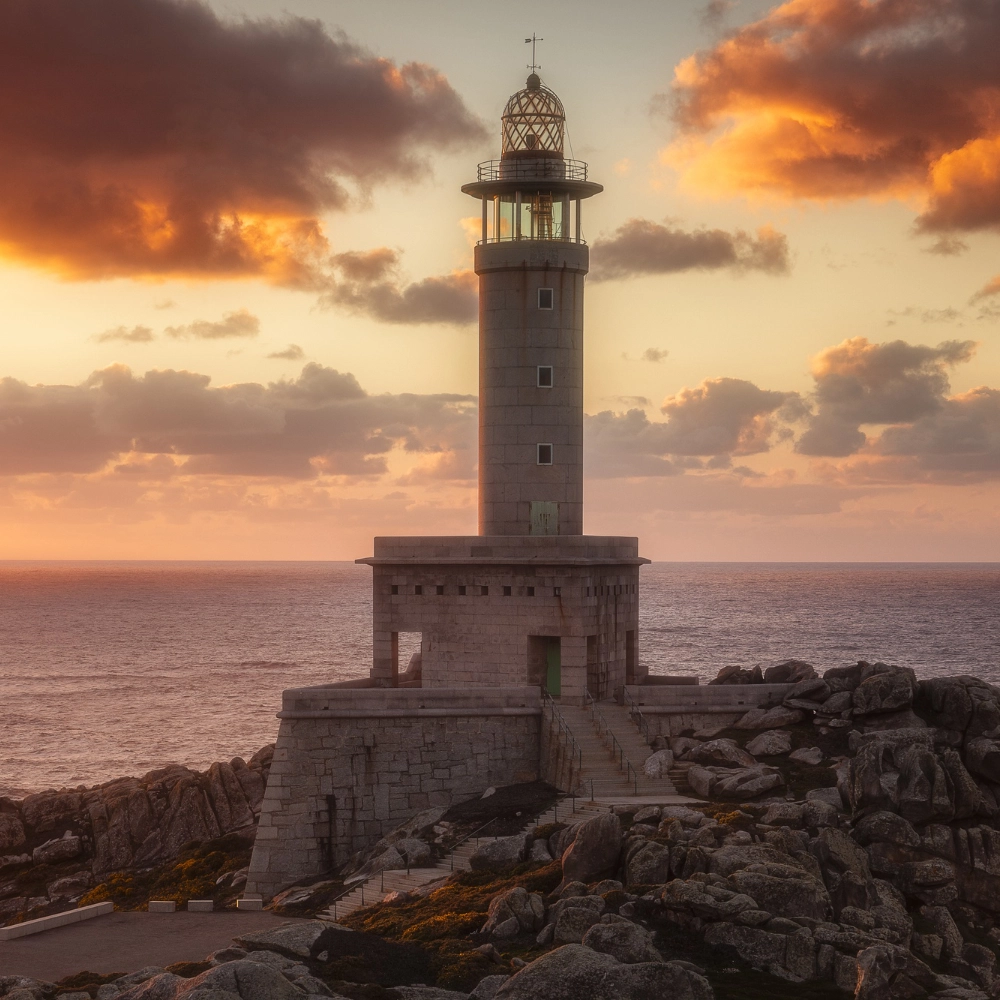 | Original image. |
| `top` | NO | `float` | [0, 1.0] | `0.1` | | Upward expansion ratio. |
| `bottom` | NO | `float` | [0, 1.0] | `0.1` | | Downward expansion ratio. |
| `left` | NO | `float` | [0, 1.0] | `0.1` | | Leftward expansion ratio. |
| `right` | NO | `float` | [0, 1.0] | `0.1` | | Rightward expansion ratio. |
#### Mask Expanded Image
| Field | Required | Type | Example | Description |
|:--------|:---------|:-------|:------------------------------------------------------------------------------------------------------|:----------------|
| `image` | YES | `file` | 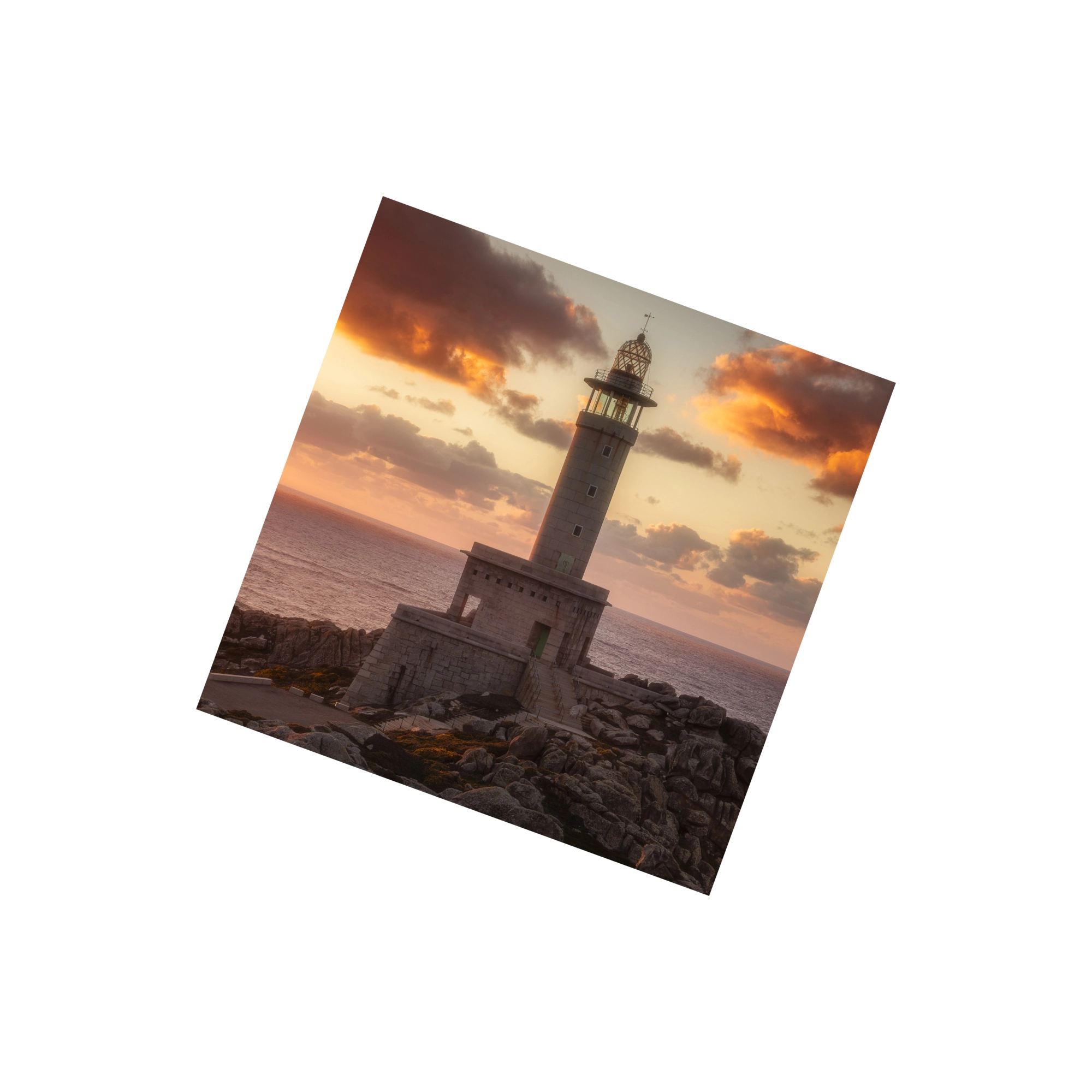 | Original image. |
| `mask` | YES | `file` | 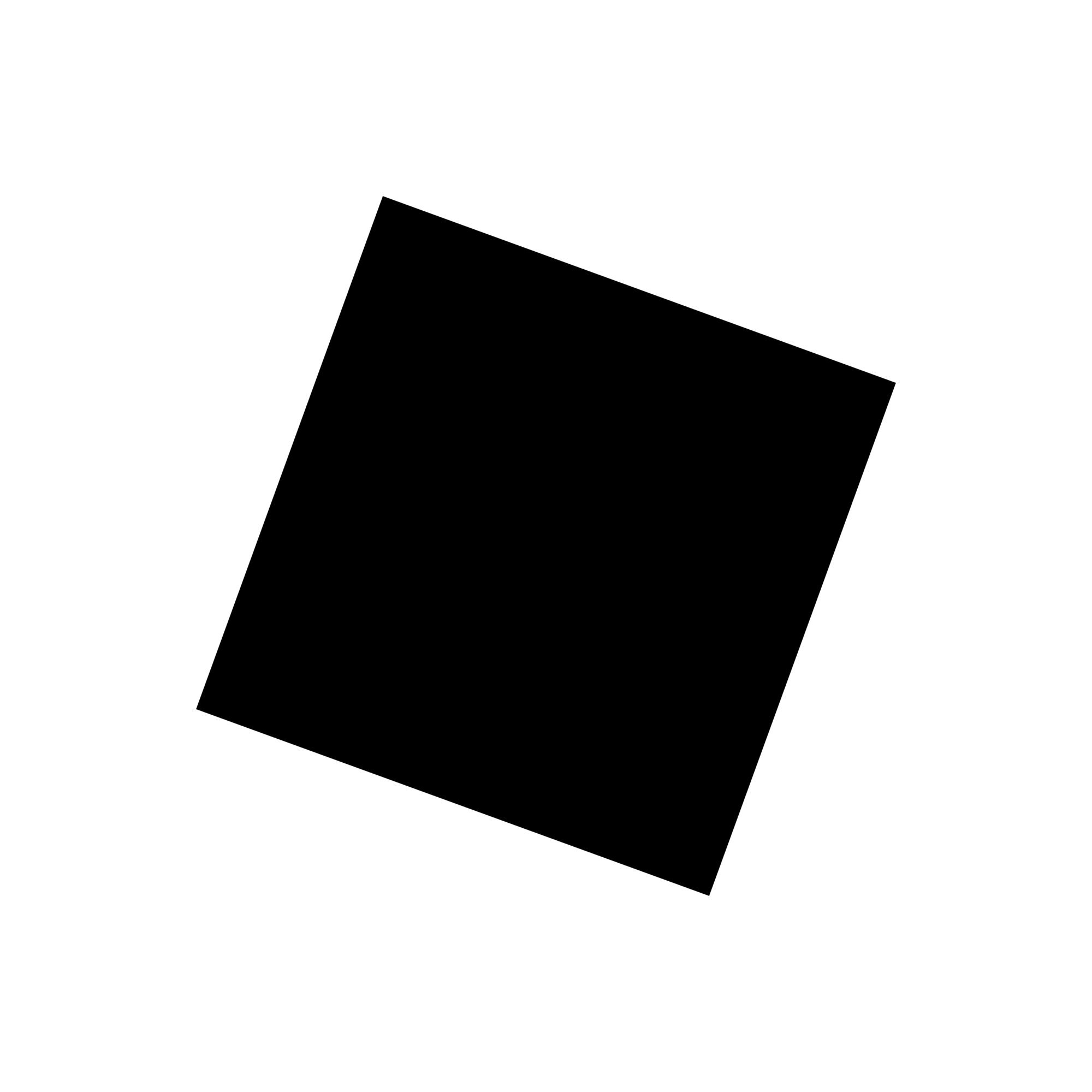 | Mask image. |
## Response
:::warning[Response Field Handling Flow]
1. **Handle `Public Response Fields`**
Parse and validate the `Public Response Fields`, checking the status code or response message to ensure the request is successful and error-free.
2. **Handle `Business Response Fields`**
If the `Public Response Fields` are valid and error-free, proceed with processing the business logic in the `Business Response Fields`.
:::
### Public Response Fields
Viewing Public Response Fields and Error Codes
### Business Response Fields
| Field | Type | Description |
|:----------------------|:------------------|:-------------------------------------------------------------|
| `data` | `object` | The content of the result data returned. |
| +`binary_data_base64` | `array of string` | Output the processed image as a Base64 array (single image). |
### Response Example
```json
{
"request_id": "",
"log_id": "",
"error_code": 0,
"error_msg": "",
"error_detail": {
"status_code": 200,
"code": "",
"code_message": "",
"message": ""
},
"data": {
"binary_data_base64": []
}
}
```
---
## AI Image Extender API(Ai-image-extender)
# AILabTools API - AI Image Extender - API
## Request
- **URL**: `https://www.ailabapi.com/api/image/editing/ai-image-extender`
- **Method**: `POST`
- **Content-Type**: `multipart/form-data`
### Image requirements
- **Image format**: `JPEG` `JPG` `PNG`
- **Image size**: No more than 5 MB.
- **Image resolution**: Larger than 64x64px, smaller than 4096x4096px.
### Headers
| Field | Required | Type | Description |
|:-------------------|:---------|:---------|:---------------------------------------------------|
| `ailabapi-api-key` | YES | `string` | Application API KEY. [Get API KEY](get-api-key.md) |
### Body
#### Fixed Fields
| Field | Required | Type | Scope | Default | Description |
|:----------------|:---------|:----------|:-----------|:--------|:---------------------------------------------------------------------------------------------------------------------------------------------------------------------------------------------------------------------------------------------------------------------------------------------------------|
| `custom_prompt` | NO | `string` | | | Prompt Content (English only). Please limit the prompt content to 100 English words or fewer. Any content beyond this limit may have minimal impact on the generated result. Use standard vocabulary to avoid failing the review process. |
| `steps` | NO | `integer` | [1, +] | `30` | Sampling steps determine the level of detail in the generated image. A higher value may result in better quality, but it will significantly increase the processing time. |
| `strength` | NO | `float` | [0.1, 1.0] | `0.8` | The smaller the value, the closer it is to the original image. |
| `scale` | NO | `float` | [1, 20] | `7` | The degree to which the text description influences the output. |
| `seed` | NO | `integer` | [-1, +] | `0` | Random seed, used as the basis for determining the initial state of the diffusion process. It must be a non-negative number (`-1` represents a random seed). If the random seed is the same positive integer and all other parameters are identical, the generated image will most likely be consistent. |
| `max_height` | NO | `integer` | [0, +] | `1920` | Maximum output height. Resized to the specified dimensions as a fallback after the image expansion process. |
| `max_width` | NO | `integer` | [0, +] | `1920` | Maximum output width. Resized to the specified dimensions as a fallback after the image expansion process. |
#### Non-Mask Expanded Image
| Field | Required | Type | Scope | Default | Example | Description |
|:---------|:---------|:--------|:---------|:--------|:-------------------------------------------------------------------------------------------------|:---------------------------|
| `image` | YES | `file` | | |  | Original image. |
| `top` | NO | `float` | [0, 1.0] | `0.1` | | Upward expansion ratio. |
| `bottom` | NO | `float` | [0, 1.0] | `0.1` | | Downward expansion ratio. |
| `left` | NO | `float` | [0, 1.0] | `0.1` | | Leftward expansion ratio. |
| `right` | NO | `float` | [0, 1.0] | `0.1` | | Rightward expansion ratio. |
#### Mask Expanded Image
| Field | Required | Type | Example | Description |
|:--------|:---------|:-------|:------------------------------------------------------------------------------------------------------|:----------------|
| `image` | YES | `file` |  | Original image. |
| `mask` | YES | `file` |  | Mask image. |
## Response
:::warning[Response Field Handling Flow]
1. **Handle `Public Response Fields`**
Parse and validate the `Public Response Fields`, checking the status code or response message to ensure the request is successful and error-free.
2. **Handle `Business Response Fields`**
If the `Public Response Fields` are valid and error-free, proceed with processing the business logic in the `Business Response Fields`.
:::
### Public Response Fields
Viewing Public Response Fields and Error Codes
### Business Response Fields
| Field | Type | Description |
|:----------------------|:------------------|:-------------------------------------------------------------|
| `data` | `object` | The content of the result data returned. |
| +`binary_data_base64` | `array of string` | Output the processed image as a Base64 array (single image). |
### Response Example
```json
{
"request_id": "",
"log_id": "",
"error_code": 0,
"error_msg": "",
"error_detail": {
"status_code": 200,
"code": "",
"code_message": "",
"message": ""
},
"data": {
"binary_data_base64": []
}
}
```
## Sample Code
- [Introduction to Get Sample Code](get-sample-code.md)
- [Sample Code][PostmanURL]
[PostmanURL]: https://documenter.getpostman.com/view/26387069/2s93JxqgHE#e05fdcf4-0c29-46a4-a6b3-2150567fdd75
---
## AI Image Extender API(Editing)
# AILabTools API - AI Image Extender - Introduction
Powered by advanced AI technology, this API intelligently extends images beyond their original borders based on user-supplied prompts, seamlessly recognizing and adapting to the content. It supports various extension modes, including proportional, frame, four-side, and canvas expansions, offering flexible solutions for enhancing visual compositions.
## Featured Advantages
- **Precise details**: The model can generate highly detailed and accurate images based on textual descriptions.
- **Flexible expression**: The model supports a wide range of creative inputs, capable of handling complex and abstract textual descriptions, and transforming them into creative and visually appealing artworks.
- **Strong R&D strength**: We have an independent AI R&D team, supported by massive data, rich algorithm landing scenarios, and long-term partnership with many brands.
- **Efficient and convenient**: The API solution is mature, with standardized documentation & full technical support, making it easier for developers to access and enjoy image processing services quickly.
## Renderings show
### Non-Mask Expanded Image
| Original Image | Expanded Content | Result Image |
|:-------------------------------------------------------------------------------------------------|:------------------------------------------------------------------------------------------|:------------------------------------------------------------------------------------------------|
|  | `top`: 50%; `bottom`: 50%; `left`: 50%; `right`: 50%; | 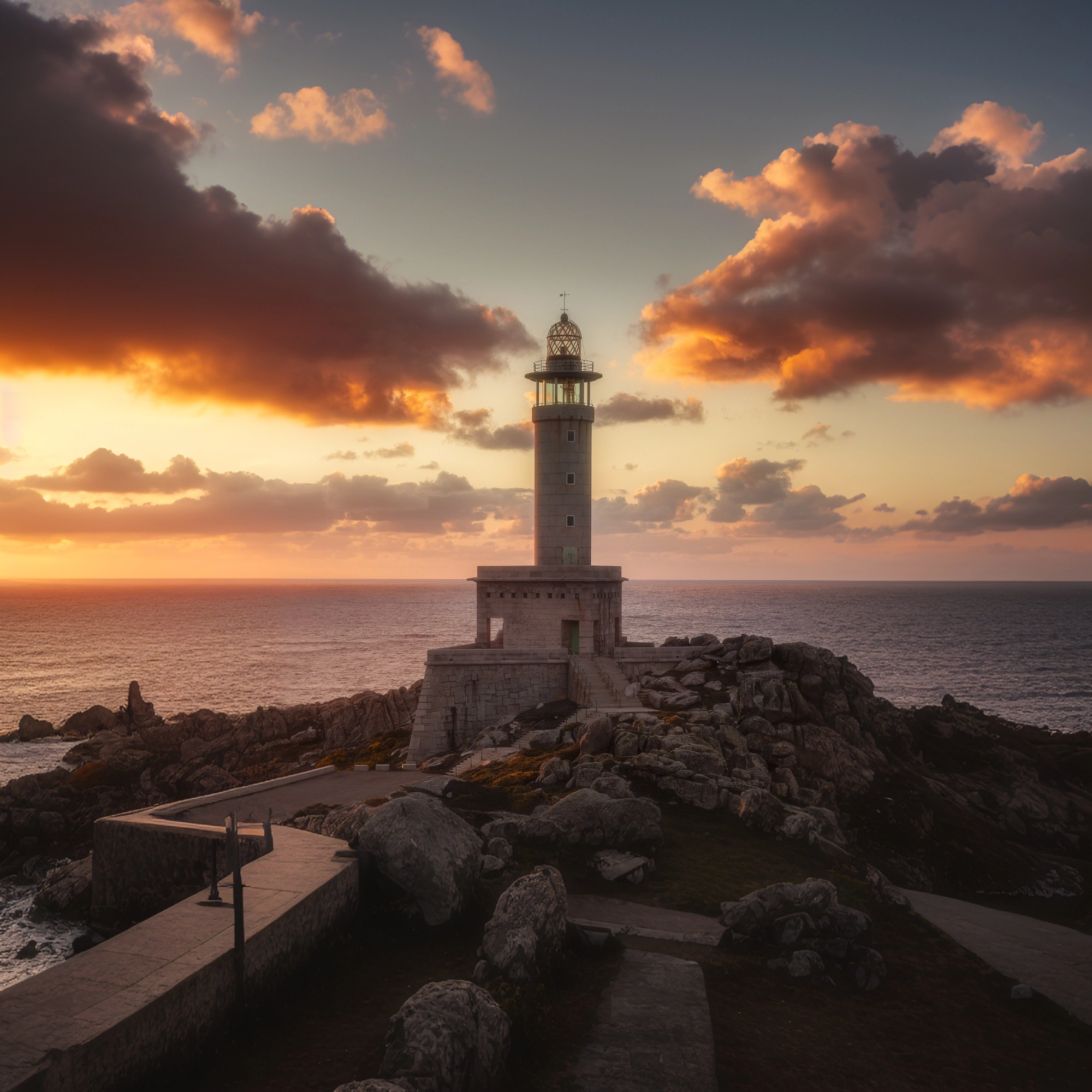 |
### Mask Expanded Image
| Original Image | Mask Image | Result Image |
|:------------------------------------------------------------------------------------------------------|:----------------------------------------------------------------------------------------------|:--------------------------------------------------------------------------------------------------|
|  |  |  |
## Billing Instructions
- A certain number of credits will be consumed for each successful API call.
### Amount of Credits Deducted
| API | Number of Credits |
|:------------------|:------------------|
| AI Image Extender | 25 |
### Resource Package
#### Universal Credits (Supports All APIs)
##### Applied to AI Image Extender
| Amounts | Credits | Amounts/Credit | Allowable Requests | Amounts/Request |
|----------:|----------:|---------------:|-------------------:|----------------:|
| $12.00 | 2,000 | $0.0060 | 80 | $0.1500 |
| $27.50 | 5,000 | $0.0055 | 200 | $0.1375 |
| $50.00 | 10,000 | $0.0050 | 400 | $0.1250 |
| $135.00 | 30,000 | $0.0045 | 1,200 | $0.1125 |
| $212.00 | 50,000 | $0.0043 | 2,000 | $0.1075 |
| $400.00 | 100,000 | $0.0040 | 4,000 | $0.1000 |
| $1,050.00 | 300,000 | $0.0035 | 12,000 | $0.0875 |
| $1,500.00 | 500,000 | $0.0030 | 20,000 | $0.0750 |
| $2,500.00 | 1,000,000 | $0.0025 | 40,000 | $0.0625 |
:::tip[Buy Now]
- Pricing
- Developer Platform
:::tip[Customization]
If you require more credits, please contact us at business@ailabtools.com.
:::
## File Storage Policy
:::tip
- **Uploaded Files**: Not stored.
- **Response Files**: Not stored.
:::
---
## AI Object Replacer API
## Request
### Image requirements
- **Image format**: `JPEG` `JPG` `PNG`
- **Image size**: No more than 5 MB.
- **Image resolution**: Larger than 64x64px, smaller than 4096x4096px.
#### Mask image requirements:
1. Single-channel grayscale image (0-255).
2. Three-channel image, with equal RGB values.
3. RGBA four-channel image, with equal RGB values and the A channel all set to 255.
4. File format: 8-bit PNG encoding, do not embed "ICC Profile".
### Body
| Field | Required | Type | Scope | Default | Description |
|:----------------|:---------|:----------|:--------|:--------|:---------------------------------------------------------------------------------------------------------------------------------------------------------------------------------------------------------------------------------------------------------------------------------------------------------|
| `image` | YES | `file` | | | Original image. |
| `mask` | YES | `file` | | | Mask image. |
| `custom_prompt` | NO | `string` | | | Prompt Content (English only). Please limit the prompt content to 100 English words or fewer. Any content beyond this limit may have minimal impact on the generated result. Use standard vocabulary to avoid failing the review process. |
| `steps` | NO | `integer` | [1, +] | `25` | Sampling steps determine the level of detail in the generated image. A higher value may result in better quality, but it will significantly increase the processing time. |
| `scale` | NO | `float` | [1, 20] | `5` | The degree to which the text description influences the output. |
| `seed` | NO | `integer` | [-1, +] | `-1` | Random seed, used as the basis for determining the initial state of the diffusion process. It must be a non-negative number (`-1` represents a random seed). If the random seed is the same positive integer and all other parameters are identical, the generated image will most likely be consistent. |
## Response
:::warning[Response Field Handling Flow]
1. **Handle `Public Response Fields`**
Parse and validate the `Public Response Fields`, checking the status code or response message to ensure the request is successful and error-free.
2. **Handle `Business Response Fields`**
If the `Public Response Fields` are valid and error-free, proceed with processing the business logic in the `Business Response Fields`.
:::
### Public Response Fields
Viewing Public Response Fields and Error Codes
### Business Response Fields
| Field | Type | Description |
|:----------------------|:------------------|:-------------------------------------------------------------|
| `data` | `object` | The content of the result data returned. |
| +`binary_data_base64` | `array of string` | Output the processed image as a Base64 array (single image). |
### Response Example
```json
{
"request_id": "",
"log_id": "",
"error_code": 0,
"error_msg": "",
"error_detail": {
"status_code": 200,
"code": "",
"code_message": "",
"message": ""
},
"data": {
"binary_data_base64": []
}
}
```
---
## AI Object Replacer API(Ai-object-replacer)
# AILabTools API - AI Object Replacer - API
## Request
- **URL**: `https://www.ailabapi.com/api/image/editing/ai-object-replacer`
- **Method**: `POST`
- **Content-Type**: `multipart/form-data`
### Image requirements
- **Image format**: `JPEG` `JPG` `PNG`
- **Image size**: No more than 5 MB.
- **Image resolution**: Larger than 64x64px, smaller than 4096x4096px.
#### Mask image requirements:
1. Single-channel grayscale image (0-255).
2. Three-channel image, with equal RGB values.
3. RGBA four-channel image, with equal RGB values and the A channel all set to 255.
4. File format: 8-bit PNG encoding, do not embed "ICC Profile".
### Headers
| Field | Required | Type | Description |
|:-------------------|:---------|:---------|:---------------------------------------------------|
| `ailabapi-api-key` | YES | `string` | Application API KEY. [Get API KEY](get-api-key.md) |
### Body
| Field | Required | Type | Scope | Default | Description |
|:----------------|:---------|:----------|:--------|:--------|:---------------------------------------------------------------------------------------------------------------------------------------------------------------------------------------------------------------------------------------------------------------------------------------------------------|
| `image` | YES | `file` | | | Original image. |
| `mask` | YES | `file` | | | Mask image. |
| `custom_prompt` | NO | `string` | | | Prompt Content (English only). Please limit the prompt content to 100 English words or fewer. Any content beyond this limit may have minimal impact on the generated result. Use standard vocabulary to avoid failing the review process. |
| `steps` | NO | `integer` | [1, +] | `25` | Sampling steps determine the level of detail in the generated image. A higher value may result in better quality, but it will significantly increase the processing time. |
| `scale` | NO | `float` | [1, 20] | `5` | The degree to which the text description influences the output. |
| `seed` | NO | `integer` | [-1, +] | `-1` | Random seed, used as the basis for determining the initial state of the diffusion process. It must be a non-negative number (`-1` represents a random seed). If the random seed is the same positive integer and all other parameters are identical, the generated image will most likely be consistent. |
## Response
:::warning[Response Field Handling Flow]
1. **Handle `Public Response Fields`**
Parse and validate the `Public Response Fields`, checking the status code or response message to ensure the request is successful and error-free.
2. **Handle `Business Response Fields`**
If the `Public Response Fields` are valid and error-free, proceed with processing the business logic in the `Business Response Fields`.
:::
### Public Response Fields
Viewing Public Response Fields and Error Codes
### Business Response Fields
| Field | Type | Description |
|:----------------------|:------------------|:-------------------------------------------------------------|
| `data` | `object` | The content of the result data returned. |
| +`binary_data_base64` | `array of string` | Output the processed image as a Base64 array (single image). |
### Response Example
```json
{
"request_id": "",
"log_id": "",
"error_code": 0,
"error_msg": "",
"error_detail": {
"status_code": 200,
"code": "",
"code_message": "",
"message": ""
},
"data": {
"binary_data_base64": []
}
}
```
## Sample Code
- [Introduction to Get Sample Code](get-sample-code.md)
- [Sample Code][PostmanURL]
[PostmanURL]: https://documenter.getpostman.com/view/26387069/2s93JxqgHE#16a4449a-4054-4b13-8f08-e7a13dbdae86
---
## AI Object Replacer API(Editing)
# AILabTools API - AI Object Replacer - Introduction
Leveraging advanced AI technology, this API intelligently removes unwanted elements such as text and people from images based on a mask image and fills the empty space with appropriate content generated from user prompts.
## Application Scenarios
- **Logo erasure**: Erase common logos in images, such as logos, text, subtitles, etc., which can be used for image material re-creation.
- **Portrait Erase**: Erase extra portraits in the image, such as background portraits of passers-by, pedestrians, etc., in addition to the main character, to highlight the subject of the photo.
- **Clutter Erase**: Erase excess objects from the image, such as trash cans, buildings, or power lines, and retain the original photo resolution.
- **Other scenes**: applicable to other elements erasure, automatically fill the background obscured by the erased area, the effect is real and natural
## Featured Advantages
- **Strong R&D strength**: We have an independent AI R&D team, supported by massive data, rich algorithm landing scenarios, and long-term partnership with many brands.
- **Efficient and convenient**: The API solution is mature, with standardized documentation & full technical support, making it easier for developers to access and enjoy image processing services quickly.
## Renderings show
| Original Image | Prompt Content | Mask Image | Result Image |
|:--------------------------------------------------------------------------------------------------|:------------------------------------------------------------------------------------------------------|:--------------------------------------------------------------------------------------------|:------------------------------------------------------------------------------------------------|
|  | `A country road winds through a field of dry, yellow grass, bordered by wooden fences on both sides.` |  |  |
## Billing Instructions
- A certain number of credits will be consumed for each successful API call.
### Amount of Credits Deducted
| API | Number of Credits |
|:-------------------|:------------------|
| AI Object Replacer | 25 |
### Resource Package
#### Universal Credits (Supports All APIs)
##### Applied to AI Object Replacer
| Amounts | Credits | Amounts/Credit | Allowable Requests | Amounts/Request |
|----------:|----------:|---------------:|-------------------:|----------------:|
| $12.00 | 2,000 | $0.0060 | 80 | $0.1500 |
| $27.50 | 5,000 | $0.0055 | 200 | $0.1375 |
| $50.00 | 10,000 | $0.0050 | 400 | $0.1250 |
| $135.00 | 30,000 | $0.0045 | 1,200 | $0.1125 |
| $212.00 | 50,000 | $0.0043 | 2,000 | $0.1075 |
| $400.00 | 100,000 | $0.0040 | 4,000 | $0.1000 |
| $1,050.00 | 300,000 | $0.0035 | 12,000 | $0.0875 |
| $1,500.00 | 500,000 | $0.0030 | 20,000 | $0.0750 |
| $2,500.00 | 1,000,000 | $0.0025 | 40,000 | $0.0625 |
:::tip[Buy Now]
- Pricing
- Developer Platform
:::tip[Customization]
If you require more credits, please contact us at business@ailabtools.com.
:::
## File Storage Policy
:::tip
- **Uploaded Files**: Not stored.
- **Response Files**: Not stored.
:::
---
## AI Image Cropping API
## Request
### Image requirements
- **Image format**: `JPEG` `JPG` `PNG` `BMP` `WEBP`
- **Image size**: No more than 3.5 MB.
- **Image resolution**: Less than 2000x2000px.
- The images must all be RGB 3-channel.
### Body
| Field | Required | Type | Description |
|:---------|:---------|:----------|:------------------------------------|
| `image` | YES | `file` | |
| `width` | YES | `integer` | The width of the target. Unit: px. |
| `height` | YES | `integer` | The height of the target. Unit: px. |
## Response
:::warning[Response Field Handling Flow]
1. **Handle `Public Response Fields`**
Parse and validate the `Public Response Fields`, checking the status code or response message to ensure the request is successful and error-free.
2. **Handle `Business Response Fields`**
If the `Public Response Fields` are valid and error-free, proceed with processing the business logic in the `Business Response Fields`.
:::
### Public Response Fields
Viewing Public Response Fields and Error Codes
### Business Response Fields
| Field | Type | Description |
|:-------------------|:----------|:-------------------------------------------------------------------------------------------------------|
| `data` | `object` | The content of the result data returned. |
| +`url` | `string` | The URL address of the image after size transformation. |
| +`retain_location` | `object` | The coordinate information of the original image data in the generated image. |
| ++`width` | `integer` | Outputs the width of the original image after isoscaling according to the specified width. Unit: px. |
| ++`height` | `integer` | Outputs the height of the original image after isoscaling according to the specified height. Unit: px. |
| ++`y` | `integer` | The y-coordinate of the upper-left corner of the original figure. |
| ++`x` | `integer` | The x coordinate of the upper left corner of the original figure. |
:::tip
The URL address is a temporary address, valid for 24 hours, and will not be accessible after it expires. If you need to save the file for a long time or permanently, please visit the URL address within 24 hours and download the file to your own storage space.
:::
### Response Example
```json
{
"request_id": "",
"log_id": "",
"error_code": 0,
"error_msg": "",
"error_detail": {
"status_code": 200,
"code": "",
"code_message": "",
"message": ""
},
"data": {
"url": "",
"retain_location": {
"width": 0,
"height": 0,
"y": 0,
"x": 0
}
}
}
```
---
## AI Image Cropping API(Image-cropping)
# AILabTools API - AI Image Cropping - API
## Request
- **URL**: `https://www.ailabapi.com/api/image/editing/image-cropping`
- **Method**: `POST`
- **Content-Type**: `multipart/form-data`
### Image requirements
- **Image format**: `JPEG` `JPG` `PNG` `BMP` `WEBP`
- **Image size**: No more than 3.5 MB.
- **Image resolution**: Less than 2000x2000px.
- The images must all be RGB 3-channel.
### Headers
| Field | Required | Type | Description |
|:-------------------|:---------|:---------|:---------------------------------------------------|
| `ailabapi-api-key` | YES | `string` | Application API KEY. [Get API KEY](get-api-key.md) |
### Body
| Field | Required | Type | Description |
|:---------|:---------|:----------|:------------------------------------|
| `image` | YES | `file` | |
| `width` | YES | `integer` | The width of the target. Unit: px. |
| `height` | YES | `integer` | The height of the target. Unit: px. |
## Response
:::warning[Response Field Handling Flow]
1. **Handle `Public Response Fields`**
Parse and validate the `Public Response Fields`, checking the status code or response message to ensure the request is successful and error-free.
2. **Handle `Business Response Fields`**
If the `Public Response Fields` are valid and error-free, proceed with processing the business logic in the `Business Response Fields`.
:::
### Public Response Fields
Viewing Public Response Fields and Error Codes
### Business Response Fields
| Field | Type | Description |
|:-------------------|:----------|:-------------------------------------------------------------------------------------------------------|
| `data` | `object` | The content of the result data returned. |
| +`url` | `string` | The URL address of the image after size transformation. |
| +`retain_location` | `object` | The coordinate information of the original image data in the generated image. |
| ++`width` | `integer` | Outputs the width of the original image after isoscaling according to the specified width. Unit: px. |
| ++`height` | `integer` | Outputs the height of the original image after isoscaling according to the specified height. Unit: px. |
| ++`y` | `integer` | The y-coordinate of the upper-left corner of the original figure. |
| ++`x` | `integer` | The x coordinate of the upper left corner of the original figure. |
:::tip
The URL address is a temporary address, valid for 24 hours, and will not be accessible after it expires. If you need to save the file for a long time or permanently, please visit the URL address within 24 hours and download the file to your own storage space.
:::
### Response Example
```json
{
"request_id": "",
"log_id": "",
"error_code": 0,
"error_msg": "",
"error_detail": {
"status_code": 200,
"code": "",
"code_message": "",
"message": ""
},
"data": {
"url": "",
"retain_location": {
"width": 0,
"height": 0,
"y": 0,
"x": 0
}
}
}
```
## Sample Code
:::tip[[👉 Online Experience 👈](https://www.ailabtools.com/image-cropping-example)]
If you'd like to see the actual effects, please visit the experience page for a trial.
:::
- [Introduction to Get Sample Code](get-sample-code.md)
- [Sample Code][PostmanURL]
[PostmanURL]: https://documenter.getpostman.com/view/26387069/2s93JxqgHE#8743fb3f-88ca-4548-8899-3e437bedbf09
---
## AI Image Cropping API(Editing)
# AILabTools API - AI Image Cropping - Introduction
Transformation of the input image with specified dimensions, automatic determination of the position of the main area, and use of the best crop method.
## Renderings show
| Before processing | After processing |
|:--------------------------------------------------------------------------------------------|:---------------------------------------------------------------------------------------|
|  |  |
|  |  |
:::tip[[👉 Online Experience 👈](https://www.ailabtools.com/image-cropping-example)]
If you'd like to see the actual effects, please visit the experience page for a trial.
:::
## Billing Instructions
- A certain number of credits will be consumed for each successful API call.
### Amount of Credits Deducted
| API | Number of Credits |
|:------------------|:------------------|
| AI Image Cropping | 3 |
### Resource Package
#### Universal Credits (Supports All APIs)
##### Applied to AI Image Cropping
| Amounts | Credits | Amounts/Credit | Allowable Requests | Amounts/Request |
|----------:|----------:|---------------:|-------------------:|----------------:|
| $12.00 | 2,000 | $0.0060 | 667 | $0.0180 |
| $27.50 | 5,000 | $0.0055 | 1,667 | $0.0165 |
| $50.00 | 10,000 | $0.0050 | 3,333 | $0.0150 |
| $135.00 | 30,000 | $0.0045 | 10,000 | $0.0135 |
| $212.00 | 50,000 | $0.0043 | 16,667 | $0.0129 |
| $400.00 | 100,000 | $0.0040 | 33,333 | $0.0120 |
| $1,050.00 | 300,000 | $0.0035 | 100,000 | $0.0105 |
| $1,500.00 | 500,000 | $0.0030 | 166,667 | $0.0090 |
| $2,500.00 | 1,000,000 | $0.0025 | 333,333 | $0.0075 |
:::tip[Buy Now]
- Pricing
- Developer Platform
:::tip[Customization]
If you require more credits, please contact us at business@ailabtools.com.
:::
## File Storage Policy
:::tip
- **Uploaded Files**: Not stored.
:::
---
## Image Erasure API
## Request
### Image requirements
- **Image format**: `JPEG` `JPG` `PNG` `BMP` `WEBP`
- **Image size**: No more than 3 MB.
- **Image resolution**: Less than 4096x4096px.
### Body
| Field | Required | Type | Description |
|:------------|:---------|:-------|:------------------------|
| `image` | YES | `file` | The image to be erased. |
| `user_mask` | YES | `file` | Mask image. |
## Response
:::warning[Response Field Handling Flow]
1. **Handle `Public Response Fields`**
Parse and validate the `Public Response Fields`, checking the status code or response message to ensure the request is successful and error-free.
2. **Handle `Business Response Fields`**
If the `Public Response Fields` are valid and error-free, proceed with processing the business logic in the `Business Response Fields`.
:::
### Public Response Fields
Viewing Public Response Fields and Error Codes
### Business Response Fields
| Field | Type | Description |
|:-------------|:---------|:-----------------------------------------|
| `data` | `object` | The content of the result data returned. |
| +`image_url` | `string` | The URL of the image after erasing. |
:::tip
The URL address is a temporary address, valid for 24 hours, and will not be accessible after it expires. If you need to save the file for a long time or permanently, please visit the URL address within 24 hours and download the file to your own storage space.
:::
### Response Example
```json
{
"request_id": "",
"log_id": "",
"error_code": 0,
"error_msg": "",
"error_detail": {
"status_code": 200,
"code": "",
"code_message": "",
"message": ""
},
"data": {
"image_url": ""
}
}
```
---
## Image Erasure API(Image-erase)
# AILabTools API - Image Erasure - API
## Request
- **URL**: `https://www.ailabapi.com/api/image/editing/image-erase`
- **Method**: `POST`
- **Content-Type**: `multipart/form-data`
### Image requirements
- **Image format**: `JPEG` `JPG` `PNG` `BMP` `WEBP`
- **Image size**: No more than 3 MB.
- **Image resolution**: Less than 4096x4096px.
### Headers
| Field | Required | Type | Description |
|:-------------------|:---------|:---------|:---------------------------------------------------|
| `ailabapi-api-key` | YES | `string` | Application API KEY. [Get API KEY](get-api-key.md) |
### Body
| Field | Required | Type | Description |
|:------------|:---------|:-------|:------------------------|
| `image` | YES | `file` | The image to be erased. |
| `user_mask` | YES | `file` | Mask image. |
## Response
:::warning[Response Field Handling Flow]
1. **Handle `Public Response Fields`**
Parse and validate the `Public Response Fields`, checking the status code or response message to ensure the request is successful and error-free.
2. **Handle `Business Response Fields`**
If the `Public Response Fields` are valid and error-free, proceed with processing the business logic in the `Business Response Fields`.
:::
### Public Response Fields
Viewing Public Response Fields and Error Codes
### Business Response Fields
| Field | Type | Description |
|:-------------|:---------|:-----------------------------------------|
| `data` | `object` | The content of the result data returned. |
| +`image_url` | `string` | The URL of the image after erasing. |
:::tip
The URL address is a temporary address, valid for 24 hours, and will not be accessible after it expires. If you need to save the file for a long time or permanently, please visit the URL address within 24 hours and download the file to your own storage space.
:::
### Response Example
```json
{
"request_id": "",
"log_id": "",
"error_code": 0,
"error_msg": "",
"error_detail": {
"status_code": 200,
"code": "",
"code_message": "",
"message": ""
},
"data": {
"image_url": ""
}
}
```
## Sample Code
- [Introduction to Get Sample Code](get-sample-code.md)
- [Sample Code][PostmanURL]
[PostmanURL]: https://documenter.getpostman.com/view/26387069/2s93JxqgHE#ee4dc6de-9c07-4106-a055-05db20ca43f4
---
## Image Erasure API(Editing)
# AILabTools API - Image Erasure - Introduction
Based on deep learning algorithm, erase the specified area in the image and automatically fill the background to repair the image. One click to call the API interface, integrate this function into your website, software, APP application, and enjoy the high quality image processing function.
## Application Scenarios
- **Logo erasure**: Erase common logos in images, such as logos, text, subtitles, etc., which can be used for image material re-creation.
- **Portrait Erase**: Erase extra portraits in the image, such as background portraits of passers-by, pedestrians, etc., in addition to the main character, to highlight the subject of the photo.
- **Clutter Erase**: Erase excess objects from the image, such as trash cans, buildings, or power lines, and retain the original photo resolution.
- **Other scenes**: applicable to other elements erasure, automatically fill the background obscured by the erased area, the effect is real and natural
## Featured Advantages
- **Strong R&D strength**: We have an independent AI R&D team, supported by massive data, rich algorithm landing scenarios, and long-term partnership with many brands.
- **Efficient and convenient**: The API solution is mature, with standardized documentation & full technical support, making it easier for developers to access and enjoy image processing services quickly.
## Renderings show
| `image` | `user_mask` | Result |
|:-------------------------------------------------------------------------------|:---------------------------------------------------------------------------------------|:---------------------------------------------------------------------------------|
|  | 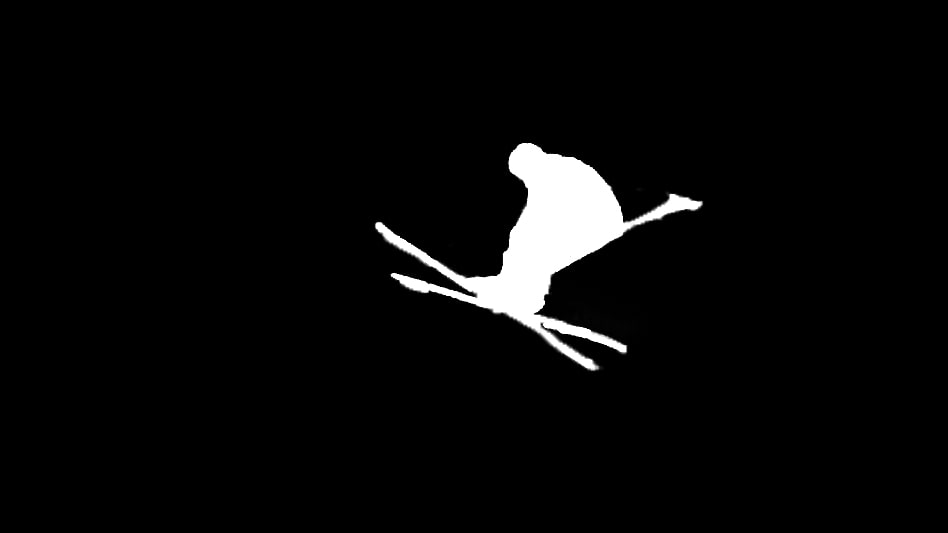 | 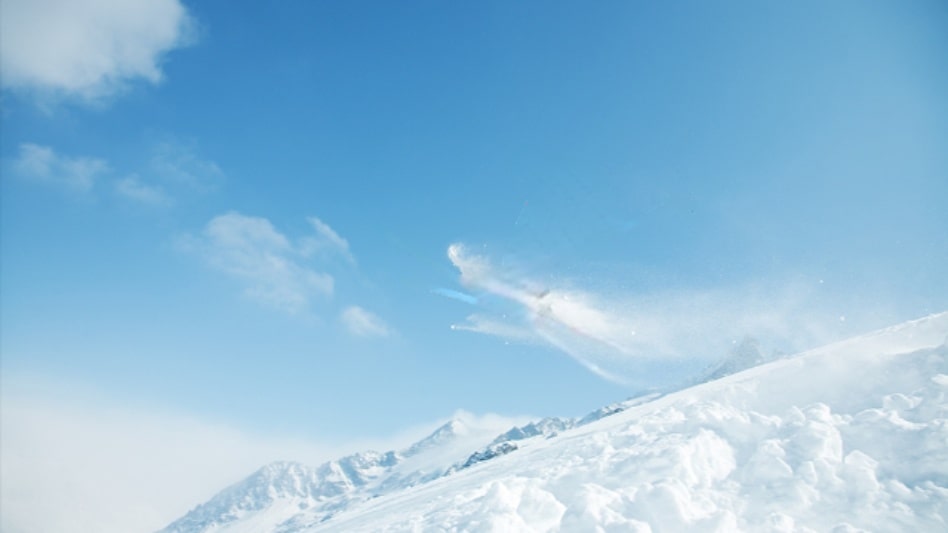 |
## Billing Instructions
- A certain number of credits will be consumed for each successful API call.
### Amount of Credits Deducted
| API | Number of Credits |
|:--------------|:------------------|
| Image Erasure | 10 |
### Resource Package
#### Universal Credits (Supports All APIs)
##### Applied to Image Erasure
| Amounts | Credits | Amounts/Credit | Allowable Requests | Amounts/Request |
|----------:|----------:|---------------:|-------------------:|----------------:|
| $12.00 | 2,000 | $0.0060 | 200 | $0.0600 |
| $27.50 | 5,000 | $0.0055 | 500 | $0.0550 |
| $50.00 | 10,000 | $0.0050 | 1,000 | $0.0500 |
| $135.00 | 30,000 | $0.0045 | 3,000 | $0.0450 |
| $212.00 | 50,000 | $0.0043 | 5,000 | $0.0430 |
| $400.00 | 100,000 | $0.0040 | 10,000 | $0.0400 |
| $1,050.00 | 300,000 | $0.0035 | 30,000 | $0.0350 |
| $1,500.00 | 500,000 | $0.0030 | 50,000 | $0.0300 |
| $2,500.00 | 1,000,000 | $0.0025 | 100,000 | $0.0250 |
:::tip[Buy Now]
- Pricing
- Developer Platform
:::tip[Customization]
If you require more credits, please contact us at business@ailabtools.com.
:::
## File Storage Policy
:::tip
- **Uploaded Files**: Not stored.
- **Response Files**:
- **Storage Duration**: 24 hours.
- **Deletion Method**: Automatic Deletion upon Timeout.
:::
---
## Image Invisible Picture Watermark API
## Request
### Image requirements
- **Image format**: `JPEG` `JPG` `PNG` `BMP`
- **Image size**: No more than 3 MB.
- **Image resolution**: Larger than 5x5px, smaller than 4096x4096px.
### Body
#### Fixed Fields
| Field | Required | Type | Scope | Description |
|:----------------|:---------|:---------|:--------------------------------------------------------------------------------------------------------------------------------------------------------|:-------------------------------------------------------------------------------------------------------------------------------------------------------------------------------------------------------------------------------------------------------------------------------------------------------------------------------------------------------------------------------------------------------------------------------------------------------------------------------------------------------------------------------------------------|
| `function_type` | YES | `string` | `encode_pic` `encode_pic_plus` `encode_pic_bold` `decode_pic` `decode_pic_plus` `decode_pic_bold` | Specifies the calling function. `encode_pic`: Add image watermark using the old model. `encode_pic_plus`: Add image watermark with new version model 1. `encode_pic_bold`: Add image watermark with new version model 2. `decode_pic`: Use the old model to decode the image watermark in the image. `decode_pic_plus`: Use the new version Model 1 to decode the image watermark in the image. `decode_pic_bold`: Use the new version Model 2 to decode the image watermark in the image. |
#### `function_type` === `encode_pic`|`encode_pic_plus`|`encode_pic_bold`
| Field | Required | Type | Scope | Default | Description |
|:-------------------|:---------|:---------|:-------------------------------------------------------------|:--------|:------------------|
| `origin_image` | YES | `file` | | | Original image. |
| `logo` | YES | `file` | | | Watermark images. |
| `output_file_type` | NO | `string` | `jpeg` `png` `jpg` `bmp` | `png` | Output format. |
#### `function_type` === `decode_pic`
| Field | Required | Type | Scope | Default | Description |
|:------------------|:---------|:-------|:------|:--------|:-----------------------------------------------------------------------------|
| `watermark_image` | YES | `file` | | | The image to be resolved, i.e. the composite image with the image watermark. |
| `origin_image` | YES | `file` | | | Original image. |
#### `function_type` === `decode_pic_plus`|`decode_pic_bold`
| Field | Required | Type | Scope | Default | Description |
|:------------------|:---------|:-------|:------|:--------|:-----------------------------------------------------------------------------|
| `watermark_image` | YES | `file` | | | The image to be resolved, i.e. the composite image with the image watermark. |
#### `output_file_type` === `jpg`
| Field | Required | Type | Scope | Default | Description |
|:-----------------|:---------|:----------|:---------|:--------|:-----------------------------------------------------------------------------------|
| `quality_factor` | NO | `integer` | [1, 100] | `100` | The quality size of the output image, the higher the quality the larger the image. |
## Response
:::warning[Response Field Handling Flow]
1. **Handle `Public Response Fields`**
Parse and validate the `Public Response Fields`, checking the status code or response message to ensure the request is successful and error-free.
2. **Handle `Business Response Fields`**
If the `Public Response Fields` are valid and error-free, proceed with processing the business logic in the `Business Response Fields`.
:::
### Public Response Fields
Viewing Public Response Fields and Error Codes
### Business Response Fields
| Field | Type | Description |
|:-----------------------|:---------|:--------------------------------------------|
| `data` | `object` | The content of the result data returned. |
| +`watermark_image_url` | `string` | The URL address after adding the watermark. |
| +`logo_url` | `string` | Watermark URL address after decoding. |
:::tip
The URL address is a temporary address, valid for 24 hours, and will not be accessible after it expires. If you need to save the file for a long time or permanently, please visit the URL address within 24 hours and download the file to your own storage space.
:::
### Response Example
```json
{
"request_id": "",
"log_id": "",
"error_code": 0,
"error_msg": "",
"error_detail": {
"status_code": 200,
"code": "",
"code_message": "",
"message": ""
},
"data": {
"watermark_image_url": "",
"logo_url": ""
}
}
```
---
## Image Invisible Picture Watermark API(Image-invisible-image-watermark)
# AILabTools API - Image Invisible Picture Watermark - API
## Request
- **URL**: `https://www.ailabapi.com/api/image/editing/image-invisible-image-watermark`
- **Method**: `POST`
- **Content-Type**: `multipart/form-data`
### Image requirements
- **Image format**: `JPEG` `JPG` `PNG` `BMP`
- **Image size**: No more than 3 MB.
- **Image resolution**: Larger than 5x5px, smaller than 4096x4096px.
### Headers
| Field | Required | Type | Description |
|:-------------------|:---------|:---------|:---------------------------------------------------|
| `ailabapi-api-key` | YES | `string` | Application API KEY. [Get API KEY](get-api-key.md) |
### Body
#### Fixed Fields
| Field | Required | Type | Scope | Description |
|:----------------|:---------|:---------|:--------------------------------------------------------------------------------------------------------------------------------------------------------|:-------------------------------------------------------------------------------------------------------------------------------------------------------------------------------------------------------------------------------------------------------------------------------------------------------------------------------------------------------------------------------------------------------------------------------------------------------------------------------------------------------------------------------------------------|
| `function_type` | YES | `string` | `encode_pic` `encode_pic_plus` `encode_pic_bold` `decode_pic` `decode_pic_plus` `decode_pic_bold` | Specifies the calling function. `encode_pic`: Add image watermark using the old model. `encode_pic_plus`: Add image watermark with new version model 1. `encode_pic_bold`: Add image watermark with new version model 2. `decode_pic`: Use the old model to decode the image watermark in the image. `decode_pic_plus`: Use the new version Model 1 to decode the image watermark in the image. `decode_pic_bold`: Use the new version Model 2 to decode the image watermark in the image. |
#### `function_type` === `encode_pic`|`encode_pic_plus`|`encode_pic_bold`
| Field | Required | Type | Scope | Default | Description |
|:-------------------|:---------|:---------|:-------------------------------------------------------------|:--------|:------------------|
| `origin_image` | YES | `file` | | | Original image. |
| `logo` | YES | `file` | | | Watermark images. |
| `output_file_type` | NO | `string` | `jpeg` `png` `jpg` `bmp` | `png` | Output format. |
#### `function_type` === `decode_pic`
| Field | Required | Type | Scope | Default | Description |
|:------------------|:---------|:-------|:------|:--------|:-----------------------------------------------------------------------------|
| `watermark_image` | YES | `file` | | | The image to be resolved, i.e. the composite image with the image watermark. |
| `origin_image` | YES | `file` | | | Original image. |
#### `function_type` === `decode_pic_plus`|`decode_pic_bold`
| Field | Required | Type | Scope | Default | Description |
|:------------------|:---------|:-------|:------|:--------|:-----------------------------------------------------------------------------|
| `watermark_image` | YES | `file` | | | The image to be resolved, i.e. the composite image with the image watermark. |
#### `output_file_type` === `jpg`
| Field | Required | Type | Scope | Default | Description |
|:-----------------|:---------|:----------|:---------|:--------|:-----------------------------------------------------------------------------------|
| `quality_factor` | NO | `integer` | [1, 100] | `100` | The quality size of the output image, the higher the quality the larger the image. |
## Response
:::warning[Response Field Handling Flow]
1. **Handle `Public Response Fields`**
Parse and validate the `Public Response Fields`, checking the status code or response message to ensure the request is successful and error-free.
2. **Handle `Business Response Fields`**
If the `Public Response Fields` are valid and error-free, proceed with processing the business logic in the `Business Response Fields`.
:::
### Public Response Fields
Viewing Public Response Fields and Error Codes
### Business Response Fields
| Field | Type | Description |
|:-----------------------|:---------|:--------------------------------------------|
| `data` | `object` | The content of the result data returned. |
| +`watermark_image_url` | `string` | The URL address after adding the watermark. |
| +`logo_url` | `string` | Watermark URL address after decoding. |
:::tip
The URL address is a temporary address, valid for 24 hours, and will not be accessible after it expires. If you need to save the file for a long time or permanently, please visit the URL address within 24 hours and download the file to your own storage space.
:::
### Response Example
```json
{
"request_id": "",
"log_id": "",
"error_code": 0,
"error_msg": "",
"error_detail": {
"status_code": 200,
"code": "",
"code_message": "",
"message": ""
},
"data": {
"watermark_image_url": "",
"logo_url": ""
}
}
```
## Sample Code
:::tip[[👉 Online Experience 👈](https://www.ailabtools.com/image-invisible-image-watermark-example)]
If you'd like to see the actual effects, please visit the experience page for a trial.
:::
- [Introduction to Get Sample Code](get-sample-code.md)
- [Sample Code][PostmanURL]
[PostmanURL]: https://documenter.getpostman.com/view/26387069/2s93JxqgHE#7075d5af-037f-472d-ae1b-348baf0582b6
---
## Image Invisible Picture Watermark API(Editing)
# AILabTools API - Image Invisible Picture Watermark - Introduction
Image blind watermarking algorithm, add/resolve watermark, add content including image or logo. algorithm service body is divided into two: `encode_pic`, `decode_pic`.
## Application Scenarios
- **Copyright protection**: The author of the image enjoys the copyright according to the law. Adding invisible watermark to the image can prove the copyright ownership of the image for the author or authorized person of the image, and avoid the image being used illegally without the authorization of the author.
- **Preventing information leakage**: In the pictures of confidential information, different invisible watermarks are put on the pictures for different visitors. If the image is leaked, the source of the leak can be investigated by analyzing the invisible watermark.
## Featured Advantages
- **Concealed and reliable effect**: Invisible watermark compared with the traditional stamp watermark, which can not be detected by the viewer, does not affect the picture effect.
- **Resolvability**: The watermark is resolved through the image invisible image watermark interface to prove the copyright ownership of the image.
## Renderings show
| `function_type` | `logo` | `origin_image` | `watermark_image` | `output_file_type` | `watermark_image_url` | `logo_url` |
|:------------------|:----------------|:--------------------------------|:----------------------------------------------------------|:-------------------|:--------------------------------------------------------------|:------------------------|
| `encode_pic` | ![logo][logo-1] | ![origin image][origin_image-1] | - | `jpg` | ![watermark image url][watermark_image_url-encode_pic-1] | - |
| `encode_pic_plus` | ![logo][logo-1] | ![origin image][origin_image-1] | - | `jpg` | ![watermark image url][watermark_image_url-encode_pic_plus-1] | - |
| `encode_pic_bold` | ![logo][logo-1] | ![origin image][origin_image-1] | - | `jpg` | ![watermark image url][watermark_image_url-encode_pic_bold-1] | - |
| `decode_pic` | - | ![origin image][origin_image-1] | ![watermark image][watermark_image_url-encode_pic-1] | - | - | ![logo url][logo_url-1] |
| `decode_pic_plus` | - | - | ![watermark image][watermark_image_url-encode_pic_plus-1] | - | - | ![logo url][logo_url-1] |
| `decode_pic_bold` | - | - | ![watermark image][watermark_image_url-encode_pic_bold-1] | - | - | ![logo url][logo_url-1] |
:::tip[[👉 Online Experience 👈](https://www.ailabtools.com/image-invisible-image-watermark-example)]
If you'd like to see the actual effects, please visit the experience page for a trial.
:::
## Billing Instructions
- A certain number of credits will be consumed for each successful API call.
### Amount of Credits Deducted
| API | Number of Credits |
|:----------------------------------|:------------------|
| Image Invisible Picture Watermark | 3 |
### Resource Package
#### Universal Credits (Supports All APIs)
##### Applied to Image Invisible Picture Watermark
| Amounts | Credits | Amounts/Credit | Allowable Requests | Amounts/Request |
|----------:|----------:|---------------:|-------------------:|----------------:|
| $12.00 | 2,000 | $0.0060 | 667 | $0.0180 |
| $27.50 | 5,000 | $0.0055 | 1,667 | $0.0165 |
| $50.00 | 10,000 | $0.0050 | 3,333 | $0.0150 |
| $135.00 | 30,000 | $0.0045 | 10,000 | $0.0135 |
| $212.00 | 50,000 | $0.0043 | 16,667 | $0.0129 |
| $400.00 | 100,000 | $0.0040 | 33,333 | $0.0120 |
| $1,050.00 | 300,000 | $0.0035 | 100,000 | $0.0105 |
| $1,500.00 | 500,000 | $0.0030 | 166,667 | $0.0090 |
| $2,500.00 | 1,000,000 | $0.0025 | 333,333 | $0.0075 |
:::tip[Buy Now]
- Pricing
- Developer Platform
:::tip[Customization]
If you require more credits, please contact us at business@ailabtools.com.
:::
## File Storage Policy
:::tip
- **Uploaded Files**: Not stored.
- **Response Files**:
- **Storage Duration**: 24 hours.
- **Deletion Method**: Automatic Deletion upon Timeout.
:::
[logo-1]: https://img.ailabtools.com/rapidapi/AddBlindImageWatermark/logo-1-min.png
[origin_image-1]: https://img.ailabtools.com/rapidapi/AddBlindImageWatermark/origin_image-1-min.jpg
[watermark_image_url-encode_pic-1]: https://img.ailabtools.com/rapidapi/AddBlindImageWatermark/watermark_image_url-encode_pic-1-min.jpg
[watermark_image_url-encode_pic_plus-1]: https://img.ailabtools.com/rapidapi/AddBlindImageWatermark/watermark_image_url-encode_pic_plus-1-min.jpg
[watermark_image_url-encode_pic_bold-1]: https://img.ailabtools.com/rapidapi/AddBlindImageWatermark/watermark_image_url-encode_pic_bold-1-min.jpg
[logo_url-1]: https://img.ailabtools.com/rapidapi/AddBlindImageWatermark/logo_url-1-min.png
---
## Image Invisible Text Watermark API
## Request
### Image requirements
- **Image format**: `JPEG` `JPG` `PNG` `BMP`
- **Image size**: No more than 3 MB.
- **Image resolution**: Larger than 5x5px, smaller than 4096x4096px.
### Body
#### Fixed Fields
| Field | Required | Type | Scope | Description |
|:----------------|:---------|:---------|:--------------------------------------------------------------------------------------------------------------------------------------------------------------|:-----------------------------------------------------------------------------------------------------------------------------------------------------------------------------------------------------------------------------------------------------------------------------------------------------------------------------------------------------------------------------------------------------------------------------------------------------------------------------------------------------------------------------------------------------------------|
| `function_type` | YES | `string` | `encode_text` `encode_text_plus` `encode_text_bold` `decode_text` `decode_text_plus` `decode_text_bold` | Specifies the calling function. `encode_text`: Add text watermark using the old version model. `encode_text_plus`: Add text watermark using the new version model 1. `encode_text_bold`: Add text watermark using the new version model 2. `decode_text`: Use the old model to decode the text watermark in the image. `decode_text_plus`: Use the new version of Model 1 to decode text watermarks in images. `decode_text_bold`: Use the new version Model 2 to decode the image watermark in the image. |
#### `function_type` === `encode_text`|`encode_text_plus`|`encode_text_bold`
| Field | Required | Type | Scope | Default | Description |
|:-------------------|:---------|:---------|:---------------------------------------------|:--------|:---------------------------------------|
| `origin_image` | YES | `file` | | | Original image. |
| `text` | YES | `string` | | | The text of the watermark to be added. |
| `output_file_type` | NO | `string` | `png` `jpg` `bmp` | `png` | Output format. |
#### `function_type` === `decode_text`
| Field | Required | Type | Scope | Default | Description |
|:------------------|:---------|:-------|:------|:--------|:-------------------------------------------------------------------------|
| `watermark_image` | YES | `file` | | | The image to be resolved, i.e., a composite image with a text watermark. |
| `origin_image` | YES | `file` | | | Original image. |
#### `function_type` === `decode_text_plus`|`decode_text_bold`
| Field | Required | Type | Scope | Default | Description |
|:------------------|:---------|:-------|:------|:--------|:-------------------------------------------------------------------------|
| `watermark_image` | YES | `file` | | | The image to be resolved, i.e., a composite image with a text watermark. |
#### `output_file_type` === `jpg`
| Field | Required | Type | Scope | Default | Description |
|:-----------------|:---------|:----------|:---------|:--------|:-----------------------------------------------------------------------------------|
| `quality_factor` | NO | `integer` | [1, 100] | `100` | The quality size of the output image, the higher the quality the larger the image. |
## Response
:::warning[Response Field Handling Flow]
1. **Handle `Public Response Fields`**
Parse and validate the `Public Response Fields`, checking the status code or response message to ensure the request is successful and error-free.
2. **Handle `Business Response Fields`**
If the `Public Response Fields` are valid and error-free, proceed with processing the business logic in the `Business Response Fields`.
:::
### Public Response Fields
Viewing Public Response Fields and Error Codes
### Business Response Fields
| Field | Type | Description |
|:-----------------------|:---------|:--------------------------------------------|
| `data` | `object` | The content of the result data returned. |
| +`watermark_image_url` | `string` | The URL address after adding the watermark. |
| +`text_image_url` | `string` | Watermark URL address after decoding. |
:::tip
The URL address is a temporary address, valid for 24 hours, and will not be accessible after it expires. If you need to save the file for a long time or permanently, please visit the URL address within 24 hours and download the file to your own storage space.
:::
### Response Example
```json
{
"request_id": "",
"log_id": "",
"error_code": 0,
"error_msg": "",
"error_detail": {
"status_code": 200,
"code": "",
"code_message": "",
"message": ""
},
"data": {
"watermark_image_url": "",
"text_image_url": ""
}
}
```
---
## Image Invisible Text Watermark API(Image-invisible-text-watermarking)
# AILabTools API - Image Invisible Text Watermark - API
## Request
- **URL**: `https://www.ailabapi.com/api/image/editing/image-invisible-text-watermarking`
- **Method**: `POST`
- **Content-Type**: `multipart/form-data`
### Image requirements
- **Image format**: `JPEG` `JPG` `PNG` `BMP`
- **Image size**: No more than 3 MB.
- **Image resolution**: Larger than 5x5px, smaller than 4096x4096px.
### Headers
| Field | Required | Type | Description |
|:-------------------|:---------|:---------|:---------------------------------------------------|
| `ailabapi-api-key` | YES | `string` | Application API KEY. [Get API KEY](get-api-key.md) |
### Body
#### Fixed Fields
| Field | Required | Type | Scope | Description |
|:----------------|:---------|:---------|:--------------------------------------------------------------------------------------------------------------------------------------------------------------|:-----------------------------------------------------------------------------------------------------------------------------------------------------------------------------------------------------------------------------------------------------------------------------------------------------------------------------------------------------------------------------------------------------------------------------------------------------------------------------------------------------------------------------------------------------------------|
| `function_type` | YES | `string` | `encode_text` `encode_text_plus` `encode_text_bold` `decode_text` `decode_text_plus` `decode_text_bold` | Specifies the calling function. `encode_text`: Add text watermark using the old version model. `encode_text_plus`: Add text watermark using the new version model 1. `encode_text_bold`: Add text watermark using the new version model 2. `decode_text`: Use the old model to decode the text watermark in the image. `decode_text_plus`: Use the new version of Model 1 to decode text watermarks in images. `decode_text_bold`: Use the new version Model 2 to decode the image watermark in the image. |
#### `function_type` === `encode_text`|`encode_text_plus`|`encode_text_bold`
| Field | Required | Type | Scope | Default | Description |
|:-------------------|:---------|:---------|:---------------------------------------------|:--------|:---------------------------------------|
| `origin_image` | YES | `file` | | | Original image. |
| `text` | YES | `string` | | | The text of the watermark to be added. |
| `output_file_type` | NO | `string` | `png` `jpg` `bmp` | `png` | Output format. |
#### `function_type` === `decode_text`
| Field | Required | Type | Scope | Default | Description |
|:------------------|:---------|:-------|:------|:--------|:-------------------------------------------------------------------------|
| `watermark_image` | YES | `file` | | | The image to be resolved, i.e., a composite image with a text watermark. |
| `origin_image` | YES | `file` | | | Original image. |
#### `function_type` === `decode_text_plus`|`decode_text_bold`
| Field | Required | Type | Scope | Default | Description |
|:------------------|:---------|:-------|:------|:--------|:-------------------------------------------------------------------------|
| `watermark_image` | YES | `file` | | | The image to be resolved, i.e., a composite image with a text watermark. |
#### `output_file_type` === `jpg`
| Field | Required | Type | Scope | Default | Description |
|:-----------------|:---------|:----------|:---------|:--------|:-----------------------------------------------------------------------------------|
| `quality_factor` | NO | `integer` | [1, 100] | `100` | The quality size of the output image, the higher the quality the larger the image. |
## Response
:::warning[Response Field Handling Flow]
1. **Handle `Public Response Fields`**
Parse and validate the `Public Response Fields`, checking the status code or response message to ensure the request is successful and error-free.
2. **Handle `Business Response Fields`**
If the `Public Response Fields` are valid and error-free, proceed with processing the business logic in the `Business Response Fields`.
:::
### Public Response Fields
Viewing Public Response Fields and Error Codes
### Business Response Fields
| Field | Type | Description |
|:-----------------------|:---------|:--------------------------------------------|
| `data` | `object` | The content of the result data returned. |
| +`watermark_image_url` | `string` | The URL address after adding the watermark. |
| +`text_image_url` | `string` | Watermark URL address after decoding. |
:::tip
The URL address is a temporary address, valid for 24 hours, and will not be accessible after it expires. If you need to save the file for a long time or permanently, please visit the URL address within 24 hours and download the file to your own storage space.
:::
### Response Example
```json
{
"request_id": "",
"log_id": "",
"error_code": 0,
"error_msg": "",
"error_detail": {
"status_code": 200,
"code": "",
"code_message": "",
"message": ""
},
"data": {
"watermark_image_url": "",
"text_image_url": ""
}
}
```
## Sample Code
:::tip[[👉 Online Experience 👈](https://www.ailabtools.com/image-invisible-text-watermark-example)]
If you'd like to see the actual effects, please visit the experience page for a trial.
:::
- [Introduction to Get Sample Code](get-sample-code.md)
- [Sample Code][PostmanURL]
[PostmanURL]: https://documenter.getpostman.com/view/26387069/2s93JxqgHE#af1ff557-f9c0-4f57-b800-2adb405d618a
---
## Image Invisible Text Watermark API(Editing)
# AILabTools API - Image Invisible Text Watermark - Introduction
Image blind watermarking algorithm, add/parse watermark, add content as text. Algorithm service body is divided into two: `encode_text `, `decode_text `.
## Application Scenarios
- **Copyright protection**: The author of the image enjoys the copyright according to the law. Adding invisible watermark to the image can prove the copyright ownership of the image for the author or authorized person of the image, and avoid the image being used illegally without the authorization of the author.
- **Preventing information leakage**: In the pictures of confidential information, different invisible watermarks are put on the pictures for different visitors. If the image is leaked, the source of the leak can be investigated by analyzing the invisible watermark.
## Featured Advantages
- **Concealed and reliable effect**: Invisible watermark compared with the traditional stamp watermark, which can not be detected by the viewer, does not affect the picture effect.
- **Resolvability**: The watermark is resolved by the invisible text watermark of the image to prove the copyright ownership of the image.
## Renderings show
| `function_type` | `text` | `origin_image` | `watermark_image` | `output_file_type` | `watermark_image_url` | `text_image_url` |
|:-------------------|:-----------|:--------------------------------|:---------------------------------------------------------------|:-------------------|:---------------------------------------------------------------|:-------------------------------------------------|
| `encode_text` | `AILabAPI` | ![origin image][origin_image-1] | - | `jpg` | ![watermark image url][watermark_image_url-encode_text-1] | - |
| `encode_text_plus` | `AILabAPI` | ![origin image][origin_image-1] | - | `jpg` | ![watermark image url][watermark_image_url-encode_text_plus-1] | - |
| `encode_text_bold` | `AILabAPI` | ![origin image][origin_image-1] | - | `jpg` | ![watermark image url][watermark_image_url-encode_text_bold-1] | - |
| `decode_text` | - | ![origin image][origin_image-1] | ![watermark image url][watermark_image_url-encode_text-1] | - | - | ![text image][text_image_url-encode_text-1] |
| `decode_text_plus` | - | - | ![watermark image url][watermark_image_url-encode_text_plus-1] | - | - | ![text image][text_image_url-encode_text_plus-1] |
| `decode_text_bold` | - | - | ![watermark image url][watermark_image_url-encode_text_bold-1] | - | - | ![text image][text_image_url-encode_text_bold-1] |
:::tip[[👉 Online Experience 👈](https://www.ailabtools.com/image-invisible-text-watermark-example)]
If you'd like to see the actual effects, please visit the experience page for a trial.
:::
## Billing Instructions
- A certain number of credits will be consumed for each successful API call.
### Amount of Credits Deducted
| API | Number of Credits |
|:-------------------------------|:------------------|
| Image Invisible Text Watermark | 3 |
### Resource Package
#### Universal Credits (Supports All APIs)
##### Applied to Image Invisible Text Watermark
| Amounts | Credits | Amounts/Credit | Allowable Requests | Amounts/Request |
|----------:|----------:|---------------:|-------------------:|----------------:|
| $12.00 | 2,000 | $0.0060 | 667 | $0.0180 |
| $27.50 | 5,000 | $0.0055 | 1,667 | $0.0165 |
| $50.00 | 10,000 | $0.0050 | 3,333 | $0.0150 |
| $135.00 | 30,000 | $0.0045 | 10,000 | $0.0135 |
| $212.00 | 50,000 | $0.0043 | 16,667 | $0.0129 |
| $400.00 | 100,000 | $0.0040 | 33,333 | $0.0120 |
| $1,050.00 | 300,000 | $0.0035 | 100,000 | $0.0105 |
| $1,500.00 | 500,000 | $0.0030 | 166,667 | $0.0090 |
| $2,500.00 | 1,000,000 | $0.0025 | 333,333 | $0.0075 |
:::tip[Buy Now]
- Pricing
- Developer Platform
:::tip[Customization]
If you require more credits, please contact us at business@ailabtools.com.
:::
## File Storage Policy
:::tip
- **Uploaded Files**: Not stored.
- **Response Files**:
- **Storage Duration**: 24 hours.
- **Deletion Method**: Automatic Deletion upon Timeout.
:::
[origin_image-1]: https://img.ailabtools.com/rapidapi/AddBlindTextWatermark/origin_image-1-min.jpg
[watermark_image_url-encode_text-1]: https://img.ailabtools.com/rapidapi/AddBlindTextWatermark/watermark_image_url-encode_text-1-min.jpg
[watermark_image_url-encode_text_plus-1]: https://img.ailabtools.com/rapidapi/AddBlindTextWatermark/watermark_image_url-encode_text_plus-1-min.jpg
[watermark_image_url-encode_text_bold-1]: https://img.ailabtools.com/rapidapi/AddBlindTextWatermark/watermark_image_url-encode_text_bold-1-min.jpg
[text_image_url-encode_text-1]: https://img.ailabtools.com/rapidapi/AddBlindTextWatermark/text_image_url-encode_text-1-min.png
[text_image_url-encode_text_plus-1]: https://img.ailabtools.com/rapidapi/AddBlindTextWatermark/text_image_url-encode_text_plus-1-min.png
[text_image_url-encode_text_bold-1]: https://img.ailabtools.com/rapidapi/AddBlindTextWatermark/text_image_url-encode_text_bold-1-min.png
---
## Intelligent Composition API
## Request
### Image requirements
- **Image format**: `JPEG` `JPG` `PNG` `BMP` `WEBP`
- **Image size**: No more than 3 MB.
- **Image resolution**: Larger than 32x32px, smaller than 4096x4096px.
### Body
| Field | Required | Type | Scope | Default | Description |
|:------------|:---------|:----------|:-----------------------------------------------------------------------------------------------------------------------------------|:--------|:----------------------------|
| `image` | YES | `file` | | | |
| `num_boxes` | NO | `integer` | `1` `2` `3` `4` `5` `6` `7` `8` `9` `10` | `5` | The number of output boxes. |
## Response
:::warning[Response Field Handling Flow]
1. **Handle `Public Response Fields`**
Parse and validate the `Public Response Fields`, checking the status code or response message to ensure the request is successful and error-free.
2. **Handle `Business Response Fields`**
If the `Public Response Fields` are valid and error-free, proceed with processing the business logic in the `Business Response Fields`.
:::
### Public Response Fields
Viewing Public Response Fields and Error Codes
### Business Response Fields
| Field | Type | Description |
|:------------|:----------|:-------------------------------------------------------------------------------------------------------------|
| `data` | `object` | The content of the result data returned. |
| +`elements` | `array` | Intelligent composition results. |
| ++`min_x` | `integer` | The horizontal coordinate of the upper-left corner of the output box. |
| ++`max_x` | `integer` | The horizontal coordinate of the lower-right corner of the output box. |
| ++`min_y` | `integer` | The vertical coordinate of the upper-left corner of the output box. |
| ++`max_y` | `integer` | The lower-right vertical coordinate of the output box. |
| ++`score` | `float` | The higher the score, the better the composition. 3.8 or above is recommended as a better composition score. |
### Response Example
```json
{
"request_id": "",
"log_id": "",
"error_code": 0,
"error_msg": "",
"error_detail": {
"status_code": 200,
"code": "",
"code_message": "",
"message": ""
},
"data": {
"elements": [
{
"min_x": 0,
"max_x": 0,
"min_y": 0,
"max_y": 0,
"score": 0
}
]
}
}
```
---
## Intelligent Composition API(Intelligent-composition)
# AILabTools API - Intelligent Composition - API
## Request
- **URL**: `https://www.ailabapi.com/api/image/editing/intelligent-composition`
- **Method**: `POST`
- **Content-Type**: `multipart/form-data`
### Image requirements
- **Image format**: `JPEG` `JPG` `PNG` `BMP` `WEBP`
- **Image size**: No more than 3 MB.
- **Image resolution**: Larger than 32x32px, smaller than 4096x4096px.
### Headers
| Field | Required | Type | Description |
|:-------------------|:---------|:---------|:---------------------------------------------------|
| `ailabapi-api-key` | YES | `string` | Application API KEY. [Get API KEY](get-api-key.md) |
### Body
| Field | Required | Type | Scope | Default | Description |
|:------------|:---------|:----------|:-----------------------------------------------------------------------------------------------------------------------------------|:--------|:----------------------------|
| `image` | YES | `file` | | | |
| `num_boxes` | NO | `integer` | `1` `2` `3` `4` `5` `6` `7` `8` `9` `10` | `5` | The number of output boxes. |
## Response
:::warning[Response Field Handling Flow]
1. **Handle `Public Response Fields`**
Parse and validate the `Public Response Fields`, checking the status code or response message to ensure the request is successful and error-free.
2. **Handle `Business Response Fields`**
If the `Public Response Fields` are valid and error-free, proceed with processing the business logic in the `Business Response Fields`.
:::
### Public Response Fields
Viewing Public Response Fields and Error Codes
### Business Response Fields
| Field | Type | Description |
|:------------|:----------|:-------------------------------------------------------------------------------------------------------------|
| `data` | `object` | The content of the result data returned. |
| +`elements` | `array` | Intelligent composition results. |
| ++`min_x` | `integer` | The horizontal coordinate of the upper-left corner of the output box. |
| ++`max_x` | `integer` | The horizontal coordinate of the lower-right corner of the output box. |
| ++`min_y` | `integer` | The vertical coordinate of the upper-left corner of the output box. |
| ++`max_y` | `integer` | The lower-right vertical coordinate of the output box. |
| ++`score` | `float` | The higher the score, the better the composition. 3.8 or above is recommended as a better composition score. |
### Response Example
```json
{
"request_id": "",
"log_id": "",
"error_code": 0,
"error_msg": "",
"error_detail": {
"status_code": 200,
"code": "",
"code_message": "",
"message": ""
},
"data": {
"elements": [
{
"min_x": 0,
"max_x": 0,
"min_y": 0,
"max_y": 0,
"score": 0
}
]
}
}
```
## Sample Code
- [Introduction to Get Sample Code](get-sample-code.md)
- [Sample Code][PostmanURL]
[PostmanURL]: https://documenter.getpostman.com/view/26387069/2s93JxqgHE#ef141385-86da-462f-950c-a3a9fe3eeeda
---
## Intelligent Composition API(Editing)
# AILabTools API - Intelligent Composition - Introduction
By evaluating the aesthetics of the input image, the bounding box is intelligently output, and according to these bounding boxes the original image can be cropped into a better image.
## Billing Instructions
- A certain number of credits will be consumed for each successful API call.
### Amount of Credits Deducted
| API | Number of Credits |
|:------------------------|:------------------|
| Intelligent Composition | 2 |
### Resource Package
#### Universal Credits (Supports All APIs)
##### Applied to Intelligent Composition
| Amounts | Credits | Amounts/Credit | Allowable Requests | Amounts/Request |
|----------:|----------:|---------------:|-------------------:|----------------:|
| $12.00 | 2,000 | $0.0060 | 1,000 | $0.0120 |
| $27.50 | 5,000 | $0.0055 | 2,500 | $0.0110 |
| $50.00 | 10,000 | $0.0050 | 5,000 | $0.0100 |
| $135.00 | 30,000 | $0.0045 | 15,000 | $0.0090 |
| $212.00 | 50,000 | $0.0043 | 25,000 | $0.0086 |
| $400.00 | 100,000 | $0.0040 | 50,000 | $0.0080 |
| $1,050.00 | 300,000 | $0.0035 | 150,000 | $0.0070 |
| $1,500.00 | 500,000 | $0.0030 | 250,000 | $0.0060 |
| $2,500.00 | 1,000,000 | $0.0025 | 500,000 | $0.0050 |
:::tip[Buy Now]
- Pricing
- Developer Platform
:::tip[Customization]
If you require more credits, please contact us at business@ailabtools.com.
:::
## File Storage Policy
:::tip
- **Uploaded Files**: Not stored.
:::
---
## Photo Retouch API
## Request
### Image requirements
- **Image format**: `JPEG` `JPG` `PNG`
- **Image size**: No more than 3 MB.
- **Image resolution**: Larger than 32x32px, smaller than 3000x3000px.
### Body
| Field | Required | Type | Description |
|:--------|:---------|:-------|:--------------------------------------------|
| `image` | YES | `file` | Images that require a style transformation. |
| `style` | YES | `file` | Reference image. |
## Response
:::warning[Response Field Handling Flow]
1. **Handle `Public Response Fields`**
Parse and validate the `Public Response Fields`, checking the status code or response message to ensure the request is successful and error-free.
2. **Handle `Business Response Fields`**
If the `Public Response Fields` are valid and error-free, proceed with processing the business logic in the `Business Response Fields`.
:::
### Public Response Fields
Viewing Public Response Fields and Error Codes
### Business Response Fields
| Field | Type | Description |
|:-------------|:---------|:---------------------------------------------------------------|
| `data` | `object` | The content of the result data returned. |
| +`image_url` | `string` | The resulting image after performing the style transformation. |
:::tip
The URL address is a temporary address, valid for 24 hours, and will not be accessible after it expires. If you need to save the file for a long time or permanently, please visit the URL address within 24 hours and download the file to your own storage space.
:::
### Response Example
```json
{
"request_id": "",
"log_id": "",
"error_code": 0,
"error_msg": "",
"error_detail": {
"status_code": 200,
"code": "",
"code_message": "",
"message": ""
},
"data": {
"image_url": ""
}
}
```
---
## Photo Retouch API(Photo-retouching)
# AILabTools API - Photo Retouch - API
## Request
- **URL**: `https://www.ailabapi.com/api/image/editing/photo-retouching`
- **Method**: `POST`
- **Content-Type**: `multipart/form-data`
### Image requirements
- **Image format**: `JPEG` `JPG` `PNG`
- **Image size**: No more than 3 MB.
- **Image resolution**: Larger than 32x32px, smaller than 3000x3000px.
### Headers
| Field | Required | Type | Description |
|:-------------------|:---------|:---------|:---------------------------------------------------|
| `ailabapi-api-key` | YES | `string` | Application API KEY. [Get API KEY](get-api-key.md) |
### Body
| Field | Required | Type | Description |
|:--------|:---------|:-------|:--------------------------------------------|
| `image` | YES | `file` | Images that require a style transformation. |
| `style` | YES | `file` | Reference image. |
## Response
:::warning[Response Field Handling Flow]
1. **Handle `Public Response Fields`**
Parse and validate the `Public Response Fields`, checking the status code or response message to ensure the request is successful and error-free.
2. **Handle `Business Response Fields`**
If the `Public Response Fields` are valid and error-free, proceed with processing the business logic in the `Business Response Fields`.
:::
### Public Response Fields
Viewing Public Response Fields and Error Codes
### Business Response Fields
| Field | Type | Description |
|:-------------|:---------|:---------------------------------------------------------------|
| `data` | `object` | The content of the result data returned. |
| +`image_url` | `string` | The resulting image after performing the style transformation. |
:::tip
The URL address is a temporary address, valid for 24 hours, and will not be accessible after it expires. If you need to save the file for a long time or permanently, please visit the URL address within 24 hours and download the file to your own storage space.
:::
### Response Example
```json
{
"request_id": "",
"log_id": "",
"error_code": 0,
"error_msg": "",
"error_detail": {
"status_code": 200,
"code": "",
"code_message": "",
"message": ""
},
"data": {
"image_url": ""
}
}
```
## Sample Code
:::tip[[👉 Online Experience 👈](https://www.ailabtools.com/image-photo-editing-example)]
If you'd like to see the actual effects, please visit the experience page for a trial.
:::
- [Introduction to Get Sample Code](get-sample-code.md)
- [Sample Code][PostmanURL]
[PostmanURL]: https://documenter.getpostman.com/view/26387069/2s93JxqgHE#c5dfe1e1-ca55-4145-b35b-a3eb8041a4d3
---
## Photo Retouch API(Editing)
# AILabTools API - Photo Retouch - Introduction
Input two images, content (also called the image to be repaired) and style (also called the reference image). The content image is transformed according to the style of the style image to get a result image.
## Renderings show
| Original Image | Reference Picture | Result Image |
|:-------------------------------------------------------------------------------------------------------|:-----------------------------------------------------------------------------------------------------------|:---------------------------------------------------------------------------------------------------|
|  |  |  |
:::tip[[👉 Online Experience 👈](https://www.ailabtools.com/image-photo-editing-example)]
If you'd like to see the actual effects, please visit the experience page for a trial.
:::
## Billing Instructions
- A certain number of credits will be consumed for each successful API call.
### Amount of Credits Deducted
| API | Number of Credits |
|:--------------|:------------------|
| Photo Retouch | 3 |
### Resource Package
#### Universal Credits (Supports All APIs)
##### Applied to Photo Retouch
| Amounts | Credits | Amounts/Credit | Allowable Requests | Amounts/Request |
|----------:|----------:|---------------:|-------------------:|----------------:|
| $12.00 | 2,000 | $0.0060 | 667 | $0.0180 |
| $27.50 | 5,000 | $0.0055 | 1,667 | $0.0165 |
| $50.00 | 10,000 | $0.0050 | 3,333 | $0.0150 |
| $135.00 | 30,000 | $0.0045 | 10,000 | $0.0135 |
| $212.00 | 50,000 | $0.0043 | 16,667 | $0.0129 |
| $400.00 | 100,000 | $0.0040 | 33,333 | $0.0120 |
| $1,050.00 | 300,000 | $0.0035 | 100,000 | $0.0105 |
| $1,500.00 | 500,000 | $0.0030 | 166,667 | $0.0090 |
| $2,500.00 | 1,000,000 | $0.0025 | 333,333 | $0.0075 |
:::tip[Buy Now]
- Pricing
- Developer Platform
:::tip[Customization]
If you require more credits, please contact us at business@ailabtools.com.
:::
## File Storage Policy
:::tip
- **Uploaded Files**: Not stored.
- **Response Files**:
- **Storage Duration**: 24 hours.
- **Deletion Method**: Automatic Deletion upon Timeout.
:::
---
## Remove Objects API
## Request
### Image requirements
- **Image format**: `JPEG` `JPG` `PNG` `BMP` `WEBP`
- **Image size**: No more than 5 MB.
- **Image resolution**: Less than 4096x4096px.
### Body
| Field | Required | Type | Description |
|:--------|:---------|:-------|:----------------|
| `image` | YES | `file` | Original image. |
| `mask` | YES | `file` | Mask image. |
## Response
:::warning[Response Field Handling Flow]
1. **Handle `Public Response Fields`**
Parse and validate the `Public Response Fields`, checking the status code or response message to ensure the request is successful and error-free.
2. **Handle `Business Response Fields`**
If the `Public Response Fields` are valid and error-free, proceed with processing the business logic in the `Business Response Fields`.
:::
### Public Response Fields
Viewing Public Response Fields and Error Codes
### Business Response Fields
| Field | Type | Description |
|:-------------|:---------|:-----------------------------------------|
| `data` | `object` | The content of the result data returned. |
| +`image_url` | `string` | The URL of the image after erasing. |
:::tip
The URL address is a temporary address, valid for 24 hours, and will not be accessible after it expires. If you need to save the file for a long time or permanently, please visit the URL address within 24 hours and download the file to your own storage space.
:::
### Response Example
```json
{
"request_id": "",
"log_id": "",
"error_code": 0,
"error_msg": "",
"error_detail": {
"status_code": 200,
"code": "",
"code_message": "",
"message": ""
},
"data": {
"image_url": ""
}
}
```
---
## Remove Objects API(Remove-objects)
# AILabTools API - Remove Objects - API
## Request
- **URL**: `https://www.ailabapi.com/api/image/editing/remove-objects`
- **Method**: `POST`
- **Content-Type**: `multipart/form-data`
### Image requirements
- **Image format**: `JPEG` `JPG` `PNG` `BMP` `WEBP`
- **Image size**: No more than 5 MB.
- **Image resolution**: Less than 4096x4096px.
### Headers
| Field | Required | Type | Description |
|:-------------------|:---------|:---------|:---------------------------------------------------|
| `ailabapi-api-key` | YES | `string` | Application API KEY. [Get API KEY](get-api-key.md) |
### Body
| Field | Required | Type | Description |
|:--------|:---------|:-------|:----------------|
| `image` | YES | `file` | Original image. |
| `mask` | YES | `file` | Mask image. |
## Response
:::warning[Response Field Handling Flow]
1. **Handle `Public Response Fields`**
Parse and validate the `Public Response Fields`, checking the status code or response message to ensure the request is successful and error-free.
2. **Handle `Business Response Fields`**
If the `Public Response Fields` are valid and error-free, proceed with processing the business logic in the `Business Response Fields`.
:::
### Public Response Fields
Viewing Public Response Fields and Error Codes
### Business Response Fields
| Field | Type | Description |
|:-------------|:---------|:-----------------------------------------|
| `data` | `object` | The content of the result data returned. |
| +`image_url` | `string` | The URL of the image after erasing. |
:::tip
The URL address is a temporary address, valid for 24 hours, and will not be accessible after it expires. If you need to save the file for a long time or permanently, please visit the URL address within 24 hours and download the file to your own storage space.
:::
### Response Example
```json
{
"request_id": "",
"log_id": "",
"error_code": 0,
"error_msg": "",
"error_detail": {
"status_code": 200,
"code": "",
"code_message": "",
"message": ""
},
"data": {
"image_url": ""
}
}
```
## Sample Code
- [Introduction to Get Sample Code](get-sample-code.md)
- [Sample Code][PostmanURL]
[PostmanURL]: https://documenter.getpostman.com/view/26387069/2s93JxqgHE#b4eee8dc-b307-40c9-9975-dfe9f8545e62
---
## Remove Objects Advanced API
## Request
### Image requirements
- **Image format**: `JPEG` `JPG` `PNG`
- **Image size**: No more than 5 MB.
- **Image resolution**: Larger than 64x64px, smaller than 4096x4096px.
#### Mask image requirements:
1. Single-channel grayscale image (0-255).
2. Three-channel image, with equal RGB values.
3. RGBA four-channel image, with equal RGB values and the A channel all set to 255.
4. File format: 8-bit PNG encoding, do not embed "ICC Profile".
### Body
| Field | Required | Type | Scope | Default | Description |
|:--------------|:---------|:----------|:---------------------------------------|:--------|:-------------------------------------------------------------------------------------------------------------------------------------------------------------------------------------------------------------------------------------------------------------------------------------------------------------------------------------------------------------------------------------------------------------------------------------------------------------------------------------------------------------------------------------------------------------------------------|
| `image` | YES | `file` | | | Original image. |
| `mask` | YES | `file` | | | Mask image. |
| `steps` | NO | `integer` | [1, +] | `30` | Sampling steps determine the level of detail in the generated image. A higher value may result in better quality, but it will significantly increase the processing time. |
| `strength` | NO | `float` | [0.1, 1.0] | `0.8` | The smaller the value, the closer it is to the original image. |
| `scale` | NO | `float` | [1, 20] | `7` | The degree to which the text description influences the output. |
| `seed` | NO | `integer` | [-1, +] | `0` | Random seed, used as the basis for determining the initial state of the diffusion process. It must be a non-negative number (`-1` represents a random seed). If the random seed is the same positive integer and all other parameters are identical, the generated image will most likely be consistent. |
| `dilate_size` | NO | `integer` | [1, +] | `15` | Mask Dilation Radius. The mask used for object removal should fully encompass the target object. When users manually draw the mask, it often extends beyond the object's boundary. However, if the mask is generated by a segmentation algorithm, it typically adheres closely to the object's edges, which might leave parts of the object uncovered. This can lead to incomplete removal or unexpected artifacts during generation. To avoid such issues, it's recommended to appropriately increase the `dilate_size` parameter to ensure the mask fully covers the object. |
| `quality` | NO | `string` | `H` `M` `L` | `M` | Quality Parameter. `H`: High quality — best output quality, but slightly slower processing. `M`: Medium quality — balanced in both quality and speed. `L`: Low quality — fastest processing, suitable for scenarios where speed is prioritized. |
## Response
:::warning[Response Field Handling Flow]
1. **Handle `Public Response Fields`**
Parse and validate the `Public Response Fields`, checking the status code or response message to ensure the request is successful and error-free.
2. **Handle `Business Response Fields`**
If the `Public Response Fields` are valid and error-free, proceed with processing the business logic in the `Business Response Fields`.
:::
### Public Response Fields
Viewing Public Response Fields and Error Codes
### Business Response Fields
| Field | Type | Description |
|:----------------------|:------------------|:-------------------------------------------------------------|
| `data` | `object` | The content of the result data returned. |
| +`binary_data_base64` | `array of string` | Output the processed image as a Base64 array (single image). |
### Response Example
```json
{
"request_id": "",
"log_id": "",
"error_code": 0,
"error_msg": "",
"error_detail": {
"status_code": 200,
"code": "",
"code_message": "",
"message": ""
},
"data": {
"binary_data_base64": []
}
}
```
---
## Remove Objects Advanced API(Remove-objects-advanced)
# AILabTools API - Remove Objects Advanced - API
## Request
- **URL**: `https://www.ailabapi.com/api/image/editing/remove-objects-advanced`
- **Method**: `POST`
- **Content-Type**: `multipart/form-data`
### Image requirements
- **Image format**: `JPEG` `JPG` `PNG`
- **Image size**: No more than 5 MB.
- **Image resolution**: Larger than 64x64px, smaller than 4096x4096px.
#### Mask image requirements:
1. Single-channel grayscale image (0-255).
2. Three-channel image, with equal RGB values.
3. RGBA four-channel image, with equal RGB values and the A channel all set to 255.
4. File format: 8-bit PNG encoding, do not embed "ICC Profile".
### Headers
| Field | Required | Type | Description |
|:-------------------|:---------|:---------|:---------------------------------------------------|
| `ailabapi-api-key` | YES | `string` | Application API KEY. [Get API KEY](get-api-key.md) |
### Body
| Field | Required | Type | Scope | Default | Description |
|:--------------|:---------|:----------|:---------------------------------------|:--------|:-------------------------------------------------------------------------------------------------------------------------------------------------------------------------------------------------------------------------------------------------------------------------------------------------------------------------------------------------------------------------------------------------------------------------------------------------------------------------------------------------------------------------------------------------------------------------------|
| `image` | YES | `file` | | | Original image. |
| `mask` | YES | `file` | | | Mask image. |
| `steps` | NO | `integer` | [1, +] | `30` | Sampling steps determine the level of detail in the generated image. A higher value may result in better quality, but it will significantly increase the processing time. |
| `strength` | NO | `float` | [0.1, 1.0] | `0.8` | The smaller the value, the closer it is to the original image. |
| `scale` | NO | `float` | [1, 20] | `7` | The degree to which the text description influences the output. |
| `seed` | NO | `integer` | [-1, +] | `0` | Random seed, used as the basis for determining the initial state of the diffusion process. It must be a non-negative number (`-1` represents a random seed). If the random seed is the same positive integer and all other parameters are identical, the generated image will most likely be consistent. |
| `dilate_size` | NO | `integer` | [1, +] | `15` | Mask Dilation Radius. The mask used for object removal should fully encompass the target object. When users manually draw the mask, it often extends beyond the object's boundary. However, if the mask is generated by a segmentation algorithm, it typically adheres closely to the object's edges, which might leave parts of the object uncovered. This can lead to incomplete removal or unexpected artifacts during generation. To avoid such issues, it's recommended to appropriately increase the `dilate_size` parameter to ensure the mask fully covers the object. |
| `quality` | NO | `string` | `H` `M` `L` | `M` | Quality Parameter. `H`: High quality — best output quality, but slightly slower processing. `M`: Medium quality — balanced in both quality and speed. `L`: Low quality — fastest processing, suitable for scenarios where speed is prioritized. |
## Response
:::warning[Response Field Handling Flow]
1. **Handle `Public Response Fields`**
Parse and validate the `Public Response Fields`, checking the status code or response message to ensure the request is successful and error-free.
2. **Handle `Business Response Fields`**
If the `Public Response Fields` are valid and error-free, proceed with processing the business logic in the `Business Response Fields`.
:::
### Public Response Fields
Viewing Public Response Fields and Error Codes
### Business Response Fields
| Field | Type | Description |
|:----------------------|:------------------|:-------------------------------------------------------------|
| `data` | `object` | The content of the result data returned. |
| +`binary_data_base64` | `array of string` | Output the processed image as a Base64 array (single image). |
### Response Example
```json
{
"request_id": "",
"log_id": "",
"error_code": 0,
"error_msg": "",
"error_detail": {
"status_code": 200,
"code": "",
"code_message": "",
"message": ""
},
"data": {
"binary_data_base64": []
}
}
```
## Sample Code
- [Introduction to Get Sample Code](get-sample-code.md)
- [Sample Code][PostmanURL]
[PostmanURL]: https://documenter.getpostman.com/view/26387069/2s93JxqgHE#a527fef7-17ac-4dfc-900b-dded78bbbe63
---
## Remove Objects Advanced API(Editing)
# AILabTools API - Remove Objects Advanced - Introduction
Using advanced AI technology, this API intelligently removes unwanted objects such as text and people from images based on a provided mask image. It enables fast, precise editing, making it easy to erase specific elements while preserving the integrity of the remaining content.
## Application Scenarios
- **Logo erasure**: Erase common logos in images, such as logos, text, subtitles, etc., which can be used for image material re-creation.
- **Portrait Erase**: Erase extra portraits in the image, such as background portraits of passers-by, pedestrians, etc., in addition to the main character, to highlight the subject of the photo.
- **Clutter Erase**: Erase excess objects from the image, such as trash cans, buildings, or power lines, and retain the original photo resolution.
- **Other scenes**: applicable to other elements erasure, automatically fill the background obscured by the erased area, the effect is real and natural
## Featured Advantages
- **Strong R&D strength**: We have an independent AI R&D team, supported by massive data, rich algorithm landing scenarios, and long-term partnership with many brands.
- **Efficient and convenient**: The API solution is mature, with standardized documentation & full technical support, making it easier for developers to access and enjoy image processing services quickly.
## Renderings show
| Original Image | Mask Image | Result Image | Mask Image Generation Method |
|:-------------------------------------------------------------------------------------------------------|:-------------------------------------------------------------------------------------------------|:-----------------------------------------------------------------------------------------------------|:------------------------------------------------------------------------------|
| 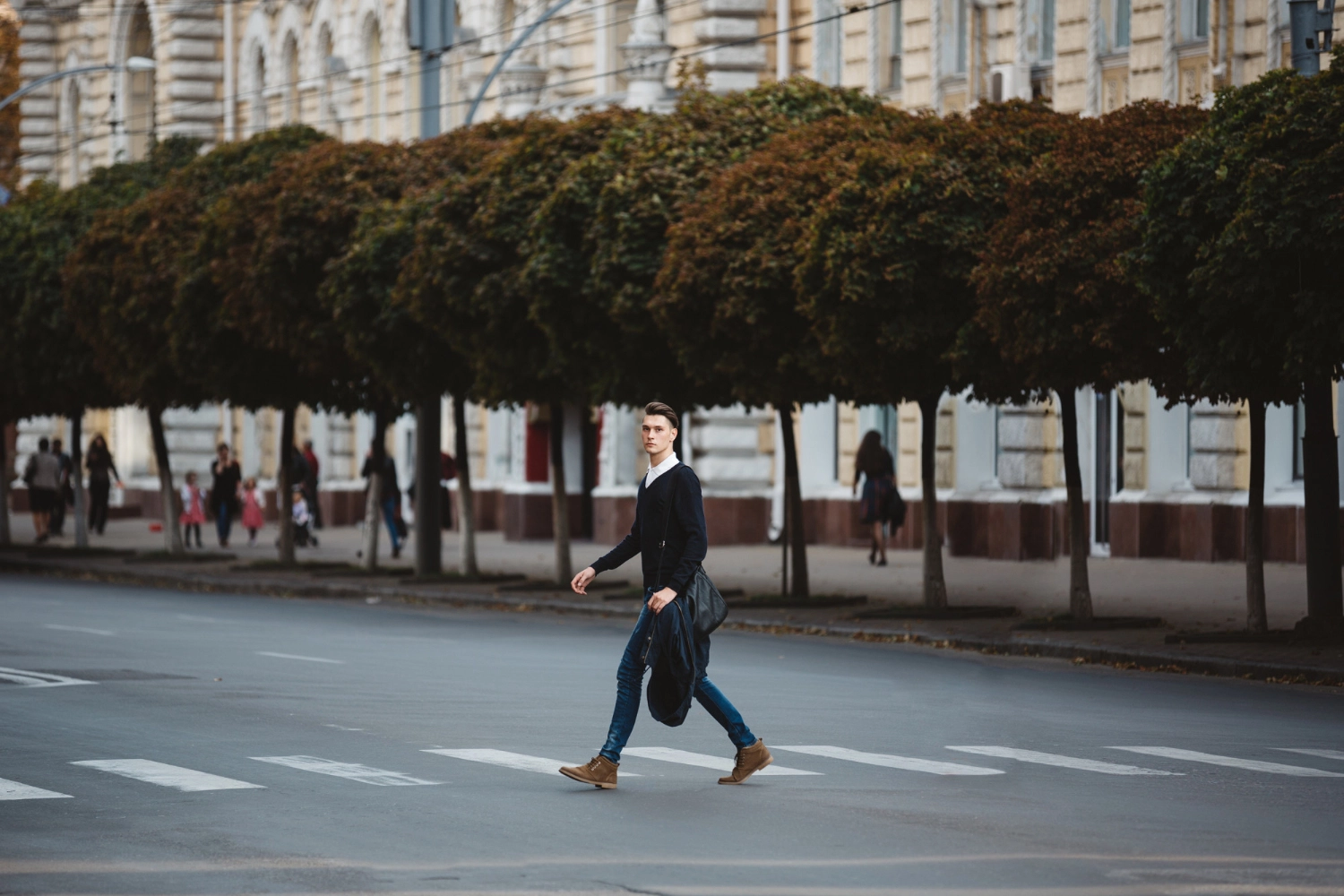 | 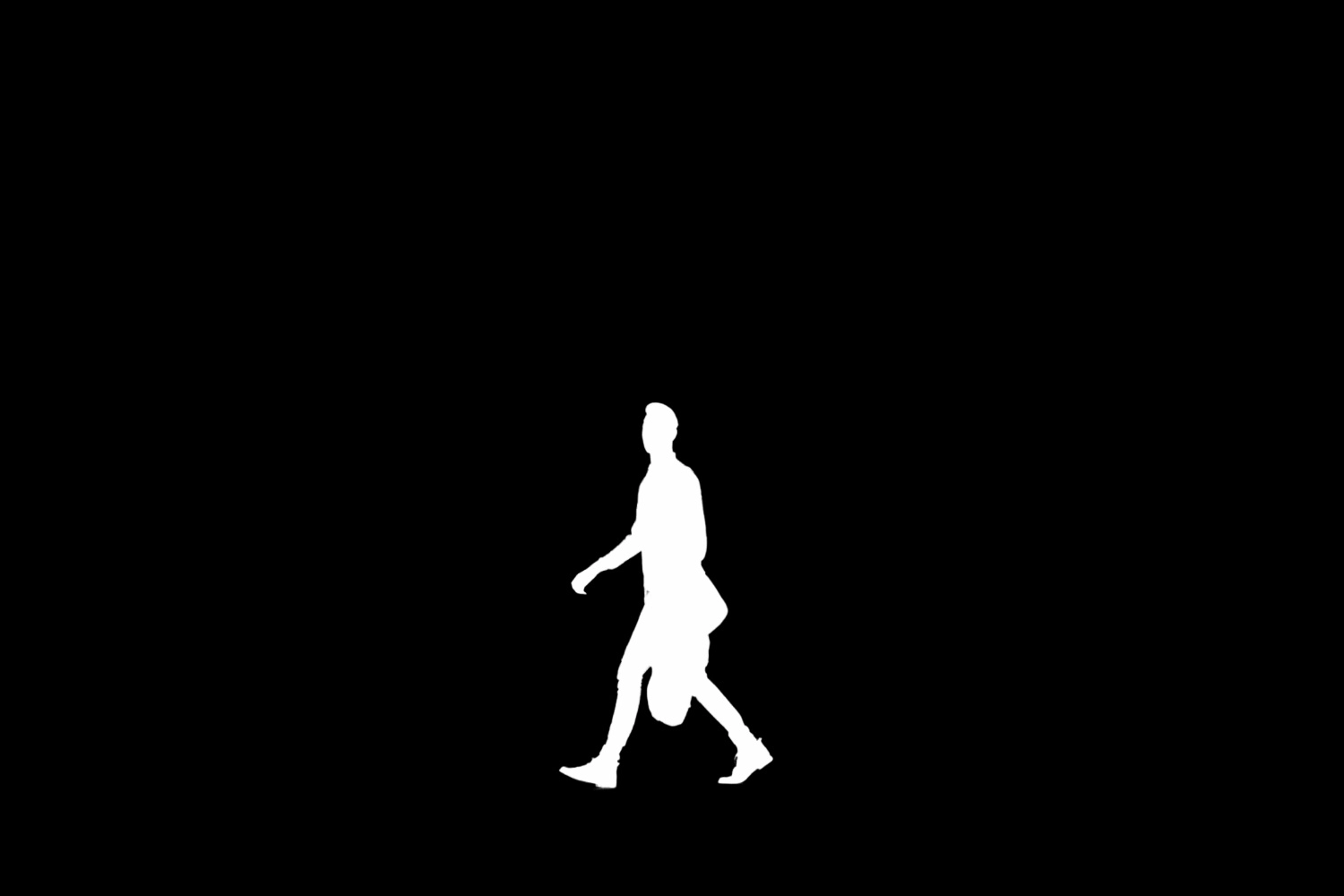 | 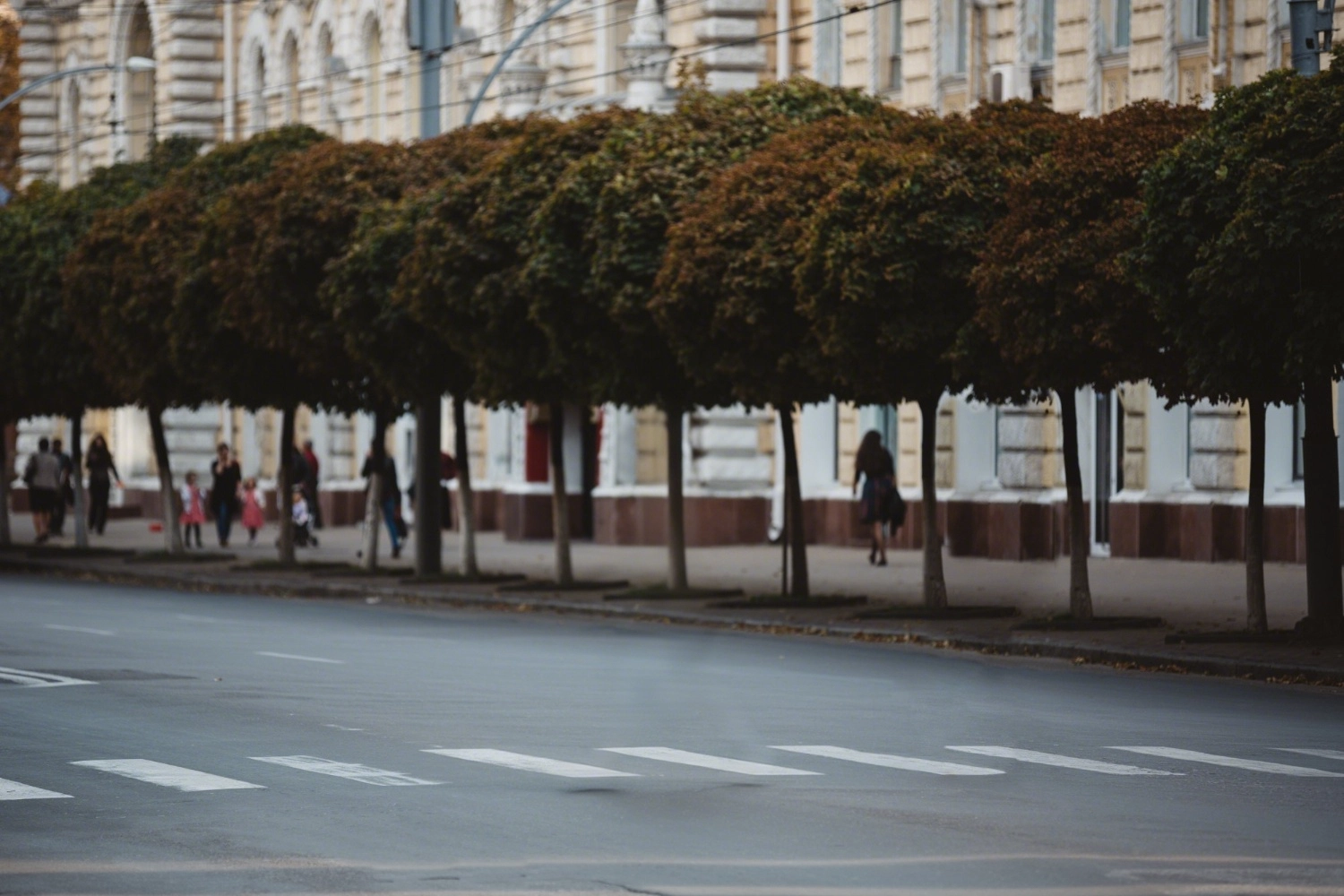 | [Human Background Removal](ai-cutout/portrait/portrait-background-removal.md) |
|  |  |  | Hand-drawn |
## Billing Instructions
- A certain number of credits will be consumed for each successful API call.
### Amount of Credits Deducted
| API | Number of Credits |
|:------------------------|:------------------|
| Remove Objects Advanced | 20 |
### Resource Package
#### Universal Credits (Supports All APIs)
##### Applied to Remove Objects Advanced
| Amounts | Credits | Amounts/Credit | Allowable Requests | Amounts/Request |
|----------:|----------:|---------------:|-------------------:|----------------:|
| $12.00 | 2,000 | $0.0060 | 100 | $0.1200 |
| $27.50 | 5,000 | $0.0055 | 250 | $0.1100 |
| $50.00 | 10,000 | $0.0050 | 500 | $0.1000 |
| $135.00 | 30,000 | $0.0045 | 1,500 | $0.0900 |
| $212.00 | 50,000 | $0.0043 | 2,500 | $0.0860 |
| $400.00 | 100,000 | $0.0040 | 5,000 | $0.0800 |
| $1,050.00 | 300,000 | $0.0035 | 15,000 | $0.0700 |
| $1,500.00 | 500,000 | $0.0030 | 25,000 | $0.0600 |
| $2,500.00 | 1,000,000 | $0.0025 | 50,000 | $0.0500 |
:::tip[Buy Now]
- Pricing
- Developer Platform
:::tip[Customization]
If you require more credits, please contact us at business@ailabtools.com.
:::
## File Storage Policy
:::tip
- **Uploaded Files**: Not stored.
- **Response Files**: Not stored.
:::
---
## Remove Objects Pro API
## Request
### Image requirements
- **Image format**: `JPEG` `JPG` `PNG` `BMP` `WEBP`
- **Image size**: No more than 5 MB.
- **Image resolution**: Less than 4096x4096px.
### Body
| Field | Required | Type | Description |
|:--------|:---------|:-------|:----------------|
| `image` | YES | `file` | Original image. |
| `mask` | YES | `file` | Mask image. |
## Response
:::warning[Response Field Handling Flow]
1. **Handle `Public Response Fields`**
Parse and validate the `Public Response Fields`, checking the status code or response message to ensure the request is successful and error-free.
2. **Handle `Business Response Fields`**
If the `Public Response Fields` are valid and error-free, proceed with processing the business logic in the `Business Response Fields`.
:::
### Public Response Fields
Viewing Public Response Fields and Error Codes
### Business Response Fields
| Field | Type | Description |
|:-------------|:---------|:-----------------------------------------|
| `data` | `object` | The content of the result data returned. |
| +`image_url` | `string` | The URL of the image after erasing. |
:::tip
The URL address is a temporary address, valid for 24 hours, and will not be accessible after it expires. If you need to save the file for a long time or permanently, please visit the URL address within 24 hours and download the file to your own storage space.
:::
### Response Example
```json
{
"request_id": "",
"log_id": "",
"error_code": 0,
"error_msg": "",
"error_detail": {
"status_code": 200,
"code": "",
"code_message": "",
"message": ""
},
"data": {
"image_url": ""
}
}
```
---
## Remove Objects Pro API(Remove-objects-pro)
# AILabTools API - Remove Objects Pro - API
## Request
- **URL**: `https://www.ailabapi.com/api/image/editing/remove-objects-pro`
- **Method**: `POST`
- **Content-Type**: `multipart/form-data`
### Image requirements
- **Image format**: `JPEG` `JPG` `PNG` `BMP` `WEBP`
- **Image size**: No more than 5 MB.
- **Image resolution**: Less than 4096x4096px.
### Headers
| Field | Required | Type | Description |
|:-------------------|:---------|:---------|:---------------------------------------------------|
| `ailabapi-api-key` | YES | `string` | Application API KEY. [Get API KEY](get-api-key.md) |
### Body
| Field | Required | Type | Description |
|:--------|:---------|:-------|:----------------|
| `image` | YES | `file` | Original image. |
| `mask` | YES | `file` | Mask image. |
## Response
:::warning[Response Field Handling Flow]
1. **Handle `Public Response Fields`**
Parse and validate the `Public Response Fields`, checking the status code or response message to ensure the request is successful and error-free.
2. **Handle `Business Response Fields`**
If the `Public Response Fields` are valid and error-free, proceed with processing the business logic in the `Business Response Fields`.
:::
### Public Response Fields
Viewing Public Response Fields and Error Codes
### Business Response Fields
| Field | Type | Description |
|:-------------|:---------|:-----------------------------------------|
| `data` | `object` | The content of the result data returned. |
| +`image_url` | `string` | The URL of the image after erasing. |
:::tip
The URL address is a temporary address, valid for 24 hours, and will not be accessible after it expires. If you need to save the file for a long time or permanently, please visit the URL address within 24 hours and download the file to your own storage space.
:::
### Response Example
```json
{
"request_id": "",
"log_id": "",
"error_code": 0,
"error_msg": "",
"error_detail": {
"status_code": 200,
"code": "",
"code_message": "",
"message": ""
},
"data": {
"image_url": ""
}
}
```
## Sample Code
- [Introduction to Get Sample Code](get-sample-code.md)
- [Sample Code][PostmanURL]
[PostmanURL]: https://documenter.getpostman.com/view/26387069/2s93JxqgHE#1fcf4bc9-2474-43d9-8742-02bb24642e63
---
## Remove Objects Pro API(Editing)
# AILabTools API - Remove Objects Pro - Introduction
Using advanced AI technology, this API intelligently removes unwanted objects such as text and people from images based on a provided mask image. It enables fast, precise editing, making it easy to erase specific elements while preserving the integrity of the remaining content.
## Application Scenarios
- **Logo erasure**: Erase common logos in images, such as logos, text, subtitles, etc., which can be used for image material re-creation.
- **Portrait Erase**: Erase extra portraits in the image, such as background portraits of passers-by, pedestrians, etc., in addition to the main character, to highlight the subject of the photo.
- **Clutter Erase**: Erase excess objects from the image, such as trash cans, buildings, or power lines, and retain the original photo resolution.
- **Other scenes**: applicable to other elements erasure, automatically fill the background obscured by the erased area, the effect is real and natural
## Featured Advantages
- **Strong R&D strength**: We have an independent AI R&D team, supported by massive data, rich algorithm landing scenarios, and long-term partnership with many brands.
- **Efficient and convenient**: The API solution is mature, with standardized documentation & full technical support, making it easier for developers to access and enjoy image processing services quickly.
## Renderings show
| Original Image | Mask Image | Result Image |
|:--------------------------------------------------------------------------------------------------|:--------------------------------------------------------------------------------------------|:------------------------------------------------------------------------------------------------|
|  |  |  |
## Billing Instructions
- A certain number of credits will be consumed for each successful API call.
### Amount of Credits Deducted
| API | Number of Credits |
|:-------------------|:------------------|
| Remove Objects Pro | 35 |
### Resource Package
#### Universal Credits (Supports All APIs)
##### Applied to Remove Objects Pro
| Amounts | Credits | Amounts/Credit | Allowable Requests | Amounts/Request |
|----------:|----------:|---------------:|-------------------:|----------------:|
| $12.00 | 2,000 | $0.0060 | 57 | $0.210000 |
| $27.50 | 5,000 | $0.0055 | 142 | $0.192500 |
| $50.00 | 10,000 | $0.0050 | 285 | $0.175000 |
| $135.00 | 30,000 | $0.0045 | 857 | $0.157500 |
| $212.00 | 50,000 | $0.0043 | 1,428 | $0.148750 |
| $400.00 | 100,000 | $0.0040 | 2,857 | $0.140000 |
| $1,050.00 | 300,000 | $0.0035 | 8,571 | $0.122500 |
| $1,500.00 | 500,000 | $0.0030 | 14,285 | $0.105000 |
| $2,500.00 | 1,000,000 | $0.0025 | 28,571 | $0.087500 |
:::tip[Buy Now]
- Pricing
- Developer Platform
:::tip[Customization]
If you require more credits, please contact us at business@ailabtools.com.
:::
## File Storage Policy
:::tip
- **Uploaded Files**: Not stored.
- **Response Files**:
- **Storage Duration**: 24 hours.
- **Deletion Method**: Automatic Deletion upon Timeout.
:::
---
## Remove Objects API(Editing)
# AILabTools API - Remove Objects - Introduction
Using advanced AI technology, this API intelligently removes unwanted objects such as text and people from images based on a provided mask image. It enables fast, precise editing, making it easy to erase specific elements while preserving the integrity of the remaining content.
## Application Scenarios
- **Logo erasure**: Erase common logos in images, such as logos, text, subtitles, etc., which can be used for image material re-creation.
- **Portrait Erase**: Erase extra portraits in the image, such as background portraits of passers-by, pedestrians, etc., in addition to the main character, to highlight the subject of the photo.
- **Clutter Erase**: Erase excess objects from the image, such as trash cans, buildings, or power lines, and retain the original photo resolution.
- **Other scenes**: applicable to other elements erasure, automatically fill the background obscured by the erased area, the effect is real and natural
## Featured Advantages
- **Strong R&D strength**: We have an independent AI R&D team, supported by massive data, rich algorithm landing scenarios, and long-term partnership with many brands.
- **Efficient and convenient**: The API solution is mature, with standardized documentation & full technical support, making it easier for developers to access and enjoy image processing services quickly.
## Renderings show
| Original Image | Mask Image | Result Image |
|:----------------------------------------------------------------------------------------------|:----------------------------------------------------------------------------------------|:--------------------------------------------------------------------------------------------|
| 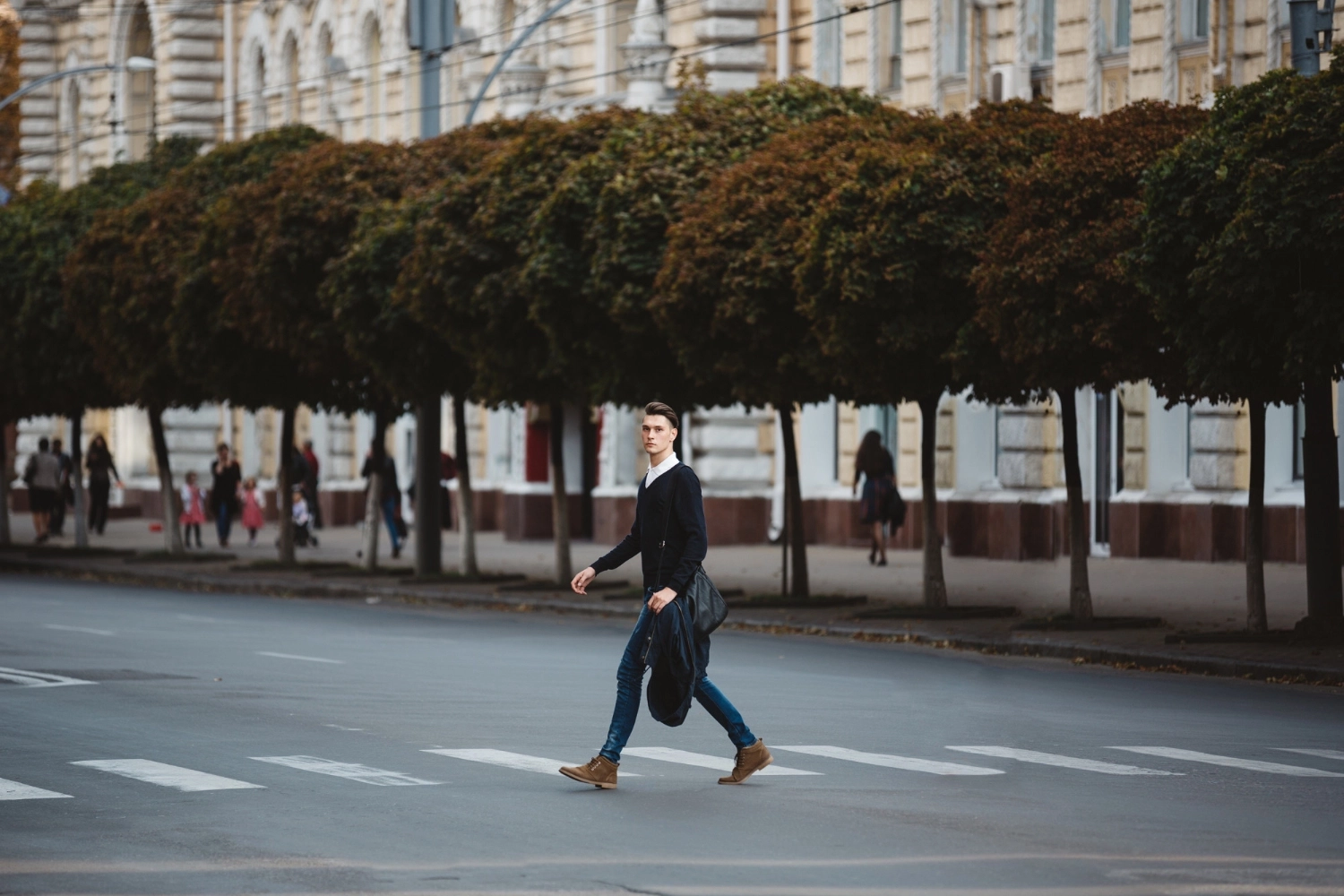 |  |  |
## Billing Instructions
- A certain number of credits will be consumed for each successful API call.
### Amount of Credits Deducted
| API | Number of Credits |
|:---------------|:------------------|
| Remove Objects | 5 |
### Resource Package
#### Universal Credits (Supports All APIs)
##### Applied to Remove Objects
| Amounts | Credits | Amounts/Credit | Allowable Requests | Amounts/Request |
|----------:|----------:|---------------:|-------------------:|----------------:|
| $12.00 | 2,000 | $0.0060 | 400 | $0.0300 |
| $27.50 | 5,000 | $0.0055 | 1,000 | $0.0275 |
| $50.00 | 10,000 | $0.0050 | 2,000 | $0.0250 |
| $135.00 | 30,000 | $0.0045 | 6,000 | $0.0225 |
| $212.00 | 50,000 | $0.0043 | 10,000 | $0.0215 |
| $400.00 | 100,000 | $0.0040 | 20,000 | $0.0200 |
| $1,050.00 | 300,000 | $0.0035 | 60,000 | $0.0175 |
| $1,500.00 | 500,000 | $0.0030 | 100,000 | $0.0150 |
| $2,500.00 | 1,000,000 | $0.0025 | 200,000 | $0.0125 |
:::tip[Buy Now]
- Pricing
- Developer Platform
:::tip[Customization]
If you require more credits, please contact us at business@ailabtools.com.
:::
## File Storage Policy
:::tip
- **Uploaded Files**: Not stored.
- **Response Files**:
- **Storage Duration**: 24 hours.
- **Deletion Method**: Automatic Deletion upon Timeout.
:::
---
## AI Cartoon Generator API
## Request
### Image requirements
- **Image format**: `JPEG` `PNG` `JPG` `BMP` `WEBP`
- **Image size**: No more than 10 MB.
- The input image dimensions should be greater than or equal to 256x256 pixels and less than or equal to 5760x3240 pixels. The short side of the output image will be 1536 pixels. If the ratio of the long side to the short side of the input image is less than or equal to 1.5:1, the original aspect ratio will be maintained. If this ratio is greater than 1.5:1, adaptive cropping will be applied to achieve an output aspect ratio of 1.5:1.
### Body
| Field | Required | Type | Scope | Default | Description |
|:------------|:---------|:----------|:---------------------------------------------------------------------------------------------------------------------|:-------------|:---------------------------------------------------------------------------------------------------------------------------------------------------------------------------------------------------------------------------------------------------------------------------------------------------------------------------------------------------------|
| `task_type` | YES | `string` | `async` | `async` | Task Type. `async`: Asynchronous tasks. |
| `image` | YES | `file` | | | |
| `index` | YES | `integer` | `0` `1` `2` `3` `4` `5` `6` `7` `8` | `0` | Cartoon effect. `0`: Vintage Comic. `1`: 3D Fairy Tale. `2`: Two-dimensional (2D). `3`: Refreshing and Elegant. `4`: Future Technology. `5`: Traditional Chinese Painting Style. `6`: General in a Hundred Battles. `7`: Colorful Cartoon. `8`: Graceful Chinese Style. |
## Response
:::warning[Response Field Handling Flow]
1. **Handle `Public Response Fields`**
Parse and validate the `Public Response Fields`, checking the status code or response message to ensure the request is successful and error-free.
2. **Handle `Business Response Fields`**
If the `Public Response Fields` are valid and error-free, proceed with processing the business logic in the `Business Response Fields`.
:::
### Public Response Fields
Viewing Public Response Fields and Error Codes
### Business Response Fields
| Field | Type | Scope | Description |
|:------------|:---------|:-----------------|:-------------------------------------------------|
| `task_type` | `string` | `async` | Task Type. `async`: Asynchronous tasks. |
| `task_id` | `string` | | Asynchronous task ID. |
### Response Example
```json
{
"request_id": "",
"log_id": "",
"error_code": 0,
"error_msg": "",
"error_detail": {
"status_code": 200,
"code": "",
"code_message": "",
"message": ""
},
"task_type": "",
"task_id": ""
}
```
:::tip
Asynchronous task results are valid for 24 hours. It is recommended that asynchronous task results be queried every 5 seconds.
:::
## `Querying Async Task Results` Response
:::warning[Response Field Handling Flow]
1. **Handle `Public Response Fields`**
Parse and validate the `Public Response Fields`, checking the status code or response message to ensure the request is successful and error-free.
2. **Handle `Business Response Fields`**
If the `Public Response Fields` are valid and error-free, proceed with processing the business logic in the `Business Response Fields`.
:::
### Public Response Fields
Viewing Public Response Fields and Error Codes
### Business Response Fields
| Field | Type | Scope | Description |
|:--------------|:----------|:---------------------------------------|:--------------------------------------------------------------------------------------------------------------------------------------------|
| `task_status` | `integer` | `0` `1` `2` | Asynchronous task status. `0`: The task is queued. `1`: Asynchronous processing. `2`: Processing was successful. |
| `data` | `object` | | The content of the result data returned. |
| +`result_url` | `string` | | Result URL address. |
:::tip
The URL address is a temporary address, valid for 24 hours, and will not be accessible after it expires. If you need to save the file for a long time or permanently, please visit the URL address within 24 hours and download the file to your own storage space.
:::
### Response Example
```json
{
"error_code": 0,
"error_msg": "",
"error_detail": {
"status_code": 200,
"code": "",
"code_message": "",
"message": ""
},
"task_status": 0,
"data": {
"result_url": ""
}
}
```
---
## AI Cartoon Generator API(Ai-anime-generator)
# AILabTools API - AI Cartoon Generator - API:V1.0.0
## Request
- **URL**: `https://www.ailabapi.com/api/image/effects/ai-anime-generator`
- **Method**: `POST`
- **Content-Type**: `multipart/form-data`
### Image requirements
- **Image format**: `JPEG` `PNG` `JPG` `BMP` `WEBP`
- **Image size**: No more than 10 MB.
- Can support any resolution output, to ensure the generation quality, it is recommended that the image resolution does
not exceed 1280x720px.
### Headers
| Field | Required | Type | Description |
|:-------------------|:---------|:---------|:---------------------------------------------------|
| `ailabapi-api-key` | YES | `string` | Application API KEY. [Get API KEY](get-api-key.md) |
### Body
| Field | Required | Type | Description |
|:--------|:---------|:---------|:--------------------------------------|
| `image` | YES | `file` | |
| `type` | YES | `string` | Style. [Range of values](#typeValues) |
#### The range of `type` values. {#typeValues}
Category
Value
Description
default
Auto
Male photo
boy-0
Basic I
boy-1
Literary I
boy-2
Literary II
boy-3
Sports
boy-4
Beautification
boy-5
Mature and steady
boy-6
Ink wash painting
boy-7
Oil painting
boy-8
Detail enhancement
boy-9
Sunny boy
boy-10
Skin beautification
boy-11
Face slimming
boy-12
Aestheticism
boy-13
Violet
boy-14
Marvel
boy-15
Makoto Shinkai
boy-16
Zelda
boy-17
Genshin Impact
boy-18
Japanese kimono
boy-19
Saint Seiya
boy-20
Chinese Hanfu
boy-21
Yoshihiro Togashi
boy-22
Akira Toriyama
boy-23
One Piece
boy-24
Smile I
boy-25
Smile II
boy-26
Basic II
boy-27
Big eyes
Male group photo
boys-0
Basic I
boys-1
Basic II
Photos of women
girl-0
Sweet
girl-1
Loli
girl-2
Beautification I
girl-3
Beautification + Big eyes
girl-4
Beautification + Smile
girl-5
Beautification II
girl-6
Gaming
girl-7
Anime, comics and games (ACG)
girl-8
ACG + Big eyes
girl-9
ACG + Smile
girl-10
ACG + Big eyes + Smile
girl-11
Detail enhancement I
girl-12
Color sketch
girl-13
Pure
girl-14
Detail enhancement II
girl-15
Genshin Impact
girl-16
Zelda
girl-17
Oil painting
girl-18
Makoto Shinkai
girl-19
The Snow Queen
girl-20
Alice in Wonderland
girl-21
Work attire
girl-22
Retro girl
girl-23
Chinese Hanfu
girl-24
Violet
girl-25
Elf
girl-26
Saint Seiya
girl-27
Wuxia
Group photo of women
girls-0
Basic
girls-1
Chinese Hanfu
girls-2
Beautification
girls-3
Detail enhancement
Group photo of multiple people
people-0
Basic I
people-1
Basic II
people-2
Basic III
Animals
pet-0
Basic I
pet-1
Basic II
pet-2
Basic III
Landscapes
scene-0
Basic
scene-1
Ed Mell
scene-2
Jessica Rossier
scene-3
Violet
scene-4
Ian McQue
scene-5
Alice in Wonderland
## Response
:::warning[Response Field Handling Flow]
1. **Handle `Public Response Fields`**
Parse and validate the `Public Response Fields`, checking the status code or response message to ensure the request is successful and error-free.
2. **Handle `Business Response Fields`**
If the `Public Response Fields` are valid and error-free, proceed with processing the business logic in the `Business Response Fields`.
:::
### Public Response Fields
Viewing Public Response Fields and Error Codes
### Business Response Fields
| Field | Type | Scope | Description |
|:--------------|:---------|:------|:--------------------------------------------------------------------------------------------------|
| `data` | `object` | | The content of the result data returned. |
| +`result_url` | `string` | | Result URL address. **Return when the result of the query asynchronous task is successful.** |
:::tip
The URL address is a temporary address, valid for 24 hours, and will not be accessible after it expires. If you need to save the file for a long time or permanently, please visit the URL address within 24 hours and download the file to your own storage space.
:::
:::tip
This API is asynchronous API, if the processing result `result_url` is not obtained in synchronous state, please keep `request_id` and call [`Querying Async Task Results`](ai-image/async-task-results/api.md) API to obtain the processing result.
Asynchronous task results are valid for 30 minutes. It is recommended that asynchronous task results be queried every 5 seconds.
:::
### Response Example
```json
{
"error_code": 0,
"error_msg": "",
"error_detail": {
"status_code": 200,
"code": "",
"code_message": "",
"message": ""
},
"data": {
"result_url": "https://www.ailabtools.com/logo.webp"
}
}
```
## Sample Code
- [Introduction to Get Sample Code](get-sample-code.md)
- [Sample Code][PostmanURL]
[PostmanURL]: https://documenter.getpostman.com/view/26387069/2s93JxqgHE#f4c695a1-6b26-49d2-88c3-3f4825a1acfe
---
## AI Cartoon Generator API(3)
# AILabTools API - AI Cartoon Generator - API:V1.1.0
## Request
- **URL**: `https://www.ailabapi.com/api/image/effects/ai-anime-generator`
- **Method**: `POST`
- **Content-Type**: `multipart/form-data`
### Image requirements
- **Image format**: `JPEG` `PNG` `JPG` `BMP` `WEBP`
- **Image size**: No more than 10 MB.
- Can support any resolution output, to ensure the generation quality, it is recommended that the image resolution does
not exceed 1280x720px.
### Headers
| Field | Required | Type | Description |
|:-------------------|:---------|:---------|:---------------------------------------------------|
| `ailabapi-api-key` | YES | `string` | Application API KEY. [Get API KEY](get-api-key.md) |
### Body
| Field | Required | Type | Scope | Default | Description |
|:------------|:---------|:---------|:-----------------|:--------|:-------------------------------------------------|
| `task_type` | YES | `string` | `async` | `async` | Task Type. `async`: Asynchronous tasks. |
| `image` | YES | `file` | | | |
| `type` | YES | `string` | | | Style. [Range of values](#typeValues) |
#### The range of `type` values. {#typeValues}
Category
Value
Description
default
Auto
Male photo
boy-0
Basic I
boy-1
Literary I
boy-2
Literary II
boy-3
Sports
boy-4
Beautification
boy-5
Mature and steady
boy-6
Ink wash painting
boy-7
Oil painting
boy-8
Detail enhancement
boy-9
Sunny boy
boy-10
Skin beautification
boy-11
Face slimming
boy-12
Aestheticism
boy-13
Violet
boy-14
Marvel
boy-15
Makoto Shinkai
boy-16
Zelda
boy-17
Genshin Impact
boy-18
Japanese kimono
boy-19
Saint Seiya
boy-20
Chinese Hanfu
boy-21
Yoshihiro Togashi
boy-22
Akira Toriyama
boy-23
One Piece
boy-24
Smile I
boy-25
Smile II
boy-26
Basic II
boy-27
Big eyes
Male group photo
boys-0
Basic I
boys-1
Basic II
Photos of women
girl-0
Sweet
girl-1
Loli
girl-2
Beautification I
girl-3
Beautification + Big eyes
girl-4
Beautification + Smile
girl-5
Beautification II
girl-6
Gaming
girl-7
Anime, comics and games (ACG)
girl-8
ACG + Big eyes
girl-9
ACG + Smile
girl-10
ACG + Big eyes + Smile
girl-11
Detail enhancement I
girl-12
Color sketch
girl-13
Pure
girl-14
Detail enhancement II
girl-15
Genshin Impact
girl-16
Zelda
girl-17
Oil painting
girl-18
Makoto Shinkai
girl-19
The Snow Queen
girl-20
Alice in Wonderland
girl-21
Work attire
girl-22
Retro girl
girl-23
Chinese Hanfu
girl-24
Violet
girl-25
Elf
girl-26
Saint Seiya
girl-27
Wuxia
Group photo of women
girls-0
Basic
girls-1
Chinese Hanfu
girls-2
Beautification
girls-3
Detail enhancement
Group photo of multiple people
people-0
Basic I
people-1
Basic II
people-2
Basic III
Animals
pet-0
Basic I
pet-1
Basic II
pet-2
Basic III
Landscapes
scene-0
Basic
scene-1
Ed Mell
scene-2
Jessica Rossier
scene-3
Violet
scene-4
Ian McQue
scene-5
Alice in Wonderland
## Response
:::warning[Response Field Handling Flow]
1. **Handle `Public Response Fields`**
Parse and validate the `Public Response Fields`, checking the status code or response message to ensure the request is successful and error-free.
2. **Handle `Business Response Fields`**
If the `Public Response Fields` are valid and error-free, proceed with processing the business logic in the `Business Response Fields`.
:::
### Public Response Fields
Viewing Public Response Fields and Error Codes
### Business Response Fields
| Field | Type | Scope | Description |
|:------------|:---------|:-----------------|:----------------------------------------------------------------------------------------------------------------------------------------------|
| `task_type` | `string` | `async` | Task Type. `async`: Asynchronous tasks. |
| `task_id` | `string` | | Asynchronous task ID. **Please use this field when calling the [Querying Async Task Results](ai-common/async-task-results/api.md) API.** |
### Response Example
```json
{
"request_id": "",
"log_id": "",
"error_code": 0,
"error_msg": "",
"error_detail": {
"status_code": 200,
"code": "",
"code_message": "",
"message": ""
},
"task_type": "",
"task_id": ""
}
```
:::tip
This API is asynchronous, please keep `task_id` and call [`Querying Async Task Results`](ai-common/async-task-results/api.md) to get the final results.
Asynchronous task results are valid for 24 hours. It is recommended that asynchronous task results be queried every 5 seconds.
:::
## `Querying Async Task Results` Response
:::warning[Response Field Handling Flow]
1. **Handle `Public Response Fields`**
Parse and validate the `Public Response Fields`, checking the status code or response message to ensure the request is successful and error-free.
2. **Handle `Business Response Fields`**
If the `Public Response Fields` are valid and error-free, proceed with processing the business logic in the `Business Response Fields`.
:::
### Public Response Fields
Viewing Public Response Fields and Error Codes
### Business Response Fields
| Field | Type | Scope | Description |
|:--------------|:----------|:---------------------------------------|:--------------------------------------------------------------------------------------------------------------------------------------------|
| `task_status` | `integer` | `0` `1` `2` | Asynchronous task status. `0`: The task is queued. `1`: Asynchronous processing. `2`: Processing was successful. |
| `data` | `object` | | The content of the result data returned. |
| +`result_url` | `string` | | Result URL address. |
:::tip
The URL address is a temporary address, valid for 24 hours, and will not be accessible after it expires. If you need to save the file for a long time or permanently, please visit the URL address within 24 hours and download the file to your own storage space.
:::
### Response Example
```json
{
"error_code": 0,
"error_msg": "",
"error_detail": {
"status_code": 200,
"code": "",
"code_message": "",
"message": ""
},
"task_status": 0,
"data": {
"result_url": ""
}
}
```
## Sample Code
:::tip[[👉 Online Experience 👈](https://www.ailabtools.com/image-ai-cartoon-generator-example)]
If you'd like to see the actual effects, please visit the experience page for a trial.
:::
- [Introduction to Get Sample Code](get-sample-code.md)
- [Sample Code][PostmanURL]
[PostmanURL]: https://documenter.getpostman.com/view/26387069/2s93JxqgHE#f4c695a1-6b26-49d2-88c3-3f4825a1acfe
---
## AI Cartoon Generator API(4)
# AILabTools API - AI Cartoon Generator - API:V2.0.0
## Request
- **URL**: `https://www.ailabapi.com/api/image/effects/ai-anime-generator`
- **Method**: `POST`
- **Content-Type**: `multipart/form-data`
### Image requirements
- **Image format**: `JPEG` `PNG` `JPG` `BMP` `WEBP`
- **Image size**: No more than 10 MB.
- The input image dimensions should be greater than or equal to 256x256 pixels and less than or equal to 5760x3240 pixels. The short side of the output image will be 1536 pixels. If the ratio of the long side to the short side of the input image is less than or equal to 1.5:1, the original aspect ratio will be maintained. If this ratio is greater than 1.5:1, adaptive cropping will be applied to achieve an output aspect ratio of 1.5:1.
### Headers
| Field | Required | Type | Description |
|:-------------------|:---------|:---------|:---------------------------------------------------|
| `ailabapi-api-key` | YES | `string` | Application API KEY. [Get API KEY](get-api-key.md) |
### Body
| Field | Required | Type | Scope | Default | Description |
|:------------|:---------|:----------|:---------------------------------------------------------------------------------------------------------------------|:-------------|:---------------------------------------------------------------------------------------------------------------------------------------------------------------------------------------------------------------------------------------------------------------------------------------------------------------------------------------------------------|
| `task_type` | YES | `string` | `async` | `async` | Task Type. `async`: Asynchronous tasks. |
| `image` | YES | `file` | | | |
| `index` | YES | `integer` | `0` `1` `2` `3` `4` `5` `6` `7` `8` | `0` | Cartoon effect. `0`: Vintage Comic. `1`: 3D Fairy Tale. `2`: Two-dimensional (2D). `3`: Refreshing and Elegant. `4`: Future Technology. `5`: Traditional Chinese Painting Style. `6`: General in a Hundred Battles. `7`: Colorful Cartoon. `8`: Graceful Chinese Style. |
## Response
:::warning[Response Field Handling Flow]
1. **Handle `Public Response Fields`**
Parse and validate the `Public Response Fields`, checking the status code or response message to ensure the request is successful and error-free.
2. **Handle `Business Response Fields`**
If the `Public Response Fields` are valid and error-free, proceed with processing the business logic in the `Business Response Fields`.
:::
### Public Response Fields
Viewing Public Response Fields and Error Codes
### Business Response Fields
| Field | Type | Scope | Description |
|:------------|:---------|:-----------------|:----------------------------------------------------------------------------------------------------------------------------------------------|
| `task_type` | `string` | `async` | Task Type. `async`: Asynchronous tasks. |
| `task_id` | `string` | | Asynchronous task ID. **Please use this field when calling the [Querying Async Task Results](ai-common/async-task-results/api.md) API.** |
### Response Example
```json
{
"request_id": "",
"log_id": "",
"error_code": 0,
"error_msg": "",
"error_detail": {
"status_code": 200,
"code": "",
"code_message": "",
"message": ""
},
"task_type": "",
"task_id": ""
}
```
:::tip
This API is asynchronous, please keep `task_id` and call [`Querying Async Task Results`](ai-common/async-task-results/api.md) to get the final results.
Asynchronous task results are valid for 24 hours. It is recommended that asynchronous task results be queried every 5 seconds.
:::
## `Querying Async Task Results` Response
:::warning[Response Field Handling Flow]
1. **Handle `Public Response Fields`**
Parse and validate the `Public Response Fields`, checking the status code or response message to ensure the request is successful and error-free.
2. **Handle `Business Response Fields`**
If the `Public Response Fields` are valid and error-free, proceed with processing the business logic in the `Business Response Fields`.
:::
### Public Response Fields
Viewing Public Response Fields and Error Codes
### Business Response Fields
| Field | Type | Scope | Description |
|:--------------|:----------|:---------------------------------------|:--------------------------------------------------------------------------------------------------------------------------------------------|
| `task_status` | `integer` | `0` `1` `2` | Asynchronous task status. `0`: The task is queued. `1`: Asynchronous processing. `2`: Processing was successful. |
| `data` | `object` | | The content of the result data returned. |
| +`result_url` | `string` | | Result URL address. |
:::tip
The URL address is a temporary address, valid for 24 hours, and will not be accessible after it expires. If you need to save the file for a long time or permanently, please visit the URL address within 24 hours and download the file to your own storage space.
:::
### Response Example
```json
{
"error_code": 0,
"error_msg": "",
"error_detail": {
"status_code": 200,
"code": "",
"code_message": "",
"message": ""
},
"task_status": 0,
"data": {
"result_url": ""
}
}
```
## Sample Code
:::tip[[👉 Online Experience 👈](https://www.ailabtools.com/image-ai-cartoon-generator-example)]
If you'd like to see the actual effects, please visit the experience page for a trial.
:::
- [Introduction to Get Sample Code](get-sample-code.md)
- [Sample Code][PostmanURL]
[PostmanURL]: https://documenter.getpostman.com/view/26387069/2s93JxqgHE#f4c695a1-6b26-49d2-88c3-3f4825a1acfe
---
## AI Cartoon Generator API(5)
# AILabTools API - AI Cartoon Generator - API
## Request
- **URL**: `https://www.ailabapi.com/api/image/effects/ai-anime-generator`
- **Method**: `POST`
- **Content-Type**: `multipart/form-data`
### Image requirements
- **Image format**: `JPEG` `PNG` `JPG` `BMP` `WEBP`
- **Image size**: No more than 10 MB.
- The input image dimensions should be greater than or equal to 256x256 pixels and less than or equal to 5760x3240 pixels. The short side of the output image will be 1536 pixels. If the ratio of the long side to the short side of the input image is less than or equal to 1.5:1, the original aspect ratio will be maintained. If this ratio is greater than 1.5:1, adaptive cropping will be applied to achieve an output aspect ratio of 1.5:1.
### Headers
| Field | Required | Type | Description |
|:-------------------|:---------|:---------|:---------------------------------------------------|
| `ailabapi-api-key` | YES | `string` | Application API KEY. [Get API KEY](get-api-key.md) |
### Body
| Field | Required | Type | Scope | Default | Description |
|:------------|:---------|:----------|:---------------------------------------------------------------------------------------------------------------------|:-------------|:---------------------------------------------------------------------------------------------------------------------------------------------------------------------------------------------------------------------------------------------------------------------------------------------------------------------------------------------------------|
| `task_type` | YES | `string` | `async` | `async` | Task Type. `async`: Asynchronous tasks. |
| `image` | YES | `file` | | | |
| `index` | YES | `integer` | `0` `1` `2` `3` `4` `5` `6` `7` `8` | `0` | Cartoon effect. `0`: Vintage Comic. `1`: 3D Fairy Tale. `2`: Two-dimensional (2D). `3`: Refreshing and Elegant. `4`: Future Technology. `5`: Traditional Chinese Painting Style. `6`: General in a Hundred Battles. `7`: Colorful Cartoon. `8`: Graceful Chinese Style. |
## Response
:::warning[Response Field Handling Flow]
1. **Handle `Public Response Fields`**
Parse and validate the `Public Response Fields`, checking the status code or response message to ensure the request is successful and error-free.
2. **Handle `Business Response Fields`**
If the `Public Response Fields` are valid and error-free, proceed with processing the business logic in the `Business Response Fields`.
:::
### Public Response Fields
Viewing Public Response Fields and Error Codes
### Business Response Fields
| Field | Type | Scope | Description |
|:------------|:---------|:-----------------|:----------------------------------------------------------------------------------------------------------------------------------------------|
| `task_type` | `string` | `async` | Task Type. `async`: Asynchronous tasks. |
| `task_id` | `string` | | Asynchronous task ID. **Please use this field when calling the [Querying Async Task Results](ai-common/async-task-results/api.md) API.** |
### Response Example
```json
{
"request_id": "",
"log_id": "",
"error_code": 0,
"error_msg": "",
"error_detail": {
"status_code": 200,
"code": "",
"code_message": "",
"message": ""
},
"task_type": "",
"task_id": ""
}
```
:::tip
This API is asynchronous, please keep `task_id` and call [`Querying Async Task Results`](ai-common/async-task-results/api.md) to get the final results.
Asynchronous task results are valid for 24 hours. It is recommended that asynchronous task results be queried every 5 seconds.
:::
## `Querying Async Task Results` Response
:::warning[Response Field Handling Flow]
1. **Handle `Public Response Fields`**
Parse and validate the `Public Response Fields`, checking the status code or response message to ensure the request is successful and error-free.
2. **Handle `Business Response Fields`**
If the `Public Response Fields` are valid and error-free, proceed with processing the business logic in the `Business Response Fields`.
:::
### Public Response Fields
Viewing Public Response Fields and Error Codes
### Business Response Fields
| Field | Type | Scope | Description |
|:--------------|:----------|:---------------------------------------|:--------------------------------------------------------------------------------------------------------------------------------------------|
| `task_status` | `integer` | `0` `1` `2` | Asynchronous task status. `0`: The task is queued. `1`: Asynchronous processing. `2`: Processing was successful. |
| `data` | `object` | | The content of the result data returned. |
| +`result_url` | `string` | | Result URL address. |
:::tip
The URL address is a temporary address, valid for 24 hours, and will not be accessible after it expires. If you need to save the file for a long time or permanently, please visit the URL address within 24 hours and download the file to your own storage space.
:::
### Response Example
```json
{
"error_code": 0,
"error_msg": "",
"error_detail": {
"status_code": 200,
"code": "",
"code_message": "",
"message": ""
},
"task_status": 0,
"data": {
"result_url": ""
}
}
```
## Sample Code
:::tip[[👉 Online Experience 👈](https://www.ailabtools.com/image-ai-cartoon-generator-example)]
If you'd like to see the actual effects, please visit the experience page for a trial.
:::
- [Introduction to Get Sample Code](get-sample-code.md)
- [Sample Code][PostmanURL]
[PostmanURL]: https://documenter.getpostman.com/view/26387069/2s93JxqgHE#f4c695a1-6b26-49d2-88c3-3f4825a1acfe
---
## AI Cartoon Generator API(Effects)
# AILabTools API - AI Cartoon Generator - Introduction
- AI Cartoon Generator utilizes the technology of generative models to automatically generate cartoon-style images in different styles. This technology can create cartoonized images with the same resolution as the input image and specific cartoon styles, and supports users to choose from a variety of cartoon styles. It is worth mentioning that even for the same image and style, each generated image is unique. The tool provides users with dozens of cartoon style options to choose from.
- AI Cartoon Generator is mainly focused on creating a cartoon image. If you want to transform a photo or characters in a photo into a cartoon effect, you can go to [Cartoon Yourself](ai-portrait/effects/portrait-animation.md).
## Application Scenarios
- **Social software avatar generation**: users can upload self-portraits, cute pets, landscape photos, and generate corresponding pictures according to personal preferences specified cartoon drawing style, which is highly playable.
## Featured Advantages
- **Wide range of cartoonized elements**: Based on generative large models, it can process portraits, pets, scenes and other elements to generate delicate and vivid cartoonized effects.
- **Diverse styles**: Support dozens of generation styles to meet different users' preferences and needs.
- **Intelligent**: Intelligent recognition can be made according to the input image's character gender, scene category, etc., making the output image close to the original image while satisfying the fun and aesthetics.
- **High quality**: Generate images with high quality and few defects.
## Renderings show
Original Image
Vintage Comic
3D Fairy Tale
Two-dimensional (2D)
Refreshing and Elegant
Future Technology
Traditional Chinese Painting Style
General in a Hundred Battles
Colorful Cartoon
Graceful Chinese Style
---
:::tip[[👉 Online Experience 👈](https://www.ailabtools.com/image-ai-cartoon-generator-example)]
If you'd like to see the actual effects, please visit the experience page for a trial.
:::
## Billing Instructions
- A certain number of credits will be consumed for each successful API call.
### Amount of Credits Deducted
| API | Number of Credits |
|:---------------------|:------------------|
| AI Cartoon Generator | 10 |
### Resource Package
#### Universal Credits (Supports All APIs)
##### Applied to AI Cartoon Generator
| Amounts | Credits | Amounts/Credit | Allowable Requests | Amounts/Request |
|----------:|----------:|---------------:|-------------------:|----------------:|
| $12.00 | 2,000 | $0.0060 | 200 | $0.0600 |
| $27.50 | 5,000 | $0.0055 | 500 | $0.0550 |
| $50.00 | 10,000 | $0.0050 | 1,000 | $0.0500 |
| $135.00 | 30,000 | $0.0045 | 3,000 | $0.0450 |
| $212.00 | 50,000 | $0.0043 | 5,000 | $0.0430 |
| $400.00 | 100,000 | $0.0040 | 10,000 | $0.0400 |
| $1,050.00 | 300,000 | $0.0035 | 30,000 | $0.0350 |
| $1,500.00 | 500,000 | $0.0030 | 50,000 | $0.0300 |
| $2,500.00 | 1,000,000 | $0.0025 | 100,000 | $0.0250 |
:::tip[Buy Now]
- Pricing
- Developer Platform
:::tip[Customization]
If you require more credits, please contact us at business@ailabtools.com.
:::
## File Storage Policy
:::tip
- **Uploaded Files**: Not stored.
- **Response Files**:
- **Storage Duration**: 24 hours.
- **Deletion Method**: Automatic Deletion upon Timeout.
:::
---
## Color Migration API
## Request
### Image requirements
- **Image format**: `JPEG` `JPG` `PNG` `BMP`
- **Image size**: No more than 3 MB.
- **Image resolution**: Larger than 64x64px, smaller than 1200x1200px.
- The images must all be RGB 3-channel or RGBA 4-channel.
- Please avoid uploading images that are predominantly black, white, or gray to ensure optimal recognition.
### Body
#### Fixed Fields
| Field | Required | Type | Scope | Description |
|:--------|:---------|:---------|:-------------------------------------------------------|:-----------------------------------------------------------------------------------------------------------------------------------------------------------------------|
| `image` | YES | `file` | | |
| `mode` | YES | `string` | `AUTO` `TEMPLATE` `REF_PIC` | Color extension mode. `AUTO`: Automatic color extension. `TEMPLATE`: Color palette extension. `REF_PIC`: Reference picture extension color. |
#### `mode` === `AUTO`
| Field | Required | Type | Scope | Default | Description |
|:--------------|:---------|:----------|:--------------------------------------------------------------------------------------------------------|:--------|:-------------------------------------|
| `color_count` | NO | `integer` | `1` `2` `3` `4` `5` `6` `7` `8` | `1` | Expand the number of color families. |
#### `mode` === `TEMPLATE`
| Field | Required | Type | Example | Description |
|:-----------------|:---------|:---------|:----------------|:------------------------------------------------------------------------------------------------------------|
| `color_template` | YES | `string` | `056A6B,0A0B0C` | Color palette topology, Top master color list, color value definition ARGB. e.g. 0A0B0C, array size [1, 7]. |
#### `mode` === `REF_PIC`
| Field | Required | Type | Description |
|:------|:---------|:-------|:-----------------|
| `ref` | YES | `file` | Reference image. |
## Response
:::warning[Response Field Handling Flow]
1. **Handle `Public Response Fields`**
Parse and validate the `Public Response Fields`, checking the status code or response message to ensure the request is successful and error-free.
2. **Handle `Business Response Fields`**
If the `Public Response Fields` are valid and error-free, proceed with processing the business logic in the `Business Response Fields`.
:::
### Public Response Fields
Viewing Public Response Fields and Error Codes
### Business Response Fields
| Field | Type | Description |
|:--------------|:------------------|:-------------------------------------------------------------------------------------------|
| `data` | `object` | The content of the result data returned. |
| +`image_list` | `array of string` | The URL address of the image after the coloring is completed, and the image format is PNG. |
:::tip
The URL address is a temporary address, valid for 24 hours, and will not be accessible after it expires. If you need to save the file for a long time or permanently, please visit the URL address within 24 hours and download the file to your own storage space.
:::
### Response Example
```json
{
"request_id": "",
"log_id": "",
"error_code": 0,
"error_msg": "",
"error_detail": {
"status_code": 200,
"code": "",
"code_message": "",
"message": ""
},
"data": {
"image_list": [
"https://www.ailabtools.com/logo.webp"
]
}
}
```
---
## Color Migration API(Image-color-migration)
# AILabTools API - Color Migration - API
## Request
- **URL**: `https://www.ailabapi.com/api/image/effects/image-color-migration`
- **Method**: `POST`
- **Content-Type**: `multipart/form-data`
### Image requirements
- **Image format**: `JPEG` `JPG` `PNG` `BMP`
- **Image size**: No more than 3 MB.
- **Image resolution**: Larger than 64x64px, smaller than 1200x1200px.
- The images must all be RGB 3-channel or RGBA 4-channel.
- Please avoid uploading images that are predominantly black, white, or gray to ensure optimal recognition.
### Headers
| Field | Required | Type | Description |
|:-------------------|:---------|:---------|:---------------------------------------------------|
| `ailabapi-api-key` | YES | `string` | Application API KEY. [Get API KEY](get-api-key.md) |
### Body
#### Fixed Fields
| Field | Required | Type | Scope | Description |
|:--------|:---------|:---------|:-------------------------------------------------------|:-----------------------------------------------------------------------------------------------------------------------------------------------------------------------|
| `image` | YES | `file` | | |
| `mode` | YES | `string` | `AUTO` `TEMPLATE` `REF_PIC` | Color extension mode. `AUTO`: Automatic color extension. `TEMPLATE`: Color palette extension. `REF_PIC`: Reference picture extension color. |
#### `mode` === `AUTO`
| Field | Required | Type | Scope | Default | Description |
|:--------------|:---------|:----------|:--------------------------------------------------------------------------------------------------------|:--------|:-------------------------------------|
| `color_count` | NO | `integer` | `1` `2` `3` `4` `5` `6` `7` `8` | `1` | Expand the number of color families. |
#### `mode` === `TEMPLATE`
| Field | Required | Type | Example | Description |
|:-----------------|:---------|:---------|:----------------|:------------------------------------------------------------------------------------------------------------|
| `color_template` | YES | `string` | `056A6B,0A0B0C` | Color palette topology, Top master color list, color value definition ARGB. e.g. 0A0B0C, array size [1, 7]. |
#### `mode` === `REF_PIC`
| Field | Required | Type | Description |
|:------|:---------|:-------|:-----------------|
| `ref` | YES | `file` | Reference image. |
## Response
:::warning[Response Field Handling Flow]
1. **Handle `Public Response Fields`**
Parse and validate the `Public Response Fields`, checking the status code or response message to ensure the request is successful and error-free.
2. **Handle `Business Response Fields`**
If the `Public Response Fields` are valid and error-free, proceed with processing the business logic in the `Business Response Fields`.
:::
### Public Response Fields
Viewing Public Response Fields and Error Codes
### Business Response Fields
| Field | Type | Description |
|:--------------|:------------------|:-------------------------------------------------------------------------------------------|
| `data` | `object` | The content of the result data returned. |
| +`image_list` | `array of string` | The URL address of the image after the coloring is completed, and the image format is PNG. |
:::tip
The URL address is a temporary address, valid for 24 hours, and will not be accessible after it expires. If you need to save the file for a long time or permanently, please visit the URL address within 24 hours and download the file to your own storage space.
:::
### Response Example
```json
{
"request_id": "",
"log_id": "",
"error_code": 0,
"error_msg": "",
"error_detail": {
"status_code": 200,
"code": "",
"code_message": "",
"message": ""
},
"data": {
"image_list": [
"https://www.ailabtools.com/logo.webp"
]
}
}
```
## Sample Code
:::tip[[👉 Online Experience 👈](https://www.ailabtools.com/image-color-migration-example)]
If you'd like to see the actual effects, please visit the experience page for a trial.
:::
- [Introduction to Get Sample Code](get-sample-code.md)
- [Sample Code][PostmanURL]
[PostmanURL]: https://documenter.getpostman.com/view/26387069/2s93JxqgHE#32d02ee5-2338-4347-9014-870a854df98a
---
## Color Migration API(Effects)
# AILabTools API - Color Migration - Introduction
Convert input maps to color automatically or according to a specified color palette, while avoiding abnormal color topography in visual hotspot areas.
## Renderings show
- **Automatic color extension**
Enter the number of results to be expanded, that is, the number of expanded color systems. The algorithm calculates the uniform sampling method according to the color space, and gives the results that meet the requirements of the number of expanded colors. Simply put, the number of color systems is how many, and a few pictures are output.
For example, 【Before processing】【`color_count`=`1`】【`color_count`=`4`】. The result is as follows:

- **Color palette extension**
Input a set of color lists (color swatches), and the algorithm uses the swatches as the main color to expand the original image. This mode provides greater color control. The length of the color list must not exceed the specified value.
For example, 【`color_template`="#DB0D0D,#0E0CBB,#FF0000"】. The color extension result is as follows:
| Before processing | After processing |
|:------------------------------------------------------------------------------------------|:--------------------------------------------------------------------------------------------------|
|  |  |
- **Reference picture extension color**
You provide a reference image, and the algorithm will colorize the original image based on the reference image.
| Before processing | Reference map | After processing |
|:------------------------------------------------------------------------------------------|:--------------------------------------------------------------------------------------------------|:-------------------------------------------------------------------------------------------------|
|  |  |  |
:::tip[[👉 Online Experience 👈](https://www.ailabtools.com/image-color-migration-example)]
If you'd like to see the actual effects, please visit the experience page for a trial.
:::
## Billing Instructions
- A certain number of credits will be consumed for each successful API call.
### Amount of Credits Deducted
| API | Number of Credits |
|:----------------|:------------------|
| Color Migration | 3 |
### Resource Package
#### Universal Credits (Supports All APIs)
##### Applied to Color Migration
| Amounts | Credits | Amounts/Credit | Allowable Requests | Amounts/Request |
|----------:|----------:|---------------:|-------------------:|----------------:|
| $12.00 | 2,000 | $0.0060 | 667 | $0.0180 |
| $27.50 | 5,000 | $0.0055 | 1,667 | $0.0165 |
| $50.00 | 10,000 | $0.0050 | 3,333 | $0.0150 |
| $135.00 | 30,000 | $0.0045 | 10,000 | $0.0135 |
| $212.00 | 50,000 | $0.0043 | 16,667 | $0.0129 |
| $400.00 | 100,000 | $0.0040 | 33,333 | $0.0120 |
| $1,050.00 | 300,000 | $0.0035 | 100,000 | $0.0105 |
| $1,500.00 | 500,000 | $0.0030 | 166,667 | $0.0090 |
| $2,500.00 | 1,000,000 | $0.0025 | 333,333 | $0.0075 |
:::tip[Buy Now]
- Pricing
- Developer Platform
:::tip[Customization]
If you require more credits, please contact us at business@ailabtools.com.
:::
## File Storage Policy
:::tip
- **Uploaded Files**: Not stored.
- **Response Files**:
- **Storage Duration**: 24 hours.
- **Deletion Method**: Automatic Deletion upon Timeout.
:::
---
## AI Photo Colorize API
## Request
### Image requirements
- **Image format**: `PNG` `JPG` `JPEG` `BMP`
- **Image size**: No more than 8 MB.
- **Image resolution**: Larger than 10x10px, smaller than 5000x5000px.
- **Image aspect ratio**: Aspect ratio within 4:1.
### Body
| Field | Required | Type |
|:--------|:---------|:-------|
| `image` | YES | `file` |
## Response
:::warning[Response Field Handling Flow]
1. **Handle `Public Response Fields`**
Parse and validate the `Public Response Fields`, checking the status code or response message to ensure the request is successful and error-free.
2. **Handle `Business Response Fields`**
If the `Public Response Fields` are valid and error-free, proceed with processing the business logic in the `Business Response Fields`.
:::
### Public Response Fields
Viewing Public Response Fields and Error Codes
### Business Response Fields
| Field | Type | Description |
|:--------|:---------|:----------------------|
| `image` | `string` | base64 encoded image. |
### Response Example
```json
{
"request_id": "",
"log_id": "",
"error_code": 0,
"error_msg": "",
"error_detail": {
"status_code": 200,
"code": "",
"code_message": "",
"message": ""
},
"image": ""
}
```
---
## AI Photo Colorize API(Image-colorization)
# AILabTools API - AI Photo Colorize - API
## Request
- **URL**: `https://www.ailabapi.com/api/image/effects/image-colorization`
- **Method**: `POST`
- **Content-Type**: `multipart/form-data`
### Image requirements
- **Image format**: `PNG` `JPG` `JPEG` `BMP`
- **Image size**: No more than 8 MB.
- **Image resolution**: Larger than 10x10px, smaller than 5000x5000px.
- **Image aspect ratio**: Aspect ratio within 4:1.
### Headers
| Field | Required | Type | Description |
|:-------------------|:---------|:---------|:---------------------------------------------------|
| `ailabapi-api-key` | YES | `string` | Application API KEY. [Get API KEY](get-api-key.md) |
### Body
| Field | Required | Type |
|:--------|:---------|:-------|
| `image` | YES | `file` |
## Response
:::warning[Response Field Handling Flow]
1. **Handle `Public Response Fields`**
Parse and validate the `Public Response Fields`, checking the status code or response message to ensure the request is successful and error-free.
2. **Handle `Business Response Fields`**
If the `Public Response Fields` are valid and error-free, proceed with processing the business logic in the `Business Response Fields`.
:::
### Public Response Fields
Viewing Public Response Fields and Error Codes
### Business Response Fields
| Field | Type | Description |
|:--------|:---------|:----------------------|
| `image` | `string` | base64 encoded image. |
### Response Example
```json
{
"request_id": "",
"log_id": "",
"error_code": 0,
"error_msg": "",
"error_detail": {
"status_code": 200,
"code": "",
"code_message": "",
"message": ""
},
"image": ""
}
```
## Sample Code
:::tip[[👉 Online Experience 👈](https://www.ailabtools.com/image-coloring-example)]
If you'd like to see the actual effects, please visit the experience page for a trial.
:::
- [Introduction to Get Sample Code](get-sample-code.md)
- [Sample Code][PostmanURL]
[PostmanURL]: https://documenter.getpostman.com/view/26387069/2s93JxqgHE#5a097e3f-8230-4393-8425-af750d3954a3
---
## AI Photo Colorize API(Effects)
# AILabTools API - AI Photo Colorize - Introduction
Intelligent recognition of black-and-white image content and filling with color to make black-and-white images come alive.
## Application Scenarios
- **Image Fun Processing**: When carrying out activities with themes such as nostalgia, you can access the service and develop an activity applet or webpage, etc. Participants can simply upload a black and white photo and immediately receive a color photo.
## Renderings show
| Before processing | After processing |
|:------------------------------------------------------------------------------------------------------|:----------------------------------------------------------------------------------------------------|
| 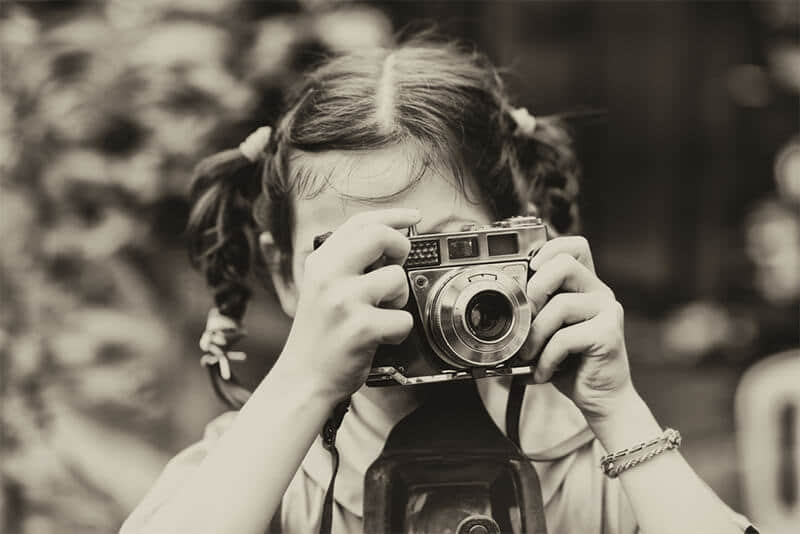 | 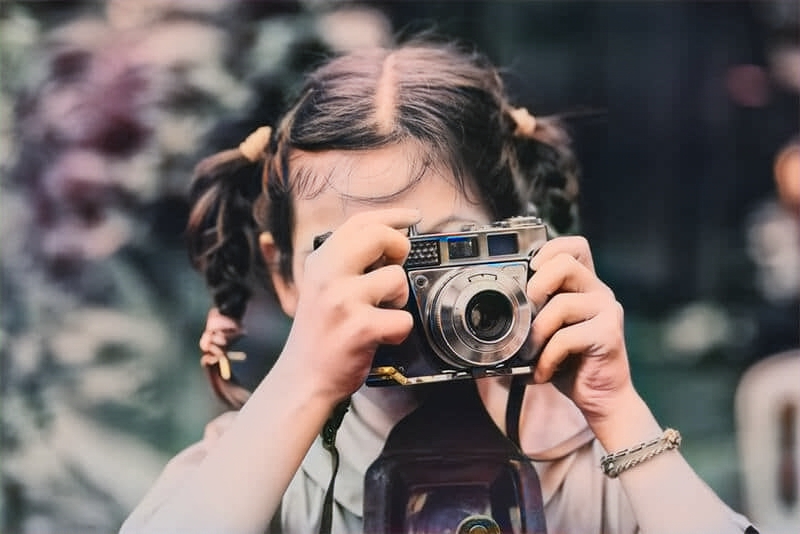 |
|  |  |
|  |  |
:::tip[[👉 Online Experience 👈](https://www.ailabtools.com/image-coloring-example)]
If you'd like to see the actual effects, please visit the experience page for a trial.
:::
## Billing Instructions
- A certain number of credits will be consumed for each successful API call.
### Amount of Credits Deducted
| API | Number of Credits |
|:------------------|:------------------|
| AI Photo Colorize | 2 |
### Resource Package
#### Universal Credits (Supports All APIs)
##### Applied to AI Photo Colorize
| Amounts | Credits | Amounts/Credit | Allowable Requests | Amounts/Request |
|----------:|----------:|---------------:|-------------------:|----------------:|
| $12.00 | 2,000 | $0.0060 | 1,000 | $0.0120 |
| $27.50 | 5,000 | $0.0055 | 2,500 | $0.0110 |
| $50.00 | 10,000 | $0.0050 | 5,000 | $0.0100 |
| $135.00 | 30,000 | $0.0045 | 15,000 | $0.0090 |
| $212.00 | 50,000 | $0.0043 | 25,000 | $0.0086 |
| $400.00 | 100,000 | $0.0040 | 50,000 | $0.0080 |
| $1,050.00 | 300,000 | $0.0035 | 150,000 | $0.0070 |
| $1,500.00 | 500,000 | $0.0030 | 250,000 | $0.0060 |
| $2,500.00 | 1,000,000 | $0.0025 | 500,000 | $0.0050 |
:::tip[Buy Now]
- Pricing
- Developer Platform
:::tip[Customization]
If you require more credits, please contact us at business@ailabtools.com.
:::
## File Storage Policy
:::tip
- **Uploaded Files**: Not stored.
- **Response Files**: Not stored.
:::
---
## Image Micro Motion API
## Request
### Image requirements
- **Image format**: `JPEG` `JPG` `PNG` `BMP`
- **Image size**: No more than 3 MB.
- **Image resolution**: Larger than 32x32px, smaller than 2000x2000px.
### Body
| Field | Required | Type | Scope | Description |
|:------------|:---------|:---------|:-------------------------------------------------------|:------------------------------------------------------------------------------------------------------------------------------------------------------------------------------------------------------------------------------------------------|
| `image` | YES | `file` | | |
| `operation` | YES | `string` | `1` `01` `10` `11` | The micro-motion state of the sky and hair. `1`: The sky moves slightly. `01`: The sky moves slightly. `10`: The hair moves slightly, the sky does not move. `11`: Both the hair and the sky move slightly. |
## Response
:::warning[Response Field Handling Flow]
1. **Handle `Public Response Fields`**
Parse and validate the `Public Response Fields`, checking the status code or response message to ensure the request is successful and error-free.
2. **Handle `Business Response Fields`**
If the `Public Response Fields` are valid and error-free, proceed with processing the business logic in the `Business Response Fields`.
:::
### Public Response Fields
Viewing Public Response Fields and Error Codes
### Business Response Fields
| Field | Type | Description |
|:-------|:---------|:----------------------------------------------------------------------|
| `data` | `object` | The content of the result data returned. |
| +`url` | `string` | The URL address of the video after the micro-movement transformation. |
:::tip
The URL address is a temporary address, valid for 24 hours, and will not be accessible after it expires. If you need to save the file for a long time or permanently, please visit the URL address within 24 hours and download the file to your own storage space.
:::
### Response Example
```json
{
"request_id": "",
"log_id": "",
"error_code": 0,
"error_msg": "",
"error_detail": {
"status_code": 200,
"code": "",
"code_message": "",
"message": ""
},
"data": {
"url": ""
}
}
```
---
## Image Micro Motion API(Image-fine-tuning)
# AILabTools API - Image Micro Motion - API
## Request
- **URL**: `https://www.ailabapi.com/api/image/effects/image-fine-tuning`
- **Method**: `POST`
- **Content-Type**: `multipart/form-data`
### Image requirements
- **Image format**: `JPEG` `JPG` `PNG` `BMP`
- **Image size**: No more than 3 MB.
- **Image resolution**: Larger than 32x32px, smaller than 2000x2000px.
### Headers
| Field | Required | Type | Description |
|:-------------------|:---------|:---------|:---------------------------------------------------|
| `ailabapi-api-key` | YES | `string` | Application API KEY. [Get API KEY](get-api-key.md) |
### Body
| Field | Required | Type | Scope | Description |
|:------------|:---------|:---------|:-------------------------------------------------------|:------------------------------------------------------------------------------------------------------------------------------------------------------------------------------------------------------------------------------------------------|
| `image` | YES | `file` | | |
| `operation` | YES | `string` | `1` `01` `10` `11` | The micro-motion state of the sky and hair. `1`: The sky moves slightly. `01`: The sky moves slightly. `10`: The hair moves slightly, the sky does not move. `11`: Both the hair and the sky move slightly. |
## Response
:::warning[Response Field Handling Flow]
1. **Handle `Public Response Fields`**
Parse and validate the `Public Response Fields`, checking the status code or response message to ensure the request is successful and error-free.
2. **Handle `Business Response Fields`**
If the `Public Response Fields` are valid and error-free, proceed with processing the business logic in the `Business Response Fields`.
:::
### Public Response Fields
Viewing Public Response Fields and Error Codes
### Business Response Fields
| Field | Type | Description |
|:-------|:---------|:----------------------------------------------------------------------|
| `data` | `object` | The content of the result data returned. |
| +`url` | `string` | The URL address of the video after the micro-movement transformation. |
:::tip
The URL address is a temporary address, valid for 24 hours, and will not be accessible after it expires. If you need to save the file for a long time or permanently, please visit the URL address within 24 hours and download the file to your own storage space.
:::
### Response Example
```json
{
"request_id": "",
"log_id": "",
"error_code": 0,
"error_msg": "",
"error_detail": {
"status_code": 200,
"code": "",
"code_message": "",
"message": ""
},
"data": {
"url": ""
}
}
```
## Sample Code
- [Introduction to Get Sample Code](get-sample-code.md)
- [Sample Code][PostmanURL]
[PostmanURL]: https://documenter.getpostman.com/view/26387069/2s93JxqgHE#202b16d4-c8e9-455e-ab8a-7ae2b4a051bb
---
## Image Micro Motion API(Effects)
# AILabTools API - Image Micro Motion - Introduction
You can still rotate the sky area and human hair area included in the input image to get a micro-motion AVI format video.
## Renderings show
| | 【`operation`=`1`/`01`】 | 【`operation`=`10`】 |
|:------------------|:-----------------------------------------------------------------------------------------------------------------------------------------------------------------------------------------------------------------------------------|:---------------------------------------------------------------------------------------------------------------------------------------------------------------------------------------------------------------------------------|
| Before processing |  | 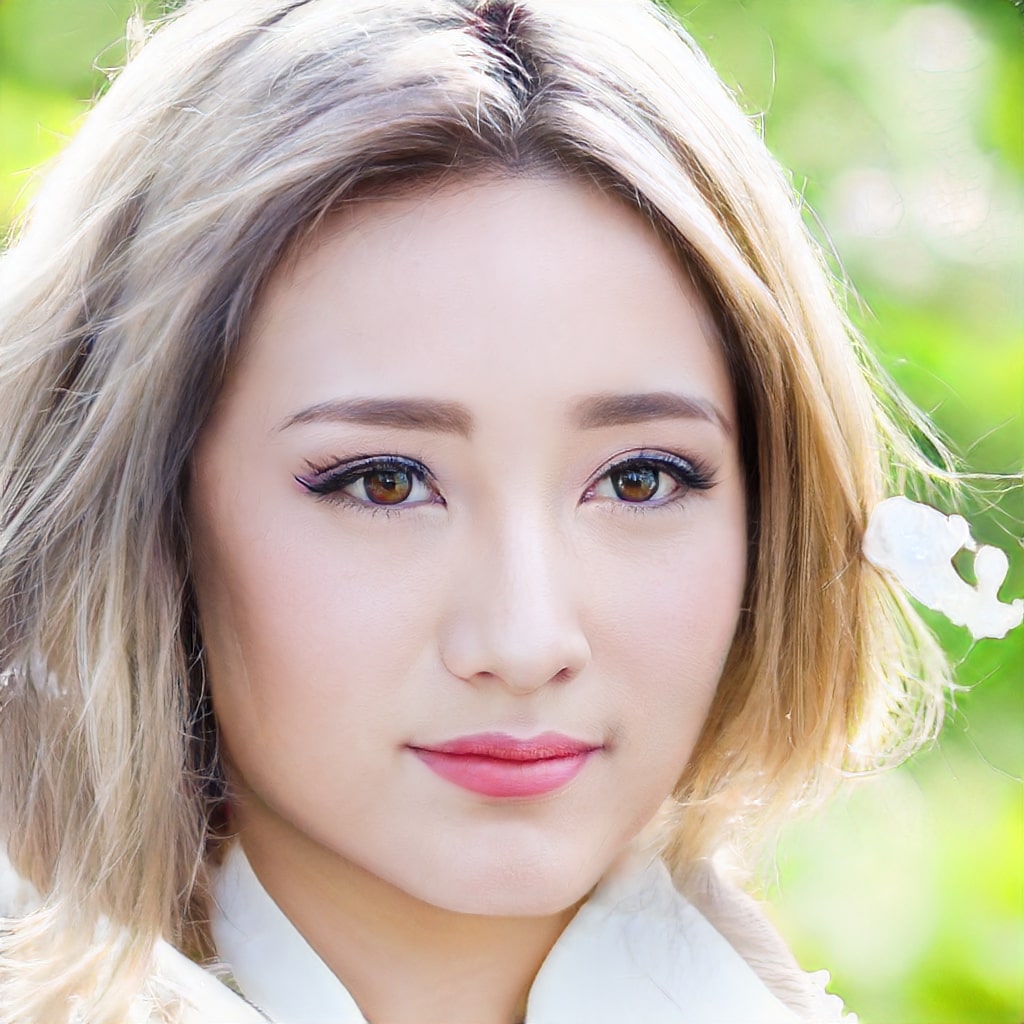 |
| After processing | | |
## Billing Instructions
- A certain number of credits will be consumed for each successful API call.
### Amount of Credits Deducted
| API | Number of Credits |
|:-------------------|:------------------|
| Image Micro Motion | 15 |
### Resource Package
#### Universal Credits (Supports All APIs)
##### Applied to Image Micro Motion
| Amounts | Credits | Amounts/Credit | Allowable Requests | Amounts/Request |
|----------:|----------:|---------------:|-------------------:|----------------:|
| $12.00 | 2,000 | $0.0060 | 133 | $0.0900 |
| $27.50 | 5,000 | $0.0055 | 333 | $0.0825 |
| $50.00 | 10,000 | $0.0050 | 667 | $0.0750 |
| $135.00 | 30,000 | $0.0045 | 2,000 | $0.0675 |
| $212.00 | 50,000 | $0.0043 | 3,333 | $0.0645 |
| $400.00 | 100,000 | $0.0040 | 6,667 | $0.0600 |
| $1,050.00 | 300,000 | $0.0035 | 20,000 | $0.0525 |
| $1,500.00 | 500,000 | $0.0030 | 33,333 | $0.0450 |
| $2,500.00 | 1,000,000 | $0.0025 | 66,667 | $0.0375 |
:::tip[Buy Now]
- Pricing
- Developer Platform
:::tip[Customization]
If you require more credits, please contact us at business@ailabtools.com.
:::
## File Storage Policy
:::tip
- **Uploaded Files**: Not stored.
- **Response Files**:
- **Storage Duration**: 24 hours.
- **Deletion Method**: Automatic Deletion upon Timeout.
:::
---
## HD Color Migration API
## Request
### Image requirements
- **Image format**: `PNG` `JPG` `JPEG`
- **Image size**: No more than 3 MB.
- **Image resolution**: Larger than 64x64px, smaller than 10000x10000px.
- The image must be RGB 3-channel.
### Body
#### Fixed Fields
| Field | Required | Type | Scope | Default | Example | Description |
|:------------|:---------|:---------|:-------------------------------------------------------|:--------|:--------|:-----------------------------------------------------------------------------------------------------------------------------------------------------------------------|
| `task_type` | YES | `string` | `async` | `async` | | Task Type. `async`: Asynchronous tasks. |
| `image` | YES | `file` | | | | |
| `mode` | YES | `string` | `AUTO` `TEMPLATE` `REF_PIC` | | | Color extension mode. `AUTO`: Automatic color extension. `TEMPLATE`: Color palette extension. `REF_PIC`: Reference picture extension color. |
| `degree` | YES | `string` | [0, 1] | | `0.4` | Top color degree. |
#### `mode` === `AUTO`
| Field | Required | Type | Scope | Default | Description |
|:--------------|:---------|:----------|:--------------------------------------------------------------------------------------------------------|:--------|:-------------------------------------|
| `color_count` | NO | `integer` | `1` `2` `3` `4` `5` `6` `7` `8` | `1` | Expand the number of color families. |
#### `mode` === `TEMPLATE`
| Field | Required | Type | Example | Description |
|:-----------------|:---------|:---------|:----------------|:------------------------------------------------------------------------------------------------------------|
| `color_template` | YES | `string` | `056A6B,0A0B0C` | Color palette topology, Top master color list, color value definition ARGB. e.g. 0A0B0C, array size [1, 7]. |
#### `mode` === `REF_PIC`
| Field | Required | Type | Description |
|:------|:---------|:-------|:-----------------|
| `ref` | YES | `file` | Reference image. |
## Response
:::warning[Response Field Handling Flow]
1. **Handle `Public Response Fields`**
Parse and validate the `Public Response Fields`, checking the status code or response message to ensure the request is successful and error-free.
2. **Handle `Business Response Fields`**
If the `Public Response Fields` are valid and error-free, proceed with processing the business logic in the `Business Response Fields`.
:::
### Public Response Fields
Viewing Public Response Fields and Error Codes
### Business Response Fields
| Field | Type | Scope | Description |
|:------------|:---------|:-----------------|:-------------------------------------------------|
| `task_type` | `string` | `async` | Task Type. `async`: Asynchronous tasks. |
| `task_id` | `string` | | Asynchronous task ID. |
### Response Example
```json
{
"request_id": "",
"log_id": "",
"error_code": 0,
"error_msg": "",
"error_detail": {
"status_code": 200,
"code": "",
"code_message": "",
"message": ""
},
"task_type": "",
"task_id": ""
}
```
:::tip
Asynchronous task results are valid for 24 hours. It is recommended that asynchronous task results be queried every 5 seconds.
:::
## `Querying Async Task Results` Response
:::warning[Response Field Handling Flow]
1. **Handle `Public Response Fields`**
Parse and validate the `Public Response Fields`, checking the status code or response message to ensure the request is successful and error-free.
2. **Handle `Business Response Fields`**
If the `Public Response Fields` are valid and error-free, proceed with processing the business logic in the `Business Response Fields`.
:::
### Public Response Fields
Viewing Public Response Fields and Error Codes
### Business Response Fields
| Field | Type | Scope | Description |
|:--------------|:------------------|:---------------------------------------|:--------------------------------------------------------------------------------------------------------------------------------------------|
| `task_status` | `integer` | `0` `1` `2` | Asynchronous task status. `0`: The task is queued. `1`: Asynchronous processing. `2`: Processing was successful. |
| `data` | `object` | | The content of the result data returned. |
| +`image_list` | `array of string` | | Result URL address. |
:::tip
The URL address is a temporary address, valid for 24 hours, and will not be accessible after it expires. If you need to save the file for a long time or permanently, please visit the URL address within 24 hours and download the file to your own storage space.
:::
### Response Example
```json
{
"error_code": 0,
"error_msg": "",
"error_detail": {
"status_code": 200,
"code": "",
"code_message": "",
"message": ""
},
"task_status": 0,
"data": {
"image_list": []
}
}
```
---
## HD Color Migration API(Image-hd-color-migration)
# AILabTools API - HD Color Migration - API:V1.0.0
## Request
- **URL**: `https://www.ailabapi.com/api/image/effects/image-hd-color-migration`
- **Method**: `POST`
- **Content-Type**: `multipart/form-data`
### Image requirements
- **Image format**: `PNG` `JPG` `JPEG`
- **Image size**: No more than 3 MB.
- **Image resolution**: Larger than 64x64px, smaller than 10000x10000px.
- The image must be RGB 3-channel.
### Headers
| Field | Required | Type | Description |
|:-------------------|:---------|:---------|:---------------------------------------------------|
| `ailabapi-api-key` | YES | `string` | Application API KEY. [Get API KEY](get-api-key.md) |
### Body
#### Fixed Fields
| Field | Required | Type | Scope | Example | Description |
|:---------|:---------|:---------|:-------------------------------------------------------|:--------|:-----------------------------------------------------------------------------------------------------------------------------------------------------------------------|
| `image` | YES | `file` | | | |
| `mode` | YES | `string` | `AUTO` `TEMPLATE` `REF_PIC` | | Color extension mode. `AUTO`: Automatic color extension. `TEMPLATE`: Color palette extension. `REF_PIC`: Reference picture extension color. |
| `degree` | YES | `string` | [0, 1] | `0.4` | Top color degree. |
#### `mode` === `AUTO`
| Field | Required | Type | Scope | Default | Description |
|:--------------|:---------|:----------|:--------------------------------------------------------------------------------------------------------|:--------|:-------------------------------------|
| `color_count` | NO | `integer` | `1` `2` `3` `4` `5` `6` `7` `8` | `1` | Expand the number of color families. |
#### `mode` === `TEMPLATE`
| Field | Required | Type | Example | Description |
|:-----------------|:---------|:---------|:----------------|:------------------------------------------------------------------------------------------------------------|
| `color_template` | YES | `string` | `056A6B,0A0B0C` | Color palette topology, Top master color list, color value definition ARGB. e.g. 0A0B0C, array size [1, 7]. |
#### `mode` === `REF_PIC`
| Field | Required | Type | Description |
|:------|:---------|:-------|:-----------------|
| `ref` | YES | `file` | Reference image. |
## Response
:::warning[Response Field Handling Flow]
1. **Handle `Public Response Fields`**
Parse and validate the `Public Response Fields`, checking the status code or response message to ensure the request is successful and error-free.
2. **Handle `Business Response Fields`**
If the `Public Response Fields` are valid and error-free, proceed with processing the business logic in the `Business Response Fields`.
:::
### Public Response Fields
Viewing Public Response Fields and Error Codes
### Business Response Fields
| Field | Type | Scope | Description |
|:--------------|:------------------|:------|:-------------------------------------------------------------------------------------------------------------------------------------------------------------------------|
| `data` | `object` | | The content of the result data returned. |
| +`image_list` | `array of string` | | The URL address of the image after the coloring is completed, and the image format is PNG. **Return when the result of the query asynchronous task is successful.** |
:::tip
The URL address is a temporary address, valid for 24 hours, and will not be accessible after it expires. If you need to save the file for a long time or permanently, please visit the URL address within 24 hours and download the file to your own storage space.
:::
:::tip
This API is asynchronous API, if the processing result `image_list` is not obtained in synchronous state, please keep `request_id` and call [`Querying Async Task Results`](ai-image/async-task-results/api.md) API to obtain the processing result.
Asynchronous task results are valid for 30 minutes. It is recommended that asynchronous task results be queried every 5 seconds.
:::
### Response Example
```json
{
"error_code": 0,
"error_msg": "",
"error_detail": {
"status_code": 200,
"code": "",
"code_message": "",
"message": ""
},
"data": {
"image_list": []
}
}
```
## Sample Code
- [Introduction to Get Sample Code](get-sample-code.md)
- [Sample Code][PostmanURL]
[PostmanURL]: https://documenter.getpostman.com/view/26387069/2s93JxqgHE#4c8a1b3e-3702-4d30-8846-bc77b48ebe3e
---
## HD Color Migration API(3)
# AILabTools API - HD Color Migration - API:V1.1.0
## Request
- **URL**: `https://www.ailabapi.com/api/image/effects/image-hd-color-migration`
- **Method**: `POST`
- **Content-Type**: `multipart/form-data`
### Image requirements
- **Image format**: `PNG` `JPG` `JPEG`
- **Image size**: No more than 3 MB.
- **Image resolution**: Larger than 64x64px, smaller than 10000x10000px.
- The image must be RGB 3-channel.
### Headers
| Field | Required | Type | Description |
|:-------------------|:---------|:---------|:---------------------------------------------------|
| `ailabapi-api-key` | YES | `string` | Application API KEY. [Get API KEY](get-api-key.md) |
### Body
#### Fixed Fields
| Field | Required | Type | Scope | Default | Example | Description |
|:------------|:---------|:---------|:-------------------------------------------------------|:--------|:--------|:-----------------------------------------------------------------------------------------------------------------------------------------------------------------------|
| `task_type` | YES | `string` | `async` | `async` | | Task Type. `async`: Asynchronous tasks. |
| `image` | YES | `file` | | | | |
| `mode` | YES | `string` | `AUTO` `TEMPLATE` `REF_PIC` | | | Color extension mode. `AUTO`: Automatic color extension. `TEMPLATE`: Color palette extension. `REF_PIC`: Reference picture extension color. |
| `degree` | YES | `string` | [0, 1] | | `0.4` | Top color degree. |
#### `mode` === `AUTO`
| Field | Required | Type | Scope | Default | Description |
|:--------------|:---------|:----------|:--------------------------------------------------------------------------------------------------------|:--------|:-------------------------------------|
| `color_count` | NO | `integer` | `1` `2` `3` `4` `5` `6` `7` `8` | `1` | Expand the number of color families. |
#### `mode` === `TEMPLATE`
| Field | Required | Type | Example | Description |
|:-----------------|:---------|:---------|:----------------|:------------------------------------------------------------------------------------------------------------|
| `color_template` | YES | `string` | `056A6B,0A0B0C` | Color palette topology, Top master color list, color value definition ARGB. e.g. 0A0B0C, array size [1, 7]. |
#### `mode` === `REF_PIC`
| Field | Required | Type | Description |
|:------|:---------|:-------|:-----------------|
| `ref` | YES | `file` | Reference image. |
## Response
:::warning[Response Field Handling Flow]
1. **Handle `Public Response Fields`**
Parse and validate the `Public Response Fields`, checking the status code or response message to ensure the request is successful and error-free.
2. **Handle `Business Response Fields`**
If the `Public Response Fields` are valid and error-free, proceed with processing the business logic in the `Business Response Fields`.
:::
### Public Response Fields
Viewing Public Response Fields and Error Codes
### Business Response Fields
| Field | Type | Scope | Description |
|:------------|:---------|:-----------------|:----------------------------------------------------------------------------------------------------------------------------------------------|
| `task_type` | `string` | `async` | Task Type. `async`: Asynchronous tasks. |
| `task_id` | `string` | | Asynchronous task ID. **Please use this field when calling the [Querying Async Task Results](ai-common/async-task-results/api.md) API.** |
### Response Example
```json
{
"request_id": "",
"log_id": "",
"error_code": 0,
"error_msg": "",
"error_detail": {
"status_code": 200,
"code": "",
"code_message": "",
"message": ""
},
"task_type": "",
"task_id": ""
}
```
:::tip
This API is asynchronous, please keep `task_id` and call [`Querying Async Task Results`](ai-common/async-task-results/api.md) to get the final results.
Asynchronous task results are valid for 24 hours. It is recommended that asynchronous task results be queried every 5 seconds.
:::
## `Querying Async Task Results` Response
:::warning[Response Field Handling Flow]
1. **Handle `Public Response Fields`**
Parse and validate the `Public Response Fields`, checking the status code or response message to ensure the request is successful and error-free.
2. **Handle `Business Response Fields`**
If the `Public Response Fields` are valid and error-free, proceed with processing the business logic in the `Business Response Fields`.
:::
### Public Response Fields
Viewing Public Response Fields and Error Codes
### Business Response Fields
| Field | Type | Scope | Description |
|:--------------|:------------------|:---------------------------------------|:--------------------------------------------------------------------------------------------------------------------------------------------|
| `task_status` | `integer` | `0` `1` `2` | Asynchronous task status. `0`: The task is queued. `1`: Asynchronous processing. `2`: Processing was successful. |
| `data` | `object` | | The content of the result data returned. |
| +`image_list` | `array of string` | | Result URL address. |
:::tip
The URL address is a temporary address, valid for 24 hours, and will not be accessible after it expires. If you need to save the file for a long time or permanently, please visit the URL address within 24 hours and download the file to your own storage space.
:::
### Response Example
```json
{
"error_code": 0,
"error_msg": "",
"error_detail": {
"status_code": 200,
"code": "",
"code_message": "",
"message": ""
},
"task_status": 0,
"data": {
"image_list": []
}
}
```
## Sample Code
:::tip[[👉 Online Experience 👈](https://www.ailabtools.com/image-hd-color-migration-example)]
If you'd like to see the actual effects, please visit the experience page for a trial.
:::
- [Introduction to Get Sample Code](get-sample-code.md)
- [Sample Code][PostmanURL]
[PostmanURL]: https://documenter.getpostman.com/view/26387069/2s93JxqgHE#4c8a1b3e-3702-4d30-8846-bc77b48ebe3e
---
## HD Color Migration API(4)
# AILabTools API - HD Color Migration - API
## Request
- **URL**: `https://www.ailabapi.com/api/image/effects/image-hd-color-migration`
- **Method**: `POST`
- **Content-Type**: `multipart/form-data`
### Image requirements
- **Image format**: `PNG` `JPG` `JPEG`
- **Image size**: No more than 3 MB.
- **Image resolution**: Larger than 64x64px, smaller than 10000x10000px.
- The image must be RGB 3-channel.
### Headers
| Field | Required | Type | Description |
|:-------------------|:---------|:---------|:---------------------------------------------------|
| `ailabapi-api-key` | YES | `string` | Application API KEY. [Get API KEY](get-api-key.md) |
### Body
#### Fixed Fields
| Field | Required | Type | Scope | Default | Example | Description |
|:------------|:---------|:---------|:-------------------------------------------------------|:--------|:--------|:-----------------------------------------------------------------------------------------------------------------------------------------------------------------------|
| `task_type` | YES | `string` | `async` | `async` | | Task Type. `async`: Asynchronous tasks. |
| `image` | YES | `file` | | | | |
| `mode` | YES | `string` | `AUTO` `TEMPLATE` `REF_PIC` | | | Color extension mode. `AUTO`: Automatic color extension. `TEMPLATE`: Color palette extension. `REF_PIC`: Reference picture extension color. |
| `degree` | YES | `string` | [0, 1] | | `0.4` | Top color degree. |
#### `mode` === `AUTO`
| Field | Required | Type | Scope | Default | Description |
|:--------------|:---------|:----------|:--------------------------------------------------------------------------------------------------------|:--------|:-------------------------------------|
| `color_count` | NO | `integer` | `1` `2` `3` `4` `5` `6` `7` `8` | `1` | Expand the number of color families. |
#### `mode` === `TEMPLATE`
| Field | Required | Type | Example | Description |
|:-----------------|:---------|:---------|:----------------|:------------------------------------------------------------------------------------------------------------|
| `color_template` | YES | `string` | `056A6B,0A0B0C` | Color palette topology, Top master color list, color value definition ARGB. e.g. 0A0B0C, array size [1, 7]. |
#### `mode` === `REF_PIC`
| Field | Required | Type | Description |
|:------|:---------|:-------|:-----------------|
| `ref` | YES | `file` | Reference image. |
## Response
:::warning[Response Field Handling Flow]
1. **Handle `Public Response Fields`**
Parse and validate the `Public Response Fields`, checking the status code or response message to ensure the request is successful and error-free.
2. **Handle `Business Response Fields`**
If the `Public Response Fields` are valid and error-free, proceed with processing the business logic in the `Business Response Fields`.
:::
### Public Response Fields
Viewing Public Response Fields and Error Codes
### Business Response Fields
| Field | Type | Scope | Description |
|:------------|:---------|:-----------------|:----------------------------------------------------------------------------------------------------------------------------------------------|
| `task_type` | `string` | `async` | Task Type. `async`: Asynchronous tasks. |
| `task_id` | `string` | | Asynchronous task ID. **Please use this field when calling the [Querying Async Task Results](ai-common/async-task-results/api.md) API.** |
### Response Example
```json
{
"request_id": "",
"log_id": "",
"error_code": 0,
"error_msg": "",
"error_detail": {
"status_code": 200,
"code": "",
"code_message": "",
"message": ""
},
"task_type": "",
"task_id": ""
}
```
:::tip
This API is asynchronous, please keep `task_id` and call [`Querying Async Task Results`](ai-common/async-task-results/api.md) to get the final results.
Asynchronous task results are valid for 24 hours. It is recommended that asynchronous task results be queried every 5 seconds.
:::
## `Querying Async Task Results` Response
:::warning[Response Field Handling Flow]
1. **Handle `Public Response Fields`**
Parse and validate the `Public Response Fields`, checking the status code or response message to ensure the request is successful and error-free.
2. **Handle `Business Response Fields`**
If the `Public Response Fields` are valid and error-free, proceed with processing the business logic in the `Business Response Fields`.
:::
### Public Response Fields
Viewing Public Response Fields and Error Codes
### Business Response Fields
| Field | Type | Scope | Description |
|:--------------|:------------------|:---------------------------------------|:--------------------------------------------------------------------------------------------------------------------------------------------|
| `task_status` | `integer` | `0` `1` `2` | Asynchronous task status. `0`: The task is queued. `1`: Asynchronous processing. `2`: Processing was successful. |
| `data` | `object` | | The content of the result data returned. |
| +`image_list` | `array of string` | | Result URL address. |
:::tip
The URL address is a temporary address, valid for 24 hours, and will not be accessible after it expires. If you need to save the file for a long time or permanently, please visit the URL address within 24 hours and download the file to your own storage space.
:::
### Response Example
```json
{
"error_code": 0,
"error_msg": "",
"error_detail": {
"status_code": 200,
"code": "",
"code_message": "",
"message": ""
},
"task_status": 0,
"data": {
"image_list": []
}
}
```
## Sample Code
:::tip[[👉 Online Experience 👈](https://www.ailabtools.com/image-hd-color-migration-example)]
If you'd like to see the actual effects, please visit the experience page for a trial.
:::
- [Introduction to Get Sample Code](get-sample-code.md)
- [Sample Code][PostmanURL]
[PostmanURL]: https://documenter.getpostman.com/view/26387069/2s93JxqgHE#4c8a1b3e-3702-4d30-8846-bc77b48ebe3e
---
## HD Color Migration API(Effects)
# AILabTools API - HD Color Migration - Introduction
Color topping of HD images and the ability to ensure that the color of the portrait portion does not change. This interface compares with [Color Migration](ai-image/effects/image-color-migration.md).
- Support for HD images.
- Support for customizing the degree of color topography.
- Support for portrait color hold.
## Renderings show
- **Automatic color extension**
Enter the number of results to be expanded, that is, the number of expanded color systems. The algorithm calculates the uniform sampling method according to the color space, and gives the results that meet the requirements of the number of expanded colors. Simply put, the number of color systems is how many, and a few pictures are output.
For example, 【Before processing】【`color_count`=`1`】【`color_count`=`4`】. The result is as follows:

- **Color palette extension**
Input a set of color lists (color swatches), and the algorithm uses the swatches as the main color to expand the original image. This mode provides greater color control. The length of the color list must not exceed the specified value.
For example, 【`color_template`="#DB0D0D,#0E0CBB,#FF0000"】. The color extension result is as follows:
| Before processing | After processing |
|:--------------------------------------------------------------------------------------------|:----------------------------------------------------------------------------------------------------|
|  |  |
- **Reference picture extension color**
You provide a reference image, and the algorithm will colorize the original image based on the reference image.
| Before processing | Reference map | After processing |
|:--------------------------------------------------------------------------------------------|:----------------------------------------------------------------------------------------------------|:---------------------------------------------------------------------------------------------------|
|  |  |  |
:::tip[[👉 Online Experience 👈](https://www.ailabtools.com/image-hd-color-migration-example)]
If you'd like to see the actual effects, please visit the experience page for a trial.
:::
## Billing Instructions
- A certain number of credits will be consumed for each successful API call.
### Amount of Credits Deducted
| API | Number of Credits |
|:-------------------|:------------------|
| HD Color Migration | 5 |
### Resource Package
#### Universal Credits (Supports All APIs)
##### Applied to HD Color Migration
| Amounts | Credits | Amounts/Credit | Allowable Requests | Amounts/Request |
|----------:|----------:|---------------:|-------------------:|----------------:|
| $12.00 | 2,000 | $0.0060 | 400 | $0.0300 |
| $27.50 | 5,000 | $0.0055 | 1,000 | $0.0275 |
| $50.00 | 10,000 | $0.0050 | 2,000 | $0.0250 |
| $135.00 | 30,000 | $0.0045 | 6,000 | $0.0225 |
| $212.00 | 50,000 | $0.0043 | 10,000 | $0.0215 |
| $400.00 | 100,000 | $0.0040 | 20,000 | $0.0200 |
| $1,050.00 | 300,000 | $0.0035 | 60,000 | $0.0175 |
| $1,500.00 | 500,000 | $0.0030 | 100,000 | $0.0150 |
| $2,500.00 | 1,000,000 | $0.0025 | 200,000 | $0.0125 |
:::tip[Buy Now]
- Pricing
- Developer Platform
:::tip[Customization]
If you require more credits, please contact us at business@ailabtools.com.
:::
## File Storage Policy
:::tip
- **Uploaded Files**: Not stored.
- **Response Files**:
- **Storage Duration**: 24 hours.
- **Deletion Method**: Automatic Deletion upon Timeout.
:::
---
## Photo to Painting API
## Request
### Image requirements
- **Image format**: `PNG` `JPG` `JPEG` `BMP`
- **Image size**: No more than 8 MB.
- **Image resolution**: Larger than 10x10px, smaller than 5000x5000px.
- **Image aspect ratio**: Aspect ratio within 4:1.
### Body
| Field | Required | Type | Scope | Description |
|:---------|:---------|:---------|:-------------------------------------------------------------------------------------------------------------------------------------------------------------------------|:----------------------------------------------------------------------------------------------------------------------------------------------------------------------------------------------------------------------------------------------------------------------------------------------------------------------------------------------------------------------------------------------------------------------------------------------------|
| `image` | YES | `file` | | |
| `option` | YES | `string` | `cartoon` `pencil` `color_pencil` `warm` `wave` `lavender` `mononoke` `scream` `gothic` | `cartoon`: Cartoon style. `pencil`: Pencil style. `color_pencil`: Color pencil drawing style. `warm`: The style of colorful sugar cube oil painting. `wave`: Oil painting style in surfing in Kanagawa. `lavender`: Lavender oil painting style. `mononoke`: Strange oil painting style. `scream`: Scream oil painting style. `gothic`: Gothic oil painting style. |
## Response
:::warning[Response Field Handling Flow]
1. **Handle `Public Response Fields`**
Parse and validate the `Public Response Fields`, checking the status code or response message to ensure the request is successful and error-free.
2. **Handle `Business Response Fields`**
If the `Public Response Fields` are valid and error-free, proceed with processing the business logic in the `Business Response Fields`.
:::
### Public Response Fields
Viewing Public Response Fields and Error Codes
### Business Response Fields
| Field | Type | Description |
|:--------|:---------|:----------------------|
| `image` | `string` | base64 encoded image. |
### Response Example
```json
{
"request_id": "",
"log_id": "",
"error_code": 0,
"error_msg": "",
"error_detail": {
"status_code": 200,
"code": "",
"code_message": "",
"message": ""
},
"image": ""
}
```
---
## Photo to Painting API(Image-style-conversion)
# AILabTools API - Photo to Painting - API
## Request
- **URL**: `https://www.ailabapi.com/api/image/effects/image-style-conversion`
- **Method**: `POST`
- **Content-Type**: `multipart/form-data`
### Image requirements
- **Image format**: `PNG` `JPG` `JPEG` `BMP`
- **Image size**: No more than 8 MB.
- **Image resolution**: Larger than 10x10px, smaller than 5000x5000px.
- **Image aspect ratio**: Aspect ratio within 4:1.
### Headers
| Field | Required | Type | Description |
|:-------------------|:---------|:---------|:---------------------------------------------------|
| `ailabapi-api-key` | YES | `string` | Application API KEY. [Get API KEY](get-api-key.md) |
### Body
| Field | Required | Type | Scope | Description |
|:---------|:---------|:---------|:-------------------------------------------------------------------------------------------------------------------------------------------------------------------------|:----------------------------------------------------------------------------------------------------------------------------------------------------------------------------------------------------------------------------------------------------------------------------------------------------------------------------------------------------------------------------------------------------------------------------------------------------|
| `image` | YES | `file` | | |
| `option` | YES | `string` | `cartoon` `pencil` `color_pencil` `warm` `wave` `lavender` `mononoke` `scream` `gothic` | `cartoon`: Cartoon style. `pencil`: Pencil style. `color_pencil`: Color pencil drawing style. `warm`: The style of colorful sugar cube oil painting. `wave`: Oil painting style in surfing in Kanagawa. `lavender`: Lavender oil painting style. `mononoke`: Strange oil painting style. `scream`: Scream oil painting style. `gothic`: Gothic oil painting style. |
## Response
:::warning[Response Field Handling Flow]
1. **Handle `Public Response Fields`**
Parse and validate the `Public Response Fields`, checking the status code or response message to ensure the request is successful and error-free.
2. **Handle `Business Response Fields`**
If the `Public Response Fields` are valid and error-free, proceed with processing the business logic in the `Business Response Fields`.
:::
### Public Response Fields
Viewing Public Response Fields and Error Codes
### Business Response Fields
| Field | Type | Description |
|:--------|:---------|:----------------------|
| `image` | `string` | base64 encoded image. |
### Response Example
```json
{
"request_id": "",
"log_id": "",
"error_code": 0,
"error_msg": "",
"error_detail": {
"status_code": 200,
"code": "",
"code_message": "",
"message": ""
},
"image": ""
}
```
## Sample Code
:::tip[[👉 Online Experience 👈](https://www.ailabtools.com/image-style-transfer-example)]
If you'd like to see the actual effects, please visit the experience page for a trial.
:::
- [Introduction to Get Sample Code](get-sample-code.md)
- [Sample Code][PostmanURL]
[PostmanURL]: https://documenter.getpostman.com/view/26387069/2s93JxqgHE#1c744eac-91e1-4355-a0bf-8386ebeb6533
---
## Photo to Painting API(Effects)
# AILabTools API - Photo to Painting - Introduction
You can convert images into cartoon, pencil, colored pencil, or gothic oil painting, colored sugar cube oil painting, shouting oil painting, Kanagawa Surf Lane oil painting, whimsical oil painting, lavender oil painting and other styles.
## Application Scenarios
- **Image Fun Processing**: Integrate the service into the Meitu app, fun activity pages, and more. Simply upload a picture and instantly convert it into a cartoon or sketch style to enjoy the diverse styles of the original image.
## Renderings show
| Original image | ![Original image][original-4] | ![Original image][original-5] |
|:---------------|:----------------------------------|:----------------------------------|
| `cartoon` | ![`cartoon`][cartoon-4] | ![`cartoon`][cartoon-5] |
| `pencil` | ![`pencil`][pencil-4] | ![`pencil`][pencil-5] |
| `color_pencil` | ![`color_pencil`][color_pencil-4] | ![`color_pencil`][color_pencil-5] |
| `warm` | ![`warm`][warm-4] | ![`warm`][warm-5] |
| `wave` | ![`wave`][wave-4] | ![`wave`][wave-5] |
| `lavender` | ![`lavender`][lavender-4] | ![`lavender`][lavender-5] |
| `mononoke` | ![`mononoke`][mononoke-4] | ![`mononoke`][mononoke-5] |
| `scream` | ![`scream`][scream-4] | ![`scream`][scream-5] |
| `gothic` | ![`gothic`][gothic-4] | ![`gothic`][gothic-5] |
:::tip[[👉 Online Experience 👈](https://www.ailabtools.com/image-style-transfer-example)]
If you'd like to see the actual effects, please visit the experience page for a trial.
:::
## Billing Instructions
- A certain number of credits will be consumed for each successful API call.
### Amount of Credits Deducted
| API | Number of Credits |
|:------------------|:------------------|
| Photo to Painting | 7 |
### Resource Package
#### Universal Credits (Supports All APIs)
##### Applied to Photo to Painting
| Amounts | Credits | Amounts/Credit | Allowable Requests | Amounts/Request |
|----------:|----------:|---------------:|-------------------:|----------------:|
| $12.00 | 2,000 | $0.0060 | 286 | $0.0420 |
| $27.50 | 5,000 | $0.0055 | 714 | $0.0385 |
| $50.00 | 10,000 | $0.0050 | 1,429 | $0.0350 |
| $135.00 | 30,000 | $0.0045 | 4,286 | $0.0315 |
| $212.00 | 50,000 | $0.0043 | 7,143 | $0.0301 |
| $400.00 | 100,000 | $0.0040 | 14,286 | $0.0280 |
| $1,050.00 | 300,000 | $0.0035 | 42,857 | $0.0245 |
| $1,500.00 | 500,000 | $0.0030 | 71,429 | $0.0210 |
| $2,500.00 | 1,000,000 | $0.0025 | 142,857 | $0.0175 |
:::tip[Buy Now]
- Pricing
- Developer Platform
:::tip[Customization]
If you require more credits, please contact us at business@ailabtools.com.
:::
## File Storage Policy
:::tip
- **Uploaded Files**: Not stored.
- **Response Files**: Not stored.
:::
[original-4]: https://img.ailabtools.com/rapidapi/ImageStyleConversion/original-4-min.jpg
[original-5]: https://img.ailabtools.com/rapidapi/ImageStyleConversion/original-5-min.jpg
[cartoon-4]: https://img.ailabtools.com/rapidapi/ImageStyleConversion/cartoon-4-min.jpeg
[cartoon-5]: https://img.ailabtools.com/rapidapi/ImageStyleConversion/cartoon-5-min.jpeg
[pencil-4]: https://img.ailabtools.com/rapidapi/ImageStyleConversion/pencil-4-min.jpeg
[pencil-5]: https://img.ailabtools.com/rapidapi/ImageStyleConversion/pencil-5-min.jpeg
[color_pencil-4]: https://img.ailabtools.com/rapidapi/ImageStyleConversion/color_pencil-4-min.jpeg
[color_pencil-5]: https://img.ailabtools.com/rapidapi/ImageStyleConversion/color_pencil-5-min.jpeg
[warm-4]: https://img.ailabtools.com/rapidapi/ImageStyleConversion/warm-4-min.jpeg
[warm-5]: https://img.ailabtools.com/rapidapi/ImageStyleConversion/warm-5-min.jpeg
[wave-4]: https://img.ailabtools.com/rapidapi/ImageStyleConversion/wave-4-min.jpeg
[wave-5]: https://img.ailabtools.com/rapidapi/ImageStyleConversion/wave-5-min.jpeg
[lavender-4]: https://img.ailabtools.com/rapidapi/ImageStyleConversion/lavender-4-min.jpeg
[lavender-5]: https://img.ailabtools.com/rapidapi/ImageStyleConversion/lavender-5-min.jpeg
[mononoke-4]: https://img.ailabtools.com/rapidapi/ImageStyleConversion/mononoke-4-min.jpeg
[mononoke-5]: https://img.ailabtools.com/rapidapi/ImageStyleConversion/mononoke-5-min.jpeg
[scream-4]: https://img.ailabtools.com/rapidapi/ImageStyleConversion/scream-4-min.jpeg
[scream-5]: https://img.ailabtools.com/rapidapi/ImageStyleConversion/scream-5-min.jpeg
[gothic-4]: https://img.ailabtools.com/rapidapi/ImageStyleConversion/gothic-4-min.jpeg
[gothic-5]: https://img.ailabtools.com/rapidapi/ImageStyleConversion/gothic-5-min.jpeg
---
## Style Transfer API
## Request
### Image requirements
- **Image format**: `JPEG` `JPG` `PNG` `BMP`
- **Image size**: No more than 3 MB.
- **Image resolution**: Less than 1200x1200px.
- The images must all be RGB 3-channel.
### Body
| Field | Required | Type | Description |
|:--------|:---------|:-------|:---------------|
| `style` | YES | `file` | style image. |
| `major` | YES | `file` | Content image. |
## Response
:::warning[Response Field Handling Flow]
1. **Handle `Public Response Fields`**
Parse and validate the `Public Response Fields`, checking the status code or response message to ensure the request is successful and error-free.
2. **Handle `Business Response Fields`**
If the `Public Response Fields` are valid and error-free, proceed with processing the business logic in the `Business Response Fields`.
:::
### Public Response Fields
Viewing Public Response Fields and Error Codes
### Business Response Fields
| Field | Type | Description |
|:-------------|:---------|:----------------------------------------------------------------------------------------------------------------------------------------------------------------|
| `data` | `object` | The content of the result data returned. |
| +`url` | `string` | URL address of the result image for stylization, image format: PNG. |
:::tip
The URL address is a temporary address, valid for 24 hours, and will not be accessible after it expires. If you need to save the file for a long time or permanently, please visit the URL address within 24 hours and download the file to your own storage space.
:::
### Response Example
```json
{
"request_id": "",
"log_id": "",
"error_code": 0,
"error_msg": "",
"error_detail": {
"status_code": 200,
"code": "",
"code_message": "",
"message": ""
},
"data": {
"url": ""
}
}
```
---
## Style Transfer API(Image-style-migration)
# AILabTools API - Style Transfer - API:V1.0.0
## Request
- **URL**: `https://www.ailabapi.com/api/image/effects/image-style-migration`
- **Method**: `POST`
- **Content-Type**: `multipart/form-data`
### Image requirements
- **Image format**: `JPEG` `JPG` `PNG` `BMP`
- **Image size**: No more than 3 MB.
- **Image resolution**: Less than 1200x1200px.
- The images must all be RGB 3-channel.
### Headers
| Field | Required | Type | Description |
|:-------------------|:---------|:---------|:---------------------------------------------------|
| `ailabapi-api-key` | YES | `string` | Application API KEY. [Get API KEY](get-api-key.md) |
### Body
| Field | Required | Type | Description |
|:--------|:---------|:-------|:---------------|
| `style` | YES | `file` | style image. |
| `major` | YES | `file` | Content image. |
## Response
:::warning[Response Field Handling Flow]
1. **Handle `Public Response Fields`**
Parse and validate the `Public Response Fields`, checking the status code or response message to ensure the request is successful and error-free.
2. **Handle `Business Response Fields`**
If the `Public Response Fields` are valid and error-free, proceed with processing the business logic in the `Business Response Fields`.
:::
### Public Response Fields
Viewing Public Response Fields and Error Codes
### Business Response Fields
| Field | Type | Description |
|:-------------|:---------|:----------------------------------------------------------------------------------------------------------------------------------------------------------------|
| `data` | `object` | The content of the result data returned. |
| +`url` | `string` | URL address of the result image for stylization, image format: PNG. |
| +`major_url` | `string` | The result of keeping the portrait unchanged and stylizing the rest. If there is no figure in the input `major` content map, the empty string is returned here. |
:::tip
The URL address is a temporary address, valid for 24 hours, and will not be accessible after it expires. If you need to save the file for a long time or permanently, please visit the URL address within 24 hours and download the file to your own storage space.
:::
### Response Example
```json
{
"request_id": "",
"log_id": "",
"error_code": 0,
"error_msg": "",
"error_detail": {
"status_code": 200,
"code": "",
"code_message": "",
"message": ""
},
"data": {
"url": "",
"major_url": ""
}
}
```
## Sample Code
:::tip[[👉 Online Experience 👈](https://www.ailabtools.com/image-style-migration-example)]
If you'd like to see the actual effects, please visit the experience page for a trial.
:::
- [Introduction to Get Sample Code](get-sample-code.md)
- [Sample Code][PostmanURL]
[PostmanURL]: https://documenter.getpostman.com/view/26387069/2s93JxqgHE#7133377c-f7ea-4173-a967-e20d6e3a9f47
---
## Style Transfer API(3)
# AILabTools API - Style Transfer - API:V1.1.0
## Request
- **URL**: `https://www.ailabapi.com/api/image/effects/image-style-migration`
- **Method**: `POST`
- **Content-Type**: `multipart/form-data`
### Image requirements
- **Image format**: `JPEG` `JPG` `PNG` `BMP`
- **Image size**: No more than 3 MB.
- **Image resolution**: Less than 1200x1200px.
- The images must all be RGB 3-channel.
### Headers
| Field | Required | Type | Description |
|:-------------------|:---------|:---------|:---------------------------------------------------|
| `ailabapi-api-key` | YES | `string` | Application API KEY. [Get API KEY](get-api-key.md) |
### Body
| Field | Required | Type | Description |
|:--------|:---------|:-------|:---------------|
| `style` | YES | `file` | style image. |
| `major` | YES | `file` | Content image. |
## Response
:::warning[Response Field Handling Flow]
1. **Handle `Public Response Fields`**
Parse and validate the `Public Response Fields`, checking the status code or response message to ensure the request is successful and error-free.
2. **Handle `Business Response Fields`**
If the `Public Response Fields` are valid and error-free, proceed with processing the business logic in the `Business Response Fields`.
:::
### Public Response Fields
Viewing Public Response Fields and Error Codes
### Business Response Fields
| Field | Type | Description |
|:-------------|:---------|:----------------------------------------------------------------------------------------------------------------------------------------------------------------|
| `data` | `object` | The content of the result data returned. |
| +`url` | `string` | URL address of the result image for stylization, image format: PNG. |
:::tip
The URL address is a temporary address, valid for 24 hours, and will not be accessible after it expires. If you need to save the file for a long time or permanently, please visit the URL address within 24 hours and download the file to your own storage space.
:::
### Response Example
```json
{
"request_id": "",
"log_id": "",
"error_code": 0,
"error_msg": "",
"error_detail": {
"status_code": 200,
"code": "",
"code_message": "",
"message": ""
},
"data": {
"url": ""
}
}
```
## Sample Code
:::tip[[👉 Online Experience 👈](https://www.ailabtools.com/image-style-migration-example)]
If you'd like to see the actual effects, please visit the experience page for a trial.
:::
- [Introduction to Get Sample Code](get-sample-code.md)
- [Sample Code][PostmanURL]
[PostmanURL]: https://documenter.getpostman.com/view/26387069/2s93JxqgHE#7133377c-f7ea-4173-a967-e20d6e3a9f47
---
## Style Transfer API(4)
# AILabTools API - Style Transfer - API
## Request
- **URL**: `https://www.ailabapi.com/api/image/effects/image-style-migration`
- **Method**: `POST`
- **Content-Type**: `multipart/form-data`
### Image requirements
- **Image format**: `JPEG` `JPG` `PNG` `BMP`
- **Image size**: No more than 3 MB.
- **Image resolution**: Less than 1200x1200px.
- The images must all be RGB 3-channel.
### Headers
| Field | Required | Type | Description |
|:-------------------|:---------|:---------|:---------------------------------------------------|
| `ailabapi-api-key` | YES | `string` | Application API KEY. [Get API KEY](get-api-key.md) |
### Body
| Field | Required | Type | Description |
|:--------|:---------|:-------|:---------------|
| `style` | YES | `file` | style image. |
| `major` | YES | `file` | Content image. |
## Response
:::warning[Response Field Handling Flow]
1. **Handle `Public Response Fields`**
Parse and validate the `Public Response Fields`, checking the status code or response message to ensure the request is successful and error-free.
2. **Handle `Business Response Fields`**
If the `Public Response Fields` are valid and error-free, proceed with processing the business logic in the `Business Response Fields`.
:::
### Public Response Fields
Viewing Public Response Fields and Error Codes
### Business Response Fields
| Field | Type | Description |
|:-------|:---------|:--------------------------------------------------------------------|
| `data` | `object` | The content of the result data returned. |
| +`url` | `string` | URL address of the result image for stylization, image format: PNG. |
:::tip
The URL address is a temporary address, valid for 24 hours, and will not be accessible after it expires. If you need to save the file for a long time or permanently, please visit the URL address within 24 hours and download the file to your own storage space.
:::
### Response Example
```json
{
"request_id": "",
"log_id": "",
"error_code": 0,
"error_msg": "",
"error_detail": {
"status_code": 200,
"code": "",
"code_message": "",
"message": ""
},
"data": {
"url": ""
}
}
```
## Sample Code
:::tip[[👉 Online Experience 👈](https://www.ailabtools.com/image-style-migration-example)]
If you'd like to see the actual effects, please visit the experience page for a trial.
:::
- [Introduction to Get Sample Code](get-sample-code.md)
- [Sample Code][PostmanURL]
[PostmanURL]: https://documenter.getpostman.com/view/26387069/2s93JxqgHE#7133377c-f7ea-4173-a967-e20d6e3a9f47
---
## Style Transfer API(Effects)
# AILabTools API - Style Transfer - Introduction
Converting the style of the input image makes the visual style of the image such as color and brushstroke transformed.
## Renderings show
| `style` | `major` | `url` |
|:-------------------------------------------------------------------------------|:-------------------------------------------------------------------------------|:---------------------------------------------------------------------------|
|  |  |  |
:::tip[[👉 Online Experience 👈](https://www.ailabtools.com/image-style-migration-example)]
If you'd like to see the actual effects, please visit the experience page for a trial.
:::
## Billing Instructions
- A certain number of credits will be consumed for each successful API call.
### Amount of Credits Deducted
| API | Number of Credits |
|:---------------|:------------------|
| Style Transfer | 3 |
### Resource Package
#### Universal Credits (Supports All APIs)
##### Applied to Style Transfer
| Amounts | Credits | Amounts/Credit | Allowable Requests | Amounts/Request |
|----------:|----------:|---------------:|-------------------:|----------------:|
| $12.00 | 2,000 | $0.0060 | 667 | $0.0180 |
| $27.50 | 5,000 | $0.0055 | 1,667 | $0.0165 |
| $50.00 | 10,000 | $0.0050 | 3,333 | $0.0150 |
| $135.00 | 30,000 | $0.0045 | 10,000 | $0.0135 |
| $212.00 | 50,000 | $0.0043 | 16,667 | $0.0129 |
| $400.00 | 100,000 | $0.0040 | 33,333 | $0.0120 |
| $1,050.00 | 300,000 | $0.0035 | 100,000 | $0.0105 |
| $1,500.00 | 500,000 | $0.0030 | 166,667 | $0.0090 |
| $2,500.00 | 1,000,000 | $0.0025 | 333,333 | $0.0075 |
:::tip[Buy Now]
- Pricing
- Developer Platform
:::tip[Customization]
If you require more credits, please contact us at business@ailabtools.com.
:::
## File Storage Policy
:::tip
- **Uploaded Files**: Not stored.
- **Response Files**:
- **Storage Duration**: 24 hours.
- **Deletion Method**: Automatic Deletion upon Timeout.
:::
---
## Image Color Enhancement API
## Request
### Image requirements
- **Image format**: `JPG` `PNG` `BMP`
- **Image size**: No more than 3 MB.
- **Image resolution**: Larger than 64x64px, smaller than 3840x2160px.
### Body
| Field | Required | Type | Scope | Description |
|:----------------|:---------|:---------|:------------------------------------------------------|:-------------------------------------------------------------------------------------------------------------------------------------------------------------------------------------------------------------------------------------------------------------------------------------------------------------------------------------------------------------------------------------------------------------------------------------------------------------------------------------------------------------------------------------------|
| `image` | YES | `file` | | |
| `output_format` | YES | `string` | `png` `jpg` | The format of the output image. |
| `mode` | YES | `string` | `LogC` `Rec709` `ln17_256` | Color mixing mode. `LogC`: Suitable for gray film (low contrast raw map) input, adjust the image color perception substantially to restore the color texture of the SDR domain. `Rec709`: Suitable for images taken under general conditions, appropriate to enhance the image brightness, saturation, etc., the adjustment range is more conservative. `ln17_256`: Suitable for images taken under general conditions, drastically adjusts image brightness, saturation, contrast, and improves color quality. |
## Response
:::warning[Response Field Handling Flow]
1. **Handle `Public Response Fields`**
Parse and validate the `Public Response Fields`, checking the status code or response message to ensure the request is successful and error-free.
2. **Handle `Business Response Fields`**
If the `Public Response Fields` are valid and error-free, proceed with processing the business logic in the `Business Response Fields`.
:::
### Public Response Fields
Viewing Public Response Fields and Error Codes
### Business Response Fields
| Field | Type | Description |
|:-------------|:---------|:------------------------------------------------|
| `data` | `object` | The content of the result data returned. |
| +`image_url` | `string` | Returns the URL address of the processed image. |
:::tip
The URL address is a temporary address, valid for 24 hours, and will not be accessible after it expires. If you need to save the file for a long time or permanently, please visit the URL address within 24 hours and download the file to your own storage space.
:::
### Response Example
```json
{
"request_id": "",
"log_id": "",
"error_code": 0,
"error_msg": "",
"error_detail": {
"status_code": 200,
"code": "",
"code_message": "",
"message": ""
},
"data": {
"image_url": ""
}
}
```
---
## Image Color Enhancement API(Image-color-enhancement)
# AILabTools API - Image Color Enhancement - API
## Request
- **URL**: `https://www.ailabapi.com/api/image/enhance/image-color-enhancement`
- **Method**: `POST`
- **Content-Type**: `multipart/form-data`
### Image requirements
- **Image format**: `JPG` `PNG` `BMP`
- **Image size**: No more than 3 MB.
- **Image resolution**: Larger than 64x64px, smaller than 3840x2160px.
### Headers
| Field | Required | Type | Description |
|:-------------------|:---------|:---------|:---------------------------------------------------|
| `ailabapi-api-key` | YES | `string` | Application API KEY. [Get API KEY](get-api-key.md) |
### Body
| Field | Required | Type | Scope | Description |
|:----------------|:---------|:---------|:------------------------------------------------------|:-------------------------------------------------------------------------------------------------------------------------------------------------------------------------------------------------------------------------------------------------------------------------------------------------------------------------------------------------------------------------------------------------------------------------------------------------------------------------------------------------------------------------------------------|
| `image` | YES | `file` | | |
| `output_format` | YES | `string` | `png` `jpg` | The format of the output image. |
| `mode` | YES | `string` | `LogC` `Rec709` `ln17_256` | Color mixing mode. `LogC`: Suitable for gray film (low contrast raw map) input, adjust the image color perception substantially to restore the color texture of the SDR domain. `Rec709`: Suitable for images taken under general conditions, appropriate to enhance the image brightness, saturation, etc., the adjustment range is more conservative. `ln17_256`: Suitable for images taken under general conditions, drastically adjusts image brightness, saturation, contrast, and improves color quality. |
## Response
:::warning[Response Field Handling Flow]
1. **Handle `Public Response Fields`**
Parse and validate the `Public Response Fields`, checking the status code or response message to ensure the request is successful and error-free.
2. **Handle `Business Response Fields`**
If the `Public Response Fields` are valid and error-free, proceed with processing the business logic in the `Business Response Fields`.
:::
### Public Response Fields
Viewing Public Response Fields and Error Codes
### Business Response Fields
| Field | Type | Description |
|:-------------|:---------|:------------------------------------------------|
| `data` | `object` | The content of the result data returned. |
| +`image_url` | `string` | Returns the URL address of the processed image. |
:::tip
The URL address is a temporary address, valid for 24 hours, and will not be accessible after it expires. If you need to save the file for a long time or permanently, please visit the URL address within 24 hours and download the file to your own storage space.
:::
### Response Example
```json
{
"request_id": "",
"log_id": "",
"error_code": 0,
"error_msg": "",
"error_detail": {
"status_code": 200,
"code": "",
"code_message": "",
"message": ""
},
"data": {
"image_url": ""
}
}
```
## Sample Code
:::tip[[👉 Online Experience 👈](https://www.ailabtools.com/image-color-enhancement-example)]
If you'd like to see the actual effects, please visit the experience page for a trial.
:::
- [Introduction to Get Sample Code](get-sample-code.md)
- [Sample Code][PostmanURL]
[PostmanURL]: https://documenter.getpostman.com/view/26387069/2s93JxqgHE#ea688a11-b74a-41c3-a9a1-9b3576679aa5
---
## Image Color Enhancement API(Enhance)
# AILabTools API - Image Color Enhancement - Introduction
It performs intelligent content analysis on the input image, automatically adjusts parameters according to the image content, optimizes multiple dimensions such as image saturation, brightness and contrast, and outputs the enhanced image.
## Application Scenarios
- **Design material beautification**: Intelligent analysis of design images to enhance them for creative design.
- **Photo beautification**: Intelligent beautification of taken photos for sharing and spreading.
## Featured Advantages
- **Good effect**: Multi-dimensional enhancement of image color from saturation, exposure, contrast, etc. for better subjective effect.
- **Adaptive enhancement**: Automatically selects the appropriate processing parameters through scene recognition and content analysis.
## Renderings show
Original Image
LogC
Rec709
ln17_256
---
:::tip[[👉 Online Experience 👈](https://www.ailabtools.com/image-color-enhancement-example)]
If you'd like to see the actual effects, please visit the experience page for a trial.
:::
## Billing Instructions
- A certain number of credits will be consumed for each successful API call.
### Amount of Credits Deducted
| API | Number of Credits |
|:------------------------|:------------------|
| Image Color Enhancement | 5 |
### Resource Package
#### Universal Credits (Supports All APIs)
##### Applied to Image Color Enhancement
| Amounts | Credits | Amounts/Credit | Allowable Requests | Amounts/Request |
|----------:|----------:|---------------:|-------------------:|----------------:|
| $12.00 | 2,000 | $0.0060 | 400 | $0.0300 |
| $27.50 | 5,000 | $0.0055 | 1,000 | $0.0275 |
| $50.00 | 10,000 | $0.0050 | 2,000 | $0.0250 |
| $135.00 | 30,000 | $0.0045 | 6,000 | $0.0225 |
| $212.00 | 50,000 | $0.0043 | 10,000 | $0.0215 |
| $400.00 | 100,000 | $0.0040 | 20,000 | $0.0200 |
| $1,050.00 | 300,000 | $0.0035 | 60,000 | $0.0175 |
| $1,500.00 | 500,000 | $0.0030 | 100,000 | $0.0150 |
| $2,500.00 | 1,000,000 | $0.0025 | 200,000 | $0.0125 |
:::tip[Buy Now]
- Pricing
- Developer Platform
:::tip[Customization]
If you require more credits, please contact us at business@ailabtools.com.
:::
## File Storage Policy
:::tip
- **Uploaded Files**: Not stored.
- **Response Files**:
- **Storage Duration**: 24 hours.
- **Deletion Method**: Automatic Deletion upon Timeout.
:::
---
## Image Contrast Enhancement API
## Request
### Image requirements
- **Image format**: `PNG` `JPG` `JPEG` `BMP`
- **Image size**: No more than 8 MB.
- **Image resolution**: Larger than 10x10px, smaller than 5000x5000px.
- **Image aspect ratio**: Aspect ratio within 4:1.
### Body
| Field | Required | Type |
|:--------|:---------|:-------|
| `image` | YES | `file` |
## Response
:::warning[Response Field Handling Flow]
1. **Handle `Public Response Fields`**
Parse and validate the `Public Response Fields`, checking the status code or response message to ensure the request is successful and error-free.
2. **Handle `Business Response Fields`**
If the `Public Response Fields` are valid and error-free, proceed with processing the business logic in the `Business Response Fields`.
:::
### Public Response Fields
Viewing Public Response Fields and Error Codes
### Business Response Fields
| Field | Type | Description |
|:--------|:---------|:----------------------|
| `image` | `string` | base64 encoded image. |
### Response Example
```json
{
"request_id": "",
"log_id": "",
"error_code": 0,
"error_msg": "",
"error_detail": {
"status_code": 200,
"code": "",
"code_message": "",
"message": ""
},
"image": ""
}
```
---
## Image Contrast Enhancement API(Image-contrast-enhancement)
# AILabTools API - Image Contrast Enhancement - API
## Request
- **URL**: `https://www.ailabapi.com/api/image/enhance/image-contrast-enhancement`
- **Method**: `POST`
- **Content-Type**: `multipart/form-data`
### Image requirements
- **Image format**: `PNG` `JPG` `JPEG` `BMP`
- **Image size**: No more than 8 MB.
- **Image resolution**: Larger than 10x10px, smaller than 5000x5000px.
- **Image aspect ratio**: Aspect ratio within 4:1.
### Headers
| Field | Required | Type | Description |
|:-------------------|:---------|:---------|:---------------------------------------------------|
| `ailabapi-api-key` | YES | `string` | Application API KEY. [Get API KEY](get-api-key.md) |
### Body
| Field | Required | Type |
|:--------|:---------|:-------|
| `image` | YES | `file` |
## Response
:::warning[Response Field Handling Flow]
1. **Handle `Public Response Fields`**
Parse and validate the `Public Response Fields`, checking the status code or response message to ensure the request is successful and error-free.
2. **Handle `Business Response Fields`**
If the `Public Response Fields` are valid and error-free, proceed with processing the business logic in the `Business Response Fields`.
:::
### Public Response Fields
Viewing Public Response Fields and Error Codes
### Business Response Fields
| Field | Type | Description |
|:--------|:---------|:----------------------|
| `image` | `string` | base64 encoded image. |
### Response Example
```json
{
"request_id": "",
"log_id": "",
"error_code": 0,
"error_msg": "",
"error_detail": {
"status_code": 200,
"code": "",
"code_message": "",
"message": ""
},
"image": ""
}
```
## Sample Code
:::tip[[👉 Online Experience 👈](https://www.ailabtools.com/image-contrast-enhancement-example)]
If you'd like to see the actual effects, please visit the experience page for a trial.
:::
- [Introduction to Get Sample Code](get-sample-code.md)
- [Sample Code][PostmanURL]
[PostmanURL]: https://documenter.getpostman.com/view/26387069/2s93JxqgHE#6dd48e7d-7cba-4af2-b87e-c5748c7bb557
---
## Image Contrast Enhancement API(Enhance)
# AILabTools API - Image Contrast Enhancement - Introduction
Adjusts the contrast of images that are too dark or too bright to make them sharper.
## Application Scenarios
- **Massive image optimization**: It can be used to improve the quality of website pictures, mobile album pictures and video cover pictures, intelligently adjust the contrast of pictures, and solve the problem of too dark or too bright pictures.
- **Video Surveillance**: In security surveillance/vehicle system scenarios, video/images captured by light and extreme weather are optimized to reconstruct more discernible surveillance material.
- **Color printing photo beautification**: It helps color printing studios optimize the processing of photos before color printing, intelligently adjust the contrast of pictures, solve the problem of too dark or too bright pictures, and reduce the workload of designers. It can also be used to develop photo developing apps, small programs, etc.
## Renderings show
| Before processing | After processing |
|:------------------------------------------------------------------------------------------|:----------------------------------------------------------------------------------------------|
|  |  |
|  |  |
:::tip[[👉 Online Experience 👈](https://www.ailabtools.com/image-contrast-enhancement-example)]
If you'd like to see the actual effects, please visit the experience page for a trial.
:::
## Billing Instructions
- A certain number of credits will be consumed for each successful API call.
### Amount of Credits Deducted
| API | Number of Credits |
|:---------------------------|:------------------|
| Image Contrast Enhancement | 1 |
### Resource Package
#### Universal Credits (Supports All APIs)
##### Applied to Image Contrast Enhancement
| Amounts | Credits | Amounts/Credit | Allowable Requests | Amounts/Request |
|----------:|----------:|---------------:|-------------------:|----------------:|
| $12.00 | 2,000 | $0.0060 | 2,000 | $0.0060 |
| $27.50 | 5,000 | $0.0055 | 5,000 | $0.0055 |
| $50.00 | 10,000 | $0.0050 | 10,000 | $0.0050 |
| $135.00 | 30,000 | $0.0045 | 30,000 | $0.0045 |
| $212.00 | 50,000 | $0.0043 | 50,000 | $0.0043 |
| $400.00 | 100,000 | $0.0040 | 100,000 | $0.0040 |
| $1,050.00 | 300,000 | $0.0035 | 300,000 | $0.0035 |
| $1,500.00 | 500,000 | $0.0030 | 500,000 | $0.0030 |
| $2,500.00 | 1,000,000 | $0.0025 | 1,000,000 | $0.0025 |
:::tip[Buy Now]
- Pricing
- Developer Platform
:::tip[Customization]
If you require more credits, please contact us at business@ailabtools.com.
:::
## File Storage Policy
:::tip
- **Uploaded Files**: Not stored.
- **Response Files**: Not stored.
:::
---
## Image Dehaze API
## Request
### Image requirements
- **Image format**: `PNG` `JPG` `JPEG` `BMP`
- **Image size**: No more than 8 MB.
- **Image resolution**: Larger than 10x10px, smaller than 5000x5000px.
- **Image aspect ratio**: Aspect ratio within 4:1.
### Body
| Field | Required | Type |
|:--------|:---------|:-------|
| `image` | YES | `file` |
## Response
:::warning[Response Field Handling Flow]
1. **Handle `Public Response Fields`**
Parse and validate the `Public Response Fields`, checking the status code or response message to ensure the request is successful and error-free.
2. **Handle `Business Response Fields`**
If the `Public Response Fields` are valid and error-free, proceed with processing the business logic in the `Business Response Fields`.
:::
### Public Response Fields
Viewing Public Response Fields and Error Codes
### Business Response Fields
| Field | Type | Description |
|:--------|:---------|:----------------------|
| `image` | `string` | base64 encoded image. |
### Response Example
```json
{
"request_id": "",
"log_id": "",
"error_code": 0,
"error_msg": "",
"error_detail": {
"status_code": 200,
"code": "",
"code_message": "",
"message": ""
},
"image": ""
}
```
---
## Image Dehaze API(Image-defogging)
# AILabTools API - Image Dehaze - API
## Request
- **URL**: `https://www.ailabapi.com/api/image/enhance/image-defogging`
- **Method**: `POST`
- **Content-Type**: `multipart/form-data`
### Image requirements
- **Image format**: `PNG` `JPG` `JPEG` `BMP`
- **Image size**: No more than 8 MB.
- **Image resolution**: Larger than 10x10px, smaller than 5000x5000px.
- **Image aspect ratio**: Aspect ratio within 4:1.
### Headers
| Field | Required | Type | Description |
|:-------------------|:---------|:---------|:---------------------------------------------------|
| `ailabapi-api-key` | YES | `string` | Application API KEY. [Get API KEY](get-api-key.md) |
### Body
| Field | Required | Type |
|:--------|:---------|:-------|
| `image` | YES | `file` |
## Response
:::warning[Response Field Handling Flow]
1. **Handle `Public Response Fields`**
Parse and validate the `Public Response Fields`, checking the status code or response message to ensure the request is successful and error-free.
2. **Handle `Business Response Fields`**
If the `Public Response Fields` are valid and error-free, proceed with processing the business logic in the `Business Response Fields`.
:::
### Public Response Fields
Viewing Public Response Fields and Error Codes
### Business Response Fields
| Field | Type | Description |
|:--------|:---------|:----------------------|
| `image` | `string` | base64 encoded image. |
### Response Example
```json
{
"request_id": "",
"log_id": "",
"error_code": 0,
"error_msg": "",
"error_detail": {
"status_code": 200,
"code": "",
"code_message": "",
"message": ""
},
"image": ""
}
```
## Sample Code
:::tip[[👉 Online Experience 👈](https://www.ailabtools.com/image-dehazing-example)]
If you'd like to see the actual effects, please visit the experience page for a trial.
:::
- [Introduction to Get Sample Code](get-sample-code.md)
- [Sample Code][PostmanURL]
[PostmanURL]: https://documenter.getpostman.com/view/26387069/2s93JxqgHE#6bf0cc19-5f5a-4764-9304-88707f62d692
---
## Image Dehaze API(Enhance)
# AILabTools API - Image Dehaze - Introduction
Defogs images taken in dense foggy weather, resulting in unrecognizable details, to restore clearer and more realistic images.
## Application Scenarios
- **Video Surveillance**: In security surveillance/vehicle system scenarios, video/images captured by foggy weather are optimized to reconstruct more discernible surveillance material.
## Renderings show
| Before processing | After processing |
|:---------------------------------------------------------------------------------|:-------------------------------------------------------------------------------------|
|  |  |
|  |  |
:::tip[[👉 Online Experience 👈](https://www.ailabtools.com/image-dehazing-example)]
If you'd like to see the actual effects, please visit the experience page for a trial.
:::
## Billing Instructions
- A certain number of credits will be consumed for each successful API call.
### Amount of Credits Deducted
| API | Number of Credits |
|:-------------|:------------------|
| Image Dehaze | 1 |
### Resource Package
#### Universal Credits (Supports All APIs)
##### Applied to Image Dehaze
| Amounts | Credits | Amounts/Credit | Allowable Requests | Amounts/Request |
|----------:|----------:|---------------:|-------------------:|----------------:|
| $12.00 | 2,000 | $0.0060 | 2,000 | $0.0060 |
| $27.50 | 5,000 | $0.0055 | 5,000 | $0.0055 |
| $50.00 | 10,000 | $0.0050 | 10,000 | $0.0050 |
| $135.00 | 30,000 | $0.0045 | 30,000 | $0.0045 |
| $212.00 | 50,000 | $0.0043 | 50,000 | $0.0043 |
| $400.00 | 100,000 | $0.0040 | 100,000 | $0.0040 |
| $1,050.00 | 300,000 | $0.0035 | 300,000 | $0.0035 |
| $1,500.00 | 500,000 | $0.0030 | 500,000 | $0.0030 |
| $2,500.00 | 1,000,000 | $0.0025 | 1,000,000 | $0.0025 |
:::tip[Buy Now]
- Pricing
- Developer Platform
:::tip[Customization]
If you require more credits, please contact us at business@ailabtools.com.
:::
## File Storage Policy
:::tip
- **Uploaded Files**: Not stored.
- **Response Files**: Not stored.
:::
---
## Image Upscaler API
## Request
### Image requirements
- **Image format**: `JPEG` `JPG` `PNG` `BMP`
- **Image size**: No more than 3 MB.
- **Image resolution**: Larger than 32x32px, smaller than 1920x1080px.
### Body
| Field | Required | Type | Scope | Default | Description |
|:-----------------|:---------|:----------|:---------------------------------------------|:--------|:-------------------------------------------------------------------------------------------------------------------------------------------------------------------------------------------------------------------------------------------------------------------------------------------|
| `image` | YES | `file` | | | |
| `upscale_factor` | NO | `integer` | `2` `3` `4` | `2` | Magnification. |
| `mode` | NO | `string` | `base` `enhancement` | `base` | Image output mode. `base`: Normal mode, i.e. stable super-resolution effect. `enhancement`: Enhancement mode, which has a more prominent enhancement effect than the normal mode, further improving the clarity and sharpness of the output image. |
| `output_format` | NO | `string` | `png` `jpg` `bmp` | `png` | Output image format. **Note:** If the input image is in RGBA format, the output will be forced to `png` to preserve both RGBA format and alpha channel accuracy. If the output image resolution exceeds 3840x2160, the output format will be automatically set to `jpg`. |
| `output_quality` | NO | `integer` | [30, 100] | `95` | Quality factor of the output image, where a higher value corresponds to higher quality. Only applicable when `output_format=jpg`. |
## Response
:::warning[Response Field Handling Flow]
1. **Handle `Public Response Fields`**
Parse and validate the `Public Response Fields`, checking the status code or response message to ensure the request is successful and error-free.
2. **Handle `Business Response Fields`**
If the `Public Response Fields` are valid and error-free, proceed with processing the business logic in the `Business Response Fields`.
:::
### Public Response Fields
Viewing Public Response Fields and Error Codes
### Business Response Fields
| Field | Type | Description |
|:-------|:---------|:----------------------------------------------------------------------------|
| `data` | `object` | The content of the result data returned. |
| +`url` | `string` | URL address of the image after resolution enlargement, image format is PNG. |
:::tip
The URL address is a temporary address, valid for 24 hours, and will not be accessible after it expires. If you need to save the file for a long time or permanently, please visit the URL address within 24 hours and download the file to your own storage space.
:::
### Response Example
```json
{
"request_id": "",
"log_id": "",
"error_code": 0,
"error_msg": "",
"error_detail": {
"status_code": 200,
"code": "",
"code_message": "",
"message": ""
},
"data": {
"url": ""
}
}
```
---
## Image Upscaler API(Image-lossless-enlargement)
# AILabTools API - Image Upscaler - API:V1.0.0
## Request
- **URL**: `https://www.ailabapi.com/api/image/enhance/image-lossless-enlargement`
- **Method**: `POST`
- **Content-Type**: `multipart/form-data`
### Image requirements
- **Image format**: `JPEG` `JPG` `PNG` `BMP`
- **Image size**: No more than 3 MB.
- **Image resolution**: Larger than 32x32px, smaller than 1920x1080px.
### Headers
| Field | Required | Type | Description |
|:-------------------|:---------|:---------|:---------------------------------------------------|
| `ailabapi-api-key` | YES | `string` | Application API KEY. [Get API KEY](get-api-key.md) |
### Body
| Field | Required | Type | Scope | Default | Description |
|:-----------------|:---------|:----------|:---------------------------------------|:--------|:---------------------------------------------------------------------------------------------------------------------------------------------------------------------------------------------------------------------------------------------------------------------|
| `image` | YES | `file` | | | |
| `upscale_factor` | NO | `integer` | `2` `3` `4` | `2` | Magnification. |
| `mode` | NO | `string` | `base` `enhancement` | `base` | Image output mode. `base`: Normal mode, i.e. stable super-resolution effect. `enhancement`: Enhancement mode, which has a more prominent enhancement effect than the normal mode, further improving the clarity and sharpness of the output image. |
## Response
:::warning[Response Field Handling Flow]
1. **Handle `Public Response Fields`**
Parse and validate the `Public Response Fields`, checking the status code or response message to ensure the request is successful and error-free.
2. **Handle `Business Response Fields`**
If the `Public Response Fields` are valid and error-free, proceed with processing the business logic in the `Business Response Fields`.
:::
### Public Response Fields
Viewing Public Response Fields and Error Codes
### Business Response Fields
| Field | Type | Description |
|:-------|:---------|:----------------------------------------------------------------------------|
| `data` | `object` | The content of the result data returned. |
| +`url` | `string` | URL address of the image after resolution enlargement, image format is PNG. |
:::tip
The URL address is a temporary address, valid for 24 hours, and will not be accessible after it expires. If you need to save the file for a long time or permanently, please visit the URL address within 24 hours and download the file to your own storage space.
:::
### Response Example
```json
{
"request_id": "",
"log_id": "",
"error_code": 0,
"error_msg": "",
"error_detail": {
"status_code": 200,
"code": "",
"code_message": "",
"message": ""
},
"data": {
"url": ""
}
}
```
## Sample Code
:::tip[[👉 Online Experience 👈](https://www.ailabtools.com/image-lossless-enlargement-example)]
If you'd like to see the actual effects, please visit the experience page for a trial.
:::
- [Introduction to Get Sample Code](get-sample-code.md)
- [Sample Code][PostmanURL]
[PostmanURL]: https://documenter.getpostman.com/view/26387069/2s93JxqgHE#35001165-9d0a-4a8a-ad02-d921c9be6352
---
## Image Upscaler API(3)
# AILabTools API - Image Upscaler - API:V1.1.0
## Request
- **URL**: `https://www.ailabapi.com/api/image/enhance/image-lossless-enlargement`
- **Method**: `POST`
- **Content-Type**: `multipart/form-data`
### Image requirements
- **Image format**: `JPEG` `JPG` `PNG` `BMP`
- **Image size**: No more than 3 MB.
- **Image resolution**: Larger than 32x32px, smaller than 1920x1080px.
### Headers
| Field | Required | Type | Description |
|:-------------------|:---------|:---------|:---------------------------------------------------|
| `ailabapi-api-key` | YES | `string` | Application API KEY. [Get API KEY](get-api-key.md) |
### Body
| Field | Required | Type | Scope | Default | Description |
|:-----------------|:---------|:----------|:---------------------------------------------|:--------|:-------------------------------------------------------------------------------------------------------------------------------------------------------------------------------------------------------------------------------------------------------------------------------------------|
| `image` | YES | `file` | | | |
| `upscale_factor` | NO | `integer` | `2` `3` `4` | `2` | Magnification. |
| `mode` | NO | `string` | `base` `enhancement` | `base` | Image output mode. `base`: Normal mode, i.e. stable super-resolution effect. `enhancement`: Enhancement mode, which has a more prominent enhancement effect than the normal mode, further improving the clarity and sharpness of the output image. |
| `output_format` | NO | `string` | `png` `jpg` `bmp` | `png` | Output image format. **Note:** If the input image is in RGBA format, the output will be forced to `png` to preserve both RGBA format and alpha channel accuracy. If the output image resolution exceeds 3840x2160, the output format will be automatically set to `jpg`. |
| `output_quality` | NO | `integer` | [30, 100] | `95` | Quality factor of the output image, where a higher value corresponds to higher quality. Only applicable when `output_format=jpg`. |
## Response
:::warning[Response Field Handling Flow]
1. **Handle `Public Response Fields`**
Parse and validate the `Public Response Fields`, checking the status code or response message to ensure the request is successful and error-free.
2. **Handle `Business Response Fields`**
If the `Public Response Fields` are valid and error-free, proceed with processing the business logic in the `Business Response Fields`.
:::
### Public Response Fields
Viewing Public Response Fields and Error Codes
### Business Response Fields
| Field | Type | Description |
|:-------|:---------|:----------------------------------------------------------------------------|
| `data` | `object` | The content of the result data returned. |
| +`url` | `string` | URL address of the image after resolution enlargement, image format is PNG. |
:::tip
The URL address is a temporary address, valid for 24 hours, and will not be accessible after it expires. If you need to save the file for a long time or permanently, please visit the URL address within 24 hours and download the file to your own storage space.
:::
### Response Example
```json
{
"request_id": "",
"log_id": "",
"error_code": 0,
"error_msg": "",
"error_detail": {
"status_code": 200,
"code": "",
"code_message": "",
"message": ""
},
"data": {
"url": ""
}
}
```
## Sample Code
:::tip[[👉 Online Experience 👈](https://www.ailabtools.com/image-lossless-enlargement-example)]
If you'd like to see the actual effects, please visit the experience page for a trial.
:::
- [Introduction to Get Sample Code](get-sample-code.md)
- [Sample Code][PostmanURL]
[PostmanURL]: https://documenter.getpostman.com/view/26387069/2s93JxqgHE#35001165-9d0a-4a8a-ad02-d921c9be6352
---
## Image Upscaler API(4)
# AILabTools API - Image Upscaler - API
## Request
- **URL**: `https://www.ailabapi.com/api/image/enhance/image-lossless-enlargement`
- **Method**: `POST`
- **Content-Type**: `multipart/form-data`
### Image requirements
- **Image format**: `JPEG` `JPG` `PNG` `BMP`
- **Image size**: No more than 3 MB.
- **Image resolution**: Larger than 32x32px, smaller than 1920x1080px.
### Headers
| Field | Required | Type | Description |
|:-------------------|:---------|:---------|:---------------------------------------------------|
| `ailabapi-api-key` | YES | `string` | Application API KEY. [Get API KEY](get-api-key.md) |
### Body
| Field | Required | Type | Scope | Default | Description |
|:-----------------|:---------|:----------|:---------------------------------------------|:--------|:-------------------------------------------------------------------------------------------------------------------------------------------------------------------------------------------------------------------------------------------------------------------------------------------|
| `image` | YES | `file` | | | |
| `upscale_factor` | NO | `integer` | `2` `3` `4` | `2` | Magnification. |
| `mode` | NO | `string` | `base` `enhancement` | `base` | Image output mode. `base`: Normal mode, i.e. stable super-resolution effect. `enhancement`: Enhancement mode, which has a more prominent enhancement effect than the normal mode, further improving the clarity and sharpness of the output image. |
| `output_format` | NO | `string` | `png` `jpg` `bmp` | `png` | Output image format. **Note:** If the input image is in RGBA format, the output will be forced to `png` to preserve both RGBA format and alpha channel accuracy. If the output image resolution exceeds 3840x2160, the output format will be automatically set to `jpg`. |
| `output_quality` | NO | `integer` | [30, 100] | `95` | Quality factor of the output image, where a higher value corresponds to higher quality. Only applicable when `output_format=jpg`. |
## Response
:::warning[Response Field Handling Flow]
1. **Handle `Public Response Fields`**
Parse and validate the `Public Response Fields`, checking the status code or response message to ensure the request is successful and error-free.
2. **Handle `Business Response Fields`**
If the `Public Response Fields` are valid and error-free, proceed with processing the business logic in the `Business Response Fields`.
:::
### Public Response Fields
Viewing Public Response Fields and Error Codes
### Business Response Fields
| Field | Type | Description |
|:-------|:---------|:----------------------------------------------------------------------------|
| `data` | `object` | The content of the result data returned. |
| +`url` | `string` | URL address of the image after resolution enlargement, image format is PNG. |
:::tip
The URL address is a temporary address, valid for 24 hours, and will not be accessible after it expires. If you need to save the file for a long time or permanently, please visit the URL address within 24 hours and download the file to your own storage space.
:::
### Response Example
```json
{
"request_id": "",
"log_id": "",
"error_code": 0,
"error_msg": "",
"error_detail": {
"status_code": 200,
"code": "",
"code_message": "",
"message": ""
},
"data": {
"url": ""
}
}
```
## Sample Code
:::tip[[👉 Online Experience 👈](https://www.ailabtools.com/image-lossless-enlargement-example)]
If you'd like to see the actual effects, please visit the experience page for a trial.
:::
- [Introduction to Get Sample Code](get-sample-code.md)
- [Sample Code][PostmanURL]
[PostmanURL]: https://documenter.getpostman.com/view/26387069/2s93JxqgHE#35001165-9d0a-4a8a-ad02-d921c9be6352
---
## Image Upscaler API(Enhance)
# AILabTools API - Image Upscaler - Introduction
Enhance image detail texture and reduce image noise while enlarging image resolution. Support 2-4 times resolution enlargement, support original resolution enhancement, and support multiple modes of different effects of output.
## Application Scenarios
- **Design material optimization**: Optimize the acquired design material images for subsequent design production.
- **Photo sharpness enhancement**: Sharpness enhancement for photos taken in history.
## Featured Advantages
- **Outstanding effect**: a variety of enhancement modes to provide differentiated super score effect for different video clips.
- **Multiple output multiples**: support 2-4 times resolution enlargement and support original resolution enhancement output, which can be selected according to business needs.
## Renderings show
| Before processing | After processing |
|:-----------------------------------------------------------------------------------------------------|:---------------------------------------------------------------------------------------------------------|
|  |  |
|  |  |
:::tip[[👉 Online Experience 👈](https://www.ailabtools.com/image-lossless-enlargement-example)]
If you'd like to see the actual effects, please visit the experience page for a trial.
:::
## Billing Instructions
- A certain number of credits will be consumed for each successful API call.
### Amount of Credits Deducted
| API | Number of Credits |
|:---------------|:------------------|
| Image Upscaler | 5 |
### Resource Package
#### Universal Credits (Supports All APIs)
##### Applied to Image Upscaler
| Amounts | Credits | Amounts/Credit | Allowable Requests | Amounts/Request |
|----------:|----------:|---------------:|-------------------:|----------------:|
| $12.00 | 2,000 | $0.0060 | 400 | $0.0300 |
| $27.50 | 5,000 | $0.0055 | 1,000 | $0.0275 |
| $50.00 | 10,000 | $0.0050 | 2,000 | $0.0250 |
| $135.00 | 30,000 | $0.0045 | 6,000 | $0.0225 |
| $212.00 | 50,000 | $0.0043 | 10,000 | $0.0215 |
| $400.00 | 100,000 | $0.0040 | 20,000 | $0.0200 |
| $1,050.00 | 300,000 | $0.0035 | 60,000 | $0.0175 |
| $1,500.00 | 500,000 | $0.0030 | 100,000 | $0.0150 |
| $2,500.00 | 1,000,000 | $0.0025 | 200,000 | $0.0125 |
:::tip[Buy Now]
- Pricing
- Developer Platform
:::tip[Customization]
If you require more credits, please contact us at business@ailabtools.com.
:::
## File Storage Policy
:::tip
- **Uploaded Files**: Not stored.
- **Response Files**:
- **Storage Duration**: 24 hours.
- **Deletion Method**: Automatic Deletion upon Timeout.
:::
---
## Image Sharpness Enhancement API
## Request
### Image requirements
- **Image format**: `PNG` `JPG` `JPEG` `BMP`
- **Image size**: No more than 8 MB.
- **Image resolution**: Larger than 10x10px, smaller than 5000x5000px.
- **Image aspect ratio**: Aspect ratio within 4:1.
### Body
| Field | Required | Type |
|:--------|:---------|:-------|
| `image` | YES | `file` |
## Response
:::warning[Response Field Handling Flow]
1. **Handle `Public Response Fields`**
Parse and validate the `Public Response Fields`, checking the status code or response message to ensure the request is successful and error-free.
2. **Handle `Business Response Fields`**
If the `Public Response Fields` are valid and error-free, proceed with processing the business logic in the `Business Response Fields`.
:::
### Public Response Fields
Viewing Public Response Fields and Error Codes
### Business Response Fields
| Field | Type | Description |
|:--------|:---------|:----------------------|
| `image` | `string` | base64 encoded image. |
### Response Example
```json
{
"request_id": "",
"log_id": "",
"error_code": 0,
"error_msg": "",
"error_detail": {
"status_code": 200,
"code": "",
"code_message": "",
"message": ""
},
"image": ""
}
```
---
## Image Sharpness Enhancement API(Image-sharpness-enhancement)
# AILabTools API - Image Sharpness Enhancement - API
## Request
- **URL**: `https://www.ailabapi.com/api/image/enhance/image-sharpness-enhancement`
- **Method**: `POST`
- **Content-Type**: `multipart/form-data`
### Image requirements
- **Image format**: `PNG` `JPG` `JPEG` `BMP`
- **Image size**: No more than 8 MB.
- **Image resolution**: Larger than 10x10px, smaller than 5000x5000px.
- **Image aspect ratio**: Aspect ratio within 4:1.
### Headers
| Field | Required | Type | Description |
|:-------------------|:---------|:---------|:---------------------------------------------------|
| `ailabapi-api-key` | YES | `string` | Application API KEY. [Get API KEY](get-api-key.md) |
### Body
| Field | Required | Type |
|:--------|:---------|:-------|
| `image` | YES | `file` |
## Response
:::warning[Response Field Handling Flow]
1. **Handle `Public Response Fields`**
Parse and validate the `Public Response Fields`, checking the status code or response message to ensure the request is successful and error-free.
2. **Handle `Business Response Fields`**
If the `Public Response Fields` are valid and error-free, proceed with processing the business logic in the `Business Response Fields`.
:::
### Public Response Fields
Viewing Public Response Fields and Error Codes
### Business Response Fields
| Field | Type | Description |
|:--------|:---------|:----------------------|
| `image` | `string` | base64 encoded image. |
### Response Example
```json
{
"request_id": "",
"log_id": "",
"error_code": 0,
"error_msg": "",
"error_detail": {
"status_code": 200,
"code": "",
"code_message": "",
"message": ""
},
"image": ""
}
```
## Sample Code
:::tip[[👉 Online Experience 👈](https://www.ailabtools.com/image-clarity-enhancement-example)]
If you'd like to see the actual effects, please visit the experience page for a trial.
:::
- [Introduction to Get Sample Code](get-sample-code.md)
- [Sample Code][PostmanURL]
[PostmanURL]: https://documenter.getpostman.com/view/26387069/2s93JxqgHE#c7bb6c44-bd14-4eae-9f36-eaae013edcdf
---
## Image Sharpness Enhancement API(Enhance)
# AILabTools API - Image Sharpness Enhancement - Introduction
Intelligent and fast denoising of compressed blurred images and optimization of image texture details for a more natural
and clear picture.
## Application Scenarios
- **Massive image optimization**: It can be used to improve the image quality of website pictures, cell phone album pictures, and video extraction frames, to intelligently denoise pictures that become blurred after compression, to strengthen the image texture details, and to make the image picture clearer.
- **Video Surveillance**: In security surveillance/vehicle system scenarios, improve image clarity and reconstruct the picture for more discernible surveillance material.
## Renderings show
| Before processing | After processing |
|:----------------------------------------------------------------------------------------------------|:--------------------------------------------------------------------------------------------------------|
|  |  |
|  |  |
|  |  |
:::tip[[👉 Online Experience 👈](https://www.ailabtools.com/image-clarity-enhancement-example)]
If you'd like to see the actual effects, please visit the experience page for a trial.
:::
## Billing Instructions
- A certain number of credits will be consumed for each successful API call.
### Amount of Credits Deducted
| API | Number of Credits |
|:----------------------------|:------------------|
| Image Sharpness Enhancement | 2 |
### Resource Package
#### Universal Credits (Supports All APIs)
##### Applied to Image Sharpness Enhancement
| Amounts | Credits | Amounts/Credit | Allowable Requests | Amounts/Request |
|----------:|----------:|---------------:|-------------------:|----------------:|
| $12.00 | 2,000 | $0.0060 | 1,000 | $0.0120 |
| $27.50 | 5,000 | $0.0055 | 2,500 | $0.0110 |
| $50.00 | 10,000 | $0.0050 | 5,000 | $0.0100 |
| $135.00 | 30,000 | $0.0045 | 15,000 | $0.0090 |
| $212.00 | 50,000 | $0.0043 | 25,000 | $0.0086 |
| $400.00 | 100,000 | $0.0040 | 50,000 | $0.0080 |
| $1,050.00 | 300,000 | $0.0035 | 150,000 | $0.0070 |
| $1,500.00 | 500,000 | $0.0030 | 250,000 | $0.0060 |
| $2,500.00 | 1,000,000 | $0.0025 | 500,000 | $0.0050 |
:::tip[Buy Now]
- Pricing
- Developer Platform
:::tip[Customization]
If you require more credits, please contact us at business@ailabtools.com.
:::
## File Storage Policy
:::tip
- **Uploaded Files**: Not stored.
- **Response Files**: Not stored.
:::
---
## Stretched Image Restoration API
## Request
### Image requirements
- **Image format**: `PNG` `JPG` `JPEG` `BMP`
- **Image size**: No more than 8 MB.
- **Image resolution**: Larger than 10x10px, smaller than 5000x5000px.
- **Image aspect ratio**: Aspect ratio within 4:1.
### Body
| Field | Required | Type |
|:--------|:---------|:-------|
| `image` | YES | `file` |
## Response
:::warning[Response Field Handling Flow]
1. **Handle `Public Response Fields`**
Parse and validate the `Public Response Fields`, checking the status code or response message to ensure the request is successful and error-free.
2. **Handle `Business Response Fields`**
If the `Public Response Fields` are valid and error-free, proceed with processing the business logic in the `Business Response Fields`.
:::
### Public Response Fields
Viewing Public Response Fields and Error Codes
### Business Response Fields
| Field | Type | Description |
|:--------|:---------|:----------------------|
| `image` | `string` | base64 encoded image. |
| `ratio` | `float` | Recover ratio. |
### Response Example
```json
{
"request_id": "",
"log_id": "",
"error_code": 0,
"error_msg": "",
"error_detail": {
"status_code": 200,
"code": "",
"code_message": "",
"message": ""
},
"image": "",
"ratio": 0
}
```
---
## Stretched Image Restoration API(Stretch-image-recovery)
# AILabTools API - Stretched Image Restoration - API
## Request
- **URL**: `https://www.ailabapi.com/api/image/enhance/stretch-image-recovery`
- **Method**: `POST`
- **Content-Type**: `multipart/form-data`
### Image requirements
- **Image format**: `PNG` `JPG` `JPEG` `BMP`
- **Image size**: No more than 8 MB.
- **Image resolution**: Larger than 10x10px, smaller than 5000x5000px.
- **Image aspect ratio**: Aspect ratio within 4:1.
### Headers
| Field | Required | Type | Description |
|:-------------------|:---------|:---------|:---------------------------------------------------|
| `ailabapi-api-key` | YES | `string` | Application API KEY. [Get API KEY](get-api-key.md) |
### Body
| Field | Required | Type |
|:--------|:---------|:-------|
| `image` | YES | `file` |
## Response
:::warning[Response Field Handling Flow]
1. **Handle `Public Response Fields`**
Parse and validate the `Public Response Fields`, checking the status code or response message to ensure the request is successful and error-free.
2. **Handle `Business Response Fields`**
If the `Public Response Fields` are valid and error-free, proceed with processing the business logic in the `Business Response Fields`.
:::
### Public Response Fields
Viewing Public Response Fields and Error Codes
### Business Response Fields
| Field | Type | Description |
|:--------|:---------|:----------------------|
| `image` | `string` | base64 encoded image. |
| `ratio` | `float` | Recover ratio. |
### Response Example
```json
{
"request_id": "",
"log_id": "",
"error_code": 0,
"error_msg": "",
"error_detail": {
"status_code": 200,
"code": "",
"code_message": "",
"message": ""
},
"image": "",
"ratio": 0
}
```
## Sample Code
:::tip[[👉 Online Experience 👈](https://www.ailabtools.com/image-distortion-correction-example)]
If you'd like to see the actual effects, please visit the experience page for a trial.
:::
- [Introduction to Get Sample Code](get-sample-code.md)
- [Sample Code][PostmanURL]
[PostmanURL]: https://documenter.getpostman.com/view/26387069/2s93JxqgHE#42f80ae0-5b43-4aba-8c3a-d19e8434f266
---
## Stretched Image Restoration API(Enhance)
# AILabTools API - Stretched Image Restoration - Introduction
Automatically identifies overstretched images and restores the image content to normal proportions.
## Application Scenarios
- **Video and picture quality improvement**: Process video screenshots/cover images and website images to identify and fix videos and images with overstretching problems and improve content quality.
## Renderings show
| Before processing | After processing |
|:------------------------------------------------------------------------------------------------|:------------------------------------------------------------------------------------------------|
|  |  |
|  | 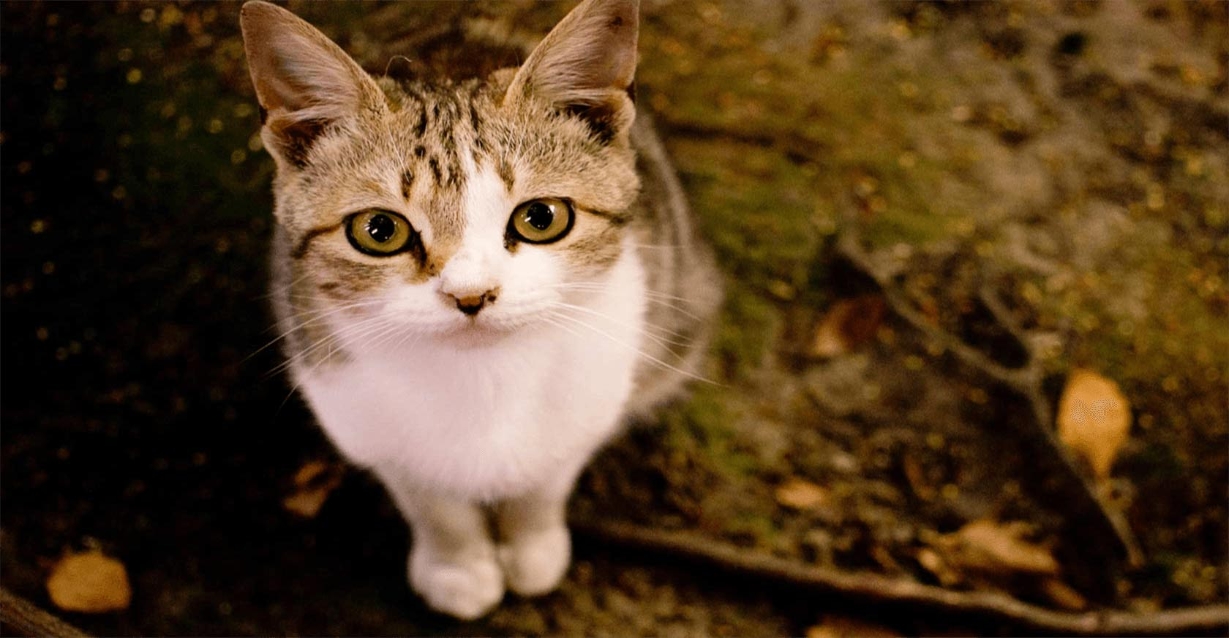 |
|  |  |
|  |  |
:::tip[[👉 Online Experience 👈](https://www.ailabtools.com/image-distortion-correction-example)]
If you'd like to see the actual effects, please visit the experience page for a trial.
:::
## Billing Instructions
- A certain number of credits will be consumed for each successful API call.
### Amount of Credits Deducted
| API | Number of Credits |
|:----------------------------|:------------------|
| Stretched Image Restoration | 2 |
### Resource Package
#### Universal Credits (Supports All APIs)
##### Applied to Stretched Image Restoration
| Amounts | Credits | Amounts/Credit | Allowable Requests | Amounts/Request |
|----------:|----------:|---------------:|-------------------:|----------------:|
| $12.00 | 2,000 | $0.0060 | 1,000 | $0.0120 |
| $27.50 | 5,000 | $0.0055 | 2,500 | $0.0110 |
| $50.00 | 10,000 | $0.0050 | 5,000 | $0.0100 |
| $135.00 | 30,000 | $0.0045 | 15,000 | $0.0090 |
| $212.00 | 50,000 | $0.0043 | 25,000 | $0.0086 |
| $400.00 | 100,000 | $0.0040 | 50,000 | $0.0080 |
| $1,050.00 | 300,000 | $0.0035 | 150,000 | $0.0070 |
| $1,500.00 | 500,000 | $0.0030 | 250,000 | $0.0060 |
| $2,500.00 | 1,000,000 | $0.0025 | 500,000 | $0.0050 |
:::tip[Buy Now]
- Pricing
- Developer Platform
:::tip[Customization]
If you require more credits, please contact us at business@ailabtools.com.
:::
## File Storage Policy
:::tip
- **Uploaded Files**: Not stored.
- **Response Files**: Not stored.
:::
---
## Image Composition Aesthetics Score API
## Request
### Image requirements
- **Image format**: `JPG` `JPEG` `BMP` `PNG` `WEBP`
- **Image size**: No more than 3 MB.
- **Image resolution**: Larger than 32x32px, smaller than 4096x4096px.
### Body
| Field | Required | Type |
|:--------|:---------|:-------|
| `image` | YES | `file` |
## Response
:::warning[Response Field Handling Flow]
1. **Handle `Public Response Fields`**
Parse and validate the `Public Response Fields`, checking the status code or response message to ensure the request is successful and error-free.
2. **Handle `Business Response Fields`**
If the `Public Response Fields` are valid and error-free, proceed with processing the business logic in the `Business Response Fields`.
:::
### Public Response Fields
Viewing Public Response Fields and Error Codes
### Business Response Fields
| Field | Type | Description |
|:---------|:---------|:--------------------------------------------------------------------------------------------------------------------------------|
| `data` | `object` | The content of the result data returned. |
| +`score` | `float` | The higher the score, the better the composition, with a recommended score of 3.8 or higher being the better composition score. |
### Response Example
```json
{
"request_id": "",
"log_id": "",
"error_code": 0,
"error_msg": "",
"error_detail": {
"status_code": 200,
"code": "",
"code_message": "",
"message": ""
},
"data": {
"score": 0
}
}
```
---
## Image Composition Aesthetics Score API(Image-composition-aesthetics-scoring)
# AILabTools API - Image Composition Aesthetics Score - API
## Request
- **URL**: `https://www.ailabapi.com/api/image/rating/image-composition-aesthetics-scoring`
- **Method**: `POST`
- **Content-Type**: `multipart/form-data`
### Image requirements
- **Image format**: `JPG` `JPEG` `BMP` `PNG` `WEBP`
- **Image size**: No more than 3 MB.
- **Image resolution**: Larger than 32x32px, smaller than 4096x4096px.
### Headers
| Field | Required | Type | Description |
|:-------------------|:---------|:---------|:---------------------------------------------------|
| `ailabapi-api-key` | YES | `string` | Application API KEY. [Get API KEY](get-api-key.md) |
### Body
| Field | Required | Type |
|:--------|:---------|:-------|
| `image` | YES | `file` |
## Response
:::warning[Response Field Handling Flow]
1. **Handle `Public Response Fields`**
Parse and validate the `Public Response Fields`, checking the status code or response message to ensure the request is successful and error-free.
2. **Handle `Business Response Fields`**
If the `Public Response Fields` are valid and error-free, proceed with processing the business logic in the `Business Response Fields`.
:::
### Public Response Fields
Viewing Public Response Fields and Error Codes
### Business Response Fields
| Field | Type | Description |
|:---------|:---------|:--------------------------------------------------------------------------------------------------------------------------------|
| `data` | `object` | The content of the result data returned. |
| +`score` | `float` | The higher the score, the better the composition, with a recommended score of 3.8 or higher being the better composition score. |
### Response Example
```json
{
"request_id": "",
"log_id": "",
"error_code": 0,
"error_msg": "",
"error_detail": {
"status_code": 200,
"code": "",
"code_message": "",
"message": ""
},
"data": {
"score": 0
}
}
```
## Sample Code
- [Introduction to Get Sample Code](get-sample-code.md)
- [Sample Code][PostmanURL]
[PostmanURL]: https://documenter.getpostman.com/view/26387069/2s93JxqgHE#93712e4a-ba14-42c2-a220-214e2a297a0a
---
## Image Composition Aesthetics Score API(Rating)
# AILabTools API - Image Composition Aesthetics Score - Introduction
Input an image and output the aesthetic rating of the composition of the image (0~5, with 3.8 or more recommended as better composition).
## Billing Instructions
- A certain number of credits will be consumed for each successful API call.
### Amount of Credits Deducted
| API | Number of Credits |
|:-----------------------------------|:------------------|
| Image Composition Aesthetics Score | 1 |
### Resource Package
#### Universal Credits (Supports All APIs)
##### Applied to Image Composition Aesthetics Score
| Amounts | Credits | Amounts/Credit | Allowable Requests | Amounts/Request |
|----------:|----------:|---------------:|-------------------:|----------------:|
| $12.00 | 2,000 | $0.0060 | 2,000 | $0.0060 |
| $27.50 | 5,000 | $0.0055 | 5,000 | $0.0055 |
| $50.00 | 10,000 | $0.0050 | 10,000 | $0.0050 |
| $135.00 | 30,000 | $0.0045 | 30,000 | $0.0045 |
| $212.00 | 50,000 | $0.0043 | 50,000 | $0.0043 |
| $400.00 | 100,000 | $0.0040 | 100,000 | $0.0040 |
| $1,050.00 | 300,000 | $0.0035 | 300,000 | $0.0035 |
| $1,500.00 | 500,000 | $0.0030 | 500,000 | $0.0030 |
| $2,500.00 | 1,000,000 | $0.0025 | 1,000,000 | $0.0025 |
:::tip[Buy Now]
- Pricing
- Developer Platform
:::tip[Customization]
If you require more credits, please contact us at business@ailabtools.com.
:::
## File Storage Policy
:::tip
- **Uploaded Files**: Not stored.
:::
---
## Image Exposure Score API
## Request
### Image requirements
- **Image format**: `JPG` `JPEG` `BMP` `PNG`
- **Image size**: No more than 3 MB.
- **Image resolution**: Larger than 32x32px, smaller than 4096x4096px.
### Body
| Field | Required | Type |
|:--------|:---------|:-------|
| `image` | YES | `file` |
## Response
:::warning[Response Field Handling Flow]
1. **Handle `Public Response Fields`**
Parse and validate the `Public Response Fields`, checking the status code or response message to ensure the request is successful and error-free.
2. **Handle `Business Response Fields`**
If the `Public Response Fields` are valid and error-free, proceed with processing the business logic in the `Business Response Fields`.
:::
### Public Response Fields
Viewing Public Response Fields and Error Codes
### Business Response Fields
| Field | Type | Description |
|:------------|:---------|:----------------------------------------------------------------------------------------------|
| `data` | `object` | The content of the result data returned. |
| +`exposure` | `float` | Image exposure score, the value range is 0~1. The higher the score, the greater the exposure. |
### Response Example
```json
{
"request_id": "",
"log_id": "",
"error_code": 0,
"error_msg": "",
"error_detail": {
"status_code": 200,
"code": "",
"code_message": "",
"message": ""
},
"data": {
"exposure": 0
}
}
```
---
## Image Exposure Score API(Image-exposure-score)
# AILabTools API - Image Exposure Score - API
## Request
- **URL**: `https://www.ailabapi.com/api/image/rating/image-exposure-score`
- **Method**: `POST`
- **Content-Type**: `multipart/form-data`
### Image requirements
- **Image format**: `JPG` `JPEG` `BMP` `PNG`
- **Image size**: No more than 3 MB.
- **Image resolution**: Larger than 32x32px, smaller than 4096x4096px.
### Headers
| Field | Required | Type | Description |
|:-------------------|:---------|:---------|:---------------------------------------------------|
| `ailabapi-api-key` | YES | `string` | Application API KEY. [Get API KEY](get-api-key.md) |
### Body
| Field | Required | Type |
|:--------|:---------|:-------|
| `image` | YES | `file` |
## Response
:::warning[Response Field Handling Flow]
1. **Handle `Public Response Fields`**
Parse and validate the `Public Response Fields`, checking the status code or response message to ensure the request is successful and error-free.
2. **Handle `Business Response Fields`**
If the `Public Response Fields` are valid and error-free, proceed with processing the business logic in the `Business Response Fields`.
:::
### Public Response Fields
Viewing Public Response Fields and Error Codes
### Business Response Fields
| Field | Type | Description |
|:------------|:---------|:----------------------------------------------------------------------------------------------|
| `data` | `object` | The content of the result data returned. |
| +`exposure` | `float` | Image exposure score, the value range is 0~1. The higher the score, the greater the exposure. |
### Response Example
```json
{
"request_id": "",
"log_id": "",
"error_code": 0,
"error_msg": "",
"error_detail": {
"status_code": 200,
"code": "",
"code_message": "",
"message": ""
},
"data": {
"exposure": 0
}
}
```
## Sample Code
- [Introduction to Get Sample Code](get-sample-code.md)
- [Sample Code][PostmanURL]
[PostmanURL]: https://documenter.getpostman.com/view/26387069/2s93JxqgHE#11157d3c-86f3-4754-adf3-d184f22e6bf5
---
## Image Exposure Score API(Rating)
# AILabTools API - Image Exposure Score - Introduction
Input an image and output the exposure score of the image, both scores are in the range of 0-1. A larger exposure score means a greater exposure (0.7 is recommended, below 0.6 is too dark, above 0.9 is too bright).
## Billing Instructions
- A certain number of credits will be consumed for each successful API call.
### Amount of Credits Deducted
| API | Number of Credits |
|:---------------------|:------------------|
| Image Exposure Score | 1 |
### Resource Package
#### Universal Credits (Supports All APIs)
##### Applied to Image Exposure Score
| Amounts | Credits | Amounts/Credit | Allowable Requests | Amounts/Request |
|----------:|----------:|---------------:|-------------------:|----------------:|
| $12.00 | 2,000 | $0.0060 | 2,000 | $0.0060 |
| $27.50 | 5,000 | $0.0055 | 5,000 | $0.0055 |
| $50.00 | 10,000 | $0.0050 | 10,000 | $0.0050 |
| $135.00 | 30,000 | $0.0045 | 30,000 | $0.0045 |
| $212.00 | 50,000 | $0.0043 | 50,000 | $0.0043 |
| $400.00 | 100,000 | $0.0040 | 100,000 | $0.0040 |
| $1,050.00 | 300,000 | $0.0035 | 300,000 | $0.0035 |
| $1,500.00 | 500,000 | $0.0030 | 500,000 | $0.0030 |
| $2,500.00 | 1,000,000 | $0.0025 | 1,000,000 | $0.0025 |
:::tip[Buy Now]
- Pricing
- Developer Platform
:::tip[Customization]
If you require more credits, please contact us at business@ailabtools.com.
:::
## File Storage Policy
:::tip
- **Uploaded Files**: Not stored.
:::
---
## Face Analyzer API
## Request
### Image requirements
- **Image format**: `JPG` `JPEG` `PNG` `BMP`
- **Image size**: No more than 5 MB.
- **Image resolution**: Less than 2000x2000px.
### Body
| Field | Required | Type | Scope | Default | Example | Description |
|:------------------------|:---------|:----------|:---------------------------------------------------------------------------------------------------------------------------------------------------------------------------------------------------------------------------------------------------------------------------------------------------|:--------|:-------------|:------------------------------------------------------------------------------------------------------------------------------------------------------------------------------------------------------------------------------------------------------------------------------------------------------------------------------------------------------------------------------------------------------------------------------------------------------------------------------------------------------------------------------------------------------------------------------------------------------|
| `image` | YES | `file` | | | | | |
| `max_face_num` | NO | `integer` | [1, 120] | `1` | | The maximum number of faces processed. When set to 1, only the largest face in the image is detected. A smaller value leads to faster processing speed. |
| `face_attributes_type` | NO | `string` | `None` `Age` `Beauty` `Emotion` `Eye` `Eyebrow` `Gender` `Hair` `Hat` `Headpose` `Mask` `Mouth` `Moustache` `Nose` `Shape` `Skin` `Smile` | `None` | `Age,Beauty` | Whether to return attributes such as age, gender, mood, etc. AttributesInfo is returned for up to 5 faces with the largest area, and AttributesInfo for more than 5 faces (the 6th and later faces) are not referenced. |
| `need_rotate_detection` | NO | `integer` | `0` `1` | `0` | | Whether to enable image rotation recognition support. When the face in the picture is rotated and there is no exif information in the picture, if you don't turn on the picture rotation recognition support, you can't detect and recognize the face in the picture correctly. If you are sure that the picture contains exif information or you are sure that the face in the input picture will not be rotated, please do not turn on this parameter. If this parameter is turned on, the overall time required may increase by hundreds of milliseconds. `0`: Close. `1`: Open. |
## Response
:::warning[Response Field Handling Flow]
1. **Handle `Public Response Fields`**
Parse and validate the `Public Response Fields`, checking the status code or response message to ensure the request is successful and error-free.
2. **Handle `Business Response Fields`**
If the `Public Response Fields` are valid and error-free, proceed with processing the business logic in the `Business Response Fields`.
:::
### Public Response Fields
Viewing Public Response Fields and Error Codes
### Business Response Fields
| Field | Type | Scope | Description |
|:-------------------------------|:----------|:-------------------------------------------------------------------------------------------|:---------------------------------------------------------------------------------------------------------------------------------------------------------------------------------------------------------------------------------------------------------------------------------------------------------------------------------------------------------------------------------------------------------------|
| `image_width` | `integer` | | Image width. |
| `image_height` | `integer` | | Image height. |
| `face_detail_infos` | `array` | | List of face information. |
| +`face_rect` | `object` | | Face frame position. |
| ++`x` | `integer` | | The horizontal coordinate of the upper left corner of the face frame.The face frame contains the positions of the five senses of the face and expands on them, if the face frame is out of the range of the picture, it will lead to negative coordinates.If you need to intercept the complete face, you can take the negative coordinate to 0 if the complete subcompletess meets the demand. |
| ++`y` | `integer` | | The vertical coordinate of the upper left corner of the face frame. The face frame contains the positions of the five senses of the face and expands them to a certain extent. If the face frame exceeds the range of the picture, it will lead to negative coordinates. If you need to intercept the complete face, you can take the negative coordinate to 0 if the complete subcompletess meets the demand. |
| ++`width` | `integer` | | Face width. |
| ++`height` | `integer` | | Face height. |
| +`face_detail_attributes_info` | `object` | | Face attribute information. |
| ++`age` | `integer` | [0, 65] | Age. `65`: 65 years old and above. When `face_attributes_type` does not contain `Age` or when more than 5 faces are detected, this parameter is still returned but is not informative. |
| ++`beauty` | `integer` | [0, 100] | Beauty Score. When `face_attributes_type` does not contain `Beauty` or when more than 5 faces are detected, this parameter is still returned but is not informative. |
| ++`emotion` | `object` | | Emotional information. When `face_attributes_type` does not contain `Emotion` or when more than 5 faces are detected, this parameter is still returned but is not informative. |
| +++`type` | `integer` | `0` `1` `2` `3` `4` `5` `6` | `0`: Neutral. `1`: Happy. `2`: Surprised. `3`: Angry. `4`: Sad. `5`: Disgusted. `6`: Fearful. |
| +++`probability` | `float` | [0, 1] | Probability of being correct. |
| ++`eye` | `object` | | Eye-related information. `face_attributes_type` does not contain `Eye` or when more than 5 faces are detected, this parameter is still returned but is not informative. |
| +++`glass` | `object` | | Wearing glasses. |
| ++++`type` | `integer` | `0` `1` `2` | `0`: No glasses. `1`: Regular glasses. `2`: Sunglasses. |
| ++++`probability` | `float` | [0, 1] | Probability of being correct. |
| +++`eye_open` | `object` | | Closed eyes. |
| ++++`type` | `integer` | `0` `1` | `0`: No. `1`: Yes. |
| ++++`probability` | `float` | [0, 1] | Probability of being correct. |
| +++`eyelid_type` | `object` | | Double eyelids. |
| ++++`type` | `integer` | `0` `1` | `0`: No. `1`: Yes. |
| ++++`probability` | `float` | [0, 1] | Probability of being correct. |
| +++`eye_size` | `object` | | Eye size. |
| ++++`type` | `integer` | `0` `1` `2` | `0`: Small eyes. `1`: Regular eyes. `2`: Large eyes. |
| ++++`probability` | `float` | [0, 1] | Probability of being correct. |
| ++`eyebrow` | `object` | | Eyebrow information. `face_attributes_type` does not contain `Eyebrow` or when more than 5 faces are detected, this parameter is still returned but is not informative. |
| +++`eyebrow_density` | `object` | | Thick eyebrows. |
| ++++`type` | `integer` | `0` `1` | `0`: Sparse eyebrows. `1`: Thick eyebrows. |
| ++++`probability` | `float` | [0, 1] | Probability of being correct. |
| +++`eyebrow_curve` | `object` | | Curved eyebrows. |
| ++++`type` | `integer` | `0` `1` | `0`: Not curved. `1`: Curved eyebrows. |
| ++++`probability` | `float` | [0, 1] | Probability of being correct. |
| +++`eyebrow_length` | `object` | | Eyebrow length. |
| ++++`type` | `integer` | `0` `1` | `0`: Short eyebrows. `1`: Long eyebrows. |
| ++++`probability` | `float` | [0, 1] | Probability of being correct. |
| ++`gender` | `object` | | Gender information. `face_attributes_type` does not contain `Gender` or when more than 5 faces are detected, this parameter is still returned but is not informative. |
| +++`type` | `integer` | `0` `1` | `0`: Male. `1`: Female. |
| +++`probability` | `float` | [0, 1] | Probability of being correct. |
| ++`hair` | `object` | | Hair information. `face_attributes_type` does not contain `Hair` or when more than 5 faces are detected, this parameter is still returned but is not informative. |
| +++`length` | `object` | | Hair length information. |
| ++++`type` | `integer` | `0` `1` `2` `3` `4` | `0`: Bald. `1`: Short hair. `2`: Medium-length hair. `3`: Long hair. `4`: Tied hair. |
| ++++`probability` | `float` | [0, 1] | Probability of being correct. |
| +++`bang` | `object` | | Fringe (bangs) information. |
| ++++`type` | `integer` | `0` `1` | `0`: No fringe (bangs). `1`: Has fringe (bangs). |
| ++++`probability` | `float` | [0, 1] | Probability of being correct. |
| +++`color` | `object` | | Hair color information. |
| ++++`type` | `integer` | `0` `1` `2` `3` | `0`: Black. `1`: Blonde. `2`: Brown. `3`: Gray/White. |
| ++++`probability` | `float` | [0, 1] | Probability of being correct. |
| ++`hat` | `object` | | Hat information. `face_attributes_type` does not contain `Hat` or when more than 5 faces are detected, this parameter is still returned but is not informative. |
| +++`style` | `object` | | Hat wearing status information. |
| ++++`type` | `integer` | `0` `1` `2` `3` | `0`: No hat. `1`: Regular hat. `2`: Helmet. `3`: Security hat. |
| ++++`probability` | `float` | [0, 1] | Probability of being correct. |
| +++`color` | `object` | | Hat color. |
| ++++`type` | `integer` | `0` `1` `2` `3` `4` `5` `6` | `0`: No hat. `1`: Red shades. `2`: Yellow shades. `3`: Blue shades. `4`: Black shades. `5`: Gray/White shades. `6`: Mixed colors. |
| ++++`probability` | `float` | [0, 1] | Probability of being correct. |
| ++`head_pose` | `object` | | Face offset information. `face_attributes_type` does not contain `HeadPose` or when more than 5 faces are detected, this parameter is still returned but is not informative. |
| +++`pitch` | `integer` | [-30, 30] | Vertical Offset. |
| +++`yaw` | `integer` | [-30, 30] | Horizontal Offset. |
| +++`pitch` | `integer` | [-180, 180] | Planar Rotation. |
| ++`mask` | `object` | | Mask wearing information. `face_attributes_type` does not contain `Mask` or when more than 5 faces are detected, this parameter is still returned but is not informative. |
| +++`type` | `integer` | `0` `1` `2` `3` `4` | `0`: No mask. `1`: Mask without covering face. `2`: Mask covering chin. `3`: Mask covering mouth. `4`: Correctly worn mask. |
| +++`probability` | `float` | [0, 1] | Probability of being correct. |
| ++`mouth` | `object` | | Mouth information. `face_attributes_type` does not contain `Mouth` or when more than 5 faces are detected, this parameter is still returned but is not informative. |
| +++`mouth_open` | `object` | | Mouth open. |
| ++++`type` | `integer` | `0` `1` | `0`: No. `1`: Yes. |
| ++++`probability` | `float` | [0, 1] | Probability of being correct. |
| ++`moustache` | `object` | | Facial hair information. `face_attributes_type` does not contain `Moustache` or when more than 5 faces are detected, this parameter is still returned but is not informative. |
| +++`type` | `integer` | `0` `1` | `0`: No facial hair. `1`: Facial hair. |
| +++`probability` | `float` | [0, 1] | Probability of being correct. |
| ++`nose` | `object` | | Nose information. `face_attributes_type` does not contain `Nose` or when more than 5 faces are detected, this parameter is still returned but is not informative. |
| +++`type` | `integer` | `0` `1` `2` `3` | `0`: Upturned nose. `1`: Hooked nose. `2`: Normal. `3`: Round-tipped nose. |
| +++`probability` | `float` | [0, 1] | Probability of being correct. |
| ++`shape` | `object` | | Face shape information. `face_attributes_type` does not contain `Shape` or when more than 5 faces are detected, this parameter is still returned but is not informative. |
| +++`type` | `integer` | `0` `1` `2` `3` `4` | `0`: Square face. `1`: Triangular face. `2`: Oval face. `3`: Heart-shaped face. `4`: Round face. |
| +++`probability` | `float` | [0, 1] | Probability of being correct. |
| ++`skin` | `object` | | Skin color information. `face_attributes_type` does not contain `Skin` or when more than 5 faces are detected, this parameter is still returned but is not informative. |
| +++`type` | `integer` | `0` `1` `2` `3` | `0`: Yellow skin. `1`: Brown skin. `2`: Black skin. `3`: White skin. |
| +++`probability` | `float` | [0, 1] | Probability of being correct. |
| ++`smile` | `integer` | [0,100] | Smile Rating. `face_attributes_type` does not contain `Smile` or when more than 5 faces are detected, this parameter is still returned but is not informative. |
### Response Example
```json
{
"request_id": "",
"log_id": "",
"error_code": 0,
"error_msg": "",
"error_detail": {
"status_code": 200,
"code": "",
"code_message": "",
"message": ""
},
"image_width": 0,
"image_height": 0,
"face_detail_infos": [
{
"face_rect": {
"x": 0,
"y": 0,
"width": 0,
"height": 0
},
"face_detail_attributes_info": {
"age": 0,
"beauty": 0,
"emotion": {
"type": 0,
"probability": 0
},
"eye": {
"glass": {
"type": 0,
"probability": 0.99936753511429
},
"eye_open": {
"type": 0,
"probability": 0.99949336051941
},
"eyelid_type": {
"type": 1,
"probability": 0.75467920303345
},
"eye_size": {
"type": 2,
"probability": 0.59152442216873
}
},
"eyebrow": {
"eyebrow_density": {
"type": 0,
"probability": 0
},
"eyebrow_curve": {
"type": 0,
"probability": 0
},
"eyebrow_length": {
"type": 0,
"probability": 0
}
},
"gender": {
"type": 0,
"probability": 0
},
"hair": {
"length": {
"type": 0,
"probability": 0
},
"bang": {
"type": 0,
"probability": 0
},
"color": {
"type": 0,
"probability": 0
}
},
"hat": {
"style": {
"type": 0,
"probability": 0
},
"color": {
"type": 0,
"probability": 0
}
},
"head_pose": {
"pitch": 0,
"yaw": 0,
"roll": 0
},
"mask": {
"type": 0,
"probability": 0
},
"mouth": {
"mouth_open": {
"type": 0,
"probability": 0
}
},
"moustache": {
"type": 0,
"probability": 0
},
"nose": {
"type": 2,
"probability": 0.75233882665634
},
"shape": {
"type": 0,
"probability": 0
},
"skin": {
"type": 0,
"probability": 0
},
"smile": 0
}
}
]
}
```
---
## Face Analyzer API(Face-analyzer)
# AILabTools API - Face Analyzer - API
## Request
- **URL**: `https://www.ailabapi.com/api/portrait/analysis/face-analyzer`
- **Method**: `POST`
- **Content-Type**: `multipart/form-data`
### Image requirements
- **Image format**: `JPG` `JPEG` `PNG` `BMP`
- **Image size**: No more than 5 MB.
- **Image resolution**: Less than 2000x2000px.
### Headers
| Field | Required | Type | Description |
|:-------------------|:---------|:---------|:---------------------------------------------------|
| `ailabapi-api-key` | YES | `string` | Application API KEY. [Get API KEY](get-api-key.md) |
### Body
| Field | Required | Type | Scope | Default | Example | Description |
|:------------------------|:---------|:----------|:---------------------------------------------------------------------------------------------------------------------------------------------------------------------------------------------------------------------------------------------------------------------------------------------------|:--------|:-------------|:------------------------------------------------------------------------------------------------------------------------------------------------------------------------------------------------------------------------------------------------------------------------------------------------------------------------------------------------------------------------------------------------------------------------------------------------------------------------------------------------------------------------------------------------------------------------------------------------------|
| `image` | YES | `file` | | | | | |
| `max_face_num` | NO | `integer` | [1, 120] | `1` | | The maximum number of faces processed. When set to 1, only the largest face in the image is detected. A smaller value leads to faster processing speed. |
| `face_attributes_type` | NO | `string` | `None` `Age` `Beauty` `Emotion` `Eye` `Eyebrow` `Gender` `Hair` `Hat` `Headpose` `Mask` `Mouth` `Moustache` `Nose` `Shape` `Skin` `Smile` | `None` | `Age,Beauty` | Whether to return attributes such as age, gender, mood, etc. AttributesInfo is returned for up to 5 faces with the largest area, and AttributesInfo for more than 5 faces (the 6th and later faces) are not referenced. |
| `need_rotate_detection` | NO | `integer` | `0` `1` | `0` | | Whether to enable image rotation recognition support. When the face in the picture is rotated and there is no exif information in the picture, if you don't turn on the picture rotation recognition support, you can't detect and recognize the face in the picture correctly. If you are sure that the picture contains exif information or you are sure that the face in the input picture will not be rotated, please do not turn on this parameter. If this parameter is turned on, the overall time required may increase by hundreds of milliseconds. `0`: Close. `1`: Open. |
## Response
:::warning[Response Field Handling Flow]
1. **Handle `Public Response Fields`**
Parse and validate the `Public Response Fields`, checking the status code or response message to ensure the request is successful and error-free.
2. **Handle `Business Response Fields`**
If the `Public Response Fields` are valid and error-free, proceed with processing the business logic in the `Business Response Fields`.
:::
### Public Response Fields
Viewing Public Response Fields and Error Codes
### Business Response Fields
| Field | Type | Scope | Description |
|:-------------------------------|:----------|:-------------------------------------------------------------------------------------------|:---------------------------------------------------------------------------------------------------------------------------------------------------------------------------------------------------------------------------------------------------------------------------------------------------------------------------------------------------------------------------------------------------------------|
| `image_width` | `integer` | | Image width. |
| `image_height` | `integer` | | Image height. |
| `face_detail_infos` | `array` | | List of face information. |
| +`face_rect` | `object` | | Face frame position. |
| ++`x` | `integer` | | The horizontal coordinate of the upper left corner of the face frame.The face frame contains the positions of the five senses of the face and expands on them, if the face frame is out of the range of the picture, it will lead to negative coordinates.If you need to intercept the complete face, you can take the negative coordinate to 0 if the complete subcompletess meets the demand. |
| ++`y` | `integer` | | The vertical coordinate of the upper left corner of the face frame. The face frame contains the positions of the five senses of the face and expands them to a certain extent. If the face frame exceeds the range of the picture, it will lead to negative coordinates. If you need to intercept the complete face, you can take the negative coordinate to 0 if the complete subcompletess meets the demand. |
| ++`width` | `integer` | | Face width. |
| ++`height` | `integer` | | Face height. |
| +`face_detail_attributes_info` | `object` | | Face attribute information. |
| ++`age` | `integer` | [0, 65] | Age. `65`: 65 years old and above. When `face_attributes_type` does not contain `Age` or when more than 5 faces are detected, this parameter is still returned but is not informative. |
| ++`beauty` | `integer` | [0, 100] | Beauty Score. When `face_attributes_type` does not contain `Beauty` or when more than 5 faces are detected, this parameter is still returned but is not informative. |
| ++`emotion` | `object` | | Emotional information. When `face_attributes_type` does not contain `Emotion` or when more than 5 faces are detected, this parameter is still returned but is not informative. |
| +++`type` | `integer` | `0` `1` `2` `3` `4` `5` `6` | `0`: Neutral. `1`: Happy. `2`: Surprised. `3`: Angry. `4`: Sad. `5`: Disgusted. `6`: Fearful. |
| +++`probability` | `float` | [0, 1] | Probability of being correct. |
| ++`eye` | `object` | | Eye-related information. `face_attributes_type` does not contain `Eye` or when more than 5 faces are detected, this parameter is still returned but is not informative. |
| +++`glass` | `object` | | Wearing glasses. |
| ++++`type` | `integer` | `0` `1` `2` | `0`: No glasses. `1`: Regular glasses. `2`: Sunglasses. |
| ++++`probability` | `float` | [0, 1] | Probability of being correct. |
| +++`eye_open` | `object` | | Closed eyes. |
| ++++`type` | `integer` | `0` `1` | `0`: No. `1`: Yes. |
| ++++`probability` | `float` | [0, 1] | Probability of being correct. |
| +++`eyelid_type` | `object` | | Double eyelids. |
| ++++`type` | `integer` | `0` `1` | `0`: No. `1`: Yes. |
| ++++`probability` | `float` | [0, 1] | Probability of being correct. |
| +++`eye_size` | `object` | | Eye size. |
| ++++`type` | `integer` | `0` `1` `2` | `0`: Small eyes. `1`: Regular eyes. `2`: Large eyes. |
| ++++`probability` | `float` | [0, 1] | Probability of being correct. |
| ++`eyebrow` | `object` | | Eyebrow information. `face_attributes_type` does not contain `Eyebrow` or when more than 5 faces are detected, this parameter is still returned but is not informative. |
| +++`eyebrow_density` | `object` | | Thick eyebrows. |
| ++++`type` | `integer` | `0` `1` | `0`: Sparse eyebrows. `1`: Thick eyebrows. |
| ++++`probability` | `float` | [0, 1] | Probability of being correct. |
| +++`eyebrow_curve` | `object` | | Curved eyebrows. |
| ++++`type` | `integer` | `0` `1` | `0`: Not curved. `1`: Curved eyebrows. |
| ++++`probability` | `float` | [0, 1] | Probability of being correct. |
| +++`eyebrow_length` | `object` | | Eyebrow length. |
| ++++`type` | `integer` | `0` `1` | `0`: Short eyebrows. `1`: Long eyebrows. |
| ++++`probability` | `float` | [0, 1] | Probability of being correct. |
| ++`gender` | `object` | | Gender information. `face_attributes_type` does not contain `Gender` or when more than 5 faces are detected, this parameter is still returned but is not informative. |
| +++`type` | `integer` | `0` `1` | `0`: Male. `1`: Female. |
| +++`probability` | `float` | [0, 1] | Probability of being correct. |
| ++`hair` | `object` | | Hair information. `face_attributes_type` does not contain `Hair` or when more than 5 faces are detected, this parameter is still returned but is not informative. |
| +++`length` | `object` | | Hair length information. |
| ++++`type` | `integer` | `0` `1` `2` `3` `4` | `0`: Bald. `1`: Short hair. `2`: Medium-length hair. `3`: Long hair. `4`: Tied hair. |
| ++++`probability` | `float` | [0, 1] | Probability of being correct. |
| +++`bang` | `object` | | Fringe (bangs) information. |
| ++++`type` | `integer` | `0` `1` | `0`: No fringe (bangs). `1`: Has fringe (bangs). |
| ++++`probability` | `float` | [0, 1] | Probability of being correct. |
| +++`color` | `object` | | Hair color information. |
| ++++`type` | `integer` | `0` `1` `2` `3` | `0`: Black. `1`: Blonde. `2`: Brown. `3`: Gray/White. |
| ++++`probability` | `float` | [0, 1] | Probability of being correct. |
| ++`hat` | `object` | | Hat information. `face_attributes_type` does not contain `Hat` or when more than 5 faces are detected, this parameter is still returned but is not informative. |
| +++`style` | `object` | | Hat wearing status information. |
| ++++`type` | `integer` | `0` `1` `2` `3` | `0`: No hat. `1`: Regular hat. `2`: Helmet. `3`: Security hat. |
| ++++`probability` | `float` | [0, 1] | Probability of being correct. |
| +++`color` | `object` | | Hat color. |
| ++++`type` | `integer` | `0` `1` `2` `3` `4` `5` `6` | `0`: No hat. `1`: Red shades. `2`: Yellow shades. `3`: Blue shades. `4`: Black shades. `5`: Gray/White shades. `6`: Mixed colors. |
| ++++`probability` | `float` | [0, 1] | Probability of being correct. |
| ++`head_pose` | `object` | | Face offset information. `face_attributes_type` does not contain `HeadPose` or when more than 5 faces are detected, this parameter is still returned but is not informative. |
| +++`pitch` | `integer` | [-30, 30] | Vertical Offset. |
| +++`yaw` | `integer` | [-30, 30] | Horizontal Offset. |
| +++`pitch` | `integer` | [-180, 180] | Planar Rotation. |
| ++`mask` | `object` | | Mask wearing information. `face_attributes_type` does not contain `Mask` or when more than 5 faces are detected, this parameter is still returned but is not informative. |
| +++`type` | `integer` | `0` `1` `2` `3` `4` | `0`: No mask. `1`: Mask without covering face. `2`: Mask covering chin. `3`: Mask covering mouth. `4`: Correctly worn mask. |
| +++`probability` | `float` | [0, 1] | Probability of being correct. |
| ++`mouth` | `object` | | Mouth information. `face_attributes_type` does not contain `Mouth` or when more than 5 faces are detected, this parameter is still returned but is not informative. |
| +++`mouth_open` | `object` | | Mouth open. |
| ++++`type` | `integer` | `0` `1` | `0`: No. `1`: Yes. |
| ++++`probability` | `float` | [0, 1] | Probability of being correct. |
| ++`moustache` | `object` | | Facial hair information. `face_attributes_type` does not contain `Moustache` or when more than 5 faces are detected, this parameter is still returned but is not informative. |
| +++`type` | `integer` | `0` `1` | `0`: No facial hair. `1`: Facial hair. |
| +++`probability` | `float` | [0, 1] | Probability of being correct. |
| ++`nose` | `object` | | Nose information. `face_attributes_type` does not contain `Nose` or when more than 5 faces are detected, this parameter is still returned but is not informative. |
| +++`type` | `integer` | `0` `1` `2` `3` | `0`: Upturned nose. `1`: Hooked nose. `2`: Normal. `3`: Round-tipped nose. |
| +++`probability` | `float` | [0, 1] | Probability of being correct. |
| ++`shape` | `object` | | Face shape information. `face_attributes_type` does not contain `Shape` or when more than 5 faces are detected, this parameter is still returned but is not informative. |
| +++`type` | `integer` | `0` `1` `2` `3` `4` | `0`: Square face. `1`: Triangular face. `2`: Oval face. `3`: Heart-shaped face. `4`: Round face. |
| +++`probability` | `float` | [0, 1] | Probability of being correct. |
| ++`skin` | `object` | | Skin color information. `face_attributes_type` does not contain `Skin` or when more than 5 faces are detected, this parameter is still returned but is not informative. |
| +++`type` | `integer` | `0` `1` `2` `3` | `0`: Yellow skin. `1`: Brown skin. `2`: Black skin. `3`: White skin. |
| +++`probability` | `float` | [0, 1] | Probability of being correct. |
| ++`smile` | `integer` | [0,100] | Smile Rating. `face_attributes_type` does not contain `Smile` or when more than 5 faces are detected, this parameter is still returned but is not informative. |
### Response Example
```json
{
"request_id": "",
"log_id": "",
"error_code": 0,
"error_msg": "",
"error_detail": {
"status_code": 200,
"code": "",
"code_message": "",
"message": ""
},
"image_width": 0,
"image_height": 0,
"face_detail_infos": [
{
"face_rect": {
"x": 0,
"y": 0,
"width": 0,
"height": 0
},
"face_detail_attributes_info": {
"age": 0,
"beauty": 0,
"emotion": {
"type": 0,
"probability": 0
},
"eye": {
"glass": {
"type": 0,
"probability": 0.99936753511429
},
"eye_open": {
"type": 0,
"probability": 0.99949336051941
},
"eyelid_type": {
"type": 1,
"probability": 0.75467920303345
},
"eye_size": {
"type": 2,
"probability": 0.59152442216873
}
},
"eyebrow": {
"eyebrow_density": {
"type": 0,
"probability": 0
},
"eyebrow_curve": {
"type": 0,
"probability": 0
},
"eyebrow_length": {
"type": 0,
"probability": 0
}
},
"gender": {
"type": 0,
"probability": 0
},
"hair": {
"length": {
"type": 0,
"probability": 0
},
"bang": {
"type": 0,
"probability": 0
},
"color": {
"type": 0,
"probability": 0
}
},
"hat": {
"style": {
"type": 0,
"probability": 0
},
"color": {
"type": 0,
"probability": 0
}
},
"head_pose": {
"pitch": 0,
"yaw": 0,
"roll": 0
},
"mask": {
"type": 0,
"probability": 0
},
"mouth": {
"mouth_open": {
"type": 0,
"probability": 0
}
},
"moustache": {
"type": 0,
"probability": 0
},
"nose": {
"type": 2,
"probability": 0.75233882665634
},
"shape": {
"type": 0,
"probability": 0
},
"skin": {
"type": 0,
"probability": 0
},
"smile": 0
}
}
]
}
```
## Sample Code
- [Introduction to Get Sample Code](get-sample-code.md)
- [Sample Code][PostmanURL]
[PostmanURL]: https://documenter.getpostman.com/view/26387069/2s93JxqgHE#3e7b9f6e-9e6b-4cec-aebb-3e7b0a58c156
---
## Face Analyzer Advanced API
## Request
### Image requirements
- **Image format**: `JPG` `JPEG` `PNG` `BMP`
- **Image size**: No more than 20 MB.
- **Image resolution**: Larger than 32×32px, smaller than 4096×4096px, face no smaller than 64×64px.
### Body
| Field | Required | Type |
|:--------|:---------|:-------|
| `image` | YES | `file` |
## Response
:::warning[Response Field Handling Flow]
1. **Handle `Public Response Fields`**
Parse and validate the `Public Response Fields`, checking the status code or response message to ensure the request is successful and error-free.
2. **Handle `Business Response Fields`**
If the `Public Response Fields` are valid and error-free, proceed with processing the business logic in the `Business Response Fields`.
:::
### Public Response Fields
Viewing Public Response Fields and Error Codes
### Business Response Fields
| Field | Type | Scope | Description |
|:-------------------------|:-------------------|:---------------------------------------|:--------------------------------------------------------------------------------------------------------------------------------------------------------------------------------------------------------------------------------------------------------------------------------------------------------------------------------------------------------------------------------------------------------|
| `data` | `object` | | |
| +`pupils` | `array of float` | | The center point coordinates and radius of the left and right pupils, with 6 floating-point values per face, in the order of `[left_iris_cenpt.x, left_iris_cenpt.y, left_iris_radius, right_iris_cenpt.x, right_iris_cenpt.y, right_iris_radius]`. If multiple faces are detected, results are returned in order. |
| +`gender_list` | `array of integer` | `0` `1` | Gender. If multiple faces are detected, results are returned in order. `0`: Female. `1`: Male. |
| +`expressions` | `array of integer` | `0` `1` | Expression. If multiple faces are detected, results are returned in order. `0`: Neutral. `1`: Smile. |
| +`face_count` | `integer` | | Number of faces. |
| +`landmarks` | `array of float` | | Facial landmark detection results. A set of landmark coordinates is returned for each face, represented as (x0, y0, x1, y1, …). If multiple faces are detected, results are returned in order. |
| +`landmark_count` | `integer` | `105` | Number of facial landmarks. distributed as follows: Eyebrows: 24 points Eyes: 32 points Nose: 6 points Mouth: 34 points Outer contour: 9 points |
| +`beauty_list` | `array of float` | [0, 100] | Attractiveness score. A higher score indicates a higher level of attractiveness. If multiple faces are detected, results are returned in order. |
| +`hat_list` | `array of integer` | `0` `1` | Whether wearing a hat. If multiple faces are detected, results are returned in order. `0`: No. `1`: Yes. |
| +`face_probability_list` | `array of float` | [0, 1] | Probability of a face. If multiple faces are detected, results are returned in order. |
| +`glasses` | `array of integer` | `0` `1` `2` | Whether wearing glasses. If multiple faces are detected, results are returned in order. `0`: No glasses. `1`: Wearing regular glasses. `2`: Wearing sunglasses. |
| +`face_rectangles` | `array of integer` | | Face bounding box, represented as `[left, top, width, height]`. If multiple faces are detected, results are returned in order. |
| +`pose_list` | `array of float` | | Face pose, in the format `[yaw, pitch, roll]`. If multiple faces are detected, results are returned in order. `yaw`: left-right angle. Range: `[-90, 90]`. `pitch`: up-down angle. Range: `[-90, 90]`. `roll`: in-plane rotation angle. Range: `[-180, 180]`. |
| +`age_list` | `array of integer` | [0, 100] | Age. If multiple faces are detected, results are returned in order. |
| +`dense_feature_length` | `integer` | `1024` | The feature dimension returned by face recognition. |
| +`masks` | `array of integer` | `0` `1` `2` | Whether wearing a mask. If multiple faces are detected, results are returned in order. `0`: No. `1`: Yes. `2`: Mask worn incorrectly. |
| +`qualities` | `object` | | Face quality score, where a higher score indicates better suitability for recognition. |
| ++`score_list` | `array of float` | [0, 100] | Overall quality score, where a higher score indicates better suitability for recognition. It is recommended to set a threshold of ≥85 during recognition: a score above 85 indicates high overall image quality, while a score below 85 indicates lower overall image quality. If multiple faces are detected, results are returned in order. |
| ++`blur_list` | `array of float` | [0, 100] | Face blur score indicating the impact of blurriness on recognition, where a higher score is more favorable for recognition. It is recommended to set a threshold of ≥85 during recognition: a score above 85 indicates a lower likelihood of the image being blurry, while a score below 85 indicates a higher likelihood of blurriness. If multiple faces are detected, results are returned in order. |
| ++`fnf_list` | `array of float` | [0, 100] | Score indicating whether the target is a face and its impact on recognition, where a higher score is more favorable for recognition. It is recommended to set a threshold of ≥85 during recognition: a score above 85 indicates a higher probability that the image is a face, while a score below 85 indicates a lower probability. If multiple faces are detected, results are returned in order. |
| ++`glass_list` | `array of float` | [0, 100] | Score indicating the impact of upper-face occlusion (e.g., glasses) on recognition, where a higher score is more favorable for recognition. It is recommended to set a threshold of ≥85 during recognition: a score above 85 indicates a lower probability of wearing glasses, while a score below 85 indicates a higher probability. If multiple faces are detected, results are returned in order. |
| ++`illu_list` | `array of float` | [0, 100] | Score indicating the impact of lighting on recognition, where a higher score is more favorable for recognition. It is recommended to set a threshold of ≥85 during recognition: a score above 85 indicates a higher probability that the image has good lighting, while a score below 85 indicates a lower probability. If multiple faces are detected, results are returned in order. |
| ++`mask_list` | `array of float` | [0, 100] | Score indicating the impact of lower-face occlusion (e.g., mask) on recognition, where a higher score is more favorable for recognition. It is recommended to set a threshold of ≥85 during recognition: a score above 85 indicates a lower probability of wearing a mask, while a score below 85 indicates a higher probability. If multiple faces are detected, results are returned in order. |
| ++`noise_list` | `array of float` | [0, 100] | Score indicating the impact of image noise on recognition, where a higher score is more favorable for recognition. It is recommended to set a threshold of ≥85 during recognition: a score above 85 indicates a lower probability of image noise, while a score below 85 indicates a higher probability. If multiple faces are detected, results are returned in order. |
| ++`pose_list` | `array of float` | [0, 100] | Score indicating the impact of face pose on recognition, where a higher score is more favorable for recognition. It is recommended to set a threshold of ≥85 during recognition: a score above 85 indicates a higher probability of the face being frontal, while a score below 85 indicates a lower probability. If multiple faces are detected, results are returned in order. |
### Response Example
```json
{
"request_id": "",
"log_id": "",
"error_code": 0,
"error_code_str": "",
"error_msg": "",
"error_detail": {
"status_code": 200,
"code": "",
"code_message": "",
"message": ""
},
"image_width": 0,
"image_height": 0,
"data": {
"beauty_list": [
52
],
"face_rectangles": [
189,
152,
307,
412
],
"qualities": {
"score_list": [
96.41
],
"noise_list": [
98.3
],
"blur_list": [
99.82
],
"fnf_list": [
100
],
"glass_list": [
100
],
"mask_list": [
86.71
],
"illu_list": [
99.96
],
"pose_list": [
95.15
]
},
"dense_feature_length": 1024,
"pupils": [
271.97,
323.93,
11.85,
411.95,
313.45,
11.85
],
"gender_list": [
1
],
"pose_list": [
0.84,
-2.23,
-3.3
],
"masks": [
0
],
"face_probability_list": [
0.98
],
"hat_list": [
0
],
"landmark_count": 105,
"age_list": [
39
],
"glasses": [
0
],
"landmarks": [
216.84,
307.4,
309.35,
298.43,
261.93,
289.62,
262.17,
303.41,
229.42,
299.44,
244.93,
291.53,
278.59,
289.6,
294.53,
290.61,
229.94,
308.02,
245.65,
305.05,
278.97,
303.66,
295.33,
304.58,
375.47,
294.46,
468.65,
295.67,
422.46,
279.5,
423.25,
294.1,
389.97,
285,
406.23,
281.84,
438.5,
280.1,
454.31,
286.7,
390.78,
299.35,
406.83,
296.41,
439.46,
293.85,
454.84,
295.42,
243.03,
327.34,
307.29,
324.87,
251.11,
322.3,
256.89,
317.29,
265.83,
315.46,
273.42,
312.38,
282.65,
313.8,
291.55,
314.5,
299.28,
320.32,
251.54,
328.95,
258.26,
330.92,
266.74,
331.13,
274.47,
331.72,
282.61,
330.52,
291.06,
329.53,
298.9,
327.67,
382.22,
321.26,
444.41,
316.94,
389.53,
315.41,
396.52,
309.38,
405.45,
307.33,
414.04,
304.87,
421.57,
307.02,
430.19,
307.97,
435.96,
312.63,
390.44,
322.84,
398.17,
324.31,
406.3,
324.36,
414.3,
324.93,
421.45,
323.53,
429.97,
322.42,
435.81,
319.33,
343.81,
320.48,
349.93,
409.17,
346.66,
364.53,
351.7,
427.48,
311.34,
416.64,
387.58,
411.33,
283.8,
457.18,
420.32,
447.05,
288.01,
458.31,
416.69,
449.18,
352.79,
450.82,
339.8,
451.36,
365.22,
449.34,
311.04,
451.25,
393.19,
445.49,
297.18,
453.88,
325.15,
451.15,
379.17,
447.65,
407.07,
446.47,
356.25,
497.12,
314.05,
485.85,
395.68,
479.71,
298.35,
471.26,
334.99,
491.6,
375.75,
488.11,
408.05,
462.5,
353.32,
458.86,
354.39,
480.15,
320.54,
457.99,
319.1,
475.61,
385.77,
453.35,
388.76,
469.72,
304.64,
457.9,
303.31,
467.65,
336.77,
458.03,
336.73,
478.77,
369.57,
455.94,
371.46,
475.34,
400.6,
451.33,
402.4,
459.7,
184.69,
329.94,
499.09,
312.63,
361.16,
572.93,
221.75,
483.35,
477.01,
466.47,
196.83,
406.88,
493.73,
391.53,
280.2,
543.24,
432.97,
532.44
],
"expressions": [
1
],
"face_count": 1
}
}
```
---
## Face Analyzer Advanced API(Face-analyzer-advanced)
# AILabTools API - Face Analyzer Advanced - API
## Request
- **URL**: `https://www.ailabapi.com/api/portrait/analysis/face-analyzer-advanced`
- **Method**: `POST`
- **Content-Type**: `multipart/form-data`
### Image requirements
- **Image format**: `JPG` `JPEG` `PNG` `BMP`
- **Image size**: No more than 20 MB.
- **Image resolution**: Larger than 32×32px, smaller than 4096×4096px, face no smaller than 64×64px.
### Headers
| Field | Required | Type | Description |
|:-------------------|:---------|:---------|:---------------------------------------------------|
| `ailabapi-api-key` | YES | `string` | Application API KEY. [Get API KEY](get-api-key.md) |
### Body
| Field | Required | Type |
|:--------|:---------|:-------|
| `image` | YES | `file` | |
## Response
:::warning[Response Field Handling Flow]
1. **Handle `Public Response Fields`**
Parse and validate the `Public Response Fields`, checking the status code or response message to ensure the request is successful and error-free.
2. **Handle `Business Response Fields`**
If the `Public Response Fields` are valid and error-free, proceed with processing the business logic in the `Business Response Fields`.
:::
### Public Response Fields
Viewing Public Response Fields and Error Codes
### Business Response Fields
| Field | Type | Scope | Description |
|:-------------------------|:-------------------|:---------------------------------------|:--------------------------------------------------------------------------------------------------------------------------------------------------------------------------------------------------------------------------------------------------------------------------------------------------------------------------------------------------------------------------------------------------------|
| `data` | `object` | | |
| +`pupils` | `array of float` | | The center point coordinates and radius of the left and right pupils, with 6 floating-point values per face, in the order of `[left_iris_cenpt.x, left_iris_cenpt.y, left_iris_radius, right_iris_cenpt.x, right_iris_cenpt.y, right_iris_radius]`. If multiple faces are detected, results are returned in order. |
| +`gender_list` | `array of integer` | `0` `1` | Gender. If multiple faces are detected, results are returned in order. `0`: Female. `1`: Male. |
| +`expressions` | `array of integer` | `0` `1` | Expression. If multiple faces are detected, results are returned in order. `0`: Neutral. `1`: Smile. |
| +`face_count` | `integer` | | Number of faces. |
| +`landmarks` | `array of float` | | Facial landmark detection results. A set of landmark coordinates is returned for each face, represented as (x0, y0, x1, y1, …). If multiple faces are detected, results are returned in order. |
| +`landmark_count` | `integer` | `105` | Number of facial landmarks. distributed as follows: Eyebrows: 24 points Eyes: 32 points Nose: 6 points Mouth: 34 points Outer contour: 9 points |
| +`beauty_list` | `array of float` | [0, 100] | Attractiveness score. A higher score indicates a higher level of attractiveness. If multiple faces are detected, results are returned in order. |
| +`hat_list` | `array of integer` | `0` `1` | Whether wearing a hat. If multiple faces are detected, results are returned in order. `0`: No. `1`: Yes. |
| +`face_probability_list` | `array of float` | [0, 1] | Probability of a face. If multiple faces are detected, results are returned in order. |
| +`glasses` | `array of integer` | `0` `1` `2` | Whether wearing glasses. If multiple faces are detected, results are returned in order. `0`: No glasses. `1`: Wearing regular glasses. `2`: Wearing sunglasses. |
| +`face_rectangles` | `array of integer` | | Face bounding box, represented as `[left, top, width, height]`. If multiple faces are detected, results are returned in order. |
| +`pose_list` | `array of float` | | Face pose, in the format `[yaw, pitch, roll]`. If multiple faces are detected, results are returned in order. `yaw`: left-right angle. Range: `[-90, 90]`. `pitch`: up-down angle. Range: `[-90, 90]`. `roll`: in-plane rotation angle. Range: `[-180, 180]`. |
| +`age_list` | `array of integer` | [0, 100] | Age. If multiple faces are detected, results are returned in order. |
| +`dense_feature_length` | `integer` | `1024` | The feature dimension returned by face recognition. |
| +`masks` | `array of integer` | `0` `1` `2` | Whether wearing a mask. If multiple faces are detected, results are returned in order. `0`: No. `1`: Yes. `2`: Mask worn incorrectly. |
| +`qualities` | `object` | | Face quality score, where a higher score indicates better suitability for recognition. |
| ++`score_list` | `array of float` | [0, 100] | Overall quality score, where a higher score indicates better suitability for recognition. It is recommended to set a threshold of ≥85 during recognition: a score above 85 indicates high overall image quality, while a score below 85 indicates lower overall image quality. If multiple faces are detected, results are returned in order. |
| ++`blur_list` | `array of float` | [0, 100] | Face blur score indicating the impact of blurriness on recognition, where a higher score is more favorable for recognition. It is recommended to set a threshold of ≥85 during recognition: a score above 85 indicates a lower likelihood of the image being blurry, while a score below 85 indicates a higher likelihood of blurriness. If multiple faces are detected, results are returned in order. |
| ++`fnf_list` | `array of float` | [0, 100] | Score indicating whether the target is a face and its impact on recognition, where a higher score is more favorable for recognition. It is recommended to set a threshold of ≥85 during recognition: a score above 85 indicates a higher probability that the image is a face, while a score below 85 indicates a lower probability. If multiple faces are detected, results are returned in order. |
| ++`glass_list` | `array of float` | [0, 100] | Score indicating the impact of upper-face occlusion (e.g., glasses) on recognition, where a higher score is more favorable for recognition. It is recommended to set a threshold of ≥85 during recognition: a score above 85 indicates a lower probability of wearing glasses, while a score below 85 indicates a higher probability. If multiple faces are detected, results are returned in order. |
| ++`illu_list` | `array of float` | [0, 100] | Score indicating the impact of lighting on recognition, where a higher score is more favorable for recognition. It is recommended to set a threshold of ≥85 during recognition: a score above 85 indicates a higher probability that the image has good lighting, while a score below 85 indicates a lower probability. If multiple faces are detected, results are returned in order. |
| ++`mask_list` | `array of float` | [0, 100] | Score indicating the impact of lower-face occlusion (e.g., mask) on recognition, where a higher score is more favorable for recognition. It is recommended to set a threshold of ≥85 during recognition: a score above 85 indicates a lower probability of wearing a mask, while a score below 85 indicates a higher probability. If multiple faces are detected, results are returned in order. |
| ++`noise_list` | `array of float` | [0, 100] | Score indicating the impact of image noise on recognition, where a higher score is more favorable for recognition. It is recommended to set a threshold of ≥85 during recognition: a score above 85 indicates a lower probability of image noise, while a score below 85 indicates a higher probability. If multiple faces are detected, results are returned in order. |
| ++`pose_list` | `array of float` | [0, 100] | Score indicating the impact of face pose on recognition, where a higher score is more favorable for recognition. It is recommended to set a threshold of ≥85 during recognition: a score above 85 indicates a higher probability of the face being frontal, while a score below 85 indicates a lower probability. If multiple faces are detected, results are returned in order. |
### Response Example
```json
{
"request_id": "",
"log_id": "",
"error_code": 0,
"error_code_str": "",
"error_msg": "",
"error_detail": {
"status_code": 200,
"code": "",
"code_message": "",
"message": ""
},
"image_width": 0,
"image_height": 0,
"data": {
"beauty_list": [
52
],
"face_rectangles": [
189,
152,
307,
412
],
"qualities": {
"score_list": [
96.41
],
"noise_list": [
98.3
],
"blur_list": [
99.82
],
"fnf_list": [
100
],
"glass_list": [
100
],
"mask_list": [
86.71
],
"illu_list": [
99.96
],
"pose_list": [
95.15
]
},
"dense_feature_length": 1024,
"pupils": [
271.97,
323.93,
11.85,
411.95,
313.45,
11.85
],
"gender_list": [
1
],
"pose_list": [
0.84,
-2.23,
-3.3
],
"masks": [
0
],
"face_probability_list": [
0.98
],
"hat_list": [
0
],
"landmark_count": 105,
"age_list": [
39
],
"glasses": [
0
],
"landmarks": [
216.84,
307.4,
309.35,
298.43,
261.93,
289.62,
262.17,
303.41,
229.42,
299.44,
244.93,
291.53,
278.59,
289.6,
294.53,
290.61,
229.94,
308.02,
245.65,
305.05,
278.97,
303.66,
295.33,
304.58,
375.47,
294.46,
468.65,
295.67,
422.46,
279.5,
423.25,
294.1,
389.97,
285,
406.23,
281.84,
438.5,
280.1,
454.31,
286.7,
390.78,
299.35,
406.83,
296.41,
439.46,
293.85,
454.84,
295.42,
243.03,
327.34,
307.29,
324.87,
251.11,
322.3,
256.89,
317.29,
265.83,
315.46,
273.42,
312.38,
282.65,
313.8,
291.55,
314.5,
299.28,
320.32,
251.54,
328.95,
258.26,
330.92,
266.74,
331.13,
274.47,
331.72,
282.61,
330.52,
291.06,
329.53,
298.9,
327.67,
382.22,
321.26,
444.41,
316.94,
389.53,
315.41,
396.52,
309.38,
405.45,
307.33,
414.04,
304.87,
421.57,
307.02,
430.19,
307.97,
435.96,
312.63,
390.44,
322.84,
398.17,
324.31,
406.3,
324.36,
414.3,
324.93,
421.45,
323.53,
429.97,
322.42,
435.81,
319.33,
343.81,
320.48,
349.93,
409.17,
346.66,
364.53,
351.7,
427.48,
311.34,
416.64,
387.58,
411.33,
283.8,
457.18,
420.32,
447.05,
288.01,
458.31,
416.69,
449.18,
352.79,
450.82,
339.8,
451.36,
365.22,
449.34,
311.04,
451.25,
393.19,
445.49,
297.18,
453.88,
325.15,
451.15,
379.17,
447.65,
407.07,
446.47,
356.25,
497.12,
314.05,
485.85,
395.68,
479.71,
298.35,
471.26,
334.99,
491.6,
375.75,
488.11,
408.05,
462.5,
353.32,
458.86,
354.39,
480.15,
320.54,
457.99,
319.1,
475.61,
385.77,
453.35,
388.76,
469.72,
304.64,
457.9,
303.31,
467.65,
336.77,
458.03,
336.73,
478.77,
369.57,
455.94,
371.46,
475.34,
400.6,
451.33,
402.4,
459.7,
184.69,
329.94,
499.09,
312.63,
361.16,
572.93,
221.75,
483.35,
477.01,
466.47,
196.83,
406.88,
493.73,
391.53,
280.2,
543.24,
432.97,
532.44
],
"expressions": [
1
],
"face_count": 1
}
}
```
## Sample Code
- [Introduction to Get Sample Code](get-sample-code.md)
- [Sample Code][PostmanURL]
[PostmanURL]: https://documenter.getpostman.com/view/26387069/2s93JxqgHE#7278c347-3ea1-432b-990e-02db900b337e
---
## Face Analyzer Advanced API(Analysis)
# AILabTools API - Face Analyzer Advanced - Introduction
Detect facial attributes with high precision, including gender, age, expression, glasses, and hats. The API also provides a comprehensive quality score based on occlusion, lighting, blur, pose, and noise, and supports multi-face detection in a single image.
## Featured Advantages
- **High adaptability**: Accurately recognizes faces across different photo types, face sizes, and scenarios, covering a wide range of age groups.
- **Image quality scoring**: Provides comprehensive quality evaluation including occlusion, lighting, blur, pose, and noise.
- **Stable platform performance**: Delivers millisecond-level recognition with reliable service under high concurrency and large traffic loads.
## Billing Instructions
- A certain number of credits will be consumed for each successful API call.
### Amount of Credits Deducted
| API | Number of Credits |
|:-----------------------|:------------------|
| Face Analyzer Advanced | 1 |
### Resource Package
#### Universal Credits (Supports All APIs)
##### Applied to Face Analyzer Advanced
| Amounts | Credits | Amounts/Credit | Allowable Requests | Amounts/Request |
|----------:|----------:|---------------:|-------------------:|----------------:|
| $12.00 | 2,000 | $0.0060 | 2,000 | $0.0060 |
| $27.50 | 5,000 | $0.0055 | 5,000 | $0.0055 |
| $50.00 | 10,000 | $0.0050 | 10,000 | $0.0050 |
| $135.00 | 30,000 | $0.0045 | 30,000 | $0.0045 |
| $212.00 | 50,000 | $0.0043 | 50,000 | $0.0043 |
| $400.00 | 100,000 | $0.0040 | 100,000 | $0.0040 |
| $1,050.00 | 300,000 | $0.0035 | 300,000 | $0.0035 |
| $1,500.00 | 500,000 | $0.0030 | 500,000 | $0.0030 |
| $2,500.00 | 1,000,000 | $0.0025 | 1,000,000 | $0.0025 |
:::tip[Buy Now]
- Pricing
- Developer Platform
:::tip[Customization]
If you require more credits, please contact us at business@ailabtools.com.
:::
## File Storage Policy
:::tip
- **Uploaded Files**: Not stored.
:::
---
## Face Analyzer API(Analysis)
# AILabTools API - Face Analyzer - Introduction
Using cutting-edge AI technology, our API offers comprehensive facial analysis for a given image, providing detailed information about the detected face, including facial position, facial attributes (such as gender, age, expression, attractiveness, eyewear, hairstyle, mask presence, and pose), as well as facial quality metrics (including overall quality score, blur score, lighting score, and facial feature occlusion score).
## Application Scenarios
- **Security and Surveillance**: Face Analyzer can enhance security systems by accurately identifying individuals in real-time, enabling efficient access control and threat detection in public spaces, airports, or corporate environments.
- **Social Media and Marketing**: By analyzing faces in user-generated content, Face Analyzer helps businesses gain valuable insights into consumer behavior, sentiment analysis, and demographic profiling. This information can be leveraged for targeted marketing campaigns and personalized customer experiences.
- **Healthcare and Biometrics**: Face Analyzer can be utilized in medical diagnostics, monitoring patient well-being, and assisting in facial recognition for identity verification in healthcare systems, improving patient safety and reducing administrative burdens.
- **Entertainment and Gaming**: The entertainment industry can harness Face Analyzer for interactive experiences, such as augmented reality (AR) filters, virtual makeup applications, or personalized character creation in video games.
## Featured Advantages
- **Real-Time Response**: Facial recognition possesses characteristics like high concurrency, high throughput, and low latency. Each request can be processed in just a few hundred milliseconds, meeting your real-time usage requirements.
- **Accuracy**: Face Analyzer leverages advanced neural networks and deep learning techniques to achieve exceptional accuracy in detecting faces. It can reliably identify faces even in challenging scenarios, such as low light conditions, partial occlusions, or varying angles.
- **Efficiency**: Powered by highly optimized algorithms, Face Analyzer delivers impressive performance in terms of processing speed and resource utilization. It can rapidly analyze large volumes of images, making it suitable for real-time applications, such as video surveillance or live streaming platforms.
- **Scalability**: Face Analyzer is designed to handle diverse use cases, ranging from individual image analysis to bulk processing of image datasets. Its scalability enables seamless integration with existing workflows, ensuring flexibility and adaptability across different projects and applications.
- **Multi-Face Detection**: With the ability to detect and analyze multiple faces simultaneously, Face Analyzer proves invaluable in scenarios where identification or analysis of multiple individuals is crucial. This capability makes it ideal for crowd monitoring, security applications, or social media analytics.
## Billing Instructions
- A certain number of credits will be consumed for each successful API call.
### Amount of Credits Deducted
| API | Number of Credits |
|:--------------|:------------------|
| Face Analyzer | 1 |
### Resource Package
#### Universal Credits (Supports All APIs)
##### Applied to Face Analyzer
| Amounts | Credits | Amounts/Credit | Allowable Requests | Amounts/Request |
|----------:|----------:|---------------:|-------------------:|----------------:|
| $12.00 | 2,000 | $0.0060 | 2,000 | $0.0060 |
| $27.50 | 5,000 | $0.0055 | 5,000 | $0.0055 |
| $50.00 | 10,000 | $0.0050 | 10,000 | $0.0050 |
| $135.00 | 30,000 | $0.0045 | 30,000 | $0.0045 |
| $212.00 | 50,000 | $0.0043 | 50,000 | $0.0043 |
| $400.00 | 100,000 | $0.0040 | 100,000 | $0.0040 |
| $1,050.00 | 300,000 | $0.0035 | 300,000 | $0.0035 |
| $1,500.00 | 500,000 | $0.0030 | 500,000 | $0.0030 |
| $2,500.00 | 1,000,000 | $0.0025 | 1,000,000 | $0.0025 |
:::tip[Buy Now]
- Pricing
- Developer Platform
:::tip[Customization]
If you require more credits, please contact us at business@ailabtools.com.
:::
## File Storage Policy
:::tip
- **Uploaded Files**: Not stored.
:::
---
## Facial Landmarks API
## Request
### Image requirements
- **Image format**: `JPEG` `JPG` `BMP` `PNG`
- **Image size**: No more than 8 MB.
- **Image resolution**: Less than 1920x1080px.
### Body
| Field | Required | Type | Scope | Default | Example | Description |
|:---------------|:---------|:----------|:-----------------------------------------------------------------------------------------------------------------------------------|:--------|:-----------------------|:---------------------------------------------------------------------------------------------------------------------------------------------------------------------------------------------------------------------------------------------------------------------------------------------------------------------------------------------------------------------------------|
| `image` | YES | `file` | | | | |
| `max_face_num` | NO | `integer` | `1` `2` `3` `4` `5` `6` `7` `8` `9` `10` | `1` | | The maximum number of faces to process. The default value is `1` (only the face with the largest area in the image is detected). |
| `face_field` | NO | `string` | `age` `gender` `landmark4` `landmark72` `landmark150` `landmark201` | | `age,gender,landmark4` | Returns more information about the face (by default only face_token, face frame, probability and rotation angle are returned). `age`: Age information. `gender`: Gender information. `landmark4`: 4 feature points. `landmark72`: 72 feature points. `landmark150`: 150 feature points. `landmark201`: 201 feature points. |
## Response
:::warning[Response Field Handling Flow]
1. **Handle `Public Response Fields`**
Parse and validate the `Public Response Fields`, checking the status code or response message to ensure the request is successful and error-free.
2. **Handle `Business Response Fields`**
If the `Public Response Fields` are valid and error-free, proceed with processing the business logic in the `Business Response Fields`.
:::
### Public Response Fields
Viewing Public Response Fields and Error Codes
### Business Response Fields
| Field | Type | Scope | Description |
|:---------------------|:----------|:----------------------------------|:----------------------------------------------------------------------------------------------------------------------------------------------------------------------------|
| `result` | `object` | | The content of the result data returned. |
| +`face_num` | `integer` | | The number of faces in the picture. |
| +`face_list` | `array` | | List of face information. |
| ++`face_token` | `string` | | Face Token. |
| ++`location` | `object` | | The position of the face in the picture. |
| +++`left` | `float` | | The distance of the face area from the left border. |
| +++`top` | `float` | | The distance of the face area from the upper boundary. |
| +++`width` | `float` | | The width of the face area. |
| +++`height` | `float` | | The height of the face area. |
| +++`rotation` | `integer` | [-180, 180] | The clockwise rotation angle of the face frame with respect to the vertical direction. |
| ++`face_probability` | `float` | [0, 1] | Face confidence. |
| ++`angle` | `object` | | Face rotation parameters, refer to [Face Spatial Pose Angle Reference](ai-portrait/analysis/face-key-points/face-spatial-pose-angle-reference.md) for detailed description. |
| +++`yaw` | `float` | [-90, 90] | The left and right rotation angle of 3D rotation. |
| +++`pitch` | `float` | [-90, 90] | Three-dimensional rotation of the pitch angle. |
| +++`roll` | `float` | [-180, 180] | In-plane rotation angle. |
| ++`age` | `float` | | Age. |
| ++`gender` | `object` | | Gender information. |
| +++`type` | `string` | `male` `female` | |
| +++`probability` | `float` | [0, 1] | Gender confidence. |
| ++`landmark4` | `array` | | 4 feature points. |
| ++`landmark72` | `array` | | 72 feature points. Refer to [72 feature points](ai-portrait/analysis/face-key-points/feature-points-72.md) for details. |
| ++`landmark150` | `object` | | 150 feature points. Refer to [150 feature points](ai-portrait/analysis/face-key-points/feature-points-150.md) for details. |
| ++`landmark201` | `object` | | 201 feature points. Refer to [201 feature points](ai-portrait/analysis/face-key-points/feature-points-201.md) for details. |
### Response Example
JSON
```json
{
"request_id": "",
"log_id": "",
"error_code": 0,
"error_msg": "",
"error_detail": {
"status_code": 200,
"code": "",
"code_message": "",
"message": ""
},
"result": {
"face_num": "",
"face_list": [
{
"face_token": "",
"location": {
"left": 0,
"top": 0,
"width": 0,
"height": 0,
"rotation": 0
}
}
],
"face_probability": 0,
"angle": [
{
"yaw": 0,
"pitch": 0,
"roll": 0
}
],
"age": 0,
"gender": [
{
"type": "",
"probability": 0
}
],
"landmark4": [],
"landmark72": [],
"landmark150": {},
"landmark201": {}
}
}
```
landmark4
```json
[
{
"x": 148.37,
"y": 100.59
},
{
"x": 234.82,
"y": 90.52
},
{
"x": 199.34,
"y": 135.81
},
{
"x": 203.17,
"y": 179.29
}
]
```
landmark72
```json
[
{
"x": 100.08,
"y": 122.9
},
{
"x": 106.77,
"y": 149.07
},
{
"x": 115.46,
"y": 174.85
},
{
"x": 127.3,
"y": 199.99
},
{
"x": 151.98,
"y": 222.51
},
{
"x": 181.8,
"y": 235.05
},
{
"x": 209.56,
"y": 236.15
},
{
"x": 235.09,
"y": 227.11
},
{
"x": 259.5,
"y": 205.96
},
{
"x": 274.62,
"y": 178.35
},
{
"x": 279.28,
"y": 151.9
},
{
"x": 280.94,
"y": 125.59
},
{
"x": 280.4,
"y": 99.89
},
{
"x": 128.11,
"y": 106.45
},
{
"x": 136.37,
"y": 97.92
},
{
"x": 146.18,
"y": 94.09
},
{
"x": 156.75,
"y": 95.54
},
{
"x": 167.29,
"y": 102.81
},
{
"x": 157.75,
"y": 105.5
},
{
"x": 147.51,
"y": 107.65
},
{
"x": 137.1,
"y": 108.02
},
{
"x": 148.37,
"y": 100.59
},
{
"x": 111.06,
"y": 88.35
},
{
"x": 120.9,
"y": 71.46
},
{
"x": 136.29,
"y": 64.57
},
{
"x": 152.5,
"y": 62.86
},
{
"x": 168.22,
"y": 70.9
},
{
"x": 153.23,
"y": 72.9
},
{
"x": 137.92,
"y": 74.23
},
{
"x": 123.75,
"y": 79.02
},
{
"x": 217.95,
"y": 97.14
},
{
"x": 226.23,
"y": 87.37
},
{
"x": 236.37,
"y": 83.63
},
{
"x": 246.55,
"y": 84.88
},
{
"x": 256.18,
"y": 91.67
},
{
"x": 248.15,
"y": 95.06
},
{
"x": 238.3,
"y": 97.02
},
{
"x": 227.85,
"y": 97.26
},
{
"x": 234.82,
"y": 90.52
},
{
"x": 210.71,
"y": 65.97
},
{
"x": 223.61,
"y": 54.58
},
{
"x": 238.8,
"y": 52.63
},
{
"x": 254.62,
"y": 55.99
},
{
"x": 266.84,
"y": 69.55
},
{
"x": 253.78,
"y": 63.55
},
{
"x": 239.71,
"y": 62.6
},
{
"x": 225.24,
"y": 64.54
},
{
"x": 181.11,
"y": 101.65
},
{
"x": 179.98,
"y": 117.06
},
{
"x": 178.41,
"y": 132.61
},
{
"x": 174.58,
"y": 150.84
},
{
"x": 187.7,
"y": 148.58
},
{
"x": 212.42,
"y": 145.66
},
{
"x": 223.67,
"y": 144.55
},
{
"x": 215.58,
"y": 127.75
},
{
"x": 210.32,
"y": 113.35
},
{
"x": 205.05,
"y": 98.7
},
{
"x": 199.34,
"y": 135.81
},
{
"x": 164.93,
"y": 181.13
},
{
"x": 183.01,
"y": 172.43
},
{
"x": 202.75,
"y": 169.17
},
{
"x": 221.78,
"y": 167.99
},
{
"x": 238.94,
"y": 172.43
},
{
"x": 224.92,
"y": 186.73
},
{
"x": 204.97,
"y": 193.61
},
{
"x": 183.27,
"y": 191.76
},
{
"x": 184.52,
"y": 179
},
{
"x": 203.5,
"y": 177.11
},
{
"x": 221.54,
"y": 174.5
},
{
"x": 221.62,
"y": 178.9
},
{
"x": 203.77,
"y": 182.13
},
{
"x": 184.82,
"y": 183.2
}
]
```
landmark150
```json
{
"cheek_right_1": {
"x": 101.17,
"y": 125.61
},
"cheek_right_3": {
"x": 108.34,
"y": 151.5
},
"cheek_right_5": {
"x": 117.67,
"y": 177.31
},
"cheek_right_7": {
"x": 130.68,
"y": 202.68
},
"cheek_right_9": {
"x": 155.9,
"y": 224.62
},
"cheek_right_11": {
"x": 183.48,
"y": 237
},
"chin_2": {
"x": 209.95,
"y": 239.3
},
"cheek_left_11": {
"x": 235.23,
"y": 228.95
},
"cheek_left_9": {
"x": 258.09,
"y": 207.98
},
"cheek_left_7": {
"x": 273.18,
"y": 182.04
},
"cheek_left_5": {
"x": 278.9,
"y": 155.82
},
"cheek_left_3": {
"x": 281.37,
"y": 129.89
},
"cheek_left_1": {
"x": 281.27,
"y": 104
},
"eye_right_corner_right": {
"x": 126.49,
"y": 107.15
},
"eye_right_eyelid_upper_2": {
"x": 135.48,
"y": 99.09
},
"eye_right_eyelid_upper_4": {
"x": 145.41,
"y": 95.26
},
"eye_right_eyelid_upper_6": {
"x": 156.55,
"y": 95.97
},
"eye_right_corner_left": {
"x": 167.67,
"y": 102.29
},
"eye_right_eyelid_lower_6": {
"x": 157.7,
"y": 105.12
},
"eye_right_eyelid_lower_4": {
"x": 147.3,
"y": 107.23
},
"eye_right_eyelid_lower_2": {
"x": 136.69,
"y": 107.99
},
"eye_right_eyeball_center": {
"x": 147.73,
"y": 101.24
},
"eyebrow_right_corner_right": {
"x": 110.57,
"y": 89.54
},
"eyebrow_right_upper_2": {
"x": 120.47,
"y": 73.12
},
"eyebrow_right_upper_3": {
"x": 135.87,
"y": 65.44
},
"eyebrow_right_upper_4": {
"x": 152.49,
"y": 62.99
},
"eyebrow_right_corner_left": {
"x": 168.56,
"y": 71.02
},
"eyebrow_right_lower_3": {
"x": 153.5,
"y": 73.48
},
"eyebrow_right_lower_2": {
"x": 137.76,
"y": 75.1
},
"eyebrow_right_lower_1": {
"x": 123.22,
"y": 80.01
},
"eye_left_corner_right": {
"x": 217.73,
"y": 96.79
},
"eye_left_eyelid_upper_2": {
"x": 226.52,
"y": 87.81
},
"eye_left_eyelid_upper_4": {
"x": 236.75,
"y": 84.47
},
"eye_left_eyelid_upper_6": {
"x": 246.87,
"y": 85.94
},
"eye_left_corner_left": {
"x": 256.55,
"y": 92.03
},
"eye_left_eyelid_lower_6": {
"x": 248.11,
"y": 94.97
},
"eye_left_eyelid_lower_4": {
"x": 238.51,
"y": 96.62
},
"eye_left_eyelid_lower_2": {
"x": 227.92,
"y": 97.09
},
"eye_left_eyeball_center": {
"x": 234.6,
"y": 91.21
},
"eyebrow_left_corner_right": {
"x": 209.77,
"y": 65.78
},
"eyebrow_left_upper_2": {
"x": 222.84,
"y": 54.59
},
"eyebrow_left_upper_3": {
"x": 238.19,
"y": 53.33
},
"eyebrow_left_upper_4": {
"x": 253.34,
"y": 57.53
},
"eyebrow_left_corner_left": {
"x": 265.02,
"y": 71.1
},
"eyebrow_left_lower_3": {
"x": 252.29,
"y": 65.16
},
"eyebrow_left_lower_2": {
"x": 238.71,
"y": 63.77
},
"eyebrow_left_lower_1": {
"x": 224.35,
"y": 65.26
},
"nose_right_contour_1": {
"x": 181.9,
"y": 101.3
},
"nose_right_contour_2": {
"x": 181.22,
"y": 116.47
},
"nose_right_contour_3": {
"x": 180.7,
"y": 131.63
},
"nose_right_contour_4": {
"x": 175.99,
"y": 149.51
},
"nose_right_contour_6": {
"x": 189.48,
"y": 147.54
},
"nose_left_contour_6": {
"x": 212.47,
"y": 145.01
},
"nose_left_contour_4": {
"x": 224.05,
"y": 143.94
},
"nose_left_contour_3": {
"x": 216.34,
"y": 127.18
},
"nose_left_contour_2": {
"x": 211.14,
"y": 112.7
},
"nose_left_contour_1": {
"x": 205.92,
"y": 98.39
},
"nose_tip": {
"x": 200.89,
"y": 133.62
},
"mouth_corner_right_outer": {
"x": 162.41,
"y": 181.04
},
"mouth_lip_upper_outer_3": {
"x": 181.13,
"y": 171.24
},
"mouth_lip_upper_outer_6": {
"x": 202.44,
"y": 167.4
},
"mouth_lip_upper_outer_9": {
"x": 222.59,
"y": 166.76
},
"mouth_corner_left_outer": {
"x": 240.34,
"y": 172.33
},
"mouth_lip_lower_outer_9": {
"x": 224.86,
"y": 187.02
},
"mouth_lip_lower_outer_6": {
"x": 204.89,
"y": 193.86
},
"mouth_lip_lower_outer_3": {
"x": 182.58,
"y": 191.98
},
"mouth_lip_upper_inner_3": {
"x": 182.7,
"y": 177.96
},
"mouth_lip_upper_inner_6": {
"x": 203.38,
"y": 176.09
},
"mouth_lip_upper_inner_9": {
"x": 222.51,
"y": 173.73
},
"mouth_lip_lower_inner_9": {
"x": 221.9,
"y": 179.01
},
"mouth_lip_lower_inner_6": {
"x": 203.69,
"y": 182.54
},
"mouth_lip_lower_inner_3": {
"x": 183.96,
"y": 183.65
},
"cheek_right_2": {
"x": 104.6,
"y": 138.43
},
"cheek_right_4": {
"x": 112.96,
"y": 164.49
},
"cheek_right_6": {
"x": 123.26,
"y": 190.89
},
"cheek_right_8": {
"x": 142.17,
"y": 214.95
},
"cheek_right_10": {
"x": 169.18,
"y": 232.05
},
"chin_1": {
"x": 196.41,
"y": 239.76
},
"chin_3": {
"x": 223.56,
"y": 235.7
},
"cheek_left_10": {
"x": 247.53,
"y": 219.37
},
"cheek_left_8": {
"x": 266.71,
"y": 195.68
},
"cheek_left_6": {
"x": 276.63,
"y": 169.29
},
"cheek_left_4": {
"x": 280.27,
"y": 142.91
},
"cheek_left_2": {
"x": 281.37,
"y": 116.87
},
"eyebrow_right_upper_1": {
"x": 110.33,
"y": 86.28
},
"eyebrow_right_upper_5": {
"x": 167.9,
"y": 65.41
},
"eyebrow_left_upper_1": {
"x": 209.28,
"y": 60.27
},
"eyebrow_left_upper_5": {
"x": 264.85,
"y": 68.07
},
"eye_right_eyelid_upper_1": {
"x": 130.38,
"y": 102.52
},
"eye_right_eyelid_upper_3": {
"x": 140.08,
"y": 96.4
},
"eye_right_eyelid_upper_5": {
"x": 151.2,
"y": 94.82
},
"eye_right_eyelid_upper_7": {
"x": 162.52,
"y": 98.42
},
"eye_right_eyelid_lower_7": {
"x": 162.65,
"y": 103.84
},
"eye_right_eyelid_lower_5": {
"x": 152.66,
"y": 106.6
},
"eye_right_eyelid_lower_3": {
"x": 142,
"y": 108.14
},
"eye_right_eyelid_lower_1": {
"x": 131.72,
"y": 107.84
},
"eye_right_eyeball_right": {
"x": 138.8,
"y": 103.02
},
"eye_right_eyeball_left": {
"x": 156.44,
"y": 100.95
},
"eye_left_eyelid_upper_1": {
"x": 221.4,
"y": 91.57
},
"eye_left_eyelid_upper_3": {
"x": 231.34,
"y": 85.37
},
"eye_left_eyelid_upper_5": {
"x": 242.07,
"y": 84.4
},
"eye_left_eyelid_upper_7": {
"x": 252.15,
"y": 88.32
},
"eye_left_eyelid_lower_7": {
"x": 252.22,
"y": 93.63
},
"eye_left_eyelid_lower_5": {
"x": 243.5,
"y": 96.25
},
"eye_left_eyelid_lower_3": {
"x": 233.22,
"y": 97.32
},
"eye_left_eyelid_lower_1": {
"x": 222.85,
"y": 97.09
},
"eye_left_eyeball_right": {
"x": 226.11,
"y": 92.86
},
"eye_left_eyeball_left": {
"x": 243.41,
"y": 90.77
},
"nose_bridge_1": {
"x": 194.72,
"y": 99.62
},
"nose_bridge_2": {
"x": 197.27,
"y": 114.38
},
"nose_bridge_3": {
"x": 199.84,
"y": 129.18
},
"nose_right_contour_5": {
"x": 184.36,
"y": 154.78
},
"nose_right_contour_7": {
"x": 187.97,
"y": 142.32
},
"nose_left_contour_7": {
"x": 212.98,
"y": 139.24
},
"nose_left_contour_5": {
"x": 217.81,
"y": 151.08
},
"nose_middle_contour": {
"x": 201.68,
"y": 154.12
},
"mouth_corner_right_inner": {
"x": 165.3,
"y": 181
},
"mouth_corner_left_inner": {
"x": 237.92,
"y": 172.84
},
"mouth_lip_upper_outer_1": {
"x": 168.01,
"y": 176.99
},
"mouth_lip_upper_outer_2": {
"x": 174.3,
"y": 173.78
},
"mouth_lip_upper_outer_4": {
"x": 187.89,
"y": 168.51
},
"mouth_lip_upper_outer_5": {
"x": 194.93,
"y": 167.13
},
"mouth_lip_upper_outer_7": {
"x": 209.22,
"y": 165.76
},
"mouth_lip_upper_outer_8": {
"x": 215.94,
"y": 165.52
},
"mouth_lip_upper_outer_10": {
"x": 229.05,
"y": 167.86
},
"mouth_lip_upper_outer_11": {
"x": 234.91,
"y": 169.69
},
"mouth_lip_lower_outer_11": {
"x": 235.77,
"y": 177.88
},
"mouth_lip_lower_outer_10": {
"x": 230.91,
"y": 182.95
},
"mouth_lip_lower_outer_8": {
"x": 218.84,
"y": 190.53
},
"mouth_lip_lower_outer_7": {
"x": 212.21,
"y": 192.9
},
"mouth_lip_lower_outer_5": {
"x": 197.36,
"y": 194.88
},
"mouth_lip_lower_outer_4": {
"x": 189.8,
"y": 194.21
},
"mouth_lip_lower_outer_2": {
"x": 175.21,
"y": 189.57
},
"mouth_lip_lower_outer_1": {
"x": 168.57,
"y": 185.65
},
"mouth_lip_upper_inner_1": {
"x": 169.33,
"y": 179.63
},
"mouth_lip_upper_inner_2": {
"x": 175.82,
"y": 178.66
},
"mouth_lip_upper_inner_4": {
"x": 189.52,
"y": 176.75
},
"mouth_lip_upper_inner_5": {
"x": 196.11,
"y": 176.01
},
"mouth_lip_upper_inner_7": {
"x": 209.81,
"y": 174.66
},
"mouth_lip_upper_inner_8": {
"x": 216.02,
"y": 173.94
},
"mouth_lip_upper_inner_10": {
"x": 228.56,
"y": 172.95
},
"mouth_lip_upper_inner_11": {
"x": 234.11,
"y": 172.49
},
"mouth_lip_lower_inner_11": {
"x": 234.25,
"y": 175.35
},
"mouth_lip_lower_inner_10": {
"x": 228.41,
"y": 177.24
},
"mouth_lip_lower_inner_8": {
"x": 215.75,
"y": 180.22
},
"mouth_lip_lower_inner_7": {
"x": 209.89,
"y": 181.33
},
"mouth_lip_lower_inner_5": {
"x": 197.09,
"y": 183.02
},
"mouth_lip_lower_inner_4": {
"x": 190.67,
"y": 183.38
},
"mouth_lip_lower_inner_2": {
"x": 176.59,
"y": 183.43
},
"mouth_lip_lower_inner_1": {
"x": 169.73,
"y": 182.83
}
}
```
landmark201
```json
{
"cheek_right_1": {
"x": 100.50280761719,
"y": 122.91817474365
},
"cheek_right_3": {
"x": 107.60373687744,
"y": 148.26614379883
},
"cheek_right_5": {
"x": 117.18408966064,
"y": 173.37020874023
},
"cheek_right_7": {
"x": 129.51084899902,
"y": 198.14645385742
},
"cheek_right_9": {
"x": 153.17233276367,
"y": 221.0482635498
},
"cheek_right_11": {
"x": 182.12239074707,
"y": 236.04145812988
},
"chin_2": {
"x": 209.19718933105,
"y": 238.74569702148
},
"cheek_left_11": {
"x": 233.98812866211,
"y": 228.61196899414
},
"cheek_left_9": {
"x": 257.15982055664,
"y": 206.74928283691
},
"cheek_left_7": {
"x": 273.24240112305,
"y": 179.74179077148
},
"cheek_left_5": {
"x": 278.9245300293,
"y": 153.36854553223
},
"cheek_left_3": {
"x": 281.60067749023,
"y": 127.45653533936
},
"cheek_left_1": {
"x": 281.65811157227,
"y": 101.97602844238
},
"eye_right_corner_right": {
"x": 126.41732025146,
"y": 106.01263427734
},
"eye_right_eyelid_upper_2": {
"x": 135.80418395996,
"y": 98.718200683594
},
"eye_right_eyelid_upper_4": {
"x": 146.0609588623,
"y": 95.352470397949
},
"eye_right_eyelid_upper_6": {
"x": 156.98849487305,
"y": 96.707542419434
},
"eye_right_corner_left": {
"x": 167.77938842773,
"y": 103.75801086426
},
"eye_right_eyelid_lower_6": {
"x": 157.17764282227,
"y": 105.32893371582
},
"eye_right_eyelid_lower_4": {
"x": 146.6658782959,
"y": 107.00431060791
},
"eye_right_eyelid_lower_2": {
"x": 136.29998779297,
"y": 107.18744659424
},
"eye_right_eyeball_center": {
"x": 149.03952026367,
"y": 100.88204193115
},
"eyebrow_right_corner_right": {
"x": 111.89064025879,
"y": 89.201026916504
},
"eyebrow_right_upper_2": {
"x": 122.31422424316,
"y": 73.421539306641
},
"eyebrow_right_upper_3": {
"x": 137.08978271484,
"y": 66.036170959473
},
"eyebrow_right_upper_4": {
"x": 153.29194641113,
"y": 63.859962463379
},
"eyebrow_right_corner_left": {
"x": 169.60948181152,
"y": 71.236366271973
},
"eyebrow_right_lower_3": {
"x": 154.23251342773,
"y": 73.722877502441
},
"eyebrow_right_lower_2": {
"x": 139.03732299805,
"y": 75.76969909668
},
"eyebrow_right_lower_1": {
"x": 124.95774078369,
"y": 80.54305267334
},
"eye_left_corner_right": {
"x": 217.01159667969,
"y": 97.617874145508
},
"eye_left_eyelid_upper_2": {
"x": 226.2021484375,
"y": 88.830413818359
},
"eye_left_eyelid_upper_4": {
"x": 236.49551391602,
"y": 85.042304992676
},
"eye_left_eyelid_upper_6": {
"x": 247.1067199707,
"y": 85.98779296875
},
"eye_left_corner_left": {
"x": 257.17602539062,
"y": 91.660705566406
},
"eye_left_eyelid_lower_6": {
"x": 248.03689575195,
"y": 94.483413696289
},
"eye_left_eyelid_lower_4": {
"x": 237.9640045166,
"y": 96.363983154297
},
"eye_left_eyelid_lower_2": {
"x": 227.42778015137,
"y": 96.841079711914
},
"eye_left_eyeball_center": {
"x": 236.41227722168,
"y": 90.83772277832
},
"eyebrow_left_corner_right": {
"x": 210.22798156738,
"y": 66.922027587891
},
"eyebrow_left_upper_2": {
"x": 223.81993103027,
"y": 56.301136016846
},
"eyebrow_left_upper_3": {
"x": 239.48515319824,
"y": 54.885005950928
},
"eyebrow_left_upper_4": {
"x": 254.61218261719,
"y": 58.917163848877
},
"eyebrow_left_corner_left": {
"x": 266.93252563477,
"y": 71.747833251953
},
"eyebrow_left_lower_3": {
"x": 253.65521240234,
"y": 66.255722045898
},
"eyebrow_left_lower_2": {
"x": 239.84336853027,
"y": 64.663993835449
},
"eyebrow_left_lower_1": {
"x": 225.20980834961,
"y": 65.903739929199
},
"nose_right_contour_1": {
"x": 181.20947265625,
"y": 102.47806549072
},
"nose_right_contour_2": {
"x": 180.53022766113,
"y": 117.22489929199
},
"nose_right_contour_3": {
"x": 179.75746154785,
"y": 131.87655639648
},
"nose_right_contour_4": {
"x": 175.17123413086,
"y": 149.65969848633
},
"nose_right_contour_6": {
"x": 187.9427947998,
"y": 148.60627746582
},
"nose_left_contour_6": {
"x": 211.91970825195,
"y": 146.00950622559
},
"nose_left_contour_4": {
"x": 223.48764038086,
"y": 144.13488769531
},
"nose_left_contour_3": {
"x": 215.23889160156,
"y": 127.75564575195
},
"nose_left_contour_2": {
"x": 210.45150756836,
"y": 113.83534240723
},
"nose_left_contour_1": {
"x": 205.66767883301,
"y": 99.799003601074
},
"nose_tip": {
"x": 199.36351013184,
"y": 135.43583679199
},
"mouth_corner_right_outer": {
"x": 164.51684570312,
"y": 180.21446228027
},
"mouth_lip_upper_outer_3": {
"x": 183.04803466797,
"y": 173.05368041992
},
"mouth_lip_upper_outer_6": {
"x": 202.40353393555,
"y": 169.86236572266
},
"mouth_lip_upper_outer_9": {
"x": 221.34548950195,
"y": 168.33967590332
},
"mouth_corner_left_outer": {
"x": 239.35760498047,
"y": 171.47436523438
},
"mouth_lip_lower_outer_9": {
"x": 225.13409423828,
"y": 186.8864440918
},
"mouth_lip_lower_outer_6": {
"x": 205.00257873535,
"y": 194.42323303223
},
"mouth_lip_lower_outer_3": {
"x": 183.21276855469,
"y": 191.83988952637
},
"mouth_lip_upper_inner_3": {
"x": 184.11585998535,
"y": 179.77445983887
},
"mouth_lip_upper_inner_6": {
"x": 203.41976928711,
"y": 178.58102416992
},
"mouth_lip_upper_inner_9": {
"x": 221.72236633301,
"y": 175.30459594727
},
"mouth_lip_lower_inner_9": {
"x": 221.91030883789,
"y": 178.33660888672
},
"mouth_lip_lower_inner_6": {
"x": 203.65730285645,
"y": 182.15875244141
},
"mouth_lip_lower_inner_3": {
"x": 184.51734924316,
"y": 182.77604675293
},
"cheek_right_2": {
"x": 103.98864746094,
"y": 135.52793884277
},
"cheek_right_4": {
"x": 112.40145874023,
"y": 160.84996032715
},
"cheek_right_6": {
"x": 122.82944488525,
"y": 186.40303039551
},
"cheek_right_8": {
"x": 140.21722412109,
"y": 210.5570526123
},
"cheek_right_10": {
"x": 167.3126373291,
"y": 229.57949829102
},
"chin_1": {
"x": 195.2822265625,
"y": 239.18600463867
},
"chin_3": {
"x": 222.51171875,
"y": 235.33393859863
},
"cheek_left_10": {
"x": 246.1284942627,
"y": 218.42253112793
},
"cheek_left_8": {
"x": 266.35614013672,
"y": 193.8251953125
},
"cheek_left_6": {
"x": 276.64300537109,
"y": 166.97787475586
},
"cheek_left_4": {
"x": 280.34902954102,
"y": 140.4186706543
},
"cheek_left_2": {
"x": 281.71441650391,
"y": 114.67360687256
},
"eyebrow_right_upper_1": {
"x": 111.35711669922,
"y": 86.627182006836
},
"eyebrow_right_upper_5": {
"x": 168.99195861816,
"y": 66.651916503906
},
"eyebrow_left_upper_1": {
"x": 209.73815917969,
"y": 62.367111206055
},
"eyebrow_left_upper_5": {
"x": 266.84356689453,
"y": 69.139381408691
},
"eye_right_eyelid_upper_1": {
"x": 130.77444458008,
"y": 101.91876983643
},
"eye_right_eyelid_upper_3": {
"x": 140.63957214355,
"y": 96.40283203125
},
"eye_right_eyelid_upper_5": {
"x": 151.72430419922,
"y": 95.306747436523
},
"eye_right_eyelid_upper_7": {
"x": 162.74897766113,
"y": 99.496116638184
},
"eye_right_eyelid_lower_7": {
"x": 162.38629150391,
"y": 104.49882507324
},
"eye_right_eyelid_lower_5": {
"x": 151.98274230957,
"y": 106.52454376221
},
"eye_right_eyelid_lower_3": {
"x": 141.43927001953,
"y": 107.55311584473
},
"eye_right_eyelid_lower_1": {
"x": 131.48648071289,
"y": 106.77459716797
},
"eye_right_eyeball_right": {
"x": 140.33833312988,
"y": 102.34557342529
},
"eye_right_eyeball_left": {
"x": 157.28521728516,
"y": 100.5290222168
},
"eye_left_eyelid_upper_1": {
"x": 221.15461730957,
"y": 92.644577026367
},
"eye_left_eyelid_upper_3": {
"x": 231.00561523438,
"y": 86.285903930664
},
"eye_left_eyelid_upper_5": {
"x": 241.99041748047,
"y": 84.785552978516
},
"eye_left_eyelid_upper_7": {
"x": 252.52342224121,
"y": 88.264419555664
},
"eye_left_eyelid_lower_7": {
"x": 252.53790283203,
"y": 93.202026367188
},
"eye_left_eyelid_lower_5": {
"x": 243.14991760254,
"y": 95.852195739746
},
"eye_left_eyelid_lower_3": {
"x": 232.71337890625,
"y": 96.973175048828
},
"eye_left_eyelid_lower_1": {
"x": 222.30973815918,
"y": 97.109771728516
},
"eye_left_eyeball_right": {
"x": 227.80111694336,
"y": 92.332466125488
},
"eye_left_eyeball_left": {
"x": 245.25280761719,
"y": 90.477554321289
},
"nose_bridge_1": {
"x": 194.00415039062,
"y": 101.13747406006
},
"nose_bridge_2": {
"x": 196.17010498047,
"y": 115.36420440674
},
"nose_bridge_3": {
"x": 198.33186340332,
"y": 129.53858947754
},
"nose_right_contour_5": {
"x": 183.04495239258,
"y": 155.09115600586
},
"nose_right_contour_7": {
"x": 186.44073486328,
"y": 144.0689239502
},
"nose_left_contour_7": {
"x": 212.54084777832,
"y": 141.23469543457
},
"nose_left_contour_5": {
"x": 217.43865966797,
"y": 151.00485229492
},
"nose_middle_contour": {
"x": 200.85198974609,
"y": 154.55256652832
},
"mouth_corner_right_inner": {
"x": 167.02519226074,
"y": 180.40368652344
},
"mouth_corner_left_inner": {
"x": 237.12232971191,
"y": 172.1975402832
},
"mouth_lip_upper_outer_1": {
"x": 170.21281433105,
"y": 177.35729980469
},
"mouth_lip_upper_outer_2": {
"x": 176.45417785645,
"y": 174.93753051758
},
"mouth_lip_upper_outer_4": {
"x": 189.13919067383,
"y": 170.50596618652
},
"mouth_lip_upper_outer_5": {
"x": 195.6019744873,
"y": 169.47576904297
},
"mouth_lip_upper_outer_7": {
"x": 208.75428771973,
"y": 167.95617675781
},
"mouth_lip_upper_outer_8": {
"x": 215.07498168945,
"y": 167.36375427246
},
"mouth_lip_upper_outer_10": {
"x": 227.73937988281,
"y": 168.76318359375
},
"mouth_lip_upper_outer_11": {
"x": 233.7864074707,
"y": 169.83984375
},
"mouth_lip_lower_outer_11": {
"x": 235.34422302246,
"y": 177.24853515625
},
"mouth_lip_lower_outer_10": {
"x": 230.79676818848,
"y": 182.67813110352
},
"mouth_lip_lower_outer_8": {
"x": 219.44760131836,
"y": 191.05749511719
},
"mouth_lip_lower_outer_7": {
"x": 212.53646850586,
"y": 193.67753601074
},
"mouth_lip_lower_outer_5": {
"x": 197.43534851074,
"y": 195.48767089844
},
"mouth_lip_lower_outer_4": {
"x": 189.89576721191,
"y": 194.59895324707
},
"mouth_lip_lower_outer_2": {
"x": 176.30549621582,
"y": 189.13090515137
},
"mouth_lip_lower_outer_1": {
"x": 170.18327331543,
"y": 184.91101074219
},
"mouth_lip_upper_inner_1": {
"x": 171.22261047363,
"y": 179.89912414551
},
"mouth_lip_upper_inner_2": {
"x": 177.46989440918,
"y": 179.81153869629
},
"mouth_lip_upper_inner_4": {
"x": 190.59698486328,
"y": 179.11518859863
},
"mouth_lip_upper_inner_5": {
"x": 196.8454284668,
"y": 178.71240234375
},
"mouth_lip_upper_inner_7": {
"x": 209.58256530762,
"y": 177.28843688965
},
"mouth_lip_upper_inner_8": {
"x": 215.52067565918,
"y": 176.19625854492
},
"mouth_lip_upper_inner_10": {
"x": 227.71615600586,
"y": 173.85404968262
},
"mouth_lip_upper_inner_11": {
"x": 233.29223632812,
"y": 172.57704162598
},
"mouth_lip_lower_inner_11": {
"x": 233.62571716309,
"y": 174.40519714355
},
"mouth_lip_lower_inner_10": {
"x": 228.07106018066,
"y": 176.48277282715
},
"mouth_lip_lower_inner_8": {
"x": 215.9122467041,
"y": 179.73753356934
},
"mouth_lip_lower_inner_7": {
"x": 209.95574951172,
"y": 181.01141357422
},
"mouth_lip_lower_inner_5": {
"x": 197.13244628906,
"y": 182.56121826172
},
"mouth_lip_lower_inner_4": {
"x": 190.87368774414,
"y": 182.73983764648
},
"mouth_lip_lower_inner_2": {
"x": 177.65509033203,
"y": 182.41763305664
},
"mouth_lip_lower_inner_1": {
"x": 171.26217651367,
"y": 181.71365356445
},
"iris_left_1": {
"x": 149.40379333496,
"y": 100.07892608643
},
"iris_left_2": {
"x": 148.73318481445,
"y": 92.03369140625
},
"iris_left_3": {
"x": 146.30757141113,
"y": 92.544448852539
},
"iris_left_4": {
"x": 143.84558105469,
"y": 93.900978088379
},
"iris_left_5": {
"x": 142.10343933105,
"y": 95.915756225586
},
"iris_left_6": {
"x": 141.19898986816,
"y": 98.484413146973
},
"iris_left_7": {
"x": 141.20487976074,
"y": 101.20999908447
},
"iris_left_8": {
"x": 142.08467102051,
"y": 103.90132904053
},
"iris_left_9": {
"x": 143.65046691895,
"y": 106.00126647949
},
"iris_left_10": {
"x": 146.09100341797,
"y": 107.37795257568
},
"iris_left_11": {
"x": 148.82292175293,
"y": 107.85302734375
},
"iris_left_12": {
"x": 151.54568481445,
"y": 107.596534729
},
"iris_left_13": {
"x": 154.05340576172,
"y": 106.52443695068
},
"iris_left_14": {
"x": 156.02444458008,
"y": 104.7774887085
},
"iris_left_15": {
"x": 157.17826843262,
"y": 102.40663909912
},
"iris_left_16": {
"x": 157.39999389648,
"y": 99.654823303223
},
"iris_left_17": {
"x": 156.83882141113,
"y": 97.051910400391
},
"iris_left_18": {
"x": 155.60954284668,
"y": 94.735946655273
},
"iris_left_19": {
"x": 153.60211181641,
"y": 93.047943115234
},
"iris_left_20": {
"x": 151.11714172363,
"y": 92.191055297852
},
"iris_right_1": {
"x": 236.5496673584,
"y": 89.82470703125
},
"iris_right_2": {
"x": 235.57327270508,
"y": 81.906242370605
},
"iris_right_3": {
"x": 233.22520446777,
"y": 82.437240600586
},
"iris_right_4": {
"x": 230.8776550293,
"y": 83.811805725098
},
"iris_right_5": {
"x": 228.99620056152,
"y": 85.852684020996
},
"iris_right_6": {
"x": 228.28205871582,
"y": 88.459457397461
},
"iris_right_7": {
"x": 228.09143066406,
"y": 91.328216552734
},
"iris_right_8": {
"x": 228.9642791748,
"y": 93.888366699219
},
"iris_right_9": {
"x": 230.59039306641,
"y": 96.080490112305
},
"iris_right_10": {
"x": 233.10903930664,
"y": 97.431625366211
},
"iris_right_11": {
"x": 235.84417724609,
"y": 97.806510925293
},
"iris_right_12": {
"x": 238.75238037109,
"y": 97.537010192871
},
"iris_right_13": {
"x": 241.33396911621,
"y": 96.534019470215
},
"iris_right_14": {
"x": 243.4416809082,
"y": 94.684562683105
},
"iris_right_15": {
"x": 244.63690185547,
"y": 92.331932067871
},
"iris_right_16": {
"x": 245.06533813477,
"y": 89.467132568359
},
"iris_right_17": {
"x": 244.44647216797,
"y": 86.712936401367
},
"iris_right_18": {
"x": 243.01428222656,
"y": 84.355781555176
},
"iris_right_19": {
"x": 240.87191772461,
"y": 82.740913391113
},
"iris_right_20": {
"x": 238.14981079102,
"y": 81.91431427002
},
"forehead_center": {
"x": 176.53311157227,
"y": -6.304919719696
},
"forehead_right_1": {
"x": 149.34216308594,
"y": -0.85879385471344
},
"forehead_right_2": {
"x": 124.94794464111,
"y": 12.06137752533
},
"forehead_right_3": {
"x": 107.58184814453,
"y": 33.489730834961
},
"forehead_right_4": {
"x": 98.957183837891,
"y": 59.803108215332
},
"forehead_right_5": {
"x": 97.01008605957,
"y": 87.569114685059
},
"forehead_left_1": {
"x": 203.49537658691,
"y": -6.5926675796509
},
"forehead_left_2": {
"x": 229.22273254395,
"y": 0.93864995241165
},
"forehead_left_3": {
"x": 250.55792236328,
"y": 17.390432357788
},
"forehead_left_4": {
"x": 265.51229858398,
"y": 40.023624420166
},
"forehead_left_5": {
"x": 274.67761230469,
"y": 65.599334716797
}
}
```
---
## Facial Landmarks API(Face-key-points)
# AILabTools API - Facial Landmarks - API
## Request
- **URL**: `https://www.ailabapi.com/api/portrait/analysis/face-key-points`
- **Method**: `POST`
- **Content-Type**: `multipart/form-data`
### Image requirements
- **Image format**: `JPEG` `JPG` `BMP` `PNG`
- **Image size**: No more than 8 MB.
- **Image resolution**: Less than 1920x1080px.
### Headers
| Field | Required | Type | Description |
|:-------------------|:---------|:---------|:---------------------------------------------------|
| `ailabapi-api-key` | YES | `string` | Application API KEY. [Get API KEY](get-api-key.md) |
### Body
| Field | Required | Type | Scope | Default | Example | Description |
|:---------------|:---------|:----------|:-----------------------------------------------------------------------------------------------------------------------------------|:--------|:-----------------------|:---------------------------------------------------------------------------------------------------------------------------------------------------------------------------------------------------------------------------------------------------------------------------------------------------------------------------------------------------------------------------------|
| `image` | YES | `file` | | | | |
| `max_face_num` | NO | `integer` | `1` `2` `3` `4` `5` `6` `7` `8` `9` `10` | `1` | | The maximum number of faces to process. The default value is `1` (only the face with the largest area in the image is detected). |
| `face_field` | NO | `string` | `age` `gender` `landmark4` `landmark72` `landmark150` `landmark201` | | `age,gender,landmark4` | Returns more information about the face (by default only face_token, face frame, probability and rotation angle are returned). `age`: Age information. `gender`: Gender information. `landmark4`: 4 feature points. `landmark72`: 72 feature points. `landmark150`: 150 feature points. `landmark201`: 201 feature points. |
## Response
:::warning[Response Field Handling Flow]
1. **Handle `Public Response Fields`**
Parse and validate the `Public Response Fields`, checking the status code or response message to ensure the request is successful and error-free.
2. **Handle `Business Response Fields`**
If the `Public Response Fields` are valid and error-free, proceed with processing the business logic in the `Business Response Fields`.
:::
### Public Response Fields
Viewing Public Response Fields and Error Codes
### Business Response Fields
| Field | Type | Scope | Description |
|:---------------------|:----------|:----------------------------------|:----------------------------------------------------------------------------------------------------------------------------------------------------------------------------|
| `result` | `object` | | The content of the result data returned. |
| +`face_num` | `integer` | | The number of faces in the picture. |
| +`face_list` | `array` | | List of face information. |
| ++`face_token` | `string` | | Face Token. |
| ++`location` | `object` | | The position of the face in the picture. |
| +++`left` | `float` | | The distance of the face area from the left border. |
| +++`top` | `float` | | The distance of the face area from the upper boundary. |
| +++`width` | `float` | | The width of the face area. |
| +++`height` | `float` | | The height of the face area. |
| +++`rotation` | `integer` | [-180, 180] | The clockwise rotation angle of the face frame with respect to the vertical direction. |
| ++`face_probability` | `float` | [0, 1] | Face confidence. |
| ++`angle` | `object` | | Face rotation parameters, refer to [Face Spatial Pose Angle Reference](ai-portrait/analysis/face-key-points/face-spatial-pose-angle-reference.md) for detailed description. |
| +++`yaw` | `float` | [-90, 90] | The left and right rotation angle of 3D rotation. |
| +++`pitch` | `float` | [-90, 90] | Three-dimensional rotation of the pitch angle. |
| +++`roll` | `float` | [-180, 180] | In-plane rotation angle. |
| ++`age` | `float` | | Age. |
| ++`gender` | `object` | | Gender information. |
| +++`type` | `string` | `male` `female` | |
| +++`probability` | `float` | [0, 1] | Gender confidence. |
| ++`landmark4` | `array` | | 4 feature points. |
| ++`landmark72` | `array` | | 72 feature points. Refer to [72 feature points](ai-portrait/analysis/face-key-points/feature-points-72.md) for details. |
| ++`landmark150` | `object` | | 150 feature points. Refer to [150 feature points](ai-portrait/analysis/face-key-points/feature-points-150.md) for details. |
| ++`landmark201` | `object` | | 201 feature points. Refer to [201 feature points](ai-portrait/analysis/face-key-points/feature-points-201.md) for details. |
### Response Example
JSON
```json
{
"request_id": "",
"log_id": "",
"error_code": 0,
"error_msg": "",
"error_detail": {
"status_code": 200,
"code": "",
"code_message": "",
"message": ""
},
"result": {
"face_num": "",
"face_list": [
{
"face_token": "",
"location": {
"left": 0,
"top": 0,
"width": 0,
"height": 0,
"rotation": 0
}
}
],
"face_probability": 0,
"angle": [
{
"yaw": 0,
"pitch": 0,
"roll": 0
}
],
"age": 0,
"gender": [
{
"type": "",
"probability": 0
}
],
"landmark4": [],
"landmark72": [],
"landmark150": {},
"landmark201": {}
}
}
```
landmark4
```json
[
{
"x": 148.37,
"y": 100.59
},
{
"x": 234.82,
"y": 90.52
},
{
"x": 199.34,
"y": 135.81
},
{
"x": 203.17,
"y": 179.29
}
]
```
landmark72
```json
[
{
"x": 100.08,
"y": 122.9
},
{
"x": 106.77,
"y": 149.07
},
{
"x": 115.46,
"y": 174.85
},
{
"x": 127.3,
"y": 199.99
},
{
"x": 151.98,
"y": 222.51
},
{
"x": 181.8,
"y": 235.05
},
{
"x": 209.56,
"y": 236.15
},
{
"x": 235.09,
"y": 227.11
},
{
"x": 259.5,
"y": 205.96
},
{
"x": 274.62,
"y": 178.35
},
{
"x": 279.28,
"y": 151.9
},
{
"x": 280.94,
"y": 125.59
},
{
"x": 280.4,
"y": 99.89
},
{
"x": 128.11,
"y": 106.45
},
{
"x": 136.37,
"y": 97.92
},
{
"x": 146.18,
"y": 94.09
},
{
"x": 156.75,
"y": 95.54
},
{
"x": 167.29,
"y": 102.81
},
{
"x": 157.75,
"y": 105.5
},
{
"x": 147.51,
"y": 107.65
},
{
"x": 137.1,
"y": 108.02
},
{
"x": 148.37,
"y": 100.59
},
{
"x": 111.06,
"y": 88.35
},
{
"x": 120.9,
"y": 71.46
},
{
"x": 136.29,
"y": 64.57
},
{
"x": 152.5,
"y": 62.86
},
{
"x": 168.22,
"y": 70.9
},
{
"x": 153.23,
"y": 72.9
},
{
"x": 137.92,
"y": 74.23
},
{
"x": 123.75,
"y": 79.02
},
{
"x": 217.95,
"y": 97.14
},
{
"x": 226.23,
"y": 87.37
},
{
"x": 236.37,
"y": 83.63
},
{
"x": 246.55,
"y": 84.88
},
{
"x": 256.18,
"y": 91.67
},
{
"x": 248.15,
"y": 95.06
},
{
"x": 238.3,
"y": 97.02
},
{
"x": 227.85,
"y": 97.26
},
{
"x": 234.82,
"y": 90.52
},
{
"x": 210.71,
"y": 65.97
},
{
"x": 223.61,
"y": 54.58
},
{
"x": 238.8,
"y": 52.63
},
{
"x": 254.62,
"y": 55.99
},
{
"x": 266.84,
"y": 69.55
},
{
"x": 253.78,
"y": 63.55
},
{
"x": 239.71,
"y": 62.6
},
{
"x": 225.24,
"y": 64.54
},
{
"x": 181.11,
"y": 101.65
},
{
"x": 179.98,
"y": 117.06
},
{
"x": 178.41,
"y": 132.61
},
{
"x": 174.58,
"y": 150.84
},
{
"x": 187.7,
"y": 148.58
},
{
"x": 212.42,
"y": 145.66
},
{
"x": 223.67,
"y": 144.55
},
{
"x": 215.58,
"y": 127.75
},
{
"x": 210.32,
"y": 113.35
},
{
"x": 205.05,
"y": 98.7
},
{
"x": 199.34,
"y": 135.81
},
{
"x": 164.93,
"y": 181.13
},
{
"x": 183.01,
"y": 172.43
},
{
"x": 202.75,
"y": 169.17
},
{
"x": 221.78,
"y": 167.99
},
{
"x": 238.94,
"y": 172.43
},
{
"x": 224.92,
"y": 186.73
},
{
"x": 204.97,
"y": 193.61
},
{
"x": 183.27,
"y": 191.76
},
{
"x": 184.52,
"y": 179
},
{
"x": 203.5,
"y": 177.11
},
{
"x": 221.54,
"y": 174.5
},
{
"x": 221.62,
"y": 178.9
},
{
"x": 203.77,
"y": 182.13
},
{
"x": 184.82,
"y": 183.2
}
]
```
landmark150
```json
{
"cheek_right_1": {
"x": 101.17,
"y": 125.61
},
"cheek_right_3": {
"x": 108.34,
"y": 151.5
},
"cheek_right_5": {
"x": 117.67,
"y": 177.31
},
"cheek_right_7": {
"x": 130.68,
"y": 202.68
},
"cheek_right_9": {
"x": 155.9,
"y": 224.62
},
"cheek_right_11": {
"x": 183.48,
"y": 237
},
"chin_2": {
"x": 209.95,
"y": 239.3
},
"cheek_left_11": {
"x": 235.23,
"y": 228.95
},
"cheek_left_9": {
"x": 258.09,
"y": 207.98
},
"cheek_left_7": {
"x": 273.18,
"y": 182.04
},
"cheek_left_5": {
"x": 278.9,
"y": 155.82
},
"cheek_left_3": {
"x": 281.37,
"y": 129.89
},
"cheek_left_1": {
"x": 281.27,
"y": 104
},
"eye_right_corner_right": {
"x": 126.49,
"y": 107.15
},
"eye_right_eyelid_upper_2": {
"x": 135.48,
"y": 99.09
},
"eye_right_eyelid_upper_4": {
"x": 145.41,
"y": 95.26
},
"eye_right_eyelid_upper_6": {
"x": 156.55,
"y": 95.97
},
"eye_right_corner_left": {
"x": 167.67,
"y": 102.29
},
"eye_right_eyelid_lower_6": {
"x": 157.7,
"y": 105.12
},
"eye_right_eyelid_lower_4": {
"x": 147.3,
"y": 107.23
},
"eye_right_eyelid_lower_2": {
"x": 136.69,
"y": 107.99
},
"eye_right_eyeball_center": {
"x": 147.73,
"y": 101.24
},
"eyebrow_right_corner_right": {
"x": 110.57,
"y": 89.54
},
"eyebrow_right_upper_2": {
"x": 120.47,
"y": 73.12
},
"eyebrow_right_upper_3": {
"x": 135.87,
"y": 65.44
},
"eyebrow_right_upper_4": {
"x": 152.49,
"y": 62.99
},
"eyebrow_right_corner_left": {
"x": 168.56,
"y": 71.02
},
"eyebrow_right_lower_3": {
"x": 153.5,
"y": 73.48
},
"eyebrow_right_lower_2": {
"x": 137.76,
"y": 75.1
},
"eyebrow_right_lower_1": {
"x": 123.22,
"y": 80.01
},
"eye_left_corner_right": {
"x": 217.73,
"y": 96.79
},
"eye_left_eyelid_upper_2": {
"x": 226.52,
"y": 87.81
},
"eye_left_eyelid_upper_4": {
"x": 236.75,
"y": 84.47
},
"eye_left_eyelid_upper_6": {
"x": 246.87,
"y": 85.94
},
"eye_left_corner_left": {
"x": 256.55,
"y": 92.03
},
"eye_left_eyelid_lower_6": {
"x": 248.11,
"y": 94.97
},
"eye_left_eyelid_lower_4": {
"x": 238.51,
"y": 96.62
},
"eye_left_eyelid_lower_2": {
"x": 227.92,
"y": 97.09
},
"eye_left_eyeball_center": {
"x": 234.6,
"y": 91.21
},
"eyebrow_left_corner_right": {
"x": 209.77,
"y": 65.78
},
"eyebrow_left_upper_2": {
"x": 222.84,
"y": 54.59
},
"eyebrow_left_upper_3": {
"x": 238.19,
"y": 53.33
},
"eyebrow_left_upper_4": {
"x": 253.34,
"y": 57.53
},
"eyebrow_left_corner_left": {
"x": 265.02,
"y": 71.1
},
"eyebrow_left_lower_3": {
"x": 252.29,
"y": 65.16
},
"eyebrow_left_lower_2": {
"x": 238.71,
"y": 63.77
},
"eyebrow_left_lower_1": {
"x": 224.35,
"y": 65.26
},
"nose_right_contour_1": {
"x": 181.9,
"y": 101.3
},
"nose_right_contour_2": {
"x": 181.22,
"y": 116.47
},
"nose_right_contour_3": {
"x": 180.7,
"y": 131.63
},
"nose_right_contour_4": {
"x": 175.99,
"y": 149.51
},
"nose_right_contour_6": {
"x": 189.48,
"y": 147.54
},
"nose_left_contour_6": {
"x": 212.47,
"y": 145.01
},
"nose_left_contour_4": {
"x": 224.05,
"y": 143.94
},
"nose_left_contour_3": {
"x": 216.34,
"y": 127.18
},
"nose_left_contour_2": {
"x": 211.14,
"y": 112.7
},
"nose_left_contour_1": {
"x": 205.92,
"y": 98.39
},
"nose_tip": {
"x": 200.89,
"y": 133.62
},
"mouth_corner_right_outer": {
"x": 162.41,
"y": 181.04
},
"mouth_lip_upper_outer_3": {
"x": 181.13,
"y": 171.24
},
"mouth_lip_upper_outer_6": {
"x": 202.44,
"y": 167.4
},
"mouth_lip_upper_outer_9": {
"x": 222.59,
"y": 166.76
},
"mouth_corner_left_outer": {
"x": 240.34,
"y": 172.33
},
"mouth_lip_lower_outer_9": {
"x": 224.86,
"y": 187.02
},
"mouth_lip_lower_outer_6": {
"x": 204.89,
"y": 193.86
},
"mouth_lip_lower_outer_3": {
"x": 182.58,
"y": 191.98
},
"mouth_lip_upper_inner_3": {
"x": 182.7,
"y": 177.96
},
"mouth_lip_upper_inner_6": {
"x": 203.38,
"y": 176.09
},
"mouth_lip_upper_inner_9": {
"x": 222.51,
"y": 173.73
},
"mouth_lip_lower_inner_9": {
"x": 221.9,
"y": 179.01
},
"mouth_lip_lower_inner_6": {
"x": 203.69,
"y": 182.54
},
"mouth_lip_lower_inner_3": {
"x": 183.96,
"y": 183.65
},
"cheek_right_2": {
"x": 104.6,
"y": 138.43
},
"cheek_right_4": {
"x": 112.96,
"y": 164.49
},
"cheek_right_6": {
"x": 123.26,
"y": 190.89
},
"cheek_right_8": {
"x": 142.17,
"y": 214.95
},
"cheek_right_10": {
"x": 169.18,
"y": 232.05
},
"chin_1": {
"x": 196.41,
"y": 239.76
},
"chin_3": {
"x": 223.56,
"y": 235.7
},
"cheek_left_10": {
"x": 247.53,
"y": 219.37
},
"cheek_left_8": {
"x": 266.71,
"y": 195.68
},
"cheek_left_6": {
"x": 276.63,
"y": 169.29
},
"cheek_left_4": {
"x": 280.27,
"y": 142.91
},
"cheek_left_2": {
"x": 281.37,
"y": 116.87
},
"eyebrow_right_upper_1": {
"x": 110.33,
"y": 86.28
},
"eyebrow_right_upper_5": {
"x": 167.9,
"y": 65.41
},
"eyebrow_left_upper_1": {
"x": 209.28,
"y": 60.27
},
"eyebrow_left_upper_5": {
"x": 264.85,
"y": 68.07
},
"eye_right_eyelid_upper_1": {
"x": 130.38,
"y": 102.52
},
"eye_right_eyelid_upper_3": {
"x": 140.08,
"y": 96.4
},
"eye_right_eyelid_upper_5": {
"x": 151.2,
"y": 94.82
},
"eye_right_eyelid_upper_7": {
"x": 162.52,
"y": 98.42
},
"eye_right_eyelid_lower_7": {
"x": 162.65,
"y": 103.84
},
"eye_right_eyelid_lower_5": {
"x": 152.66,
"y": 106.6
},
"eye_right_eyelid_lower_3": {
"x": 142,
"y": 108.14
},
"eye_right_eyelid_lower_1": {
"x": 131.72,
"y": 107.84
},
"eye_right_eyeball_right": {
"x": 138.8,
"y": 103.02
},
"eye_right_eyeball_left": {
"x": 156.44,
"y": 100.95
},
"eye_left_eyelid_upper_1": {
"x": 221.4,
"y": 91.57
},
"eye_left_eyelid_upper_3": {
"x": 231.34,
"y": 85.37
},
"eye_left_eyelid_upper_5": {
"x": 242.07,
"y": 84.4
},
"eye_left_eyelid_upper_7": {
"x": 252.15,
"y": 88.32
},
"eye_left_eyelid_lower_7": {
"x": 252.22,
"y": 93.63
},
"eye_left_eyelid_lower_5": {
"x": 243.5,
"y": 96.25
},
"eye_left_eyelid_lower_3": {
"x": 233.22,
"y": 97.32
},
"eye_left_eyelid_lower_1": {
"x": 222.85,
"y": 97.09
},
"eye_left_eyeball_right": {
"x": 226.11,
"y": 92.86
},
"eye_left_eyeball_left": {
"x": 243.41,
"y": 90.77
},
"nose_bridge_1": {
"x": 194.72,
"y": 99.62
},
"nose_bridge_2": {
"x": 197.27,
"y": 114.38
},
"nose_bridge_3": {
"x": 199.84,
"y": 129.18
},
"nose_right_contour_5": {
"x": 184.36,
"y": 154.78
},
"nose_right_contour_7": {
"x": 187.97,
"y": 142.32
},
"nose_left_contour_7": {
"x": 212.98,
"y": 139.24
},
"nose_left_contour_5": {
"x": 217.81,
"y": 151.08
},
"nose_middle_contour": {
"x": 201.68,
"y": 154.12
},
"mouth_corner_right_inner": {
"x": 165.3,
"y": 181
},
"mouth_corner_left_inner": {
"x": 237.92,
"y": 172.84
},
"mouth_lip_upper_outer_1": {
"x": 168.01,
"y": 176.99
},
"mouth_lip_upper_outer_2": {
"x": 174.3,
"y": 173.78
},
"mouth_lip_upper_outer_4": {
"x": 187.89,
"y": 168.51
},
"mouth_lip_upper_outer_5": {
"x": 194.93,
"y": 167.13
},
"mouth_lip_upper_outer_7": {
"x": 209.22,
"y": 165.76
},
"mouth_lip_upper_outer_8": {
"x": 215.94,
"y": 165.52
},
"mouth_lip_upper_outer_10": {
"x": 229.05,
"y": 167.86
},
"mouth_lip_upper_outer_11": {
"x": 234.91,
"y": 169.69
},
"mouth_lip_lower_outer_11": {
"x": 235.77,
"y": 177.88
},
"mouth_lip_lower_outer_10": {
"x": 230.91,
"y": 182.95
},
"mouth_lip_lower_outer_8": {
"x": 218.84,
"y": 190.53
},
"mouth_lip_lower_outer_7": {
"x": 212.21,
"y": 192.9
},
"mouth_lip_lower_outer_5": {
"x": 197.36,
"y": 194.88
},
"mouth_lip_lower_outer_4": {
"x": 189.8,
"y": 194.21
},
"mouth_lip_lower_outer_2": {
"x": 175.21,
"y": 189.57
},
"mouth_lip_lower_outer_1": {
"x": 168.57,
"y": 185.65
},
"mouth_lip_upper_inner_1": {
"x": 169.33,
"y": 179.63
},
"mouth_lip_upper_inner_2": {
"x": 175.82,
"y": 178.66
},
"mouth_lip_upper_inner_4": {
"x": 189.52,
"y": 176.75
},
"mouth_lip_upper_inner_5": {
"x": 196.11,
"y": 176.01
},
"mouth_lip_upper_inner_7": {
"x": 209.81,
"y": 174.66
},
"mouth_lip_upper_inner_8": {
"x": 216.02,
"y": 173.94
},
"mouth_lip_upper_inner_10": {
"x": 228.56,
"y": 172.95
},
"mouth_lip_upper_inner_11": {
"x": 234.11,
"y": 172.49
},
"mouth_lip_lower_inner_11": {
"x": 234.25,
"y": 175.35
},
"mouth_lip_lower_inner_10": {
"x": 228.41,
"y": 177.24
},
"mouth_lip_lower_inner_8": {
"x": 215.75,
"y": 180.22
},
"mouth_lip_lower_inner_7": {
"x": 209.89,
"y": 181.33
},
"mouth_lip_lower_inner_5": {
"x": 197.09,
"y": 183.02
},
"mouth_lip_lower_inner_4": {
"x": 190.67,
"y": 183.38
},
"mouth_lip_lower_inner_2": {
"x": 176.59,
"y": 183.43
},
"mouth_lip_lower_inner_1": {
"x": 169.73,
"y": 182.83
}
}
```
landmark201
```json
{
"cheek_right_1": {
"x": 100.50280761719,
"y": 122.91817474365
},
"cheek_right_3": {
"x": 107.60373687744,
"y": 148.26614379883
},
"cheek_right_5": {
"x": 117.18408966064,
"y": 173.37020874023
},
"cheek_right_7": {
"x": 129.51084899902,
"y": 198.14645385742
},
"cheek_right_9": {
"x": 153.17233276367,
"y": 221.0482635498
},
"cheek_right_11": {
"x": 182.12239074707,
"y": 236.04145812988
},
"chin_2": {
"x": 209.19718933105,
"y": 238.74569702148
},
"cheek_left_11": {
"x": 233.98812866211,
"y": 228.61196899414
},
"cheek_left_9": {
"x": 257.15982055664,
"y": 206.74928283691
},
"cheek_left_7": {
"x": 273.24240112305,
"y": 179.74179077148
},
"cheek_left_5": {
"x": 278.9245300293,
"y": 153.36854553223
},
"cheek_left_3": {
"x": 281.60067749023,
"y": 127.45653533936
},
"cheek_left_1": {
"x": 281.65811157227,
"y": 101.97602844238
},
"eye_right_corner_right": {
"x": 126.41732025146,
"y": 106.01263427734
},
"eye_right_eyelid_upper_2": {
"x": 135.80418395996,
"y": 98.718200683594
},
"eye_right_eyelid_upper_4": {
"x": 146.0609588623,
"y": 95.352470397949
},
"eye_right_eyelid_upper_6": {
"x": 156.98849487305,
"y": 96.707542419434
},
"eye_right_corner_left": {
"x": 167.77938842773,
"y": 103.75801086426
},
"eye_right_eyelid_lower_6": {
"x": 157.17764282227,
"y": 105.32893371582
},
"eye_right_eyelid_lower_4": {
"x": 146.6658782959,
"y": 107.00431060791
},
"eye_right_eyelid_lower_2": {
"x": 136.29998779297,
"y": 107.18744659424
},
"eye_right_eyeball_center": {
"x": 149.03952026367,
"y": 100.88204193115
},
"eyebrow_right_corner_right": {
"x": 111.89064025879,
"y": 89.201026916504
},
"eyebrow_right_upper_2": {
"x": 122.31422424316,
"y": 73.421539306641
},
"eyebrow_right_upper_3": {
"x": 137.08978271484,
"y": 66.036170959473
},
"eyebrow_right_upper_4": {
"x": 153.29194641113,
"y": 63.859962463379
},
"eyebrow_right_corner_left": {
"x": 169.60948181152,
"y": 71.236366271973
},
"eyebrow_right_lower_3": {
"x": 154.23251342773,
"y": 73.722877502441
},
"eyebrow_right_lower_2": {
"x": 139.03732299805,
"y": 75.76969909668
},
"eyebrow_right_lower_1": {
"x": 124.95774078369,
"y": 80.54305267334
},
"eye_left_corner_right": {
"x": 217.01159667969,
"y": 97.617874145508
},
"eye_left_eyelid_upper_2": {
"x": 226.2021484375,
"y": 88.830413818359
},
"eye_left_eyelid_upper_4": {
"x": 236.49551391602,
"y": 85.042304992676
},
"eye_left_eyelid_upper_6": {
"x": 247.1067199707,
"y": 85.98779296875
},
"eye_left_corner_left": {
"x": 257.17602539062,
"y": 91.660705566406
},
"eye_left_eyelid_lower_6": {
"x": 248.03689575195,
"y": 94.483413696289
},
"eye_left_eyelid_lower_4": {
"x": 237.9640045166,
"y": 96.363983154297
},
"eye_left_eyelid_lower_2": {
"x": 227.42778015137,
"y": 96.841079711914
},
"eye_left_eyeball_center": {
"x": 236.41227722168,
"y": 90.83772277832
},
"eyebrow_left_corner_right": {
"x": 210.22798156738,
"y": 66.922027587891
},
"eyebrow_left_upper_2": {
"x": 223.81993103027,
"y": 56.301136016846
},
"eyebrow_left_upper_3": {
"x": 239.48515319824,
"y": 54.885005950928
},
"eyebrow_left_upper_4": {
"x": 254.61218261719,
"y": 58.917163848877
},
"eyebrow_left_corner_left": {
"x": 266.93252563477,
"y": 71.747833251953
},
"eyebrow_left_lower_3": {
"x": 253.65521240234,
"y": 66.255722045898
},
"eyebrow_left_lower_2": {
"x": 239.84336853027,
"y": 64.663993835449
},
"eyebrow_left_lower_1": {
"x": 225.20980834961,
"y": 65.903739929199
},
"nose_right_contour_1": {
"x": 181.20947265625,
"y": 102.47806549072
},
"nose_right_contour_2": {
"x": 180.53022766113,
"y": 117.22489929199
},
"nose_right_contour_3": {
"x": 179.75746154785,
"y": 131.87655639648
},
"nose_right_contour_4": {
"x": 175.17123413086,
"y": 149.65969848633
},
"nose_right_contour_6": {
"x": 187.9427947998,
"y": 148.60627746582
},
"nose_left_contour_6": {
"x": 211.91970825195,
"y": 146.00950622559
},
"nose_left_contour_4": {
"x": 223.48764038086,
"y": 144.13488769531
},
"nose_left_contour_3": {
"x": 215.23889160156,
"y": 127.75564575195
},
"nose_left_contour_2": {
"x": 210.45150756836,
"y": 113.83534240723
},
"nose_left_contour_1": {
"x": 205.66767883301,
"y": 99.799003601074
},
"nose_tip": {
"x": 199.36351013184,
"y": 135.43583679199
},
"mouth_corner_right_outer": {
"x": 164.51684570312,
"y": 180.21446228027
},
"mouth_lip_upper_outer_3": {
"x": 183.04803466797,
"y": 173.05368041992
},
"mouth_lip_upper_outer_6": {
"x": 202.40353393555,
"y": 169.86236572266
},
"mouth_lip_upper_outer_9": {
"x": 221.34548950195,
"y": 168.33967590332
},
"mouth_corner_left_outer": {
"x": 239.35760498047,
"y": 171.47436523438
},
"mouth_lip_lower_outer_9": {
"x": 225.13409423828,
"y": 186.8864440918
},
"mouth_lip_lower_outer_6": {
"x": 205.00257873535,
"y": 194.42323303223
},
"mouth_lip_lower_outer_3": {
"x": 183.21276855469,
"y": 191.83988952637
},
"mouth_lip_upper_inner_3": {
"x": 184.11585998535,
"y": 179.77445983887
},
"mouth_lip_upper_inner_6": {
"x": 203.41976928711,
"y": 178.58102416992
},
"mouth_lip_upper_inner_9": {
"x": 221.72236633301,
"y": 175.30459594727
},
"mouth_lip_lower_inner_9": {
"x": 221.91030883789,
"y": 178.33660888672
},
"mouth_lip_lower_inner_6": {
"x": 203.65730285645,
"y": 182.15875244141
},
"mouth_lip_lower_inner_3": {
"x": 184.51734924316,
"y": 182.77604675293
},
"cheek_right_2": {
"x": 103.98864746094,
"y": 135.52793884277
},
"cheek_right_4": {
"x": 112.40145874023,
"y": 160.84996032715
},
"cheek_right_6": {
"x": 122.82944488525,
"y": 186.40303039551
},
"cheek_right_8": {
"x": 140.21722412109,
"y": 210.5570526123
},
"cheek_right_10": {
"x": 167.3126373291,
"y": 229.57949829102
},
"chin_1": {
"x": 195.2822265625,
"y": 239.18600463867
},
"chin_3": {
"x": 222.51171875,
"y": 235.33393859863
},
"cheek_left_10": {
"x": 246.1284942627,
"y": 218.42253112793
},
"cheek_left_8": {
"x": 266.35614013672,
"y": 193.8251953125
},
"cheek_left_6": {
"x": 276.64300537109,
"y": 166.97787475586
},
"cheek_left_4": {
"x": 280.34902954102,
"y": 140.4186706543
},
"cheek_left_2": {
"x": 281.71441650391,
"y": 114.67360687256
},
"eyebrow_right_upper_1": {
"x": 111.35711669922,
"y": 86.627182006836
},
"eyebrow_right_upper_5": {
"x": 168.99195861816,
"y": 66.651916503906
},
"eyebrow_left_upper_1": {
"x": 209.73815917969,
"y": 62.367111206055
},
"eyebrow_left_upper_5": {
"x": 266.84356689453,
"y": 69.139381408691
},
"eye_right_eyelid_upper_1": {
"x": 130.77444458008,
"y": 101.91876983643
},
"eye_right_eyelid_upper_3": {
"x": 140.63957214355,
"y": 96.40283203125
},
"eye_right_eyelid_upper_5": {
"x": 151.72430419922,
"y": 95.306747436523
},
"eye_right_eyelid_upper_7": {
"x": 162.74897766113,
"y": 99.496116638184
},
"eye_right_eyelid_lower_7": {
"x": 162.38629150391,
"y": 104.49882507324
},
"eye_right_eyelid_lower_5": {
"x": 151.98274230957,
"y": 106.52454376221
},
"eye_right_eyelid_lower_3": {
"x": 141.43927001953,
"y": 107.55311584473
},
"eye_right_eyelid_lower_1": {
"x": 131.48648071289,
"y": 106.77459716797
},
"eye_right_eyeball_right": {
"x": 140.33833312988,
"y": 102.34557342529
},
"eye_right_eyeball_left": {
"x": 157.28521728516,
"y": 100.5290222168
},
"eye_left_eyelid_upper_1": {
"x": 221.15461730957,
"y": 92.644577026367
},
"eye_left_eyelid_upper_3": {
"x": 231.00561523438,
"y": 86.285903930664
},
"eye_left_eyelid_upper_5": {
"x": 241.99041748047,
"y": 84.785552978516
},
"eye_left_eyelid_upper_7": {
"x": 252.52342224121,
"y": 88.264419555664
},
"eye_left_eyelid_lower_7": {
"x": 252.53790283203,
"y": 93.202026367188
},
"eye_left_eyelid_lower_5": {
"x": 243.14991760254,
"y": 95.852195739746
},
"eye_left_eyelid_lower_3": {
"x": 232.71337890625,
"y": 96.973175048828
},
"eye_left_eyelid_lower_1": {
"x": 222.30973815918,
"y": 97.109771728516
},
"eye_left_eyeball_right": {
"x": 227.80111694336,
"y": 92.332466125488
},
"eye_left_eyeball_left": {
"x": 245.25280761719,
"y": 90.477554321289
},
"nose_bridge_1": {
"x": 194.00415039062,
"y": 101.13747406006
},
"nose_bridge_2": {
"x": 196.17010498047,
"y": 115.36420440674
},
"nose_bridge_3": {
"x": 198.33186340332,
"y": 129.53858947754
},
"nose_right_contour_5": {
"x": 183.04495239258,
"y": 155.09115600586
},
"nose_right_contour_7": {
"x": 186.44073486328,
"y": 144.0689239502
},
"nose_left_contour_7": {
"x": 212.54084777832,
"y": 141.23469543457
},
"nose_left_contour_5": {
"x": 217.43865966797,
"y": 151.00485229492
},
"nose_middle_contour": {
"x": 200.85198974609,
"y": 154.55256652832
},
"mouth_corner_right_inner": {
"x": 167.02519226074,
"y": 180.40368652344
},
"mouth_corner_left_inner": {
"x": 237.12232971191,
"y": 172.1975402832
},
"mouth_lip_upper_outer_1": {
"x": 170.21281433105,
"y": 177.35729980469
},
"mouth_lip_upper_outer_2": {
"x": 176.45417785645,
"y": 174.93753051758
},
"mouth_lip_upper_outer_4": {
"x": 189.13919067383,
"y": 170.50596618652
},
"mouth_lip_upper_outer_5": {
"x": 195.6019744873,
"y": 169.47576904297
},
"mouth_lip_upper_outer_7": {
"x": 208.75428771973,
"y": 167.95617675781
},
"mouth_lip_upper_outer_8": {
"x": 215.07498168945,
"y": 167.36375427246
},
"mouth_lip_upper_outer_10": {
"x": 227.73937988281,
"y": 168.76318359375
},
"mouth_lip_upper_outer_11": {
"x": 233.7864074707,
"y": 169.83984375
},
"mouth_lip_lower_outer_11": {
"x": 235.34422302246,
"y": 177.24853515625
},
"mouth_lip_lower_outer_10": {
"x": 230.79676818848,
"y": 182.67813110352
},
"mouth_lip_lower_outer_8": {
"x": 219.44760131836,
"y": 191.05749511719
},
"mouth_lip_lower_outer_7": {
"x": 212.53646850586,
"y": 193.67753601074
},
"mouth_lip_lower_outer_5": {
"x": 197.43534851074,
"y": 195.48767089844
},
"mouth_lip_lower_outer_4": {
"x": 189.89576721191,
"y": 194.59895324707
},
"mouth_lip_lower_outer_2": {
"x": 176.30549621582,
"y": 189.13090515137
},
"mouth_lip_lower_outer_1": {
"x": 170.18327331543,
"y": 184.91101074219
},
"mouth_lip_upper_inner_1": {
"x": 171.22261047363,
"y": 179.89912414551
},
"mouth_lip_upper_inner_2": {
"x": 177.46989440918,
"y": 179.81153869629
},
"mouth_lip_upper_inner_4": {
"x": 190.59698486328,
"y": 179.11518859863
},
"mouth_lip_upper_inner_5": {
"x": 196.8454284668,
"y": 178.71240234375
},
"mouth_lip_upper_inner_7": {
"x": 209.58256530762,
"y": 177.28843688965
},
"mouth_lip_upper_inner_8": {
"x": 215.52067565918,
"y": 176.19625854492
},
"mouth_lip_upper_inner_10": {
"x": 227.71615600586,
"y": 173.85404968262
},
"mouth_lip_upper_inner_11": {
"x": 233.29223632812,
"y": 172.57704162598
},
"mouth_lip_lower_inner_11": {
"x": 233.62571716309,
"y": 174.40519714355
},
"mouth_lip_lower_inner_10": {
"x": 228.07106018066,
"y": 176.48277282715
},
"mouth_lip_lower_inner_8": {
"x": 215.9122467041,
"y": 179.73753356934
},
"mouth_lip_lower_inner_7": {
"x": 209.95574951172,
"y": 181.01141357422
},
"mouth_lip_lower_inner_5": {
"x": 197.13244628906,
"y": 182.56121826172
},
"mouth_lip_lower_inner_4": {
"x": 190.87368774414,
"y": 182.73983764648
},
"mouth_lip_lower_inner_2": {
"x": 177.65509033203,
"y": 182.41763305664
},
"mouth_lip_lower_inner_1": {
"x": 171.26217651367,
"y": 181.71365356445
},
"iris_left_1": {
"x": 149.40379333496,
"y": 100.07892608643
},
"iris_left_2": {
"x": 148.73318481445,
"y": 92.03369140625
},
"iris_left_3": {
"x": 146.30757141113,
"y": 92.544448852539
},
"iris_left_4": {
"x": 143.84558105469,
"y": 93.900978088379
},
"iris_left_5": {
"x": 142.10343933105,
"y": 95.915756225586
},
"iris_left_6": {
"x": 141.19898986816,
"y": 98.484413146973
},
"iris_left_7": {
"x": 141.20487976074,
"y": 101.20999908447
},
"iris_left_8": {
"x": 142.08467102051,
"y": 103.90132904053
},
"iris_left_9": {
"x": 143.65046691895,
"y": 106.00126647949
},
"iris_left_10": {
"x": 146.09100341797,
"y": 107.37795257568
},
"iris_left_11": {
"x": 148.82292175293,
"y": 107.85302734375
},
"iris_left_12": {
"x": 151.54568481445,
"y": 107.596534729
},
"iris_left_13": {
"x": 154.05340576172,
"y": 106.52443695068
},
"iris_left_14": {
"x": 156.02444458008,
"y": 104.7774887085
},
"iris_left_15": {
"x": 157.17826843262,
"y": 102.40663909912
},
"iris_left_16": {
"x": 157.39999389648,
"y": 99.654823303223
},
"iris_left_17": {
"x": 156.83882141113,
"y": 97.051910400391
},
"iris_left_18": {
"x": 155.60954284668,
"y": 94.735946655273
},
"iris_left_19": {
"x": 153.60211181641,
"y": 93.047943115234
},
"iris_left_20": {
"x": 151.11714172363,
"y": 92.191055297852
},
"iris_right_1": {
"x": 236.5496673584,
"y": 89.82470703125
},
"iris_right_2": {
"x": 235.57327270508,
"y": 81.906242370605
},
"iris_right_3": {
"x": 233.22520446777,
"y": 82.437240600586
},
"iris_right_4": {
"x": 230.8776550293,
"y": 83.811805725098
},
"iris_right_5": {
"x": 228.99620056152,
"y": 85.852684020996
},
"iris_right_6": {
"x": 228.28205871582,
"y": 88.459457397461
},
"iris_right_7": {
"x": 228.09143066406,
"y": 91.328216552734
},
"iris_right_8": {
"x": 228.9642791748,
"y": 93.888366699219
},
"iris_right_9": {
"x": 230.59039306641,
"y": 96.080490112305
},
"iris_right_10": {
"x": 233.10903930664,
"y": 97.431625366211
},
"iris_right_11": {
"x": 235.84417724609,
"y": 97.806510925293
},
"iris_right_12": {
"x": 238.75238037109,
"y": 97.537010192871
},
"iris_right_13": {
"x": 241.33396911621,
"y": 96.534019470215
},
"iris_right_14": {
"x": 243.4416809082,
"y": 94.684562683105
},
"iris_right_15": {
"x": 244.63690185547,
"y": 92.331932067871
},
"iris_right_16": {
"x": 245.06533813477,
"y": 89.467132568359
},
"iris_right_17": {
"x": 244.44647216797,
"y": 86.712936401367
},
"iris_right_18": {
"x": 243.01428222656,
"y": 84.355781555176
},
"iris_right_19": {
"x": 240.87191772461,
"y": 82.740913391113
},
"iris_right_20": {
"x": 238.14981079102,
"y": 81.91431427002
},
"forehead_center": {
"x": 176.53311157227,
"y": -6.304919719696
},
"forehead_right_1": {
"x": 149.34216308594,
"y": -0.85879385471344
},
"forehead_right_2": {
"x": 124.94794464111,
"y": 12.06137752533
},
"forehead_right_3": {
"x": 107.58184814453,
"y": 33.489730834961
},
"forehead_right_4": {
"x": 98.957183837891,
"y": 59.803108215332
},
"forehead_right_5": {
"x": 97.01008605957,
"y": 87.569114685059
},
"forehead_left_1": {
"x": 203.49537658691,
"y": -6.5926675796509
},
"forehead_left_2": {
"x": 229.22273254395,
"y": 0.93864995241165
},
"forehead_left_3": {
"x": 250.55792236328,
"y": 17.390432357788
},
"forehead_left_4": {
"x": 265.51229858398,
"y": 40.023624420166
},
"forehead_left_5": {
"x": 274.67761230469,
"y": 65.599334716797
}
}
```
## Sample Code
- [Introduction to Get Sample Code](get-sample-code.md)
- [Sample Code][PostmanURL]
[PostmanURL]: https://documenter.getpostman.com/view/26387069/2s93JxqgHE#c49e7de8-d361-4a3c-b8a0-bc7e27b2f885
---
## Facial Landmarks API(3)
# AILabTools API - Facial Landmarks - Face Spatial Pose Angle Reference
- The pose angle is divided into Pitch, Roll and Yaw, which are used to indicate the angle of the face in the spatial three-dimensional coordinate system and are often used to determine the threshold value of the recognition angle. The angle thresholds are as follows.
- **Pitch**: the pitch angle of three-dimensional rotation, range: [-90 (up), 90 (down)], the recommended absolute value of the pitch angle is not more than 20 degrees.
- **Roll**: In-plane rotation angle, range: [-180 (counterclockwise), 180 (clockwise)], the recommended absolute value of rotation angle is not more than 20 degrees.
- **Yaw**: three-dimensional rotation of the left and right rotation angle, range: [-90 (left), 90 (right)], the recommended absolute value of the rotation angle is not more than 20 degrees.
- Schematic diagram of each angle range.
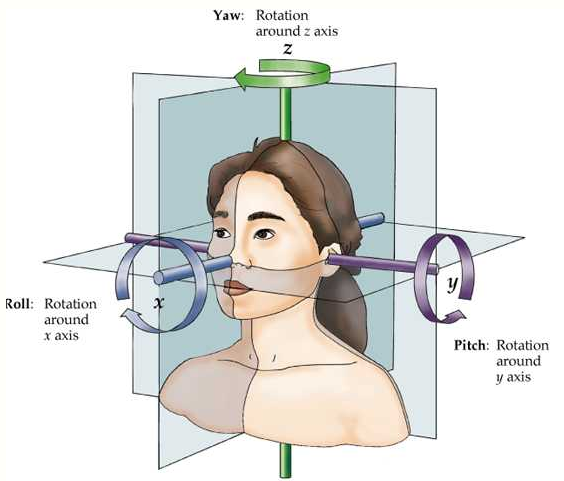
---
## Facial Landmarks API(4)
# AILabTools API - Facial Landmarks - 150 feature points
- 150 key points schematic diagram
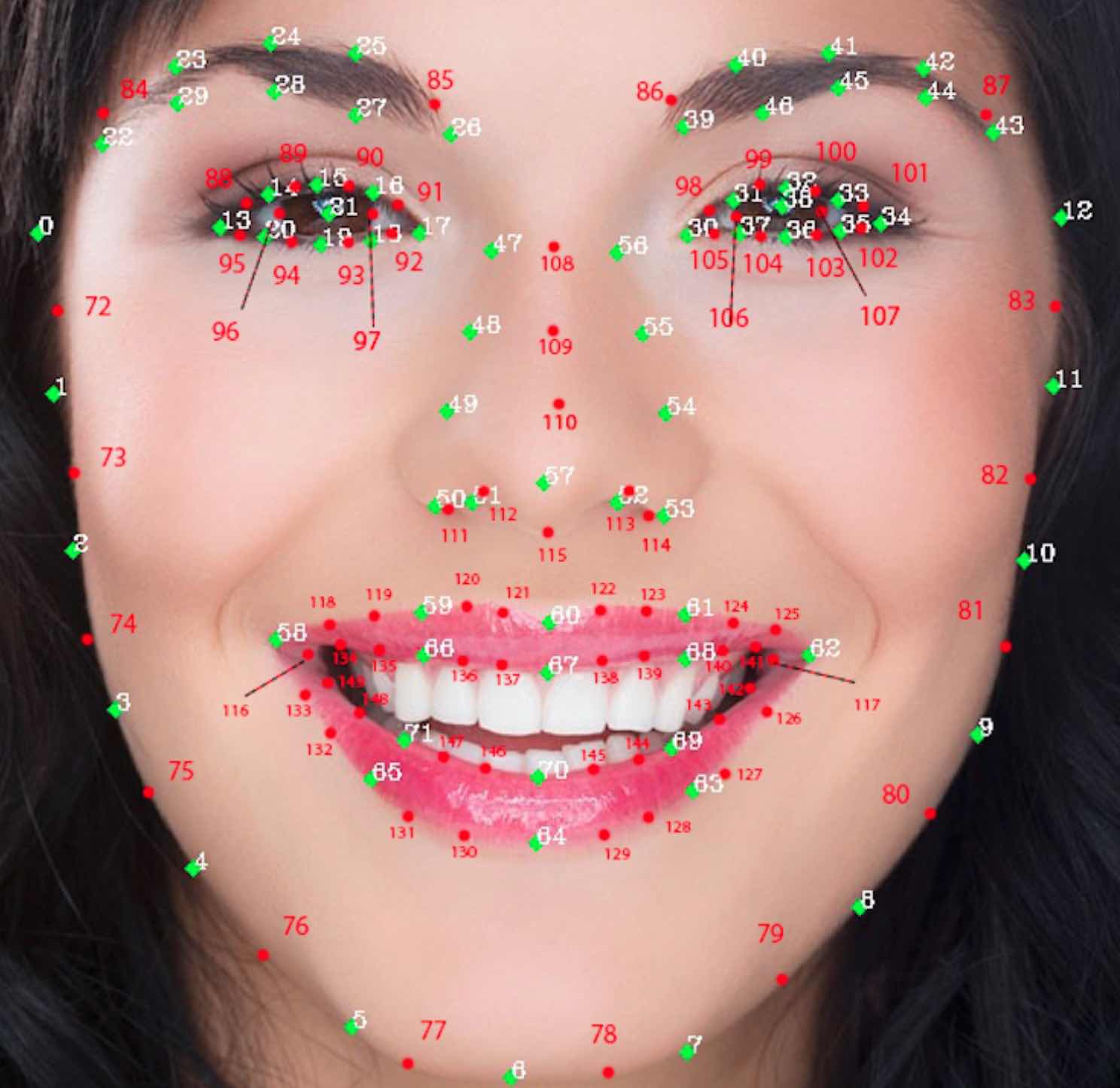
- Corresponding to the order of `landmark150` points, the serial number from 0-149, and each key point has the corresponding English naming as the parameter name; the key point names correspond to the following table.
| Serial number | Field |
|:--------------|:-----------------------------|
| `0` | `cheek_right_1` |
| `1` | `cheek_right_3` |
| `2` | `cheek_right_5` |
| `3` | `cheek_right_7` |
| `4` | `cheek_right_9` |
| `5` | `cheek_right_11` |
| `6` | `chin_2` |
| `7` | `cheek_left_11` |
| `8` | `cheek_left_9` |
| `9` | `cheek_left_7` |
| `10` | `cheek_left_5` |
| `11` | `cheek_left_3` |
| `12` | `cheek_left_1` |
| `13` | `eye_right_corner_right` |
| `14` | `eye_right_eyelid_upper_2` |
| `15` | `eye_right_eyelid_upper_4` |
| `16` | `eye_right_eyelid_upper_6` |
| `17` | `eye_right_corner_left` |
| `18` | `eye_right_eyelid_lower_6` |
| `19` | `eye_right_eyelid_lower_4` |
| `20` | `eye_right_eyelid_lower_2` |
| `21` | `eye_right_eyeball_center` |
| `22` | `eyebrow_right_corner_right` |
| `23` | `eyebrow_right_upper_2` |
| `24` | `eyebrow_right_upper_3` |
| `25` | `eyebrow_right_upper_4` |
| `26` | `eyebrow_right_corner_left` |
| `27` | `eyebrow_right_lower_3` |
| `28` | `eyebrow_right_lower_2` |
| `29` | `eyebrow_right_lower_1` |
| `30` | `eye_left_corner_right` |
| `31` | `eye_left_eyelid_upper_2` |
| `32` | `eye_left_eyelid_upper_4` |
| `33` | `eye_left_eyelid_upper_6` |
| `34` | `eye_left_corner_left` |
| `35` | `eye_left_eyelid_lower_6` |
| `36` | `eye_left_eyelid_lower_4` |
| `37` | `eye_left_eyelid_lower_2` |
| `38` | `eye_left_eyeball_center` |
| `39` | `eyebrow_left_corner_right` |
| `40` | `eyebrow_left_upper_2` |
| `41` | `eyebrow_left_upper_3` |
| `42` | `eyebrow_left_upper_4` |
| `43` | `eyebrow_left_corner_left` |
| `44` | `eyebrow_left_lower_3` |
| `45` | `eyebrow_left_lower_2` |
| `46` | `eyebrow_left_lower_1` |
| `47` | `nose_right_contour_1` |
| `48` | `nose_right_contour_2` |
| `49` | `nose_right_contour_3` |
| `50` | `nose_right_contour_4` |
| `51` | `nose_right_contour_6` |
| `52` | `nose_left_contour_6` |
| `53` | `nose_left_contour_4` |
| `54` | `nose_left_contour_3` |
| `55` | `nose_left_contour_2` |
| `56` | `nose_left_contour_1` |
| `57` | `nose_tip` |
| `58` | `mouth_corner_right_outer` |
| `59` | `mouth_lip_upper_outer_3` |
| `60` | `mouth_lip_upper_outer_6` |
| `61` | `mouth_lip_upper_outer_9` |
| `62` | `mouth_corner_left_outer` |
| `63` | `mouth_lip_lower_outer_9` |
| `64` | `mouth_lip_lower_outer_6` |
| `65` | `mouth_lip_lower_outer_3` |
| `66` | `mouth_lip_upper_inner_3` |
| `67` | `mouth_lip_upper_inner_6` |
| `68` | `mouth_lip_upper_inner_9` |
| `69` | `mouth_lip_lower_inner_9` |
| `70` | `mouth_lip_lower_inner_6` |
| `71` | `mouth_lip_lower_inner_3` |
| `72` | `cheek_right_2` |
| `73` | `cheek_right_4` |
| `74` | `cheek_right_6` |
| `75` | `cheek_right_8` |
| `76` | `cheek_right_10` |
| `77` | `chin_1` |
| `78` | `chin_3` |
| `79` | `cheek_left_10` |
| `80` | `cheek_left_8` |
| `81` | `cheek_left_6` |
| `82` | `cheek_left_4` |
| `83` | `cheek_left_2` |
| `84` | `eyebrow_right_upper_1` |
| `85` | `eyebrow_right_upper_5` |
| `86` | `eyebrow_left_upper_1` |
| `87` | `eyebrow_left_upper_5` |
| `88` | `eye_right_eyelid_upper_1` |
| `89` | `eye_right_eyelid_upper_3` |
| `90` | `eye_right_eyelid_upper_5` |
| `91` | `eye_right_eyelid_upper_7` |
| `92` | `eye_right_eyelid_lower_7` |
| `93` | `eye_right_eyelid_lower_5` |
| `94` | `eye_right_eyelid_lower_3` |
| `95` | `eye_right_eyelid_lower_1` |
| `96` | `eye_right_eyeball_right` |
| `97` | `eye_right_eyeball_left` |
| `98` | `eye_left_eyelid_upper_1` |
| `99` | `eye_left_eyelid_upper_3` |
| `100` | `eye_left_eyelid_upper_5` |
| `101` | `eye_left_eyelid_upper_7` |
| `102` | `eye_left_eyelid_lower_7` |
| `103` | `eye_left_eyelid_lower_5` |
| `104` | `eye_left_eyelid_lower_3` |
| `105` | `eye_left_eyelid_lower_1` |
| `106` | `eye_left_eyeball_right` |
| `107` | `eye_left_eyeball_left` |
| `108` | `nose_bridge_1` |
| `109` | `nose_bridge_2` |
| `110` | `nose_bridge_3` |
| `111` | `nose_right_contour_5` |
| `112` | `nose_right_contour_7` |
| `113` | `nose_left_contour_7` |
| `114` | `nose_left_contour_5` |
| `115` | `nose_middle_contour` |
| `116` | `mouth_corner_right_inner` |
| `117` | `mouth_corner_left_inner` |
| `118` | `mouth_lip_upper_outer_1` |
| `119` | `mouth_lip_upper_outer_2` |
| `120` | `mouth_lip_upper_outer_4` |
| `121` | `mouth_lip_upper_outer_5` |
| `122` | `mouth_lip_upper_outer_7` |
| `123` | `mouth_lip_upper_outer_8` |
| `124` | `mouth_lip_upper_outer_10` |
| `125` | `mouth_lip_upper_outer_11` |
| `126` | `mouth_lip_lower_outer_11` |
| `127` | `mouth_lip_lower_outer_10` |
| `128` | `mouth_lip_lower_outer_8` |
| `129` | `mouth_lip_lower_outer_7` |
| `130` | `mouth_lip_lower_outer_5` |
| `131` | `mouth_lip_lower_outer_4` |
| `132` | `mouth_lip_lower_outer_2` |
| `133` | `mouth_lip_lower_outer_1` |
| `134` | `mouth_lip_lower_inner_1` |
| `135` | `mouth_lip_lower_inner_2` |
| `136` | `mouth_lip_lower_inner_4` |
| `137` | `mouth_lip_upper_inner_5` |
| `138` | `mouth_lip_upper_inner_7` |
| `139` | `mouth_lip_upper_inner_8` |
| `140` | `mouth_lip_upper_inner_10` |
| `141` | `mouth_lip_upper_inner_11` |
| `142` | `mouth_lip_lower_inner_11` |
| `143` | `mouth_lip_lower_inner_10` |
| `144` | `mouth_lip_lower_inner_8` |
| `145` | `mouth_lip_lower_inner_7` |
| `146` | `mouth_lip_lower_inner_5` |
| `147` | `mouth_lip_lower_inner_4` |
| `148` | `mouth_lip_lower_inner_2` |
| `149` | `mouth_lip_lower_inner_1` |
---
## Facial Landmarks API(5)
# AILabTools API - Facial Landmarks - 201 feature points
- 201 key points schematic diagram
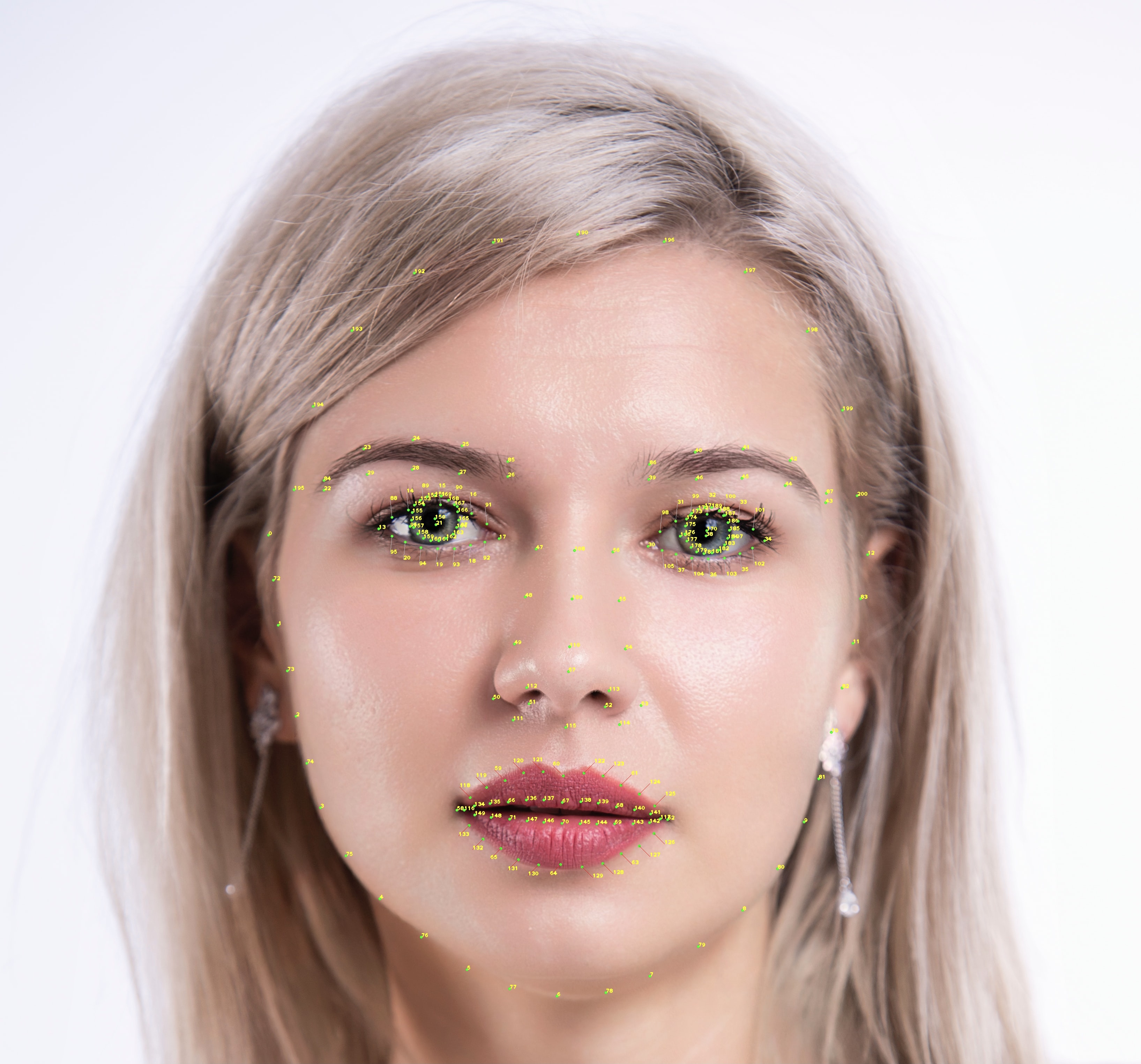
- Corresponding to the order of `landmark201` points, the serial number from 0-200, and each key point has the corresponding English naming as the parameter name; the key point names correspond to the following table.
| Serial number | Field |
|:--------------|:-----------------------------|
| `0` | `cheek_right_1` |
| `1` | `cheek_right_3` |
| `2` | `cheek_right_5` |
| `3` | `cheek_right_7` |
| `4` | `cheek_right_9` |
| `5` | `cheek_right_11` |
| `6` | `chin_2` |
| `7` | `cheek_left_11` |
| `8` | `cheek_left_9` |
| `9` | `cheek_left_7` |
| `10` | `cheek_left_5` |
| `11` | `cheek_left_3` |
| `12` | `cheek_left_1` |
| `13` | `eye_right_corner_right` |
| `14` | `eye_right_eyelid_upper_2` |
| `15` | `eye_right_eyelid_upper_4` |
| `16` | `eye_right_eyelid_upper_6` |
| `17` | `eye_right_corner_left` |
| `18` | `eye_right_eyelid_lower_6` |
| `19` | `eye_right_eyelid_lower_4` |
| `20` | `eye_right_eyelid_lower_2` |
| `21` | `eye_right_eyeball_center` |
| `22` | `eyebrow_right_corner_right` |
| `23` | `eyebrow_right_upper_2` |
| `24` | `eyebrow_right_upper_3` |
| `25` | `eyebrow_right_upper_4` |
| `26` | `eyebrow_right_corner_left` |
| `27` | `eyebrow_right_lower_3` |
| `28` | `eyebrow_right_lower_2` |
| `29` | `eyebrow_right_lower_1` |
| `30` | `eye_left_corner_right` |
| `31` | `eye_left_eyelid_upper_2` |
| `32` | `eye_left_eyelid_upper_4` |
| `33` | `eye_left_eyelid_upper_6` |
| `34` | `eye_left_corner_left` |
| `35` | `eye_left_eyelid_lower_6` |
| `36` | `eye_left_eyelid_lower_4` |
| `37` | `eye_left_eyelid_lower_2` |
| `38` | `eye_left_eyeball_center` |
| `39` | `eyebrow_left_corner_right` |
| `40` | `eyebrow_left_upper_2` |
| `41` | `eyebrow_left_upper_3` |
| `42` | `eyebrow_left_upper_4` |
| `43` | `eyebrow_left_corner_left` |
| `44` | `eyebrow_left_lower_3` |
| `45` | `eyebrow_left_lower_2` |
| `46` | `eyebrow_left_lower_1` |
| `47` | `nose_right_contour_1` |
| `48` | `nose_right_contour_2` |
| `49` | `nose_right_contour_3` |
| `50` | `nose_right_contour_4` |
| `51` | `nose_right_contour_6` |
| `52` | `nose_left_contour_6` |
| `53` | `nose_left_contour_4` |
| `54` | `nose_left_contour_3` |
| `55` | `nose_left_contour_2` |
| `56` | `nose_left_contour_1` |
| `57` | `nose_tip` |
| `58` | `mouth_corner_right_outer` |
| `59` | `mouth_lip_upper_outer_3` |
| `60` | `mouth_lip_upper_outer_6` |
| `61` | `mouth_lip_upper_outer_9` |
| `62` | `mouth_corner_left_outer` |
| `63` | `mouth_lip_lower_outer_9` |
| `64` | `mouth_lip_lower_outer_6` |
| `65` | `mouth_lip_lower_outer_3` |
| `66` | `mouth_lip_upper_inner_3` |
| `67` | `mouth_lip_upper_inner_6` |
| `68` | `mouth_lip_upper_inner_9` |
| `69` | `mouth_lip_lower_inner_9` |
| `70` | `mouth_lip_lower_inner_6` |
| `71` | `mouth_lip_lower_inner_3` |
| `72` | `cheek_right_2` |
| `73` | `cheek_right_4` |
| `74` | `cheek_right_6` |
| `75` | `cheek_right_8` |
| `76` | `cheek_right_10` |
| `77` | `chin_1` |
| `78` | `chin_3` |
| `79` | `cheek_left_10` |
| `80` | `cheek_left_8` |
| `81` | `cheek_left_6` |
| `82` | `cheek_left_4` |
| `83` | `cheek_left_2` |
| `84` | `eyebrow_right_upper_1` |
| `85` | `eyebrow_right_upper_5` |
| `86` | `eyebrow_left_upper_1` |
| `87` | `eyebrow_left_upper_5` |
| `88` | `eye_right_eyelid_upper_1` |
| `89` | `eye_right_eyelid_upper_3` |
| `90` | `eye_right_eyelid_upper_5` |
| `91` | `eye_right_eyelid_upper_7` |
| `92` | `eye_right_eyelid_lower_7` |
| `93` | `eye_right_eyelid_lower_5` |
| `94` | `eye_right_eyelid_lower_3` |
| `95` | `eye_right_eyelid_lower_1` |
| `96` | `eye_right_eyeball_right` |
| `97` | `eye_right_eyeball_left` |
| `98` | `eye_left_eyelid_upper_1` |
| `99` | `eye_left_eyelid_upper_3` |
| `100` | `eye_left_eyelid_upper_5` |
| `101` | `eye_left_eyelid_upper_7` |
| `102` | `eye_left_eyelid_lower_7` |
| `103` | `eye_left_eyelid_lower_5` |
| `104` | `eye_left_eyelid_lower_3` |
| `105` | `eye_left_eyelid_lower_1` |
| `106` | `eye_left_eyeball_right` |
| `107` | `eye_left_eyeball_left` |
| `108` | `nose_bridge_1` |
| `109` | `nose_bridge_2` |
| `110` | `nose_bridge_3` |
| `111` | `nose_right_contour_5` |
| `112` | `nose_right_contour_7` |
| `113` | `nose_left_contour_7` |
| `114` | `nose_left_contour_5` |
| `115` | `nose_middle_contour` |
| `116` | `mouth_corner_right_inner` |
| `117` | `mouth_corner_left_inner` |
| `118` | `mouth_lip_upper_outer_1` |
| `119` | `mouth_lip_upper_outer_2` |
| `120` | `mouth_lip_upper_outer_4` |
| `121` | `mouth_lip_upper_outer_5` |
| `122` | `mouth_lip_upper_outer_7` |
| `123` | `mouth_lip_upper_outer_8` |
| `124` | `mouth_lip_upper_outer_10` |
| `125` | `mouth_lip_upper_outer_11` |
| `126` | `mouth_lip_lower_outer_11` |
| `127` | `mouth_lip_lower_outer_10` |
| `128` | `mouth_lip_lower_outer_8` |
| `129` | `mouth_lip_lower_outer_7` |
| `130` | `mouth_lip_lower_outer_5` |
| `131` | `mouth_lip_lower_outer_4` |
| `132` | `mouth_lip_lower_outer_2` |
| `133` | `mouth_lip_lower_outer_1` |
| `134` | `mouth_lip_upper_inner_1` |
| `135` | `mouth_lip_upper_inner_2` |
| `136` | `mouth_lip_upper_inner_4` |
| `137` | `mouth_lip_upper_inner_5` |
| `138` | `mouth_lip_upper_inner_7` |
| `139` | `mouth_lip_upper_inner_8` |
| `140` | `mouth_lip_upper_inner_10` |
| `141` | `mouth_lip_upper_inner_11` |
| `142` | `mouth_lip_lower_inner_11` |
| `143` | `mouth_lip_lower_inner_10` |
| `144` | `mouth_lip_lower_inner_8` |
| `145` | `mouth_lip_lower_inner_7` |
| `146` | `mouth_lip_lower_inner_5` |
| `147` | `mouth_lip_lower_inner_4` |
| `148` | `mouth_lip_lower_inner_2` |
| `149` | `mouth_lip_lower_inner_1` |
| `150` | `iris_left_1` |
| `151` | `iris_left_2` |
| `152` | `iris_left_3` |
| `153` | `iris_left_4` |
| `154` | `iris_left_5` |
| `155` | `iris_left_6` |
| `156` | `iris_left_7` |
| `157` | `iris_left_8` |
| `158` | `iris_left_9` |
| `159` | `iris_left_10` |
| `160` | `iris_left_11` |
| `161` | `iris_left_12` |
| `162` | `iris_left_13` |
| `163` | `iris_left_14` |
| `164` | `iris_left_15` |
| `165` | `iris_left_16` |
| `166` | `iris_left_17` |
| `167` | `iris_left_18` |
| `168` | `iris_left_19` |
| `169` | `iris_left_20` |
| `170` | `iris_right_1` |
| `171` | `iris_right_2` |
| `172` | `iris_right_3` |
| `173` | `iris_right_4` |
| `174` | `iris_right_5` |
| `175` | `iris_right_6` |
| `176` | `iris_right_7` |
| `177` | `iris_right_8` |
| `178` | `iris_right_9` |
| `179` | `iris_right_10` |
| `180` | `iris_right_11` |
| `181` | `iris_right_12` |
| `182` | `iris_right_13` |
| `183` | `iris_right_14` |
| `184` | `iris_right_15` |
| `185` | `iris_right_16` |
| `186` | `iris_right_17` |
| `187` | `iris_right_18` |
| `188` | `iris_right_19` |
| `189` | `iris_right_20` |
| `190` | `forehead_center` |
| `191` | `forehead_right_1` |
| `192` | `forehead_right_2` |
| `193` | `forehead_right_3` |
| `194` | `forehead_right_4` |
| `195` | `forehead_right_5` |
| `196` | `forehead_left_1` |
| `197` | `forehead_left_2` |
| `198` | `forehead_left_3` |
| `199` | `forehead_left_4` |
| `200` | `forehead_left_5` |
---
## Facial Landmarks API(6)
# AILabTools API - Facial Landmarks - 72 feature points
- 72 key points schematic diagram
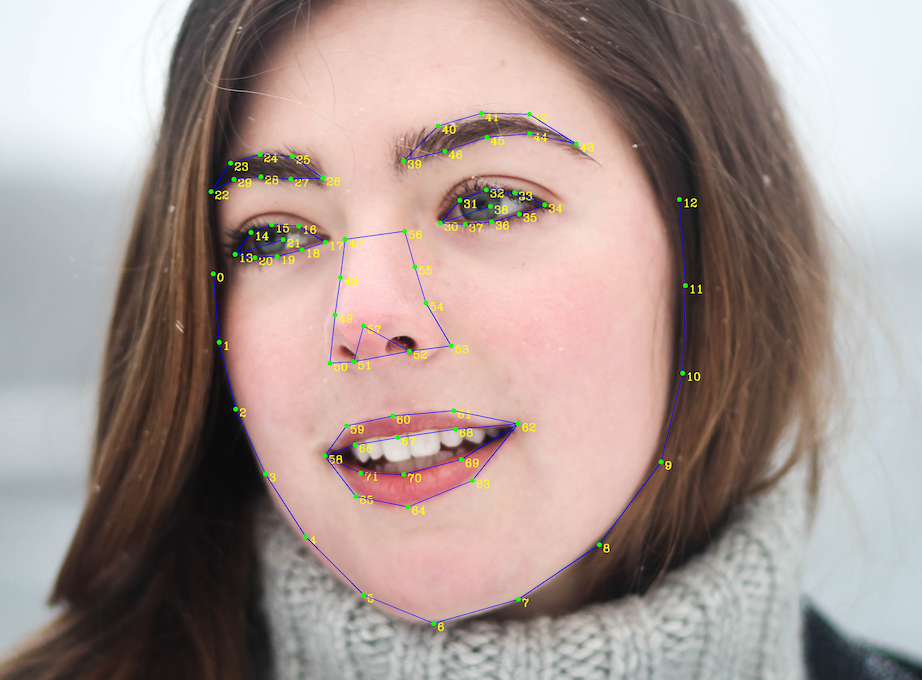
- Corresponds to the order of `landmark72` points, with serial numbers from 0-71.
| Serial number | Field |
|:--------------|:-----------------------------|
| `0` | `cheek_right_1` |
| `1` | `cheek_right_3` |
| `2` | `cheek_right_5` |
| `3` | `cheek_right_7` |
| `4` | `cheek_right_9` |
| `5` | `cheek_right_11` |
| `6` | `chin_2` |
| `7` | `cheek_left_11` |
| `8` | `cheek_left_9` |
| `9` | `cheek_left_7` |
| `10` | `cheek_left_5` |
| `11` | `cheek_left_3` |
| `12` | `cheek_left_1` |
| `13` | `eye_right_corner_right` |
| `14` | `eye_right_eyelid_upper_2` |
| `15` | `eye_right_eyelid_upper_4` |
| `16` | `eye_right_eyelid_upper_6` |
| `17` | `eye_right_corner_left` |
| `18` | `eye_right_eyelid_lower_6` |
| `19` | `eye_right_eyelid_lower_4` |
| `20` | `eye_right_eyelid_lower_2` |
| `21` | `eye_right_eyeball_center` |
| `22` | `eyebrow_right_corner_right` |
| `23` | `eyebrow_right_upper_2` |
| `24` | `eyebrow_right_upper_3` |
| `25` | `eyebrow_right_upper_4` |
| `26` | `eyebrow_right_corner_left` |
| `27` | `eyebrow_right_lower_3` |
| `28` | `eyebrow_right_lower_2` |
| `29` | `eyebrow_right_lower_1` |
| `30` | `eye_left_corner_right` |
| `31` | `eye_left_eyelid_upper_2` |
| `32` | `eye_left_eyelid_upper_4` |
| `33` | `eye_left_eyelid_upper_6` |
| `34` | `eye_left_corner_left` |
| `35` | `eye_left_eyelid_lower_6` |
| `36` | `eye_left_eyelid_lower_4` |
| `37` | `eye_left_eyelid_lower_2` |
| `38` | `eye_left_eyeball_center` |
| `39` | `eyebrow_left_corner_right` |
| `40` | `eyebrow_left_upper_2` |
| `41` | `eyebrow_left_upper_3` |
| `42` | `eyebrow_left_upper_4` |
| `43` | `eyebrow_left_corner_left` |
| `44` | `eyebrow_left_lower_3` |
| `45` | `eyebrow_left_lower_2` |
| `46` | `eyebrow_left_lower_1` |
| `47` | `nose_right_contour_1` |
| `48` | `nose_right_contour_2` |
| `49` | `nose_right_contour_3` |
| `50` | `nose_right_contour_4` |
| `51` | `nose_right_contour_6` |
| `52` | `nose_left_contour_6` |
| `53` | `nose_left_contour_4` |
| `54` | `nose_left_contour_3` |
| `55` | `nose_left_contour_2` |
| `56` | `nose_left_contour_1` |
| `57` | `nose_tip` |
| `58` | `mouth_corner_right_outer` |
| `59` | `mouth_lip_upper_outer_3` |
| `60` | `mouth_lip_upper_outer_6` |
| `61` | `mouth_lip_upper_outer_9` |
| `62` | `mouth_corner_left_outer` |
| `63` | `mouth_lip_lower_outer_9` |
| `64` | `mouth_lip_lower_outer_6` |
| `65` | `mouth_lip_lower_outer_3` |
| `66` | `mouth_lip_upper_inner_3` |
| `67` | `mouth_lip_upper_inner_6` |
| `68` | `mouth_lip_upper_inner_9` |
| `69` | `mouth_lip_lower_inner_9` |
| `70` | `mouth_lip_lower_inner_6` |
| `71` | `mouth_lip_lower_inner_3` |
---
## Facial Landmarks API(Analysis)
# AILabTools API - Facial Landmarks - Introduction
Locate key points for faces in pictures and return the commonly used 72, 150, 201 face key point coordinate positions, including face outline, eyes, eyebrows, lips and nose outline, etc., which can be applied to beauty shooting, video stickers and other scenarios to enrich user play.
## Application Scenarios
- **Interactive entertainment**: It supports accurate positioning of facial features and contours, and can realize interactive entertainment functions such as special effects camera, dynamic stickers, and small video play.
- **Facial feature analysis**: support the accurate positioning of facial features and contours to achieve facial feature analysis, landing in intelligent medical beauty and other products.
- **Beauty shooting**: high-precision face key points can be shaped for beauty, landing in a variety of beauty scenarios such as pictures, videos, and live broadcasts.
## Featured Advantages
- **High-precision algorithm**: Based on a large amount of precision labeled data training, the algorithm is highly accurate, perfectly fits the face and adapts to various face postures and expressions.
- **Wide range of applications**: support different photos and face sizes, support various indoor, outdoor and other environmental scenarios, and facilitate various business expansion.
- **Stable and reliable service**: provide stable and accurate high traffic service, and support millisecond recognition response.
## Billing Instructions
- A certain number of credits will be consumed for each successful API call.
### Amount of Credits Deducted
| API | Number of Credits |
|:-----------------|:------------------|
| Facial Landmarks | 2 |
### Resource Package
#### Universal Credits (Supports All APIs)
##### Applied to Facial Landmarks
| Amounts | Credits | Amounts/Credit | Allowable Requests | Amounts/Request |
|----------:|----------:|---------------:|-------------------:|----------------:|
| $12.00 | 2,000 | $0.0060 | 1,000 | $0.0120 |
| $27.50 | 5,000 | $0.0055 | 2,500 | $0.0110 |
| $50.00 | 10,000 | $0.0050 | 5,000 | $0.0100 |
| $135.00 | 30,000 | $0.0045 | 15,000 | $0.0090 |
| $212.00 | 50,000 | $0.0043 | 25,000 | $0.0086 |
| $400.00 | 100,000 | $0.0040 | 50,000 | $0.0080 |
| $1,050.00 | 300,000 | $0.0035 | 150,000 | $0.0070 |
| $1,500.00 | 500,000 | $0.0030 | 250,000 | $0.0060 |
| $2,500.00 | 1,000,000 | $0.0025 | 500,000 | $0.0050 |
:::tip[Buy Now]
- Pricing
- Developer Platform
:::tip[Customization]
If you require more credits, please contact us at business@ailabtools.com.
:::
## File Storage Policy
:::tip
- **Uploaded Files**: Not stored.
:::
---
## Skin Analyze API
## Request
### Image requirements
- **Image format**: `JPG` `JPEG`
- **Image size**: No more than 2 MB.
- **Image resolution**: Larger than 200x200px, smaller than 4096x4096px.
- **Minimum face pixel size**: To ensure the effect, it is recommended that the minimum value of the face box (square) side length in the image is not less than 200 pixels. Calibration size: minimum of 160 pixels. The minimum value of the face frame edge length is not less than one-tenth of the shortest edge of the image.
- **Face quality**: The higher the face quality, the more accurate the skin analysis. Factors affecting face quality include: occlusion of the five facial features, blurred images, improper lighting (bright, dark, backlight), excessive face angle (roll ≤ ±45°, yaw ≤ ±45°, pitch ≤ ±45° are recommended), etc.
### Body
| Field | Required | Type |
|:--------|:---------|:-------|
| `image` | YES | `file` |
## Response
:::warning[Response Field Handling Flow]
1. **Handle `Public Response Fields`**
Parse and validate the `Public Response Fields`, checking the status code or response message to ensure the request is successful and error-free.
2. **Handle `Business Response Fields`**
If the `Public Response Fields` are valid and error-free, proceed with processing the business logic in the `Business Response Fields`.
:::
### Public Response Fields
Viewing Public Response Fields and Error Codes
### Business Response Fields
| Field | Type | Scope | Description |
|:---------------------|:----------|:----------------------------------------------------|:----------------------------------------------------------------------------------------------------------------------------------------------------------------|
| `warning` | `array` | `imporper_headpose` | Interference factors affecting the calculation results. `imporper_headpose`: Improper head angle (Judgment condition roll,yaw,pitch exceeds [-45,45]). |
| `face_rectangle` | `object` | | The position of the face rectangle box. |
| +`top` | `float` | | The vertical coordinate of the pixel point in the upper-left corner of the rectangle box. |
| +`left` | `float` | | The horizontal coordinate of the pixel point in the upper-left corner of the rectangle. |
| +`width` | `float` | | The width of the rectangle box. |
| +`height` | `float` | | The height of the rectangle box. |
| `result` | `object` | | Results of face skin analysis. |
| +`left_eyelids` | `object` | | Results of the double eyelid test on the left eye. |
| ++`value` | `integer` | `0` `1` `2` | Type. `0`: Single eyelids `1`: Parallel Double Eyelids `2`: Scalloped Double Eyelids |
| ++`confidence` | `float` | [0, 1] | Confidence. |
| +`right_eyelids` | `object` | | Results of the double eyelid test on the right eye. |
| ++`value` | `integer` | `0` `1` `2` | Type. `0`: Single eyelids `1`: Parallel Double Eyelids `2`: Scalloped Double Eyelids |
| ++`confidence` | `float` | [0, 1] | Confidence. |
| +`eye_pouch` | `object` | | Eye bag test results. |
| ++`value` | `integer` | `0` `1` | With or without eye bags. `0`: No `1`: Yes |
| ++`confidence` | `float` | [0, 1] | Confidence. |
| +`dark_circle` | `object` | | Dark circles test results. |
| ++`value` | `integer` | `0` `1` | With or without dark circles under the eyes. `0`: No `1`: Yes |
| ++`confidence` | `float` | [0, 1] | Confidence. |
| +`forehead_wrinkle` | `object` | | Results of the head-lift test. |
| ++`value` | `integer` | `0` `1` | With or without headlines. `0`: No `1`: Yes |
| ++`confidence` | `float` | [0, 1] | Confidence. |
| +`crows_feet` | `object` | | Fishtail test results. |
| ++`value` | `integer` | `0` `1` | With or without crow's feet. `0`: No `1`: Yes |
| ++`confidence` | `float` | [0, 1] | Confidence. |
| +`eye_finelines` | `object` | | Results of the eye fine lines test. |
| ++`value` | `integer` | `0` `1` | The presence or absence of fine lines under the eyes. `0`: No `1`: Yes |
| ++`confidence` | `float` | [0, 1] | Confidence. |
| +`glabella_wrinkle` | `object` | | Results of the interbrow line test. |
| ++`value` | `integer` | `0` `1` | With or without interbrow lines. `0`: No `1`: Yes |
| ++`confidence` | `float` | [0, 1] | Confidence. |
| +`nasolabial_fold` | `object` | | Results of the forehead line test. |
| ++`value` | `integer` | `0` `1` | With or without lines. `0`: No `1`: Yes |
| ++`confidence` | `float` | [0, 1] | Confidence. |
| +`skin_type` | `object` | | Skin texture test results. |
| ++`skin_type` | `integer` | `0` `1` `2` `3` | Type. `0`: Oily skin. `1`: Dry skin. `2`: Neutral skin. `3`: Combination skin. |
| ++`details` | `object` | | The confidence level of each classification. |
| +++`0` | `object` | | Oily skin information. |
| ++++`value` | `integer` | `0` `1` | Oily skin. `0`: No. `1`: Yes. |
| ++++`confidence` | `float` | | Confidence. |
| +++`1` | `object` | | Dry skin information. |
| ++++`value` | `integer` | `0` `1` | Dry skin. `0`: No. `1`: Yes. |
| ++++`confidence` | `float` | | Confidence. |
| +++`2` | `object` | | Neutral skin information. |
| ++++`value` | `integer` | `0` `1` | Neutral skin. `0`: No. `1`: Yes. |
| ++++`confidence` | `float` | | Confidence. |
| +++`3` | `object` | | Combination skin information. |
| ++++`value` | `integer` | `0` `1` | Combination skin. `0`: No. `1`: Yes. |
| ++++`confidence` | `float` | | Confidence. |
| +`pores_forehead` | `object` | | Forehead pore test results. |
| ++`value` | `integer` | `0` `1` | With or without enlarged pores. `0`: No `1`: Yes |
| ++`confidence` | `float` | [0, 1] | Confidence. |
| +`pores_left_cheek` | `object` | | Results of the left cheek pore test. |
| ++`value` | `integer` | `0` `1` | With or without enlarged pores. `0`: No `1`: Yes |
| ++`confidence` | `float` | [0, 1] | Confidence. |
| +`pores_right_cheek` | `object` | | Results of the right cheek pore test. |
| ++`value` | `integer` | `0` `1` | With or without enlarged pores. `0`: No `1`: Yes |
| ++`confidence` | `float` | [0, 1] | Confidence. |
| +`pores_jaw` | `object` | | Chin pore test results. |
| ++`value` | `integer` | `0` `1` | With or without enlarged pores. `0`: No `1`: Yes |
| ++`confidence` | `float` | [0, 1] | Confidence. |
| +`blackhead` | `object` | | Blackhead test results. |
| ++`value` | `integer` | `0` `1` | With or without blackheads. `0`: No `1`: Yes |
| ++`confidence` | `float` | [0, 1] | Confidence. |
| +`acne` | `object` | | Acne test results. |
| ++`value` | `integer` | `0` `1` | With or without Acne. `0`: No `1`: Yes |
| ++`confidence` | `float` | [0, 1] | Confidence. |
| +`mole` | `object` | | Mole test results. |
| ++`value` | `integer` | `0` `1` | With or without moles. `0`: No `1`: Yes |
| ++`confidence` | `float` | [0, 1] | Confidence. |
| +`skin_spot` | `object` | | Spot detection results. |
| ++`value` | `integer` | `0` `1` | With or without spotting. `0`: No `1`: Yes |
| ++`confidence` | `float` | [0, 1] | Confidence. |
### Response Example
```json
{
"request_id": "",
"log_id": "",
"error_code": 0,
"error_msg": "",
"error_detail": {
"status_code": 200,
"code": "",
"code_message": "",
"message": ""
},
"warning": [],
"face_rectangle": {
"top": 0,
"left": 0,
"width": 0,
"height": 0
},
"result": {
"left_eyelids": {
"value": 0,
"confidence": 0.89
},
"right_eyelids": {
"value": 0,
"confidence": 0.89
},
"eye_pouch": {
"value": 0,
"confidence": 0.89
},
"dark_circle": {
"value": 0,
"confidence": 0.89
},
"forehead_wrinkle": {
"value": 0,
"confidence": 0.89
},
"crows_feet": {
"value": 0,
"confidence": 0.89
},
"eye_finelines": {
"value": 0,
"confidence": 0.89
},
"glabella_wrinkle": {
"value": 0,
"confidence": 0.89
},
"nasolabial_fold": {
"value": 0,
"confidence": 0.89
},
"skin_type": {
"skin_type": 0,
"details": {
"0": {
"value": 1,
"confidence": 0.89
},
"1": {
"value": 1,
"confidence": 0.89
},
"2": {
"value": 1,
"confidence": 0.89
},
"3": {
"value": 1,
"confidence": 0.89
}
}
},
"pores": {
"value": 0,
"confidence": 1
},
"pores_forehead": {
"value": 0,
"confidence": 1
},
"pores_left_cheek": {
"value": 0,
"confidence": 1
},
"pores_right_cheek": {
"value": 0,
"confidence": 1
},
"pores_jaw": {
"value": 0,
"confidence": 1
},
"blackhead": {
"value": 0,
"confidence": 1
},
"acne": {
"value": 0,
"confidence": 1
},
"mole": {
"value": 0,
"confidence": 1
},
"skin_spot": {
"value": 0,
"confidence": 1
}
}
}
```
---
## Skin Analyze API(Skin-analysis)
# AILabTools API - Skin Analyze - API
## Request
- **URL**: `https://www.ailabapi.com/api/portrait/analysis/skin-analysis`
- **Method**: `POST`
- **Content-Type**: `multipart/form-data`
### Image requirements
- **Image format**: `JPG` `JPEG`
- **Image size**: No more than 2 MB.
- **Image resolution**: Larger than 200x200px, smaller than 4096x4096px.
- **Minimum face pixel size**: To ensure the effect, it is recommended that the minimum value of the face box (square) side length in the image is not less than 200 pixels. Calibration size: minimum of 160 pixels. The minimum value of the face frame edge length is not less than one-tenth of the shortest edge of the image.
- **Face quality**: The higher the face quality, the more accurate the skin analysis. Factors affecting face quality include: occlusion of the five facial features, blurred images, improper lighting (bright, dark, backlight), excessive face angle (roll ≤ ±45°, yaw ≤ ±45°, pitch ≤ ±45° are recommended), etc.
### Headers
| Field | Required | Type | Description |
|:-------------------|:---------|:---------|:---------------------------------------------------|
| `ailabapi-api-key` | YES | `string` | Application API KEY. [Get API KEY](get-api-key.md) |
### Body
| Field | Required | Type |
|:--------|:---------|:-------|
| `image` | YES | `file` |
## Response
:::warning[Response Field Handling Flow]
1. **Handle `Public Response Fields`**
Parse and validate the `Public Response Fields`, checking the status code or response message to ensure the request is successful and error-free.
2. **Handle `Business Response Fields`**
If the `Public Response Fields` are valid and error-free, proceed with processing the business logic in the `Business Response Fields`.
:::
### Public Response Fields
Viewing Public Response Fields and Error Codes
### Business Response Fields
| Field | Type | Scope | Description |
|:---------------------|:----------|:----------------------------------------------------|:----------------------------------------------------------------------------------------------------------------------------------------------------------------|
| `warning` | `array` | `imporper_headpose` | Interference factors affecting the calculation results. `imporper_headpose`: Improper head angle (Judgment condition roll,yaw,pitch exceeds [-45,45]). |
| `face_rectangle` | `object` | | The position of the face rectangle box. |
| +`top` | `float` | | The vertical coordinate of the pixel point in the upper-left corner of the rectangle box. |
| +`left` | `float` | | The horizontal coordinate of the pixel point in the upper-left corner of the rectangle. |
| +`width` | `float` | | The width of the rectangle box. |
| +`height` | `float` | | The height of the rectangle box. |
| `result` | `object` | | Results of face skin analysis. |
| +`left_eyelids` | `object` | | Results of the double eyelid test on the left eye. |
| ++`value` | `integer` | `0` `1` `2` | Type. `0`: Single eyelids `1`: Parallel Double Eyelids `2`: Scalloped Double Eyelids |
| ++`confidence` | `float` | [0, 1] | Confidence. |
| +`right_eyelids` | `object` | | Results of the double eyelid test on the right eye. |
| ++`value` | `integer` | `0` `1` `2` | Type. `0`: Single eyelids `1`: Parallel Double Eyelids `2`: Scalloped Double Eyelids |
| ++`confidence` | `float` | [0, 1] | Confidence. |
| +`eye_pouch` | `object` | | Eye bag test results. |
| ++`value` | `integer` | `0` `1` | With or without eye bags. `0`: No `1`: Yes |
| ++`confidence` | `float` | [0, 1] | Confidence. |
| +`dark_circle` | `object` | | Dark circles test results. |
| ++`value` | `integer` | `0` `1` | With or without dark circles under the eyes. `0`: No `1`: Yes |
| ++`confidence` | `float` | [0, 1] | Confidence. |
| +`forehead_wrinkle` | `object` | | Results of the head-lift test. |
| ++`value` | `integer` | `0` `1` | With or without headlines. `0`: No `1`: Yes |
| ++`confidence` | `float` | [0, 1] | Confidence. |
| +`crows_feet` | `object` | | Fishtail test results. |
| ++`value` | `integer` | `0` `1` | With or without crow's feet. `0`: No `1`: Yes |
| ++`confidence` | `float` | [0, 1] | Confidence. |
| +`eye_finelines` | `object` | | Results of the eye fine lines test. |
| ++`value` | `integer` | `0` `1` | The presence or absence of fine lines under the eyes. `0`: No `1`: Yes |
| ++`confidence` | `float` | [0, 1] | Confidence. |
| +`glabella_wrinkle` | `object` | | Results of the interbrow line test. |
| ++`value` | `integer` | `0` `1` | With or without interbrow lines. `0`: No `1`: Yes |
| ++`confidence` | `float` | [0, 1] | Confidence. |
| +`nasolabial_fold` | `object` | | Results of the forehead line test. |
| ++`value` | `integer` | `0` `1` | With or without lines. `0`: No `1`: Yes |
| ++`confidence` | `float` | [0, 1] | Confidence. |
| +`skin_type` | `object` | | Skin texture test results. |
| ++`skin_type` | `integer` | `0` `1` `2` `3` | Type. `0`: Oily skin. `1`: Dry skin. `2`: Neutral skin. `3`: Combination skin. |
| ++`details` | `object` | | The confidence level of each classification. |
| +++`0` | `object` | | Oily skin information. |
| ++++`value` | `integer` | `0` `1` | Oily skin. `0`: No. `1`: Yes. |
| ++++`confidence` | `float` | | Confidence. |
| +++`1` | `object` | | Dry skin information. |
| ++++`value` | `integer` | `0` `1` | Dry skin. `0`: No. `1`: Yes. |
| ++++`confidence` | `float` | | Confidence. |
| +++`2` | `object` | | Neutral skin information. |
| ++++`value` | `integer` | `0` `1` | Neutral skin. `0`: No. `1`: Yes. |
| ++++`confidence` | `float` | | Confidence. |
| +++`3` | `object` | | Combination skin information. |
| ++++`value` | `integer` | `0` `1` | Combination skin. `0`: No. `1`: Yes. |
| ++++`confidence` | `float` | | Confidence. |
| +`pores_forehead` | `object` | | Forehead pore test results. |
| ++`value` | `integer` | `0` `1` | With or without enlarged pores. `0`: No `1`: Yes |
| ++`confidence` | `float` | [0, 1] | Confidence. |
| +`pores_left_cheek` | `object` | | Results of the left cheek pore test. |
| ++`value` | `integer` | `0` `1` | With or without enlarged pores. `0`: No `1`: Yes |
| ++`confidence` | `float` | [0, 1] | Confidence. |
| +`pores_right_cheek` | `object` | | Results of the right cheek pore test. |
| ++`value` | `integer` | `0` `1` | With or without enlarged pores. `0`: No `1`: Yes |
| ++`confidence` | `float` | [0, 1] | Confidence. |
| +`pores_jaw` | `object` | | Chin pore test results. |
| ++`value` | `integer` | `0` `1` | With or without enlarged pores. `0`: No `1`: Yes |
| ++`confidence` | `float` | [0, 1] | Confidence. |
| +`blackhead` | `object` | | Blackhead test results. |
| ++`value` | `integer` | `0` `1` | With or without blackheads. `0`: No `1`: Yes |
| ++`confidence` | `float` | [0, 1] | Confidence. |
| +`acne` | `object` | | Acne test results. |
| ++`value` | `integer` | `0` `1` | With or without Acne. `0`: No `1`: Yes |
| ++`confidence` | `float` | [0, 1] | Confidence. |
| +`mole` | `object` | | Mole test results. |
| ++`value` | `integer` | `0` `1` | With or without moles. `0`: No `1`: Yes |
| ++`confidence` | `float` | [0, 1] | Confidence. |
| +`skin_spot` | `object` | | Spot detection results. |
| ++`value` | `integer` | `0` `1` | With or without spotting. `0`: No `1`: Yes |
| ++`confidence` | `float` | [0, 1] | Confidence. |
### Response Example
```json
{
"request_id": "",
"log_id": "",
"error_code": 0,
"error_msg": "",
"error_detail": {
"status_code": 200,
"code": "",
"code_message": "",
"message": ""
},
"warning": [],
"face_rectangle": {
"top": 0,
"left": 0,
"width": 0,
"height": 0
},
"result": {
"left_eyelids": {
"value": 0,
"confidence": 0.89
},
"right_eyelids": {
"value": 0,
"confidence": 0.89
},
"eye_pouch": {
"value": 0,
"confidence": 0.89
},
"dark_circle": {
"value": 0,
"confidence": 0.89
},
"forehead_wrinkle": {
"value": 0,
"confidence": 0.89
},
"crows_feet": {
"value": 0,
"confidence": 0.89
},
"eye_finelines": {
"value": 0,
"confidence": 0.89
},
"glabella_wrinkle": {
"value": 0,
"confidence": 0.89
},
"nasolabial_fold": {
"value": 0,
"confidence": 0.89
},
"skin_type": {
"skin_type": 0,
"details": {
"0": {
"value": 1,
"confidence": 0.89
},
"1": {
"value": 1,
"confidence": 0.89
},
"2": {
"value": 1,
"confidence": 0.89
},
"3": {
"value": 1,
"confidence": 0.89
}
}
},
"pores": {
"value": 0,
"confidence": 1
},
"pores_forehead": {
"value": 0,
"confidence": 1
},
"pores_left_cheek": {
"value": 0,
"confidence": 1
},
"pores_right_cheek": {
"value": 0,
"confidence": 1
},
"pores_jaw": {
"value": 0,
"confidence": 1
},
"blackhead": {
"value": 0,
"confidence": 1
},
"acne": {
"value": 0,
"confidence": 1
},
"mole": {
"value": 0,
"confidence": 1
},
"skin_spot": {
"value": 0,
"confidence": 1
}
}
}
```
## Sample Code
- [Introduction to Get Sample Code](get-sample-code.md)
- [Sample Code][PostmanURL]
[PostmanURL]: https://documenter.getpostman.com/view/26387069/2s93JxqgHE#46be43ef-1022-4e8c-b697-b94f6bca1afd
---
## Skin Analyze Advanced API
## Request
### Image requirements
- **Image format**: `JPG` `JPEG`
- **Image size**: No more than 5 MB.
- **Image resolution**: Larger than 200x200px, smaller than 4096x4096px.
- **Minimum face pixel size**: To ensure the effect, the minimum value of the face frame (square) in the image should be higher than 400 pixels (which can be verified by passing a reference through the interface).
- **Face quality**: The higher the face quality, the more accurate the skin analysis. Factors affecting face quality include: occlusion of the five facial features, blurred images, improper lighting (bright, dark, backlight), excessive face angle (recommended yaw ≤ ±30°, pitch ≤ ±40°), etc.
### Body
| Field | Required | Type | Scope | Description |
|:-------------------------|:---------|:----------|:--------------------------|:-------------------------------------------------------------------------------------------------------------------------------------------------------------------------------------------------------------------------------------------------------------------------------------------------------|
| `image` | YES | `file` | | |
| `face_quality_control` | NO | `integer` | `0` `1` | Whether to restrict the quality of faces in incoming images. `0`: No face quality control is performed, and skin measurement results are returned as long as the face can be detected. `1`: Perform face quality control, if the face quality does not pass it will prompt an error. |
| `return_rect_confidence` | NO | `integer` | `0` `1` | The confidence level of the area whether to return acne, occlusion, blemishes and moles. `0`: No regional confidence is returned. `1`: Returns the regional confidence. |
| `return_maps` | NO | `string` | `red_area` | Enter a comma-separated string containing the type of skin chromatography image to be returned. [More Details](#return_maps) |
#### `return_maps` {#return_maps}
- **Request Example**
`red_area`
- **Field Parsing**
| Field | Description | Return image information |
|:-----------|:------------------------------------------------------------------------------------------|:-------------------------|
| `red_area` | A red zone map that shows areas of redness caused by facial sensitivity and inflammation. |
## Response
:::warning[Response Field Handling Flow]
1. **Handle `Public Response Fields`**
Parse and validate the `Public Response Fields`, checking the status code or response message to ensure the request is successful and error-free.
2. **Handle `Business Response Fields`**
If the `Public Response Fields` are valid and error-free, proceed with processing the business logic in the `Business Response Fields`.
:::
### Public Response Fields
Viewing Public Response Fields and Error Codes
### Business Response Fields
| Field | Type | Scope | Description |
|:----------------------------|:----------|:-------------------------------------------------------------------------------------------|:-----------------------------------------------------------------------------------------------------------------------------------------------------------------------------------------------------------------------------------------------------------------------------------------|
| `warning` | `array` | `imporper_headpose` | Interference factors affecting the calculation results. `imporper_headpose`: Improper head angle (Judgment condition roll,yaw,pitch exceeds [-45,45]). |
| `face_rectangle` | `object` | | The position of the face rectangle box. |
| +`top` | `float` | | The vertical coordinate of the pixel point in the upper-left corner of the rectangle box. |
| +`left` | `float` | | The horizontal coordinate of the pixel point in the upper-left corner of the rectangle. |
| +`width` | `float` | | The width of the rectangle box. |
| +`height` | `float` | | The height of the rectangle box. |
| `result` | `object` | | Results of face skin analysis. |
| +`skin_color` | `object` | | Skin color test results. |
| ++`value` | `integer` | `0` `1` `2` `3` `4` | Skin color. `0`: Transparent white. `1`: White. `2`: Naturally. `3`: Wheat. `4`: Dark. |
| ++`confidence` | `float` | [0, 1] | Confidence. |
| +`skintone_ita` | `object` | | Returns skin color classification information based on the ITA (Individual Typology Angle) standard. **[NOTE](#skintone_ita)** |
| ++`ITA` | `float` | [-90, 90] | Angle value. |
| ++`skintone` | `integer` | `0` `1` `2` `3` `4` `5` `6` | Classified according to the skin tone of ITA. `0`: Very light. `1`: Light. `2`: Intermediate. `3`: Tan. `4`: Brown. `5`: Dark. `6`: Abnormal color values that may be caused by weak lighting conditions or overexposure. |
| +`skin_hue_ha` | `object` | | Returns skin tone classification information based on HA (Hue Angle). **[NOTE](#skin_hue_ha)** |
| ++`HA` | `float` | [0, 90] | HA angle value. |
| ++`skintone` | `integer` | `0` `1` `2` `3` | Classified according to HA's skin tone hue. `0`: Yellowish. `1`: Neutral. `2`: Reddish. `3`: Abnormal hue values may be caused by abnormal ambient light tones or weak light environment or overexposure. |
| +`skin_age` | `object` | | Skin age test results. |
| ++`value` | `integer` | [0, 100) | Face skin age value. |
| +`left_eyelids` | `object` | | Results of the double eyelid test on the left eye. |
| ++`value` | `integer` | `0` `1` `2` | Type. `0`: Single eyelids `1`: Parallel Double Eyelids `2`: Scalloped Double Eyelids |
| ++`confidence` | `float` | [0, 1] | Confidence. |
| +`right_eyelids` | `object` | | Results of the double eyelid test on the right eye. |
| ++`value` | `integer` | `0` `1` `2` | Type. `0`: Single eyelids `1`: Parallel Double Eyelids `2`: Scalloped Double Eyelids |
| ++`confidence` | `float` | [0, 1] | Confidence. |
| +`eye_pouch` | `object` | | Eye bag test results. |
| ++`value` | `integer` | `0` `1` | With or without eye bags. `0`: No `1`: Yes |
| ++`confidence` | `float` | [0, 1] | Confidence. |
| +`eye_pouch_severity` | `object` | | Severity of puffiness under the eyes (return when puffiness test result is 1) |
| ++`value` | `integer` | `0` `1` `2` | Severity. `0`: Mild. `1`: Moderate. `2`: Severe. |
| ++`confidence` | `float` | [0, 1] | Confidence. |
| +`dark_circle` | `object` | | Dark circles test results. |
| ++`value` | `integer` | `0` `1` `2` `3` | Type of dark circles under the eyes. `0`: No dark circles under the eyes. `1`: Pigmented dark circles. `2`: Vascular type dark circles under the eyes. `3`: Shadow-type dark circles under the eyes. |
| ++`confidence` | `float` | [0, 1] | Confidence. |
| +`forehead_wrinkle` | `object` | | Results of the head-lift test. |
| ++`value` | `integer` | `0` `1` | With or without headlines. `0`: No `1`: Yes |
| ++`confidence` | `float` | [0, 1] | Confidence. |
| +`crows_feet` | `object` | | Fishtail test results. |
| ++`value` | `integer` | `0` `1` | With or without crow's feet. `0`: No `1`: Yes |
| ++`confidence` | `float` | [0, 1] | Confidence. |
| +`eye_finelines` | `object` | | Results of the eye fine lines test. |
| ++`value` | `integer` | `0` `1` | The presence or absence of fine lines under the eyes. `0`: No `1`: Yes |
| ++`confidence` | `float` | [0, 1] | Confidence. |
| +`glabella_wrinkle` | `object` | | Results of the interbrow line test. |
| ++`value` | `integer` | `0` `1` | With or without interbrow lines. `0`: No `1`: Yes |
| ++`confidence` | `float` | [0, 1] | Confidence. |
| +`nasolabial_fold` | `object` | | Results of the forehead line test. |
| ++`value` | `integer` | `0` `1` | With or without lines. `0`: No `1`: Yes |
| ++`confidence` | `float` | [0, 1] | Confidence. |
| +`nasolabial_fold_severity` | `object` | | Severity of the forehead lines (returned when the result of the forehead line test is 1) |
| ++`value` | `integer` | `0` `1` `2` | Severity. `0`: Mild. `1`: Moderate. `1`: Severe. |
| ++`confidence` | `float` | [0, 1] | Confidence. |
| +`skin_type` | `object` | | Skin texture test results. |
| ++`skin_type` | `integer` | `0` `1` `2` `3` | Type. `0`: Oily skin. `1`: Dry skin. `2`: Neutral skin. `3`: Combination skin. |
| ++`details` | `object` | | The confidence level of each classification. |
| +++`0` | `object` | | Oily skin information. |
| ++++`value` | `integer` | `0` `1` | Oily skin. `0`: No. `1`: Yes. |
| ++++`confidence` | `float` | | Confidence. |
| +++`1` | `object` | | Dry skin information. |
| ++++`value` | `integer` | `0` `1` | Dry skin. `0`: No. `1`: Yes. |
| ++++`confidence` | `float` | | Confidence. |
| +++`2` | `object` | | Neutral skin information. |
| ++++`value` | `integer` | `0` `1` | Neutral skin. `0`: No. `1`: Yes. |
| ++++`confidence` | `float` | | Confidence. |
| +++`3` | `object` | | Combination skin information. |
| ++++`value` | `integer` | `0` `1` | Combination skin. `0`: No. `1`: Yes. |
| ++++`confidence` | `float` | | Confidence. |
| +`pores_forehead` | `object` | | Forehead pore test results. |
| ++`value` | `integer` | `0` `1` | With or without enlarged pores. `0`: No `1`: Yes |
| ++`confidence` | `float` | [0, 1] | Confidence. |
| +`pores_left_cheek` | `object` | | Results of the left cheek pore test. |
| ++`value` | `integer` | `0` `1` | With or without enlarged pores. `0`: No `1`: Yes |
| ++`confidence` | `float` | [0, 1] | Confidence. |
| +`pores_right_cheek` | `object` | | Results of the right cheek pore test. |
| ++`value` | `integer` | `0` `1` | With or without enlarged pores. `0`: No `1`: Yes |
| ++`confidence` | `float` | [0, 1] | Confidence. |
| +`pores_jaw` | `object` | | Chin pore test results. |
| ++`value` | `integer` | `0` `1` | With or without enlarged pores. `0`: No `1`: Yes |
| ++`confidence` | `float` | [0, 1] | Confidence. |
| +`blackhead` | `object` | | Blackhead test results. |
| ++`value` | `integer` | `0` `1` `2` `3` | Severity. `0`: No blackheads. `1`: Mild. `2`: Moderate. `3`: Severe. |
| ++`confidence` | `float` | [0, 1] | Confidence. |
| +`acne` | `Object` | | Acne test results. |
| ++`rectangle` | `array` | | The location of each pimple box. |
| +++`width` | `float` | | Width. |
| +++`height` | `float` | | Height. |
| +++`left` | `float` | | The distance from the leftmost part of the picture. |
| +++`top` | `float` | | The distance from the topmost edge of the image. |
| ++`confidence` | `array` | | If `return_rect_confidence` is 1, the confidence that each rectangular region is discriminated as a positive case is returned. |
| +`mole` | `Object` | | Mole test results. |
| ++`rectangle` | `array` | | The position of each mole frame. |
| +++`width` | `float` | | Width. |
| +++`height` | `float` | | Height. |
| +++`left` | `float` | | The distance from the leftmost part of the picture. |
| +++`top` | `float` | | The distance from the topmost edge of the image. |
| ++`confidence` | `array` | | If `return_rect_confidence` is 1, the confidence that each rectangular region is discriminated as a positive case is returned. |
| +`closed_comedones` | `Object` | | Closure returns the result. |
| ++`rectangle` | `array` | | The position of each closure frame. |
| +++`width` | `float` | | Width. |
| +++`height` | `float` | | Height. |
| +++`left` | `float` | | The distance from the leftmost part of the picture. |
| +++`top` | `float` | | The distance from the topmost edge of the image. |
| ++`confidence` | `array` | | If `return_rect_confidence` is 1, the confidence that each rectangular region is discriminated as a positive case is returned. |
| +`skin_spot` | `Object` | | Spot detection results. |
| ++`rectangle` | `array` | | The position of each spot box. |
| +++`width` | `float` | | Width. |
| +++`height` | `float` | | Height. |
| +++`left` | `float` | | The distance from the leftmost part of the picture. |
| +++`top` | `float` | | The distance from the topmost edge of the image. |
| ++`confidence` | `array` | | If `return_rect_confidence` is 1, the confidence that each rectangular region is discriminated as a positive case is returned. |
| +`face_maps` | `Object` | | Returns the skin chromatography visualization image set in the entry (`return_maps`). |
| ++`red_area` | `base64` | | Red zone map. jpeg images for base64. |
| +`sensitivity` | `Object` | | The sensitivity of the human face within the photo. This return value must be used with the red area map, you need to set the return red area map ("red_area") in the input parameter `return_maps` first. |
| ++`sensitivity_area` | `float` | [0, 1] | Sensitive redness areas account for the proportion of cheeks and T-zone. |
| ++`sensitivity_intensity` | `float` | [0, 100] | The intensity of redness in sensitive areas. |
#### `skintone_ita` {#skintone_ita}
ITA (Individual Typology Angle) is an international standard for skin color, which is a method to classify skin color by measuring the color attributes of skin color Lab space. The method is strongly dependent on ambient light, we recommend using flash to take HD face photos for uploading and processing, the ITA angle value measured in natural light or dark environment may not be allowed or abnormal.
According to the data taken by the rear flash of the phone, the current skin color classification reference.
| `skintone` | Scope | Description |
|:-----------|:--------------------|:--------------------------------------------------------------------------------------|
| `0` | 56 `<` ITA `<` 90 | Very light. |
| `1` | 43 `<` ITA `<=` 56 | Light. |
| `2` | 36 `<` ITA `<=` 43 | Intermediate. |
| `3` | 20 `<` ITA `<=` 36 | Tan. |
| `4` | 10 `<` ITA `<=` 20 | Brown. |
| `5` | -90 `<` ITA `<=` 10 | Dark. |
| `6` | Other | Abnormal color values that may be caused by weak lighting conditions or overexposure. |
:::tip
You can also use the returned ITA value to define your classification based on the returned ITA angle at the time of access.
:::
#### `skin_hue_ha` {#skin_hue_ha}
HA (Hue Angle) is an international standard for skin color, which is a method to classify skin color by measuring the color attributes of skin color Lab space. The method is strongly dependent on ambient light, we recommend using flash to take HD face photos for uploading and processing, the HA angle value measured in natural light or dark light environment may not be allowed or abnormal.
According to the data taken by the rear flash of the phone, the current skin tone classification reference.
| `skintone` | Scope | Description |
|:-----------|:------------------|:-------------------------------------------------------------------------------------------------------------|
| `0` | 49 `<` HA `<=` 90 | Yellowish. |
| `1` | 46 `<=` HA `<` 49 | Neutral. |
| `2` | 10 `<=` HA `<` 46 | Reddish. |
| `3` | Other | Abnormal hue values may be caused by abnormal ambient light tones or weak light environment or overexposure. |
:::tip
You can also use the returned HA value to define your classification based on the returned HA angle at the time of access.
:::
### Response Example
```json
{
"request_id": "",
"log_id": "",
"error_code": 0,
"error_msg": "",
"error_detail": {
"status_code": 200,
"code": "",
"code_message": "",
"message": ""
},
"warning": [],
"face_rectangle": {
"top": 0,
"left": 0,
"width": 0,
"height": 0
},
"result": {
"skin_color": {
"value": 0,
"confidence": 0.89
},
"skin_age": {
"value": 9
},
"left_eyelids": {
"value": 0,
"confidence": 0.89
},
"right_eyelids": {
"value": 0,
"confidence": 0.89
},
"eye_pouch": {
"value": 0,
"confidence": 0.89
},
"dark_circle": {
"value": 0,
"confidence": 0.89
},
"forehead_wrinkle": {
"value": 0,
"confidence": 0.89
},
"crows_feet": {
"value": 0,
"confidence": 0.89
},
"eye_finelines": {
"value": 0,
"confidence": 0.89
},
"glabella_wrinkle": {
"value": 0,
"confidence": 0.89
},
"nasolabial_fold": {
"value": 0,
"confidence": 0.89
},
"skin_type": {
"skin_type": 0,
"details": {
"0": {
"value": 1,
"confidence": 0.89
},
"1": {
"value": 1,
"confidence": 0.89
},
"2": {
"value": 0,
"confidence": 0.01
},
"3": {
"value": 0,
"confidence": 0.01
}
}
},
"pores_forehead": {
"value": 0,
"confidence": 1
},
"pores_left_cheek": {
"value": 0,
"confidence": 1
},
"pores_right_cheek": {
"value": 0,
"confidence": 1
},
"pores_jaw": {
"value": 0,
"confidence": 1
},
"blackhead": {
"value": 0,
"confidence": 1
},
"acne": {
"rectangle": [
{
"width": 3,
"top": 17,
"height": 1,
"left": 35
},
{
"width": 4,
"top": 20,
"height": 1,
"left": 35
}
]
},
"closed_comedones": {
"rectangle": [
{
"width": 3,
"top": 17,
"height": 1,
"left": 35
},
{
"width": 4,
"top": 20,
"height": 1,
"left": 35
}
]
},
"mole": {
"rectangle": [
{
"width": 3,
"top": 17,
"height": 1,
"left": 35
},
{
"width": 4,
"top": 20,
"height": 1,
"left": 35
}
]
},
"skin_spot": {
"rectangle": [
{
"width": 3,
"top": 17,
"height": 1,
"left": 35
},
{
"width": 4,
"top": 20,
"height": 1,
"left": 35
}
]
}
}
}
```
---
## Skin Analyze Advanced API(Skin-analysis-advanced)
# AILabTools API - Skin Analyze Advanced - API
## Request
- **URL**: `https://www.ailabapi.com/api/portrait/analysis/skin-analysis-advanced`
- **Method**: `POST`
- **Content-Type**: `multipart/form-data`
### Image requirements
- **Image format**: `JPG` `JPEG`
- **Image size**: No more than 5 MB.
- **Image resolution**: Larger than 200x200px, smaller than 4096x4096px.
- **Minimum face pixel size**: To ensure the effect, the minimum value of the face frame (square) in the image should be higher than 400 pixels (which can be verified by passing a reference through the interface).
- **Face quality**: The higher the face quality, the more accurate the skin analysis. Factors affecting face quality include: occlusion of the five facial features, blurred images, improper lighting (bright, dark, backlight), excessive face angle (recommended yaw ≤ ±30°, pitch ≤ ±40°), etc.
### Headers
| Field | Required | Type | Description |
|:-------------------|:---------|:---------|:---------------------------------------------------|
| `ailabapi-api-key` | YES | `string` | Application API KEY. [Get API KEY](get-api-key.md) |
### Body
| Field | Required | Type | Scope | Description |
|:-------------------------|:---------|:----------|:--------------------------|:-------------------------------------------------------------------------------------------------------------------------------------------------------------------------------------------------------------------------------------------------------------------------------------------------------|
| `image` | YES | `file` | | |
| `face_quality_control` | NO | `integer` | `0` `1` | Whether to restrict the quality of faces in incoming images. `0`: No face quality control is performed, and skin measurement results are returned as long as the face can be detected. `1`: Perform face quality control, if the face quality does not pass it will prompt an error. |
| `return_rect_confidence` | NO | `integer` | `0` `1` | The confidence level of the area whether to return acne, occlusion, blemishes and moles. `0`: No regional confidence is returned. `1`: Returns the regional confidence. |
| `return_maps` | NO | `string` | `red_area` | Enter a comma-separated string containing the type of skin chromatography image to be returned. [More Details](#return_maps) |
#### `return_maps` {#return_maps}
- **Request Example**
`red_area`
- **Field Parsing**
| Field | Description | Return image information |
|:-----------|:------------------------------------------------------------------------------------------|:-------------------------|
| `red_area` | A red zone map that shows areas of redness caused by facial sensitivity and inflammation. |
## Response
:::warning[Response Field Handling Flow]
1. **Handle `Public Response Fields`**
Parse and validate the `Public Response Fields`, checking the status code or response message to ensure the request is successful and error-free.
2. **Handle `Business Response Fields`**
If the `Public Response Fields` are valid and error-free, proceed with processing the business logic in the `Business Response Fields`.
:::
### Public Response Fields
Viewing Public Response Fields and Error Codes
### Business Response Fields
| Field | Type | Scope | Description |
|:----------------------------|:----------|:-------------------------------------------------------------------------------------------|:-----------------------------------------------------------------------------------------------------------------------------------------------------------------------------------------------------------------------------------------------------------------------------------------|
| `warning` | `array` | `imporper_headpose` | Interference factors affecting the calculation results. `imporper_headpose`: Improper head angle (Judgment condition roll,yaw,pitch exceeds [-45,45]). |
| `face_rectangle` | `object` | | The position of the face rectangle box. |
| +`top` | `float` | | The vertical coordinate of the pixel point in the upper-left corner of the rectangle box. |
| +`left` | `float` | | The horizontal coordinate of the pixel point in the upper-left corner of the rectangle. |
| +`width` | `float` | | The width of the rectangle box. |
| +`height` | `float` | | The height of the rectangle box. |
| `result` | `object` | | Results of face skin analysis. |
| +`skin_color` | `object` | | Skin color test results. |
| ++`value` | `integer` | `0` `1` `2` `3` `4` | Skin color. `0`: Transparent white. `1`: White. `2`: Naturally. `3`: Wheat. `4`: Dark. |
| ++`confidence` | `float` | [0, 1] | Confidence. |
| +`skintone_ita` | `object` | | Returns skin color classification information based on the ITA (Individual Typology Angle) standard. **[NOTE](#skintone_ita)** |
| ++`ITA` | `float` | [-90, 90] | Angle value. |
| ++`skintone` | `integer` | `0` `1` `2` `3` `4` `5` `6` | Classified according to the skin tone of ITA. `0`: Very light. `1`: Light. `2`: Intermediate. `3`: Tan. `4`: Brown. `5`: Dark. `6`: Abnormal color values that may be caused by weak lighting conditions or overexposure. |
| +`skin_hue_ha` | `object` | | Returns skin tone classification information based on HA (Hue Angle). **[NOTE](#skin_hue_ha)** |
| ++`HA` | `float` | [0, 90] | HA angle value. |
| ++`skintone` | `integer` | `0` `1` `2` `3` | Classified according to HA's skin tone hue. `0`: Yellowish. `1`: Neutral. `2`: Reddish. `3`: Abnormal hue values may be caused by abnormal ambient light tones or weak light environment or overexposure. |
| +`skin_age` | `object` | | Skin age test results. |
| ++`value` | `integer` | [0, 100) | Face skin age value. |
| +`left_eyelids` | `object` | | Results of the double eyelid test on the left eye. |
| ++`value` | `integer` | `0` `1` `2` | Type. `0`: Single eyelids `1`: Parallel Double Eyelids `2`: Scalloped Double Eyelids |
| ++`confidence` | `float` | [0, 1] | Confidence. |
| +`right_eyelids` | `object` | | Results of the double eyelid test on the right eye. |
| ++`value` | `integer` | `0` `1` `2` | Type. `0`: Single eyelids `1`: Parallel Double Eyelids `2`: Scalloped Double Eyelids |
| ++`confidence` | `float` | [0, 1] | Confidence. |
| +`eye_pouch` | `object` | | Eye bag test results. |
| ++`value` | `integer` | `0` `1` | With or without eye bags. `0`: No `1`: Yes |
| ++`confidence` | `float` | [0, 1] | Confidence. |
| +`eye_pouch_severity` | `object` | | Severity of puffiness under the eyes (return when puffiness test result is 1) |
| ++`value` | `integer` | `0` `1` `2` | Severity. `0`: Mild. `1`: Moderate. `2`: Severe. |
| ++`confidence` | `float` | [0, 1] | Confidence. |
| +`dark_circle` | `object` | | Dark circles test results. |
| ++`value` | `integer` | `0` `1` `2` `3` | Type of dark circles under the eyes. `0`: No dark circles under the eyes. `1`: Pigmented dark circles. `2`: Vascular type dark circles under the eyes. `3`: Shadow-type dark circles under the eyes. |
| ++`confidence` | `float` | [0, 1] | Confidence. |
| +`forehead_wrinkle` | `object` | | Results of the head-lift test. |
| ++`value` | `integer` | `0` `1` | With or without headlines. `0`: No `1`: Yes |
| ++`confidence` | `float` | [0, 1] | Confidence. |
| +`crows_feet` | `object` | | Fishtail test results. |
| ++`value` | `integer` | `0` `1` | With or without crow's feet. `0`: No `1`: Yes |
| ++`confidence` | `float` | [0, 1] | Confidence. |
| +`eye_finelines` | `object` | | Results of the eye fine lines test. |
| ++`value` | `integer` | `0` `1` | The presence or absence of fine lines under the eyes. `0`: No `1`: Yes |
| ++`confidence` | `float` | [0, 1] | Confidence. |
| +`glabella_wrinkle` | `object` | | Results of the interbrow line test. |
| ++`value` | `integer` | `0` `1` | With or without interbrow lines. `0`: No `1`: Yes |
| ++`confidence` | `float` | [0, 1] | Confidence. |
| +`nasolabial_fold` | `object` | | Results of the forehead line test. |
| ++`value` | `integer` | `0` `1` | With or without lines. `0`: No `1`: Yes |
| ++`confidence` | `float` | [0, 1] | Confidence. |
| +`nasolabial_fold_severity` | `object` | | Severity of the forehead lines (returned when the result of the forehead line test is 1) |
| ++`value` | `integer` | `0` `1` `2` | Severity. `0`: Mild. `1`: Moderate. `1`: Severe. |
| ++`confidence` | `float` | [0, 1] | Confidence. |
| +`skin_type` | `object` | | Skin texture test results. |
| ++`skin_type` | `integer` | `0` `1` `2` `3` | Type. `0`: Oily skin. `1`: Dry skin. `2`: Neutral skin. `3`: Combination skin. |
| ++`details` | `object` | | The confidence level of each classification. |
| +++`0` | `object` | | Oily skin information. |
| ++++`value` | `integer` | `0` `1` | Oily skin. `0`: No. `1`: Yes. |
| ++++`confidence` | `float` | | Confidence. |
| +++`1` | `object` | | Dry skin information. |
| ++++`value` | `integer` | `0` `1` | Dry skin. `0`: No. `1`: Yes. |
| ++++`confidence` | `float` | | Confidence. |
| +++`2` | `object` | | Neutral skin information. |
| ++++`value` | `integer` | `0` `1` | Neutral skin. `0`: No. `1`: Yes. |
| ++++`confidence` | `float` | | Confidence. |
| +++`3` | `object` | | Combination skin information. |
| ++++`value` | `integer` | `0` `1` | Combination skin. `0`: No. `1`: Yes. |
| ++++`confidence` | `float` | | Confidence. |
| +`pores_forehead` | `object` | | Forehead pore test results. |
| ++`value` | `integer` | `0` `1` | With or without enlarged pores. `0`: No `1`: Yes |
| ++`confidence` | `float` | [0, 1] | Confidence. |
| +`pores_left_cheek` | `object` | | Results of the left cheek pore test. |
| ++`value` | `integer` | `0` `1` | With or without enlarged pores. `0`: No `1`: Yes |
| ++`confidence` | `float` | [0, 1] | Confidence. |
| +`pores_right_cheek` | `object` | | Results of the right cheek pore test. |
| ++`value` | `integer` | `0` `1` | With or without enlarged pores. `0`: No `1`: Yes |
| ++`confidence` | `float` | [0, 1] | Confidence. |
| +`pores_jaw` | `object` | | Chin pore test results. |
| ++`value` | `integer` | `0` `1` | With or without enlarged pores. `0`: No `1`: Yes |
| ++`confidence` | `float` | [0, 1] | Confidence. |
| +`blackhead` | `object` | | Blackhead test results. |
| ++`value` | `integer` | `0` `1` `2` `3` | Severity. `0`: No blackheads. `1`: Mild. `2`: Moderate. `3`: Severe. |
| ++`confidence` | `float` | [0, 1] | Confidence. |
| +`acne` | `Object` | | Acne test results. |
| ++`rectangle` | `array` | | The location of each pimple box. |
| +++`width` | `float` | | Width. |
| +++`height` | `float` | | Height. |
| +++`left` | `float` | | The distance from the leftmost part of the picture. |
| +++`top` | `float` | | The distance from the topmost edge of the image. |
| ++`confidence` | `array` | | If `return_rect_confidence` is 1, the confidence that each rectangular region is discriminated as a positive case is returned. |
| +`mole` | `Object` | | Mole test results. |
| ++`rectangle` | `array` | | The position of each mole frame. |
| +++`width` | `float` | | Width. |
| +++`height` | `float` | | Height. |
| +++`left` | `float` | | The distance from the leftmost part of the picture. |
| +++`top` | `float` | | The distance from the topmost edge of the image. |
| ++`confidence` | `array` | | If `return_rect_confidence` is 1, the confidence that each rectangular region is discriminated as a positive case is returned. |
| +`closed_comedones` | `Object` | | Closure returns the result. |
| ++`rectangle` | `array` | | The position of each closure frame. |
| +++`width` | `float` | | Width. |
| +++`height` | `float` | | Height. |
| +++`left` | `float` | | The distance from the leftmost part of the picture. |
| +++`top` | `float` | | The distance from the topmost edge of the image. |
| ++`confidence` | `array` | | If `return_rect_confidence` is 1, the confidence that each rectangular region is discriminated as a positive case is returned. |
| +`skin_spot` | `Object` | | Spot detection results. |
| ++`rectangle` | `array` | | The position of each spot box. |
| +++`width` | `float` | | Width. |
| +++`height` | `float` | | Height. |
| +++`left` | `float` | | The distance from the leftmost part of the picture. |
| +++`top` | `float` | | The distance from the topmost edge of the image. |
| ++`confidence` | `array` | | If `return_rect_confidence` is 1, the confidence that each rectangular region is discriminated as a positive case is returned. |
| +`face_maps` | `Object` | | Returns the skin chromatography visualization image set in the entry (`return_maps`). |
| ++`red_area` | `base64` | | Red zone map. jpeg images for base64. |
| +`sensitivity` | `Object` | | The sensitivity of the human face within the photo. This return value must be used with the red area map, you need to set the return red area map ("red_area") in the input parameter `return_maps` first. |
| ++`sensitivity_area` | `float` | [0, 1] | Sensitive redness areas account for the proportion of cheeks and T-zone. |
| ++`sensitivity_intensity` | `float` | [0, 100] | The intensity of redness in sensitive areas. |
#### `skintone_ita` {#skintone_ita}
ITA (Individual Typology Angle) is an international standard for skin color, which is a method to classify skin color by measuring the color attributes of skin color Lab space. The method is strongly dependent on ambient light, we recommend using flash to take HD face photos for uploading and processing, the ITA angle value measured in natural light or dark environment may not be allowed or abnormal.
According to the data taken by the rear flash of the phone, the current skin color classification reference.
| `skintone` | Scope | Description |
|:-----------|:--------------------|:--------------------------------------------------------------------------------------|
| `0` | 56 `<` ITA `<` 90 | Very light. |
| `1` | 43 `<` ITA `<=` 56 | Light. |
| `2` | 36 `<` ITA `<=` 43 | Intermediate. |
| `3` | 20 `<` ITA `<=` 36 | Tan. |
| `4` | 10 `<` ITA `<=` 20 | Brown. |
| `5` | -90 `<` ITA `<=` 10 | Dark. |
| `6` | Other | Abnormal color values that may be caused by weak lighting conditions or overexposure. |
:::tip
You can also use the returned ITA value to define your classification based on the returned ITA angle at the time of access.
:::
#### `skin_hue_ha` {#skin_hue_ha}
HA (Hue Angle) is an international standard for skin color, which is a method to classify skin color by measuring the color attributes of skin color Lab space. The method is strongly dependent on ambient light, we recommend using flash to take HD face photos for uploading and processing, the HA angle value measured in natural light or dark light environment may not be allowed or abnormal.
According to the data taken by the rear flash of the phone, the current skin tone classification reference.
| `skintone` | Scope | Description |
|:-----------|:------------------|:-------------------------------------------------------------------------------------------------------------|
| `0` | 49 `<` HA `<=` 90 | Yellowish. |
| `1` | 46 `<=` HA `<` 49 | Neutral. |
| `2` | 10 `<=` HA `<` 46 | Reddish. |
| `3` | Other | Abnormal hue values may be caused by abnormal ambient light tones or weak light environment or overexposure. |
:::tip
You can also use the returned HA value to define your classification based on the returned HA angle at the time of access.
:::
### Response Example
```json
{
"request_id": "",
"log_id": "",
"error_code": 0,
"error_msg": "",
"error_detail": {
"status_code": 200,
"code": "",
"code_message": "",
"message": ""
},
"warning": [],
"face_rectangle": {
"top": 0,
"left": 0,
"width": 0,
"height": 0
},
"result": {
"skin_color": {
"value": 0,
"confidence": 0.89
},
"skin_age": {
"value": 9
},
"left_eyelids": {
"value": 0,
"confidence": 0.89
},
"right_eyelids": {
"value": 0,
"confidence": 0.89
},
"eye_pouch": {
"value": 0,
"confidence": 0.89
},
"dark_circle": {
"value": 0,
"confidence": 0.89
},
"forehead_wrinkle": {
"value": 0,
"confidence": 0.89
},
"crows_feet": {
"value": 0,
"confidence": 0.89
},
"eye_finelines": {
"value": 0,
"confidence": 0.89
},
"glabella_wrinkle": {
"value": 0,
"confidence": 0.89
},
"nasolabial_fold": {
"value": 0,
"confidence": 0.89
},
"skin_type": {
"skin_type": 0,
"details": {
"0": {
"value": 1,
"confidence": 0.89
},
"1": {
"value": 1,
"confidence": 0.89
},
"2": {
"value": 0,
"confidence": 0.01
},
"3": {
"value": 0,
"confidence": 0.01
}
}
},
"pores_forehead": {
"value": 0,
"confidence": 1
},
"pores_left_cheek": {
"value": 0,
"confidence": 1
},
"pores_right_cheek": {
"value": 0,
"confidence": 1
},
"pores_jaw": {
"value": 0,
"confidence": 1
},
"blackhead": {
"value": 0,
"confidence": 1
},
"acne": {
"rectangle": [
{
"width": 3,
"top": 17,
"height": 1,
"left": 35
},
{
"width": 4,
"top": 20,
"height": 1,
"left": 35
}
]
},
"closed_comedones": {
"rectangle": [
{
"width": 3,
"top": 17,
"height": 1,
"left": 35
},
{
"width": 4,
"top": 20,
"height": 1,
"left": 35
}
]
},
"mole": {
"rectangle": [
{
"width": 3,
"top": 17,
"height": 1,
"left": 35
},
{
"width": 4,
"top": 20,
"height": 1,
"left": 35
}
]
},
"skin_spot": {
"rectangle": [
{
"width": 3,
"top": 17,
"height": 1,
"left": 35
},
{
"width": 4,
"top": 20,
"height": 1,
"left": 35
}
]
}
}
}
```
## Sample Code
- [Introduction to Get Sample Code](get-sample-code.md)
- [Sample Code][PostmanURL]
[PostmanURL]: https://documenter.getpostman.com/view/26387069/2s93JxqgHE#bc10fbd8-9598-4798-99b0-524cd76f6bca
---
## Skin Analyze Advanced API(Analysis)
# AILabTools API - Skin Analyze Advanced - Introduction
Analysis of skin condition, such as skin color, skin texture, double eyelids, eye bags, dark circles, wrinkles, acne, spots, etc.
## Application Scenarios
- **Smart Beauty Analysis**
- **Recommended Beauty Products**
## Featured Advantages
- **Rich analysis dimension**
- **Comprehensive coverage of skin characteristics**
- **Numerical analysis of findings**
## Function List
| Functions | Description | Corresponding parameters |
|:---------------|:---------------------------------------------------------------------------------------------------------------------------------------------------------------------------------------------------------------------------------------------------------------------------------------------------------------------------------------------------------------------------------------------------------------------------------------------------------------------------------------------------------------------------------------------------------------------------------------------------------------------------------------------------------------------------------------------------------------------------------------------------------------------------------------------------------------------------------------------------------------------------------------------------------------------------------------------------------------------------------------------------------------------------------------------------------------------------------------------------------------------------------------------------------------------------------------------------------------------------------------------------------------------------------------------------------------------------------------------------------------------------------------------------------------------------------------|:-------------------------|
| Face Detection | Detect face and position | `face_rectangle` |
| Skin Analysis | Skin Condition Analysis, including the following dimensions: Skin Tone Classification: (Translucent White, Fair, Natural, Wheatish, Dark) Skin Undertone Classification: (Translucent White, Fair, Medium Natural Skin Tone, Wheatish, Brown, Deep Brown, Abnormal Color Values) Skin Sensitivity Level and Areas: (Only identifying "Red Zones") Skin Type: (Oily Skin, Dry Skin, Normal Skin, Combination Skin) Presence and Location of Closed Comedones Presence and Severity Analysis of Blackheads Presence and Location of Acne Presence and Location of Moles Presence and Location of Spots Presence and Type Analysis of Dark Circles Presence and Severity Analysis of Eye Bags Eyelid Type (Monolid, Parallel Double Eyelids, Fan-shaped Double Eyelids) Presence of Forehead Wrinkles Presence of Crow’s Feet Presence of Fine Lines around the Eyes Presence of Glabellar Lines Presence and Severity Analysis of Nasolabial Folds Presence and Severity Analysis of Enlarged Forehead Pores Presence and Severity Analysis of Enlarged Pores on the Left Cheek Presence and Severity Analysis of Enlarged Pores on the Right Cheek Presence and Severity Analysis of Enlarged Pores on the Chin Skin Age Analysis | `result` |
## Billing Instructions
- A certain number of credits will be consumed for each successful API call.
### Amount of Credits Deducted
| API | Number of Credits |
|:----------------------|:------------------|
| Skin Analyze Advanced | 30 |
### Resource Package
#### Universal Credits (Supports All APIs)
##### Applied to Skin Analyze Advanced
| Amounts | Credits | Amounts/Credit | Allowable Requests | Amounts/Request |
|----------:|----------:|---------------:|-------------------:|----------------:|
| $12.00 | 2,000 | $0.0060 | 66 | $0.1800 |
| $27.50 | 5,000 | $0.0055 | 166 | $0.1650 |
| $50.00 | 10,000 | $0.0050 | 333 | $0.1500 |
| $135.00 | 30,000 | $0.0045 | 1,000 | $0.1350 |
| $212.00 | 50,000 | $0.0043 | 1,666 | $0.1290 |
| $400.00 | 100,000 | $0.0040 | 3,333 | $0.1200 |
| $1,050.00 | 300,000 | $0.0035 | 10,000 | $0.1050 |
| $1,500.00 | 500,000 | $0.0030 | 16,666 | $0.0900 |
| $2,500.00 | 1,000,000 | $0.0025 | 33,333 | $0.0750 |
:::tip[Buy Now]
- Pricing
- Developer Platform
:::tip[Customization]
If you require more credits, please contact us at business@ailabtools.com.
:::
## File Storage Policy
:::tip
- **Uploaded Files**: Not stored.
:::
---
## Skin Analyze Pro API
## Request
### Image requirements
- **Image format**: `JPG` `JPEG`
- **Image size**: No more than 8 MB.
- **Image resolution**: Larger than 200x200px, smaller than 4096x4096px.
- **Minimum face pixel size**: To ensure the effect, the minimum value of the face box (square) side length in the image should preferably be higher than 400px.
- **Face quality**: The higher the face quality, the more accurate the skin analysis. Factors affecting face quality include: occlusion of facial features, blurred images, improper lighting (bright, dark, backlight), excessive face angle (yaw ≤ ±30°, pitch ≤ ±40° recommended), etc.
### Body
| Field | Required | Type | Scope | Description |
|:----------------------|:---------|:--------------|:-------------------------------------------------------------------------------------------------------------------------------------------------------------------------------------------------------------------------------------------------------------------------------------------------------------------------------------------------------------------------------------------------------------------------------------------------------------------------------------------------------------------------------------------------------|:------------------------------------------------------------------------------------------------------------------------------------------------------------------------|
| `image` | YES | `file` | | Main Image. |
| `left_side_image` | NO | `file` | | Side face picture. |
| `right_side_image` | NO | `file` | | Side face picture. |
| `return_maps` | NO | `string` | `red_area` `brown_area` `texture_enhanced_pores` `texture_enhanced_blackheads` `texture_enhanced_oily_area` `texture_enhanced_lines` `water_area` `rough_area` `roi_outline_map` `texture_enhanced_bw` `right_roi_outline_map` `left_roi_outline_map` | Input a comma-separated string containing the types of skin problem detection map images to be returned. [More Details](#return_maps) |
| `return_marks` | NO | `string` | `wrinkle_mark` `right_nasolabial_list` `right_mouth_list` `right_eye_wrinkle_list` `right_crowsfeet_list` `right_cheek_list` `left_nasolabial_list` `left_mouth_list` `left_eye_wrinkle_list` `left_crowsfeet_list` `left_cheek_list` `glabella_wrinkle_list` `forehead_wrinkle_list` `dark_circle_outline` `sensitivity_mark` `melanin_mark` `dark_circle_outline` `cheekbone_mark` | Return the coordinates of the problem areas along with other information. Separate multiple information fields with commas. [More Details](#return_marks) |
| `roi_outline_color` | NO | `json string` | | Customize the drawing colors for the problem areas in the image returned by `return_maps`. [More Details](#roi_outline_color) |
| `return_side_results` | NO | `string` | `jawline_info` | To return the side profile information, you need to upload a side profile image. Separate multiple information fields with commas. [More Details](#return_side_results) |
#### `return_maps` {#return_maps}
- **Request Example**
`red_area,brown_area,texture_enhanced_pores,texture_enhanced_blackheads,texture_enhanced_oily_area,texture_enhanced_lines,water_area,rough_area,roi_outline_map,texture_enhanced_bw,right_roi_outline_map,left_roi_outline_map`
- **Field Parsing**
| Field | Description | Return image information |
|:------------------------------|:------------------------------------------------------------------------------------------------------------------------|:-----------------------------------------------------------------------------------------------------------------------------------------------------------------------------|
| `red_area` | The red area image displays regions of facial redness caused by sensitivity or inflammation. | White background red area image, where the depth of the red color indicates the level of sensitivity. |
| `brown_area` | The brown area image displays regions of facial pigmentation. | White background brown area image, where the depth of the brown color indicates the level of pigmentation. |
| `texture_enhanced_pores` | The enlarged pores area image of the face. | Transparent background PNG, annotating enlarged pore areas. The image size is the same as the original, allowing for overlay and comparison with the original image. |
| `texture_enhanced_blackheads` | The blackhead area image of the face. | Transparent background PNG, annotating blackhead areas. The image size is the same as the original, allowing for overlay and comparison with the original image. |
| `texture_enhanced_oily_area` | The oily areas image of the face. | Transparent background PNG, annotating facial oily areas. The image size is the same as the original, allowing for overlay and comparison with the original image. |
| `texture_enhanced_lines` | The facial texture image highlights prominent deep and shallow wrinkles on the face. | Transparent background PNG, annotating facial wrinkles. The image size is the same as the original, allowing for overlay and comparison with the original image. |
| `water_area` | The facial moisture image shows areas of dryness on the face. Darker blue indicates greater levels of skin dehydration. | White background PNG, annotating facial dryness areas. The image size is the same as the original. |
| `rough_area` | The facial roughness image displays areas of roughness on the face. | White background PNG, annotating facial roughness areas. The image size is the same as the original. |
| `roi_outline_map` | The image for plotting coordinates of facial spots and acne. | Transparent background PNG, annotating facial spots and acne areas. The image size is the same as the original, allowing for overlay and comparison with the original image. |
| `texture_enhanced_bw` | The black-and-white enhanced image for facial blackheads and enlarged pores. | JPG, with cropping. The API returns coordinates and cropping ratios, which can be mapped to pixel coordinates in the original image. |
| `right_roi_outline_map` | Right-side facial spot and acne coordinate map. | Transparent background PNG, marking facial spots and acne areas, with the same size as the original image, allowing for overlay and comparison with the original. |
| `left_roi_outline_map` | Left-side facial spot and acne coordinate map. | Transparent background PNG, marking facial spots and acne areas, with the same size as the original image, allowing for overlay and comparison with the original. |
#### `return_marks` {#return_marks}
- **Request Example**
`wrinkle_mark,right_nasolabial_list,right_mouth_list,right_eye_wrinkle_list,right_crowsfeet_list,right_cheek_list,left_nasolabial_list,left_mouth_list,left_eye_wrinkle_list,left_crowsfeet_list,left_cheek_list,glabella_wrinkle_list,forehead_wrinkle_list,dark_circle_outline,sensitivity_mark,melanin_mark,dark_circle_outline,cheekbone_mark`
- **Field Parsing**
| Field | Description |
|:-------------------------|:---------------------------------------------------------------------------------------------------------|
| `wrinkle_mark` | Contour coordinates for the facial areas: forehead, nose, crow's feet, cheeks, and between the eyebrows. |
| `right_nasolabial_list` | Coordinates, depth, and length of the right nasolabial fold wrinkles. |
| `right_mouth_list` | Coordinates, depth, and length of the right mouth corner wrinkles. |
| `right_eye_wrinkle_list` | Coordinates, depth, and length of the right eye area wrinkles. |
| `right_crowsfeet_list` | Coordinates, depth, and length of the right eye area crow's feet wrinkles. |
| `right_cheek_list` | Coordinates, depth, and length of the right cheek wrinkles. |
| `left_nasolabial_list` | Coordinates, depth, and length of the left nasolabial fold wrinkles. |
| `left_mouth_list` | Coordinates, depth, and length of the left mouth corner wrinkles. |
| `left_eye_wrinkle_list` | Coordinates, depth, and length of the left eye area wrinkles. |
| `left_crowsfeet_list` | Coordinates, depth, and length of the left eye area crow's feet wrinkles. |
| `left_cheek_list` | Coordinates, depth, and length of the left cheek wrinkles. |
| `glabella_wrinkle_list` | Coordinates, depth, and length of the wrinkles between the eyebrows. |
| `forehead_wrinkle_list` | Coordinates, depth, and length of the forehead wrinkles. |
| `dark_circle_outline` | Coordinates of the contour lines for dark circles under the left and right eyes. |
| `sensitivity_mark` | Coordinates of the red areas, indicating regions of facial redness due to sensitivity or inflammation. |
| `melanin_mark` | Coordinates of the pigmentation areas, indicating regions of facial pigmentation. |
| `dark_circle_outline` | Coordinates of the contour lines for dark circles under the left and right eyes. |
| `cheekbone_mark` | Coordinates of the facial apple cheeks. |
#### `roi_outline_color` {#roi_outline_color}
- **Request Example**
`{"pores_color":"0000FF","blackhead_color":"FF0000","wrinkle_color":"6E9900","fine_line_color":"8DFE2A","closed_comedones_color":"00FF00","acne_pustule_color":"9F21F6","acne_nodule_color":"FF00FD","acne_color":"FE0100","brown_spot_color":"7E2A28"}`
- **Field Parsing**
| Field | Default | Description |
|:-------------------------|:---------|:-----------------------------------------------------------------------------------|
| `pores_color` | `0000FF` | Pore Color: Draw the `return_maps > texture_enhanced_pores` issue image. |
| `blackhead_color` | `FF0000` | Blackhead Color: Draw the `return_maps > texture_enhanced_blackheads` issue image. |
| `wrinkle_color` | `6E9900` | Deep Wrinkle Color: Draw the `return_maps > texture_enhanced_lines` issue image. |
| `fine_line_color` | `8DFE2A` | Fine Wrinkle Color: Draw the `return_maps > texture_enhanced_lines` issue image. |
| `closed_comedones_color` | `00FF00` | Closed Comedone Color: Draw the `return_maps > roi_outline_map` issue image. |
| `acne_pustule_color` | `9F21F6` | Pustule Color: Draw the `return_maps > roi_outline_map` issue image. |
| `acne_nodule_color` | `FF00FD` | Nodule Color: Draw the `return_maps > roi_outline_map` issue image. |
| `acne_color` | `FE0100` | Papule Color: Draw the `return_maps > roi_outline_map` issue image. |
| `brown_spot_color` | `7E2A28` | Pigmentation Color: Draw the `return_maps > roi_outline_map` issue image. |
:::tip
Example: The format `CC00FF` represents the following RGB values:
- **R (Red)**: CC (204 in decimal)
- **G (Green)**: 00 (0 in decimal)
- **B (Blue)**: FF (255 in decimal)
The input format is restricted to a 6-digit hexadecimal string, case-insensitive.
If no modifications are made, the default color parameters will be used for drawing.
:::
#### `return_side_results` {#return_side_results}
- **Request Example**
`jawline_info`
- **Field Parsing**
| Field | Description |
|:---------------|:-------------------------------------------------------------------------------------------------------------------------------------------------------------------------------------------------------------------------------------------------------------------------------------------------------------------------------------------------------------------|
| `jawline_info` | If you provide the `jawline_info` element and upload images of both the left and right profiles, the corresponding side profile results will be returned. These results can include fields such as profile image quality assessment, jawline angle, and jawline coordinates, which will be available in the `left_side_result` and `right_side_result` structures. |
## Response
:::warning[Response Field Handling Flow]
1. **Handle `Public Response Fields`**
Parse and validate the `Public Response Fields`, checking the status code or response message to ensure the request is successful and error-free.
2. **Handle `Business Response Fields`**
If the `Public Response Fields` are valid and error-free, proceed with processing the business logic in the `Business Response Fields`.
:::
### Public Response Fields
Viewing Public Response Fields and Error Codes
### Business Response Fields
| Field | Type | Description |
|:--------------------|:--------------|:-------------------------------------------------------------------------|
| `left_side_result` | `json string` | Results of the side profile analysis. [More Details](#left_side_result) |
| `right_side_result` | `json string` | Results of the side profile analysis. [More Details](#right_side_result) |
| `face_rectangle` | `object` | The position of the face rectangle box. [More Details](#face_rectangle) |
| `result` | `object` | Results of the facial skin analysis. [More Details](#result) |
#### `left_side_result` {#left_side_result}
| Field | Type | Scope | Description |
|:-----------------------------|:----------|:------------------------------------------------------------------------------|:------------------------------------------------------------------------------------------------------------------------------------------------------------------------------------------------------------------------------------------------------------------------------------------------------------------------------------------------------------------------------------------------------------------------------------------------------------------------------------------------|
| +`left_jawline_info` | `object` | | Side profile jawline information. |
| ++`left_jawline_quality` | `integer` | `1` `2` `3` `4` `5` `6` | Side profile photo quality assessment. `1`: Quality Pass. The side profile angle of the uploaded photo is between 20° and 120°. `left_jawline_angle` and `left_jawline_mark` fields will also be returned. `2`: Slightly Low Angle. The side profile angle of the photo is less than 20°. `3`: Slightly High Angle. The side profile angle of the photo is greater than 120°. `4`: No Face Detected. `5`: Invalid Face. `6`: Other Cases. |
| ++`left_jawline_angle` | `float` | | The angle of the jawline. |
| ++`left_jawline_mark` | `array` | | Coordinates of the facial keypoints for the jawline. |
| ++`left_jawline_angle_level` | `integer` | `0` `1` | Standard degree of the jawline. `0`: Standard (116°–120°) `1`: Not Standard |
| +`left_face_maps` | `object` | | Skin problem detection mapping picture. Returns information based on the `return_maps` field input. |
| ++`left_roi_outline_map` | `base64` | | [More Details](#return_maps) |
| +`left_acne_info` | `object` | | Side-face acne detection results. |
| ++`score` | `integer` | [0, 100] | Score. |
| ++`acne` | `Object` | | Acne Test - Light Papule Test (Light papules are a category of less symptomatic acne phenomena that present as rice- to soy-sized bumps accompanied by inflammatory redness and symptoms such as pain and itching) returns a rectangular box for each papule area and a more detailed polygon box. |
| +++`rectangle` | `array` | | The location of each papule box. |
| ++++`width` | `float` | | Width. |
| ++++`height` | `float` | | Height. |
| ++++`left` | `float` | | The distance from the leftmost part of the picture. |
| ++++`top` | `float` | | The distance from the topmost edge of the image. |
| +++`confidence` | `array` | | Confidence level of each papule box. |
| +++`polygon` | `array` | | Within each papule box, the more detailed polygonal contour lines of the problem area return the x and y coordinate values of the vertices of each polygonal papule area. |
| ++++ | `array` | | |
| +++++`x` | `float` | | |
| +++++`y` | `float` | | |
| +++`count` | `integer` | | Quantity. |
| ++`acne_pustule` | `Object` | | Acne Detection - Pustular Papule Detection (Pustular papules are acne phenomena with milky, yellowish pus visible to the naked eye and appear as mound-like bumps with milky, yellowish pus) returns rectangular boxes and more detailed polygonal boxes for each area of pustular acne. |
| +++`rectangle` | `array` | | The location of each pustule box. |
| ++++`width` | `float` | | Width. |
| ++++`height` | `float` | | Height. |
| ++++`left` | `float` | | The distance from the leftmost part of the picture. |
| ++++`top` | `float` | | The distance from the topmost edge of the image. |
| +++`confidence` | `array` | | Confidence level of each pustule box. |
| +++`polygon` | `array` | | The more detailed polygonal contour lines of the problem area within each pustule box, returning the x and y coordinate values of the vertices of each polygonal pustule area. |
| ++++ | `array` | | |
| +++++`x` | `float` | | |
| +++++`y` | `float` | | |
| +++`count` | `integer` | | Quantity. |
| ++`acne_nodule` | `Object` | | Acne Detection - Acne Nodule Detection (Acne nodules are a more severe type of acne phenomenon that appears as small, pea-sized bumps that are hard to the touch caused by the accumulation of subcutaneous lipids and pus) returns a rectangular box and a more detailed polygon box for each acne nodule area. |
| +++`rectangle` | `array` | | The position of each nodal box. |
| ++++`width` | `float` | | Width. |
| ++++`height` | `float` | | Height. |
| ++++`left` | `float` | | The distance from the leftmost part of the picture. |
| ++++`top` | `float` | | The distance from the topmost edge of the image. |
| +++`confidence` | `array` | | The confidence level of each nodal box. |
| +++`polygon` | `array` | | Within each nodal box, the more detailed polygon contour lines of the problem region, returning the x and y coordinate values of the vertices of each polygon nodal region. |
| ++++ | `array` | | |
| +++++`x` | `float` | | |
| +++++`y` | `float` | | |
| +++`count` | `integer` | | Quantity. |
| ++`acne_mark` | `Object` | | Red Acne Mark Detection - Detects red-purple acne marks that appear after facial acne has healed returning rectangular boxes and more detailed polygonal boxes for each acne mark area. |
| +++`rectangle` | `array` | | The location of each pockmark box. |
| ++++`width` | `float` | | Width. |
| ++++`height` | `float` | | Height. |
| ++++`left` | `float` | | The distance from the leftmost part of the picture. |
| ++++`top` | `float` | | The distance from the topmost edge of the image. |
| +++`confidence` | `array` | | Confidence level of each pockmark box. |
| +++`polygon` | `array` | | A more detailed polygon contour line of the problem area within each pockmark box, returning the x and y coordinate values of the vertices of each polygon pockmark area. |
| ++++ | `array` | | |
| +++++`x` | `float` | | |
| +++++`y` | `float` | | |
| +++`count` | `integer` | | Quantity. |
| ++`closed_comedones` | `Object` | | Rectangular boxes and more detailed polygonal boxes for each occlusive acne area. |
| +++`rectangle` | `array` | | The location of each closed-cell acne box. |
| ++++`width` | `float` | | Width. |
| ++++`height` | `float` | | Height. |
| ++++`left` | `float` | | The distance from the leftmost part of the picture. |
| ++++`top` | `float` | | The distance from the topmost edge of the image. |
| +++`confidence` | `array` | | Confidence level of each closed-jaw acne box. |
| +++`polygon` | `array` | | A more detailed polygon contour line of the problem area within each closed acne box, returning the x and y coordinate values of the vertices of each polygon closed acne area. |
| ++++ | `array` | | |
| +++++`x` | `float` | | |
| +++++`y` | `float` | | |
| +++`count` | `integer` | | Quantity. |
| +`left_melanin_info` | `object` | | Side-face pigmentation detection results. |
| ++`mole` | `Object` | | Information for each mole area. |
| +++`rectangle` | `array` | | The position of each mole frame. |
| ++++`width` | `float` | | Width. |
| ++++`height` | `float` | | Height. |
| ++++`left` | `float` | | The distance from the leftmost part of the picture. |
| ++++`top` | `float` | | The distance from the topmost edge of the image. |
| +++`confidence` | `array` | | The confidence level of each mole region. |
| +++`polygon` | `array` | | Within each mole box, the more detailed polygon contour lines of the problem area, returning the x and y coordinate values of the vertices of each polygon mole area. |
| ++++ | `array` | | |
| +++++`x` | `float` | | |
| +++++`y` | `float` | | |
| +++`count` | `integer` | | Quantity. |
| ++`brown_spot` | `Object` | | Information for each discolored area. |
| +++`rectangle` | `array` | | The position of each color spot box. |
| ++++`width` | `float` | | Width. |
| ++++`height` | `float` | | Height. |
| ++++`left` | `float` | | The distance from the leftmost part of the picture. |
| ++++`top` | `float` | | The distance from the topmost edge of the image. |
| +++`confidence` | `array` | | Confidence level for each chromatophore region. |
| +++`polygon` | `array` | | A more detailed polygon contour line of the problem area within each color spot box, returning the x and y coordinate values of the vertices of each polygon acne area. |
| ++++ | `array` | | |
| +++++`x` | `float` | | |
| +++++`y` | `float` | | |
| +++`count` | `integer` | | Quantity. |
#### `right_side_result` {#right_side_result}
| Field | Type | Scope | Description |
|:------------------------------|:----------|:------------------------------------------------------------------------------|:--------------------------------------------------------------------------------------------------------------------------------------------------------------------------------------------------------------------------------------------------------------------------------------------------------------------------------------------------------------------------------------------------------------------------------------------------------------------------------------------------|
| +`right_jawline_info` | `object` | | Side profile jawline information. |
| ++`right_jawline_quality` | `integer` | `1` `2` `3` `4` `5` `6` | Side profile photo quality assessment. `1`: Quality Pass. The side profile angle of the uploaded photo is between 20° and 120°. `right_jawline_angle` and `right_jawline_mark` fields will also be returned. `2`: Slightly Low Angle. The side profile angle of the photo is less than 20°. `3`: Slightly High Angle. The side profile angle of the photo is greater than 120°. `4`: No Face Detected. `5`: Invalid Face. `6`: Other Cases. |
| ++`right_jawline_angle` | `float` | | The angle of the jawline. |
| ++`right_jawline_mark` | `array` | | Coordinates of the facial keypoints for the jawline. |
| ++`right_jawline_angle_level` | `integer` | `0` `1` | Standard degree of the jawline. `0`: Standard (116°–120°) `1`: Not Standard |
| +`right_face_maps` | `object` | | Skin problem detection mapping picture. Returns information based on the `return_maps` field input. |
| ++`right_roi_outline_map` | `base64` | | [More Details](#return_maps) |
| +`right_acne_info` | `object` | | Side-face acne detection results. |
| ++`score` | `integer` | [0, 100] | Score. |
| ++`acne` | `Object` | | Acne Test - Light Papule Test (Light papules are a category of less symptomatic acne phenomena that present as rice- to soy-sized bumps accompanied by inflammatory redness and symptoms such as pain and itching) returns a rectangular box for each papule area and a more detailed polygon box. |
| +++`rectangle` | `array` | | The location of each papule box. |
| ++++`width` | `float` | | Width. |
| ++++`height` | `float` | | Height. |
| ++++`left` | `float` | | The distance from the leftmost part of the picture. |
| ++++`top` | `float` | | The distance from the topmost edge of the image. |
| +++`confidence` | `array` | | Confidence level of each papule box. |
| +++`polygon` | `array` | | Within each papule box, the more detailed polygonal contour lines of the problem area return the x and y coordinate values of the vertices of each polygonal papule area. |
| ++++ | `array` | | |
| +++++`x` | `float` | | |
| +++++`y` | `float` | | |
| +++`count` | `integer` | | Quantity. |
| ++`acne_pustule` | `Object` | | Acne Detection - Pustular Papule Detection (Pustular papules are acne phenomena with milky, yellowish pus visible to the naked eye and appear as mound-like bumps with milky, yellowish pus) returns rectangular boxes and more detailed polygonal boxes for each area of pustular acne. |
| +++`rectangle` | `array` | | The location of each pustule box. |
| ++++`width` | `float` | | Width. |
| ++++`height` | `float` | | Height. |
| ++++`left` | `float` | | The distance from the leftmost part of the picture. |
| ++++`top` | `float` | | The distance from the topmost edge of the image. |
| +++`confidence` | `array` | | Confidence level of each pustule box. |
| +++`polygon` | `array` | | The more detailed polygonal contour lines of the problem area within each pustule box, returning the x and y coordinate values of the vertices of each polygonal pustule area. |
| ++++ | `array` | | |
| +++++`x` | `float` | | |
| +++++`y` | `float` | | |
| +++`count` | `integer` | | Quantity. |
| ++`acne_nodule` | `Object` | | Acne Detection - Acne Nodule Detection (Acne nodules are a more severe type of acne phenomenon that appears as small, pea-sized bumps that are hard to the touch caused by the accumulation of subcutaneous lipids and pus) returns a rectangular box and a more detailed polygon box for each acne nodule area. |
| +++`rectangle` | `array` | | The position of each nodal box. |
| ++++`width` | `float` | | Width. |
| ++++`height` | `float` | | Height. |
| ++++`left` | `float` | | The distance from the leftmost part of the picture. |
| ++++`top` | `float` | | The distance from the topmost edge of the image. |
| +++`confidence` | `array` | | The confidence level of each nodal box. |
| +++`polygon` | `array` | | Within each nodal box, the more detailed polygon contour lines of the problem region, returning the x and y coordinate values of the vertices of each polygon nodal region. |
| ++++ | `array` | | |
| +++++`x` | `float` | | |
| +++++`y` | `float` | | |
| +++`count` | `integer` | | Quantity. |
| ++`acne_mark` | `Object` | | Red Acne Mark Detection - Detects red-purple acne marks that appear after facial acne has healed returning rectangular boxes and more detailed polygonal boxes for each acne mark area. |
| +++`rectangle` | `array` | | The location of each pockmark box. |
| ++++`width` | `float` | | Width. |
| ++++`height` | `float` | | Height. |
| ++++`left` | `float` | | The distance from the leftmost part of the picture. |
| ++++`top` | `float` | | The distance from the topmost edge of the image. |
| +++`confidence` | `array` | | Confidence level of each pockmark box. |
| +++`polygon` | `array` | | A more detailed polygon contour line of the problem area within each pockmark box, returning the x and y coordinate values of the vertices of each polygon pockmark area. |
| ++++ | `array` | | |
| +++++`x` | `float` | | |
| +++++`y` | `float` | | |
| +++`count` | `integer` | | Quantity. |
| ++`closed_comedones` | `Object` | | Rectangular boxes and more detailed polygonal boxes for each occlusive acne area. |
| +++`rectangle` | `array` | | The location of each closed-cell acne box. |
| ++++`width` | `float` | | Width. |
| ++++`height` | `float` | | Height. |
| ++++`left` | `float` | | The distance from the leftmost part of the picture. |
| ++++`top` | `float` | | The distance from the topmost edge of the image. |
| +++`confidence` | `array` | | Confidence level of each closed-jaw acne box. |
| +++`polygon` | `array` | | A more detailed polygon contour line of the problem area within each closed acne box, returning the x and y coordinate values of the vertices of each polygon closed acne area. |
| ++++ | `array` | | |
| +++++`x` | `float` | | |
| +++++`y` | `float` | | |
| +++`count` | `integer` | | Quantity. |
| +`right_melanin_info` | `object` | | Side-face pigmentation detection results. |
| ++`mole` | `Object` | | Information for each mole area. |
| +++`rectangle` | `array` | | The position of each mole frame. |
| ++++`width` | `float` | | Width. |
| ++++`height` | `float` | | Height. |
| ++++`left` | `float` | | The distance from the leftmost part of the picture. |
| ++++`top` | `float` | | The distance from the topmost edge of the image. |
| +++`confidence` | `array` | | The confidence level of each mole region. |
| +++`polygon` | `array` | | Within each mole box, the more detailed polygon contour lines of the problem area, returning the x and y coordinate values of the vertices of each polygon mole area. |
| ++++ | `array` | | |
| +++++`x` | `float` | | |
| +++++`y` | `float` | | |
| +++`count` | `integer` | | Quantity. |
| ++`brown_spot` | `Object` | | Information for each discolored area. |
| +++`rectangle` | `array` | | The position of each color spot box. |
| ++++`width` | `float` | | Width. |
| ++++`height` | `float` | | Height. |
| ++++`left` | `float` | | The distance from the leftmost part of the picture. |
| ++++`top` | `float` | | The distance from the topmost edge of the image. |
| +++`confidence` | `array` | | Confidence level for each chromatophore region. |
| +++`polygon` | `array` | | A more detailed polygon contour line of the problem area within each color spot box, returning the x and y coordinate values of the vertices of each polygon acne area. |
| ++++ | `array` | | |
| +++++`x` | `float` | | |
| +++++`y` | `float` | | |
| +++`count` | `integer` | | Quantity. |
#### `face_rectangle` {#face_rectangle}
| Field | Type | Description |
|:----------|:--------|:------------------------------------------------------------------------|
| +`top` | `float` | The vertical coordinate of the top-left pixel of the rectangular box. |
| +`left` | `float` | The horizontal coordinate of the top-left pixel of the rectangular box. |
| +`width` | `float` | The width of the rectangular box. |
| +`height` | `float` | The height of the rectangular box. |
#### `result` {#result}
| Modules | Field |
|:----------------------------------------------------------------|:--------------------------------------------------------------------------------------------------------------------------------------------------------------------------------------------------------------------------------------------------------------------------------------------------------------------------------------------------------------------------------------------------------------------------------------------------------------------------------------------------------------------------------------------------------------------------------------------------------------------------------------------------------------------------------------------------------------------------------------------------------------------------------------------------------------------------------------------------------------------------------------------------------------------------------------------------------------------------------------------------------------------------------------------------------------------------------------------------------------------------------------------------------------------------------------------------------|
| [Image Quality Module](#image_quality_module) | `image_quality` |
| [Skin Quality Analysis Module](#skin_quality_analysis_module) | `skin_type` `oily_intensity` `water` |
| [Skin Tone Analysis Module](#skin_tone_analysis_module) | `skintone` `skintone_ita` `skin_hue_ha` |
| [Roughness Analysis Module](#roughness_analysis_module) | `blackhead` `blackhead_count` `enlarged_pore_count` `pores_forehead` `pores_right_cheek` `pores_left_cheek` `pores_jaw` `rough` |
| [Pigmentation Analysis Module](#pigmentation_analysis_module) | `melanin` `melanin_mark` `mole` `brown_spot` `melasma` `freckle` |
| [Acne Analysis Module](#acne_analysis_module) | `acne` `acne_pustule` `acne_nodule` `acne_mark` `closed_comedones` |
| [Sensitivity Analysis Module](#sensitivity_analysis_module) | `sensitivity` `sensitivity_mark` |
| [Aging Analysis Module](#aging_analysis_module) | `skin_age` `forehead_wrinkle` `crows_feet` `eye_finelines` `glabella_wrinkle` `nasolabial_fold` `nasolabial_fold_severity` `left_mouth_wrinkle_severity` `right_mouth_wrinkle_severity` `forehead_wrinkle_severity` `left_crows_feet_severity` `right_crows_feet_severity` `left_eye_finelines_severity` `right_eye_finelines_severity` `glabella_wrinkle_severity` `left_nasolabial_fold_severity` `right_nasolabial_fold_severity` `left_cheek_wrinkle_severity` `right_cheek_wrinkle_severity` `fine_line` `wrinkle_count` `forehead_wrinkle_info` `left_eye_wrinkle_info` `right_eye_wrinkle_info` `left_crowsfeet_wrinkle_info` `right_crowsfeet_wrinkle_info` `glabella_wrinkle_info` `left_mouth_wrinkle_info` `right_mouth_wrinkle_info` `left_nasolabial_wrinkle_info` `right_nasolabial_wrinkle_info` `left_cheek_wrinkle_info` `right_cheek_wrinkle_info` `cheekbone_mark` |
| [Eye Analysis Module](#eye_analysis_module) | `eye_pouch` `eye_pouch_severity` `left_eye_pouch_rectangle` `right_eye_pouch_rectangle` `dark_circle` `dark_circle_severity` `left_dark_circle_rete` `right_dark_circle_rete` `left_dark_circle_pigment` `right_dark_circle_pigment` `left_dark_circle_structural` `right_dark_circle_structural` `dark_circle_mark` `left_eye_pouch_rect` `right_eye_pouch_rect` `wrinkle_mark` `dark_circle_mark` |
| [Digital Scoring System Module](#digital_scoring_system_module) | `score_info` |
| [Custom Module](#custom_module) | `enhanced_bw_info` `face_maps` |
##### Image Quality Module {#image_quality_module}
It returns the proportion of the face in the image, face coordinates, face angle values, and the proportion of bangs. The face coordinates can be used to extract the face for custom interactive design.
The face proportion in the image, face angle values, and bangs proportion can be used as custom restrictions to determine whether the uploaded image is acceptable. For example, if the bangs proportion exceeds 0.4, the image needs to be retaken. If you have no special requirements, you can directly use the default configuration of the interface.
| Field | Type | Scope | Description |
|:---------------------|:--------------|:--------------------------|:--------------------------------------------------------------------------------------------------------------------------------------------|
| +`image_quality` | `json string` | | |
| ++`face_ratio` | `float` | [0, 1] | The proportion of the face in the entire photo: the larger the value, the greater the proportion of the face. The default threshold is 0.5. |
| ++`face_orientation` | `object` | | Face 3D angle. |
| +++`yaw` | `float` | | Yaw angle. The angle of rotation around the Y-axis. It is expressed as the horizontal rotation of the head to the left or right. |
| +++`pitch` | `float` | | Pitch angle. The angle of rotation around the X-axis. Expressed as head pitch and tilt. |
| +++`roll` | `float` | | Scroll angle. The angle of rotation around the Z axis, expressed as the rotation of the face photo seen from the front. |
| ++`face_rect` | `float` | | The coordinates of the face can be obtained based on facial key points, allowing the face to be extracted. |
| +++`top` | `float` | | |
| +++`left` | `float` | | |
| +++`width` | `float` | | |
| +++`height` | `float` | | |
| ++`hair_occlusion` | `float` | [0, 1] | The proportion of bangs on the face: the larger the value, the greater the proportion of bangs. |
| ++`glasses` | `integer` | `0` `1` | `0`: No eyeglasses were worn. `1`: Wearing eyeglasses. |
##### Skin Quality Analysis Module {#skin_quality_analysis_module}
It analyzes the skin's oil-dryness index. `skin_type` serves as an overall classification to determine the user's skin type, while `oily_intensity` and `water` analyze the current state of the user's skin in terms of moisture level and oiliness.
| Field | Type | Scope | Description |
|:---------------------|:----------|:----------------------------------------------------|:------------------------------------------------------------------------------------------------------------------------------------------------------|
| +`skin_type` | `object` | | Skin texture test results. |
| ++`skin_type` | `integer` | `0` `1` `2` `3` | Type. `0`: Oily skin. `1`: Dry skin. `2`: Neutral skin. `3`: Combination skin. |
| ++`details` | `object` | | The confidence level of each classification. |
| +++`0` | `object` | | Oily skin information. |
| ++++`value` | `integer` | `0` `1` | Oily skin. `0`: No. `1`: Yes. |
| ++++`confidence` | `float` | | Confidence. |
| +++`1` | `object` | | Dry skin information. |
| ++++`value` | `integer` | `0` `1` | Dry skin. `0`: No. `1`: Yes. |
| ++++`confidence` | `float` | | Confidence. |
| +++`2` | `object` | | Neutral skin information. |
| ++++`value` | `integer` | `0` `1` | Neutral skin. `0`: No. `1`: Yes. |
| ++++`confidence` | `float` | | Confidence. |
| +++`3` | `object` | | Combination skin information. |
| ++++`value` | `integer` | `0` `1` | Combination skin. `0`: No. `1`: Yes. |
| ++++`confidence` | `float` | | Confidence. |
| +`oily_intensity` | `object` | | Oiliness level detection. |
| ++`t_zone` | `object` | | T-zone. |
| +++`area` | `object` | [0, 1] | Area share. |
| +++`intensity` | `integer` | `0` `1` `2` | Severity of oiling. `0`: No shine or slight shine. `1`: Medium shine phenomenon. `2`: Severe oiling. |
| ++`left_cheek` | `object` | | Left cheek. |
| +++`area` | `object` | [0, 1] | Area share. |
| +++`intensity` | `integer` | `0` `1` `2` | Severity of oiling. `0`: No shine or slight shine. `1`: Medium shine phenomenon. `2`: Severe oiling. |
| ++`right_cheek` | `object` | | Right cheek. |
| +++`area` | `object` | [0, 1] | Area share. |
| +++`intensity` | `integer` | `0` `1` `2` | Severity of oiling. `0`: No shine or slight shine. `1`: Medium shine phenomenon. `2`: Severe oiling. |
| ++`chin_area` | `object` | | Chin area. |
| +++`area` | `object` | [0, 1] | Area share. |
| +++`intensity` | `integer` | `0` `1` `2` | Severity of oiling. `0`: No shine or slight shine. `1`: Medium shine phenomenon. `2`: Severe oiling. |
| ++`full_face` | `object` | | Full face. |
| +++`area` | `object` | [0, 1] | Area share. |
| +++`intensity` | `integer` | `0` `1` `2` | Severity of oiling. `0`: No shine or slight shine. `1`: Medium shine phenomenon. `2`: Severe oiling. |
| +`water` | `object` | | The percentage of dehydrated skin on the forehead, cheeks and chin, the percentage of overall facial dehydrated area and the severity of dehydration. |
| ++`water_severity` | `float` | [0, 100] | Severity of water shortage . |
| ++`water_area` | `float` | | Percentage of water deficit area . |
| ++`water_forehead` | `object` | | Percentage of forehead deficiency area. |
| +++`area` | `float` | [0, 1] | Area share. |
| ++`water_rightcheek` | `object` | | Percentage of dehydrated area on the right cheek. |
| +++`area` | `float` | [0, 1] | Area share. |
| ++`water_leftcheek` | `object` | | Percentage of dehydrated area on the left cheek. |
| +++`area` | `float` | [0, 1] | Area share. |
##### Skin Tone Analysis Module {#skin_tone_analysis_module}
`skintone_ita` is an upgraded version of `skintone`. You can use either of the two, but it's recommended to use the combination of `skintone_ita` and `skin_hue_ha`.
| Field | Type | Scope | Description |
|:----------------|:----------|:-------------------------------------------------------------------------------------------|:-----------------------------------------------------------------------------------------------------------------------------------------------------------------------------------------------------------------------------------------------------------------------------------------|
| +`skintone` | `object` | | Skin color test results. |
| ++`value` | `integer` | `0` `1` `2` `3` `4` | Skin color. `0`: Very Light. `1`: Light. `2`: Intermediate. `3`: Tan. `4`: Brown/Dark. |
| ++`confidence` | `float` | [0, 1] | Confidence. |
| +`skintone_ita` | `object` | | Returns skin color classification based on the ITA (Individual Typology Angle) standard. **[NOTE](#skintone_ita)** |
| ++`ITA` | `float` | [-90, 90] | Angle value. |
| ++`skintone` | `integer` | `0` `1` `2` `3` `4` `5` `6` | Classified according to the skin tone of ITA. `0`: Very light. `1`: Light. `2`: Intermediate. `3`: Tan. `4`: Brown. `5`: Dark. `6`: Abnormal color values that may be caused by weak lighting conditions or overexposure. |
| +`skin_hue_ha` | `object` | | Returns skin tone classification based on the HA (Hue Angle) standard. **[NOTE](#skin_hue_ha)** |
| ++`HA` | `float` | [0, 90] | HA angle value. |
| ++`skin_hue` | `integer` | `0` `1` `2` `3` | Classified according to HA's skin tone hue. `0`: Yellowish. `1`: Neutral. `2`: Reddish. `3`: Abnormal hue values may be caused by abnormal ambient light tones or weak light environment or overexposure. |
###### `skintone_ita` {#skintone_ita}
ITA (Individual Typology Angle) is an internationally recognized skin color standard. It classifies skin color based on measurements of color attributes in the Lab color space. This method is highly sensitive to ambient lighting conditions. For best results, we recommend using a flash to take high-definition photos of the face for processing. Measurements taken in natural or low-light conditions may be inaccurate or inconsistent.
Based on data from the smartphone's rear flash, the current skin color classification reference is as follows:
| `skintone` | Scope | Description |
|:-----------|:--------------------|:--------------------------------------------------------------------------------------|
| `0` | 56 `<` ITA `<` 90 | Very light. |
| `1` | 43 `<` ITA `<=` 56 | Light. |
| `2` | 36 `<` ITA `<=` 43 | Intermediate. |
| `3` | 20 `<` ITA `<=` 36 | Tan. |
| `4` | 10 `<` ITA `<=` 20 | Brown. |
| `5` | -90 `<` ITA `<=` 10 | Dark. |
| `6` | Other | Abnormal color values that may be caused by weak lighting conditions or overexposure. |
:::tip
You can also use the returned ITA value to define your classification based on the returned ITA angle at the time of access.
:::
###### `skin_hue_ha` {#skin_hue_ha}
HA (Hue Angle) is an internationally recognized skin color standard. It classifies skin color by measuring color attributes in the Lab color space. This method is highly sensitive to ambient lighting conditions. For accurate results, we recommend using a flash to take high-definition photos of the face for processing, as HA angle values measured in natural or low-light conditions may be inaccurate or inconsistent.
According to the data taken by the rear flash of the phone, the current skin tone classification reference.
| `skintone` | Scope | Description |
|:-----------|:------------------|:-------------------------------------------------------------------------------------------------------------|
| `0` | 49 `<` HA `<=` 90 | Yellowish. |
| `1` | 46 `<=` HA `<` 49 | Neutral. |
| `2` | 10 `<=` HA `<` 46 | Reddish. |
| `3` | Other | Abnormal hue values may be caused by abnormal ambient light tones or weak light environment or overexposure. |
:::tip
You can also use the returned HA value to define your classification based on the returned HA angle at the time of access.
:::
##### Roughness Analysis Module {#roughness_analysis_module}
- `blackhead` indicates the severity of blackheads, while `blackhead_count` represents the number of blackheads.
- `enlarged_pore_count` is the count of enlarged pores.
- `pores_forehead`, `pores_rightcheek`, `pores_leftcheek`, and `pores_jaw` represent the severity of pores in different areas of the face. The overall severity of pores can be assessed based on the number or score of pores.
- `rough` measures the texture roughness of the facial skin and can provide the proportion of roughness across the entire face as well as the area proportion for different regions.
| Field | Type | Scope | Description |
|:-----------------------|:----------|:----------------------------------------------------|:----------------------------------------------------------------------------------------------------------------------------------------------------------------------------------------------------------------------------------------|
| +`blackhead` | `object` | | Blackhead information. |
| ++`value` | `integer` | `0` `1` `2` `3` | `0`: No blackheads, number of blackheads ∈ [0, 45]. `1`: Mild, number of blackheads ∈ [46, 90]. `2`: Moderate, number of blackheads ∈ [91, 150]. `3`: Severe, number of blackheads ∈ [151 or more]. |
| ++`confidence` | `float` | [0, 1] | Confidence. |
| +`blackhead_count` | `integer` | | Number of blackheads on the nose area. |
| +`enlarged_pore_count` | `object` | | The number of enlarged pores and the percentage of enlarged pore area. |
| ++`forehead_count` | `object` | | Number of enlarged pores on forehead. |
| ++`left_cheek_count` | `object` | | Number of enlarged pores on the left cheek. |
| ++`right_cheek_count` | `object` | | Number of enlarged pores on the right cheek. |
| ++`chin_count` | `object` | | Number of enlarged pores under the chin. |
| +`pores_forehead` | `object` | | The severity of enlarged forehead pores. |
| ++`value` | `integer` | `0` `1` `2` `3` | `0`: No pores, number of pores ∈ [0, 100]. `1`: Mildly, the number of pores ∈ [101, 300]. `2`: Moderate, number of pores ∈ [301, 500]. `3`: Severe, number of pores ∈ [501 or more]. |
| ++`confidence` | `float` | [0, 1] | Confidence. |
| +`pores_right_cheek` | `object` | | The severity of enlarged pores on the right cheek. |
| ++`value` | `integer` | `0` `1` `2` `3` | `0`: No pores, number of pores ∈ [0, 45]. `1`: Mildly, the number of pores ∈ [46, 136]. `2`: Moderate, number of pores ∈ [137, 227]. `3`: Severe, number of pores ∈ [228 or more]. |
| ++`confidence` | `float` | [0, 1] | Confidence. |
| +`pores_left_cheek` | `object` | | The severity of enlarged pores on the left cheek. |
| ++`value` | `integer` | `0` `1` `2` `3` | `0`: No pores, number of pores ∈ [0, 45]. `1`: Mildly, the number of pores ∈ [46, 136]. `2`: Moderate, number of pores ∈ [137, 227]. `3`: Severe, number of pores ∈ [228 or more]. |
| ++`confidence` | `float` | [0, 1] | Confidence. |
| +`pores_jaw` | `object` | | The severity of enlarged pores on the chin. |
| ++`value` | `integer` | `0` `1` `2` `3` | `0`: No pores, number of pores ∈ [0, 63]. `1`: Mildly, the number of pores ∈ [64, 188]. `2`: Moderate, number of pores ∈ [189, 313]. `3`: Severe, number of pores ∈ [314 or more]. |
| ++`confidence` | `float` | [0, 1] | Confidence. |
| +`rough` | `object` | | Output the percentage of rough skin area on forehead, cheeks and chin, the percentage of overall facial rough area and the severity of roughness. |
| ++`rough_severity` | `integer` | [0, 100] | Severity. |
| ++`rough_area` | `float` | [0, 1] | Area share. |
| ++`rough_forehead` | `object` | | Forehead. |
| +++`area` | `float` | [0, 1] | Area share. |
| ++`rough_rightcheek` | `object` | | Right cheek. |
| +++`area` | `float` | [0, 1] | Area share. |
| ++`rough_leftcheek` | `object` | | Left cheek. |
| +++`area` | `float` | [0, 1] | Area share. |
| ++`rough_jaw` | `object` | | Jaw. |
| +++`area` | `float` | [0, 1] | Area share. |
##### Pigmentation Analysis Module {#pigmentation_analysis_module}
- `melanin` indicates the degree and area proportion of pigmentation on the face. The degree is represented by a score, with higher numbers indicating more severe pigmentation issues. The pigmentation score can be calculated using the `score_info > melanin_score` field.
- `melanin_mark` provides the coordinates of the pigmentation areas, which can be used to directly draw these areas.
If detailed results on specific pigmentation issues (such as moles or spots) are not required, you can use the overall pigmentation area drawing results. For detailed drawing of pigmentation issues, you can use the `mole` and `brown_spot` fields to get rectangular or polygonal bounding boxes.
| Field | Type | Scope | Description |
|:--------------------------|:----------|:--------------------------|:---------------------------------------------------------------------------------------------------------------------------------------------------------------------------|
| +`melanin` | `object` | | Return the skin pigmentation of the human face in the photo. |
| ++`brown_area` | `float` | [0, 1] | Percentage of full-face area of pigmented areas. |
| ++`melanin_concentration` | `float` | [0, 100] | Degree of pigmentation. |
| ++`brown_forehead` | `float` | [0, 1] | Percentage of forehead hyperpigmentation area. |
| ++`brown_rightcheek` | `float` | [0, 1] | Percentage of hyperpigmented area on the right cheek. |
| ++`brown_leftcheek` | `float` | [0, 1] | Percentage of hyperpigmented area on the left cheek. |
| +`melanin_mark` | `object` | | Information on the pigmented areas of the brown area map. |
| ++`polygon` | `array` | | A collection of polygon coordinates within the brown area map, each polygon representing the x and y coordinate values of the outer contour line of a hyperpigmented area. |
| +++ | `array` | | |
| ++++`x` | `float` | | |
| ++++`y` | `float` | | |
| +`mole` | `Object` | | Information for each mole area. |
| ++`rectangle` | `array` | | The position of each mole frame. |
| +++`width` | `float` | | Width. |
| +++`height` | `float` | | Height. |
| +++`left` | `float` | | The distance from the leftmost part of the picture. |
| +++`top` | `float` | | The distance from the topmost edge of the image. |
| ++`confidence` | `array` | | The confidence level of each mole region. |
| ++`polygon` | `array` | | Within each mole box, the more detailed polygon contour lines of the problem area, returning the x and y coordinate values of the vertices of each polygon mole area. |
| +++ | `array` | | |
| ++++`x` | `float` | | |
| ++++`y` | `float` | | |
| ++`count` | `integer` | | Quantity. |
| +`brown_spot` | `Object` | | Information for each discolored area. |
| ++`rectangle` | `array` | | The position of each color spot box. |
| +++`width` | `float` | | Width. |
| +++`height` | `float` | | Height. |
| +++`left` | `float` | | The distance from the leftmost part of the picture. |
| +++`top` | `float` | | The distance from the topmost edge of the image. |
| ++`confidence` | `array` | | Confidence level for each chromatophore region. |
| ++`polygon` | `array` | | A more detailed polygon contour line of the problem area within each color spot box, returning the x and y coordinate values of the vertices of each polygon acne area. |
| +++ | `array` | | |
| ++++`x` | `float` | | |
| ++++`y` | `float` | | |
| ++`count` | `integer` | | Quantity. |
| +`melasma` | `Object` | | Melasma information. |
| ++`value` | `integer` | `0` `1` | `0`: No melasma. `1`: There is melasma. |
| ++`confidence` | `float` | | Confidence. |
| +`freckle` | `Object` | | Freckle information. |
| ++`value` | `integer` | `0` `1` | `0`: No freckles. `1`: There are freckles. |
| ++`confidence` | `float` | | Confidence. |
##### Acne Analysis Module {#acne_analysis_module}
- `acne`, `acne_pustule`, `acne_nodule`, `acne_mark`, and `closed_comedones` represent different types of acne analysis. You can use the returned coordinates to draw rectangular and polygonal boxes around these types.
- To assess the severity of acne, you can refer to the score provided in the `score_info > acne_score` field.
| Field | Type | Scope | Description |
|:--------------------|:----------|:------|:-----------------------------------------------------------------------------------------------------------------------------------------------------------------------------------------------------------------------------------------------------------------------------------------------------------------|
| +`acne` | `Object` | | Acne Test - Light Papule Test (Light papules are a category of less symptomatic acne phenomena that present as rice- to soy-sized bumps accompanied by inflammatory redness and symptoms such as pain and itching) returns a rectangular box for each papule area and a more detailed polygon box. |
| ++`rectangle` | `array` | | The location of each papule box. |
| +++`width` | `float` | | Width. |
| +++`height` | `float` | | Height. |
| +++`left` | `float` | | The distance from the leftmost part of the picture. |
| +++`top` | `float` | | The distance from the topmost edge of the image. |
| ++`confidence` | `array` | | Confidence level of each papule box. |
| ++`polygon` | `array` | | Within each papule box, the more detailed polygonal contour lines of the problem area return the x and y coordinate values of the vertices of each polygonal papule area. |
| +++ | `array` | | |
| ++++`x` | `float` | | |
| ++++`y` | `float` | | |
| ++`count` | `integer` | | Quantity. |
| +`acne_pustule` | `Object` | | Acne Detection - Pustular Papule Detection (Pustular papules are acne phenomena with milky, yellowish pus visible to the naked eye and appear as mound-like bumps with milky, yellowish pus) returns rectangular boxes and more detailed polygonal boxes for each area of pustular acne. |
| ++`rectangle` | `array` | | The location of each pustule box. |
| +++`width` | `float` | | Width. |
| +++`height` | `float` | | Height. |
| +++`left` | `float` | | The distance from the leftmost part of the picture. |
| +++`top` | `float` | | The distance from the topmost edge of the image. |
| ++`confidence` | `array` | | Confidence level of each pustule box. |
| ++`polygon` | `array` | | The more detailed polygonal contour lines of the problem area within each pustule box, returning the x and y coordinate values of the vertices of each polygonal pustule area. |
| +++ | `array` | | |
| ++++`x` | `float` | | |
| ++++`y` | `float` | | |
| ++`count` | `integer` | | Quantity. |
| +`acne_nodule` | `Object` | | Acne Detection - Acne Nodule Detection (Acne nodules are a more severe type of acne phenomenon that appears as small, pea-sized bumps that are hard to the touch caused by the accumulation of subcutaneous lipids and pus) returns a rectangular box and a more detailed polygon box for each acne nodule area. |
| ++`rectangle` | `array` | | The position of each nodal box. |
| +++`width` | `float` | | Width. |
| +++`height` | `float` | | Height. |
| +++`left` | `float` | | The distance from the leftmost part of the picture. |
| +++`top` | `float` | | The distance from the topmost edge of the image. |
| ++`confidence` | `array` | | The confidence level of each nodal box. |
| ++`polygon` | `array` | | Within each nodal box, the more detailed polygon contour lines of the problem region, returning the x and y coordinate values of the vertices of each polygon nodal region. |
| +++ | `array` | | |
| ++++`x` | `float` | | |
| ++++`y` | `float` | | |
| ++`count` | `integer` | | Quantity. |
| +`acne_mark` | `Object` | | Red Acne Mark Detection - Detects red-purple acne marks that appear after facial acne has healed returning rectangular boxes and more detailed polygonal boxes for each acne mark area. |
| ++`rectangle` | `array` | | The location of each pockmark box. |
| +++`width` | `float` | | Width. |
| +++`height` | `float` | | Height. |
| +++`left` | `float` | | The distance from the leftmost part of the picture. |
| +++`top` | `float` | | The distance from the topmost edge of the image. |
| ++`confidence` | `array` | | Confidence level of each pockmark box. |
| ++`polygon` | `array` | | A more detailed polygon contour line of the problem area within each pockmark box, returning the x and y coordinate values of the vertices of each polygon pockmark area. |
| +++ | `array` | | |
| ++++`x` | `float` | | |
| ++++`y` | `float` | | |
| ++`count` | `integer` | | Quantity. |
| +`closed_comedones` | `Object` | | Rectangular boxes and more detailed polygonal boxes for each occlusive acne area. |
| ++`rectangle` | `array` | | The location of each closed-cell acne box. |
| +++`width` | `float` | | Width. |
| +++`height` | `float` | | Height. |
| +++`left` | `float` | | The distance from the leftmost part of the picture. |
| +++`top` | `float` | | The distance from the topmost edge of the image. |
| ++`confidence` | `array` | | Confidence level of each closed-jaw acne box. |
| ++`polygon` | `array` | | A more detailed polygon contour line of the problem area within each closed acne box, returning the x and y coordinate values of the vertices of each polygon closed acne area. |
| +++ | `array` | | |
| ++++`x` | `float` | | |
| ++++`y` | `float` | | |
| ++`count` | `integer` | | Quantity. |
##### Sensitivity Analysis Module {#sensitivity_analysis_module}
- `sensitivity` indicates the degree of sensitivity on the face and the area proportion affected. The degree is represented by a score, with higher numbers indicating more severe sensitivity issues. The sensitivity score can be calculated using the `score_info > sensitivity_score` field.
- `sensitivity_mark` provides the coordinates of the sensitive areas on the face, which can be used to directly draw these areas.
| Field | Type | Scope | Description |
|:--------------------------|:---------|:---------|:-------------------------------------------------------------------------------------------------------------------------------------------------------------------------------------------------------------------------|
| +`sensitivity` | `object` | | The sensitivity of the face within the photo is judged. This return value must be used with red area maps, and you need to set the return red area map (`red_area`) in the input parameter `return_maps` first. |
| ++`sensitivity_area` | `float` | [0, 1] | The percentage of sensitive skin area on the whole face. Sensitive redness areas include cheeks, T-zone, etc. |
| ++`sensitivity_intensity` | `float` | [0, 100] | The intensity of redness in sensitive areas. |
| +`sensitivity_mark` | `object` | | The location of the polygon box in the sensitive muscle area of the red zone diagram. |
| ++`polygon` | `array` | | The set of polygon coordinates within the red zone map, each polygon represents the x and y coordinate values of the outer contour line of a sensitive muscle region. |
| +++ | `array` | | |
| ++++`x` | `float` | | |
| ++++`y` | `float` | | |
##### Aging Analysis Module {#aging_analysis_module}
- `skin_age` assesses the overall skin condition and aging level of the face.
- The `forehead_wrinkle_info` series provides detailed information about wrinkles in specific areas, including severity and scores. To receive these details, you need to check the severity levels using the following fields: `forehead_wrinkle_severity`, `left_eye_finelines_severity`, and `right_eye_finelines_severity`. If the severity is returned as 0 (none), the wrinkle details (`wrinkle_info`) will not be provided.
- It is recommended to use the following fields in combination for a comprehensive analysis:
- Severity fields: `nasolabial_fold_severity`, `left_mouth_wrinkle_severity`, `right_mouth_wrinkle_severity`, `forehead_wrinkle_severity`, `left_crows_feet_severity`, `right_crows_feet_severity`, `left_eye_finelines_severity`, `right_eye_finelines_severity`, `glabella_wrinkle_severity`, `left_nasolabial_fold_severity`, `right_nasolabial_fold_severity`, `left_cheek_wrinkle_severity`, `right_cheek_wrinkle_severity`.
- Wrinkle information fields: `forehead_wrinkle_info`, `left_eye_wrinkle_info`, `right_eye_wrinkle_info`, `left_crowsfeet_wrinkle_info`, `right_crowsfeet_wrinkle_info`, `glabella_wrinkle_info`, `left_mouth_wrinkle_info`, `right_mouth_wrinkle_info`, `left_nasolabial_wrinkle_info`, `right_nasolabial_wrinkle_info`, `left_cheek_wrinkle_info`, `right_cheek_wrinkle_info`.
| Field | Type | Scope | Description |
|:----------------------------------|:----------|:----------------------------------------------------|:--------------------------------------------------------------------------------------------------------------|
| +`skin_age` | `object` | | Skin age test results. |
| ++`value` | `integer` | [0, 100] | Skin age. |
| +`forehead_wrinkle` | `object` | | Results of the head lift test. |
| ++`value` | `integer` | `0` `1` | `0`: No head lines. `1`: There are head lines. |
| ++`confidence` | `float` | [0, 1] | Confidence. |
| +`crows_feet` | `object` | | Crow's feet test results. |
| ++`value` | `integer` | `0` `1` | `0`: No crow's feet. `1`: With crow's feet. |
| ++`confidence` | `float` | [0, 1] | Confidence. |
| +`eye_finelines` | `object` | | Results of the eye fine lines test. |
| ++`value` | `integer` | `0` `1` | `0`: No fine lines under the eyes. `1`: With fine lines under the eyes. |
| ++`confidence` | `float` | [0, 1] | Confidence. |
| +`glabella_wrinkle` | `object` | | Results of the interbrow line test. |
| ++`value` | `integer` | `0` `1` | `0`: No interbrow lines. `1`: With interbrow lines. |
| ++`confidence` | `float` | [0, 1] | Confidence. |
| +`nasolabial_fold` | `object` | | Results of the forehead line test. |
| ++`value` | `integer` | `0` `1` | `0`: No lines. `1`: There are lines. |
| ++`confidence` | `float` | [0, 1] | Confidence. |
| +`nasolabial_fold_severity` | `object` | | Severity of the forehead lines. Returned when [`nasolabial_fold.value`=1]. |
| ++`value` | `integer` | `0` `1` `2` | `0`: Mild. `1`: Moderate. `2`: Severe. |
| ++`confidence` | `float` | [0, 1] | Confidence. |
| +`eye_finelines_severity` | `object` | | Severity of eye wrinkles. Returned when [`eye_finelines.value`=1]. |
| ++`value` | `integer` | `0` `1` `2` | `0`: Mild. `1`: Moderate. `2`: Severe. |
| ++`confidence` | `float` | [0, 1] | Confidence. |
| +`left_mouth_wrinkle_severity` | `object` | | The presence & severity of marionette lines on the left side of the face. |
| ++`value` | `integer` | `0` `1` `2` `3` | `0`: None. `1`: Mild. `2`: Moderate. `3`: Severe. |
| +`right_mouth_wrinkle_severity` | `object` | | The presence & severity of marionette lines on the right side of the face. |
| ++`value` | `integer` | `0` `1` `2` `3` | `0`: None. `1`: Mild. `2`: Moderate. `3`: Severe. |
| +`forehead_wrinkle_severity` | `object` | | The severity of the headline. Returned when [`forehead_wrinkle.value`=1]. |
| ++`value` | `integer` | `0` `1` `2` `3` | `0`: None. `1`: Mild. `2`: Moderate. `3`: Severe. |
| +`left_crows_feet_severity` | `object` | | The presence & severity of crow's feet on the left side of the face. |
| ++`value` | `integer` | `0` `1` `2` `3` | `0`: None. `1`: Mild. `2`: Moderate. `3`: Severe. |
| +`right_crows_feet_severity` | `object` | | The presence & severity of crow's feet on the right side of the face. |
| ++`value` | `integer` | `0` `1` `2` `3` | `0`: None. `1`: Mild. `2`: Moderate. `3`: Severe. |
| +`left_eye_finelines_severity` | `object` | | The presence & severity of fine lines under the eyes on the left side of the face. |
| ++`value` | `integer` | `0` `1` `2` `3` | `0`: None. `1`: Mild. `2`: Moderate. `3`: Severe. |
| +`right_eye_finelines_severity` | `object` | | The presence & severity of fine lines under the eyes on the right side of the face. |
| ++`value` | `integer` | `0` `1` `2` `3` | `0`: None. `1`: Mild. `2`: Moderate. `3`: Severe. |
| +`glabella_wrinkle_severity` | `object` | | The presence & severity of fine lines between the eyebrows. |
| ++`value` | `integer` | `0` `1` `2` `3` | `0`: None. `1`: Mild. `2`: Moderate. `3`: Severe. |
| +`left_nasolabial_fold_severity` | `object` | | The presence or absence & severity of the left facial lines. |
| ++`value` | `integer` | `0` `1` `2` `3` | `0`: None. `1`: Mild. `2`: Moderate. `3`: Severe. |
| +`right_nasolabial_fold_severity` | `object` | | The presence or absence & severity of right facial lines. |
| ++`value` | `integer` | `0` `1` `2` `3` | `0`: None. `1`: Mild. `2`: Moderate. `3`: Severe. |
| +`left_cheek_wrinkle_severity` | `object` | | The presence & severity of left cheek lines. |
| ++`value` | `integer` | `0` `1` `2` `3` | `0`: None. `1`: Mild. `2`: Moderate. `3`: Severe. |
| +`right_cheek_wrinkle_severity` | `object` | | The presence & severity of right cheek lines lines. |
| ++`value` | `integer` | `0` `1` `2` `3` | `0`: None. `1`: Mild. `2`: Moderate. `3`: Severe. |
| +`fine_line` | `object` | | Number of fine lines detected. |
| ++`forehead_count` | `integer` | | Forehead. |
| ++`left_undereye_count` | `integer` | | Fine lines in the left eye. |
| ++`right_undereye_count` | `integer` | | Fine lines in the right eye. |
| ++`left_cheek_count` | `integer` | | Left cheek. |
| ++`right_cheek_count` | `integer` | | Right cheek. |
| ++`left_crowsfeet_count` | `integer` | | Crow's feet in the left eye. |
| ++`right_crowsfeet_count` | `integer` | | Crow's feet in the right eye. |
| ++`glabella_count` | `integer` | | Interbrow lines. |
| +`wrinkle_count` | `object` | | Number of deep grain detection. |
| ++`forehead_count` | `integer` | | Forehead. |
| ++`left_undereye_count` | `integer` | | Fine lines in the left eye. |
| ++`right_undereye_count` | `integer` | | Fine lines in the right eye. |
| ++`left_mouth_count` | `integer` | | Puppet pattern at the left corner of the mouth. |
| ++`right_mouth_count` | `integer` | | Puppet pattern at the right corner of the mouth. |
| ++`left_nasolabial_count` | `integer` | | The left legal line. |
| ++`right_nasolabial_count` | `integer` | | The right wrinkle. |
| ++`glabella_count` | `integer` | | Interbrow lines. |
| ++`left_cheek_count` | `integer` | | Left cheek. |
| ++`right_cheek_count` | `integer` | | Right cheek. |
| ++`left_crowsfeet_count` | `integer` | | Crow's feet in the left eye. |
| ++`right_crowsfeet_count` | `integer` | | Crow's feet in the right eye. |
| +`forehead_wrinkle_info` | `object` | | Number of deep grain detection. |
| ++`wrinkle_score` | `integer` | [0, 100] | Wrinkle score. |
| ++`wrinkle_severity_level` | `integer` | `0` `1` `2` `3` | Wrinkle severity level. `0`: None. `1`: Mild. `2`: Moderate. `3`: Severe. |
| ++`wrinkle_norm_length` | `float` | | Wrinkle-normalized length. |
| ++`wrinkle_norm_depth` | `float` | | Wrinkle normalized depth. |
| ++`wrinkle_pixel_density` | `float` | | Wrinkle pixel density. |
| ++`wrinkle_area_ratio` | `float` | [0, 1] | Percentage of wrinkled area. |
| ++`wrinkle_deep_ratio` | `float` | [0, 1] | Percentage of deep grain length. |
| ++`wrinkle_deep_num` | `integer` | | Number of deep lines. |
| ++`wrinkle_shallow_num` | `integer` | | Number of shallow lines. |
| ++`forehead_wrinkle_list` | `array` | | Sub-wrinkle information. |
| +++`wrinkle_coord` | `array` | | Subwrinkle pixel coordinates. |
| ++++`x` | `float` | | |
| ++++`y` | `float` | | |
| +++`wrinkle_depth` | `float` | | Sub-wrinkle depth. |
| +++`wrinkle_length` | `float` | | Subwrinkle length. |
| +`left_eye_wrinkle_info` | `object` | | Left eye wrinkle information. |
| ++`wrinkle_score` | `integer` | [0, 100] | Wrinkle score. |
| ++`wrinkle_severity_level` | `integer` | `0` `1` `2` `3` | Wrinkle severity level. `0`: None. `1`: Mild. `2`: Moderate. `3`: Severe. |
| ++`wrinkle_norm_length` | `float` | | Wrinkle-normalized length. |
| ++`wrinkle_norm_depth` | `float` | | Wrinkle normalized depth. |
| ++`wrinkle_pixel_density` | `float` | | Wrinkle pixel density. |
| ++`wrinkle_area_ratio` | `float` | [0, 1] | Percentage of wrinkled area. |
| ++`wrinkle_deep_ratio` | `float` | [0, 1] | Percentage of deep grain length. |
| ++`wrinkle_deep_num` | `integer` | | Number of deep lines. |
| ++`wrinkle_shallow_num` | `integer` | | Number of shallow lines. |
| ++`left_eye_wrinkle_list` | `array` | | Sub-wrinkle information. |
| +++`wrinkle_coord` | `array` | | Subwrinkle pixel coordinates. |
| ++++`x` | `float` | | |
| ++++`y` | `float` | | |
| +++`wrinkle_depth` | `float` | | Sub-wrinkle depth. |
| +++`wrinkle_length` | `float` | | Subwrinkle length. |
| +`right_eye_wrinkle_info` | `object` | | Right eye wrinkle information. |
| ++`wrinkle_score` | `integer` | [0, 100] | Wrinkle score. |
| ++`wrinkle_severity_level` | `integer` | `0` `1` `2` `3` | Wrinkle severity level. `0`: None. `1`: Mild. `2`: Moderate. `3`: Severe. |
| ++`wrinkle_norm_length` | `float` | | Wrinkle-normalized length. |
| ++`wrinkle_norm_depth` | `float` | | Wrinkle normalized depth. |
| ++`wrinkle_pixel_density` | `float` | | Wrinkle pixel density. |
| ++`wrinkle_area_ratio` | `float` | [0, 1] | Percentage of wrinkled area. |
| ++`wrinkle_deep_ratio` | `float` | [0, 1] | Percentage of deep grain length. |
| ++`wrinkle_deep_num` | `integer` | | Number of deep lines. |
| ++`wrinkle_shallow_num` | `integer` | | Number of shallow lines. |
| ++`right_eye_wrinkle_list` | `array` | | Sub-wrinkle information. |
| +++`wrinkle_coord` | `array` | | Subwrinkle pixel coordinates. |
| ++++`x` | `float` | | |
| ++++`y` | `float` | | |
| +++`wrinkle_depth` | `float` | | Sub-wrinkle depth. |
| +++`wrinkle_length` | `float` | | Subwrinkle length. |
| +`left_crowsfeet_wrinkle_info` | `object` | | Left fishtail information. |
| ++`wrinkle_score` | `integer` | [0, 100] | Wrinkle score. |
| ++`wrinkle_severity_level` | `integer` | `0` `1` `2` `3` | Wrinkle severity level. `0`: None. `1`: Mild. `2`: Moderate. `3`: Severe. |
| ++`wrinkle_norm_length` | `float` | | Wrinkle-normalized length. |
| ++`wrinkle_norm_depth` | `float` | | Wrinkle normalized depth. |
| ++`wrinkle_pixel_density` | `float` | | Wrinkle pixel density. |
| ++`wrinkle_area_ratio` | `float` | [0, 1] | Percentage of wrinkled area. |
| ++`wrinkle_deep_ratio` | `float` | [0, 1] | Percentage of deep grain length. |
| ++`wrinkle_deep_num` | `integer` | | Number of deep lines. |
| ++`wrinkle_shallow_num` | `integer` | | Number of shallow lines. |
| ++`left_crowsfeet_wrinkle_list` | `array` | | Sub-wrinkle information. |
| +++`wrinkle_coord` | `array` | | Subwrinkle pixel coordinates. |
| ++++`x` | `float` | | |
| ++++`y` | `float` | | |
| +++`wrinkle_depth` | `float` | | Sub-wrinkle depth. |
| +++`wrinkle_length` | `float` | | Subwrinkle length. |
| +`right_crowsfeet_wrinkle_info` | `object` | | Right fishtail information. |
| ++`wrinkle_score` | `integer` | [0, 100] | Wrinkle score. |
| ++`wrinkle_severity_level` | `integer` | `0` `1` `2` `3` | Wrinkle severity level. `0`: None. `1`: Mild. `2`: Moderate. `3`: Severe. |
| ++`wrinkle_norm_length` | `float` | | Wrinkle-normalized length. |
| ++`wrinkle_norm_depth` | `float` | | Wrinkle normalized depth. |
| ++`wrinkle_pixel_density` | `float` | | Wrinkle pixel density. |
| ++`wrinkle_area_ratio` | `float` | [0, 1] | Percentage of wrinkled area. |
| ++`wrinkle_deep_ratio` | `float` | [0, 1] | Percentage of deep grain length. |
| ++`wrinkle_deep_num` | `integer` | | Number of deep lines. |
| ++`wrinkle_shallow_num` | `integer` | | Number of shallow lines. |
| ++`right_crowsfeet_wrinkle_list` | `array` | | Sub-wrinkle information. |
| +++`wrinkle_coord` | `array` | | Subwrinkle pixel coordinates. |
| ++++`x` | `float` | | |
| ++++`y` | `float` | | |
| +++`wrinkle_depth` | `float` | | Sub-wrinkle depth. |
| +++`wrinkle_length` | `float` | | Subwrinkle length. |
| +`glabella_wrinkle_info` | `object` | | Information on the lines between the eyebrows. |
| ++`wrinkle_score` | `integer` | [0, 100] | Wrinkle score. |
| ++`wrinkle_severity_level` | `integer` | `0` `1` `2` `3` | Wrinkle severity level. `0`: None. `1`: Mild. `2`: Moderate. `3`: Severe. |
| ++`wrinkle_norm_length` | `float` | | Wrinkle-normalized length. |
| ++`wrinkle_norm_depth` | `float` | | Wrinkle normalized depth. |
| ++`wrinkle_pixel_density` | `float` | | Wrinkle pixel density. |
| ++`wrinkle_area_ratio` | `float` | [0, 1] | Percentage of wrinkled area. |
| ++`wrinkle_deep_ratio` | `float` | [0, 1] | Percentage of deep grain length. |
| ++`wrinkle_deep_num` | `integer` | | Number of deep lines. |
| ++`wrinkle_shallow_num` | `integer` | | Number of shallow lines. |
| ++`glabella_wrinkle_list` | `array` | | Sub-wrinkle information. |
| +++`wrinkle_coord` | `array` | | Subwrinkle pixel coordinates. |
| ++++`x` | `float` | | |
| ++++`y` | `float` | | |
| +++`wrinkle_depth` | `float` | | Sub-wrinkle depth. |
| +++`wrinkle_length` | `float` | | Subwrinkle length. |
| +`left_mouth_wrinkle_info` | `object` | | Information on the left corner of the mouth tattoo. |
| ++`wrinkle_score` | `integer` | [0, 100] | Wrinkle score. |
| ++`wrinkle_severity_level` | `integer` | `0` `1` `2` `3` | Wrinkle severity level. `0`: None. `1`: Mild. `2`: Moderate. `3`: Severe. |
| ++`wrinkle_norm_length` | `float` | | Wrinkle-normalized length. |
| ++`wrinkle_norm_depth` | `float` | | Wrinkle normalized depth. |
| ++`wrinkle_pixel_density` | `float` | | Wrinkle pixel density. |
| ++`wrinkle_area_ratio` | `float` | [0, 1] | Percentage of wrinkled area. |
| ++`wrinkle_deep_ratio` | `float` | [0, 1] | Percentage of deep grain length. |
| ++`wrinkle_deep_num` | `integer` | | Number of deep lines. |
| ++`wrinkle_shallow_num` | `integer` | | Number of shallow lines. |
| ++`left_mouth_wrinkle_list` | `array` | | Sub-wrinkle information. |
| +++`wrinkle_coord` | `array` | | Subwrinkle pixel coordinates. |
| ++++`x` | `float` | | |
| ++++`y` | `float` | | |
| +++`wrinkle_depth` | `float` | | Sub-wrinkle depth. |
| +++`wrinkle_length` | `float` | | Subwrinkle length. |
| +`right_mouth_wrinkle_info` | `object` | | Information on the right corner of the mouth tattoo. |
| ++`wrinkle_score` | `integer` | [0, 100] | Wrinkle score. |
| ++`wrinkle_severity_level` | `integer` | `0` `1` `2` `3` | Wrinkle severity level. `0`: None. `1`: Mild. `2`: Moderate. `3`: Severe. |
| ++`wrinkle_norm_length` | `float` | | Wrinkle-normalized length. |
| ++`wrinkle_norm_depth` | `float` | | Wrinkle normalized depth. |
| ++`wrinkle_pixel_density` | `float` | | Wrinkle pixel density. |
| ++`wrinkle_area_ratio` | `float` | [0, 1] | Percentage of wrinkled area. |
| ++`wrinkle_deep_ratio` | `float` | [0, 1] | Percentage of deep grain length. |
| ++`wrinkle_deep_num` | `integer` | | Number of deep lines. |
| ++`wrinkle_shallow_num` | `integer` | | Number of shallow lines. |
| ++`right_mouth_wrinkle_list` | `array` | | Sub-wrinkle information. |
| +++`wrinkle_coord` | `array` | | Subwrinkle pixel coordinates. |
| ++++`x` | `float` | | |
| ++++`y` | `float` | | |
| +++`wrinkle_depth` | `float` | | Sub-wrinkle depth. |
| +++`wrinkle_length` | `float` | | Subwrinkle length. |
| +`left_nasolabial_wrinkle_info` | `object` | | Information about the left legal line. |
| ++`wrinkle_score` | `integer` | [0, 100] | Wrinkle score. |
| ++`wrinkle_severity_level` | `integer` | `0` `1` `2` `3` | Wrinkle severity level. `0`: None. `1`: Mild. `2`: Moderate. `3`: Severe. |
| ++`wrinkle_norm_length` | `float` | | Wrinkle-normalized length. |
| ++`wrinkle_norm_depth` | `float` | | Wrinkle normalized depth. |
| ++`wrinkle_pixel_density` | `float` | | Wrinkle pixel density. |
| ++`wrinkle_area_ratio` | `float` | [0, 1] | Percentage of wrinkled area. |
| ++`wrinkle_deep_ratio` | `float` | [0, 1] | Percentage of deep grain length. |
| ++`wrinkle_deep_num` | `integer` | | Number of deep lines. |
| ++`wrinkle_shallow_num` | `integer` | | Number of shallow lines. |
| ++`left_nasolabial_wrinkle_list` | `array` | | Sub-wrinkle information. |
| +++`wrinkle_coord` | `array` | | Subwrinkle pixel coordinates. |
| ++++`x` | `float` | | |
| ++++`y` | `float` | | |
| +++`wrinkle_depth` | `float` | | Sub-wrinkle depth. |
| +++`wrinkle_length` | `float` | | Subwrinkle length. |
| +`right_nasolabial_wrinkle_info` | `object` | | Information on the right-hand wrinkle. |
| ++`wrinkle_score` | `integer` | [0, 100] | Wrinkle score. |
| ++`wrinkle_severity_level` | `integer` | `0` `1` `2` `3` | Wrinkle severity level. `0`: None. `1`: Mild. `2`: Moderate. `3`: Severe. |
| ++`wrinkle_norm_length` | `float` | | Wrinkle-normalized length. |
| ++`wrinkle_norm_depth` | `float` | | Wrinkle normalized depth. |
| ++`wrinkle_pixel_density` | `float` | | Wrinkle pixel density. |
| ++`wrinkle_area_ratio` | `float` | [0, 1] | Percentage of wrinkled area. |
| ++`wrinkle_deep_ratio` | `float` | [0, 1] | Percentage of deep grain length. |
| ++`wrinkle_deep_num` | `integer` | | Number of deep lines. |
| ++`wrinkle_shallow_num` | `integer` | | Number of shallow lines. |
| ++`right_nasolabial_wrinkle_list` | `array` | | Sub-wrinkle information. |
| +++`wrinkle_coord` | `array` | | Subwrinkle pixel coordinates. |
| ++++`x` | `float` | | |
| ++++`y` | `float` | | |
| +++`wrinkle_depth` | `float` | | Sub-wrinkle depth. |
| +++`wrinkle_length` | `float` | | Subwrinkle length. |
| +`left_cheek_wrinkle_info` | `object` | | Left face wrinkle information. |
| ++`wrinkle_score` | `integer` | [0, 100] | Wrinkle score. |
| ++`wrinkle_severity_level` | `integer` | `0` `1` `2` `3` | Wrinkle severity level. `0`: None. `1`: Mild. `2`: Moderate. `3`: Severe. |
| ++`wrinkle_norm_length` | `float` | | Wrinkle-normalized length. |
| ++`wrinkle_norm_depth` | `float` | | Wrinkle normalized depth. |
| ++`wrinkle_pixel_density` | `float` | | Wrinkle pixel density. |
| ++`wrinkle_area_ratio` | `float` | [0, 1] | Percentage of wrinkled area. |
| ++`wrinkle_deep_ratio` | `float` | [0, 1] | Percentage of deep grain length. |
| ++`wrinkle_deep_num` | `integer` | | Number of deep lines. |
| ++`wrinkle_shallow_num` | `integer` | | Number of shallow lines. |
| ++`left_cheek_wrinkle_list` | `array` | | Sub-wrinkle information. |
| +++`wrinkle_coord` | `array` | | Subwrinkle pixel coordinates. |
| ++++`x` | `float` | | |
| ++++`y` | `float` | | |
| +++`wrinkle_depth` | `float` | | Sub-wrinkle depth. |
| +++`wrinkle_length` | `float` | | Subwrinkle length. |
| +`right_cheek_wrinkle_info` | `object` | | Right face wrinkle information. |
| ++`wrinkle_score` | `integer` | [0, 100] | Wrinkle score. |
| ++`wrinkle_severity_level` | `integer` | `0` `1` `2` `3` | Wrinkle severity level. `0`: None. `1`: Mild. `2`: Moderate. `3`: Severe. |
| ++`wrinkle_norm_length` | `float` | | Wrinkle-normalized length. |
| ++`wrinkle_norm_depth` | `float` | | Wrinkle normalized depth. |
| ++`wrinkle_pixel_density` | `float` | | Wrinkle pixel density. |
| ++`wrinkle_area_ratio` | `float` | [0, 1] | Percentage of wrinkled area. |
| ++`wrinkle_deep_ratio` | `float` | [0, 1] | Percentage of deep grain length. |
| ++`wrinkle_deep_num` | `integer` | | Number of deep lines. |
| ++`wrinkle_shallow_num` | `integer` | | Number of shallow lines. |
| ++`right_cheek_wrinkle_list` | `array` | | Sub-wrinkle information. |
| +++`wrinkle_coord` | `array` | | Subwrinkle pixel coordinates. |
| ++++`x` | `float` | | |
| ++++`y` | `float` | | |
| +++`wrinkle_depth` | `float` | | Sub-wrinkle depth. |
| +++`wrinkle_length` | `float` | | Subwrinkle length. |
| +`cheekbone_mark` | `object` | | Information about the coordinates of the left apple muscle and the coordinates of the right apple muscle. |
| ++`left_cheekbone_mark` | `array` | | Left apple muscle coordinates. |
| +++`x` | `float` | | |
| +++`y` | `float` | | |
| ++`left_cheekbone_mark` | `array` | | Right apple muscle coordinates. |
| +++`x` | `float` | | |
| +++`y` | `float` | | |
##### Eye Analysis Module {#eye_analysis_module}
- `eye_pouch` determines the presence of under-eye bags. The severity of the bags is provided only if the result is 1, and can be found in `eye_pouch_severity`.
- Similarly, `dark_circle` and `dark_circle_severity` indicate the presence and severity of dark circles.
For drawing on areas such as dark circles and eye bags, use the following fields:
- `left_eye_pouch_rectangle`
- `right_eye_pouch_rectangle`
- `dark_circle_mark`
| Field | Type | Scope | Description |
|:-------------------------------------|:----------|:----------------------------------------------------|:------------------------------------------------------------------------------------------------------------------------------------------------------------------|
| +`eye_pouch` | `object` | | Eye bag test results. |
| ++`value` | `integer` | `0` `1` | `0`: No bags under the eyes. `1`: With bags under the eyes. |
| ++`confidence` | `float` | | Confidence. |
| +`eye_pouch_severity` | `object` | | Severity of eye bags. Return when [`eye_pouch`.`value`=1]. |
| ++`value` | `integer` | `0` `1` `2` | `0`: Mild. `1`: Moderate. `2`: Severe. |
| ++`confidence` | `float` | | Confidence. |
| +`left_eye_pouch_rectangle` | `array` | | The position of the left eye bag frame |
| ++`width` | `float` | | Width. |
| ++`height` | `float` | | Height. |
| ++`left` | `float` | | The distance from the leftmost part of the picture. |
| ++`top` | `float` | | The distance from the topmost edge of the image. |
| +`right_eye_pouch_rectangle` | `array` | | The position of the right eye bag frame |
| ++`width` | `float` | | Width. |
| ++`height` | `float` | | Height. |
| ++`left` | `float` | | The distance from the leftmost part of the picture. |
| ++`top` | `float` | | The distance from the topmost edge of the image. |
| +`dark_circle` | `object` | | Dark eye circle type detection. |
| ++`value` | `integer` | `0` `1` `2` `3` | `0`: No dark circles under the eyes. `1`: Pigmented dark circles. `2`: Vascular dark circles. `3`: Dark circles with shadows. |
| ++`confidence` | `float` | | Confidence. |
| +`dark_circle_severity` | `object` | | Severity of dark circles under the eyes. Return when [`dark_circle`.`value` `<>` 1]. |
| ++`value` | `integer` | `0` `1` `2` | `0`: Mild. `1`: Moderate. `2`: Severe. |
| ++`confidence` | `float` | | Confidence. |
| +`left_dark_circle_rete` | `object` | | Severity of vascular type dark circles under the left eye. |
| ++`value` | `integer` | `0` `1` `2` `3` | `0`: None. `1`: Mild. `2`: Moderate. `3`: Severe. |
| +`right_dark_circle_rete` | `object` | | Severity of vascular type dark circles under the right eye. |
| ++`value` | `integer` | `0` `1` `2` `3` | `0`: None. `1`: Mild. `2`: Moderate. `3`: Severe. |
| +`left_dark_circle_pigment` | `object` | | Severity of pigmented dark circles under the left eye. |
| ++`value` | `integer` | `0` `1` `2` `3` | `0`: None. `1`: Mild. `2`: Moderate. `3`: Severe. |
| +`right_dark_circle_pigment` | `object` | | Severity of pigmented dark circles under the right eye. |
| ++`value` | `integer` | `0` `1` `2` `3` | `0`: None. `1`: Mild. `2`: Moderate. `3`: Severe. |
| +`left_dark_circle_structural` | `object` | | Severity of structural dark circles under the left eye.. |
| ++`value` | `integer` | `0` `1` `2` `3` | `0`: None. `1`: Mild. `2`: Moderate. `3`: Severe. |
| +`right_dark_circle_structural` | `object` | | Severity of structural dark circles under the right eye. |
| ++`value` | `integer` | `0` `1` `2` `3` | `0`: None. `1`: Mild. `2`: Moderate. `3`: Severe. |
| +`dark_circle_mark` | `object` | | The position of the rectangular box coordinates of the black eye. |
| ++`left_eye_rect` | `object` | | Left eye. |
| +++`width` | `float` | | Width. |
| +++`height` | `float` | | Height. |
| +++`left` | `float` | | The distance from the leftmost part of the picture. |
| +++`top` | `float` | | The distance from the topmost edge of the image. |
| ++`right_eye_rect` | `object` | | Right eye. |
| +++`width` | `float` | | Width. |
| +++`height` | `float` | | Height. |
| +++`left` | `float` | | The distance from the leftmost part of the picture. |
| +++`top` | `float` | | The distance from the topmost edge of the image. |
| +`left_eye_pouch_rect` | `object` | | Left eye bag rectangular box position. |
| ++`width` | `float` | | Width. |
| ++`height` | `float` | | Height. |
| ++`left` | `float` | | The distance from the leftmost part of the picture. |
| ++`top` | `float` | | The distance from the topmost edge of the image. |
| +`right_eye_pouch_rect` | `object` | | Right eye bag rectangular box position. |
| ++`width` | `float` | | Width. |
| ++`height` | `float` | | Height. |
| ++`left` | `float` | | The distance from the leftmost part of the picture. |
| ++`top` | `float` | | The distance from the topmost edge of the image. |
| +`wrinkle_mark` | `object` | | Wrinkle contour line coordinates. |
| ++`left_eye_wrinkle_outline` | `array` | | Wrinkles in the left eye. |
| +++`x` | `float` | | |
| +++`y` | `float` | | |
| ++`right_eye_wrinkle_outline` | `array` | | Wrinkles in the Right eye. |
| +++`x` | `float` | | |
| +++`y` | `float` | | |
| ++`left_cheek_wrinkle_outline` | `array` | | Wrinkles on the left side of the face. |
| +++`x` | `float` | | |
| +++`y` | `float` | | |
| ++`right_cheek_wrinkle_outline` | `array` | | Wrinkles on the right side of the face. |
| +++`x` | `float` | | |
| +++`y` | `float` | | |
| ++`glabella_wrinkle_outline` | `array` | | Interbrow lines. |
| +++`x` | `float` | | |
| +++`y` | `float` | | |
| ++`left_nasolabial_wrinkle_outline` | `array` | | The left legal line. |
| +++`x` | `float` | | |
| +++`y` | `float` | | |
| ++`right_nasolabial_wrinkle_outline` | `array` | | The right legal line. |
| +++`x` | `float` | | |
| +++`y` | `float` | | |
| ++`left_crowsfeet_wrinkle_outline` | `array` | | Left fishtail line.. |
| +++`x` | `float` | | |
| +++`y` | `float` | | |
| ++`right_crowsfeet_wrinkle_outline` | `array` | | Right fishtail line.. |
| +++`x` | `float` | | |
| +++`y` | `float` | | |
| ++`left_mouth_wrinkle_outline` | `array` | | Left corner of the mouth tattoo. |
| +++`x` | `float` | | |
| +++`y` | `float` | | |
| ++`right_mouth_wrinkle_outline` | `array` | | Right corner of the mouth tattoo. |
| +++`x` | `float` | | |
| +++`y` | `float` | | |
| ++`head_wrinkle_outline` | `array` | | Forehead wrinkles. |
| +++`x` | `float` | | |
| +++`y` | `float` | | |
| +`dark_circle_outline` | `object` | | Dark eye contour coordinates. |
| ++`left_dark_circle_outline` | `array` | | Left eye. |
| +++`x` | `float` | | |
| +++`y` | `float` | | |
| ++`right_dark_circle_outline` | `array` | | Right eye. |
| +++`x` | `float` | | |
| +++`y` | `float` | | |
##### Digital Scoring System Module {#digital_scoring_system_module}
It includes a total score and 12 parameters. You can directly assess the level of each dimension based on these parameters.
| Field | Type | Scope | Description |
|:-----------------------------|:----------|:---------|:--------------------------------------------------------------------------------|
| +`score_info` | `object` | | Score. [Degree & Score](ai-portrait/analysis/skin-analysis-pro/degree-score.md) |
| ++`dark_circle_score` | `integer` | [0, 100] | Dark Circles Total Score |
| ++`skin_type_score` | `integer` | [0, 100] | Skin Quality Score |
| ++`wrinkle_score` | `integer` | [0, 100] | Wrinkle Score |
| ++`oily_intensity_score` | `integer` | [0, 100] | Oily Score |
| ++`pores_score` | `integer` | [0, 100] | Total Pore Score |
| ++`blackhead_score` | `integer` | [0, 100] | Blackheads Score |
| ++`acne_score` | `integer` | [0, 100] | Acne Score |
| ++`sensitivity_score` | `integer` | [0, 100] | Sensitivity Score |
| ++`melanin_score` | `integer` | [0, 100] | Melanin Score |
| ++`water_score` | `integer` | [0, 100] | Skin Moisture Score |
| ++`rough_score` | `integer` | [0, 100] | Skin Roughness Score |
| ++`total_score` | `integer` | [0, 100] | Total Score |
| ++`pores_type_score` | `object` | | Pore Score |
| +++`pores_forehead_score` | `integer` | [0, 100] | Forehead Pore Score |
| +++`pores_leftcheek_score` | `integer` | [0, 100] | Left Cheek Pore Score |
| +++`pores_rightcheek_score` | `integer` | [0, 100] | Right Cheek Pore Score |
| +++`pores_jaw_score` | `integer` | [0, 100] | Jaw Pore Score |
| ++`dark_circle_type_score` | `object` | | Dark Circles Score |
| +++`left_dark_circle_score` | `integer` | [0, 100] | Left Eye Dark Circle Score |
| +++`right_dark_circle_score` | `integer` | [0, 100] | Right Eye Dark Circle Score |
##### Custom Module {#custom_module}
| Field | Type | Scope | Description |
|:--------------------------------|:---------|:------|:------------------------------------------------------------------------------------------------------------------------------------------------------------------------------------------------|
| +`enhanced_bw_info` | `object` | | The black-and-white enhanced image coordinates and cropping ratio are used to obtain the facial keypoint positions corresponding to the original image. [Conversion formula](#enhanced_bw_info) |
| ++`enhanced_bw_rect` | `object` | | Black and white enhanced graph coordinate frame. |
| +++`width` | `float` | | Width. |
| +++`height` | `float` | | Height. |
| +++`left` | `float` | | The distance from the leftmost part of the picture. |
| +++`top` | `float` | | The distance from the topmost edge of the image. |
| ++`ratio` | `float` | | Crop ratio. |
| +`face_maps` | `object` | | Skin problem detection mapping picture. Returns information based on the `return_maps` field input. |
| ++`red_area` | `base64` | | [More Details](#return_maps) |
| ++`brown_area` | `base64` | | [More Details](#return_maps) |
| ++`texture_enhanced_pores` | `base64` | | [More Details](#return_maps) |
| ++`texture_enhanced_blackheads` | `base64` | | [More Details](#return_maps) |
| ++`texture_enhanced_oily_area` | `base64` | | [More Details](#return_maps) |
| ++`texture_enhanced_lines` | `base64` | | [More Details](#return_maps) |
| ++`water_area` | `base64` | | [More Details](#return_maps) |
| ++`rough_area` | `base64` | | [More Details](#return_maps) |
| ++`roi_outline_map` | `base64` | | [More Details](#return_maps) |
| ++`texture_enhanced_bw` | `base64` | | [More Details](#return_maps) |
###### Coordinate conversion formula between original image and black and white enhanced image {#enhanced_bw_info}
:::tip
x_enhance = (x_img - left) * ratio
y_enhance = (y_img - top) * ratio
Coordinates of original image: x_img, y_img, coordinates of black and white enhanced image: x_enhance, y_enhance.
:::
### Skin Analysis Cases
| Portraits |  |  |  |  |
|:----------|:------------------------------|:------------------------------|:------------------------------|:------------------------------|
| Results | [Result](case1/result.json) | [Result](case2/result.json) | [Result](case3/result.json) | [Result](case4/result.json) |
### Response Example
---
## Skin Analyze Pro API(Skin-analysis-pro)
# AILabTools API - Skin Analyze Pro - API:V1.5.1
## Request
- **URL**: `https://www.ailabapi.com/api/portrait/analysis/skin-analysis-pro`
- **Method**: `POST`
- **Content-Type**: `multipart/form-data`
### Image requirements
- **Image format**: `JPG` `JPEG`
- **Image size**: No more than 8 MB.
- **Image resolution**: Larger than 200x200px, smaller than 4096x4096px.
- **Minimum face pixel size**: To ensure the effect, the minimum value of the face box (square) side length in the image should preferably be higher than 400px.
- **Face quality**: The higher the face quality, the more accurate the skin analysis. Factors affecting face quality include: occlusion of facial features, blurred images, improper lighting (bright, dark, backlight), excessive face angle (yaw ≤ ±30°, pitch ≤ ±40° recommended), etc.
### Headers
| Field | Required | Type | Description |
|:-------------------|:---------|:---------|:---------------------------------------------------|
| `ailabapi-api-key` | YES | `string` | Application API KEY. [Get API KEY](get-api-key.md) |
### Body
| Field | Required | Type | Scope | Description |
|:----------------------|:---------|:--------------|:-------------------------------------------------------------------------------------------------------------------------------------------------------------------------------------------------------------------------------------------------------------------------------------------------------------------------------------------------------------------------------------------------------------------------------------------------------------------------------------------------------------------------------------------------------|:---------------------------------------------------------------------------------------------------------------------------------------------------------------------------------------------------------------------------------------------------------------------------------------------------------------------------------|
| `image` | YES | `file` | | Main Image. |
| `side_image` | YES | `file` | | Side face picture. |
| `return_maps` | NO | `string` | `red_area` `brown_area` `texture_enhanced_pores` `texture_enhanced_blackheads` `texture_enhanced_oily_area` `texture_enhanced_lines` `water_area` `rough_area` `roi_outline_map` `texture_enhanced_bw` | The type of skin problem detection mapping image to be returned. If the corresponding element parameter is passed in, the interface will return an image of the original size, which you can subsequently overlay with the original image to see the results. Use commas to separate multiple types. [More Details](#analysis-1) |
| `return_marks` | NO | `string` | `wrinkle_mark` `right_nasolabial_list` `right_mouth_list` `right_eye_wrinkle_list` `right_crowsfeet_list` `right_cheek_list` `left_nasolabial_list` `left_mouth_list` `left_eye_wrinkle_list` `left_crowsfeet_list` `left_cheek_list` `glabella_wrinkle_list` `forehead_wrinkle_list` `dark_circle_outline` `sensitivity_mark` `melanin_mark` `dark_circle_outline` `cheekbone_mark` | The type of skin problem detection mapping image to be returned. Use commas to separate multiple types. [More Details](#analysis-2) |
| `roi_outline_color` | NO | `json string` | | Customize the color. [More Details](#analysis-3) |
| `return_side_results` | NO | `string` | `jawline_info` | The side face information that needs to be returned. Use commas to separate multiple types. [More Details](#analysis-4) |
#### `return_maps` {#analysis-1}
- **Request Example**
`red_area,brown_area`
- **Field Parsing**
| Field | Description | Return image information |
|:------------------------------|:-----------------------------------------------------------------------------------------------------------------------|:--------------------------------------------------------------------------------------------------------------------------------------------------------------------|
| `red_area` | Red zone map to show areas of redness caused by facial sensitivity and inflammation | A map of the red zone on a white background, with shades of red characterizing the degree of sensitivity. |
| `brown_area` | Brown area map to show areas of facial pigmentation | A map of brown areas on a white background, with shades of brown characterizing the degree of chromatophoresis. |
| `texture_enhanced_pores` | Facial pore enlargement area map | Transparent background PNG, labeled pore size area, image size is the same as the original image, can be stacked to view. |
| `texture_enhanced_blackheads` | Facial blackhead area map | Transparent background PNG, labeled black head area, image size is the same as the original image, can be stacked to view. |
| `texture_enhanced_oily_area` | Facial oil shine area map | Transparent background PNG, labeled facial shine area, image size is the same as the original image, can be stacked to view. |
| `texture_enhanced_lines` | Facial texture map, mark the more obvious deep lines and light lines on the face | Transparent background PNG, labeled facial wrinkles, image size is the same as the original image, can be stacked to view. |
| `water_area` | Facial moisture map, showing facial dehydration areas, the darker the blue color means the more dehydrated the skin is | PNG on white background, labeled facial dehydration area, same image size as the original. |
| `rough_area` | Facial roughness map showing the rough areas of the face | Transparent background PNG, labeled facial rough areas, image size is the same as the original image, can be stacked to view. |
| `roi_outline_map` | Facial blemishes and acne coordinates mapping | Transparent background PNG, labeled facial spots and acne areas, image size is the same as the original image, can be overlaid with the original image for viewing. |
| `texture_enhanced_bw` | Facial blackheads & enlarged pores black & white enhancement chart | JPG with crop, interface with return coordinates and cropped scale that can correspond to the pixel coordinates in the original image. |
#### `return_marks` {#analysis-2}
- **Request Example**
`wrinkle_mark,right_nasolabial_list`
- **Field Parsing**
| Field | Description |
|:-------------------------|:-----------------------------------------------------------------------------------------------------------|
| `wrinkle_mark` | Facial forehead, nose, crow's feet, cheeks, and contour coordinates of the area between the eyebrows |
| `right_nasolabial_list` | Coordinates, depth, and length of the right wrinkle |
| `right_mouth_list` | Coordinates, depth, and length of the wrinkles in the right corner of the mouth |
| `right_eye_wrinkle_list` | Coordinates, depth, and length of subwrinkles in the right eye area |
| `right_crowsfeet_list` | Coordinates, depth and length of crows feet wrinkles on the right eye |
| `right_cheek_list` | Right cheek wrinkle pattern, depth and length |
| `left_nasolabial_list` | Coordinates, depth, and length of the left legal sub-wrinkle |
| `left_mouth_list` | Coordinates, depth and length of wrinkles in the left corner of the mouth |
| `left_eye_wrinkle_list` | Coordinates, depth, and length of the left eye subwrinkle |
| `left_crowsfeet_list` | Coordinates, depth, and length of crow's feet wrinkles on the left eye |
| `left_cheek_list` | Left cheek wrinkle pattern, depth and length |
| `glabella_wrinkle_list` | Coordinates, depth, and length of sub-frown lines between eyebrows |
| `forehead_wrinkle_list` | Forehead wrinkle coordinates, depth and length |
| `dark_circle_outline` | Left and right eye dark circle contour line coordinates |
| `sensitivity_mark` | Red zone coordinates, which provide coordinates of red areas caused by facial sensitivity and inflammation |
| `melanin_mark` | Area coordinates for hyperpigmented areas of the face |
| `dark_circle_outline` | Left and right eye dark circle contour line coordinates |
| `cheekbone_mark` | Facial apple coordinates |
#### `roi_outline_color` {#analysis-3}
- **Request Example**
`{"pores_color":"0000FF","blackhead_color":"FF0000","wrinkle_color":"6E9900","fine_line_color":"8DFE2A","closed_comedones_color":"00FF00","acne_pustule_color":"9F21F6","acne_nodule_color":"FF00FD","acne_color":"FE0100","brown_spot_color":"7E2A28"}`
- **Field Parsing**
| Field | Default | Description |
|:-------------------------|:---------|:----------------------------|
| `pores_color` | `0000FF` | Pore drawing color |
| `blackhead_color` | `FF0000` | Blackhead drawing color |
| `wrinkle_color` | `6E9900` | Deep grain drawing color |
| `fine_line_color` | `8DFE2A` | Fine line drawing color |
| `closed_comedones_color` | `00FF00` | Closed port drawing color |
| `acne_pustule_color` | `9F21F6` | Pustular papules color |
| `acne_nodule_color` | `FF00FD` | Acne nodules drawing color |
| `acne_color` | `FE0100` | Light papules drawing color |
| `brown_spot_color` | `7E2A28` | Pigmentation color |
:::tip
Example: `CC00FF` format stands for R:CC, G:00, B:FF respectively.
The input format is limited to a 6-bit hexadecimal string and is not case-sensitive.
If not modified, it will draw directly using the default parameter colors.
:::
#### `return_side_results` {#analysis-4}
- **Request Example**
`jawline_info`
- **Field Parsing**
| Field | Description |
|:---------------|:---------------------------------------------------------------------------------------------------------------------------------------------------------------------------------------------------------|
| `jawline_info` | The user selects the `jawline_info` element and uploads a side face photo to return three fields in the side_result structure: side face image quality judgment, jawline angle, and jawline coordinates. |
## Response
:::warning[Response Field Handling Flow]
1. **Handle `Public Response Fields`**
Parse and validate the `Public Response Fields`, checking the status code or response message to ensure the request is successful and error-free.
2. **Handle `Business Response Fields`**
If the `Public Response Fields` are valid and error-free, proceed with processing the business logic in the `Business Response Fields`.
:::
### Public Response Fields
Viewing Public Response Fields and Error Codes
### Business Response Fields
| Field | Type | Description |
|:-----------------|:---------|:---------------------------------------------------------------|
| `face_rectangle` | `object` | Face position. [More Details](#analysis-5) |
| `side_result` | `object` | Results of the side face analysis. [More Details](#analysis-6) |
| `result` | `object` | Results of face skin analysis. [More Details](#analysis-7) |
#### `face_rectangle` {#analysis-5}
| Field | Type | Description |
|:----------|:--------|:------------------------------------------------------------------------------------------|
| +`top` | `float` | The vertical coordinate of the pixel point in the upper-left corner of the rectangle box. |
| +`left` | `float` | The horizontal coordinate of the pixel point in the upper-left corner of the rectangle. |
| +`width` | `float` | The width of the rectangle box. |
| +`height` | `float` | The height of the rectangle box. |
#### `side_result` {#analysis-6}
| Field | Type | Scope | Description |
|:--------------------|:----------|:------------------------------------------------------------------------------|:-------------------------------------------------------------------------------------------------------------------------------------------------------------------------------------------------------------------------------------------------------------------------------------------------------------------------------------------------------------------------------------------------------------------------------------------------------------------------------------------------------------------------------------------------------------------------------------------------------------------------------------------------------------------------------------------------------------------------------------------------------------------------------------------------------------|
| +`jawline_info` | `object` | | Mandibular information. |
| ++`jawline_quality` | `integer` | `1` `2` `3` `4` `5` `6` | Side face photo quality judgment, when the customer selects the jawline function in the entry, the corresponding picture can be taken to call the interface to judge the side face, the judgment result of 1 will return the angle, the judgment result of non-1 will not return the angle and coordinate results. `1`: The quality is excellent, and the angle of the side face shot of the human face for the uploaded photos is 60°~80°. `2`: The angle of the side face is slightly lower, and the angle of the side face of the photo is less than 60°. `3`: The angle of the side face is slightly larger, and the angle of the side face of the photo is greater than 80°. `4`: No face is detected. `5`: Invalid faces. `6`: Other situations. |
| ++`jawline_angle` | `float` | | Angle of the jawline. |
| ++`jawline_mark` | `array` | | Coordinates of key points of the jawline face. |
| +++`x` | `float` | | Horizontal coordinates. |
| +++`y` | `float` | | Vertical coordinates. |
#### `result` {#analysis-7}
| Modules |
|:-------------------------------------|
| [Skin Type Analysis](#analysis-8) |
| [Roughness analysis](#analysis-9) |
| [Pigmentation](#analysis-10) |
| [Acne Analysis](#analysis-11) |
| [Sensitivity Analysis](#analysis-12) |
| [Senescence analysis](#analysis-13) |
| [Eye Analysis](#analysis-14) |
| [Overall Score](#analysis-15) |
| [Customization](#analysis-16) |
##### Skin Type Analysis {#analysis-8}
| Field | Type | Scope | Description |
|:---------------------|:----------|:-------------------------------------------------------------------------------------------|:-----------------------------------------------------------------------------------------------------------------------------------------------------------------------------------------------------------------------------------------------------------------------------------------|
| +`skin_type` | `object` | | Skin texture test results. |
| ++`skin_type` | `integer` | `0` `1` `2` `3` | Type. `0`: Oily skin. `1`: Dry skin. `2`: Neutral skin. `3`: Combination skin. |
| ++`details` | `object` | | The confidence level of each classification. |
| +++`0` | `object` | | Oily skin information. |
| ++++`value` | `integer` | `0` `1` | Oily skin. `0`: No. `1`: Yes. |
| ++++`confidence` | `float` | | Confidence. |
| +++`1` | `object` | | Dry skin information. |
| ++++`value` | `integer` | `0` `1` | Dry skin. `0`: No. `1`: Yes. |
| ++++`confidence` | `float` | | Confidence. |
| +++`2` | `object` | | Neutral skin information. |
| ++++`value` | `integer` | `0` `1` | Neutral skin. `0`: No. `1`: Yes. |
| ++++`confidence` | `float` | | Confidence. |
| +++`3` | `object` | | Combination skin information. |
| ++++`value` | `integer` | `0` `1` | Combination skin. `0`: No. `1`: Yes. |
| ++++`confidence` | `float` | | Confidence. |
| +`oily_intensity` | `object` | | Oil output level detection. |
| ++`t_zone` | `object` | | T-zone. |
| +++`area` | `object` | [0, 1] | Area share. |
| +++`intensity` | `integer` | `0` `1` `2` | Severity of oiling. `0`: No shine or slight shine. `1`: Medium shine phenomenon. `2`: Severe oiling. |
| ++`left_cheek` | `object` | | Left cheek. |
| +++`area` | `object` | [0, 1] | Area share. |
| +++`intensity` | `integer` | `0` `1` `2` | Severity of oiling. `0`: No shine or slight shine. `1`: Medium shine phenomenon. `2`: Severe oiling. |
| ++`right_cheek` | `object` | | Right cheek. |
| +++`area` | `object` | [0, 1] | Area share. |
| +++`intensity` | `integer` | `0` `1` `2` | Severity of oiling. `0`: No shine or slight shine. `1`: Medium shine phenomenon. `2`: Severe oiling. |
| ++`chin_area` | `object` | | Chin area. |
| +++`area` | `object` | [0, 1] | Area share. |
| +++`intensity` | `integer` | `0` `1` `2` | Severity of oiling. `0`: No shine or slight shine. `1`: Medium shine phenomenon. `2`: Severe oiling. |
| +`water` | `object` | | The percentage of dehydrated skin on the forehead, cheeks and chin, the percentage of overall facial dehydrated area and the severity of dehydration. |
| ++`water_severity` | `float` | [0, 100] | Severity of water shortage . |
| ++`water_area` | `float` | | Percentage of water deficit area . |
| ++`water_forehead` | `object` | | Percentage of forehead deficiency area. |
| +++`area` | `float` | [0, 1] | Area share. |
| ++`water_rightcheek` | `object` | | Percentage of dehydrated area on the right cheek. |
| +++`area` | `float` | [0, 1] | Area share. |
| ++`water_leftcheek` | `object` | | Percentage of dehydrated area on the left cheek. |
| +++`area` | `float` | [0, 1] | Area share. |
| +`skin_tone` | `object` | | Skin color test results. |
| ++`value` | `integer` | `0` `1` `2` `3` `4` | Skin color. `0`: Translucency. `1`: Fairness. `2`: Natural. `3`: Wheat. `4`: Tanned/Bronze. |
| ++`confidence` | `float` | [0, 1] | Confidence. |
| +`skintone_ita` | `object` | | Returns skin color classification information based on the ITA (Individual Typology Angle) standard. **[NOTE](#skintone_ita)** |
| ++`ITA` | `float` | [-90, 90] | Angle value. |
| ++`skintone` | `integer` | `0` `1` `2` `3` `4` `5` `6` | Classified according to the skin tone of ITA. `0`: Very light. `1`: Light. `2`: Intermediate. `3`: Tan. `4`: Brown. `5`: Dark. `6`: Abnormal color values that may be caused by weak lighting conditions or overexposure. |
| +`skin_hue_ha` | `object` | | Returns skin tone classification information based on HA (Hue Angle). **[NOTE](#skin_hue_ha)** |
| ++`HA` | `float` | [0, 90] | HA angle value. |
| ++`skintone` | `integer` | `0` `1` `2` `3` | Classified according to HA's skin tone hue. `0`: Yellowish. `1`: Neutral. `2`: Reddish. `3`: Abnormal hue values may be caused by abnormal ambient light tones or weak light environment or overexposure. |
##### Roughness analysis {#analysis-9}
| Field | Type | Scope | Description |
|:-----------------------|:----------|:----------------------------------------------------|:----------------------------------------------------------------------------------------------------------------------------------------------------------------------------------------------------------------------------------------|
| +`blackhead` | `object` | | Blackhead information. |
| ++`value` | `integer` | `0` `1` `2` `3` | `0`: No blackheads, number of blackheads ∈ [0, 45]. `1`: Mild, number of blackheads ∈ [46, 90]. `2`: Moderate, number of blackheads ∈ [91, 150]. `3`: Severe, number of blackheads ∈ [151 or more]. |
| ++`confidence` | `float` | [0, 1] | Confidence. |
| +`blackhead_count` | `integer` | | Number of blackheads on the nose area. |
| +`enlarged_pore_count` | `object` | | The number of enlarged pores and the percentage of enlarged pore area. |
| ++`forehead` | `object` | | Forehead. |
| +++`count` | `integer` | | Number of enlarged pores. |
| +++`area` | `float` | [0, 1] | Percentage of enlarged pore area. |
| ++`left_cheek_count` | `object` | | Left cheek. |
| +++`count` | `integer` | | Number of enlarged pores. |
| +++`area` | `float` | [0, 1] | Percentage of enlarged pore area. |
| ++`right_cheek_count` | `object` | | Right cheek. |
| +++`count` | `integer` | | Number of enlarged pores. |
| +++`area` | `float` | [0, 1] | Percentage of enlarged pore area. |
| ++`chin_count` | `object` | | Chin. |
| +++`count` | `integer` | | Number of enlarged pores. |
| +++`area` | `float` | [0, 1] | Percentage of enlarged pore area. |
| +`pores_forehead` | `object` | | The severity of enlarged forehead pores. |
| ++`value` | `integer` | `0` `1` `2` `3` | `0`: No pores, number of pores ∈ [0, 100]. `1`: Mildly, the number of pores ∈ [101, 200]. `2`: Moderate, number of pores ∈ [201, 400]. `3`: Severe, number of pores ∈ [401 or more]. |
| ++`confidence` | `float` | [0, 1] | Confidence. |
| +`pores_rightcheek` | `object` | | The severity of enlarged pores on the right cheek. |
| ++`value` | `integer` | `0` `1` `2` `3` | `0`: No pores, number of pores ∈ [0, 80]. `1`: Mildly, the number of pores ∈ [81, 180]. `2`: Moderate, number of pores ∈ [181, 280]. `3`: Severe, number of pores ∈ [281 or more]. |
| ++`confidence` | `float` | [0, 1] | Confidence. |
| +`pores_leftcheek` | `object` | | The severity of enlarged pores on the left cheek. |
| ++`value` | `integer` | `0` `1` `2` `3` | `0`: No pores, number of pores ∈ [0, 80]. `1`: Mildly, the number of pores ∈ [81, 180]. `2`: Moderate, number of pores ∈ [181, 280]. `3`: Severe, number of pores ∈ [281 or more]. |
| ++`confidence` | `float` | [0, 1] | Confidence. |
| +`pores_jaw` | `object` | | The severity of enlarged pores on the chin. |
| ++`value` | `integer` | `0` `1` `2` `3` | `0`: No pores, number of pores ∈ [0, 50]. `1`: Mildly, the number of pores ∈ [51, 100]. `2`: Moderate, number of pores ∈ [101, 150]. `3`: Severe, number of pores ∈ [151 or more]. |
| ++`confidence` | `float` | [0, 1] | Confidence. |
| +`rough` | `object` | | Output the percentage of rough skin area on forehead, cheeks and chin, the percentage of overall facial rough area and the severity of roughness. |
| ++`rough_severity` | `integer` | [0, 100] | Severity. |
| ++`rough_area` | `float` | [0, 1] | Area share. |
| ++`rough_forehead` | `object` | | Forehead. |
| +++`area` | `float` | [0, 1] | Area share. |
| ++`rough_rightcheek` | `object` | | Right cheek. |
| +++`area` | `float` | [0, 1] | Area share. |
| ++`rough_leftcheek` | `object` | | Left cheek. |
| +++`area` | `float` | [0, 1] | Area share. |
| ++`rough_jaw` | `object` | | Jaw. |
| +++`area` | `float` | [0, 1] | Area share. |
##### Pigmentation {#analysis-10}
| Field | Type | Scope | Description |
|:--------------------------|:----------|:--------------------------|:---------------------------------------------------------------------------------------------------------------------------------------------------------------------------|
| +`melanin` | `object` | | Return the skin pigmentation of the human face in the photo. |
| ++`brown_area` | `float` | [0, 1] | Percentage of full-face area of pigmented areas. |
| ++`melanin_concentration` | `float` | [0, 100] | Degree of pigmentation. |
| ++`brown_forehead` | `float` | [0, 1] | Percentage of forehead hyperpigmentation area. |
| ++`brown_rightcheek` | `float` | [0, 1] | Percentage of hyperpigmented area on the right cheek. |
| ++`brown_leftcheek` | `float` | [0, 1] | Percentage of hyperpigmented area on the left cheek. |
| +`melanin_mark` | `object` | | Information on the pigmented areas of the brown area map. |
| ++`polygon` | `array` | | A collection of polygon coordinates within the brown area map, each polygon representing the x and y coordinate values of the outer contour line of a hyperpigmented area. |
| +++ | `array` | | |
| ++++`x` | `float` | | |
| ++++`y` | `float` | | |
| +`mole` | `Object` | | Information for each mole area. |
| ++`rectangle` | `array` | | The position of each mole frame. |
| +++`width` | `float` | | Width. |
| +++`height` | `float` | | Height. |
| +++`left` | `float` | | The distance from the leftmost part of the picture. |
| +++`top` | `float` | | The distance from the topmost edge of the image. |
| ++`confidence` | `array` | | The confidence level of each mole region. |
| ++`polygon` | `array` | | Within each mole box, the more detailed polygon contour lines of the problem area, returning the x and y coordinate values of the vertices of each polygon mole area. |
| +++ | `array` | | |
| ++++`x` | `float` | | |
| ++++`y` | `float` | | |
| +`brown_spot` | `Object` | | Information for each discolored area. |
| ++`rectangle` | `array` | | The position of each color spot box. |
| +++`width` | `float` | | Width. |
| +++`height` | `float` | | Height. |
| +++`left` | `float` | | The distance from the leftmost part of the picture. |
| +++`top` | `float` | | The distance from the topmost edge of the image. |
| ++`confidence` | `array` | | Confidence level for each chromatophore region. |
| ++`polygon` | `array` | | A more detailed polygon contour line of the problem area within each color spot box, returning the x and y coordinate values of the vertices of each polygon acne area. |
| +++ | `array` | | |
| ++++`x` | `float` | | |
| ++++`y` | `float` | | |
| +`melasma` | `Object` | | Melasma information. |
| ++`value` | `integer` | `0` `1` | `0`: No melasma. `1`: There is melasma. |
| ++`confidence` | `float` | | Confidence. |
| +`freckle` | `Object` | | Freckle information. |
| ++`value` | `integer` | `0` `1` | `0`: No freckles. `1`: There are freckles. |
| ++`confidence` | `float` | | Confidence. |
##### Acne Analysis {#analysis-11}
| Field | Type | Scope | Description |
|:--------------------|:---------|:------|:-----------------------------------------------------------------------------------------------------------------------------------------------------------------------------------------------------------------------------------------------------------------------------------------------------------------|
| +`acne` | `Object` | | Acne Test - Light Papule Test (Light papules are a category of less symptomatic acne phenomena that present as rice- to soy-sized bumps accompanied by inflammatory redness and symptoms such as pain and itching) returns a rectangular box for each papule area and a more detailed polygon box. |
| ++`rectangle` | `array` | | The location of each papule box. |
| +++`width` | `float` | | Width. |
| +++`height` | `float` | | Height. |
| +++`left` | `float` | | The distance from the leftmost part of the picture. |
| +++`top` | `float` | | The distance from the topmost edge of the image. |
| ++`confidence` | `array` | | Confidence level of each papule box. |
| ++`polygon` | `array` | | Within each papule box, the more detailed polygonal contour lines of the problem area return the x and y coordinate values of the vertices of each polygonal papule area. |
| +++ | `array` | | |
| ++++`x` | `float` | | |
| ++++`y` | `float` | | |
| +`acne_pustule` | `Object` | | Acne Detection - Pustular Papule Detection (Pustular papules are acne phenomena with milky, yellowish pus visible to the naked eye and appear as mound-like bumps with milky, yellowish pus) returns rectangular boxes and more detailed polygonal boxes for each area of pustular acne. |
| ++`rectangle` | `array` | | The location of each pustule box. |
| +++`width` | `float` | | Width. |
| +++`height` | `float` | | Height. |
| +++`left` | `float` | | The distance from the leftmost part of the picture. |
| +++`top` | `float` | | The distance from the topmost edge of the image. |
| ++`confidence` | `array` | | Confidence level of each pustule box. |
| ++`polygon` | `array` | | The more detailed polygonal contour lines of the problem area within each pustule box, returning the x and y coordinate values of the vertices of each polygonal pustule area. |
| +++ | `array` | | |
| ++++`x` | `float` | | |
| ++++`y` | `float` | | |
| +`acne_nodule` | `Object` | | Acne Detection - Acne Nodule Detection (Acne nodules are a more severe type of acne phenomenon that appears as small, pea-sized bumps that are hard to the touch caused by the accumulation of subcutaneous lipids and pus) returns a rectangular box and a more detailed polygon box for each acne nodule area. |
| ++`rectangle` | `array` | | The position of each nodal box. |
| +++`width` | `float` | | Width. |
| +++`height` | `float` | | Height. |
| +++`left` | `float` | | The distance from the leftmost part of the picture. |
| +++`top` | `float` | | The distance from the topmost edge of the image. |
| ++`confidence` | `array` | | The confidence level of each nodal box. |
| ++`polygon` | `array` | | Within each nodal box, the more detailed polygon contour lines of the problem region, returning the x and y coordinate values of the vertices of each polygon nodal region. |
| +++ | `array` | | |
| ++++`x` | `float` | | |
| ++++`y` | `float` | | |
| +`acne_mark` | `Object` | | Red Acne Mark Detection - Detects red-purple acne marks that appear after facial acne has healed returning rectangular boxes and more detailed polygonal boxes for each acne mark area. |
| ++`rectangle` | `array` | | The location of each pockmark box. |
| +++`width` | `float` | | Width. |
| +++`height` | `float` | | Height. |
| +++`left` | `float` | | The distance from the leftmost part of the picture. |
| +++`top` | `float` | | The distance from the topmost edge of the image. |
| ++`confidence` | `array` | | Confidence level of each pockmark box. |
| ++`polygon` | `array` | | A more detailed polygon contour line of the problem area within each pockmark box, returning the x and y coordinate values of the vertices of each polygon pockmark area. |
| +++ | `array` | | |
| ++++`x` | `float` | | |
| ++++`y` | `float` | | |
| +`closed_comedones` | `Object` | | Rectangular boxes and more detailed polygonal boxes for each occlusive acne area. |
| ++`rectangle` | `array` | | The location of each closed-cell acne box. |
| +++`width` | `float` | | Width. |
| +++`height` | `float` | | Height. |
| +++`left` | `float` | | The distance from the leftmost part of the picture. |
| +++`top` | `float` | | The distance from the topmost edge of the image. |
| ++`confidence` | `array` | | Confidence level of each closed-jaw acne box. |
| ++`polygon` | `array` | | A more detailed polygon contour line of the problem area within each closed acne box, returning the x and y coordinate values of the vertices of each polygon closed acne area. |
| +++ | `array` | | |
| ++++`x` | `float` | | |
| ++++`y` | `float` | | |
##### Sensitivity Analysis {#analysis-12}
| Field | Type | Scope | Description |
|:--------------------------|:---------|:---------|:-------------------------------------------------------------------------------------------------------------------------------------------------------------------------------------------------------------------------|
| +`sensitivity` | `object` | | The sensitivity of the face within the photo is judged. This return value must be used with red area maps, and you need to set the return red area map (`red_area`) in the input parameter `return_maps` first. |
| ++`sensitivity_area` | `float` | [0, 1] | The percentage of sensitive skin area on the whole face. Sensitive redness areas include cheeks, T-zone, etc. |
| ++`sensitivity_intensity` | `float` | [0, 100] | The intensity of redness in sensitive areas. |
| +`sensitivity_mark` | `object` | | The location of the polygon box in the sensitive muscle area of the red zone diagram. |
| ++`polygon` | `array` | | The set of polygon coordinates within the red zone map, each polygon represents the x and y coordinate values of the outer contour line of a sensitive muscle region. |
| +++ | `array` | | |
| ++++`x` | `float` | | |
| ++++`y` | `float` | | |
##### Senescence analysis {#analysis-13}
| Field | Type | Scope | Description |
|:----------------------------------|:----------|:----------------------------------------------------|:----------------------------------------------------------------------------------------------------------|
| +`skin_age` | `object` | | Skin age test results. |
| ++`value` | `integer` | [0, 100] | Skin age. |
| +`forehead_wrinkle` | `object` | | Results of the head lift test. |
| ++`value` | `integer` | `0` `1` | `0`: No head lines. `1`: There are head lines. |
| ++`confidence` | `float` | [0, 1] | Confidence. |
| +`crows_feet` | `object` | | Crow's feet test results. |
| ++`value` | `integer` | `0` `1` | `0`: No crow's feet. `1`: With crow's feet. |
| ++`confidence` | `float` | [0, 1] | Confidence. |
| +`eye_finelines` | `object` | | Results of the eye fine lines test. |
| ++`value` | `integer` | `0` `1` | `0`: No fine lines under the eyes. `1`: With fine lines under the eyes. |
| ++`confidence` | `float` | [0, 1] | Confidence. |
| +`glabella_wrinkle` | `object` | | Results of the interbrow line test. |
| ++`value` | `integer` | `0` `1` | `0`: No interbrow lines. `1`: With interbrow lines. |
| ++`confidence` | `float` | [0, 1] | Confidence. |
| +`nasolabial_fold` | `object` | | Results of the forehead line test. |
| ++`value` | `integer` | `0` `1` | `0`: No lines. `1`: There are lines. |
| ++`confidence` | `float` | [0, 1] | Confidence. |
| +`nasolabial_fold_severity` | `object` | | Severity of the forehead lines. Returned when [`nasolabial_fold`=1]. |
| ++`value` | `integer` | `0` `1` `2` | `0`: Mild. `1`: Moderate. `2`: Severe. |
| ++`confidence` | `float` | [0, 1] | Confidence. |
| +`left_mouth_wrinkle_severity` | `object` | | The presence & severity of marionette lines on the left side of the face. |
| ++`value` | `integer` | `0` `1` `2` `3` | `0`: None. `1`: Mild. `2`: Moderate. `3`: Severe. |
| +`right_mouth_wrinkle_severity` | `object` | | The presence & severity of marionette lines on the right side of the face. |
| ++`value` | `integer` | `0` `1` `2` `3` | `0`: None. `1`: Mild. `2`: Moderate. `3`: Severe. |
| +`forehead_wrinkle_severity` | `object` | | The severity of the headline. Returned when [`forehead_wrinkle`=1]. |
| ++`value` | `integer` | `0` `1` `2` `3` | `0`: None. `1`: Mild. `2`: Moderate. `3`: Severe. |
| +`left_crows_feet_severity` | `object` | | The presence & severity of crow's feet on the left side of the face. |
| ++`value` | `integer` | `0` `1` `2` `3` | `0`: None. `1`: Mild. `2`: Moderate. `3`: Severe. |
| +`right_crows_feet_severity` | `object` | | The presence & severity of crow's feet on the right side of the face. |
| ++`value` | `integer` | `0` `1` `2` `3` | `0`: None. `1`: Mild. `2`: Moderate. `3`: Severe. |
| +`left_eye_finelines_severity` | `object` | | The presence & severity of fine lines under the eyes on the left side of the face. |
| ++`value` | `integer` | `0` `1` `2` `3` | `0`: None. `1`: Mild. `2`: Moderate. `3`: Severe. |
| +`right_eye_finelines_severity` | `object` | | The presence & severity of fine lines under the eyes on the right side of the face. |
| ++`value` | `integer` | `0` `1` `2` `3` | `0`: None. `1`: Mild. `2`: Moderate. `3`: Severe. |
| +`glabella_wrinkle_severity` | `object` | | The presence & severity of fine lines between the eyebrows. |
| ++`value` | `integer` | `0` `1` `2` `3` | `0`: None. `1`: Mild. `2`: Moderate. `3`: Severe. |
| +`left_nasolabial_fold_severity` | `object` | | The presence or absence & severity of the left facial lines. |
| ++`value` | `integer` | `0` `1` `2` `3` | `0`: None. `1`: Mild. `2`: Moderate. `3`: Severe. |
| +`right_nasolabial_fold_severity` | `object` | | The presence or absence & severity of right facial lines. |
| ++`value` | `integer` | `0` `1` `2` `3` | `0`: None. `1`: Mild. `2`: Moderate. `3`: Severe. |
| +`left_cheek_wrinkle_severity` | `object` | | The presence & severity of left cheek lines. |
| ++`value` | `integer` | `0` `1` `2` `3` | `0`: None. `1`: Mild. `2`: Moderate. `3`: Severe. |
| +`right_cheek_wrinkle_severity` | `object` | | The presence & severity of right cheek lines lines. |
| ++`value` | `integer` | `0` `1` `2` `3` | `0`: None. `1`: Mild. `2`: Moderate. `3`: Severe. |
| +`fine_line` | `object` | | Number of fine lines detected. |
| ++`forehead_count` | `integer` | | Forehead. |
| ++`left_undereye_count` | `integer` | | Fine lines in the left eye. |
| ++`right_undereye_count` | `integer` | | Fine lines in the right eye. |
| ++`left_cheek_count` | `integer` | | Left cheek. |
| ++`right_cheek_count` | `integer` | | Right cheek. |
| ++`left_crowsfeet_count` | `integer` | | Crow's feet in the left eye. |
| ++`right_crowsfeet_count` | `integer` | | Crow's feet in the right eye. |
| ++`glabella_count` | `integer` | | Interbrow lines. |
| +`wrinkle_count` | `object` | | Number of deep grain detection. |
| ++`forehead_count` | `integer` | | Forehead. |
| ++`left_undereye_count` | `integer` | | Fine lines in the left eye. |
| ++`right_undereye_count` | `integer` | | Fine lines in the right eye. |
| ++`left_cheek_count` | `integer` | | Left cheek. |
| ++`right_cheek_count` | `integer` | | Right cheek. |
| ++`left_crowsfeet_count` | `integer` | | Crow's feet in the left eye. |
| ++`right_crowsfeet_count` | `integer` | | Crow's feet in the right eye. |
| ++`glabella_count` | `integer` | | Interbrow lines. |
| ++`left_mouth_count` | `integer` | | Puppet pattern at the left corner of the mouth. |
| ++`right_mouth_count` | `integer` | | Puppet pattern at the right corner of the mouth. |
| ++`left_nasolabial_count` | `integer` | | The left legal line. |
| ++`right_nasolabial_count` | `integer` | | The right wrinkle. |
| +`forehead_wrinkle_info` | `object` | | Number of deep grain detection. |
| ++`wrinkle_score` | `integer` | [0, 100] | Wrinkle score. |
| ++`wrinkle_severity_level` | `integer` | | Wrinkle severity level. |
| ++`wrinkle_norm_length` | `float` | | Wrinkle-normalized length. |
| ++`wrinkle_norm_depth` | `float` | | Wrinkle normalized depth. |
| ++`wrinkle_pixel_density` | `float` | | Wrinkle pixel density. |
| ++`wrinkle_area_ratio` | `float` | [0, 1] | Percentage of wrinkled area. |
| ++`wrinkle_deep_ratio` | `float` | [0, 1] | Percentage of deep grain length. |
| ++`wrinkle_deep_num` | `integer` | | Number of deep lines. |
| ++`wrinkle_shallow_num` | `integer` | | Number of shallow lines. |
| ++`forehead_wrinkle_list` | `array` | | Sub-wrinkle information. |
| +++`wrinkle_coord` | `array` | | Subwrinkle pixel coordinates. |
| ++++`x` | `float` | | |
| ++++`y` | `float` | | |
| +++`wrinkle_coord` | `float` | | Sub-wrinkle depth. |
| +++`wrinkle_length` | `float` | | Subwrinkle length. |
| +`left_eye_wrinkle_info` | `object` | | Left eye wrinkle information. |
| ++`wrinkle_score` | `integer` | [0, 100] | Wrinkle score. |
| ++`wrinkle_severity_level` | `integer` | | Wrinkle severity level. |
| ++`wrinkle_norm_length` | `float` | | Wrinkle-normalized length. |
| ++`wrinkle_norm_depth` | `float` | | Wrinkle normalized depth. |
| ++`wrinkle_pixel_density` | `float` | | Wrinkle pixel density. |
| ++`wrinkle_area_ratio` | `float` | [0, 1] | Percentage of wrinkled area. |
| ++`wrinkle_deep_ratio` | `float` | [0, 1] | Percentage of deep grain length. |
| ++`wrinkle_deep_num` | `integer` | | Number of deep lines. |
| ++`wrinkle_shallow_num` | `integer` | | Number of shallow lines. |
| ++`forehead_wrinkle_list` | `array` | | Sub-wrinkle information. |
| +++`wrinkle_coord` | `array` | | Subwrinkle pixel coordinates. |
| ++++`x` | `float` | | |
| ++++`y` | `float` | | |
| +++`wrinkle_coord` | `float` | | Sub-wrinkle depth. |
| +++`wrinkle_length` | `float` | | Subwrinkle length. |
| +`right_eye_wrinkle_info` | `object` | | Right eye wrinkle information. |
| ++`wrinkle_score` | `integer` | [0, 100] | Wrinkle score. |
| ++`wrinkle_severity_level` | `integer` | | Wrinkle severity level. |
| ++`wrinkle_norm_length` | `float` | | Wrinkle-normalized length. |
| ++`wrinkle_norm_depth` | `float` | | Wrinkle normalized depth. |
| ++`wrinkle_pixel_density` | `float` | | Wrinkle pixel density. |
| ++`wrinkle_area_ratio` | `float` | [0, 1] | Percentage of wrinkled area. |
| ++`wrinkle_deep_ratio` | `float` | [0, 1] | Percentage of deep grain length. |
| ++`wrinkle_deep_num` | `integer` | | Number of deep lines. |
| ++`wrinkle_shallow_num` | `integer` | | Number of shallow lines. |
| ++`forehead_wrinkle_list` | `array` | | Sub-wrinkle information. |
| +++`wrinkle_coord` | `array` | | Subwrinkle pixel coordinates. |
| ++++`x` | `float` | | |
| ++++`y` | `float` | | |
| +++`wrinkle_coord` | `float` | | Sub-wrinkle depth. |
| +++`wrinkle_length` | `float` | | Subwrinkle length. |
| +`left_crowsfeet_wrinkle_info` | `object` | | Left fishtail information. |
| ++`wrinkle_score` | `integer` | [0, 100] | Wrinkle score. |
| ++`wrinkle_severity_level` | `integer` | | Wrinkle severity level. |
| ++`wrinkle_norm_length` | `float` | | Wrinkle-normalized length. |
| ++`wrinkle_norm_depth` | `float` | | Wrinkle normalized depth. |
| ++`wrinkle_pixel_density` | `float` | | Wrinkle pixel density. |
| ++`wrinkle_area_ratio` | `float` | [0, 1] | Percentage of wrinkled area. |
| ++`wrinkle_deep_ratio` | `float` | [0, 1] | Percentage of deep grain length. |
| ++`wrinkle_deep_num` | `integer` | | Number of deep lines. |
| ++`wrinkle_shallow_num` | `integer` | | Number of shallow lines. |
| ++`forehead_wrinkle_list` | `array` | | Sub-wrinkle information. |
| +++`wrinkle_coord` | `array` | | Subwrinkle pixel coordinates. |
| ++++`x` | `float` | | |
| ++++`y` | `float` | | |
| +++`wrinkle_coord` | `float` | | Sub-wrinkle depth. |
| +++`wrinkle_length` | `float` | | Subwrinkle length. |
| +`right_crowsfeet_wrinkle_info` | `object` | | Right fishtail information. |
| ++`wrinkle_score` | `integer` | [0, 100] | Wrinkle score. |
| ++`wrinkle_severity_level` | `integer` | | Wrinkle severity level. |
| ++`wrinkle_norm_length` | `float` | | Wrinkle-normalized length. |
| ++`wrinkle_norm_depth` | `float` | | Wrinkle normalized depth. |
| ++`wrinkle_pixel_density` | `float` | | Wrinkle pixel density. |
| ++`wrinkle_area_ratio` | `float` | [0, 1] | Percentage of wrinkled area. |
| ++`wrinkle_deep_ratio` | `float` | [0, 1] | Percentage of deep grain length. |
| ++`wrinkle_deep_num` | `integer` | | Number of deep lines. |
| ++`wrinkle_shallow_num` | `integer` | | Number of shallow lines. |
| ++`forehead_wrinkle_list` | `array` | | Sub-wrinkle information. |
| +++`wrinkle_coord` | `array` | | Subwrinkle pixel coordinates. |
| ++++`x` | `float` | | |
| ++++`y` | `float` | | |
| +++`wrinkle_coord` | `float` | | Sub-wrinkle depth. |
| +++`wrinkle_length` | `float` | | Subwrinkle length. |
| +`glabella_wrinkle_info` | `object` | | Information on the lines between the eyebrows. |
| ++`wrinkle_score` | `integer` | [0, 100] | Wrinkle score. |
| ++`wrinkle_severity_level` | `integer` | | Wrinkle severity level. |
| ++`wrinkle_norm_length` | `float` | | Wrinkle-normalized length. |
| ++`wrinkle_norm_depth` | `float` | | Wrinkle normalized depth. |
| ++`wrinkle_pixel_density` | `float` | | Wrinkle pixel density. |
| ++`wrinkle_area_ratio` | `float` | [0, 1] | Percentage of wrinkled area. |
| ++`wrinkle_deep_ratio` | `float` | [0, 1] | Percentage of deep grain length. |
| ++`wrinkle_deep_num` | `integer` | | Number of deep lines. |
| ++`wrinkle_shallow_num` | `integer` | | Number of shallow lines. |
| ++`forehead_wrinkle_list` | `array` | | Sub-wrinkle information. |
| +++`wrinkle_coord` | `array` | | Subwrinkle pixel coordinates. |
| ++++`x` | `float` | | |
| ++++`y` | `float` | | |
| +++`wrinkle_coord` | `float` | | Sub-wrinkle depth. |
| +++`wrinkle_length` | `float` | | Subwrinkle length. |
| +`left_mouth_wrinkle_info` | `object` | | Information on the left corner of the mouth tattoo. |
| ++`wrinkle_score` | `integer` | [0, 100] | Wrinkle score. |
| ++`wrinkle_severity_level` | `integer` | | Wrinkle severity level. |
| ++`wrinkle_norm_length` | `float` | | Wrinkle-normalized length. |
| ++`wrinkle_norm_depth` | `float` | | Wrinkle normalized depth. |
| ++`wrinkle_pixel_density` | `float` | | Wrinkle pixel density. |
| ++`wrinkle_area_ratio` | `float` | [0, 1] | Percentage of wrinkled area. |
| ++`wrinkle_deep_ratio` | `float` | [0, 1] | Percentage of deep grain length. |
| ++`wrinkle_deep_num` | `integer` | | Number of deep lines. |
| ++`wrinkle_shallow_num` | `integer` | | Number of shallow lines. |
| ++`forehead_wrinkle_list` | `array` | | Sub-wrinkle information. |
| +++`wrinkle_coord` | `array` | | Subwrinkle pixel coordinates. |
| ++++`x` | `float` | | |
| ++++`y` | `float` | | |
| +++`wrinkle_coord` | `float` | | Sub-wrinkle depth. |
| +++`wrinkle_length` | `float` | | Subwrinkle length. |
| +`right_mouth_wrinkle_info` | `object` | | Information on the right corner of the mouth tattoo. |
| ++`wrinkle_score` | `integer` | [0, 100] | Wrinkle score. |
| ++`wrinkle_severity_level` | `integer` | | Wrinkle severity level. |
| ++`wrinkle_norm_length` | `float` | | Wrinkle-normalized length. |
| ++`wrinkle_norm_depth` | `float` | | Wrinkle normalized depth. |
| ++`wrinkle_pixel_density` | `float` | | Wrinkle pixel density. |
| ++`wrinkle_area_ratio` | `float` | [0, 1] | Percentage of wrinkled area. |
| ++`wrinkle_deep_ratio` | `float` | [0, 1] | Percentage of deep grain length. |
| ++`wrinkle_deep_num` | `integer` | | Number of deep lines. |
| ++`wrinkle_shallow_num` | `integer` | | Number of shallow lines. |
| ++`forehead_wrinkle_list` | `array` | | Sub-wrinkle information. |
| +++`wrinkle_coord` | `array` | | Subwrinkle pixel coordinates. |
| ++++`x` | `float` | | |
| ++++`y` | `float` | | |
| +++`wrinkle_coord` | `float` | | Sub-wrinkle depth. |
| +++`wrinkle_length` | `float` | | Subwrinkle length. |
| +`left_nasolabial_wrinkle_info` | `object` | | Information about the left legal line. |
| ++`wrinkle_score` | `integer` | [0, 100] | Wrinkle score. |
| ++`wrinkle_severity_level` | `integer` | | Wrinkle severity level. |
| ++`wrinkle_norm_length` | `float` | | Wrinkle-normalized length. |
| ++`wrinkle_norm_depth` | `float` | | Wrinkle normalized depth. |
| ++`wrinkle_pixel_density` | `float` | | Wrinkle pixel density. |
| ++`wrinkle_area_ratio` | `float` | [0, 1] | Percentage of wrinkled area. |
| ++`wrinkle_deep_ratio` | `float` | [0, 1] | Percentage of deep grain length. |
| ++`wrinkle_deep_num` | `integer` | | Number of deep lines. |
| ++`wrinkle_shallow_num` | `integer` | | Number of shallow lines. |
| ++`forehead_wrinkle_list` | `array` | | Sub-wrinkle information. |
| +++`wrinkle_coord` | `array` | | Subwrinkle pixel coordinates. |
| ++++`x` | `float` | | |
| ++++`y` | `float` | | |
| +++`wrinkle_coord` | `float` | | Sub-wrinkle depth. |
| +++`wrinkle_length` | `float` | | Subwrinkle length. |
| +`right_nasolabial_wrinkle_info` | `object` | | Information on the right-hand wrinkle. |
| ++`wrinkle_score` | `integer` | [0, 100] | Wrinkle score. |
| ++`wrinkle_severity_level` | `integer` | | Wrinkle severity level. |
| ++`wrinkle_norm_length` | `float` | | Wrinkle-normalized length. |
| ++`wrinkle_norm_depth` | `float` | | Wrinkle normalized depth. |
| ++`wrinkle_pixel_density` | `float` | | Wrinkle pixel density. |
| ++`wrinkle_area_ratio` | `float` | [0, 1] | Percentage of wrinkled area. |
| ++`wrinkle_deep_ratio` | `float` | [0, 1] | Percentage of deep grain length. |
| ++`wrinkle_deep_num` | `integer` | | Number of deep lines. |
| ++`wrinkle_shallow_num` | `integer` | | Number of shallow lines. |
| ++`forehead_wrinkle_list` | `array` | | Sub-wrinkle information. |
| +++`wrinkle_coord` | `array` | | Subwrinkle pixel coordinates. |
| ++++`x` | `float` | | |
| ++++`y` | `float` | | |
| +++`wrinkle_coord` | `float` | | Sub-wrinkle depth. |
| +++`wrinkle_length` | `float` | | Subwrinkle length. |
| +`left_cheek_wrinkle_info` | `object` | | Left face wrinkle information. |
| ++`wrinkle_score` | `integer` | [0, 100] | Wrinkle score. |
| ++`wrinkle_severity_level` | `integer` | | Wrinkle severity level. |
| ++`wrinkle_norm_length` | `float` | | Wrinkle-normalized length. |
| ++`wrinkle_norm_depth` | `float` | | Wrinkle normalized depth. |
| ++`wrinkle_pixel_density` | `float` | | Wrinkle pixel density. |
| ++`wrinkle_area_ratio` | `float` | [0, 1] | Percentage of wrinkled area. |
| ++`wrinkle_deep_ratio` | `float` | [0, 1] | Percentage of deep grain length. |
| ++`wrinkle_deep_num` | `integer` | | Number of deep lines. |
| ++`wrinkle_shallow_num` | `integer` | | Number of shallow lines. |
| ++`forehead_wrinkle_list` | `array` | | Sub-wrinkle information. |
| +++`wrinkle_coord` | `array` | | Subwrinkle pixel coordinates. |
| ++++`x` | `float` | | |
| ++++`y` | `float` | | |
| +++`wrinkle_coord` | `float` | | Sub-wrinkle depth. |
| +++`wrinkle_length` | `float` | | Subwrinkle length. |
| +`right_cheek_wrinkle_info` | `object` | | Right face wrinkle information. |
| ++`wrinkle_score` | `integer` | [0, 100] | Wrinkle score. |
| ++`wrinkle_severity_level` | `integer` | | Wrinkle severity level. |
| ++`wrinkle_norm_length` | `float` | | Wrinkle-normalized length. |
| ++`wrinkle_norm_depth` | `float` | | Wrinkle normalized depth. |
| ++`wrinkle_pixel_density` | `float` | | Wrinkle pixel density. |
| ++`wrinkle_area_ratio` | `float` | [0, 1] | Percentage of wrinkled area. |
| ++`wrinkle_deep_ratio` | `float` | [0, 1] | Percentage of deep grain length. |
| ++`wrinkle_deep_num` | `integer` | | Number of deep lines. |
| ++`wrinkle_shallow_num` | `integer` | | Number of shallow lines. |
| ++`forehead_wrinkle_list` | `array` | | Sub-wrinkle information. |
| +++`wrinkle_coord` | `array` | | Subwrinkle pixel coordinates. |
| ++++`x` | `float` | | |
| ++++`y` | `float` | | |
| +++`wrinkle_coord` | `float` | | Sub-wrinkle depth. |
| +++`wrinkle_length` | `float` | | Subwrinkle length. |
| +`cheekbone_mark` | `object` | | Information about the coordinates of the left apple muscle and the coordinates of the right apple muscle. |
| ++`left_cheekbone_mark` | `array` | | Left apple muscle coordinates. |
| +++`x` | `float` | | |
| +++`y` | `float` | | |
| ++`left_cheekbone_mark` | `array` | | Right apple muscle coordinates. |
| +++`x` | `float` | | |
| +++`y` | `float` | | |
##### Eye Analysis {#analysis-14}
| Field | Type | Scope | Description |
|:-------------------------------------|:----------|:----------------------------------------------------|:------------------------------------------------------------------------------------------------------------------------------------------------------------------|
| +`eye_pouch` | `object` | | Eye bag test results. |
| ++`value` | `integer` | `0` `1` | `0`: No bags under the eyes. `1`: With bags under the eyes. |
| ++`confidence` | `float` | | Confidence. |
| +`eye_pouch_severity` | `object` | | Severity of eye bags. Return when [`eye_pouch`.`value`=1]. |
| ++`value` | `integer` | `0` `1` `2` | `0`: Mild. `1`: Moderate. `2`: Severe. |
| ++`confidence` | `float` | | Confidence. |
| +`left_eye_pouch_rectangle` | `array` | | The position of the left eye bag frame |
| ++`width` | `float` | | Width. |
| ++`height` | `float` | | Height. |
| ++`left` | `float` | | The distance from the leftmost part of the picture. |
| ++`top` | `float` | | The distance from the topmost edge of the image. |
| +`right_eye_pouch_rectangle` | `array` | | The position of the right eye bag frame |
| ++`width` | `float` | | Width. |
| ++`height` | `float` | | Height. |
| ++`left` | `float` | | The distance from the leftmost part of the picture. |
| ++`top` | `float` | | The distance from the topmost edge of the image. |
| +`dark_circle` | `object` | | Dark eye circle type detection. |
| ++`value` | `integer` | `0` `1` `2` `3` | `0`: No dark circles under the eyes. `1`: Pigmented dark circles. `2`: Vascular dark circles. `3`: Dark circles with shadows. |
| ++`confidence` | `float` | | Confidence. |
| +`dark_circle_severity` | `object` | | Severity of dark circles under the eyes. Return when [`dark_circle`.`value` `<>` 1]. |
| ++`value` | `integer` | `0` `1` `2` | `0`: Mild. `1`: Moderate. `2`: Severe. |
| ++`confidence` | `float` | | Confidence. |
| +`left_dark_circle_rete` | `object` | | Severity of vascular type dark circles under the left eye. |
| ++`value` | `integer` | `0` `1` `2` `3` | `0`: None. `1`: Mild. `2`: Moderate. `3`: Severe. |
| +`right_dark_circle_rete` | `object` | | Severity of vascular type dark circles under the right eye. |
| ++`value` | `integer` | `0` `1` `2` `3` | `0`: None. `1`: Mild. `2`: Moderate. `3`: Severe. |
| +`left_dark_circle_pigment` | `object` | | Severity of pigmented dark circles under the left eye. |
| ++`value` | `integer` | `0` `1` `2` `3` | `0`: None. `1`: Mild. `2`: Moderate. `3`: Severe. |
| +`right_dark_circle_pigment` | `object` | | Severity of pigmented dark circles under the right eye. |
| ++`value` | `integer` | `0` `1` `2` `3` | `0`: None. `1`: Mild. `2`: Moderate. `3`: Severe. |
| +`left_dark_circle_structural` | `object` | | Severity of structural dark circles under the left eye.. |
| ++`value` | `integer` | `0` `1` `2` `3` | `0`: None. `1`: Mild. `2`: Moderate. `3`: Severe. |
| +`right_dark_circle_structural` | `object` | | Severity of structural dark circles under the right eye. |
| ++`value` | `integer` | `0` `1` `2` `3` | `0`: None. `1`: Mild. `2`: Moderate. `3`: Severe. |
| +`dark_circle_mark` | `object` | | The position of the rectangular box coordinates of the black eye. |
| ++`left_eye_rect` | `object` | | Left eye. |
| +++`width` | `float` | | Width. |
| +++`height` | `float` | | Height. |
| +++`left` | `float` | | The distance from the leftmost part of the picture. |
| +++`top` | `float` | | The distance from the topmost edge of the image. |
| ++`right_eye_rect` | `object` | | Right eye. |
| +++`width` | `float` | | Width. |
| +++`height` | `float` | | Height. |
| +++`left` | `float` | | The distance from the leftmost part of the picture. |
| +++`top` | `float` | | The distance from the topmost edge of the image. |
| +`left_eye_pouch_rect` | `object` | | Left eye bag rectangular box position. |
| ++`width` | `float` | | Width. |
| ++`height` | `float` | | Height. |
| ++`left` | `float` | | The distance from the leftmost part of the picture. |
| ++`top` | `float` | | The distance from the topmost edge of the image. |
| +`right_eye_pouch_rect` | `object` | | Right eye bag rectangular box position. |
| ++`width` | `float` | | Width. |
| ++`height` | `float` | | Height. |
| ++`left` | `float` | | The distance from the leftmost part of the picture. |
| ++`top` | `float` | | The distance from the topmost edge of the image. |
| +`wrinkle_mark` | `object` | | Wrinkle contour line coordinates. |
| ++`left_eye_wrinkle_outline` | `array` | | Wrinkles in the left eye. |
| +++`x` | `float` | | |
| +++`y` | `float` | | |
| ++`right_eye_wrinkle_outline` | `array` | | Wrinkles in the Right eye. |
| +++`x` | `float` | | |
| +++`y` | `float` | | |
| ++`left_cheek_wrinkle_outline` | `array` | | Wrinkles on the left side of the face. |
| +++`x` | `float` | | |
| +++`y` | `float` | | |
| ++`right_cheek_wrinkle_outline` | `array` | | Wrinkles on the right side of the face. |
| +++`x` | `float` | | |
| +++`y` | `float` | | |
| ++`glabella_wrinkle_outline` | `array` | | Interbrow lines. |
| +++`x` | `float` | | |
| +++`y` | `float` | | |
| ++`left_nasolabial_wrinkle_outline` | `array` | | The left legal line. |
| +++`x` | `float` | | |
| +++`y` | `float` | | |
| ++`right_nasolabial_wrinkle_outline` | `array` | | The right legal line. |
| +++`x` | `float` | | |
| +++`y` | `float` | | |
| ++`left_crowsfeet_wrinkle_outline` | `array` | | Left fishtail line.. |
| +++`x` | `float` | | |
| +++`y` | `float` | | |
| ++`right_crowsfeet_wrinkle_outline` | `array` | | Right fishtail line.. |
| +++`x` | `float` | | |
| +++`y` | `float` | | |
| ++`left_mouth_wrinkle_outline` | `array` | | Left corner of the mouth tattoo. |
| +++`x` | `float` | | |
| +++`y` | `float` | | |
| ++`right_mouth_wrinkle_outline` | `array` | | Right corner of the mouth tattoo. |
| +++`x` | `float` | | |
| +++`y` | `float` | | |
| ++`head_wrinkle_outline` | `array` | | Forehead wrinkles. |
| +++`x` | `float` | | |
| +++`y` | `float` | | |
| +`dark_circle_outline` | `object` | | Dark eye contour coordinates. |
| ++`left_dark_circle_outline` | `array` | | Left eye. |
| +++`x` | `float` | | |
| +++`y` | `float` | | |
| ++`right_dark_circle_outline` | `array` | | Right eye. |
| +++`x` | `float` | | |
| +++`y` | `float` | | |
##### Overall Score {#analysis-15}
| Field | Type | Scope | Description |
|:-------------------------|:---------|:---------|:-----------------------------|
| +`score_info` | `object` | | Rating. |
| ++`dark_circle_score` | `float` | [0, 100] | Dark circles under the eyes. |
| ++`skin_type_score` | `float` | [0, 100] | Skin quality. |
| ++`wrinkle_score` | `float` | [0, 100] | Wrinkles. |
| ++`oily_intensity_score` | `float` | [0, 100] | Oily intensity. |
| ++`pores_score` | `float` | [0, 100] | Pores. |
| ++`blackhead_score` | `float` | [0, 100] | Blackhead. |
| ++`acne_score` | `float` | [0, 100] | Acne. |
| ++`sensitivity_score` | `float` | [0, 100] | Red Zone. |
| ++`melanin_score` | `float` | [0, 100] | Melanin. |
| ++`water_score` | `float` | [0, 100] | Water. |
| ++`rough_score` | `float` | [0, 100] | Brown Zone. |
##### Customization {#analysis-16}
| Field | Type | Scope | Description |
|:--------------------------------|:---------|:------|:-------------------------------------------------------------------------------------------------------------|
| +`enhanced_bw_info` | `object` | | Black and white enhanced map coordinates location. [Conversion formula](#enhanced_bw_info) |
| ++`enhanced_bw_rect` | `object` | | Black and white enhanced graph coordinate frame. |
| +++`width` | `float` | | Width. |
| +++`height` | `float` | | Height. |
| +++`left` | `float` | | The distance from the leftmost part of the picture. |
| +++`top` | `float` | | The distance from the topmost edge of the image. |
| ++`ratio` | `float` | | Crop ratio. |
| +`face_maps` | `object` | | Skin problem detection mapping picture. Returns information based on the `return_maps` field input. |
| ++`red_area` | `base64` | | [More Details](#analysis-1) |
| ++`brown_area` | `base64` | | [More Details](#analysis-1) |
| ++`texture_enhanced_pores` | `base64` | | [More Details](#analysis-1) |
| ++`texture_enhanced_blackheads` | `base64` | | [More Details](#analysis-1) |
| ++`texture_enhanced_oily_area` | `base64` | | [More Details](#analysis-1) |
| ++`texture_enhanced_lines` | `base64` | | [More Details](#analysis-1) |
| ++`water_area` | `base64` | | [More Details](#analysis-1) |
| ++`rough_area` | `base64` | | [More Details](#analysis-1) |
| ++`roi_outline_map` | `base64` | | [More Details](#analysis-1) |
| ++`texture_enhanced_bw` | `base64` | | [More Details](#analysis-1) |
#### `skintone_ita` {#skintone_ita}
ITA (Individual Typology Angle) is an international standard for skin color, which is a method to classify skin color by measuring the color attributes of skin color Lab space. The method is strongly dependent on ambient light, we recommend using flash to take HD face photos for uploading and processing, the ITA angle value measured in natural light or dark environment may not be allowed or abnormal.
According to the data taken by the rear flash of the phone, the current skin color classification reference.
| `skintone` | Scope | Description |
|:-----------|:--------------------|:--------------------------------------------------------------------------------------|
| `0` | 56 `<` ITA `<` 90 | Very light. |
| `1` | 43 `<` ITA `<=` 56 | Light. |
| `2` | 36 `<` ITA `<=` 43 | Intermediate. |
| `3` | 20 `<` ITA `<=` 36 | Tan. |
| `4` | 10 `<` ITA `<=` 20 | Brown. |
| `5` | -90 `<` ITA `<=` 10 | Dark. |
| `6` | Other | Abnormal color values that may be caused by weak lighting conditions or overexposure. |
:::tip
You can also use the returned ITA value to define your classification based on the returned ITA angle at the time of access.
:::
#### `skin_hue_ha` {#skin_hue_ha}
HA (Hue Angle) is an international standard for skin color, which is a method to classify skin color by measuring the color attributes of skin color Lab space. The method is strongly dependent on ambient light, we recommend using flash to take HD face photos for uploading and processing, the HA angle value measured in natural light or dark light environment may not be allowed or abnormal.
According to the data taken by the rear flash of the phone, the current skin tone classification reference.
| `skintone` | Scope | Description |
|:-----------|:------------------|:-------------------------------------------------------------------------------------------------------------|
| `0` | 49 `<` HA `<=` 90 | Yellowish. |
| `1` | 46 `<=` HA `<` 49 | Neutral. |
| `2` | 10 `<=` HA `<` 46 | Reddish. |
| `3` | Other | Abnormal hue values may be caused by abnormal ambient light tones or weak light environment or overexposure. |
:::tip
You can also use the returned HA value to define your classification based on the returned HA angle at the time of access.
:::
#### Coordinate conversion formula between original image and black and white enhanced image {#enhanced_bw_info}
:::tip
x_enhance = (x_img - left) * ratio
y_enhance = (y_img - top) * ratio
Coordinates of original image: x_img, y_img, coordinates of black and white enhanced image: x_enhance, y_enhance.
:::
### Response Example
## Sample Code
- [Introduction to Get Sample Code](get-sample-code.md)
- [Sample Code][PostmanURL]
[PostmanURL]: https://documenter.getpostman.com/view/26387069/2s93JxqgHE#9579461a-f879-4f87-b129-3992317697c4
---
## Skin Analyze Pro API(3)
# AILabTools API - Skin Analyze Pro - API:V1.6.2
## Request
- **URL**: `https://www.ailabapi.com/api/portrait/analysis/skin-analysis-pro`
- **Method**: `POST`
- **Content-Type**: `multipart/form-data`
### Image requirements
- **Image format**: `JPG` `JPEG`
- **Image size**: No more than 8 MB.
- **Image resolution**: Larger than 200x200px, smaller than 4096x4096px.
- **Minimum face pixel size**: To ensure the effect, the minimum value of the face box (square) side length in the image should preferably be higher than 400px.
- **Face quality**: The higher the face quality, the more accurate the skin analysis. Factors affecting face quality include: occlusion of facial features, blurred images, improper lighting (bright, dark, backlight), excessive face angle (yaw ≤ ±30°, pitch ≤ ±40° recommended), etc.
### Headers
| Field | Required | Type | Description |
|:-------------------|:---------|:---------|:---------------------------------------------------|
| `ailabapi-api-key` | YES | `string` | Application API KEY. [Get API KEY](get-api-key.md) |
### Body
| Field | Required | Type | Scope | Description |
|:----------------------|:---------|:--------------|:-------------------------------------------------------------------------------------------------------------------------------------------------------------------------------------------------------------------------------------------------------------------------------------------------------------------------------------------------------------------------------------------------------------------------------------------------------------------------------------------------------------------------------------------------------|:----------------------------------------------------------------------------------------------------------------------------------------------------------------------------------------------------------------------------------------------------------------------------------------------------------------------------------|
| `image` | YES | `file` | | Main Image. |
| `left_side_image` | NO | `file` | | Side face picture.(Left) |
| `right_side_image` | NO | `file` | | Side face picture.(Right) |
| `return_maps` | NO | `string` | `red_area` `brown_area` `texture_enhanced_pores` `texture_enhanced_blackheads` `texture_enhanced_oily_area` `texture_enhanced_lines` `water_area` `rough_area` `roi_outline_map` `texture_enhanced_bw` | The type of skin problem detection mapping image to be returned. If the corresponding element parameter is passed in, the interface will return an image of the original size, which you can subsequently overlay with the original image to see the results. Use commas to separate multiple types. [More Details](#return_maps) |
| `return_marks` | NO | `string` | `wrinkle_mark` `right_nasolabial_list` `right_mouth_list` `right_eye_wrinkle_list` `right_crowsfeet_list` `right_cheek_list` `left_nasolabial_list` `left_mouth_list` `left_eye_wrinkle_list` `left_crowsfeet_list` `left_cheek_list` `glabella_wrinkle_list` `forehead_wrinkle_list` `dark_circle_outline` `sensitivity_mark` `melanin_mark` `dark_circle_outline` `cheekbone_mark` | The type of skin problem detection mapping image to be returned. Use commas to separate multiple types. [More Details](#return_marks) |
| `roi_outline_color` | NO | `json string` | | Customize the color. [More Details](#roi_outline_color) |
| `return_side_results` | NO | `string` | `jawline_info` | The side face information that needs to be returned. Use commas to separate multiple types. [More Details](#return_side_results) |
#### `return_maps` {#return_maps}
- **Request Example**
`red_area,brown_area`
- **Field Parsing**
| Field | Description | Return image information |
|:------------------------------|:-----------------------------------------------------------------------------------------------------------------------|:--------------------------------------------------------------------------------------------------------------------------------------------------------------------|
| `red_area` | Red zone map to show areas of redness caused by facial sensitivity and inflammation | A map of the red zone on a white background, with shades of red characterizing the degree of sensitivity. |
| `brown_area` | Brown area map to show areas of facial pigmentation | A map of brown areas on a white background, with shades of brown characterizing the degree of chromatophoresis. |
| `texture_enhanced_pores` | Facial pore enlargement area map | Transparent background PNG, labeled pore size area, image size is the same as the original image, can be stacked to view. |
| `texture_enhanced_blackheads` | Facial blackhead area map | Transparent background PNG, labeled black head area, image size is the same as the original image, can be stacked to view. |
| `texture_enhanced_oily_area` | Facial oil shine area map | Transparent background PNG, labeled facial shine area, image size is the same as the original image, can be stacked to view. |
| `texture_enhanced_lines` | Facial texture map, mark the more obvious deep lines and light lines on the face | Transparent background PNG, labeled facial wrinkles, image size is the same as the original image, can be stacked to view. |
| `water_area` | Facial moisture map, showing facial dehydration areas, the darker the blue color means the more dehydrated the skin is | PNG on white background, labeled facial dehydration area, same image size as the original. |
| `rough_area` | Facial roughness map showing the rough areas of the face | Transparent background PNG, labeled facial rough areas, image size is the same as the original image, can be stacked to view. |
| `roi_outline_map` | Facial blemishes and acne coordinates mapping | Transparent background PNG, labeled facial spots and acne areas, image size is the same as the original image, can be overlaid with the original image for viewing. |
| `texture_enhanced_bw` | Facial blackheads & enlarged pores black & white enhancement chart | JPG with crop, interface with return coordinates and cropped scale that can correspond to the pixel coordinates in the original image. |
#### `return_marks` {#return_marks}
- **Request Example**
`wrinkle_mark,right_nasolabial_list`
- **Field Parsing**
| Field | Description |
|:-------------------------|:-----------------------------------------------------------------------------------------------------------|
| `wrinkle_mark` | Facial forehead, nose, crow's feet, cheeks, and contour coordinates of the area between the eyebrows |
| `right_nasolabial_list` | Coordinates, depth, and length of the right wrinkle |
| `right_mouth_list` | Coordinates, depth, and length of the wrinkles in the right corner of the mouth |
| `right_eye_wrinkle_list` | Coordinates, depth, and length of subwrinkles in the right eye area |
| `right_crowsfeet_list` | Coordinates, depth and length of crows feet wrinkles on the right eye |
| `right_cheek_list` | Right cheek wrinkle pattern, depth and length |
| `left_nasolabial_list` | Coordinates, depth, and length of the left legal sub-wrinkle |
| `left_mouth_list` | Coordinates, depth and length of wrinkles in the left corner of the mouth |
| `left_eye_wrinkle_list` | Coordinates, depth, and length of the left eye subwrinkle |
| `left_crowsfeet_list` | Coordinates, depth, and length of crow's feet wrinkles on the left eye |
| `left_cheek_list` | Left cheek wrinkle pattern, depth and length |
| `glabella_wrinkle_list` | Coordinates, depth, and length of sub-frown lines between eyebrows |
| `forehead_wrinkle_list` | Forehead wrinkle coordinates, depth and length |
| `dark_circle_outline` | Left and right eye dark circle contour line coordinates |
| `sensitivity_mark` | Red zone coordinates, which provide coordinates of red areas caused by facial sensitivity and inflammation |
| `melanin_mark` | Area coordinates for hyperpigmented areas of the face |
| `dark_circle_outline` | Left and right eye dark circle contour line coordinates |
| `cheekbone_mark` | Facial apple coordinates |
#### `roi_outline_color` {#roi_outline_color}
- **Request Example**
`{"pores_color":"0000FF","blackhead_color":"FF0000","wrinkle_color":"6E9900","fine_line_color":"8DFE2A","closed_comedones_color":"00FF00","acne_pustule_color":"9F21F6","acne_nodule_color":"FF00FD","acne_color":"FE0100","brown_spot_color":"7E2A28"}`
- **Field Parsing**
| Field | Default | Description |
|:-------------------------|:---------|:----------------------------|
| `pores_color` | `0000FF` | Pore drawing color |
| `blackhead_color` | `FF0000` | Blackhead drawing color |
| `wrinkle_color` | `6E9900` | Deep grain drawing color |
| `fine_line_color` | `8DFE2A` | Fine line drawing color |
| `closed_comedones_color` | `00FF00` | Closed port drawing color |
| `acne_pustule_color` | `9F21F6` | Pustular papules color |
| `acne_nodule_color` | `FF00FD` | Acne nodules drawing color |
| `acne_color` | `FE0100` | Light papules drawing color |
| `brown_spot_color` | `7E2A28` | Pigmentation color |
:::tip
Example: `CC00FF` format stands for R:CC, G:00, B:FF respectively.
The input format is limited to a 6-bit hexadecimal string and is not case-sensitive.
If not modified, it will draw directly using the default parameter colors.
:::
#### `return_side_results` {#return_side_results}
- **Request Example**
`jawline_info`
- **Field Parsing**
| Field | Description |
|:---------------|:---------------------------------------------------------------------------------------------------------------------------------------------------------------------------------------------------------------------------------------------------------------------------------------------------------------------------------|
| `jawline_info` | The user selects the `jawline_info` element and uploads the left and right side face image parameters to return the corresponding side face results, which can return three fields in the `left_side_result` and `right_side_result` structures for the side face image quality judgment, jawline angle and jawline coordinates. |
## Response
:::warning[Response Field Handling Flow]
1. **Handle `Public Response Fields`**
Parse and validate the `Public Response Fields`, checking the status code or response message to ensure the request is successful and error-free.
2. **Handle `Business Response Fields`**
If the `Public Response Fields` are valid and error-free, proceed with processing the business logic in the `Business Response Fields`.
:::
### Public Response Fields
Viewing Public Response Fields and Error Codes
### Business Response Fields
| Field | Type | Description |
|:--------------------|:--------------|:------------------------------------------------------------------|
| `left_side_result` | `json string` | Results of side face analysis. [More Details](#left_side_result) |
| `right_side_result` | `json string` | Results of side face analysis. [More Details](#right_side_result) |
| `face_rectangle` | `object` | Face position. [More Details](#face_rectangle) |
| `result` | `object` | Results of face skin analysis. [More Details](#result) |
#### `left_side_result` {#left_side_result}
| Field | Type | Scope | Description |
|:------------------------|:----------|:------------------------------------------------------------------------------|:-------------------------------------------------------------------------------------------------------------------------------------------------------------------------------------------------------------------------------------------------------------------------------------------------------------------------------------------------------------------------------------------------------------------------------------------------------------------------------------------------------------------------------------------------------------------------------------------------------------------------------------------------------------------------------------------------------------------------------------------------------------------------------------------------------------------------------------------------------------------------------------------------------------------------------------------------------------------|
| +`left_jawline_quality` | `integer` | `1` `2` `3` `4` `5` `6` | Side face photo quality. When you select the jawline function during the entry, you can take the corresponding picture to call the interface and judge the side face. `1`: The quality is excellent, and the angle of the side face shot of the human face for the uploaded photos is 20°~120°. **Return the angle and coordinate result.** `2`: The angle of the side face is slightly lower, and the angle of the side face of the photo is less than 20°. **Do not return angle and coordinate results.** `3`: The angle of the side face is slightly larger, and the angle of the side face of the photo is greater than 120°. **Do not return angle and coordinate results.** `4`: No face is detected. **Do not return angle and coordinate results.** `5`: Invalid human face. **Do not return angle and coordinate results.** `6`: Other situations. **Do not return angle and coordinate results.** |
| +`left_jawline_angle` | `float` | | The angle of the jawline. |
| +`left_jawline_mark` | `array` | | Coordinates of jawline face key points. |
#### `right_side_result` {#right_side_result}
| Field | Type | Scope | Description |
|:-------------------------|:----------|:------------------------------------------------------------------------------|:-------------------------------------------------------------------------------------------------------------------------------------------------------------------------------------------------------------------------------------------------------------------------------------------------------------------------------------------------------------------------------------------------------------------------------------------------------------------------------------------------------------------------------------------------------------------------------------------------------------------------------------------------------------------------------------------------------------------------------------------------------------------------------------------------------------------------------------------------------------------------------------------------------------------------------------------------------------------|
| +`right_jawline_quality` | `integer` | `1` `2` `3` `4` `5` `6` | Side face photo quality. When you select the jawline function during the entry, you can take the corresponding picture to call the interface and judge the side face. `1`: The quality is excellent, and the angle of the side face shot of the human face for the uploaded photos is 20°~120°. **Return the angle and coordinate result.** `2`: The angle of the side face is slightly lower, and the angle of the side face of the photo is less than 20°. **Do not return angle and coordinate results.** `3`: The angle of the side face is slightly larger, and the angle of the side face of the photo is greater than 120°. **Do not return angle and coordinate results.** `4`: No face is detected. **Do not return angle and coordinate results.** `5`: Invalid human face. **Do not return angle and coordinate results.** `6`: Other situations. **Do not return angle and coordinate results.** |
| +`right_jawline_angle` | `float` | | The angle of the jawline. |
| +`right_jawline_mark` | `array` | | Coordinates of jawline face key points. |
#### `face_rectangle` {#face_rectangle}
| Field | Type | Description |
|:----------|:--------|:------------------------------------------------------------------------------------------|
| +`top` | `float` | The vertical coordinate of the pixel point in the upper-left corner of the rectangle box. |
| +`left` | `float` | The horizontal coordinate of the pixel point in the upper-left corner of the rectangle. |
| +`width` | `float` | The width of the rectangle box. |
| +`height` | `float` | The height of the rectangle box. |
#### `result` {#result}
| Modules |
|:----------------------------------------------|
| [Image quality](#image_quality) |
| [Skin Type Analysis](#skin_type_analysis) |
| [Roughness analysis](#roughness_analysis) |
| [Pigmentation](#pigmentation) |
| [Acne Analysis](#acne_analysis) |
| [Sensitivity Analysis](#sensitivity_analysis) |
| [Senescence analysis](#senescence_analysis) |
| [Eye Analysis](#eye_analysis) |
| [Overall Score](#overall_score) |
| [Customization](#customization) |
##### Image quality {#image_quality}
| Field | Type | Scope | Description |
|:---------------------|:--------------|:------|:----------------------------------------------------------------------------------------------------------------------------------------|
| +`image_quality` | `json string` | | |
| ++`face_ratio` | `float` | | The proportion of the human face to the whole photo. |
| ++`face_orientation` | `object` | | Face 3D angle. |
| +++`yaw` | `float` | | Yaw angle. The angle of rotation around the Y-axis. It is expressed as the horizontal rotation of the head to the left or right. |
| +++`pitch` | `float` | | Pitch angle. The angle of rotation around the X-axis. Expressed as head pitch and tilt. |
| +++`roll` | `float` | | Scroll angle. The angle of rotation around the Z axis, expressed as the rotation of the face photo seen from the front. |
| ++`face_rect` | `float` | | The coordinate value of the face can be keyed out by returning the coordinate value of the face according to the key point of the face. |
| +++`top` | `float` | | |
| +++`left` | `float` | | |
| +++`width` | `float` | | |
| +++`height` | `float` | | |
| ++`hair_occlusion` | `float` | | The proportion of bangs to the human face. |
##### Skin Type Analysis {#skin_type_analysis}
| Field | Type | Scope | Description |
|:---------------------|:----------|:-------------------------------------------------------------------------------------------|:-----------------------------------------------------------------------------------------------------------------------------------------------------------------------------------------------------------------------------------------------------------------------------------------|
| +`skin_type` | `object` | | Skin texture test results. |
| ++`skin_type` | `integer` | `0` `1` `2` `3` | Type. `0`: Oily skin. `1`: Dry skin. `2`: Neutral skin. `3`: Combination skin. |
| ++`details` | `object` | | The confidence level of each classification. |
| +++`0` | `object` | | Oily skin information. |
| ++++`value` | `integer` | `0` `1` | Oily skin. `0`: No. `1`: Yes. |
| ++++`confidence` | `float` | | Confidence. |
| +++`1` | `object` | | Dry skin information. |
| ++++`value` | `integer` | `0` `1` | Dry skin. `0`: No. `1`: Yes. |
| ++++`confidence` | `float` | | Confidence. |
| +++`2` | `object` | | Neutral skin information. |
| ++++`value` | `integer` | `0` `1` | Neutral skin. `0`: No. `1`: Yes. |
| ++++`confidence` | `float` | | Confidence. |
| +++`3` | `object` | | Combination skin information. |
| ++++`value` | `integer` | `0` `1` | Combination skin. `0`: No. `1`: Yes. |
| ++++`confidence` | `float` | | Confidence. |
| +`oily_intensity` | `object` | | Oil output level detection. |
| ++`t_zone` | `object` | | T-zone. |
| +++`area` | `object` | [0, 1] | Area share. |
| +++`intensity` | `integer` | `0` `1` `2` | Severity of oiling. `0`: No shine or slight shine. `1`: Medium shine phenomenon. `2`: Severe oiling. |
| ++`left_cheek` | `object` | | Left cheek. |
| +++`area` | `object` | [0, 1] | Area share. |
| +++`intensity` | `integer` | `0` `1` `2` | Severity of oiling. `0`: No shine or slight shine. `1`: Medium shine phenomenon. `2`: Severe oiling. |
| ++`right_cheek` | `object` | | Right cheek. |
| +++`area` | `object` | [0, 1] | Area share. |
| +++`intensity` | `integer` | `0` `1` `2` | Severity of oiling. `0`: No shine or slight shine. `1`: Medium shine phenomenon. `2`: Severe oiling. |
| ++`chin_area` | `object` | | Chin area. |
| +++`area` | `object` | [0, 1] | Area share. |
| +++`intensity` | `integer` | `0` `1` `2` | Severity of oiling. `0`: No shine or slight shine. `1`: Medium shine phenomenon. `2`: Severe oiling. |
| +`water` | `object` | | The percentage of dehydrated skin on the forehead, cheeks and chin, the percentage of overall facial dehydrated area and the severity of dehydration. |
| ++`water_severity` | `float` | [0, 100] | Severity of water shortage . |
| ++`water_area` | `float` | | Percentage of water deficit area . |
| ++`water_forehead` | `object` | | Percentage of forehead deficiency area. |
| +++`area` | `float` | [0, 1] | Area share. |
| ++`water_rightcheek` | `object` | | Percentage of dehydrated area on the right cheek. |
| +++`area` | `float` | [0, 1] | Area share. |
| ++`water_leftcheek` | `object` | | Percentage of dehydrated area on the left cheek. |
| +++`area` | `float` | [0, 1] | Area share. |
| +`skin_tone` | `object` | | Skin color test results. |
| ++`value` | `integer` | `0` `1` `2` `3` `4` | Skin color. `0`: Translucency. `1`: Fairness. `2`: Natural. `3`: Wheat. `4`: Tanned/Bronze. |
| ++`confidence` | `float` | [0, 1] | Confidence. |
| +`skintone_ita` | `object` | | Returns skin color classification information based on the ITA (Individual Typology Angle) standard. **[NOTE](#skintone_ita)** |
| ++`ITA` | `float` | [-90, 90] | Angle value. |
| ++`skintone` | `integer` | `0` `1` `2` `3` `4` `5` `6` | Classified according to the skin tone of ITA. `0`: Very light. `1`: Light. `2`: Intermediate. `3`: Tan. `4`: Brown. `5`: Dark. `6`: Abnormal color values that may be caused by weak lighting conditions or overexposure. |
| +`skin_hue_ha` | `object` | | Returns skin tone classification information based on HA (Hue Angle). **[NOTE](#skin_hue_ha)** |
| ++`HA` | `float` | [0, 90] | HA angle value. |
| ++`skintone` | `integer` | `0` `1` `2` `3` | Classified according to HA's skin tone hue. `0`: Yellowish. `1`: Neutral. `2`: Reddish. `3`: Abnormal hue values may be caused by abnormal ambient light tones or weak light environment or overexposure. |
##### Roughness analysis {#roughness_analysis}
| Field | Type | Scope | Description |
|:-----------------------|:----------|:----------------------------------------------------|:----------------------------------------------------------------------------------------------------------------------------------------------------------------------------------------------------------------------------------------|
| +`blackhead` | `object` | | Blackhead information. |
| ++`value` | `integer` | `0` `1` `2` `3` | `0`: No blackheads, number of blackheads ∈ [0, 45]. `1`: Mild, number of blackheads ∈ [46, 90]. `2`: Moderate, number of blackheads ∈ [91, 150]. `3`: Severe, number of blackheads ∈ [151 or more]. |
| ++`confidence` | `float` | [0, 1] | Confidence. |
| +`blackhead_count` | `integer` | | Number of blackheads on the nose area. |
| +`enlarged_pore_count` | `object` | | The number of enlarged pores and the percentage of enlarged pore area. |
| ++`forehead` | `object` | | Forehead. |
| +++`count` | `integer` | | Number of enlarged pores. |
| +++`area` | `float` | [0, 1] | Percentage of enlarged pore area. |
| ++`left_cheek_count` | `object` | | Left cheek. |
| +++`count` | `integer` | | Number of enlarged pores. |
| +++`area` | `float` | [0, 1] | Percentage of enlarged pore area. |
| ++`right_cheek_count` | `object` | | Right cheek. |
| +++`count` | `integer` | | Number of enlarged pores. |
| +++`area` | `float` | [0, 1] | Percentage of enlarged pore area. |
| ++`chin_count` | `object` | | Chin. |
| +++`count` | `integer` | | Number of enlarged pores. |
| +++`area` | `float` | [0, 1] | Percentage of enlarged pore area. |
| +`pores_forehead` | `object` | | The severity of enlarged forehead pores. |
| ++`value` | `integer` | `0` `1` `2` `3` | `0`: No pores, number of pores ∈ [0, 100]. `1`: Mildly, the number of pores ∈ [101, 200]. `2`: Moderate, number of pores ∈ [201, 400]. `3`: Severe, number of pores ∈ [401 or more]. |
| ++`confidence` | `float` | [0, 1] | Confidence. |
| +`pores_rightcheek` | `object` | | The severity of enlarged pores on the right cheek. |
| ++`value` | `integer` | `0` `1` `2` `3` | `0`: No pores, number of pores ∈ [0, 80]. `1`: Mildly, the number of pores ∈ [81, 180]. `2`: Moderate, number of pores ∈ [181, 280]. `3`: Severe, number of pores ∈ [281 or more]. |
| ++`confidence` | `float` | [0, 1] | Confidence. |
| +`pores_leftcheek` | `object` | | The severity of enlarged pores on the left cheek. |
| ++`value` | `integer` | `0` `1` `2` `3` | `0`: No pores, number of pores ∈ [0, 80]. `1`: Mildly, the number of pores ∈ [81, 180]. `2`: Moderate, number of pores ∈ [181, 280]. `3`: Severe, number of pores ∈ [281 or more]. |
| ++`confidence` | `float` | [0, 1] | Confidence. |
| +`pores_jaw` | `object` | | The severity of enlarged pores on the chin. |
| ++`value` | `integer` | `0` `1` `2` `3` | `0`: No pores, number of pores ∈ [0, 50]. `1`: Mildly, the number of pores ∈ [51, 100]. `2`: Moderate, number of pores ∈ [101, 150]. `3`: Severe, number of pores ∈ [151 or more]. |
| ++`confidence` | `float` | [0, 1] | Confidence. |
| +`rough` | `object` | | Output the percentage of rough skin area on forehead, cheeks and chin, the percentage of overall facial rough area and the severity of roughness. |
| ++`rough_severity` | `integer` | [0, 100] | Severity. |
| ++`rough_area` | `float` | [0, 1] | Area share. |
| ++`rough_forehead` | `object` | | Forehead. |
| +++`area` | `float` | [0, 1] | Area share. |
| ++`rough_rightcheek` | `object` | | Right cheek. |
| +++`area` | `float` | [0, 1] | Area share. |
| ++`rough_leftcheek` | `object` | | Left cheek. |
| +++`area` | `float` | [0, 1] | Area share. |
| ++`rough_jaw` | `object` | | Jaw. |
| +++`area` | `float` | [0, 1] | Area share. |
##### Pigmentation {#pigmentation}
| Field | Type | Scope | Description |
|:--------------------------|:----------|:--------------------------|:---------------------------------------------------------------------------------------------------------------------------------------------------------------------------|
| +`melanin` | `object` | | Return the skin pigmentation of the human face in the photo. |
| ++`brown_area` | `float` | [0, 1] | Percentage of full-face area of pigmented areas. |
| ++`melanin_concentration` | `float` | [0, 100] | Degree of pigmentation. |
| ++`brown_forehead` | `float` | [0, 1] | Percentage of forehead hyperpigmentation area. |
| ++`brown_rightcheek` | `float` | [0, 1] | Percentage of hyperpigmented area on the right cheek. |
| ++`brown_leftcheek` | `float` | [0, 1] | Percentage of hyperpigmented area on the left cheek. |
| +`melanin_mark` | `object` | | Information on the pigmented areas of the brown area map. |
| ++`polygon` | `array` | | A collection of polygon coordinates within the brown area map, each polygon representing the x and y coordinate values of the outer contour line of a hyperpigmented area. |
| +++ | `array` | | |
| ++++`x` | `float` | | |
| ++++`y` | `float` | | |
| +`mole` | `Object` | | Information for each mole area. |
| ++`rectangle` | `array` | | The position of each mole frame. |
| +++`width` | `float` | | Width. |
| +++`height` | `float` | | Height. |
| +++`left` | `float` | | The distance from the leftmost part of the picture. |
| +++`top` | `float` | | The distance from the topmost edge of the image. |
| ++`confidence` | `array` | | The confidence level of each mole region. |
| ++`polygon` | `array` | | Within each mole box, the more detailed polygon contour lines of the problem area, returning the x and y coordinate values of the vertices of each polygon mole area. |
| +++ | `array` | | |
| ++++`x` | `float` | | |
| ++++`y` | `float` | | |
| +`brown_spot` | `Object` | | Information for each discolored area. |
| ++`rectangle` | `array` | | The position of each color spot box. |
| +++`width` | `float` | | Width. |
| +++`height` | `float` | | Height. |
| +++`left` | `float` | | The distance from the leftmost part of the picture. |
| +++`top` | `float` | | The distance from the topmost edge of the image. |
| ++`confidence` | `array` | | Confidence level for each chromatophore region. |
| ++`polygon` | `array` | | A more detailed polygon contour line of the problem area within each color spot box, returning the x and y coordinate values of the vertices of each polygon acne area. |
| +++ | `array` | | |
| ++++`x` | `float` | | |
| ++++`y` | `float` | | |
| +`melasma` | `Object` | | Melasma information. |
| ++`value` | `integer` | `0` `1` | `0`: No melasma. `1`: There is melasma. |
| ++`confidence` | `float` | | Confidence. |
| +`freckle` | `Object` | | Freckle information. |
| ++`value` | `integer` | `0` `1` | `0`: No freckles. `1`: There are freckles. |
| ++`confidence` | `float` | | Confidence. |
##### Acne Analysis {#acne_analysis}
| Field | Type | Scope | Description |
|:--------------------|:---------|:------|:-----------------------------------------------------------------------------------------------------------------------------------------------------------------------------------------------------------------------------------------------------------------------------------------------------------------|
| +`acne` | `Object` | | Acne Test - Light Papule Test (Light papules are a category of less symptomatic acne phenomena that present as rice- to soy-sized bumps accompanied by inflammatory redness and symptoms such as pain and itching) returns a rectangular box for each papule area and a more detailed polygon box. |
| ++`rectangle` | `array` | | The location of each papule box. |
| +++`width` | `float` | | Width. |
| +++`height` | `float` | | Height. |
| +++`left` | `float` | | The distance from the leftmost part of the picture. |
| +++`top` | `float` | | The distance from the topmost edge of the image. |
| ++`confidence` | `array` | | Confidence level of each papule box. |
| ++`polygon` | `array` | | Within each papule box, the more detailed polygonal contour lines of the problem area return the x and y coordinate values of the vertices of each polygonal papule area. |
| +++ | `array` | | |
| ++++`x` | `float` | | |
| ++++`y` | `float` | | |
| +`acne_pustule` | `Object` | | Acne Detection - Pustular Papule Detection (Pustular papules are acne phenomena with milky, yellowish pus visible to the naked eye and appear as mound-like bumps with milky, yellowish pus) returns rectangular boxes and more detailed polygonal boxes for each area of pustular acne. |
| ++`rectangle` | `array` | | The location of each pustule box. |
| +++`width` | `float` | | Width. |
| +++`height` | `float` | | Height. |
| +++`left` | `float` | | The distance from the leftmost part of the picture. |
| +++`top` | `float` | | The distance from the topmost edge of the image. |
| ++`confidence` | `array` | | Confidence level of each pustule box. |
| ++`polygon` | `array` | | The more detailed polygonal contour lines of the problem area within each pustule box, returning the x and y coordinate values of the vertices of each polygonal pustule area. |
| +++ | `array` | | |
| ++++`x` | `float` | | |
| ++++`y` | `float` | | |
| +`acne_nodule` | `Object` | | Acne Detection - Acne Nodule Detection (Acne nodules are a more severe type of acne phenomenon that appears as small, pea-sized bumps that are hard to the touch caused by the accumulation of subcutaneous lipids and pus) returns a rectangular box and a more detailed polygon box for each acne nodule area. |
| ++`rectangle` | `array` | | The position of each nodal box. |
| +++`width` | `float` | | Width. |
| +++`height` | `float` | | Height. |
| +++`left` | `float` | | The distance from the leftmost part of the picture. |
| +++`top` | `float` | | The distance from the topmost edge of the image. |
| ++`confidence` | `array` | | The confidence level of each nodal box. |
| ++`polygon` | `array` | | Within each nodal box, the more detailed polygon contour lines of the problem region, returning the x and y coordinate values of the vertices of each polygon nodal region. |
| +++ | `array` | | |
| ++++`x` | `float` | | |
| ++++`y` | `float` | | |
| +`acne_mark` | `Object` | | Red Acne Mark Detection - Detects red-purple acne marks that appear after facial acne has healed returning rectangular boxes and more detailed polygonal boxes for each acne mark area. |
| ++`rectangle` | `array` | | The location of each pockmark box. |
| +++`width` | `float` | | Width. |
| +++`height` | `float` | | Height. |
| +++`left` | `float` | | The distance from the leftmost part of the picture. |
| +++`top` | `float` | | The distance from the topmost edge of the image. |
| ++`confidence` | `array` | | Confidence level of each pockmark box. |
| ++`polygon` | `array` | | A more detailed polygon contour line of the problem area within each pockmark box, returning the x and y coordinate values of the vertices of each polygon pockmark area. |
| +++ | `array` | | |
| ++++`x` | `float` | | |
| ++++`y` | `float` | | |
| +`closed_comedones` | `Object` | | Rectangular boxes and more detailed polygonal boxes for each occlusive acne area. |
| ++`rectangle` | `array` | | The location of each closed-cell acne box. |
| +++`width` | `float` | | Width. |
| +++`height` | `float` | | Height. |
| +++`left` | `float` | | The distance from the leftmost part of the picture. |
| +++`top` | `float` | | The distance from the topmost edge of the image. |
| ++`confidence` | `array` | | Confidence level of each closed-jaw acne box. |
| ++`polygon` | `array` | | A more detailed polygon contour line of the problem area within each closed acne box, returning the x and y coordinate values of the vertices of each polygon closed acne area. |
| +++ | `array` | | |
| ++++`x` | `float` | | |
| ++++`y` | `float` | | |
##### Sensitivity Analysis {#sensitivity_analysis}
| Field | Type | Scope | Description |
|:--------------------------|:---------|:---------|:-------------------------------------------------------------------------------------------------------------------------------------------------------------------------------------------------------------------------|
| +`sensitivity` | `object` | | The sensitivity of the face within the photo is judged. This return value must be used with red area maps, and you need to set the return red area map (`red_area`) in the input parameter `return_maps` first. |
| ++`sensitivity_area` | `float` | [0, 1] | The percentage of sensitive skin area on the whole face. Sensitive redness areas include cheeks, T-zone, etc. |
| ++`sensitivity_intensity` | `float` | [0, 100] | The intensity of redness in sensitive areas. |
| +`sensitivity_mark` | `object` | | The location of the polygon box in the sensitive muscle area of the red zone diagram. |
| ++`polygon` | `array` | | The set of polygon coordinates within the red zone map, each polygon represents the x and y coordinate values of the outer contour line of a sensitive muscle region. |
| +++ | `array` | | |
| ++++`x` | `float` | | |
| ++++`y` | `float` | | |
##### Senescence analysis {#senescence_analysis}
| Field | Type | Scope | Description |
|:----------------------------------|:----------|:----------------------------------------------------|:--------------------------------------------------------------------------------------------------------------|
| +`skin_age` | `object` | | Skin age test results. |
| ++`value` | `integer` | [0, 100] | Skin age. |
| +`forehead_wrinkle` | `object` | | Results of the head lift test. |
| ++`value` | `integer` | `0` `1` | `0`: No head lines. `1`: There are head lines. |
| ++`confidence` | `float` | [0, 1] | Confidence. |
| +`crows_feet` | `object` | | Crow's feet test results. |
| ++`value` | `integer` | `0` `1` | `0`: No crow's feet. `1`: With crow's feet. |
| ++`confidence` | `float` | [0, 1] | Confidence. |
| +`eye_finelines` | `object` | | Results of the eye fine lines test. |
| ++`value` | `integer` | `0` `1` | `0`: No fine lines under the eyes. `1`: With fine lines under the eyes. |
| ++`confidence` | `float` | [0, 1] | Confidence. |
| +`glabella_wrinkle` | `object` | | Results of the interbrow line test. |
| ++`value` | `integer` | `0` `1` | `0`: No interbrow lines. `1`: With interbrow lines. |
| ++`confidence` | `float` | [0, 1] | Confidence. |
| +`nasolabial_fold` | `object` | | Results of the forehead line test. |
| ++`value` | `integer` | `0` `1` | `0`: No lines. `1`: There are lines. |
| ++`confidence` | `float` | [0, 1] | Confidence. |
| +`nasolabial_fold_severity` | `object` | | Severity of the forehead lines. Returned when [`nasolabial_fold`=1]. |
| ++`value` | `integer` | `0` `1` `2` | `0`: Mild. `1`: Moderate. `2`: Severe. |
| ++`confidence` | `float` | [0, 1] | Confidence. |
| +`left_mouth_wrinkle_severity` | `object` | | The presence & severity of marionette lines on the left side of the face. |
| ++`value` | `integer` | `0` `1` `2` `3` | `0`: None. `1`: Mild. `2`: Moderate. `3`: Severe. |
| +`right_mouth_wrinkle_severity` | `object` | | The presence & severity of marionette lines on the right side of the face. |
| ++`value` | `integer` | `0` `1` `2` `3` | `0`: None. `1`: Mild. `2`: Moderate. `3`: Severe. |
| +`forehead_wrinkle_severity` | `object` | | The severity of the headline. Returned when [`forehead_wrinkle`=1]. |
| ++`value` | `integer` | `0` `1` `2` `3` | `0`: None. `1`: Mild. `2`: Moderate. `3`: Severe. |
| +`left_crows_feet_severity` | `object` | | The presence & severity of crow's feet on the left side of the face. |
| ++`value` | `integer` | `0` `1` `2` `3` | `0`: None. `1`: Mild. `2`: Moderate. `3`: Severe. |
| +`right_crows_feet_severity` | `object` | | The presence & severity of crow's feet on the right side of the face. |
| ++`value` | `integer` | `0` `1` `2` `3` | `0`: None. `1`: Mild. `2`: Moderate. `3`: Severe. |
| +`left_eye_finelines_severity` | `object` | | The presence & severity of fine lines under the eyes on the left side of the face. |
| ++`value` | `integer` | `0` `1` `2` `3` | `0`: None. `1`: Mild. `2`: Moderate. `3`: Severe. |
| +`right_eye_finelines_severity` | `object` | | The presence & severity of fine lines under the eyes on the right side of the face. |
| ++`value` | `integer` | `0` `1` `2` `3` | `0`: None. `1`: Mild. `2`: Moderate. `3`: Severe. |
| +`glabella_wrinkle_severity` | `object` | | The presence & severity of fine lines between the eyebrows. |
| ++`value` | `integer` | `0` `1` `2` `3` | `0`: None. `1`: Mild. `2`: Moderate. `3`: Severe. |
| +`left_nasolabial_fold_severity` | `object` | | The presence or absence & severity of the left facial lines. |
| ++`value` | `integer` | `0` `1` `2` `3` | `0`: None. `1`: Mild. `2`: Moderate. `3`: Severe. |
| +`right_nasolabial_fold_severity` | `object` | | The presence or absence & severity of right facial lines. |
| ++`value` | `integer` | `0` `1` `2` `3` | `0`: None. `1`: Mild. `2`: Moderate. `3`: Severe. |
| +`left_cheek_wrinkle_severity` | `object` | | The presence & severity of left cheek lines. |
| ++`value` | `integer` | `0` `1` `2` `3` | `0`: None. `1`: Mild. `2`: Moderate. `3`: Severe. |
| +`right_cheek_wrinkle_severity` | `object` | | The presence & severity of right cheek lines lines. |
| ++`value` | `integer` | `0` `1` `2` `3` | `0`: None. `1`: Mild. `2`: Moderate. `3`: Severe. |
| +`fine_line` | `object` | | Number of fine lines detected. |
| ++`forehead_count` | `integer` | | Forehead. |
| ++`left_undereye_count` | `integer` | | Fine lines in the left eye. |
| ++`right_undereye_count` | `integer` | | Fine lines in the right eye. |
| ++`left_cheek_count` | `integer` | | Left cheek. |
| ++`right_cheek_count` | `integer` | | Right cheek. |
| ++`left_crowsfeet_count` | `integer` | | Crow's feet in the left eye. |
| ++`right_crowsfeet_count` | `integer` | | Crow's feet in the right eye. |
| ++`glabella_count` | `integer` | | Interbrow lines. |
| +`wrinkle_count` | `object` | | Number of deep grain detection. |
| ++`forehead_count` | `integer` | | Forehead. |
| ++`left_undereye_count` | `integer` | | Fine lines in the left eye. |
| ++`right_undereye_count` | `integer` | | Fine lines in the right eye. |
| ++`left_cheek_count` | `integer` | | Left cheek. |
| ++`right_cheek_count` | `integer` | | Right cheek. |
| ++`left_crowsfeet_count` | `integer` | | Crow's feet in the left eye. |
| ++`right_crowsfeet_count` | `integer` | | Crow's feet in the right eye. |
| ++`glabella_count` | `integer` | | Interbrow lines. |
| ++`left_mouth_count` | `integer` | | Puppet pattern at the left corner of the mouth. |
| ++`right_mouth_count` | `integer` | | Puppet pattern at the right corner of the mouth. |
| ++`left_nasolabial_count` | `integer` | | The left legal line. |
| ++`right_nasolabial_count` | `integer` | | The right wrinkle. |
| +`forehead_wrinkle_info` | `object` | | Number of deep grain detection. |
| ++`wrinkle_score` | `integer` | [0, 100] | Wrinkle score. |
| ++`wrinkle_severity_level` | `integer` | `0` `1` `2` `3` | Wrinkle severity level. `0`: None. `1`: Mild. `2`: Moderate. `3`: Severe. |
| ++`wrinkle_norm_length` | `float` | | Wrinkle-normalized length. |
| ++`wrinkle_norm_depth` | `float` | | Wrinkle normalized depth. |
| ++`wrinkle_pixel_density` | `float` | | Wrinkle pixel density. |
| ++`wrinkle_area_ratio` | `float` | [0, 1] | Percentage of wrinkled area. |
| ++`wrinkle_deep_ratio` | `float` | [0, 1] | Percentage of deep grain length. |
| ++`wrinkle_deep_num` | `integer` | | Number of deep lines. |
| ++`wrinkle_shallow_num` | `integer` | | Number of shallow lines. |
| ++`forehead_wrinkle_list` | `array` | | Sub-wrinkle information. |
| +++`wrinkle_coord` | `array` | | Subwrinkle pixel coordinates. |
| ++++`x` | `float` | | |
| ++++`y` | `float` | | |
| +++`wrinkle_coord` | `float` | | Sub-wrinkle depth. |
| +++`wrinkle_length` | `float` | | Subwrinkle length. |
| +`left_eye_wrinkle_info` | `object` | | Left eye wrinkle information. |
| ++`wrinkle_score` | `integer` | [0, 100] | Wrinkle score. |
| ++`wrinkle_severity_level` | `integer` | `0` `1` `2` `3` | Wrinkle severity level. `0`: None. `1`: Mild. `2`: Moderate. `3`: Severe. |
| ++`wrinkle_norm_length` | `float` | | Wrinkle-normalized length. |
| ++`wrinkle_norm_depth` | `float` | | Wrinkle normalized depth. |
| ++`wrinkle_pixel_density` | `float` | | Wrinkle pixel density. |
| ++`wrinkle_area_ratio` | `float` | [0, 1] | Percentage of wrinkled area. |
| ++`wrinkle_deep_ratio` | `float` | [0, 1] | Percentage of deep grain length. |
| ++`wrinkle_deep_num` | `integer` | | Number of deep lines. |
| ++`wrinkle_shallow_num` | `integer` | | Number of shallow lines. |
| ++`forehead_wrinkle_list` | `array` | | Sub-wrinkle information. |
| +++`wrinkle_coord` | `array` | | Subwrinkle pixel coordinates. |
| ++++`x` | `float` | | |
| ++++`y` | `float` | | |
| +++`wrinkle_coord` | `float` | | Sub-wrinkle depth. |
| +++`wrinkle_length` | `float` | | Subwrinkle length. |
| +`right_eye_wrinkle_info` | `object` | | Right eye wrinkle information. |
| ++`wrinkle_score` | `integer` | [0, 100] | Wrinkle score. |
| ++`wrinkle_severity_level` | `integer` | `0` `1` `2` `3` | Wrinkle severity level. `0`: None. `1`: Mild. `2`: Moderate. `3`: Severe. |
| ++`wrinkle_norm_length` | `float` | | Wrinkle-normalized length. |
| ++`wrinkle_norm_depth` | `float` | | Wrinkle normalized depth. |
| ++`wrinkle_pixel_density` | `float` | | Wrinkle pixel density. |
| ++`wrinkle_area_ratio` | `float` | [0, 1] | Percentage of wrinkled area. |
| ++`wrinkle_deep_ratio` | `float` | [0, 1] | Percentage of deep grain length. |
| ++`wrinkle_deep_num` | `integer` | | Number of deep lines. |
| ++`wrinkle_shallow_num` | `integer` | | Number of shallow lines. |
| ++`forehead_wrinkle_list` | `array` | | Sub-wrinkle information. |
| +++`wrinkle_coord` | `array` | | Subwrinkle pixel coordinates. |
| ++++`x` | `float` | | |
| ++++`y` | `float` | | |
| +++`wrinkle_coord` | `float` | | Sub-wrinkle depth. |
| +++`wrinkle_length` | `float` | | Subwrinkle length. |
| +`left_crowsfeet_wrinkle_info` | `object` | | Left fishtail information. |
| ++`wrinkle_score` | `integer` | [0, 100] | Wrinkle score. |
| ++`wrinkle_severity_level` | `integer` | `0` `1` `2` `3` | Wrinkle severity level. `0`: None. `1`: Mild. `2`: Moderate. `3`: Severe. |
| ++`wrinkle_norm_length` | `float` | | Wrinkle-normalized length. |
| ++`wrinkle_norm_depth` | `float` | | Wrinkle normalized depth. |
| ++`wrinkle_pixel_density` | `float` | | Wrinkle pixel density. |
| ++`wrinkle_area_ratio` | `float` | [0, 1] | Percentage of wrinkled area. |
| ++`wrinkle_deep_ratio` | `float` | [0, 1] | Percentage of deep grain length. |
| ++`wrinkle_deep_num` | `integer` | | Number of deep lines. |
| ++`wrinkle_shallow_num` | `integer` | | Number of shallow lines. |
| ++`forehead_wrinkle_list` | `array` | | Sub-wrinkle information. |
| +++`wrinkle_coord` | `array` | | Subwrinkle pixel coordinates. |
| ++++`x` | `float` | | |
| ++++`y` | `float` | | |
| +++`wrinkle_coord` | `float` | | Sub-wrinkle depth. |
| +++`wrinkle_length` | `float` | | Subwrinkle length. |
| +`right_crowsfeet_wrinkle_info` | `object` | | Right fishtail information. |
| ++`wrinkle_score` | `integer` | [0, 100] | Wrinkle score. |
| ++`wrinkle_severity_level` | `integer` | `0` `1` `2` `3` | Wrinkle severity level. `0`: None. `1`: Mild. `2`: Moderate. `3`: Severe. |
| ++`wrinkle_norm_length` | `float` | | Wrinkle-normalized length. |
| ++`wrinkle_norm_depth` | `float` | | Wrinkle normalized depth. |
| ++`wrinkle_pixel_density` | `float` | | Wrinkle pixel density. |
| ++`wrinkle_area_ratio` | `float` | [0, 1] | Percentage of wrinkled area. |
| ++`wrinkle_deep_ratio` | `float` | [0, 1] | Percentage of deep grain length. |
| ++`wrinkle_deep_num` | `integer` | | Number of deep lines. |
| ++`wrinkle_shallow_num` | `integer` | | Number of shallow lines. |
| ++`forehead_wrinkle_list` | `array` | | Sub-wrinkle information. |
| +++`wrinkle_coord` | `array` | | Subwrinkle pixel coordinates. |
| ++++`x` | `float` | | |
| ++++`y` | `float` | | |
| +++`wrinkle_coord` | `float` | | Sub-wrinkle depth. |
| +++`wrinkle_length` | `float` | | Subwrinkle length. |
| +`glabella_wrinkle_info` | `object` | | Information on the lines between the eyebrows. |
| ++`wrinkle_score` | `integer` | [0, 100] | Wrinkle score. |
| ++`wrinkle_severity_level` | `integer` | `0` `1` `2` `3` | Wrinkle severity level. `0`: None. `1`: Mild. `2`: Moderate. `3`: Severe. |
| ++`wrinkle_norm_length` | `float` | | Wrinkle-normalized length. |
| ++`wrinkle_norm_depth` | `float` | | Wrinkle normalized depth. |
| ++`wrinkle_pixel_density` | `float` | | Wrinkle pixel density. |
| ++`wrinkle_area_ratio` | `float` | [0, 1] | Percentage of wrinkled area. |
| ++`wrinkle_deep_ratio` | `float` | [0, 1] | Percentage of deep grain length. |
| ++`wrinkle_deep_num` | `integer` | | Number of deep lines. |
| ++`wrinkle_shallow_num` | `integer` | | Number of shallow lines. |
| ++`forehead_wrinkle_list` | `array` | | Sub-wrinkle information. |
| +++`wrinkle_coord` | `array` | | Subwrinkle pixel coordinates. |
| ++++`x` | `float` | | |
| ++++`y` | `float` | | |
| +++`wrinkle_coord` | `float` | | Sub-wrinkle depth. |
| +++`wrinkle_length` | `float` | | Subwrinkle length. |
| +`left_mouth_wrinkle_info` | `object` | | Information on the left corner of the mouth tattoo. |
| ++`wrinkle_score` | `integer` | [0, 100] | Wrinkle score. |
| ++`wrinkle_severity_level` | `integer` | `0` `1` `2` `3` | Wrinkle severity level. `0`: None. `1`: Mild. `2`: Moderate. `3`: Severe. |
| ++`wrinkle_norm_length` | `float` | | Wrinkle-normalized length. |
| ++`wrinkle_norm_depth` | `float` | | Wrinkle normalized depth. |
| ++`wrinkle_pixel_density` | `float` | | Wrinkle pixel density. |
| ++`wrinkle_area_ratio` | `float` | [0, 1] | Percentage of wrinkled area. |
| ++`wrinkle_deep_ratio` | `float` | [0, 1] | Percentage of deep grain length. |
| ++`wrinkle_deep_num` | `integer` | | Number of deep lines. |
| ++`wrinkle_shallow_num` | `integer` | | Number of shallow lines. |
| ++`forehead_wrinkle_list` | `array` | | Sub-wrinkle information. |
| +++`wrinkle_coord` | `array` | | Subwrinkle pixel coordinates. |
| ++++`x` | `float` | | |
| ++++`y` | `float` | | |
| +++`wrinkle_coord` | `float` | | Sub-wrinkle depth. |
| +++`wrinkle_length` | `float` | | Subwrinkle length. |
| +`right_mouth_wrinkle_info` | `object` | | Information on the right corner of the mouth tattoo. |
| ++`wrinkle_score` | `integer` | [0, 100] | Wrinkle score. |
| ++`wrinkle_severity_level` | `integer` | `0` `1` `2` `3` | Wrinkle severity level. `0`: None. `1`: Mild. `2`: Moderate. `3`: Severe. |
| ++`wrinkle_norm_length` | `float` | | Wrinkle-normalized length. |
| ++`wrinkle_norm_depth` | `float` | | Wrinkle normalized depth. |
| ++`wrinkle_pixel_density` | `float` | | Wrinkle pixel density. |
| ++`wrinkle_area_ratio` | `float` | [0, 1] | Percentage of wrinkled area. |
| ++`wrinkle_deep_ratio` | `float` | [0, 1] | Percentage of deep grain length. |
| ++`wrinkle_deep_num` | `integer` | | Number of deep lines. |
| ++`wrinkle_shallow_num` | `integer` | | Number of shallow lines. |
| ++`forehead_wrinkle_list` | `array` | | Sub-wrinkle information. |
| +++`wrinkle_coord` | `array` | | Subwrinkle pixel coordinates. |
| ++++`x` | `float` | | |
| ++++`y` | `float` | | |
| +++`wrinkle_coord` | `float` | | Sub-wrinkle depth. |
| +++`wrinkle_length` | `float` | | Subwrinkle length. |
| +`left_nasolabial_wrinkle_info` | `object` | | Information about the left legal line. |
| ++`wrinkle_score` | `integer` | [0, 100] | Wrinkle score. |
| ++`wrinkle_severity_level` | `integer` | `0` `1` `2` `3` | Wrinkle severity level. `0`: None. `1`: Mild. `2`: Moderate. `3`: Severe. |
| ++`wrinkle_norm_length` | `float` | | Wrinkle-normalized length. |
| ++`wrinkle_norm_depth` | `float` | | Wrinkle normalized depth. |
| ++`wrinkle_pixel_density` | `float` | | Wrinkle pixel density. |
| ++`wrinkle_area_ratio` | `float` | [0, 1] | Percentage of wrinkled area. |
| ++`wrinkle_deep_ratio` | `float` | [0, 1] | Percentage of deep grain length. |
| ++`wrinkle_deep_num` | `integer` | | Number of deep lines. |
| ++`wrinkle_shallow_num` | `integer` | | Number of shallow lines. |
| ++`forehead_wrinkle_list` | `array` | | Sub-wrinkle information. |
| +++`wrinkle_coord` | `array` | | Subwrinkle pixel coordinates. |
| ++++`x` | `float` | | |
| ++++`y` | `float` | | |
| +++`wrinkle_coord` | `float` | | Sub-wrinkle depth. |
| +++`wrinkle_length` | `float` | | Subwrinkle length. |
| +`right_nasolabial_wrinkle_info` | `object` | | Information on the right-hand wrinkle. |
| ++`wrinkle_score` | `integer` | [0, 100] | Wrinkle score. |
| ++`wrinkle_severity_level` | `integer` | `0` `1` `2` `3` | Wrinkle severity level. `0`: None. `1`: Mild. `2`: Moderate. `3`: Severe. |
| ++`wrinkle_norm_length` | `float` | | Wrinkle-normalized length. |
| ++`wrinkle_norm_depth` | `float` | | Wrinkle normalized depth. |
| ++`wrinkle_pixel_density` | `float` | | Wrinkle pixel density. |
| ++`wrinkle_area_ratio` | `float` | [0, 1] | Percentage of wrinkled area. |
| ++`wrinkle_deep_ratio` | `float` | [0, 1] | Percentage of deep grain length. |
| ++`wrinkle_deep_num` | `integer` | | Number of deep lines. |
| ++`wrinkle_shallow_num` | `integer` | | Number of shallow lines. |
| ++`forehead_wrinkle_list` | `array` | | Sub-wrinkle information. |
| +++`wrinkle_coord` | `array` | | Subwrinkle pixel coordinates. |
| ++++`x` | `float` | | |
| ++++`y` | `float` | | |
| +++`wrinkle_coord` | `float` | | Sub-wrinkle depth. |
| +++`wrinkle_length` | `float` | | Subwrinkle length. |
| +`left_cheek_wrinkle_info` | `object` | | Left face wrinkle information. |
| ++`wrinkle_score` | `integer` | [0, 100] | Wrinkle score. |
| ++`wrinkle_severity_level` | `integer` | `0` `1` `2` `3` | Wrinkle severity level. `0`: None. `1`: Mild. `2`: Moderate. `3`: Severe. |
| ++`wrinkle_norm_length` | `float` | | Wrinkle-normalized length. |
| ++`wrinkle_norm_depth` | `float` | | Wrinkle normalized depth. |
| ++`wrinkle_pixel_density` | `float` | | Wrinkle pixel density. |
| ++`wrinkle_area_ratio` | `float` | [0, 1] | Percentage of wrinkled area. |
| ++`wrinkle_deep_ratio` | `float` | [0, 1] | Percentage of deep grain length. |
| ++`wrinkle_deep_num` | `integer` | | Number of deep lines. |
| ++`wrinkle_shallow_num` | `integer` | | Number of shallow lines. |
| ++`forehead_wrinkle_list` | `array` | | Sub-wrinkle information. |
| +++`wrinkle_coord` | `array` | | Subwrinkle pixel coordinates. |
| ++++`x` | `float` | | |
| ++++`y` | `float` | | |
| +++`wrinkle_coord` | `float` | | Sub-wrinkle depth. |
| +++`wrinkle_length` | `float` | | Subwrinkle length. |
| +`right_cheek_wrinkle_info` | `object` | | Right face wrinkle information. |
| ++`wrinkle_score` | `integer` | [0, 100] | Wrinkle score. |
| ++`wrinkle_severity_level` | `integer` | `0` `1` `2` `3` | Wrinkle severity level. `0`: None. `1`: Mild. `2`: Moderate. `3`: Severe. |
| ++`wrinkle_norm_length` | `float` | | Wrinkle-normalized length. |
| ++`wrinkle_norm_depth` | `float` | | Wrinkle normalized depth. |
| ++`wrinkle_pixel_density` | `float` | | Wrinkle pixel density. |
| ++`wrinkle_area_ratio` | `float` | [0, 1] | Percentage of wrinkled area. |
| ++`wrinkle_deep_ratio` | `float` | [0, 1] | Percentage of deep grain length. |
| ++`wrinkle_deep_num` | `integer` | | Number of deep lines. |
| ++`wrinkle_shallow_num` | `integer` | | Number of shallow lines. |
| ++`forehead_wrinkle_list` | `array` | | Sub-wrinkle information. |
| +++`wrinkle_coord` | `array` | | Subwrinkle pixel coordinates. |
| ++++`x` | `float` | | |
| ++++`y` | `float` | | |
| +++`wrinkle_coord` | `float` | | Sub-wrinkle depth. |
| +++`wrinkle_length` | `float` | | Subwrinkle length. |
| +`cheekbone_mark` | `object` | | Information about the coordinates of the left apple muscle and the coordinates of the right apple muscle. |
| ++`left_cheekbone_mark` | `array` | | Left apple muscle coordinates. |
| +++`x` | `float` | | |
| +++`y` | `float` | | |
| ++`left_cheekbone_mark` | `array` | | Right apple muscle coordinates. |
| +++`x` | `float` | | |
| +++`y` | `float` | | |
##### Eye Analysis {#eye_analysis}
| Field | Type | Scope | Description |
|:-------------------------------------|:----------|:----------------------------------------------------|:------------------------------------------------------------------------------------------------------------------------------------------------------------------|
| +`eye_pouch` | `object` | | Eye bag test results. |
| ++`value` | `integer` | `0` `1` | `0`: No bags under the eyes. `1`: With bags under the eyes. |
| ++`confidence` | `float` | | Confidence. |
| +`eye_pouch_severity` | `object` | | Severity of eye bags. Return when [`eye_pouch`.`value`=1]. |
| ++`value` | `integer` | `0` `1` `2` | `0`: Mild. `1`: Moderate. `2`: Severe. |
| ++`confidence` | `float` | | Confidence. |
| +`left_eye_pouch_rectangle` | `array` | | The position of the left eye bag frame |
| ++`width` | `float` | | Width. |
| ++`height` | `float` | | Height. |
| ++`left` | `float` | | The distance from the leftmost part of the picture. |
| ++`top` | `float` | | The distance from the topmost edge of the image. |
| +`right_eye_pouch_rectangle` | `array` | | The position of the right eye bag frame |
| ++`width` | `float` | | Width. |
| ++`height` | `float` | | Height. |
| ++`left` | `float` | | The distance from the leftmost part of the picture. |
| ++`top` | `float` | | The distance from the topmost edge of the image. |
| +`dark_circle` | `object` | | Dark eye circle type detection. |
| ++`value` | `integer` | `0` `1` `2` `3` | `0`: No dark circles under the eyes. `1`: Pigmented dark circles. `2`: Vascular dark circles. `3`: Dark circles with shadows. |
| ++`confidence` | `float` | | Confidence. |
| +`dark_circle_severity` | `object` | | Severity of dark circles under the eyes. Return when [`dark_circle`.`value` `<>` 1]. |
| ++`value` | `integer` | `0` `1` `2` | `0`: Mild. `1`: Moderate. `2`: Severe. |
| ++`confidence` | `float` | | Confidence. |
| +`left_dark_circle_rete` | `object` | | Severity of vascular type dark circles under the left eye. |
| ++`value` | `integer` | `0` `1` `2` `3` | `0`: None. `1`: Mild. `2`: Moderate. `3`: Severe. |
| +`right_dark_circle_rete` | `object` | | Severity of vascular type dark circles under the right eye. |
| ++`value` | `integer` | `0` `1` `2` `3` | `0`: None. `1`: Mild. `2`: Moderate. `3`: Severe. |
| +`left_dark_circle_pigment` | `object` | | Severity of pigmented dark circles under the left eye. |
| ++`value` | `integer` | `0` `1` `2` `3` | `0`: None. `1`: Mild. `2`: Moderate. `3`: Severe. |
| +`right_dark_circle_pigment` | `object` | | Severity of pigmented dark circles under the right eye. |
| ++`value` | `integer` | `0` `1` `2` `3` | `0`: None. `1`: Mild. `2`: Moderate. `3`: Severe. |
| +`left_dark_circle_structural` | `object` | | Severity of structural dark circles under the left eye.. |
| ++`value` | `integer` | `0` `1` `2` `3` | `0`: None. `1`: Mild. `2`: Moderate. `3`: Severe. |
| +`right_dark_circle_structural` | `object` | | Severity of structural dark circles under the right eye. |
| ++`value` | `integer` | `0` `1` `2` `3` | `0`: None. `1`: Mild. `2`: Moderate. `3`: Severe. |
| +`dark_circle_mark` | `object` | | The position of the rectangular box coordinates of the black eye. |
| ++`left_eye_rect` | `object` | | Left eye. |
| +++`width` | `float` | | Width. |
| +++`height` | `float` | | Height. |
| +++`left` | `float` | | The distance from the leftmost part of the picture. |
| +++`top` | `float` | | The distance from the topmost edge of the image. |
| ++`right_eye_rect` | `object` | | Right eye. |
| +++`width` | `float` | | Width. |
| +++`height` | `float` | | Height. |
| +++`left` | `float` | | The distance from the leftmost part of the picture. |
| +++`top` | `float` | | The distance from the topmost edge of the image. |
| +`left_eye_pouch_rect` | `object` | | Left eye bag rectangular box position. |
| ++`width` | `float` | | Width. |
| ++`height` | `float` | | Height. |
| ++`left` | `float` | | The distance from the leftmost part of the picture. |
| ++`top` | `float` | | The distance from the topmost edge of the image. |
| +`right_eye_pouch_rect` | `object` | | Right eye bag rectangular box position. |
| ++`width` | `float` | | Width. |
| ++`height` | `float` | | Height. |
| ++`left` | `float` | | The distance from the leftmost part of the picture. |
| ++`top` | `float` | | The distance from the topmost edge of the image. |
| +`wrinkle_mark` | `object` | | Wrinkle contour line coordinates. |
| ++`left_eye_wrinkle_outline` | `array` | | Wrinkles in the left eye. |
| +++`x` | `float` | | |
| +++`y` | `float` | | |
| ++`right_eye_wrinkle_outline` | `array` | | Wrinkles in the Right eye. |
| +++`x` | `float` | | |
| +++`y` | `float` | | |
| ++`left_cheek_wrinkle_outline` | `array` | | Wrinkles on the left side of the face. |
| +++`x` | `float` | | |
| +++`y` | `float` | | |
| ++`right_cheek_wrinkle_outline` | `array` | | Wrinkles on the right side of the face. |
| +++`x` | `float` | | |
| +++`y` | `float` | | |
| ++`glabella_wrinkle_outline` | `array` | | Interbrow lines. |
| +++`x` | `float` | | |
| +++`y` | `float` | | |
| ++`left_nasolabial_wrinkle_outline` | `array` | | The left legal line. |
| +++`x` | `float` | | |
| +++`y` | `float` | | |
| ++`right_nasolabial_wrinkle_outline` | `array` | | The right legal line. |
| +++`x` | `float` | | |
| +++`y` | `float` | | |
| ++`left_crowsfeet_wrinkle_outline` | `array` | | Left fishtail line.. |
| +++`x` | `float` | | |
| +++`y` | `float` | | |
| ++`right_crowsfeet_wrinkle_outline` | `array` | | Right fishtail line.. |
| +++`x` | `float` | | |
| +++`y` | `float` | | |
| ++`left_mouth_wrinkle_outline` | `array` | | Left corner of the mouth tattoo. |
| +++`x` | `float` | | |
| +++`y` | `float` | | |
| ++`right_mouth_wrinkle_outline` | `array` | | Right corner of the mouth tattoo. |
| +++`x` | `float` | | |
| +++`y` | `float` | | |
| ++`head_wrinkle_outline` | `array` | | Forehead wrinkles. |
| +++`x` | `float` | | |
| +++`y` | `float` | | |
| +`dark_circle_outline` | `object` | | Dark eye contour coordinates. |
| ++`left_dark_circle_outline` | `array` | | Left eye. |
| +++`x` | `float` | | |
| +++`y` | `float` | | |
| ++`right_dark_circle_outline` | `array` | | Right eye. |
| +++`x` | `float` | | |
| +++`y` | `float` | | |
##### Overall Score {#overall_score}
| Field | Type | Scope | Description |
|:-------------------------|:---------|:---------|:--------------------------------------------------------------------------------|
| +`score_info` | `object` | | Score. [Degree & Score](ai-portrait/analysis/skin-analysis-pro/degree-score.md) |
| ++`dark_circle_score` | `float` | [0, 100] | Dark Circles Score |
| ++`skin_type_score` | `float` | [0, 100] | Skin Quality Score |
| ++`wrinkle_score` | `float` | [0, 100] | Wrinkle Score |
| ++`oily_intensity_score` | `float` | [0, 100] | Oily Score |
| ++`pores_score` | `float` | [0, 100] | Pore Score |
| ++`blackhead_score` | `float` | [0, 100] | Blackheads Score |
| ++`acne_score` | `float` | [0, 100] | Acne Score |
| ++`sensitivity_score` | `float` | [0, 100] | Sensitivity Score |
| ++`melanin_score` | `float` | [0, 100] | Melanin Score |
| ++`water_score` | `float` | [0, 100] | Skin Moisture Score |
| ++`rough_score` | `float` | [0, 100] | Skin Roughness Score |
##### Customization {#customization}
| Field | Type | Scope | Description |
|:--------------------------------|:---------|:------|:-------------------------------------------------------------------------------------------------------------|
| +`enhanced_bw_info` | `object` | | Black and white enhanced map coordinates location. [Conversion formula](#enhanced_bw_info) |
| ++`enhanced_bw_rect` | `object` | | Black and white enhanced graph coordinate frame. |
| +++`width` | `float` | | Width. |
| +++`height` | `float` | | Height. |
| +++`left` | `float` | | The distance from the leftmost part of the picture. |
| +++`top` | `float` | | The distance from the topmost edge of the image. |
| ++`ratio` | `float` | | Crop ratio. |
| +`face_maps` | `object` | | Skin problem detection mapping picture. Returns information based on the `return_maps` field input. |
| ++`red_area` | `base64` | | [More Details](#return_maps) |
| ++`brown_area` | `base64` | | [More Details](#return_maps) |
| ++`texture_enhanced_pores` | `base64` | | [More Details](#return_maps) |
| ++`texture_enhanced_blackheads` | `base64` | | [More Details](#return_maps) |
| ++`texture_enhanced_oily_area` | `base64` | | [More Details](#return_maps) |
| ++`texture_enhanced_lines` | `base64` | | [More Details](#return_maps) |
| ++`water_area` | `base64` | | [More Details](#return_maps) |
| ++`rough_area` | `base64` | | [More Details](#return_maps) |
| ++`roi_outline_map` | `base64` | | [More Details](#return_maps) |
| ++`texture_enhanced_bw` | `base64` | | [More Details](#return_maps) |
#### `skintone_ita` {#skintone_ita}
ITA (Individual Typology Angle) is an international standard for skin color, which is a method to classify skin color by measuring the color attributes of skin color Lab space. The method is strongly dependent on ambient light, we recommend using flash to take HD face photos for uploading and processing, the ITA angle value measured in natural light or dark environment may not be allowed or abnormal.
According to the data taken by the rear flash of the phone, the current skin color classification reference.
| `skintone` | Scope | Description |
|:-----------|:--------------------|:--------------------------------------------------------------------------------------|
| `0` | 56 `<` ITA `<` 90 | Very light. |
| `1` | 43 `<` ITA `<=` 56 | Light. |
| `2` | 36 `<` ITA `<=` 43 | Intermediate. |
| `3` | 20 `<` ITA `<=` 36 | Tan. |
| `4` | 10 `<` ITA `<=` 20 | Brown. |
| `5` | -90 `<` ITA `<=` 10 | Dark. |
| `6` | Other | Abnormal color values that may be caused by weak lighting conditions or overexposure. |
:::tip
You can also use the returned ITA value to define your classification based on the returned ITA angle at the time of access.
:::
#### `skin_hue_ha` {#skin_hue_ha}
HA (Hue Angle) is an international standard for skin color, which is a method to classify skin color by measuring the color attributes of skin color Lab space. The method is strongly dependent on ambient light, we recommend using flash to take HD face photos for uploading and processing, the HA angle value measured in natural light or dark light environment may not be allowed or abnormal.
According to the data taken by the rear flash of the phone, the current skin tone classification reference.
| `skintone` | Scope | Description |
|:-----------|:------------------|:-------------------------------------------------------------------------------------------------------------|
| `0` | 49 `<` HA `<=` 90 | Yellowish. |
| `1` | 46 `<=` HA `<` 49 | Neutral. |
| `2` | 10 `<=` HA `<` 46 | Reddish. |
| `3` | Other | Abnormal hue values may be caused by abnormal ambient light tones or weak light environment or overexposure. |
:::tip
You can also use the returned HA value to define your classification based on the returned HA angle at the time of access.
:::
#### Coordinate conversion formula between original image and black and white enhanced image {#enhanced_bw_info}
:::tip
x_enhance = (x_img - left) * ratio
y_enhance = (y_img - top) * ratio
Coordinates of original image: x_img, y_img, coordinates of black and white enhanced image: x_enhance, y_enhance.
:::
### Response Example
## Sample Code
- [Introduction to Get Sample Code](get-sample-code.md)
- [Sample Code][PostmanURL]
[PostmanURL]: https://documenter.getpostman.com/view/26387069/2s93JxqgHE#9579461a-f879-4f87-b129-3992317697c4
---
## Skin Analyze Pro API(4)
# AILabTools API - Skin Analyze Pro - API:V1.6.6
## Request
- **URL**: `https://www.ailabapi.com/api/portrait/analysis/skin-analysis-pro`
- **Method**: `POST`
- **Content-Type**: `multipart/form-data`
### Image requirements
- **Image format**: `JPG` `JPEG`
- **Image size**: No more than 8 MB.
- **Image resolution**: Larger than 200x200px, smaller than 4096x4096px.
- **Minimum face pixel size**: To ensure the effect, the minimum value of the face box (square) side length in the image should preferably be higher than 400px.
- **Face quality**: The higher the face quality, the more accurate the skin analysis. Factors affecting face quality include: occlusion of facial features, blurred images, improper lighting (bright, dark, backlight), excessive face angle (yaw ≤ ±30°, pitch ≤ ±40° recommended), etc.
### Headers
| Field | Required | Type | Description |
|:-------------------|:---------|:---------|:---------------------------------------------------|
| `ailabapi-api-key` | YES | `string` | Application API KEY. [Get API KEY](get-api-key.md) |
### Body
| Field | Required | Type | Scope | Description |
|:----------------------|:---------|:--------------|:-------------------------------------------------------------------------------------------------------------------------------------------------------------------------------------------------------------------------------------------------------------------------------------------------------------------------------------------------------------------------------------------------------------------------------------------------------------------------------------------------------------------------------------------------------|:----------------------------------------------------------------------------------------------------------------------------------------------------------------------------------------------------------------------------------------------------------------------------------------------------------------------------------|
| `image` | YES | `file` | | Main Image. |
| `left_side_image` | NO | `file` | | Side face picture.(Left) |
| `right_side_image` | NO | `file` | | Side face picture.(Right) |
| `return_maps` | NO | `string` | `red_area` `brown_area` `texture_enhanced_pores` `texture_enhanced_blackheads` `texture_enhanced_oily_area` `texture_enhanced_lines` `water_area` `rough_area` `roi_outline_map` `texture_enhanced_bw` | The type of skin problem detection mapping image to be returned. If the corresponding element parameter is passed in, the interface will return an image of the original size, which you can subsequently overlay with the original image to see the results. Use commas to separate multiple types. [More Details](#return_maps) |
| `return_marks` | NO | `string` | `wrinkle_mark` `right_nasolabial_list` `right_mouth_list` `right_eye_wrinkle_list` `right_crowsfeet_list` `right_cheek_list` `left_nasolabial_list` `left_mouth_list` `left_eye_wrinkle_list` `left_crowsfeet_list` `left_cheek_list` `glabella_wrinkle_list` `forehead_wrinkle_list` `dark_circle_outline` `sensitivity_mark` `melanin_mark` `dark_circle_outline` `cheekbone_mark` | The type of skin problem detection mapping image to be returned. Use commas to separate multiple types. [More Details](#return_marks) |
| `roi_outline_color` | NO | `json string` | | Customize the color. [More Details](#roi_outline_color) |
| `return_side_results` | NO | `string` | `jawline_info` | The side face information that needs to be returned. Use commas to separate multiple types. [More Details](#return_side_results) |
#### `return_maps` {#return_maps}
- **Request Example**
`red_area,brown_area`
- **Field Parsing**
| Field | Description | Return image information |
|:------------------------------|:-----------------------------------------------------------------------------------------------------------------------|:--------------------------------------------------------------------------------------------------------------------------------------------------------------------|
| `red_area` | Red zone map to show areas of redness caused by facial sensitivity and inflammation | A map of the red zone on a white background, with shades of red characterizing the degree of sensitivity. |
| `brown_area` | Brown area map to show areas of facial pigmentation | A map of brown areas on a white background, with shades of brown characterizing the degree of chromatophoresis. |
| `texture_enhanced_pores` | Facial pore enlargement area map | Transparent background PNG, labeled pore size area, image size is the same as the original image, can be stacked to view. |
| `texture_enhanced_blackheads` | Facial blackhead area map | Transparent background PNG, labeled black head area, image size is the same as the original image, can be stacked to view. |
| `texture_enhanced_oily_area` | Facial oil shine area map | Transparent background PNG, labeled facial shine area, image size is the same as the original image, can be stacked to view. |
| `texture_enhanced_lines` | Facial texture map, mark the more obvious deep lines and light lines on the face | Transparent background PNG, labeled facial wrinkles, image size is the same as the original image, can be stacked to view. |
| `water_area` | Facial moisture map, showing facial dehydration areas, the darker the blue color means the more dehydrated the skin is | PNG on white background, labeled facial dehydration area, same image size as the original. |
| `rough_area` | Facial roughness map showing the rough areas of the face | Transparent background PNG, labeled facial rough areas, image size is the same as the original image, can be stacked to view. |
| `roi_outline_map` | Facial blemishes and acne coordinates mapping | Transparent background PNG, labeled facial spots and acne areas, image size is the same as the original image, can be overlaid with the original image for viewing. |
| `texture_enhanced_bw` | Facial blackheads & enlarged pores black & white enhancement chart | JPG with crop, interface with return coordinates and cropped scale that can correspond to the pixel coordinates in the original image. |
#### `return_marks` {#return_marks}
- **Request Example**
`wrinkle_mark,right_nasolabial_list`
- **Field Parsing**
| Field | Description |
|:-------------------------|:-----------------------------------------------------------------------------------------------------------|
| `wrinkle_mark` | Facial forehead, nose, crow's feet, cheeks, and contour coordinates of the area between the eyebrows |
| `right_nasolabial_list` | Coordinates, depth, and length of the right wrinkle |
| `right_mouth_list` | Coordinates, depth, and length of the wrinkles in the right corner of the mouth |
| `right_eye_wrinkle_list` | Coordinates, depth, and length of subwrinkles in the right eye area |
| `right_crowsfeet_list` | Coordinates, depth and length of crows feet wrinkles on the right eye |
| `right_cheek_list` | Right cheek wrinkle pattern, depth and length |
| `left_nasolabial_list` | Coordinates, depth, and length of the left legal sub-wrinkle |
| `left_mouth_list` | Coordinates, depth and length of wrinkles in the left corner of the mouth |
| `left_eye_wrinkle_list` | Coordinates, depth, and length of the left eye subwrinkle |
| `left_crowsfeet_list` | Coordinates, depth, and length of crow's feet wrinkles on the left eye |
| `left_cheek_list` | Left cheek wrinkle pattern, depth and length |
| `glabella_wrinkle_list` | Coordinates, depth, and length of sub-frown lines between eyebrows |
| `forehead_wrinkle_list` | Forehead wrinkle coordinates, depth and length |
| `dark_circle_outline` | Left and right eye dark circle contour line coordinates |
| `sensitivity_mark` | Red zone coordinates, which provide coordinates of red areas caused by facial sensitivity and inflammation |
| `melanin_mark` | Area coordinates for hyperpigmented areas of the face |
| `dark_circle_outline` | Left and right eye dark circle contour line coordinates |
| `cheekbone_mark` | Facial apple coordinates |
#### `roi_outline_color` {#roi_outline_color}
- **Request Example**
`{"pores_color":"0000FF","blackhead_color":"FF0000","wrinkle_color":"6E9900","fine_line_color":"8DFE2A","closed_comedones_color":"00FF00","acne_pustule_color":"9F21F6","acne_nodule_color":"FF00FD","acne_color":"FE0100","brown_spot_color":"7E2A28"}`
- **Field Parsing**
| Field | Default | Description |
|:-------------------------|:---------|:----------------------------|
| `pores_color` | `0000FF` | Pore drawing color |
| `blackhead_color` | `FF0000` | Blackhead drawing color |
| `wrinkle_color` | `6E9900` | Deep grain drawing color |
| `fine_line_color` | `8DFE2A` | Fine line drawing color |
| `closed_comedones_color` | `00FF00` | Closed port drawing color |
| `acne_pustule_color` | `9F21F6` | Pustular papules color |
| `acne_nodule_color` | `FF00FD` | Acne nodules drawing color |
| `acne_color` | `FE0100` | Light papules drawing color |
| `brown_spot_color` | `7E2A28` | Pigmentation color |
:::tip
Example: `CC00FF` format stands for R:CC, G:00, B:FF respectively.
The input format is limited to a 6-bit hexadecimal string and is not case-sensitive.
If not modified, it will draw directly using the default parameter colors.
:::
#### `return_side_results` {#return_side_results}
- **Request Example**
`jawline_info`
- **Field Parsing**
| Field | Description |
|:---------------|:---------------------------------------------------------------------------------------------------------------------------------------------------------------------------------------------------------------------------------------------------------------------------------------------------------------------------------|
| `jawline_info` | The user selects the `jawline_info` element and uploads the left and right side face image parameters to return the corresponding side face results, which can return three fields in the `left_side_result` and `right_side_result` structures for the side face image quality judgment, jawline angle and jawline coordinates. |
## Response
:::warning[Response Field Handling Flow]
1. **Handle `Public Response Fields`**
Parse and validate the `Public Response Fields`, checking the status code or response message to ensure the request is successful and error-free.
2. **Handle `Business Response Fields`**
If the `Public Response Fields` are valid and error-free, proceed with processing the business logic in the `Business Response Fields`.
:::
### Public Response Fields
Viewing Public Response Fields and Error Codes
### Business Response Fields
| Field | Type | Description |
|:--------------------|:--------------|:------------------------------------------------------------------|
| `left_side_result` | `json string` | Results of side face analysis. [More Details](#left_side_result) |
| `right_side_result` | `json string` | Results of side face analysis. [More Details](#right_side_result) |
| `face_rectangle` | `object` | Face position. [More Details](#face_rectangle) |
| `result` | `object` | Results of face skin analysis. [More Details](#result) |
#### `left_side_result` {#left_side_result}
| Field | Type | Scope | Description |
|:------------------------|:----------|:------------------------------------------------------------------------------|:-------------------------------------------------------------------------------------------------------------------------------------------------------------------------------------------------------------------------------------------------------------------------------------------------------------------------------------------------------------------------------------------------------------------------------------------------------------------------------------------------------------------------------------------------------------------------------------------------------------------------------------------------------------------------------------------------------------------------------------------------------------------------------------------------------------------------------------------------------------------------------------------------------------------------------------------------------------------|
| +`left_jawline_quality` | `integer` | `1` `2` `3` `4` `5` `6` | Side face photo quality. When you select the jawline function during the entry, you can take the corresponding picture to call the interface and judge the side face. `1`: The quality is excellent, and the angle of the side face shot of the human face for the uploaded photos is 20°~120°. **Return the angle and coordinate result.** `2`: The angle of the side face is slightly lower, and the angle of the side face of the photo is less than 20°. **Do not return angle and coordinate results.** `3`: The angle of the side face is slightly larger, and the angle of the side face of the photo is greater than 120°. **Do not return angle and coordinate results.** `4`: No face is detected. **Do not return angle and coordinate results.** `5`: Invalid human face. **Do not return angle and coordinate results.** `6`: Other situations. **Do not return angle and coordinate results.** |
| +`left_jawline_angle` | `float` | | The angle of the jawline. |
| +`left_jawline_mark` | `array` | | Coordinates of jawline face key points. |
#### `right_side_result` {#right_side_result}
| Field | Type | Scope | Description |
|:-------------------------|:----------|:------------------------------------------------------------------------------|:-------------------------------------------------------------------------------------------------------------------------------------------------------------------------------------------------------------------------------------------------------------------------------------------------------------------------------------------------------------------------------------------------------------------------------------------------------------------------------------------------------------------------------------------------------------------------------------------------------------------------------------------------------------------------------------------------------------------------------------------------------------------------------------------------------------------------------------------------------------------------------------------------------------------------------------------------------------------|
| +`right_jawline_quality` | `integer` | `1` `2` `3` `4` `5` `6` | Side face photo quality. When you select the jawline function during the entry, you can take the corresponding picture to call the interface and judge the side face. `1`: The quality is excellent, and the angle of the side face shot of the human face for the uploaded photos is 20°~120°. **Return the angle and coordinate result.** `2`: The angle of the side face is slightly lower, and the angle of the side face of the photo is less than 20°. **Do not return angle and coordinate results.** `3`: The angle of the side face is slightly larger, and the angle of the side face of the photo is greater than 120°. **Do not return angle and coordinate results.** `4`: No face is detected. **Do not return angle and coordinate results.** `5`: Invalid human face. **Do not return angle and coordinate results.** `6`: Other situations. **Do not return angle and coordinate results.** |
| +`right_jawline_angle` | `float` | | The angle of the jawline. |
| +`right_jawline_mark` | `array` | | Coordinates of jawline face key points. |
#### `face_rectangle` {#face_rectangle}
| Field | Type | Description |
|:----------|:--------|:------------------------------------------------------------------------------------------|
| +`top` | `float` | The vertical coordinate of the pixel point in the upper-left corner of the rectangle box. |
| +`left` | `float` | The horizontal coordinate of the pixel point in the upper-left corner of the rectangle. |
| +`width` | `float` | The width of the rectangle box. |
| +`height` | `float` | The height of the rectangle box. |
#### `result` {#result}
| Modules |
|:----------------------------------------------|
| [Image quality](#image_quality) |
| [Skin Type Analysis](#skin_type_analysis) |
| [Roughness analysis](#roughness_analysis) |
| [Pigmentation](#pigmentation) |
| [Acne Analysis](#acne_analysis) |
| [Sensitivity Analysis](#sensitivity_analysis) |
| [Senescence analysis](#senescence_analysis) |
| [Eye Analysis](#eye_analysis) |
| [Overall Score](#overall_score) |
| [Customization](#customization) |
##### Image quality {#image_quality}
| Field | Type | Scope | Description |
|:---------------------|:--------------|:--------------------------|:----------------------------------------------------------------------------------------------------------------------------------------|
| +`image_quality` | `json string` | | |
| ++`face_ratio` | `float` | | The proportion of the human face to the whole photo. |
| ++`face_orientation` | `object` | | Face 3D angle. |
| +++`yaw` | `float` | | Yaw angle. The angle of rotation around the Y-axis. It is expressed as the horizontal rotation of the head to the left or right. |
| +++`pitch` | `float` | | Pitch angle. The angle of rotation around the X-axis. Expressed as head pitch and tilt. |
| +++`roll` | `float` | | Scroll angle. The angle of rotation around the Z axis, expressed as the rotation of the face photo seen from the front. |
| ++`face_rect` | `float` | | The coordinate value of the face can be keyed out by returning the coordinate value of the face according to the key point of the face. |
| +++`top` | `float` | | |
| +++`left` | `float` | | |
| +++`width` | `float` | | |
| +++`height` | `float` | | |
| ++`hair_occlusion` | `float` | | The proportion of bangs to the human face. |
| ++`glasses` | `integer` | `0` `1` | `0`: No eyeglasses were worn. `1`: Wearing eyeglasses. |
##### Skin Type Analysis {#skin_type_analysis}
| Field | Type | Scope | Description |
|:---------------------|:----------|:-------------------------------------------------------------------------------------------|:-----------------------------------------------------------------------------------------------------------------------------------------------------------------------------------------------------------------------------------------------------------------------------------------|
| +`skin_type` | `object` | | Skin texture test results. |
| ++`skin_type` | `integer` | `0` `1` `2` `3` | Type. `0`: Oily skin. `1`: Dry skin. `2`: Neutral skin. `3`: Combination skin. |
| ++`details` | `object` | | The confidence level of each classification. |
| +++`0` | `object` | | Oily skin information. |
| ++++`value` | `integer` | `0` `1` | Oily skin. `0`: No. `1`: Yes. |
| ++++`confidence` | `float` | | Confidence. |
| +++`1` | `object` | | Dry skin information. |
| ++++`value` | `integer` | `0` `1` | Dry skin. `0`: No. `1`: Yes. |
| ++++`confidence` | `float` | | Confidence. |
| +++`2` | `object` | | Neutral skin information. |
| ++++`value` | `integer` | `0` `1` | Neutral skin. `0`: No. `1`: Yes. |
| ++++`confidence` | `float` | | Confidence. |
| +++`3` | `object` | | Combination skin information. |
| ++++`value` | `integer` | `0` `1` | Combination skin. `0`: No. `1`: Yes. |
| ++++`confidence` | `float` | | Confidence. |
| +`oily_intensity` | `object` | | Oil output level detection. |
| ++`t_zone` | `object` | | T-zone. |
| +++`area` | `object` | [0, 1] | Area share. |
| +++`intensity` | `integer` | `0` `1` `2` | Severity of oiling. `0`: No shine or slight shine. `1`: Medium shine phenomenon. `2`: Severe oiling. |
| ++`left_cheek` | `object` | | Left cheek. |
| +++`area` | `object` | [0, 1] | Area share. |
| +++`intensity` | `integer` | `0` `1` `2` | Severity of oiling. `0`: No shine or slight shine. `1`: Medium shine phenomenon. `2`: Severe oiling. |
| ++`right_cheek` | `object` | | Right cheek. |
| +++`area` | `object` | [0, 1] | Area share. |
| +++`intensity` | `integer` | `0` `1` `2` | Severity of oiling. `0`: No shine or slight shine. `1`: Medium shine phenomenon. `2`: Severe oiling. |
| ++`chin_area` | `object` | | Chin area. |
| +++`area` | `object` | [0, 1] | Area share. |
| +++`intensity` | `integer` | `0` `1` `2` | Severity of oiling. `0`: No shine or slight shine. `1`: Medium shine phenomenon. `2`: Severe oiling. |
| +`water` | `object` | | The percentage of dehydrated skin on the forehead, cheeks and chin, the percentage of overall facial dehydrated area and the severity of dehydration. |
| ++`water_severity` | `float` | [0, 100] | Severity of water shortage . |
| ++`water_area` | `float` | | Percentage of water deficit area . |
| ++`water_forehead` | `object` | | Percentage of forehead deficiency area. |
| +++`area` | `float` | [0, 1] | Area share. |
| ++`water_rightcheek` | `object` | | Percentage of dehydrated area on the right cheek. |
| +++`area` | `float` | [0, 1] | Area share. |
| ++`water_leftcheek` | `object` | | Percentage of dehydrated area on the left cheek. |
| +++`area` | `float` | [0, 1] | Area share. |
| +`skin_tone` | `object` | | Skin color test results. |
| ++`value` | `integer` | `0` `1` `2` `3` `4` | Skin color. `0`: Translucency. `1`: Fairness. `2`: Natural. `3`: Wheat. `4`: Tanned/Bronze. |
| ++`confidence` | `float` | [0, 1] | Confidence. |
| +`skintone_ita` | `object` | | Returns skin color classification information based on the ITA (Individual Typology Angle) standard. **[NOTE](#skintone_ita)** |
| ++`ITA` | `float` | [-90, 90] | Angle value. |
| ++`skintone` | `integer` | `0` `1` `2` `3` `4` `5` `6` | Classified according to the skin tone of ITA. `0`: Very light. `1`: Light. `2`: Intermediate. `3`: Tan. `4`: Brown. `5`: Dark. `6`: Abnormal color values that may be caused by weak lighting conditions or overexposure. |
| +`skin_hue_ha` | `object` | | Returns skin tone classification information based on HA (Hue Angle). **[NOTE](#skin_hue_ha)** |
| ++`HA` | `float` | [0, 90] | HA angle value. |
| ++`skintone` | `integer` | `0` `1` `2` `3` | Classified according to HA's skin tone hue. `0`: Yellowish. `1`: Neutral. `2`: Reddish. `3`: Abnormal hue values may be caused by abnormal ambient light tones or weak light environment or overexposure. |
##### Roughness analysis {#roughness_analysis}
| Field | Type | Scope | Description |
|:-----------------------|:----------|:----------------------------------------------------|:----------------------------------------------------------------------------------------------------------------------------------------------------------------------------------------------------------------------------------------|
| +`blackhead` | `object` | | Blackhead information. |
| ++`value` | `integer` | `0` `1` `2` `3` | `0`: No blackheads, number of blackheads ∈ [0, 45]. `1`: Mild, number of blackheads ∈ [46, 90]. `2`: Moderate, number of blackheads ∈ [91, 150]. `3`: Severe, number of blackheads ∈ [151 or more]. |
| ++`confidence` | `float` | [0, 1] | Confidence. |
| +`blackhead_count` | `integer` | | Number of blackheads on the nose area. |
| +`enlarged_pore_count` | `object` | | The number of enlarged pores and the percentage of enlarged pore area. |
| ++`forehead` | `object` | | Forehead. |
| +++`count` | `integer` | | Number of enlarged pores. |
| +++`area` | `float` | [0, 1] | Percentage of enlarged pore area. |
| ++`left_cheek_count` | `object` | | Left cheek. |
| +++`count` | `integer` | | Number of enlarged pores. |
| +++`area` | `float` | [0, 1] | Percentage of enlarged pore area. |
| ++`right_cheek_count` | `object` | | Right cheek. |
| +++`count` | `integer` | | Number of enlarged pores. |
| +++`area` | `float` | [0, 1] | Percentage of enlarged pore area. |
| ++`chin_count` | `object` | | Chin. |
| +++`count` | `integer` | | Number of enlarged pores. |
| +++`area` | `float` | [0, 1] | Percentage of enlarged pore area. |
| +`pores_forehead` | `object` | | The severity of enlarged forehead pores. |
| ++`value` | `integer` | `0` `1` `2` `3` | `0`: No pores, number of pores ∈ [0, 100]. `1`: Mildly, the number of pores ∈ [101, 200]. `2`: Moderate, number of pores ∈ [201, 400]. `3`: Severe, number of pores ∈ [401 or more]. |
| ++`confidence` | `float` | [0, 1] | Confidence. |
| +`pores_rightcheek` | `object` | | The severity of enlarged pores on the right cheek. |
| ++`value` | `integer` | `0` `1` `2` `3` | `0`: No pores, number of pores ∈ [0, 80]. `1`: Mildly, the number of pores ∈ [81, 180]. `2`: Moderate, number of pores ∈ [181, 280]. `3`: Severe, number of pores ∈ [281 or more]. |
| ++`confidence` | `float` | [0, 1] | Confidence. |
| +`pores_leftcheek` | `object` | | The severity of enlarged pores on the left cheek. |
| ++`value` | `integer` | `0` `1` `2` `3` | `0`: No pores, number of pores ∈ [0, 80]. `1`: Mildly, the number of pores ∈ [81, 180]. `2`: Moderate, number of pores ∈ [181, 280]. `3`: Severe, number of pores ∈ [281 or more]. |
| ++`confidence` | `float` | [0, 1] | Confidence. |
| +`pores_jaw` | `object` | | The severity of enlarged pores on the chin. |
| ++`value` | `integer` | `0` `1` `2` `3` | `0`: No pores, number of pores ∈ [0, 50]. `1`: Mildly, the number of pores ∈ [51, 100]. `2`: Moderate, number of pores ∈ [101, 150]. `3`: Severe, number of pores ∈ [151 or more]. |
| ++`confidence` | `float` | [0, 1] | Confidence. |
| +`rough` | `object` | | Output the percentage of rough skin area on forehead, cheeks and chin, the percentage of overall facial rough area and the severity of roughness. |
| ++`rough_severity` | `integer` | [0, 100] | Severity. |
| ++`rough_area` | `float` | [0, 1] | Area share. |
| ++`rough_forehead` | `object` | | Forehead. |
| +++`area` | `float` | [0, 1] | Area share. |
| ++`rough_rightcheek` | `object` | | Right cheek. |
| +++`area` | `float` | [0, 1] | Area share. |
| ++`rough_leftcheek` | `object` | | Left cheek. |
| +++`area` | `float` | [0, 1] | Area share. |
| ++`rough_jaw` | `object` | | Jaw. |
| +++`area` | `float` | [0, 1] | Area share. |
##### Pigmentation {#pigmentation}
| Field | Type | Scope | Description |
|:--------------------------|:----------|:--------------------------|:---------------------------------------------------------------------------------------------------------------------------------------------------------------------------|
| +`melanin` | `object` | | Return the skin pigmentation of the human face in the photo. |
| ++`brown_area` | `float` | [0, 1] | Percentage of full-face area of pigmented areas. |
| ++`melanin_concentration` | `float` | [0, 100] | Degree of pigmentation. |
| ++`brown_forehead` | `float` | [0, 1] | Percentage of forehead hyperpigmentation area. |
| ++`brown_rightcheek` | `float` | [0, 1] | Percentage of hyperpigmented area on the right cheek. |
| ++`brown_leftcheek` | `float` | [0, 1] | Percentage of hyperpigmented area on the left cheek. |
| +`melanin_mark` | `object` | | Information on the pigmented areas of the brown area map. |
| ++`polygon` | `array` | | A collection of polygon coordinates within the brown area map, each polygon representing the x and y coordinate values of the outer contour line of a hyperpigmented area. |
| +++ | `array` | | |
| ++++`x` | `float` | | |
| ++++`y` | `float` | | |
| +`mole` | `Object` | | Information for each mole area. |
| ++`rectangle` | `array` | | The position of each mole frame. |
| +++`width` | `float` | | Width. |
| +++`height` | `float` | | Height. |
| +++`left` | `float` | | The distance from the leftmost part of the picture. |
| +++`top` | `float` | | The distance from the topmost edge of the image. |
| ++`confidence` | `array` | | The confidence level of each mole region. |
| ++`polygon` | `array` | | Within each mole box, the more detailed polygon contour lines of the problem area, returning the x and y coordinate values of the vertices of each polygon mole area. |
| +++ | `array` | | |
| ++++`x` | `float` | | |
| ++++`y` | `float` | | |
| +`brown_spot` | `Object` | | Information for each discolored area. |
| ++`rectangle` | `array` | | The position of each color spot box. |
| +++`width` | `float` | | Width. |
| +++`height` | `float` | | Height. |
| +++`left` | `float` | | The distance from the leftmost part of the picture. |
| +++`top` | `float` | | The distance from the topmost edge of the image. |
| ++`confidence` | `array` | | Confidence level for each chromatophore region. |
| ++`polygon` | `array` | | A more detailed polygon contour line of the problem area within each color spot box, returning the x and y coordinate values of the vertices of each polygon acne area. |
| +++ | `array` | | |
| ++++`x` | `float` | | |
| ++++`y` | `float` | | |
| +`melasma` | `Object` | | Melasma information. |
| ++`value` | `integer` | `0` `1` | `0`: No melasma. `1`: There is melasma. |
| ++`confidence` | `float` | | Confidence. |
| +`freckle` | `Object` | | Freckle information. |
| ++`value` | `integer` | `0` `1` | `0`: No freckles. `1`: There are freckles. |
| ++`confidence` | `float` | | Confidence. |
##### Acne Analysis {#acne_analysis}
| Field | Type | Scope | Description |
|:--------------------|:---------|:------|:-----------------------------------------------------------------------------------------------------------------------------------------------------------------------------------------------------------------------------------------------------------------------------------------------------------------|
| +`acne` | `Object` | | Acne Test - Light Papule Test (Light papules are a category of less symptomatic acne phenomena that present as rice- to soy-sized bumps accompanied by inflammatory redness and symptoms such as pain and itching) returns a rectangular box for each papule area and a more detailed polygon box. |
| ++`rectangle` | `array` | | The location of each papule box. |
| +++`width` | `float` | | Width. |
| +++`height` | `float` | | Height. |
| +++`left` | `float` | | The distance from the leftmost part of the picture. |
| +++`top` | `float` | | The distance from the topmost edge of the image. |
| ++`confidence` | `array` | | Confidence level of each papule box. |
| ++`polygon` | `array` | | Within each papule box, the more detailed polygonal contour lines of the problem area return the x and y coordinate values of the vertices of each polygonal papule area. |
| +++ | `array` | | |
| ++++`x` | `float` | | |
| ++++`y` | `float` | | |
| +`acne_pustule` | `Object` | | Acne Detection - Pustular Papule Detection (Pustular papules are acne phenomena with milky, yellowish pus visible to the naked eye and appear as mound-like bumps with milky, yellowish pus) returns rectangular boxes and more detailed polygonal boxes for each area of pustular acne. |
| ++`rectangle` | `array` | | The location of each pustule box. |
| +++`width` | `float` | | Width. |
| +++`height` | `float` | | Height. |
| +++`left` | `float` | | The distance from the leftmost part of the picture. |
| +++`top` | `float` | | The distance from the topmost edge of the image. |
| ++`confidence` | `array` | | Confidence level of each pustule box. |
| ++`polygon` | `array` | | The more detailed polygonal contour lines of the problem area within each pustule box, returning the x and y coordinate values of the vertices of each polygonal pustule area. |
| +++ | `array` | | |
| ++++`x` | `float` | | |
| ++++`y` | `float` | | |
| +`acne_nodule` | `Object` | | Acne Detection - Acne Nodule Detection (Acne nodules are a more severe type of acne phenomenon that appears as small, pea-sized bumps that are hard to the touch caused by the accumulation of subcutaneous lipids and pus) returns a rectangular box and a more detailed polygon box for each acne nodule area. |
| ++`rectangle` | `array` | | The position of each nodal box. |
| +++`width` | `float` | | Width. |
| +++`height` | `float` | | Height. |
| +++`left` | `float` | | The distance from the leftmost part of the picture. |
| +++`top` | `float` | | The distance from the topmost edge of the image. |
| ++`confidence` | `array` | | The confidence level of each nodal box. |
| ++`polygon` | `array` | | Within each nodal box, the more detailed polygon contour lines of the problem region, returning the x and y coordinate values of the vertices of each polygon nodal region. |
| +++ | `array` | | |
| ++++`x` | `float` | | |
| ++++`y` | `float` | | |
| +`acne_mark` | `Object` | | Red Acne Mark Detection - Detects red-purple acne marks that appear after facial acne has healed returning rectangular boxes and more detailed polygonal boxes for each acne mark area. |
| ++`rectangle` | `array` | | The location of each pockmark box. |
| +++`width` | `float` | | Width. |
| +++`height` | `float` | | Height. |
| +++`left` | `float` | | The distance from the leftmost part of the picture. |
| +++`top` | `float` | | The distance from the topmost edge of the image. |
| ++`confidence` | `array` | | Confidence level of each pockmark box. |
| ++`polygon` | `array` | | A more detailed polygon contour line of the problem area within each pockmark box, returning the x and y coordinate values of the vertices of each polygon pockmark area. |
| +++ | `array` | | |
| ++++`x` | `float` | | |
| ++++`y` | `float` | | |
| +`closed_comedones` | `Object` | | Rectangular boxes and more detailed polygonal boxes for each occlusive acne area. |
| ++`rectangle` | `array` | | The location of each closed-cell acne box. |
| +++`width` | `float` | | Width. |
| +++`height` | `float` | | Height. |
| +++`left` | `float` | | The distance from the leftmost part of the picture. |
| +++`top` | `float` | | The distance from the topmost edge of the image. |
| ++`confidence` | `array` | | Confidence level of each closed-jaw acne box. |
| ++`polygon` | `array` | | A more detailed polygon contour line of the problem area within each closed acne box, returning the x and y coordinate values of the vertices of each polygon closed acne area. |
| +++ | `array` | | |
| ++++`x` | `float` | | |
| ++++`y` | `float` | | |
##### Sensitivity Analysis {#sensitivity_analysis}
| Field | Type | Scope | Description |
|:--------------------------|:---------|:---------|:-------------------------------------------------------------------------------------------------------------------------------------------------------------------------------------------------------------------------|
| +`sensitivity` | `object` | | The sensitivity of the face within the photo is judged. This return value must be used with red area maps, and you need to set the return red area map (`red_area`) in the input parameter `return_maps` first. |
| ++`sensitivity_area` | `float` | [0, 1] | The percentage of sensitive skin area on the whole face. Sensitive redness areas include cheeks, T-zone, etc. |
| ++`sensitivity_intensity` | `float` | [0, 100] | The intensity of redness in sensitive areas. |
| +`sensitivity_mark` | `object` | | The location of the polygon box in the sensitive muscle area of the red zone diagram. |
| ++`polygon` | `array` | | The set of polygon coordinates within the red zone map, each polygon represents the x and y coordinate values of the outer contour line of a sensitive muscle region. |
| +++ | `array` | | |
| ++++`x` | `float` | | |
| ++++`y` | `float` | | |
##### Senescence analysis {#senescence_analysis}
| Field | Type | Scope | Description |
|:----------------------------------|:----------|:----------------------------------------------------|:--------------------------------------------------------------------------------------------------------------|
| +`skin_age` | `object` | | Skin age test results. |
| ++`value` | `integer` | [0, 100] | Skin age. |
| +`forehead_wrinkle` | `object` | | Results of the head lift test. |
| ++`value` | `integer` | `0` `1` | `0`: No head lines. `1`: There are head lines. |
| ++`confidence` | `float` | [0, 1] | Confidence. |
| +`crows_feet` | `object` | | Crow's feet test results. |
| ++`value` | `integer` | `0` `1` | `0`: No crow's feet. `1`: With crow's feet. |
| ++`confidence` | `float` | [0, 1] | Confidence. |
| +`eye_finelines` | `object` | | Results of the eye fine lines test. |
| ++`value` | `integer` | `0` `1` | `0`: No fine lines under the eyes. `1`: With fine lines under the eyes. |
| ++`confidence` | `float` | [0, 1] | Confidence. |
| +`glabella_wrinkle` | `object` | | Results of the interbrow line test. |
| ++`value` | `integer` | `0` `1` | `0`: No interbrow lines. `1`: With interbrow lines. |
| ++`confidence` | `float` | [0, 1] | Confidence. |
| +`nasolabial_fold` | `object` | | Results of the forehead line test. |
| ++`value` | `integer` | `0` `1` | `0`: No lines. `1`: There are lines. |
| ++`confidence` | `float` | [0, 1] | Confidence. |
| +`nasolabial_fold_severity` | `object` | | Severity of the forehead lines. Returned when [`nasolabial_fold`=1]. |
| ++`value` | `integer` | `0` `1` `2` | `0`: Mild. `1`: Moderate. `2`: Severe. |
| ++`confidence` | `float` | [0, 1] | Confidence. |
| +`left_mouth_wrinkle_severity` | `object` | | The presence & severity of marionette lines on the left side of the face. |
| ++`value` | `integer` | `0` `1` `2` `3` | `0`: None. `1`: Mild. `2`: Moderate. `3`: Severe. |
| +`right_mouth_wrinkle_severity` | `object` | | The presence & severity of marionette lines on the right side of the face. |
| ++`value` | `integer` | `0` `1` `2` `3` | `0`: None. `1`: Mild. `2`: Moderate. `3`: Severe. |
| +`forehead_wrinkle_severity` | `object` | | The severity of the headline. Returned when [`forehead_wrinkle`=1]. |
| ++`value` | `integer` | `0` `1` `2` `3` | `0`: None. `1`: Mild. `2`: Moderate. `3`: Severe. |
| +`left_crows_feet_severity` | `object` | | The presence & severity of crow's feet on the left side of the face. |
| ++`value` | `integer` | `0` `1` `2` `3` | `0`: None. `1`: Mild. `2`: Moderate. `3`: Severe. |
| +`right_crows_feet_severity` | `object` | | The presence & severity of crow's feet on the right side of the face. |
| ++`value` | `integer` | `0` `1` `2` `3` | `0`: None. `1`: Mild. `2`: Moderate. `3`: Severe. |
| +`left_eye_finelines_severity` | `object` | | The presence & severity of fine lines under the eyes on the left side of the face. |
| ++`value` | `integer` | `0` `1` `2` `3` | `0`: None. `1`: Mild. `2`: Moderate. `3`: Severe. |
| +`right_eye_finelines_severity` | `object` | | The presence & severity of fine lines under the eyes on the right side of the face. |
| ++`value` | `integer` | `0` `1` `2` `3` | `0`: None. `1`: Mild. `2`: Moderate. `3`: Severe. |
| +`glabella_wrinkle_severity` | `object` | | The presence & severity of fine lines between the eyebrows. |
| ++`value` | `integer` | `0` `1` `2` `3` | `0`: None. `1`: Mild. `2`: Moderate. `3`: Severe. |
| +`left_nasolabial_fold_severity` | `object` | | The presence or absence & severity of the left facial lines. |
| ++`value` | `integer` | `0` `1` `2` `3` | `0`: None. `1`: Mild. `2`: Moderate. `3`: Severe. |
| +`right_nasolabial_fold_severity` | `object` | | The presence or absence & severity of right facial lines. |
| ++`value` | `integer` | `0` `1` `2` `3` | `0`: None. `1`: Mild. `2`: Moderate. `3`: Severe. |
| +`left_cheek_wrinkle_severity` | `object` | | The presence & severity of left cheek lines. |
| ++`value` | `integer` | `0` `1` `2` `3` | `0`: None. `1`: Mild. `2`: Moderate. `3`: Severe. |
| +`right_cheek_wrinkle_severity` | `object` | | The presence & severity of right cheek lines lines. |
| ++`value` | `integer` | `0` `1` `2` `3` | `0`: None. `1`: Mild. `2`: Moderate. `3`: Severe. |
| +`fine_line` | `object` | | Number of fine lines detected. |
| ++`forehead_count` | `integer` | | Forehead. |
| ++`left_undereye_count` | `integer` | | Fine lines in the left eye. |
| ++`right_undereye_count` | `integer` | | Fine lines in the right eye. |
| ++`left_cheek_count` | `integer` | | Left cheek. |
| ++`right_cheek_count` | `integer` | | Right cheek. |
| ++`left_crowsfeet_count` | `integer` | | Crow's feet in the left eye. |
| ++`right_crowsfeet_count` | `integer` | | Crow's feet in the right eye. |
| ++`glabella_count` | `integer` | | Interbrow lines. |
| +`wrinkle_count` | `object` | | Number of deep grain detection. |
| ++`forehead_count` | `integer` | | Forehead. |
| ++`left_undereye_count` | `integer` | | Fine lines in the left eye. |
| ++`right_undereye_count` | `integer` | | Fine lines in the right eye. |
| ++`left_cheek_count` | `integer` | | Left cheek. |
| ++`right_cheek_count` | `integer` | | Right cheek. |
| ++`left_crowsfeet_count` | `integer` | | Crow's feet in the left eye. |
| ++`right_crowsfeet_count` | `integer` | | Crow's feet in the right eye. |
| ++`glabella_count` | `integer` | | Interbrow lines. |
| ++`left_mouth_count` | `integer` | | Puppet pattern at the left corner of the mouth. |
| ++`right_mouth_count` | `integer` | | Puppet pattern at the right corner of the mouth. |
| ++`left_nasolabial_count` | `integer` | | The left legal line. |
| ++`right_nasolabial_count` | `integer` | | The right wrinkle. |
| +`forehead_wrinkle_info` | `object` | | Number of deep grain detection. |
| ++`wrinkle_score` | `integer` | [0, 100] | Wrinkle score. |
| ++`wrinkle_severity_level` | `integer` | `0` `1` `2` `3` | Wrinkle severity level. `0`: None. `1`: Mild. `2`: Moderate. `3`: Severe. |
| ++`wrinkle_norm_length` | `float` | | Wrinkle-normalized length. |
| ++`wrinkle_norm_depth` | `float` | | Wrinkle normalized depth. |
| ++`wrinkle_pixel_density` | `float` | | Wrinkle pixel density. |
| ++`wrinkle_area_ratio` | `float` | [0, 1] | Percentage of wrinkled area. |
| ++`wrinkle_deep_ratio` | `float` | [0, 1] | Percentage of deep grain length. |
| ++`wrinkle_deep_num` | `integer` | | Number of deep lines. |
| ++`wrinkle_shallow_num` | `integer` | | Number of shallow lines. |
| ++`forehead_wrinkle_list` | `array` | | Sub-wrinkle information. |
| +++`wrinkle_coord` | `array` | | Subwrinkle pixel coordinates. |
| ++++`x` | `float` | | |
| ++++`y` | `float` | | |
| +++`wrinkle_coord` | `float` | | Sub-wrinkle depth. |
| +++`wrinkle_length` | `float` | | Subwrinkle length. |
| +`left_eye_wrinkle_info` | `object` | | Left eye wrinkle information. |
| ++`wrinkle_score` | `integer` | [0, 100] | Wrinkle score. |
| ++`wrinkle_severity_level` | `integer` | `0` `1` `2` `3` | Wrinkle severity level. `0`: None. `1`: Mild. `2`: Moderate. `3`: Severe. |
| ++`wrinkle_norm_length` | `float` | | Wrinkle-normalized length. |
| ++`wrinkle_norm_depth` | `float` | | Wrinkle normalized depth. |
| ++`wrinkle_pixel_density` | `float` | | Wrinkle pixel density. |
| ++`wrinkle_area_ratio` | `float` | [0, 1] | Percentage of wrinkled area. |
| ++`wrinkle_deep_ratio` | `float` | [0, 1] | Percentage of deep grain length. |
| ++`wrinkle_deep_num` | `integer` | | Number of deep lines. |
| ++`wrinkle_shallow_num` | `integer` | | Number of shallow lines. |
| ++`forehead_wrinkle_list` | `array` | | Sub-wrinkle information. |
| +++`wrinkle_coord` | `array` | | Subwrinkle pixel coordinates. |
| ++++`x` | `float` | | |
| ++++`y` | `float` | | |
| +++`wrinkle_coord` | `float` | | Sub-wrinkle depth. |
| +++`wrinkle_length` | `float` | | Subwrinkle length. |
| +`right_eye_wrinkle_info` | `object` | | Right eye wrinkle information. |
| ++`wrinkle_score` | `integer` | [0, 100] | Wrinkle score. |
| ++`wrinkle_severity_level` | `integer` | `0` `1` `2` `3` | Wrinkle severity level. `0`: None. `1`: Mild. `2`: Moderate. `3`: Severe. |
| ++`wrinkle_norm_length` | `float` | | Wrinkle-normalized length. |
| ++`wrinkle_norm_depth` | `float` | | Wrinkle normalized depth. |
| ++`wrinkle_pixel_density` | `float` | | Wrinkle pixel density. |
| ++`wrinkle_area_ratio` | `float` | [0, 1] | Percentage of wrinkled area. |
| ++`wrinkle_deep_ratio` | `float` | [0, 1] | Percentage of deep grain length. |
| ++`wrinkle_deep_num` | `integer` | | Number of deep lines. |
| ++`wrinkle_shallow_num` | `integer` | | Number of shallow lines. |
| ++`forehead_wrinkle_list` | `array` | | Sub-wrinkle information. |
| +++`wrinkle_coord` | `array` | | Subwrinkle pixel coordinates. |
| ++++`x` | `float` | | |
| ++++`y` | `float` | | |
| +++`wrinkle_coord` | `float` | | Sub-wrinkle depth. |
| +++`wrinkle_length` | `float` | | Subwrinkle length. |
| +`left_crowsfeet_wrinkle_info` | `object` | | Left fishtail information. |
| ++`wrinkle_score` | `integer` | [0, 100] | Wrinkle score. |
| ++`wrinkle_severity_level` | `integer` | `0` `1` `2` `3` | Wrinkle severity level. `0`: None. `1`: Mild. `2`: Moderate. `3`: Severe. |
| ++`wrinkle_norm_length` | `float` | | Wrinkle-normalized length. |
| ++`wrinkle_norm_depth` | `float` | | Wrinkle normalized depth. |
| ++`wrinkle_pixel_density` | `float` | | Wrinkle pixel density. |
| ++`wrinkle_area_ratio` | `float` | [0, 1] | Percentage of wrinkled area. |
| ++`wrinkle_deep_ratio` | `float` | [0, 1] | Percentage of deep grain length. |
| ++`wrinkle_deep_num` | `integer` | | Number of deep lines. |
| ++`wrinkle_shallow_num` | `integer` | | Number of shallow lines. |
| ++`forehead_wrinkle_list` | `array` | | Sub-wrinkle information. |
| +++`wrinkle_coord` | `array` | | Subwrinkle pixel coordinates. |
| ++++`x` | `float` | | |
| ++++`y` | `float` | | |
| +++`wrinkle_coord` | `float` | | Sub-wrinkle depth. |
| +++`wrinkle_length` | `float` | | Subwrinkle length. |
| +`right_crowsfeet_wrinkle_info` | `object` | | Right fishtail information. |
| ++`wrinkle_score` | `integer` | [0, 100] | Wrinkle score. |
| ++`wrinkle_severity_level` | `integer` | `0` `1` `2` `3` | Wrinkle severity level. `0`: None. `1`: Mild. `2`: Moderate. `3`: Severe. |
| ++`wrinkle_norm_length` | `float` | | Wrinkle-normalized length. |
| ++`wrinkle_norm_depth` | `float` | | Wrinkle normalized depth. |
| ++`wrinkle_pixel_density` | `float` | | Wrinkle pixel density. |
| ++`wrinkle_area_ratio` | `float` | [0, 1] | Percentage of wrinkled area. |
| ++`wrinkle_deep_ratio` | `float` | [0, 1] | Percentage of deep grain length. |
| ++`wrinkle_deep_num` | `integer` | | Number of deep lines. |
| ++`wrinkle_shallow_num` | `integer` | | Number of shallow lines. |
| ++`forehead_wrinkle_list` | `array` | | Sub-wrinkle information. |
| +++`wrinkle_coord` | `array` | | Subwrinkle pixel coordinates. |
| ++++`x` | `float` | | |
| ++++`y` | `float` | | |
| +++`wrinkle_coord` | `float` | | Sub-wrinkle depth. |
| +++`wrinkle_length` | `float` | | Subwrinkle length. |
| +`glabella_wrinkle_info` | `object` | | Information on the lines between the eyebrows. |
| ++`wrinkle_score` | `integer` | [0, 100] | Wrinkle score. |
| ++`wrinkle_severity_level` | `integer` | `0` `1` `2` `3` | Wrinkle severity level. `0`: None. `1`: Mild. `2`: Moderate. `3`: Severe. |
| ++`wrinkle_norm_length` | `float` | | Wrinkle-normalized length. |
| ++`wrinkle_norm_depth` | `float` | | Wrinkle normalized depth. |
| ++`wrinkle_pixel_density` | `float` | | Wrinkle pixel density. |
| ++`wrinkle_area_ratio` | `float` | [0, 1] | Percentage of wrinkled area. |
| ++`wrinkle_deep_ratio` | `float` | [0, 1] | Percentage of deep grain length. |
| ++`wrinkle_deep_num` | `integer` | | Number of deep lines. |
| ++`wrinkle_shallow_num` | `integer` | | Number of shallow lines. |
| ++`forehead_wrinkle_list` | `array` | | Sub-wrinkle information. |
| +++`wrinkle_coord` | `array` | | Subwrinkle pixel coordinates. |
| ++++`x` | `float` | | |
| ++++`y` | `float` | | |
| +++`wrinkle_coord` | `float` | | Sub-wrinkle depth. |
| +++`wrinkle_length` | `float` | | Subwrinkle length. |
| +`left_mouth_wrinkle_info` | `object` | | Information on the left corner of the mouth tattoo. |
| ++`wrinkle_score` | `integer` | [0, 100] | Wrinkle score. |
| ++`wrinkle_severity_level` | `integer` | `0` `1` `2` `3` | Wrinkle severity level. `0`: None. `1`: Mild. `2`: Moderate. `3`: Severe. |
| ++`wrinkle_norm_length` | `float` | | Wrinkle-normalized length. |
| ++`wrinkle_norm_depth` | `float` | | Wrinkle normalized depth. |
| ++`wrinkle_pixel_density` | `float` | | Wrinkle pixel density. |
| ++`wrinkle_area_ratio` | `float` | [0, 1] | Percentage of wrinkled area. |
| ++`wrinkle_deep_ratio` | `float` | [0, 1] | Percentage of deep grain length. |
| ++`wrinkle_deep_num` | `integer` | | Number of deep lines. |
| ++`wrinkle_shallow_num` | `integer` | | Number of shallow lines. |
| ++`forehead_wrinkle_list` | `array` | | Sub-wrinkle information. |
| +++`wrinkle_coord` | `array` | | Subwrinkle pixel coordinates. |
| ++++`x` | `float` | | |
| ++++`y` | `float` | | |
| +++`wrinkle_coord` | `float` | | Sub-wrinkle depth. |
| +++`wrinkle_length` | `float` | | Subwrinkle length. |
| +`right_mouth_wrinkle_info` | `object` | | Information on the right corner of the mouth tattoo. |
| ++`wrinkle_score` | `integer` | [0, 100] | Wrinkle score. |
| ++`wrinkle_severity_level` | `integer` | `0` `1` `2` `3` | Wrinkle severity level. `0`: None. `1`: Mild. `2`: Moderate. `3`: Severe. |
| ++`wrinkle_norm_length` | `float` | | Wrinkle-normalized length. |
| ++`wrinkle_norm_depth` | `float` | | Wrinkle normalized depth. |
| ++`wrinkle_pixel_density` | `float` | | Wrinkle pixel density. |
| ++`wrinkle_area_ratio` | `float` | [0, 1] | Percentage of wrinkled area. |
| ++`wrinkle_deep_ratio` | `float` | [0, 1] | Percentage of deep grain length. |
| ++`wrinkle_deep_num` | `integer` | | Number of deep lines. |
| ++`wrinkle_shallow_num` | `integer` | | Number of shallow lines. |
| ++`forehead_wrinkle_list` | `array` | | Sub-wrinkle information. |
| +++`wrinkle_coord` | `array` | | Subwrinkle pixel coordinates. |
| ++++`x` | `float` | | |
| ++++`y` | `float` | | |
| +++`wrinkle_coord` | `float` | | Sub-wrinkle depth. |
| +++`wrinkle_length` | `float` | | Subwrinkle length. |
| +`left_nasolabial_wrinkle_info` | `object` | | Information about the left legal line. |
| ++`wrinkle_score` | `integer` | [0, 100] | Wrinkle score. |
| ++`wrinkle_severity_level` | `integer` | `0` `1` `2` `3` | Wrinkle severity level. `0`: None. `1`: Mild. `2`: Moderate. `3`: Severe. |
| ++`wrinkle_norm_length` | `float` | | Wrinkle-normalized length. |
| ++`wrinkle_norm_depth` | `float` | | Wrinkle normalized depth. |
| ++`wrinkle_pixel_density` | `float` | | Wrinkle pixel density. |
| ++`wrinkle_area_ratio` | `float` | [0, 1] | Percentage of wrinkled area. |
| ++`wrinkle_deep_ratio` | `float` | [0, 1] | Percentage of deep grain length. |
| ++`wrinkle_deep_num` | `integer` | | Number of deep lines. |
| ++`wrinkle_shallow_num` | `integer` | | Number of shallow lines. |
| ++`forehead_wrinkle_list` | `array` | | Sub-wrinkle information. |
| +++`wrinkle_coord` | `array` | | Subwrinkle pixel coordinates. |
| ++++`x` | `float` | | |
| ++++`y` | `float` | | |
| +++`wrinkle_coord` | `float` | | Sub-wrinkle depth. |
| +++`wrinkle_length` | `float` | | Subwrinkle length. |
| +`right_nasolabial_wrinkle_info` | `object` | | Information on the right-hand wrinkle. |
| ++`wrinkle_score` | `integer` | [0, 100] | Wrinkle score. |
| ++`wrinkle_severity_level` | `integer` | `0` `1` `2` `3` | Wrinkle severity level. `0`: None. `1`: Mild. `2`: Moderate. `3`: Severe. |
| ++`wrinkle_norm_length` | `float` | | Wrinkle-normalized length. |
| ++`wrinkle_norm_depth` | `float` | | Wrinkle normalized depth. |
| ++`wrinkle_pixel_density` | `float` | | Wrinkle pixel density. |
| ++`wrinkle_area_ratio` | `float` | [0, 1] | Percentage of wrinkled area. |
| ++`wrinkle_deep_ratio` | `float` | [0, 1] | Percentage of deep grain length. |
| ++`wrinkle_deep_num` | `integer` | | Number of deep lines. |
| ++`wrinkle_shallow_num` | `integer` | | Number of shallow lines. |
| ++`forehead_wrinkle_list` | `array` | | Sub-wrinkle information. |
| +++`wrinkle_coord` | `array` | | Subwrinkle pixel coordinates. |
| ++++`x` | `float` | | |
| ++++`y` | `float` | | |
| +++`wrinkle_coord` | `float` | | Sub-wrinkle depth. |
| +++`wrinkle_length` | `float` | | Subwrinkle length. |
| +`left_cheek_wrinkle_info` | `object` | | Left face wrinkle information. |
| ++`wrinkle_score` | `integer` | [0, 100] | Wrinkle score. |
| ++`wrinkle_severity_level` | `integer` | `0` `1` `2` `3` | Wrinkle severity level. `0`: None. `1`: Mild. `2`: Moderate. `3`: Severe. |
| ++`wrinkle_norm_length` | `float` | | Wrinkle-normalized length. |
| ++`wrinkle_norm_depth` | `float` | | Wrinkle normalized depth. |
| ++`wrinkle_pixel_density` | `float` | | Wrinkle pixel density. |
| ++`wrinkle_area_ratio` | `float` | [0, 1] | Percentage of wrinkled area. |
| ++`wrinkle_deep_ratio` | `float` | [0, 1] | Percentage of deep grain length. |
| ++`wrinkle_deep_num` | `integer` | | Number of deep lines. |
| ++`wrinkle_shallow_num` | `integer` | | Number of shallow lines. |
| ++`forehead_wrinkle_list` | `array` | | Sub-wrinkle information. |
| +++`wrinkle_coord` | `array` | | Subwrinkle pixel coordinates. |
| ++++`x` | `float` | | |
| ++++`y` | `float` | | |
| +++`wrinkle_coord` | `float` | | Sub-wrinkle depth. |
| +++`wrinkle_length` | `float` | | Subwrinkle length. |
| +`right_cheek_wrinkle_info` | `object` | | Right face wrinkle information. |
| ++`wrinkle_score` | `integer` | [0, 100] | Wrinkle score. |
| ++`wrinkle_severity_level` | `integer` | `0` `1` `2` `3` | Wrinkle severity level. `0`: None. `1`: Mild. `2`: Moderate. `3`: Severe. |
| ++`wrinkle_norm_length` | `float` | | Wrinkle-normalized length. |
| ++`wrinkle_norm_depth` | `float` | | Wrinkle normalized depth. |
| ++`wrinkle_pixel_density` | `float` | | Wrinkle pixel density. |
| ++`wrinkle_area_ratio` | `float` | [0, 1] | Percentage of wrinkled area. |
| ++`wrinkle_deep_ratio` | `float` | [0, 1] | Percentage of deep grain length. |
| ++`wrinkle_deep_num` | `integer` | | Number of deep lines. |
| ++`wrinkle_shallow_num` | `integer` | | Number of shallow lines. |
| ++`forehead_wrinkle_list` | `array` | | Sub-wrinkle information. |
| +++`wrinkle_coord` | `array` | | Subwrinkle pixel coordinates. |
| ++++`x` | `float` | | |
| ++++`y` | `float` | | |
| +++`wrinkle_coord` | `float` | | Sub-wrinkle depth. |
| +++`wrinkle_length` | `float` | | Subwrinkle length. |
| +`cheekbone_mark` | `object` | | Information about the coordinates of the left apple muscle and the coordinates of the right apple muscle. |
| ++`left_cheekbone_mark` | `array` | | Left apple muscle coordinates. |
| +++`x` | `float` | | |
| +++`y` | `float` | | |
| ++`left_cheekbone_mark` | `array` | | Right apple muscle coordinates. |
| +++`x` | `float` | | |
| +++`y` | `float` | | |
##### Eye Analysis {#eye_analysis}
| Field | Type | Scope | Description |
|:-------------------------------------|:----------|:----------------------------------------------------|:------------------------------------------------------------------------------------------------------------------------------------------------------------------|
| +`eye_pouch` | `object` | | Eye bag test results. |
| ++`value` | `integer` | `0` `1` | `0`: No bags under the eyes. `1`: With bags under the eyes. |
| ++`confidence` | `float` | | Confidence. |
| +`eye_pouch_severity` | `object` | | Severity of eye bags. Return when [`eye_pouch`.`value`=1]. |
| ++`value` | `integer` | `0` `1` `2` | `0`: Mild. `1`: Moderate. `2`: Severe. |
| ++`confidence` | `float` | | Confidence. |
| +`left_eye_pouch_rectangle` | `array` | | The position of the left eye bag frame |
| ++`width` | `float` | | Width. |
| ++`height` | `float` | | Height. |
| ++`left` | `float` | | The distance from the leftmost part of the picture. |
| ++`top` | `float` | | The distance from the topmost edge of the image. |
| +`right_eye_pouch_rectangle` | `array` | | The position of the right eye bag frame |
| ++`width` | `float` | | Width. |
| ++`height` | `float` | | Height. |
| ++`left` | `float` | | The distance from the leftmost part of the picture. |
| ++`top` | `float` | | The distance from the topmost edge of the image. |
| +`dark_circle` | `object` | | Dark eye circle type detection. |
| ++`value` | `integer` | `0` `1` `2` `3` | `0`: No dark circles under the eyes. `1`: Pigmented dark circles. `2`: Vascular dark circles. `3`: Dark circles with shadows. |
| ++`confidence` | `float` | | Confidence. |
| +`dark_circle_severity` | `object` | | Severity of dark circles under the eyes. Return when [`dark_circle`.`value` `<>` 1]. |
| ++`value` | `integer` | `0` `1` `2` | `0`: Mild. `1`: Moderate. `2`: Severe. |
| ++`confidence` | `float` | | Confidence. |
| +`left_dark_circle_rete` | `object` | | Severity of vascular type dark circles under the left eye. |
| ++`value` | `integer` | `0` `1` `2` `3` | `0`: None. `1`: Mild. `2`: Moderate. `3`: Severe. |
| +`right_dark_circle_rete` | `object` | | Severity of vascular type dark circles under the right eye. |
| ++`value` | `integer` | `0` `1` `2` `3` | `0`: None. `1`: Mild. `2`: Moderate. `3`: Severe. |
| +`left_dark_circle_pigment` | `object` | | Severity of pigmented dark circles under the left eye. |
| ++`value` | `integer` | `0` `1` `2` `3` | `0`: None. `1`: Mild. `2`: Moderate. `3`: Severe. |
| +`right_dark_circle_pigment` | `object` | | Severity of pigmented dark circles under the right eye. |
| ++`value` | `integer` | `0` `1` `2` `3` | `0`: None. `1`: Mild. `2`: Moderate. `3`: Severe. |
| +`left_dark_circle_structural` | `object` | | Severity of structural dark circles under the left eye.. |
| ++`value` | `integer` | `0` `1` `2` `3` | `0`: None. `1`: Mild. `2`: Moderate. `3`: Severe. |
| +`right_dark_circle_structural` | `object` | | Severity of structural dark circles under the right eye. |
| ++`value` | `integer` | `0` `1` `2` `3` | `0`: None. `1`: Mild. `2`: Moderate. `3`: Severe. |
| +`dark_circle_mark` | `object` | | The position of the rectangular box coordinates of the black eye. |
| ++`left_eye_rect` | `object` | | Left eye. |
| +++`width` | `float` | | Width. |
| +++`height` | `float` | | Height. |
| +++`left` | `float` | | The distance from the leftmost part of the picture. |
| +++`top` | `float` | | The distance from the topmost edge of the image. |
| ++`right_eye_rect` | `object` | | Right eye. |
| +++`width` | `float` | | Width. |
| +++`height` | `float` | | Height. |
| +++`left` | `float` | | The distance from the leftmost part of the picture. |
| +++`top` | `float` | | The distance from the topmost edge of the image. |
| +`left_eye_pouch_rect` | `object` | | Left eye bag rectangular box position. |
| ++`width` | `float` | | Width. |
| ++`height` | `float` | | Height. |
| ++`left` | `float` | | The distance from the leftmost part of the picture. |
| ++`top` | `float` | | The distance from the topmost edge of the image. |
| +`right_eye_pouch_rect` | `object` | | Right eye bag rectangular box position. |
| ++`width` | `float` | | Width. |
| ++`height` | `float` | | Height. |
| ++`left` | `float` | | The distance from the leftmost part of the picture. |
| ++`top` | `float` | | The distance from the topmost edge of the image. |
| +`wrinkle_mark` | `object` | | Wrinkle contour line coordinates. |
| ++`left_eye_wrinkle_outline` | `array` | | Wrinkles in the left eye. |
| +++`x` | `float` | | |
| +++`y` | `float` | | |
| ++`right_eye_wrinkle_outline` | `array` | | Wrinkles in the Right eye. |
| +++`x` | `float` | | |
| +++`y` | `float` | | |
| ++`left_cheek_wrinkle_outline` | `array` | | Wrinkles on the left side of the face. |
| +++`x` | `float` | | |
| +++`y` | `float` | | |
| ++`right_cheek_wrinkle_outline` | `array` | | Wrinkles on the right side of the face. |
| +++`x` | `float` | | |
| +++`y` | `float` | | |
| ++`glabella_wrinkle_outline` | `array` | | Interbrow lines. |
| +++`x` | `float` | | |
| +++`y` | `float` | | |
| ++`left_nasolabial_wrinkle_outline` | `array` | | The left legal line. |
| +++`x` | `float` | | |
| +++`y` | `float` | | |
| ++`right_nasolabial_wrinkle_outline` | `array` | | The right legal line. |
| +++`x` | `float` | | |
| +++`y` | `float` | | |
| ++`left_crowsfeet_wrinkle_outline` | `array` | | Left fishtail line.. |
| +++`x` | `float` | | |
| +++`y` | `float` | | |
| ++`right_crowsfeet_wrinkle_outline` | `array` | | Right fishtail line.. |
| +++`x` | `float` | | |
| +++`y` | `float` | | |
| ++`left_mouth_wrinkle_outline` | `array` | | Left corner of the mouth tattoo. |
| +++`x` | `float` | | |
| +++`y` | `float` | | |
| ++`right_mouth_wrinkle_outline` | `array` | | Right corner of the mouth tattoo. |
| +++`x` | `float` | | |
| +++`y` | `float` | | |
| ++`head_wrinkle_outline` | `array` | | Forehead wrinkles. |
| +++`x` | `float` | | |
| +++`y` | `float` | | |
| +`dark_circle_outline` | `object` | | Dark eye contour coordinates. |
| ++`left_dark_circle_outline` | `array` | | Left eye. |
| +++`x` | `float` | | |
| +++`y` | `float` | | |
| ++`right_dark_circle_outline` | `array` | | Right eye. |
| +++`x` | `float` | | |
| +++`y` | `float` | | |
##### Overall Score {#overall_score}
| Field | Type | Scope | Description |
|:-----------------------------|:----------|:---------|:--------------------------------------------------------------------------------|
| +`score_info` | `object` | | Score. [Degree & Score](ai-portrait/analysis/skin-analysis-pro/degree-score.md) |
| ++`dark_circle_score` | `integer` | [0, 100] | Dark Circles Total Score |
| ++`skin_type_score` | `integer` | [0, 100] | Skin Quality Score |
| ++`wrinkle_score` | `integer` | [0, 100] | Wrinkle Score |
| ++`oily_intensity_score` | `integer` | [0, 100] | Oily Score |
| ++`pores_score` | `integer` | [0, 100] | Total Pore Score |
| ++`blackhead_score` | `integer` | [0, 100] | Blackheads Score |
| ++`acne_score` | `integer` | [0, 100] | Acne Score |
| ++`sensitivity_score` | `integer` | [0, 100] | Sensitivity Score |
| ++`melanin_score` | `integer` | [0, 100] | Melanin Score |
| ++`water_score` | `integer` | [0, 100] | Skin Moisture Score |
| ++`rough_score` | `integer` | [0, 100] | Skin Roughness Score |
| ++`total_score` | `integer` | [0, 100] | Total Score |
| ++`pores_type_score` | `object` | | Pore Score |
| +++`pores_forehead_score` | `integer` | [0, 100] | Forehead Pore Score |
| +++`pores_leftcheek_score` | `integer` | [0, 100] | Left Cheek Pore Score |
| +++`pores_rightcheek_score` | `integer` | [0, 100] | Right Cheek Pore Score |
| +++`pores_jaw_score` | `integer` | [0, 100] | Jaw Pore Score |
| ++`dark_circle_type_score` | `object` | | Dark Circles Score |
| +++`left_dark_circle_score` | `integer` | [0, 100] | Left Eye Dark Circle Score |
| +++`right_dark_circle_score` | `integer` | [0, 100] | Right Eye Dark Circle Score |
##### Customization {#customization}
| Field | Type | Scope | Description |
|:--------------------------------|:---------|:------|:-------------------------------------------------------------------------------------------------------------|
| +`enhanced_bw_info` | `object` | | Black and white enhanced map coordinates location. [Conversion formula](#enhanced_bw_info) |
| ++`enhanced_bw_rect` | `object` | | Black and white enhanced graph coordinate frame. |
| +++`width` | `float` | | Width. |
| +++`height` | `float` | | Height. |
| +++`left` | `float` | | The distance from the leftmost part of the picture. |
| +++`top` | `float` | | The distance from the topmost edge of the image. |
| ++`ratio` | `float` | | Crop ratio. |
| +`face_maps` | `object` | | Skin problem detection mapping picture. Returns information based on the `return_maps` field input. |
| ++`red_area` | `base64` | | [More Details](#return_maps) |
| ++`brown_area` | `base64` | | [More Details](#return_maps) |
| ++`texture_enhanced_pores` | `base64` | | [More Details](#return_maps) |
| ++`texture_enhanced_blackheads` | `base64` | | [More Details](#return_maps) |
| ++`texture_enhanced_oily_area` | `base64` | | [More Details](#return_maps) |
| ++`texture_enhanced_lines` | `base64` | | [More Details](#return_maps) |
| ++`water_area` | `base64` | | [More Details](#return_maps) |
| ++`rough_area` | `base64` | | [More Details](#return_maps) |
| ++`roi_outline_map` | `base64` | | [More Details](#return_maps) |
| ++`texture_enhanced_bw` | `base64` | | [More Details](#return_maps) |
#### `skintone_ita` {#skintone_ita}
ITA (Individual Typology Angle) is an international standard for skin color, which is a method to classify skin color by measuring the color attributes of skin color Lab space. The method is strongly dependent on ambient light, we recommend using flash to take HD face photos for uploading and processing, the ITA angle value measured in natural light or dark environment may not be allowed or abnormal.
According to the data taken by the rear flash of the phone, the current skin color classification reference.
| `skintone` | Scope | Description |
|:-----------|:--------------------|:--------------------------------------------------------------------------------------|
| `0` | 56 `<` ITA `<` 90 | Very light. |
| `1` | 43 `<` ITA `<=` 56 | Light. |
| `2` | 36 `<` ITA `<=` 43 | Intermediate. |
| `3` | 20 `<` ITA `<=` 36 | Tan. |
| `4` | 10 `<` ITA `<=` 20 | Brown. |
| `5` | -90 `<` ITA `<=` 10 | Dark. |
| `6` | Other | Abnormal color values that may be caused by weak lighting conditions or overexposure. |
:::tip
You can also use the returned ITA value to define your classification based on the returned ITA angle at the time of access.
:::
#### `skin_hue_ha` {#skin_hue_ha}
HA (Hue Angle) is an international standard for skin color, which is a method to classify skin color by measuring the color attributes of skin color Lab space. The method is strongly dependent on ambient light, we recommend using flash to take HD face photos for uploading and processing, the HA angle value measured in natural light or dark light environment may not be allowed or abnormal.
According to the data taken by the rear flash of the phone, the current skin tone classification reference.
| `skintone` | Scope | Description |
|:-----------|:------------------|:-------------------------------------------------------------------------------------------------------------|
| `0` | 49 `<` HA `<=` 90 | Yellowish. |
| `1` | 46 `<=` HA `<` 49 | Neutral. |
| `2` | 10 `<=` HA `<` 46 | Reddish. |
| `3` | Other | Abnormal hue values may be caused by abnormal ambient light tones or weak light environment or overexposure. |
:::tip
You can also use the returned HA value to define your classification based on the returned HA angle at the time of access.
:::
#### Coordinate conversion formula between original image and black and white enhanced image {#enhanced_bw_info}
:::tip
x_enhance = (x_img - left) * ratio
y_enhance = (y_img - top) * ratio
Coordinates of original image: x_img, y_img, coordinates of black and white enhanced image: x_enhance, y_enhance.
:::
### Skin Analysis Cases
| Portraits |  |  |  |  |
|:----------|:------------------------------|:------------------------------|:------------------------------|:------------------------------|
| Results | [Result](case1/result.json) | [Result](case2/result.json) | [Result](case3/result.json) | [Result](case4/result.json) |
### Response Example
## Sample Code
- [Introduction to Get Sample Code](get-sample-code.md)
- [Sample Code][PostmanURL]
[PostmanURL]: https://documenter.getpostman.com/view/26387069/2s93JxqgHE#9579461a-f879-4f87-b129-3992317697c4
---
## Skin Analyze Pro API(5)
# AILabTools API - Skin Analyze Pro - API:V1.7.1
## Request
- **URL**: `https://www.ailabapi.com/api/portrait/analysis/skin-analysis-pro`
- **Method**: `POST`
- **Content-Type**: `multipart/form-data`
### Image requirements
- **Image format**: `JPG` `JPEG`
- **Image size**: No more than 8 MB.
- **Image resolution**: Larger than 200x200px, smaller than 4096x4096px.
- **Minimum face pixel size**: To ensure the effect, the minimum value of the face box (square) side length in the image should preferably be higher than 400px.
- **Face quality**: The higher the face quality, the more accurate the skin analysis. Factors affecting face quality include: occlusion of facial features, blurred images, improper lighting (bright, dark, backlight), excessive face angle (yaw ≤ ±30°, pitch ≤ ±40° recommended), etc.
### Headers
| Field | Required | Type | Description |
|:-------------------|:---------|:---------|:---------------------------------------------------|
| `ailabapi-api-key` | YES | `string` | Application API KEY. [Get API KEY](get-api-key.md) |
### Body
| Field | Required | Type | Scope | Description |
|:----------------------|:---------|:--------------|:-------------------------------------------------------------------------------------------------------------------------------------------------------------------------------------------------------------------------------------------------------------------------------------------------------------------------------------------------------------------------------------------------------------------------------------------------------------------------------------------------------------------------------------------------------|:------------------------------------------------------------------------------------------------------------------------------------------------------------------------|
| `image` | YES | `file` | | Main Image. |
| `left_side_image` | NO | `file` | | Side face picture. |
| `right_side_image` | NO | `file` | | Side face picture. |
| `return_maps` | NO | `string` | `red_area` `brown_area` `texture_enhanced_pores` `texture_enhanced_blackheads` `texture_enhanced_oily_area` `texture_enhanced_lines` `water_area` `rough_area` `roi_outline_map` `texture_enhanced_bw` | Input a comma-separated string containing the types of skin problem detection map images to be returned. [More Details](#return_maps) |
| `return_marks` | NO | `string` | `wrinkle_mark` `right_nasolabial_list` `right_mouth_list` `right_eye_wrinkle_list` `right_crowsfeet_list` `right_cheek_list` `left_nasolabial_list` `left_mouth_list` `left_eye_wrinkle_list` `left_crowsfeet_list` `left_cheek_list` `glabella_wrinkle_list` `forehead_wrinkle_list` `dark_circle_outline` `sensitivity_mark` `melanin_mark` `dark_circle_outline` `cheekbone_mark` | Return the coordinates of the problem areas along with other information. Separate multiple information fields with commas. [More Details](#return_marks) |
| `roi_outline_color` | NO | `json string` | | Customize the drawing colors for the problem areas in the image returned by `return_maps`. [More Details](#roi_outline_color) |
| `return_side_results` | NO | `string` | `jawline_info` | To return the side profile information, you need to upload a side profile image. Separate multiple information fields with commas. [More Details](#return_side_results) |
#### `return_maps` {#return_maps}
- **Request Example**
`red_area,brown_area,texture_enhanced_pores,texture_enhanced_blackheads,texture_enhanced_oily_area,texture_enhanced_lines,water_area,rough_area,roi_outline_map,texture_enhanced_bw`
- **Field Parsing**
| Field | Description | Return image information |
|:------------------------------|:------------------------------------------------------------------------------------------------------------------------|:-----------------------------------------------------------------------------------------------------------------------------------------------------------------------------|
| `red_area` | The red area image displays regions of facial redness caused by sensitivity or inflammation. | White background red area image, where the depth of the red color indicates the level of sensitivity. |
| `brown_area` | The brown area image displays regions of facial pigmentation. | White background brown area image, where the depth of the brown color indicates the level of pigmentation. |
| `texture_enhanced_pores` | The enlarged pores area image of the face. | Transparent background PNG, annotating enlarged pore areas. The image size is the same as the original, allowing for overlay and comparison with the original image. |
| `texture_enhanced_blackheads` | The blackhead area image of the face. | Transparent background PNG, annotating blackhead areas. The image size is the same as the original, allowing for overlay and comparison with the original image. |
| `texture_enhanced_oily_area` | The oily areas image of the face | Transparent background PNG, annotating facial oily areas. The image size is the same as the original, allowing for overlay and comparison with the original image. |
| `texture_enhanced_lines` | The facial texture image highlights prominent deep and shallow wrinkles on the face. | Transparent background PNG, annotating facial wrinkles. The image size is the same as the original, allowing for overlay and comparison with the original image. |
| `water_area` | The facial moisture image shows areas of dryness on the face. Darker blue indicates greater levels of skin dehydration. | White background PNG, annotating facial dryness areas. The image size is the same as the original. |
| `rough_area` | The facial roughness image displays areas of roughness on the face. | White background PNG, annotating facial roughness areas. The image size is the same as the original. |
| `roi_outline_map` | The image for plotting coordinates of facial spots and acne | Transparent background PNG, annotating facial spots and acne areas. The image size is the same as the original, allowing for overlay and comparison with the original image. |
| `texture_enhanced_bw` | The black-and-white enhanced image for facial blackheads and enlarged pores | JPG, with cropping. The API returns coordinates and cropping ratios, which can be mapped to pixel coordinates in the original image. |
#### `return_marks` {#return_marks}
- **Request Example**
`wrinkle_mark,right_nasolabial_list,right_mouth_list,right_eye_wrinkle_list,right_crowsfeet_list,right_cheek_list,left_nasolabial_list,left_mouth_list,left_eye_wrinkle_list,left_crowsfeet_list,left_cheek_list,glabella_wrinkle_list,forehead_wrinkle_list,dark_circle_outline,sensitivity_mark,melanin_mark,dark_circle_outline,cheekbone_mark`
- **Field Parsing**
| Field | Description |
|:-------------------------|:---------------------------------------------------------------------------------------------------------|
| `wrinkle_mark` | Contour coordinates for the facial areas: forehead, nose, crow's feet, cheeks, and between the eyebrows. |
| `right_nasolabial_list` | Coordinates, depth, and length of the right nasolabial fold wrinkles. |
| `right_mouth_list` | Coordinates, depth, and length of the right mouth corner wrinkles. |
| `right_eye_wrinkle_list` | Coordinates, depth, and length of the right eye area wrinkles. |
| `right_crowsfeet_list` | Coordinates, depth, and length of the right eye area crow's feet wrinkles. |
| `right_cheek_list` | Coordinates, depth, and length of the right cheek wrinkles. |
| `left_nasolabial_list` | Coordinates, depth, and length of the left nasolabial fold wrinkles. |
| `left_mouth_list` | Coordinates, depth, and length of the left mouth corner wrinkles. |
| `left_eye_wrinkle_list` | Coordinates, depth, and length of the left eye area wrinkles. |
| `left_crowsfeet_list` | Coordinates, depth, and length of the left eye area crow's feet wrinkles. |
| `left_cheek_list` | Coordinates, depth, and length of the left cheek wrinkles. |
| `glabella_wrinkle_list` | Coordinates, depth, and length of the wrinkles between the eyebrows. |
| `forehead_wrinkle_list` | Coordinates, depth, and length of the forehead wrinkles. |
| `dark_circle_outline` | Coordinates of the contour lines for dark circles under the left and right eyes. |
| `sensitivity_mark` | Coordinates of the red areas, indicating regions of facial redness due to sensitivity or inflammation. |
| `melanin_mark` | Coordinates of the pigmentation areas, indicating regions of facial pigmentation. |
| `dark_circle_outline` | Coordinates of the contour lines for dark circles under the left and right eyes. |
| `cheekbone_mark` | Coordinates of the facial apple cheeks. |
#### `roi_outline_color` {#roi_outline_color}
- **Request Example**
`{"pores_color":"0000FF","blackhead_color":"FF0000","wrinkle_color":"6E9900","fine_line_color":"8DFE2A","closed_comedones_color":"00FF00","acne_pustule_color":"9F21F6","acne_nodule_color":"FF00FD","acne_color":"FE0100","brown_spot_color":"7E2A28"}`
- **Field Parsing**
| Field | Default | Description |
|:-------------------------|:---------|:-----------------------------------------------------------------------------------|
| `pores_color` | `0000FF` | Pore Color: Draw the `return_maps > texture_enhanced_pores` issue image. |
| `blackhead_color` | `FF0000` | Blackhead Color: Draw the `return_maps > texture_enhanced_blackheads` issue image. |
| `wrinkle_color` | `6E9900` | Deep Wrinkle Color: Draw the `return_maps > texture_enhanced_lines` issue image. |
| `fine_line_color` | `8DFE2A` | Fine Wrinkle Color: Draw the `return_maps > texture_enhanced_lines` issue image. |
| `closed_comedones_color` | `00FF00` | Closed Comedone Color: Draw the `return_maps > roi_outline_map` issue image. |
| `acne_pustule_color` | `9F21F6` | Pustule Color: Draw the `return_maps > roi_outline_map` issue image. |
| `acne_nodule_color` | `FF00FD` | Nodule Color: Draw the `return_maps > roi_outline_map` issue image. |
| `acne_color` | `FE0100` | Papule Color: Draw the `return_maps > roi_outline_map` issue image. |
| `brown_spot_color` | `7E2A28` | Pigmentation Color: Draw the `return_maps > roi_outline_map` issue image. |
:::tip
Example: The format `CC00FF` represents the following RGB values:
- **R (Red)**: CC (204 in decimal)
- **G (Green)**: 00 (0 in decimal)
- **B (Blue)**: FF (255 in decimal)
The input format is restricted to a 6-digit hexadecimal string, case-insensitive.
If no modifications are made, the default color parameters will be used for drawing.
:::
#### `return_side_results` {#return_side_results}
- **Request Example**
`jawline_info`
- **Field Parsing**
| Field | Description |
|:---------------|:-------------------------------------------------------------------------------------------------------------------------------------------------------------------------------------------------------------------------------------------------------------------------------------------------------------------------------------------------------------------|
| `jawline_info` | If you provide the `jawline_info` element and upload images of both the left and right profiles, the corresponding side profile results will be returned. These results can include fields such as profile image quality assessment, jawline angle, and jawline coordinates, which will be available in the `left_side_result` and `right_side_result` structures. |
## Response
:::warning[Response Field Handling Flow]
1. **Handle `Public Response Fields`**
Parse and validate the `Public Response Fields`, checking the status code or response message to ensure the request is successful and error-free.
2. **Handle `Business Response Fields`**
If the `Public Response Fields` are valid and error-free, proceed with processing the business logic in the `Business Response Fields`.
:::
### Public Response Fields
Viewing Public Response Fields and Error Codes
### Business Response Fields
| Field | Type | Description |
|:--------------------|:--------------|:-------------------------------------------------------------------------|
| `left_side_result` | `json string` | Results of the side profile analysis. [More Details](#left_side_result) |
| `right_side_result` | `json string` | Results of the side profile analysis. [More Details](#right_side_result) |
| `face_rectangle` | `object` | The position of the face rectangle box. [More Details](#face_rectangle) |
| `result` | `object` | Results of the facial skin analysis. [More Details](#result) |
#### `left_side_result` {#left_side_result}
| Field | Type | Scope | Description |
|:-----------------------------|:----------|:------------------------------------------------------------------------------|:------------------------------------------------------------------------------------------------------------------------------------------------------------------------------------------------------------------------------------------------------------------------------------------------------------------------------------------------------------------------------------------------------------------------------------------------------------------------------------------------|
| +`left_jawline_info` | `object` | | Side profile jawline information. |
| ++`left_jawline_quality` | `integer` | `1` `2` `3` `4` `5` `6` | Side profile photo quality assessment. `1`: Quality Pass. The side profile angle of the uploaded photo is between 20° and 120°. `left_jawline_angle` and `left_jawline_mark` fields will also be returned. `2`: Slightly Low Angle. The side profile angle of the photo is less than 20°. `3`: Slightly High Angle. The side profile angle of the photo is greater than 120°. `4`: No Face Detected. `5`: Invalid Face. `6`: Other Cases. |
| ++`left_jawline_angle` | `float` | | The angle of the jawline. |
| ++`left_jawline_mark` | `array` | | Coordinates of the facial keypoints for the jawline. |
| ++`left_jawline_angle_level` | `integer` | `0` `1` | Standard degree of the jawline. `0`: Standard (116°–120°) `1`: Not Standard |
#### `right_side_result` {#right_side_result}
| Field | Type | Scope | Description |
|:------------------------------|:----------|:------------------------------------------------------------------------------|:--------------------------------------------------------------------------------------------------------------------------------------------------------------------------------------------------------------------------------------------------------------------------------------------------------------------------------------------------------------------------------------------------------------------------------------------------------------------------------------------------|
| +`right_jawline_info` | `object` | | Side profile jawline information. |
| ++`right_jawline_quality` | `integer` | `1` `2` `3` `4` `5` `6` | Side profile photo quality assessment. `1`: Quality Pass. The side profile angle of the uploaded photo is between 20° and 120°. `right_jawline_angle` and `right_jawline_mark` fields will also be returned. `2`: Slightly Low Angle. The side profile angle of the photo is less than 20°. `3`: Slightly High Angle. The side profile angle of the photo is greater than 120°. `4`: No Face Detected. `5`: Invalid Face. `6`: Other Cases. |
| ++`right_jawline_angle` | `float` | | The angle of the jawline. |
| ++`right_jawline_mark` | `array` | | Coordinates of the facial keypoints for the jawline. |
| ++`right_jawline_angle_level` | `integer` | `0` `1` | Standard degree of the jawline. `0`: Standard (116°–120°) `1`: Not Standard |
#### `face_rectangle` {#face_rectangle}
| Field | Type | Description |
|:----------|:--------|:------------------------------------------------------------------------|
| +`top` | `float` | The vertical coordinate of the top-left pixel of the rectangular box. |
| +`left` | `float` | The horizontal coordinate of the top-left pixel of the rectangular box. |
| +`width` | `float` | The width of the rectangular box. |
| +`height` | `float` | The height of the rectangular box. |
#### `result` {#result}
| Modules | Field |
|:----------------------------------------------------------------|:--------------------------------------------------------------------------------------------------------------------------------------------------------------------------------------------------------------------------------------------------------------------------------------------------------------------------------------------------------------------------------------------------------------------------------------------------------------------------------------------------------------------------------------------------------------------------------------------------------------------------------------------------------------------------------------------------------------------------------------------------------------------------------------------------------------------------------------------------------------------------------------------------------------------------------------------------------------------------------------------------------------------------------------------------------------------------------------------------------------------------------------------------------------------------------------------------------|
| [Image Quality Module](#image_quality_module) | `image_quality` |
| [Skin Quality Analysis Module](#skin_quality_analysis_module) | `skin_type` `oily_intensity` `water` |
| [Skin Tone Analysis Module](#skin_tone_analysis_module) | `skintone` `skintone_ita` `skin_hue_ha` |
| [Roughness Analysis Module](#roughness_analysis_module) | `blackhead` `blackhead_count` `enlarged_pore_count` `pores_forehead` `pores_right_cheek` `pores_left_cheek` `pores_jaw` `rough` |
| [Pigmentation Analysis Module](#pigmentation_analysis_module) | `melanin` `melanin_mark` `mole` `brown_spot` `melasma` `freckle` |
| [Acne Analysis Module](#acne_analysis_module) | `acne` `acne_pustule` `acne_nodule` `acne_mark` `closed_comedones` |
| [Sensitivity Analysis Module](#sensitivity_analysis_module) | `sensitivity` `sensitivity_mark` |
| [Aging Analysis Module](#aging_analysis_module) | `skin_age` `forehead_wrinkle` `crows_feet` `eye_finelines` `glabella_wrinkle` `nasolabial_fold` `nasolabial_fold_severity` `left_mouth_wrinkle_severity` `right_mouth_wrinkle_severity` `forehead_wrinkle_severity` `left_crows_feet_severity` `right_crows_feet_severity` `left_eye_finelines_severity` `right_eye_finelines_severity` `glabella_wrinkle_severity` `left_nasolabial_fold_severity` `right_nasolabial_fold_severity` `left_cheek_wrinkle_severity` `right_cheek_wrinkle_severity` `fine_line` `wrinkle_count` `forehead_wrinkle_info` `left_eye_wrinkle_info` `right_eye_wrinkle_info` `left_crowsfeet_wrinkle_info` `right_crowsfeet_wrinkle_info` `glabella_wrinkle_info` `left_mouth_wrinkle_info` `right_mouth_wrinkle_info` `left_nasolabial_wrinkle_info` `right_nasolabial_wrinkle_info` `left_cheek_wrinkle_info` `right_cheek_wrinkle_info` `cheekbone_mark` |
| [Eye Analysis Module](#eye_analysis_module) | `eye_pouch` `eye_pouch_severity` `left_eye_pouch_rectangle` `right_eye_pouch_rectangle` `dark_circle` `dark_circle_severity` `left_dark_circle_rete` `right_dark_circle_rete` `left_dark_circle_pigment` `right_dark_circle_pigment` `left_dark_circle_structural` `right_dark_circle_structural` `dark_circle_mark` `left_eye_pouch_rect` `right_eye_pouch_rect` `wrinkle_mark` `dark_circle_mark` |
| [Digital Scoring System Module](#digital_scoring_system_module) | `score_info` |
| [Custom Module](#custom_module) | `enhanced_bw_info` `face_maps` |
##### Image Quality Module {#image_quality_module}
It returns the proportion of the face in the image, face coordinates, face angle values, and the proportion of bangs. The face coordinates can be used to extract the face for custom interactive design.
The face proportion in the image, face angle values, and bangs proportion can be used as custom restrictions to determine whether the uploaded image is acceptable. For example, if the bangs proportion exceeds 0.4, the image needs to be retaken. If you have no special requirements, you can directly use the default configuration of the interface.
| Field | Type | Scope | Description |
|:---------------------|:--------------|:--------------------------|:--------------------------------------------------------------------------------------------------------------------------------------------|
| +`image_quality` | `json string` | | |
| ++`face_ratio` | `float` | [0, 1] | The proportion of the face in the entire photo: the larger the value, the greater the proportion of the face. The default threshold is 0.5. |
| ++`face_orientation` | `object` | | Face 3D angle. |
| +++`yaw` | `float` | | Yaw angle. The angle of rotation around the Y-axis. It is expressed as the horizontal rotation of the head to the left or right. |
| +++`pitch` | `float` | | Pitch angle. The angle of rotation around the X-axis. Expressed as head pitch and tilt. |
| +++`roll` | `float` | | Scroll angle. The angle of rotation around the Z axis, expressed as the rotation of the face photo seen from the front. |
| ++`face_rect` | `float` | | The coordinates of the face can be obtained based on facial key points, allowing the face to be extracted. |
| +++`top` | `float` | | |
| +++`left` | `float` | | |
| +++`width` | `float` | | |
| +++`height` | `float` | | |
| ++`hair_occlusion` | `float` | [0, 1] | The proportion of bangs on the face: the larger the value, the greater the proportion of bangs. |
| ++`glasses` | `integer` | `0` `1` | `0`: No eyeglasses were worn. `1`: Wearing eyeglasses. |
##### Skin Quality Analysis Module {#skin_quality_analysis_module}
It analyzes the skin's oil-dryness index. `skin_type` serves as an overall classification to determine the user's skin type, while `oily_intensity` and `water` analyze the current state of the user's skin in terms of moisture level and oiliness.
| Field | Type | Scope | Description |
|:---------------------|:----------|:----------------------------------------------------|:------------------------------------------------------------------------------------------------------------------------------------------------------|
| +`skin_type` | `object` | | Skin texture test results. |
| ++`skin_type` | `integer` | `0` `1` `2` `3` | Type. `0`: Oily skin. `1`: Dry skin. `2`: Neutral skin. `3`: Combination skin. |
| ++`details` | `object` | | The confidence level of each classification. |
| +++`0` | `object` | | Oily skin information. |
| ++++`value` | `integer` | `0` `1` | Oily skin. `0`: No. `1`: Yes. |
| ++++`confidence` | `float` | | Confidence. |
| +++`1` | `object` | | Dry skin information. |
| ++++`value` | `integer` | `0` `1` | Dry skin. `0`: No. `1`: Yes. |
| ++++`confidence` | `float` | | Confidence. |
| +++`2` | `object` | | Neutral skin information. |
| ++++`value` | `integer` | `0` `1` | Neutral skin. `0`: No. `1`: Yes. |
| ++++`confidence` | `float` | | Confidence. |
| +++`3` | `object` | | Combination skin information. |
| ++++`value` | `integer` | `0` `1` | Combination skin. `0`: No. `1`: Yes. |
| ++++`confidence` | `float` | | Confidence. |
| +`oily_intensity` | `object` | | Oiliness level detection. |
| ++`t_zone` | `object` | | T-zone. |
| +++`area` | `object` | [0, 1] | Area share. |
| +++`intensity` | `integer` | `0` `1` `2` | Severity of oiling. `0`: No shine or slight shine. `1`: Medium shine phenomenon. `2`: Severe oiling. |
| ++`left_cheek` | `object` | | Left cheek. |
| +++`area` | `object` | [0, 1] | Area share. |
| +++`intensity` | `integer` | `0` `1` `2` | Severity of oiling. `0`: No shine or slight shine. `1`: Medium shine phenomenon. `2`: Severe oiling. |
| ++`right_cheek` | `object` | | Right cheek. |
| +++`area` | `object` | [0, 1] | Area share. |
| +++`intensity` | `integer` | `0` `1` `2` | Severity of oiling. `0`: No shine or slight shine. `1`: Medium shine phenomenon. `2`: Severe oiling. |
| ++`chin_area` | `object` | | Chin area. |
| +++`area` | `object` | [0, 1] | Area share. |
| +++`intensity` | `integer` | `0` `1` `2` | Severity of oiling. `0`: No shine or slight shine. `1`: Medium shine phenomenon. `2`: Severe oiling. |
| ++`full_face` | `object` | | Full face. |
| +++`area` | `object` | [0, 1] | Area share. |
| +++`intensity` | `integer` | `0` `1` `2` | Severity of oiling. `0`: No shine or slight shine. `1`: Medium shine phenomenon. `2`: Severe oiling. |
| +`water` | `object` | | The percentage of dehydrated skin on the forehead, cheeks and chin, the percentage of overall facial dehydrated area and the severity of dehydration. |
| ++`water_severity` | `float` | [0, 100] | Severity of water shortage . |
| ++`water_area` | `float` | | Percentage of water deficit area . |
| ++`water_forehead` | `object` | | Percentage of forehead deficiency area. |
| +++`area` | `float` | [0, 1] | Area share. |
| ++`water_rightcheek` | `object` | | Percentage of dehydrated area on the right cheek. |
| +++`area` | `float` | [0, 1] | Area share. |
| ++`water_leftcheek` | `object` | | Percentage of dehydrated area on the left cheek. |
| +++`area` | `float` | [0, 1] | Area share. |
##### Skin Tone Analysis Module {#skin_tone_analysis_module}
`skintone_ita` is an upgraded version of `skintone`. You can use either of the two, but it's recommended to use the combination of `skintone_ita` and `skin_hue_ha`.
| Field | Type | Scope | Description |
|:----------------|:----------|:-------------------------------------------------------------------------------------------|:-----------------------------------------------------------------------------------------------------------------------------------------------------------------------------------------------------------------------------------------------------------------------------------------|
| +`skintone` | `object` | | Skin color test results. |
| ++`value` | `integer` | `0` `1` `2` `3` `4` | Skin color. `0`: Very Light. `1`: Light. `2`: Intermediate. `3`: Tan. `4`: Brown/Dark. |
| ++`confidence` | `float` | [0, 1] | Confidence. |
| +`skintone_ita` | `object` | | Returns skin color classification based on the ITA (Individual Typology Angle) standard. **[NOTE](#skintone_ita)** |
| ++`ITA` | `float` | [-90, 90] | Angle value. |
| ++`skintone` | `integer` | `0` `1` `2` `3` `4` `5` `6` | Classified according to the skin tone of ITA. `0`: Very light. `1`: Light. `2`: Intermediate. `3`: Tan. `4`: Brown. `5`: Dark. `6`: Abnormal color values that may be caused by weak lighting conditions or overexposure. |
| +`skin_hue_ha` | `object` | | Returns skin tone classification based on the HA (Hue Angle) standard. **[NOTE](#skin_hue_ha)** |
| ++`HA` | `float` | [0, 90] | HA angle value. |
| ++`skin_hue` | `integer` | `0` `1` `2` `3` | Classified according to HA's skin tone hue. `0`: Yellowish. `1`: Neutral. `2`: Reddish. `3`: Abnormal hue values may be caused by abnormal ambient light tones or weak light environment or overexposure. |
###### `skintone_ita` {#skintone_ita}
ITA (Individual Typology Angle) is an internationally recognized skin color standard. It classifies skin color based on measurements of color attributes in the Lab color space. This method is highly sensitive to ambient lighting conditions. For best results, we recommend using a flash to take high-definition photos of the face for processing. Measurements taken in natural or low-light conditions may be inaccurate or inconsistent.
Based on data from the smartphone's rear flash, the current skin color classification reference is as follows:
| `skintone` | Scope | Description |
|:-----------|:--------------------|:--------------------------------------------------------------------------------------|
| `0` | 56 `<` ITA `<` 90 | Very light. |
| `1` | 43 `<` ITA `<=` 56 | Light. |
| `2` | 36 `<` ITA `<=` 43 | Intermediate. |
| `3` | 20 `<` ITA `<=` 36 | Tan. |
| `4` | 10 `<` ITA `<=` 20 | Brown. |
| `5` | -90 `<` ITA `<=` 10 | Dark. |
| `6` | Other | Abnormal color values that may be caused by weak lighting conditions or overexposure. |
:::tip
You can also use the returned ITA value to define your classification based on the returned ITA angle at the time of access.
:::
###### `skin_hue_ha` {#skin_hue_ha}
HA (Hue Angle) is an internationally recognized skin color standard. It classifies skin color by measuring color attributes in the Lab color space. This method is highly sensitive to ambient lighting conditions. For accurate results, we recommend using a flash to take high-definition photos of the face for processing, as HA angle values measured in natural or low-light conditions may be inaccurate or inconsistent.
According to the data taken by the rear flash of the phone, the current skin tone classification reference.
| `skintone` | Scope | Description |
|:-----------|:------------------|:-------------------------------------------------------------------------------------------------------------|
| `0` | 49 `<` HA `<=` 90 | Yellowish. |
| `1` | 46 `<=` HA `<` 49 | Neutral. |
| `2` | 10 `<=` HA `<` 46 | Reddish. |
| `3` | Other | Abnormal hue values may be caused by abnormal ambient light tones or weak light environment or overexposure. |
:::tip
You can also use the returned HA value to define your classification based on the returned HA angle at the time of access.
:::
##### Roughness Analysis Module {#roughness_analysis_module}
- `blackhead` indicates the severity of blackheads, while `blackhead_count` represents the number of blackheads.
- `enlarged_pore_count` is the count of enlarged pores.
- `pores_forehead`, `pores_rightcheek`, `pores_leftcheek`, and `pores_jaw` represent the severity of pores in different areas of the face. The overall severity of pores can be assessed based on the number or score of pores.
- `rough` measures the texture roughness of the facial skin and can provide the proportion of roughness across the entire face as well as the area proportion for different regions.
| Field | Type | Scope | Description |
|:-----------------------|:----------|:----------------------------------------------------|:----------------------------------------------------------------------------------------------------------------------------------------------------------------------------------------------------------------------------------------|
| +`blackhead` | `object` | | Blackhead information. |
| ++`value` | `integer` | `0` `1` `2` `3` | `0`: No blackheads, number of blackheads ∈ [0, 45]. `1`: Mild, number of blackheads ∈ [46, 90]. `2`: Moderate, number of blackheads ∈ [91, 150]. `3`: Severe, number of blackheads ∈ [151 or more]. |
| ++`confidence` | `float` | [0, 1] | Confidence. |
| +`blackhead_count` | `integer` | | Number of blackheads on the nose area. |
| +`enlarged_pore_count` | `object` | | The number of enlarged pores and the percentage of enlarged pore area. |
| ++`forehead_count` | `object` | | Number of enlarged pores on forehead. |
| ++`left_cheek_count` | `object` | | Number of enlarged pores on the left cheek. |
| ++`right_cheek_count` | `object` | | Number of enlarged pores on the right cheek. |
| ++`chin_count` | `object` | | Number of enlarged pores under the chin. |
| +`pores_forehead` | `object` | | The severity of enlarged forehead pores. |
| ++`value` | `integer` | `0` `1` `2` `3` | `0`: No pores, number of pores ∈ [0, 100]. `1`: Mildly, the number of pores ∈ [101, 300]. `2`: Moderate, number of pores ∈ [301, 500]. `3`: Severe, number of pores ∈ [501 or more]. |
| ++`confidence` | `float` | [0, 1] | Confidence. |
| +`pores_right_cheek` | `object` | | The severity of enlarged pores on the right cheek. |
| ++`value` | `integer` | `0` `1` `2` `3` | `0`: No pores, number of pores ∈ [0, 45]. `1`: Mildly, the number of pores ∈ [46, 136]. `2`: Moderate, number of pores ∈ [137, 227]. `3`: Severe, number of pores ∈ [228 or more]. |
| ++`confidence` | `float` | [0, 1] | Confidence. |
| +`pores_left_cheek` | `object` | | The severity of enlarged pores on the left cheek. |
| ++`value` | `integer` | `0` `1` `2` `3` | `0`: No pores, number of pores ∈ [0, 45]. `1`: Mildly, the number of pores ∈ [46, 136]. `2`: Moderate, number of pores ∈ [137, 227]. `3`: Severe, number of pores ∈ [228 or more]. |
| ++`confidence` | `float` | [0, 1] | Confidence. |
| +`pores_jaw` | `object` | | The severity of enlarged pores on the chin. |
| ++`value` | `integer` | `0` `1` `2` `3` | `0`: No pores, number of pores ∈ [0, 63]. `1`: Mildly, the number of pores ∈ [64, 188]. `2`: Moderate, number of pores ∈ [189, 313]. `3`: Severe, number of pores ∈ [314 or more]. |
| ++`confidence` | `float` | [0, 1] | Confidence. |
| +`rough` | `object` | | Output the percentage of rough skin area on forehead, cheeks and chin, the percentage of overall facial rough area and the severity of roughness. |
| ++`rough_severity` | `integer` | [0, 100] | Severity. |
| ++`rough_area` | `float` | [0, 1] | Area share. |
| ++`rough_forehead` | `object` | | Forehead. |
| +++`area` | `float` | [0, 1] | Area share. |
| ++`rough_rightcheek` | `object` | | Right cheek. |
| +++`area` | `float` | [0, 1] | Area share. |
| ++`rough_leftcheek` | `object` | | Left cheek. |
| +++`area` | `float` | [0, 1] | Area share. |
| ++`rough_jaw` | `object` | | Jaw. |
| +++`area` | `float` | [0, 1] | Area share. |
##### Pigmentation Analysis Module {#pigmentation_analysis_module}
- `melanin` indicates the degree and area proportion of pigmentation on the face. The degree is represented by a score, with higher numbers indicating more severe pigmentation issues. The pigmentation score can be calculated using the `score_info > melanin_score` field.
- `melanin_mark` provides the coordinates of the pigmentation areas, which can be used to directly draw these areas.
If detailed results on specific pigmentation issues (such as moles or spots) are not required, you can use the overall pigmentation area drawing results. For detailed drawing of pigmentation issues, you can use the `mole` and `brown_spot` fields to get rectangular or polygonal bounding boxes.
| Field | Type | Scope | Description |
|:--------------------------|:----------|:--------------------------|:---------------------------------------------------------------------------------------------------------------------------------------------------------------------------|
| +`melanin` | `object` | | Return the skin pigmentation of the human face in the photo. |
| ++`brown_area` | `float` | [0, 1] | Percentage of full-face area of pigmented areas. |
| ++`melanin_concentration` | `float` | [0, 100] | Degree of pigmentation. |
| ++`brown_forehead` | `float` | [0, 1] | Percentage of forehead hyperpigmentation area. |
| ++`brown_rightcheek` | `float` | [0, 1] | Percentage of hyperpigmented area on the right cheek. |
| ++`brown_leftcheek` | `float` | [0, 1] | Percentage of hyperpigmented area on the left cheek. |
| +`melanin_mark` | `object` | | Information on the pigmented areas of the brown area map. |
| ++`polygon` | `array` | | A collection of polygon coordinates within the brown area map, each polygon representing the x and y coordinate values of the outer contour line of a hyperpigmented area. |
| +++ | `array` | | |
| ++++`x` | `float` | | |
| ++++`y` | `float` | | |
| +`mole` | `Object` | | Information for each mole area. |
| ++`rectangle` | `array` | | The position of each mole frame. |
| +++`width` | `float` | | Width. |
| +++`height` | `float` | | Height. |
| +++`left` | `float` | | The distance from the leftmost part of the picture. |
| +++`top` | `float` | | The distance from the topmost edge of the image. |
| ++`confidence` | `array` | | The confidence level of each mole region. |
| ++`polygon` | `array` | | Within each mole box, the more detailed polygon contour lines of the problem area, returning the x and y coordinate values of the vertices of each polygon mole area. |
| +++ | `array` | | |
| ++++`x` | `float` | | |
| ++++`y` | `float` | | |
| ++`count` | `integer` | | Quantity. |
| +`brown_spot` | `Object` | | Information for each discolored area. |
| ++`rectangle` | `array` | | The position of each color spot box. |
| +++`width` | `float` | | Width. |
| +++`height` | `float` | | Height. |
| +++`left` | `float` | | The distance from the leftmost part of the picture. |
| +++`top` | `float` | | The distance from the topmost edge of the image. |
| ++`confidence` | `array` | | Confidence level for each chromatophore region. |
| ++`polygon` | `array` | | A more detailed polygon contour line of the problem area within each color spot box, returning the x and y coordinate values of the vertices of each polygon acne area. |
| +++ | `array` | | |
| ++++`x` | `float` | | |
| ++++`y` | `float` | | |
| ++`count` | `integer` | | Quantity. |
| +`melasma` | `Object` | | Melasma information. |
| ++`value` | `integer` | `0` `1` | `0`: No melasma. `1`: There is melasma. |
| ++`confidence` | `float` | | Confidence. |
| +`freckle` | `Object` | | Freckle information. |
| ++`value` | `integer` | `0` `1` | `0`: No freckles. `1`: There are freckles. |
| ++`confidence` | `float` | | Confidence. |
##### Acne Analysis Module {#acne_analysis_module}
- `acne`, `acne_pustule`, `acne_nodule`, `acne_mark`, and `closed_comedones` represent different types of acne analysis. You can use the returned coordinates to draw rectangular and polygonal boxes around these types.
- To assess the severity of acne, you can refer to the score provided in the `score_info > acne_score` field.
| Field | Type | Scope | Description |
|:--------------------|:----------|:------|:-----------------------------------------------------------------------------------------------------------------------------------------------------------------------------------------------------------------------------------------------------------------------------------------------------------------|
| +`acne` | `Object` | | Acne Test - Light Papule Test (Light papules are a category of less symptomatic acne phenomena that present as rice- to soy-sized bumps accompanied by inflammatory redness and symptoms such as pain and itching) returns a rectangular box for each papule area and a more detailed polygon box. |
| ++`rectangle` | `array` | | The location of each papule box. |
| +++`width` | `float` | | Width. |
| +++`height` | `float` | | Height. |
| +++`left` | `float` | | The distance from the leftmost part of the picture. |
| +++`top` | `float` | | The distance from the topmost edge of the image. |
| ++`confidence` | `array` | | Confidence level of each papule box. |
| ++`polygon` | `array` | | Within each papule box, the more detailed polygonal contour lines of the problem area return the x and y coordinate values of the vertices of each polygonal papule area. |
| +++ | `array` | | |
| ++++`x` | `float` | | |
| ++++`y` | `float` | | |
| ++`count` | `integer` | | Quantity. |
| +`acne_pustule` | `Object` | | Acne Detection - Pustular Papule Detection (Pustular papules are acne phenomena with milky, yellowish pus visible to the naked eye and appear as mound-like bumps with milky, yellowish pus) returns rectangular boxes and more detailed polygonal boxes for each area of pustular acne. |
| ++`rectangle` | `array` | | The location of each pustule box. |
| +++`width` | `float` | | Width. |
| +++`height` | `float` | | Height. |
| +++`left` | `float` | | The distance from the leftmost part of the picture. |
| +++`top` | `float` | | The distance from the topmost edge of the image. |
| ++`confidence` | `array` | | Confidence level of each pustule box. |
| ++`polygon` | `array` | | The more detailed polygonal contour lines of the problem area within each pustule box, returning the x and y coordinate values of the vertices of each polygonal pustule area. |
| +++ | `array` | | |
| ++++`x` | `float` | | |
| ++++`y` | `float` | | |
| ++`count` | `integer` | | Quantity. |
| +`acne_nodule` | `Object` | | Acne Detection - Acne Nodule Detection (Acne nodules are a more severe type of acne phenomenon that appears as small, pea-sized bumps that are hard to the touch caused by the accumulation of subcutaneous lipids and pus) returns a rectangular box and a more detailed polygon box for each acne nodule area. |
| ++`rectangle` | `array` | | The position of each nodal box. |
| +++`width` | `float` | | Width. |
| +++`height` | `float` | | Height. |
| +++`left` | `float` | | The distance from the leftmost part of the picture. |
| +++`top` | `float` | | The distance from the topmost edge of the image. |
| ++`confidence` | `array` | | The confidence level of each nodal box. |
| ++`polygon` | `array` | | Within each nodal box, the more detailed polygon contour lines of the problem region, returning the x and y coordinate values of the vertices of each polygon nodal region. |
| +++ | `array` | | |
| ++++`x` | `float` | | |
| ++++`y` | `float` | | |
| ++`count` | `integer` | | Quantity. |
| +`acne_mark` | `Object` | | Red Acne Mark Detection - Detects red-purple acne marks that appear after facial acne has healed returning rectangular boxes and more detailed polygonal boxes for each acne mark area. |
| ++`rectangle` | `array` | | The location of each pockmark box. |
| +++`width` | `float` | | Width. |
| +++`height` | `float` | | Height. |
| +++`left` | `float` | | The distance from the leftmost part of the picture. |
| +++`top` | `float` | | The distance from the topmost edge of the image. |
| ++`confidence` | `array` | | Confidence level of each pockmark box. |
| ++`polygon` | `array` | | A more detailed polygon contour line of the problem area within each pockmark box, returning the x and y coordinate values of the vertices of each polygon pockmark area. |
| +++ | `array` | | |
| ++++`x` | `float` | | |
| ++++`y` | `float` | | |
| ++`count` | `integer` | | Quantity. |
| +`closed_comedones` | `Object` | | Rectangular boxes and more detailed polygonal boxes for each occlusive acne area. |
| ++`rectangle` | `array` | | The location of each closed-cell acne box. |
| +++`width` | `float` | | Width. |
| +++`height` | `float` | | Height. |
| +++`left` | `float` | | The distance from the leftmost part of the picture. |
| +++`top` | `float` | | The distance from the topmost edge of the image. |
| ++`confidence` | `array` | | Confidence level of each closed-jaw acne box. |
| ++`polygon` | `array` | | A more detailed polygon contour line of the problem area within each closed acne box, returning the x and y coordinate values of the vertices of each polygon closed acne area. |
| +++ | `array` | | |
| ++++`x` | `float` | | |
| ++++`y` | `float` | | |
| ++`count` | `integer` | | Quantity. |
##### Sensitivity Analysis Module {#sensitivity_analysis_module}
- `sensitivity` indicates the degree of sensitivity on the face and the area proportion affected. The degree is represented by a score, with higher numbers indicating more severe sensitivity issues. The sensitivity score can be calculated using the `score_info > sensitivity_score` field.
- `sensitivity_mark` provides the coordinates of the sensitive areas on the face, which can be used to directly draw these areas.
| Field | Type | Scope | Description |
|:--------------------------|:---------|:---------|:-------------------------------------------------------------------------------------------------------------------------------------------------------------------------------------------------------------------------|
| +`sensitivity` | `object` | | The sensitivity of the face within the photo is judged. This return value must be used with red area maps, and you need to set the return red area map (`red_area`) in the input parameter `return_maps` first. |
| ++`sensitivity_area` | `float` | [0, 1] | The percentage of sensitive skin area on the whole face. Sensitive redness areas include cheeks, T-zone, etc. |
| ++`sensitivity_intensity` | `float` | [0, 100] | The intensity of redness in sensitive areas. |
| +`sensitivity_mark` | `object` | | The location of the polygon box in the sensitive muscle area of the red zone diagram. |
| ++`polygon` | `array` | | The set of polygon coordinates within the red zone map, each polygon represents the x and y coordinate values of the outer contour line of a sensitive muscle region. |
| +++ | `array` | | |
| ++++`x` | `float` | | |
| ++++`y` | `float` | | |
##### Aging Analysis Module {#aging_analysis_module}
- `skin_age` assesses the overall skin condition and aging level of the face.
- The `forehead_wrinkle_info` series provides detailed information about wrinkles in specific areas, including severity and scores. To receive these details, you need to check the severity levels using the following fields: `forehead_wrinkle_severity`, `left_eye_finelines_severity`, and `right_eye_finelines_severity`. If the severity is returned as 0 (none), the wrinkle details (`wrinkle_info`) will not be provided.
- It is recommended to use the following fields in combination for a comprehensive analysis:
- Severity fields: `nasolabial_fold_severity`, `left_mouth_wrinkle_severity`, `right_mouth_wrinkle_severity`, `forehead_wrinkle_severity`, `left_crows_feet_severity`, `right_crows_feet_severity`, `left_eye_finelines_severity`, `right_eye_finelines_severity`, `glabella_wrinkle_severity`, `left_nasolabial_fold_severity`, `right_nasolabial_fold_severity`, `left_cheek_wrinkle_severity`, `right_cheek_wrinkle_severity`.
- Wrinkle information fields: `forehead_wrinkle_info`, `left_eye_wrinkle_info`, `right_eye_wrinkle_info`, `left_crowsfeet_wrinkle_info`, `right_crowsfeet_wrinkle_info`, `glabella_wrinkle_info`, `left_mouth_wrinkle_info`, `right_mouth_wrinkle_info`, `left_nasolabial_wrinkle_info`, `right_nasolabial_wrinkle_info`, `left_cheek_wrinkle_info`, `right_cheek_wrinkle_info`.
| Field | Type | Scope | Description |
|:----------------------------------|:----------|:----------------------------------------------------|:--------------------------------------------------------------------------------------------------------------|
| +`skin_age` | `object` | | Skin age test results. |
| ++`value` | `integer` | [0, 100] | Skin age. |
| +`forehead_wrinkle` | `object` | | Results of the head lift test. |
| ++`value` | `integer` | `0` `1` | `0`: No head lines. `1`: There are head lines. |
| ++`confidence` | `float` | [0, 1] | Confidence. |
| +`crows_feet` | `object` | | Crow's feet test results. |
| ++`value` | `integer` | `0` `1` | `0`: No crow's feet. `1`: With crow's feet. |
| ++`confidence` | `float` | [0, 1] | Confidence. |
| +`eye_finelines` | `object` | | Results of the eye fine lines test. |
| ++`value` | `integer` | `0` `1` | `0`: No fine lines under the eyes. `1`: With fine lines under the eyes. |
| ++`confidence` | `float` | [0, 1] | Confidence. |
| +`glabella_wrinkle` | `object` | | Results of the interbrow line test. |
| ++`value` | `integer` | `0` `1` | `0`: No interbrow lines. `1`: With interbrow lines. |
| ++`confidence` | `float` | [0, 1] | Confidence. |
| +`nasolabial_fold` | `object` | | Results of the forehead line test. |
| ++`value` | `integer` | `0` `1` | `0`: No lines. `1`: There are lines. |
| ++`confidence` | `float` | [0, 1] | Confidence. |
| +`nasolabial_fold_severity` | `object` | | Severity of the forehead lines. Returned when [`nasolabial_fold.value`=1]. |
| ++`value` | `integer` | `0` `1` `2` | `0`: Mild. `1`: Moderate. `2`: Severe. |
| ++`confidence` | `float` | [0, 1] | Confidence. |
| +`eye_finelines_severity` | `object` | | Severity of eye wrinkles. Returned when [`eye_finelines.value`=1]. |
| ++`value` | `integer` | `0` `1` `2` | `0`: Mild. `1`: Moderate. `2`: Severe. |
| ++`confidence` | `float` | [0, 1] | Confidence. |
| +`left_mouth_wrinkle_severity` | `object` | | The presence & severity of marionette lines on the left side of the face. |
| ++`value` | `integer` | `0` `1` `2` `3` | `0`: None. `1`: Mild. `2`: Moderate. `3`: Severe. |
| +`right_mouth_wrinkle_severity` | `object` | | The presence & severity of marionette lines on the right side of the face. |
| ++`value` | `integer` | `0` `1` `2` `3` | `0`: None. `1`: Mild. `2`: Moderate. `3`: Severe. |
| +`forehead_wrinkle_severity` | `object` | | The severity of the headline. Returned when [`forehead_wrinkle.value`=1]. |
| ++`value` | `integer` | `0` `1` `2` `3` | `0`: None. `1`: Mild. `2`: Moderate. `3`: Severe. |
| +`left_crows_feet_severity` | `object` | | The presence & severity of crow's feet on the left side of the face. |
| ++`value` | `integer` | `0` `1` `2` `3` | `0`: None. `1`: Mild. `2`: Moderate. `3`: Severe. |
| +`right_crows_feet_severity` | `object` | | The presence & severity of crow's feet on the right side of the face. |
| ++`value` | `integer` | `0` `1` `2` `3` | `0`: None. `1`: Mild. `2`: Moderate. `3`: Severe. |
| +`left_eye_finelines_severity` | `object` | | The presence & severity of fine lines under the eyes on the left side of the face. |
| ++`value` | `integer` | `0` `1` `2` `3` | `0`: None. `1`: Mild. `2`: Moderate. `3`: Severe. |
| +`right_eye_finelines_severity` | `object` | | The presence & severity of fine lines under the eyes on the right side of the face. |
| ++`value` | `integer` | `0` `1` `2` `3` | `0`: None. `1`: Mild. `2`: Moderate. `3`: Severe. |
| +`glabella_wrinkle_severity` | `object` | | The presence & severity of fine lines between the eyebrows. |
| ++`value` | `integer` | `0` `1` `2` `3` | `0`: None. `1`: Mild. `2`: Moderate. `3`: Severe. |
| +`left_nasolabial_fold_severity` | `object` | | The presence or absence & severity of the left facial lines. |
| ++`value` | `integer` | `0` `1` `2` `3` | `0`: None. `1`: Mild. `2`: Moderate. `3`: Severe. |
| +`right_nasolabial_fold_severity` | `object` | | The presence or absence & severity of right facial lines. |
| ++`value` | `integer` | `0` `1` `2` `3` | `0`: None. `1`: Mild. `2`: Moderate. `3`: Severe. |
| +`left_cheek_wrinkle_severity` | `object` | | The presence & severity of left cheek lines. |
| ++`value` | `integer` | `0` `1` `2` `3` | `0`: None. `1`: Mild. `2`: Moderate. `3`: Severe. |
| +`right_cheek_wrinkle_severity` | `object` | | The presence & severity of right cheek lines lines. |
| ++`value` | `integer` | `0` `1` `2` `3` | `0`: None. `1`: Mild. `2`: Moderate. `3`: Severe. |
| +`fine_line` | `object` | | Number of fine lines detected. |
| ++`forehead_count` | `integer` | | Forehead. |
| ++`left_undereye_count` | `integer` | | Fine lines in the left eye. |
| ++`right_undereye_count` | `integer` | | Fine lines in the right eye. |
| ++`left_cheek_count` | `integer` | | Left cheek. |
| ++`right_cheek_count` | `integer` | | Right cheek. |
| ++`left_crowsfeet_count` | `integer` | | Crow's feet in the left eye. |
| ++`right_crowsfeet_count` | `integer` | | Crow's feet in the right eye. |
| ++`glabella_count` | `integer` | | Interbrow lines. |
| +`wrinkle_count` | `object` | | Number of deep grain detection. |
| ++`forehead_count` | `integer` | | Forehead. |
| ++`left_undereye_count` | `integer` | | Fine lines in the left eye. |
| ++`right_undereye_count` | `integer` | | Fine lines in the right eye. |
| ++`left_mouth_count` | `integer` | | Puppet pattern at the left corner of the mouth. |
| ++`right_mouth_count` | `integer` | | Puppet pattern at the right corner of the mouth. |
| ++`left_nasolabial_count` | `integer` | | The left legal line. |
| ++`right_nasolabial_count` | `integer` | | The right wrinkle. |
| ++`glabella_count` | `integer` | | Interbrow lines. |
| ++`left_cheek_count` | `integer` | | Left cheek. |
| ++`right_cheek_count` | `integer` | | Right cheek. |
| ++`left_crowsfeet_count` | `integer` | | Crow's feet in the left eye. |
| ++`right_crowsfeet_count` | `integer` | | Crow's feet in the right eye. |
| +`forehead_wrinkle_info` | `object` | | Number of deep grain detection. |
| ++`wrinkle_score` | `integer` | [0, 100] | Wrinkle score. |
| ++`wrinkle_severity_level` | `integer` | `0` `1` `2` `3` | Wrinkle severity level. `0`: None. `1`: Mild. `2`: Moderate. `3`: Severe. |
| ++`wrinkle_norm_length` | `float` | | Wrinkle-normalized length. |
| ++`wrinkle_norm_depth` | `float` | | Wrinkle normalized depth. |
| ++`wrinkle_pixel_density` | `float` | | Wrinkle pixel density. |
| ++`wrinkle_area_ratio` | `float` | [0, 1] | Percentage of wrinkled area. |
| ++`wrinkle_deep_ratio` | `float` | [0, 1] | Percentage of deep grain length. |
| ++`wrinkle_deep_num` | `integer` | | Number of deep lines. |
| ++`wrinkle_shallow_num` | `integer` | | Number of shallow lines. |
| ++`forehead_wrinkle_list` | `array` | | Sub-wrinkle information. |
| +++`wrinkle_coord` | `array` | | Subwrinkle pixel coordinates. |
| ++++`x` | `float` | | |
| ++++`y` | `float` | | |
| +++`wrinkle_depth` | `float` | | Sub-wrinkle depth. |
| +++`wrinkle_length` | `float` | | Subwrinkle length. |
| +`left_eye_wrinkle_info` | `object` | | Left eye wrinkle information. |
| ++`wrinkle_score` | `integer` | [0, 100] | Wrinkle score. |
| ++`wrinkle_severity_level` | `integer` | `0` `1` `2` `3` | Wrinkle severity level. `0`: None. `1`: Mild. `2`: Moderate. `3`: Severe. |
| ++`wrinkle_norm_length` | `float` | | Wrinkle-normalized length. |
| ++`wrinkle_norm_depth` | `float` | | Wrinkle normalized depth. |
| ++`wrinkle_pixel_density` | `float` | | Wrinkle pixel density. |
| ++`wrinkle_area_ratio` | `float` | [0, 1] | Percentage of wrinkled area. |
| ++`wrinkle_deep_ratio` | `float` | [0, 1] | Percentage of deep grain length. |
| ++`wrinkle_deep_num` | `integer` | | Number of deep lines. |
| ++`wrinkle_shallow_num` | `integer` | | Number of shallow lines. |
| ++`left_eye_wrinkle_list` | `array` | | Sub-wrinkle information. |
| +++`wrinkle_coord` | `array` | | Subwrinkle pixel coordinates. |
| ++++`x` | `float` | | |
| ++++`y` | `float` | | |
| +++`wrinkle_depth` | `float` | | Sub-wrinkle depth. |
| +++`wrinkle_length` | `float` | | Subwrinkle length. |
| +`right_eye_wrinkle_info` | `object` | | Right eye wrinkle information. |
| ++`wrinkle_score` | `integer` | [0, 100] | Wrinkle score. |
| ++`wrinkle_severity_level` | `integer` | `0` `1` `2` `3` | Wrinkle severity level. `0`: None. `1`: Mild. `2`: Moderate. `3`: Severe. |
| ++`wrinkle_norm_length` | `float` | | Wrinkle-normalized length. |
| ++`wrinkle_norm_depth` | `float` | | Wrinkle normalized depth. |
| ++`wrinkle_pixel_density` | `float` | | Wrinkle pixel density. |
| ++`wrinkle_area_ratio` | `float` | [0, 1] | Percentage of wrinkled area. |
| ++`wrinkle_deep_ratio` | `float` | [0, 1] | Percentage of deep grain length. |
| ++`wrinkle_deep_num` | `integer` | | Number of deep lines. |
| ++`wrinkle_shallow_num` | `integer` | | Number of shallow lines. |
| ++`right_eye_wrinkle_list` | `array` | | Sub-wrinkle information. |
| +++`wrinkle_coord` | `array` | | Subwrinkle pixel coordinates. |
| ++++`x` | `float` | | |
| ++++`y` | `float` | | |
| +++`wrinkle_depth` | `float` | | Sub-wrinkle depth. |
| +++`wrinkle_length` | `float` | | Subwrinkle length. |
| +`left_crowsfeet_wrinkle_info` | `object` | | Left fishtail information. |
| ++`wrinkle_score` | `integer` | [0, 100] | Wrinkle score. |
| ++`wrinkle_severity_level` | `integer` | `0` `1` `2` `3` | Wrinkle severity level. `0`: None. `1`: Mild. `2`: Moderate. `3`: Severe. |
| ++`wrinkle_norm_length` | `float` | | Wrinkle-normalized length. |
| ++`wrinkle_norm_depth` | `float` | | Wrinkle normalized depth. |
| ++`wrinkle_pixel_density` | `float` | | Wrinkle pixel density. |
| ++`wrinkle_area_ratio` | `float` | [0, 1] | Percentage of wrinkled area. |
| ++`wrinkle_deep_ratio` | `float` | [0, 1] | Percentage of deep grain length. |
| ++`wrinkle_deep_num` | `integer` | | Number of deep lines. |
| ++`wrinkle_shallow_num` | `integer` | | Number of shallow lines. |
| ++`left_crowsfeet_wrinkle_list` | `array` | | Sub-wrinkle information. |
| +++`wrinkle_coord` | `array` | | Subwrinkle pixel coordinates. |
| ++++`x` | `float` | | |
| ++++`y` | `float` | | |
| +++`wrinkle_depth` | `float` | | Sub-wrinkle depth. |
| +++`wrinkle_length` | `float` | | Subwrinkle length. |
| +`right_crowsfeet_wrinkle_info` | `object` | | Right fishtail information. |
| ++`wrinkle_score` | `integer` | [0, 100] | Wrinkle score. |
| ++`wrinkle_severity_level` | `integer` | `0` `1` `2` `3` | Wrinkle severity level. `0`: None. `1`: Mild. `2`: Moderate. `3`: Severe. |
| ++`wrinkle_norm_length` | `float` | | Wrinkle-normalized length. |
| ++`wrinkle_norm_depth` | `float` | | Wrinkle normalized depth. |
| ++`wrinkle_pixel_density` | `float` | | Wrinkle pixel density. |
| ++`wrinkle_area_ratio` | `float` | [0, 1] | Percentage of wrinkled area. |
| ++`wrinkle_deep_ratio` | `float` | [0, 1] | Percentage of deep grain length. |
| ++`wrinkle_deep_num` | `integer` | | Number of deep lines. |
| ++`wrinkle_shallow_num` | `integer` | | Number of shallow lines. |
| ++`right_crowsfeet_wrinkle_list` | `array` | | Sub-wrinkle information. |
| +++`wrinkle_coord` | `array` | | Subwrinkle pixel coordinates. |
| ++++`x` | `float` | | |
| ++++`y` | `float` | | |
| +++`wrinkle_depth` | `float` | | Sub-wrinkle depth. |
| +++`wrinkle_length` | `float` | | Subwrinkle length. |
| +`glabella_wrinkle_info` | `object` | | Information on the lines between the eyebrows. |
| ++`wrinkle_score` | `integer` | [0, 100] | Wrinkle score. |
| ++`wrinkle_severity_level` | `integer` | `0` `1` `2` `3` | Wrinkle severity level. `0`: None. `1`: Mild. `2`: Moderate. `3`: Severe. |
| ++`wrinkle_norm_length` | `float` | | Wrinkle-normalized length. |
| ++`wrinkle_norm_depth` | `float` | | Wrinkle normalized depth. |
| ++`wrinkle_pixel_density` | `float` | | Wrinkle pixel density. |
| ++`wrinkle_area_ratio` | `float` | [0, 1] | Percentage of wrinkled area. |
| ++`wrinkle_deep_ratio` | `float` | [0, 1] | Percentage of deep grain length. |
| ++`wrinkle_deep_num` | `integer` | | Number of deep lines. |
| ++`wrinkle_shallow_num` | `integer` | | Number of shallow lines. |
| ++`glabella_wrinkle_list` | `array` | | Sub-wrinkle information. |
| +++`wrinkle_coord` | `array` | | Subwrinkle pixel coordinates. |
| ++++`x` | `float` | | |
| ++++`y` | `float` | | |
| +++`wrinkle_depth` | `float` | | Sub-wrinkle depth. |
| +++`wrinkle_length` | `float` | | Subwrinkle length. |
| +`left_mouth_wrinkle_info` | `object` | | Information on the left corner of the mouth tattoo. |
| ++`wrinkle_score` | `integer` | [0, 100] | Wrinkle score. |
| ++`wrinkle_severity_level` | `integer` | `0` `1` `2` `3` | Wrinkle severity level. `0`: None. `1`: Mild. `2`: Moderate. `3`: Severe. |
| ++`wrinkle_norm_length` | `float` | | Wrinkle-normalized length. |
| ++`wrinkle_norm_depth` | `float` | | Wrinkle normalized depth. |
| ++`wrinkle_pixel_density` | `float` | | Wrinkle pixel density. |
| ++`wrinkle_area_ratio` | `float` | [0, 1] | Percentage of wrinkled area. |
| ++`wrinkle_deep_ratio` | `float` | [0, 1] | Percentage of deep grain length. |
| ++`wrinkle_deep_num` | `integer` | | Number of deep lines. |
| ++`wrinkle_shallow_num` | `integer` | | Number of shallow lines. |
| ++`left_mouth_wrinkle_list` | `array` | | Sub-wrinkle information. |
| +++`wrinkle_coord` | `array` | | Subwrinkle pixel coordinates. |
| ++++`x` | `float` | | |
| ++++`y` | `float` | | |
| +++`wrinkle_depth` | `float` | | Sub-wrinkle depth. |
| +++`wrinkle_length` | `float` | | Subwrinkle length. |
| +`right_mouth_wrinkle_info` | `object` | | Information on the right corner of the mouth tattoo. |
| ++`wrinkle_score` | `integer` | [0, 100] | Wrinkle score. |
| ++`wrinkle_severity_level` | `integer` | `0` `1` `2` `3` | Wrinkle severity level. `0`: None. `1`: Mild. `2`: Moderate. `3`: Severe. |
| ++`wrinkle_norm_length` | `float` | | Wrinkle-normalized length. |
| ++`wrinkle_norm_depth` | `float` | | Wrinkle normalized depth. |
| ++`wrinkle_pixel_density` | `float` | | Wrinkle pixel density. |
| ++`wrinkle_area_ratio` | `float` | [0, 1] | Percentage of wrinkled area. |
| ++`wrinkle_deep_ratio` | `float` | [0, 1] | Percentage of deep grain length. |
| ++`wrinkle_deep_num` | `integer` | | Number of deep lines. |
| ++`wrinkle_shallow_num` | `integer` | | Number of shallow lines. |
| ++`right_mouth_wrinkle_list` | `array` | | Sub-wrinkle information. |
| +++`wrinkle_coord` | `array` | | Subwrinkle pixel coordinates. |
| ++++`x` | `float` | | |
| ++++`y` | `float` | | |
| +++`wrinkle_depth` | `float` | | Sub-wrinkle depth. |
| +++`wrinkle_length` | `float` | | Subwrinkle length. |
| +`left_nasolabial_wrinkle_info` | `object` | | Information about the left legal line. |
| ++`wrinkle_score` | `integer` | [0, 100] | Wrinkle score. |
| ++`wrinkle_severity_level` | `integer` | `0` `1` `2` `3` | Wrinkle severity level. `0`: None. `1`: Mild. `2`: Moderate. `3`: Severe. |
| ++`wrinkle_norm_length` | `float` | | Wrinkle-normalized length. |
| ++`wrinkle_norm_depth` | `float` | | Wrinkle normalized depth. |
| ++`wrinkle_pixel_density` | `float` | | Wrinkle pixel density. |
| ++`wrinkle_area_ratio` | `float` | [0, 1] | Percentage of wrinkled area. |
| ++`wrinkle_deep_ratio` | `float` | [0, 1] | Percentage of deep grain length. |
| ++`wrinkle_deep_num` | `integer` | | Number of deep lines. |
| ++`wrinkle_shallow_num` | `integer` | | Number of shallow lines. |
| ++`left_nasolabial_wrinkle_list` | `array` | | Sub-wrinkle information. |
| +++`wrinkle_coord` | `array` | | Subwrinkle pixel coordinates. |
| ++++`x` | `float` | | |
| ++++`y` | `float` | | |
| +++`wrinkle_depth` | `float` | | Sub-wrinkle depth. |
| +++`wrinkle_length` | `float` | | Subwrinkle length. |
| +`right_nasolabial_wrinkle_info` | `object` | | Information on the right-hand wrinkle. |
| ++`wrinkle_score` | `integer` | [0, 100] | Wrinkle score. |
| ++`wrinkle_severity_level` | `integer` | `0` `1` `2` `3` | Wrinkle severity level. `0`: None. `1`: Mild. `2`: Moderate. `3`: Severe. |
| ++`wrinkle_norm_length` | `float` | | Wrinkle-normalized length. |
| ++`wrinkle_norm_depth` | `float` | | Wrinkle normalized depth. |
| ++`wrinkle_pixel_density` | `float` | | Wrinkle pixel density. |
| ++`wrinkle_area_ratio` | `float` | [0, 1] | Percentage of wrinkled area. |
| ++`wrinkle_deep_ratio` | `float` | [0, 1] | Percentage of deep grain length. |
| ++`wrinkle_deep_num` | `integer` | | Number of deep lines. |
| ++`wrinkle_shallow_num` | `integer` | | Number of shallow lines. |
| ++`right_nasolabial_wrinkle_list` | `array` | | Sub-wrinkle information. |
| +++`wrinkle_coord` | `array` | | Subwrinkle pixel coordinates. |
| ++++`x` | `float` | | |
| ++++`y` | `float` | | |
| +++`wrinkle_depth` | `float` | | Sub-wrinkle depth. |
| +++`wrinkle_length` | `float` | | Subwrinkle length. |
| +`left_cheek_wrinkle_info` | `object` | | Left face wrinkle information. |
| ++`wrinkle_score` | `integer` | [0, 100] | Wrinkle score. |
| ++`wrinkle_severity_level` | `integer` | `0` `1` `2` `3` | Wrinkle severity level. `0`: None. `1`: Mild. `2`: Moderate. `3`: Severe. |
| ++`wrinkle_norm_length` | `float` | | Wrinkle-normalized length. |
| ++`wrinkle_norm_depth` | `float` | | Wrinkle normalized depth. |
| ++`wrinkle_pixel_density` | `float` | | Wrinkle pixel density. |
| ++`wrinkle_area_ratio` | `float` | [0, 1] | Percentage of wrinkled area. |
| ++`wrinkle_deep_ratio` | `float` | [0, 1] | Percentage of deep grain length. |
| ++`wrinkle_deep_num` | `integer` | | Number of deep lines. |
| ++`wrinkle_shallow_num` | `integer` | | Number of shallow lines. |
| ++`left_cheek_wrinkle_list` | `array` | | Sub-wrinkle information. |
| +++`wrinkle_coord` | `array` | | Subwrinkle pixel coordinates. |
| ++++`x` | `float` | | |
| ++++`y` | `float` | | |
| +++`wrinkle_depth` | `float` | | Sub-wrinkle depth. |
| +++`wrinkle_length` | `float` | | Subwrinkle length. |
| +`right_cheek_wrinkle_info` | `object` | | Right face wrinkle information. |
| ++`wrinkle_score` | `integer` | [0, 100] | Wrinkle score. |
| ++`wrinkle_severity_level` | `integer` | `0` `1` `2` `3` | Wrinkle severity level. `0`: None. `1`: Mild. `2`: Moderate. `3`: Severe. |
| ++`wrinkle_norm_length` | `float` | | Wrinkle-normalized length. |
| ++`wrinkle_norm_depth` | `float` | | Wrinkle normalized depth. |
| ++`wrinkle_pixel_density` | `float` | | Wrinkle pixel density. |
| ++`wrinkle_area_ratio` | `float` | [0, 1] | Percentage of wrinkled area. |
| ++`wrinkle_deep_ratio` | `float` | [0, 1] | Percentage of deep grain length. |
| ++`wrinkle_deep_num` | `integer` | | Number of deep lines. |
| ++`wrinkle_shallow_num` | `integer` | | Number of shallow lines. |
| ++`right_cheek_wrinkle_list` | `array` | | Sub-wrinkle information. |
| +++`wrinkle_coord` | `array` | | Subwrinkle pixel coordinates. |
| ++++`x` | `float` | | |
| ++++`y` | `float` | | |
| +++`wrinkle_depth` | `float` | | Sub-wrinkle depth. |
| +++`wrinkle_length` | `float` | | Subwrinkle length. |
| +`cheekbone_mark` | `object` | | Information about the coordinates of the left apple muscle and the coordinates of the right apple muscle. |
| ++`left_cheekbone_mark` | `array` | | Left apple muscle coordinates. |
| +++`x` | `float` | | |
| +++`y` | `float` | | |
| ++`left_cheekbone_mark` | `array` | | Right apple muscle coordinates. |
| +++`x` | `float` | | |
| +++`y` | `float` | | |
##### Eye Analysis Module {#eye_analysis_module}
- `eye_pouch` determines the presence of under-eye bags. The severity of the bags is provided only if the result is 1, and can be found in `eye_pouch_severity`.
- Similarly, `dark_circle` and `dark_circle_severity` indicate the presence and severity of dark circles.
For drawing on areas such as dark circles and eye bags, use the following fields:
- `left_eye_pouch_rectangle`
- `right_eye_pouch_rectangle`
- `dark_circle_mark`
| Field | Type | Scope | Description |
|:-------------------------------------|:----------|:----------------------------------------------------|:------------------------------------------------------------------------------------------------------------------------------------------------------------------|
| +`eye_pouch` | `object` | | Eye bag test results. |
| ++`value` | `integer` | `0` `1` | `0`: No bags under the eyes. `1`: With bags under the eyes. |
| ++`confidence` | `float` | | Confidence. |
| +`eye_pouch_severity` | `object` | | Severity of eye bags. Return when [`eye_pouch`.`value`=1]. |
| ++`value` | `integer` | `0` `1` `2` | `0`: Mild. `1`: Moderate. `2`: Severe. |
| ++`confidence` | `float` | | Confidence. |
| +`left_eye_pouch_rectangle` | `array` | | The position of the left eye bag frame |
| ++`width` | `float` | | Width. |
| ++`height` | `float` | | Height. |
| ++`left` | `float` | | The distance from the leftmost part of the picture. |
| ++`top` | `float` | | The distance from the topmost edge of the image. |
| +`right_eye_pouch_rectangle` | `array` | | The position of the right eye bag frame |
| ++`width` | `float` | | Width. |
| ++`height` | `float` | | Height. |
| ++`left` | `float` | | The distance from the leftmost part of the picture. |
| ++`top` | `float` | | The distance from the topmost edge of the image. |
| +`dark_circle` | `object` | | Dark eye circle type detection. |
| ++`value` | `integer` | `0` `1` `2` `3` | `0`: No dark circles under the eyes. `1`: Pigmented dark circles. `2`: Vascular dark circles. `3`: Dark circles with shadows. |
| ++`confidence` | `float` | | Confidence. |
| +`dark_circle_severity` | `object` | | Severity of dark circles under the eyes. Return when [`dark_circle`.`value` `<>` 1]. |
| ++`value` | `integer` | `0` `1` `2` | `0`: Mild. `1`: Moderate. `2`: Severe. |
| ++`confidence` | `float` | | Confidence. |
| +`left_dark_circle_rete` | `object` | | Severity of vascular type dark circles under the left eye. |
| ++`value` | `integer` | `0` `1` `2` `3` | `0`: None. `1`: Mild. `2`: Moderate. `3`: Severe. |
| +`right_dark_circle_rete` | `object` | | Severity of vascular type dark circles under the right eye. |
| ++`value` | `integer` | `0` `1` `2` `3` | `0`: None. `1`: Mild. `2`: Moderate. `3`: Severe. |
| +`left_dark_circle_pigment` | `object` | | Severity of pigmented dark circles under the left eye. |
| ++`value` | `integer` | `0` `1` `2` `3` | `0`: None. `1`: Mild. `2`: Moderate. `3`: Severe. |
| +`right_dark_circle_pigment` | `object` | | Severity of pigmented dark circles under the right eye. |
| ++`value` | `integer` | `0` `1` `2` `3` | `0`: None. `1`: Mild. `2`: Moderate. `3`: Severe. |
| +`left_dark_circle_structural` | `object` | | Severity of structural dark circles under the left eye.. |
| ++`value` | `integer` | `0` `1` `2` `3` | `0`: None. `1`: Mild. `2`: Moderate. `3`: Severe. |
| +`right_dark_circle_structural` | `object` | | Severity of structural dark circles under the right eye. |
| ++`value` | `integer` | `0` `1` `2` `3` | `0`: None. `1`: Mild. `2`: Moderate. `3`: Severe. |
| +`dark_circle_mark` | `object` | | The position of the rectangular box coordinates of the black eye. |
| ++`left_eye_rect` | `object` | | Left eye. |
| +++`width` | `float` | | Width. |
| +++`height` | `float` | | Height. |
| +++`left` | `float` | | The distance from the leftmost part of the picture. |
| +++`top` | `float` | | The distance from the topmost edge of the image. |
| ++`right_eye_rect` | `object` | | Right eye. |
| +++`width` | `float` | | Width. |
| +++`height` | `float` | | Height. |
| +++`left` | `float` | | The distance from the leftmost part of the picture. |
| +++`top` | `float` | | The distance from the topmost edge of the image. |
| +`left_eye_pouch_rect` | `object` | | Left eye bag rectangular box position. |
| ++`width` | `float` | | Width. |
| ++`height` | `float` | | Height. |
| ++`left` | `float` | | The distance from the leftmost part of the picture. |
| ++`top` | `float` | | The distance from the topmost edge of the image. |
| +`right_eye_pouch_rect` | `object` | | Right eye bag rectangular box position. |
| ++`width` | `float` | | Width. |
| ++`height` | `float` | | Height. |
| ++`left` | `float` | | The distance from the leftmost part of the picture. |
| ++`top` | `float` | | The distance from the topmost edge of the image. |
| +`wrinkle_mark` | `object` | | Wrinkle contour line coordinates. |
| ++`left_eye_wrinkle_outline` | `array` | | Wrinkles in the left eye. |
| +++`x` | `float` | | |
| +++`y` | `float` | | |
| ++`right_eye_wrinkle_outline` | `array` | | Wrinkles in the Right eye. |
| +++`x` | `float` | | |
| +++`y` | `float` | | |
| ++`left_cheek_wrinkle_outline` | `array` | | Wrinkles on the left side of the face. |
| +++`x` | `float` | | |
| +++`y` | `float` | | |
| ++`right_cheek_wrinkle_outline` | `array` | | Wrinkles on the right side of the face. |
| +++`x` | `float` | | |
| +++`y` | `float` | | |
| ++`glabella_wrinkle_outline` | `array` | | Interbrow lines. |
| +++`x` | `float` | | |
| +++`y` | `float` | | |
| ++`left_nasolabial_wrinkle_outline` | `array` | | The left legal line. |
| +++`x` | `float` | | |
| +++`y` | `float` | | |
| ++`right_nasolabial_wrinkle_outline` | `array` | | The right legal line. |
| +++`x` | `float` | | |
| +++`y` | `float` | | |
| ++`left_crowsfeet_wrinkle_outline` | `array` | | Left fishtail line.. |
| +++`x` | `float` | | |
| +++`y` | `float` | | |
| ++`right_crowsfeet_wrinkle_outline` | `array` | | Right fishtail line.. |
| +++`x` | `float` | | |
| +++`y` | `float` | | |
| ++`left_mouth_wrinkle_outline` | `array` | | Left corner of the mouth tattoo. |
| +++`x` | `float` | | |
| +++`y` | `float` | | |
| ++`right_mouth_wrinkle_outline` | `array` | | Right corner of the mouth tattoo. |
| +++`x` | `float` | | |
| +++`y` | `float` | | |
| ++`head_wrinkle_outline` | `array` | | Forehead wrinkles. |
| +++`x` | `float` | | |
| +++`y` | `float` | | |
| +`dark_circle_outline` | `object` | | Dark eye contour coordinates. |
| ++`left_dark_circle_outline` | `array` | | Left eye. |
| +++`x` | `float` | | |
| +++`y` | `float` | | |
| ++`right_dark_circle_outline` | `array` | | Right eye. |
| +++`x` | `float` | | |
| +++`y` | `float` | | |
##### Digital Scoring System Module {#digital_scoring_system_module}
It includes a total score and 12 parameters. You can directly assess the level of each dimension based on these parameters.
| Field | Type | Scope | Description |
|:-----------------------------|:----------|:---------|:--------------------------------------------------------------------------------|
| +`score_info` | `object` | | Score. [Degree & Score](ai-portrait/analysis/skin-analysis-pro/degree-score.md) |
| ++`dark_circle_score` | `integer` | [0, 100] | Dark Circles Total Score |
| ++`skin_type_score` | `integer` | [0, 100] | Skin Quality Score |
| ++`wrinkle_score` | `integer` | [0, 100] | Wrinkle Score |
| ++`oily_intensity_score` | `integer` | [0, 100] | Oily Score |
| ++`pores_score` | `integer` | [0, 100] | Total Pore Score |
| ++`blackhead_score` | `integer` | [0, 100] | Blackheads Score |
| ++`acne_score` | `integer` | [0, 100] | Acne Score |
| ++`sensitivity_score` | `integer` | [0, 100] | Sensitivity Score |
| ++`melanin_score` | `integer` | [0, 100] | Melanin Score |
| ++`water_score` | `integer` | [0, 100] | Skin Moisture Score |
| ++`rough_score` | `integer` | [0, 100] | Skin Roughness Score |
| ++`total_score` | `integer` | [0, 100] | Total Score |
| ++`pores_type_score` | `object` | | Pore Score |
| +++`pores_forehead_score` | `integer` | [0, 100] | Forehead Pore Score |
| +++`pores_leftcheek_score` | `integer` | [0, 100] | Left Cheek Pore Score |
| +++`pores_rightcheek_score` | `integer` | [0, 100] | Right Cheek Pore Score |
| +++`pores_jaw_score` | `integer` | [0, 100] | Jaw Pore Score |
| ++`dark_circle_type_score` | `object` | | Dark Circles Score |
| +++`left_dark_circle_score` | `integer` | [0, 100] | Left Eye Dark Circle Score |
| +++`right_dark_circle_score` | `integer` | [0, 100] | Right Eye Dark Circle Score |
##### Custom Module {#custom_module}
| Field | Type | Scope | Description |
|:--------------------------------|:---------|:------|:------------------------------------------------------------------------------------------------------------------------------------------------------------------------------------------------|
| +`enhanced_bw_info` | `object` | | The black-and-white enhanced image coordinates and cropping ratio are used to obtain the facial keypoint positions corresponding to the original image. [Conversion formula](#enhanced_bw_info) |
| ++`enhanced_bw_rect` | `object` | | Black and white enhanced graph coordinate frame. |
| +++`width` | `float` | | Width. |
| +++`height` | `float` | | Height. |
| +++`left` | `float` | | The distance from the leftmost part of the picture. |
| +++`top` | `float` | | The distance from the topmost edge of the image. |
| ++`ratio` | `float` | | Crop ratio. |
| +`face_maps` | `object` | | Skin problem detection mapping picture. Returns information based on the `return_maps` field input. |
| ++`red_area` | `base64` | | [More Details](#return_maps) |
| ++`brown_area` | `base64` | | [More Details](#return_maps) |
| ++`texture_enhanced_pores` | `base64` | | [More Details](#return_maps) |
| ++`texture_enhanced_blackheads` | `base64` | | [More Details](#return_maps) |
| ++`texture_enhanced_oily_area` | `base64` | | [More Details](#return_maps) |
| ++`texture_enhanced_lines` | `base64` | | [More Details](#return_maps) |
| ++`water_area` | `base64` | | [More Details](#return_maps) |
| ++`rough_area` | `base64` | | [More Details](#return_maps) |
| ++`roi_outline_map` | `base64` | | [More Details](#return_maps) |
| ++`texture_enhanced_bw` | `base64` | | [More Details](#return_maps) |
###### Coordinate conversion formula between original image and black and white enhanced image {#enhanced_bw_info}
:::tip
x_enhance = (x_img - left) * ratio
y_enhance = (y_img - top) * ratio
Coordinates of original image: x_img, y_img, coordinates of black and white enhanced image: x_enhance, y_enhance.
:::
### Skin Analysis Cases
| Portraits |  |  |  |  |
|:----------|:------------------------------|:------------------------------|:------------------------------|:------------------------------|
| Results | [Result](case1/result.json) | [Result](case2/result.json) | [Result](case3/result.json) | [Result](case4/result.json) |
### Response Example
## Sample Code
:::tip[[👉 Online Experience 👈](https://www.ailabtools.com/portrait-skin-analysis-professional-example)]
If you'd like to see the actual effects, please visit the experience page for a trial.
:::
- [Introduction to Get Sample Code](get-sample-code.md)
- [Sample Code][PostmanURL]
[PostmanURL]: https://documenter.getpostman.com/view/26387069/2s93JxqgHE#9579461a-f879-4f87-b129-3992317697c4
---
## Skin Analyze Pro API(6)
# AILabTools API - Skin Analyze Pro - API:V1.7.6
## Request
- **URL**: `https://www.ailabapi.com/api/portrait/analysis/skin-analysis-pro`
- **Method**: `POST`
- **Content-Type**: `multipart/form-data`
### Image requirements
- **Image format**: `JPG` `JPEG`
- **Image size**: No more than 8 MB.
- **Image resolution**: Larger than 200x200px, smaller than 4096x4096px.
- **Minimum face pixel size**: To ensure the effect, the minimum value of the face box (square) side length in the image should preferably be higher than 400px.
- **Face quality**: The higher the face quality, the more accurate the skin analysis. Factors affecting face quality include: occlusion of facial features, blurred images, improper lighting (bright, dark, backlight), excessive face angle (yaw ≤ ±30°, pitch ≤ ±40° recommended), etc.
### Headers
| Field | Required | Type | Description |
|:-------------------|:---------|:---------|:---------------------------------------------------|
| `ailabapi-api-key` | YES | `string` | Application API KEY. [Get API KEY](get-api-key.md) |
### Body
| Field | Required | Type | Scope | Description |
|:----------------------|:---------|:--------------|:-------------------------------------------------------------------------------------------------------------------------------------------------------------------------------------------------------------------------------------------------------------------------------------------------------------------------------------------------------------------------------------------------------------------------------------------------------------------------------------------------------------------------------------------------------|:------------------------------------------------------------------------------------------------------------------------------------------------------------------------|
| `image` | YES | `file` | | Main Image. |
| `left_side_image` | NO | `file` | | Side face picture. |
| `right_side_image` | NO | `file` | | Side face picture. |
| `return_maps` | NO | `string` | `red_area` `brown_area` `texture_enhanced_pores` `texture_enhanced_blackheads` `texture_enhanced_oily_area` `texture_enhanced_lines` `water_area` `rough_area` `roi_outline_map` `texture_enhanced_bw` `right_roi_outline_map` `left_roi_outline_map` | Input a comma-separated string containing the types of skin problem detection map images to be returned. [More Details](#return_maps) |
| `return_marks` | NO | `string` | `wrinkle_mark` `right_nasolabial_list` `right_mouth_list` `right_eye_wrinkle_list` `right_crowsfeet_list` `right_cheek_list` `left_nasolabial_list` `left_mouth_list` `left_eye_wrinkle_list` `left_crowsfeet_list` `left_cheek_list` `glabella_wrinkle_list` `forehead_wrinkle_list` `dark_circle_outline` `sensitivity_mark` `melanin_mark` `dark_circle_outline` `cheekbone_mark` | Return the coordinates of the problem areas along with other information. Separate multiple information fields with commas. [More Details](#return_marks) |
| `roi_outline_color` | NO | `json string` | | Customize the drawing colors for the problem areas in the image returned by `return_maps`. [More Details](#roi_outline_color) |
| `return_side_results` | NO | `string` | `jawline_info` | To return the side profile information, you need to upload a side profile image. Separate multiple information fields with commas. [More Details](#return_side_results) |
#### `return_maps` {#return_maps}
- **Request Example**
`red_area,brown_area,texture_enhanced_pores,texture_enhanced_blackheads,texture_enhanced_oily_area,texture_enhanced_lines,water_area,rough_area,roi_outline_map,texture_enhanced_bw,right_roi_outline_map,left_roi_outline_map`
- **Field Parsing**
| Field | Description | Return image information |
|:------------------------------|:------------------------------------------------------------------------------------------------------------------------|:-----------------------------------------------------------------------------------------------------------------------------------------------------------------------------|
| `red_area` | The red area image displays regions of facial redness caused by sensitivity or inflammation. | White background red area image, where the depth of the red color indicates the level of sensitivity. |
| `brown_area` | The brown area image displays regions of facial pigmentation. | White background brown area image, where the depth of the brown color indicates the level of pigmentation. |
| `texture_enhanced_pores` | The enlarged pores area image of the face. | Transparent background PNG, annotating enlarged pore areas. The image size is the same as the original, allowing for overlay and comparison with the original image. |
| `texture_enhanced_blackheads` | The blackhead area image of the face. | Transparent background PNG, annotating blackhead areas. The image size is the same as the original, allowing for overlay and comparison with the original image. |
| `texture_enhanced_oily_area` | The oily areas image of the face. | Transparent background PNG, annotating facial oily areas. The image size is the same as the original, allowing for overlay and comparison with the original image. |
| `texture_enhanced_lines` | The facial texture image highlights prominent deep and shallow wrinkles on the face. | Transparent background PNG, annotating facial wrinkles. The image size is the same as the original, allowing for overlay and comparison with the original image. |
| `water_area` | The facial moisture image shows areas of dryness on the face. Darker blue indicates greater levels of skin dehydration. | White background PNG, annotating facial dryness areas. The image size is the same as the original. |
| `rough_area` | The facial roughness image displays areas of roughness on the face. | White background PNG, annotating facial roughness areas. The image size is the same as the original. |
| `roi_outline_map` | The image for plotting coordinates of facial spots and acne. | Transparent background PNG, annotating facial spots and acne areas. The image size is the same as the original, allowing for overlay and comparison with the original image. |
| `texture_enhanced_bw` | The black-and-white enhanced image for facial blackheads and enlarged pores. | JPG, with cropping. The API returns coordinates and cropping ratios, which can be mapped to pixel coordinates in the original image. |
| `right_roi_outline_map` | Right-side facial spot and acne coordinate map. | Transparent background PNG, marking facial spots and acne areas, with the same size as the original image, allowing for overlay and comparison with the original. |
| `left_roi_outline_map` | Left-side facial spot and acne coordinate map. | Transparent background PNG, marking facial spots and acne areas, with the same size as the original image, allowing for overlay and comparison with the original. |
#### `return_marks` {#return_marks}
- **Request Example**
`wrinkle_mark,right_nasolabial_list,right_mouth_list,right_eye_wrinkle_list,right_crowsfeet_list,right_cheek_list,left_nasolabial_list,left_mouth_list,left_eye_wrinkle_list,left_crowsfeet_list,left_cheek_list,glabella_wrinkle_list,forehead_wrinkle_list,dark_circle_outline,sensitivity_mark,melanin_mark,dark_circle_outline,cheekbone_mark`
- **Field Parsing**
| Field | Description |
|:-------------------------|:---------------------------------------------------------------------------------------------------------|
| `wrinkle_mark` | Contour coordinates for the facial areas: forehead, nose, crow's feet, cheeks, and between the eyebrows. |
| `right_nasolabial_list` | Coordinates, depth, and length of the right nasolabial fold wrinkles. |
| `right_mouth_list` | Coordinates, depth, and length of the right mouth corner wrinkles. |
| `right_eye_wrinkle_list` | Coordinates, depth, and length of the right eye area wrinkles. |
| `right_crowsfeet_list` | Coordinates, depth, and length of the right eye area crow's feet wrinkles. |
| `right_cheek_list` | Coordinates, depth, and length of the right cheek wrinkles. |
| `left_nasolabial_list` | Coordinates, depth, and length of the left nasolabial fold wrinkles. |
| `left_mouth_list` | Coordinates, depth, and length of the left mouth corner wrinkles. |
| `left_eye_wrinkle_list` | Coordinates, depth, and length of the left eye area wrinkles. |
| `left_crowsfeet_list` | Coordinates, depth, and length of the left eye area crow's feet wrinkles. |
| `left_cheek_list` | Coordinates, depth, and length of the left cheek wrinkles. |
| `glabella_wrinkle_list` | Coordinates, depth, and length of the wrinkles between the eyebrows. |
| `forehead_wrinkle_list` | Coordinates, depth, and length of the forehead wrinkles. |
| `dark_circle_outline` | Coordinates of the contour lines for dark circles under the left and right eyes. |
| `sensitivity_mark` | Coordinates of the red areas, indicating regions of facial redness due to sensitivity or inflammation. |
| `melanin_mark` | Coordinates of the pigmentation areas, indicating regions of facial pigmentation. |
| `dark_circle_outline` | Coordinates of the contour lines for dark circles under the left and right eyes. |
| `cheekbone_mark` | Coordinates of the facial apple cheeks. |
#### `roi_outline_color` {#roi_outline_color}
- **Request Example**
`{"pores_color":"0000FF","blackhead_color":"FF0000","wrinkle_color":"6E9900","fine_line_color":"8DFE2A","closed_comedones_color":"00FF00","acne_pustule_color":"9F21F6","acne_nodule_color":"FF00FD","acne_color":"FE0100","brown_spot_color":"7E2A28"}`
- **Field Parsing**
| Field | Default | Description |
|:-------------------------|:---------|:-----------------------------------------------------------------------------------|
| `pores_color` | `0000FF` | Pore Color: Draw the `return_maps > texture_enhanced_pores` issue image. |
| `blackhead_color` | `FF0000` | Blackhead Color: Draw the `return_maps > texture_enhanced_blackheads` issue image. |
| `wrinkle_color` | `6E9900` | Deep Wrinkle Color: Draw the `return_maps > texture_enhanced_lines` issue image. |
| `fine_line_color` | `8DFE2A` | Fine Wrinkle Color: Draw the `return_maps > texture_enhanced_lines` issue image. |
| `closed_comedones_color` | `00FF00` | Closed Comedone Color: Draw the `return_maps > roi_outline_map` issue image. |
| `acne_pustule_color` | `9F21F6` | Pustule Color: Draw the `return_maps > roi_outline_map` issue image. |
| `acne_nodule_color` | `FF00FD` | Nodule Color: Draw the `return_maps > roi_outline_map` issue image. |
| `acne_color` | `FE0100` | Papule Color: Draw the `return_maps > roi_outline_map` issue image. |
| `brown_spot_color` | `7E2A28` | Pigmentation Color: Draw the `return_maps > roi_outline_map` issue image. |
:::tip
Example: The format `CC00FF` represents the following RGB values:
- **R (Red)**: CC (204 in decimal)
- **G (Green)**: 00 (0 in decimal)
- **B (Blue)**: FF (255 in decimal)
The input format is restricted to a 6-digit hexadecimal string, case-insensitive.
If no modifications are made, the default color parameters will be used for drawing.
:::
#### `return_side_results` {#return_side_results}
- **Request Example**
`jawline_info`
- **Field Parsing**
| Field | Description |
|:---------------|:-------------------------------------------------------------------------------------------------------------------------------------------------------------------------------------------------------------------------------------------------------------------------------------------------------------------------------------------------------------------|
| `jawline_info` | If you provide the `jawline_info` element and upload images of both the left and right profiles, the corresponding side profile results will be returned. These results can include fields such as profile image quality assessment, jawline angle, and jawline coordinates, which will be available in the `left_side_result` and `right_side_result` structures. |
## Response
:::warning[Response Field Handling Flow]
1. **Handle `Public Response Fields`**
Parse and validate the `Public Response Fields`, checking the status code or response message to ensure the request is successful and error-free.
2. **Handle `Business Response Fields`**
If the `Public Response Fields` are valid and error-free, proceed with processing the business logic in the `Business Response Fields`.
:::
### Public Response Fields
Viewing Public Response Fields and Error Codes
### Business Response Fields
| Field | Type | Description |
|:--------------------|:--------------|:-------------------------------------------------------------------------|
| `left_side_result` | `json string` | Results of the side profile analysis. [More Details](#left_side_result) |
| `right_side_result` | `json string` | Results of the side profile analysis. [More Details](#right_side_result) |
| `face_rectangle` | `object` | The position of the face rectangle box. [More Details](#face_rectangle) |
| `result` | `object` | Results of the facial skin analysis. [More Details](#result) |
#### `left_side_result` {#left_side_result}
| Field | Type | Scope | Description |
|:-----------------------------|:----------|:------------------------------------------------------------------------------|:------------------------------------------------------------------------------------------------------------------------------------------------------------------------------------------------------------------------------------------------------------------------------------------------------------------------------------------------------------------------------------------------------------------------------------------------------------------------------------------------|
| +`left_jawline_info` | `object` | | Side profile jawline information. |
| ++`left_jawline_quality` | `integer` | `1` `2` `3` `4` `5` `6` | Side profile photo quality assessment. `1`: Quality Pass. The side profile angle of the uploaded photo is between 20° and 120°. `left_jawline_angle` and `left_jawline_mark` fields will also be returned. `2`: Slightly Low Angle. The side profile angle of the photo is less than 20°. `3`: Slightly High Angle. The side profile angle of the photo is greater than 120°. `4`: No Face Detected. `5`: Invalid Face. `6`: Other Cases. |
| ++`left_jawline_angle` | `float` | | The angle of the jawline. |
| ++`left_jawline_mark` | `array` | | Coordinates of the facial keypoints for the jawline. |
| ++`left_jawline_angle_level` | `integer` | `0` `1` | Standard degree of the jawline. `0`: Standard (116°–120°) `1`: Not Standard |
| +`left_face_maps` | `object` | | Skin problem detection mapping picture. Returns information based on the `return_maps` field input. |
| ++`left_roi_outline_map` | `base64` | | [More Details](#return_maps) |
| +`left_acne_info` | `object` | | Side-face acne detection results. |
| ++`score` | `integer` | [0, 100] | Score. |
| ++`acne` | `Object` | | Acne Test - Light Papule Test (Light papules are a category of less symptomatic acne phenomena that present as rice- to soy-sized bumps accompanied by inflammatory redness and symptoms such as pain and itching) returns a rectangular box for each papule area and a more detailed polygon box. |
| +++`rectangle` | `array` | | The location of each papule box. |
| ++++`width` | `float` | | Width. |
| ++++`height` | `float` | | Height. |
| ++++`left` | `float` | | The distance from the leftmost part of the picture. |
| ++++`top` | `float` | | The distance from the topmost edge of the image. |
| +++`confidence` | `array` | | Confidence level of each papule box. |
| +++`polygon` | `array` | | Within each papule box, the more detailed polygonal contour lines of the problem area return the x and y coordinate values of the vertices of each polygonal papule area. |
| ++++ | `array` | | |
| +++++`x` | `float` | | |
| +++++`y` | `float` | | |
| +++`count` | `integer` | | Quantity. |
| ++`acne_pustule` | `Object` | | Acne Detection - Pustular Papule Detection (Pustular papules are acne phenomena with milky, yellowish pus visible to the naked eye and appear as mound-like bumps with milky, yellowish pus) returns rectangular boxes and more detailed polygonal boxes for each area of pustular acne. |
| +++`rectangle` | `array` | | The location of each pustule box. |
| ++++`width` | `float` | | Width. |
| ++++`height` | `float` | | Height. |
| ++++`left` | `float` | | The distance from the leftmost part of the picture. |
| ++++`top` | `float` | | The distance from the topmost edge of the image. |
| +++`confidence` | `array` | | Confidence level of each pustule box. |
| +++`polygon` | `array` | | The more detailed polygonal contour lines of the problem area within each pustule box, returning the x and y coordinate values of the vertices of each polygonal pustule area. |
| ++++ | `array` | | |
| +++++`x` | `float` | | |
| +++++`y` | `float` | | |
| +++`count` | `integer` | | Quantity. |
| ++`acne_nodule` | `Object` | | Acne Detection - Acne Nodule Detection (Acne nodules are a more severe type of acne phenomenon that appears as small, pea-sized bumps that are hard to the touch caused by the accumulation of subcutaneous lipids and pus) returns a rectangular box and a more detailed polygon box for each acne nodule area. |
| +++`rectangle` | `array` | | The position of each nodal box. |
| ++++`width` | `float` | | Width. |
| ++++`height` | `float` | | Height. |
| ++++`left` | `float` | | The distance from the leftmost part of the picture. |
| ++++`top` | `float` | | The distance from the topmost edge of the image. |
| +++`confidence` | `array` | | The confidence level of each nodal box. |
| +++`polygon` | `array` | | Within each nodal box, the more detailed polygon contour lines of the problem region, returning the x and y coordinate values of the vertices of each polygon nodal region. |
| ++++ | `array` | | |
| +++++`x` | `float` | | |
| +++++`y` | `float` | | |
| +++`count` | `integer` | | Quantity. |
| ++`acne_mark` | `Object` | | Red Acne Mark Detection - Detects red-purple acne marks that appear after facial acne has healed returning rectangular boxes and more detailed polygonal boxes for each acne mark area. |
| +++`rectangle` | `array` | | The location of each pockmark box. |
| ++++`width` | `float` | | Width. |
| ++++`height` | `float` | | Height. |
| ++++`left` | `float` | | The distance from the leftmost part of the picture. |
| ++++`top` | `float` | | The distance from the topmost edge of the image. |
| +++`confidence` | `array` | | Confidence level of each pockmark box. |
| +++`polygon` | `array` | | A more detailed polygon contour line of the problem area within each pockmark box, returning the x and y coordinate values of the vertices of each polygon pockmark area. |
| ++++ | `array` | | |
| +++++`x` | `float` | | |
| +++++`y` | `float` | | |
| +++`count` | `integer` | | Quantity. |
| ++`closed_comedones` | `Object` | | Rectangular boxes and more detailed polygonal boxes for each occlusive acne area. |
| +++`rectangle` | `array` | | The location of each closed-cell acne box. |
| ++++`width` | `float` | | Width. |
| ++++`height` | `float` | | Height. |
| ++++`left` | `float` | | The distance from the leftmost part of the picture. |
| ++++`top` | `float` | | The distance from the topmost edge of the image. |
| +++`confidence` | `array` | | Confidence level of each closed-jaw acne box. |
| +++`polygon` | `array` | | A more detailed polygon contour line of the problem area within each closed acne box, returning the x and y coordinate values of the vertices of each polygon closed acne area. |
| ++++ | `array` | | |
| +++++`x` | `float` | | |
| +++++`y` | `float` | | |
| +++`count` | `integer` | | Quantity. |
| +`left_melanin_info` | `object` | | Side-face pigmentation detection results. |
| ++`mole` | `Object` | | Information for each mole area. |
| +++`rectangle` | `array` | | The position of each mole frame. |
| ++++`width` | `float` | | Width. |
| ++++`height` | `float` | | Height. |
| ++++`left` | `float` | | The distance from the leftmost part of the picture. |
| ++++`top` | `float` | | The distance from the topmost edge of the image. |
| +++`confidence` | `array` | | The confidence level of each mole region. |
| +++`polygon` | `array` | | Within each mole box, the more detailed polygon contour lines of the problem area, returning the x and y coordinate values of the vertices of each polygon mole area. |
| ++++ | `array` | | |
| +++++`x` | `float` | | |
| +++++`y` | `float` | | |
| +++`count` | `integer` | | Quantity. |
| ++`brown_spot` | `Object` | | Information for each discolored area. |
| +++`rectangle` | `array` | | The position of each color spot box. |
| ++++`width` | `float` | | Width. |
| ++++`height` | `float` | | Height. |
| ++++`left` | `float` | | The distance from the leftmost part of the picture. |
| ++++`top` | `float` | | The distance from the topmost edge of the image. |
| +++`confidence` | `array` | | Confidence level for each chromatophore region. |
| +++`polygon` | `array` | | A more detailed polygon contour line of the problem area within each color spot box, returning the x and y coordinate values of the vertices of each polygon acne area. |
| ++++ | `array` | | |
| +++++`x` | `float` | | |
| +++++`y` | `float` | | |
| +++`count` | `integer` | | Quantity. |
#### `right_side_result` {#right_side_result}
| Field | Type | Scope | Description |
|:------------------------------|:----------|:------------------------------------------------------------------------------|:--------------------------------------------------------------------------------------------------------------------------------------------------------------------------------------------------------------------------------------------------------------------------------------------------------------------------------------------------------------------------------------------------------------------------------------------------------------------------------------------------|
| +`right_jawline_info` | `object` | | Side profile jawline information. |
| ++`right_jawline_quality` | `integer` | `1` `2` `3` `4` `5` `6` | Side profile photo quality assessment. `1`: Quality Pass. The side profile angle of the uploaded photo is between 20° and 120°. `right_jawline_angle` and `right_jawline_mark` fields will also be returned. `2`: Slightly Low Angle. The side profile angle of the photo is less than 20°. `3`: Slightly High Angle. The side profile angle of the photo is greater than 120°. `4`: No Face Detected. `5`: Invalid Face. `6`: Other Cases. |
| ++`right_jawline_angle` | `float` | | The angle of the jawline. |
| ++`right_jawline_mark` | `array` | | Coordinates of the facial keypoints for the jawline. |
| ++`right_jawline_angle_level` | `integer` | `0` `1` | Standard degree of the jawline. `0`: Standard (116°–120°) `1`: Not Standard |
| +`right_face_maps` | `object` | | Skin problem detection mapping picture. Returns information based on the `return_maps` field input. |
| ++`right_roi_outline_map` | `base64` | | [More Details](#return_maps) |
| +`right_acne_info` | `object` | | Side-face acne detection results. |
| ++`score` | `integer` | [0, 100] | Score. |
| ++`acne` | `Object` | | Acne Test - Light Papule Test (Light papules are a category of less symptomatic acne phenomena that present as rice- to soy-sized bumps accompanied by inflammatory redness and symptoms such as pain and itching) returns a rectangular box for each papule area and a more detailed polygon box. |
| +++`rectangle` | `array` | | The location of each papule box. |
| ++++`width` | `float` | | Width. |
| ++++`height` | `float` | | Height. |
| ++++`left` | `float` | | The distance from the leftmost part of the picture. |
| ++++`top` | `float` | | The distance from the topmost edge of the image. |
| +++`confidence` | `array` | | Confidence level of each papule box. |
| +++`polygon` | `array` | | Within each papule box, the more detailed polygonal contour lines of the problem area return the x and y coordinate values of the vertices of each polygonal papule area. |
| ++++ | `array` | | |
| +++++`x` | `float` | | |
| +++++`y` | `float` | | |
| +++`count` | `integer` | | Quantity. |
| ++`acne_pustule` | `Object` | | Acne Detection - Pustular Papule Detection (Pustular papules are acne phenomena with milky, yellowish pus visible to the naked eye and appear as mound-like bumps with milky, yellowish pus) returns rectangular boxes and more detailed polygonal boxes for each area of pustular acne. |
| +++`rectangle` | `array` | | The location of each pustule box. |
| ++++`width` | `float` | | Width. |
| ++++`height` | `float` | | Height. |
| ++++`left` | `float` | | The distance from the leftmost part of the picture. |
| ++++`top` | `float` | | The distance from the topmost edge of the image. |
| +++`confidence` | `array` | | Confidence level of each pustule box. |
| +++`polygon` | `array` | | The more detailed polygonal contour lines of the problem area within each pustule box, returning the x and y coordinate values of the vertices of each polygonal pustule area. |
| ++++ | `array` | | |
| +++++`x` | `float` | | |
| +++++`y` | `float` | | |
| +++`count` | `integer` | | Quantity. |
| ++`acne_nodule` | `Object` | | Acne Detection - Acne Nodule Detection (Acne nodules are a more severe type of acne phenomenon that appears as small, pea-sized bumps that are hard to the touch caused by the accumulation of subcutaneous lipids and pus) returns a rectangular box and a more detailed polygon box for each acne nodule area. |
| +++`rectangle` | `array` | | The position of each nodal box. |
| ++++`width` | `float` | | Width. |
| ++++`height` | `float` | | Height. |
| ++++`left` | `float` | | The distance from the leftmost part of the picture. |
| ++++`top` | `float` | | The distance from the topmost edge of the image. |
| +++`confidence` | `array` | | The confidence level of each nodal box. |
| +++`polygon` | `array` | | Within each nodal box, the more detailed polygon contour lines of the problem region, returning the x and y coordinate values of the vertices of each polygon nodal region. |
| ++++ | `array` | | |
| +++++`x` | `float` | | |
| +++++`y` | `float` | | |
| +++`count` | `integer` | | Quantity. |
| ++`acne_mark` | `Object` | | Red Acne Mark Detection - Detects red-purple acne marks that appear after facial acne has healed returning rectangular boxes and more detailed polygonal boxes for each acne mark area. |
| +++`rectangle` | `array` | | The location of each pockmark box. |
| ++++`width` | `float` | | Width. |
| ++++`height` | `float` | | Height. |
| ++++`left` | `float` | | The distance from the leftmost part of the picture. |
| ++++`top` | `float` | | The distance from the topmost edge of the image. |
| +++`confidence` | `array` | | Confidence level of each pockmark box. |
| +++`polygon` | `array` | | A more detailed polygon contour line of the problem area within each pockmark box, returning the x and y coordinate values of the vertices of each polygon pockmark area. |
| ++++ | `array` | | |
| +++++`x` | `float` | | |
| +++++`y` | `float` | | |
| +++`count` | `integer` | | Quantity. |
| ++`closed_comedones` | `Object` | | Rectangular boxes and more detailed polygonal boxes for each occlusive acne area. |
| +++`rectangle` | `array` | | The location of each closed-cell acne box. |
| ++++`width` | `float` | | Width. |
| ++++`height` | `float` | | Height. |
| ++++`left` | `float` | | The distance from the leftmost part of the picture. |
| ++++`top` | `float` | | The distance from the topmost edge of the image. |
| +++`confidence` | `array` | | Confidence level of each closed-jaw acne box. |
| +++`polygon` | `array` | | A more detailed polygon contour line of the problem area within each closed acne box, returning the x and y coordinate values of the vertices of each polygon closed acne area. |
| ++++ | `array` | | |
| +++++`x` | `float` | | |
| +++++`y` | `float` | | |
| +++`count` | `integer` | | Quantity. |
| +`right_melanin_info` | `object` | | Side-face pigmentation detection results. |
| ++`mole` | `Object` | | Information for each mole area. |
| +++`rectangle` | `array` | | The position of each mole frame. |
| ++++`width` | `float` | | Width. |
| ++++`height` | `float` | | Height. |
| ++++`left` | `float` | | The distance from the leftmost part of the picture. |
| ++++`top` | `float` | | The distance from the topmost edge of the image. |
| +++`confidence` | `array` | | The confidence level of each mole region. |
| +++`polygon` | `array` | | Within each mole box, the more detailed polygon contour lines of the problem area, returning the x and y coordinate values of the vertices of each polygon mole area. |
| ++++ | `array` | | |
| +++++`x` | `float` | | |
| +++++`y` | `float` | | |
| +++`count` | `integer` | | Quantity. |
| ++`brown_spot` | `Object` | | Information for each discolored area. |
| +++`rectangle` | `array` | | The position of each color spot box. |
| ++++`width` | `float` | | Width. |
| ++++`height` | `float` | | Height. |
| ++++`left` | `float` | | The distance from the leftmost part of the picture. |
| ++++`top` | `float` | | The distance from the topmost edge of the image. |
| +++`confidence` | `array` | | Confidence level for each chromatophore region. |
| +++`polygon` | `array` | | A more detailed polygon contour line of the problem area within each color spot box, returning the x and y coordinate values of the vertices of each polygon acne area. |
| ++++ | `array` | | |
| +++++`x` | `float` | | |
| +++++`y` | `float` | | |
| +++`count` | `integer` | | Quantity. |
#### `face_rectangle` {#face_rectangle}
| Field | Type | Description |
|:----------|:--------|:------------------------------------------------------------------------|
| +`top` | `float` | The vertical coordinate of the top-left pixel of the rectangular box. |
| +`left` | `float` | The horizontal coordinate of the top-left pixel of the rectangular box. |
| +`width` | `float` | The width of the rectangular box. |
| +`height` | `float` | The height of the rectangular box. |
#### `result` {#result}
| Modules | Field |
|:----------------------------------------------------------------|:--------------------------------------------------------------------------------------------------------------------------------------------------------------------------------------------------------------------------------------------------------------------------------------------------------------------------------------------------------------------------------------------------------------------------------------------------------------------------------------------------------------------------------------------------------------------------------------------------------------------------------------------------------------------------------------------------------------------------------------------------------------------------------------------------------------------------------------------------------------------------------------------------------------------------------------------------------------------------------------------------------------------------------------------------------------------------------------------------------------------------------------------------------------------------------------------------------|
| [Image Quality Module](#image_quality_module) | `image_quality` |
| [Skin Quality Analysis Module](#skin_quality_analysis_module) | `skin_type` `oily_intensity` `water` |
| [Skin Tone Analysis Module](#skin_tone_analysis_module) | `skintone` `skintone_ita` `skin_hue_ha` |
| [Roughness Analysis Module](#roughness_analysis_module) | `blackhead` `blackhead_count` `enlarged_pore_count` `pores_forehead` `pores_right_cheek` `pores_left_cheek` `pores_jaw` `rough` |
| [Pigmentation Analysis Module](#pigmentation_analysis_module) | `melanin` `melanin_mark` `mole` `brown_spot` `melasma` `freckle` |
| [Acne Analysis Module](#acne_analysis_module) | `acne` `acne_pustule` `acne_nodule` `acne_mark` `closed_comedones` |
| [Sensitivity Analysis Module](#sensitivity_analysis_module) | `sensitivity` `sensitivity_mark` |
| [Aging Analysis Module](#aging_analysis_module) | `skin_age` `forehead_wrinkle` `crows_feet` `eye_finelines` `glabella_wrinkle` `nasolabial_fold` `nasolabial_fold_severity` `left_mouth_wrinkle_severity` `right_mouth_wrinkle_severity` `forehead_wrinkle_severity` `left_crows_feet_severity` `right_crows_feet_severity` `left_eye_finelines_severity` `right_eye_finelines_severity` `glabella_wrinkle_severity` `left_nasolabial_fold_severity` `right_nasolabial_fold_severity` `left_cheek_wrinkle_severity` `right_cheek_wrinkle_severity` `fine_line` `wrinkle_count` `forehead_wrinkle_info` `left_eye_wrinkle_info` `right_eye_wrinkle_info` `left_crowsfeet_wrinkle_info` `right_crowsfeet_wrinkle_info` `glabella_wrinkle_info` `left_mouth_wrinkle_info` `right_mouth_wrinkle_info` `left_nasolabial_wrinkle_info` `right_nasolabial_wrinkle_info` `left_cheek_wrinkle_info` `right_cheek_wrinkle_info` `cheekbone_mark` |
| [Eye Analysis Module](#eye_analysis_module) | `eye_pouch` `eye_pouch_severity` `left_eye_pouch_rectangle` `right_eye_pouch_rectangle` `dark_circle` `dark_circle_severity` `left_dark_circle_rete` `right_dark_circle_rete` `left_dark_circle_pigment` `right_dark_circle_pigment` `left_dark_circle_structural` `right_dark_circle_structural` `dark_circle_mark` `left_eye_pouch_rect` `right_eye_pouch_rect` `wrinkle_mark` `dark_circle_mark` |
| [Digital Scoring System Module](#digital_scoring_system_module) | `score_info` |
| [Custom Module](#custom_module) | `enhanced_bw_info` `face_maps` |
##### Image Quality Module {#image_quality_module}
It returns the proportion of the face in the image, face coordinates, face angle values, and the proportion of bangs. The face coordinates can be used to extract the face for custom interactive design.
The face proportion in the image, face angle values, and bangs proportion can be used as custom restrictions to determine whether the uploaded image is acceptable. For example, if the bangs proportion exceeds 0.4, the image needs to be retaken. If you have no special requirements, you can directly use the default configuration of the interface.
| Field | Type | Scope | Description |
|:---------------------|:--------------|:--------------------------|:--------------------------------------------------------------------------------------------------------------------------------------------|
| +`image_quality` | `json string` | | |
| ++`face_ratio` | `float` | [0, 1] | The proportion of the face in the entire photo: the larger the value, the greater the proportion of the face. The default threshold is 0.5. |
| ++`face_orientation` | `object` | | Face 3D angle. |
| +++`yaw` | `float` | | Yaw angle. The angle of rotation around the Y-axis. It is expressed as the horizontal rotation of the head to the left or right. |
| +++`pitch` | `float` | | Pitch angle. The angle of rotation around the X-axis. Expressed as head pitch and tilt. |
| +++`roll` | `float` | | Scroll angle. The angle of rotation around the Z axis, expressed as the rotation of the face photo seen from the front. |
| ++`face_rect` | `float` | | The coordinates of the face can be obtained based on facial key points, allowing the face to be extracted. |
| +++`top` | `float` | | |
| +++`left` | `float` | | |
| +++`width` | `float` | | |
| +++`height` | `float` | | |
| ++`hair_occlusion` | `float` | [0, 1] | The proportion of bangs on the face: the larger the value, the greater the proportion of bangs. |
| ++`glasses` | `integer` | `0` `1` | `0`: No eyeglasses were worn. `1`: Wearing eyeglasses. |
##### Skin Quality Analysis Module {#skin_quality_analysis_module}
It analyzes the skin's oil-dryness index. `skin_type` serves as an overall classification to determine the user's skin type, while `oily_intensity` and `water` analyze the current state of the user's skin in terms of moisture level and oiliness.
| Field | Type | Scope | Description |
|:---------------------|:----------|:----------------------------------------------------|:------------------------------------------------------------------------------------------------------------------------------------------------------|
| +`skin_type` | `object` | | Skin texture test results. |
| ++`skin_type` | `integer` | `0` `1` `2` `3` | Type. `0`: Oily skin. `1`: Dry skin. `2`: Neutral skin. `3`: Combination skin. |
| ++`details` | `object` | | The confidence level of each classification. |
| +++`0` | `object` | | Oily skin information. |
| ++++`value` | `integer` | `0` `1` | Oily skin. `0`: No. `1`: Yes. |
| ++++`confidence` | `float` | | Confidence. |
| +++`1` | `object` | | Dry skin information. |
| ++++`value` | `integer` | `0` `1` | Dry skin. `0`: No. `1`: Yes. |
| ++++`confidence` | `float` | | Confidence. |
| +++`2` | `object` | | Neutral skin information. |
| ++++`value` | `integer` | `0` `1` | Neutral skin. `0`: No. `1`: Yes. |
| ++++`confidence` | `float` | | Confidence. |
| +++`3` | `object` | | Combination skin information. |
| ++++`value` | `integer` | `0` `1` | Combination skin. `0`: No. `1`: Yes. |
| ++++`confidence` | `float` | | Confidence. |
| +`oily_intensity` | `object` | | Oiliness level detection. |
| ++`t_zone` | `object` | | T-zone. |
| +++`area` | `object` | [0, 1] | Area share. |
| +++`intensity` | `integer` | `0` `1` `2` | Severity of oiling. `0`: No shine or slight shine. `1`: Medium shine phenomenon. `2`: Severe oiling. |
| ++`left_cheek` | `object` | | Left cheek. |
| +++`area` | `object` | [0, 1] | Area share. |
| +++`intensity` | `integer` | `0` `1` `2` | Severity of oiling. `0`: No shine or slight shine. `1`: Medium shine phenomenon. `2`: Severe oiling. |
| ++`right_cheek` | `object` | | Right cheek. |
| +++`area` | `object` | [0, 1] | Area share. |
| +++`intensity` | `integer` | `0` `1` `2` | Severity of oiling. `0`: No shine or slight shine. `1`: Medium shine phenomenon. `2`: Severe oiling. |
| ++`chin_area` | `object` | | Chin area. |
| +++`area` | `object` | [0, 1] | Area share. |
| +++`intensity` | `integer` | `0` `1` `2` | Severity of oiling. `0`: No shine or slight shine. `1`: Medium shine phenomenon. `2`: Severe oiling. |
| ++`full_face` | `object` | | Full face. |
| +++`area` | `object` | [0, 1] | Area share. |
| +++`intensity` | `integer` | `0` `1` `2` | Severity of oiling. `0`: No shine or slight shine. `1`: Medium shine phenomenon. `2`: Severe oiling. |
| +`water` | `object` | | The percentage of dehydrated skin on the forehead, cheeks and chin, the percentage of overall facial dehydrated area and the severity of dehydration. |
| ++`water_severity` | `float` | [0, 100] | Severity of water shortage . |
| ++`water_area` | `float` | | Percentage of water deficit area . |
| ++`water_forehead` | `object` | | Percentage of forehead deficiency area. |
| +++`area` | `float` | [0, 1] | Area share. |
| ++`water_rightcheek` | `object` | | Percentage of dehydrated area on the right cheek. |
| +++`area` | `float` | [0, 1] | Area share. |
| ++`water_leftcheek` | `object` | | Percentage of dehydrated area on the left cheek. |
| +++`area` | `float` | [0, 1] | Area share. |
##### Skin Tone Analysis Module {#skin_tone_analysis_module}
`skintone_ita` is an upgraded version of `skintone`. You can use either of the two, but it's recommended to use the combination of `skintone_ita` and `skin_hue_ha`.
| Field | Type | Scope | Description |
|:----------------|:----------|:-------------------------------------------------------------------------------------------|:-----------------------------------------------------------------------------------------------------------------------------------------------------------------------------------------------------------------------------------------------------------------------------------------|
| +`skintone` | `object` | | Skin color test results. |
| ++`value` | `integer` | `0` `1` `2` `3` `4` | Skin color. `0`: Very Light. `1`: Light. `2`: Intermediate. `3`: Tan. `4`: Brown/Dark. |
| ++`confidence` | `float` | [0, 1] | Confidence. |
| +`skintone_ita` | `object` | | Returns skin color classification based on the ITA (Individual Typology Angle) standard. **[NOTE](#skintone_ita)** |
| ++`ITA` | `float` | [-90, 90] | Angle value. |
| ++`skintone` | `integer` | `0` `1` `2` `3` `4` `5` `6` | Classified according to the skin tone of ITA. `0`: Very light. `1`: Light. `2`: Intermediate. `3`: Tan. `4`: Brown. `5`: Dark. `6`: Abnormal color values that may be caused by weak lighting conditions or overexposure. |
| +`skin_hue_ha` | `object` | | Returns skin tone classification based on the HA (Hue Angle) standard. **[NOTE](#skin_hue_ha)** |
| ++`HA` | `float` | [0, 90] | HA angle value. |
| ++`skin_hue` | `integer` | `0` `1` `2` `3` | Classified according to HA's skin tone hue. `0`: Yellowish. `1`: Neutral. `2`: Reddish. `3`: Abnormal hue values may be caused by abnormal ambient light tones or weak light environment or overexposure. |
###### `skintone_ita` {#skintone_ita}
ITA (Individual Typology Angle) is an internationally recognized skin color standard. It classifies skin color based on measurements of color attributes in the Lab color space. This method is highly sensitive to ambient lighting conditions. For best results, we recommend using a flash to take high-definition photos of the face for processing. Measurements taken in natural or low-light conditions may be inaccurate or inconsistent.
Based on data from the smartphone's rear flash, the current skin color classification reference is as follows:
| `skintone` | Scope | Description |
|:-----------|:--------------------|:--------------------------------------------------------------------------------------|
| `0` | 56 `<` ITA `<` 90 | Very light. |
| `1` | 43 `<` ITA `<=` 56 | Light. |
| `2` | 36 `<` ITA `<=` 43 | Intermediate. |
| `3` | 20 `<` ITA `<=` 36 | Tan. |
| `4` | 10 `<` ITA `<=` 20 | Brown. |
| `5` | -90 `<` ITA `<=` 10 | Dark. |
| `6` | Other | Abnormal color values that may be caused by weak lighting conditions or overexposure. |
:::tip
You can also use the returned ITA value to define your classification based on the returned ITA angle at the time of access.
:::
###### `skin_hue_ha` {#skin_hue_ha}
HA (Hue Angle) is an internationally recognized skin color standard. It classifies skin color by measuring color attributes in the Lab color space. This method is highly sensitive to ambient lighting conditions. For accurate results, we recommend using a flash to take high-definition photos of the face for processing, as HA angle values measured in natural or low-light conditions may be inaccurate or inconsistent.
According to the data taken by the rear flash of the phone, the current skin tone classification reference.
| `skintone` | Scope | Description |
|:-----------|:------------------|:-------------------------------------------------------------------------------------------------------------|
| `0` | 49 `<` HA `<=` 90 | Yellowish. |
| `1` | 46 `<=` HA `<` 49 | Neutral. |
| `2` | 10 `<=` HA `<` 46 | Reddish. |
| `3` | Other | Abnormal hue values may be caused by abnormal ambient light tones or weak light environment or overexposure. |
:::tip
You can also use the returned HA value to define your classification based on the returned HA angle at the time of access.
:::
##### Roughness Analysis Module {#roughness_analysis_module}
- `blackhead` indicates the severity of blackheads, while `blackhead_count` represents the number of blackheads.
- `enlarged_pore_count` is the count of enlarged pores.
- `pores_forehead`, `pores_rightcheek`, `pores_leftcheek`, and `pores_jaw` represent the severity of pores in different areas of the face. The overall severity of pores can be assessed based on the number or score of pores.
- `rough` measures the texture roughness of the facial skin and can provide the proportion of roughness across the entire face as well as the area proportion for different regions.
| Field | Type | Scope | Description |
|:-----------------------|:----------|:----------------------------------------------------|:----------------------------------------------------------------------------------------------------------------------------------------------------------------------------------------------------------------------------------------|
| +`blackhead` | `object` | | Blackhead information. |
| ++`value` | `integer` | `0` `1` `2` `3` | `0`: No blackheads, number of blackheads ∈ [0, 45]. `1`: Mild, number of blackheads ∈ [46, 90]. `2`: Moderate, number of blackheads ∈ [91, 150]. `3`: Severe, number of blackheads ∈ [151 or more]. |
| ++`confidence` | `float` | [0, 1] | Confidence. |
| +`blackhead_count` | `integer` | | Number of blackheads on the nose area. |
| +`enlarged_pore_count` | `object` | | The number of enlarged pores and the percentage of enlarged pore area. |
| ++`forehead_count` | `object` | | Number of enlarged pores on forehead. |
| ++`left_cheek_count` | `object` | | Number of enlarged pores on the left cheek. |
| ++`right_cheek_count` | `object` | | Number of enlarged pores on the right cheek. |
| ++`chin_count` | `object` | | Number of enlarged pores under the chin. |
| +`pores_forehead` | `object` | | The severity of enlarged forehead pores. |
| ++`value` | `integer` | `0` `1` `2` `3` | `0`: No pores, number of pores ∈ [0, 100]. `1`: Mildly, the number of pores ∈ [101, 300]. `2`: Moderate, number of pores ∈ [301, 500]. `3`: Severe, number of pores ∈ [501 or more]. |
| ++`confidence` | `float` | [0, 1] | Confidence. |
| +`pores_right_cheek` | `object` | | The severity of enlarged pores on the right cheek. |
| ++`value` | `integer` | `0` `1` `2` `3` | `0`: No pores, number of pores ∈ [0, 45]. `1`: Mildly, the number of pores ∈ [46, 136]. `2`: Moderate, number of pores ∈ [137, 227]. `3`: Severe, number of pores ∈ [228 or more]. |
| ++`confidence` | `float` | [0, 1] | Confidence. |
| +`pores_left_cheek` | `object` | | The severity of enlarged pores on the left cheek. |
| ++`value` | `integer` | `0` `1` `2` `3` | `0`: No pores, number of pores ∈ [0, 45]. `1`: Mildly, the number of pores ∈ [46, 136]. `2`: Moderate, number of pores ∈ [137, 227]. `3`: Severe, number of pores ∈ [228 or more]. |
| ++`confidence` | `float` | [0, 1] | Confidence. |
| +`pores_jaw` | `object` | | The severity of enlarged pores on the chin. |
| ++`value` | `integer` | `0` `1` `2` `3` | `0`: No pores, number of pores ∈ [0, 63]. `1`: Mildly, the number of pores ∈ [64, 188]. `2`: Moderate, number of pores ∈ [189, 313]. `3`: Severe, number of pores ∈ [314 or more]. |
| ++`confidence` | `float` | [0, 1] | Confidence. |
| +`rough` | `object` | | Output the percentage of rough skin area on forehead, cheeks and chin, the percentage of overall facial rough area and the severity of roughness. |
| ++`rough_severity` | `integer` | [0, 100] | Severity. |
| ++`rough_area` | `float` | [0, 1] | Area share. |
| ++`rough_forehead` | `object` | | Forehead. |
| +++`area` | `float` | [0, 1] | Area share. |
| ++`rough_rightcheek` | `object` | | Right cheek. |
| +++`area` | `float` | [0, 1] | Area share. |
| ++`rough_leftcheek` | `object` | | Left cheek. |
| +++`area` | `float` | [0, 1] | Area share. |
| ++`rough_jaw` | `object` | | Jaw. |
| +++`area` | `float` | [0, 1] | Area share. |
##### Pigmentation Analysis Module {#pigmentation_analysis_module}
- `melanin` indicates the degree and area proportion of pigmentation on the face. The degree is represented by a score, with higher numbers indicating more severe pigmentation issues. The pigmentation score can be calculated using the `score_info > melanin_score` field.
- `melanin_mark` provides the coordinates of the pigmentation areas, which can be used to directly draw these areas.
If detailed results on specific pigmentation issues (such as moles or spots) are not required, you can use the overall pigmentation area drawing results. For detailed drawing of pigmentation issues, you can use the `mole` and `brown_spot` fields to get rectangular or polygonal bounding boxes.
| Field | Type | Scope | Description |
|:--------------------------|:----------|:--------------------------|:---------------------------------------------------------------------------------------------------------------------------------------------------------------------------|
| +`melanin` | `object` | | Return the skin pigmentation of the human face in the photo. |
| ++`brown_area` | `float` | [0, 1] | Percentage of full-face area of pigmented areas. |
| ++`melanin_concentration` | `float` | [0, 100] | Degree of pigmentation. |
| ++`brown_forehead` | `float` | [0, 1] | Percentage of forehead hyperpigmentation area. |
| ++`brown_rightcheek` | `float` | [0, 1] | Percentage of hyperpigmented area on the right cheek. |
| ++`brown_leftcheek` | `float` | [0, 1] | Percentage of hyperpigmented area on the left cheek. |
| +`melanin_mark` | `object` | | Information on the pigmented areas of the brown area map. |
| ++`polygon` | `array` | | A collection of polygon coordinates within the brown area map, each polygon representing the x and y coordinate values of the outer contour line of a hyperpigmented area. |
| +++ | `array` | | |
| ++++`x` | `float` | | |
| ++++`y` | `float` | | |
| +`mole` | `Object` | | Information for each mole area. |
| ++`rectangle` | `array` | | The position of each mole frame. |
| +++`width` | `float` | | Width. |
| +++`height` | `float` | | Height. |
| +++`left` | `float` | | The distance from the leftmost part of the picture. |
| +++`top` | `float` | | The distance from the topmost edge of the image. |
| ++`confidence` | `array` | | The confidence level of each mole region. |
| ++`polygon` | `array` | | Within each mole box, the more detailed polygon contour lines of the problem area, returning the x and y coordinate values of the vertices of each polygon mole area. |
| +++ | `array` | | |
| ++++`x` | `float` | | |
| ++++`y` | `float` | | |
| ++`count` | `integer` | | Quantity. |
| +`brown_spot` | `Object` | | Information for each discolored area. |
| ++`rectangle` | `array` | | The position of each color spot box. |
| +++`width` | `float` | | Width. |
| +++`height` | `float` | | Height. |
| +++`left` | `float` | | The distance from the leftmost part of the picture. |
| +++`top` | `float` | | The distance from the topmost edge of the image. |
| ++`confidence` | `array` | | Confidence level for each chromatophore region. |
| ++`polygon` | `array` | | A more detailed polygon contour line of the problem area within each color spot box, returning the x and y coordinate values of the vertices of each polygon acne area. |
| +++ | `array` | | |
| ++++`x` | `float` | | |
| ++++`y` | `float` | | |
| ++`count` | `integer` | | Quantity. |
| +`melasma` | `Object` | | Melasma information. |
| ++`value` | `integer` | `0` `1` | `0`: No melasma. `1`: There is melasma. |
| ++`confidence` | `float` | | Confidence. |
| +`freckle` | `Object` | | Freckle information. |
| ++`value` | `integer` | `0` `1` | `0`: No freckles. `1`: There are freckles. |
| ++`confidence` | `float` | | Confidence. |
##### Acne Analysis Module {#acne_analysis_module}
- `acne`, `acne_pustule`, `acne_nodule`, `acne_mark`, and `closed_comedones` represent different types of acne analysis. You can use the returned coordinates to draw rectangular and polygonal boxes around these types.
- To assess the severity of acne, you can refer to the score provided in the `score_info > acne_score` field.
| Field | Type | Scope | Description |
|:--------------------|:----------|:------|:-----------------------------------------------------------------------------------------------------------------------------------------------------------------------------------------------------------------------------------------------------------------------------------------------------------------|
| +`acne` | `Object` | | Acne Test - Light Papule Test (Light papules are a category of less symptomatic acne phenomena that present as rice- to soy-sized bumps accompanied by inflammatory redness and symptoms such as pain and itching) returns a rectangular box for each papule area and a more detailed polygon box. |
| ++`rectangle` | `array` | | The location of each papule box. |
| +++`width` | `float` | | Width. |
| +++`height` | `float` | | Height. |
| +++`left` | `float` | | The distance from the leftmost part of the picture. |
| +++`top` | `float` | | The distance from the topmost edge of the image. |
| ++`confidence` | `array` | | Confidence level of each papule box. |
| ++`polygon` | `array` | | Within each papule box, the more detailed polygonal contour lines of the problem area return the x and y coordinate values of the vertices of each polygonal papule area. |
| +++ | `array` | | |
| ++++`x` | `float` | | |
| ++++`y` | `float` | | |
| ++`count` | `integer` | | Quantity. |
| +`acne_pustule` | `Object` | | Acne Detection - Pustular Papule Detection (Pustular papules are acne phenomena with milky, yellowish pus visible to the naked eye and appear as mound-like bumps with milky, yellowish pus) returns rectangular boxes and more detailed polygonal boxes for each area of pustular acne. |
| ++`rectangle` | `array` | | The location of each pustule box. |
| +++`width` | `float` | | Width. |
| +++`height` | `float` | | Height. |
| +++`left` | `float` | | The distance from the leftmost part of the picture. |
| +++`top` | `float` | | The distance from the topmost edge of the image. |
| ++`confidence` | `array` | | Confidence level of each pustule box. |
| ++`polygon` | `array` | | The more detailed polygonal contour lines of the problem area within each pustule box, returning the x and y coordinate values of the vertices of each polygonal pustule area. |
| +++ | `array` | | |
| ++++`x` | `float` | | |
| ++++`y` | `float` | | |
| ++`count` | `integer` | | Quantity. |
| +`acne_nodule` | `Object` | | Acne Detection - Acne Nodule Detection (Acne nodules are a more severe type of acne phenomenon that appears as small, pea-sized bumps that are hard to the touch caused by the accumulation of subcutaneous lipids and pus) returns a rectangular box and a more detailed polygon box for each acne nodule area. |
| ++`rectangle` | `array` | | The position of each nodal box. |
| +++`width` | `float` | | Width. |
| +++`height` | `float` | | Height. |
| +++`left` | `float` | | The distance from the leftmost part of the picture. |
| +++`top` | `float` | | The distance from the topmost edge of the image. |
| ++`confidence` | `array` | | The confidence level of each nodal box. |
| ++`polygon` | `array` | | Within each nodal box, the more detailed polygon contour lines of the problem region, returning the x and y coordinate values of the vertices of each polygon nodal region. |
| +++ | `array` | | |
| ++++`x` | `float` | | |
| ++++`y` | `float` | | |
| ++`count` | `integer` | | Quantity. |
| +`acne_mark` | `Object` | | Red Acne Mark Detection - Detects red-purple acne marks that appear after facial acne has healed returning rectangular boxes and more detailed polygonal boxes for each acne mark area. |
| ++`rectangle` | `array` | | The location of each pockmark box. |
| +++`width` | `float` | | Width. |
| +++`height` | `float` | | Height. |
| +++`left` | `float` | | The distance from the leftmost part of the picture. |
| +++`top` | `float` | | The distance from the topmost edge of the image. |
| ++`confidence` | `array` | | Confidence level of each pockmark box. |
| ++`polygon` | `array` | | A more detailed polygon contour line of the problem area within each pockmark box, returning the x and y coordinate values of the vertices of each polygon pockmark area. |
| +++ | `array` | | |
| ++++`x` | `float` | | |
| ++++`y` | `float` | | |
| ++`count` | `integer` | | Quantity. |
| +`closed_comedones` | `Object` | | Rectangular boxes and more detailed polygonal boxes for each occlusive acne area. |
| ++`rectangle` | `array` | | The location of each closed-cell acne box. |
| +++`width` | `float` | | Width. |
| +++`height` | `float` | | Height. |
| +++`left` | `float` | | The distance from the leftmost part of the picture. |
| +++`top` | `float` | | The distance from the topmost edge of the image. |
| ++`confidence` | `array` | | Confidence level of each closed-jaw acne box. |
| ++`polygon` | `array` | | A more detailed polygon contour line of the problem area within each closed acne box, returning the x and y coordinate values of the vertices of each polygon closed acne area. |
| +++ | `array` | | |
| ++++`x` | `float` | | |
| ++++`y` | `float` | | |
| ++`count` | `integer` | | Quantity. |
##### Sensitivity Analysis Module {#sensitivity_analysis_module}
- `sensitivity` indicates the degree of sensitivity on the face and the area proportion affected. The degree is represented by a score, with higher numbers indicating more severe sensitivity issues. The sensitivity score can be calculated using the `score_info > sensitivity_score` field.
- `sensitivity_mark` provides the coordinates of the sensitive areas on the face, which can be used to directly draw these areas.
| Field | Type | Scope | Description |
|:--------------------------|:---------|:---------|:-------------------------------------------------------------------------------------------------------------------------------------------------------------------------------------------------------------------------|
| +`sensitivity` | `object` | | The sensitivity of the face within the photo is judged. This return value must be used with red area maps, and you need to set the return red area map (`red_area`) in the input parameter `return_maps` first. |
| ++`sensitivity_area` | `float` | [0, 1] | The percentage of sensitive skin area on the whole face. Sensitive redness areas include cheeks, T-zone, etc. |
| ++`sensitivity_intensity` | `float` | [0, 100] | The intensity of redness in sensitive areas. |
| +`sensitivity_mark` | `object` | | The location of the polygon box in the sensitive muscle area of the red zone diagram. |
| ++`polygon` | `array` | | The set of polygon coordinates within the red zone map, each polygon represents the x and y coordinate values of the outer contour line of a sensitive muscle region. |
| +++ | `array` | | |
| ++++`x` | `float` | | |
| ++++`y` | `float` | | |
##### Aging Analysis Module {#aging_analysis_module}
- `skin_age` assesses the overall skin condition and aging level of the face.
- The `forehead_wrinkle_info` series provides detailed information about wrinkles in specific areas, including severity and scores. To receive these details, you need to check the severity levels using the following fields: `forehead_wrinkle_severity`, `left_eye_finelines_severity`, and `right_eye_finelines_severity`. If the severity is returned as 0 (none), the wrinkle details (`wrinkle_info`) will not be provided.
- It is recommended to use the following fields in combination for a comprehensive analysis:
- Severity fields: `nasolabial_fold_severity`, `left_mouth_wrinkle_severity`, `right_mouth_wrinkle_severity`, `forehead_wrinkle_severity`, `left_crows_feet_severity`, `right_crows_feet_severity`, `left_eye_finelines_severity`, `right_eye_finelines_severity`, `glabella_wrinkle_severity`, `left_nasolabial_fold_severity`, `right_nasolabial_fold_severity`, `left_cheek_wrinkle_severity`, `right_cheek_wrinkle_severity`.
- Wrinkle information fields: `forehead_wrinkle_info`, `left_eye_wrinkle_info`, `right_eye_wrinkle_info`, `left_crowsfeet_wrinkle_info`, `right_crowsfeet_wrinkle_info`, `glabella_wrinkle_info`, `left_mouth_wrinkle_info`, `right_mouth_wrinkle_info`, `left_nasolabial_wrinkle_info`, `right_nasolabial_wrinkle_info`, `left_cheek_wrinkle_info`, `right_cheek_wrinkle_info`.
| Field | Type | Scope | Description |
|:----------------------------------|:----------|:----------------------------------------------------|:--------------------------------------------------------------------------------------------------------------|
| +`skin_age` | `object` | | Skin age test results. |
| ++`value` | `integer` | [0, 100] | Skin age. |
| +`forehead_wrinkle` | `object` | | Results of the head lift test. |
| ++`value` | `integer` | `0` `1` | `0`: No head lines. `1`: There are head lines. |
| ++`confidence` | `float` | [0, 1] | Confidence. |
| +`crows_feet` | `object` | | Crow's feet test results. |
| ++`value` | `integer` | `0` `1` | `0`: No crow's feet. `1`: With crow's feet. |
| ++`confidence` | `float` | [0, 1] | Confidence. |
| +`eye_finelines` | `object` | | Results of the eye fine lines test. |
| ++`value` | `integer` | `0` `1` | `0`: No fine lines under the eyes. `1`: With fine lines under the eyes. |
| ++`confidence` | `float` | [0, 1] | Confidence. |
| +`glabella_wrinkle` | `object` | | Results of the interbrow line test. |
| ++`value` | `integer` | `0` `1` | `0`: No interbrow lines. `1`: With interbrow lines. |
| ++`confidence` | `float` | [0, 1] | Confidence. |
| +`nasolabial_fold` | `object` | | Results of the forehead line test. |
| ++`value` | `integer` | `0` `1` | `0`: No lines. `1`: There are lines. |
| ++`confidence` | `float` | [0, 1] | Confidence. |
| +`nasolabial_fold_severity` | `object` | | Severity of the forehead lines. Returned when [`nasolabial_fold.value`=1]. |
| ++`value` | `integer` | `0` `1` `2` | `0`: Mild. `1`: Moderate. `2`: Severe. |
| ++`confidence` | `float` | [0, 1] | Confidence. |
| +`eye_finelines_severity` | `object` | | Severity of eye wrinkles. Returned when [`eye_finelines.value`=1]. |
| ++`value` | `integer` | `0` `1` `2` | `0`: Mild. `1`: Moderate. `2`: Severe. |
| ++`confidence` | `float` | [0, 1] | Confidence. |
| +`left_mouth_wrinkle_severity` | `object` | | The presence & severity of marionette lines on the left side of the face. |
| ++`value` | `integer` | `0` `1` `2` `3` | `0`: None. `1`: Mild. `2`: Moderate. `3`: Severe. |
| +`right_mouth_wrinkle_severity` | `object` | | The presence & severity of marionette lines on the right side of the face. |
| ++`value` | `integer` | `0` `1` `2` `3` | `0`: None. `1`: Mild. `2`: Moderate. `3`: Severe. |
| +`forehead_wrinkle_severity` | `object` | | The severity of the headline. Returned when [`forehead_wrinkle.value`=1]. |
| ++`value` | `integer` | `0` `1` `2` `3` | `0`: None. `1`: Mild. `2`: Moderate. `3`: Severe. |
| +`left_crows_feet_severity` | `object` | | The presence & severity of crow's feet on the left side of the face. |
| ++`value` | `integer` | `0` `1` `2` `3` | `0`: None. `1`: Mild. `2`: Moderate. `3`: Severe. |
| +`right_crows_feet_severity` | `object` | | The presence & severity of crow's feet on the right side of the face. |
| ++`value` | `integer` | `0` `1` `2` `3` | `0`: None. `1`: Mild. `2`: Moderate. `3`: Severe. |
| +`left_eye_finelines_severity` | `object` | | The presence & severity of fine lines under the eyes on the left side of the face. |
| ++`value` | `integer` | `0` `1` `2` `3` | `0`: None. `1`: Mild. `2`: Moderate. `3`: Severe. |
| +`right_eye_finelines_severity` | `object` | | The presence & severity of fine lines under the eyes on the right side of the face. |
| ++`value` | `integer` | `0` `1` `2` `3` | `0`: None. `1`: Mild. `2`: Moderate. `3`: Severe. |
| +`glabella_wrinkle_severity` | `object` | | The presence & severity of fine lines between the eyebrows. |
| ++`value` | `integer` | `0` `1` `2` `3` | `0`: None. `1`: Mild. `2`: Moderate. `3`: Severe. |
| +`left_nasolabial_fold_severity` | `object` | | The presence or absence & severity of the left facial lines. |
| ++`value` | `integer` | `0` `1` `2` `3` | `0`: None. `1`: Mild. `2`: Moderate. `3`: Severe. |
| +`right_nasolabial_fold_severity` | `object` | | The presence or absence & severity of right facial lines. |
| ++`value` | `integer` | `0` `1` `2` `3` | `0`: None. `1`: Mild. `2`: Moderate. `3`: Severe. |
| +`left_cheek_wrinkle_severity` | `object` | | The presence & severity of left cheek lines. |
| ++`value` | `integer` | `0` `1` `2` `3` | `0`: None. `1`: Mild. `2`: Moderate. `3`: Severe. |
| +`right_cheek_wrinkle_severity` | `object` | | The presence & severity of right cheek lines lines. |
| ++`value` | `integer` | `0` `1` `2` `3` | `0`: None. `1`: Mild. `2`: Moderate. `3`: Severe. |
| +`fine_line` | `object` | | Number of fine lines detected. |
| ++`forehead_count` | `integer` | | Forehead. |
| ++`left_undereye_count` | `integer` | | Fine lines in the left eye. |
| ++`right_undereye_count` | `integer` | | Fine lines in the right eye. |
| ++`left_cheek_count` | `integer` | | Left cheek. |
| ++`right_cheek_count` | `integer` | | Right cheek. |
| ++`left_crowsfeet_count` | `integer` | | Crow's feet in the left eye. |
| ++`right_crowsfeet_count` | `integer` | | Crow's feet in the right eye. |
| ++`glabella_count` | `integer` | | Interbrow lines. |
| +`wrinkle_count` | `object` | | Number of deep grain detection. |
| ++`forehead_count` | `integer` | | Forehead. |
| ++`left_undereye_count` | `integer` | | Fine lines in the left eye. |
| ++`right_undereye_count` | `integer` | | Fine lines in the right eye. |
| ++`left_mouth_count` | `integer` | | Puppet pattern at the left corner of the mouth. |
| ++`right_mouth_count` | `integer` | | Puppet pattern at the right corner of the mouth. |
| ++`left_nasolabial_count` | `integer` | | The left legal line. |
| ++`right_nasolabial_count` | `integer` | | The right wrinkle. |
| ++`glabella_count` | `integer` | | Interbrow lines. |
| ++`left_cheek_count` | `integer` | | Left cheek. |
| ++`right_cheek_count` | `integer` | | Right cheek. |
| ++`left_crowsfeet_count` | `integer` | | Crow's feet in the left eye. |
| ++`right_crowsfeet_count` | `integer` | | Crow's feet in the right eye. |
| +`forehead_wrinkle_info` | `object` | | Number of deep grain detection. |
| ++`wrinkle_score` | `integer` | [0, 100] | Wrinkle score. |
| ++`wrinkle_severity_level` | `integer` | `0` `1` `2` `3` | Wrinkle severity level. `0`: None. `1`: Mild. `2`: Moderate. `3`: Severe. |
| ++`wrinkle_norm_length` | `float` | | Wrinkle-normalized length. |
| ++`wrinkle_norm_depth` | `float` | | Wrinkle normalized depth. |
| ++`wrinkle_pixel_density` | `float` | | Wrinkle pixel density. |
| ++`wrinkle_area_ratio` | `float` | [0, 1] | Percentage of wrinkled area. |
| ++`wrinkle_deep_ratio` | `float` | [0, 1] | Percentage of deep grain length. |
| ++`wrinkle_deep_num` | `integer` | | Number of deep lines. |
| ++`wrinkle_shallow_num` | `integer` | | Number of shallow lines. |
| ++`forehead_wrinkle_list` | `array` | | Sub-wrinkle information. |
| +++`wrinkle_coord` | `array` | | Subwrinkle pixel coordinates. |
| ++++`x` | `float` | | |
| ++++`y` | `float` | | |
| +++`wrinkle_depth` | `float` | | Sub-wrinkle depth. |
| +++`wrinkle_length` | `float` | | Subwrinkle length. |
| +`left_eye_wrinkle_info` | `object` | | Left eye wrinkle information. |
| ++`wrinkle_score` | `integer` | [0, 100] | Wrinkle score. |
| ++`wrinkle_severity_level` | `integer` | `0` `1` `2` `3` | Wrinkle severity level. `0`: None. `1`: Mild. `2`: Moderate. `3`: Severe. |
| ++`wrinkle_norm_length` | `float` | | Wrinkle-normalized length. |
| ++`wrinkle_norm_depth` | `float` | | Wrinkle normalized depth. |
| ++`wrinkle_pixel_density` | `float` | | Wrinkle pixel density. |
| ++`wrinkle_area_ratio` | `float` | [0, 1] | Percentage of wrinkled area. |
| ++`wrinkle_deep_ratio` | `float` | [0, 1] | Percentage of deep grain length. |
| ++`wrinkle_deep_num` | `integer` | | Number of deep lines. |
| ++`wrinkle_shallow_num` | `integer` | | Number of shallow lines. |
| ++`left_eye_wrinkle_list` | `array` | | Sub-wrinkle information. |
| +++`wrinkle_coord` | `array` | | Subwrinkle pixel coordinates. |
| ++++`x` | `float` | | |
| ++++`y` | `float` | | |
| +++`wrinkle_depth` | `float` | | Sub-wrinkle depth. |
| +++`wrinkle_length` | `float` | | Subwrinkle length. |
| +`right_eye_wrinkle_info` | `object` | | Right eye wrinkle information. |
| ++`wrinkle_score` | `integer` | [0, 100] | Wrinkle score. |
| ++`wrinkle_severity_level` | `integer` | `0` `1` `2` `3` | Wrinkle severity level. `0`: None. `1`: Mild. `2`: Moderate. `3`: Severe. |
| ++`wrinkle_norm_length` | `float` | | Wrinkle-normalized length. |
| ++`wrinkle_norm_depth` | `float` | | Wrinkle normalized depth. |
| ++`wrinkle_pixel_density` | `float` | | Wrinkle pixel density. |
| ++`wrinkle_area_ratio` | `float` | [0, 1] | Percentage of wrinkled area. |
| ++`wrinkle_deep_ratio` | `float` | [0, 1] | Percentage of deep grain length. |
| ++`wrinkle_deep_num` | `integer` | | Number of deep lines. |
| ++`wrinkle_shallow_num` | `integer` | | Number of shallow lines. |
| ++`right_eye_wrinkle_list` | `array` | | Sub-wrinkle information. |
| +++`wrinkle_coord` | `array` | | Subwrinkle pixel coordinates. |
| ++++`x` | `float` | | |
| ++++`y` | `float` | | |
| +++`wrinkle_depth` | `float` | | Sub-wrinkle depth. |
| +++`wrinkle_length` | `float` | | Subwrinkle length. |
| +`left_crowsfeet_wrinkle_info` | `object` | | Left fishtail information. |
| ++`wrinkle_score` | `integer` | [0, 100] | Wrinkle score. |
| ++`wrinkle_severity_level` | `integer` | `0` `1` `2` `3` | Wrinkle severity level. `0`: None. `1`: Mild. `2`: Moderate. `3`: Severe. |
| ++`wrinkle_norm_length` | `float` | | Wrinkle-normalized length. |
| ++`wrinkle_norm_depth` | `float` | | Wrinkle normalized depth. |
| ++`wrinkle_pixel_density` | `float` | | Wrinkle pixel density. |
| ++`wrinkle_area_ratio` | `float` | [0, 1] | Percentage of wrinkled area. |
| ++`wrinkle_deep_ratio` | `float` | [0, 1] | Percentage of deep grain length. |
| ++`wrinkle_deep_num` | `integer` | | Number of deep lines. |
| ++`wrinkle_shallow_num` | `integer` | | Number of shallow lines. |
| ++`left_crowsfeet_wrinkle_list` | `array` | | Sub-wrinkle information. |
| +++`wrinkle_coord` | `array` | | Subwrinkle pixel coordinates. |
| ++++`x` | `float` | | |
| ++++`y` | `float` | | |
| +++`wrinkle_depth` | `float` | | Sub-wrinkle depth. |
| +++`wrinkle_length` | `float` | | Subwrinkle length. |
| +`right_crowsfeet_wrinkle_info` | `object` | | Right fishtail information. |
| ++`wrinkle_score` | `integer` | [0, 100] | Wrinkle score. |
| ++`wrinkle_severity_level` | `integer` | `0` `1` `2` `3` | Wrinkle severity level. `0`: None. `1`: Mild. `2`: Moderate. `3`: Severe. |
| ++`wrinkle_norm_length` | `float` | | Wrinkle-normalized length. |
| ++`wrinkle_norm_depth` | `float` | | Wrinkle normalized depth. |
| ++`wrinkle_pixel_density` | `float` | | Wrinkle pixel density. |
| ++`wrinkle_area_ratio` | `float` | [0, 1] | Percentage of wrinkled area. |
| ++`wrinkle_deep_ratio` | `float` | [0, 1] | Percentage of deep grain length. |
| ++`wrinkle_deep_num` | `integer` | | Number of deep lines. |
| ++`wrinkle_shallow_num` | `integer` | | Number of shallow lines. |
| ++`right_crowsfeet_wrinkle_list` | `array` | | Sub-wrinkle information. |
| +++`wrinkle_coord` | `array` | | Subwrinkle pixel coordinates. |
| ++++`x` | `float` | | |
| ++++`y` | `float` | | |
| +++`wrinkle_depth` | `float` | | Sub-wrinkle depth. |
| +++`wrinkle_length` | `float` | | Subwrinkle length. |
| +`glabella_wrinkle_info` | `object` | | Information on the lines between the eyebrows. |
| ++`wrinkle_score` | `integer` | [0, 100] | Wrinkle score. |
| ++`wrinkle_severity_level` | `integer` | `0` `1` `2` `3` | Wrinkle severity level. `0`: None. `1`: Mild. `2`: Moderate. `3`: Severe. |
| ++`wrinkle_norm_length` | `float` | | Wrinkle-normalized length. |
| ++`wrinkle_norm_depth` | `float` | | Wrinkle normalized depth. |
| ++`wrinkle_pixel_density` | `float` | | Wrinkle pixel density. |
| ++`wrinkle_area_ratio` | `float` | [0, 1] | Percentage of wrinkled area. |
| ++`wrinkle_deep_ratio` | `float` | [0, 1] | Percentage of deep grain length. |
| ++`wrinkle_deep_num` | `integer` | | Number of deep lines. |
| ++`wrinkle_shallow_num` | `integer` | | Number of shallow lines. |
| ++`glabella_wrinkle_list` | `array` | | Sub-wrinkle information. |
| +++`wrinkle_coord` | `array` | | Subwrinkle pixel coordinates. |
| ++++`x` | `float` | | |
| ++++`y` | `float` | | |
| +++`wrinkle_depth` | `float` | | Sub-wrinkle depth. |
| +++`wrinkle_length` | `float` | | Subwrinkle length. |
| +`left_mouth_wrinkle_info` | `object` | | Information on the left corner of the mouth tattoo. |
| ++`wrinkle_score` | `integer` | [0, 100] | Wrinkle score. |
| ++`wrinkle_severity_level` | `integer` | `0` `1` `2` `3` | Wrinkle severity level. `0`: None. `1`: Mild. `2`: Moderate. `3`: Severe. |
| ++`wrinkle_norm_length` | `float` | | Wrinkle-normalized length. |
| ++`wrinkle_norm_depth` | `float` | | Wrinkle normalized depth. |
| ++`wrinkle_pixel_density` | `float` | | Wrinkle pixel density. |
| ++`wrinkle_area_ratio` | `float` | [0, 1] | Percentage of wrinkled area. |
| ++`wrinkle_deep_ratio` | `float` | [0, 1] | Percentage of deep grain length. |
| ++`wrinkle_deep_num` | `integer` | | Number of deep lines. |
| ++`wrinkle_shallow_num` | `integer` | | Number of shallow lines. |
| ++`left_mouth_wrinkle_list` | `array` | | Sub-wrinkle information. |
| +++`wrinkle_coord` | `array` | | Subwrinkle pixel coordinates. |
| ++++`x` | `float` | | |
| ++++`y` | `float` | | |
| +++`wrinkle_depth` | `float` | | Sub-wrinkle depth. |
| +++`wrinkle_length` | `float` | | Subwrinkle length. |
| +`right_mouth_wrinkle_info` | `object` | | Information on the right corner of the mouth tattoo. |
| ++`wrinkle_score` | `integer` | [0, 100] | Wrinkle score. |
| ++`wrinkle_severity_level` | `integer` | `0` `1` `2` `3` | Wrinkle severity level. `0`: None. `1`: Mild. `2`: Moderate. `3`: Severe. |
| ++`wrinkle_norm_length` | `float` | | Wrinkle-normalized length. |
| ++`wrinkle_norm_depth` | `float` | | Wrinkle normalized depth. |
| ++`wrinkle_pixel_density` | `float` | | Wrinkle pixel density. |
| ++`wrinkle_area_ratio` | `float` | [0, 1] | Percentage of wrinkled area. |
| ++`wrinkle_deep_ratio` | `float` | [0, 1] | Percentage of deep grain length. |
| ++`wrinkle_deep_num` | `integer` | | Number of deep lines. |
| ++`wrinkle_shallow_num` | `integer` | | Number of shallow lines. |
| ++`right_mouth_wrinkle_list` | `array` | | Sub-wrinkle information. |
| +++`wrinkle_coord` | `array` | | Subwrinkle pixel coordinates. |
| ++++`x` | `float` | | |
| ++++`y` | `float` | | |
| +++`wrinkle_depth` | `float` | | Sub-wrinkle depth. |
| +++`wrinkle_length` | `float` | | Subwrinkle length. |
| +`left_nasolabial_wrinkle_info` | `object` | | Information about the left legal line. |
| ++`wrinkle_score` | `integer` | [0, 100] | Wrinkle score. |
| ++`wrinkle_severity_level` | `integer` | `0` `1` `2` `3` | Wrinkle severity level. `0`: None. `1`: Mild. `2`: Moderate. `3`: Severe. |
| ++`wrinkle_norm_length` | `float` | | Wrinkle-normalized length. |
| ++`wrinkle_norm_depth` | `float` | | Wrinkle normalized depth. |
| ++`wrinkle_pixel_density` | `float` | | Wrinkle pixel density. |
| ++`wrinkle_area_ratio` | `float` | [0, 1] | Percentage of wrinkled area. |
| ++`wrinkle_deep_ratio` | `float` | [0, 1] | Percentage of deep grain length. |
| ++`wrinkle_deep_num` | `integer` | | Number of deep lines. |
| ++`wrinkle_shallow_num` | `integer` | | Number of shallow lines. |
| ++`left_nasolabial_wrinkle_list` | `array` | | Sub-wrinkle information. |
| +++`wrinkle_coord` | `array` | | Subwrinkle pixel coordinates. |
| ++++`x` | `float` | | |
| ++++`y` | `float` | | |
| +++`wrinkle_depth` | `float` | | Sub-wrinkle depth. |
| +++`wrinkle_length` | `float` | | Subwrinkle length. |
| +`right_nasolabial_wrinkle_info` | `object` | | Information on the right-hand wrinkle. |
| ++`wrinkle_score` | `integer` | [0, 100] | Wrinkle score. |
| ++`wrinkle_severity_level` | `integer` | `0` `1` `2` `3` | Wrinkle severity level. `0`: None. `1`: Mild. `2`: Moderate. `3`: Severe. |
| ++`wrinkle_norm_length` | `float` | | Wrinkle-normalized length. |
| ++`wrinkle_norm_depth` | `float` | | Wrinkle normalized depth. |
| ++`wrinkle_pixel_density` | `float` | | Wrinkle pixel density. |
| ++`wrinkle_area_ratio` | `float` | [0, 1] | Percentage of wrinkled area. |
| ++`wrinkle_deep_ratio` | `float` | [0, 1] | Percentage of deep grain length. |
| ++`wrinkle_deep_num` | `integer` | | Number of deep lines. |
| ++`wrinkle_shallow_num` | `integer` | | Number of shallow lines. |
| ++`right_nasolabial_wrinkle_list` | `array` | | Sub-wrinkle information. |
| +++`wrinkle_coord` | `array` | | Subwrinkle pixel coordinates. |
| ++++`x` | `float` | | |
| ++++`y` | `float` | | |
| +++`wrinkle_depth` | `float` | | Sub-wrinkle depth. |
| +++`wrinkle_length` | `float` | | Subwrinkle length. |
| +`left_cheek_wrinkle_info` | `object` | | Left face wrinkle information. |
| ++`wrinkle_score` | `integer` | [0, 100] | Wrinkle score. |
| ++`wrinkle_severity_level` | `integer` | `0` `1` `2` `3` | Wrinkle severity level. `0`: None. `1`: Mild. `2`: Moderate. `3`: Severe. |
| ++`wrinkle_norm_length` | `float` | | Wrinkle-normalized length. |
| ++`wrinkle_norm_depth` | `float` | | Wrinkle normalized depth. |
| ++`wrinkle_pixel_density` | `float` | | Wrinkle pixel density. |
| ++`wrinkle_area_ratio` | `float` | [0, 1] | Percentage of wrinkled area. |
| ++`wrinkle_deep_ratio` | `float` | [0, 1] | Percentage of deep grain length. |
| ++`wrinkle_deep_num` | `integer` | | Number of deep lines. |
| ++`wrinkle_shallow_num` | `integer` | | Number of shallow lines. |
| ++`left_cheek_wrinkle_list` | `array` | | Sub-wrinkle information. |
| +++`wrinkle_coord` | `array` | | Subwrinkle pixel coordinates. |
| ++++`x` | `float` | | |
| ++++`y` | `float` | | |
| +++`wrinkle_depth` | `float` | | Sub-wrinkle depth. |
| +++`wrinkle_length` | `float` | | Subwrinkle length. |
| +`right_cheek_wrinkle_info` | `object` | | Right face wrinkle information. |
| ++`wrinkle_score` | `integer` | [0, 100] | Wrinkle score. |
| ++`wrinkle_severity_level` | `integer` | `0` `1` `2` `3` | Wrinkle severity level. `0`: None. `1`: Mild. `2`: Moderate. `3`: Severe. |
| ++`wrinkle_norm_length` | `float` | | Wrinkle-normalized length. |
| ++`wrinkle_norm_depth` | `float` | | Wrinkle normalized depth. |
| ++`wrinkle_pixel_density` | `float` | | Wrinkle pixel density. |
| ++`wrinkle_area_ratio` | `float` | [0, 1] | Percentage of wrinkled area. |
| ++`wrinkle_deep_ratio` | `float` | [0, 1] | Percentage of deep grain length. |
| ++`wrinkle_deep_num` | `integer` | | Number of deep lines. |
| ++`wrinkle_shallow_num` | `integer` | | Number of shallow lines. |
| ++`right_cheek_wrinkle_list` | `array` | | Sub-wrinkle information. |
| +++`wrinkle_coord` | `array` | | Subwrinkle pixel coordinates. |
| ++++`x` | `float` | | |
| ++++`y` | `float` | | |
| +++`wrinkle_depth` | `float` | | Sub-wrinkle depth. |
| +++`wrinkle_length` | `float` | | Subwrinkle length. |
| +`cheekbone_mark` | `object` | | Information about the coordinates of the left apple muscle and the coordinates of the right apple muscle. |
| ++`left_cheekbone_mark` | `array` | | Left apple muscle coordinates. |
| +++`x` | `float` | | |
| +++`y` | `float` | | |
| ++`left_cheekbone_mark` | `array` | | Right apple muscle coordinates. |
| +++`x` | `float` | | |
| +++`y` | `float` | | |
##### Eye Analysis Module {#eye_analysis_module}
- `eye_pouch` determines the presence of under-eye bags. The severity of the bags is provided only if the result is 1, and can be found in `eye_pouch_severity`.
- Similarly, `dark_circle` and `dark_circle_severity` indicate the presence and severity of dark circles.
For drawing on areas such as dark circles and eye bags, use the following fields:
- `left_eye_pouch_rectangle`
- `right_eye_pouch_rectangle`
- `dark_circle_mark`
| Field | Type | Scope | Description |
|:-------------------------------------|:----------|:----------------------------------------------------|:------------------------------------------------------------------------------------------------------------------------------------------------------------------|
| +`eye_pouch` | `object` | | Eye bag test results. |
| ++`value` | `integer` | `0` `1` | `0`: No bags under the eyes. `1`: With bags under the eyes. |
| ++`confidence` | `float` | | Confidence. |
| +`eye_pouch_severity` | `object` | | Severity of eye bags. Return when [`eye_pouch`.`value`=1]. |
| ++`value` | `integer` | `0` `1` `2` | `0`: Mild. `1`: Moderate. `2`: Severe. |
| ++`confidence` | `float` | | Confidence. |
| +`left_eye_pouch_rectangle` | `array` | | The position of the left eye bag frame |
| ++`width` | `float` | | Width. |
| ++`height` | `float` | | Height. |
| ++`left` | `float` | | The distance from the leftmost part of the picture. |
| ++`top` | `float` | | The distance from the topmost edge of the image. |
| +`right_eye_pouch_rectangle` | `array` | | The position of the right eye bag frame |
| ++`width` | `float` | | Width. |
| ++`height` | `float` | | Height. |
| ++`left` | `float` | | The distance from the leftmost part of the picture. |
| ++`top` | `float` | | The distance from the topmost edge of the image. |
| +`dark_circle` | `object` | | Dark eye circle type detection. |
| ++`value` | `integer` | `0` `1` `2` `3` | `0`: No dark circles under the eyes. `1`: Pigmented dark circles. `2`: Vascular dark circles. `3`: Dark circles with shadows. |
| ++`confidence` | `float` | | Confidence. |
| +`dark_circle_severity` | `object` | | Severity of dark circles under the eyes. Return when [`dark_circle`.`value` `<>` 1]. |
| ++`value` | `integer` | `0` `1` `2` | `0`: Mild. `1`: Moderate. `2`: Severe. |
| ++`confidence` | `float` | | Confidence. |
| +`left_dark_circle_rete` | `object` | | Severity of vascular type dark circles under the left eye. |
| ++`value` | `integer` | `0` `1` `2` `3` | `0`: None. `1`: Mild. `2`: Moderate. `3`: Severe. |
| +`right_dark_circle_rete` | `object` | | Severity of vascular type dark circles under the right eye. |
| ++`value` | `integer` | `0` `1` `2` `3` | `0`: None. `1`: Mild. `2`: Moderate. `3`: Severe. |
| +`left_dark_circle_pigment` | `object` | | Severity of pigmented dark circles under the left eye. |
| ++`value` | `integer` | `0` `1` `2` `3` | `0`: None. `1`: Mild. `2`: Moderate. `3`: Severe. |
| +`right_dark_circle_pigment` | `object` | | Severity of pigmented dark circles under the right eye. |
| ++`value` | `integer` | `0` `1` `2` `3` | `0`: None. `1`: Mild. `2`: Moderate. `3`: Severe. |
| +`left_dark_circle_structural` | `object` | | Severity of structural dark circles under the left eye.. |
| ++`value` | `integer` | `0` `1` `2` `3` | `0`: None. `1`: Mild. `2`: Moderate. `3`: Severe. |
| +`right_dark_circle_structural` | `object` | | Severity of structural dark circles under the right eye. |
| ++`value` | `integer` | `0` `1` `2` `3` | `0`: None. `1`: Mild. `2`: Moderate. `3`: Severe. |
| +`dark_circle_mark` | `object` | | The position of the rectangular box coordinates of the black eye. |
| ++`left_eye_rect` | `object` | | Left eye. |
| +++`width` | `float` | | Width. |
| +++`height` | `float` | | Height. |
| +++`left` | `float` | | The distance from the leftmost part of the picture. |
| +++`top` | `float` | | The distance from the topmost edge of the image. |
| ++`right_eye_rect` | `object` | | Right eye. |
| +++`width` | `float` | | Width. |
| +++`height` | `float` | | Height. |
| +++`left` | `float` | | The distance from the leftmost part of the picture. |
| +++`top` | `float` | | The distance from the topmost edge of the image. |
| +`left_eye_pouch_rect` | `object` | | Left eye bag rectangular box position. |
| ++`width` | `float` | | Width. |
| ++`height` | `float` | | Height. |
| ++`left` | `float` | | The distance from the leftmost part of the picture. |
| ++`top` | `float` | | The distance from the topmost edge of the image. |
| +`right_eye_pouch_rect` | `object` | | Right eye bag rectangular box position. |
| ++`width` | `float` | | Width. |
| ++`height` | `float` | | Height. |
| ++`left` | `float` | | The distance from the leftmost part of the picture. |
| ++`top` | `float` | | The distance from the topmost edge of the image. |
| +`wrinkle_mark` | `object` | | Wrinkle contour line coordinates. |
| ++`left_eye_wrinkle_outline` | `array` | | Wrinkles in the left eye. |
| +++`x` | `float` | | |
| +++`y` | `float` | | |
| ++`right_eye_wrinkle_outline` | `array` | | Wrinkles in the Right eye. |
| +++`x` | `float` | | |
| +++`y` | `float` | | |
| ++`left_cheek_wrinkle_outline` | `array` | | Wrinkles on the left side of the face. |
| +++`x` | `float` | | |
| +++`y` | `float` | | |
| ++`right_cheek_wrinkle_outline` | `array` | | Wrinkles on the right side of the face. |
| +++`x` | `float` | | |
| +++`y` | `float` | | |
| ++`glabella_wrinkle_outline` | `array` | | Interbrow lines. |
| +++`x` | `float` | | |
| +++`y` | `float` | | |
| ++`left_nasolabial_wrinkle_outline` | `array` | | The left legal line. |
| +++`x` | `float` | | |
| +++`y` | `float` | | |
| ++`right_nasolabial_wrinkle_outline` | `array` | | The right legal line. |
| +++`x` | `float` | | |
| +++`y` | `float` | | |
| ++`left_crowsfeet_wrinkle_outline` | `array` | | Left fishtail line.. |
| +++`x` | `float` | | |
| +++`y` | `float` | | |
| ++`right_crowsfeet_wrinkle_outline` | `array` | | Right fishtail line.. |
| +++`x` | `float` | | |
| +++`y` | `float` | | |
| ++`left_mouth_wrinkle_outline` | `array` | | Left corner of the mouth tattoo. |
| +++`x` | `float` | | |
| +++`y` | `float` | | |
| ++`right_mouth_wrinkle_outline` | `array` | | Right corner of the mouth tattoo. |
| +++`x` | `float` | | |
| +++`y` | `float` | | |
| ++`head_wrinkle_outline` | `array` | | Forehead wrinkles. |
| +++`x` | `float` | | |
| +++`y` | `float` | | |
| +`dark_circle_outline` | `object` | | Dark eye contour coordinates. |
| ++`left_dark_circle_outline` | `array` | | Left eye. |
| +++`x` | `float` | | |
| +++`y` | `float` | | |
| ++`right_dark_circle_outline` | `array` | | Right eye. |
| +++`x` | `float` | | |
| +++`y` | `float` | | |
##### Digital Scoring System Module {#digital_scoring_system_module}
It includes a total score and 12 parameters. You can directly assess the level of each dimension based on these parameters.
| Field | Type | Scope | Description |
|:-----------------------------|:----------|:---------|:--------------------------------------------------------------------------------|
| +`score_info` | `object` | | Score. [Degree & Score](ai-portrait/analysis/skin-analysis-pro/degree-score.md) |
| ++`dark_circle_score` | `integer` | [0, 100] | Dark Circles Total Score |
| ++`skin_type_score` | `integer` | [0, 100] | Skin Quality Score |
| ++`wrinkle_score` | `integer` | [0, 100] | Wrinkle Score |
| ++`oily_intensity_score` | `integer` | [0, 100] | Oily Score |
| ++`pores_score` | `integer` | [0, 100] | Total Pore Score |
| ++`blackhead_score` | `integer` | [0, 100] | Blackheads Score |
| ++`acne_score` | `integer` | [0, 100] | Acne Score |
| ++`sensitivity_score` | `integer` | [0, 100] | Sensitivity Score |
| ++`melanin_score` | `integer` | [0, 100] | Melanin Score |
| ++`water_score` | `integer` | [0, 100] | Skin Moisture Score |
| ++`rough_score` | `integer` | [0, 100] | Skin Roughness Score |
| ++`total_score` | `integer` | [0, 100] | Total Score |
| ++`pores_type_score` | `object` | | Pore Score |
| +++`pores_forehead_score` | `integer` | [0, 100] | Forehead Pore Score |
| +++`pores_leftcheek_score` | `integer` | [0, 100] | Left Cheek Pore Score |
| +++`pores_rightcheek_score` | `integer` | [0, 100] | Right Cheek Pore Score |
| +++`pores_jaw_score` | `integer` | [0, 100] | Jaw Pore Score |
| ++`dark_circle_type_score` | `object` | | Dark Circles Score |
| +++`left_dark_circle_score` | `integer` | [0, 100] | Left Eye Dark Circle Score |
| +++`right_dark_circle_score` | `integer` | [0, 100] | Right Eye Dark Circle Score |
##### Custom Module {#custom_module}
| Field | Type | Scope | Description |
|:--------------------------------|:---------|:------|:------------------------------------------------------------------------------------------------------------------------------------------------------------------------------------------------|
| +`enhanced_bw_info` | `object` | | The black-and-white enhanced image coordinates and cropping ratio are used to obtain the facial keypoint positions corresponding to the original image. [Conversion formula](#enhanced_bw_info) |
| ++`enhanced_bw_rect` | `object` | | Black and white enhanced graph coordinate frame. |
| +++`width` | `float` | | Width. |
| +++`height` | `float` | | Height. |
| +++`left` | `float` | | The distance from the leftmost part of the picture. |
| +++`top` | `float` | | The distance from the topmost edge of the image. |
| ++`ratio` | `float` | | Crop ratio. |
| +`face_maps` | `object` | | Skin problem detection mapping picture. Returns information based on the `return_maps` field input. |
| ++`red_area` | `base64` | | [More Details](#return_maps) |
| ++`brown_area` | `base64` | | [More Details](#return_maps) |
| ++`texture_enhanced_pores` | `base64` | | [More Details](#return_maps) |
| ++`texture_enhanced_blackheads` | `base64` | | [More Details](#return_maps) |
| ++`texture_enhanced_oily_area` | `base64` | | [More Details](#return_maps) |
| ++`texture_enhanced_lines` | `base64` | | [More Details](#return_maps) |
| ++`water_area` | `base64` | | [More Details](#return_maps) |
| ++`rough_area` | `base64` | | [More Details](#return_maps) |
| ++`roi_outline_map` | `base64` | | [More Details](#return_maps) |
| ++`texture_enhanced_bw` | `base64` | | [More Details](#return_maps) |
###### Coordinate conversion formula between original image and black and white enhanced image {#enhanced_bw_info}
:::tip
x_enhance = (x_img - left) * ratio
y_enhance = (y_img - top) * ratio
Coordinates of original image: x_img, y_img, coordinates of black and white enhanced image: x_enhance, y_enhance.
:::
### Skin Analysis Cases
| Portraits |  |  |  |  |
|:----------|:------------------------------|:------------------------------|:------------------------------|:------------------------------|
| Results | [Result](case1/result.json) | [Result](case2/result.json) | [Result](case3/result.json) | [Result](case4/result.json) |
### Response Example
## Sample Code
:::tip[[👉 Online Experience 👈](https://www.ailabtools.com/portrait-skin-analysis-professional-example)]
If you'd like to see the actual effects, please visit the experience page for a trial.
:::
- [Introduction to Get Sample Code](get-sample-code.md)
- [Sample Code][PostmanURL]
[PostmanURL]: https://documenter.getpostman.com/view/26387069/2s93JxqgHE#9579461a-f879-4f87-b129-3992317697c4
---
## Skin Analyze Pro API(7)
# AILabTools API - Skin Analyze Pro - API
## Request
- **URL**: `https://www.ailabapi.com/api/portrait/analysis/skin-analysis-pro`
- **Method**: `POST`
- **Content-Type**: `multipart/form-data`
### Image requirements
- **Image format**: `JPG` `JPEG`
- **Image size**: No more than 8 MB.
- **Image resolution**: Larger than 200x200px, smaller than 4096x4096px.
- **Minimum face pixel size**: To ensure the effect, the minimum value of the face box (square) side length in the image should preferably be higher than 400px.
- **Face quality**: The higher the face quality, the more accurate the skin analysis. Factors affecting face quality include: occlusion of facial features, blurred images, improper lighting (bright, dark, backlight), excessive face angle (yaw ≤ ±30°, pitch ≤ ±40° recommended), etc.
### Headers
| Field | Required | Type | Description |
|:-------------------|:---------|:---------|:---------------------------------------------------|
| `ailabapi-api-key` | YES | `string` | Application API KEY. [Get API KEY](get-api-key.md) |
### Body
| Field | Required | Type | Scope | Description |
|:----------------------|:---------|:--------------|:-------------------------------------------------------------------------------------------------------------------------------------------------------------------------------------------------------------------------------------------------------------------------------------------------------------------------------------------------------------------------------------------------------------------------------------------------------------------------------------------------------------------------------------------------------|:------------------------------------------------------------------------------------------------------------------------------------------------------------------------|
| `image` | YES | `file` | | Main Image. |
| `left_side_image` | NO | `file` | | Side face picture. |
| `right_side_image` | NO | `file` | | Side face picture. |
| `return_maps` | NO | `string` | `red_area` `brown_area` `texture_enhanced_pores` `texture_enhanced_blackheads` `texture_enhanced_oily_area` `texture_enhanced_lines` `water_area` `rough_area` `roi_outline_map` `texture_enhanced_bw` `right_roi_outline_map` `left_roi_outline_map` | Input a comma-separated string containing the types of skin problem detection map images to be returned. [More Details](#return_maps) |
| `return_marks` | NO | `string` | `wrinkle_mark` `right_nasolabial_list` `right_mouth_list` `right_eye_wrinkle_list` `right_crowsfeet_list` `right_cheek_list` `left_nasolabial_list` `left_mouth_list` `left_eye_wrinkle_list` `left_crowsfeet_list` `left_cheek_list` `glabella_wrinkle_list` `forehead_wrinkle_list` `dark_circle_outline` `sensitivity_mark` `melanin_mark` `dark_circle_outline` `cheekbone_mark` | Return the coordinates of the problem areas along with other information. Separate multiple information fields with commas. [More Details](#return_marks) |
| `roi_outline_color` | NO | `json string` | | Customize the drawing colors for the problem areas in the image returned by `return_maps`. [More Details](#roi_outline_color) |
| `return_side_results` | NO | `string` | `jawline_info` | To return the side profile information, you need to upload a side profile image. Separate multiple information fields with commas. [More Details](#return_side_results) |
#### `return_maps` {#return_maps}
- **Request Example**
`red_area,brown_area,texture_enhanced_pores,texture_enhanced_blackheads,texture_enhanced_oily_area,texture_enhanced_lines,water_area,rough_area,roi_outline_map,texture_enhanced_bw,right_roi_outline_map,left_roi_outline_map`
- **Field Parsing**
| Field | Description | Return image information |
|:------------------------------|:------------------------------------------------------------------------------------------------------------------------|:-----------------------------------------------------------------------------------------------------------------------------------------------------------------------------|
| `red_area` | The red area image displays regions of facial redness caused by sensitivity or inflammation. | White background red area image, where the depth of the red color indicates the level of sensitivity. |
| `brown_area` | The brown area image displays regions of facial pigmentation. | White background brown area image, where the depth of the brown color indicates the level of pigmentation. |
| `texture_enhanced_pores` | The enlarged pores area image of the face. | Transparent background PNG, annotating enlarged pore areas. The image size is the same as the original, allowing for overlay and comparison with the original image. |
| `texture_enhanced_blackheads` | The blackhead area image of the face. | Transparent background PNG, annotating blackhead areas. The image size is the same as the original, allowing for overlay and comparison with the original image. |
| `texture_enhanced_oily_area` | The oily areas image of the face. | Transparent background PNG, annotating facial oily areas. The image size is the same as the original, allowing for overlay and comparison with the original image. |
| `texture_enhanced_lines` | The facial texture image highlights prominent deep and shallow wrinkles on the face. | Transparent background PNG, annotating facial wrinkles. The image size is the same as the original, allowing for overlay and comparison with the original image. |
| `water_area` | The facial moisture image shows areas of dryness on the face. Darker blue indicates greater levels of skin dehydration. | White background PNG, annotating facial dryness areas. The image size is the same as the original. |
| `rough_area` | The facial roughness image displays areas of roughness on the face. | White background PNG, annotating facial roughness areas. The image size is the same as the original. |
| `roi_outline_map` | The image for plotting coordinates of facial spots and acne. | Transparent background PNG, annotating facial spots and acne areas. The image size is the same as the original, allowing for overlay and comparison with the original image. |
| `texture_enhanced_bw` | The black-and-white enhanced image for facial blackheads and enlarged pores. | JPG, with cropping. The API returns coordinates and cropping ratios, which can be mapped to pixel coordinates in the original image. |
| `right_roi_outline_map` | Right-side facial spot and acne coordinate map. | Transparent background PNG, marking facial spots and acne areas, with the same size as the original image, allowing for overlay and comparison with the original. |
| `left_roi_outline_map` | Left-side facial spot and acne coordinate map. | Transparent background PNG, marking facial spots and acne areas, with the same size as the original image, allowing for overlay and comparison with the original. |
#### `return_marks` {#return_marks}
- **Request Example**
`wrinkle_mark,right_nasolabial_list,right_mouth_list,right_eye_wrinkle_list,right_crowsfeet_list,right_cheek_list,left_nasolabial_list,left_mouth_list,left_eye_wrinkle_list,left_crowsfeet_list,left_cheek_list,glabella_wrinkle_list,forehead_wrinkle_list,dark_circle_outline,sensitivity_mark,melanin_mark,dark_circle_outline,cheekbone_mark`
- **Field Parsing**
| Field | Description |
|:-------------------------|:---------------------------------------------------------------------------------------------------------|
| `wrinkle_mark` | Contour coordinates for the facial areas: forehead, nose, crow's feet, cheeks, and between the eyebrows. |
| `right_nasolabial_list` | Coordinates, depth, and length of the right nasolabial fold wrinkles. |
| `right_mouth_list` | Coordinates, depth, and length of the right mouth corner wrinkles. |
| `right_eye_wrinkle_list` | Coordinates, depth, and length of the right eye area wrinkles. |
| `right_crowsfeet_list` | Coordinates, depth, and length of the right eye area crow's feet wrinkles. |
| `right_cheek_list` | Coordinates, depth, and length of the right cheek wrinkles. |
| `left_nasolabial_list` | Coordinates, depth, and length of the left nasolabial fold wrinkles. |
| `left_mouth_list` | Coordinates, depth, and length of the left mouth corner wrinkles. |
| `left_eye_wrinkle_list` | Coordinates, depth, and length of the left eye area wrinkles. |
| `left_crowsfeet_list` | Coordinates, depth, and length of the left eye area crow's feet wrinkles. |
| `left_cheek_list` | Coordinates, depth, and length of the left cheek wrinkles. |
| `glabella_wrinkle_list` | Coordinates, depth, and length of the wrinkles between the eyebrows. |
| `forehead_wrinkle_list` | Coordinates, depth, and length of the forehead wrinkles. |
| `dark_circle_outline` | Coordinates of the contour lines for dark circles under the left and right eyes. |
| `sensitivity_mark` | Coordinates of the red areas, indicating regions of facial redness due to sensitivity or inflammation. |
| `melanin_mark` | Coordinates of the pigmentation areas, indicating regions of facial pigmentation. |
| `dark_circle_outline` | Coordinates of the contour lines for dark circles under the left and right eyes. |
| `cheekbone_mark` | Coordinates of the facial apple cheeks. |
#### `roi_outline_color` {#roi_outline_color}
- **Request Example**
`{"pores_color":"0000FF","blackhead_color":"FF0000","wrinkle_color":"6E9900","fine_line_color":"8DFE2A","closed_comedones_color":"00FF00","acne_pustule_color":"9F21F6","acne_nodule_color":"FF00FD","acne_color":"FE0100","brown_spot_color":"7E2A28"}`
- **Field Parsing**
| Field | Default | Description |
|:-------------------------|:---------|:-----------------------------------------------------------------------------------|
| `pores_color` | `0000FF` | Pore Color: Draw the `return_maps > texture_enhanced_pores` issue image. |
| `blackhead_color` | `FF0000` | Blackhead Color: Draw the `return_maps > texture_enhanced_blackheads` issue image. |
| `wrinkle_color` | `6E9900` | Deep Wrinkle Color: Draw the `return_maps > texture_enhanced_lines` issue image. |
| `fine_line_color` | `8DFE2A` | Fine Wrinkle Color: Draw the `return_maps > texture_enhanced_lines` issue image. |
| `closed_comedones_color` | `00FF00` | Closed Comedone Color: Draw the `return_maps > roi_outline_map` issue image. |
| `acne_pustule_color` | `9F21F6` | Pustule Color: Draw the `return_maps > roi_outline_map` issue image. |
| `acne_nodule_color` | `FF00FD` | Nodule Color: Draw the `return_maps > roi_outline_map` issue image. |
| `acne_color` | `FE0100` | Papule Color: Draw the `return_maps > roi_outline_map` issue image. |
| `brown_spot_color` | `7E2A28` | Pigmentation Color: Draw the `return_maps > roi_outline_map` issue image. |
:::tip
Example: The format `CC00FF` represents the following RGB values:
- **R (Red)**: CC (204 in decimal)
- **G (Green)**: 00 (0 in decimal)
- **B (Blue)**: FF (255 in decimal)
The input format is restricted to a 6-digit hexadecimal string, case-insensitive.
If no modifications are made, the default color parameters will be used for drawing.
:::
#### `return_side_results` {#return_side_results}
- **Request Example**
`jawline_info`
- **Field Parsing**
| Field | Description |
|:---------------|:-------------------------------------------------------------------------------------------------------------------------------------------------------------------------------------------------------------------------------------------------------------------------------------------------------------------------------------------------------------------|
| `jawline_info` | If you provide the `jawline_info` element and upload images of both the left and right profiles, the corresponding side profile results will be returned. These results can include fields such as profile image quality assessment, jawline angle, and jawline coordinates, which will be available in the `left_side_result` and `right_side_result` structures. |
## Response
:::warning[Response Field Handling Flow]
1. **Handle `Public Response Fields`**
Parse and validate the `Public Response Fields`, checking the status code or response message to ensure the request is successful and error-free.
2. **Handle `Business Response Fields`**
If the `Public Response Fields` are valid and error-free, proceed with processing the business logic in the `Business Response Fields`.
:::
### Public Response Fields
Viewing Public Response Fields and Error Codes
### Business Response Fields
| Field | Type | Description |
|:--------------------|:--------------|:-------------------------------------------------------------------------|
| `left_side_result` | `json string` | Results of the side profile analysis. [More Details](#left_side_result) |
| `right_side_result` | `json string` | Results of the side profile analysis. [More Details](#right_side_result) |
| `face_rectangle` | `object` | The position of the face rectangle box. [More Details](#face_rectangle) |
| `result` | `object` | Results of the facial skin analysis. [More Details](#result) |
#### `left_side_result` {#left_side_result}
| Field | Type | Scope | Description |
|:-----------------------------|:----------|:------------------------------------------------------------------------------|:------------------------------------------------------------------------------------------------------------------------------------------------------------------------------------------------------------------------------------------------------------------------------------------------------------------------------------------------------------------------------------------------------------------------------------------------------------------------------------------------|
| +`left_jawline_info` | `object` | | Side profile jawline information. |
| ++`left_jawline_quality` | `integer` | `1` `2` `3` `4` `5` `6` | Side profile photo quality assessment. `1`: Quality Pass. The side profile angle of the uploaded photo is between 20° and 120°. `left_jawline_angle` and `left_jawline_mark` fields will also be returned. `2`: Slightly Low Angle. The side profile angle of the photo is less than 20°. `3`: Slightly High Angle. The side profile angle of the photo is greater than 120°. `4`: No Face Detected. `5`: Invalid Face. `6`: Other Cases. |
| ++`left_jawline_angle` | `float` | | The angle of the jawline. |
| ++`left_jawline_mark` | `array` | | Coordinates of the facial keypoints for the jawline. |
| ++`left_jawline_angle_level` | `integer` | `0` `1` | Standard degree of the jawline. `0`: Standard (116°–120°) `1`: Not Standard |
| +`left_face_maps` | `object` | | Skin problem detection mapping picture. Returns information based on the `return_maps` field input. |
| ++`left_roi_outline_map` | `base64` | | [More Details](#return_maps) |
| +`left_acne_info` | `object` | | Side-face acne detection results. |
| ++`score` | `integer` | [0, 100] | Score. |
| ++`acne` | `Object` | | Acne Test - Light Papule Test (Light papules are a category of less symptomatic acne phenomena that present as rice- to soy-sized bumps accompanied by inflammatory redness and symptoms such as pain and itching) returns a rectangular box for each papule area and a more detailed polygon box. |
| +++`rectangle` | `array` | | The location of each papule box. |
| ++++`width` | `float` | | Width. |
| ++++`height` | `float` | | Height. |
| ++++`left` | `float` | | The distance from the leftmost part of the picture. |
| ++++`top` | `float` | | The distance from the topmost edge of the image. |
| +++`confidence` | `array` | | Confidence level of each papule box. |
| +++`polygon` | `array` | | Within each papule box, the more detailed polygonal contour lines of the problem area return the x and y coordinate values of the vertices of each polygonal papule area. |
| ++++ | `array` | | |
| +++++`x` | `float` | | |
| +++++`y` | `float` | | |
| +++`count` | `integer` | | Quantity. |
| ++`acne_pustule` | `Object` | | Acne Detection - Pustular Papule Detection (Pustular papules are acne phenomena with milky, yellowish pus visible to the naked eye and appear as mound-like bumps with milky, yellowish pus) returns rectangular boxes and more detailed polygonal boxes for each area of pustular acne. |
| +++`rectangle` | `array` | | The location of each pustule box. |
| ++++`width` | `float` | | Width. |
| ++++`height` | `float` | | Height. |
| ++++`left` | `float` | | The distance from the leftmost part of the picture. |
| ++++`top` | `float` | | The distance from the topmost edge of the image. |
| +++`confidence` | `array` | | Confidence level of each pustule box. |
| +++`polygon` | `array` | | The more detailed polygonal contour lines of the problem area within each pustule box, returning the x and y coordinate values of the vertices of each polygonal pustule area. |
| ++++ | `array` | | |
| +++++`x` | `float` | | |
| +++++`y` | `float` | | |
| +++`count` | `integer` | | Quantity. |
| ++`acne_nodule` | `Object` | | Acne Detection - Acne Nodule Detection (Acne nodules are a more severe type of acne phenomenon that appears as small, pea-sized bumps that are hard to the touch caused by the accumulation of subcutaneous lipids and pus) returns a rectangular box and a more detailed polygon box for each acne nodule area. |
| +++`rectangle` | `array` | | The position of each nodal box. |
| ++++`width` | `float` | | Width. |
| ++++`height` | `float` | | Height. |
| ++++`left` | `float` | | The distance from the leftmost part of the picture. |
| ++++`top` | `float` | | The distance from the topmost edge of the image. |
| +++`confidence` | `array` | | The confidence level of each nodal box. |
| +++`polygon` | `array` | | Within each nodal box, the more detailed polygon contour lines of the problem region, returning the x and y coordinate values of the vertices of each polygon nodal region. |
| ++++ | `array` | | |
| +++++`x` | `float` | | |
| +++++`y` | `float` | | |
| +++`count` | `integer` | | Quantity. |
| ++`acne_mark` | `Object` | | Red Acne Mark Detection - Detects red-purple acne marks that appear after facial acne has healed returning rectangular boxes and more detailed polygonal boxes for each acne mark area. |
| +++`rectangle` | `array` | | The location of each pockmark box. |
| ++++`width` | `float` | | Width. |
| ++++`height` | `float` | | Height. |
| ++++`left` | `float` | | The distance from the leftmost part of the picture. |
| ++++`top` | `float` | | The distance from the topmost edge of the image. |
| +++`confidence` | `array` | | Confidence level of each pockmark box. |
| +++`polygon` | `array` | | A more detailed polygon contour line of the problem area within each pockmark box, returning the x and y coordinate values of the vertices of each polygon pockmark area. |
| ++++ | `array` | | |
| +++++`x` | `float` | | |
| +++++`y` | `float` | | |
| +++`count` | `integer` | | Quantity. |
| ++`closed_comedones` | `Object` | | Rectangular boxes and more detailed polygonal boxes for each occlusive acne area. |
| +++`rectangle` | `array` | | The location of each closed-cell acne box. |
| ++++`width` | `float` | | Width. |
| ++++`height` | `float` | | Height. |
| ++++`left` | `float` | | The distance from the leftmost part of the picture. |
| ++++`top` | `float` | | The distance from the topmost edge of the image. |
| +++`confidence` | `array` | | Confidence level of each closed-jaw acne box. |
| +++`polygon` | `array` | | A more detailed polygon contour line of the problem area within each closed acne box, returning the x and y coordinate values of the vertices of each polygon closed acne area. |
| ++++ | `array` | | |
| +++++`x` | `float` | | |
| +++++`y` | `float` | | |
| +++`count` | `integer` | | Quantity. |
| +`left_melanin_info` | `object` | | Side-face pigmentation detection results. |
| ++`mole` | `Object` | | Information for each mole area. |
| +++`rectangle` | `array` | | The position of each mole frame. |
| ++++`width` | `float` | | Width. |
| ++++`height` | `float` | | Height. |
| ++++`left` | `float` | | The distance from the leftmost part of the picture. |
| ++++`top` | `float` | | The distance from the topmost edge of the image. |
| +++`confidence` | `array` | | The confidence level of each mole region. |
| +++`polygon` | `array` | | Within each mole box, the more detailed polygon contour lines of the problem area, returning the x and y coordinate values of the vertices of each polygon mole area. |
| ++++ | `array` | | |
| +++++`x` | `float` | | |
| +++++`y` | `float` | | |
| +++`count` | `integer` | | Quantity. |
| ++`brown_spot` | `Object` | | Information for each discolored area. |
| +++`rectangle` | `array` | | The position of each color spot box. |
| ++++`width` | `float` | | Width. |
| ++++`height` | `float` | | Height. |
| ++++`left` | `float` | | The distance from the leftmost part of the picture. |
| ++++`top` | `float` | | The distance from the topmost edge of the image. |
| +++`confidence` | `array` | | Confidence level for each chromatophore region. |
| +++`polygon` | `array` | | A more detailed polygon contour line of the problem area within each color spot box, returning the x and y coordinate values of the vertices of each polygon acne area. |
| ++++ | `array` | | |
| +++++`x` | `float` | | |
| +++++`y` | `float` | | |
| +++`count` | `integer` | | Quantity. |
#### `right_side_result` {#right_side_result}
| Field | Type | Scope | Description |
|:------------------------------|:----------|:------------------------------------------------------------------------------|:--------------------------------------------------------------------------------------------------------------------------------------------------------------------------------------------------------------------------------------------------------------------------------------------------------------------------------------------------------------------------------------------------------------------------------------------------------------------------------------------------|
| +`right_jawline_info` | `object` | | Side profile jawline information. |
| ++`right_jawline_quality` | `integer` | `1` `2` `3` `4` `5` `6` | Side profile photo quality assessment. `1`: Quality Pass. The side profile angle of the uploaded photo is between 20° and 120°. `right_jawline_angle` and `right_jawline_mark` fields will also be returned. `2`: Slightly Low Angle. The side profile angle of the photo is less than 20°. `3`: Slightly High Angle. The side profile angle of the photo is greater than 120°. `4`: No Face Detected. `5`: Invalid Face. `6`: Other Cases. |
| ++`right_jawline_angle` | `float` | | The angle of the jawline. |
| ++`right_jawline_mark` | `array` | | Coordinates of the facial keypoints for the jawline. |
| ++`right_jawline_angle_level` | `integer` | `0` `1` | Standard degree of the jawline. `0`: Standard (116°–120°) `1`: Not Standard |
| +`right_face_maps` | `object` | | Skin problem detection mapping picture. Returns information based on the `return_maps` field input. |
| ++`right_roi_outline_map` | `base64` | | [More Details](#return_maps) |
| +`right_acne_info` | `object` | | Side-face acne detection results. |
| ++`score` | `integer` | [0, 100] | Score. |
| ++`acne` | `Object` | | Acne Test - Light Papule Test (Light papules are a category of less symptomatic acne phenomena that present as rice- to soy-sized bumps accompanied by inflammatory redness and symptoms such as pain and itching) returns a rectangular box for each papule area and a more detailed polygon box. |
| +++`rectangle` | `array` | | The location of each papule box. |
| ++++`width` | `float` | | Width. |
| ++++`height` | `float` | | Height. |
| ++++`left` | `float` | | The distance from the leftmost part of the picture. |
| ++++`top` | `float` | | The distance from the topmost edge of the image. |
| +++`confidence` | `array` | | Confidence level of each papule box. |
| +++`polygon` | `array` | | Within each papule box, the more detailed polygonal contour lines of the problem area return the x and y coordinate values of the vertices of each polygonal papule area. |
| ++++ | `array` | | |
| +++++`x` | `float` | | |
| +++++`y` | `float` | | |
| +++`count` | `integer` | | Quantity. |
| ++`acne_pustule` | `Object` | | Acne Detection - Pustular Papule Detection (Pustular papules are acne phenomena with milky, yellowish pus visible to the naked eye and appear as mound-like bumps with milky, yellowish pus) returns rectangular boxes and more detailed polygonal boxes for each area of pustular acne. |
| +++`rectangle` | `array` | | The location of each pustule box. |
| ++++`width` | `float` | | Width. |
| ++++`height` | `float` | | Height. |
| ++++`left` | `float` | | The distance from the leftmost part of the picture. |
| ++++`top` | `float` | | The distance from the topmost edge of the image. |
| +++`confidence` | `array` | | Confidence level of each pustule box. |
| +++`polygon` | `array` | | The more detailed polygonal contour lines of the problem area within each pustule box, returning the x and y coordinate values of the vertices of each polygonal pustule area. |
| ++++ | `array` | | |
| +++++`x` | `float` | | |
| +++++`y` | `float` | | |
| +++`count` | `integer` | | Quantity. |
| ++`acne_nodule` | `Object` | | Acne Detection - Acne Nodule Detection (Acne nodules are a more severe type of acne phenomenon that appears as small, pea-sized bumps that are hard to the touch caused by the accumulation of subcutaneous lipids and pus) returns a rectangular box and a more detailed polygon box for each acne nodule area. |
| +++`rectangle` | `array` | | The position of each nodal box. |
| ++++`width` | `float` | | Width. |
| ++++`height` | `float` | | Height. |
| ++++`left` | `float` | | The distance from the leftmost part of the picture. |
| ++++`top` | `float` | | The distance from the topmost edge of the image. |
| +++`confidence` | `array` | | The confidence level of each nodal box. |
| +++`polygon` | `array` | | Within each nodal box, the more detailed polygon contour lines of the problem region, returning the x and y coordinate values of the vertices of each polygon nodal region. |
| ++++ | `array` | | |
| +++++`x` | `float` | | |
| +++++`y` | `float` | | |
| +++`count` | `integer` | | Quantity. |
| ++`acne_mark` | `Object` | | Red Acne Mark Detection - Detects red-purple acne marks that appear after facial acne has healed returning rectangular boxes and more detailed polygonal boxes for each acne mark area. |
| +++`rectangle` | `array` | | The location of each pockmark box. |
| ++++`width` | `float` | | Width. |
| ++++`height` | `float` | | Height. |
| ++++`left` | `float` | | The distance from the leftmost part of the picture. |
| ++++`top` | `float` | | The distance from the topmost edge of the image. |
| +++`confidence` | `array` | | Confidence level of each pockmark box. |
| +++`polygon` | `array` | | A more detailed polygon contour line of the problem area within each pockmark box, returning the x and y coordinate values of the vertices of each polygon pockmark area. |
| ++++ | `array` | | |
| +++++`x` | `float` | | |
| +++++`y` | `float` | | |
| +++`count` | `integer` | | Quantity. |
| ++`closed_comedones` | `Object` | | Rectangular boxes and more detailed polygonal boxes for each occlusive acne area. |
| +++`rectangle` | `array` | | The location of each closed-cell acne box. |
| ++++`width` | `float` | | Width. |
| ++++`height` | `float` | | Height. |
| ++++`left` | `float` | | The distance from the leftmost part of the picture. |
| ++++`top` | `float` | | The distance from the topmost edge of the image. |
| +++`confidence` | `array` | | Confidence level of each closed-jaw acne box. |
| +++`polygon` | `array` | | A more detailed polygon contour line of the problem area within each closed acne box, returning the x and y coordinate values of the vertices of each polygon closed acne area. |
| ++++ | `array` | | |
| +++++`x` | `float` | | |
| +++++`y` | `float` | | |
| +++`count` | `integer` | | Quantity. |
| +`right_melanin_info` | `object` | | Side-face pigmentation detection results. |
| ++`mole` | `Object` | | Information for each mole area. |
| +++`rectangle` | `array` | | The position of each mole frame. |
| ++++`width` | `float` | | Width. |
| ++++`height` | `float` | | Height. |
| ++++`left` | `float` | | The distance from the leftmost part of the picture. |
| ++++`top` | `float` | | The distance from the topmost edge of the image. |
| +++`confidence` | `array` | | The confidence level of each mole region. |
| +++`polygon` | `array` | | Within each mole box, the more detailed polygon contour lines of the problem area, returning the x and y coordinate values of the vertices of each polygon mole area. |
| ++++ | `array` | | |
| +++++`x` | `float` | | |
| +++++`y` | `float` | | |
| +++`count` | `integer` | | Quantity. |
| ++`brown_spot` | `Object` | | Information for each discolored area. |
| +++`rectangle` | `array` | | The position of each color spot box. |
| ++++`width` | `float` | | Width. |
| ++++`height` | `float` | | Height. |
| ++++`left` | `float` | | The distance from the leftmost part of the picture. |
| ++++`top` | `float` | | The distance from the topmost edge of the image. |
| +++`confidence` | `array` | | Confidence level for each chromatophore region. |
| +++`polygon` | `array` | | A more detailed polygon contour line of the problem area within each color spot box, returning the x and y coordinate values of the vertices of each polygon acne area. |
| ++++ | `array` | | |
| +++++`x` | `float` | | |
| +++++`y` | `float` | | |
| +++`count` | `integer` | | Quantity. |
#### `face_rectangle` {#face_rectangle}
| Field | Type | Description |
|:----------|:--------|:------------------------------------------------------------------------|
| +`top` | `float` | The vertical coordinate of the top-left pixel of the rectangular box. |
| +`left` | `float` | The horizontal coordinate of the top-left pixel of the rectangular box. |
| +`width` | `float` | The width of the rectangular box. |
| +`height` | `float` | The height of the rectangular box. |
#### `result` {#result}
| Modules | Field |
|:----------------------------------------------------------------|:--------------------------------------------------------------------------------------------------------------------------------------------------------------------------------------------------------------------------------------------------------------------------------------------------------------------------------------------------------------------------------------------------------------------------------------------------------------------------------------------------------------------------------------------------------------------------------------------------------------------------------------------------------------------------------------------------------------------------------------------------------------------------------------------------------------------------------------------------------------------------------------------------------------------------------------------------------------------------------------------------------------------------------------------------------------------------------------------------------------------------------------------------------------------------------------------------------|
| [Image Quality Module](#image_quality_module) | `image_quality` |
| [Skin Quality Analysis Module](#skin_quality_analysis_module) | `skin_type` `oily_intensity` `water` |
| [Skin Tone Analysis Module](#skin_tone_analysis_module) | `skintone` `skintone_ita` `skin_hue_ha` |
| [Roughness Analysis Module](#roughness_analysis_module) | `blackhead` `blackhead_count` `enlarged_pore_count` `pores_forehead` `pores_right_cheek` `pores_left_cheek` `pores_jaw` `rough` |
| [Pigmentation Analysis Module](#pigmentation_analysis_module) | `melanin` `melanin_mark` `mole` `brown_spot` `melasma` `freckle` |
| [Acne Analysis Module](#acne_analysis_module) | `acne` `acne_pustule` `acne_nodule` `acne_mark` `closed_comedones` |
| [Sensitivity Analysis Module](#sensitivity_analysis_module) | `sensitivity` `sensitivity_mark` |
| [Aging Analysis Module](#aging_analysis_module) | `skin_age` `forehead_wrinkle` `crows_feet` `eye_finelines` `glabella_wrinkle` `nasolabial_fold` `nasolabial_fold_severity` `left_mouth_wrinkle_severity` `right_mouth_wrinkle_severity` `forehead_wrinkle_severity` `left_crows_feet_severity` `right_crows_feet_severity` `left_eye_finelines_severity` `right_eye_finelines_severity` `glabella_wrinkle_severity` `left_nasolabial_fold_severity` `right_nasolabial_fold_severity` `left_cheek_wrinkle_severity` `right_cheek_wrinkle_severity` `fine_line` `wrinkle_count` `forehead_wrinkle_info` `left_eye_wrinkle_info` `right_eye_wrinkle_info` `left_crowsfeet_wrinkle_info` `right_crowsfeet_wrinkle_info` `glabella_wrinkle_info` `left_mouth_wrinkle_info` `right_mouth_wrinkle_info` `left_nasolabial_wrinkle_info` `right_nasolabial_wrinkle_info` `left_cheek_wrinkle_info` `right_cheek_wrinkle_info` `cheekbone_mark` |
| [Eye Analysis Module](#eye_analysis_module) | `eye_pouch` `eye_pouch_severity` `left_eye_pouch_rectangle` `right_eye_pouch_rectangle` `dark_circle` `dark_circle_severity` `left_dark_circle_rete` `right_dark_circle_rete` `left_dark_circle_pigment` `right_dark_circle_pigment` `left_dark_circle_structural` `right_dark_circle_structural` `dark_circle_mark` `left_eye_pouch_rect` `right_eye_pouch_rect` `wrinkle_mark` `dark_circle_mark` |
| [Digital Scoring System Module](#digital_scoring_system_module) | `score_info` |
| [Custom Module](#custom_module) | `enhanced_bw_info` `face_maps` |
##### Image Quality Module {#image_quality_module}
It returns the proportion of the face in the image, face coordinates, face angle values, and the proportion of bangs. The face coordinates can be used to extract the face for custom interactive design.
The face proportion in the image, face angle values, and bangs proportion can be used as custom restrictions to determine whether the uploaded image is acceptable. For example, if the bangs proportion exceeds 0.4, the image needs to be retaken. If you have no special requirements, you can directly use the default configuration of the interface.
| Field | Type | Scope | Description |
|:---------------------|:--------------|:--------------------------|:--------------------------------------------------------------------------------------------------------------------------------------------|
| +`image_quality` | `json string` | | |
| ++`face_ratio` | `float` | [0, 1] | The proportion of the face in the entire photo: the larger the value, the greater the proportion of the face. The default threshold is 0.5. |
| ++`face_orientation` | `object` | | Face 3D angle. |
| +++`yaw` | `float` | | Yaw angle. The angle of rotation around the Y-axis. It is expressed as the horizontal rotation of the head to the left or right. |
| +++`pitch` | `float` | | Pitch angle. The angle of rotation around the X-axis. Expressed as head pitch and tilt. |
| +++`roll` | `float` | | Scroll angle. The angle of rotation around the Z axis, expressed as the rotation of the face photo seen from the front. |
| ++`face_rect` | `float` | | The coordinates of the face can be obtained based on facial key points, allowing the face to be extracted. |
| +++`top` | `float` | | |
| +++`left` | `float` | | |
| +++`width` | `float` | | |
| +++`height` | `float` | | |
| ++`hair_occlusion` | `float` | [0, 1] | The proportion of bangs on the face: the larger the value, the greater the proportion of bangs. |
| ++`glasses` | `integer` | `0` `1` | `0`: No eyeglasses were worn. `1`: Wearing eyeglasses. |
##### Skin Quality Analysis Module {#skin_quality_analysis_module}
It analyzes the skin's oil-dryness index. `skin_type` serves as an overall classification to determine the user's skin type, while `oily_intensity` and `water` analyze the current state of the user's skin in terms of moisture level and oiliness.
| Field | Type | Scope | Description |
|:---------------------|:----------|:----------------------------------------------------|:------------------------------------------------------------------------------------------------------------------------------------------------------|
| +`skin_type` | `object` | | Skin texture test results. |
| ++`skin_type` | `integer` | `0` `1` `2` `3` | Type. `0`: Oily skin. `1`: Dry skin. `2`: Neutral skin. `3`: Combination skin. |
| ++`details` | `object` | | The confidence level of each classification. |
| +++`0` | `object` | | Oily skin information. |
| ++++`value` | `integer` | `0` `1` | Oily skin. `0`: No. `1`: Yes. |
| ++++`confidence` | `float` | | Confidence. |
| +++`1` | `object` | | Dry skin information. |
| ++++`value` | `integer` | `0` `1` | Dry skin. `0`: No. `1`: Yes. |
| ++++`confidence` | `float` | | Confidence. |
| +++`2` | `object` | | Neutral skin information. |
| ++++`value` | `integer` | `0` `1` | Neutral skin. `0`: No. `1`: Yes. |
| ++++`confidence` | `float` | | Confidence. |
| +++`3` | `object` | | Combination skin information. |
| ++++`value` | `integer` | `0` `1` | Combination skin. `0`: No. `1`: Yes. |
| ++++`confidence` | `float` | | Confidence. |
| +`oily_intensity` | `object` | | Oiliness level detection. |
| ++`t_zone` | `object` | | T-zone. |
| +++`area` | `object` | [0, 1] | Area share. |
| +++`intensity` | `integer` | `0` `1` `2` | Severity of oiling. `0`: No shine or slight shine. `1`: Medium shine phenomenon. `2`: Severe oiling. |
| ++`left_cheek` | `object` | | Left cheek. |
| +++`area` | `object` | [0, 1] | Area share. |
| +++`intensity` | `integer` | `0` `1` `2` | Severity of oiling. `0`: No shine or slight shine. `1`: Medium shine phenomenon. `2`: Severe oiling. |
| ++`right_cheek` | `object` | | Right cheek. |
| +++`area` | `object` | [0, 1] | Area share. |
| +++`intensity` | `integer` | `0` `1` `2` | Severity of oiling. `0`: No shine or slight shine. `1`: Medium shine phenomenon. `2`: Severe oiling. |
| ++`chin_area` | `object` | | Chin area. |
| +++`area` | `object` | [0, 1] | Area share. |
| +++`intensity` | `integer` | `0` `1` `2` | Severity of oiling. `0`: No shine or slight shine. `1`: Medium shine phenomenon. `2`: Severe oiling. |
| ++`full_face` | `object` | | Full face. |
| +++`area` | `object` | [0, 1] | Area share. |
| +++`intensity` | `integer` | `0` `1` `2` | Severity of oiling. `0`: No shine or slight shine. `1`: Medium shine phenomenon. `2`: Severe oiling. |
| +`water` | `object` | | The percentage of dehydrated skin on the forehead, cheeks and chin, the percentage of overall facial dehydrated area and the severity of dehydration. |
| ++`water_severity` | `float` | [0, 100] | Severity of water shortage . |
| ++`water_area` | `float` | | Percentage of water deficit area . |
| ++`water_forehead` | `object` | | Percentage of forehead deficiency area. |
| +++`area` | `float` | [0, 1] | Area share. |
| ++`water_rightcheek` | `object` | | Percentage of dehydrated area on the right cheek. |
| +++`area` | `float` | [0, 1] | Area share. |
| ++`water_leftcheek` | `object` | | Percentage of dehydrated area on the left cheek. |
| +++`area` | `float` | [0, 1] | Area share. |
##### Skin Tone Analysis Module {#skin_tone_analysis_module}
`skintone_ita` is an upgraded version of `skintone`. You can use either of the two, but it's recommended to use the combination of `skintone_ita` and `skin_hue_ha`.
| Field | Type | Scope | Description |
|:----------------|:----------|:-------------------------------------------------------------------------------------------|:-----------------------------------------------------------------------------------------------------------------------------------------------------------------------------------------------------------------------------------------------------------------------------------------|
| +`skintone` | `object` | | Skin color test results. |
| ++`value` | `integer` | `0` `1` `2` `3` `4` | Skin color. `0`: Very Light. `1`: Light. `2`: Intermediate. `3`: Tan. `4`: Brown/Dark. |
| ++`confidence` | `float` | [0, 1] | Confidence. |
| +`skintone_ita` | `object` | | Returns skin color classification based on the ITA (Individual Typology Angle) standard. **[NOTE](#skintone_ita)** |
| ++`ITA` | `float` | [-90, 90] | Angle value. |
| ++`skintone` | `integer` | `0` `1` `2` `3` `4` `5` `6` | Classified according to the skin tone of ITA. `0`: Very light. `1`: Light. `2`: Intermediate. `3`: Tan. `4`: Brown. `5`: Dark. `6`: Abnormal color values that may be caused by weak lighting conditions or overexposure. |
| +`skin_hue_ha` | `object` | | Returns skin tone classification based on the HA (Hue Angle) standard. **[NOTE](#skin_hue_ha)** |
| ++`HA` | `float` | [0, 90] | HA angle value. |
| ++`skin_hue` | `integer` | `0` `1` `2` `3` | Classified according to HA's skin tone hue. `0`: Yellowish. `1`: Neutral. `2`: Reddish. `3`: Abnormal hue values may be caused by abnormal ambient light tones or weak light environment or overexposure. |
###### `skintone_ita` {#skintone_ita}
ITA (Individual Typology Angle) is an internationally recognized skin color standard. It classifies skin color based on measurements of color attributes in the Lab color space. This method is highly sensitive to ambient lighting conditions. For best results, we recommend using a flash to take high-definition photos of the face for processing. Measurements taken in natural or low-light conditions may be inaccurate or inconsistent.
Based on data from the smartphone's rear flash, the current skin color classification reference is as follows:
| `skintone` | Scope | Description |
|:-----------|:--------------------|:--------------------------------------------------------------------------------------|
| `0` | 56 `<` ITA `<` 90 | Very light. |
| `1` | 43 `<` ITA `<=` 56 | Light. |
| `2` | 36 `<` ITA `<=` 43 | Intermediate. |
| `3` | 20 `<` ITA `<=` 36 | Tan. |
| `4` | 10 `<` ITA `<=` 20 | Brown. |
| `5` | -90 `<` ITA `<=` 10 | Dark. |
| `6` | Other | Abnormal color values that may be caused by weak lighting conditions or overexposure. |
:::tip
You can also use the returned ITA value to define your classification based on the returned ITA angle at the time of access.
:::
###### `skin_hue_ha` {#skin_hue_ha}
HA (Hue Angle) is an internationally recognized skin color standard. It classifies skin color by measuring color attributes in the Lab color space. This method is highly sensitive to ambient lighting conditions. For accurate results, we recommend using a flash to take high-definition photos of the face for processing, as HA angle values measured in natural or low-light conditions may be inaccurate or inconsistent.
According to the data taken by the rear flash of the phone, the current skin tone classification reference.
| `skintone` | Scope | Description |
|:-----------|:------------------|:-------------------------------------------------------------------------------------------------------------|
| `0` | 49 `<` HA `<=` 90 | Yellowish. |
| `1` | 46 `<=` HA `<` 49 | Neutral. |
| `2` | 10 `<=` HA `<` 46 | Reddish. |
| `3` | Other | Abnormal hue values may be caused by abnormal ambient light tones or weak light environment or overexposure. |
:::tip
You can also use the returned HA value to define your classification based on the returned HA angle at the time of access.
:::
##### Roughness Analysis Module {#roughness_analysis_module}
- `blackhead` indicates the severity of blackheads, while `blackhead_count` represents the number of blackheads.
- `enlarged_pore_count` is the count of enlarged pores.
- `pores_forehead`, `pores_rightcheek`, `pores_leftcheek`, and `pores_jaw` represent the severity of pores in different areas of the face. The overall severity of pores can be assessed based on the number or score of pores.
- `rough` measures the texture roughness of the facial skin and can provide the proportion of roughness across the entire face as well as the area proportion for different regions.
| Field | Type | Scope | Description |
|:-----------------------|:----------|:----------------------------------------------------|:----------------------------------------------------------------------------------------------------------------------------------------------------------------------------------------------------------------------------------------|
| +`blackhead` | `object` | | Blackhead information. |
| ++`value` | `integer` | `0` `1` `2` `3` | `0`: No blackheads, number of blackheads ∈ [0, 45]. `1`: Mild, number of blackheads ∈ [46, 90]. `2`: Moderate, number of blackheads ∈ [91, 150]. `3`: Severe, number of blackheads ∈ [151 or more]. |
| ++`confidence` | `float` | [0, 1] | Confidence. |
| +`blackhead_count` | `integer` | | Number of blackheads on the nose area. |
| +`enlarged_pore_count` | `object` | | The number of enlarged pores and the percentage of enlarged pore area. |
| ++`forehead_count` | `object` | | Number of enlarged pores on forehead. |
| ++`left_cheek_count` | `object` | | Number of enlarged pores on the left cheek. |
| ++`right_cheek_count` | `object` | | Number of enlarged pores on the right cheek. |
| ++`chin_count` | `object` | | Number of enlarged pores under the chin. |
| +`pores_forehead` | `object` | | The severity of enlarged forehead pores. |
| ++`value` | `integer` | `0` `1` `2` `3` | `0`: No pores, number of pores ∈ [0, 100]. `1`: Mildly, the number of pores ∈ [101, 300]. `2`: Moderate, number of pores ∈ [301, 500]. `3`: Severe, number of pores ∈ [501 or more]. |
| ++`confidence` | `float` | [0, 1] | Confidence. |
| +`pores_right_cheek` | `object` | | The severity of enlarged pores on the right cheek. |
| ++`value` | `integer` | `0` `1` `2` `3` | `0`: No pores, number of pores ∈ [0, 45]. `1`: Mildly, the number of pores ∈ [46, 136]. `2`: Moderate, number of pores ∈ [137, 227]. `3`: Severe, number of pores ∈ [228 or more]. |
| ++`confidence` | `float` | [0, 1] | Confidence. |
| +`pores_left_cheek` | `object` | | The severity of enlarged pores on the left cheek. |
| ++`value` | `integer` | `0` `1` `2` `3` | `0`: No pores, number of pores ∈ [0, 45]. `1`: Mildly, the number of pores ∈ [46, 136]. `2`: Moderate, number of pores ∈ [137, 227]. `3`: Severe, number of pores ∈ [228 or more]. |
| ++`confidence` | `float` | [0, 1] | Confidence. |
| +`pores_jaw` | `object` | | The severity of enlarged pores on the chin. |
| ++`value` | `integer` | `0` `1` `2` `3` | `0`: No pores, number of pores ∈ [0, 63]. `1`: Mildly, the number of pores ∈ [64, 188]. `2`: Moderate, number of pores ∈ [189, 313]. `3`: Severe, number of pores ∈ [314 or more]. |
| ++`confidence` | `float` | [0, 1] | Confidence. |
| +`rough` | `object` | | Output the percentage of rough skin area on forehead, cheeks and chin, the percentage of overall facial rough area and the severity of roughness. |
| ++`rough_severity` | `integer` | [0, 100] | Severity. |
| ++`rough_area` | `float` | [0, 1] | Area share. |
| ++`rough_forehead` | `object` | | Forehead. |
| +++`area` | `float` | [0, 1] | Area share. |
| ++`rough_rightcheek` | `object` | | Right cheek. |
| +++`area` | `float` | [0, 1] | Area share. |
| ++`rough_leftcheek` | `object` | | Left cheek. |
| +++`area` | `float` | [0, 1] | Area share. |
| ++`rough_jaw` | `object` | | Jaw. |
| +++`area` | `float` | [0, 1] | Area share. |
##### Pigmentation Analysis Module {#pigmentation_analysis_module}
- `melanin` indicates the degree and area proportion of pigmentation on the face. The degree is represented by a score, with higher numbers indicating more severe pigmentation issues. The pigmentation score can be calculated using the `score_info > melanin_score` field.
- `melanin_mark` provides the coordinates of the pigmentation areas, which can be used to directly draw these areas.
If detailed results on specific pigmentation issues (such as moles or spots) are not required, you can use the overall pigmentation area drawing results. For detailed drawing of pigmentation issues, you can use the `mole` and `brown_spot` fields to get rectangular or polygonal bounding boxes.
| Field | Type | Scope | Description |
|:--------------------------|:----------|:--------------------------|:---------------------------------------------------------------------------------------------------------------------------------------------------------------------------|
| +`melanin` | `object` | | Return the skin pigmentation of the human face in the photo. |
| ++`brown_area` | `float` | [0, 1] | Percentage of full-face area of pigmented areas. |
| ++`melanin_concentration` | `float` | [0, 100] | Degree of pigmentation. |
| ++`brown_forehead` | `float` | [0, 1] | Percentage of forehead hyperpigmentation area. |
| ++`brown_rightcheek` | `float` | [0, 1] | Percentage of hyperpigmented area on the right cheek. |
| ++`brown_leftcheek` | `float` | [0, 1] | Percentage of hyperpigmented area on the left cheek. |
| +`melanin_mark` | `object` | | Information on the pigmented areas of the brown area map. |
| ++`polygon` | `array` | | A collection of polygon coordinates within the brown area map, each polygon representing the x and y coordinate values of the outer contour line of a hyperpigmented area. |
| +++ | `array` | | |
| ++++`x` | `float` | | |
| ++++`y` | `float` | | |
| +`mole` | `Object` | | Information for each mole area. |
| ++`rectangle` | `array` | | The position of each mole frame. |
| +++`width` | `float` | | Width. |
| +++`height` | `float` | | Height. |
| +++`left` | `float` | | The distance from the leftmost part of the picture. |
| +++`top` | `float` | | The distance from the topmost edge of the image. |
| ++`confidence` | `array` | | The confidence level of each mole region. |
| ++`polygon` | `array` | | Within each mole box, the more detailed polygon contour lines of the problem area, returning the x and y coordinate values of the vertices of each polygon mole area. |
| +++ | `array` | | |
| ++++`x` | `float` | | |
| ++++`y` | `float` | | |
| ++`count` | `integer` | | Quantity. |
| +`brown_spot` | `Object` | | Information for each discolored area. |
| ++`rectangle` | `array` | | The position of each color spot box. |
| +++`width` | `float` | | Width. |
| +++`height` | `float` | | Height. |
| +++`left` | `float` | | The distance from the leftmost part of the picture. |
| +++`top` | `float` | | The distance from the topmost edge of the image. |
| ++`confidence` | `array` | | Confidence level for each chromatophore region. |
| ++`polygon` | `array` | | A more detailed polygon contour line of the problem area within each color spot box, returning the x and y coordinate values of the vertices of each polygon acne area. |
| +++ | `array` | | |
| ++++`x` | `float` | | |
| ++++`y` | `float` | | |
| ++`count` | `integer` | | Quantity. |
| +`melasma` | `Object` | | Melasma information. |
| ++`value` | `integer` | `0` `1` | `0`: No melasma. `1`: There is melasma. |
| ++`confidence` | `float` | | Confidence. |
| +`freckle` | `Object` | | Freckle information. |
| ++`value` | `integer` | `0` `1` | `0`: No freckles. `1`: There are freckles. |
| ++`confidence` | `float` | | Confidence. |
##### Acne Analysis Module {#acne_analysis_module}
- `acne`, `acne_pustule`, `acne_nodule`, `acne_mark`, and `closed_comedones` represent different types of acne analysis. You can use the returned coordinates to draw rectangular and polygonal boxes around these types.
- To assess the severity of acne, you can refer to the score provided in the `score_info > acne_score` field.
| Field | Type | Scope | Description |
|:--------------------|:----------|:------|:-----------------------------------------------------------------------------------------------------------------------------------------------------------------------------------------------------------------------------------------------------------------------------------------------------------------|
| +`acne` | `Object` | | Acne Test - Light Papule Test (Light papules are a category of less symptomatic acne phenomena that present as rice- to soy-sized bumps accompanied by inflammatory redness and symptoms such as pain and itching) returns a rectangular box for each papule area and a more detailed polygon box. |
| ++`rectangle` | `array` | | The location of each papule box. |
| +++`width` | `float` | | Width. |
| +++`height` | `float` | | Height. |
| +++`left` | `float` | | The distance from the leftmost part of the picture. |
| +++`top` | `float` | | The distance from the topmost edge of the image. |
| ++`confidence` | `array` | | Confidence level of each papule box. |
| ++`polygon` | `array` | | Within each papule box, the more detailed polygonal contour lines of the problem area return the x and y coordinate values of the vertices of each polygonal papule area. |
| +++ | `array` | | |
| ++++`x` | `float` | | |
| ++++`y` | `float` | | |
| ++`count` | `integer` | | Quantity. |
| +`acne_pustule` | `Object` | | Acne Detection - Pustular Papule Detection (Pustular papules are acne phenomena with milky, yellowish pus visible to the naked eye and appear as mound-like bumps with milky, yellowish pus) returns rectangular boxes and more detailed polygonal boxes for each area of pustular acne. |
| ++`rectangle` | `array` | | The location of each pustule box. |
| +++`width` | `float` | | Width. |
| +++`height` | `float` | | Height. |
| +++`left` | `float` | | The distance from the leftmost part of the picture. |
| +++`top` | `float` | | The distance from the topmost edge of the image. |
| ++`confidence` | `array` | | Confidence level of each pustule box. |
| ++`polygon` | `array` | | The more detailed polygonal contour lines of the problem area within each pustule box, returning the x and y coordinate values of the vertices of each polygonal pustule area. |
| +++ | `array` | | |
| ++++`x` | `float` | | |
| ++++`y` | `float` | | |
| ++`count` | `integer` | | Quantity. |
| +`acne_nodule` | `Object` | | Acne Detection - Acne Nodule Detection (Acne nodules are a more severe type of acne phenomenon that appears as small, pea-sized bumps that are hard to the touch caused by the accumulation of subcutaneous lipids and pus) returns a rectangular box and a more detailed polygon box for each acne nodule area. |
| ++`rectangle` | `array` | | The position of each nodal box. |
| +++`width` | `float` | | Width. |
| +++`height` | `float` | | Height. |
| +++`left` | `float` | | The distance from the leftmost part of the picture. |
| +++`top` | `float` | | The distance from the topmost edge of the image. |
| ++`confidence` | `array` | | The confidence level of each nodal box. |
| ++`polygon` | `array` | | Within each nodal box, the more detailed polygon contour lines of the problem region, returning the x and y coordinate values of the vertices of each polygon nodal region. |
| +++ | `array` | | |
| ++++`x` | `float` | | |
| ++++`y` | `float` | | |
| ++`count` | `integer` | | Quantity. |
| +`acne_mark` | `Object` | | Red Acne Mark Detection - Detects red-purple acne marks that appear after facial acne has healed returning rectangular boxes and more detailed polygonal boxes for each acne mark area. |
| ++`rectangle` | `array` | | The location of each pockmark box. |
| +++`width` | `float` | | Width. |
| +++`height` | `float` | | Height. |
| +++`left` | `float` | | The distance from the leftmost part of the picture. |
| +++`top` | `float` | | The distance from the topmost edge of the image. |
| ++`confidence` | `array` | | Confidence level of each pockmark box. |
| ++`polygon` | `array` | | A more detailed polygon contour line of the problem area within each pockmark box, returning the x and y coordinate values of the vertices of each polygon pockmark area. |
| +++ | `array` | | |
| ++++`x` | `float` | | |
| ++++`y` | `float` | | |
| ++`count` | `integer` | | Quantity. |
| +`closed_comedones` | `Object` | | Rectangular boxes and more detailed polygonal boxes for each occlusive acne area. |
| ++`rectangle` | `array` | | The location of each closed-cell acne box. |
| +++`width` | `float` | | Width. |
| +++`height` | `float` | | Height. |
| +++`left` | `float` | | The distance from the leftmost part of the picture. |
| +++`top` | `float` | | The distance from the topmost edge of the image. |
| ++`confidence` | `array` | | Confidence level of each closed-jaw acne box. |
| ++`polygon` | `array` | | A more detailed polygon contour line of the problem area within each closed acne box, returning the x and y coordinate values of the vertices of each polygon closed acne area. |
| +++ | `array` | | |
| ++++`x` | `float` | | |
| ++++`y` | `float` | | |
| ++`count` | `integer` | | Quantity. |
##### Sensitivity Analysis Module {#sensitivity_analysis_module}
- `sensitivity` indicates the degree of sensitivity on the face and the area proportion affected. The degree is represented by a score, with higher numbers indicating more severe sensitivity issues. The sensitivity score can be calculated using the `score_info > sensitivity_score` field.
- `sensitivity_mark` provides the coordinates of the sensitive areas on the face, which can be used to directly draw these areas.
| Field | Type | Scope | Description |
|:--------------------------|:---------|:---------|:-------------------------------------------------------------------------------------------------------------------------------------------------------------------------------------------------------------------------|
| +`sensitivity` | `object` | | The sensitivity of the face within the photo is judged. This return value must be used with red area maps, and you need to set the return red area map (`red_area`) in the input parameter `return_maps` first. |
| ++`sensitivity_area` | `float` | [0, 1] | The percentage of sensitive skin area on the whole face. Sensitive redness areas include cheeks, T-zone, etc. |
| ++`sensitivity_intensity` | `float` | [0, 100] | The intensity of redness in sensitive areas. |
| +`sensitivity_mark` | `object` | | The location of the polygon box in the sensitive muscle area of the red zone diagram. |
| ++`polygon` | `array` | | The set of polygon coordinates within the red zone map, each polygon represents the x and y coordinate values of the outer contour line of a sensitive muscle region. |
| +++ | `array` | | |
| ++++`x` | `float` | | |
| ++++`y` | `float` | | |
##### Aging Analysis Module {#aging_analysis_module}
- `skin_age` assesses the overall skin condition and aging level of the face.
- The `forehead_wrinkle_info` series provides detailed information about wrinkles in specific areas, including severity and scores. To receive these details, you need to check the severity levels using the following fields: `forehead_wrinkle_severity`, `left_eye_finelines_severity`, and `right_eye_finelines_severity`. If the severity is returned as 0 (none), the wrinkle details (`wrinkle_info`) will not be provided.
- It is recommended to use the following fields in combination for a comprehensive analysis:
- Severity fields: `nasolabial_fold_severity`, `left_mouth_wrinkle_severity`, `right_mouth_wrinkle_severity`, `forehead_wrinkle_severity`, `left_crows_feet_severity`, `right_crows_feet_severity`, `left_eye_finelines_severity`, `right_eye_finelines_severity`, `glabella_wrinkle_severity`, `left_nasolabial_fold_severity`, `right_nasolabial_fold_severity`, `left_cheek_wrinkle_severity`, `right_cheek_wrinkle_severity`.
- Wrinkle information fields: `forehead_wrinkle_info`, `left_eye_wrinkle_info`, `right_eye_wrinkle_info`, `left_crowsfeet_wrinkle_info`, `right_crowsfeet_wrinkle_info`, `glabella_wrinkle_info`, `left_mouth_wrinkle_info`, `right_mouth_wrinkle_info`, `left_nasolabial_wrinkle_info`, `right_nasolabial_wrinkle_info`, `left_cheek_wrinkle_info`, `right_cheek_wrinkle_info`.
| Field | Type | Scope | Description |
|:----------------------------------|:----------|:----------------------------------------------------|:--------------------------------------------------------------------------------------------------------------|
| +`skin_age` | `object` | | Skin age test results. |
| ++`value` | `integer` | [0, 100] | Skin age. |
| +`forehead_wrinkle` | `object` | | Results of the head lift test. |
| ++`value` | `integer` | `0` `1` | `0`: No head lines. `1`: There are head lines. |
| ++`confidence` | `float` | [0, 1] | Confidence. |
| +`crows_feet` | `object` | | Crow's feet test results. |
| ++`value` | `integer` | `0` `1` | `0`: No crow's feet. `1`: With crow's feet. |
| ++`confidence` | `float` | [0, 1] | Confidence. |
| +`eye_finelines` | `object` | | Results of the eye fine lines test. |
| ++`value` | `integer` | `0` `1` | `0`: No fine lines under the eyes. `1`: With fine lines under the eyes. |
| ++`confidence` | `float` | [0, 1] | Confidence. |
| +`glabella_wrinkle` | `object` | | Results of the interbrow line test. |
| ++`value` | `integer` | `0` `1` | `0`: No interbrow lines. `1`: With interbrow lines. |
| ++`confidence` | `float` | [0, 1] | Confidence. |
| +`nasolabial_fold` | `object` | | Results of the forehead line test. |
| ++`value` | `integer` | `0` `1` | `0`: No lines. `1`: There are lines. |
| ++`confidence` | `float` | [0, 1] | Confidence. |
| +`nasolabial_fold_severity` | `object` | | Severity of the forehead lines. Returned when [`nasolabial_fold.value`=1]. |
| ++`value` | `integer` | `0` `1` `2` | `0`: Mild. `1`: Moderate. `2`: Severe. |
| ++`confidence` | `float` | [0, 1] | Confidence. |
| +`eye_finelines_severity` | `object` | | Severity of eye wrinkles. Returned when [`eye_finelines.value`=1]. |
| ++`value` | `integer` | `0` `1` `2` | `0`: Mild. `1`: Moderate. `2`: Severe. |
| ++`confidence` | `float` | [0, 1] | Confidence. |
| +`left_mouth_wrinkle_severity` | `object` | | The presence & severity of marionette lines on the left side of the face. |
| ++`value` | `integer` | `0` `1` `2` `3` | `0`: None. `1`: Mild. `2`: Moderate. `3`: Severe. |
| +`right_mouth_wrinkle_severity` | `object` | | The presence & severity of marionette lines on the right side of the face. |
| ++`value` | `integer` | `0` `1` `2` `3` | `0`: None. `1`: Mild. `2`: Moderate. `3`: Severe. |
| +`forehead_wrinkle_severity` | `object` | | The severity of the headline. Returned when [`forehead_wrinkle.value`=1]. |
| ++`value` | `integer` | `0` `1` `2` `3` | `0`: None. `1`: Mild. `2`: Moderate. `3`: Severe. |
| +`left_crows_feet_severity` | `object` | | The presence & severity of crow's feet on the left side of the face. |
| ++`value` | `integer` | `0` `1` `2` `3` | `0`: None. `1`: Mild. `2`: Moderate. `3`: Severe. |
| +`right_crows_feet_severity` | `object` | | The presence & severity of crow's feet on the right side of the face. |
| ++`value` | `integer` | `0` `1` `2` `3` | `0`: None. `1`: Mild. `2`: Moderate. `3`: Severe. |
| +`left_eye_finelines_severity` | `object` | | The presence & severity of fine lines under the eyes on the left side of the face. |
| ++`value` | `integer` | `0` `1` `2` `3` | `0`: None. `1`: Mild. `2`: Moderate. `3`: Severe. |
| +`right_eye_finelines_severity` | `object` | | The presence & severity of fine lines under the eyes on the right side of the face. |
| ++`value` | `integer` | `0` `1` `2` `3` | `0`: None. `1`: Mild. `2`: Moderate. `3`: Severe. |
| +`glabella_wrinkle_severity` | `object` | | The presence & severity of fine lines between the eyebrows. |
| ++`value` | `integer` | `0` `1` `2` `3` | `0`: None. `1`: Mild. `2`: Moderate. `3`: Severe. |
| +`left_nasolabial_fold_severity` | `object` | | The presence or absence & severity of the left facial lines. |
| ++`value` | `integer` | `0` `1` `2` `3` | `0`: None. `1`: Mild. `2`: Moderate. `3`: Severe. |
| +`right_nasolabial_fold_severity` | `object` | | The presence or absence & severity of right facial lines. |
| ++`value` | `integer` | `0` `1` `2` `3` | `0`: None. `1`: Mild. `2`: Moderate. `3`: Severe. |
| +`left_cheek_wrinkle_severity` | `object` | | The presence & severity of left cheek lines. |
| ++`value` | `integer` | `0` `1` `2` `3` | `0`: None. `1`: Mild. `2`: Moderate. `3`: Severe. |
| +`right_cheek_wrinkle_severity` | `object` | | The presence & severity of right cheek lines lines. |
| ++`value` | `integer` | `0` `1` `2` `3` | `0`: None. `1`: Mild. `2`: Moderate. `3`: Severe. |
| +`fine_line` | `object` | | Number of fine lines detected. |
| ++`forehead_count` | `integer` | | Forehead. |
| ++`left_undereye_count` | `integer` | | Fine lines in the left eye. |
| ++`right_undereye_count` | `integer` | | Fine lines in the right eye. |
| ++`left_cheek_count` | `integer` | | Left cheek. |
| ++`right_cheek_count` | `integer` | | Right cheek. |
| ++`left_crowsfeet_count` | `integer` | | Crow's feet in the left eye. |
| ++`right_crowsfeet_count` | `integer` | | Crow's feet in the right eye. |
| ++`glabella_count` | `integer` | | Interbrow lines. |
| +`wrinkle_count` | `object` | | Number of deep grain detection. |
| ++`forehead_count` | `integer` | | Forehead. |
| ++`left_undereye_count` | `integer` | | Fine lines in the left eye. |
| ++`right_undereye_count` | `integer` | | Fine lines in the right eye. |
| ++`left_mouth_count` | `integer` | | Puppet pattern at the left corner of the mouth. |
| ++`right_mouth_count` | `integer` | | Puppet pattern at the right corner of the mouth. |
| ++`left_nasolabial_count` | `integer` | | The left legal line. |
| ++`right_nasolabial_count` | `integer` | | The right wrinkle. |
| ++`glabella_count` | `integer` | | Interbrow lines. |
| ++`left_cheek_count` | `integer` | | Left cheek. |
| ++`right_cheek_count` | `integer` | | Right cheek. |
| ++`left_crowsfeet_count` | `integer` | | Crow's feet in the left eye. |
| ++`right_crowsfeet_count` | `integer` | | Crow's feet in the right eye. |
| +`forehead_wrinkle_info` | `object` | | Number of deep grain detection. |
| ++`wrinkle_score` | `integer` | [0, 100] | Wrinkle score. |
| ++`wrinkle_severity_level` | `integer` | `0` `1` `2` `3` | Wrinkle severity level. `0`: None. `1`: Mild. `2`: Moderate. `3`: Severe. |
| ++`wrinkle_norm_length` | `float` | | Wrinkle-normalized length. |
| ++`wrinkle_norm_depth` | `float` | | Wrinkle normalized depth. |
| ++`wrinkle_pixel_density` | `float` | | Wrinkle pixel density. |
| ++`wrinkle_area_ratio` | `float` | [0, 1] | Percentage of wrinkled area. |
| ++`wrinkle_deep_ratio` | `float` | [0, 1] | Percentage of deep grain length. |
| ++`wrinkle_deep_num` | `integer` | | Number of deep lines. |
| ++`wrinkle_shallow_num` | `integer` | | Number of shallow lines. |
| ++`forehead_wrinkle_list` | `array` | | Sub-wrinkle information. |
| +++`wrinkle_coord` | `array` | | Subwrinkle pixel coordinates. |
| ++++`x` | `float` | | |
| ++++`y` | `float` | | |
| +++`wrinkle_depth` | `float` | | Sub-wrinkle depth. |
| +++`wrinkle_length` | `float` | | Subwrinkle length. |
| +`left_eye_wrinkle_info` | `object` | | Left eye wrinkle information. |
| ++`wrinkle_score` | `integer` | [0, 100] | Wrinkle score. |
| ++`wrinkle_severity_level` | `integer` | `0` `1` `2` `3` | Wrinkle severity level. `0`: None. `1`: Mild. `2`: Moderate. `3`: Severe. |
| ++`wrinkle_norm_length` | `float` | | Wrinkle-normalized length. |
| ++`wrinkle_norm_depth` | `float` | | Wrinkle normalized depth. |
| ++`wrinkle_pixel_density` | `float` | | Wrinkle pixel density. |
| ++`wrinkle_area_ratio` | `float` | [0, 1] | Percentage of wrinkled area. |
| ++`wrinkle_deep_ratio` | `float` | [0, 1] | Percentage of deep grain length. |
| ++`wrinkle_deep_num` | `integer` | | Number of deep lines. |
| ++`wrinkle_shallow_num` | `integer` | | Number of shallow lines. |
| ++`left_eye_wrinkle_list` | `array` | | Sub-wrinkle information. |
| +++`wrinkle_coord` | `array` | | Subwrinkle pixel coordinates. |
| ++++`x` | `float` | | |
| ++++`y` | `float` | | |
| +++`wrinkle_depth` | `float` | | Sub-wrinkle depth. |
| +++`wrinkle_length` | `float` | | Subwrinkle length. |
| +`right_eye_wrinkle_info` | `object` | | Right eye wrinkle information. |
| ++`wrinkle_score` | `integer` | [0, 100] | Wrinkle score. |
| ++`wrinkle_severity_level` | `integer` | `0` `1` `2` `3` | Wrinkle severity level. `0`: None. `1`: Mild. `2`: Moderate. `3`: Severe. |
| ++`wrinkle_norm_length` | `float` | | Wrinkle-normalized length. |
| ++`wrinkle_norm_depth` | `float` | | Wrinkle normalized depth. |
| ++`wrinkle_pixel_density` | `float` | | Wrinkle pixel density. |
| ++`wrinkle_area_ratio` | `float` | [0, 1] | Percentage of wrinkled area. |
| ++`wrinkle_deep_ratio` | `float` | [0, 1] | Percentage of deep grain length. |
| ++`wrinkle_deep_num` | `integer` | | Number of deep lines. |
| ++`wrinkle_shallow_num` | `integer` | | Number of shallow lines. |
| ++`right_eye_wrinkle_list` | `array` | | Sub-wrinkle information. |
| +++`wrinkle_coord` | `array` | | Subwrinkle pixel coordinates. |
| ++++`x` | `float` | | |
| ++++`y` | `float` | | |
| +++`wrinkle_depth` | `float` | | Sub-wrinkle depth. |
| +++`wrinkle_length` | `float` | | Subwrinkle length. |
| +`left_crowsfeet_wrinkle_info` | `object` | | Left fishtail information. |
| ++`wrinkle_score` | `integer` | [0, 100] | Wrinkle score. |
| ++`wrinkle_severity_level` | `integer` | `0` `1` `2` `3` | Wrinkle severity level. `0`: None. `1`: Mild. `2`: Moderate. `3`: Severe. |
| ++`wrinkle_norm_length` | `float` | | Wrinkle-normalized length. |
| ++`wrinkle_norm_depth` | `float` | | Wrinkle normalized depth. |
| ++`wrinkle_pixel_density` | `float` | | Wrinkle pixel density. |
| ++`wrinkle_area_ratio` | `float` | [0, 1] | Percentage of wrinkled area. |
| ++`wrinkle_deep_ratio` | `float` | [0, 1] | Percentage of deep grain length. |
| ++`wrinkle_deep_num` | `integer` | | Number of deep lines. |
| ++`wrinkle_shallow_num` | `integer` | | Number of shallow lines. |
| ++`left_crowsfeet_wrinkle_list` | `array` | | Sub-wrinkle information. |
| +++`wrinkle_coord` | `array` | | Subwrinkle pixel coordinates. |
| ++++`x` | `float` | | |
| ++++`y` | `float` | | |
| +++`wrinkle_depth` | `float` | | Sub-wrinkle depth. |
| +++`wrinkle_length` | `float` | | Subwrinkle length. |
| +`right_crowsfeet_wrinkle_info` | `object` | | Right fishtail information. |
| ++`wrinkle_score` | `integer` | [0, 100] | Wrinkle score. |
| ++`wrinkle_severity_level` | `integer` | `0` `1` `2` `3` | Wrinkle severity level. `0`: None. `1`: Mild. `2`: Moderate. `3`: Severe. |
| ++`wrinkle_norm_length` | `float` | | Wrinkle-normalized length. |
| ++`wrinkle_norm_depth` | `float` | | Wrinkle normalized depth. |
| ++`wrinkle_pixel_density` | `float` | | Wrinkle pixel density. |
| ++`wrinkle_area_ratio` | `float` | [0, 1] | Percentage of wrinkled area. |
| ++`wrinkle_deep_ratio` | `float` | [0, 1] | Percentage of deep grain length. |
| ++`wrinkle_deep_num` | `integer` | | Number of deep lines. |
| ++`wrinkle_shallow_num` | `integer` | | Number of shallow lines. |
| ++`right_crowsfeet_wrinkle_list` | `array` | | Sub-wrinkle information. |
| +++`wrinkle_coord` | `array` | | Subwrinkle pixel coordinates. |
| ++++`x` | `float` | | |
| ++++`y` | `float` | | |
| +++`wrinkle_depth` | `float` | | Sub-wrinkle depth. |
| +++`wrinkle_length` | `float` | | Subwrinkle length. |
| +`glabella_wrinkle_info` | `object` | | Information on the lines between the eyebrows. |
| ++`wrinkle_score` | `integer` | [0, 100] | Wrinkle score. |
| ++`wrinkle_severity_level` | `integer` | `0` `1` `2` `3` | Wrinkle severity level. `0`: None. `1`: Mild. `2`: Moderate. `3`: Severe. |
| ++`wrinkle_norm_length` | `float` | | Wrinkle-normalized length. |
| ++`wrinkle_norm_depth` | `float` | | Wrinkle normalized depth. |
| ++`wrinkle_pixel_density` | `float` | | Wrinkle pixel density. |
| ++`wrinkle_area_ratio` | `float` | [0, 1] | Percentage of wrinkled area. |
| ++`wrinkle_deep_ratio` | `float` | [0, 1] | Percentage of deep grain length. |
| ++`wrinkle_deep_num` | `integer` | | Number of deep lines. |
| ++`wrinkle_shallow_num` | `integer` | | Number of shallow lines. |
| ++`glabella_wrinkle_list` | `array` | | Sub-wrinkle information. |
| +++`wrinkle_coord` | `array` | | Subwrinkle pixel coordinates. |
| ++++`x` | `float` | | |
| ++++`y` | `float` | | |
| +++`wrinkle_depth` | `float` | | Sub-wrinkle depth. |
| +++`wrinkle_length` | `float` | | Subwrinkle length. |
| +`left_mouth_wrinkle_info` | `object` | | Information on the left corner of the mouth tattoo. |
| ++`wrinkle_score` | `integer` | [0, 100] | Wrinkle score. |
| ++`wrinkle_severity_level` | `integer` | `0` `1` `2` `3` | Wrinkle severity level. `0`: None. `1`: Mild. `2`: Moderate. `3`: Severe. |
| ++`wrinkle_norm_length` | `float` | | Wrinkle-normalized length. |
| ++`wrinkle_norm_depth` | `float` | | Wrinkle normalized depth. |
| ++`wrinkle_pixel_density` | `float` | | Wrinkle pixel density. |
| ++`wrinkle_area_ratio` | `float` | [0, 1] | Percentage of wrinkled area. |
| ++`wrinkle_deep_ratio` | `float` | [0, 1] | Percentage of deep grain length. |
| ++`wrinkle_deep_num` | `integer` | | Number of deep lines. |
| ++`wrinkle_shallow_num` | `integer` | | Number of shallow lines. |
| ++`left_mouth_wrinkle_list` | `array` | | Sub-wrinkle information. |
| +++`wrinkle_coord` | `array` | | Subwrinkle pixel coordinates. |
| ++++`x` | `float` | | |
| ++++`y` | `float` | | |
| +++`wrinkle_depth` | `float` | | Sub-wrinkle depth. |
| +++`wrinkle_length` | `float` | | Subwrinkle length. |
| +`right_mouth_wrinkle_info` | `object` | | Information on the right corner of the mouth tattoo. |
| ++`wrinkle_score` | `integer` | [0, 100] | Wrinkle score. |
| ++`wrinkle_severity_level` | `integer` | `0` `1` `2` `3` | Wrinkle severity level. `0`: None. `1`: Mild. `2`: Moderate. `3`: Severe. |
| ++`wrinkle_norm_length` | `float` | | Wrinkle-normalized length. |
| ++`wrinkle_norm_depth` | `float` | | Wrinkle normalized depth. |
| ++`wrinkle_pixel_density` | `float` | | Wrinkle pixel density. |
| ++`wrinkle_area_ratio` | `float` | [0, 1] | Percentage of wrinkled area. |
| ++`wrinkle_deep_ratio` | `float` | [0, 1] | Percentage of deep grain length. |
| ++`wrinkle_deep_num` | `integer` | | Number of deep lines. |
| ++`wrinkle_shallow_num` | `integer` | | Number of shallow lines. |
| ++`right_mouth_wrinkle_list` | `array` | | Sub-wrinkle information. |
| +++`wrinkle_coord` | `array` | | Subwrinkle pixel coordinates. |
| ++++`x` | `float` | | |
| ++++`y` | `float` | | |
| +++`wrinkle_depth` | `float` | | Sub-wrinkle depth. |
| +++`wrinkle_length` | `float` | | Subwrinkle length. |
| +`left_nasolabial_wrinkle_info` | `object` | | Information about the left legal line. |
| ++`wrinkle_score` | `integer` | [0, 100] | Wrinkle score. |
| ++`wrinkle_severity_level` | `integer` | `0` `1` `2` `3` | Wrinkle severity level. `0`: None. `1`: Mild. `2`: Moderate. `3`: Severe. |
| ++`wrinkle_norm_length` | `float` | | Wrinkle-normalized length. |
| ++`wrinkle_norm_depth` | `float` | | Wrinkle normalized depth. |
| ++`wrinkle_pixel_density` | `float` | | Wrinkle pixel density. |
| ++`wrinkle_area_ratio` | `float` | [0, 1] | Percentage of wrinkled area. |
| ++`wrinkle_deep_ratio` | `float` | [0, 1] | Percentage of deep grain length. |
| ++`wrinkle_deep_num` | `integer` | | Number of deep lines. |
| ++`wrinkle_shallow_num` | `integer` | | Number of shallow lines. |
| ++`left_nasolabial_wrinkle_list` | `array` | | Sub-wrinkle information. |
| +++`wrinkle_coord` | `array` | | Subwrinkle pixel coordinates. |
| ++++`x` | `float` | | |
| ++++`y` | `float` | | |
| +++`wrinkle_depth` | `float` | | Sub-wrinkle depth. |
| +++`wrinkle_length` | `float` | | Subwrinkle length. |
| +`right_nasolabial_wrinkle_info` | `object` | | Information on the right-hand wrinkle. |
| ++`wrinkle_score` | `integer` | [0, 100] | Wrinkle score. |
| ++`wrinkle_severity_level` | `integer` | `0` `1` `2` `3` | Wrinkle severity level. `0`: None. `1`: Mild. `2`: Moderate. `3`: Severe. |
| ++`wrinkle_norm_length` | `float` | | Wrinkle-normalized length. |
| ++`wrinkle_norm_depth` | `float` | | Wrinkle normalized depth. |
| ++`wrinkle_pixel_density` | `float` | | Wrinkle pixel density. |
| ++`wrinkle_area_ratio` | `float` | [0, 1] | Percentage of wrinkled area. |
| ++`wrinkle_deep_ratio` | `float` | [0, 1] | Percentage of deep grain length. |
| ++`wrinkle_deep_num` | `integer` | | Number of deep lines. |
| ++`wrinkle_shallow_num` | `integer` | | Number of shallow lines. |
| ++`right_nasolabial_wrinkle_list` | `array` | | Sub-wrinkle information. |
| +++`wrinkle_coord` | `array` | | Subwrinkle pixel coordinates. |
| ++++`x` | `float` | | |
| ++++`y` | `float` | | |
| +++`wrinkle_depth` | `float` | | Sub-wrinkle depth. |
| +++`wrinkle_length` | `float` | | Subwrinkle length. |
| +`left_cheek_wrinkle_info` | `object` | | Left face wrinkle information. |
| ++`wrinkle_score` | `integer` | [0, 100] | Wrinkle score. |
| ++`wrinkle_severity_level` | `integer` | `0` `1` `2` `3` | Wrinkle severity level. `0`: None. `1`: Mild. `2`: Moderate. `3`: Severe. |
| ++`wrinkle_norm_length` | `float` | | Wrinkle-normalized length. |
| ++`wrinkle_norm_depth` | `float` | | Wrinkle normalized depth. |
| ++`wrinkle_pixel_density` | `float` | | Wrinkle pixel density. |
| ++`wrinkle_area_ratio` | `float` | [0, 1] | Percentage of wrinkled area. |
| ++`wrinkle_deep_ratio` | `float` | [0, 1] | Percentage of deep grain length. |
| ++`wrinkle_deep_num` | `integer` | | Number of deep lines. |
| ++`wrinkle_shallow_num` | `integer` | | Number of shallow lines. |
| ++`left_cheek_wrinkle_list` | `array` | | Sub-wrinkle information. |
| +++`wrinkle_coord` | `array` | | Subwrinkle pixel coordinates. |
| ++++`x` | `float` | | |
| ++++`y` | `float` | | |
| +++`wrinkle_depth` | `float` | | Sub-wrinkle depth. |
| +++`wrinkle_length` | `float` | | Subwrinkle length. |
| +`right_cheek_wrinkle_info` | `object` | | Right face wrinkle information. |
| ++`wrinkle_score` | `integer` | [0, 100] | Wrinkle score. |
| ++`wrinkle_severity_level` | `integer` | `0` `1` `2` `3` | Wrinkle severity level. `0`: None. `1`: Mild. `2`: Moderate. `3`: Severe. |
| ++`wrinkle_norm_length` | `float` | | Wrinkle-normalized length. |
| ++`wrinkle_norm_depth` | `float` | | Wrinkle normalized depth. |
| ++`wrinkle_pixel_density` | `float` | | Wrinkle pixel density. |
| ++`wrinkle_area_ratio` | `float` | [0, 1] | Percentage of wrinkled area. |
| ++`wrinkle_deep_ratio` | `float` | [0, 1] | Percentage of deep grain length. |
| ++`wrinkle_deep_num` | `integer` | | Number of deep lines. |
| ++`wrinkle_shallow_num` | `integer` | | Number of shallow lines. |
| ++`right_cheek_wrinkle_list` | `array` | | Sub-wrinkle information. |
| +++`wrinkle_coord` | `array` | | Subwrinkle pixel coordinates. |
| ++++`x` | `float` | | |
| ++++`y` | `float` | | |
| +++`wrinkle_depth` | `float` | | Sub-wrinkle depth. |
| +++`wrinkle_length` | `float` | | Subwrinkle length. |
| +`cheekbone_mark` | `object` | | Information about the coordinates of the left apple muscle and the coordinates of the right apple muscle. |
| ++`left_cheekbone_mark` | `array` | | Left apple muscle coordinates. |
| +++`x` | `float` | | |
| +++`y` | `float` | | |
| ++`left_cheekbone_mark` | `array` | | Right apple muscle coordinates. |
| +++`x` | `float` | | |
| +++`y` | `float` | | |
##### Eye Analysis Module {#eye_analysis_module}
- `eye_pouch` determines the presence of under-eye bags. The severity of the bags is provided only if the result is 1, and can be found in `eye_pouch_severity`.
- Similarly, `dark_circle` and `dark_circle_severity` indicate the presence and severity of dark circles.
For drawing on areas such as dark circles and eye bags, use the following fields:
- `left_eye_pouch_rectangle`
- `right_eye_pouch_rectangle`
- `dark_circle_mark`
| Field | Type | Scope | Description |
|:-------------------------------------|:----------|:----------------------------------------------------|:------------------------------------------------------------------------------------------------------------------------------------------------------------------|
| +`eye_pouch` | `object` | | Eye bag test results. |
| ++`value` | `integer` | `0` `1` | `0`: No bags under the eyes. `1`: With bags under the eyes. |
| ++`confidence` | `float` | | Confidence. |
| +`eye_pouch_severity` | `object` | | Severity of eye bags. Return when [`eye_pouch`.`value`=1]. |
| ++`value` | `integer` | `0` `1` `2` | `0`: Mild. `1`: Moderate. `2`: Severe. |
| ++`confidence` | `float` | | Confidence. |
| +`left_eye_pouch_rectangle` | `array` | | The position of the left eye bag frame |
| ++`width` | `float` | | Width. |
| ++`height` | `float` | | Height. |
| ++`left` | `float` | | The distance from the leftmost part of the picture. |
| ++`top` | `float` | | The distance from the topmost edge of the image. |
| +`right_eye_pouch_rectangle` | `array` | | The position of the right eye bag frame |
| ++`width` | `float` | | Width. |
| ++`height` | `float` | | Height. |
| ++`left` | `float` | | The distance from the leftmost part of the picture. |
| ++`top` | `float` | | The distance from the topmost edge of the image. |
| +`dark_circle` | `object` | | Dark eye circle type detection. |
| ++`value` | `integer` | `0` `1` `2` `3` | `0`: No dark circles under the eyes. `1`: Pigmented dark circles. `2`: Vascular dark circles. `3`: Dark circles with shadows. |
| ++`confidence` | `float` | | Confidence. |
| +`dark_circle_severity` | `object` | | Severity of dark circles under the eyes. Return when [`dark_circle`.`value` `<>` 1]. |
| ++`value` | `integer` | `0` `1` `2` | `0`: Mild. `1`: Moderate. `2`: Severe. |
| ++`confidence` | `float` | | Confidence. |
| +`left_dark_circle_rete` | `object` | | Severity of vascular type dark circles under the left eye. |
| ++`value` | `integer` | `0` `1` `2` `3` | `0`: None. `1`: Mild. `2`: Moderate. `3`: Severe. |
| +`right_dark_circle_rete` | `object` | | Severity of vascular type dark circles under the right eye. |
| ++`value` | `integer` | `0` `1` `2` `3` | `0`: None. `1`: Mild. `2`: Moderate. `3`: Severe. |
| +`left_dark_circle_pigment` | `object` | | Severity of pigmented dark circles under the left eye. |
| ++`value` | `integer` | `0` `1` `2` `3` | `0`: None. `1`: Mild. `2`: Moderate. `3`: Severe. |
| +`right_dark_circle_pigment` | `object` | | Severity of pigmented dark circles under the right eye. |
| ++`value` | `integer` | `0` `1` `2` `3` | `0`: None. `1`: Mild. `2`: Moderate. `3`: Severe. |
| +`left_dark_circle_structural` | `object` | | Severity of structural dark circles under the left eye.. |
| ++`value` | `integer` | `0` `1` `2` `3` | `0`: None. `1`: Mild. `2`: Moderate. `3`: Severe. |
| +`right_dark_circle_structural` | `object` | | Severity of structural dark circles under the right eye. |
| ++`value` | `integer` | `0` `1` `2` `3` | `0`: None. `1`: Mild. `2`: Moderate. `3`: Severe. |
| +`dark_circle_mark` | `object` | | The position of the rectangular box coordinates of the black eye. |
| ++`left_eye_rect` | `object` | | Left eye. |
| +++`width` | `float` | | Width. |
| +++`height` | `float` | | Height. |
| +++`left` | `float` | | The distance from the leftmost part of the picture. |
| +++`top` | `float` | | The distance from the topmost edge of the image. |
| ++`right_eye_rect` | `object` | | Right eye. |
| +++`width` | `float` | | Width. |
| +++`height` | `float` | | Height. |
| +++`left` | `float` | | The distance from the leftmost part of the picture. |
| +++`top` | `float` | | The distance from the topmost edge of the image. |
| +`left_eye_pouch_rect` | `object` | | Left eye bag rectangular box position. |
| ++`width` | `float` | | Width. |
| ++`height` | `float` | | Height. |
| ++`left` | `float` | | The distance from the leftmost part of the picture. |
| ++`top` | `float` | | The distance from the topmost edge of the image. |
| +`right_eye_pouch_rect` | `object` | | Right eye bag rectangular box position. |
| ++`width` | `float` | | Width. |
| ++`height` | `float` | | Height. |
| ++`left` | `float` | | The distance from the leftmost part of the picture. |
| ++`top` | `float` | | The distance from the topmost edge of the image. |
| +`wrinkle_mark` | `object` | | Wrinkle contour line coordinates. |
| ++`left_eye_wrinkle_outline` | `array` | | Wrinkles in the left eye. |
| +++`x` | `float` | | |
| +++`y` | `float` | | |
| ++`right_eye_wrinkle_outline` | `array` | | Wrinkles in the Right eye. |
| +++`x` | `float` | | |
| +++`y` | `float` | | |
| ++`left_cheek_wrinkle_outline` | `array` | | Wrinkles on the left side of the face. |
| +++`x` | `float` | | |
| +++`y` | `float` | | |
| ++`right_cheek_wrinkle_outline` | `array` | | Wrinkles on the right side of the face. |
| +++`x` | `float` | | |
| +++`y` | `float` | | |
| ++`glabella_wrinkle_outline` | `array` | | Interbrow lines. |
| +++`x` | `float` | | |
| +++`y` | `float` | | |
| ++`left_nasolabial_wrinkle_outline` | `array` | | The left legal line. |
| +++`x` | `float` | | |
| +++`y` | `float` | | |
| ++`right_nasolabial_wrinkle_outline` | `array` | | The right legal line. |
| +++`x` | `float` | | |
| +++`y` | `float` | | |
| ++`left_crowsfeet_wrinkle_outline` | `array` | | Left fishtail line.. |
| +++`x` | `float` | | |
| +++`y` | `float` | | |
| ++`right_crowsfeet_wrinkle_outline` | `array` | | Right fishtail line.. |
| +++`x` | `float` | | |
| +++`y` | `float` | | |
| ++`left_mouth_wrinkle_outline` | `array` | | Left corner of the mouth tattoo. |
| +++`x` | `float` | | |
| +++`y` | `float` | | |
| ++`right_mouth_wrinkle_outline` | `array` | | Right corner of the mouth tattoo. |
| +++`x` | `float` | | |
| +++`y` | `float` | | |
| ++`head_wrinkle_outline` | `array` | | Forehead wrinkles. |
| +++`x` | `float` | | |
| +++`y` | `float` | | |
| +`dark_circle_outline` | `object` | | Dark eye contour coordinates. |
| ++`left_dark_circle_outline` | `array` | | Left eye. |
| +++`x` | `float` | | |
| +++`y` | `float` | | |
| ++`right_dark_circle_outline` | `array` | | Right eye. |
| +++`x` | `float` | | |
| +++`y` | `float` | | |
##### Digital Scoring System Module {#digital_scoring_system_module}
It includes a total score and 12 parameters. You can directly assess the level of each dimension based on these parameters.
| Field | Type | Scope | Description |
|:-----------------------------|:----------|:---------|:--------------------------------------------------------------------------------|
| +`score_info` | `object` | | Score. [Degree & Score](ai-portrait/analysis/skin-analysis-pro/degree-score.md) |
| ++`dark_circle_score` | `integer` | [0, 100] | Dark Circles Total Score |
| ++`skin_type_score` | `integer` | [0, 100] | Skin Quality Score |
| ++`wrinkle_score` | `integer` | [0, 100] | Wrinkle Score |
| ++`oily_intensity_score` | `integer` | [0, 100] | Oily Score |
| ++`pores_score` | `integer` | [0, 100] | Total Pore Score |
| ++`blackhead_score` | `integer` | [0, 100] | Blackheads Score |
| ++`acne_score` | `integer` | [0, 100] | Acne Score |
| ++`sensitivity_score` | `integer` | [0, 100] | Sensitivity Score |
| ++`melanin_score` | `integer` | [0, 100] | Melanin Score |
| ++`water_score` | `integer` | [0, 100] | Skin Moisture Score |
| ++`rough_score` | `integer` | [0, 100] | Skin Roughness Score |
| ++`total_score` | `integer` | [0, 100] | Total Score |
| ++`pores_type_score` | `object` | | Pore Score |
| +++`pores_forehead_score` | `integer` | [0, 100] | Forehead Pore Score |
| +++`pores_leftcheek_score` | `integer` | [0, 100] | Left Cheek Pore Score |
| +++`pores_rightcheek_score` | `integer` | [0, 100] | Right Cheek Pore Score |
| +++`pores_jaw_score` | `integer` | [0, 100] | Jaw Pore Score |
| ++`dark_circle_type_score` | `object` | | Dark Circles Score |
| +++`left_dark_circle_score` | `integer` | [0, 100] | Left Eye Dark Circle Score |
| +++`right_dark_circle_score` | `integer` | [0, 100] | Right Eye Dark Circle Score |
##### Custom Module {#custom_module}
| Field | Type | Scope | Description |
|:--------------------------------|:---------|:------|:------------------------------------------------------------------------------------------------------------------------------------------------------------------------------------------------|
| +`enhanced_bw_info` | `object` | | The black-and-white enhanced image coordinates and cropping ratio are used to obtain the facial keypoint positions corresponding to the original image. [Conversion formula](#enhanced_bw_info) |
| ++`enhanced_bw_rect` | `object` | | Black and white enhanced graph coordinate frame. |
| +++`width` | `float` | | Width. |
| +++`height` | `float` | | Height. |
| +++`left` | `float` | | The distance from the leftmost part of the picture. |
| +++`top` | `float` | | The distance from the topmost edge of the image. |
| ++`ratio` | `float` | | Crop ratio. |
| +`face_maps` | `object` | | Skin problem detection mapping picture. Returns information based on the `return_maps` field input. |
| ++`red_area` | `base64` | | [More Details](#return_maps) |
| ++`brown_area` | `base64` | | [More Details](#return_maps) |
| ++`texture_enhanced_pores` | `base64` | | [More Details](#return_maps) |
| ++`texture_enhanced_blackheads` | `base64` | | [More Details](#return_maps) |
| ++`texture_enhanced_oily_area` | `base64` | | [More Details](#return_maps) |
| ++`texture_enhanced_lines` | `base64` | | [More Details](#return_maps) |
| ++`water_area` | `base64` | | [More Details](#return_maps) |
| ++`rough_area` | `base64` | | [More Details](#return_maps) |
| ++`roi_outline_map` | `base64` | | [More Details](#return_maps) |
| ++`texture_enhanced_bw` | `base64` | | [More Details](#return_maps) |
###### Coordinate conversion formula between original image and black and white enhanced image {#enhanced_bw_info}
:::tip
x_enhance = (x_img - left) * ratio
y_enhance = (y_img - top) * ratio
Coordinates of original image: x_img, y_img, coordinates of black and white enhanced image: x_enhance, y_enhance.
:::
### Skin Analysis Cases
| Portraits |  |  |  |  |
|:----------|:------------------------------|:------------------------------|:------------------------------|:------------------------------|
| Results | [Result](case1/result.json) | [Result](case2/result.json) | [Result](case3/result.json) | [Result](case4/result.json) |
### Response Example
## Sample Code
:::tip[[👉 Online Experience 👈](https://www.ailabtools.com/portrait-skin-analysis-professional-example)]
If you'd like to see the actual effects, please visit the experience page for a trial.
:::
- [Introduction to Get Sample Code](get-sample-code.md)
- [Sample Code][PostmanURL]
[PostmanURL]: https://documenter.getpostman.com/view/26387069/2s93JxqgHE#9579461a-f879-4f87-b129-3992317697c4
---
## Skin Analyze Pro API(8)
# AILabTools API - Skin Analyze Pro - Degree & Score
## `total_score`: Total Score
- Formulas: ((`wrinkle_score` + `pores_score` + `blackhead_score` + `acne_score` + `melanin_score`) * 1.2 + (`water_score` + `oily_intensity_score` + `rough_score`) * 0.5 + `sensitivity_score` + `dark_circle_score`) / 10
| | Poor | Fair | Good | Excellent |
|:--------------|:---------|:---------|:---------|:----------|
| Scoring range | [70, 75] | [76, 87] | [88, 94] | [95, 100] |
## Pores Score
| | Severe | Moderate | Mild | None |
|:--------------|:---------|:---------|:---------|:----------|
| Scoring range | [30, 49] | [50, 69] | [70, 89] | [90, 100] |
### `pores_type_score`.`pores_forehead_score`: Forehead Pore Score
- Formulas: 100 - (`enlarged_pore_count.forehead_count` * 0.1)
### `pores_type_score`.`pores_rightcheek_score`: Right Cheek Pore Score
- Formulas: 100 - (`enlarged_pore_count.right_cheek_count` * 0.22)
### `pores_type_score`.`pores_leftcheek_score`: Left Cheek Pore Score
- Formulas: 100 - (`enlarged_pore_count.left_cheek_count` * 0.22)
### `pores_type_score`.`pores_jaw_score`: Jaw Pore Score
- Formulas: 100 - (`enlarged_pore_count.chin_count` * 0.16)
### `pores_score`: Total Score
- Formulas: (`pores_type_score.pores_forehead_score` + `pores_type_score.pores_rightcheek_score` + `pores_type_score.pores_leftcheek_score` + `pores_type_score.pores_jaw_score`) / 4
## `blackhead_score`: Blackheads Score
- One blackhead ≈ 0.3
- Formulas: 100 - (`blackhead_count` * 0.3)
| | None | Mild | Moderate | Severe |
|:------------------|:----------|:----------|:-----------|:---------|
| `blackhead_count` | [0, 30] | [31, 100] | [101, 160] | [161, +] |
| Scoring range | [100, 90] | [89, 70] | [69, 50] | [49, 30] |
## `acne_score`: Acne Score
- Formulas: 100 - (`closed_comedones`.`count` * 1.7) - (`acne`.`count` * 2.4) - (`acne_pustule`.`count` * 4.8) - (`acne_nodule`.`count` * 9.8)
| | Severe | Moderate | Mild | None |
|:--------------|:---------|:---------|:---------|:----------|
| Scoring range | [30, 49] | [50, 69] | [70, 89] | [90, 100] |
## `wrinkle_score`: Wrinkle Score
| | Severe | Moderate | Mild | None |
|:--------------|:---------|:---------|:---------|:----------|
| Scoring range | [30, 49] | [50, 69] | [70, 89] | [90, 100] |
## Dark Circles Score
| | Severe | Moderate | Mild | None |
|:--------------|:---------|:---------|:---------|:----------|
| Scoring range | [30, 49] | [50, 69] | [70, 89] | [90, 100] |
### Severity score
| | None | Mild | Moderate | Severe |
|:------------------------------------------------------------|:-----|:-----|:---------|:-------|
| `dark_circle_pigment` (Left & Right Pigmented Dark Circles) | 0 | 7 | 11 | 16 |
| `dark_circle_rete` (Left & Right Vascularized Dark Circles) | 0 | 9 | 15 | 20 |
| `dark_circle_structura` (Left & Right Shaded Dark Circles) | 0 | 11 | 19 | 28 |
### `dark_circle_type_score`.`left_dark_circle_score`: Left Eye Dark Circle Score
- Formulas: 100 - Severity score
### `dark_circle_type_score`.`right_dark_circle_score`: Right Eye Dark Circle Score
- Formulas: 100 - Severity score
### `dark_circle_score`: Total Score
- Formulas: 100 - (100 - `dark_circle_type_score`.`left_dark_circle_score`) - (100 - `dark_circle_type_score`.`right_dark_circle_score`)
## `skin_type_score`: Skin Quality Score
- Formulas: 100 - (`water_score` + `oily_intensity_score`) / 2
| Skin Type | Neutral skin | Dry skin | Combination skin | Oily skin |
|:--------------|:-------------|:---------|:-----------------|:----------|
| Scoring range | [1, 15] | [16, 40] | [41, 60] | [61, 100] |
## `water_score`: Skin Moisture Score
- Formulas: 100 - (`water`.`water_severity`)
| | None | Mild | Moderate | Severe |
|:---------------------|:----------|:-----------|:------------|:----------|
| `water`.`water_area` | [0, 0.09] | [0.1, 0.3] | [0.31, 0.6] | [0.61, +] |
| Scoring range | [100, 90] | [89, 70] | [69, 50] | [49, 30] |
## `sensitivity_score`: Sensitivity Score
- Formulas: 100 - (`sensitivity`.`sensitivity_intensity`)
| | None | Mild | Moderate | Severe |
|:---------------------------------|:----------|:-----------|:------------|:----------|
| `sensitivity`.`sensitivity_area` | [0, 0.09] | [0.1, 0.3] | [0.31, 0.6] | [0.61, +] |
| Scoring range | [100, 90] | [89, 70] | [69, 50] | [49, 30] |
## `melanin_score`: Melanin Score
- Formulas: 100 - (`melanin`.`melanin_concentration`)
| | None | Mild | Moderate | Severe |
|:-----------------------|:----------|:-----------|:------------|:----------|
| `melanin`.`brown_area` | [0, 0.09] | [0.1, 0.3] | [0.31, 0.6] | [0.61, +] |
| Scoring range | [100, 90] | [89, 70] | [69, 50] | [49, 30] |
## `rough_score`: Skin Roughness Score
- Formulas: 100 - (`rough`.`rough_severity`)
| | None | Mild | Moderate | Severe |
|:---------------------|:----------|:------------|:------------|:----------|
| `rough`.`rough_area` | [0, 0.06] | [0.07, 0.2] | [0.21, 0.5] | [0.51, +] |
| Scoring range | [100, 90] | [89, 70] | [69, 50] | [49, 30] |
## `oily_intensity_score`: Oily Score
| | None | Mild | Moderate | Severe |
|:--------------|:----------|:---------|:---------|:---------|
| Scoring range | [100, 90] | [89, 70] | [69, 50] | [49, 30] |
---
## Skin Analyze Pro API(9)
# AILabTools API - Skin Analyze Pro - Version Logs
| Time | Version | Remarks |
|:-----------|:-------------------------------------------------------------|:----------------------------------------------------------------------------------------------------------------------------------------------------------------------------------------------------------------------------------------------------------------------------------------------------------------------------------------------------------------------------------------------------------------------------------------------------------------------------------------------------------------------------------------------------------------------------------------------------------------------------------------------------------------------------------------------------------------------------------------------------------------------------------------------------------------------------------------------|
| 2022-10-21 | beta | |
| 2023-02-17 | [V1.5.1](ai-portrait/analysis/skin-analysis-pro/api-v151.md) | New moisture detection: water deficiency area percentage, severity, and moisture detection pictures. New sensitive area detection. New color deposition area polygon and coordinate detection. New wrinkles and wrinkle score, severity level and other 12 detail parameters, roughness function (including facial roughness area, severity level, texture detection pictures). New score system (including functional scores such as wrinkles and moisture), rectangular box coordinates of eye bags, and facial contour line coordinates. New marker color custom adjustment for blemishes, acne, pores, blackheads, etc., facial spot and acne coordinates plotting chart, left and right eye black eye contour line coordinates, apple muscle coordinates, jaw line angle judgment. |
| 2023-04-05 | [V1.6.2](ai-portrait/analysis/skin-analysis-pro/api-v162.md) | New quality detection (including face ratio, face coordinates, bangs ratio, face angle value). New optional parameter for left and right side face result. |
| 2023-06-14 | [V1.6.6](ai-portrait/analysis/skin-analysis-pro/api-v166.md) | Determine if the photo is wearing eyeglasses. Added scores for left and right dark circles and pore sections (forehead, left and right cheeks, chin). Updated the logic of calculating the total score of pores and the total score of dark circles. |
| 2023-07-28 | [V1.7.1](ai-portrait/analysis/skin-analysis-pro/api-v171.md) | Added the judgment of whether the jawline is standard or not. |
| 2024-08-06 | [V1.7.6](ai-portrait/analysis/skin-analysis-pro/api-v176.md) | Increase the detection parameters for side-face acne and pigmentation. |
:::tip
Please refer to the latest version of the document, the old version of the document is only for the convenience of the old users to view.
:::
---
## Skin Analyze Pro API(Analysis)
# AILabTools API - Skin Analyze Pro - Introduction
Analysis of skin condition, such as skin color, skin texture, double eyelids, eye bags, dark circles, wrinkles, acne, spots, etc.
## Application Scenarios
- **Smart Beauty Analysis**
- **Recommended Beauty Products**
## Featured Advantages
- **Rich analysis dimension**
- **Comprehensive coverage of skin characteristics**
- **Numerical analysis of findings**
## Function List
| Functions | Description | Corresponding parameters |
|:---------------|:-----------------------------------------------------------------------------------------------------------------------------------------------------------------------------------------------------------------------------------------------------------------------------------------------------------------------------------------------------------------------------------------------------------------------------------------------------------------------------------------------------------------------------------------------------------------------------------------------------------------------------------------------------------------------------------------------------------------------------------------------------------------------------------------------------------------------------------------------------------------------------------------------------------------------------------------------------------------------------------------------------------------------------------------------------------------------------------------------------------------------------------------------------------------------------------------------------------------------------------------------------------------------------------------------------------------------------------------------------------------------------------------------------------------------------------------------------------------------------------------------------------------------------------------------------------------------------------------------------|:-------------------------|
| Face Detection | Detect face and position | `face_rectangle` |
| Skin Analysis | Skin Condition Analysis, including the following dimensions: Skin Tone Classification: (Translucent White, Fair, Natural, Wheatish, Dark) Skin Undertone Classification: (Translucent White, Fair, Medium Natural Skin Tone, Wheatish, Brown, Deep Brown, Abnormal Color Values) Skin Sensitivity Level and Areas: (In addition to "Red Zones," also identifying Brown Zones, Texture-Enhanced Pores, and Lines) Skin Type: (Oily Skin, Dry Skin, Normal Skin, Combination Skin) and Oiliness Analysis Presence and Location of Closed Comedones (Detailed) Presence, Severity, and Quantity of Blackheads Presence and Location of Moles (Detailed) Presence and Location of Spots (Detailed) Presence and Location of Acne (Detailed) Presence and Type Analysis of Dark Circles Presence and Severity Analysis of Eye Bags Presence of Forehead Wrinkles Presence of Crow’s Feet Presence of Fine Lines around the Eyes Presence of Glabellar Lines Presence and Severity Analysis of Nasolabial Folds Presence and Severity Analysis of Enlarged Forehead Pores Presence and Severity Analysis of Enlarged Pores on the Left Cheek Presence and Severity Analysis of Enlarged Pores on the Right Cheek Presence and Severity Analysis of Enlarged Pores on the Chin Skin Age Analysis Fine Lines Quantity and Area (Forehead and Under Eyes) Analysis of Skin Pigmentation Levels | `result` |
:::tip[[👉 Online Experience 👈](https://www.ailabtools.com/portrait-skin-analysis-professional-example)]
If you'd like to see the actual effects, please visit the experience page for a trial.
:::
## Billing Instructions
- A certain number of credits will be consumed for each successful API call.
### Amount of Credits Deducted
| API | Number of Credits |
|:-----------------|:------------------|
| Skin Analyze Pro | 70 |
### Resource Package
#### Universal Credits (Supports All APIs)
##### Applied to Skin Analyze Pro
| Amounts | Credits | Amounts/Credit | Allowable Requests | Amounts/Request |
|----------:|----------:|---------------:|-------------------:|----------------:|
| $12.00 | 2,000 | $0.0060 | 28 | $0.4200 |
| $27.50 | 5,000 | $0.0055 | 71 | $0.3800 |
| $50.00 | 10,000 | $0.0050 | 142 | $0.3500 |
| $135.00 | 30,000 | $0.0045 | 428 | $0.3150 |
| $212.00 | 50,000 | $0.0043 | 714 | $0.3010 |
| $400.00 | 100,000 | $0.0040 | 1428 | $0.2800 |
| $1,050.00 | 300,000 | $0.0035 | 4285 | $0.2450 |
| $1,500.00 | 500,000 | $0.0030 | 7142 | $0.2100 |
| $2,500.00 | 1,000,000 | $0.0025 | 14285 | $0.1750 |
:::tip[Buy Now]
- Pricing
- Developer Platform
:::tip[Customization]
If you require more credits, please contact us at business@ailabtools.com.
:::
## File Storage Policy
:::tip
- **Uploaded Files**: Not stored.
:::
---
## Skin Analyze API(Analysis)
# AILabTools API - Skin Analyze - Introduction
Analysis of skin condition, such as skin color, skin texture, double eyelids, eye bags, dark circles, wrinkles, acne, spots, etc.
## Application Scenarios
- **Smart Beauty Analysis**
- **Recommended Beauty Products**
## Featured Advantages
- **Rich analysis dimension**
- **Comprehensive coverage of skin characteristics**
- **Numerical analysis of findings**
## Function List
| Functions | Description | Corresponding parameters |
|:---------------|:------------------------------------------------------------------------------------------------------------------------------------------------------------------------------------------------------------------------------------------------------------------------------------------------------------------------------------------------------------------------------------------------------------------------------------------------------------------------------------------------------------------------------------------------------------------------------------------------------------------------------------------------------------------------|:-------------------------|
| Face Detection | Detect face and position | `face_rectangle` |
| Skin Analysis | Skin Condition Analysis: Presence of Blackheads Presence of Acne Presence of Moles Presence of Spots Presence of Eye Bags Presence of Dark Circles Presence of Forehead Wrinkles Presence of Crow’s Feet Presence of Fine Lines around the Eyes Presence of Glabellar Lines Presence of Nasolabial Folds Eyelid Type (Monolid, Parallel Double Eyelids, Fan-shaped Double Eyelids) Skin Type (Oily Skin, Dry Skin, Normal Skin, Combination Skin) Forehead Pores Left Cheek Pores Right Cheek Pores Chin Pores | `result` |
## Billing Instructions
- A certain number of credits will be consumed for each successful API call.
### Amount of Credits Deducted
| API | Number of Credits |
|:-------------|:------------------|
| Skin Analyze | 15 |
### Resource Package
#### Universal Credits (Supports All APIs)
##### Applied to Skin Analyze
| Amounts | Credits | Amounts/Credit | Allowable Requests | Amounts/Request |
|----------:|----------:|---------------:|-------------------:|----------------:|
| $12.00 | 2,000 | $0.0060 | 133 | $0.0900 |
| $27.50 | 5,000 | $0.0055 | 333 | $0.0825 |
| $50.00 | 10,000 | $0.0050 | 667 | $0.0750 |
| $135.00 | 30,000 | $0.0045 | 2,000 | $0.0675 |
| $212.00 | 50,000 | $0.0043 | 3,333 | $0.0645 |
| $400.00 | 100,000 | $0.0040 | 6,667 | $0.0600 |
| $1,050.00 | 300,000 | $0.0035 | 20,000 | $0.0525 |
| $1,500.00 | 500,000 | $0.0030 | 33,333 | $0.0450 |
| $2,500.00 | 1,000,000 | $0.0025 | 66,667 | $0.0375 |
:::tip[Buy Now]
- Pricing
- Developer Platform
:::tip[Customization]
If you require more credits, please contact us at business@ailabtools.com.
:::
## File Storage Policy
:::tip
- **Uploaded Files**: Not stored.
:::
---
## Detect Skin Disease API
## Request
### Image requirements
- **Image format**: `JPG` `PNG`
- **Image size**: No more than 20 MB.
- **Image resolution**: Less than 1280x1280px.
### Body
| Field | Required | Type |
|:--------|:---------|:-------|
| `image` | YES | `file` |
## Response
:::warning[Response Field Handling Flow]
1. **Handle `Public Response Fields`**
Parse and validate the `Public Response Fields`, checking the status code or response message to ensure the request is successful and error-free.
2. **Handle `Business Response Fields`**
If the `Public Response Fields` are valid and error-free, proceed with processing the business logic in the `Business Response Fields`.
:::
### Public Response Fields
Viewing Public Response Fields and Error Codes
### Business Response Fields
| Field | Type | Scope | Description |
|:----------------------------|:---------|:--------------------------------------------------------------------------------------------------------------------------------------------------------------------------------------------------------------------------------------------------------------|:----------------------------------------------------------------------------------------------------------------------------------------------------------------------------------------------------------------------------------------------------------------------------------------------------------------------------------------------------------------------------------------------------------------------------------------------------------|
| `data` | `object` | | The content of the result data returned. |
| +`body_part` | `string` | `scalp` `face` `neck` `arm` `chest` `abdomen` `oxter` `back` `waist` `hand` `genitals` `cruris` `leg` `foot` `unknown` | Skin lesion site identification. `scalp`: Scalp. `face`: Face. `neck`: Neck. `arm`: Arm. `chest`: Chest. `abdomen`: Abdomen. `oxter`: Axilla. `back`: Back. `waist`: Lumbar region. `hand`: Hand. `genitals`: External genitalia. `cruris`: Groin / Inguinal region. `leg`: Leg. `foot`: Foot. `unknown`: Unknown. |
| +`image_quality` | `float` | | Image quality score. |
| +`image_type` | `string` | | Image classification. |
| +`results_english` | `object` | | 【English】The predicted results. Contains Key-Value pairs, where Key is the disease name and Value is the probability. |
| ++`acne` | `float` | | Acne |
| ++`actinic_keratosis` | `float` | | Actinic Keratosis |
| ++`alopecia_androgenetica` | `float` | | Alopecia Androgenetica |
| ++`alopecia_areata` | `float` | | Alopecia Areata |
| ++`bullous_dermatosis` | `float` | | Bullous Dermatosis |
| ++`chloasma` | `float` | | Chloasma |
| ++`corn` | `float` | | Corn |
| ++`dermatofibroma` | `float` | | Dermatofibroma |
| ++`eczema_dermatitis` | `float` | | Eczema Dermatitis |
| ++`erysipelas` | `float` | | Erysipelas |
| ++`erythema_multiforme` | `float` | | Erythema Multiforme |
| ++`folliculitis` | `float` | | Folliculitis |
| ++`furuncle` | `float` | | Furuncle |
| ++`haemangioma` | `float` | | Haemangioma |
| ++`herpes` | `float` | | Herpes |
| ++`herpes_simplex` | `float` | | Herpes Simplex |
| ++`iga_vasculitis` | `float` | | Iga Vasculitis |
| ++`keloid` | `float` | | Keloid |
| ++`keratosis_follicularism` | `float` | | Keratosis Follicularism |
| ++`lichen_planus` | `float` | | Lichen Planus |
| ++`lupus_erythematosus` | `float` | | Lupus Erythematosus |
| ++`molluscum_contagiosum` | `float` | | Molluscum Contagiosum |
| ++`nevus` | `float` | | Nevus |
| ++`paronychia` | `float` | | Paronychia |
| ++`pityriasis_alba` | `float` | | Pityriasis Alba |
| ++`pityriasis_rosea` | `float` | | Pityriasis Rosea |
| ++`prurigo_nodularis` | `float` | | Prurigo Nodularis |
| ++`psoriasis` | `float` | | Psoriasis |
| ++`rosacea` | `float` | | Rosacea |
| ++`sebaceous_cyst` | `float` | | Sebaceous Cyst |
| ++`sebaceousnevus` | `float` | | Sebaceousnevus |
| ++`seborrheic_dermatitis` | `float` | | Seborrheic Dermatitis |
| ++`seborrheic_keratosis` | `float` | | Seborrheic Keratosis |
| ++`skin_tag` | `float` | | Skin Tag |
| ++`stasis_dermatitis` | `float` | | Stasis Dermatitis |
| ++`syringoma` | `float` | | Syringoma |
| ++`tinea_capitis` | `float` | | Tinea Capitis |
| ++`tinea_corporis` | `float` | | Tinea Corporis |
| ++`tinea_cruris` | `float` | | Tinea Cruris |
| ++`tinea_manuum` | `float` | | Tinea Manuum |
| ++`tinea_pedis` | `float` | | Tinea Pedis |
| ++`tinea_unguium` | `float` | | Tinea Unguium |
| ++`tinea_versicolor` | `float` | | Tinea Versicolor |
| ++`urticaria` | `float` | | Urticaria |
| ++`urticaria_papular` | `float` | | Urticaria Papular |
| ++`varicella` | `float` | | Varicella |
| ++`verruca_plana` | `float` | | Verruca Plana |
| ++`verruca_vulgaris` | `float` | | Verruca Vulgaris |
| ++`vitiligo` | `float` | | Vitiligo |
### Response Example
```json
{
"request_id": "",
"log_id": "",
"error_code": 0,
"error_msg": "",
"error_detail": {
"status_code": 200,
"code": "",
"code_message": "",
"message": ""
},
"data": {
"body_part": "",
"image_quality": "",
"image_type": "",
"results_english": {
"acne": 0
}
}
}
```
---
## Detect Skin Disease API(Skin-disease-detection)
# AILabTools API - Detect Skin Disease - API
## Request
- **URL**: `https://www.ailabapi.com/api/portrait/analysis/skin-disease-detection`
- **Method**: `POST`
- **Content-Type**: `multipart/form-data`
### Image requirements
- **Image format**: `JPG` `PNG`
- **Image size**: No more than 20 MB.
- **Image resolution**: Less than 1280x1280px.
### Headers
| Field | Required | Type | Description |
|:-------------------|:---------|:---------|:---------------------------------------------------|
| `ailabapi-api-key` | YES | `string` | Application API KEY. [Get API KEY](get-api-key.md) |
### Body
| Field | Required | Type |
|:--------|:---------|:-------|
| `image` | YES | `file` |
## Response
:::warning[Response Field Handling Flow]
1. **Handle `Public Response Fields`**
Parse and validate the `Public Response Fields`, checking the status code or response message to ensure the request is successful and error-free.
2. **Handle `Business Response Fields`**
If the `Public Response Fields` are valid and error-free, proceed with processing the business logic in the `Business Response Fields`.
:::
### Public Response Fields
Viewing Public Response Fields and Error Codes
### Business Response Fields
| Field | Type | Scope | Description |
|:----------------------------|:---------|:--------------------------------------------------------------------------------------------------------------------------------------------------------------------------------------------------------------------------------------------------------------|:----------------------------------------------------------------------------------------------------------------------------------------------------------------------------------------------------------------------------------------------------------------------------------------------------------------------------------------------------------------------------------------------------------------------------------------------------------|
| `data` | `object` | | The content of the result data returned. |
| +`body_part` | `string` | `scalp` `face` `neck` `arm` `chest` `abdomen` `oxter` `back` `waist` `hand` `genitals` `cruris` `leg` `foot` `unknown` | Skin lesion site identification. `scalp`: Scalp. `face`: Face. `neck`: Neck. `arm`: Arm. `chest`: Chest. `abdomen`: Abdomen. `oxter`: Axilla. `back`: Back. `waist`: Lumbar region. `hand`: Hand. `genitals`: External genitalia. `cruris`: Groin / Inguinal region. `leg`: Leg. `foot`: Foot. `unknown`: Unknown. |
| +`image_quality` | `float` | | Image quality score. |
| +`image_type` | `string` | | Image classification. |
| +`results_english` | `object` | | 【English】The predicted results. Contains Key-Value pairs, where Key is the disease name and Value is the probability. |
| ++`acne` | `float` | | Acne |
| ++`actinic_keratosis` | `float` | | Actinic Keratosis |
| ++`alopecia_androgenetica` | `float` | | Alopecia Androgenetica |
| ++`alopecia_areata` | `float` | | Alopecia Areata |
| ++`bullous_dermatosis` | `float` | | Bullous Dermatosis |
| ++`chloasma` | `float` | | Chloasma |
| ++`corn` | `float` | | Corn |
| ++`dermatofibroma` | `float` | | Dermatofibroma |
| ++`eczema_dermatitis` | `float` | | Eczema Dermatitis |
| ++`erysipelas` | `float` | | Erysipelas |
| ++`erythema_multiforme` | `float` | | Erythema Multiforme |
| ++`folliculitis` | `float` | | Folliculitis |
| ++`furuncle` | `float` | | Furuncle |
| ++`haemangioma` | `float` | | Haemangioma |
| ++`herpes` | `float` | | Herpes |
| ++`herpes_simplex` | `float` | | Herpes Simplex |
| ++`iga_vasculitis` | `float` | | Iga Vasculitis |
| ++`keloid` | `float` | | Keloid |
| ++`keratosis_follicularism` | `float` | | Keratosis Follicularism |
| ++`lichen_planus` | `float` | | Lichen Planus |
| ++`lupus_erythematosus` | `float` | | Lupus Erythematosus |
| ++`molluscum_contagiosum` | `float` | | Molluscum Contagiosum |
| ++`nevus` | `float` | | Nevus |
| ++`paronychia` | `float` | | Paronychia |
| ++`pityriasis_alba` | `float` | | Pityriasis Alba |
| ++`pityriasis_rosea` | `float` | | Pityriasis Rosea |
| ++`prurigo_nodularis` | `float` | | Prurigo Nodularis |
| ++`psoriasis` | `float` | | Psoriasis |
| ++`rosacea` | `float` | | Rosacea |
| ++`sebaceous_cyst` | `float` | | Sebaceous Cyst |
| ++`sebaceousnevus` | `float` | | Sebaceousnevus |
| ++`seborrheic_dermatitis` | `float` | | Seborrheic Dermatitis |
| ++`seborrheic_keratosis` | `float` | | Seborrheic Keratosis |
| ++`skin_tag` | `float` | | Skin Tag |
| ++`stasis_dermatitis` | `float` | | Stasis Dermatitis |
| ++`syringoma` | `float` | | Syringoma |
| ++`tinea_capitis` | `float` | | Tinea Capitis |
| ++`tinea_corporis` | `float` | | Tinea Corporis |
| ++`tinea_cruris` | `float` | | Tinea Cruris |
| ++`tinea_manuum` | `float` | | Tinea Manuum |
| ++`tinea_pedis` | `float` | | Tinea Pedis |
| ++`tinea_unguium` | `float` | | Tinea Unguium |
| ++`tinea_versicolor` | `float` | | Tinea Versicolor |
| ++`urticaria` | `float` | | Urticaria |
| ++`urticaria_papular` | `float` | | Urticaria Papular |
| ++`varicella` | `float` | | Varicella |
| ++`verruca_plana` | `float` | | Verruca Plana |
| ++`verruca_vulgaris` | `float` | | Verruca Vulgaris |
| ++`vitiligo` | `float` | | Vitiligo |
### Response Example
```json
{
"request_id": "",
"log_id": "",
"error_code": 0,
"error_msg": "",
"error_detail": {
"status_code": 200,
"code": "",
"code_message": "",
"message": ""
},
"data": {
"body_part": "",
"image_quality": "",
"image_type": "",
"results_english": {
"acne": 0
}
}
}
```
## Sample Code
- [Introduction to Get Sample Code](get-sample-code.md)
- [Sample Code][PostmanURL]
[PostmanURL]: https://documenter.getpostman.com/view/26387069/2s93JxqgHE#c3da70b5-57fe-4543-8599-51f5239ec075
---
## Detect Skin Disease API(Analysis)
# AILabTools API - Detect Skin Disease - Introduction
The input natural skin images are used to predict the classification of skin diseases, and 24 common diseases such as eczema, psoriasis, urticaria, and common acne can be detected.
## Billing Instructions
- A certain number of credits will be consumed for each successful API call.
### Amount of Credits Deducted
| API | Number of Credits |
|:--------------------|:------------------|
| Detect Skin Disease | 20 |
### Resource Package
#### Universal Credits (Supports All APIs)
##### Applied to Detect Skin Disease
| Amounts | Credits | Amounts/Credit | Allowable Requests | Amounts/Request |
|----------:|----------:|---------------:|-------------------:|----------------:|
| $12.00 | 2,000 | $0.0060 | 100 | $0.1200 |
| $27.50 | 5,000 | $0.0055 | 250 | $0.1100 |
| $50.00 | 10,000 | $0.0050 | 500 | $0.1000 |
| $135.00 | 30,000 | $0.0045 | 1,500 | $0.0900 |
| $212.00 | 50,000 | $0.0043 | 2,500 | $0.0860 |
| $400.00 | 100,000 | $0.0040 | 5,000 | $0.0800 |
| $1,050.00 | 300,000 | $0.0035 | 15,000 | $0.0700 |
| $1,500.00 | 500,000 | $0.0030 | 25,000 | $0.0600 |
| $2,500.00 | 1,000,000 | $0.0025 | 50,000 | $0.0500 |
:::tip[Buy Now]
- Pricing
- Developer Platform
:::tip[Customization]
If you require more credits, please contact us at business@ailabtools.com.
:::
## File Storage Policy
:::tip
- **Uploaded Files**: Not stored.
:::
---
## Try on Clothes API
:::tip
If the Try on Clothes does not fully meet your expectations, you might consider using the [Try on Clothes Refiner](ai-portrait/enhance/try-on-clothes-refiner/api-marketplace.md) to enhance its results, or alternatively, the [Try on Clothes Pro](ai-portrait/editing/try-on-clothes-pro/api-marketplace.md) for a more advanced option.
:::
## Request
### Image requirements
#### Portrait
- **Image format**: `JPG` `JPEG` `PNG`
- **Image size**: No more than 3 MB.
- **Image resolution**: Less than 4096x4096px.
- **Pose requirements**: full-body front view with hands fully visible. Arm positioning should avoid wide openings, crossing, or other exaggerated gestures.
##### Correct Example
##### Incorrect Example
Non-Front Full-Body Shot (Avoid uploading side views, sitting poses, lying down poses, or half-body photos.)
Group Photo
Clothing Obstruction (Avoid holding items, bags, etc.)
Lighting Too Dark / Blurry
#### Clothing
- **Image format**: `JPG` `JPEG` `PNG`
- **Image size**: No more than 3 MB.
- **Image resolution**: Less than 4096x4096px.
- **Pose requirements**: full-body front view with hands fully visible. Arm positioning should avoid wide openings, crossing, or other exaggerated gestures.
- **Clothing Category**: Minimal Patterns & Prints. Examples include jeans, polo shirts, yoga wear, dresses, suits, T-shirts, etc.
- **Upload a clear, well-aligned flat-lay image of the clothing.**
- **Background should be simple, clean, and well-lit.**
- **Only a single item of clothing should be displayed in the image.**
- **No layering with other clothing items.**
- **The clothing item should occupy as much of the image frame as possible.**
##### Correct Example
##### Incorrect Example
Multiple Clothing Items
Non-Front View
Folded Obstruction
Clothing Wrinkles
### Body
| Field | Required | Type | Scope | Description |
|:----------------|:---------|:---------|:-----------------------------------------------------------------|:--------------------------------------------------------------------------------------------------------------------------------------------------|
| `task_type` | YES | `string` | `async` | Task Type. `async`: Asynchronous tasks. |
| `person_image` | YES | `file` | | Portrait image. |
| `clothes_image` | YES | `file` | | Clothing image. |
| `clothes_type` | YES | `string` | `upper_body` `lower_body` `full_body` | Clothing Types. `upper_body`: Upper body clothing. `lower_body`: Lower body clothing. `full_body`: Full body clothing. |
## Response
:::warning[Response Field Handling Flow]
1. **Handle `Public Response Fields`**
Parse and validate the `Public Response Fields`, checking the status code or response message to ensure the request is successful and error-free.
2. **Handle `Business Response Fields`**
If the `Public Response Fields` are valid and error-free, proceed with processing the business logic in the `Business Response Fields`.
:::
### Public Response Fields
Viewing Public Response Fields and Error Codes
### Business Response Fields
| Field | Type | Scope | Description |
|:------------|:---------|:-----------------|:-------------------------------------------------|
| `task_type` | `string` | `async` | Task Type. `async`: Asynchronous tasks. |
| `task_id` | `string` | | Asynchronous task ID. |
### Response Example
```json
{
"request_id": "",
"log_id": "",
"error_code": 0,
"error_msg": "",
"error_detail": {
"status_code": 200,
"code": "",
"code_message": "",
"message": ""
},
"task_type": "",
"task_id": ""
}
```
:::tip
Asynchronous task results are valid for 24 hours. It is recommended that asynchronous task results be queried every 5 seconds.
:::
## `Querying Async Task Results` Response
:::warning[Response Field Handling Flow]
1. **Handle `Public Response Fields`**
Parse and validate the `Public Response Fields`, checking the status code or response message to ensure the request is successful and error-free.
2. **Handle `Business Response Fields`**
If the `Public Response Fields` are valid and error-free, proceed with processing the business logic in the `Business Response Fields`.
:::
### Public Response Fields
Viewing Public Response Fields and Error Codes
### Business Response Fields
| Field | Type | Scope | Description |
|:--------------|:----------|:---------------------------------------|:--------------------------------------------------------------------------------------------------------------------------------------------|
| `task_status` | `integer` | `0` `1` `2` | Asynchronous task status. `0`: The task is queued. `1`: Asynchronous processing. `2`: Processing was successful. |
| `data` | `object` | | |
| +`image` | `string` | | Result image URL. |
:::tip
The URL address is a temporary address, valid for 24 hours, and will not be accessible after it expires. If you need to save the file for a long time or permanently, please visit the URL address within 24 hours and download the file to your own storage space.
:::
### Response Example
```json
{
"error_code": 0,
"error_msg": "",
"error_detail": {
"status_code": 200,
"code": "",
"code_message": "",
"message": ""
},
"task_status": 0,
"data": {
"image": ""
}
}
```
---
## Try on Clothes API(Try-on-clothes)
# AILabTools API - Try on Clothes - API
:::tip
If the Try on Clothes does not fully meet your expectations, you might consider using the [Try on Clothes Refiner](ai-portrait/enhance/try-on-clothes-refiner.md) to enhance its results, or alternatively, the [Try on Clothes Pro](ai-portrait/editing/try-on-clothes-pro.md) for a more advanced option.
:::
## Request
- **URL**: `https://www.ailabapi.com/api/portrait/editing/try-on-clothes`
- **Method**: `POST`
- **Content-Type**: `multipart/form-data`
### Image requirements
#### Portrait
- **Image format**: `JPG` `JPEG` `PNG`
- **Image size**: No more than 3 MB.
- **Image resolution**: Less than 4096x4096px.
- **Pose requirements**: full-body front view with hands fully visible. Arm positioning should avoid wide openings, crossing, or other exaggerated gestures.
##### Correct Example
##### Incorrect Example
Non-Front Full-Body Shot (Avoid uploading side views, sitting poses, lying down poses, or half-body photos.)
Group Photo
Clothing Obstruction (Avoid holding items, bags, etc.)
Lighting Too Dark / Blurry
#### Clothing
- **Image format**: `JPG` `JPEG` `PNG`
- **Image size**: No more than 3 MB.
- **Image resolution**: Less than 4096x4096px.
- **Pose requirements**: full-body front view with hands fully visible. Arm positioning should avoid wide openings, crossing, or other exaggerated gestures.
- **Clothing Category**: Minimal Patterns & Prints. Examples include jeans, polo shirts, yoga wear, dresses, suits, T-shirts, etc.
- **Upload a clear, well-aligned flat-lay image of the clothing.**
- **Background should be simple, clean, and well-lit.**
- **Only a single item of clothing should be displayed in the image.**
- **No layering with other clothing items.**
- **The clothing item should occupy as much of the image frame as possible.**
##### Correct Example
##### Incorrect Example
Multiple Clothing Items
Non-Front View
Folded Obstruction
Clothing Wrinkles
### Headers
| Field | Required | Type | Description |
|:-------------------|:---------|:---------|:---------------------------------------------------|
| `ailabapi-api-key` | YES | `string` | Application API KEY. [Get API KEY](get-api-key.md) |
### Body
| Field | Required | Type | Scope | Description |
|:----------------|:---------|:---------|:-----------------------------------------------------------------|:--------------------------------------------------------------------------------------------------------------------------------------------------|
| `task_type` | YES | `string` | `async` | Task Type. `async`: Asynchronous tasks. |
| `person_image` | YES | `file` | | Portrait image. |
| `clothes_image` | YES | `file` | | Clothing image. |
| `clothes_type` | YES | `string` | `upper_body` `lower_body` `full_body` | Clothing Types. `upper_body`: Upper body clothing. `lower_body`: Lower body clothing. `full_body`: Full body clothing. |
## Response
:::warning[Response Field Handling Flow]
1. **Handle `Public Response Fields`**
Parse and validate the `Public Response Fields`, checking the status code or response message to ensure the request is successful and error-free.
2. **Handle `Business Response Fields`**
If the `Public Response Fields` are valid and error-free, proceed with processing the business logic in the `Business Response Fields`.
:::
### Public Response Fields
Viewing Public Response Fields and Error Codes
### Business Response Fields
| Field | Type | Scope | Description |
|:------------|:---------|:-----------------|:----------------------------------------------------------------------------------------------------------------------------------------------|
| `task_type` | `string` | `async` | Task Type. `async`: Asynchronous tasks. |
| `task_id` | `string` | | Asynchronous task ID. **Please use this field when calling the [Querying Async Task Results](ai-common/async-task-results/api.md) API.** |
### Response Example
```json
{
"request_id": "",
"log_id": "",
"error_code": 0,
"error_msg": "",
"error_detail": {
"status_code": 200,
"code": "",
"code_message": "",
"message": ""
},
"task_type": "",
"task_id": ""
}
```
:::tip
This API is asynchronous, please keep `task_id` and call [`Querying Async Task Results`](ai-common/async-task-results/api.md) to get the final results.
Asynchronous task results are valid for 24 hours. It is recommended that asynchronous task results be queried every 5 seconds.
:::
## `Querying Async Task Results` Response
:::warning[Response Field Handling Flow]
1. **Handle `Public Response Fields`**
Parse and validate the `Public Response Fields`, checking the status code or response message to ensure the request is successful and error-free.
2. **Handle `Business Response Fields`**
If the `Public Response Fields` are valid and error-free, proceed with processing the business logic in the `Business Response Fields`.
:::
### Public Response Fields
Viewing Public Response Fields and Error Codes
### Business Response Fields
| Field | Type | Scope | Description |
|:--------------|:----------|:---------------------------------------|:--------------------------------------------------------------------------------------------------------------------------------------------|
| `task_status` | `integer` | `0` `1` `2` | Asynchronous task status. `0`: The task is queued. `1`: Asynchronous processing. `2`: Processing was successful. |
| `data` | `object` | | |
| +`image` | `string` | | Result image URL. |
:::tip
The URL address is a temporary address, valid for 24 hours, and will not be accessible after it expires. If you need to save the file for a long time or permanently, please visit the URL address within 24 hours and download the file to your own storage space.
:::
### Response Example
```json
{
"error_code": 0,
"error_msg": "",
"error_detail": {
"status_code": 200,
"code": "",
"code_message": "",
"message": ""
},
"task_status": 0,
"data": {
"image": ""
}
}
```
## Sample Code
- [Introduction to Get Sample Code](get-sample-code.md)
- [Sample Code][PostmanURL]
[PostmanURL]: https://documenter.getpostman.com/view/26387069/2s93JxqgHE#2fe3c942-af86-4d4e-9998-96d056c88341
---
## Try on Clothes Pro API
:::tip
If the results from Try on Clothes Pro don’t fully meet your expectations, you may wish to try the [Try on Clothes Refiner](ai-portrait/enhance/try-on-clothes-refiner/api-marketplace.md) to further enhance the output.
:::
## Request
### Image requirements
#### Portrait
- **Image format**: `JPG` `JPEG` `PNG` `BMP`
- **Image size**: No more than 5 MB.
- **Image resolution**: Larger than 150x150px, smaller than 4096x4096px.
- **Pose requirements**: full-body front view with hands fully visible. Arm positioning should avoid wide openings, crossing, or other exaggerated gestures.
##### Correct Example
##### Incorrect Example
Non-Front Full-Body Shot (Avoid uploading side views, sitting poses, lying down poses, or half-body photos.)
Group Photo
Clothing Obstruction (Avoid holding items, bags, etc.)
Lighting Too Dark / Blurry
#### Clothing
- **Image format**: `JPG` `JPEG` `PNG` `BMP`
- **Image size**: No more than 5 MB.
- **Image resolution**: Larger than 150x150px, smaller than 4096x4096px.
- **Pose requirements**: full-body front view with hands fully visible. Arm positioning should avoid wide openings, crossing, or other exaggerated gestures.
- **Clothing Category**: Minimal Patterns & Prints. Examples include jeans, polo shirts, yoga wear, dresses, suits, T-shirts, etc.
- **Upload a clear, well-aligned flat-lay image of the clothing.**
- **Background should be simple, clean, and well-lit.**
- **Only a single item of clothing should be displayed in the image.**
- **No layering with other clothing items.**
- **The clothing item should occupy as much of the image frame as possible.**
##### Correct Example
##### Incorrect Example
Multiple Clothing Items
Non-Front View
Folded Obstruction
Clothing Wrinkles
### Body
| Field | Required | Type | Scope | Default | Description |
|:-----------------|:---------|:----------|:----------------------------------------------|:--------|:--------------------------------------------------------------------------------------------------------------------------------------------------------------------------------------------------------------------------------------------------------------------------------|
| `task_type` | YES | `string` | `async` | | Task Type. `async`: Asynchronous tasks. |
| `person_image` | YES | `file` | | | Portrait Image. |
| `top_garment` | YES | `file` | | | Upper Body Clothing Image. |
| `bottom_garment` | NO | `file` | | | Lower Body Clothing Image. If no lower body clothing image is provided, the lower body clothing effect will be randomly generated. If lower body clothing is not needed (e.g., when the upper body garment is a dress), this value should be left empty. |
| `resolution` | NO | `integer` | `-1` `1024` `1280` | `-1` | Output Image Resolution. If you need to call **[Try on Clothes Refiner](ai-portrait/enhance/try-on-clothes-refiner/api-marketplace.md)** in the future, select `-1`. `-1`: Original image resolution. `1024`: 576x1024px. `1280`: 720x1280px. |
| `restore_face` | NO | `boolean` | `true` `false` | `true` | Whether to Keep the Model’s Face. If you need to call **[Try on Clothes Refiner](ai-portrait/enhance/try-on-clothes-refiner/api-marketplace.md)** in the future, select `true`. `true`: Keep the model’s original face. `false`: Regenerate the model’s face. |
## Response
:::warning[Response Field Handling Flow]
1. **Handle `Public Response Fields`**
Parse and validate the `Public Response Fields`, checking the status code or response message to ensure the request is successful and error-free.
2. **Handle `Business Response Fields`**
If the `Public Response Fields` are valid and error-free, proceed with processing the business logic in the `Business Response Fields`.
:::
### Public Response Fields
Viewing Public Response Fields and Error Codes
### Business Response Fields
| Field | Type | Scope | Description |
|:------------|:---------|:-----------------|:-------------------------------------------------|
| `task_type` | `string` | `async` | Task Type. `async`: Asynchronous tasks. |
| `task_id` | `string` | | Asynchronous task ID. |
### Response Example
```json
{
"request_id": "",
"log_id": "",
"error_code": 0,
"error_msg": "",
"error_detail": {
"status_code": 200,
"code": "",
"code_message": "",
"message": ""
},
"task_type": "",
"task_id": ""
}
```
:::tip
Asynchronous task results are valid for 24 hours. It is recommended that asynchronous task results be queried every 5 seconds.
:::
## `Querying Async Task Results` Response
:::warning[Response Field Handling Flow]
1. **Handle `Public Response Fields`**
Parse and validate the `Public Response Fields`, checking the status code or response message to ensure the request is successful and error-free.
2. **Handle `Business Response Fields`**
If the `Public Response Fields` are valid and error-free, proceed with processing the business logic in the `Business Response Fields`.
:::
### Public Response Fields
Viewing Public Response Fields and Error Codes
### Business Response Fields
| Field | Type | Scope | Description |
|:---------------|:----------|:---------------------------------------|:--------------------------------------------------------------------------------------------------------------------------------------------|
| `task_status` | `integer` | `0` `1` `2` | Asynchronous task status. `0`: The task is queued. `1`: Asynchronous processing. `2`: Processing was successful. |
| `output` | `object` | | |
| +`image_url` | `string` | | Result image URL. |
| `usage` | `object` | | |
| +`image_count` | `integer` | | Number of generated images. |
:::tip
The URL address is a temporary address, valid for 24 hours, and will not be accessible after it expires. If you need to save the file for a long time or permanently, please visit the URL address within 24 hours and download the file to your own storage space.
:::
### Response Example
```json
{
"error_code": 0,
"error_msg": "",
"error_detail": {
"status_code": 200,
"code": "",
"code_message": "",
"message": ""
},
"task_status": 0,
"output": {
"image_url": ""
},
"usage": {
"image_count": 0
}
}
```
---
## Try on Clothes Pro API(Try-on-clothes-pro)
# AILabTools API - Try on Clothes Pro - API
:::tip
If the results from Try on Clothes Pro don’t fully meet your expectations, you may wish to try the [Try on Clothes Refiner](ai-portrait/enhance/try-on-clothes-refiner.md) to further enhance the output.
:::
## Request
- **URL**: `https://www.ailabapi.com/api/portrait/editing/try-on-clothes-pro`
- **Method**: `POST`
- **Content-Type**: `multipart/form-data`
### Image requirements
#### Portrait
- **Image format**: `JPG` `JPEG` `PNG` `BMP`
- **Image size**: No more than 5 MB.
- **Image resolution**: Larger than 150x150px, smaller than 4096x4096px.
- **Pose requirements**: full-body front view with hands fully visible. Arm positioning should avoid wide openings, crossing, or other exaggerated gestures.
##### Correct Example
##### Incorrect Example
Non-Front Full-Body Shot (Avoid uploading side views, sitting poses, lying down poses, or half-body photos.)
Group Photo
Clothing Obstruction (Avoid holding items, bags, etc.)
Lighting Too Dark / Blurry
#### Clothing
- **Image format**: `JPG` `JPEG` `PNG` `BMP`
- **Image size**: No more than 5 MB.
- **Image resolution**: Larger than 150x150px, smaller than 4096x4096px.
- **Pose requirements**: full-body front view with hands fully visible. Arm positioning should avoid wide openings, crossing, or other exaggerated gestures.
- **Clothing Category**: Minimal Patterns & Prints. Examples include jeans, polo shirts, yoga wear, dresses, suits, T-shirts, etc.
- **Upload a clear, well-aligned flat-lay image of the clothing.**
- **Background should be simple, clean, and well-lit.**
- **Only a single item of clothing should be displayed in the image.**
- **No layering with other clothing items.**
- **The clothing item should occupy as much of the image frame as possible.**
##### Correct Example
##### Incorrect Example
Multiple Clothing Items
Non-Front View
Folded Obstruction
Clothing Wrinkles
### Headers
| Field | Required | Type | Description |
|:-------------------|:---------|:---------|:---------------------------------------------------|
| `ailabapi-api-key` | YES | `string` | Application API KEY. [Get API KEY](get-api-key.md) |
### Body
| Field | Required | Type | Scope | Default | Description |
|:-----------------|:---------|:----------|:----------------------------------------------|:--------|:---------------------------------------------------------------------------------------------------------------------------------------------------------------------------------------------------------------------------------------------------------------------------|
| `task_type` | YES | `string` | `async` | | Task Type. `async`: Asynchronous tasks. |
| `person_image` | YES | `file` | | | Portrait Image. |
| `top_garment` | YES | `file` | | | Upper Body Clothing Image. |
| `bottom_garment` | NO | `file` | | | Lower Body Clothing Image. If no lower body clothing image is provided, the lower body clothing effect will be randomly generated. If lower body clothing is not needed (e.g., when the upper body garment is a dress), this value should be left empty. |
| `resolution` | NO | `integer` | `-1` `1024` `1280` | `-1` | Output Image Resolution. If you need to call **[Try on Clothes Refiner](ai-portrait/enhance/try-on-clothes-refiner.md)** in the future, select `-1`. `-1`: Original image resolution. `1024`: 576x1024px. `1280`: 720x1280px. |
| `restore_face` | NO | `boolean` | `true` `false` | `true` | Whether to Keep the Model’s Face. If you need to call **[Try on Clothes Refiner](ai-portrait/enhance/try-on-clothes-refiner.md)** in the future, select `true`. `true`: Keep the model’s original face. `false`: Regenerate the model’s face. |
## Response
:::warning[Response Field Handling Flow]
1. **Handle `Public Response Fields`**
Parse and validate the `Public Response Fields`, checking the status code or response message to ensure the request is successful and error-free.
2. **Handle `Business Response Fields`**
If the `Public Response Fields` are valid and error-free, proceed with processing the business logic in the `Business Response Fields`.
:::
### Public Response Fields
Viewing Public Response Fields and Error Codes
### Business Response Fields
| Field | Type | Scope | Description |
|:------------|:---------|:-----------------|:----------------------------------------------------------------------------------------------------------------------------------------------|
| `task_type` | `string` | `async` | Task Type. `async`: Asynchronous tasks. |
| `task_id` | `string` | | Asynchronous task ID. **Please use this field when calling the [Querying Async Task Results](ai-common/async-task-results/api.md) API.** |
### Response Example
```json
{
"request_id": "",
"log_id": "",
"error_code": 0,
"error_msg": "",
"error_detail": {
"status_code": 200,
"code": "",
"code_message": "",
"message": ""
},
"task_type": "",
"task_id": ""
}
```
:::tip
This API is asynchronous, please keep `task_id` and call [`Querying Async Task Results`](ai-common/async-task-results/api.md) to get the final results.
Asynchronous task results are valid for 24 hours. It is recommended that asynchronous task results be queried every 5 seconds.
:::
## `Querying Async Task Results` Response
:::warning[Response Field Handling Flow]
1. **Handle `Public Response Fields`**
Parse and validate the `Public Response Fields`, checking the status code or response message to ensure the request is successful and error-free.
2. **Handle `Business Response Fields`**
If the `Public Response Fields` are valid and error-free, proceed with processing the business logic in the `Business Response Fields`.
:::
### Public Response Fields
Viewing Public Response Fields and Error Codes
### Business Response Fields
| Field | Type | Scope | Description |
|:---------------|:----------|:---------------------------------------|:--------------------------------------------------------------------------------------------------------------------------------------------|
| `task_status` | `integer` | `0` `1` `2` | Asynchronous task status. `0`: The task is queued. `1`: Asynchronous processing. `2`: Processing was successful. |
| `output` | `object` | | |
| +`image_url` | `string` | | Result image URL. |
| `usage` | `object` | | |
| +`image_count` | `integer` | | Number of generated images. |
:::tip
The URL address is a temporary address, valid for 24 hours, and will not be accessible after it expires. If you need to save the file for a long time or permanently, please visit the URL address within 24 hours and download the file to your own storage space.
:::
### Response Example
```json
{
"error_code": 0,
"error_msg": "",
"error_detail": {
"status_code": 200,
"code": "",
"code_message": "",
"message": ""
},
"task_status": 0,
"output": {
"image_url": ""
},
"usage": {
"image_count": 0
}
}
```
## Sample Code
- [Introduction to Get Sample Code](get-sample-code.md)
- [Sample Code][PostmanURL]
[PostmanURL]: https://documenter.getpostman.com/view/26387069/2s93JxqgHE#59e8c495-b14a-415c-83e3-26885f273cc8
---
## Try on Clothes Pro API(Editing)
# AILabTools API - Try on Clothes Pro - Introduction
Experience ultra-realistic Try on Clothes results with advanced AI, transforming flat clothing images and full-body portraits into accurate try-on visuals that showcase garment fit and style for a life-like preview.
## Application Scenarios
- **Product Main Image & Product Detail Pages: Generate Diverse Model Try-On Photos in Bulk**
Automatically generate high-quality images of clothing on various models with distinctive appearances, allowing for greater visual diversity on product listings and detail pages. This bulk generation saves time and enhances visual appeal, providing an efficient alternative to traditional photoshoots.
- **Virtual Try-On for Models or Consumers: Customized Images by Body Type and Ethnicity**
Produce virtual try-on images tailored to specific body types and ethnicities to meet varied client demands. This feature supports brand inclusivity and offers consumers a more personalized shopping experience, increasing engagement and potential conversion rates.
- **Content Creation: Affordable and Realistic Lifestyle Photos**
Easily create on-brand, atmospheric images that look like genuine user-generated content. These images enable low-cost content production, ideal for marketing across social media and e-commerce platforms to drive brand authenticity and customer connection.
- **New Product Testing: Reduce Model Booking Times and Speed Up Listings**
Shorten the product launch cycle by creating model images virtually, without the need for time-consuming model bookings and photoshoots. Quickly visualize new styles on virtual models, accelerating the time-to-market for new collections.
- **Fashion Design Reference: Generate Try-On Images of Various Styles Based on Texture Reference Images**
Utilize fabric and texture reference images to create try-on visuals of different garment styles. This feature provides designers with a practical tool for quickly visualizing and iterating on designs, making it easier to refine ideas and enhance creativity.
## FAQ
- **Why Is It Necessary to Upload a Flat Lay Image of the Garment?**
A flat lay image clearly displays the garment’s structure and patterns, allowing the AI to better understand the garment’s relationship to the human body. This clarity helps the AI accurately simulate how the clothing will look when worn, resulting in a realistic try-on image.
- **What If I Don’t Have a Flat Lay Image of the Garment?**
If a flat lay image isn’t available, you can photograph the garment on a colleague or friend in a well-lit area, or place it on a mannequin for a clear shot. Both methods will provide the AI with sufficient visual details for optimal processing.
- **Why Does the Generated Image Lack Detail and Texture?**
For high-quality results, it’s essential to use a high-resolution, complete flat lay image. Missing details or incomplete angles in the uploaded image may lead the AI to fill in gaps, which can result in an outcome that doesn’t match the desired look.
- **How to Choose the Right Model Image?**
Select a clear, unobstructed full-body or half-body image of the model from the front. For best results, choose an image with minimal clothing (e.g., shorts and a T-shirt) so that both arms and legs are clearly visible. Avoid model photos with long skirts, layered clothing, oversized sleeves, or accessories like scarves, umbrellas, or bags, as these can interfere with the try-on rendering.
## Renderings show
| ORIGINAL IMAGE | CLOTHING IMAGE | RESULT IMAGE |
|:--------------------------------------------------------------------------------------------------|:-----------------------------------------------------------------------------------------------------------------------------------------------------------------------------------------|:----------------------------------------------------------------------------------------------|
| 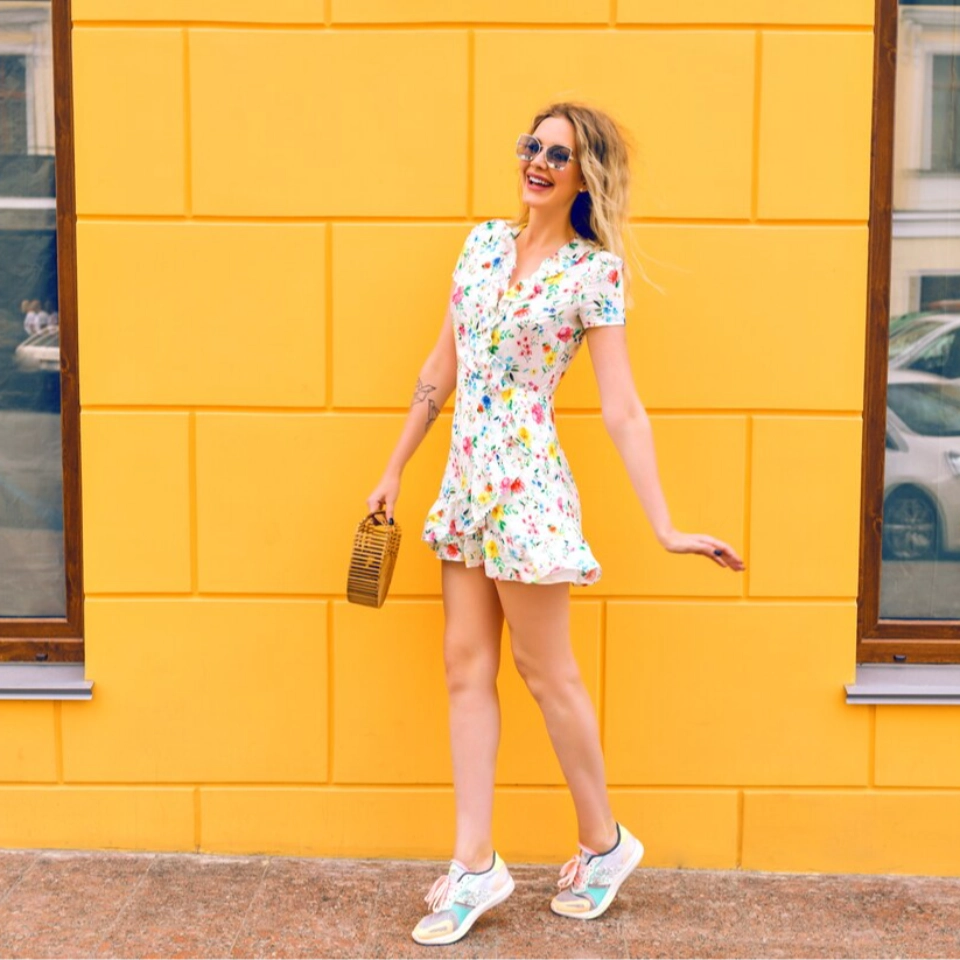 | 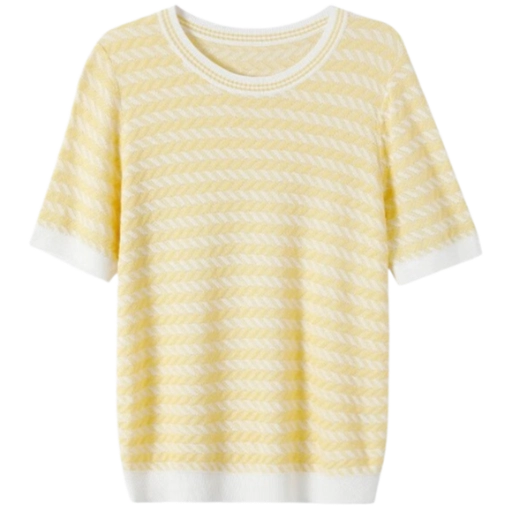 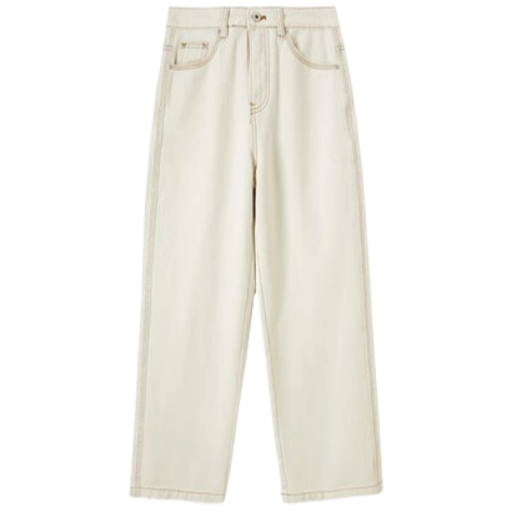 | 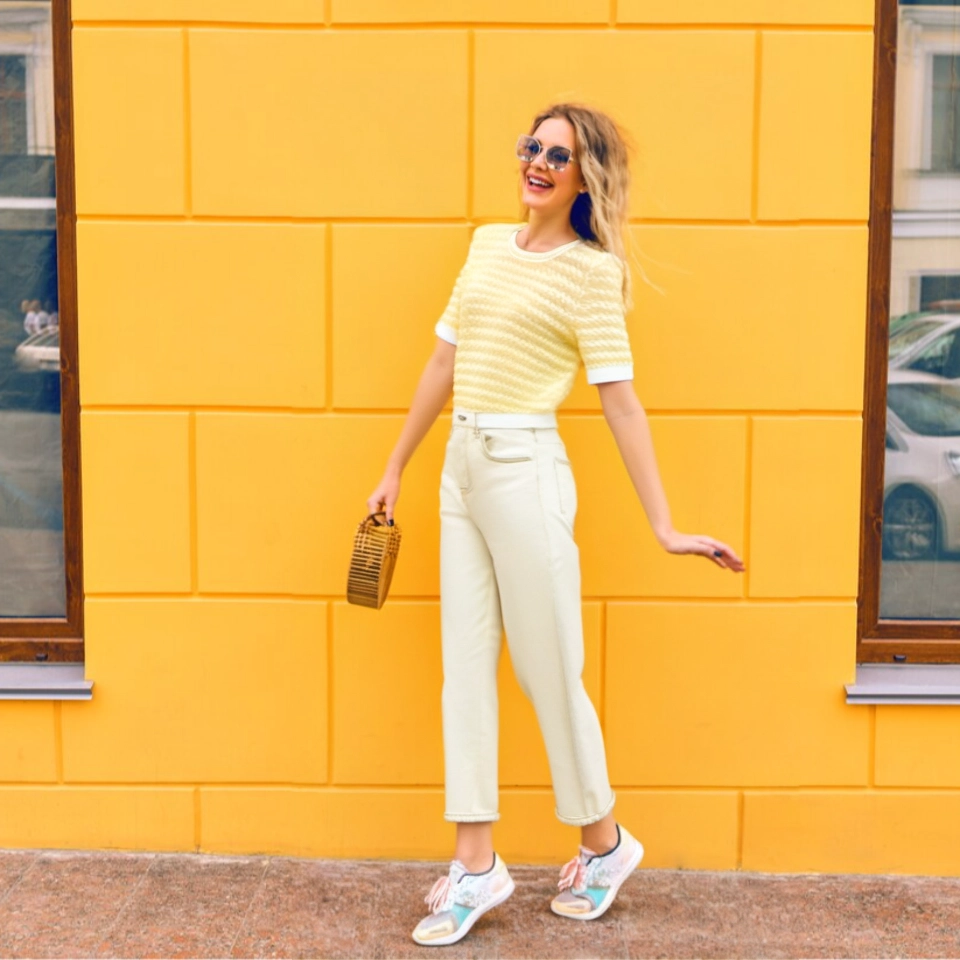 |
|  | 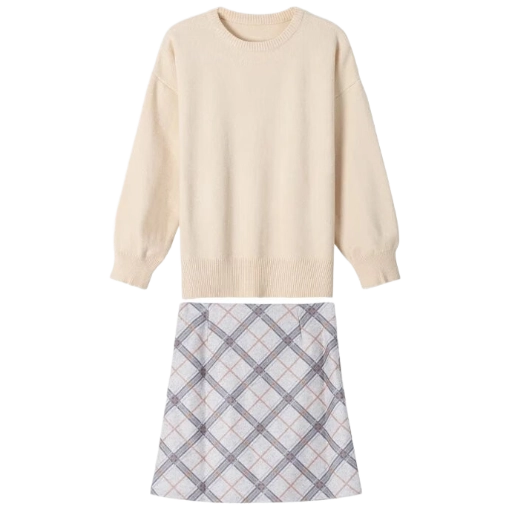 | 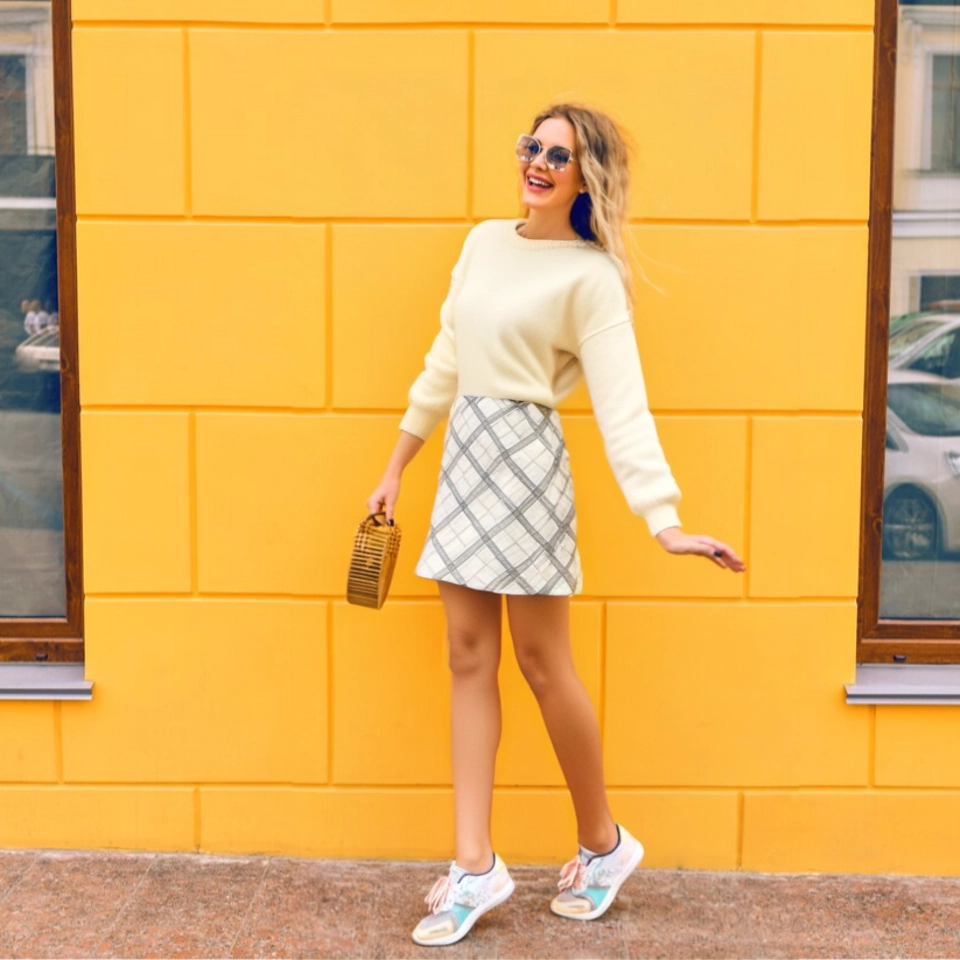 |
## Billing Instructions
- A certain number of credits will be consumed for each successful API call.
### Amount of Credits Deducted
| API | Number of Credits |
|:-------------------|:------------------|
| Try on Clothes Pro | 50 |
### Resource Package
#### Universal Credits (Supports All APIs)
##### Applied to Try on Clothes Pro
| Amounts | Credits | Amounts/Credit | Allowable Requests | Amounts/Request |
|----------:|----------:|---------------:|-------------------:|----------------:|
| $12.00 | 2,000 | $0.0060 | 40 | $0.300000 |
| $27.50 | 5,000 | $0.0055 | 100 | $0.275000 |
| $50.00 | 10,000 | $0.0050 | 200 | $0.250000 |
| $135.00 | 30,000 | $0.0045 | 600 | $0.225000 |
| $212.00 | 50,000 | $0.0043 | 1,000 | $0.212500 |
| $400.00 | 100,000 | $0.0040 | 2,000 | $0.200000 |
| $1,050.00 | 300,000 | $0.0035 | 6,000 | $0.175000 |
| $1,500.00 | 500,000 | $0.0030 | 10,000 | $0.150000 |
| $2,500.00 | 1,000,000 | $0.0025 | 20,000 | $0.125000 |
:::tip[Buy Now]
- Pricing
- Developer Platform
:::tip[Customization]
If you require more credits, please contact us at business@ailabtools.com.
:::
## File Storage Policy
:::tip
- **Uploaded Files**: Not stored.
- **Response Files**:
- **Storage Duration**: 24 hours.
- **Deletion Method**: Automatic Deletion upon Timeout.
:::
---
## Try on Clothes API(Editing)
# AILabTools API - Try on Clothes - Introduction
Experience ultra-realistic Try on Clothes results with advanced AI, transforming flat clothing images and full-body portraits into accurate try-on visuals that showcase garment fit and style for a life-like preview.
## Application Scenarios
- **Product Main Image & Product Detail Pages: Generate Diverse Model Try-On Photos in Bulk**
Automatically generate high-quality images of clothing on various models with distinctive appearances, allowing for greater visual diversity on product listings and detail pages. This bulk generation saves time and enhances visual appeal, providing an efficient alternative to traditional photoshoots.
- **Virtual Try-On for Models or Consumers: Customized Images by Body Type and Ethnicity**
Produce virtual try-on images tailored to specific body types and ethnicities to meet varied client demands. This feature supports brand inclusivity and offers consumers a more personalized shopping experience, increasing engagement and potential conversion rates.
- **Content Creation: Affordable and Realistic Lifestyle Photos**
Easily create on-brand, atmospheric images that look like genuine user-generated content. These images enable low-cost content production, ideal for marketing across social media and e-commerce platforms to drive brand authenticity and customer connection.
- **New Product Testing: Reduce Model Booking Times and Speed Up Listings**
Shorten the product launch cycle by creating model images virtually, without the need for time-consuming model bookings and photoshoots. Quickly visualize new styles on virtual models, accelerating the time-to-market for new collections.
- **Fashion Design Reference: Generate Try-On Images of Various Styles Based on Texture Reference Images**
Utilize fabric and texture reference images to create try-on visuals of different garment styles. This feature provides designers with a practical tool for quickly visualizing and iterating on designs, making it easier to refine ideas and enhance creativity.
## FAQ
- **Why Is It Necessary to Upload a Flat Lay Image of the Garment?**
A flat lay image clearly displays the garment’s structure and patterns, allowing the AI to better understand the garment’s relationship to the human body. This clarity helps the AI accurately simulate how the clothing will look when worn, resulting in a realistic try-on image.
- **What If I Don’t Have a Flat Lay Image of the Garment?**
If a flat lay image isn’t available, you can photograph the garment on a colleague or friend in a well-lit area, or place it on a mannequin for a clear shot. Both methods will provide the AI with sufficient visual details for optimal processing.
- **Why Does the Generated Image Lack Detail and Texture?**
For high-quality results, it’s essential to use a high-resolution, complete flat lay image. Missing details or incomplete angles in the uploaded image may lead the AI to fill in gaps, which can result in an outcome that doesn’t match the desired look.
- **How to Choose the Right Model Image?**
Select a clear, unobstructed full-body or half-body image of the model from the front. For best results, choose an image with minimal clothing (e.g., shorts and a T-shirt) so that both arms and legs are clearly visible. Avoid model photos with long skirts, layered clothing, oversized sleeves, or accessories like scarves, umbrellas, or bags, as these can interfere with the try-on rendering.
## Renderings show
| Clothing Type | ORIGINAL IMAGE | CLOTHING IMAGE | RESULT IMAGE |
|:--------------------|:----------------------------------------------------------------------------------------------|:---------------------------------------------------------------------------------------|:------------------------------------------------------------------------------------------|
| Upper Body Clothing | 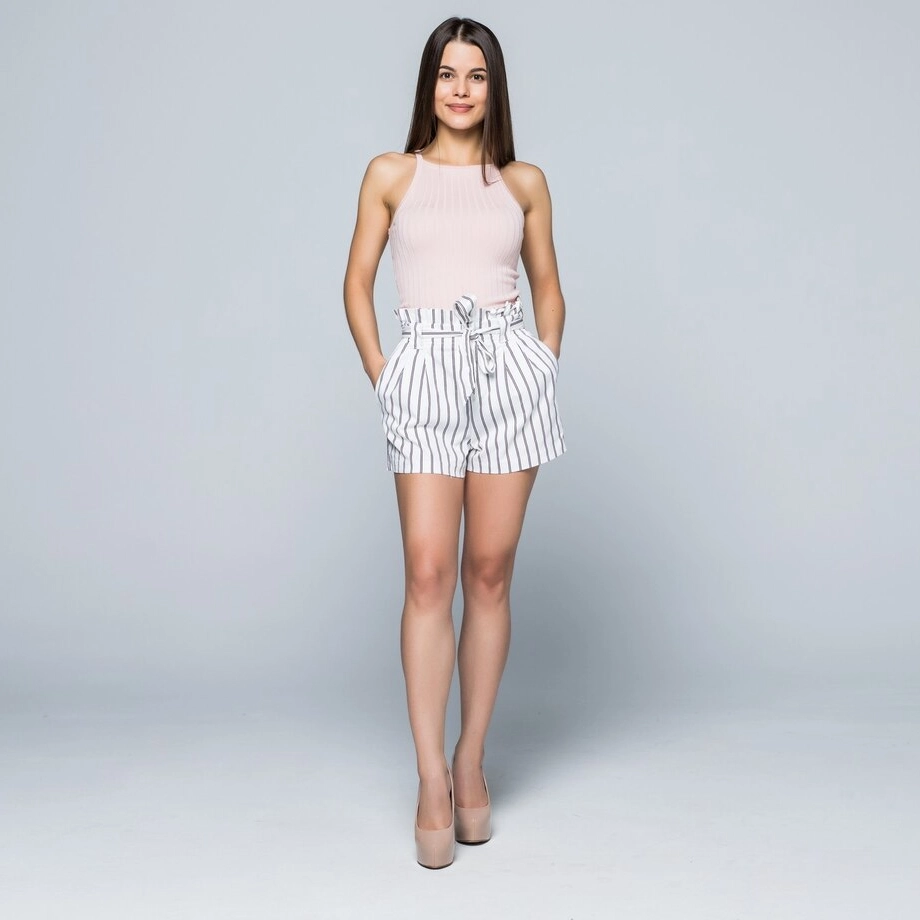 | 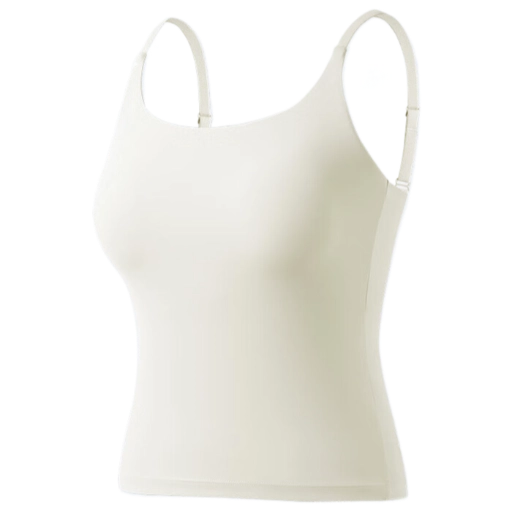 | 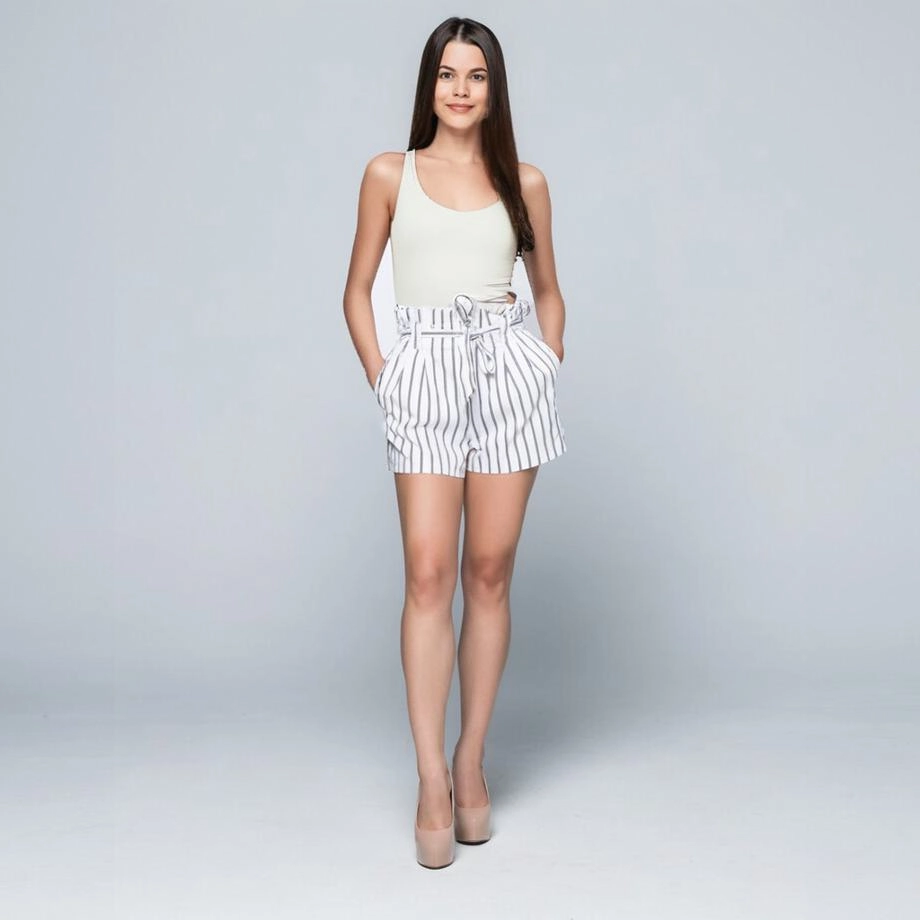 |
| Lower Body Clothing |  | 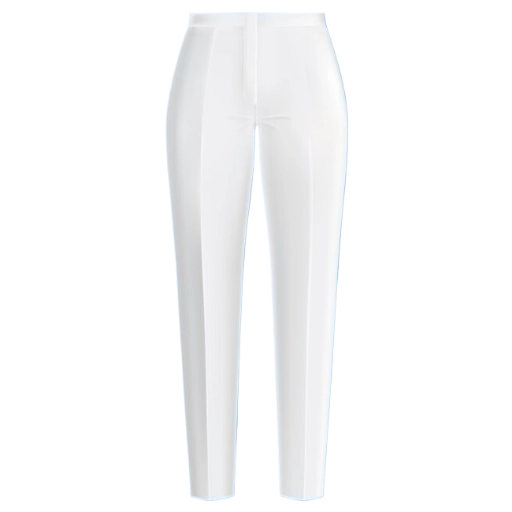 | 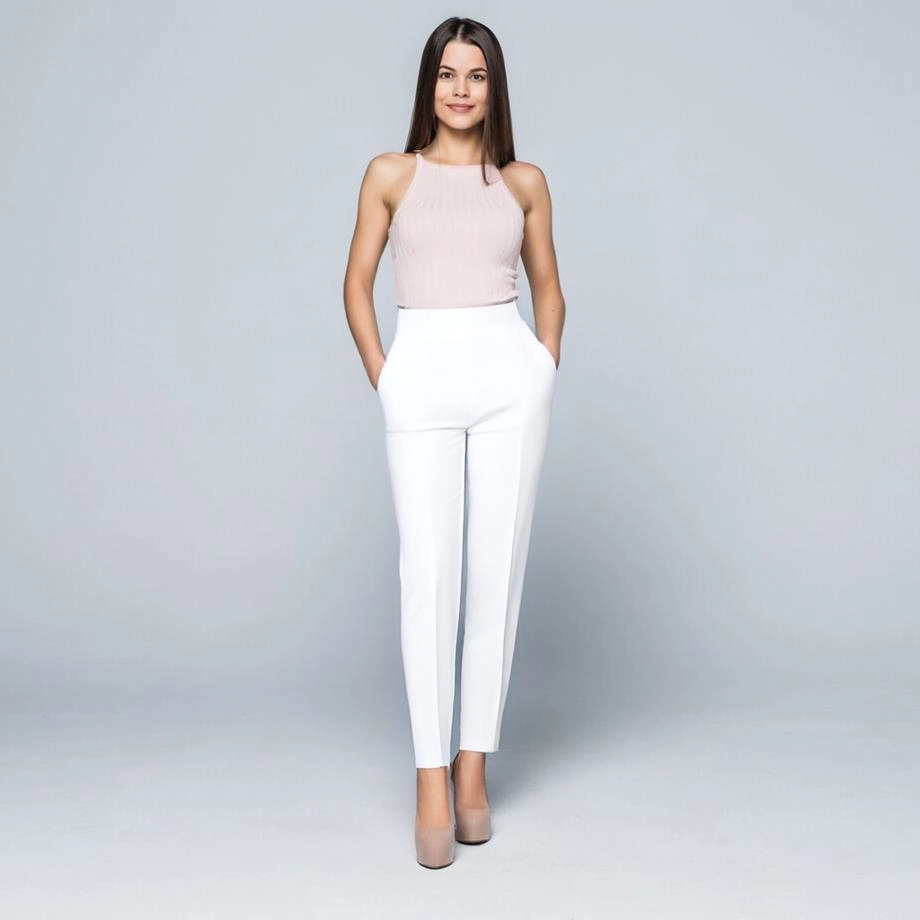 |
| Full Body Clothing |  | 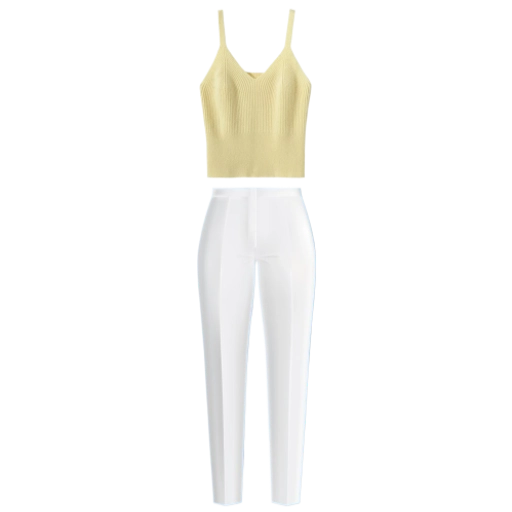 | 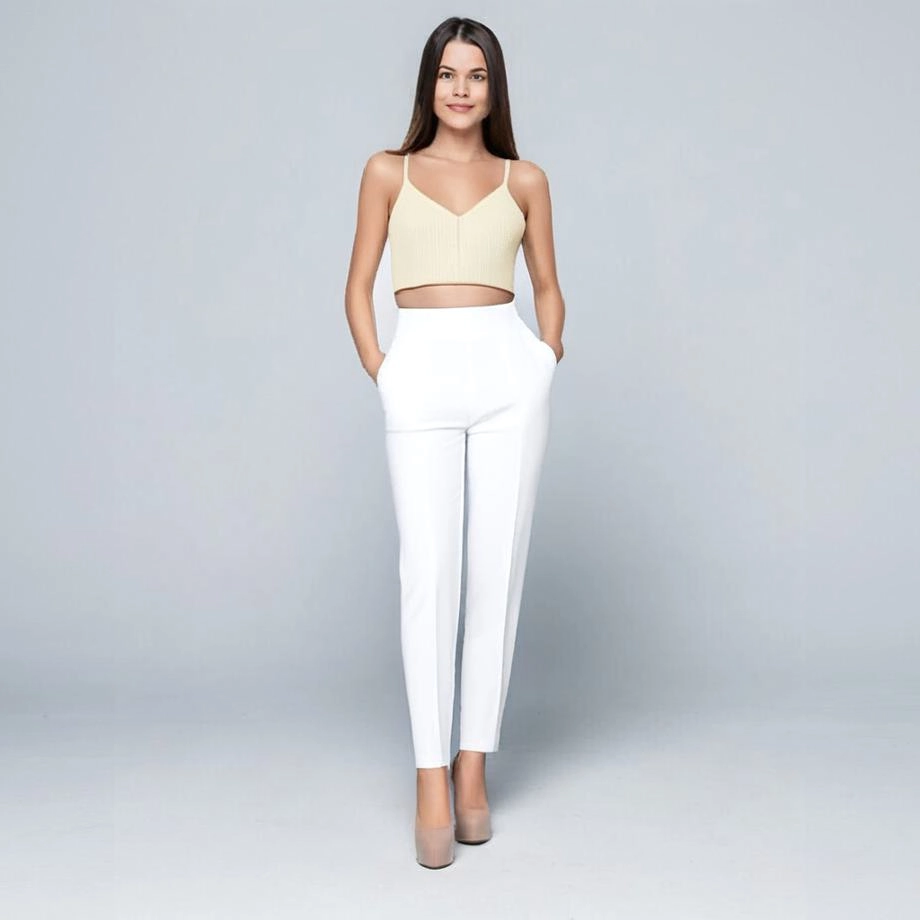 |
## Billing Instructions
- A certain number of credits will be consumed for each successful API call.
### Amount of Credits Deducted
| API | Number of Credits |
|:---------------|:------------------|
| Try on Clothes | 15 |
### Resource Package
#### Universal Credits (Supports All APIs)
##### Applied to Try on Clothes
| Amounts | Credits | Amounts/Credit | Allowable Requests | Amounts/Request |
|----------:|----------:|---------------:|-------------------:|----------------:|
| $12.00 | 2,000 | $0.0060 | 133 | $0.0900 |
| $27.50 | 5,000 | $0.0055 | 333 | $0.0825 |
| $50.00 | 10,000 | $0.0050 | 667 | $0.0750 |
| $135.00 | 30,000 | $0.0045 | 2,000 | $0.0675 |
| $212.00 | 50,000 | $0.0043 | 3,333 | $0.0645 |
| $400.00 | 100,000 | $0.0040 | 6,667 | $0.0600 |
| $1,050.00 | 300,000 | $0.0035 | 20,000 | $0.0525 |
| $1,500.00 | 500,000 | $0.0030 | 33,333 | $0.0450 |
| $2,500.00 | 1,000,000 | $0.0025 | 66,667 | $0.0375 |
:::tip[Buy Now]
- Pricing
- Developer Platform
:::tip[Customization]
If you require more credits, please contact us at business@ailabtools.com.
:::
## File Storage Policy
:::tip
- **Uploaded Files**: Not stored.
- **Response Files**:
- **Storage Duration**: 24 hours.
- **Deletion Method**: Automatic Deletion upon Timeout.
:::
---
## AI Face Enhancer API
## Request
### Image requirements
- **Image format**: `JPEG` `JPG` `PNG` `BMP`
- **Image size**: No more than 3 MB.
- **Image resolution**: Larger than 32x32px, smaller than 2048x2048px (longest side less than or equal to 2047px), with a face occupying no less than 64x64px.
- The input image needs to contain faces.
- The number of faces in the input image should not exceed 10, otherwise only the first 10 faces with the largest area are processed.
- The face in the input image should not have scratches, breaks, etc., and the algorithm does not support such repairs at this time.
- The quality of the faces in the input image should not be too sharp or too high in resolution, as this may lead to inverse quality degradation.
### Body
| Field | Required | Type |
|:--------|:---------|:-------|
| `image` | YES | `file` |
## Response
:::warning[Response Field Handling Flow]
1. **Handle `Public Response Fields`**
Parse and validate the `Public Response Fields`, checking the status code or response message to ensure the request is successful and error-free.
2. **Handle `Business Response Fields`**
If the `Public Response Fields` are valid and error-free, proceed with processing the business logic in the `Business Response Fields`.
:::
### Public Response Fields
Viewing Public Response Fields and Error Codes
### Business Response Fields
| Field | Type | Description |
|:-------------|:---------|:-----------------------------------------|
| `data` | `object` | The content of the result data returned. |
| +`image_url` | `string` | Resulting image URL address. |
:::tip
The URL address is a temporary address, valid for 24 hours, and will not be accessible after it expires. If you need to save the file for a long time or permanently, please visit the URL address within 24 hours and download the file to your own storage space.
:::
### Response Example
```json
{
"request_id": "",
"log_id": "",
"error_code": 0,
"error_msg": "",
"error_detail": {
"status_code": 200,
"code": "",
"code_message": "",
"message": ""
},
"data": {
"image_url": ""
}
}
```
---
## AI Face Enhancer API(Ai-face-enhancer)
# AILabTools API - AI Face Enhancer - API
## Request
- **URL**: `https://www.ailabapi.com/api/portrait/effects/enhance-face`
- **Method**: `POST`
- **Content-Type**: `multipart/form-data`
### Image requirements
- **Image format**: `JPEG` `JPG` `PNG` `BMP`
- **Image size**: No more than 3 MB.
- **Image resolution**: Larger than 32x32px, smaller than 2048x2048px (longest side less than or equal to 2047px), with a face occupying no less than 64x64px.
- The input image needs to contain faces.
- The number of faces in the input image should not exceed 10, otherwise only the first 10 faces with the largest area are processed.
- The face in the input image should not have scratches, breaks, etc., and the algorithm does not support such repairs at this time.
- The quality of the faces in the input image should not be too sharp or too high in resolution, as this may lead to inverse quality degradation.
### Headers
| Field | Required | Type | Description |
|:-------------------|:---------|:---------|:---------------------------------------------------|
| `ailabapi-api-key` | YES | `string` | Application API KEY. [Get API KEY](get-api-key.md) |
### Body
| Field | Required | Type |
|:--------|:---------|:-------|
| `image` | YES | `file` |
## Response
:::warning[Response Field Handling Flow]
1. **Handle `Public Response Fields`**
Parse and validate the `Public Response Fields`, checking the status code or response message to ensure the request is successful and error-free.
2. **Handle `Business Response Fields`**
If the `Public Response Fields` are valid and error-free, proceed with processing the business logic in the `Business Response Fields`.
:::
### Public Response Fields
Viewing Public Response Fields and Error Codes
### Business Response Fields
| Field | Type | Description |
|:-------------|:---------|:-----------------------------------------|
| `data` | `object` | The content of the result data returned. |
| +`image_url` | `string` | Resulting image URL address. |
:::tip
The URL address is a temporary address, valid for 24 hours, and will not be accessible after it expires. If you need to save the file for a long time or permanently, please visit the URL address within 24 hours and download the file to your own storage space.
:::
### Response Example
```json
{
"request_id": "",
"log_id": "",
"error_code": 0,
"error_msg": "",
"error_detail": {
"status_code": 200,
"code": "",
"code_message": "",
"message": ""
},
"data": {
"image_url": ""
}
}
```
## Sample Code
:::tip[[👉 Online Experience 👈](https://www.ailabtools.com/portrait-face-restoration-enhancement-example)]
If you'd like to see the actual effects, please visit the experience page for a trial.
:::
- [Introduction to Get Sample Code](get-sample-code.md)
- [Sample Code][PostmanURL]
[PostmanURL]: https://documenter.getpostman.com/view/26387069/2s93JxqgHE#e5c6703d-0a29-490a-a34c-7ea8f0b606df
---
## AI Face Enhancer API(Effects)
# AILabTools API - AI Face Enhancer - Introduction
Enhance facial images using a face-driven algorithm. Improve image quality, bring out details, and clarify blurry faces.
## Application Scenarios
- **Shooting Material Enhancement**: For photos that are blurred due to underexposure, inaccurate focus, or hand-shaking during shooting, the face repair and enhancement technology can make up for the shortcomings during shooting and repair the photos.
- **Old Photo Restoration**: Repair and enhancement of low resolution or unclear portrait photos taken in the early days can enhance the clarity of the portrait while retaining the texture of the old photos.
## Featured Advantages
- **Detail Enhancement**: Enhances the details of the original image, which can still recover some of the details and improve the quality of the photo when the quality of the original is insufficient.
- **Portrait Consistency**: Enhances details while retaining consistency and realism with the original portrait.
## Renderings show
| ORIGINAL IMAGE | BLURRED IMAGE | RESULT IMAGE |
|:-----------------------------------|:---------------------------------|:-------------------------------|
| ![ORIGINAL IMAGE][OriginalImage-1] | ![BLURRED IMAGE][BlurredImage-1] | ![RESULT IMAGE][ResultImage-1] |
| ![ORIGINAL IMAGE][OriginalImage-2] | ![BLURRED IMAGE][BlurredImage-2] | ![RESULT IMAGE][ResultImage-2] |
| ![ORIGINAL IMAGE][OriginalImage-3] | ![BLURRED IMAGE][BlurredImage-3] | ![RESULT IMAGE][ResultImage-3] |
:::tip[[👉 Online Experience 👈](https://www.ailabtools.com/portrait-face-restoration-enhancement-example)]
If you'd like to see the actual effects, please visit the experience page for a trial.
:::
## Billing Instructions
- A certain number of credits will be consumed for each successful API call.
### Amount of Credits Deducted
| API | Number of Credits |
|:-----------------|:------------------|
| AI Face Enhancer | 15 |
### Resource Package
#### Universal Credits (Supports All APIs)
##### Applied to AI Face Enhancer
| Amounts | Credits | Amounts/Credit | Allowable Requests | Amounts/Request |
|----------:|----------:|---------------:|-------------------:|----------------:|
| $12.00 | 2,000 | $0.0060 | 133 | $0.0900 |
| $27.50 | 5,000 | $0.0055 | 333 | $0.0825 |
| $50.00 | 10,000 | $0.0050 | 667 | $0.0750 |
| $135.00 | 30,000 | $0.0045 | 2,000 | $0.0675 |
| $212.00 | 50,000 | $0.0043 | 3,333 | $0.0645 |
| $400.00 | 100,000 | $0.0040 | 6,667 | $0.0600 |
| $1,050.00 | 300,000 | $0.0035 | 20,000 | $0.0525 |
| $1,500.00 | 500,000 | $0.0030 | 33,333 | $0.0450 |
| $2,500.00 | 1,000,000 | $0.0025 | 66,667 | $0.0375 |
:::tip[Buy Now]
- Pricing
- Developer Platform
:::tip[Customization]
If you require more credits, please contact us at business@ailabtools.com.
:::
## File Storage Policy
:::tip
- **Uploaded Files**: Not stored.
- **Response Files**:
- **Storage Duration**: 24 hours.
- **Deletion Method**: Automatic Deletion upon Timeout.
:::
[OriginalImage-1]: https://ai-resource.ailabtools.com/ai-face-enhancer/doc/OriginalImage-1.webp
[OriginalImage-2]: https://ai-resource.ailabtools.com/ai-face-enhancer/doc/OriginalImage-2.webp
[OriginalImage-3]: https://ai-resource.ailabtools.com/ai-face-enhancer/doc/OriginalImage-3.webp
[BlurredImage-1]: https://ai-resource.ailabtools.com/ai-face-enhancer/doc/BlurredImage-1.webp
[BlurredImage-2]: https://ai-resource.ailabtools.com/ai-face-enhancer/doc/BlurredImage-2.webp
[BlurredImage-3]: https://ai-resource.ailabtools.com/ai-face-enhancer/doc/BlurredImage-3.webp
[ResultImage-1]: https://ai-resource.ailabtools.com/ai-face-enhancer/doc/ResultImage-1.webp
[ResultImage-2]: https://ai-resource.ailabtools.com/ai-face-enhancer/doc/ResultImage-2.webp
[ResultImage-3]: https://ai-resource.ailabtools.com/ai-face-enhancer/doc/ResultImage-3.webp
---
## Face Blur API
## Request
### Image requirements
- **Image format**: `JPEG` `JPG` `PNG` `BMP`
- **Image size**: No more than 3 MB.
- **Image resolution**: Larger than 32x32px, smaller than 2000x2000px.
### Body
| Field | Required | Type |
|:--------|:---------|:-------|
| `image` | YES | `file` |
## Response
:::warning[Response Field Handling Flow]
1. **Handle `Public Response Fields`**
Parse and validate the `Public Response Fields`, checking the status code or response message to ensure the request is successful and error-free.
2. **Handle `Business Response Fields`**
If the `Public Response Fields` are valid and error-free, proceed with processing the business logic in the `Business Response Fields`.
:::
### Public Response Fields
Viewing Public Response Fields and Error Codes
### Business Response Fields
| Field | Type | Description |
|:-------------|:---------|:-----------------------------------------|
| `data` | `object` | The content of the result data returned. |
| +`image_url` | `string` | Resulting image URL address. |
:::tip
The URL address is a temporary address, valid for 24 hours, and will not be accessible after it expires. If you need to save the file for a long time or permanently, please visit the URL address within 24 hours and download the file to your own storage space.
:::
### Response Example
```json
{
"request_id": "",
"log_id": "",
"error_code": 0,
"error_msg": "",
"error_detail": {
"status_code": 200,
"code": "",
"code_message": "",
"message": ""
},
"data": {
"image_url": ""
}
}
```
---
## Face Blur API(Blurred-faces)
# AILabTools API - Face Blur - API
## Request
- **URL**: `https://www.ailabapi.com/api/portrait/effects/blurred-faces`
- **Method**: `POST`
- **Content-Type**: `multipart/form-data`
### Image requirements
- **Image format**: `JPEG` `JPG` `PNG` `BMP`
- **Image size**: No more than 3 MB.
- **Image resolution**: Larger than 32x32px, smaller than 2000x2000px.
### Headers
| Field | Required | Type | Description |
|:-------------------|:---------|:---------|:---------------------------------------------------|
| `ailabapi-api-key` | YES | `string` | Application API KEY. [Get API KEY](get-api-key.md) |
### Body
| Field | Required | Type |
|:--------|:---------|:-------|
| `image` | YES | `file` |
## Response
:::warning[Response Field Handling Flow]
1. **Handle `Public Response Fields`**
Parse and validate the `Public Response Fields`, checking the status code or response message to ensure the request is successful and error-free.
2. **Handle `Business Response Fields`**
If the `Public Response Fields` are valid and error-free, proceed with processing the business logic in the `Business Response Fields`.
:::
### Public Response Fields
Viewing Public Response Fields and Error Codes
### Business Response Fields
| Field | Type | Description |
|:-------------|:---------|:-----------------------------------------|
| `data` | `object` | The content of the result data returned. |
| +`image_url` | `string` | Resulting image URL address. |
:::tip
The URL address is a temporary address, valid for 24 hours, and will not be accessible after it expires. If you need to save the file for a long time or permanently, please visit the URL address within 24 hours and download the file to your own storage space.
:::
### Response Example
```json
{
"request_id": "",
"log_id": "",
"error_code": 0,
"error_msg": "",
"error_detail": {
"status_code": 200,
"code": "",
"code_message": "",
"message": ""
},
"data": {
"image_url": ""
}
}
```
## Sample Code
:::tip[[👉 Online Experience 👈](https://www.ailabtools.com/portrait-facial-blurring-example)]
If you'd like to see the actual effects, please visit the experience page for a trial.
:::
- [Introduction to Get Sample Code](get-sample-code.md)
- [Sample Code][PostmanURL]
[PostmanURL]: https://documenter.getpostman.com/view/26387069/2s93JxqgHE#837e8e84-6844-4671-aa1a-f64b8e047541
---
## Face Blur API(Effects)
# AILabTools API - Face Blur - Introduction
Intelligently identify the range of faces in the authorized image, blur the range of faces contained in the image, and output the desensitized image.
## Featured Advantages
- **Intelligent detection**: automatic detection of face areas and desensitization of faces only.
## Renderings show
| ORIGINAL IMAGE | RESULT IMAGE |
|:-----------------------------------|:-------------------------------|
| ![ORIGINAL IMAGE][OriginalImage-1] | ![RESULT IMAGE][ResultImage-1] |
:::tip[[👉 Online Experience 👈](https://www.ailabtools.com/portrait-facial-blurring-example)]
If you'd like to see the actual effects, please visit the experience page for a trial.
:::
## Billing Instructions
- A certain number of credits will be consumed for each successful API call.
### Amount of Credits Deducted
| API | Number of Credits |
|:----------|:------------------|
| Face Blur | 1 |
### Resource Package
#### Universal Credits (Supports All APIs)
##### Applied to Face Blur
| Amounts | Credits | Amounts/Credit | Allowable Requests | Amounts/Request |
|----------:|----------:|---------------:|-------------------:|----------------:|
| $12.00 | 2,000 | $0.0060 | 2,000 | $0.0060 |
| $27.50 | 5,000 | $0.0055 | 5,000 | $0.0055 |
| $50.00 | 10,000 | $0.0050 | 10,000 | $0.0050 |
| $135.00 | 30,000 | $0.0045 | 30,000 | $0.0045 |
| $212.00 | 50,000 | $0.0043 | 50,000 | $0.0043 |
| $400.00 | 100,000 | $0.0040 | 100,000 | $0.0040 |
| $1,050.00 | 300,000 | $0.0035 | 300,000 | $0.0035 |
| $1,500.00 | 500,000 | $0.0030 | 500,000 | $0.0030 |
| $2,500.00 | 1,000,000 | $0.0025 | 1,000,000 | $0.0025 |
:::tip[Buy Now]
- Pricing
- Developer Platform
:::tip[Customization]
If you require more credits, please contact us at business@ailabtools.com.
:::
## File Storage Policy
:::tip
- **Uploaded Files**: Not stored.
- **Response Files**:
- **Storage Duration**: 24 hours.
- **Deletion Method**: Automatic Deletion upon Timeout.
:::
[OriginalImage-1]: https://ai-resource.ailabtools.com/rapidapi/facebody/FaceMosaic/OriginalImage-1.webp
[ResultImage-1]: https://ai-resource.ailabtools.com/rapidapi/facebody/FaceMosaic/ResultImage-1.webp
---
## Change Facial Expressions API
## Request
### Image requirements
- **Image format**: `JPEG` `JPG` `PNG`
- **Image size**: No more than 5 MB.
- **Image resolution**: Less than 4096x4096px.
### Body
| Field | Required | Type | Scope | Description |
|:-----------------|:---------|:----------|:-----------------------------------------------------------------------------------------------------------------|:------------------------------------------------------------------------------------------------------------------------------------------------------------------------------------------------------------------------------------------------|
| `image_target` | YES | `file` | | |
| `service_choice` | YES | `integer` | `10` `11` `12` `13` `14` `15` `16` `100` | Expression type. `10`: Dimple Smile. `11`: Pear Dimple Smile. `12`: Big Grin. `13`: Standard Grin. `14`: Cool Pose. `15`: Sad. `16`: Forced Smile. `100`: Opening eyes. |
## Response
:::warning[Response Field Handling Flow]
1. **Handle `Public Response Fields`**
Parse and validate the `Public Response Fields`, checking the status code or response message to ensure the request is successful and error-free.
2. **Handle `Business Response Fields`**
If the `Public Response Fields` are valid and error-free, proceed with processing the business logic in the `Business Response Fields`.
:::
### Public Response Fields
Viewing Public Response Fields and Error Codes
### Business Response Fields
| Field | Type | Description |
|:---------|:---------|:--------------------------------------------------------------|
| `data` | `object` | The content of the result data returned. |
| +`image` | `string` | The result image, returning the Base64 encoding of the image. |
### Response Example
```json
{
"request_id": "",
"log_id": "",
"error_code": 0,
"error_msg": "",
"error_detail": {
"status_code": 200,
"code": "",
"code_message": "",
"message": ""
},
"data": {
"image": ""
}
}
```
---
## Change Facial Expressions API(Emotion-editor)
# AILabTools API - Change Facial Expressions - API:V1.0.0
## Request
- **URL**: `https://www.ailabapi.com/api/portrait/effects/emotion-editor`
- **Method**: `POST`
- **Content-Type**: `multipart/form-data`
### Image requirements
- **Image format**: `JPEG` `JPG` `PNG`
- **Image size**: No more than 5 MB.
- **Image resolution**: Less than 4096x4096px.
### Headers
| Field | Required | Type | Description |
|:-------------------|:---------|:---------|:---------------------------------------------------|
| `ailabapi-api-key` | YES | `string` | Application API KEY. [Get API KEY](get-api-key.md) |
### Body
| Field | Required | Type | Scope | Default | Description |
|:-----------------|:---------|:----------|:-------------------------------------------------------------------|:--------|:--------------------------------------------------------------------------------------------------------------------------------------------|
| `image_target` | YES | `file` | | | |
| `service_choice` | NO | `integer` | `0` `1` `2` `3` `100` | `0` | Expression type. `0`: Big laugh. `1`: Pouting. `2`: Feel sad. `3`: Smile. `100`: Opening eyes. |
## Response
:::warning[Response Field Handling Flow]
1. **Handle `Public Response Fields`**
Parse and validate the `Public Response Fields`, checking the status code or response message to ensure the request is successful and error-free.
2. **Handle `Business Response Fields`**
If the `Public Response Fields` are valid and error-free, proceed with processing the business logic in the `Business Response Fields`.
:::
### Public Response Fields
Viewing Public Response Fields and Error Codes
### Business Response Fields
| Field | Type | Description |
|:---------|:---------|:--------------------------------------------------------------|
| `data` | `object` | The content of the result data returned. |
| +`image` | `string` | The result image, returning the Base64 encoding of the image. |
### Response Example
```json
{
"request_id": "",
"log_id": "",
"error_code": 0,
"error_msg": "",
"error_detail": {
"status_code": 200,
"code": "",
"code_message": "",
"message": ""
},
"data": {
"image": ""
}
}
```
## Sample Code
:::tip[[👉 Online Experience 👈](https://www.ailabtools.com/portrait-expression-editing-example)]
If you'd like to see the actual effects, please visit the experience page for a trial.
:::
- [Introduction to Get Sample Code](get-sample-code.md)
- [Sample Code][PostmanURL]
[PostmanURL]: https://documenter.getpostman.com/view/26387069/2s93JxqgHE#9af8fc3f-9a28-46e3-a52d-c638534b5f1c
---
## Change Facial Expressions API(3)
# AILabTools API - Change Facial Expressions - API:V1.0.1
## Request
- **URL**: `https://www.ailabapi.com/api/portrait/effects/emotion-editor`
- **Method**: `POST`
- **Content-Type**: `multipart/form-data`
### Image requirements
- **Image format**: `JPEG` `JPG` `PNG`
- **Image size**: No more than 5 MB.
- **Image resolution**: Less than 4096x4096px.
### Headers
| Field | Required | Type | Description |
|:-------------------|:---------|:---------|:---------------------------------------------------|
| `ailabapi-api-key` | YES | `string` | Application API KEY. [Get API KEY](get-api-key.md) |
### Body
| Field | Required | Type | Scope | Description |
|:-----------------|:---------|:----------|:---------------------------------------------------------------------------------------------------------------------------------------------------------------------|:---------------------------------------------------------------------------------------------------------------------------------------------------------------------------------------------------------------------------------------------------------------------------------------------------------------------------------------------|
| `image_target` | YES | `file` | | |
| `service_choice` | YES | `integer` | `0` `1` `2` `3` `10` `11` `12` `13` `14` `15` `16` `100` | Expression type. `0`: Big laugh. `1`: Pouting. `2`: Feel sad. `3`: Smile. `10`: Dimple Smile. `11`: Pear Dimple Smile. `12`: Big Grin. `13`: Standard Grin. `14`: Cool Pose. `15`: Sad. `16`: Forced Smile. `100`: Opening eyes. |
## Response
:::warning[Response Field Handling Flow]
1. **Handle `Public Response Fields`**
Parse and validate the `Public Response Fields`, checking the status code or response message to ensure the request is successful and error-free.
2. **Handle `Business Response Fields`**
If the `Public Response Fields` are valid and error-free, proceed with processing the business logic in the `Business Response Fields`.
:::
### Public Response Fields
Viewing Public Response Fields and Error Codes
### Business Response Fields
| Field | Type | Description |
|:---------|:---------|:--------------------------------------------------------------|
| `data` | `object` | The content of the result data returned. |
| +`image` | `string` | The result image, returning the Base64 encoding of the image. |
### Response Example
```json
{
"request_id": "",
"log_id": "",
"error_code": 0,
"error_msg": "",
"error_detail": {
"status_code": 200,
"code": "",
"code_message": "",
"message": ""
},
"data": {
"image": ""
}
}
```
## Sample Code
:::tip[[👉 Online Experience 👈](https://www.ailabtools.com/portrait-expression-editing-example)]
If you'd like to see the actual effects, please visit the experience page for a trial.
:::
- [Introduction to Get Sample Code](get-sample-code.md)
- [Sample Code][PostmanURL]
[PostmanURL]: https://documenter.getpostman.com/view/26387069/2s93JxqgHE#9af8fc3f-9a28-46e3-a52d-c638534b5f1c
---
## Change Facial Expressions API(4)
# AILabTools API - Change Facial Expressions - API:V1.1.0
## Request
- **URL**: `https://www.ailabapi.com/api/portrait/effects/emotion-editor`
- **Method**: `POST`
- **Content-Type**: `multipart/form-data`
### Image requirements
- **Image format**: `JPEG` `JPG` `PNG`
- **Image size**: No more than 5 MB.
- **Image resolution**: Less than 4096x4096px.
### Headers
| Field | Required | Type | Description |
|:-------------------|:---------|:---------|:---------------------------------------------------|
| `ailabapi-api-key` | YES | `string` | Application API KEY. [Get API KEY](get-api-key.md) |
### Body
| Field | Required | Type | Scope | Description |
|:-----------------|:---------|:----------|:-----------------------------------------------------------------------------------------------------------------|:------------------------------------------------------------------------------------------------------------------------------------------------------------------------------------------------------------------------------------------------|
| `image_target` | YES | `file` | | |
| `service_choice` | YES | `integer` | `10` `11` `12` `13` `14` `15` `16` `100` | Expression type. `10`: Dimple Smile. `11`: Pear Dimple Smile. `12`: Big Grin. `13`: Standard Grin. `14`: Cool Pose. `15`: Sad. `16`: Forced Smile. `100`: Opening eyes. |
## Response
:::warning[Response Field Handling Flow]
1. **Handle `Public Response Fields`**
Parse and validate the `Public Response Fields`, checking the status code or response message to ensure the request is successful and error-free.
2. **Handle `Business Response Fields`**
If the `Public Response Fields` are valid and error-free, proceed with processing the business logic in the `Business Response Fields`.
:::
### Public Response Fields
Viewing Public Response Fields and Error Codes
### Business Response Fields
| Field | Type | Description |
|:---------|:---------|:--------------------------------------------------------------|
| `data` | `object` | The content of the result data returned. |
| +`image` | `string` | The result image, returning the Base64 encoding of the image. |
### Response Example
```json
{
"request_id": "",
"log_id": "",
"error_code": 0,
"error_msg": "",
"error_detail": {
"status_code": 200,
"code": "",
"code_message": "",
"message": ""
},
"data": {
"image": ""
}
}
```
## Sample Code
:::tip[[👉 Online Experience 👈](https://www.ailabtools.com/portrait-expression-editing-example)]
If you'd like to see the actual effects, please visit the experience page for a trial.
:::
- [Introduction to Get Sample Code](get-sample-code.md)
- [Sample Code][PostmanURL]
[PostmanURL]: https://documenter.getpostman.com/view/26387069/2s93JxqgHE#9af8fc3f-9a28-46e3-a52d-c638534b5f1c
---
## Change Facial Expressions API(5)
# AILabTools API - Change Facial Expressions - API
## Request
- **URL**: `https://www.ailabapi.com/api/portrait/effects/emotion-editor`
- **Method**: `POST`
- **Content-Type**: `multipart/form-data`
### Image requirements
- **Image format**: `JPEG` `JPG` `PNG`
- **Image size**: No more than 5 MB.
- **Image resolution**: Less than 4096x4096px.
### Headers
| Field | Required | Type | Description |
|:-------------------|:---------|:---------|:---------------------------------------------------|
| `ailabapi-api-key` | YES | `string` | Application API KEY. [Get API KEY](get-api-key.md) |
### Body
| Field | Required | Type | Scope | Description |
|:-----------------|:---------|:----------|:-----------------------------------------------------------------------------------------------------------------|:------------------------------------------------------------------------------------------------------------------------------------------------------------------------------------------------------------------------------------------------|
| `image_target` | YES | `file` | | |
| `service_choice` | YES | `integer` | `10` `11` `12` `13` `14` `15` `16` `100` | Expression type. `10`: Dimple Smile. `11`: Pear Dimple Smile. `12`: Big Grin. `13`: Standard Grin. `14`: Cool Pose. `15`: Sad. `16`: Forced Smile. `100`: Opening eyes. |
## Response
:::warning[Response Field Handling Flow]
1. **Handle `Public Response Fields`**
Parse and validate the `Public Response Fields`, checking the status code or response message to ensure the request is successful and error-free.
2. **Handle `Business Response Fields`**
If the `Public Response Fields` are valid and error-free, proceed with processing the business logic in the `Business Response Fields`.
:::
### Public Response Fields
Viewing Public Response Fields and Error Codes
### Business Response Fields
| Field | Type | Description |
|:---------|:---------|:--------------------------------------------------------------|
| `data` | `object` | The content of the result data returned. |
| +`image` | `string` | The result image, returning the Base64 encoding of the image. |
### Response Example
```json
{
"request_id": "",
"log_id": "",
"error_code": 0,
"error_msg": "",
"error_detail": {
"status_code": 200,
"code": "",
"code_message": "",
"message": ""
},
"data": {
"image": ""
}
}
```
## Sample Code
:::tip[[👉 Online Experience 👈](https://www.ailabtools.com/portrait-expression-editing-example)]
If you'd like to see the actual effects, please visit the experience page for a trial.
:::
- [Introduction to Get Sample Code](get-sample-code.md)
- [Sample Code][PostmanURL]
[PostmanURL]: https://documenter.getpostman.com/view/26387069/2s93JxqgHE#9af8fc3f-9a28-46e3-a52d-c638534b5f1c
---
## Change Facial Expressions API(Effects)
# AILabTools API - Change Facial Expressions - Introduction
Using advanced image processing technology, the expressions of human faces in the images are edited, including smile with teeth, beak, unhappy, shut up smile, open eyes, etc.
## Application Scenarios
- **Interactive marketing**: Attract users to interact, participate and share in festivals, exhibitions, marketing and other activity scenarios.
- **Personalized emoji package**: choose different emoji templates for emoji editing, generating all kinds of cute and quirky emoji to enhance the sense of immersion and improve interaction.
- **Game face painting**: Adding expression editing to the game's face painting system, users can choose expression templates to customize the game image, enhancing the game experience and interactivity.
- **Smart photo restoration**: Through the closed-eye to open-eye technology, restoring the moment of celebration by restoring the captured closed-eye photos.
## Featured Advantages
- **Outstanding algorithm**: Based on massive data training and polishing of actual business scenarios, the effect is outstanding.
- **Rich capability**: provide rich editable expression types to meet the needs of various business scenarios.
- **Natural and realistic**: Based on generative adversarial network, the expression editing effect is realistic and natural.
- **Continuous upgrade**: algorithm engineers continuously upgrade the algorithm and service engineers provide reliable support.
## Renderings show
Original Image
Dimple Smile
Pear Dimple Smile
Big Grin
Standard Grin
Cool Pose
Sad
Forced Smile
Opening eyes
---
:::tip[[👉 Online Experience 👈](https://www.ailabtools.com/portrait-expression-editing-example)]
If you'd like to see the actual effects, please visit the experience page for a trial.
:::
## Billing Instructions
- A certain number of credits will be consumed for each successful API call.
### Amount of Credits Deducted
| API | Number of Credits |
|:--------------------------|:------------------|
| Change Facial Expressions | 12 |
### Resource Package
#### Universal Credits (Supports All APIs)
##### Applied to Change Facial Expressions
| Amounts | Credits | Amounts/Credit | Allowable Requests | Amounts/Request |
|----------:|----------:|---------------:|-------------------:|----------------:|
| $12.00 | 2,000 | $0.0060 | 167 | $0.0720 |
| $27.50 | 5,000 | $0.0055 | 417 | $0.0660 |
| $50.00 | 10,000 | $0.0050 | 833 | $0.0600 |
| $135.00 | 30,000 | $0.0045 | 2,500 | $0.0540 |
| $212.00 | 50,000 | $0.0043 | 4,167 | $0.0516 |
| $400.00 | 100,000 | $0.0040 | 8,333 | $0.0480 |
| $1,050.00 | 300,000 | $0.0035 | 25,000 | $0.0420 |
| $1,500.00 | 500,000 | $0.0030 | 41,667 | $0.0360 |
| $2,500.00 | 1,000,000 | $0.0025 | 83,333 | $0.0300 |
:::tip[Buy Now]
- Pricing
- Developer Platform
:::tip[Customization]
If you require more credits, please contact us at business@ailabtools.com.
:::
## File Storage Policy
:::tip
- **Uploaded Files**: Not stored.
- **Response Files**: Not stored.
:::
---
## Age & Gender Swap API
## Request
### Image requirements
- **Image format**: `JPEG` `JPG` `PNG` `BMP`
- **Image size**: No more than 4 MB.
- **Image resolution**: Larger than 256x256px, smaller than 4096x4096px. The face area must be 64x64px or more.
### Body
#### Fixed Fields
| Field | Required | Type | Scope | Default | Description |
|:------------------|:---------|:--------------|:-------------------------------------------------------------------------------------------------------------------|:--------|:---------------------------------------------------------------------------------------------------------------------------------------------------------------------------------------------------------------------------------------------------------------------------------------------------------------------------------------------------------------------------------------------------------------------------------------------------------------------------------------------------------------------------|
| `image` | YES | `file` | | | |
| `action_type` | YES | `string` | `TO_KID` `TO_OLD` `TO_FEMALE` `TO_MALE` `V2_AGE` `V2_GENDER` | | Face editing method. `TO_KID`: V1 version becomes a child. `TO_OLD`: V1 version becomes old man. `TO_FEMALE`: V1 version becomes girls. `TO_MALE`: V1 version becomes boys. `V2_AGE`: V2 version age change. `V2_GENDER`: v2 version gender shift. |
| `quality_control` | NO | `string` | `NONE` `LOW` `NORMAL` `HIGH` | `NONE` | Image quality (`image` field image quality). Please select the appropriate option based on quality information such as masking, lighting, blurriness, and integrity of the face. If selecting a higher quality causes the image to be unprocessable, please select a lower quality to try. `NONE`: No control is performed. `LOW`: Lower quality requirements. `NORMAL`: General quality requirements. `HIGH`: Higher quality requirements. [More Details](#quality_control) |
| `face_location` | NO | `json string` | | | When multiple faces are detected in the image, use this parameter to specify the position of the face to be edited in the image, or default to the largest face in the image if not specified. [More Details](#face_location) |
#### `action_type` === `V2_AGE`
| Field | Required | Type | Scope | Description |
|:---------|:---------|:----------|:--------|:------------|
| `target` | YES | `integer` | [1, 85] | Age. |
#### `action_type` === `V2_GENDER`
| Field | Required | Type | Scope | Description |
|:---------|:---------|:----------|:--------------------------|:--------------------------------------------------|
| `target` | YES | `integer` | `0` `1` | Gender. `0`: Male. `1`: Female. |
#### `quality_control` {#quality_control}
The quality control thresholds corresponding to different control systems: If any quality information detected does not meet the requirements of the control threshold, an error will be returned.
| `quality_control` = `LOW` | `quality_control` = `NORMAL` | `quality_control` = `HIGH` | Scope | Description |
|:--------------------------|:-----------------------------|:---------------------------|:-------------------------------------------|:------------------------------------------------------------------------------------------------------------------------------------------------|
| `0.8` | `0.6` | `0.2` | [0, 1] | The proportion of the left eye being obscured. `1` indicates complete obstruction. |
| `0.8` | `0.6` | `0.2` | [0, 1] | The proportion of the right eye being obscured. `1` indicates complete obstruction. |
| `0.8` | `0.6` | `0.2` | [0, 1] | The proportion of the nose being obscured. `1` indicates complete obstruction. |
| `0.8` | `0.6` | `0.2` | [0, 1] | The proportion of the mouth being obscured. `1` indicates complete obstruction. |
| `0.8` | `0.6` | `0.2` | [0, 1] | The proportion of the left cheek being obscured. `1` indicates complete obstruction. |
| `0.8` | `0.6` | `0.2` | [0, 1] | The proportion of the right cheek being obscured. `1` indicates complete obstruction. |
| `0.8` | `0.6` | `0.2` | [0, 1] | The proportion of the chin being obscured. `1` indicates complete obstruction. |
| `20` | `40` | `100` | [0, 255] | Lighting. `0` indicates poor lighting. |
| `0.8` | `0.6` | `0.2` | [0, 1] | Image blur. `1` indicates complete blur. |
| `0` | `0` | `1` | `0` `1` | Completeness of the face. `0`: The face overflows the image boundaries. `1`: The entire face is within the image boundaries. |
| `45` | `30` | `20` | [-90 (left), 90 (right)] | Left-right rotation angle in three-dimensional rotation. A threshold of 30 indicates that the absolute value of the angle must be within 30. |
| `45` | `30` | `20` | [-180 (counterclockwise), 180 (clockwise)] | Rotation angle within the plane. A threshold of 30 indicates that the absolute value of the angle must be within 30. |
| `45` | `30` | `20` | [-90 (up), 90 (down)] | Pitch angle in three-dimensional rotation. A threshold of 30 indicates that the absolute value of the angle must be within 30. |
#### `face_location` {#face_location}
- **Request Example**
`{"left":111.4,"top":96.56,"width":98,"height":98,"rotation":3}`
## Response
:::warning[Response Field Handling Flow]
1. **Handle `Public Response Fields`**
Parse and validate the `Public Response Fields`, checking the status code or response message to ensure the request is successful and error-free.
2. **Handle `Business Response Fields`**
If the `Public Response Fields` are valid and error-free, proceed with processing the business logic in the `Business Response Fields`.
:::
### Public Response Fields
Viewing Public Response Fields and Error Codes
### Business Response Fields
| Field | Type | Description |
|:---------|:---------|:-----------------------------------------|
| `result` | `object` | The content of the result data returned. |
| +`image` | `string` | The BASE64 value of the edited image. |
### Response Example
```json
{
"request_id": "",
"log_id": "",
"error_code": 0,
"error_msg": "",
"error_detail": {
"status_code": 200,
"code": "",
"code_message": "",
"message": ""
},
"result": {
"image": ""
}
}
```
---
## Age & Gender Swap API(Face-attribute-editing)
# AILabTools API - Age & Gender Swap - API
## Request
- **URL**: `https://www.ailabapi.com/api/portrait/effects/face-attribute-editing`
- **Method**: `POST`
- **Content-Type**: `multipart/form-data`
### Image requirements
- **Image format**: `JPEG` `JPG` `PNG` `BMP`
- **Image size**: No more than 4 MB.
- **Image resolution**: Larger than 256x256px, smaller than 4096x4096px. The face area must be 64x64px or more.
### Headers
| Field | Required | Type | Description |
|:-------------------|:---------|:---------|:---------------------------------------------------|
| `ailabapi-api-key` | YES | `string` | Application API KEY. [Get API KEY](get-api-key.md) |
### Body
#### Fixed Fields
| Field | Required | Type | Scope | Default | Description |
|:------------------|:---------|:--------------|:-------------------------------------------------------------------------------------------------------------------|:--------|:---------------------------------------------------------------------------------------------------------------------------------------------------------------------------------------------------------------------------------------------------------------------------------------------------------------------------------------------------------------------------------------------------------------------------------------------------------------------------------------------------------------------------|
| `image` | YES | `file` | | | |
| `action_type` | YES | `string` | `TO_KID` `TO_OLD` `TO_FEMALE` `TO_MALE` `V2_AGE` `V2_GENDER` | | Face editing method. `TO_KID`: V1 version becomes a child. `TO_OLD`: V1 version becomes old man. `TO_FEMALE`: V1 version becomes girls. `TO_MALE`: V1 version becomes boys. `V2_AGE`: V2 version age change. `V2_GENDER`: v2 version gender shift. |
| `quality_control` | NO | `string` | `NONE` `LOW` `NORMAL` `HIGH` | `NONE` | Image quality (`image` field image quality). Please select the appropriate option based on quality information such as masking, lighting, blurriness, and integrity of the face. If selecting a higher quality causes the image to be unprocessable, please select a lower quality to try. `NONE`: No control is performed. `LOW`: Lower quality requirements. `NORMAL`: General quality requirements. `HIGH`: Higher quality requirements. [More Details](#quality_control) |
| `face_location` | NO | `json string` | | | When multiple faces are detected in the image, use this parameter to specify the position of the face to be edited in the image, or default to the largest face in the image if not specified. [More Details](#face_location) |
#### `action_type` === `V2_AGE`
| Field | Required | Type | Scope | Description |
|:---------|:---------|:----------|:--------|:------------|
| `target` | YES | `integer` | [1, 85] | Age. |
#### `action_type` === `V2_GENDER`
| Field | Required | Type | Scope | Description |
|:---------|:---------|:----------|:--------------------------|:--------------------------------------------------|
| `target` | YES | `integer` | `0` `1` | Gender. `0`: Male. `1`: Female. |
#### `quality_control` {#quality_control}
The quality control thresholds corresponding to different control systems: If any quality information detected does not meet the requirements of the control threshold, an error will be returned.
| `quality_control` = `LOW` | `quality_control` = `NORMAL` | `quality_control` = `HIGH` | Scope | Description |
|:--------------------------|:-----------------------------|:---------------------------|:-------------------------------------------|:------------------------------------------------------------------------------------------------------------------------------------------------|
| `0.8` | `0.6` | `0.2` | [0, 1] | The proportion of the left eye being obscured. `1` indicates complete obstruction. |
| `0.8` | `0.6` | `0.2` | [0, 1] | The proportion of the right eye being obscured. `1` indicates complete obstruction. |
| `0.8` | `0.6` | `0.2` | [0, 1] | The proportion of the nose being obscured. `1` indicates complete obstruction. |
| `0.8` | `0.6` | `0.2` | [0, 1] | The proportion of the mouth being obscured. `1` indicates complete obstruction. |
| `0.8` | `0.6` | `0.2` | [0, 1] | The proportion of the left cheek being obscured. `1` indicates complete obstruction. |
| `0.8` | `0.6` | `0.2` | [0, 1] | The proportion of the right cheek being obscured. `1` indicates complete obstruction. |
| `0.8` | `0.6` | `0.2` | [0, 1] | The proportion of the chin being obscured. `1` indicates complete obstruction. |
| `20` | `40` | `100` | [0, 255] | Lighting. `0` indicates poor lighting. |
| `0.8` | `0.6` | `0.2` | [0, 1] | Image blur. `1` indicates complete blur. |
| `0` | `0` | `1` | `0` `1` | Completeness of the face. `0`: The face overflows the image boundaries. `1`: The entire face is within the image boundaries. |
| `45` | `30` | `20` | [-90 (left), 90 (right)] | Left-right rotation angle in three-dimensional rotation. A threshold of 30 indicates that the absolute value of the angle must be within 30. |
| `45` | `30` | `20` | [-180 (counterclockwise), 180 (clockwise)] | Rotation angle within the plane. A threshold of 30 indicates that the absolute value of the angle must be within 30. |
| `45` | `30` | `20` | [-90 (up), 90 (down)] | Pitch angle in three-dimensional rotation. A threshold of 30 indicates that the absolute value of the angle must be within 30. |
#### `face_location` {#face_location}
- **Request Example**
`{"left":111.4,"top":96.56,"width":98,"height":98,"rotation":3}`
## Response
:::warning[Response Field Handling Flow]
1. **Handle `Public Response Fields`**
Parse and validate the `Public Response Fields`, checking the status code or response message to ensure the request is successful and error-free.
2. **Handle `Business Response Fields`**
If the `Public Response Fields` are valid and error-free, proceed with processing the business logic in the `Business Response Fields`.
:::
### Public Response Fields
Viewing Public Response Fields and Error Codes
### Business Response Fields
| Field | Type | Description |
|:---------|:---------|:-----------------------------------------|
| `result` | `object` | The content of the result data returned. |
| +`image` | `string` | The BASE64 value of the edited image. |
### Response Example
```json
{
"request_id": "",
"log_id": "",
"error_code": 0,
"error_msg": "",
"error_detail": {
"status_code": 200,
"code": "",
"code_message": "",
"message": ""
},
"result": {
"image": ""
}
}
```
## Sample Code
:::tip[[👉 Online Experience 👈](https://www.ailabtools.com/portrait-face-attribute-editing-example)]
If you'd like to see the actual effects, please visit the experience page for a trial.
:::
- [Introduction to Get Sample Code](get-sample-code.md)
- [Sample Code][PostmanURL]
[PostmanURL]: https://documenter.getpostman.com/view/26387069/2s93JxqgHE#00ca77b0-cb2a-47b0-9a50-559b39b8db3c
---
## Age & Gender Swap API(Effects)
# AILabTools API - Age & Gender Swap - Introduction
Edit the face attribute features to achieve gender swap, age change and other special effects to generate a variety of special effects photos for users.
## Application Scenarios
- **Fun social**: In the social field, you can use the face attribute editing ability to create creative social activities and fun ideas to form pop-up activities through community fission.
- **Short video**: Realize the production of short video with fun face attribute editing, which is fun and at the same time can meet the user's demand for cognition and display of their own image.
- **Marketing**: Apply face attribute editing effects to produce creative content, allowing users to experience "fun" technology while independently spreading marketing activities or advertising to achieve the effect of brand promotion.
## Featured Advantages
- **Key point positioning**: The algorithm accurately includes eyes, eyebrows, lips, nose and face contour, providing 72 high-precision key points FDDB official measurement.
- **Fast response time**: Using advanced neural portrait editing technology, the single image feature extraction speed (GPU), on average, reaches 100 ms, enabling fast response to face attribute transformation and generating a new face with the desired attributes.
- **Excellent effect**: the output face's expression, angle, background and other attributes are highly compatible with the input face, generating a unique artificial intelligence face effect with high image generation quality to meet the demand for visual effects.
## Renderings show
Original Image
`action_type`=`TO_OLD`
`action_type`=`TO_KID`
`action_type`=`TO_FEMALE`
`action_type`=`TO_MALE`
`action_type`=`V2_AGE` `target`=`70`
`action_type`=`V2_GENDER` `target`=`0`
Original Image
`action_type`=`TO_OLD`
`action_type`=`TO_KID`
`action_type`=`TO_FEMALE`
`action_type`=`TO_MALE`
`action_type`=`V2_AGE` `target`=`70`
`action_type`=`V2_GENDER` `target`=`1`
---
:::tip[[👉 Online Experience 👈](https://www.ailabtools.com/portrait-face-attribute-editing-example)]
If you'd like to see the actual effects, please visit the experience page for a trial.
:::
## Billing Instructions
- A certain number of credits will be consumed for each successful API call.
### Amount of Credits Deducted
| API | Number of Credits |
|:------------------|:------------------|
| Age & Gender Swap | 8 |
### Resource Package
#### Universal Credits (Supports All APIs)
##### Applied to Age & Gender Swap
| Amounts | Credits | Amounts/Credit | Allowable Requests | Amounts/Request |
|----------:|----------:|---------------:|-------------------:|----------------:|
| $12.00 | 2,000 | $0.0060 | 250 | $0.0480 |
| $27.50 | 5,000 | $0.0055 | 625 | $0.0440 |
| $50.00 | 10,000 | $0.0050 | 1,250 | $0.0400 |
| $135.00 | 30,000 | $0.0045 | 3,750 | $0.0360 |
| $212.00 | 50,000 | $0.0043 | 6,250 | $0.0344 |
| $400.00 | 100,000 | $0.0040 | 12,500 | $0.0320 |
| $1,050.00 | 300,000 | $0.0035 | 37,500 | $0.0280 |
| $1,500.00 | 500,000 | $0.0030 | 62,500 | $0.0240 |
| $2,500.00 | 1,000,000 | $0.0025 | 125,000 | $0.0200 |
:::tip[Buy Now]
- Pricing
- Developer Platform
:::tip[Customization]
If you require more credits, please contact us at business@ailabtools.com.
:::
## File Storage Policy
:::tip
- **Uploaded Files**: Not stored.
- **Response Files**: Not stored.
:::
---
## Face Beauty API
## Request
### Image requirements
- **Image format**: `JPEG` `JPG` `PNG` `BMP`
- **Image size**: No more than 3 MB.
- **Image resolution**: Larger than 10x10px, smaller than 2000x2000px.
- **Image quality recommendation**: Suitable for portrait images of most skin types, with average results for images containing scenes with more severe discoloration, acne, or low exposure.
### Body
| Field | Required | Type | Scope | Description |
|:---------|:---------|:--------|:---------|:-------------------------------------------------------------------------|
| `image` | YES | `file` | | |
| `sharp` | YES | `float` | [0, 1.0] | Sharpness level. A higher value indicates a greater degree of sharpness. |
| `smooth` | YES | `float` | [0, 1.0] | Smoothness level. A higher value results in a smoother appearance. |
| `white` | YES | `float` | [0, 1.0] | Whitening level. A higher value leads to lighter skin. |
## Response
:::warning[Response Field Handling Flow]
1. **Handle `Public Response Fields`**
Parse and validate the `Public Response Fields`, checking the status code or response message to ensure the request is successful and error-free.
2. **Handle `Business Response Fields`**
If the `Public Response Fields` are valid and error-free, proceed with processing the business logic in the `Business Response Fields`.
:::
### Public Response Fields
Viewing Public Response Fields and Error Codes
### Business Response Fields
| Field | Type | Description |
|:-------------|:---------|:-----------------------------------------|
| `data` | `object` | The content of the result data returned. |
| +`image_url` | `string` | Resulting image URL address. |
:::tip
The URL address is a temporary address, valid for 24 hours, and will not be accessible after it expires. If you need to save the file for a long time or permanently, please visit the URL address within 24 hours and download the file to your own storage space.
:::
### Response Example
```json
{
"request_id": "",
"log_id": "",
"error_code": 0,
"error_msg": "",
"error_detail": {
"status_code": 200,
"code": "",
"code_message": "",
"message": ""
},
"data": {
"image_url": ""
}
}
```
---
## Face Beauty API(Face-beauty)
# AILabTools API - Face Beauty - API
## Request
- **URL**: `https://www.ailabapi.com/api/portrait/effects/face-beauty`
- **Method**: `POST`
- **Content-Type**: `multipart/form-data`
### Image requirements
- **Image format**: `JPEG` `JPG` `PNG` `BMP`
- **Image size**: No more than 3 MB.
- **Image resolution**: Larger than 10x10px, smaller than 2000x2000px.
- **Image quality recommendation**: Suitable for portrait images of most skin types, with average results for images containing scenes with more severe discoloration, acne, or low exposure.
### Headers
| Field | Required | Type | Description |
|:-------------------|:---------|:---------|:---------------------------------------------------|
| `ailabapi-api-key` | YES | `string` | Application API KEY. [Get API KEY](get-api-key.md) |
### Body
| Field | Required | Type | Scope | Description |
|:---------|:---------|:--------|:---------|:-------------------------------------------------------------------------|
| `image` | YES | `file` | | |
| `sharp` | YES | `float` | [0, 1.0] | Sharpness level. A higher value indicates a greater degree of sharpness. |
| `smooth` | YES | `float` | [0, 1.0] | Smoothness level. A higher value results in a smoother appearance. |
| `white` | YES | `float` | [0, 1.0] | Whitening level. A higher value leads to lighter skin. |
## Response
:::warning[Response Field Handling Flow]
1. **Handle `Public Response Fields`**
Parse and validate the `Public Response Fields`, checking the status code or response message to ensure the request is successful and error-free.
2. **Handle `Business Response Fields`**
If the `Public Response Fields` are valid and error-free, proceed with processing the business logic in the `Business Response Fields`.
:::
### Public Response Fields
Viewing Public Response Fields and Error Codes
### Business Response Fields
| Field | Type | Description |
|:-------------|:---------|:-----------------------------------------|
| `data` | `object` | The content of the result data returned. |
| +`image_url` | `string` | Resulting image URL address. |
:::tip
The URL address is a temporary address, valid for 24 hours, and will not be accessible after it expires. If you need to save the file for a long time or permanently, please visit the URL address within 24 hours and download the file to your own storage space.
:::
### Response Example
```json
{
"request_id": "",
"log_id": "",
"error_code": 0,
"error_msg": "",
"error_detail": {
"status_code": 200,
"code": "",
"code_message": "",
"message": ""
},
"data": {
"image_url": ""
}
}
```
## Sample Code
:::tip[[👉 Online Experience 👈](https://www.ailabtools.com/portrait-facial-beautification-example)]
If you'd like to see the actual effects, please visit the experience page for a trial.
:::
- [Introduction to Get Sample Code](get-sample-code.md)
- [Sample Code][PostmanURL]
[PostmanURL]: https://documenter.getpostman.com/view/26387069/2s93JxqgHE#4f47c60d-695b-427a-ab31-19bbdfdbc35c
---
## Face Beauty Advanced API
## Request
### Image requirements
- **Image format**: `JPEG` `JPG` `PNG` `BMP`
- **Image size**: No more than 5 MB.
- **Image resolution**: Less than 4000x4000px.
### Body
| Field | Required | Type | Scope | Default | Description |
|:----------------|:---------|:----------|:---------|:--------|:-----------------------------------------------------------------------------------------|
| `image` | YES | `file` | | | |
| `whitening` | NO | `integer` | [0, 100] | `30` | Whitening level: `0` means no whitening, `100` represents the highest level. |
| `smoothing` | NO | `integer` | [0, 100] | `10` | Skin smoothing level: `0` means no skin smoothing, `100` represents the highest level. |
| `face_lifting` | NO | `integer` | [0, 100] | `70` | Face slimming level: `0` means no face slimming, `100` represents the highest level. |
| `eye_enlarging` | NO | `integer` | [0, 100] | `70` | Eye enlargement level: `0` means no eye enlargement, `100` represents the highest level. |
## Response
:::warning[Response Field Handling Flow]
1. **Handle `Public Response Fields`**
Parse and validate the `Public Response Fields`, checking the status code or response message to ensure the request is successful and error-free.
2. **Handle `Business Response Fields`**
If the `Public Response Fields` are valid and error-free, proceed with processing the business logic in the `Business Response Fields`.
:::
### Public Response Fields
Viewing Public Response Fields and Error Codes
### Business Response Fields
| Field | Type | Description |
|:---------------|:---------|:------------------------------------------------|
| `result_image` | `string` | Returns the base64 data of the processed image. |
### Response Example
```json
{
"request_id": "",
"log_id": "",
"error_code": 0,
"error_msg": "",
"error_detail": {
"status_code": 200,
"code": "",
"code_message": "",
"message": ""
},
"result_image": ""
}
```
---
## Face Beauty Advanced API(Face-beauty-advanced)
# AILabTools API - Face Beauty Advanced - API
## Request
- **URL**: `https://www.ailabapi.com/api/portrait/effects/face-beauty-advanced`
- **Method**: `POST`
- **Content-Type**: `multipart/form-data`
### Image requirements
- **Image format**: `JPEG` `JPG` `PNG` `BMP`
- **Image size**: No more than 5 MB.
- **Image resolution**: Less than 4000x4000px.
### Headers
| Field | Required | Type | Description |
|:-------------------|:---------|:---------|:---------------------------------------------------|
| `ailabapi-api-key` | YES | `string` | Application API KEY. [Get API KEY](get-api-key.md) |
### Body
| Field | Required | Type | Scope | Default | Description |
|:----------------|:---------|:----------|:---------|:--------|:-----------------------------------------------------------------------------------------|
| `image` | YES | `file` | | | |
| `whitening` | NO | `integer` | [0, 100] | `30` | Whitening level: `0` means no whitening, `100` represents the highest level. |
| `smoothing` | NO | `integer` | [0, 100] | `10` | Skin smoothing level: `0` means no skin smoothing, `100` represents the highest level. |
| `face_lifting` | NO | `integer` | [0, 100] | `70` | Face slimming level: `0` means no face slimming, `100` represents the highest level. |
| `eye_enlarging` | NO | `integer` | [0, 100] | `70` | Eye enlargement level: `0` means no eye enlargement, `100` represents the highest level. |
## Response
:::warning[Response Field Handling Flow]
1. **Handle `Public Response Fields`**
Parse and validate the `Public Response Fields`, checking the status code or response message to ensure the request is successful and error-free.
2. **Handle `Business Response Fields`**
If the `Public Response Fields` are valid and error-free, proceed with processing the business logic in the `Business Response Fields`.
:::
### Public Response Fields
Viewing Public Response Fields and Error Codes
### Business Response Fields
| Field | Type | Description |
|:---------------|:---------|:------------------------------------------------|
| `result_image` | `string` | Returns the base64 data of the processed image. |
### Response Example
```json
{
"request_id": "",
"log_id": "",
"error_code": 0,
"error_msg": "",
"error_detail": {
"status_code": 200,
"code": "",
"code_message": "",
"message": ""
},
"result_image": ""
}
```
## Sample Code
- [Introduction to Get Sample Code](get-sample-code.md)
- [Sample Code][PostmanURL]
[PostmanURL]: https://documenter.getpostman.com/view/26387069/2s93JxqgHE#8dfb7bd2-e2fb-4ddb-8c25-f66f18571b1a
---
## Face Beauty Advanced API(Effects)
# AILabTools API - Face Beauty Advanced - Introduction
The Face Beauty Advanced API supports precise facial feature localization and offers a range of beautification functions, including skin smoothing, skin brightening, acne removal, and eye enlargement effects. It can enhance up to five faces simultaneously, ensuring each face receives personalized beautification.
## Application Scenarios
- **Beauty Camera**: Photos taken by Beauty Camera will come with beauty effect.
- **Live video broadcasting**: The anchors in the live broadcast room can make themselves more attractive and have more fans' attention through face beauty technology.
- **Short video production**: User-made short videos with face beauty technology can enhance the viewing effect.
- **Photography post-production**: Through the face beauty technology based on deep learning, it can improve the artistic effect of portrait photography.
## Featured Advantages
- **Face beautification**: You can take photos with effects such as peeling, removing dark circles and lines under the eyes, and whitening.
- **Clarity maintenance**: You can maintain the clarity of the original film.
## Renderings show
| | ORIGINAL IMAGE | RESULT IMAGE |
|:-----------------------------------------------------------------------------------------------------|:----------------------------------------------------------------------------------------------------|:-------------------------------------------------------------------------------------------------------------------|
| `whitening` = `70` |  |  |
| `smoothing` = `70` |  |  |
| `face_lifting` = `70` |  |  |
| `eye_enlarging` = `70` |  |  |
| `whitening` = `70` `smoothing` = `70` `face_lifting` = `70` `eye_enlarging` = `70` |  |  |
## Billing Instructions
- A certain number of credits will be consumed for each successful API call.
### Amount of Credits Deducted
| API | Number of Credits |
|:---------------------|:------------------|
| Face Beauty Advanced | 5 |
### Resource Package
#### Universal Credits (Supports All APIs)
##### Applied to Face Beauty Advanced
| Amounts | Credits | Amounts/Credit | Allowable Requests | Amounts/Request |
|----------:|----------:|---------------:|-------------------:|----------------:|
| $12.00 | 2,000 | $0.0060 | 400 | $0.0300 |
| $27.50 | 5,000 | $0.0055 | 1,000 | $0.0275 |
| $50.00 | 10,000 | $0.0050 | 2,000 | $0.0250 |
| $135.00 | 30,000 | $0.0045 | 6,000 | $0.0225 |
| $212.00 | 50,000 | $0.0043 | 10,000 | $0.0215 |
| $400.00 | 100,000 | $0.0040 | 20,000 | $0.0200 |
| $1,050.00 | 300,000 | $0.0035 | 60,000 | $0.0175 |
| $1,500.00 | 500,000 | $0.0030 | 100,000 | $0.0150 |
| $2,500.00 | 1,000,000 | $0.0025 | 200,000 | $0.0125 |
:::tip[Buy Now]
- Pricing
- Developer Platform
:::tip[Customization]
If you require more credits, please contact us at business@ailabtools.com.
:::
## File Storage Policy
:::tip
- **Uploaded Files**: Not stored.
- **Response Files**: Not stored.
:::
---
## Face Beauty Pro API
## Request
### Image requirements
- **Image format**: `JPEG` `JPG` `PNG`
- **Image size**: No more than 2 MB.
- **Image resolution**: Larger than 48x48px, smaller than 4096x4096px.
### Body
| Field | Required | Type | Scope | Default | Description |
|:-----------------|:---------|:----------|:-------------------------------------------------------------------------------------------------------------------------------------------------------------------------------------------------------------------------------------------------------------------------------------------------------------------------------------------------------------------------------------------------------------------------------------------------------------------------------------------------|:--------|:----------------------------------------------------------------------------------------------------------------------------------------------------------------------------------------------------------------------------------------------------------------------------------------------------------------------------------------------------------------------------------------------------------------------------------------------------------------------------------------------------------------------------------------------------------------------------------------------------------------------------------------------------------------------------------------------------------------------------------------------------------------------------------------------------------------------------------------------------------------------------------------------------------------------------------|
| `image` | YES | `file` | | | |
| `whitening` | NO | `integer` | [0, 100] | `50` | Whitening Degree. `0` means no whitening effect, `100` represents the highest degree. |
| `smoothing` | NO | `integer` | [0, 100] | `50` | Smoothing Degree. `0` means no smoothing effect, `100` represents the highest degree. |
| `thinface` | NO | `integer` | [0, 100] | `50` | Face Slimming Degree. `0` means no face slimming effect, `100` represents the highest degree. |
| `shrink_face` | NO | `integer` | [0, 100] | `50` | Small Face Degree. `0` means no small face effect, `100` represents the highest degree. |
| `enlarge_eye` | NO | `integer` | [0, 100] | `50` | Big Eyes Degree. `0` means no big eyes effect, `100` represents the highest degree. |
| `remove_eyebrow` | NO | `integer` | [0, 100] | `50` | Eyebrow Removal Degree. `0` means no eyebrow removal effect, `100` represents the highest degree. |
| `filter_type` | NO | `integer` | `1` `2` `3` `4` `5` `6` `7` `8` `9` `10` `11` `12` `13` `14` `15` `16` `17` `18` `19` `20` `21` `22` `23` `24` `25` `26` `27` `28` `29` `30` `31` `32` `33` `34` `35` | | Filter Effects. `1`: Black and White. `2`: Calm. `3`: Sunny Day. `4`: Journey. `5`: Beautify Skin. `6`: Hong Kong Style. `7`: Aesthetic. `8`: Lovely. `9`: New York. `10`: Sakura. `11`: Seventeen. `12`: Soft Light. `13`: Afternoon Tea. `14`: Brighten Skin. `15`: Chaplin. `16`: Floral. `17`: Memories. `18`: Ice Beauty. `19`: Paris. `20`: Time. `21`: LOMO. `22`: Old Times. `23`: Early Spring. `24`: Story. `25`: Abao Color. `26`: Fill Light. `27`: Warm. `28`: Gorgeous. `29`: Lavender. `30`: Chanel. `31`: Prague. `32`: Old Dreams. `33`: Peach Blossom. `34`: Pink. `35`: Misty Rain. |
## Response
:::warning[Response Field Handling Flow]
1. **Handle `Public Response Fields`**
Parse and validate the `Public Response Fields`, checking the status code or response message to ensure the request is successful and error-free.
2. **Handle `Business Response Fields`**
If the `Public Response Fields` are valid and error-free, proceed with processing the business logic in the `Business Response Fields`.
:::
### Public Response Fields
Viewing Public Response Fields and Error Codes
### Business Response Fields
| Field | Type | Description |
|:---------|:---------|:------------------------------------------------|
| `result` | `string` | Returns the base64 data of the processed image. |
### Response Example
```json
{
"request_id": "",
"log_id": "",
"error_code": 0,
"error_msg": "",
"error_detail": {
"status_code": 200,
"code": "",
"code_message": "",
"message": ""
},
"result": ""
}
```
---
## Face Beauty Pro API(Face-beauty-pro)
# AILabTools API - Face Beauty Pro - API
## Request
- **URL**: `https://www.ailabapi.com/api/portrait/effects/face-beauty-pro`
- **Method**: `POST`
- **Content-Type**: `multipart/form-data`
### Image requirements
- **Image format**: `JPEG` `JPG` `PNG`
- **Image size**: No more than 2 MB.
- **Image resolution**: Larger than 48x48px, smaller than 4096x4096px.
### Headers
| Field | Required | Type | Description |
|:-------------------|:---------|:---------|:---------------------------------------------------|
| `ailabapi-api-key` | YES | `string` | Application API KEY. [Get API KEY](get-api-key.md) |
### Body
| Field | Required | Type | Scope | Default | Description |
|:-----------------|:---------|:----------|:-------------------------------------------------------------------------------------------------------------------------------------------------------------------------------------------------------------------------------------------------------------------------------------------------------------------------------------------------------------------------------------------------------------------------------------------------------------------------------------------------|:--------|:----------------------------------------------------------------------------------------------------------------------------------------------------------------------------------------------------------------------------------------------------------------------------------------------------------------------------------------------------------------------------------------------------------------------------------------------------------------------------------------------------------------------------------------------------------------------------------------------------------------------------------------------------------------------------------------------------------------------------------------------------------------------------------------------------------------------------------------------------------------------------------------------------------------------------------|
| `image` | YES | `file` | | | |
| `whitening` | NO | `integer` | [0, 100] | `50` | Whitening Degree. `0` means no whitening effect, `100` represents the highest degree. |
| `smoothing` | NO | `integer` | [0, 100] | `50` | Smoothing Degree. `0` means no smoothing effect, `100` represents the highest degree. |
| `thinface` | NO | `integer` | [0, 100] | `50` | Face Slimming Degree. `0` means no face slimming effect, `100` represents the highest degree. |
| `shrink_face` | NO | `integer` | [0, 100] | `50` | Small Face Degree. `0` means no small face effect, `100` represents the highest degree. |
| `enlarge_eye` | NO | `integer` | [0, 100] | `50` | Big Eyes Degree. `0` means no big eyes effect, `100` represents the highest degree. |
| `remove_eyebrow` | NO | `integer` | [0, 100] | `50` | Eyebrow Removal Degree. `0` means no eyebrow removal effect, `100` represents the highest degree. |
| `filter_type` | NO | `integer` | `1` `2` `3` `4` `5` `6` `7` `8` `9` `10` `11` `12` `13` `14` `15` `16` `17` `18` `19` `20` `21` `22` `23` `24` `25` `26` `27` `28` `29` `30` `31` `32` `33` `34` `35` | | Filter Effects. `1`: Black and White. `2`: Calm. `3`: Sunny Day. `4`: Journey. `5`: Beautify Skin. `6`: Hong Kong Style. `7`: Aesthetic. `8`: Lovely. `9`: New York. `10`: Sakura. `11`: Seventeen. `12`: Soft Light. `13`: Afternoon Tea. `14`: Brighten Skin. `15`: Chaplin. `16`: Floral. `17`: Memories. `18`: Ice Beauty. `19`: Paris. `20`: Time. `21`: LOMO. `22`: Old Times. `23`: Early Spring. `24`: Story. `25`: Abao Color. `26`: Fill Light. `27`: Warm. `28`: Gorgeous. `29`: Lavender. `30`: Chanel. `31`: Prague. `32`: Old Dreams. `33`: Peach Blossom. `34`: Pink. `35`: Misty Rain. |
| `task_type` | NO | `string` | `sync` | `sync` | Task Type. `sync`: Synchronous tasks. |
## Response
:::warning[Response Field Handling Flow]
1. **Handle `Public Response Fields`**
Parse and validate the `Public Response Fields`, checking the status code or response message to ensure the request is successful and error-free.
2. **Handle `Business Response Fields`**
If the `Public Response Fields` are valid and error-free, proceed with processing the business logic in the `Business Response Fields`.
:::
### Public Response Fields
Viewing Public Response Fields and Error Codes
### Business Response Fields
| Field | Type | Scope | Description |
|:------------|:---------|:----------------|:------------------------------------------------|
| `task_type` | `string` | `sync` | Task Type. `sync`: Synchronous tasks. |
| `result` | `string` | | Returns the base64 data of the processed image. |
### Response Example
```json
{
"request_id": "",
"log_id": "",
"error_code": 0,
"error_msg": "",
"error_detail": {
"status_code": 200,
"code": "",
"code_message": "",
"message": ""
},
"task_type": "sync",
"result": ""
}
```
## Sample Code
- [Introduction to Get Sample Code](get-sample-code.md)
- [Sample Code][PostmanURL]
[PostmanURL]: https://documenter.getpostman.com/view/26387069/2s93JxqgHE#81da67ce-6ed8-4bb4-ad97-0c7d05ba923c
---
## Face Beauty Pro API(3)
# AILabTools API - Face Beauty Pro - Async API
## Request
- **URL**: `https://www.ailabapi.com/api/portrait/effects/face-beauty-pro`
- **Method**: `POST`
- **Content-Type**: `multipart/form-data`
### Image requirements
- **Image format**: `JPEG` `JPG` `PNG`
- **Image size**: No more than 2 MB.
- **Image resolution**: Larger than 48x48px, smaller than 4096x4096px.
### Headers
| Field | Required | Type | Description |
|:-------------------|:---------|:---------|:---------------------------------------------------|
| `ailabapi-api-key` | YES | `string` | Application API KEY. [Get API KEY](get-api-key.md) |
### Body
| Field | Required | Type | Scope | Default | Description |
|:-----------------|:---------|:----------|:-------------------------------------------------------------------------------------------------------------------------------------------------------------------------------------------------------------------------------------------------------------------------------------------------------------------------------------------------------------------------------------------------------------------------------------------------------------------------------------------------|:--------|:----------------------------------------------------------------------------------------------------------------------------------------------------------------------------------------------------------------------------------------------------------------------------------------------------------------------------------------------------------------------------------------------------------------------------------------------------------------------------------------------------------------------------------------------------------------------------------------------------------------------------------------------------------------------------------------------------------------------------------------------------------------------------------------------------------------------------------------------------------------------------------------------------------------------------------|
| `task_type` | YES | `string` | `async` | | Task Type. `async`: Asynchronous tasks. |
| `image` | YES | `file` | | | |
| `whitening` | NO | `integer` | [0, 100] | `50` | Whitening Degree. `0` means no whitening effect, `100` represents the highest degree. |
| `smoothing` | NO | `integer` | [0, 100] | `50` | Smoothing Degree. `0` means no smoothing effect, `100` represents the highest degree. |
| `thinface` | NO | `integer` | [0, 100] | `50` | Face Slimming Degree. `0` means no face slimming effect, `100` represents the highest degree. |
| `shrink_face` | NO | `integer` | [0, 100] | `50` | Small Face Degree. `0` means no small face effect, `100` represents the highest degree. |
| `enlarge_eye` | NO | `integer` | [0, 100] | `50` | Big Eyes Degree. `0` means no big eyes effect, `100` represents the highest degree. |
| `remove_eyebrow` | NO | `integer` | [0, 100] | `50` | Eyebrow Removal Degree. `0` means no eyebrow removal effect, `100` represents the highest degree. |
| `filter_type` | NO | `integer` | `1` `2` `3` `4` `5` `6` `7` `8` `9` `10` `11` `12` `13` `14` `15` `16` `17` `18` `19` `20` `21` `22` `23` `24` `25` `26` `27` `28` `29` `30` `31` `32` `33` `34` `35` | | Filter Effects. `1`: Black and White. `2`: Calm. `3`: Sunny Day. `4`: Journey. `5`: Beautify Skin. `6`: Hong Kong Style. `7`: Aesthetic. `8`: Lovely. `9`: New York. `10`: Sakura. `11`: Seventeen. `12`: Soft Light. `13`: Afternoon Tea. `14`: Brighten Skin. `15`: Chaplin. `16`: Floral. `17`: Memories. `18`: Ice Beauty. `19`: Paris. `20`: Time. `21`: LOMO. `22`: Old Times. `23`: Early Spring. `24`: Story. `25`: Abao Color. `26`: Fill Light. `27`: Warm. `28`: Gorgeous. `29`: Lavender. `30`: Chanel. `31`: Prague. `32`: Old Dreams. `33`: Peach Blossom. `34`: Pink. `35`: Misty Rain. |
## Response
:::warning[Response Field Handling Flow]
1. **Handle `Public Response Fields`**
Parse and validate the `Public Response Fields`, checking the status code or response message to ensure the request is successful and error-free.
2. **Handle `Business Response Fields`**
If the `Public Response Fields` are valid and error-free, proceed with processing the business logic in the `Business Response Fields`.
:::
### Public Response Fields
Viewing Public Response Fields and Error Codes
### Business Response Fields
| Field | Type | Scope | Description |
|:------------|:---------|:-----------------|:-------------------------------------------------|
| `task_type` | `string` | `async` | Task Type. `async`: Asynchronous tasks. |
| `task_id` | `string` | | Asynchronous task ID. |
### Response Example
```json
{
"request_id": "",
"log_id": "",
"error_code": 0,
"error_msg": "",
"error_detail": {
"status_code": 200,
"code": "",
"code_message": "",
"message": ""
},
"task_type": "",
"task_id": ""
}
```
:::tip
This API is asynchronous, please keep `task_id` and call [`Querying Async Task Results`](ai-common/async-task-results/api.md) to get the final results.
Asynchronous task results are valid for 24 hours. It is recommended that asynchronous task results be queried every 5 seconds.
:::
## `Querying Async Task Results` Response
:::warning[Response Field Handling Flow]
1. **Handle `Public Response Fields`**
Parse and validate the `Public Response Fields`, checking the status code or response message to ensure the request is successful and error-free.
2. **Handle `Business Response Fields`**
If the `Public Response Fields` are valid and error-free, proceed with processing the business logic in the `Business Response Fields`.
:::
### Public Response Fields
Viewing Public Response Fields and Error Codes
### Business Response Fields
| Field | Type | Scope | Description |
|:--------------|:----------|:---------------------------------------|:--------------------------------------------------------------------------------------------------------------------------------------------|
| `task_status` | `integer` | `0` `1` `2` | Asynchronous task status. `0`: The task is queued. `1`: Asynchronous processing. `2`: Processing was successful. |
| `result_url` | `string` | | Result URL address. |
:::tip
The URL address is a temporary address, valid for 24 hours, and will not be accessible after it expires. If you need to save the file for a long time or permanently, please visit the URL address within 24 hours and download the file to your own storage space.
:::
### Response Example
```json
{
"error_code": 0,
"error_msg": "",
"error_detail": {
"status_code": 200,
"code": "",
"code_message": "",
"message": ""
},
"task_status": 0,
"result_url": ""
}
```
## Sample Code
- [Introduction to Get Sample Code](get-sample-code.md)
- [Sample Code][PostmanURL]
[PostmanURL]: https://documenter.getpostman.com/view/26387069/2s93JxqgHE#81da67ce-6ed8-4bb4-ad97-0c7d05ba923c
---
## Face Beauty Pro API(Effects)
# AILabTools API - Face Beauty Pro - Introduction
The Face Beauty Pro API allows for advanced portrait enhancement, including beautification features like whitening and smoothing skin, as well as face shaping tools such as enlarging eyes, slimming faces, and eyebrow removal. Additionally, it offers a variety of filters to enhance your images and add artistic flair.
## Application Scenarios
- **Beauty Camera**: Photos taken by Beauty Camera will come with beauty effect.
- **Live video broadcasting**: The anchors in the live broadcast room can make themselves more attractive and have more fans' attention through face beauty technology.
- **Short video production**: User-made short videos with face beauty technology can enhance the viewing effect.
- **Photography post-production**: Through the face beauty technology based on deep learning, it can improve the artistic effect of portrait photography.
## Featured Advantages
- **Face beautification**: You can take photos with effects such as peeling, removing dark circles and lines under the eyes, and whitening.
- **Clarity maintenance**: You can maintain the clarity of the original film.
## Renderings show
### Face Beauty
| | ORIGINAL IMAGE | RESULT IMAGE |
|:--------------------------------------------------------------------------------------------------------------------------------------------|:-----------------------------------------------------------------------------------------------|:---------------------------------------------------------------------------------------------------------------|
| `whitening` = `70` |  |  |
| `smoothing` = `70` |  |  |
| `thinface` = `70` |  |  |
| `shrink_face` = `70` |  |  |
| `enlarge_eye` = `70` |  |  |
| `remove_eyebrow` = `70` |  |  |
| `whitening` = `70` `smoothing` = `70` `thinface` = `70` `shrink_face` = `70` `enlarge_eye` = `70` `remove_eyebrow` = `70` |  | 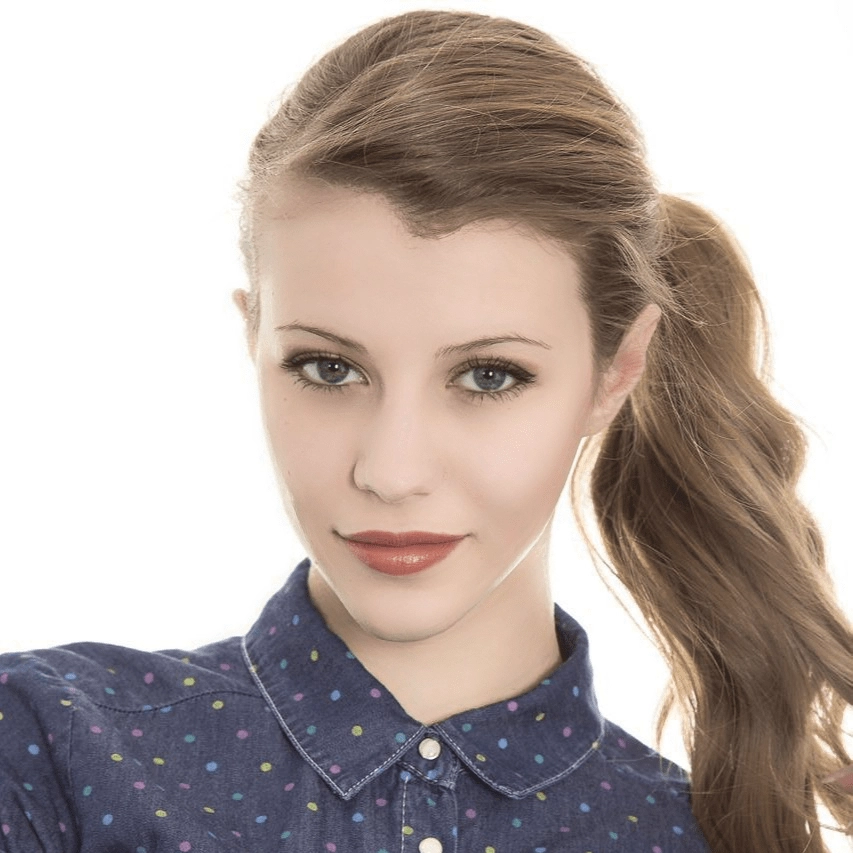 |
### Filters
Original Image
Black and White
Calm
Sunny Day
Journey
Beautify Skin
Hong Kong Style
Aesthetic
Lovely
New York
Sakura
Seventeen
Soft Light
Afternoon Tea
Brighten Skin
Chaplin
Floral
Memories
Ice Beauty
Paris
Time
LOMO
Old Times
Early Spring
Story
Abao Color
Fill Light
Warm
Gorgeous
Lavender
Chanel
Prague
Old Dreams
Peach Blossom
Pink
Misty Rain
## Billing Instructions
- A certain number of credits will be consumed for each successful API call.
### Amount of Credits Deducted
| API | Number of Credits |
|:----------------|:------------------|
| Face Beauty Pro | 15 |
### Resource Package
#### Universal Credits (Supports All APIs)
##### Applied to Face Beauty Pro
| Amounts | Credits | Amounts/Credit | Allowable Requests | Amounts/Request |
|----------:|----------:|---------------:|-------------------:|----------------:|
| $12.00 | 2,000 | $0.0060 | 133 | $0.0900 |
| $27.50 | 5,000 | $0.0055 | 333 | $0.0825 |
| $50.00 | 10,000 | $0.0050 | 667 | $0.0750 |
| $135.00 | 30,000 | $0.0045 | 2,000 | $0.0675 |
| $212.00 | 50,000 | $0.0043 | 3,333 | $0.0645 |
| $400.00 | 100,000 | $0.0040 | 6,667 | $0.0600 |
| $1,050.00 | 300,000 | $0.0035 | 20,000 | $0.0525 |
| $1,500.00 | 500,000 | $0.0030 | 33,333 | $0.0450 |
| $2,500.00 | 1,000,000 | $0.0025 | 66,667 | $0.0375 |
:::tip[Buy Now]
- Pricing
- Developer Platform
:::tip[Customization]
If you require more credits, please contact us at business@ailabtools.com.
:::
## File Storage Policy
:::tip
- **Uploaded Files**: Not stored.
- **Response Files**: Not stored.
:::
---
## Face Beauty API(Effects)
# AILabTools API - Face Beauty - Introduction
It can optimize the beauty of faces in authorized images, supporting various effects such as peeling, removing dark circles, lines, and whitening.
## Application Scenarios
- **Beauty Camera**: Photos taken by Beauty Camera will come with beauty effect.
- **Live video broadcasting**: The anchors in the live broadcast room can make themselves more attractive and have more fans' attention through face beauty technology.
- **Short video production**: User-made short videos with face beauty technology can enhance the viewing effect.
- **Photography post-production**: Through the face beauty technology based on deep learning, it can improve the artistic effect of portrait photography.
## Featured Advantages
- **Face beautification**: You can take photos with effects such as peeling, removing dark circles and lines under the eyes, and whitening.
- **Clarity maintenance**: You can maintain the clarity of the original film.
## Renderings show
| `sharp` | `smooth` | `white` | ORIGINAL IMAGE | RESULT IMAGE |
|:--------|:---------|:--------|:-----------------------------------|:----------------------------------|
| `0.2` | `0.2` | `0.2` | ![ORIGINAL IMAGE][OriginalImage-1] | ![RESULT IMAGE][ResultImage-2-1] |
| `0.5` | `0.5` | `0.5` | ![ORIGINAL IMAGE][OriginalImage-1] | ![RESULT IMAGE][ResultImage-5-1] |
| `1.0` | `1.0` | `1.0` | ![ORIGINAL IMAGE][OriginalImage-1] | ![RESULT IMAGE][ResultImage-10-1] |
:::tip[[👉 Online Experience 👈](https://www.ailabtools.com/portrait-facial-beautification-example)]
If you'd like to see the actual effects, please visit the experience page for a trial.
:::
## Billing Instructions
- A certain number of credits will be consumed for each successful API call.
### Amount of Credits Deducted
| API | Number of Credits |
|:------------|:------------------|
| Face Beauty | 5 |
### Resource Package
#### Universal Credits (Supports All APIs)
##### Applied to Face Beauty
| Amounts | Credits | Amounts/Credit | Allowable Requests | Amounts/Request |
|----------:|----------:|---------------:|-------------------:|----------------:|
| $12.00 | 2,000 | $0.0060 | 400 | $0.0300 |
| $27.50 | 5,000 | $0.0055 | 1,000 | $0.0275 |
| $50.00 | 10,000 | $0.0050 | 2,000 | $0.0250 |
| $135.00 | 30,000 | $0.0045 | 6,000 | $0.0225 |
| $212.00 | 50,000 | $0.0043 | 10,000 | $0.0215 |
| $400.00 | 100,000 | $0.0040 | 20,000 | $0.0200 |
| $1,050.00 | 300,000 | $0.0035 | 60,000 | $0.0175 |
| $1,500.00 | 500,000 | $0.0030 | 100,000 | $0.0150 |
| $2,500.00 | 1,000,000 | $0.0025 | 200,000 | $0.0125 |
:::tip[Buy Now]
- Pricing
- Developer Platform
:::tip[Customization]
If you require more credits, please contact us at business@ailabtools.com.
:::
## File Storage Policy
:::tip
- **Uploaded Files**: Not stored.
- **Response Files**:
- **Storage Duration**: 24 hours.
- **Deletion Method**: Automatic Deletion upon Timeout.
:::
[OriginalImage-1]: https://ai-resource.ailabtools.com/rapidapi/facebody/FaceBeauty/OriginalImage-1.webp
[ResultImage-2-1]: https://ai-resource.ailabtools.com/rapidapi/facebody/FaceBeauty/ResultImage-2-1.webp
[ResultImage-5-1]: https://ai-resource.ailabtools.com/rapidapi/facebody/FaceBeauty/ResultImage-5-1.webp
[ResultImage-10-1]: https://ai-resource.ailabtools.com/rapidapi/facebody/FaceBeauty/ResultImage-10-1.webp
---
## Face Filters API
## Request
### Image requirements
- **Image format**: `JPEG` `JPG` `PNG` `BMP`
- **Image size**: No more than 5 MB.
- **Image resolution**: Less than 4096x4096px.
### Body
| Field | Required | Type | Scope | Description |
|:----------------|:---------|:---------|:------------------------|:----------------------------------------------|
| `image` | YES | `file` | | |
| `resource_type` | YES | `string` | [Scope](#resource_type) | Picture style. [More Details](#resource_type) |
| `strength` | YES | `float` | [0, 1.0] | Filter intensity. |
#### `resource_type` {#resource_type}
| `resource_type` | Description |
|:----------------|:----------------|
| `10001` | White Tea |
| `10002` | Fair Skin |
| `10003` | Early Summer |
| `10004` | Tokyo |
| `10005` | Confession |
| `10006` | Warm Sunshine |
| `10007` | Rose |
| `10008` | Clarity |
| `10009` | Crystal Clear |
| `10010` | Sweet Mint |
| `10011` | Basic |
| `10012` | Heartbeat |
| `10013` | Muted Gray |
| `10014` | Cherry Pudding |
| `10015` | Natural |
| `10016` | Elegance |
| `10017` | Black and White |
| `10018` | Fruit |
| `10019` | Love |
| `10020` | Winter |
| `10021` | Photo |
| `10022` | Summer |
| `10023` | Fragrance |
| `10024` | Charm |
| `10025` | Throb |
| `10026` | Beach |
| `10027` | Street Snap |
| `10028` | Sweet |
| `10029` | First Kiss |
| `10030` | Afternoon |
| `10031` | Vitality |
| `10032` | Hazy |
| `10033` | Joyful |
| `10034` | Fashion |
| `10035` | Bubbles |
| `10036` | Lemon |
| `10037` | Cotton Candy |
| `10038` | Brook |
| `10039` | Beauty |
| `10040` | Coffee |
| `10041` | Tender Bud |
| `10042` | Passion |
| `10043` | Gradual Warmth |
| `10044` | Breakfast |
| `10045` | White Tea |
| `10046` | Fair |
| `10047` | Holy |
| `10048` | Forest |
| `10049` | Surfing |
| `10050` | Milk Coffee |
| `10051` | Clear |
| `10052` | Breeze |
| `10053` | Sunset |
| `10054` | Water Glow |
| `10055` | Japanese Style |
| `10056` | Starlight |
| `10057` | Sunshine |
| `10058` | Falling Leaves |
| `10059` | Vitality |
| `10060` | Sweetheart |
| `10061` | Elegance |
| `10062` | Spring |
| `10063` | Rome |
| `10064` | Green |
| `10065` | Gentle Breeze |
| `10066` | Warm Heart |
| `10067` | Seawater |
| `10068` | Mysterious |
| `10069` | Vintage 1 |
| `10070` | Vintage 2 |
| `10071` | Snowy Peak |
| `10072` | Sunlight |
| `10073` | Floating Clouds |
| `10074` | Flowing Colors |
| `10075` | Film |
| `10076` | Nostalgia |
| `10077` | Cheese |
| `10078` | Butterfly |
## Response
:::warning[Response Field Handling Flow]
1. **Handle `Public Response Fields`**
Parse and validate the `Public Response Fields`, checking the status code or response message to ensure the request is successful and error-free.
2. **Handle `Business Response Fields`**
If the `Public Response Fields` are valid and error-free, proceed with processing the business logic in the `Business Response Fields`.
:::
### Public Response Fields
Viewing Public Response Fields and Error Codes
### Business Response Fields
| Field | Type | Description |
|:-------------|:---------|:-----------------------------------------|
| `data` | `object` | The content of the result data returned. |
| +`image_url` | `string` | Resulting image URL address. |
:::tip
The URL address is a temporary address, valid for 24 hours, and will not be accessible after it expires. If you need to save the file for a long time or permanently, please visit the URL address within 24 hours and download the file to your own storage space.
:::
### Response Example
```json
{
"request_id": "",
"log_id": "",
"error_code": 0,
"error_msg": "",
"error_detail": {
"status_code": 200,
"code": "",
"code_message": "",
"message": ""
},
"data": {
"image_url": ""
}
}
```
---
## Face Filters API(Face-filter)
# AILabTools API - Face Filters - API:V1.0.0
## Request
- **URL**: `https://www.ailabapi.com/api/portrait/effects/face-filter`
- **Method**: `POST`
- **Content-Type**: `multipart/form-data`
### Image requirements
- **Image format**: `JPEG` `JPG` `PNG` `BMP`
- **Image size**: No more than 3 MB.
- **Image resolution**: Larger than 10x10px, smaller than 2000x2000px.
### Headers
| Field | Required | Type | Description |
|:-------------------|:---------|:---------|:---------------------------------------------------|
| `ailabapi-api-key` | YES | `string` | Application API KEY. [Get API KEY](get-api-key.md) |
### Body
| Field | Required | Type | Scope | Description |
|:----------------|:---------|:---------|:------------------------|:----------------------------------------------|
| `image` | YES | `file` | | |
| `resource_type` | YES | `string` | [Scope](#resource_type) | Picture style. [More Details](#resource_type) |
| `strength` | YES | `float` | [0, 1.0] | Filter intensity. |
#### `resource_type` {#resource_type}
| `resource_type` | Description |
|:----------------|:----------------|
| `0` | Default |
| `1` | Sunflower |
| `2` | Bellflower |
| `3` | Kenting |
| `4` | Dali |
| `5` | Lijiang |
| `10001` | White Tea |
| `10002` | Fair Skin |
| `10003` | Early Summer |
| `10004` | Tokyo |
| `10005` | Confession |
| `10006` | Warm Sunshine |
| `10007` | Rose |
| `10008` | Clarity |
| `10009` | Crystal Clear |
| `10010` | Sweet Mint |
| `10011` | Basic |
| `10012` | Heartbeat |
| `10013` | Muted Gray |
| `10014` | Cherry Pudding |
| `10015` | Natural |
| `10016` | Elegance |
| `10017` | Black and White |
| `10018` | Fruit |
| `10019` | Love |
| `10020` | Winter |
| `10021` | Photo |
| `10022` | Summer |
| `10023` | Fragrance |
| `10024` | Charm |
| `10025` | Throb |
| `10026` | Beach |
| `10027` | Street Snap |
| `10028` | Sweet |
| `10029` | First Kiss |
| `10030` | Afternoon |
| `10031` | Vitality |
| `10032` | Hazy |
| `10033` | Joyful |
| `10034` | Fashion |
| `10035` | Bubbles |
| `10036` | Lemon |
| `10037` | Cotton Candy |
| `10038` | Brook |
| `10039` | Beauty |
| `10040` | Coffee |
| `10041` | Tender Bud |
| `10042` | Passion |
| `10043` | Gradual Warmth |
| `10044` | Breakfast |
| `10045` | White Tea |
| `10046` | Fair |
| `10047` | Holy |
| `10048` | Forest |
| `10049` | Surfing |
| `10050` | Milk Coffee |
| `10051` | Clear |
| `10052` | Breeze |
| `10053` | Sunset |
| `10054` | Water Glow |
| `10055` | Japanese Style |
| `10056` | Starlight |
| `10057` | Sunshine |
| `10058` | Falling Leaves |
| `10059` | Vitality |
| `10060` | Sweetheart |
| `10061` | Elegance |
| `10062` | Spring |
| `10063` | Rome |
| `10064` | Green |
| `10065` | Gentle Breeze |
| `10066` | Warm Heart |
| `10067` | Seawater |
| `10068` | Mysterious |
| `10069` | Vintage 1 |
| `10070` | Vintage 2 |
| `10071` | Snowy Peak |
| `10072` | Sunlight |
| `10073` | Floating Clouds |
| `10074` | Flowing Colors |
| `10075` | Film |
| `10076` | Nostalgia |
| `10077` | Cheese |
| `10078` | Butterfly |
## Response
:::warning[Response Field Handling Flow]
1. **Handle `Public Response Fields`**
Parse and validate the `Public Response Fields`, checking the status code or response message to ensure the request is successful and error-free.
2. **Handle `Business Response Fields`**
If the `Public Response Fields` are valid and error-free, proceed with processing the business logic in the `Business Response Fields`.
:::
### Public Response Fields
Viewing Public Response Fields and Error Codes
### Business Response Fields
| Field | Type | Description |
|:-------------|:---------|:-----------------------------------------|
| `data` | `object` | The content of the result data returned. |
| +`image_url` | `string` | Resulting image URL address. |
:::tip
The URL address is a temporary address, valid for 24 hours, and will not be accessible after it expires. If you need to save the file for a long time or permanently, please visit the URL address within 24 hours and download the file to your own storage space.
:::
### Response Example
```json
{
"request_id": "",
"log_id": "",
"error_code": 0,
"error_msg": "",
"error_detail": {
"status_code": 200,
"code": "",
"code_message": "",
"message": ""
},
"data": {
"image_url": ""
}
}
```
## Sample Code
:::tip[[👉 Online Experience 👈](https://www.ailabtools.com/portrait-facial-filters-example)]
If you'd like to see the actual effects, please visit the experience page for a trial.
:::
- [Introduction to Get Sample Code](get-sample-code.md)
- [Sample Code][PostmanURL]
[PostmanURL]: https://documenter.getpostman.com/view/26387069/2s93JxqgHE#8f883bbe-8c32-4a58-ad07-acb6f9dca07d
---
## Face Filters API(3)
# AILabTools API - Face Filters - API:V1.1.0
## Request
- **URL**: `https://www.ailabapi.com/api/portrait/effects/face-filter`
- **Method**: `POST`
- **Content-Type**: `multipart/form-data`
### Image requirements
- **Image format**: `JPEG` `JPG` `PNG` `BMP`
- **Image size**: No more than 5 MB.
- **Image resolution**: Less than 4096x4096px.
### Headers
| Field | Required | Type | Description |
|:-------------------|:---------|:---------|:---------------------------------------------------|
| `ailabapi-api-key` | YES | `string` | Application API KEY. [Get API KEY](get-api-key.md) |
### Body
| Field | Required | Type | Scope | Description |
|:----------------|:---------|:---------|:------------------------|:----------------------------------------------|
| `image` | YES | `file` | | |
| `resource_type` | YES | `string` | [Scope](#resource_type) | Picture style. [More Details](#resource_type) |
| `strength` | YES | `float` | [0, 1.0] | Filter intensity. |
#### `resource_type` {#resource_type}
| `resource_type` | Description |
|:----------------|:----------------|
| `10001` | White Tea |
| `10002` | Fair Skin |
| `10003` | Early Summer |
| `10004` | Tokyo |
| `10005` | Confession |
| `10006` | Warm Sunshine |
| `10007` | Rose |
| `10008` | Clarity |
| `10009` | Crystal Clear |
| `10010` | Sweet Mint |
| `10011` | Basic |
| `10012` | Heartbeat |
| `10013` | Muted Gray |
| `10014` | Cherry Pudding |
| `10015` | Natural |
| `10016` | Elegance |
| `10017` | Black and White |
| `10018` | Fruit |
| `10019` | Love |
| `10020` | Winter |
| `10021` | Photo |
| `10022` | Summer |
| `10023` | Fragrance |
| `10024` | Charm |
| `10025` | Throb |
| `10026` | Beach |
| `10027` | Street Snap |
| `10028` | Sweet |
| `10029` | First Kiss |
| `10030` | Afternoon |
| `10031` | Vitality |
| `10032` | Hazy |
| `10033` | Joyful |
| `10034` | Fashion |
| `10035` | Bubbles |
| `10036` | Lemon |
| `10037` | Cotton Candy |
| `10038` | Brook |
| `10039` | Beauty |
| `10040` | Coffee |
| `10041` | Tender Bud |
| `10042` | Passion |
| `10043` | Gradual Warmth |
| `10044` | Breakfast |
| `10045` | White Tea |
| `10046` | Fair |
| `10047` | Holy |
| `10048` | Forest |
| `10049` | Surfing |
| `10050` | Milk Coffee |
| `10051` | Clear |
| `10052` | Breeze |
| `10053` | Sunset |
| `10054` | Water Glow |
| `10055` | Japanese Style |
| `10056` | Starlight |
| `10057` | Sunshine |
| `10058` | Falling Leaves |
| `10059` | Vitality |
| `10060` | Sweetheart |
| `10061` | Elegance |
| `10062` | Spring |
| `10063` | Rome |
| `10064` | Green |
| `10065` | Gentle Breeze |
| `10066` | Warm Heart |
| `10067` | Seawater |
| `10068` | Mysterious |
| `10069` | Vintage 1 |
| `10070` | Vintage 2 |
| `10071` | Snowy Peak |
| `10072` | Sunlight |
| `10073` | Floating Clouds |
| `10074` | Flowing Colors |
| `10075` | Film |
| `10076` | Nostalgia |
| `10077` | Cheese |
| `10078` | Butterfly |
## Response
:::warning[Response Field Handling Flow]
1. **Handle `Public Response Fields`**
Parse and validate the `Public Response Fields`, checking the status code or response message to ensure the request is successful and error-free.
2. **Handle `Business Response Fields`**
If the `Public Response Fields` are valid and error-free, proceed with processing the business logic in the `Business Response Fields`.
:::
### Public Response Fields
Viewing Public Response Fields and Error Codes
### Business Response Fields
| Field | Type | Description |
|:-------------|:---------|:-----------------------------------------|
| `data` | `object` | The content of the result data returned. |
| +`image_url` | `string` | Resulting image URL address. |
:::tip
The URL address is a temporary address, valid for 24 hours, and will not be accessible after it expires. If you need to save the file for a long time or permanently, please visit the URL address within 24 hours and download the file to your own storage space.
:::
### Response Example
```json
{
"request_id": "",
"log_id": "",
"error_code": 0,
"error_msg": "",
"error_detail": {
"status_code": 200,
"code": "",
"code_message": "",
"message": ""
},
"data": {
"image_url": ""
}
}
```
## Sample Code
:::tip[[👉 Online Experience 👈](https://www.ailabtools.com/portrait-facial-filters-example)]
If you'd like to see the actual effects, please visit the experience page for a trial.
:::
- [Introduction to Get Sample Code](get-sample-code.md)
- [Sample Code][PostmanURL]
[PostmanURL]: https://documenter.getpostman.com/view/26387069/2s93JxqgHE#8f883bbe-8c32-4a58-ad07-acb6f9dca07d
---
## Face Filters API(4)
# AILabTools API - Face Filters - API
## Request
- **URL**: `https://www.ailabapi.com/api/portrait/effects/face-filter`
- **Method**: `POST`
- **Content-Type**: `multipart/form-data`
### Image requirements
- **Image format**: `JPEG` `JPG` `PNG` `BMP`
- **Image size**: No more than 5 MB.
- **Image resolution**: Less than 4096x4096px.
### Headers
| Field | Required | Type | Description |
|:-------------------|:---------|:---------|:---------------------------------------------------|
| `ailabapi-api-key` | YES | `string` | Application API KEY. [Get API KEY](get-api-key.md) |
### Body
| Field | Required | Type | Scope | Description |
|:----------------|:---------|:---------|:------------------------|:----------------------------------------------|
| `image` | YES | `file` | | |
| `resource_type` | YES | `string` | [Scope](#resource_type) | Picture style. [More Details](#resource_type) |
| `strength` | YES | `float` | [0, 1.0] | Filter intensity. |
#### `resource_type` {#resource_type}
| `resource_type` | Description |
|:----------------|:----------------|
| `10001` | White Tea |
| `10002` | Fair Skin |
| `10003` | Early Summer |
| `10004` | Tokyo |
| `10005` | Confession |
| `10006` | Warm Sunshine |
| `10007` | Rose |
| `10008` | Clarity |
| `10009` | Crystal Clear |
| `10010` | Sweet Mint |
| `10011` | Basic |
| `10012` | Heartbeat |
| `10013` | Muted Gray |
| `10014` | Cherry Pudding |
| `10015` | Natural |
| `10016` | Elegance |
| `10017` | Black and White |
| `10018` | Fruit |
| `10019` | Love |
| `10020` | Winter |
| `10021` | Photo |
| `10022` | Summer |
| `10023` | Fragrance |
| `10024` | Charm |
| `10025` | Throb |
| `10026` | Beach |
| `10027` | Street Snap |
| `10028` | Sweet |
| `10029` | First Kiss |
| `10030` | Afternoon |
| `10031` | Vitality |
| `10032` | Hazy |
| `10033` | Joyful |
| `10034` | Fashion |
| `10035` | Bubbles |
| `10036` | Lemon |
| `10037` | Cotton Candy |
| `10038` | Brook |
| `10039` | Beauty |
| `10040` | Coffee |
| `10041` | Tender Bud |
| `10042` | Passion |
| `10043` | Gradual Warmth |
| `10044` | Breakfast |
| `10045` | White Tea |
| `10046` | Fair |
| `10047` | Holy |
| `10048` | Forest |
| `10049` | Surfing |
| `10050` | Milk Coffee |
| `10051` | Clear |
| `10052` | Breeze |
| `10053` | Sunset |
| `10054` | Water Glow |
| `10055` | Japanese Style |
| `10056` | Starlight |
| `10057` | Sunshine |
| `10058` | Falling Leaves |
| `10059` | Vitality |
| `10060` | Sweetheart |
| `10061` | Elegance |
| `10062` | Spring |
| `10063` | Rome |
| `10064` | Green |
| `10065` | Gentle Breeze |
| `10066` | Warm Heart |
| `10067` | Seawater |
| `10068` | Mysterious |
| `10069` | Vintage 1 |
| `10070` | Vintage 2 |
| `10071` | Snowy Peak |
| `10072` | Sunlight |
| `10073` | Floating Clouds |
| `10074` | Flowing Colors |
| `10075` | Film |
| `10076` | Nostalgia |
| `10077` | Cheese |
| `10078` | Butterfly |
## Response
:::warning[Response Field Handling Flow]
1. **Handle `Public Response Fields`**
Parse and validate the `Public Response Fields`, checking the status code or response message to ensure the request is successful and error-free.
2. **Handle `Business Response Fields`**
If the `Public Response Fields` are valid and error-free, proceed with processing the business logic in the `Business Response Fields`.
:::
### Public Response Fields
Viewing Public Response Fields and Error Codes
### Business Response Fields
| Field | Type | Description |
|:-------------|:---------|:-----------------------------------------|
| `data` | `object` | The content of the result data returned. |
| +`image_url` | `string` | Resulting image URL address. |
:::tip
The URL address is a temporary address, valid for 24 hours, and will not be accessible after it expires. If you need to save the file for a long time or permanently, please visit the URL address within 24 hours and download the file to your own storage space.
:::
### Response Example
```json
{
"request_id": "",
"log_id": "",
"error_code": 0,
"error_msg": "",
"error_detail": {
"status_code": 200,
"code": "",
"code_message": "",
"message": ""
},
"data": {
"image_url": ""
}
}
```
## Sample Code
:::tip[[👉 Online Experience 👈](https://www.ailabtools.com/portrait-facial-filters-example)]
If you'd like to see the actual effects, please visit the experience page for a trial.
:::
- [Introduction to Get Sample Code](get-sample-code.md)
- [Sample Code][PostmanURL]
[PostmanURL]: https://documenter.getpostman.com/view/26387069/2s93JxqgHE#8f883bbe-8c32-4a58-ad07-acb6f9dca07d
---
## Face Filters API(Effects)
# AILabTools API - Face Filters - Introduction
Harnessing cutting-edge AI technology, our API enables you to effortlessly transform your photos with a wide array of nearly a hundred filter options. Simply upload an image, and watch it undergo stunning filter enhancements.
## Application Scenarios
- **Photography post-production**: Add AI filters to make uniform style modifications to input images.
- **Live video**: Uniform style processing for live video, making the content more personalized.
## Featured Advantages
- **Numerous modes**: provide a variety of filter modes for one-click style transformation.
## Renderings show
Original Image
White Tea
Fair Skin
Early Summer
Tokyo
Confession
Warm Sunshine
Rose
Clarity
Crystal Clear
Sweet Mint
Basic
Heartbeat
Muted Gray
Cherry Pudding
Natural
Elegance
Black and White
Fruit
Love
Winter
Photo
Summer
Fragrance
Charm
Throb
Beach
Street Snap
Sweet
First Kiss
Afternoon
Vitality
Hazy
Joyful
Fashion
Bubbles
Lemon
Cotton Candy
Brook
Beauty
Coffee
Tender Bud
Passion
Gradual Warmth
Breakfast
White Tea
Fair
Holy
Forest
Surfing
Milk Coffee
Clear
Breeze
Sunset
Water Glow
Japanese Style
Starlight
Sunshine
Falling Leaves
Vitality
Sweetheart
Elegance
Spring
Rome
Green
Gentle Breeze
Warm Heart
Seawater
Mysterious
Vintage 1
Vintage 2
Snowy Peak
Sunlight
Floating Clouds
Flowing Colors
Film
Nostalgia
Cheese
Butterfly
---
:::tip[[👉 Online Experience 👈](https://www.ailabtools.com/portrait-facial-filters-example)]
If you'd like to see the actual effects, please visit the experience page for a trial.
:::
## Billing Instructions
- A certain number of credits will be consumed for each successful API call.
### Amount of Credits Deducted
| API | Number of Credits |
|:-------------|:------------------|
| Face Filters | 1 |
### Resource Package
#### Universal Credits (Supports All APIs)
##### Applied to Face Filters
| Amounts | Credits | Amounts/Credit | Allowable Requests | Amounts/Request |
|----------:|----------:|---------------:|-------------------:|----------------:|
| $12.00 | 2,000 | $0.0060 | 2,000 | $0.0060 |
| $27.50 | 5,000 | $0.0055 | 5,000 | $0.0055 |
| $50.00 | 10,000 | $0.0050 | 10,000 | $0.0050 |
| $135.00 | 30,000 | $0.0045 | 30,000 | $0.0045 |
| $212.00 | 50,000 | $0.0043 | 50,000 | $0.0043 |
| $400.00 | 100,000 | $0.0040 | 100,000 | $0.0040 |
| $1,050.00 | 300,000 | $0.0035 | 300,000 | $0.0035 |
| $1,500.00 | 500,000 | $0.0030 | 500,000 | $0.0030 |
| $2,500.00 | 1,000,000 | $0.0025 | 1,000,000 | $0.0025 |
:::tip[Buy Now]
- Pricing
- Developer Platform
:::tip[Customization]
If you require more credits, please contact us at business@ailabtools.com.
:::
## File Storage Policy
:::tip
- **Uploaded Files**: Not stored.
- **Response Files**:
- **Storage Duration**: 24 hours.
- **Deletion Method**: Automatic Deletion upon Timeout.
:::
---
## Merge Portraits API
## Request
### Image requirements
| Field | Requirements |
|:-----------------|:----------------------------------------------------------------------------------------------------------------------------------------------------------------------------------------------------------------------------------------------------------------------------------------------------------------------------------------------------------------------------------------------------------------------------------------------------------------------------------------------------------------------------------------------------------------------------------------------------------------------------------------------------------------------------------------------------------------------------------------------------------------------------------------------------------------------------------------------------------------------------------------------------------------------------------------------------------------------------------------------------------------------------------------------------------------------------------------------------------------------------------------------------------------------------------------------------------------------------------------------------------------------------------------------------------|
| `image_target` | Image format: `JPEG` `JPG` `BMP` `PNG` Image size: No more than 5 MB. Image resolution: Larger than 128x128px, smaller than 4096x4096px. Face pixel size: To ensure the fusion effect, it is recommended that the minimum value of the side length of the face box (square) in the image is not less than 200px. Face quality: The higher the face quality, the better the fusion effect. Factors affecting face quality include: occlusion of the five facial features, improper lighting (bright light, dark light, backlighting), excessive face angle (recommended yaw ≤ ±20°, pitch ≤ ±20°), etc. Black and white images are not supported. |
| `image_template` | Image format: `JPEG` `JPG` `BMP` `PNG` Image size: No more than 5 MB. Image resolution: Larger than 200x200px, smaller than 4096x4096px. Note that for special face materials, such as cartoon style images with large eyes, the original key point results will be deviated, and should be made accurate by dragging the position in the configuration tool. Most normal images are already very accurate and do not need to be adjusted. The pixel area of the face in the image should not be too small (at least 200x200px, too small to change the face will not be clear), nor too large (the pixel size of the face area and speed is positively correlated, too large will affect the server speed and increase costs). Pay attention to the quality of the material, make sure the face is clear enough, there should be no noise caused by compression, otherwise it will reduce the quality of the face replacement result. For better results, the face of the material should be as positive as possible, with the highest yaw angle required (within plus or minus 10 degrees recommended), followed by the pitch angle (within plus or minus 20 degrees recommended), and the roll angle (within plus or minus 30 degrees). |
### Body
| Field | Required | Type | Scope | Description |
|:--------------------|:---------|:--------|:-------|:-------------------------------------------------------------------------------------------------------------------------------------------------------------------------------------------|
| `image_target` | YES | `file` | | Target image. |
| `image_template` | YES | `file` | | Template images. |
| `source_similarity` | NO | `float` | [0, 1] | Face similarity, where a higher numerical value indicates greater similarity. `0`: Consistent with the original template. `1`: Maximum similarity with the target image. |
## Response
:::warning[Response Field Handling Flow]
1. **Handle `Public Response Fields`**
Parse and validate the `Public Response Fields`, checking the status code or response message to ensure the request is successful and error-free.
2. **Handle `Business Response Fields`**
If the `Public Response Fields` are valid and error-free, proceed with processing the business logic in the `Business Response Fields`.
:::
### Public Response Fields
Viewing Public Response Fields and Error Codes
### Business Response Fields
| Field | Type | Description |
|:---------|:---------|:--------------------------------------------------------------|
| `data` | `object` | The content of the result data returned. |
| +`image` | `string` | The result image, returning the Base64 encoding of the image. |
### Response Example
```json
{
"request_id": "",
"log_id": "",
"error_code": 0,
"error_msg": "",
"error_detail": {
"status_code": 200,
"code": "",
"code_message": "",
"message": ""
},
"data": {
"image": ""
}
}
```
---
## Merge Portraits API(Face-fusion)
# AILabTools API - Merge Portraits - API:V1.0.0
## Request
- **URL**: `https://www.ailabapi.com/api/portrait/effects/face-fusion`
- **Method**: `POST`
- **Content-Type**: `multipart/form-data`
### Image requirements
| Field | Requirements |
|:-----------------|:----------------------------------------------------------------------------------------------------------------------------------------------------------------------------------------------------------------------------------------------------------------------------------------------------------------------------------------------------------------------------------------------------------------------------------------------------------------------------------------------------------------------------------------------------------------------------------------------------------------------------------------------------------------------------------------------------------------------------------------------------------------------------------------------------------------------------------------------------------------------------------------------------------------------------------------------------------------------------------------------------------------------------------------------------------------------------------------------------------------------------------------------------------------------------------------------------------------------------------------------------------------------------------------------|
| `image_target` | Image format: `JPEG` `JPG` `BMP` `PNG` Image size: No more than 5 MB. Image resolution: Larger than 50x50px, smaller than 2048x2048px. Face pixel size: To ensure the fusion effect, it is recommended that the minimum value of the side length of the face box (square) in the image is not less than 200px. Face quality: The higher the face quality, the better the fusion effect. Factors affecting face quality include: occlusion of the five facial features, improper lighting (bright light, dark light, backlighting), excessive face angle (recommended yaw ≤ ±20°, pitch ≤ ±20°), etc. Black and white images are not supported. |
| `image_template` | Image format: `JPG` `JPEG` Image size: No more than 5 MB. Image resolution: Larger than 200x200px, smaller than 1280x1280px. Note that for special face materials, such as cartoon style images with large eyes, the original key point results will be deviated, and should be made accurate by dragging the position in the configuration tool. Most normal images are already very accurate and do not need to be adjusted. The pixel area of the face in the image should not be too small (at least 200x200px, too small to change the face will not be clear), nor too large (the pixel size of the face area and speed is positively correlated, too large will affect the server speed and increase costs). Pay attention to the quality of the material, make sure the face is clear enough, there should be no noise caused by compression, otherwise it will reduce the quality of the face replacement result. For better results, the face of the material should be as positive as possible, with the highest yaw angle required (within plus or minus 10 degrees recommended), followed by the pitch angle (within plus or minus 20 degrees recommended), and the roll angle (within plus or minus 30 degrees). |
### Headers
| Field | Required | Type | Description |
|:-------------------|:---------|:---------|:---------------------------------------------------|
| `ailabapi-api-key` | YES | `string` | Application API KEY. [Get API KEY](get-api-key.md) |
### Body
| Field | Required | Type | Description |
|:-----------------|:---------|:-------|:-----------------|
| `image_target` | YES | `file` | Target image. |
| `image_template` | YES | `file` | Template images. |
## Response
:::warning[Response Field Handling Flow]
1. **Handle `Public Response Fields`**
Parse and validate the `Public Response Fields`, checking the status code or response message to ensure the request is successful and error-free.
2. **Handle `Business Response Fields`**
If the `Public Response Fields` are valid and error-free, proceed with processing the business logic in the `Business Response Fields`.
:::
### Public Response Fields
Viewing Public Response Fields and Error Codes
### Business Response Fields
| Field | Type | Description |
|:---------|:---------|:--------------------------------------------------------------|
| `data` | `object` | The content of the result data returned. |
| +`image` | `string` | The result image, returning the Base64 encoding of the image. |
### Response Example
```json
{
"request_id": "",
"log_id": "",
"error_code": 0,
"error_msg": "",
"error_detail": {
"status_code": 200,
"code": "",
"code_message": "",
"message": ""
},
"data": {
"image": ""
}
}
```
## Sample Code
:::tip[[👉 Online Experience 👈](https://www.ailabtools.com/portrait-face-fusion-example)]
If you'd like to see the actual effects, please visit the experience page for a trial.
:::
- [Introduction to Get Sample Code](get-sample-code.md)
- [Sample Code][PostmanURL]
[PostmanURL]: https://documenter.getpostman.com/view/26387069/2s93JxqgHE#b2d172b0-46c9-455c-9d98-aa8495fa3b33
---
## Merge Portraits API(3)
# AILabTools API - Merge Portraits - API:V1.0.1
## Request
- **URL**: `https://www.ailabapi.com/api/portrait/effects/face-fusion`
- **Method**: `POST`
- **Content-Type**: `multipart/form-data`
### Image requirements
| Field | Requirements |
|:-----------------|:----------------------------------------------------------------------------------------------------------------------------------------------------------------------------------------------------------------------------------------------------------------------------------------------------------------------------------------------------------------------------------------------------------------------------------------------------------------------------------------------------------------------------------------------------------------------------------------------------------------------------------------------------------------------------------------------------------------------------------------------------------------------------------------------------------------------------------------------------------------------------------------------------------------------------------------------------------------------------------------------------------------------------------------------------------------------------------------------------------------------------------------------------------------------------------------------------------------------------------------------------------------------------------------------|
| `image_target` | Image format: `JPEG` `JPG` `BMP` `PNG` Image size: No more than 5 MB. Image resolution: Larger than 50x50px, smaller than 2048x2048px. Face pixel size: To ensure the fusion effect, it is recommended that the minimum value of the side length of the face box (square) in the image is not less than 200px. Face quality: The higher the face quality, the better the fusion effect. Factors affecting face quality include: occlusion of the five facial features, improper lighting (bright light, dark light, backlighting), excessive face angle (recommended yaw ≤ ±20°, pitch ≤ ±20°), etc. Black and white images are not supported. |
| `image_template` | Image format: `JPG` `JPEG` Image size: No more than 5 MB. Image resolution: Larger than 200x200px, smaller than 1280x1280px. Note that for special face materials, such as cartoon style images with large eyes, the original key point results will be deviated, and should be made accurate by dragging the position in the configuration tool. Most normal images are already very accurate and do not need to be adjusted. The pixel area of the face in the image should not be too small (at least 200x200px, too small to change the face will not be clear), nor too large (the pixel size of the face area and speed is positively correlated, too large will affect the server speed and increase costs). Pay attention to the quality of the material, make sure the face is clear enough, there should be no noise caused by compression, otherwise it will reduce the quality of the face replacement result. For better results, the face of the material should be as positive as possible, with the highest yaw angle required (within plus or minus 10 degrees recommended), followed by the pitch angle (within plus or minus 20 degrees recommended), and the roll angle (within plus or minus 30 degrees). |
### Headers
| Field | Required | Type | Description |
|:-------------------|:---------|:---------|:---------------------------------------------------|
| `ailabapi-api-key` | YES | `string` | Application API KEY. [Get API KEY](get-api-key.md) |
### Body
| Field | Required | Type | Scope | Description |
|:--------------------|:---------|:--------|:-------|:-------------------------------------------------------------------------------------------------------------------------------------------------------------------------------------------|
| `image_target` | YES | `file` | | Target image. |
| `image_template` | YES | `file` | | Template images. |
| `source_similarity` | NO | `float` | [0, 1] | Face similarity, where a higher numerical value indicates greater similarity. `0`: Consistent with the original template. `1`: Maximum similarity with the target image. |
## Response
:::warning[Response Field Handling Flow]
1. **Handle `Public Response Fields`**
Parse and validate the `Public Response Fields`, checking the status code or response message to ensure the request is successful and error-free.
2. **Handle `Business Response Fields`**
If the `Public Response Fields` are valid and error-free, proceed with processing the business logic in the `Business Response Fields`.
:::
### Public Response Fields
Viewing Public Response Fields and Error Codes
### Business Response Fields
| Field | Type | Description |
|:---------|:---------|:--------------------------------------------------------------|
| `data` | `object` | The content of the result data returned. |
| +`image` | `string` | The result image, returning the Base64 encoding of the image. |
### Response Example
```json
{
"request_id": "",
"log_id": "",
"error_code": 0,
"error_msg": "",
"error_detail": {
"status_code": 200,
"code": "",
"code_message": "",
"message": ""
},
"data": {
"image": ""
}
}
```
## Sample Code
:::tip[[👉 Online Experience 👈](https://www.ailabtools.com/portrait-face-fusion-example)]
If you'd like to see the actual effects, please visit the experience page for a trial.
:::
- [Introduction to Get Sample Code](get-sample-code.md)
- [Sample Code][PostmanURL]
[PostmanURL]: https://documenter.getpostman.com/view/26387069/2s93JxqgHE#b2d172b0-46c9-455c-9d98-aa8495fa3b33
---
## Merge Portraits API(4)
# AILabTools API - Merge Portraits - API:V1.0.2
## Request
- **URL**: `https://www.ailabapi.com/api/portrait/effects/face-fusion`
- **Method**: `POST`
- **Content-Type**: `multipart/form-data`
### Image requirements
| Field | Requirements |
|:-----------------|:----------------------------------------------------------------------------------------------------------------------------------------------------------------------------------------------------------------------------------------------------------------------------------------------------------------------------------------------------------------------------------------------------------------------------------------------------------------------------------------------------------------------------------------------------------------------------------------------------------------------------------------------------------------------------------------------------------------------------------------------------------------------------------------------------------------------------------------------------------------------------------------------------------------------------------------------------------------------------------------------------------------------------------------------------------------------------------------------------------------------------------------------------------------------------------------------------------------------------------------------------------------------------------------------------------|
| `image_target` | Image format: `JPEG` `JPG` `BMP` `PNG` Image size: No more than 5 MB. Image resolution: Larger than 128x128px, smaller than 4096x4096px. Face pixel size: To ensure the fusion effect, it is recommended that the minimum value of the side length of the face box (square) in the image is not less than 200px. Face quality: The higher the face quality, the better the fusion effect. Factors affecting face quality include: occlusion of the five facial features, improper lighting (bright light, dark light, backlighting), excessive face angle (recommended yaw ≤ ±20°, pitch ≤ ±20°), etc. Black and white images are not supported. |
| `image_template` | Image format: `JPEG` `JPG` `BMP` `PNG` Image size: No more than 5 MB. Image resolution: Larger than 200x200px, smaller than 4096x4096px. Note that for special face materials, such as cartoon style images with large eyes, the original key point results will be deviated, and should be made accurate by dragging the position in the configuration tool. Most normal images are already very accurate and do not need to be adjusted. The pixel area of the face in the image should not be too small (at least 200x200px, too small to change the face will not be clear), nor too large (the pixel size of the face area and speed is positively correlated, too large will affect the server speed and increase costs). Pay attention to the quality of the material, make sure the face is clear enough, there should be no noise caused by compression, otherwise it will reduce the quality of the face replacement result. For better results, the face of the material should be as positive as possible, with the highest yaw angle required (within plus or minus 10 degrees recommended), followed by the pitch angle (within plus or minus 20 degrees recommended), and the roll angle (within plus or minus 30 degrees). |
### Headers
| Field | Required | Type | Description |
|:-------------------|:---------|:---------|:---------------------------------------------------|
| `ailabapi-api-key` | YES | `string` | Application API KEY. [Get API KEY](get-api-key.md) |
### Body
| Field | Required | Type | Scope | Description |
|:--------------------|:---------|:--------|:-------|:-------------------------------------------------------------------------------------------------------------------------------------------------------------------------------------------|
| `image_target` | YES | `file` | | Target image. |
| `image_template` | YES | `file` | | Template images. |
| `source_similarity` | NO | `float` | [0, 1] | Face similarity, where a higher numerical value indicates greater similarity. `0`: Consistent with the original template. `1`: Maximum similarity with the target image. |
## Response
:::warning[Response Field Handling Flow]
1. **Handle `Public Response Fields`**
Parse and validate the `Public Response Fields`, checking the status code or response message to ensure the request is successful and error-free.
2. **Handle `Business Response Fields`**
If the `Public Response Fields` are valid and error-free, proceed with processing the business logic in the `Business Response Fields`.
:::
### Public Response Fields
Viewing Public Response Fields and Error Codes
### Business Response Fields
| Field | Type | Description |
|:---------|:---------|:--------------------------------------------------------------|
| `data` | `object` | The content of the result data returned. |
| +`image` | `string` | The result image, returning the Base64 encoding of the image. |
### Response Example
```json
{
"request_id": "",
"log_id": "",
"error_code": 0,
"error_msg": "",
"error_detail": {
"status_code": 200,
"code": "",
"code_message": "",
"message": ""
},
"data": {
"image": ""
}
}
```
## Sample Code
:::tip[[👉 Online Experience 👈](https://www.ailabtools.com/portrait-face-fusion-example)]
If you'd like to see the actual effects, please visit the experience page for a trial.
:::
- [Introduction to Get Sample Code](get-sample-code.md)
- [Sample Code][PostmanURL]
[PostmanURL]: https://documenter.getpostman.com/view/26387069/2s93JxqgHE#b2d172b0-46c9-455c-9d98-aa8495fa3b33
---
## Merge Portraits API(5)
# AILabTools API - Merge Portraits - API
## Request
- **URL**: `https://www.ailabapi.com/api/portrait/effects/face-fusion`
- **Method**: `POST`
- **Content-Type**: `multipart/form-data`
### Image requirements
| Field | Requirements |
|:-----------------|:----------------------------------------------------------------------------------------------------------------------------------------------------------------------------------------------------------------------------------------------------------------------------------------------------------------------------------------------------------------------------------------------------------------------------------------------------------------------------------------------------------------------------------------------------------------------------------------------------------------------------------------------------------------------------------------------------------------------------------------------------------------------------------------------------------------------------------------------------------------------------------------------------------------------------------------------------------------------------------------------------------------------------------------------------------------------------------------------------------------------------------------------------------------------------------------------------------------------------------------------------------------------------------------------------------|
| `image_target` | Image format: `JPEG` `JPG` `BMP` `PNG` Image size: No more than 5 MB. Image resolution: Larger than 128x128px, smaller than 4096x4096px. Face pixel size: To ensure the fusion effect, it is recommended that the minimum value of the side length of the face box (square) in the image is not less than 200px. Face quality: The higher the face quality, the better the fusion effect. Factors affecting face quality include: occlusion of the five facial features, improper lighting (bright light, dark light, backlighting), excessive face angle (recommended yaw ≤ ±20°, pitch ≤ ±20°), etc. Black and white images are not supported. |
| `image_template` | Image format: `JPEG` `JPG` `BMP` `PNG` Image size: No more than 5 MB. Image resolution: Larger than 200x200px, smaller than 4096x4096px. Note that for special face materials, such as cartoon style images with large eyes, the original key point results will be deviated, and should be made accurate by dragging the position in the configuration tool. Most normal images are already very accurate and do not need to be adjusted. The pixel area of the face in the image should not be too small (at least 200x200px, too small to change the face will not be clear), nor too large (the pixel size of the face area and speed is positively correlated, too large will affect the server speed and increase costs). Pay attention to the quality of the material, make sure the face is clear enough, there should be no noise caused by compression, otherwise it will reduce the quality of the face replacement result. For better results, the face of the material should be as positive as possible, with the highest yaw angle required (within plus or minus 10 degrees recommended), followed by the pitch angle (within plus or minus 20 degrees recommended), and the roll angle (within plus or minus 30 degrees). |
### Headers
| Field | Required | Type | Description |
|:-------------------|:---------|:---------|:---------------------------------------------------|
| `ailabapi-api-key` | YES | `string` | Application API KEY. [Get API KEY](get-api-key.md) |
### Body
| Field | Required | Type | Scope | Description |
|:--------------------|:---------|:--------|:-------|:-------------------------------------------------------------------------------------------------------------------------------------------------------------------------------------------|
| `image_target` | YES | `file` | | Target image. |
| `image_template` | YES | `file` | | Template images. |
| `source_similarity` | NO | `float` | [0, 1] | Face similarity, where a higher numerical value indicates greater similarity. `0`: Consistent with the original template. `1`: Maximum similarity with the target image. |
## Response
:::warning[Response Field Handling Flow]
1. **Handle `Public Response Fields`**
Parse and validate the `Public Response Fields`, checking the status code or response message to ensure the request is successful and error-free.
2. **Handle `Business Response Fields`**
If the `Public Response Fields` are valid and error-free, proceed with processing the business logic in the `Business Response Fields`.
:::
### Public Response Fields
Viewing Public Response Fields and Error Codes
### Business Response Fields
| Field | Type | Description |
|:---------|:---------|:--------------------------------------------------------------|
| `data` | `object` | The content of the result data returned. |
| +`image` | `string` | The result image, returning the Base64 encoding of the image. |
### Response Example
```json
{
"request_id": "",
"log_id": "",
"error_code": 0,
"error_msg": "",
"error_detail": {
"status_code": 200,
"code": "",
"code_message": "",
"message": ""
},
"data": {
"image": ""
}
}
```
## Sample Code
:::tip[[👉 Online Experience 👈](https://www.ailabtools.com/portrait-face-fusion-example)]
If you'd like to see the actual effects, please visit the experience page for a trial.
:::
- [Introduction to Get Sample Code](get-sample-code.md)
- [Sample Code][PostmanURL]
[PostmanURL]: https://documenter.getpostman.com/view/26387069/2s93JxqgHE#b2d172b0-46c9-455c-9d98-aa8495fa3b33
---
## Merge Portraits API(Effects)
# AILabTools API - Merge Portraits - Introduction
Based on computer vision technologies such as 3D face/GAN, the image fusion operation is performed on the portraits in the stencil and fusion maps, and the fused image is returned.
## Application Scenarios
- **Beauty tools**: choose different style templates to generate personalized pictures, enhance the sense of immersion and improve interaction.
- **Event marketing**: Attract users to interact and share through specific templates during festivals or hot events.
- **Promotion and propaganda**: you can add portrait fusion in h5 or other forms of communication to promote products and activities.
## Featured Advantages
- **High resemblance**: retaining user features in all aspects, with high resemblance to the original portrait.
- **Strong adaptability**: Outstanding effect in various subdivision scenes, applicable to different age, gender, expression, angle and lighting conditions.
- **Expression retention**: high restoration of the expression of the original portrait.
## Renderings show
| TEMPLATE IMAGES | TARGET IMAGE | RESULT IMAGE |
|:-------------------------------------|:-------------------------------|:-------------------------------|
| ![TEMPLATE IMAGES][TemplateImages-1] | ![TARGET IMAGE][TargetImage-1] | ![RESULT IMAGE][ResultImage-1] |
:::tip[[👉 Online Experience 👈](https://www.ailabtools.com/portrait-face-fusion-example)]
If you'd like to see the actual effects, please visit the experience page for a trial.
:::
## Billing Instructions
- A certain number of credits will be consumed for each successful API call.
### Amount of Credits Deducted
| API | Number of Credits |
|:----------------|:------------------|
| Merge Portraits | 8 |
### Resource Package
#### Universal Credits (Supports All APIs)
##### Applied to Merge Portraits
| Amounts | Credits | Amounts/Credit | Allowable Requests | Amounts/Request |
|----------:|----------:|---------------:|-------------------:|----------------:|
| $12.00 | 2,000 | $0.0060 | 250 | $0.0480 |
| $27.50 | 5,000 | $0.0055 | 625 | $0.0440 |
| $50.00 | 10,000 | $0.0050 | 1,250 | $0.0400 |
| $135.00 | 30,000 | $0.0045 | 3,750 | $0.0360 |
| $212.00 | 50,000 | $0.0043 | 6,250 | $0.0344 |
| $400.00 | 100,000 | $0.0040 | 12,500 | $0.0320 |
| $1,050.00 | 300,000 | $0.0035 | 37,500 | $0.0280 |
| $1,500.00 | 500,000 | $0.0030 | 62,500 | $0.0240 |
| $2,500.00 | 1,000,000 | $0.0025 | 125,000 | $0.0200 |
:::tip[Buy Now]
- Pricing
- Developer Platform
:::tip[Customization]
If you require more credits, please contact us at business@ailabtools.com.
:::
## File Storage Policy
:::tip
- **Uploaded Files**: Not stored.
- **Response Files**: Not stored.
:::
[TemplateImages-1]: https://ai-resource.ailabtools.com/rapidapi/facebody/FaceFusion/TemplateImages-1.webp
[TargetImage-1]: https://ai-resource.ailabtools.com/rapidapi/facebody/FaceFusion/TargetImage-1.webp
[ResultImage-1]: https://ai-resource.ailabtools.com/rapidapi/facebody/FaceFusion/ResultImage-1.webp
---
## AI Makeup API
## Request
### Image requirements
- **Image format**: `JPEG` `JPG` `PNG` `BMP` `TIFF` `WEBP`
- **Image size**: No more than 3 MB.
- **Image resolution**: Less than 2000x2000px.
- **Image quality recommendation**: works well for most skin-quality portrait images in well-lit and uniform conditions, not for images containing scenes with more severe discoloration, acne, or low exposure.
### Body
| Field | Required | Type | Scope | Description |
|:----------------|:---------|:---------|:-------------------------------------------------------------------------------------------|:-----------------------------------------------------------------------------------------------------------------------------------------------------------------------------------------------------------------------|
| `image` | YES | `file` | | |
| `resource_type` | YES | `string` | `0` `1` `2` `3` `4` `5` `6` | Beauty using the style. `0`: whole. `1`: Basic makeup. `2`: Teenage makeup. `3`: Vibrant. `4`: Elegant makeup. `5`: Glamorous makeup. `6`: Plum makeup. |
| `strength` | YES | `float` | [0, 1.0] | Beauty intensity. |
## Response
:::warning[Response Field Handling Flow]
1. **Handle `Public Response Fields`**
Parse and validate the `Public Response Fields`, checking the status code or response message to ensure the request is successful and error-free.
2. **Handle `Business Response Fields`**
If the `Public Response Fields` are valid and error-free, proceed with processing the business logic in the `Business Response Fields`.
:::
### Public Response Fields
Viewing Public Response Fields and Error Codes
### Business Response Fields
| Field | Type | Description |
|:-------------|:---------|:-----------------------------------------|
| `data` | `object` | The content of the result data returned. |
| +`image_url` | `string` | Resulting image URL address. |
:::tip
The URL address is a temporary address, valid for 24 hours, and will not be accessible after it expires. If you need to save the file for a long time or permanently, please visit the URL address within 24 hours and download the file to your own storage space.
:::
### Response Example
```json
{
"request_id": "",
"log_id": "",
"error_code": 0,
"error_msg": "",
"error_detail": {
"status_code": 200,
"code": "",
"code_message": "",
"message": ""
},
"data": {
"image_url": ""
}
}
```
---
## AI Makeup API(Face-makeup)
# AILabTools API - AI Makeup - API
## Request
- **URL**: `https://www.ailabapi.com/api/portrait/effects/face-makeup`
- **Method**: `POST`
- **Content-Type**: `multipart/form-data`
### Image requirements
- **Image format**: `JPEG` `JPG` `PNG` `BMP` `TIFF` `WEBP`
- **Image size**: No more than 3 MB.
- **Image resolution**: Less than 2000x2000px.
- **Image quality recommendation**: works well for most skin-quality portrait images in well-lit and uniform conditions, not for images containing scenes with more severe discoloration, acne, or low exposure.
### Headers
| Field | Required | Type | Description |
|:-------------------|:---------|:---------|:---------------------------------------------------|
| `ailabapi-api-key` | YES | `string` | Application API KEY. [Get API KEY](get-api-key.md) |
### Body
| Field | Required | Type | Scope | Description |
|:----------------|:---------|:---------|:-------------------------------------------------------------------------------------------|:-----------------------------------------------------------------------------------------------------------------------------------------------------------------------------------------------------------------------|
| `image` | YES | `file` | | |
| `resource_type` | YES | `string` | `0` `1` `2` `3` `4` `5` `6` | Beauty using the style. `0`: whole. `1`: Basic makeup. `2`: Teenage makeup. `3`: Vibrant. `4`: Elegant makeup. `5`: Glamorous makeup. `6`: Plum makeup. |
| `strength` | YES | `float` | [0, 1.0] | Beauty intensity. |
## Response
:::warning[Response Field Handling Flow]
1. **Handle `Public Response Fields`**
Parse and validate the `Public Response Fields`, checking the status code or response message to ensure the request is successful and error-free.
2. **Handle `Business Response Fields`**
If the `Public Response Fields` are valid and error-free, proceed with processing the business logic in the `Business Response Fields`.
:::
### Public Response Fields
Viewing Public Response Fields and Error Codes
### Business Response Fields
| Field | Type | Description |
|:-------------|:---------|:-----------------------------------------|
| `data` | `object` | The content of the result data returned. |
| +`image_url` | `string` | Resulting image URL address. |
:::tip
The URL address is a temporary address, valid for 24 hours, and will not be accessible after it expires. If you need to save the file for a long time or permanently, please visit the URL address within 24 hours and download the file to your own storage space.
:::
### Response Example
```json
{
"request_id": "",
"log_id": "",
"error_code": 0,
"error_msg": "",
"error_detail": {
"status_code": 200,
"code": "",
"code_message": "",
"message": ""
},
"data": {
"image_url": ""
}
}
```
## Sample Code
:::tip[[👉 Online Experience 👈](https://www.ailabtools.com/portrait-facial-makeup-example)]
If you'd like to see the actual effects, please visit the experience page for a trial.
:::
- [Introduction to Get Sample Code](get-sample-code.md)
- [Sample Code][PostmanURL]
[PostmanURL]: https://documenter.getpostman.com/view/26387069/2s93JxqgHE#3fd6a644-a1e7-438b-a898-460c06398519
---
## AI Makeup API(Effects)
# AILabTools API - AI Makeup - Introduction
It can simulate realistic makeup effect and further enhance the face beautification effect by adding lipstick, highlighter, whole makeup and other makeup materials. Users can choose different beauty types and match with personalized beauty materials to complete the makeup look.
## Application Scenarios
- **Online makeup trial**: can be used for online makeup trial and other virtual makeup trial scenarios, users can experience the makeup effect close to their real situation, reducing the operating costs of businesses.
- **Beauty retouching**: It can be used for cell phone selfie retouching and other portrait beautification scenarios to achieve beauty effects with one click, helping users quickly create delicate features and improve their social image.
- **Live short video**: The anchors in the live broadcast room can achieve one-click makeup application through face beauty technology to attract more fans' attention.
- **Short video production**: user-made short videos, using face beauty technology to enhance the viewing effect.
- **Camera and other APP**: Used in camera and other video APPs to enhance visual beauty and increase fun.
## Featured Advantages
- **Natural effect**: Applicable to different expressions, genders, ages and postures, the beauty and beauty effect is processed naturally to create a flawless makeup look.
- **High accuracy**: achieve photo face positioning and high fit of makeup with facial features.
- **Different types**: you can choose different types of beauty types, with personalized beauty materials to complete the makeup.
- **Makeup effect**: further enhance the face beautification effect by adding materials such as lipstick, highlighter, eye shadow and whole makeup.
## Renderings show
| | | | | | | | |
|:----------------|:-----------------------------------|:-----------------------------------|:-----------------------------------|:-----------------------------------|:-----------------------------------|:-----------------------------------|:-----------------------------------|
| `resource_type` | `0` | `1` | `2` | `3` | `4` | `5` | `6` |
| `strength` | `0.5` | `0.5` | `0.5` | `0.5` | `0.5` | `0.5` | `0.5` |
| ORIGINAL IMAGE | ![ORIGINAL IMAGE][OriginalImage-1] | ![ORIGINAL IMAGE][OriginalImage-1] | ![ORIGINAL IMAGE][OriginalImage-1] | ![ORIGINAL IMAGE][OriginalImage-1] | ![ORIGINAL IMAGE][OriginalImage-1] | ![ORIGINAL IMAGE][OriginalImage-1] | ![ORIGINAL IMAGE][OriginalImage-1] |
| RESULT IMAGE | ![RESULT IMAGE][ResultImage-0-5-1] | ![RESULT IMAGE][ResultImage-1-5-1] | ![RESULT IMAGE][ResultImage-2-5-1] | ![RESULT IMAGE][ResultImage-3-5-1] | ![RESULT IMAGE][ResultImage-4-5-1] | ![RESULT IMAGE][ResultImage-5-5-1] | ![RESULT IMAGE][ResultImage-6-5-1] |
:::tip[[👉 Online Experience 👈](https://www.ailabtools.com/portrait-facial-makeup-example)]
If you'd like to see the actual effects, please visit the experience page for a trial.
:::
## Billing Instructions
- A certain number of credits will be consumed for each successful API call.
### Amount of Credits Deducted
| API | Number of Credits |
|:----------|:------------------|
| AI Makeup | 5 |
### Resource Package
#### Universal Credits (Supports All APIs)
##### Applied to AI Makeup
| Amounts | Credits | Amounts/Credit | Allowable Requests | Amounts/Request |
|----------:|----------:|---------------:|-------------------:|----------------:|
| $12.00 | 2,000 | $0.0060 | 400 | $0.0300 |
| $27.50 | 5,000 | $0.0055 | 1,000 | $0.0275 |
| $50.00 | 10,000 | $0.0050 | 2,000 | $0.0250 |
| $135.00 | 30,000 | $0.0045 | 6,000 | $0.0225 |
| $212.00 | 50,000 | $0.0043 | 10,000 | $0.0215 |
| $400.00 | 100,000 | $0.0040 | 20,000 | $0.0200 |
| $1,050.00 | 300,000 | $0.0035 | 60,000 | $0.0175 |
| $1,500.00 | 500,000 | $0.0030 | 100,000 | $0.0150 |
| $2,500.00 | 1,000,000 | $0.0025 | 200,000 | $0.0125 |
:::tip[Buy Now]
- Pricing
- Developer Platform
:::tip[Customization]
If you require more credits, please contact us at business@ailabtools.com.
:::
## File Storage Policy
:::tip
- **Uploaded Files**: Not stored.
- **Response Files**:
- **Storage Duration**: 24 hours.
- **Deletion Method**: Automatic Deletion upon Timeout.
:::
[OriginalImage-1]: https://ai-resource.ailabtools.com/rapidapi/facebody/AIMakeup/OriginalImage-1.webp
[ResultImage-0-5-1]: https://ai-resource.ailabtools.com/rapidapi/facebody/AIMakeup/ResultImage-0-5-1.webp
[ResultImage-1-5-1]: https://ai-resource.ailabtools.com/rapidapi/facebody/AIMakeup/ResultImage-1-5-1.webp
[ResultImage-2-5-1]: https://ai-resource.ailabtools.com/rapidapi/facebody/AIMakeup/ResultImage-2-5-1.webp
[ResultImage-3-5-1]: https://ai-resource.ailabtools.com/rapidapi/facebody/AIMakeup/ResultImage-3-5-1.webp
[ResultImage-4-5-1]: https://ai-resource.ailabtools.com/rapidapi/facebody/AIMakeup/ResultImage-4-5-1.webp
[ResultImage-5-5-1]: https://ai-resource.ailabtools.com/rapidapi/facebody/AIMakeup/ResultImage-5-5-1.webp
[ResultImage-6-5-1]: https://ai-resource.ailabtools.com/rapidapi/facebody/AIMakeup/ResultImage-6-5-1.webp
---
## Facial Aesthetics API
## Request
### Image requirements
- **Image format**: `JPEG` `JPG` `PNG` `BMP`
- **Image size**: No more than 3 MB.
- **Image resolution**: Larger than 10x10px, smaller than 2000x2000px.
- **Image quality recommendation**: the input image should be well-lit and evenly lit as much as possible, the face should be intact and less obscured, and the angle [raw, yaw, pitch] should be less than 60 degrees.
### Body
| Field | Required | Type | Scope | Description |
|:-------------|:---------|:---------|:----------------------------------------------------------------------------------------------------------------------------------------------------------------------------------------------------------------------------------------------------------------------------------------------------------|:----------------------------------------------------------------------------------------------------------------------------------------------------------------------------------------------------------------------------------------------------------------------------------------------------------------------------------------------------------------------------------------------------------------------------------------------------------------------------------------------------------------------------------------------------------------------------------------------------------------------------------|
| `image` | YES | `file` | | |
| `shape_type` | YES | `string` | `0` `1` `2` `3` `4` `5` `6` `7` `8` `9` `10` `11` `12` `13` `14` `15` `16` `17` `18` `19` `20` `21` | Beauty parts. `0`: cheekbone. `1`: cut face. `2`: slim face. `3`: long face. `4`: chin shortening. `5`: chin lengthening. `6`: slim chin. `7`: slim jaw. `8`: big eyes. `9`: eye angle 1. `10`: eye distance. `11`: widen eye distance. `12`: eye angle 2. `13`: eye height. `14`: slim nose. `15`: nose wing. `16`: nose length. `17`: nose length. `18`: lip width. `19`: lip size. `20`: lip height. `21`: human middle. |
| `strength` | YES | `float` | [0, 1.0] | Aesthetic strength. |
## Response
:::warning[Response Field Handling Flow]
1. **Handle `Public Response Fields`**
Parse and validate the `Public Response Fields`, checking the status code or response message to ensure the request is successful and error-free.
2. **Handle `Business Response Fields`**
If the `Public Response Fields` are valid and error-free, proceed with processing the business logic in the `Business Response Fields`.
:::
### Public Response Fields
Viewing Public Response Fields and Error Codes
### Business Response Fields
| Field | Type | Description |
|:-------------|:---------|:-----------------------------------------|
| `data` | `object` | The content of the result data returned. |
| +`image_url` | `string` | Resulting image URL address. |
:::tip
The URL address is a temporary address, valid for 24 hours, and will not be accessible after it expires. If you need to save the file for a long time or permanently, please visit the URL address within 24 hours and download the file to your own storage space.
:::
### Response Example
```json
{
"request_id": "",
"log_id": "",
"error_code": 0,
"error_msg": "",
"error_detail": {
"status_code": 200,
"code": "",
"code_message": "",
"message": ""
},
"data": {
"image_url": ""
}
}
```
---
## Facial Aesthetics API(Face-tidyup)
# AILabTools API - Facial Aesthetics - API
## Request
- **URL**: `https://www.ailabapi.com/api/portrait/effects/face-tidyup`
- **Method**: `POST`
- **Content-Type**: `multipart/form-data`
### Image requirements
- **Image format**: `JPEG` `JPG` `PNG` `BMP`
- **Image size**: No more than 3 MB.
- **Image resolution**: Larger than 10x10px, smaller than 2000x2000px.
- **Image quality recommendation**: the input image should be well-lit and evenly lit as much as possible, the face should be intact and less obscured, and the angle [raw, yaw, pitch] should be less than 60 degrees.
### Headers
| Field | Required | Type | Description |
|:-------------------|:---------|:---------|:---------------------------------------------------|
| `ailabapi-api-key` | YES | `string` | Application API KEY. [Get API KEY](get-api-key.md) |
### Body
| Field | Required | Type | Scope | Description |
|:-------------|:---------|:---------|:----------------------------------------------------------------------------------------------------------------------------------------------------------------------------------------------------------------------------------------------------------------------------------------------------------|:----------------------------------------------------------------------------------------------------------------------------------------------------------------------------------------------------------------------------------------------------------------------------------------------------------------------------------------------------------------------------------------------------------------------------------------------------------------------------------------------------------------------------------------------------------------------------------------------------------------------------------|
| `image` | YES | `file` | | |
| `shape_type` | YES | `string` | `0` `1` `2` `3` `4` `5` `6` `7` `8` `9` `10` `11` `12` `13` `14` `15` `16` `17` `18` `19` `20` `21` | Beauty parts. `0`: cheekbone. `1`: cut face. `2`: slim face. `3`: long face. `4`: chin shortening. `5`: chin lengthening. `6`: slim chin. `7`: slim jaw. `8`: big eyes. `9`: eye angle 1. `10`: eye distance. `11`: widen eye distance. `12`: eye angle 2. `13`: eye height. `14`: slim nose. `15`: nose wing. `16`: nose length. `17`: nose length. `18`: lip width. `19`: lip size. `20`: lip height. `21`: human middle. |
| `strength` | YES | `float` | [0, 1.0] | Aesthetic strength. |
## Response
:::warning[Response Field Handling Flow]
1. **Handle `Public Response Fields`**
Parse and validate the `Public Response Fields`, checking the status code or response message to ensure the request is successful and error-free.
2. **Handle `Business Response Fields`**
If the `Public Response Fields` are valid and error-free, proceed with processing the business logic in the `Business Response Fields`.
:::
### Public Response Fields
Viewing Public Response Fields and Error Codes
### Business Response Fields
| Field | Type | Description |
|:-------------|:---------|:-----------------------------------------|
| `data` | `object` | The content of the result data returned. |
| +`image_url` | `string` | Resulting image URL address. |
:::tip
The URL address is a temporary address, valid for 24 hours, and will not be accessible after it expires. If you need to save the file for a long time or permanently, please visit the URL address within 24 hours and download the file to your own storage space.
:::
### Response Example
```json
{
"request_id": "",
"log_id": "",
"error_code": 0,
"error_msg": "",
"error_detail": {
"status_code": 200,
"code": "",
"code_message": "",
"message": ""
},
"data": {
"image_url": ""
}
}
```
## Sample Code
:::tip[[👉 Online Experience 👈](https://www.ailabtools.com/portrait-facial-shaping-example)]
If you'd like to see the actual effects, please visit the experience page for a trial.
:::
- [Introduction to Get Sample Code](get-sample-code.md)
- [Sample Code][PostmanURL]
[PostmanURL]: https://documenter.getpostman.com/view/26387069/2s93JxqgHE#85c52033-3033-426d-b7ea-ac62a2326eb5
---
## Facial Aesthetics API(Effects)
# AILabTools API - Facial Aesthetics - Introduction
The five parts of the human face are carefully adjusted, and the adjustment content is: big eyes, slim face, slim chin, mouth shape, slim nose, etc.
## Application Scenarios
- **Face Beauty Camera**: The photos taken are processed with effects such as big eyes, thin face, thin chin, mouth shape and thin nose to enhance the social image of the person.
- **Live short video**: The anchors in the live broadcast room use face beauty technology to make themselves more attractive and have more fans' attention.
- **Short video production**: Users make their own short videos and use face beauty technology to enhance the viewing effect.
- **Camera and other APP**: Used in cameras and other video-type APPs to enhance visual beauty and increase fun.
## Featured Advantages
- **Natural effect**: Based on deep learning algorithm, a variety of beauty effects are natural and not abrupt.
- **Support multiple beauty shapes**: Support various effects such as big eyes, thin face, thin chin, mouth shape, thin nose, etc.
- **Custom adjustment**: Support custom adjustment parameters to help enhance personal image.
## Renderings show
- **Face shape**
| `shape_type` | `strength` | ORIGINAL IMAGE | RESULT IMAGE |
|:-------------|:-----------|:-----------------------------------|:------------------------------------|
| `1` | `1.0` | ![ORIGINAL IMAGE][OriginalImage-1] | ![RESULT IMAGE][ResultImage-1-10-1] |
- **Chin**
| | | | |
|:---------------|:------------------------------------|:------------------------------------|:------------------------------------|
| `shape_type` | `4` | `5` | `6` |
| `strength` | `1.0` | `1.0` | `1.0` |
| ORIGINAL IMAGE | ![ORIGINAL IMAGE][OriginalImage-1] | ![ORIGINAL IMAGE][OriginalImage-1] | ![ORIGINAL IMAGE][OriginalImage-1] |
| RESULT IMAGE | ![RESULT IMAGE][ResultImage-4-10-1] | ![RESULT IMAGE][ResultImage-5-10-1] | ![RESULT IMAGE][ResultImage-6-10-1] |
- **Eyes**
| | | | | | | |
|:---------------|:------------------------------------|:------------------------------------|:-------------------------------------|:-------------------------------------|:-------------------------------------|:-------------------------------------|
| `shape_type` | `8` | `9` | `10` | `11` | `12` | `13` |
| `strength` | `1.0` | `1.0` | `1.0` | `1.0` | `1.0` | `1.0` |
| ORIGINAL IMAGE | ![ORIGINAL IMAGE][OriginalImage-1] | ![ORIGINAL IMAGE][OriginalImage-1] | ![ORIGINAL IMAGE][OriginalImage-1] | ![ORIGINAL IMAGE][OriginalImage-1] | ![ORIGINAL IMAGE][OriginalImage-1] | ![ORIGINAL IMAGE][OriginalImage-1] |
| RESULT IMAGE | ![RESULT IMAGE][ResultImage-8-10-1] | ![RESULT IMAGE][ResultImage-9-10-1] | ![RESULT IMAGE][ResultImage-10-10-1] | ![RESULT IMAGE][ResultImage-11-10-1] | ![RESULT IMAGE][ResultImage-12-10-1] | ![RESULT IMAGE][ResultImage-13-10-1] |
- **Mouth shape**
| | | | |
|:---------------|:------------------------------------|:------------------------------------|:-------------------------------------|
| `shape_type` | `18` | `19` | `20` |
| `strength` | `1.0` | `1.0` | `1.0` |
| ORIGINAL IMAGE | ![ORIGINAL IMAGE][OriginalImage-1] | ![ORIGINAL IMAGE][OriginalImage-1] | ![ORIGINAL IMAGE][OriginalImage-1] |
| RESULT IMAGE | ![RESULT IMAGE][ResultImage-8-10-1] | ![RESULT IMAGE][ResultImage-9-10-1] | ![RESULT IMAGE][ResultImage-10-10-1] |
- **Other**
| | | | |
|:---------------|:------------------------------------|:------------------------------------|:-------------------------------------|
| `shape_type` | `0` | `7` | `21` |
| `strength` | `1.0` | `1.0` | `1.0` |
| ORIGINAL IMAGE | ![ORIGINAL IMAGE][OriginalImage-1] | ![ORIGINAL IMAGE][OriginalImage-1] | ![ORIGINAL IMAGE][OriginalImage-1] |
| RESULT IMAGE | ![RESULT IMAGE][ResultImage-0-10-1] | ![RESULT IMAGE][ResultImage-7-10-1] | ![RESULT IMAGE][ResultImage-21-10-1] |
:::tip[[👉 Online Experience 👈](https://www.ailabtools.com/portrait-facial-shaping-example)]
If you'd like to see the actual effects, please visit the experience page for a trial.
:::
## Billing Instructions
- A certain number of credits will be consumed for each successful API call.
### Amount of Credits Deducted
| API | Number of Credits |
|:------------------|:------------------|
| Facial Aesthetics | 1 |
### Resource Package
#### Universal Credits (Supports All APIs)
##### Applied to Facial Aesthetics
| Amounts | Credits | Amounts/Credit | Allowable Requests | Amounts/Request |
|----------:|----------:|---------------:|-------------------:|----------------:|
| $12.00 | 2,000 | $0.0060 | 2,000 | $0.0060 |
| $27.50 | 5,000 | $0.0055 | 5,000 | $0.0055 |
| $50.00 | 10,000 | $0.0050 | 10,000 | $0.0050 |
| $135.00 | 30,000 | $0.0045 | 30,000 | $0.0045 |
| $212.00 | 50,000 | $0.0043 | 50,000 | $0.0043 |
| $400.00 | 100,000 | $0.0040 | 100,000 | $0.0040 |
| $1,050.00 | 300,000 | $0.0035 | 300,000 | $0.0035 |
| $1,500.00 | 500,000 | $0.0030 | 500,000 | $0.0030 |
| $2,500.00 | 1,000,000 | $0.0025 | 1,000,000 | $0.0025 |
:::tip[Buy Now]
- Pricing
- Developer Platform
:::tip[Customization]
If you require more credits, please contact us at business@ailabtools.com.
:::
## File Storage Policy
:::tip
- **Uploaded Files**: Not stored.
- **Response Files**:
- **Storage Duration**: 24 hours.
- **Deletion Method**: Automatic Deletion upon Timeout.
:::
[OriginalImage-1]: https://ai-resource.ailabtools.com/rapidapi/facebody/FacialAesthetics/OriginalImage-1.webp
[ResultImage-0-10-1]: https://ai-resource.ailabtools.com/rapidapi/facebody/FacialAesthetics/ResultImage-0-10-1.webp
[ResultImage-1-10-1]: https://ai-resource.ailabtools.com/rapidapi/facebody/FacialAesthetics/ResultImage-1-10-1.webp
[ResultImage-4-10-1]: https://ai-resource.ailabtools.com/rapidapi/facebody/FacialAesthetics/ResultImage-4-10-1.webp
[ResultImage-5-10-1]: https://ai-resource.ailabtools.com/rapidapi/facebody/FacialAesthetics/ResultImage-5-10-1.webp
[ResultImage-6-10-1]: https://ai-resource.ailabtools.com/rapidapi/facebody/FacialAesthetics/ResultImage-6-10-1.webp
[ResultImage-7-10-1]: https://ai-resource.ailabtools.com/rapidapi/facebody/FacialAesthetics/ResultImage-7-10-1.webp
[ResultImage-8-10-1]: https://ai-resource.ailabtools.com/rapidapi/facebody/FacialAesthetics/ResultImage-8-10-1.webp
[ResultImage-9-10-1]: https://ai-resource.ailabtools.com/rapidapi/facebody/FacialAesthetics/ResultImage-9-10-1.webp
[ResultImage-10-10-1]: https://ai-resource.ailabtools.com/rapidapi/facebody/FacialAesthetics/ResultImage-10-10-1.webp
[ResultImage-11-10-1]: https://ai-resource.ailabtools.com/rapidapi/facebody/FacialAesthetics/ResultImage-11-10-1.webp
[ResultImage-12-10-1]: https://ai-resource.ailabtools.com/rapidapi/facebody/FacialAesthetics/ResultImage-12-10-1.webp
[ResultImage-13-10-1]: https://ai-resource.ailabtools.com/rapidapi/facebody/FacialAesthetics/ResultImage-13-10-1.webp
[ResultImage-18-10-1]: https://ai-resource.ailabtools.com/rapidapi/facebody/FacialAesthetics/ResultImage-18-10-1.webp
[ResultImage-19-10-1]: https://ai-resource.ailabtools.com/rapidapi/facebody/FacialAesthetics/ResultImage-19-10-1.webp
[ResultImage-20-10-1]: https://ai-resource.ailabtools.com/rapidapi/facebody/FacialAesthetics/ResultImage-20-10-1.webp
[ResultImage-21-10-1]: https://ai-resource.ailabtools.com/rapidapi/facebody/FacialAesthetics/ResultImage-21-10-1.webp
---
## Hairstyle Changer API
## Request
### Image requirements
- **Image format**: `JPEG` `JPG` `PNG` `BMP`
- **Image size**: No more than 5 MB.
- **Image resolution**: Less than 4096x4096px.
### Body
| Field | Required | Type | Scope | Default | Description |
|:---------------|:---------|:----------|:-------------------------------------------------------------------------------------------------------------------------------------------------------------------------------------------------------------------------------------|:--------|:------------------------------------------------------------------------------------------------------------------------------------------------------------------------------------------------------------------------------------------------------------------------------------------------------------------------------------------------------------------------------------------------------------------------------------------------------------------------------------------------------------------------------------------------------------------------------------------------------------------------------------------------------------------------------------------------------------------------------------------------------------------------------------------------------------------------------------------------------------------------------------------------------------------------------------------------------------------------------------|
| `image_target` | YES | `file` | | | |
| `hair_type` | NO | `integer` | `101` `201` `301` `401` `402` `403` `502` `503` `603` `801` `901` `1001` `1101` `1201` `1301` | `101` | Hairstyle type. `101`: Bangs (default) `201`: Long hair `301`: Bangs with long hair `401`: Medium hair increase `402`: Light hair increase `403`: Heavy hair increase `502`: Light curling `503`: Heavy curling `603`: Short hair (requires input size `<` 2048x2048; if the input is larger than 2048x2048, the output image will be resized to a maximum of 2048 on the longest side.) `801`: Blonde `901`: Straight hair `1001`: Oil-free hair (slight effect, recommended for images with noticeable issues) `1101`: Hairline fill (slight effect, recommended for images with noticeable issues of a high hairline) `1201`: Smooth hair (slight effect, recommended for images with a large hairstyle area) `1301`: Fill hair gap (slight effect, fills the scalp part in the hair area, recommended for images with noticeable issues) |
## Response
:::warning[Response Field Handling Flow]
1. **Handle `Public Response Fields`**
Parse and validate the `Public Response Fields`, checking the status code or response message to ensure the request is successful and error-free.
2. **Handle `Business Response Fields`**
If the `Public Response Fields` are valid and error-free, proceed with processing the business logic in the `Business Response Fields`.
:::
### Public Response Fields
Viewing Public Response Fields and Error Codes
### Business Response Fields
| Field | Type | Description |
|:---------|:---------|:--------------------------------------------------------------|
| `data` | `object` | The content of the result data returned. |
| +`image` | `string` | The result image, returning the Base64 encoding of the image. |
### Response Example
```json
{
"request_id": "",
"log_id": "",
"error_code": 0,
"error_msg": "",
"error_detail": {
"status_code": 200,
"code": "",
"code_message": "",
"message": ""
},
"data": {
"image": ""
}
}
```
---
## Hairstyle Changer API(Hairstyle-editor)
# AILabTools API - Hairstyle Changer - API:V1.0.0
## Request
- **URL**: `https://www.ailabapi.com/api/portrait/effects/hairstyle-editor`
- **Method**: `POST`
- **Content-Type**: `multipart/form-data`
### Image requirements
- **Image format**: `JPEG` `JPG` `PNG` `BMP`
- **Image size**: No more than 5 MB.
- **Image resolution**: Less than 4096x4096px.
### Headers
| Field | Required | Type | Description |
|:-------------------|:---------|:---------|:---------------------------------------------------|
| `ailabapi-api-key` | YES | `string` | Application API KEY. [Get API KEY](get-api-key.md) |
### Body
| Field | Required | Type | Scope | Default | Description |
|:---------------|:---------|:----------|:-------------------------------------------------------------------|:--------|:----------------------------------------------------------------------------------------------------------------------------------------------------------------------------|
| `image_target` | YES | `file` | | | |
| `hair_type` | NO | `integer` | `0` `1` `2` `3` `901` | `0` | Hairstyle type. `0`: Bangs. `1`: Long hair. `2`: Bangs with long hair. `3`: Increase the number of hair. `901`: Straight hair. |
## Response
:::warning[Response Field Handling Flow]
1. **Handle `Public Response Fields`**
Parse and validate the `Public Response Fields`, checking the status code or response message to ensure the request is successful and error-free.
2. **Handle `Business Response Fields`**
If the `Public Response Fields` are valid and error-free, proceed with processing the business logic in the `Business Response Fields`.
:::
### Public Response Fields
Viewing Public Response Fields and Error Codes
### Business Response Fields
| Field | Type | Description |
|:---------|:---------|:--------------------------------------------------------------|
| `data` | `object` | The content of the result data returned. |
| +`image` | `string` | The result image, returning the Base64 encoding of the image. |
### Response Example
```json
{
"request_id": "",
"log_id": "",
"error_code": 0,
"error_msg": "",
"error_detail": {
"status_code": 200,
"code": "",
"code_message": "",
"message": ""
},
"data": {
"image": ""
}
}
```
## Sample Code
:::tip[[👉 Online Experience 👈](https://www.ailabtools.com/portrait-hairstyle-editing-example)]
If you'd like to see the actual effects, please visit the experience page for a trial.
:::
- [Introduction to Get Sample Code](get-sample-code.md)
- [Sample Code][PostmanURL]
[PostmanURL]: https://documenter.getpostman.com/view/26387069/2s93JxqgHE#dcf4ffec-ef4e-42de-85bd-23cd435adc42
---
## Hairstyle Changer API(3)
# AILabTools API - Hairstyle Changer - API:V1.1.0
## Request
- **URL**: `https://www.ailabapi.com/api/portrait/effects/hairstyle-editor`
- **Method**: `POST`
- **Content-Type**: `multipart/form-data`
### Image requirements
- **Image format**: `JPEG` `JPG` `PNG` `BMP`
- **Image size**: No more than 5 MB.
- **Image resolution**: Less than 4096x4096px.
### Headers
| Field | Required | Type | Description |
|:-------------------|:---------|:---------|:---------------------------------------------------|
| `ailabapi-api-key` | YES | `string` | Application API KEY. [Get API KEY](get-api-key.md) |
### Body
| Field | Required | Type | Scope | Default | Description |
|:---------------|:---------|:----------|:-------------------------------------------------------------------------------------------------------------------------------------------------------------------------------------------------------------------------------------|:--------|:------------------------------------------------------------------------------------------------------------------------------------------------------------------------------------------------------------------------------------------------------------------------------------------------------------------------------------------------------------------------------------------------------------------------------------------------------------------------------------------------------------------------------------------------------------------------------------------------------------------------------------------------------------------------------------------------------------------------------------------------------------------------------------------------------------------------------------------------------------------------------------------------------------------------------------------------------------------------------------|
| `image_target` | YES | `file` | | | |
| `hair_type` | NO | `integer` | `101` `201` `301` `401` `402` `403` `502` `503` `603` `801` `901` `1001` `1101` `1201` `1301` | `101` | Hairstyle type. `101`: Bangs (default) `201`: Long hair `301`: Bangs with long hair `401`: Medium hair increase `402`: Light hair increase `403`: Heavy hair increase `502`: Light curling `503`: Heavy curling `603`: Short hair (requires input size `<` 2048x2048; if the input is larger than 2048x2048, the output image will be resized to a maximum of 2048 on the longest side.) `801`: Blonde `901`: Straight hair `1001`: Oil-free hair (slight effect, recommended for images with noticeable issues) `1101`: Hairline fill (slight effect, recommended for images with noticeable issues of a high hairline) `1201`: Smooth hair (slight effect, recommended for images with a large hairstyle area) `1301`: Fill hair gap (slight effect, fills the scalp part in the hair area, recommended for images with noticeable issues) |
## Response
:::warning[Response Field Handling Flow]
1. **Handle `Public Response Fields`**
Parse and validate the `Public Response Fields`, checking the status code or response message to ensure the request is successful and error-free.
2. **Handle `Business Response Fields`**
If the `Public Response Fields` are valid and error-free, proceed with processing the business logic in the `Business Response Fields`.
:::
### Public Response Fields
Viewing Public Response Fields and Error Codes
### Business Response Fields
| Field | Type | Description |
|:---------|:---------|:--------------------------------------------------------------|
| `data` | `object` | The content of the result data returned. |
| +`image` | `string` | The result image, returning the Base64 encoding of the image. |
### Response Example
```json
{
"request_id": "",
"log_id": "",
"error_code": 0,
"error_msg": "",
"error_detail": {
"status_code": 200,
"code": "",
"code_message": "",
"message": ""
},
"data": {
"image": ""
}
}
```
## Sample Code
:::tip[[👉 Online Experience 👈](https://www.ailabtools.com/portrait-hairstyle-editing-example)]
If you'd like to see the actual effects, please visit the experience page for a trial.
:::
- [Introduction to Get Sample Code](get-sample-code.md)
- [Sample Code][PostmanURL]
[PostmanURL]: https://documenter.getpostman.com/view/26387069/2s93JxqgHE#dcf4ffec-ef4e-42de-85bd-23cd435adc42
---
## Hairstyle Changer API(4)
# AILabTools API - Hairstyle Changer - API
## Request
- **URL**: `https://www.ailabapi.com/api/portrait/effects/hairstyle-editor`
- **Method**: `POST`
- **Content-Type**: `multipart/form-data`
### Image requirements
- **Image format**: `JPEG` `JPG` `PNG` `BMP`
- **Image size**: No more than 5 MB.
- **Image resolution**: Less than 4096x4096px.
### Headers
| Field | Required | Type | Description |
|:-------------------|:---------|:---------|:---------------------------------------------------|
| `ailabapi-api-key` | YES | `string` | Application API KEY. [Get API KEY](get-api-key.md) |
### Body
| Field | Required | Type | Scope | Default | Description |
|:---------------|:---------|:----------|:-------------------------------------------------------------------------------------------------------------------------------------------------------------------------------------------------------------------------------------|:--------|:------------------------------------------------------------------------------------------------------------------------------------------------------------------------------------------------------------------------------------------------------------------------------------------------------------------------------------------------------------------------------------------------------------------------------------------------------------------------------------------------------------------------------------------------------------------------------------------------------------------------------------------------------------------------------------------------------------------------------------------------------------------------------------------------------------------------------------------------------------------------------------------------------------------------------------------------------------------------------------|
| `image_target` | YES | `file` | | | |
| `hair_type` | NO | `integer` | `101` `201` `301` `401` `402` `403` `502` `503` `603` `801` `901` `1001` `1101` `1201` `1301` | `101` | Hairstyle type. `101`: Bangs (default) `201`: Long hair `301`: Bangs with long hair `401`: Medium hair increase `402`: Light hair increase `403`: Heavy hair increase `502`: Light curling `503`: Heavy curling `603`: Short hair (requires input size `<` 2048x2048; if the input is larger than 2048x2048, the output image will be resized to a maximum of 2048 on the longest side.) `801`: Blonde `901`: Straight hair `1001`: Oil-free hair (slight effect, recommended for images with noticeable issues) `1101`: Hairline fill (slight effect, recommended for images with noticeable issues of a high hairline) `1201`: Smooth hair (slight effect, recommended for images with a large hairstyle area) `1301`: Fill hair gap (slight effect, fills the scalp part in the hair area, recommended for images with noticeable issues) |
## Response
:::warning[Response Field Handling Flow]
1. **Handle `Public Response Fields`**
Parse and validate the `Public Response Fields`, checking the status code or response message to ensure the request is successful and error-free.
2. **Handle `Business Response Fields`**
If the `Public Response Fields` are valid and error-free, proceed with processing the business logic in the `Business Response Fields`.
:::
### Public Response Fields
Viewing Public Response Fields and Error Codes
### Business Response Fields
| Field | Type | Description |
|:---------|:---------|:--------------------------------------------------------------|
| `data` | `object` | The content of the result data returned. |
| +`image` | `string` | The result image, returning the Base64 encoding of the image. |
### Response Example
```json
{
"request_id": "",
"log_id": "",
"error_code": 0,
"error_msg": "",
"error_detail": {
"status_code": 200,
"code": "",
"code_message": "",
"message": ""
},
"data": {
"image": ""
}
}
```
## Sample Code
:::tip[[👉 Online Experience 👈](https://www.ailabtools.com/portrait-hairstyle-editing-example)]
If you'd like to see the actual effects, please visit the experience page for a trial.
:::
- [Introduction to Get Sample Code](get-sample-code.md)
- [Sample Code][PostmanURL]
[PostmanURL]: https://documenter.getpostman.com/view/26387069/2s93JxqgHE#dcf4ffec-ef4e-42de-85bd-23cd435adc42
---
## Hairstyle Changer Advanced API
# AILabTools API - Hairstyle Changer Advanced - API
## Request
- **URL**: `https://www.ailabapi.com/api/portrait/effects/hairstyle-editor-advanced`
- **Method**: `POST`
- **Content-Type**: `multipart/form-data`
### Image requirements
- **Image format**: `PNG` `JPG` `JPEG` `BMP` `TIFF` `WEBP`
- **Image size**: No more than 5 MB.
- **Image resolution**: Less than 1024x1024px.
### Headers
| Field | Required | Type | Description |
|:-------------------|:---------|:---------|:---------------------------------------------------|
| `ailabapi-api-key` | YES | `string` | Application API KEY. [Get API KEY](get-api-key.md) |
### Body
#### Fixed Fields
| Field | Required | Type | Scope | Description |
|:---------------|:--------------------------------------------------------------------------------------------------------------------------|:---------|:--------------------------------------------------------------------------------------------------------------------------------------------------------------------------------------------------------------------------------------------------------------------------------------------------------------------------------------------------------------------------------------------------------------------------------------------------------------|:------------------------------------------------------------------------------------------------------------------------------------------------------------------------------------------------------------------------------------------------------|
| `task_type` | YES | `string` | `async` | Task Type. `async`: Asynchronous tasks. |
| `image` | YES | `file` | | |
| `editing_type` | YES | `string` | `both` `hairstyle` `color` | Edit Type. `both`: Change the hairstyle & Change the color. `hairstyle`: Change the hairstyle. `color`: Change the color. |
| `gender` | **YES**: `editing_type`=`both` `editing_type`=`hairstyle` **NO**: `editing_type`=`color` | `string` | `male` `female` | Gender. `male`: Male. `female`: Female. |
| `hair_style` | **YES**: `editing_type`=`both` `editing_type`=`hairstyle` **NO**: `editing_type`=`color` | `string` | **`editing_type`=`male` OR `editing_type`=`female`**: `style_1` `style_2` `style_3` `style_4` `style_5` `style_6` `style_7` `style_8` `style_9` `style_10` `style_11` `style_12` `style_13` `style_14` `style_15` `style_16` `style_17` **`editing_type`=`female`**: `style_18` | Hairstyle. [See the results of men's hairstyles](ai-portrait/effects/hairstyle-editor-advanced.md#hairstyles-for-men) [See the effect of women's hairstyles](ai-portrait/effects/hairstyle-editor-advanced.md#hairstyles-for-women) |
| `color` | **YES**: `editing_type`=`both` `editing_type`=`color` **NO**: `editing_type`=`hairstyle` | `string` | `color_1` `color_2` `color_3` `color_4` `color_5` `color_6` `color_7` `color_8` `color_9` `color_10` `color_11` `color_12` `color_13` `color_14` `color_15` `color_16` `color_17` `color_18` `color_19` `color_20` | Color. [View Effect](ai-portrait/effects/hairstyle-editor-advanced.md#hair-colors) |
## Response
:::warning[Response Field Handling Flow]
1. **Handle `Public Response Fields`**
Parse and validate the `Public Response Fields`, checking the status code or response message to ensure the request is successful and error-free.
2. **Handle `Business Response Fields`**
If the `Public Response Fields` are valid and error-free, proceed with processing the business logic in the `Business Response Fields`.
:::
### Public Response Fields
Viewing Public Response Fields and Error Codes
### Business Response Fields
| Field | Type | Scope | Description |
|:------------|:---------|:-----------------|:----------------------------------------------------------------------------------------------------------------------------------------------|
| `task_type` | `string` | `async` | Task Type. `async`: Asynchronous tasks. |
| `task_id` | `string` | | Asynchronous task ID. **Please use this field when calling the [Querying Async Task Results](ai-common/async-task-results/api.md) API.** |
### Response Example
```json
{
"request_id": "",
"log_id": "",
"error_code": 0,
"error_msg": "",
"error_detail": {
"status_code": 200,
"code": "",
"code_message": "",
"message": ""
},
"task_type": "",
"task_id": ""
}
```
:::tip
This API is asynchronous, please keep `task_id` and call [`Querying Async Task Results`](ai-common/async-task-results/api.md) to get the final results.
Asynchronous task results are valid for 24 hours. It is recommended that asynchronous task results be queried every 5 seconds.
:::
## `Querying Async Task Results` Response
:::warning[Response Field Handling Flow]
1. **Handle `Public Response Fields`**
Parse and validate the `Public Response Fields`, checking the status code or response message to ensure the request is successful and error-free.
2. **Handle `Business Response Fields`**
If the `Public Response Fields` are valid and error-free, proceed with processing the business logic in the `Business Response Fields`.
:::
### Public Response Fields
Viewing Public Response Fields and Error Codes
### Business Response Fields
| Field | Type | Scope | Description |
|:-------------------|:----------|:---------------------------------------|:--------------------------------------------------------------------------------------------------------------------------------------------|
| `task_status` | `integer` | `0` `1` `2` | Asynchronous task status. `0`: The task is queued. `1`: Asynchronous processing. `2`: Processing was successful. |
| `data` | `object` | | The content of the result data returned. |
| +`cropped_image` | `string` | | Cropped face image URL. |
| +`hairstyle_image` | `string` | | Resulting graph URL. |
:::tip
The URL address is a temporary address, valid for 24 hours, and will not be accessible after it expires. If you need to save the file for a long time or permanently, please visit the URL address within 24 hours and download the file to your own storage space.
:::
### Response Example
```json
{
"request_id": "",
"log_id": "",
"error_code": 0,
"error_msg": "",
"error_detail": {
"status_code": 200,
"code": "",
"code_message": "",
"message": ""
},
"task_status": 0,
"data": {
"cropped_image": "",
"hairstyle_image": ""
}
}
```
## Sample Code
- [Introduction to Get Sample Code](get-sample-code.md)
- [Sample Code][PostmanURL]
[PostmanURL]: https://documenter.getpostman.com/view/26387069/2s93JxqgHE#8e8b2f58-6d2d-44be-bf34-00938240cb75
---
## Hairstyle Changer Advanced API(Effects)
# AILabTools API - Hairstyle Changer Advanced - Introduction
Driven by deep learning algorithms, the API enables automatic portrait hairstyle and color transformations, offering up to dozens of styles and color options.
## Application Scenarios
- **Portrait beautification**: Edit and modify the hairstyle in the portrait image for portrait beautification scenes to easily enhance the user's image.
- **Hair design**: Users can directly edit hairstyles and intuitively experience a variety of hair designs to enhance the personalized experience of customers in the beauty and hairdressing industry.
- **Interactive entertainment**: In short videos, social platforms, or integrated into photo album type apps, add hair style editing play to users' personalized photos to attract users' interactive participation and sharing.
## Featured Advantages
- **Accurate recognition**: based on deep learning algorithm, accurate face recognition.
- **Wide range of applications**: meet the needs of diverse business scenarios, applicable to users of different ages and genders.
## Renderings show
### Hairstyles for men
| ORIGINAL IMAGE | `style_1` | `style_2` | `style_3` | `style_4` | `style_5` | `style_6` | `style_7` | `style_8` |
|:--------------------------------------------------|:------------------------------------------------------------|:------------------------------------------------------------|:------------------------------------------------------------|:------------------------------------------------------------|:------------------------------------------------------------|:------------------------------------------------------------|:------------------------------------------------------------|:------------------------------------------------------------|
| ![ORIGINAL IMAGE][OriginalImage-hairstyle-male-1] | ![Hairstyles for men][ResultImage-hairstyle-male-style_1-1] | ![Hairstyles for men][ResultImage-hairstyle-male-style_2-1] | ![Hairstyles for men][ResultImage-hairstyle-male-style_3-1] | ![Hairstyles for men][ResultImage-hairstyle-male-style_4-1] | ![Hairstyles for men][ResultImage-hairstyle-male-style_5-1] | ![Hairstyles for men][ResultImage-hairstyle-male-style_6-1] | ![Hairstyles for men][ResultImage-hairstyle-male-style_7-1] | ![Hairstyles for men][ResultImage-hairstyle-male-style_8-1] |
| ORIGINAL IMAGE | `style_9` | `style_10` | `style_11` | `style_12` | `style_13` | `style_14` | `style_15` | `style_16` | `style_17` |
|:--------------------------------------------------|:------------------------------------------------------------|:-------------------------------------------------------------|:-------------------------------------------------------------|:-------------------------------------------------------------|:-------------------------------------------------------------|:-------------------------------------------------------------|:-------------------------------------------------------------|:-------------------------------------------------------------|:-------------------------------------------------------------|
| ![ORIGINAL IMAGE][OriginalImage-hairstyle-male-1] | ![Hairstyles for men][ResultImage-hairstyle-male-style_9-1] | ![Hairstyles for men][ResultImage-hairstyle-male-style_10-1] | ![Hairstyles for men][ResultImage-hairstyle-male-style_11-1] | ![Hairstyles for men][ResultImage-hairstyle-male-style_12-1] | ![Hairstyles for men][ResultImage-hairstyle-male-style_13-1] | ![Hairstyles for men][ResultImage-hairstyle-male-style_14-1] | ![Hairstyles for men][ResultImage-hairstyle-male-style_15-1] | ![Hairstyles for men][ResultImage-hairstyle-male-style_16-1] | ![Hairstyles for men][ResultImage-hairstyle-male-style_17-1] |
### Hairstyles for women
| ORIGINAL IMAGE | `style_1` | `style_2` | `style_3` | `style_4` | `style_5` | `style_6` | `style_7` | `style_8` | `style_9` |
|:----------------------------------------------------|:----------------------------------------------------------------|:----------------------------------------------------------------|:----------------------------------------------------------------|:----------------------------------------------------------------|:----------------------------------------------------------------|:----------------------------------------------------------------|:----------------------------------------------------------------|:----------------------------------------------------------------|:----------------------------------------------------------------|
| ![ORIGINAL IMAGE][OriginalImage-hairstyle-female-1] | ![Hairstyles for women][ResultImage-hairstyle-female-style_1-1] | ![Hairstyles for women][ResultImage-hairstyle-female-style_2-1] | ![Hairstyles for women][ResultImage-hairstyle-female-style_3-1] | ![Hairstyles for women][ResultImage-hairstyle-female-style_4-1] | ![Hairstyles for women][ResultImage-hairstyle-female-style_5-1] | ![Hairstyles for women][ResultImage-hairstyle-female-style_6-1] | ![Hairstyles for women][ResultImage-hairstyle-female-style_7-1] | ![Hairstyles for women][ResultImage-hairstyle-female-style_8-1] | ![Hairstyles for women][ResultImage-hairstyle-female-style_9-1] |
| ORIGINAL IMAGE | `style_10` | `style_11` | `style_12` | `style_13` | `style_14` | `style_15` | `style_16` | `style_17` | `style_18` |
|:----------------------------------------------------|:-----------------------------------------------------------------|:-----------------------------------------------------------------|:-----------------------------------------------------------------|:-----------------------------------------------------------------|:-----------------------------------------------------------------|:-----------------------------------------------------------------|:-----------------------------------------------------------------|:-----------------------------------------------------------------|:-----------------------------------------------------------------|
| ![ORIGINAL IMAGE][OriginalImage-hairstyle-female-1] | ![Hairstyles for women][ResultImage-hairstyle-female-style_10-1] | ![Hairstyles for women][ResultImage-hairstyle-female-style_11-1] | ![Hairstyles for women][ResultImage-hairstyle-female-style_12-1] | ![Hairstyles for women][ResultImage-hairstyle-female-style_13-1] | ![Hairstyles for women][ResultImage-hairstyle-female-style_14-1] | ![Hairstyles for women][ResultImage-hairstyle-female-style_15-1] | ![Hairstyles for women][ResultImage-hairstyle-female-style_16-1] | ![Hairstyles for women][ResultImage-hairstyle-female-style_17-1] | ![Hairstyles for women][ResultImage-hairstyle-female-style_18-1] |
### Hair Colors
| ORIGINAL IMAGE | `color_1` | `color_2` | `color_3` | `color_4` | `color_5` | `color_6` | `color_7` | `color_8` | `color_9` | `color_10` |
|:-----------------------------------------|:--------------------------------------|:--------------------------------------|:--------------------------------------|:--------------------------------------|:--------------------------------------|:--------------------------------------|:--------------------------------------|:--------------------------------------|:--------------------------------------|:---------------------------------------|
| ![ORIGINAL IMAGE][OriginalImage-color-1] | ![Hair Colors][ResultImage-color_1-1] | ![Hair Colors][ResultImage-color_2-1] | ![Hair Colors][ResultImage-color_3-1] | ![Hair Colors][ResultImage-color_4-1] | ![Hair Colors][ResultImage-color_5-1] | ![Hair Colors][ResultImage-color_6-1] | ![Hair Colors][ResultImage-color_7-1] | ![Hair Colors][ResultImage-color_8-1] | ![Hair Colors][ResultImage-color_9-1] | ![Hair Colors][ResultImage-color_10-1] |
| ORIGINAL IMAGE | `color_11` | `color_12` | `color_13` | `color_14` | `color_15` | `color_16` | `color_17` | `color_18` | `color_19` | `color_20` |
|:-----------------------------------------|:---------------------------------------|:---------------------------------------|:---------------------------------------|:---------------------------------------|:---------------------------------------|:---------------------------------------|:---------------------------------------|:---------------------------------------|:---------------------------------------|:---------------------------------------|
| ![ORIGINAL IMAGE][OriginalImage-color-1] | ![Hair Colors][ResultImage-color_11-1] | ![Hair Colors][ResultImage-color_12-1] | ![Hair Colors][ResultImage-color_13-1] | ![Hair Colors][ResultImage-color_14-1] | ![Hair Colors][ResultImage-color_15-1] | ![Hair Colors][ResultImage-color_16-1] | ![Hair Colors][ResultImage-color_17-1] | ![Hair Colors][ResultImage-color_18-1] | ![Hair Colors][ResultImage-color_19-1] | ![Hair Colors][ResultImage-color_20-1] |
## Billing Instructions
- A certain number of credits will be consumed for each successful API call.
### Amount of Credits Deducted
| API | Number of Credits |
|:---------------------------|:------------------|
| Hairstyle Changer Advanced | 5 |
### Resource Package
#### Universal Credits (Supports All APIs)
##### Applied to Hairstyle Changer Advanced
| Amounts | Credits | Amounts/Credit | Allowable Requests | Amounts/Request |
|----------:|----------:|---------------:|-------------------:|----------------:|
| $12.00 | 2,000 | $0.0060 | 400 | $0.0300 |
| $27.50 | 5,000 | $0.0055 | 1,000 | $0.0275 |
| $50.00 | 10,000 | $0.0050 | 2,000 | $0.0250 |
| $135.00 | 30,000 | $0.0045 | 6,000 | $0.0225 |
| $212.00 | 50,000 | $0.0043 | 10,000 | $0.0215 |
| $400.00 | 100,000 | $0.0040 | 20,000 | $0.0200 |
| $1,050.00 | 300,000 | $0.0035 | 60,000 | $0.0175 |
| $1,500.00 | 500,000 | $0.0030 | 100,000 | $0.0150 |
| $2,500.00 | 1,000,000 | $0.0025 | 200,000 | $0.0125 |
:::tip[Buy Now]
- Pricing
- Developer Platform
:::tip[Customization]
If you require more credits, please contact us at business@ailabtools.com.
:::
[OriginalImage-hairstyle-male-1]: https://ai-resource.ailabtools.com/hairstyle-changer-advanced/doc/OriginalImage-hairstyle-male-1.webp
[ResultImage-hairstyle-male-style_1-1]: https://ai-resource.ailabtools.com/hairstyle-changer-advanced/doc/ResultImage-hairstyle-male-style_1-1.webp
[ResultImage-hairstyle-male-style_2-1]: https://ai-resource.ailabtools.com/hairstyle-changer-advanced/doc/ResultImage-hairstyle-male-style_2-1.webp
[ResultImage-hairstyle-male-style_3-1]: https://ai-resource.ailabtools.com/hairstyle-changer-advanced/doc/ResultImage-hairstyle-male-style_3-1.webp
[ResultImage-hairstyle-male-style_4-1]: https://ai-resource.ailabtools.com/hairstyle-changer-advanced/doc/ResultImage-hairstyle-male-style_4-1.webp
[ResultImage-hairstyle-male-style_5-1]: https://ai-resource.ailabtools.com/hairstyle-changer-advanced/doc/ResultImage-hairstyle-male-style_5-1.webp
[ResultImage-hairstyle-male-style_6-1]: https://ai-resource.ailabtools.com/hairstyle-changer-advanced/doc/ResultImage-hairstyle-male-style_6-1.webp
[ResultImage-hairstyle-male-style_7-1]: https://ai-resource.ailabtools.com/hairstyle-changer-advanced/doc/ResultImage-hairstyle-male-style_7-1.webp
[ResultImage-hairstyle-male-style_8-1]: https://ai-resource.ailabtools.com/hairstyle-changer-advanced/doc/ResultImage-hairstyle-male-style_8-1.webp
[ResultImage-hairstyle-male-style_9-1]: https://ai-resource.ailabtools.com/hairstyle-changer-advanced/doc/ResultImage-hairstyle-male-style_9-1.webp
[ResultImage-hairstyle-male-style_10-1]: https://ai-resource.ailabtools.com/hairstyle-changer-advanced/doc/ResultImage-hairstyle-male-style_10-1.webp
[ResultImage-hairstyle-male-style_11-1]: https://ai-resource.ailabtools.com/hairstyle-changer-advanced/doc/ResultImage-hairstyle-male-style_11-1.webp
[ResultImage-hairstyle-male-style_12-1]: https://ai-resource.ailabtools.com/hairstyle-changer-advanced/doc/ResultImage-hairstyle-male-style_12-1.webp
[ResultImage-hairstyle-male-style_13-1]: https://ai-resource.ailabtools.com/hairstyle-changer-advanced/doc/ResultImage-hairstyle-male-style_13-1.webp
[ResultImage-hairstyle-male-style_14-1]: https://ai-resource.ailabtools.com/hairstyle-changer-advanced/doc/ResultImage-hairstyle-male-style_14-1.webp
[ResultImage-hairstyle-male-style_15-1]: https://ai-resource.ailabtools.com/hairstyle-changer-advanced/doc/ResultImage-hairstyle-male-style_15-1.webp
[ResultImage-hairstyle-male-style_16-1]: https://ai-resource.ailabtools.com/hairstyle-changer-advanced/doc/ResultImage-hairstyle-male-style_16-1.webp
[ResultImage-hairstyle-male-style_17-1]: https://ai-resource.ailabtools.com/hairstyle-changer-advanced/doc/ResultImage-hairstyle-male-style_17-1.webp
[OriginalImage-hairstyle-female-1]: https://ai-resource.ailabtools.com/hairstyle-changer-advanced/doc/OriginalImage-hairstyle-female-1.webp
[ResultImage-hairstyle-female-style_1-1]: https://ai-resource.ailabtools.com/hairstyle-changer-advanced/doc/ResultImage-hairstyle-female-style_1-1.webp
[ResultImage-hairstyle-female-style_2-1]: https://ai-resource.ailabtools.com/hairstyle-changer-advanced/doc/ResultImage-hairstyle-female-style_2-1.webp
[ResultImage-hairstyle-female-style_3-1]: https://ai-resource.ailabtools.com/hairstyle-changer-advanced/doc/ResultImage-hairstyle-female-style_3-1.webp
[ResultImage-hairstyle-female-style_4-1]: https://ai-resource.ailabtools.com/hairstyle-changer-advanced/doc/ResultImage-hairstyle-female-style_4-1.webp
[ResultImage-hairstyle-female-style_5-1]: https://ai-resource.ailabtools.com/hairstyle-changer-advanced/doc/ResultImage-hairstyle-female-style_5-1.webp
[ResultImage-hairstyle-female-style_6-1]: https://ai-resource.ailabtools.com/hairstyle-changer-advanced/doc/ResultImage-hairstyle-female-style_6-1.webp
[ResultImage-hairstyle-female-style_7-1]: https://ai-resource.ailabtools.com/hairstyle-changer-advanced/doc/ResultImage-hairstyle-female-style_7-1.webp
[ResultImage-hairstyle-female-style_8-1]: https://ai-resource.ailabtools.com/hairstyle-changer-advanced/doc/ResultImage-hairstyle-female-style_8-1.webp
[ResultImage-hairstyle-female-style_9-1]: https://ai-resource.ailabtools.com/hairstyle-changer-advanced/doc/ResultImage-hairstyle-female-style_9-1.webp
[ResultImage-hairstyle-female-style_10-1]: https://ai-resource.ailabtools.com/hairstyle-changer-advanced/doc/ResultImage-hairstyle-female-style_10-1.webp
[ResultImage-hairstyle-female-style_11-1]: https://ai-resource.ailabtools.com/hairstyle-changer-advanced/doc/ResultImage-hairstyle-female-style_11-1.webp
[ResultImage-hairstyle-female-style_12-1]: https://ai-resource.ailabtools.com/hairstyle-changer-advanced/doc/ResultImage-hairstyle-female-style_12-1.webp
[ResultImage-hairstyle-female-style_13-1]: https://ai-resource.ailabtools.com/hairstyle-changer-advanced/doc/ResultImage-hairstyle-female-style_13-1.webp
[ResultImage-hairstyle-female-style_14-1]: https://ai-resource.ailabtools.com/hairstyle-changer-advanced/doc/ResultImage-hairstyle-female-style_14-1.webp
[ResultImage-hairstyle-female-style_15-1]: https://ai-resource.ailabtools.com/hairstyle-changer-advanced/doc/ResultImage-hairstyle-female-style_15-1.webp
[ResultImage-hairstyle-female-style_16-1]: https://ai-resource.ailabtools.com/hairstyle-changer-advanced/doc/ResultImage-hairstyle-female-style_16-1.webp
[ResultImage-hairstyle-female-style_17-1]: https://ai-resource.ailabtools.com/hairstyle-changer-advanced/doc/ResultImage-hairstyle-female-style_17-1.webp
[ResultImage-hairstyle-female-style_18-1]: https://ai-resource.ailabtools.com/hairstyle-changer-advanced/doc/ResultImage-hairstyle-female-style_18-1.webp
[OriginalImage-color-1]: https://ai-resource.ailabtools.com/hairstyle-changer-advanced/doc/OriginalImage-color-1.webp
[ResultImage-color_1-1]: https://ai-resource.ailabtools.com/hairstyle-changer-advanced/doc/ResultImage-color_1-1.webp
[ResultImage-color_2-1]: https://ai-resource.ailabtools.com/hairstyle-changer-advanced/doc/ResultImage-color_2-1.webp
[ResultImage-color_3-1]: https://ai-resource.ailabtools.com/hairstyle-changer-advanced/doc/ResultImage-color_3-1.webp
[ResultImage-color_4-1]: https://ai-resource.ailabtools.com/hairstyle-changer-advanced/doc/ResultImage-color_4-1.webp
[ResultImage-color_5-1]: https://ai-resource.ailabtools.com/hairstyle-changer-advanced/doc/ResultImage-color_5-1.webp
[ResultImage-color_6-1]: https://ai-resource.ailabtools.com/hairstyle-changer-advanced/doc/ResultImage-color_6-1.webp
[ResultImage-color_7-1]: https://ai-resource.ailabtools.com/hairstyle-changer-advanced/doc/ResultImage-color_7-1.webp
[ResultImage-color_8-1]: https://ai-resource.ailabtools.com/hairstyle-changer-advanced/doc/ResultImage-color_8-1.webp
[ResultImage-color_9-1]: https://ai-resource.ailabtools.com/hairstyle-changer-advanced/doc/ResultImage-color_9-1.webp
[ResultImage-color_10-1]: https://ai-resource.ailabtools.com/hairstyle-changer-advanced/doc/ResultImage-color_10-1.webp
[ResultImage-color_11-1]: https://ai-resource.ailabtools.com/hairstyle-changer-advanced/doc/ResultImage-color_11-1.webp
[ResultImage-color_12-1]: https://ai-resource.ailabtools.com/hairstyle-changer-advanced/doc/ResultImage-color_12-1.webp
[ResultImage-color_13-1]: https://ai-resource.ailabtools.com/hairstyle-changer-advanced/doc/ResultImage-color_13-1.webp
[ResultImage-color_14-1]: https://ai-resource.ailabtools.com/hairstyle-changer-advanced/doc/ResultImage-color_14-1.webp
[ResultImage-color_15-1]: https://ai-resource.ailabtools.com/hairstyle-changer-advanced/doc/ResultImage-color_15-1.webp
[ResultImage-color_16-1]: https://ai-resource.ailabtools.com/hairstyle-changer-advanced/doc/ResultImage-color_16-1.webp
[ResultImage-color_17-1]: https://ai-resource.ailabtools.com/hairstyle-changer-advanced/doc/ResultImage-color_17-1.webp
[ResultImage-color_18-1]: https://ai-resource.ailabtools.com/hairstyle-changer-advanced/doc/ResultImage-color_18-1.webp
[ResultImage-color_19-1]: https://ai-resource.ailabtools.com/hairstyle-changer-advanced/doc/ResultImage-color_19-1.webp
[ResultImage-color_20-1]: https://ai-resource.ailabtools.com/hairstyle-changer-advanced/doc/ResultImage-color_20-1.webp
---
## Hairstyle Changer Pro API
:::tip[Photo Validation Guide]
To ensure user-uploaded photos meet the Hairstyle Processing API requirements, we recommend splitting the workflow into two stages: **Face Analysis** and **Hairstyle Processing**. This approach minimizes error wait times by validating images on the frontend, ensuring they meet API standards before proceeding to hairstyle processing. This enhances overall user experience.
For detailed information, refer to the [Photo Validation Guide](ai-portrait/effects/hairstyle-editor-pro/guide.md).
:::
## Request
### Image requirements
- **Image format**: `PNG` `JPG` `JPEG`
- **Image size**: No more than 3 MB.
- **Image resolution**: Larger than 200x200px, smaller than 1999x1999px.
- **Minimum Face Proportion**: To ensure effectiveness, the proportion of the face in the image cannot be less than 20%.
- **Facial Integrity**: To ensure effectiveness, the face in the image should ideally not be obscured.
- **Facial Angle**: To ensure effectiveness, the face in the image should ideally be front-facing, with no more than a 45-degree rotation to the left or right.
Image Validity
Reason for Invalidity
✅
❌
No face
Incomplete face
Face obscured
Face proportion too small
The face is too large to edit the hairstyle
### Body
#### Fixed Fields
| Field | Required | Type | Scope | Default | Description |
|:-------------|:---------|:----------|:----------------------------------------------------|:--------|:-------------------------------------------------|
| `task_type` | YES | `string` | `async` | | Task Type. `async`: Asynchronous tasks. |
| `auto` | YES | `integer` | `1` | `1` | Mode. `1`: Automatic mode. |
| `image` | YES | `file` | | | Main image. |
| `hair_style` | YES | `string` | [Scope](#hair_style) | | Hairstyle. [More Details](#hair_style) |
| `color` | NO | `string` | [Scope](#color) | | Color. [More Details](#color) |
| `image_size` | NO | `integer` | `1` `2` `3` `4` | `1` | Returns the number of images. |
#### `hair_style` {#hair_style}
Category: Gender
hair_style
Description
Male
BuzzCut
Buzz Cut hair
UnderCut
UnderCut hair
Pompadour
Pompadour hair
SlickBack
Slick Back hair
CurlyShag
Curly Shag hair
WavyShag
Wavy Shag hair
FauxHawk
Faux Hawk hair
Spiky
Spiky hair
CombOver
Comb-over hair
HighTightFade
High and Tight Fade hair
ManBun
Man Bun hair
Afro
Afro hair
LowFade
Low Fade hair
UndercutLongHair
Undercut With Long Hair
TwoBlockHaircut
Two Block Haircut
TexturedFringe
Textured Fringe Hair
BluntBowlCut
Blunt Bowl Cut
LongWavyCurtainBangs
Long Wavy Curtain Bangs Hair
MessyTousled
Messy Tousled hair
CornrowBraids
Cornrow Braids hair
LongHairTiedUp
Long Hair Tied Up Hair
Middle-parted
Middle-parted Hair
Female
ShortPixieWithShavedSides
Short Pixie With Shaved Sides
ShortNeatBob
short neat bob hair
DoubleBun
double bun hair
Updo
Updo hair
Spiked
spiked hair
bowlCut
bowl cut hair
Chignon
Chignon hair
PixieCut
Pixie Cut hair
SlickedBack
slicked back hair
LongCurly
Long curly hair
CurlyBob
Curly bob hair
StackedCurlsInShortBob
Stacked Curls in Short Bob hair
SidePartCombOverHairstyleWithHighFade
Side Part Comb-Over Hairstyle With High Fade hair
WavyFrenchBobVibesfrom1920
Wavy French Bob Vibes from 1920
BobCut
bob Haircut hair
ShortTwintails
Short Twintails hair
ShortCurlyPixie
Short Curly Pixie
LongStraight
Long straight hair
LongWavy
Long wavy hair
FishtailBraid
Fishtail braid hair
TwinBraids
Twin Braids hair
Ponytail
Ponytail hair
Dreadlocks
dreadlocks hair
Cornrows
Cornrows hair
ShoulderLengthHair
Shoulder Length Straight Hair
LooseCurlyAfro
Loose Curly Afro hair
LongTwintails
Long Twintails hair
LongHimeCut
Long Hime Cut hair
BoxBraids
Box Braids hair
#### `color` {#color}
| `color` | Description |
|:-----------------|:---------------------|
| `blonde` | blonde hair |
| `platinumBlonde` | platinum blonde hair |
| `brown` | brown hair |
| `lightBrown` | light brown hair |
| `blue` | blue hair |
| `lightBlue` | light blue hair |
| `purple` | purple hair |
| `lightPurple` | light purple hair |
| `pink` | pink hair |
| `black` | black hair |
| `white` | white hair |
| `grey` | grey hair |
| `silver` | silver hair |
| `red` | red hair |
| `orange` | orange hair |
| `green` | green hair |
| `gradient` | gradient hair |
| `multicolored` | multicolored hair |
| `darkBlue` | dark blue hair |
| `burgundy` | burgundy hair |
| `darkGreen` | dark green hair |
## Response
:::warning[Response Field Handling Flow]
1. **Handle `Public Response Fields`**
Parse and validate the `Public Response Fields`, checking the status code or response message to ensure the request is successful and error-free.
2. **Handle `Business Response Fields`**
If the `Public Response Fields` are valid and error-free, proceed with processing the business logic in the `Business Response Fields`.
:::
### Public Response Fields
Viewing Public Response Fields and Error Codes
### Business Response Fields
| Field | Type | Scope | Description |
|:------------|:---------|:-----------------|:-------------------------------------------------|
| `task_type` | `string` | `async` | Task Type. `async`: Asynchronous tasks. |
| `task_id` | `string` | | Asynchronous task ID. |
### Response Example
```json
{
"request_id": "",
"log_id": "",
"error_code": 0,
"error_msg": "",
"error_detail": {
"status_code": 200,
"code": "",
"code_message": "",
"message": ""
},
"task_type": "",
"task_id": ""
}
```
:::tip
Asynchronous task results are valid for 24 hours. It is recommended that asynchronous task results be queried every 5 seconds.
:::
## `Querying Async Task Results` Response
:::warning[Response Field Handling Flow]
1. **Handle `Public Response Fields`**
Parse and validate the `Public Response Fields`, checking the status code or response message to ensure the request is successful and error-free.
2. **Handle `Business Response Fields`**
If the `Public Response Fields` are valid and error-free, proceed with processing the business logic in the `Business Response Fields`.
:::
### Public Response Fields
Viewing Public Response Fields and Error Codes
### Business Response Fields
| Field | Type | Scope | Description |
|:--------------|:----------|:---------------------------------------|:--------------------------------------------------------------------------------------------------------------------------------------------|
| `task_status` | `integer` | `0` `1` `2` | Asynchronous task status. `0`: The task is queued. `1`: Asynchronous processing. `2`: Processing was successful. |
| `data` | `object` | | The content of the result data returned. |
| +`images` | `array` | | Array of resultant image addresses. |
:::tip
The URL address is a temporary address, valid for 24 hours, and will not be accessible after it expires. If you need to save the file for a long time or permanently, please visit the URL address within 24 hours and download the file to your own storage space.
:::
### Response Example
```json
{
"error_code": 0,
"error_msg": "",
"error_detail": {
"status_code": 200,
"code": "",
"code_message": "",
"message": ""
},
"task_status": 0,
"data": {
"images": [
"Image URL",
"Image URL"
]
}
}
```
[OriginalImage-comparison-bangs-1]: https://ai-resource.ailabtools.com/hairstyle-changer-pro/doc/OriginalImage-comparison-bangs-1.webp
[ResultImage-comparison-bangs-1-valid-0]: https://ai-resource.ailabtools.com/hairstyle-changer-pro/doc/ResultImage-comparison-bangs-1-valid-0.webp
[ResultImage-comparison-bangs-1-valid-1]: https://ai-resource.ailabtools.com/hairstyle-changer-pro/doc/ResultImage-comparison-bangs-1-valid-1.webp
[ResultImage-comparison-bangs-1-invalid-0]: https://ai-resource.ailabtools.com/hairstyle-changer-pro/doc/ResultImage-comparison-bangs-1-invalid-0.webp
[ResultImage-comparison-bangs-1-invalid-1]: https://ai-resource.ailabtools.com/hairstyle-changer-pro/doc/ResultImage-comparison-bangs-1-invalid-1.webp
[OriginalImage-comparison-mode-1]: https://ai-resource.ailabtools.com/hairstyle-changer-pro/doc/OriginalImage-comparison-mode-1.webp
[ResultImage-comparison-mode-1-1]: https://ai-resource.ailabtools.com/hairstyle-changer-pro/doc/ResultImage-comparison-mode-1-1.webp
[ResultImage-comparison-mode-1-2]: https://ai-resource.ailabtools.com/hairstyle-changer-pro/doc/ResultImage-comparison-mode-1-2.webp
[OriginalImage-comparison-reference-1]: https://ai-resource.ailabtools.com/hairstyle-changer-pro/doc/OriginalImage-comparison-reference-1.webp
[ResultImage-comparison-reference-1-0]: https://ai-resource.ailabtools.com/hairstyle-changer-pro/doc/ResultImage-comparison-reference-1-0.webp
[ResultImage-comparison-reference-1-1]: https://ai-resource.ailabtools.com/hairstyle-changer-pro/doc/ResultImage-comparison-reference-1-1.webp
---
## Hairstyle Changer Pro API(Hairstyle-editor-pro)
# AILabTools API - Hairstyle Changer Pro - API:V1.0.0
## Request
- **URL**: `https://www.ailabapi.com/api/portrait/effects/hairstyle-editor-pro`
- **Method**: `POST`
- **Content-Type**: `multipart/form-data`
### Image requirements
- **Image format**: `PNG` `JPG` `JPEG`
- **Image size**: No more than 3 MB.
- **Image resolution**: Larger than 200x200px, smaller than 2000x2000px.
- **Minimum Face Proportion**: To ensure effectiveness, the proportion of the face in the image cannot be less than 20%.
- **Facial Integrity**: To ensure effectiveness, the face in the image should ideally not be obscured.
- **Facial Angle**: To ensure effectiveness, the face in the image should ideally be front-facing, with no more than a 45-degree rotation to the left or right.
Image Validity
Reason for Invalidity
✅
❌
No face
Incomplete face
Face obscured
Face proportion too small
The face is too large to edit the hairstyle
### Headers
| Field | Required | Type | Description |
|:-------------------|:---------|:---------|:---------------------------------------------------|
| `ailabapi-api-key` | YES | `string` | Application API KEY. [Get API KEY](get-api-key.md) |
### Body
#### Fixed Fields
| Field | Required | Type | Scope | Default | Description |
|:-------------|:---------|:----------|:----------------------------------------------------|:--------|:------------------------------------------------------------------------------------------------------------------------------------------------------------------------------------------------------------------------------------------------------------------------------------------------------------------------------------------------------------------------|
| `task_type` | YES | `string` | `async` | | Task Type. `async`: Asynchronous tasks. |
| `image` | YES | `file` | | | Main image. |
| `hair_style` | YES | `string` | [Scope](#hair_style) | | Hairstyle. [More Details](#hair_style) |
| `color` | NO | `string` | [Scope](#color) | | Color. [More Details](#color) |
| `image_size` | NO | `integer` | `1` `2` `3` `4` | `1` | Returns the number of images. |
| `mask` | NO | `file` | | | Masked Image. If left blank, a masked image will be generated automatically. The white portion of the masked image is the editable area, while the black portion remains unchanged. For example, by using the white area of the mask to cover a person's face, the face will remain unaltered, and other parts will be generated automatically. |
| `bangs` | NO | `integer` | `0` `1` | `1` | Whether to add bangs to the resulting image. This parameter is ineffective when the hairstyle has no bangs or when bangs are mandatory. [Parameter Validity Explanation](#hair_style) `0`: No. `1`: Yes. [Parameter Effect Comparison](#bangsCompared) |
| `mode` | NO | `integer` | `1` `2` | `1` | Generation mode. Please enable this parameter based on the original hairstyle. `1`: Head-only mode. More suitable for short hair. `2`: Full-image generation mode. More suitable for long hair; use this mode when the original image features shoulder-length or longer hair. [Parameter Effect Comparison](#modeCompared) |
| `reference` | NO | `integer` | `0` `1` | `0` | Reference Original Hairstyle. Enabling this parameter will make changes to the hairstyle based on the original hairstyle, resulting in minor alterations. Please do not enable this parameter if changing from short hair to long hair or from long hair to short hair. `0`: No. `1`: Yes. [Parameter Effect Comparison](#referenceCompared) |
#### `hair_style` {#hair_style}
Category: Gender
Category: Length
hair_style
Description
Validity of the 'bangs' Field
Male
Short
BuzzCut
Buzz Cut hair
Ineffective
UnderCut
UnderCut hair
Ineffective
Pompadour
Pompadour hair
Ineffective
SlickBack
Slick Back hair
Ineffective
CurlyShag
Curly Shag hair
Effective
WavyShag
Wavy Shag hair
Effective
FauxHawk
Faux Hawk hair
Ineffective
Spiky
Spiky hair
Ineffective
CombOver
Comb-over hair
Effective
HighTightFade
High and Tight Fade hair
Ineffective
ManBun
Man Bun hair
Ineffective
Afro
Afro hair
Effective
LowFade
Low Fade hair
Effective
UndercutLongHair
Undercut With Long Hair
Ineffective
TwoBlockHaircut
Two Block Haircut
Effective
TexturedFringe
Textured Fringe Hair
Effective
BluntBowlCut
Blunt Bowl Cut
Ineffective
Middle
LongWavyCurtainBangs
Long Wavy Curtain Bangs Hair
Effective
MessyTousled
Messy Tousled hair
Effective
MediumLengthWavy
Medium Length Wavy hair
Effective
Long
CornrowBraids
Cornrow Braids hair
Ineffective
LongHairTiedUp
Long Hair Tied Up Hair
Ineffective
Female
Short
ShortPixieWithShavedSides
Short Pixie With Shaved Sides
Effective
ShortNeatBob
short neat bob hair
Effective
DoubleBun
double bun hair
Effective
Updo
Updo hair
Effective
Spiked
spiked hair
Effective
bowlCut
bowl cut hair
Effective
Chignon
Chignon hair
Ineffective
PixieCut
Pixie Cut hair
Effective
SlickedBack
slicked back hair
Ineffective
Middle
LongCurly
Long curly hair
Effective
CurlyBob
Curly bob hair
Effective
StackedCurlsInShortBob
Stacked Curls in Short Bob hair
Effective
SidePartCombOverHairstyleWithHighFade
Side Part Comb-Over Hairstyle With High Fade hair
Ineffective
WavyFrenchBobVibesfrom1920
Wavy French Bob Vibes from 1920
Effective
BobCut
bob Haircut hair
Ineffective
ShortTwintails
Short Twintails hair
Effective
ShortCurlyPixie
Short Curly Pixie
Effective
Long
LongStraight
Long straight hair
Effective
LongWavy
Long wavy hair
Effective
FishtailBraid
Fishtail braid hair
Effective
TwinBraids
Twin Braids hair
Ineffective
Ponytail
Ponytail hair
Effective
Dreadlocks
dreadlocks hair
Ineffective
Cornrows
Cornrows hair
Ineffective
ShoulderLengthHair
Shoulder Length Straight Hair
Effective
LooseCurlyAfro
Loose Curly Afro hair
Effective
LongTwintails
Long Twintails hair
Ineffective
#### `color` {#color}
| `color` | Description |
|:-----------------|:---------------------|
| `blonde` | blonde hair |
| `platinumBlonde` | platinum blonde hair |
| `brown` | brown hair |
| `lightBrown` | light brown hair |
| `blue` | blue hair |
| `lightBlue` | light blue hair |
| `purple` | purple hair |
| `lightPurple` | light purple hair |
| `pink` | pink hair |
| `black` | black hair |
| `white` | white hair |
| `grey` | grey hair |
| `silver` | silver hair |
| `red` | red hair |
| `orange` | orange hair |
| `green` | green hair |
| `gradient` | gradient hair |
| `multicolored` | multicolored hair |
| `darkBlue` | dark blue hair |
| `burgundy` | burgundy hair |
| `darkGreen` | dark green hair |
#### `bangs`: Parameter Effect Comparison {#bangsCompared}
##### When the 'bangs' field is valid
| Hairstyle | `bangs` | Original | Result |
|:------------------------------|:--------|:----------------------------------------------------|:--------------------------------------------------------|
| Short Pixie With Shaved Sides | `0` | ![ORIGINAL IMAGE][OriginalImage-comparison-bangs-1] | ![RESULT IMAGE][ResultImage-comparison-bangs-1-valid-0] |
| Short Pixie With Shaved Sides | `1` | ![ORIGINAL IMAGE][OriginalImage-comparison-bangs-1] | ![RESULT IMAGE][ResultImage-comparison-bangs-1-valid-1] |
##### When the 'bangs' Field Is Invalid
| Hairstyle | `bangs` | Original | Result |
|:------------------|:--------|:----------------------------------------------------|:----------------------------------------------------------|
| slicked back hair | `0` | ![ORIGINAL IMAGE][OriginalImage-comparison-bangs-1] | ![RESULT IMAGE][ResultImage-comparison-bangs-1-invalid-0] |
| slicked back hair | `1` | ![ORIGINAL IMAGE][OriginalImage-comparison-bangs-1] | ![RESULT IMAGE][ResultImage-comparison-bangs-1-invalid-1] |
#### `mode`: Parameter Effect Comparison {#modeCompared}
| Hairstyle | `mode` | Original | Result |
|:----------------|:-------|:---------------------------------------------------|:-------------------------------------------------|
| double bun hair | `1` | ![ORIGINAL IMAGE][OriginalImage-comparison-mode-1] | ![RESULT IMAGE][ResultImage-comparison-mode-1-1] |
| double bun hair | `2` | ![ORIGINAL IMAGE][OriginalImage-comparison-mode-1] | ![RESULT IMAGE][ResultImage-comparison-mode-1-2] |
#### `reference`: Parameter Effect Comparison {#referenceCompared}
| Hairstyle | `reference` | Original | Result |
|:------------------------|:------------|:--------------------------------------------------------|:------------------------------------------------------|
| Medium Length Wavy hair | `0` | ![ORIGINAL IMAGE][OriginalImage-comparison-reference-1] | ![RESULT IMAGE][ResultImage-comparison-reference-1-0] |
| Medium Length Wavy hair | `1` | ![ORIGINAL IMAGE][OriginalImage-comparison-reference-1] | ![RESULT IMAGE][ResultImage-comparison-reference-1-1] |
## Response
:::warning[Response Field Handling Flow]
1. **Handle `Public Response Fields`**
Parse and validate the `Public Response Fields`, checking the status code or response message to ensure the request is successful and error-free.
2. **Handle `Business Response Fields`**
If the `Public Response Fields` are valid and error-free, proceed with processing the business logic in the `Business Response Fields`.
:::
### Public Response Fields
Viewing Public Response Fields and Error Codes
### Business Response Fields
| Field | Type | Scope | Description |
|:------------|:---------|:-----------------|:----------------------------------------------------------------------------------------------------------------------------------------------|
| `task_type` | `string` | `async` | Task Type. `async`: Asynchronous tasks. |
| `task_id` | `string` | | Asynchronous task ID. **Please use this field when calling the [Querying Async Task Results](ai-common/async-task-results/api.md) API.** |
### Response Example
```json
{
"request_id": "",
"log_id": "",
"error_code": 0,
"error_msg": "",
"error_detail": {
"status_code": 200,
"code": "",
"code_message": "",
"message": ""
},
"task_type": "",
"task_id": ""
}
```
:::tip
This API is asynchronous, please keep `task_id` and call [`Querying Async Task Results`](ai-common/async-task-results/api.md) to get the final results.
Asynchronous task results are valid for 24 hours. It is recommended that asynchronous task results be queried every 5 seconds.
:::
## `Querying Async Task Results` Response
:::warning[Response Field Handling Flow]
1. **Handle `Public Response Fields`**
Parse and validate the `Public Response Fields`, checking the status code or response message to ensure the request is successful and error-free.
2. **Handle `Business Response Fields`**
If the `Public Response Fields` are valid and error-free, proceed with processing the business logic in the `Business Response Fields`.
:::
### Public Response Fields
Viewing Public Response Fields and Error Codes
### Business Response Fields
| Field | Type | Scope | Description |
|:--------------|:----------|:---------------------------------------|:--------------------------------------------------------------------------------------------------------------------------------------------|
| `task_status` | `integer` | `0` `1` `2` | Asynchronous task status. `0`: The task is queued. `1`: Asynchronous processing. `2`: Processing was successful. |
| `data` | `object` | | The content of the result data returned. |
| +`images` | `array` | | Array of resultant image addresses. |
:::tip
The URL address is a temporary address, valid for 24 hours, and will not be accessible after it expires. If you need to save the file for a long time or permanently, please visit the URL address within 24 hours and download the file to your own storage space.
:::
### Response Example
```json
{
"error_code": 0,
"error_msg": "",
"error_detail": {
"status_code": 200,
"code": "",
"code_message": "",
"message": ""
},
"task_status": 0,
"data": {
"images": [
"Image URL",
"Image URL"
]
}
}
```
## Sample Code
:::tip[[👉 Online Experience 👈](https://www.ailabtools.com/portrait-hairstyle-editing-pro-example)]
If you'd like to see the actual effects, please visit the experience page for a trial.
:::
- [Introduction to Get Sample Code](get-sample-code.md)
- [Sample Code][PostmanURL]
[PostmanURL]: https://documenter.getpostman.com/view/26387069/2s93JxqgHE#1165e9fd-450b-491d-a08b-757a89f4fb9e
[OriginalImage-comparison-bangs-1]: https://ai-resource.ailabtools.com/hairstyle-changer-pro/doc/OriginalImage-comparison-bangs-1.webp
[ResultImage-comparison-bangs-1-valid-0]: https://ai-resource.ailabtools.com/hairstyle-changer-pro/doc/ResultImage-comparison-bangs-1-valid-0.webp
[ResultImage-comparison-bangs-1-valid-1]: https://ai-resource.ailabtools.com/hairstyle-changer-pro/doc/ResultImage-comparison-bangs-1-valid-1.webp
[ResultImage-comparison-bangs-1-invalid-0]: https://ai-resource.ailabtools.com/hairstyle-changer-pro/doc/ResultImage-comparison-bangs-1-invalid-0.webp
[ResultImage-comparison-bangs-1-invalid-1]: https://ai-resource.ailabtools.com/hairstyle-changer-pro/doc/ResultImage-comparison-bangs-1-invalid-1.webp
[OriginalImage-comparison-mode-1]: https://ai-resource.ailabtools.com/hairstyle-changer-pro/doc/OriginalImage-comparison-mode-1.webp
[ResultImage-comparison-mode-1-1]: https://ai-resource.ailabtools.com/hairstyle-changer-pro/doc/ResultImage-comparison-mode-1-1.webp
[ResultImage-comparison-mode-1-2]: https://ai-resource.ailabtools.com/hairstyle-changer-pro/doc/ResultImage-comparison-mode-1-2.webp
[OriginalImage-comparison-reference-1]: https://ai-resource.ailabtools.com/hairstyle-changer-pro/doc/OriginalImage-comparison-reference-1.webp
[ResultImage-comparison-reference-1-0]: https://ai-resource.ailabtools.com/hairstyle-changer-pro/doc/ResultImage-comparison-reference-1-0.webp
[ResultImage-comparison-reference-1-1]: https://ai-resource.ailabtools.com/hairstyle-changer-pro/doc/ResultImage-comparison-reference-1-1.webp
---
## Hairstyle Changer Pro API(3)
# AILabTools API - Hairstyle Changer Pro - API:V2.0.0
## Request
- **URL**: `https://www.ailabapi.com/api/portrait/effects/hairstyle-editor-pro`
- **Method**: `POST`
- **Content-Type**: `multipart/form-data`
### Image requirements
- **Image format**: `PNG` `JPG` `JPEG`
- **Image size**: No more than 3 MB.
- **Image resolution**: Larger than 200x200px, smaller than 1999x1999px.
- **Minimum Face Proportion**: To ensure effectiveness, the proportion of the face in the image cannot be less than 20%.
- **Facial Integrity**: To ensure effectiveness, the face in the image should ideally not be obscured.
- **Facial Angle**: To ensure effectiveness, the face in the image should ideally be front-facing, with no more than a 45-degree rotation to the left or right.
Image Validity
Reason for Invalidity
✅
❌
No face
Incomplete face
Face obscured
Face proportion too small
The face is too large to edit the hairstyle
### Headers
| Field | Required | Type | Description |
|:-------------------|:---------|:---------|:---------------------------------------------------|
| `ailabapi-api-key` | YES | `string` | Application API KEY. [Get API KEY](get-api-key.md) |
### Body
#### Fixed Fields
| Field | Required | Type | Scope | Default | Description |
|:-------------|:---------|:----------|:----------------------------------------------------|:--------|:-------------------------------------------------|
| `task_type` | YES | `string` | `async` | | Task Type. `async`: Asynchronous tasks. |
| `auto` | YES | `integer` | `1` | `1` | Mode. `1`: Automatic mode. |
| `image` | YES | `file` | | | Main image. |
| `hair_style` | YES | `string` | [Scope](#hair_style) | | Hairstyle. [More Details](#hair_style) |
| `color` | NO | `string` | [Scope](#color) | | Color. [More Details](#color) |
| `image_size` | NO | `integer` | `1` `2` `3` `4` | `1` | Returns the number of images. |
#### `hair_style` {#hair_style}
Category: Gender
hair_style
Description
Male
BuzzCut
Buzz Cut hair
UnderCut
UnderCut hair
Pompadour
Pompadour hair
SlickBack
Slick Back hair
CurlyShag
Curly Shag hair
WavyShag
Wavy Shag hair
FauxHawk
Faux Hawk hair
Spiky
Spiky hair
CombOver
Comb-over hair
HighTightFade
High and Tight Fade hair
ManBun
Man Bun hair
Afro
Afro hair
LowFade
Low Fade hair
UndercutLongHair
Undercut With Long Hair
TwoBlockHaircut
Two Block Haircut
TexturedFringe
Textured Fringe Hair
BluntBowlCut
Blunt Bowl Cut
LongWavyCurtainBangs
Long Wavy Curtain Bangs Hair
MessyTousled
Messy Tousled hair
MediumLengthWavy
Medium Length Wavy hair
CornrowBraids
Cornrow Braids hair
LongHairTiedUp
Long Hair Tied Up Hair
Middle-parted
Middle-parted Hair
Female
ShortPixieWithShavedSides
Short Pixie With Shaved Sides
ShortNeatBob
short neat bob hair
DoubleBun
double bun hair
Updo
Updo hair
Spiked
spiked hair
bowlCut
bowl cut hair
Chignon
Chignon hair
PixieCut
Pixie Cut hair
SlickedBack
slicked back hair
LongCurly
Long curly hair
CurlyBob
Curly bob hair
StackedCurlsInShortBob
Stacked Curls in Short Bob hair
SidePartCombOverHairstyleWithHighFade
Side Part Comb-Over Hairstyle With High Fade hair
WavyFrenchBobVibesfrom1920
Wavy French Bob Vibes from 1920
BobCut
bob Haircut hair
ShortTwintails
Short Twintails hair
ShortCurlyPixie
Short Curly Pixie
LongStraight
Long straight hair
LongWavy
Long wavy hair
FishtailBraid
Fishtail braid hair
TwinBraids
Twin Braids hair
Ponytail
Ponytail hair
Dreadlocks
dreadlocks hair
Cornrows
Cornrows hair
ShoulderLengthHair
Shoulder Length Straight Hair
LooseCurlyAfro
Loose Curly Afro hair
LongTwintails
Long Twintails hair
LongHimeCut
Long Hime Cut hair
BoxBraids
Box Braids hair
#### `color` {#color}
| `color` | Description |
|:-----------------|:---------------------|
| `blonde` | blonde hair |
| `platinumBlonde` | platinum blonde hair |
| `brown` | brown hair |
| `lightBrown` | light brown hair |
| `blue` | blue hair |
| `lightBlue` | light blue hair |
| `purple` | purple hair |
| `lightPurple` | light purple hair |
| `pink` | pink hair |
| `black` | black hair |
| `white` | white hair |
| `grey` | grey hair |
| `silver` | silver hair |
| `red` | red hair |
| `orange` | orange hair |
| `green` | green hair |
| `gradient` | gradient hair |
| `multicolored` | multicolored hair |
| `darkBlue` | dark blue hair |
| `burgundy` | burgundy hair |
| `darkGreen` | dark green hair |
## Response
:::warning[Response Field Handling Flow]
1. **Handle `Public Response Fields`**
Parse and validate the `Public Response Fields`, checking the status code or response message to ensure the request is successful and error-free.
2. **Handle `Business Response Fields`**
If the `Public Response Fields` are valid and error-free, proceed with processing the business logic in the `Business Response Fields`.
:::
### Public Response Fields
Viewing Public Response Fields and Error Codes
### Business Response Fields
| Field | Type | Scope | Description |
|:------------|:---------|:-----------------|:----------------------------------------------------------------------------------------------------------------------------------------------|
| `task_type` | `string` | `async` | Task Type. `async`: Asynchronous tasks. |
| `task_id` | `string` | | Asynchronous task ID. **Please use this field when calling the [Querying Async Task Results](ai-common/async-task-results/api.md) API.** |
### Response Example
```json
{
"request_id": "",
"log_id": "",
"error_code": 0,
"error_msg": "",
"error_detail": {
"status_code": 200,
"code": "",
"code_message": "",
"message": ""
},
"task_type": "",
"task_id": ""
}
```
:::tip
This API is asynchronous, please keep `task_id` and call [`Querying Async Task Results`](ai-common/async-task-results/api.md) to get the final results.
Asynchronous task results are valid for 24 hours. It is recommended that asynchronous task results be queried every 5 seconds.
:::
## `Querying Async Task Results` Response
:::warning[Response Field Handling Flow]
1. **Handle `Public Response Fields`**
Parse and validate the `Public Response Fields`, checking the status code or response message to ensure the request is successful and error-free.
2. **Handle `Business Response Fields`**
If the `Public Response Fields` are valid and error-free, proceed with processing the business logic in the `Business Response Fields`.
:::
### Public Response Fields
Viewing Public Response Fields and Error Codes
### Business Response Fields
| Field | Type | Scope | Description |
|:--------------|:----------|:---------------------------------------|:--------------------------------------------------------------------------------------------------------------------------------------------|
| `task_status` | `integer` | `0` `1` `2` | Asynchronous task status. `0`: The task is queued. `1`: Asynchronous processing. `2`: Processing was successful. |
| `data` | `object` | | The content of the result data returned. |
| +`images` | `array` | | Array of resultant image addresses. |
:::tip
The URL address is a temporary address, valid for 24 hours, and will not be accessible after it expires. If you need to save the file for a long time or permanently, please visit the URL address within 24 hours and download the file to your own storage space.
:::
### Response Example
```json
{
"error_code": 0,
"error_msg": "",
"error_detail": {
"status_code": 200,
"code": "",
"code_message": "",
"message": ""
},
"task_status": 0,
"data": {
"images": [
"Image URL",
"Image URL"
]
}
}
```
## Sample Code
:::tip[[👉 Online Experience 👈](https://www.ailabtools.com/portrait-hairstyle-editing-pro-example)]
If you'd like to see the actual effects, please visit the experience page for a trial.
:::
- [Introduction to Get Sample Code](get-sample-code.md)
- [Sample Code][PostmanURL]
[PostmanURL]: https://documenter.getpostman.com/view/26387069/2s93JxqgHE#1165e9fd-450b-491d-a08b-757a89f4fb9e
[OriginalImage-comparison-bangs-1]: https://ai-resource.ailabtools.com/hairstyle-changer-pro/doc/OriginalImage-comparison-bangs-1.webp
[ResultImage-comparison-bangs-1-valid-0]: https://ai-resource.ailabtools.com/hairstyle-changer-pro/doc/ResultImage-comparison-bangs-1-valid-0.webp
[ResultImage-comparison-bangs-1-valid-1]: https://ai-resource.ailabtools.com/hairstyle-changer-pro/doc/ResultImage-comparison-bangs-1-valid-1.webp
[ResultImage-comparison-bangs-1-invalid-0]: https://ai-resource.ailabtools.com/hairstyle-changer-pro/doc/ResultImage-comparison-bangs-1-invalid-0.webp
[ResultImage-comparison-bangs-1-invalid-1]: https://ai-resource.ailabtools.com/hairstyle-changer-pro/doc/ResultImage-comparison-bangs-1-invalid-1.webp
[OriginalImage-comparison-mode-1]: https://ai-resource.ailabtools.com/hairstyle-changer-pro/doc/OriginalImage-comparison-mode-1.webp
[ResultImage-comparison-mode-1-1]: https://ai-resource.ailabtools.com/hairstyle-changer-pro/doc/ResultImage-comparison-mode-1-1.webp
[ResultImage-comparison-mode-1-2]: https://ai-resource.ailabtools.com/hairstyle-changer-pro/doc/ResultImage-comparison-mode-1-2.webp
[OriginalImage-comparison-reference-1]: https://ai-resource.ailabtools.com/hairstyle-changer-pro/doc/OriginalImage-comparison-reference-1.webp
[ResultImage-comparison-reference-1-0]: https://ai-resource.ailabtools.com/hairstyle-changer-pro/doc/ResultImage-comparison-reference-1-0.webp
[ResultImage-comparison-reference-1-1]: https://ai-resource.ailabtools.com/hairstyle-changer-pro/doc/ResultImage-comparison-reference-1-1.webp
---
## Hairstyle Changer Pro API(4)
# AILabTools API - Hairstyle Changer Pro - API:V2.0.1
:::tip[Photo Validation Guide]
To ensure user-uploaded photos meet the Hairstyle Processing API requirements, we recommend splitting the workflow into two stages: **Face Analysis** and **Hairstyle Processing**. This approach minimizes error wait times by validating images on the frontend, ensuring they meet API standards before proceeding to hairstyle processing. This enhances overall user experience.
For detailed information, refer to the [Photo Validation Guide](ai-portrait/effects/hairstyle-editor-pro/guide.md).
:::
## Request
- **URL**: `https://www.ailabapi.com/api/portrait/effects/hairstyle-editor-pro`
- **Method**: `POST`
- **Content-Type**: `multipart/form-data`
### Image requirements
- **Image format**: `PNG` `JPG` `JPEG`
- **Image size**: No more than 3 MB.
- **Image resolution**: Larger than 200x200px, smaller than 1999x1999px.
- **Minimum Face Proportion**: To ensure effectiveness, the proportion of the face in the image cannot be less than 20%.
- **Facial Integrity**: To ensure effectiveness, the face in the image should ideally not be obscured.
- **Facial Angle**: To ensure effectiveness, the face in the image should ideally be front-facing, with no more than a 45-degree rotation to the left or right.
Image Validity
Reason for Invalidity
✅
❌
No face
Incomplete face
Face obscured
Face proportion too small
The face is too large to edit the hairstyle
### Headers
| Field | Required | Type | Description |
|:-------------------|:---------|:---------|:---------------------------------------------------|
| `ailabapi-api-key` | YES | `string` | Application API KEY. [Get API KEY](get-api-key.md) |
### Body
#### Fixed Fields
| Field | Required | Type | Scope | Default | Description |
|:-------------|:---------|:----------|:----------------------------------------------------|:--------|:-------------------------------------------------|
| `task_type` | YES | `string` | `async` | | Task Type. `async`: Asynchronous tasks. |
| `auto` | YES | `integer` | `1` | `1` | Mode. `1`: Automatic mode. |
| `image` | YES | `file` | | | Main image. |
| `hair_style` | YES | `string` | [Scope](#hair_style) | | Hairstyle. [More Details](#hair_style) |
| `color` | NO | `string` | [Scope](#color) | | Color. [More Details](#color) |
| `image_size` | NO | `integer` | `1` `2` `3` `4` | `1` | Returns the number of images. |
#### `hair_style` {#hair_style}
Category: Gender
hair_style
Description
Male
BuzzCut
Buzz Cut hair
UnderCut
UnderCut hair
Pompadour
Pompadour hair
SlickBack
Slick Back hair
CurlyShag
Curly Shag hair
WavyShag
Wavy Shag hair
FauxHawk
Faux Hawk hair
Spiky
Spiky hair
CombOver
Comb-over hair
HighTightFade
High and Tight Fade hair
ManBun
Man Bun hair
Afro
Afro hair
LowFade
Low Fade hair
UndercutLongHair
Undercut With Long Hair
TwoBlockHaircut
Two Block Haircut
TexturedFringe
Textured Fringe Hair
BluntBowlCut
Blunt Bowl Cut
LongWavyCurtainBangs
Long Wavy Curtain Bangs Hair
MessyTousled
Messy Tousled hair
CornrowBraids
Cornrow Braids hair
LongHairTiedUp
Long Hair Tied Up Hair
Middle-parted
Middle-parted Hair
Female
ShortPixieWithShavedSides
Short Pixie With Shaved Sides
ShortNeatBob
short neat bob hair
DoubleBun
double bun hair
Updo
Updo hair
Spiked
spiked hair
bowlCut
bowl cut hair
Chignon
Chignon hair
PixieCut
Pixie Cut hair
SlickedBack
slicked back hair
LongCurly
Long curly hair
CurlyBob
Curly bob hair
StackedCurlsInShortBob
Stacked Curls in Short Bob hair
SidePartCombOverHairstyleWithHighFade
Side Part Comb-Over Hairstyle With High Fade hair
WavyFrenchBobVibesfrom1920
Wavy French Bob Vibes from 1920
BobCut
bob Haircut hair
ShortTwintails
Short Twintails hair
ShortCurlyPixie
Short Curly Pixie
LongStraight
Long straight hair
LongWavy
Long wavy hair
FishtailBraid
Fishtail braid hair
TwinBraids
Twin Braids hair
Ponytail
Ponytail hair
Dreadlocks
dreadlocks hair
Cornrows
Cornrows hair
ShoulderLengthHair
Shoulder Length Straight Hair
LooseCurlyAfro
Loose Curly Afro hair
LongTwintails
Long Twintails hair
LongHimeCut
Long Hime Cut hair
BoxBraids
Box Braids hair
#### `color` {#color}
| `color` | Description |
|:-----------------|:---------------------|
| `blonde` | blonde hair |
| `platinumBlonde` | platinum blonde hair |
| `brown` | brown hair |
| `lightBrown` | light brown hair |
| `blue` | blue hair |
| `lightBlue` | light blue hair |
| `purple` | purple hair |
| `lightPurple` | light purple hair |
| `pink` | pink hair |
| `black` | black hair |
| `white` | white hair |
| `grey` | grey hair |
| `silver` | silver hair |
| `red` | red hair |
| `orange` | orange hair |
| `green` | green hair |
| `gradient` | gradient hair |
| `multicolored` | multicolored hair |
| `darkBlue` | dark blue hair |
| `burgundy` | burgundy hair |
| `darkGreen` | dark green hair |
## Response
:::warning[Response Field Handling Flow]
1. **Handle `Public Response Fields`**
Parse and validate the `Public Response Fields`, checking the status code or response message to ensure the request is successful and error-free.
2. **Handle `Business Response Fields`**
If the `Public Response Fields` are valid and error-free, proceed with processing the business logic in the `Business Response Fields`.
:::
### Public Response Fields
Viewing Public Response Fields and Error Codes
### Business Response Fields
| Field | Type | Scope | Description |
|:------------|:---------|:-----------------|:----------------------------------------------------------------------------------------------------------------------------------------------|
| `task_type` | `string` | `async` | Task Type. `async`: Asynchronous tasks. |
| `task_id` | `string` | | Asynchronous task ID. **Please use this field when calling the [Querying Async Task Results](ai-common/async-task-results/api.md) API.** |
### Response Example
```json
{
"request_id": "",
"log_id": "",
"error_code": 0,
"error_msg": "",
"error_detail": {
"status_code": 200,
"code": "",
"code_message": "",
"message": ""
},
"task_type": "",
"task_id": ""
}
```
:::tip
This API is asynchronous, please keep `task_id` and call [`Querying Async Task Results`](ai-common/async-task-results/api.md) to get the final results.
Asynchronous task results are valid for 24 hours. It is recommended that asynchronous task results be queried every 5 seconds.
:::
## `Querying Async Task Results` Response
:::warning[Response Field Handling Flow]
1. **Handle `Public Response Fields`**
Parse and validate the `Public Response Fields`, checking the status code or response message to ensure the request is successful and error-free.
2. **Handle `Business Response Fields`**
If the `Public Response Fields` are valid and error-free, proceed with processing the business logic in the `Business Response Fields`.
:::
### Public Response Fields
Viewing Public Response Fields and Error Codes
### Business Response Fields
| Field | Type | Scope | Description |
|:--------------|:----------|:---------------------------------------|:--------------------------------------------------------------------------------------------------------------------------------------------|
| `task_status` | `integer` | `0` `1` `2` | Asynchronous task status. `0`: The task is queued. `1`: Asynchronous processing. `2`: Processing was successful. |
| `data` | `object` | | The content of the result data returned. |
| +`images` | `array` | | Array of resultant image addresses. |
:::tip
The URL address is a temporary address, valid for 24 hours, and will not be accessible after it expires. If you need to save the file for a long time or permanently, please visit the URL address within 24 hours and download the file to your own storage space.
:::
### Response Example
```json
{
"error_code": 0,
"error_msg": "",
"error_detail": {
"status_code": 200,
"code": "",
"code_message": "",
"message": ""
},
"task_status": 0,
"data": {
"images": [
"Image URL",
"Image URL"
]
}
}
```
## Sample Code
:::tip[[👉 Online Experience 👈](https://www.ailabtools.com/portrait-hairstyle-editing-pro-example)]
If you'd like to see the actual effects, please visit the experience page for a trial.
:::
- [Introduction to Get Sample Code](get-sample-code.md)
- [Sample Code][PostmanURL]
[PostmanURL]: https://documenter.getpostman.com/view/26387069/2s93JxqgHE#1165e9fd-450b-491d-a08b-757a89f4fb9e
[OriginalImage-comparison-bangs-1]: https://ai-resource.ailabtools.com/hairstyle-changer-pro/doc/OriginalImage-comparison-bangs-1.webp
[ResultImage-comparison-bangs-1-valid-0]: https://ai-resource.ailabtools.com/hairstyle-changer-pro/doc/ResultImage-comparison-bangs-1-valid-0.webp
[ResultImage-comparison-bangs-1-valid-1]: https://ai-resource.ailabtools.com/hairstyle-changer-pro/doc/ResultImage-comparison-bangs-1-valid-1.webp
[ResultImage-comparison-bangs-1-invalid-0]: https://ai-resource.ailabtools.com/hairstyle-changer-pro/doc/ResultImage-comparison-bangs-1-invalid-0.webp
[ResultImage-comparison-bangs-1-invalid-1]: https://ai-resource.ailabtools.com/hairstyle-changer-pro/doc/ResultImage-comparison-bangs-1-invalid-1.webp
[OriginalImage-comparison-mode-1]: https://ai-resource.ailabtools.com/hairstyle-changer-pro/doc/OriginalImage-comparison-mode-1.webp
[ResultImage-comparison-mode-1-1]: https://ai-resource.ailabtools.com/hairstyle-changer-pro/doc/ResultImage-comparison-mode-1-1.webp
[ResultImage-comparison-mode-1-2]: https://ai-resource.ailabtools.com/hairstyle-changer-pro/doc/ResultImage-comparison-mode-1-2.webp
[OriginalImage-comparison-reference-1]: https://ai-resource.ailabtools.com/hairstyle-changer-pro/doc/OriginalImage-comparison-reference-1.webp
[ResultImage-comparison-reference-1-0]: https://ai-resource.ailabtools.com/hairstyle-changer-pro/doc/ResultImage-comparison-reference-1-0.webp
[ResultImage-comparison-reference-1-1]: https://ai-resource.ailabtools.com/hairstyle-changer-pro/doc/ResultImage-comparison-reference-1-1.webp
---
## Hairstyle Changer Pro API(5)
# AILabTools API - Hairstyle Changer Pro - API
:::tip[Photo Validation Guide]
To ensure user-uploaded photos meet the Hairstyle Processing API requirements, we recommend splitting the workflow into two stages: **Face Analysis** and **Hairstyle Processing**. This approach minimizes error wait times by validating images on the frontend, ensuring they meet API standards before proceeding to hairstyle processing. This enhances overall user experience.
For detailed information, refer to the [Photo Validation Guide](ai-portrait/effects/hairstyle-editor-pro/guide.md).
:::
## Request
- **URL**: `https://www.ailabapi.com/api/portrait/effects/hairstyle-editor-pro`
- **Method**: `POST`
- **Content-Type**: `multipart/form-data`
### Image requirements
- **Image format**: `PNG` `JPG` `JPEG`
- **Image size**: No more than 3 MB.
- **Image resolution**: Larger than 200x200px, smaller than 1999x1999px.
- **Minimum Face Proportion**: To ensure effectiveness, the proportion of the face in the image cannot be less than 20%.
- **Facial Integrity**: To ensure effectiveness, the face in the image should ideally not be obscured.
- **Facial Angle**: To ensure effectiveness, the face in the image should ideally be front-facing, with no more than a 45-degree rotation to the left or right.
Image Validity
Reason for Invalidity
✅
❌
No face
Incomplete face
Face obscured
Face proportion too small
The face is too large to edit the hairstyle
### Headers
| Field | Required | Type | Description |
|:-------------------|:---------|:---------|:---------------------------------------------------|
| `ailabapi-api-key` | YES | `string` | Application API KEY. [Get API KEY](get-api-key.md) |
### Body
#### Fixed Fields
| Field | Required | Type | Scope | Default | Description |
|:-------------|:---------|:----------|:----------------------------------------------------|:--------|:-------------------------------------------------|
| `task_type` | YES | `string` | `async` | | Task Type. `async`: Asynchronous tasks. |
| `auto` | YES | `integer` | `1` | `1` | Mode. `1`: Automatic mode. |
| `image` | YES | `file` | | | Main image. |
| `hair_style` | YES | `string` | [Scope](#hair_style) | | Hairstyle. [More Details](#hair_style) |
| `color` | NO | `string` | [Scope](#color) | | Color. [More Details](#color) |
| `image_size` | NO | `integer` | `1` `2` `3` `4` | `1` | Returns the number of images. |
#### `hair_style` {#hair_style}
Category: Gender
hair_style
Description
Male
BuzzCut
Buzz Cut hair
UnderCut
UnderCut hair
Pompadour
Pompadour hair
SlickBack
Slick Back hair
CurlyShag
Curly Shag hair
WavyShag
Wavy Shag hair
FauxHawk
Faux Hawk hair
Spiky
Spiky hair
CombOver
Comb-over hair
HighTightFade
High and Tight Fade hair
ManBun
Man Bun hair
Afro
Afro hair
LowFade
Low Fade hair
UndercutLongHair
Undercut With Long Hair
TwoBlockHaircut
Two Block Haircut
TexturedFringe
Textured Fringe Hair
BluntBowlCut
Blunt Bowl Cut
LongWavyCurtainBangs
Long Wavy Curtain Bangs Hair
MessyTousled
Messy Tousled hair
CornrowBraids
Cornrow Braids hair
LongHairTiedUp
Long Hair Tied Up Hair
Middle-parted
Middle-parted Hair
Female
ShortPixieWithShavedSides
Short Pixie With Shaved Sides
ShortNeatBob
short neat bob hair
DoubleBun
double bun hair
Updo
Updo hair
Spiked
spiked hair
bowlCut
bowl cut hair
Chignon
Chignon hair
PixieCut
Pixie Cut hair
SlickedBack
slicked back hair
LongCurly
Long curly hair
CurlyBob
Curly bob hair
StackedCurlsInShortBob
Stacked Curls in Short Bob hair
SidePartCombOverHairstyleWithHighFade
Side Part Comb-Over Hairstyle With High Fade hair
WavyFrenchBobVibesfrom1920
Wavy French Bob Vibes from 1920
BobCut
bob Haircut hair
ShortTwintails
Short Twintails hair
ShortCurlyPixie
Short Curly Pixie
LongStraight
Long straight hair
LongWavy
Long wavy hair
FishtailBraid
Fishtail braid hair
TwinBraids
Twin Braids hair
Ponytail
Ponytail hair
Dreadlocks
dreadlocks hair
Cornrows
Cornrows hair
ShoulderLengthHair
Shoulder Length Straight Hair
LooseCurlyAfro
Loose Curly Afro hair
LongTwintails
Long Twintails hair
LongHimeCut
Long Hime Cut hair
BoxBraids
Box Braids hair
#### `color` {#color}
| `color` | Description |
|:-----------------|:---------------------|
| `blonde` | blonde hair |
| `platinumBlonde` | platinum blonde hair |
| `brown` | brown hair |
| `lightBrown` | light brown hair |
| `blue` | blue hair |
| `lightBlue` | light blue hair |
| `purple` | purple hair |
| `lightPurple` | light purple hair |
| `pink` | pink hair |
| `black` | black hair |
| `white` | white hair |
| `grey` | grey hair |
| `silver` | silver hair |
| `red` | red hair |
| `orange` | orange hair |
| `green` | green hair |
| `gradient` | gradient hair |
| `multicolored` | multicolored hair |
| `darkBlue` | dark blue hair |
| `burgundy` | burgundy hair |
| `darkGreen` | dark green hair |
## Response
:::warning[Response Field Handling Flow]
1. **Handle `Public Response Fields`**
Parse and validate the `Public Response Fields`, checking the status code or response message to ensure the request is successful and error-free.
2. **Handle `Business Response Fields`**
If the `Public Response Fields` are valid and error-free, proceed with processing the business logic in the `Business Response Fields`.
:::
### Public Response Fields
Viewing Public Response Fields and Error Codes
### Business Response Fields
| Field | Type | Scope | Description |
|:------------|:---------|:-----------------|:----------------------------------------------------------------------------------------------------------------------------------------------|
| `task_type` | `string` | `async` | Task Type. `async`: Asynchronous tasks. |
| `task_id` | `string` | | Asynchronous task ID. **Please use this field when calling the [Querying Async Task Results](ai-common/async-task-results/api.md) API.** |
### Response Example
```json
{
"request_id": "",
"log_id": "",
"error_code": 0,
"error_msg": "",
"error_detail": {
"status_code": 200,
"code": "",
"code_message": "",
"message": ""
},
"task_type": "",
"task_id": ""
}
```
:::tip
This API is asynchronous, please keep `task_id` and call [`Querying Async Task Results`](ai-common/async-task-results/api.md) to get the final results.
Asynchronous task results are valid for 24 hours. It is recommended that asynchronous task results be queried every 5 seconds.
:::
## `Querying Async Task Results` Response
:::warning[Response Field Handling Flow]
1. **Handle `Public Response Fields`**
Parse and validate the `Public Response Fields`, checking the status code or response message to ensure the request is successful and error-free.
2. **Handle `Business Response Fields`**
If the `Public Response Fields` are valid and error-free, proceed with processing the business logic in the `Business Response Fields`.
:::
### Public Response Fields
Viewing Public Response Fields and Error Codes
### Business Response Fields
| Field | Type | Scope | Description |
|:--------------|:----------|:---------------------------------------|:--------------------------------------------------------------------------------------------------------------------------------------------|
| `task_status` | `integer` | `0` `1` `2` | Asynchronous task status. `0`: The task is queued. `1`: Asynchronous processing. `2`: Processing was successful. |
| `data` | `object` | | The content of the result data returned. |
| +`images` | `array` | | Array of resultant image addresses. |
:::tip
The URL address is a temporary address, valid for 24 hours, and will not be accessible after it expires. If you need to save the file for a long time or permanently, please visit the URL address within 24 hours and download the file to your own storage space.
:::
### Response Example
```json
{
"error_code": 0,
"error_msg": "",
"error_detail": {
"status_code": 200,
"code": "",
"code_message": "",
"message": ""
},
"task_status": 0,
"data": {
"images": [
"Image URL",
"Image URL"
]
}
}
```
## Sample Code
:::tip[[👉 Online Experience 👈](https://www.ailabtools.com/portrait-hairstyle-editing-pro-example)]
If you'd like to see the actual effects, please visit the experience page for a trial.
:::
- [Introduction to Get Sample Code](get-sample-code.md)
- [Sample Code][PostmanURL]
[PostmanURL]: https://documenter.getpostman.com/view/26387069/2s93JxqgHE#1165e9fd-450b-491d-a08b-757a89f4fb9e
[OriginalImage-comparison-bangs-1]: https://ai-resource.ailabtools.com/hairstyle-changer-pro/doc/OriginalImage-comparison-bangs-1.webp
[ResultImage-comparison-bangs-1-valid-0]: https://ai-resource.ailabtools.com/hairstyle-changer-pro/doc/ResultImage-comparison-bangs-1-valid-0.webp
[ResultImage-comparison-bangs-1-valid-1]: https://ai-resource.ailabtools.com/hairstyle-changer-pro/doc/ResultImage-comparison-bangs-1-valid-1.webp
[ResultImage-comparison-bangs-1-invalid-0]: https://ai-resource.ailabtools.com/hairstyle-changer-pro/doc/ResultImage-comparison-bangs-1-invalid-0.webp
[ResultImage-comparison-bangs-1-invalid-1]: https://ai-resource.ailabtools.com/hairstyle-changer-pro/doc/ResultImage-comparison-bangs-1-invalid-1.webp
[OriginalImage-comparison-mode-1]: https://ai-resource.ailabtools.com/hairstyle-changer-pro/doc/OriginalImage-comparison-mode-1.webp
[ResultImage-comparison-mode-1-1]: https://ai-resource.ailabtools.com/hairstyle-changer-pro/doc/ResultImage-comparison-mode-1-1.webp
[ResultImage-comparison-mode-1-2]: https://ai-resource.ailabtools.com/hairstyle-changer-pro/doc/ResultImage-comparison-mode-1-2.webp
[OriginalImage-comparison-reference-1]: https://ai-resource.ailabtools.com/hairstyle-changer-pro/doc/OriginalImage-comparison-reference-1.webp
[ResultImage-comparison-reference-1-0]: https://ai-resource.ailabtools.com/hairstyle-changer-pro/doc/ResultImage-comparison-reference-1-0.webp
[ResultImage-comparison-reference-1-1]: https://ai-resource.ailabtools.com/hairstyle-changer-pro/doc/ResultImage-comparison-reference-1-1.webp
---
## Hairstyle Changer Pro API(6)
# AILabTools API - Hairstyle Changer Pro - Photo Validation Guide
To ensure that user-uploaded photos meet the requirements for the Hairstyle Processing API, it’s recommended to split the workflow into two stages: “Face Analysis” and “Hairstyle Processing.” This approach helps minimize long error return times by validating the image at the frontend to confirm it meets the standards before calling the Hairstyle Processing API, ultimately enhancing the user experience.
## Frontend Validation Requirements
Before calling the Hairstyle Processing API, the frontend should perform the following validations:
1. **Image Resolution and Size**: Ensure the image meets the API’s resolution and file size requirements for optimal processing quality.
2. **Face Detection**: Verify the presence of a face, the number of faces, the face-to-image ratio, and that the face’s angle meets the required standards.
## Specific Validation Details
### 1. Face and Face-to-Image Ratio Validation
- **No Face or Multiple Faces**: If no face or multiple faces are detected in the image, the frontend should return an error message, prompting the user to retake or re-upload a suitable photo.
- **Non-compliant Face-to-Image Ratio**: If the face occupies less than the specified percentage of the image (typically 15%), crop the image at the frontend to meet the required face-to-image ratio.
### 2. Validation Method
To accomplish the validations above, the frontend can use the [Facial Landmarks API](ai-portrait/analysis/face-key-points.md) to obtain key face data for assessing face count, face-to-image ratio, and face angle.
### 3. Validation Criteria
- **Face Count**:
- `face_num == 0`: No face detected, return an error.
- `face_num != 1`: Multiple faces detected, return an error.
- **Face-to-Image Ratio**:
- Calculation formula: (`location.width` * `location.height`) / (`image.width` * `image.height`) > `0.15`
- If the ratio is less than `0.15`, it does not meet the requirement. Using the `location` values for `left`, `top`, `width`, and `height` and the overall image dimensions, determine the appropriate crop area to adjust the face-to-image ratio.
- **Face Angle**:
- Validation criteria: If any criterion is not met, return an error message, prompting the user to retake or re-upload the photo.
- The absolute value of `angle.yaw` should be less than `30`
- The absolute value of `angle.pitch` should be less than `30`
- The absolute value of `angle.roll` should be less than `30`
---
## Hairstyle Changer Pro API(Effects)
# AILabTools API - Hairstyle Changer Pro - Introduction
Based on the stable diffusion model, it supports dozens of different hairstyles and colors, with each generated result being unique. It can simultaneously produce up to four result images for easy comparison and selection of the most suitable hairstyle.
## Application Scenarios
- **Portrait beautification**: Edit and modify the hairstyle in the portrait image for portrait beautification scenes to easily enhance the user's image.
- **Hair design**: Users can directly edit hairstyles and intuitively experience a variety of hair designs to enhance the personalized experience of customers in the beauty and hairdressing industry.
- **Interactive entertainment**: In short videos, social platforms, or integrated into photo album type apps, add hair style editing play to users' personalized photos to attract users' interactive participation and sharing.
## Featured Advantages
- **Accurate recognition**: based on deep learning algorithm, accurate face recognition.
- **Wide range of applications**: meet the needs of diverse business scenarios, applicable to users of different ages and genders.
## Renderings show
Original Image
Buzz Cut hair
UnderCut hair
Pompadour hair
Slick Back hair
Curly Shag hair
Wavy Shag hair
Faux Hawk hair
Spiky hair
Comb-over hair
High and Tight Fade hair
Man Bun hair
Afro hair
Low Fade hair
Undercut With Long Hair
Two Block Haircut
Textured Fringe Hair
Blunt Bowl Cut
Long Wavy Curtain Bangs Hair
Messy Tousled hair
Cornrow Braids hair
Long Hair Tied Up Hair
Middle-parted Hair
Original Image
Short Pixie With Shaved Sides
short neat bob hair
double bun hair
Updo hair
spiked hair
bowl cut hair
Chignon hair
Pixie Cut hair
slicked back hair
Long curly hair
Curly bob hair
Stacked Curls in Short Bob hair
Side Part Comb-Over Hairstyle With High Fade hair
Wavy French Bob Vibes from 1920
bob Haircut hair
Short Twintails hair
Short Curly Pixie
Long straight hair
Long wavy hair
Fishtail braid hair
Twin Braids hair
Ponytail hair
dreadlocks hair
Cornrows hair
Shoulder Length Straight Hair
Loose Curly Afro hair
Long Twintails hair
Long Hime Cut hair
Box Braids hair
Original Image
blonde hair
platinum blonde hair
brown hair
light brown hair
blue hair
dark blue hair
light blue hair
purple hair
light purple hair
pink hair
black hair
white hair
grey hair
silver hair
red hair
burgundy hair
orange hair
green hair
dark green
gradient hair
multicolored hair
:::tip[[👉 Online Experience 👈](https://www.ailabtools.com/portrait-hairstyle-editing-pro-example)]
If you'd like to see the actual effects, please visit the experience page for a trial.
:::
## Billing Instructions
- A certain number of credits will be consumed for each successful API call.
### Amount of Credits Deducted
| API | Number of Credits |
|:----------------------|:------------------|
| Hairstyle Changer Pro | 10 |
### Resource Package
#### Universal Credits (Supports All APIs)
##### Applied to Hairstyle Changer Pro
| Amounts | Credits | Amounts/Credit | Allowable Requests | Amounts/Request |
|----------:|----------:|---------------:|-------------------:|----------------:|
| $12.00 | 2,000 | $0.0060 | 200 | $0.0600 |
| $27.50 | 5,000 | $0.0055 | 500 | $0.0550 |
| $50.00 | 10,000 | $0.0050 | 1,000 | $0.0500 |
| $135.00 | 30,000 | $0.0045 | 3,000 | $0.0450 |
| $212.00 | 50,000 | $0.0043 | 5,000 | $0.0430 |
| $400.00 | 100,000 | $0.0040 | 10,000 | $0.0400 |
| $1,050.00 | 300,000 | $0.0035 | 30,000 | $0.0350 |
| $1,500.00 | 500,000 | $0.0030 | 50,000 | $0.0300 |
| $2,500.00 | 1,000,000 | $0.0025 | 100,000 | $0.0250 |
:::tip[Buy Now]
- Pricing
- Developer Platform
:::tip[Customization]
If you require more credits, please contact us at business@ailabtools.com.
:::
## File Storage Policy
:::tip
- **Uploaded Files**: Not stored.
- **Response Files**:
- **Storage Duration**: 24 hours.
- **Deletion Method**: Automatic Deletion upon Timeout.
:::
---
## Hairstyle Changer API(Effects)
# AILabTools API - Hairstyle Changer - Introduction
Based on deep learning algorithm, it can add bangs, change long hair, increase hair volume and other operations to the hairstyle of portrait. In addition to helping users intuitively experience a variety of hair designs and improving the personalized experience of customers in the beauty and hairdressing industry, it can also be used in short videos, social platforms, or integrated into album-type apps to add hair editing play to users' personalized photos to achieve interactive participation and sharing by users.
## Application Scenarios
- **Portrait beautification**: Edit and modify the hairstyle in the portrait image for portrait beautification scenes to easily enhance the user's image.
- **Hair design**: Users can directly edit hairstyles and intuitively experience a variety of hair designs to enhance the personalized experience of customers in the beauty and hairdressing industry.
- **Interactive entertainment**: In short videos, social platforms, or integrated into photo album type apps, add hair style editing play to users' personalized photos to attract users' interactive participation and sharing.
## Featured Advantages
- **Fast response**: millisecond response processing speed, extremely fast presentation of the processed effect.
- **Accurate recognition**: based on deep learning algorithm, accurate face recognition.
- **Wide range of applications**: meet the needs of diverse business scenarios, applicable to users of different ages and genders.
## Renderings show
Original Image
Bangs
Long hair
Bangs with long hair
Medium hair increase
Light hair increase
Heavy hair increase
Light curling
Heavy curling
Short hair
Blonde
Straight hair
Oil-free hair
Hairline fill
Smooth hair
Fill hair gap
---
:::tip[[👉 Online Experience 👈](https://www.ailabtools.com/portrait-hairstyle-editing-example)]
If you'd like to see the actual effects, please visit the experience page for a trial.
:::
## Billing Instructions
- A certain number of credits will be consumed for each successful API call.
### Amount of Credits Deducted
| API | Number of Credits |
|:------------------|:------------------|
| Hairstyle Changer | 12 |
### Resource Package
#### Universal Credits (Supports All APIs)
##### Applied to Hairstyle Changer
| Amounts | Credits | Amounts/Credit | Allowable Requests | Amounts/Request |
|----------:|----------:|---------------:|-------------------:|----------------:|
| $12.00 | 2,000 | $0.0060 | 167 | $0.0720 |
| $27.50 | 5,000 | $0.0055 | 417 | $0.0660 |
| $50.00 | 10,000 | $0.0050 | 833 | $0.0600 |
| $135.00 | 30,000 | $0.0045 | 2,500 | $0.0540 |
| $212.00 | 50,000 | $0.0043 | 4,167 | $0.0516 |
| $400.00 | 100,000 | $0.0040 | 8,333 | $0.0480 |
| $1,050.00 | 300,000 | $0.0035 | 25,000 | $0.0420 |
| $1,500.00 | 500,000 | $0.0030 | 41,667 | $0.0360 |
| $2,500.00 | 1,000,000 | $0.0025 | 83,333 | $0.0300 |
:::tip[Buy Now]
- Pricing
- Developer Platform
:::tip[Customization]
If you require more credits, please contact us at business@ailabtools.com.
:::
## File Storage Policy
:::tip
- **Uploaded Files**: Not stored.
- **Response Files**: Not stored.
:::
---
## Hairstyle Changer Pro (Multiple Hairstyles) API
# AILabTools API - Hairstyle Changer Pro (Multiple Hairstyles) - API
## Request
- **URL**: `https://www.ailabapi.com/api/portrait/effects/hairstyles-editor-pro`
- **Method**: `POST`
- **Content-Type**: `multipart/form-data`
### Image requirements
- **Image format**: `PNG` `JPG` `JPEG`
- **Image size**: No more than 3 MB.
- **Image resolution**: Larger than 200x200px, smaller than 1999x1999px.
- **Minimum Face Proportion**: To ensure effectiveness, the proportion of the face in the image cannot be less than 20%.
- **Facial Integrity**: To ensure effectiveness, the face in the image should ideally not be obscured.
- **Facial Angle**: To ensure effectiveness, the face in the image should ideally be front-facing, with no more than a 45-degree rotation to the left or right.
Image Validity
Reason for Invalidity
✅
❌
No face
Incomplete face
Face obscured
Face proportion too small
The face is too large to edit the hairstyle
### Headers
| Field | Required | Type | Description |
|:-------------------|:---------|:---------|:---------------------------------------------------|
| `ailabapi-api-key` | YES | `string` | Application API KEY. [Get API KEY](get-api-key.md) |
### Body
| Field | Required | Type | Scope | Default | Description |
|:------------|:---------|:-----------------|:----------------------------------------------------|:--------|:--------------------------------------------------------------------------------------------------------------------------------|
| `task_type` | NO | `string` | `async` | `async` | Task Type. `async`: Asynchronous tasks. |
| `image` | YES | `file` | | | Main image. |
| `hair_data` | YES | `array for json` | | | Hairstyle data. Supports up to 10 sets of hairstyle data; any data exceeding 10 sets will be ignored.[More Details](#hair_data) |
| +`style` | YES | `string` | [Scope](#style) | | Hairstyle. [More Details](#hair_style) |
| +`color` | NO | `string` | [Scope](#color) | | Color. [More Details](#color) |
| +`num` | NO | `integer` | `1` `2` `3` `4` | `1` | Returns the number of images. |
#### `hair_data` Example {#hair_data}
- **A set of hairstyles**: `[{"style":"BuzzCut","color":"blonde","num":1}]`
- **Two sets of hairstyles**: `[{"style":"BuzzCut","color":"blonde","num":1},{"style":"UnderCut","color":"platinumBlonde","num":1}]`
#### `style` {#style}
Category: Gender
style
Description
Male
BuzzCut
Buzz Cut hair
UnderCut
UnderCut hair
Pompadour
Pompadour hair
SlickBack
Slick Back hair
CurlyShag
Curly Shag hair
WavyShag
Wavy Shag hair
FauxHawk
Faux Hawk hair
Spiky
Spiky hair
CombOver
Comb-over hair
HighTightFade
High and Tight Fade hair
ManBun
Man Bun hair
Afro
Afro hair
LowFade
Low Fade hair
UndercutLongHair
Undercut With Long Hair
TwoBlockHaircut
Two Block Haircut
TexturedFringe
Textured Fringe Hair
BluntBowlCut
Blunt Bowl Cut
LongWavyCurtainBangs
Long Wavy Curtain Bangs Hair
MessyTousled
Messy Tousled hair
CornrowBraids
Cornrow Braids hair
LongHairTiedUp
Long Hair Tied Up Hair
Middle-parted
Middle-parted Hair
TinfoilPerm
TinfoilPerm Hair
Chestnut
Chestnut Hair
ChoppyBangs
Choppy Bangs Hair
Female
ShortPixieWithShavedSides
Short Pixie With Shaved Sides
ShortNeatBob
short neat bob hair
DoubleBun
double bun hair
Updo
Updo hair
Spiked
spiked hair
bowlCut
bowl cut hair
Chignon
Chignon hair
PixieCut
Pixie Cut hair
SlickedBack
slicked back hair
LongCurly
Long curly hair
CurlyBob
Curly bob hair
StackedCurlsInShortBob
Stacked Curls in Short Bob hair
SidePartCombOverHairstyleWithHighFade
Side Part Comb-Over Hairstyle With High Fade hair
WavyFrenchBobVibesfrom1920
Wavy French Bob Vibes from 1920
BobCut
bob Haircut hair
ShortTwintails
Short Twintails hair
ShortCurlyPixie
Short Curly Pixie
LongStraight
Long straight hair
LongWavy
Long wavy hair
FishtailBraid
Fishtail braid hair
TwinBraids
Twin Braids hair
Ponytail
Ponytail hair
Dreadlocks
dreadlocks hair
Cornrows
Cornrows hair
ShoulderLengthHair
Shoulder Length Straight Hair
LooseCurlyAfro
Loose Curly Afro hair
LongTwintails
Long Twintails hair
LongHimeCut
Long Hime Cut hair
BoxBraids
Box Braids hair
FrenchBangs
French Bangs hair
MediumLongLayered
Medium Long Layered hair
JapaneseShort
Japanese Short hair
#### `color` {#color}
| `color` | Description |
|:-----------------|:---------------------|
| `blonde` | blonde hair |
| `platinumBlonde` | platinum blonde hair |
| `brown` | brown hair |
| `lightBrown` | light brown hair |
| `blue` | blue hair |
| `lightBlue` | light blue hair |
| `purple` | purple hair |
| `lightPurple` | light purple hair |
| `pink` | pink hair |
| `black` | black hair |
| `white` | white hair |
| `grey` | grey hair |
| `silver` | silver hair |
| `red` | red hair |
| `orange` | orange hair |
| `green` | green hair |
| `gradient` | gradient hair |
| `multicolored` | multicolored hair |
| `darkBlue` | dark blue hair |
| `burgundy` | burgundy hair |
| `darkGreen` | dark green hair |
## Response
:::warning[Response Field Handling Flow]
1. **Handle `Public Response Fields`**
Parse and validate the `Public Response Fields`, checking the status code or response message to ensure the request is successful and error-free.
2. **Handle `Business Response Fields`**
If the `Public Response Fields` are valid and error-free, proceed with processing the business logic in the `Business Response Fields`.
:::
### Public Response Fields
Viewing Public Response Fields and Error Codes
### Business Response Fields
| Field | Type | Scope | Description |
|:------------|:---------|:-----------------|:----------------------------------------------------------------------------------------------------------------------------------------------|
| `task_type` | `string` | `async` | Task Type. `async`: Asynchronous tasks. |
| `task_id` | `string` | | Asynchronous task ID. **Please use this field when calling the [Querying Async Task Results](ai-common/async-task-results/api.md) API.** |
### Response Example
```json
{
"request_id": "",
"log_id": "",
"error_code": 0,
"error_msg": "",
"error_detail": {
"status_code": 200,
"code": "",
"code_message": "",
"message": ""
},
"task_type": "",
"task_id": ""
}
```
:::tip
This API is asynchronous, please keep `task_id` and call [`Querying Async Task Results`](ai-common/async-task-results/api.md) to get the final results.
Asynchronous task results are valid for 24 hours. It is recommended that asynchronous task results be queried every 5 seconds.
:::
## `Querying Async Task Results` Response
### Parameters
| Field | Type | Scope | Description |
|:------------------------------------------------|:----------|:---------------------------------------|:--------------------------------------------------------------------------------------------------------------------------------------------|
| `error_code` | `integer` | | Status Code. |
| `error_msg` | `string` | | Error Message. |
| `task_status` | `integer` | `0` `1` `2` | Asynchronous task status. `0`: The task is queued. `1`: Asynchronous processing. `2`: Processing was successful. |
| `data` | `object` | | The content of the result data returned. |
| +`images` | `object` | | The result of the hairstyle. |
| ++[Parameter Name Rules](#parameter_name_rules) | `array` | | Array of resultant image addresses. |
#### Parameter Name Rules {#parameter_name_rules}
- Rule: [`hair_data`](#hair_data).Index.`style` + `_` + [`hair_data`](#hair_data).Index
- Examples:
- BuzzCut_0
- BuzzCut_1
- UnderCut_2
- UnderCut_3
- JapaneseShort_4
:::tip
The URL address is a temporary address, valid for 24 hours, and will not be accessible after it expires. If you need to save the file for a long time or permanently, please visit the URL address within 24 hours and download the file to your own storage space.
:::
### Response Example
```json
{
"error_code": 0,
"error_msg": "",
"error_detail": {
"status_code": 200,
"code": "",
"code_message": "",
"message": ""
},
"task_status": 0,
"data": {
"images": {
"BuzzCut_0": [
"URL",
"URL"
],
"BuzzCut_1": [
"URL",
"URL"
],
"UnderCut_2": [
"URL",
"URL"
]
}
}
}
```
## Sample Code
:::tip[[👉 Online Experience 👈](https://www.ailabtools.com/portrait-hairstyle-editing-pro-example)]
If you'd like to see the actual effects, please visit the experience page for a trial.
:::
[//]: # (- [Introduction](get-sample-code.md))
[//]: # ()
[//]: # (- [Sample Code][PostmanURL])
[//]: # ()
[//]: # ([PostmanURL]: https://documenter.getpostman.com/view/26387069/2s93JxqgHE#1165e9fd-450b-491d-a08b-757a89f4fb9e)
[OriginalImage-comparison-bangs-1]: https://ai-resource.ailabtools.com/hairstyle-changer-pro/doc/OriginalImage-comparison-bangs-1.webp
[ResultImage-comparison-bangs-1-valid-0]: https://ai-resource.ailabtools.com/hairstyle-changer-pro/doc/ResultImage-comparison-bangs-1-valid-0.webp
[ResultImage-comparison-bangs-1-valid-1]: https://ai-resource.ailabtools.com/hairstyle-changer-pro/doc/ResultImage-comparison-bangs-1-valid-1.webp
[ResultImage-comparison-bangs-1-invalid-0]: https://ai-resource.ailabtools.com/hairstyle-changer-pro/doc/ResultImage-comparison-bangs-1-invalid-0.webp
[ResultImage-comparison-bangs-1-invalid-1]: https://ai-resource.ailabtools.com/hairstyle-changer-pro/doc/ResultImage-comparison-bangs-1-invalid-1.webp
[OriginalImage-comparison-mode-1]: https://ai-resource.ailabtools.com/hairstyle-changer-pro/doc/OriginalImage-comparison-mode-1.webp
[ResultImage-comparison-mode-1-1]: https://ai-resource.ailabtools.com/hairstyle-changer-pro/doc/ResultImage-comparison-mode-1-1.webp
[ResultImage-comparison-mode-1-2]: https://ai-resource.ailabtools.com/hairstyle-changer-pro/doc/ResultImage-comparison-mode-1-2.webp
[OriginalImage-comparison-reference-1]: https://ai-resource.ailabtools.com/hairstyle-changer-pro/doc/OriginalImage-comparison-reference-1.webp
[ResultImage-comparison-reference-1-0]: https://ai-resource.ailabtools.com/hairstyle-changer-pro/doc/ResultImage-comparison-reference-1-0.webp
[ResultImage-comparison-reference-1-1]: https://ai-resource.ailabtools.com/hairstyle-changer-pro/doc/ResultImage-comparison-reference-1-1.webp
---
## Hitchcock Special Effects API
## Request
### Image requirements
- **Image format**: `JPEG` `JPG` `PNG` `BMP`
- **Image size**: No more than 5 MB.
- **Image resolution**: Larger than 64x64px, smaller than 2048x2048px.
### Body
| Field | Required | Type | Scope | Default | Description |
|:---------------|:---------|:----------|:-----------------------------------------------------------------|:---------------|:------------------------------------------------------------------------------------------------------------------------------------------------------------------------------------------------------------------------------------------------------------------------------------------------------------------------------------------------------------------------------------------------------------------------|
| `version` | YES | `string` | `v2` | | Version. |
| `image_target` | YES | `file` | | | |
| `mode` | NO | `integer` | `0` `1` `2` `3` `4` | `0` | Camera movement mode. `0`: Push forward shot, default with flowing effect. `1`: Wide-angle camera movement. `2`: Hitchcock camera movement. `3`: Swing camera movement. `4`: Bounce camera movement. |
| `long_side` | NO | `integer` | [0, 1920] | `960` | The length of the video's longer side for rendering. The larger the value, the longer it takes, growing exponentially in powers of two. |
| `frame_num` | NO | `integer` | | `90` | Video frame rate (without speed change). The larger the value, the longer it takes, increasing linearly. |
| `fps` | NO | `integer` | | `30` | Video frame rate. `frame_num`/`fps` determines the video duration. |
| `use_flow` | NO | `integer` | `-1` `0` `1` | `-1` | Whether to apply the flow effect. Enabling the flow effect typically increases processing time by approximately 20% to 30%. `-1`: The algorithm determines whether to enable the flow effect based on the `mode` value. `0`: Forcefully disable the flow effect. `1`: Forcefully enable the flow effect. |
| `speed_shift` | NO | `string` | | Constant Speed | Video Curve Speed Variation. [More Details](#speed_shift) Each pair of adjacent values represents the x and y values of a control point. x range [0, 1]: Progress from the beginning to the end of the original video. y range [0.1, 10]: Speed rate. Each pair of adjacent control points represents a speed change curve, with the curve function being a trigonometric function. |
#### `speed_shift` {#speed_shift}
For example, `0,1,0.5,4,0.5,4,1,1` represents the curve in the following diagram.
## Response
:::warning[Response Field Handling Flow]
1. **Handle `Public Response Fields`**
Parse and validate the `Public Response Fields`, checking the status code or response message to ensure the request is successful and error-free.
2. **Handle `Business Response Fields`**
If the `Public Response Fields` are valid and error-free, proceed with processing the business logic in the `Business Response Fields`.
:::
### Public Response Fields
Viewing Public Response Fields and Error Codes
### Business Response Fields
| Field | Type | Description |
|:---------|:---------|:----------------------------------------------------------|
| `data` | `object` | The content of the result data returned. |
| +`video` | `string` | Returns the base64 encoded string of the generated video. |
### Response Example
```json
{
"request_id": "",
"log_id": "",
"error_code": 0,
"error_msg": "",
"error_detail": {
"status_code": 200,
"code": "",
"code_message": "",
"message": ""
},
"data": {
"video": ""
}
}
```
---
## Hitchcock Special Effects API(Hitchcock-effects)
# AILabTools API - Hitchcock Special Effects - API:V1.0.0
## Request
- **URL**: `https://www.ailabapi.com/api/portrait/effects/hitchcock-effects`
- **Method**: `POST`
- **Content-Type**: `multipart/form-data`
### Image requirements
- **Image format**: `JPEG` `JPG` `PNG` `BMP`
- **Image size**: No more than 5 MB.
- **Image resolution**: Less than 4096x4096px.
### Headers
| Field | Required | Type | Description |
|:-------------------|:---------|:---------|:---------------------------------------------------|
| `ailabapi-api-key` | YES | `string` | Application API KEY. [Get API KEY](get-api-key.md) |
### Body
| Field | Required | Type | Scope | Default | Description |
|:---------------|:---------|:----------|:---------------------------------------|:--------|:------------------------------------------------------------------------------------------------------------------------|
| `image_target` | YES | `file` | | | |
| `video_type` | NO | `integer` | `0` `1` `2` | `0` | Video playback direction. `0`: Play forward. `1`: Play backward. `2`: Play before and after. |
| `device_type` | NO | `integer` | `0` `1` | `0` | Device Type. `0`: Non-Apple phones. `1`: Apple phone. |
| `video_length` | NO | `float` | [0.5, 5] | `2.5` | Output video duration (seconds). |
## Response
:::warning[Response Field Handling Flow]
1. **Handle `Public Response Fields`**
Parse and validate the `Public Response Fields`, checking the status code or response message to ensure the request is successful and error-free.
2. **Handle `Business Response Fields`**
If the `Public Response Fields` are valid and error-free, proceed with processing the business logic in the `Business Response Fields`.
:::
### Public Response Fields
Viewing Public Response Fields and Error Codes
### Business Response Fields
| Field | Type | Description |
|:---------|:---------|:----------------------------------------------------------|
| `data` | `object` | The content of the result data returned. |
| +`video` | `string` | Returns the base64 encoded string of the generated video. |
### Response Example
```json
{
"request_id": "",
"log_id": "",
"error_code": 0,
"error_msg": "",
"error_detail": {
"status_code": 200,
"code": "",
"code_message": "",
"message": ""
},
"data": {
"video": ""
}
}
```
## Sample Code
- [Introduction to Get Sample Code](get-sample-code.md)
- [Sample Code][PostmanURL]
[PostmanURL]: https://documenter.getpostman.com/view/26387069/2s93JxqgHE#914a42a6-9cf7-46a9-b75c-d9726e31a3f0
---
## Hitchcock Special Effects API(3)
# AILabTools API - Hitchcock Special Effects - API:V2.0.0
## Request
- **URL**: `https://www.ailabapi.com/api/portrait/effects/hitchcock-effects`
- **Method**: `POST`
- **Content-Type**: `multipart/form-data`
### Image requirements
- **Image format**: `JPEG` `JPG` `PNG` `BMP`
- **Image size**: No more than 5 MB.
- **Image resolution**: Larger than 64x64px, smaller than 2048x2048px.
### Headers
| Field | Required | Type | Description |
|:-------------------|:---------|:---------|:---------------------------------------------------|
| `ailabapi-api-key` | YES | `string` | Application API KEY. [Get API KEY](get-api-key.md) |
### Body
| Field | Required | Type | Scope | Default | Description |
|:---------------|:---------|:----------|:-----------------------------------------------------------------|:---------------|:------------------------------------------------------------------------------------------------------------------------------------------------------------------------------------------------------------------------------------------------------------------------------------------------------------------------------------------------------------------------------------------------------------------------|
| `version` | YES | `string` | `v2` | | Version. |
| `image_target` | YES | `file` | | | |
| `mode` | NO | `integer` | `0` `1` `2` `3` `4` | `0` | Camera movement mode. `0`: Push forward shot, default with flowing effect. `1`: Wide-angle camera movement. `2`: Hitchcock camera movement. `3`: Swing camera movement. `4`: Bounce camera movement. |
| `long_side` | NO | `integer` | [0, 1920] | `960` | The length of the video's longer side for rendering. The larger the value, the longer it takes, growing exponentially in powers of two. |
| `frame_num` | NO | `integer` | | `90` | Video frame rate (without speed change). The larger the value, the longer it takes, increasing linearly. |
| `fps` | NO | `integer` | | `30` | Video frame rate. `frame_num`/`fps` determines the video duration. |
| `use_flow` | NO | `integer` | `-1` `0` `1` | `-1` | Whether to apply the flow effect. Enabling the flow effect typically increases processing time by approximately 20% to 30%. `-1`: The algorithm determines whether to enable the flow effect based on the `mode` value. `0`: Forcefully disable the flow effect. `1`: Forcefully enable the flow effect. |
| `speed_shift` | NO | `string` | | Constant Speed | Video Curve Speed Variation. [More Details](#speed_shift) Each pair of adjacent values represents the x and y values of a control point. x range [0, 1]: Progress from the beginning to the end of the original video. y range [0.1, 10]: Speed rate. Each pair of adjacent control points represents a speed change curve, with the curve function being a trigonometric function. |
#### `speed_shift` {#speed_shift}
For example, `0,1,0.5,4,0.5,4,1,1` represents the curve in the following diagram.

## Response
:::warning[Response Field Handling Flow]
1. **Handle `Public Response Fields`**
Parse and validate the `Public Response Fields`, checking the status code or response message to ensure the request is successful and error-free.
2. **Handle `Business Response Fields`**
If the `Public Response Fields` are valid and error-free, proceed with processing the business logic in the `Business Response Fields`.
:::
### Public Response Fields
Viewing Public Response Fields and Error Codes
### Business Response Fields
| Field | Type | Description |
|:---------|:---------|:----------------------------------------------------------|
| `data` | `object` | The content of the result data returned. |
| +`video` | `string` | Returns the base64 encoded string of the generated video. |
### Response Example
```json
{
"request_id": "",
"log_id": "",
"error_code": 0,
"error_msg": "",
"error_detail": {
"status_code": 200,
"code": "",
"code_message": "",
"message": ""
},
"data": {
"video": ""
}
}
```
## Sample Code
- [Introduction to Get Sample Code](get-sample-code.md)
- [Sample Code][PostmanURL]
[PostmanURL]: https://documenter.getpostman.com/view/26387069/2s93JxqgHE#914a42a6-9cf7-46a9-b75c-d9726e31a3f0
---
## Hitchcock Special Effects API(4)
# AILabTools API - Hitchcock Special Effects - API
## Request
- **URL**: `https://www.ailabapi.com/api/portrait/effects/hitchcock-effects`
- **Method**: `POST`
- **Content-Type**: `multipart/form-data`
### Image requirements
- **Image format**: `JPEG` `JPG` `PNG` `BMP`
- **Image size**: No more than 5 MB.
- **Image resolution**: Larger than 64x64px, smaller than 2048x2048px.
### Headers
| Field | Required | Type | Description |
|:-------------------|:---------|:---------|:---------------------------------------------------|
| `ailabapi-api-key` | YES | `string` | Application API KEY. [Get API KEY](get-api-key.md) |
### Body
| Field | Required | Type | Scope | Default | Description |
|:---------------|:---------|:----------|:-----------------------------------------------------------------|:---------------|:------------------------------------------------------------------------------------------------------------------------------------------------------------------------------------------------------------------------------------------------------------------------------------------------------------------------------------------------------------------------------------------------------------------------|
| `version` | YES | `string` | `v2` | | Version. |
| `image_target` | YES | `file` | | | |
| `mode` | NO | `integer` | `0` `1` `2` `3` `4` | `0` | Camera movement mode. `0`: Push forward shot, default with flowing effect. `1`: Wide-angle camera movement. `2`: Hitchcock camera movement. `3`: Swing camera movement. `4`: Bounce camera movement. |
| `long_side` | NO | `integer` | [0, 1920] | `960` | The length of the video's longer side for rendering. The larger the value, the longer it takes, growing exponentially in powers of two. |
| `frame_num` | NO | `integer` | | `90` | Video frame rate (without speed change). The larger the value, the longer it takes, increasing linearly. |
| `fps` | NO | `integer` | | `30` | Video frame rate. `frame_num`/`fps` determines the video duration. |
| `use_flow` | NO | `integer` | `-1` `0` `1` | `-1` | Whether to apply the flow effect. Enabling the flow effect typically increases processing time by approximately 20% to 30%. `-1`: The algorithm determines whether to enable the flow effect based on the `mode` value. `0`: Forcefully disable the flow effect. `1`: Forcefully enable the flow effect. |
| `speed_shift` | NO | `string` | | Constant Speed | Video Curve Speed Variation. [More Details](#speed_shift) Each pair of adjacent values represents the x and y values of a control point. x range [0, 1]: Progress from the beginning to the end of the original video. y range [0.1, 10]: Speed rate. Each pair of adjacent control points represents a speed change curve, with the curve function being a trigonometric function. |
#### `speed_shift` {#speed_shift}
For example, `0,1,0.5,4,0.5,4,1,1` represents the curve in the following diagram.

## Response
:::warning[Response Field Handling Flow]
1. **Handle `Public Response Fields`**
Parse and validate the `Public Response Fields`, checking the status code or response message to ensure the request is successful and error-free.
2. **Handle `Business Response Fields`**
If the `Public Response Fields` are valid and error-free, proceed with processing the business logic in the `Business Response Fields`.
:::
### Public Response Fields
Viewing Public Response Fields and Error Codes
### Business Response Fields
| Field | Type | Description |
|:---------|:---------|:----------------------------------------------------------|
| `data` | `object` | The content of the result data returned. |
| +`video` | `string` | Returns the base64 encoded string of the generated video. |
### Response Example
```json
{
"request_id": "",
"log_id": "",
"error_code": 0,
"error_msg": "",
"error_detail": {
"status_code": 200,
"code": "",
"code_message": "",
"message": ""
},
"data": {
"video": ""
}
}
```
## Sample Code
- [Introduction to Get Sample Code](get-sample-code.md)
- [Sample Code][PostmanURL]
[PostmanURL]: https://documenter.getpostman.com/view/26387069/2s93JxqgHE#914a42a6-9cf7-46a9-b75c-d9726e31a3f0
---
## Hitchcock Special Effects API(Effects)
# AILabTools API - Hitchcock Special Effects - Introduction
Based on portrait segmentation technology, it realizes 2D to 3D conversion of photos to achieve the effect of 3D naked eye slow motion. The selfie image and the background image using Hitchcock technology senseless fusion, open the scene stretching video shooting new way to play, can be used for personal social entertainment, film and television drama effect simulation shooting, etc.
## Application Scenarios
- **Promotion**: Hitchcock effects can be added to h5 or other forms of communication for product promotion and event promotion.
- **Interactive entertainment**: In short videos and social platforms, users' selfies or personalized photos can be generated into 3D naked eye effects to attract users to interact and share.
## Featured Advantages
- **Outstanding algorithm**: Based on massive data training and polishing of actual business scenarios, the effect is outstanding.
- **Rich capability**: rich image quality optimization technology to meet the needs of various business scenarios.
- **Continuous upgrade**: algorithm engineers continuously upgrade algorithms and service engineers provide reliable support.
- **Business-driven**: The algorithm continues to iterate in response to business needs, helping to optimize the effect continuously.
## Renderings show
### V1.0.0
Original Image
`video_type=0 & video_length`=5
`video_type=1 & video_length`=5
`video_type=2 & video_length`=5
### V2.0.0
Original Image
Forward Push Shot
Wide-angle Camera Movement
Hitchcock Camera Movement
Swing Camera Movement
Bounce Camera Movement
## Billing Instructions
- A certain number of credits will be consumed for each successful API call.
### Amount of Credits Deducted
| API | Number of Credits |
|:--------------------------|:------------------|
| Hitchcock Special Effects | 15 |
### Resource Package
#### Universal Credits (Supports All APIs)
##### Applied to Hitchcock Special Effects
| Amounts | Credits | Amounts/Credit | Allowable Requests | Amounts/Request |
|----------:|----------:|---------------:|-------------------:|----------------:|
| $12.00 | 2,000 | $0.0060 | 133 | $0.0900 |
| $27.50 | 5,000 | $0.0055 | 333 | $0.0825 |
| $50.00 | 10,000 | $0.0050 | 667 | $0.0750 |
| $135.00 | 30,000 | $0.0045 | 2,000 | $0.0675 |
| $212.00 | 50,000 | $0.0043 | 3,333 | $0.0645 |
| $400.00 | 100,000 | $0.0040 | 6,667 | $0.0600 |
| $1,050.00 | 300,000 | $0.0035 | 20,000 | $0.0525 |
| $1,500.00 | 500,000 | $0.0030 | 33,333 | $0.0450 |
| $2,500.00 | 1,000,000 | $0.0025 | 66,667 | $0.0375 |
:::tip[Buy Now]
- Pricing
- Developer Platform
:::tip[Customization]
If you require more credits, please contact us at business@ailabtools.com.
:::
## File Storage Policy
:::tip
- **Uploaded Files**: Not stored.
- **Response Files**: Not stored.
:::
---
## Lips Color Changer API
## Request
### Image requirements
- **Image format**: `JPEG` `JPG` `PNG` `BMP`
- **Image size**: No more than 6 MB.
- **Image resolution**: Less than 2000x2000px.
### Body
| Field | Required | Type | Description |
|:------------------|:---------|:--------------|:----------------------------------------------------------------------------------------------------------------------------------------------------|
| `image` | YES | `file` | |
| `lip_color_infos` | YES | `json string` | Lip Color Info. You can enter up to 3 lip_color_info to enable changing the lip color for up to 3 faces in a graph. [Description](#lip_color_infos) |
#### `lip_color_infos` {#lip_color_infos}
| Field | Required | Type | Scope | Description |
|:------------|:---------|:----------|:---------|:---------------------------------------------------------------------------------------------------------------------------------------------------------------------------------------------------------------------------------------------------------------------------------|
| `rgba` | YES | `object` | | Lip color. |
| +`r` | YES | `integer` | [0, 255] | R channel values. |
| +`g` | YES | `integer` | [0, 255] | G channel values. |
| +`b` | YES | `integer` | [0, 255] | B channel values. |
| +`a` | YES | `integer` | [0, 100] | A channel values. Transparency, the smaller the value, the more transparent. |
| `face_rect` | NO | `object` | | Face box position. If not entered the face with the largest area in the image is selected. You can use the [Face Analyzer](ai-portrait/analysis/face-analyzer.md) API or [Facial Landmarks](ai-portrait/analysis/face-key-points.md) API to get face frame position information. |
| +`x` | YES | `integer` | | Horizontal coordinate of the upper left corner of the face box. |
| +`y` | YES | `integer` | | The vertical coordinate of the upper left corner of the face box. |
| +`width` | YES | `integer` | | Face frame width. |
| +`height` | YES | `integer` | | Face frame height. |
###### Example
```json5
{
"lip_color_infos": '[{"rgba":{"r":246,"g":27,"b":91,"a":100}}]'
}
```
```json5
{
"lip_color_infos": '[{"rgba":{"r":246,"g":27,"b":91,"a":100},"face_rect":{"x":0,"y":0,"width":0,"height":0}}]'
}
```
## Response
:::warning[Response Field Handling Flow]
1. **Handle `Public Response Fields`**
Parse and validate the `Public Response Fields`, checking the status code or response message to ensure the request is successful and error-free.
2. **Handle `Business Response Fields`**
If the `Public Response Fields` are valid and error-free, proceed with processing the business logic in the `Business Response Fields`.
:::
### Public Response Fields
Viewing Public Response Fields and Error Codes
### Business Response Fields
| Field | Type | Description |
|:---------------|:---------|:------------------------------------------------|
| `result_image` | `string` | Returns the base64 data of the processed image. |
### Response Example
```json
{
"request_id": "",
"log_id": "",
"error_code": 0,
"error_msg": "",
"error_detail": {
"status_code": 200,
"code": "",
"code_message": "",
"message": ""
},
"result_image": ""
}
```
---
## Lips Color Changer API(Lips-color-changer)
# AILabTools API - Lips Color Changer - API
## Request
- **URL**: `https://www.ailabapi.com/api/portrait/effects/lips-color-changer`
- **Method**: `POST`
- **Content-Type**: `multipart/form-data`
### Image requirements
- **Image format**: `JPEG` `JPG` `PNG` `BMP`
- **Image size**: No more than 6 MB.
- **Image resolution**: Less than 2000x2000px.
### Headers
| Field | Required | Type | Description |
|:-------------------|:---------|:---------|:---------------------------------------------------|
| `ailabapi-api-key` | YES | `string` | Application API KEY. [Get API KEY](get-api-key.md) |
### Body
| Field | Required | Type | Description |
|:------------------|:---------|:--------------|:----------------------------------------------------------------------------------------------------------------------------------------------------|
| `image` | YES | `file` | |
| `lip_color_infos` | YES | `json string` | Lip Color Info. You can enter up to 3 lip_color_info to enable changing the lip color for up to 3 faces in a graph. [Description](#lip_color_infos) |
#### `lip_color_infos` {#lip_color_infos}
| Field | Required | Type | Scope | Description |
|:------------|:---------|:----------|:---------|:---------------------------------------------------------------------------------------------------------------------------------------------------------------------------------------------------------------------------------------------------------------------------------|
| `rgba` | YES | `object` | | Lip color. |
| +`r` | YES | `integer` | [0, 255] | R channel values. |
| +`g` | YES | `integer` | [0, 255] | G channel values. |
| +`b` | YES | `integer` | [0, 255] | B channel values. |
| +`a` | YES | `integer` | [0, 100] | A channel values. Transparency, the smaller the value, the more transparent. |
| `face_rect` | NO | `object` | | Face box position. If not entered the face with the largest area in the image is selected. You can use the [Face Analyzer](ai-portrait/analysis/face-analyzer.md) API or [Facial Landmarks](ai-portrait/analysis/face-key-points.md) API to get face frame position information. |
| +`x` | YES | `integer` | | Horizontal coordinate of the upper left corner of the face box. |
| +`y` | YES | `integer` | | The vertical coordinate of the upper left corner of the face box. |
| +`width` | YES | `integer` | | Face frame width. |
| +`height` | YES | `integer` | | Face frame height. |
###### Example
```json5
{
"lip_color_infos": '[{"rgba":{"r":246,"g":27,"b":91,"a":100}}]'
}
```
```json5
{
"lip_color_infos": '[{"rgba":{"r":246,"g":27,"b":91,"a":100},"face_rect":{"x":0,"y":0,"width":0,"height":0}}]'
}
```
## Response
:::warning[Response Field Handling Flow]
1. **Handle `Public Response Fields`**
Parse and validate the `Public Response Fields`, checking the status code or response message to ensure the request is successful and error-free.
2. **Handle `Business Response Fields`**
If the `Public Response Fields` are valid and error-free, proceed with processing the business logic in the `Business Response Fields`.
:::
### Public Response Fields
Viewing Public Response Fields and Error Codes
### Business Response Fields
| Field | Type | Description |
|:---------------|:---------|:------------------------------------------------|
| `result_image` | `string` | Returns the base64 data of the processed image. |
### Response Example
```json
{
"request_id": "",
"log_id": "",
"error_code": 0,
"error_msg": "",
"error_detail": {
"status_code": 200,
"code": "",
"code_message": "",
"message": ""
},
"result_image": ""
}
```
## Sample Code
:::tip[[👉 Online Experience 👈](https://www.ailabtools.com/portrait-lips-color-changer-example)]
If you'd like to see the actual effects, please visit the experience page for a trial.
:::
- [Introduction to Get Sample Code](get-sample-code.md)
- [Sample Code][PostmanURL]
[PostmanURL]: https://documenter.getpostman.com/view/26387069/2s93JxqgHE#83ae44af-554b-449f-94d0-8c7ef36d7e00
---
## Lips Color Changer API(Effects)
# AILabTools API - Lips Color Changer - Introduction
Our Lips Color Changer API, powered by cutting-edge artificial intelligence technology, accurately detects the user's lip area and seamlessly blends lip colors for natural-looking transformations. This robust API not only meets the demand for online lip color changes but also offers multi-face support, with the capability to process up to three faces in a single image, providing stunning lip color transformations for group photos.
## Application Scenarios
- **Beauty Mobile Apps**: Integrate an advanced AI-powered lip color transformation feature into your beauty mobile app. Users can instantly experiment with various lip shades, ensuring a personalized and enjoyable makeup experience.
- **Virtual Dressing Rooms**: Elevate your virtual dressing room application by offering users the ability to adjust lip colors in real-time. This feature enhances the overall outfit selection process and adds a fun dimension to virtual shopping.
- **Social Media Sharing**: Boost user engagement on your social media platform by incorporating a virtual makeup tool. Users can share selfies with customized lip colors, sparking interaction and creative expression.
- **Virtual Makeup Tools**: Empower your beauty brand's website or app with a virtual makeup tool. Customers can virtually try on lip colors, helping them find the perfect shade and boosting their confidence in their purchase decisions.
## Featured Advantages
- **Natural Effects**: Achieves natural makeup and beautification effects suitable for different expressions, genders, ages, postures, and lighting conditions, creating flawless beauty.
- **High Precision**: Description: Achieves high precision with 90-point facial landmarks based on finely annotated training data, providing tracking success, failure detection mechanisms, and a confidence level of up to 99%.
- **Real-Time Response**: Offers millisecond-level response and processing speed, with a one-click upload of facial photos taking just a few hundred milliseconds. Supports highly demanding makeup functions in terms of accuracy and stability.
## Renderings show
| ORIGINAL IMAGE | RESULT IMAGE |
|:-----------------------------------|:---------------------------------|
| ![ORIGINAL IMAGE][OriginalImage-1] | ![RESULT IMAGE][ResultImage-1-1] |
| ![ORIGINAL IMAGE][OriginalImage-2] | ![RESULT IMAGE][ResultImage-2-1] |
:::tip[[👉 Online Experience 👈](https://www.ailabtools.com/portrait-lips-color-changer-example)]
If you'd like to see the actual effects, please visit the experience page for a trial.
:::
## Billing Instructions
- A certain number of credits will be consumed for each successful API call.
### Amount of Credits Deducted
| API | Number of Credits |
|:-------------------|:------------------|
| Lips Color Changer | 2 |
### Resource Package
#### Universal Credits (Supports All APIs)
##### Applied to Lips Color Changer
| Amounts | Credits | Amounts/Credit | Allowable Requests | Amounts/Request |
|----------:|----------:|---------------:|-------------------:|----------------:|
| $12.00 | 2,000 | $0.0060 | 1,000 | $0.0120 |
| $27.50 | 5,000 | $0.0055 | 2,500 | $0.0110 |
| $50.00 | 10,000 | $0.0050 | 5,000 | $0.0100 |
| $135.00 | 30,000 | $0.0045 | 15,000 | $0.0090 |
| $212.00 | 50,000 | $0.0043 | 25,000 | $0.0086 |
| $400.00 | 100,000 | $0.0040 | 50,000 | $0.0080 |
| $1,050.00 | 300,000 | $0.0035 | 150,000 | $0.0070 |
| $1,500.00 | 500,000 | $0.0030 | 250,000 | $0.0060 |
| $2,500.00 | 1,000,000 | $0.0025 | 500,000 | $0.0050 |
:::tip[Buy Now]
- Pricing
- Developer Platform
:::tip[Customization]
If you require more credits, please contact us at business@ailabtools.com.
:::
## File Storage Policy
:::tip
- **Uploaded Files**: Not stored.
- **Response Files**: Not stored.
:::
[OriginalImage-1]: https://ai-resource.ailabtools.com/lips-color-changer/doc/OriginalImage-1.webp
[OriginalImage-2]: https://ai-resource.ailabtools.com/lips-color-changer/doc/OriginalImage-2.webp
[ResultImage-1-1]: https://ai-resource.ailabtools.com/lips-color-changer/doc/ResultImage-1-1.webp
[ResultImage-2-1]: https://ai-resource.ailabtools.com/lips-color-changer/doc/ResultImage-2-1.webp
---
## Live Photos API
## Request
### Image requirements
- **Image format**: `JPEG` `JPG` `PNG` `BMP`
- **Image size**: No more than 5 MB.
- **Image resolution**: Less than 4096x4096px.
### Body
| Field | Required | Type | Scope | Default | Description |
|:---------------|:---------|:----------|:--------------------------|:--------|:--------------------------------------------------------------------------------|
| `image_target` | YES | `file` | | | |
| `type` | NO | `integer` | `0` `1` | `0` | Live photo type. `0`: Avatar version. `1`: Full body version. |
## Response
:::warning[Response Field Handling Flow]
1. **Handle `Public Response Fields`**
Parse and validate the `Public Response Fields`, checking the status code or response message to ensure the request is successful and error-free.
2. **Handle `Business Response Fields`**
If the `Public Response Fields` are valid and error-free, proceed with processing the business logic in the `Business Response Fields`.
:::
### Public Response Fields
Viewing Public Response Fields and Error Codes
### Business Response Fields
| Field | Type | Description |
|:---------|:---------|:----------------------------------------------------------|
| `data` | `object` | The content of the result data returned. |
| +`video` | `string` | Returns the base64 encoded string of the generated video. |
### Response Example
```json
{
"request_id": "",
"log_id": "",
"error_code": 0,
"error_msg": "",
"error_detail": {
"status_code": 200,
"code": "",
"code_message": "",
"message": ""
},
"data": {
"video": ""
}
}
```
---
## Live Photos API(Live-photo)
# AILabTools API - Live Photos - API
## Request
- **URL**: `https://www.ailabapi.com/api/portrait/effects/live-photo`
- **Method**: `POST`
- **Content-Type**: `multipart/form-data`
### Image requirements
- **Image format**: `JPEG` `JPG` `PNG` `BMP`
- **Image size**: No more than 5 MB.
- **Image resolution**: Less than 4096x4096px.
### Headers
| Field | Required | Type | Description |
|:-------------------|:---------|:---------|:---------------------------------------------------|
| `ailabapi-api-key` | YES | `string` | Application API KEY. [Get API KEY](get-api-key.md) |
### Body
| Field | Required | Type | Scope | Default | Description |
|:---------------|:---------|:----------|:--------------------------|:--------|:--------------------------------------------------------------------------------|
| `image_target` | YES | `file` | | | |
| `type` | NO | `integer` | `0` `1` | `0` | Live photo type. `0`: Avatar version. `1`: Full body version. |
## Response
:::warning[Response Field Handling Flow]
1. **Handle `Public Response Fields`**
Parse and validate the `Public Response Fields`, checking the status code or response message to ensure the request is successful and error-free.
2. **Handle `Business Response Fields`**
If the `Public Response Fields` are valid and error-free, proceed with processing the business logic in the `Business Response Fields`.
:::
### Public Response Fields
Viewing Public Response Fields and Error Codes
### Business Response Fields
| Field | Type | Description |
|:---------|:---------|:----------------------------------------------------------|
| `data` | `object` | The content of the result data returned. |
| +`video` | `string` | Returns the base64 encoded string of the generated video. |
### Response Example
```json
{
"request_id": "",
"log_id": "",
"error_code": 0,
"error_msg": "",
"error_detail": {
"status_code": 200,
"code": "",
"code_message": "",
"message": ""
},
"data": {
"video": ""
}
}
```
## Sample Code
- [Introduction to Get Sample Code](get-sample-code.md)
- [Sample Code][PostmanURL]
[PostmanURL]: https://documenter.getpostman.com/view/26387069/2s93JxqgHE#89ed0deb-0956-402b-9d7e-19ae90b38de1
---
## Live Photos API(Effects)
# AILabTools API - Live Photos - Introduction
Based on face driving algorithm, it can turn the face in the image into dynamic effect. It can drive the five senses in the image to do specified actions (currently nodding and smiling) to make the face come alive, and the dynamic effects become dynamic to make the user's photo full of motion. The ability subsequently supports the generation of various kinds of dynamic and complex actions by specifying faces that meet the requirements, and can make long-time dynamic expressions. It can be used for online entertainment video generation, expression pack production, etc.
## Application Scenarios
- **Event marketing**: Generate personalized videos through specific templates at festivals or hot events to attract users' interactive participation and sharing.
- **Video effects tools**: Using live photo technology to generate dynamic effects on static faces, making photos full of motion and upgrading the fun play of photos, applied to short videos and social platforms.
- **Personalized expression pack production**: select specific templates to make portrait photos dynamic and increase social fun.
## Featured Advantages
- **Rich play**: compatible with all kinds of complex expressions of users, and can make dynamic expressions for a long time.
- **High accuracy**: accurate recognition of user expressions and prominent expressions in many scenarios.
- **Real-time response**: millisecond response processing speed, reflecting dynamic effects in real time.
## Renderings show
| ORIGINAL IMAGE | 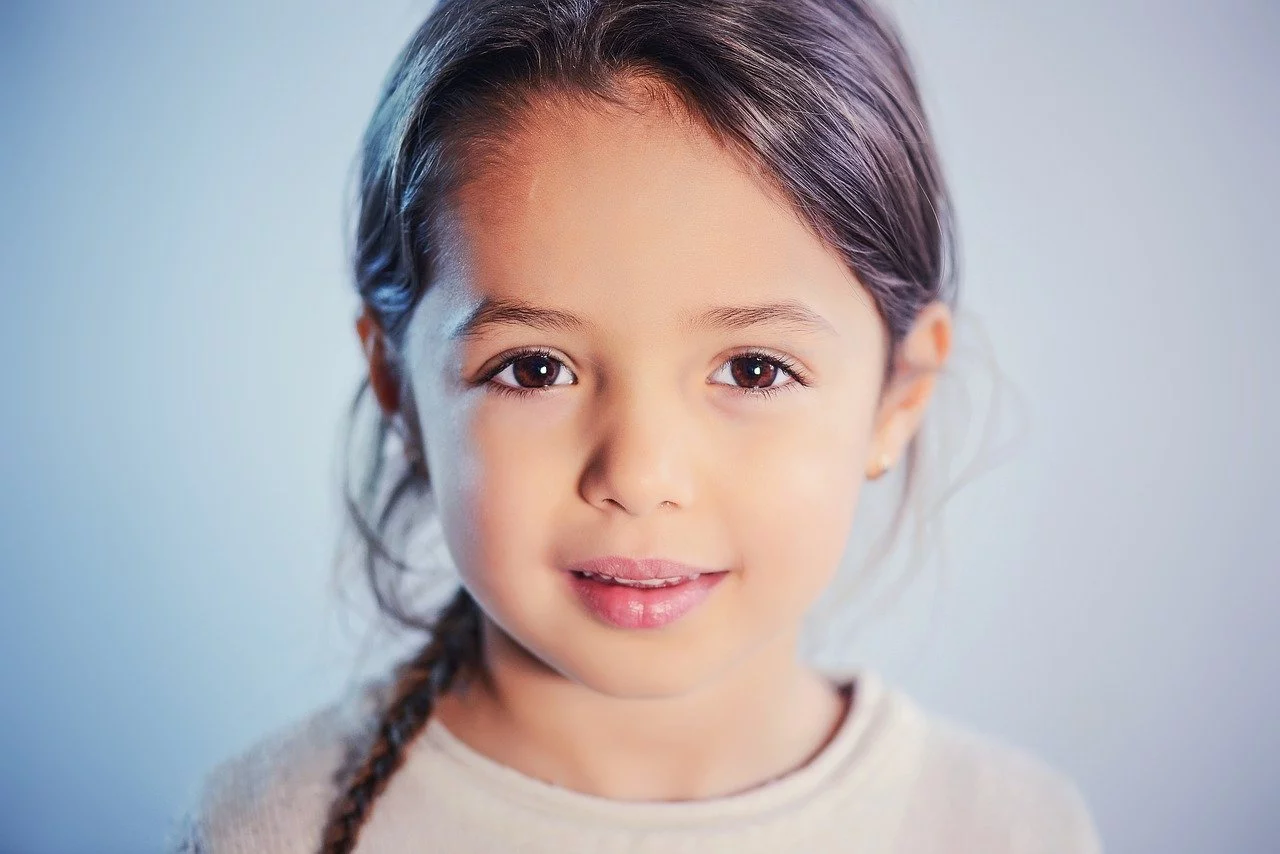 |  |
|:---------------|:----------------------------------------------------------------------------------------------------------------------------------------------------------------------------------------------------------------------------------------------------------------------------|:----------------------------------------------------------------------------------------------------------------------------------------------------------------------------------------------------------------------------------------------------------------------------|
| `type` | `0` | `1` |
| RESULT VIDEO | | |
## Billing Instructions
- A certain number of credits will be consumed for each successful API call.
### Amount of Credits Deducted
| API | Number of Credits |
|:------------|:------------------|
| Live Photos | 22 |
### Resource Package
#### Universal Credits (Supports All APIs)
##### Applied to Live Photos
| Amounts | Credits | Amounts/Credit | Allowable Requests | Amounts/Request |
|----------:|----------:|---------------:|-------------------:|----------------:|
| $12.00 | 2,000 | $0.0060 | 91 | $0.1320 |
| $27.50 | 5,000 | $0.0055 | 227 | $0.1210 |
| $50.00 | 10,000 | $0.0050 | 455 | $0.1100 |
| $135.00 | 30,000 | $0.0045 | 1,364 | $0.0990 |
| $212.00 | 50,000 | $0.0043 | 2,273 | $0.0946 |
| $400.00 | 100,000 | $0.0040 | 4,545 | $0.0880 |
| $1,050.00 | 300,000 | $0.0035 | 13,636 | $0.0770 |
| $1,500.00 | 500,000 | $0.0030 | 22,727 | $0.0660 |
| $2,500.00 | 1,000,000 | $0.0025 | 45,455 | $0.0550 |
:::tip[Buy Now]
- Pricing
- Developer Platform
:::tip[Customization]
If you require more credits, please contact us at business@ailabtools.com.
:::
## File Storage Policy
:::tip
- **Uploaded Files**: Not stored.
- **Response Files**: Not stored.
:::
---
## Cartoon Yourself API
## Request
### Image requirements
- **Image format**: `JPEG` `JPG` `PNG`
- **Image size**: No more than 3 MB.
- **Image resolution**: Larger than 100x100px, smaller than 2000x2000px.
### Body
| Field | Required | Type | Scope |
|:--------|:---------|:---------|:----------------------|
| `image` | YES | `file` | |
| `type` | YES | `string` | [More Details](#type) |
#### `type` {#type}
Category
type
Description
Full-Body Cartoonization
jpcartoon
Japanese Manga (I)
anime
Japanese Manga (II)
claborate
Chinese fine brushwork painting
hongkong
Hong Kong-style comic style
comic
Comic
animation3d
3D Animation
handdrawn
hand-painted
sketch
Pencil drawing (I)
full
Pencil drawing (II)
artstyle
Artistic effects
classic_cartoon
Retro Cartoon
tccartoon
Moe Manga
hkcartoon
China Comics
Facial Cartoonization
3d_cartoon
3D cartoon
pixar
Pixar
pixar_plus
Pixar Pro
angel
Angel
angel_plus
Angel Pro
demon
Demon
ukiyoe_cartoon
Ukiyo-e
amcartoon
American Manga
3d
3D Effects
3d_game
3D game effects
Avatar Cartoonization
western
Western
avatar
Avatar
head
Pencil drawing (head)
## Response
:::warning[Response Field Handling Flow]
1. **Handle `Public Response Fields`**
Parse and validate the `Public Response Fields`, checking the status code or response message to ensure the request is successful and error-free.
2. **Handle `Business Response Fields`**
If the `Public Response Fields` are valid and error-free, proceed with processing the business logic in the `Business Response Fields`.
:::
### Public Response Fields
Viewing Public Response Fields and Error Codes
### Business Response Fields
| Field | Type | Description |
|:-------------|:---------|:-----------------------------------------|
| `data` | `object` | The content of the result data returned. |
| +`image_url` | `string` | Resulting image URL address. |
:::tip
The URL address is a temporary address, valid for 24 hours, and will not be accessible after it expires. If you need to save the file for a long time or permanently, please visit the URL address within 24 hours and download the file to your own storage space.
:::
### Response Example
```json
{
"request_id": "",
"log_id": "",
"error_code": 0,
"error_msg": "",
"error_detail": {
"status_code": 200,
"code": "",
"code_message": "",
"message": ""
},
"data": {
"image_url": ""
}
}
```
---
## Cartoon Yourself API(Portrait-animation)
# AILabTools API - Cartoon Yourself - API:V1.0.0
## Request
- **URL**: `https://www.ailabapi.com/api/portrait/effects/portrait-animation`
- **Method**: `POST`
- **Content-Type**: `multipart/form-data`
### Image requirements
- **Image format**: `JPEG` `JPG` `PNG`
- **Image size**: No more than 3 MB.
- **Image resolution**: Larger than 100x100px, smaller than 2000x2000px.
### Headers
| Field | Required | Type | Description |
|:-------------------|:---------|:---------|:---------------------------------------------------|
| `ailabapi-api-key` | YES | `string` | Application API KEY. [Get API KEY](get-api-key.md) |
### Body
| Field | Required | Type | Scope | Description |
|:--------|:---------|:---------|:------------------------------------------------------------------------------------------------------------------------------------------------------------------------------------------------------------------------------------------------------------------------------------------------------------------------------------------------------------------------------------------------------------------------------------------------------------|:----------------------------------------------------------------------------------------------------------------------------------------------------------------------------------------------------------------------------------------------------------------------------------------------------------------------------------------------------------------------------------------------------------------------------------------------------------------------------------------------------------------------------------------------------------------------------------------------------------------------------------------------------------------------------------------------------------------------------------------------------------------------------------------------------------|
| `image` | YES | `file` | | |
| `type` | YES | `string` | `pixar` `pixar_plus` `3d_cartoon` `angel` `angel_plus` `demon` `ukiyoe_cartoon` `amcartoon` `western` `avatar` `jpcartoon` `jpcartoon_head` `hkcartoon` `classic_cartoon` `tccartoon` `anime` `handdrawn` `sketch` `artstyle` `head` `full` `3d_game` | Cartoon effect. `pixar`: Pixar `pixar_plus`: Pixar Pro `3d_cartoon`: 3D cartoon `angel`: Angel `angel_plus`: Angel Pro `demon`: Demon `ukiyoe_cartoon`: Ukiyo-e `amcartoon`: American Manga `western`: Western `avatar`: Avatar `jpcartoon`: Japanese Manga (I) `jpcartoon_head`: Japanese Manga (portrait) `hkcartoon`: China Comics `classic_cartoon`: Retro Cartoon `tccartoon`: Moe Manga `anime`: Japanese Manga (II) `handdrawn`: hand-painted `sketch`: Pencil drawing (I) `artstyle`: Artistic effects `head`: Pencil drawing (head) `full`: Pencil drawing (II) `3d_game`: 3D game effects |
## Response
:::warning[Response Field Handling Flow]
1. **Handle `Public Response Fields`**
Parse and validate the `Public Response Fields`, checking the status code or response message to ensure the request is successful and error-free.
2. **Handle `Business Response Fields`**
If the `Public Response Fields` are valid and error-free, proceed with processing the business logic in the `Business Response Fields`.
:::
### Public Response Fields
Viewing Public Response Fields and Error Codes
### Business Response Fields
| Field | Type | Description |
|:-------------|:---------|:-----------------------------------------|
| `data` | `object` | The content of the result data returned. |
| +`image_url` | `string` | Resulting image URL address. |
:::tip
The URL address is a temporary address, valid for 24 hours, and will not be accessible after it expires. If you need to save the file for a long time or permanently, please visit the URL address within 24 hours and download the file to your own storage space.
:::
### Response Example
```json
{
"request_id": "",
"log_id": "",
"error_code": 0,
"error_msg": "",
"error_detail": {
"status_code": 200,
"code": "",
"code_message": "",
"message": ""
},
"data": {
"image_url": ""
}
}
```
## Sample Code
:::tip[[👉 Online Experience 👈](https://www.ailabtools.com/portrait-cartoonization-example)]
If you'd like to see the actual effects, please visit the experience page for a trial.
:::
- [Introduction to Get Sample Code](get-sample-code.md)
- [Sample Code][PostmanURL]
[PostmanURL]: https://documenter.getpostman.com/view/26387069/2s93JxqgHE#61918668-cec5-45d4-b462-24f51c56fc3a
---
## Cartoon Yourself API(3)
# AILabTools API - Cartoon Yourself - API:V1.0.1
## Request
- **URL**: `https://www.ailabapi.com/api/portrait/effects/portrait-animation`
- **Method**: `POST`
- **Content-Type**: `multipart/form-data`
### Image requirements
- **Image format**: `JPEG` `JPG` `PNG`
- **Image size**: No more than 3 MB.
- **Image resolution**: Larger than 100x100px, smaller than 2000x2000px.
### Headers
| Field | Required | Type | Description |
|:-------------------|:---------|:---------|:---------------------------------------------------|
| `ailabapi-api-key` | YES | `string` | Application API KEY. [Get API KEY](get-api-key.md) |
### Body
| Field | Required | Type | Scope |
|:--------|:---------|:---------|:----------------------|
| `image` | YES | `file` | |
| `type` | YES | `string` | [More Details](#type) |
#### `type` {#type}
Category
type
Description
Full-Body Cartoonization
jpcartoon
Japanese Manga (I)
anime
Japanese Manga (II)
claborate
Chinese fine brushwork painting
hongkong
Hong Kong-style comic style
comic
Comic
animation3d
3D Animation
handdrawn
hand-painted
sketch
Pencil drawing (I)
full
Pencil drawing (II)
artstyle
Artistic effects
classic_cartoon
Retro Cartoon
tccartoon
Moe Manga
hkcartoon
China Comics
Facial Cartoonization
3d_cartoon
3D cartoon
pixar
Pixar
pixar_plus
Pixar Pro
angel
Angel
angel_plus
Angel Pro
demon
Demon
ukiyoe_cartoon
Ukiyo-e
amcartoon
American Manga
3d
3D Effects
3d_game
3D game effects
Avatar Cartoonization
western
Western
avatar
Avatar
jpcartoon_head
Japanese Manga (portrait)
head
Pencil drawing (head)
## Response
:::warning[Response Field Handling Flow]
1. **Handle `Public Response Fields`**
Parse and validate the `Public Response Fields`, checking the status code or response message to ensure the request is successful and error-free.
2. **Handle `Business Response Fields`**
If the `Public Response Fields` are valid and error-free, proceed with processing the business logic in the `Business Response Fields`.
:::
### Public Response Fields
Viewing Public Response Fields and Error Codes
### Business Response Fields
| Field | Type | Description |
|:-------------|:---------|:-----------------------------------------|
| `data` | `object` | The content of the result data returned. |
| +`image_url` | `string` | Resulting image URL address. |
:::tip
The URL address is a temporary address, valid for 24 hours, and will not be accessible after it expires. If you need to save the file for a long time or permanently, please visit the URL address within 24 hours and download the file to your own storage space.
:::
### Response Example
```json
{
"request_id": "",
"log_id": "",
"error_code": 0,
"error_msg": "",
"error_detail": {
"status_code": 200,
"code": "",
"code_message": "",
"message": ""
},
"data": {
"image_url": ""
}
}
```
## Sample Code
:::tip[[👉 Online Experience 👈](https://www.ailabtools.com/portrait-cartoonization-example)]
If you'd like to see the actual effects, please visit the experience page for a trial.
:::
- [Introduction to Get Sample Code](get-sample-code.md)
- [Sample Code][PostmanURL]
[PostmanURL]: https://documenter.getpostman.com/view/26387069/2s93JxqgHE#61918668-cec5-45d4-b462-24f51c56fc3a
---
## Cartoon Yourself API(4)
# AILabTools API - Cartoon Yourself - API:V1.0.2
## Request
- **URL**: `https://www.ailabapi.com/api/portrait/effects/portrait-animation`
- **Method**: `POST`
- **Content-Type**: `multipart/form-data`
### Image requirements
- **Image format**: `JPEG` `JPG` `PNG`
- **Image size**: No more than 3 MB.
- **Image resolution**: Larger than 100x100px, smaller than 2000x2000px.
### Headers
| Field | Required | Type | Description |
|:-------------------|:---------|:---------|:---------------------------------------------------|
| `ailabapi-api-key` | YES | `string` | Application API KEY. [Get API KEY](get-api-key.md) |
### Body
| Field | Required | Type | Scope |
|:--------|:---------|:---------|:----------------------|
| `image` | YES | `file` | |
| `type` | YES | `string` | [More Details](#type) |
#### `type` {#type}
Category
type
Description
Full-Body Cartoonization
jpcartoon
Japanese Manga (I)
anime
Japanese Manga (II)
claborate
Chinese fine brushwork painting
hongkong
Hong Kong-style comic style
comic
Comic
animation3d
3D Animation
handdrawn
hand-painted
sketch
Pencil drawing (I)
full
Pencil drawing (II)
artstyle
Artistic effects
classic_cartoon
Retro Cartoon
tccartoon
Moe Manga
hkcartoon
China Comics
Facial Cartoonization
3d_cartoon
3D cartoon
pixar
Pixar
pixar_plus
Pixar Pro
angel
Angel
angel_plus
Angel Pro
demon
Demon
ukiyoe_cartoon
Ukiyo-e
amcartoon
American Manga
3d
3D Effects
3d_game
3D game effects
Avatar Cartoonization
western
Western
avatar
Avatar
head
Pencil drawing (head)
## Response
:::warning[Response Field Handling Flow]
1. **Handle `Public Response Fields`**
Parse and validate the `Public Response Fields`, checking the status code or response message to ensure the request is successful and error-free.
2. **Handle `Business Response Fields`**
If the `Public Response Fields` are valid and error-free, proceed with processing the business logic in the `Business Response Fields`.
:::
### Public Response Fields
Viewing Public Response Fields and Error Codes
### Business Response Fields
| Field | Type | Description |
|:-------------|:---------|:-----------------------------------------|
| `data` | `object` | The content of the result data returned. |
| +`image_url` | `string` | Resulting image URL address. |
:::tip
The URL address is a temporary address, valid for 24 hours, and will not be accessible after it expires. If you need to save the file for a long time or permanently, please visit the URL address within 24 hours and download the file to your own storage space.
:::
### Response Example
```json
{
"request_id": "",
"log_id": "",
"error_code": 0,
"error_msg": "",
"error_detail": {
"status_code": 200,
"code": "",
"code_message": "",
"message": ""
},
"data": {
"image_url": ""
}
}
```
## Sample Code
:::tip[[👉 Online Experience 👈](https://www.ailabtools.com/portrait-cartoonization-example)]
If you'd like to see the actual effects, please visit the experience page for a trial.
:::
- [Introduction to Get Sample Code](get-sample-code.md)
- [Sample Code][PostmanURL]
[PostmanURL]: https://documenter.getpostman.com/view/26387069/2s93JxqgHE#61918668-cec5-45d4-b462-24f51c56fc3a
---
## Cartoon Yourself API(5)
# AILabTools API - Cartoon Yourself - API
## Request
- **URL**: `https://www.ailabapi.com/api/portrait/effects/portrait-animation`
- **Method**: `POST`
- **Content-Type**: `multipart/form-data`
### Image requirements
- **Image format**: `JPEG` `JPG` `PNG`
- **Image size**: No more than 3 MB.
- **Image resolution**: Larger than 100x100px, smaller than 2000x2000px.
### Headers
| Field | Required | Type | Description |
|:-------------------|:---------|:---------|:---------------------------------------------------|
| `ailabapi-api-key` | YES | `string` | Application API KEY. [Get API KEY](get-api-key.md) |
### Body
| Field | Required | Type | Scope |
|:--------|:---------|:---------|:----------------------|
| `image` | YES | `file` | |
| `type` | YES | `string` | [More Details](#type) |
#### `type` {#type}
Category
type
Description
Full-Body Cartoonization
jpcartoon
Japanese Manga (I)
anime
Japanese Manga (II)
claborate
Chinese fine brushwork painting
hongkong
Hong Kong-style comic style
comic
Comic
animation3d
3D Animation
handdrawn
hand-painted
sketch
Pencil drawing (I)
full
Pencil drawing (II)
artstyle
Artistic effects
classic_cartoon
Retro Cartoon
tccartoon
Moe Manga
hkcartoon
China Comics
Facial Cartoonization
3d_cartoon
3D cartoon
pixar
Pixar
pixar_plus
Pixar Pro
angel
Angel
angel_plus
Angel Pro
demon
Demon
ukiyoe_cartoon
Ukiyo-e
amcartoon
American Manga
3d
3D Effects
3d_game
3D game effects
Avatar Cartoonization
western
Western
avatar
Avatar
head
Pencil drawing (head)
## Response
:::warning[Response Field Handling Flow]
1. **Handle `Public Response Fields`**
Parse and validate the `Public Response Fields`, checking the status code or response message to ensure the request is successful and error-free.
2. **Handle `Business Response Fields`**
If the `Public Response Fields` are valid and error-free, proceed with processing the business logic in the `Business Response Fields`.
:::
### Public Response Fields
Viewing Public Response Fields and Error Codes
### Business Response Fields
| Field | Type | Description |
|:-------------|:---------|:-----------------------------------------|
| `data` | `object` | The content of the result data returned. |
| +`image_url` | `string` | Resulting image URL address. |
:::tip
The URL address is a temporary address, valid for 24 hours, and will not be accessible after it expires. If you need to save the file for a long time or permanently, please visit the URL address within 24 hours and download the file to your own storage space.
:::
### Response Example
```json
{
"request_id": "",
"log_id": "",
"error_code": 0,
"error_msg": "",
"error_detail": {
"status_code": 200,
"code": "",
"code_message": "",
"message": ""
},
"data": {
"image_url": ""
}
}
```
## Sample Code
:::tip[[👉 Online Experience 👈](https://www.ailabtools.com/portrait-cartoonization-example)]
If you'd like to see the actual effects, please visit the experience page for a trial.
:::
- [Introduction to Get Sample Code](get-sample-code.md)
- [Sample Code][PostmanURL]
[PostmanURL]: https://documenter.getpostman.com/view/26387069/2s93JxqgHE#61918668-cec5-45d4-b462-24f51c56fc3a
---
## Cartoon Yourself API(Effects)
# AILabTools API - Cartoon Yourself - Introduction
- Using advanced adversarial generative network technology, we can break through the "next generation wall" with one click, retain user features in multiple dimensions to achieve the effect of a thousand faces, and with a variety of comic style image migration, we can generate highly cute comic faces with artistic beauty for users.
- Based on the stylized special effects solution-EffectGAN with small sample generation technology, the intelligent creation team creates a variety of special effects. Among them, 3D effects make the user's image more spatially three-dimensional, and the 3D cartoon style provided this time can generate 3D effects one-to-one.
- Cartoon Yourself is mainly focused on transforming a photo or characters in a photo into a cartoon effect. If you want to create a cartoon image based on a photo, you can go to [AI Cartoon Generator](ai-image/effects/ai-anime-generator.md).
## Application Scenarios
- **Personalized avatar**: Helps users generate secondary comic images with personality characteristics, which can be used in the avatar scene of Internet applications.
- **Interactive marketing**: festivals, exhibitions, marketing and other activity scenarios to attract users to interact, participate and share.
- **Promotion**: You can add portrait effects to h5 or other forms of communication for product promotion and event promotion.
- **Interactive entertainment**: In short videos, social networking platforms, or integrated into photo album apps, users' selfies or personalized photos are converted into different styles of special effects with one click, attracting users to interact and share.
- **Protecting privacy**: To protect the privacy of the characters in the image, cartoonizing the characters avoids identifying who the original characters are. Preserve the social fun level while avoiding over-entertainment.
- **Social entertainment**: Turn your photos into cartoon characters to create a cute atmosphere and share them with friends with illustrations.
## Featured Advantages
- **Advanced algorithms**: Based on deep learning algorithms, we can intelligently edit and process images containing portrait content, and provide a variety of portrait special effects capabilities to meet various business needs such as Internet entertainment, interactive marketing, and video processing.
- **Abundant pop-up effects**: Based on the integration of image understanding, image processing, image generation and other technologies, it creates a variety of portrait effects capabilities and pop-up effects gameplay to explore the application of solutions in new areas such as data production/aided design/content creation and promote the business upgrade of B-side enterprise customers.
- **Realistic image**: multi-dimensional preservation of user characteristics, defining the two main features of exquisite beauty and extreme likeness of portrait cartoon image.
- **Rich materials**: secondary yuan anime images include portrait Japanese manga style, full-image Japanese manga style, national trendy style, retro manga style, moe manga style, image manga, watercolor and other styles of migration.
- **Continuous update**: algorithm and style continue to iterate, covering more scenes, including but not limited to face, landscape, etc.
- **Accurate portrayal**: Through deep learning algorithm, the five features of human face are accurately restored, and even the hair can be accurately restored.
- **Respect for privacy**: Images uploaded by customers will be deleted within 24 hours, and the service does not keep customer images.
- **Reproduction of character expressions**: Based on deep learning algorithm, the character's gender, expressions and other features are recognized and restored on the cartoon avatar.
- **Full body cartoon**: Compared to face cartoon, it can avoid embarrassing scenes such as laughing.
- **Multi-person mode**: It can handle couple photos, family photos and group type photos.
## Renderings show
Original Image
Japanese Manga (I)
Japanese Manga (II)
Chinese fine brushwork painting
Hong Kong-style comic style
Comic
3D Animation
hand-painted
Pencil drawing (I)
Pencil drawing (II)
Artistic effects
Retro Cartoon
Moe Manga
China Comics
Original Image
3D cartoon
Pixar
Pixar Pro
Angel
Angel Pro
Demon
Ukiyo-e
American Manga
3D Effects
3D game effects
Original Image
Western
Avatar
Pencil drawing (head)
:::tip[[👉 Online Experience 👈](https://www.ailabtools.com/portrait-cartoonization-example)]
If you'd like to see the actual effects, please visit the experience page for a trial.
:::
## Billing Instructions
- A certain number of credits will be consumed for each successful API call.
### Amount of Credits Deducted
| API | Number of Credits |
|:-----------------|:------------------|
| Cartoon Yourself | 20 |
### Resource Package
#### Universal Credits (Supports All APIs)
##### Applied to Cartoon Yourself
| Amounts | Credits | Amounts/Credit | Allowable Requests | Amounts/Request |
|----------:|----------:|---------------:|-------------------:|----------------:|
| $12.00 | 2,000 | $0.0060 | 100 | $0.1200 |
| $27.50 | 5,000 | $0.0055 | 250 | $0.1100 |
| $50.00 | 10,000 | $0.0050 | 500 | $0.1000 |
| $135.00 | 30,000 | $0.0045 | 1,500 | $0.0900 |
| $212.00 | 50,000 | $0.0043 | 2,500 | $0.0860 |
| $400.00 | 100,000 | $0.0040 | 5,000 | $0.0800 |
| $1,050.00 | 300,000 | $0.0035 | 15,000 | $0.0700 |
| $1,500.00 | 500,000 | $0.0030 | 25,000 | $0.0600 |
| $2,500.00 | 1,000,000 | $0.0025 | 50,000 | $0.0500 |
:::tip[Buy Now]
- Pricing
- Developer Platform
:::tip[Customization]
If you require more credits, please contact us at business@ailabtools.com.
:::
## File Storage Policy
:::tip
- **Uploaded Files**: Not stored.
- **Response Files**:
- **Storage Duration**: 24 hours.
- **Deletion Method**: Automatic Deletion upon Timeout.
:::
---
## Smart Beauty API
## Request
### Image requirements
- **Image format**: `JPEG` `JPG` `BMP` `PNG`
- **Image size**: No more than 5 MB.
- **Image resolution**: Less than 4096x4096px.
### Body
| Field | Required | Type | Scope | Default | Description |
|:---------------|:---------|:---------|:--------------------------|:--------|:---------------------------------------------------------------------------------------------------------------------------------------------------------------------------------------------------------------------------------------------------------------------------------------------------|
| `image_target` | YES | `file` | | | |
| `multi_face` | NO | `string` | ` ` `1` | | Multiple-face beauty strategy. When set to `1`, beauty enhancement is applied to all faces (it is recommended that the number of faces in the image be less than 18, as too many faces may lead to instability). When set to any other value or not specified, only the largest face is processed. |
| `beauty_level` | NO | `float` | [0, 1] | `1` | Beauty level. |
## Response
:::warning[Response Field Handling Flow]
1. **Handle `Public Response Fields`**
Parse and validate the `Public Response Fields`, checking the status code or response message to ensure the request is successful and error-free.
2. **Handle `Business Response Fields`**
If the `Public Response Fields` are valid and error-free, proceed with processing the business logic in the `Business Response Fields`.
:::
### Public Response Fields
Viewing Public Response Fields and Error Codes
### Business Response Fields
| Field | Type | Description |
|:---------|:---------|:--------------------------------------------------------------|
| `data` | `object` | The content of the result data returned. |
| +`image` | `string` | The result image, returning the Base64 encoding of the image. |
### Response Example
```json
{
"request_id": "",
"log_id": "",
"error_code": 0,
"error_msg": "",
"error_detail": {
"status_code": 200,
"code": "",
"code_message": "",
"message": ""
},
"data": {
"image": ""
}
}
```
---
## Smart Beauty API(Smart-beauty)
# AILabTools API - Smart Beauty - API:V1.0.0
## Request
- **URL**: `https://www.ailabapi.com/api/portrait/effects/smart-beauty`
- **Method**: `POST`
- **Content-Type**: `multipart/form-data`
### Image requirements
- **Image format**: `JPEG` `JPG` `BMP` `PNG`
- **Image size**: No more than 5 MB.
- **Image resolution**: Less than 4096x4096px.
### Headers
| Field | Required | Type | Description |
|:-------------------|:---------|:---------|:---------------------------------------------------|
| `ailabapi-api-key` | YES | `string` | Application API KEY. [Get API KEY](get-api-key.md) |
### Body
| Field | Required | Type |
|:---------------|:---------|:-------|
| `image_target` | YES | `file` |
## Response
:::warning[Response Field Handling Flow]
1. **Handle `Public Response Fields`**
Parse and validate the `Public Response Fields`, checking the status code or response message to ensure the request is successful and error-free.
2. **Handle `Business Response Fields`**
If the `Public Response Fields` are valid and error-free, proceed with processing the business logic in the `Business Response Fields`.
:::
### Public Response Fields
Viewing Public Response Fields and Error Codes
### Business Response Fields
| Field | Type | Description |
|:---------|:---------|:--------------------------------------------------------------|
| `data` | `object` | The content of the result data returned. |
| +`image` | `string` | The result image, returning the Base64 encoding of the image. |
### Response Example
```json
{
"request_id": "",
"log_id": "",
"error_code": 0,
"error_msg": "",
"error_detail": {
"status_code": 200,
"code": "",
"code_message": "",
"message": ""
},
"data": {
"image": ""
}
}
```
## Sample Code
:::tip[[👉 Online Experience 👈](https://www.ailabtools.com/portrait-intelligent-beautification-example)]
If you'd like to see the actual effects, please visit the experience page for a trial.
:::
- [Introduction to Get Sample Code](get-sample-code.md)
- [Sample Code][PostmanURL]
[PostmanURL]: https://documenter.getpostman.com/view/26387069/2s93JxqgHE#0cfa98ba-ff67-464e-9c21-8e497f829da8
---
## Smart Beauty API(3)
# AILabTools API - Smart Beauty - API:V1.1.0
## Request
- **URL**: `https://www.ailabapi.com/api/portrait/effects/smart-beauty`
- **Method**: `POST`
- **Content-Type**: `multipart/form-data`
### Image requirements
- **Image format**: `JPEG` `JPG` `BMP` `PNG`
- **Image size**: No more than 5 MB.
- **Image resolution**: Less than 4096x4096px.
### Headers
| Field | Required | Type | Description |
|:-------------------|:---------|:---------|:---------------------------------------------------|
| `ailabapi-api-key` | YES | `string` | Application API KEY. [Get API KEY](get-api-key.md) |
### Body
| Field | Required | Type | Scope | Default | Description |
|:---------------|:---------|:---------|:--------------------------|:--------|:---------------------------------------------------------------------------------------------------------------------------------------------------------------------------------------------------------------------------------------------------------------------------------------------------|
| `image_target` | YES | `file` | | | |
| `multi_face` | NO | `string` | ` ` `1` | | Multiple-face beauty strategy. When set to `1`, beauty enhancement is applied to all faces (it is recommended that the number of faces in the image be less than 18, as too many faces may lead to instability). When set to any other value or not specified, only the largest face is processed. |
| `beauty_level` | NO | `float` | [0, 1] | `1` | Beauty level. |
## Response
:::warning[Response Field Handling Flow]
1. **Handle `Public Response Fields`**
Parse and validate the `Public Response Fields`, checking the status code or response message to ensure the request is successful and error-free.
2. **Handle `Business Response Fields`**
If the `Public Response Fields` are valid and error-free, proceed with processing the business logic in the `Business Response Fields`.
:::
### Public Response Fields
Viewing Public Response Fields and Error Codes
### Business Response Fields
| Field | Type | Description |
|:---------|:---------|:--------------------------------------------------------------|
| `data` | `object` | The content of the result data returned. |
| +`image` | `string` | The result image, returning the Base64 encoding of the image. |
### Response Example
```json
{
"request_id": "",
"log_id": "",
"error_code": 0,
"error_msg": "",
"error_detail": {
"status_code": 200,
"code": "",
"code_message": "",
"message": ""
},
"data": {
"image": ""
}
}
```
## Sample Code
:::tip[[👉 Online Experience 👈](https://www.ailabtools.com/portrait-intelligent-beautification-example)]
If you'd like to see the actual effects, please visit the experience page for a trial.
:::
- [Introduction to Get Sample Code](get-sample-code.md)
- [Sample Code][PostmanURL]
[PostmanURL]: https://documenter.getpostman.com/view/26387069/2s93JxqgHE#0cfa98ba-ff67-464e-9c21-8e497f829da8
---
## Smart Beauty API(4)
# AILabTools API - Smart Beauty - API
## Request
- **URL**: `https://www.ailabapi.com/api/portrait/effects/smart-beauty`
- **Method**: `POST`
- **Content-Type**: `multipart/form-data`
### Image requirements
- **Image format**: `JPEG` `JPG` `BMP` `PNG`
- **Image size**: No more than 5 MB.
- **Image resolution**: Less than 4096x4096px.
### Headers
| Field | Required | Type | Description |
|:-------------------|:---------|:---------|:---------------------------------------------------|
| `ailabapi-api-key` | YES | `string` | Application API KEY. [Get API KEY](get-api-key.md) |
### Body
| Field | Required | Type | Scope | Default | Description |
|:---------------|:---------|:---------|:--------------------------|:--------|:---------------------------------------------------------------------------------------------------------------------------------------------------------------------------------------------------------------------------------------------------------------------------------------------------|
| `image_target` | YES | `file` | | | |
| `multi_face` | NO | `string` | ` ` `1` | | Multiple-face beauty strategy. When set to `1`, beauty enhancement is applied to all faces (it is recommended that the number of faces in the image be less than 18, as too many faces may lead to instability). When set to any other value or not specified, only the largest face is processed. |
| `beauty_level` | NO | `float` | [0, 1] | `1` | Beauty level. |
| `task_type` | NO | `string` | `sync` | `sync` | Task Type. `sync`: Synchronous tasks. |
## Response
:::warning[Response Field Handling Flow]
1. **Handle `Public Response Fields`**
Parse and validate the `Public Response Fields`, checking the status code or response message to ensure the request is successful and error-free.
2. **Handle `Business Response Fields`**
If the `Public Response Fields` are valid and error-free, proceed with processing the business logic in the `Business Response Fields`.
:::
### Public Response Fields
Viewing Public Response Fields and Error Codes
### Business Response Fields
| Field | Type | Scope | Description |
|:------------|:---------|:----------------|:--------------------------------------------------------------|
| `task_type` | `string` | `sync` | Task Type. `sync`: Synchronous tasks. |
| `data` | `object` | | The content of the result data returned. |
| +`image` | `string` | | The result image, returning the Base64 encoding of the image. |
### Response Example
```json
{
"request_id": "",
"log_id": "",
"error_code": 0,
"error_msg": "",
"error_detail": {
"status_code": 200,
"code": "",
"code_message": "",
"message": ""
},
"task_type": "sync",
"data": {
"image": ""
}
}
```
## Sample Code
:::tip[[👉 Online Experience 👈](https://www.ailabtools.com/portrait-intelligent-beautification-example)]
If you'd like to see the actual effects, please visit the experience page for a trial.
:::
- [Introduction to Get Sample Code](get-sample-code.md)
- [Sample Code][PostmanURL]
[PostmanURL]: https://documenter.getpostman.com/view/26387069/2s93JxqgHE#0cfa98ba-ff67-464e-9c21-8e497f829da8
---
## Smart Beauty API(5)
# AILabTools API - Smart Beauty - Async API
## Request
- **URL**: `https://www.ailabapi.com/api/portrait/effects/smart-beauty`
- **Method**: `POST`
- **Content-Type**: `multipart/form-data`
### Image requirements
- **Image format**: `JPEG` `JPG` `BMP` `PNG`
- **Image size**: No more than 5 MB.
- **Image resolution**: Less than 4096x4096px.
### Headers
| Field | Required | Type | Description |
|:-------------------|:---------|:---------|:---------------------------------------------------|
| `ailabapi-api-key` | YES | `string` | Application API KEY. [Get API KEY](get-api-key.md) |
### Body
| Field | Required | Type | Scope | Default | Description |
|:---------------|:---------|:---------|:--------------------------|:--------|:---------------------------------------------------------------------------------------------------------------------------------------------------------------------------------------------------------------------------------------------------------------------------------------------------|
| `task_type` | YES | `string` | `async` | | Task Type. `async`: Asynchronous tasks. |
| `image_target` | YES | `file` | | | |
| `multi_face` | NO | `string` | ` ` `1` | | Multiple-face beauty strategy. When set to `1`, beauty enhancement is applied to all faces (it is recommended that the number of faces in the image be less than 18, as too many faces may lead to instability). When set to any other value or not specified, only the largest face is processed. |
| `beauty_level` | NO | `float` | [0, 1] | `1` | Beauty level. |
## Response
:::warning[Response Field Handling Flow]
1. **Handle `Public Response Fields`**
Parse and validate the `Public Response Fields`, checking the status code or response message to ensure the request is successful and error-free.
2. **Handle `Business Response Fields`**
If the `Public Response Fields` are valid and error-free, proceed with processing the business logic in the `Business Response Fields`.
:::
### Public Response Fields
Viewing Public Response Fields and Error Codes
### Business Response Fields
| Field | Type | Scope | Description |
|:------------|:---------|:-----------------|:-------------------------------------------------|
| `task_type` | `string` | `async` | Task Type. `async`: Asynchronous tasks. |
| `task_id` | `string` | | Asynchronous task ID. |
### Response Example
```json
{
"request_id": "",
"log_id": "",
"error_code": 0,
"error_msg": "",
"error_detail": {
"status_code": 200,
"code": "",
"code_message": "",
"message": ""
},
"task_type": "",
"task_id": ""
}
```
:::tip
This API is asynchronous, please keep `task_id` and call [`Querying Async Task Results`](ai-common/async-task-results/api.md) to get the final results.
Asynchronous task results are valid for 24 hours. It is recommended that asynchronous task results be queried every 5 seconds.
:::
## `Querying Async Task Results` Response
:::warning[Response Field Handling Flow]
1. **Handle `Public Response Fields`**
Parse and validate the `Public Response Fields`, checking the status code or response message to ensure the request is successful and error-free.
2. **Handle `Business Response Fields`**
If the `Public Response Fields` are valid and error-free, proceed with processing the business logic in the `Business Response Fields`.
:::
### Public Response Fields
Viewing Public Response Fields and Error Codes
### Business Response Fields
| Field | Type | Scope | Description |
|:--------------|:----------|:---------------------------------------|:--------------------------------------------------------------------------------------------------------------------------------------------|
| `task_status` | `integer` | `0` `1` `2` | Asynchronous task status. `0`: The task is queued. `1`: Asynchronous processing. `2`: Processing was successful. |
| `data` | `object` | | The content of the result data returned. |
| `image_url` | `string` | | Result URL address. |
:::tip
The URL address is a temporary address, valid for 24 hours, and will not be accessible after it expires. If you need to save the file for a long time or permanently, please visit the URL address within 24 hours and download the file to your own storage space.
:::
### Response Example
```json
{
"error_code": 0,
"error_msg": "",
"error_detail": {
"status_code": 200,
"code": "",
"code_message": "",
"message": ""
},
"task_status": 0,
"data": {
"image_url": ""
}
}
```
## Sample Code
:::tip[[👉 Online Experience 👈](https://www.ailabtools.com/portrait-intelligent-beautification-example)]
If you'd like to see the actual effects, please visit the experience page for a trial.
:::
- [Introduction to Get Sample Code](get-sample-code.md)
- [Sample Code][PostmanURL]
[PostmanURL]: https://documenter.getpostman.com/view/26387069/2s93JxqgHE#0cfa98ba-ff67-464e-9c21-8e497f829da8
---
## Smart Beauty API(Effects)
# AILabTools API - Smart Beauty - Introduction
Using advanced image processing technology, the input face picture is intelligently changed into beauty. One-click intelligent sharpening, skin tone whitening, face slimming, five features adjustment, spot and acne removal treatment.
## Application Scenarios
- **Intelligent beauty**: to help cell phone manufacturers, beauty app and other camera class beauty ability, one key intelligent to achieve sharpening skin, skin tone whitening, thin face, five features adjustment, spot and acne treatment.
- **Interactive entertainment**: applied to live broadcast, short video, social platforms, easily enhance the user's image.
## Featured Advantages
- **Outstanding algorithm**: Based on massive data training and polishing of actual business scenarios, the effect is outstanding.
- **Rich capability**: provide rich editable expression types to meet the needs of various business scenarios.
- **Continuous upgrade**: Algorithm engineers continuously upgrade algorithms and service engineers provide reliable support.
- **Business-driven**: The algorithm continues to iterate in response to business needs, helping to optimize the effect continuously.
## Renderings show
| ORIGINAL IMAGE | RESULT IMAGE |
|:-----------------------------------|:-------------------------------|
| ![ORIGINAL IMAGE][OriginalImage-1] | ![RESULT IMAGE][ResultImage-1] |
:::tip[[👉 Online Experience 👈](https://www.ailabtools.com/portrait-intelligent-beautification-example)]
If you'd like to see the actual effects, please visit the experience page for a trial.
:::
## Billing Instructions
- A certain number of credits will be consumed for each successful API call.
### Amount of Credits Deducted
| API | Number of Credits |
|:-------------|:------------------|
| Smart Beauty | 8 |
### Resource Package
#### Universal Credits (Supports All APIs)
##### Applied to Smart Beauty
| Amounts | Credits | Amounts/Credit | Allowable Requests | Amounts/Request |
|----------:|----------:|---------------:|-------------------:|----------------:|
| $12.00 | 2,000 | $0.0060 | 250 | $0.0480 |
| $27.50 | 5,000 | $0.0055 | 625 | $0.0440 |
| $50.00 | 10,000 | $0.0050 | 1,250 | $0.0400 |
| $135.00 | 30,000 | $0.0045 | 3,750 | $0.0360 |
| $212.00 | 50,000 | $0.0043 | 6,250 | $0.0344 |
| $400.00 | 100,000 | $0.0040 | 12,500 | $0.0320 |
| $1,050.00 | 300,000 | $0.0035 | 37,500 | $0.0280 |
| $1,500.00 | 500,000 | $0.0030 | 62,500 | $0.0240 |
| $2,500.00 | 1,000,000 | $0.0025 | 125,000 | $0.0200 |
:::tip[Buy Now]
- Pricing
- Developer Platform
:::tip[Customization]
If you require more credits, please contact us at business@ailabtools.com.
:::
## File Storage Policy
:::tip
- **Uploaded Files**: Not stored.
- **Response Files**: Not stored.
:::
[OriginalImage-1]: https://ai-resource.ailabtools.com/rapidapi/facebody/AIBeauty/OriginalImage-1.webp
[ResultImage-1]: https://ai-resource.ailabtools.com/rapidapi/facebody/AIBeauty/ResultImage-1.webp
---
## AI Face Slimming API
## Request
### Image requirements
- **Image format**: `JPEG` `JPG` `PNG`
- **Image size**: No more than 6 MB.
- **Image resolution**: Larger than 128x128px, smaller than 5000x5000px.
- **Image content**: Contains at least 1 face and no more than 3 faces with a face share of more than 64x64px.
### Body
| Field | Required | Type | Scope | Default | Description |
|:--------------|:---------|:--------|:---------|:--------|:---------------------------------------------------------------------------------------|
| `image` | YES | `file` | | | |
| `slim_degree` | NO | `float` | [0, 2.0] | `1.0` | Standard strength. The higher the value, the more pronounced the face slimming effect. |
## Response
:::warning[Response Field Handling Flow]
1. **Handle `Public Response Fields`**
Parse and validate the `Public Response Fields`, checking the status code or response message to ensure the request is successful and error-free.
2. **Handle `Business Response Fields`**
If the `Public Response Fields` are valid and error-free, proceed with processing the business logic in the `Business Response Fields`.
:::
### Public Response Fields
Viewing Public Response Fields and Error Codes
### Business Response Fields
| Field | Type | Description |
|:-------------|:---------|:-----------------------------------------|
| `data` | `object` | The content of the result data returned. |
| +`image_url` | `string` | Resulting image URL address. |
:::tip
The URL address is a temporary address, valid for 24 hours, and will not be accessible after it expires. If you need to save the file for a long time or permanently, please visit the URL address within 24 hours and download the file to your own storage space.
:::
### Response Example
```json
{
"request_id": "",
"log_id": "",
"error_code": 0,
"error_msg": "",
"error_detail": {
"status_code": 200,
"code": "",
"code_message": "",
"message": ""
},
"data": {
"image_url": ""
}
}
```
---
## AI Face Slimming API(Smart-face-slimming)
# AILabTools API - AI Face Slimming - API
## Request
- **URL**: `https://www.ailabapi.com/api/portrait/effects/smart-face-slimming`
- **Method**: `POST`
- **Content-Type**: `multipart/form-data`
### Image requirements
- **Image format**: `JPEG` `JPG` `PNG`
- **Image size**: No more than 6 MB.
- **Image resolution**: Larger than 128x128px, smaller than 5000x5000px.
- **Image content**: Contains at least 1 face and no more than 3 faces with a face share of more than 64x64px.
### Headers
| Field | Required | Type | Description |
|:-------------------|:---------|:---------|:---------------------------------------------------|
| `ailabapi-api-key` | YES | `string` | Application API KEY. [Get API KEY](get-api-key.md) |
### Body
| Field | Required | Type | Scope | Default | Description |
|:--------------|:---------|:--------|:---------|:--------|:---------------------------------------------------------------------------------------|
| `image` | YES | `file` | | | |
| `slim_degree` | NO | `float` | [0, 2.0] | `1.0` | Standard strength. The higher the value, the more pronounced the face slimming effect. |
## Response
:::warning[Response Field Handling Flow]
1. **Handle `Public Response Fields`**
Parse and validate the `Public Response Fields`, checking the status code or response message to ensure the request is successful and error-free.
2. **Handle `Business Response Fields`**
If the `Public Response Fields` are valid and error-free, proceed with processing the business logic in the `Business Response Fields`.
:::
### Public Response Fields
Viewing Public Response Fields and Error Codes
### Business Response Fields
| Field | Type | Description |
|:-------------|:---------|:-----------------------------------------|
| `data` | `object` | The content of the result data returned. |
| +`image_url` | `string` | Resulting image URL address. |
:::tip
The URL address is a temporary address, valid for 24 hours, and will not be accessible after it expires. If you need to save the file for a long time or permanently, please visit the URL address within 24 hours and download the file to your own storage space.
:::
### Response Example
```json
{
"request_id": "",
"log_id": "",
"error_code": 0,
"error_msg": "",
"error_detail": {
"status_code": 200,
"code": "",
"code_message": "",
"message": ""
},
"data": {
"image_url": ""
}
}
```
## Sample Code
:::tip[[👉 Online Experience 👈](https://www.ailabtools.com/portrait-intelligent-face-slimming-example)]
If you'd like to see the actual effects, please visit the experience page for a trial.
:::
- [Introduction to Get Sample Code](get-sample-code.md)
- [Sample Code][PostmanURL]
[PostmanURL]: https://documenter.getpostman.com/view/26387069/2s93JxqgHE#581e8a2e-b052-4393-a9d3-5303f094bc8b
---
## AI Face Slimming API(Effects)
# AILabTools API - AI Face Slimming - Introduction
Input a person image, the system automatically detects and analyzes the five features of the face, and generates an image of the face with five features adjusted and slimmed down. When the image contains more than one person, up to 3 faces can be processed.
## Application Scenarios
- **Mobile App**: Input a selfie and generate a more attractive face through intelligent face slimming algorithm capability.
- **Portrait Selfie**: Batch intelligent face slimming for a large number of retouching needs to help wedding studios or live image scenes to reduce costs and improve efficiency.
## Featured Advantages
- **Accurate portrayal**: Through deep learning algorithms, the five features of the face are accurately analyzed to achieve a perfect and natural facial beauty effect.
- **Support multiple angles**: faces from multiple angles such as front and side can be intelligently discerned and processed.
- **Support multi-faces**: Support accurate beauty shape of single face or multi-faces.
## Renderings show
| `slim_degree` | ORIGINAL IMAGE | RESULT IMAGE |
|:--------------|:-----------------------------------|:----------------------------------|
| `0.5` | ![ORIGINAL IMAGE][OriginalImage-1] | ![RESULT IMAGE][ResultImage-5-1] |
| `1.0` | ![ORIGINAL IMAGE][OriginalImage-1] | ![RESULT IMAGE][ResultImage-10-1] |
| `2.0` | ![ORIGINAL IMAGE][OriginalImage-1] | ![RESULT IMAGE][ResultImage-20-1] |
:::tip[[👉 Online Experience 👈](https://www.ailabtools.com/portrait-intelligent-face-slimming-example)]
If you'd like to see the actual effects, please visit the experience page for a trial.
:::
## Billing Instructions
- A certain number of credits will be consumed for each successful API call.
### Amount of Credits Deducted
| API | Number of Credits |
|:-----------------|:------------------|
| AI Face Slimming | 5 |
### Resource Package
#### Universal Credits (Supports All APIs)
##### Applied to AI Face Slimming
| Amounts | Credits | Amounts/Credit | Allowable Requests | Amounts/Request |
|----------:|----------:|---------------:|-------------------:|----------------:|
| $12.00 | 2,000 | $0.0060 | 400 | $0.0300 |
| $27.50 | 5,000 | $0.0055 | 1,000 | $0.0275 |
| $50.00 | 10,000 | $0.0050 | 2,000 | $0.0250 |
| $135.00 | 30,000 | $0.0045 | 6,000 | $0.0225 |
| $212.00 | 50,000 | $0.0043 | 10,000 | $0.0215 |
| $400.00 | 100,000 | $0.0040 | 20,000 | $0.0200 |
| $1,050.00 | 300,000 | $0.0035 | 60,000 | $0.0175 |
| $1,500.00 | 500,000 | $0.0030 | 100,000 | $0.0150 |
| $2,500.00 | 1,000,000 | $0.0025 | 200,000 | $0.0125 |
:::tip[Buy Now]
- Pricing
- Developer Platform
:::tip[Customization]
If you require more credits, please contact us at business@ailabtools.com.
:::
## File Storage Policy
:::tip
- **Uploaded Files**: Not stored.
- **Response Files**:
- **Storage Duration**: 24 hours.
- **Deletion Method**: Automatic Deletion upon Timeout.
:::
[OriginalImage-1]: https://ai-resource.ailabtools.com/rapidapi/facebody/AIFaceSlimming/OriginalImage-1.webp
[ResultImage-5-1]: https://ai-resource.ailabtools.com/rapidapi/facebody/AIFaceSlimming/ResultImage-5-1.webp
[ResultImage-10-1]: https://ai-resource.ailabtools.com/rapidapi/facebody/AIFaceSlimming/ResultImage-10-1.webp
[ResultImage-20-1]: https://ai-resource.ailabtools.com/rapidapi/facebody/AIFaceSlimming/ResultImage-20-1.webp
---
## AI Skin Beauty API
## Request
### Image requirements
- **Image format**: `JPEG` `JPG` `PNG`
- **Image size**: No more than 6 MB.
- **Image resolution**: Larger than 128x128px, smaller than 5000x5000px.
- **Image content**: Photos containing 1 to 10 portraits with a clear skin share.
### Body
| Field | Required | Type | Scope | Default | Description |
|:-------------------|:---------|:--------|:---------|:--------|:---------------------------------------------------------------------------------|
| `image` | YES | `file` | | | |
| `retouch_degree` | NO | `float` | [0, 1.5] | `1.0` | Dermabrasion intensity. The higher the value, the less visible the skin texture. |
| `whitening_degree` | NO | `float` | [0, 1.5] | `1.0` | Whitening strength. The higher the value, the whiter the skin. |
## Response
:::warning[Response Field Handling Flow]
1. **Handle `Public Response Fields`**
Parse and validate the `Public Response Fields`, checking the status code or response message to ensure the request is successful and error-free.
2. **Handle `Business Response Fields`**
If the `Public Response Fields` are valid and error-free, proceed with processing the business logic in the `Business Response Fields`.
:::
### Public Response Fields
Viewing Public Response Fields and Error Codes
### Business Response Fields
| Field | Type | Description |
|:-------------|:---------|:-----------------------------------------|
| `data` | `object` | The content of the result data returned. |
| +`image_url` | `string` | Resulting image URL address. |
:::tip
The URL address is a temporary address, valid for 24 hours, and will not be accessible after it expires. If you need to save the file for a long time or permanently, please visit the URL address within 24 hours and download the file to your own storage space.
:::
### Response Example
```json
{
"request_id": "",
"log_id": "",
"error_code": 0,
"error_msg": "",
"error_detail": {
"status_code": 200,
"code": "",
"code_message": "",
"message": ""
},
"data": {
"image_url": ""
}
}
```
---
## AI Skin Beauty API(Smart-skin)
# AILabTools API - AI Skin Beauty - API
## Request
- **URL**: `https://www.ailabapi.com/api/portrait/effects/smart-skin`
- **Method**: `POST`
- **Content-Type**: `multipart/form-data`
### Image requirements
- **Image format**: `JPEG` `JPG` `PNG`
- **Image size**: No more than 6 MB.
- **Image resolution**: Larger than 128x128px, smaller than 5000x5000px.
- **Image content**: Photos containing 1 to 10 portraits with a clear skin share.
### Headers
| Field | Required | Type | Description |
|:-------------------|:---------|:---------|:---------------------------------------------------|
| `ailabapi-api-key` | YES | `string` | Application API KEY. [Get API KEY](get-api-key.md) |
### Body
| Field | Required | Type | Scope | Default | Description |
|:-------------------|:---------|:--------|:---------|:--------|:---------------------------------------------------------------------------------|
| `image` | YES | `file` | | | |
| `retouch_degree` | NO | `float` | [0, 1.5] | `1.0` | Dermabrasion intensity. The higher the value, the less visible the skin texture. |
| `whitening_degree` | NO | `float` | [0, 1.5] | `1.0` | Whitening strength. The higher the value, the whiter the skin. |
## Response
:::warning[Response Field Handling Flow]
1. **Handle `Public Response Fields`**
Parse and validate the `Public Response Fields`, checking the status code or response message to ensure the request is successful and error-free.
2. **Handle `Business Response Fields`**
If the `Public Response Fields` are valid and error-free, proceed with processing the business logic in the `Business Response Fields`.
:::
### Public Response Fields
Viewing Public Response Fields and Error Codes
### Business Response Fields
| Field | Type | Description |
|:-------------|:---------|:-----------------------------------------|
| `data` | `object` | The content of the result data returned. |
| +`image_url` | `string` | Resulting image URL address. |
:::tip
The URL address is a temporary address, valid for 24 hours, and will not be accessible after it expires. If you need to save the file for a long time or permanently, please visit the URL address within 24 hours and download the file to your own storage space.
:::
### Response Example
```json
{
"request_id": "",
"log_id": "",
"error_code": 0,
"error_msg": "",
"error_detail": {
"status_code": 200,
"code": "",
"code_message": "",
"message": ""
},
"data": {
"image_url": ""
}
}
```
## Sample Code
:::tip[[👉 Online Experience 👈](https://www.ailabtools.com/portrait-intelligent-skin-retouching-example)]
If you'd like to see the actual effects, please visit the experience page for a trial.
:::
- [Introduction to Get Sample Code](get-sample-code.md)
- [Sample Code][PostmanURL]
[PostmanURL]: https://documenter.getpostman.com/view/26387069/2s93JxqgHE#7b3ef687-7116-4907-a4cd-8e9f75faf3a0
---
## AI Skin Beauty API(Effects)
# AILabTools API - AI Skin Beauty - Introduction
Input a person image (supports multiple people) and automatically perform skin leveling and blemish removal (acne, pimple marks, freckles, etc.) operations on the face while maintaining skin texture, and skin whitening on the whole body.
## Application Scenarios
- **Professional retouching**: It can be used in professional photography scenes such as studio, e-commerce, and live picture broadcasting to quickly perform beauty retouching and improve work efficiency by using intelligent beauty algorithm.
- **Beauty shooting**: Used in entertainment, life and other scenes to improve the beauty of characters.
## Featured Advantages
- **Preserve skin texture**: Use deep learning algorithms to achieve precise skin beauty with smooth and textured skin.
- **Keep the background stable**: Retouch only the bare skin area, without affecting the background area.
- **Support multi-people skin beautification**: Support multi-people skin beautification in a single image.
## Renderings show
| `retouch_degree` | `whitening_degree` | ORIGINAL IMAGE | RESULT IMAGE |
|:-----------------|:-------------------|:-----------------------------------|:----------------------------------|
| `0.5` | `0.5` | ![ORIGINAL IMAGE][OriginalImage-1] | ![RESULT IMAGE][ResultImage-5-1] |
| `1.0` | `1.0` | ![ORIGINAL IMAGE][OriginalImage-1] | ![RESULT IMAGE][ResultImage-10-1] |
| `1.5` | `1.5` | ![ORIGINAL IMAGE][OriginalImage-1] | ![RESULT IMAGE][ResultImage-15-1] |
:::tip[[👉 Online Experience 👈](https://www.ailabtools.com/portrait-intelligent-skin-retouching-example)]
If you'd like to see the actual effects, please visit the experience page for a trial.
:::
## Billing Instructions
- A certain number of credits will be consumed for each successful API call.
### Amount of Credits Deducted
| API | Number of Credits |
|:---------------|:------------------|
| AI Skin Beauty | 5 |
### Resource Package
#### Universal Credits (Supports All APIs)
##### Applied to AI Skin Beauty
| Amounts | Credits | Amounts/Credit | Allowable Requests | Amounts/Request |
|----------:|----------:|---------------:|-------------------:|----------------:|
| $12.00 | 2,000 | $0.0060 | 400 | $0.0300 |
| $27.50 | 5,000 | $0.0055 | 1,000 | $0.0275 |
| $50.00 | 10,000 | $0.0050 | 2,000 | $0.0250 |
| $135.00 | 30,000 | $0.0045 | 6,000 | $0.0225 |
| $212.00 | 50,000 | $0.0043 | 10,000 | $0.0215 |
| $400.00 | 100,000 | $0.0040 | 20,000 | $0.0200 |
| $1,050.00 | 300,000 | $0.0035 | 60,000 | $0.0175 |
| $1,500.00 | 500,000 | $0.0030 | 100,000 | $0.0150 |
| $2,500.00 | 1,000,000 | $0.0025 | 200,000 | $0.0125 |
:::tip[Buy Now]
- Pricing
- Developer Platform
:::tip[Customization]
If you require more credits, please contact us at business@ailabtools.com.
:::
## File Storage Policy
:::tip
- **Uploaded Files**: Not stored.
- **Response Files**:
- **Storage Duration**: 24 hours.
- **Deletion Method**: Automatic Deletion upon Timeout.
:::
[OriginalImage-1]: https://ai-resource.ailabtools.com/rapidapi/facebody/AISkinBeauty/OriginalImage-1.webp
[ResultImage-5-1]: https://ai-resource.ailabtools.com/rapidapi/facebody/AISkinBeauty/ResultImage-5-1.webp
[ResultImage-10-1]: https://ai-resource.ailabtools.com/rapidapi/facebody/AISkinBeauty/ResultImage-10-1.webp
[ResultImage-15-1]: https://ai-resource.ailabtools.com/rapidapi/facebody/AISkinBeauty/ResultImage-15-1.webp
---
## Try on Clothes Refiner API
## Request
### Image requirements
- **Image format**: `JPG` `JPEG` `PNG` `BMP`
- **Image size**: No more than 5 MB.
- **Image resolution**: Larger than 150x150px, smaller than 4096x4096px.
- **Pose requirements**: full-body front view with hands fully visible. Arm positioning should avoid wide openings, crossing, or other exaggerated gestures.
### Body
| Field | Required | Type | Scope | Description |
|:-----------------|:---------|:---------|:--------------------------------|:------------------------------------------------------------------------------|
| `task_type` | YES | `string` | `async` | Task Type. `async`: Asynchronous tasks. |
| `person_image` | YES | `file` | | Model image for calling the Try on Clothes API. |
| `top_garment` | YES | `file` | | Top clothing image for calling the Try on Clothes API. |
| `coarse_image` | YES | `file` | | Result image obtained from calling the Try on Clothes API. |
| `gender` | YES | `string` | `woman` `man` | Gender of the `person_image`. `woman`: Female. `man`: Male. |
| `bottom_garment` | NO | `file` | | Bottom clothing image for calling the Try on Clothes API. |
## Response
:::warning[Response Field Handling Flow]
1. **Handle `Public Response Fields`**
Parse and validate the `Public Response Fields`, checking the status code or response message to ensure the request is successful and error-free.
2. **Handle `Business Response Fields`**
If the `Public Response Fields` are valid and error-free, proceed with processing the business logic in the `Business Response Fields`.
:::
### Public Response Fields
Viewing Public Response Fields and Error Codes
### Business Response Fields
| Field | Type | Scope | Description |
|:------------|:---------|:-----------------|:-------------------------------------------------|
| `task_type` | `string` | `async` | Task Type. `async`: Asynchronous tasks. |
| `task_id` | `string` | | Asynchronous task ID. |
### Response Example
```json
{
"request_id": "",
"log_id": "",
"error_code": 0,
"error_msg": "",
"error_detail": {
"status_code": 200,
"code": "",
"code_message": "",
"message": ""
},
"task_type": "",
"task_id": ""
}
```
:::tip
Asynchronous task results are valid for 24 hours. It is recommended that asynchronous task results be queried every 5 seconds.
:::
## `Querying Async Task Results` Response
:::warning[Response Field Handling Flow]
1. **Handle `Public Response Fields`**
Parse and validate the `Public Response Fields`, checking the status code or response message to ensure the request is successful and error-free.
2. **Handle `Business Response Fields`**
If the `Public Response Fields` are valid and error-free, proceed with processing the business logic in the `Business Response Fields`.
:::
### Public Response Fields
Viewing Public Response Fields and Error Codes
### Business Response Fields
| Field | Type | Scope | Description |
|:---------------|:----------|:---------------------------------------|:--------------------------------------------------------------------------------------------------------------------------------------------|
| `task_status` | `integer` | `0` `1` `2` | Asynchronous task status. `0`: The task is queued. `1`: Asynchronous processing. `2`: Processing was successful. |
| `output` | `object` | | |
| +`image_url` | `string` | | Result image URL. |
| `usage` | `object` | | |
| +`image_count` | `integer` | | Number of generated images. |
:::tip
The URL address is a temporary address, valid for 24 hours, and will not be accessible after it expires. If you need to save the file for a long time or permanently, please visit the URL address within 24 hours and download the file to your own storage space.
:::
### Response Example
```json
{
"error_code": 0,
"error_msg": "",
"error_detail": {
"status_code": 200,
"code": "",
"code_message": "",
"message": ""
},
"task_status": 0,
"output": {
"image_url": ""
},
"usage": {
"image_count": 0
}
}
```
---
## Try on Clothes Refiner API(Try-on-clothes-refiner)
# AILabTools API - Try on Clothes Refiner - API
## Request
- **URL**: `https://www.ailabapi.com/api/portrait/enhance/try-on-clothes-refiner`
- **Method**: `POST`
- **Content-Type**: `multipart/form-data`
### Image requirements
- **Image format**: `JPG` `JPEG` `PNG` `BMP`
- **Image size**: No more than 5 MB.
- **Image resolution**: Larger than 150x150px, smaller than 4096x4096px.
- **Pose requirements**: full-body front view with hands fully visible. Arm positioning should avoid wide openings, crossing, or other exaggerated gestures.
### Headers
| Field | Required | Type | Description |
|:-------------------|:---------|:---------|:---------------------------------------------------|
| `ailabapi-api-key` | YES | `string` | Application API KEY. [Get API KEY](get-api-key.md) |
### Body
| Field | Required | Type | Scope | Description |
|:-----------------|:---------|:---------|:--------------------------------|:------------------------------------------------------------------------------|
| `task_type` | YES | `string` | `async` | Task Type. `async`: Asynchronous tasks. |
| `person_image` | YES | `file` | | Model image for calling the Try on Clothes API. |
| `top_garment` | YES | `file` | | Top clothing image for calling the Try on Clothes API. |
| `coarse_image` | YES | `file` | | Result image obtained from calling the Try on Clothes API. |
| `gender` | YES | `string` | `woman` `man` | Gender of the `person_image`. `woman`: Female. `man`: Male. |
| `bottom_garment` | NO | `file` | | Bottom clothing image for calling the Try on Clothes API. |
## Response
:::warning[Response Field Handling Flow]
1. **Handle `Public Response Fields`**
Parse and validate the `Public Response Fields`, checking the status code or response message to ensure the request is successful and error-free.
2. **Handle `Business Response Fields`**
If the `Public Response Fields` are valid and error-free, proceed with processing the business logic in the `Business Response Fields`.
:::
### Public Response Fields
Viewing Public Response Fields and Error Codes
### Business Response Fields
| Field | Type | Scope | Description |
|:------------|:---------|:-----------------|:----------------------------------------------------------------------------------------------------------------------------------------------|
| `task_type` | `string` | `async` | Task Type. `async`: Asynchronous tasks. |
| `task_id` | `string` | | Asynchronous task ID. **Please use this field when calling the [Querying Async Task Results](ai-common/async-task-results/api.md) API.** |
### Response Example
```json
{
"request_id": "",
"log_id": "",
"error_code": 0,
"error_msg": "",
"error_detail": {
"status_code": 200,
"code": "",
"code_message": "",
"message": ""
},
"task_type": "",
"task_id": ""
}
```
:::tip
This API is asynchronous, please keep `task_id` and call [`Querying Async Task Results`](ai-common/async-task-results/api.md) to get the final results.
Asynchronous task results are valid for 24 hours. It is recommended that asynchronous task results be queried every 5 seconds.
:::
## `Querying Async Task Results` Response
:::warning[Response Field Handling Flow]
1. **Handle `Public Response Fields`**
Parse and validate the `Public Response Fields`, checking the status code or response message to ensure the request is successful and error-free.
2. **Handle `Business Response Fields`**
If the `Public Response Fields` are valid and error-free, proceed with processing the business logic in the `Business Response Fields`.
:::
### Public Response Fields
Viewing Public Response Fields and Error Codes
### Business Response Fields
| Field | Type | Scope | Description |
|:---------------|:----------|:---------------------------------------|:--------------------------------------------------------------------------------------------------------------------------------------------|
| `task_status` | `integer` | `0` `1` `2` | Asynchronous task status. `0`: The task is queued. `1`: Asynchronous processing. `2`: Processing was successful. |
| `output` | `object` | | |
| +`image_url` | `string` | | Result image URL. |
| `usage` | `object` | | |
| +`image_count` | `integer` | | Number of generated images. |
:::tip
The URL address is a temporary address, valid for 24 hours, and will not be accessible after it expires. If you need to save the file for a long time or permanently, please visit the URL address within 24 hours and download the file to your own storage space.
:::
### Response Example
```json
{
"error_code": 0,
"error_msg": "",
"error_detail": {
"status_code": 200,
"code": "",
"code_message": "",
"message": ""
},
"task_status": 0,
"output": {
"image_url": ""
},
"usage": {
"image_count": 0
}
}
```
## Sample Code
- [Introduction to Get Sample Code](get-sample-code.md)
- [Sample Code][PostmanURL]
[PostmanURL]: https://documenter.getpostman.com/view/26387069/2s93JxqgHE#75de8e09-37dd-4b31-b4f8-33a666cebb2a
---
## Try on Clothes Refiner API(Enhance)
# AILabTools API - Try on Clothes Refiner - Introduction
Elevate your Try on Clothes experience with advanced AI that refines virtual try-on images, producing ultra-realistic visuals with precise details and vibrant colors for a truly immersive, lifelike fitting experience.
## Renderings show
| ORIGINAL IMAGE | CLOTHING IMAGE | TRY ON CLOTHINGS IMAGE | RESULT IMAGE |
|:------------------------------------------------------------------------------------------------------|:---------------------------------------------------------------------------------------------|:------------------------------------------------------------------------------------------------------------------------|:--------------------------------------------------------------------------------------------------|
| 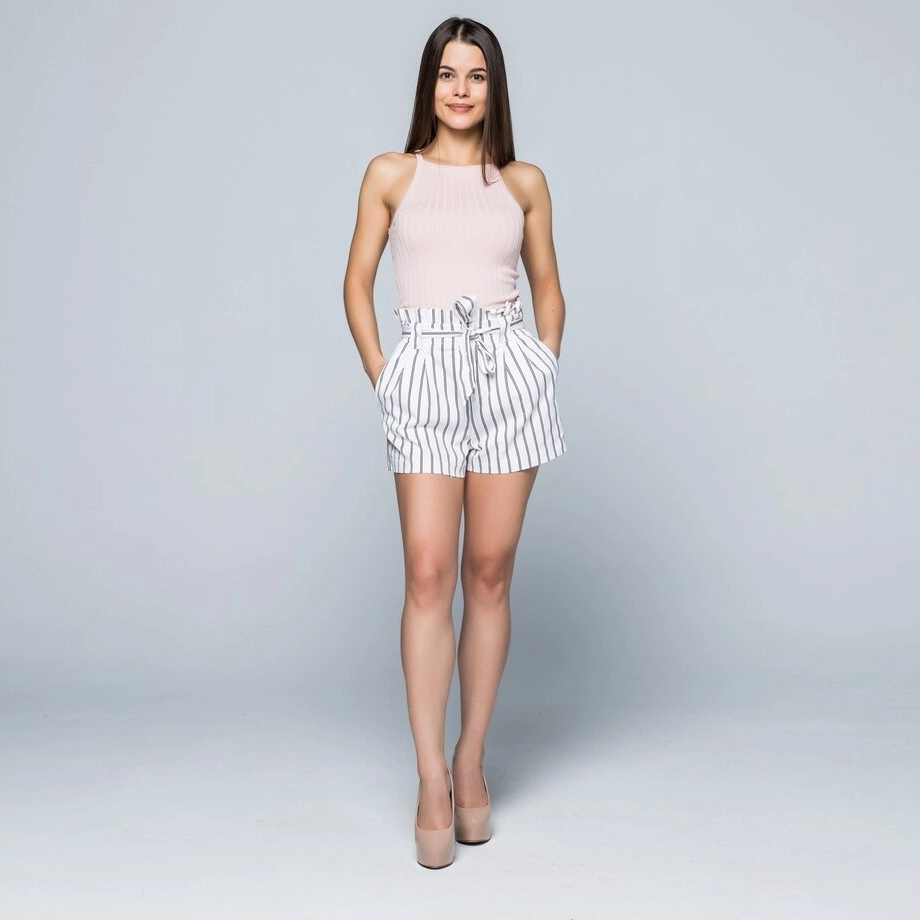 | 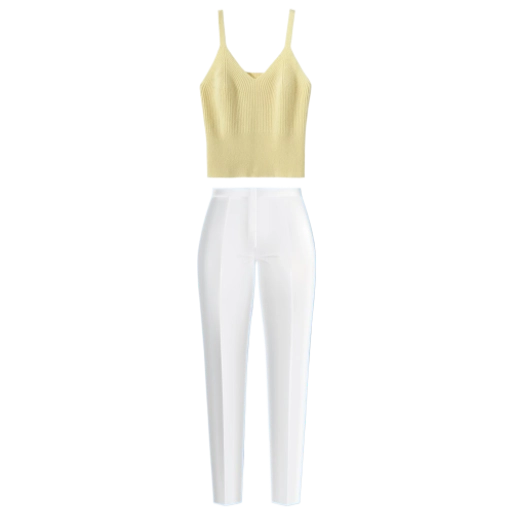 | 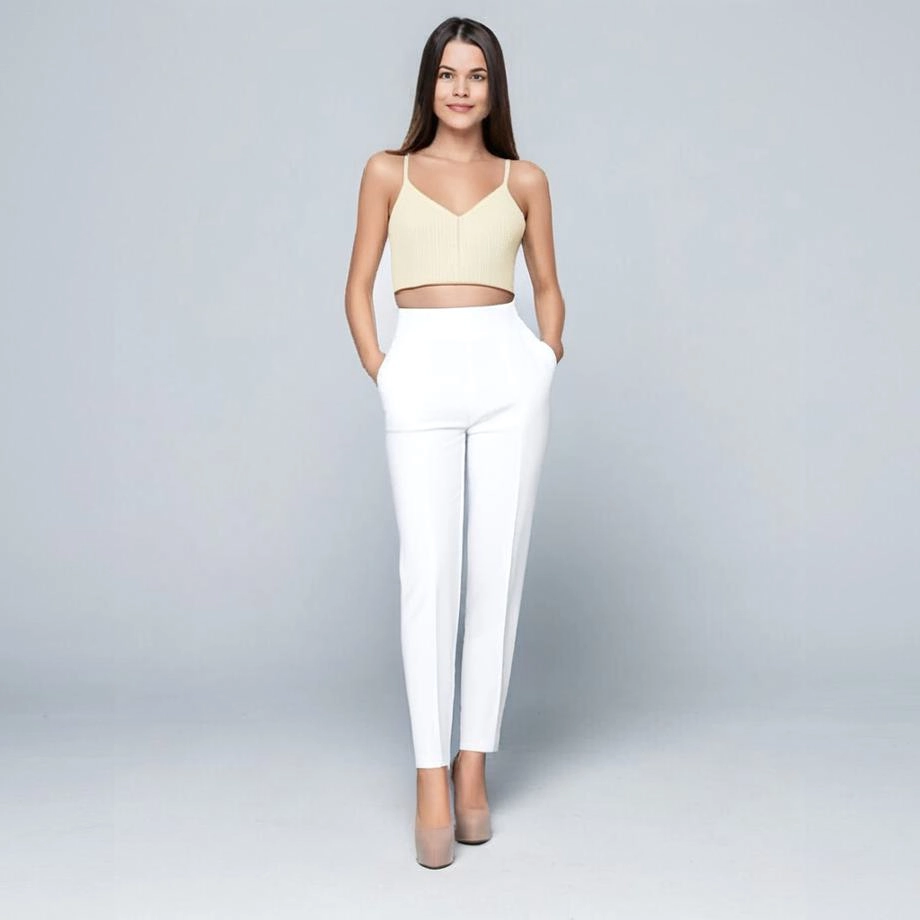 | 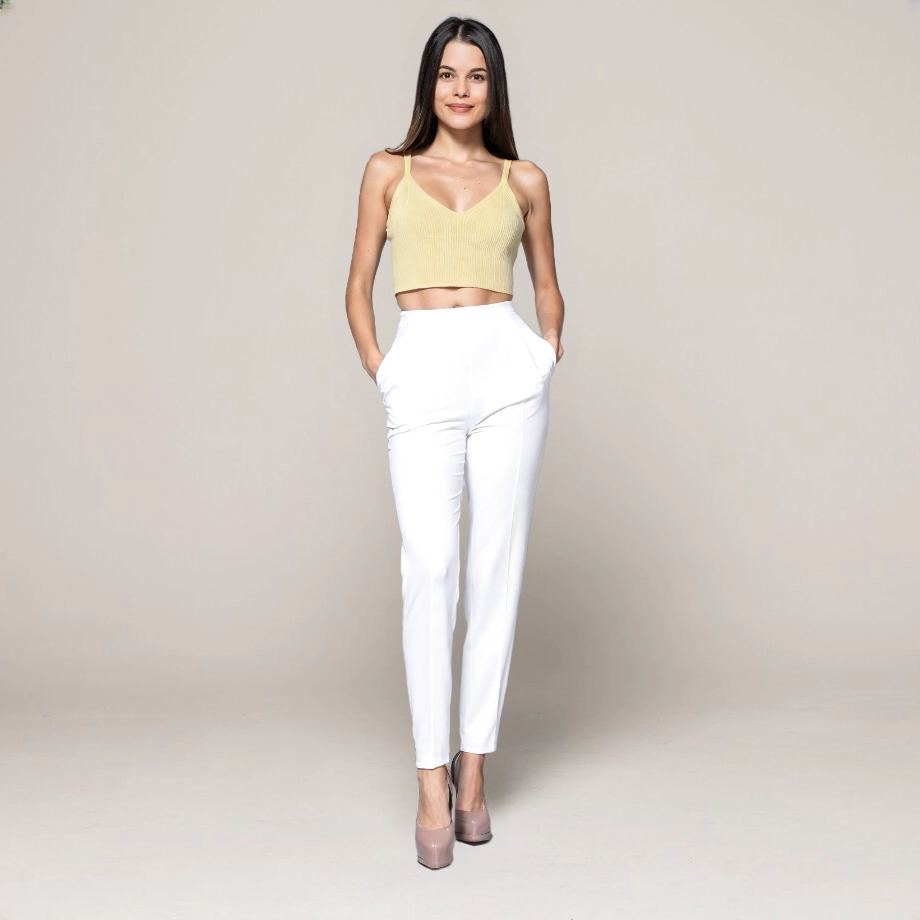 |
## Billing Instructions
- A certain number of credits will be consumed for each successful API call.
### Amount of Credits Deducted
| API | Number of Credits |
|:-----------------------|:------------------|
| Try on Clothes Refiner | 25 |
### Resource Package
#### Universal Credits (Supports All APIs)
##### Applied to Try on Clothes Refiner
| Amounts | Credits | Amounts/Credit | Allowable Requests | Amounts/Request |
|----------:|----------:|---------------:|-------------------:|----------------:|
| $12.00 | 2,000 | $0.0060 | 80 | $0.1500 |
| $27.50 | 5,000 | $0.0055 | 200 | $0.1375 |
| $50.00 | 10,000 | $0.0050 | 400 | $0.1250 |
| $135.00 | 30,000 | $0.0045 | 1,200 | $0.1125 |
| $212.00 | 50,000 | $0.0043 | 2,000 | $0.1075 |
| $400.00 | 100,000 | $0.0040 | 4,000 | $0.1000 |
| $1,050.00 | 300,000 | $0.0035 | 12,000 | $0.0875 |
| $1,500.00 | 500,000 | $0.0030 | 20,000 | $0.0750 |
| $2,500.00 | 1,000,000 | $0.0025 | 40,000 | $0.0625 |
:::tip[Buy Now]
- Pricing
- Developer Platform
:::tip[Customization]
If you require more credits, please contact us at business@ailabtools.com.
:::
## File Storage Policy
:::tip
- **Uploaded Files**: Not stored.
- **Response Files**:
- **Storage Duration**: 24 hours.
- **Deletion Method**: Automatic Deletion upon Timeout.
:::
---
## Billing Introduction
# AILabTools API - Billing Introduction
## Universal Credits (Applicable to All APIs)
| Amounts | Credits | Amounts/Credit |
|----------:|----------:|---------------:|
| $12.00 | 2,000 | $0.0060 |
| $27.50 | 5,000 | $0.0055 |
| $50.00 | 10,000 | $0.0050 |
| $135.00 | 30,000 | $0.0045 |
| $212.50 | 50,000 | $0.0043 |
| $400.00 | 100,000 | $0.0040 |
| $1,050.00 | 300,000 | $0.0035 |
| $1,500.00 | 500,000 | $0.0030 |
| $2,500.00 | 1,000,000 | $0.0025 |
:::tip[Buy Now]
- Pricing
- Developer Platform
:::tip[Customization]
If you require more credits, please contact us at business@ailabtools.com.
:::
## Description of Credit Consumption
Credits are only consumed when a request is successful. Failed requests do not consume any credits.
Category
API Name
Credits/Request
Image Enhancement
[Image Dehaze](ai-image/enhance/image-defogging.md)
1
[Image Upscaler](ai-image/enhance/image-lossless-enlargement.md)
5
[Stretched Image Restoration](ai-image/enhance/stretch-image-recovery.md)
2
[Image Sharpness Enhancement](ai-image/enhance/image-sharpness-enhancement.md)
2
[Image Contrast Enhancement](ai-image/enhance/image-contrast-enhancement.md)
1
[Image Color Enhancement](ai-image/enhance/image-color-enhancement.md)
5
Image Effects
[AI Cartoon Generator](ai-image/effects/ai-anime-generator.md)
10
[AI Photo Colorize](ai-image/effects/image-colorization.md)
2
[Photo to Painting](ai-image/effects/image-style-conversion.md)
7
[Style Transfer](ai-image/effects/image-style-migration.md)
3
[Color Migration](ai-image/effects/image-color-migration.md)
3
[HD Color Migration](ai-image/effects/image-hd-color-migration.md)
5
Image Editing
[AI Image Cropping](ai-image/editing/image-cropping.md)
3
[Intelligent Composition](ai-image/editing/intelligent-composition.md)
2
[Photo Retouch](ai-image/editing/photo-retouching.md)
3
[Image Invisible Picture Watermark](ai-image/editing/image-invisible-image-watermark.md)
3
[Image Invisible Text Watermark](ai-image/editing/image-invisible-text-watermarking.md)
3
[Remove Objects](ai-image/editing/remove-objects.md)
5
[Remove Objects Advanced](ai-image/editing/remove-objects-advanced.md)
20
[Remove Objects Pro](ai-image/editing/remove-objects-pro.md)
35
[AI Object Replacer](ai-image/editing/ai-object-replacer.md)
25
[AI Image Extender](ai-image/editing/ai-image-extender.md)
25
Image Scoring
[Image Composition Aesthetics Score](ai-image/rating/image-composition-aesthetics-scoring.md)
1
[Image Exposure Score](ai-image/rating/image-exposure-score.md)
1
Category
API Name
Credits/Request
Portrait Effects
[Cartoon Yourself](ai-portrait/effects/portrait-animation.md)
20
[Merge Portraits](ai-portrait/effects/face-fusion.md)
8
[Smart Beauty](ai-portrait/effects/smart-beauty.md)
8
[AI Skin Beauty](ai-portrait/effects/smart-skin.md)
5
[AI Face Slimming](ai-portrait/effects/smart-face-slimming.md)
5
[Face Beauty](ai-portrait/effects/face-beauty.md)
5
[Face Beauty Advanced](ai-portrait/effects/face-beauty-advanced.md)
5
[Face Beauty Pro](ai-portrait/effects/face-beauty-pro.md)
15
[Face Filters](ai-portrait/effects/face-filter.md)
1
[Change Facial Expressions](ai-portrait/effects/emotion-editor.md)
12
[Hairstyle Changer](ai-portrait/effects/hairstyle-editor.md)
12
[Hairstyle Changer Pro](ai-portrait/effects/hairstyle-editor-pro.md)
10
[Live Photos](ai-portrait/effects/live-photo.md)
22
[Hitchcock Special Effects](ai-portrait/effects/hitchcock-effects.md)
15
[Face Blur](ai-portrait/effects/blurred-faces.md)
1
[Age & Gender Swap](ai-portrait/effects/face-attribute-editing.md)
8
[AI Face Enhancer](ai-portrait/effects/ai-face-enhancer.md)
15
[Lips Color Changer](ai-portrait/effects/lips-color-changer.md)
2
Portrait Editing
[Try on Clothes](ai-portrait/editing/try-on-clothes.md)
15
[Try on Clothes Pro](ai-portrait/editing/try-on-clothes-pro.md)
50
Portrait Enhance
[Try on Clothes Refiner](ai-portrait/enhance/try-on-clothes-refiner.md)
25
Portrait Analysis
[Facial Landmarks](ai-portrait/analysis/face-key-points.md)
2
[Detect Skin Disease](ai-portrait/analysis/skin-disease-detection.md)
20
[Skin Analyze](ai-portrait/analysis/skin-analysis.md)
15
[Skin Analyze Advanced](ai-portrait/analysis/skin-analysis-advanced.md)
30
[Skin Analyze Pro](ai-portrait/analysis/skin-analysis-pro.md)
70
[Face Analyzer](ai-portrait/analysis/face-analyzer.md)
1
[Face Analyzer Advanced](ai-portrait/analysis/face-analyzer-advanced.md)
1
Category
API Name
Credits/Request
General
[Universal Background Removal](ai-cutout/general/universal-background-removal.md)
1
[Food Background Removal](ai-cutout/general/food-background-removal.md)
1
[Product Background Removal](ai-cutout/general/commodity-background-removal.md)
1
[Costume Background Removal](ai-cutout/general/apparel-background-removal.md)
1
Portrait
[Human Background Removal](ai-cutout/portrait/portrait-background-removal.md)
1
[Head Extraction](ai-cutout/portrait/avatar-extraction.md)
1
[Hairstyle Extraction](ai-cutout/portrait/hairstyle-extraction.md)
1
---
## Debugging
# AILabTools API - Debugging
## Get API
- **Step 1**: Open Sample Code
- **Step 2**: Run in Postman (If you don't have Postman, please register for a Postman account first. Click to register
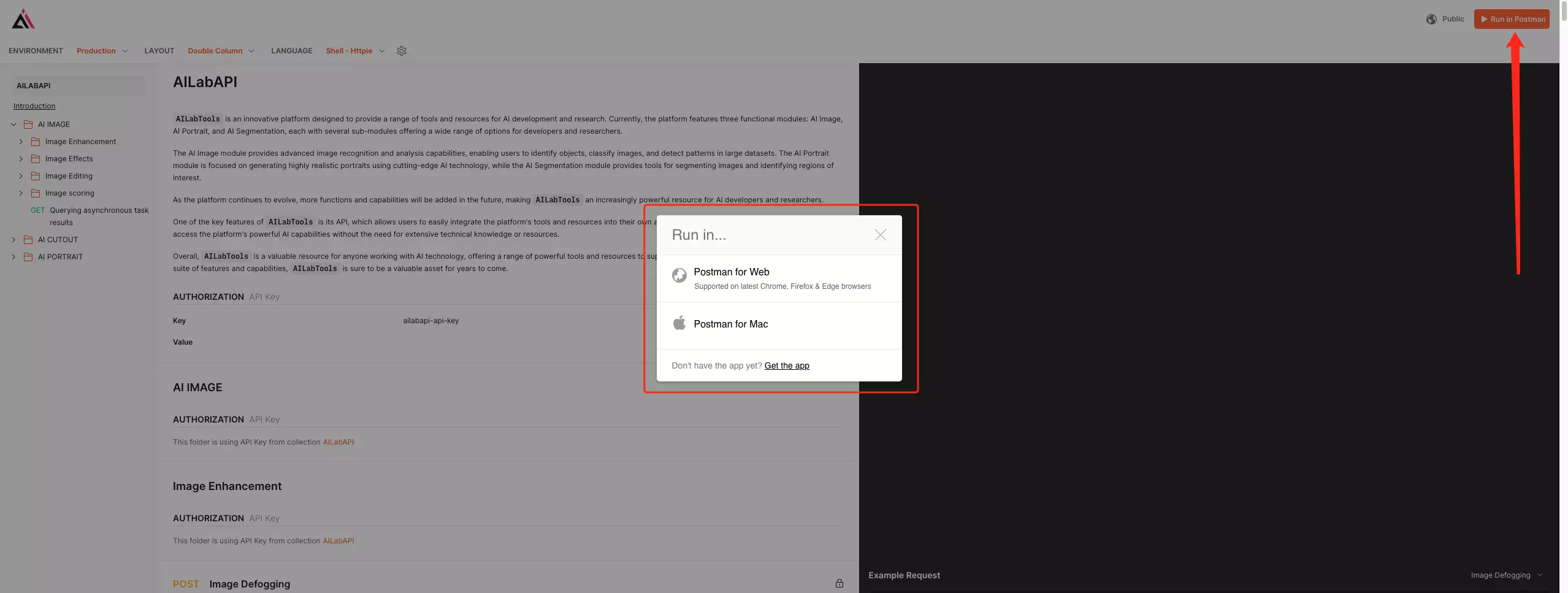
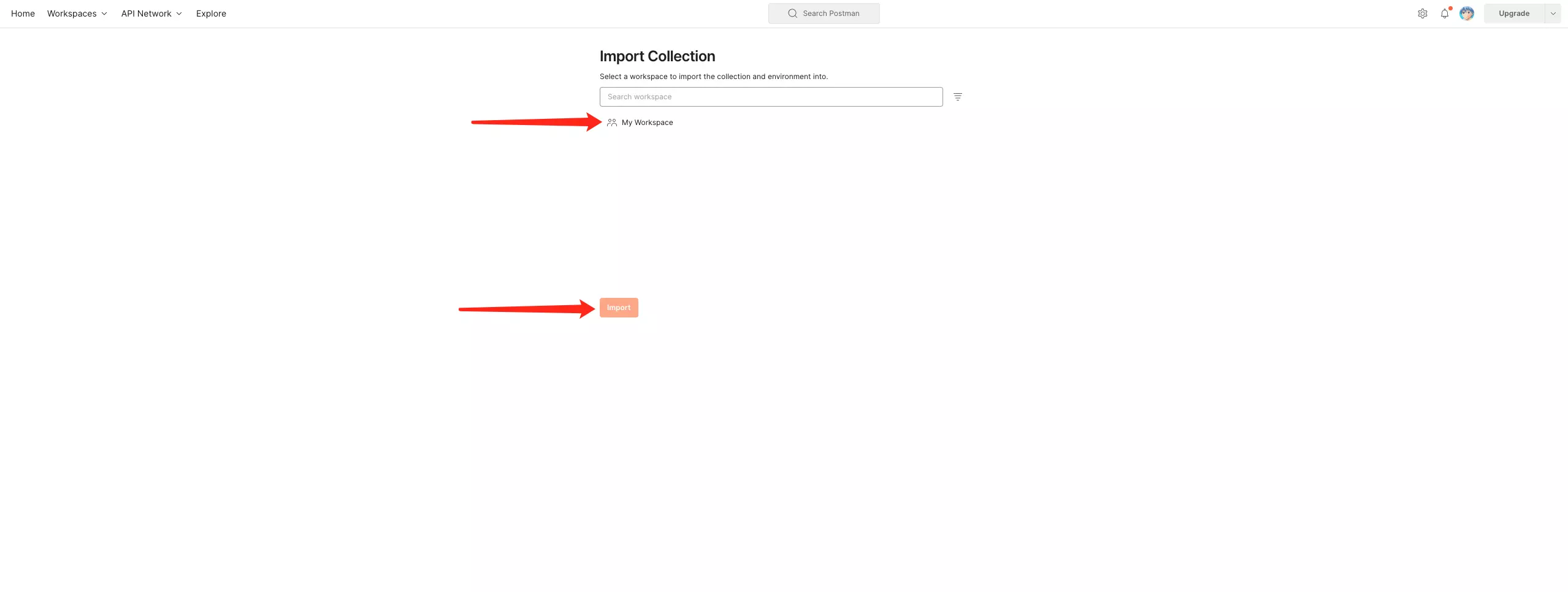
- **Step 3**: Open your Postman and select the workspace selected by [Step 2].
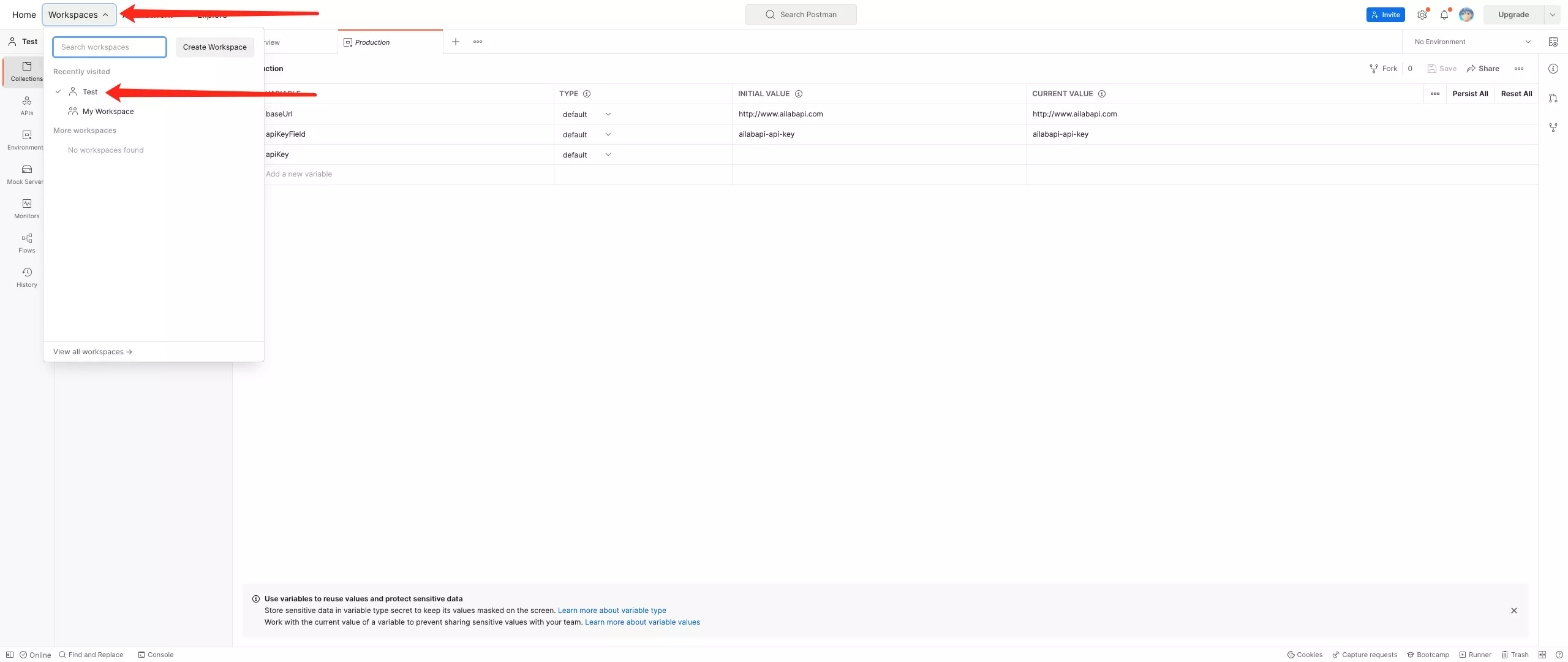
- **Step 4**: Confirm the contents obtained by the operation [Run in Postman].
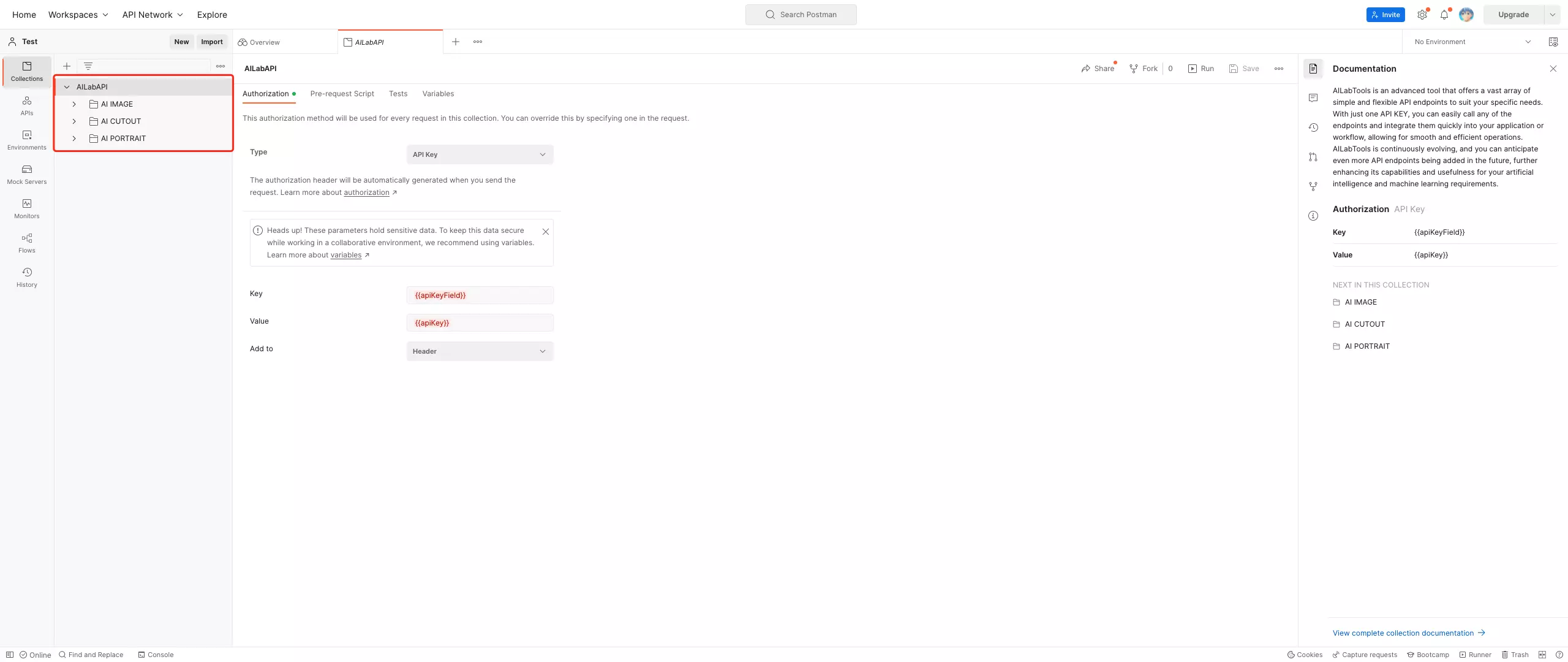
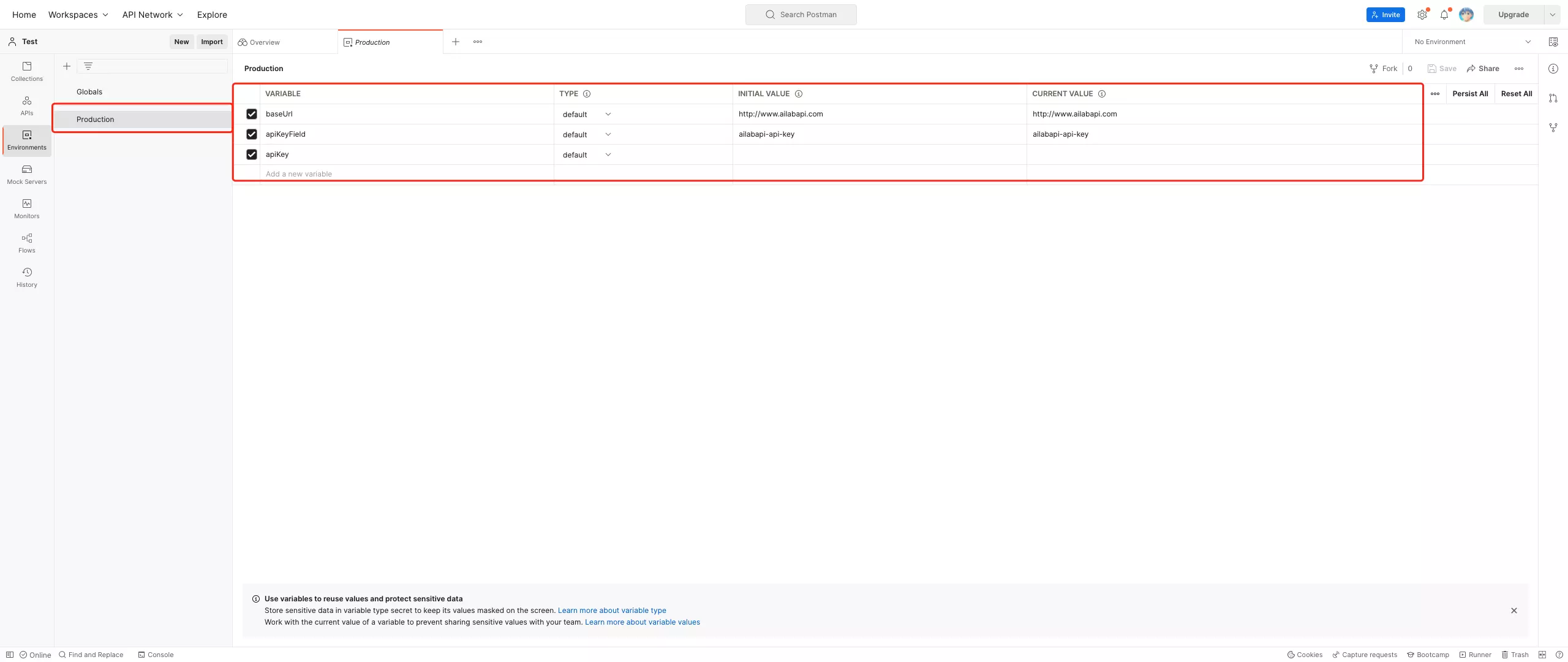
## Use Postman to call the API
- **Step 1**: [Get API KEY](get-api-key.md)
- **Step 2**: Configure [Environments]
- `baseUrl`: Domain part in Request > URL
- Default: https://www.ailabapi.com
- Example: ![Configure [Environments baseUrl]](https://ai-resource.ailabtools.com/apiDoc/DEBUGGING-10.webp)
- `apiKeyField`: `ailabapi-api-key`
![Configure [Environments]](https://ai-resource.ailabtools.com/apiDoc/DEBUGGING-6.webp)
- **Step 3**: Select [Environments]
![Select [Environments]](https://ai-resource.ailabtools.com/apiDoc/DEBUGGING-7.webp)
- **Step 4**: Configuration request data
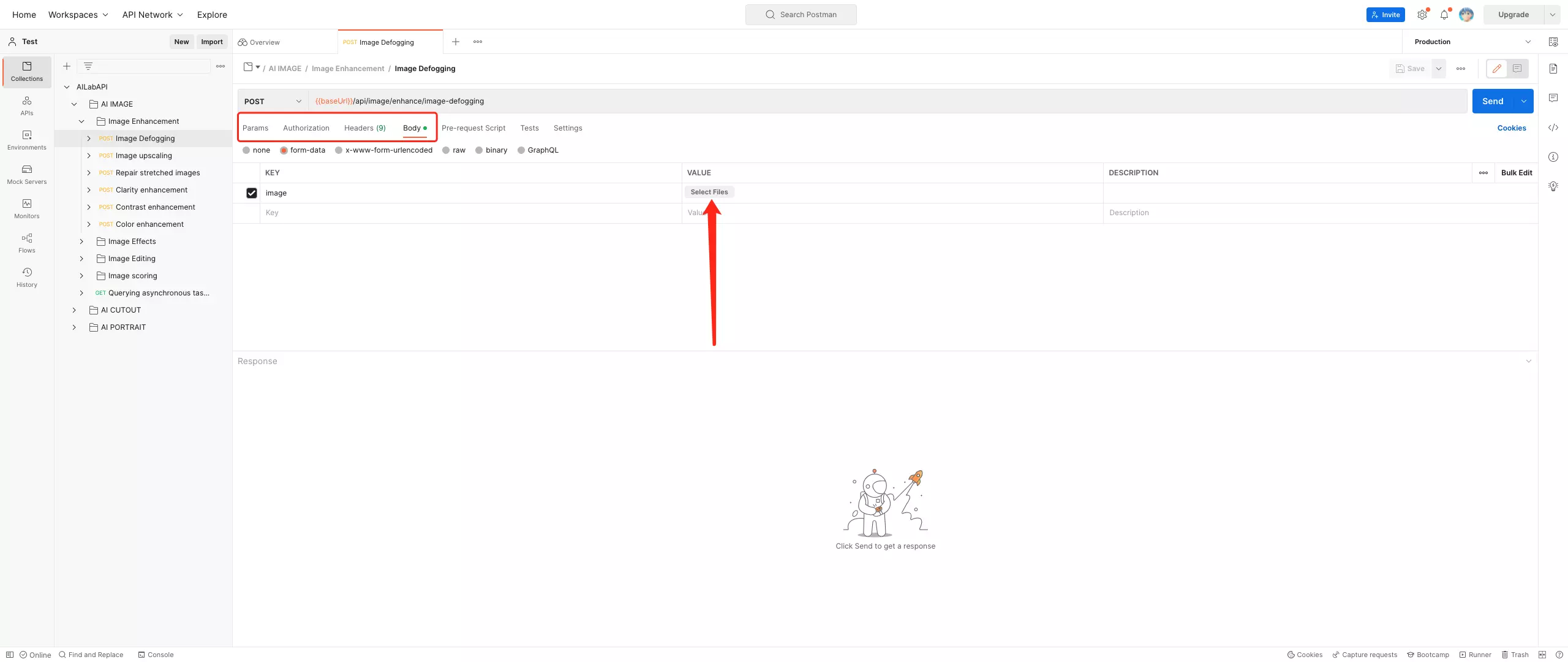
- **Step 5**: Send
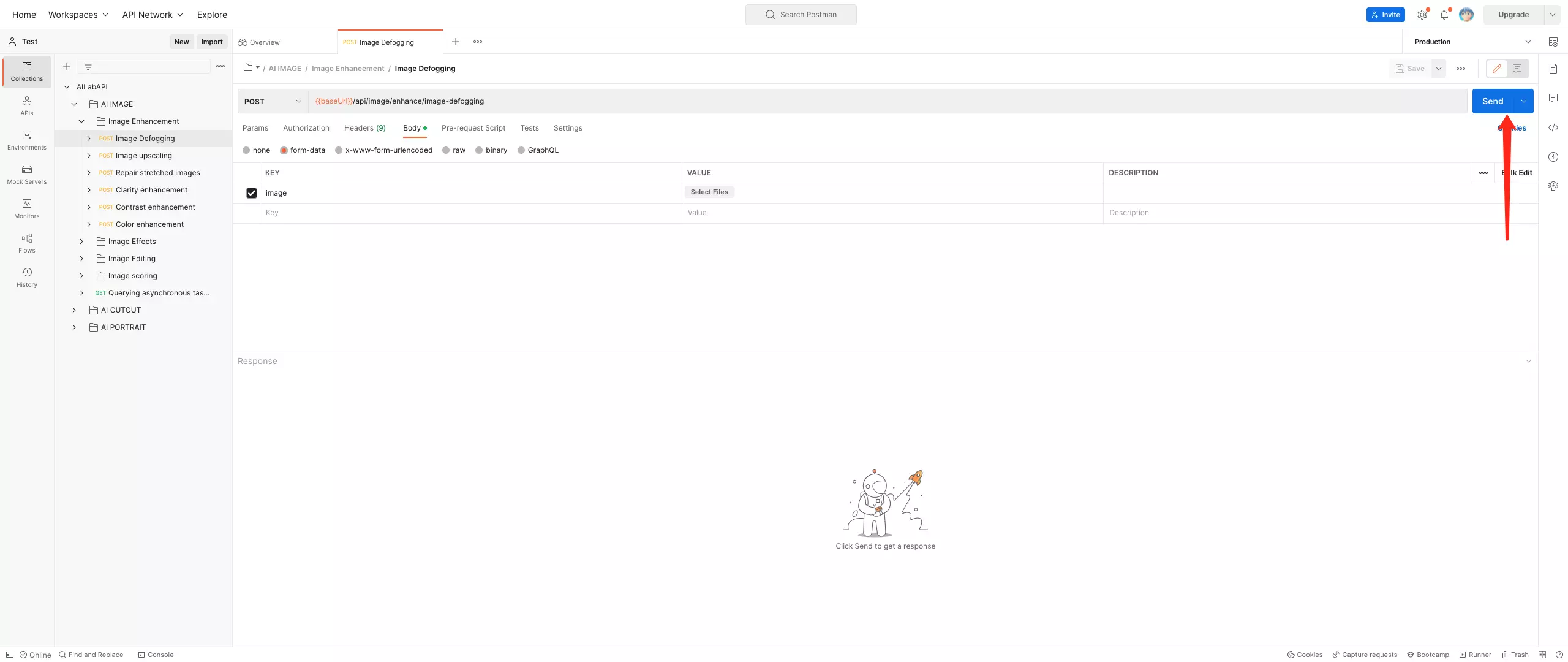
---
## File Storage Policy
# AILabTools API - File Storage Policy
This document outlines the file storage policy for the API, which is designed to ensure that uploaded and returned file data are handled and protected appropriately. The policy adheres to strict principles to guarantee data security, privacy, and compliance.
### 1. Handling of Uploaded Files
- **No Storage**: All files uploaded via the API are not stored. They are only used temporarily for processing and are deleted immediately after processing is completed. No files will be retained or stored under any circumstances.
- **Processing Method**: Upon upload, files are loaded into memory for necessary processing (such as format conversion, analysis, etc.). After processing is completed, the file data is immediately erased from the system without leaving any traces.
### 2. Handling of Returned Files
#### 2.1 Returned Files in URL Format
- **Cloud Storage**: Files returned in URL format will be stored in cloud storage.
- **Storage Duration**: These files will be stored in cloud storage for a default period of 24 hours.
- **Automatic Deletion**: After 24 hours, the file will be automatically deleted. The system does not allow any intervention or extension of the storage period.
- **No Intervention**: Users cannot modify the storage duration or delay the deletion process of the file once it exceeds the 24-hour period. The file will be automatically deleted after this period.
#### 2.2 Returned Files in BASE64 Format
- **No Storage**: Files returned in BASE64 encoded format will not be stored. The file data will be discarded immediately after being returned to the user, with no persistence or caching of the data.
### 3. Data Privacy and Security
- **Data Encryption**: All uploaded files are transmitted securely using encryption protocols (e.g., HTTPS) to ensure data protection during transfer.
- **Privacy Protection**: The system will not retain uploaded files for any long-term use, and files will not be used for any unauthorized purposes. Uploaded files are only used for processing and returning, and will not be used for any other purposes, including but not limited to AI model training, data analysis, or statistics.
- **Guaranteed Deletion**: All files will be deleted immediately after processing is completed, and returned BASE64 files will not be stored.
### 4. Files Not Used for AI Training
- **No Data Collection for AI Training**: None of the files uploaded by users, including the returned files in URL or BASE64 format, will be used for training any AI models. The use of files is strictly limited to the current API request and is deleted immediately after processing. Files will not be used for future algorithm training, data mining, or analytics.
:::tip
The file storage policy of this API strictly adheres to the following principles:
- **Temporary Processing**: Uploaded files exist only during processing and are deleted immediately afterward.
- **Cloud Storage URL**: Files returned in URL format will be stored for 24 hours, after which they will be automatically deleted with no intervention allowed.
- **BASE64 Files**: Files returned in BASE64 format will not be stored.
- **Privacy Protection**: Uploaded files will not be used for any form of AI model training or analysis.
This policy ensures a secure, transparent, and compliant file handling and storage environment. If you have any questions or need further clarification about the file storage policy, please feel free to contact us.
:::
---
## Get API KEY
# AILabTools - API - Get API KEY
- **Step 1**: Sign up
If you already have an account with AILabTools, you can proceed directly to the next step.
- **Step 2**: Sign in to Developer Platform
You will receive a specified number of credits for successful login (only API calls are supported for use).
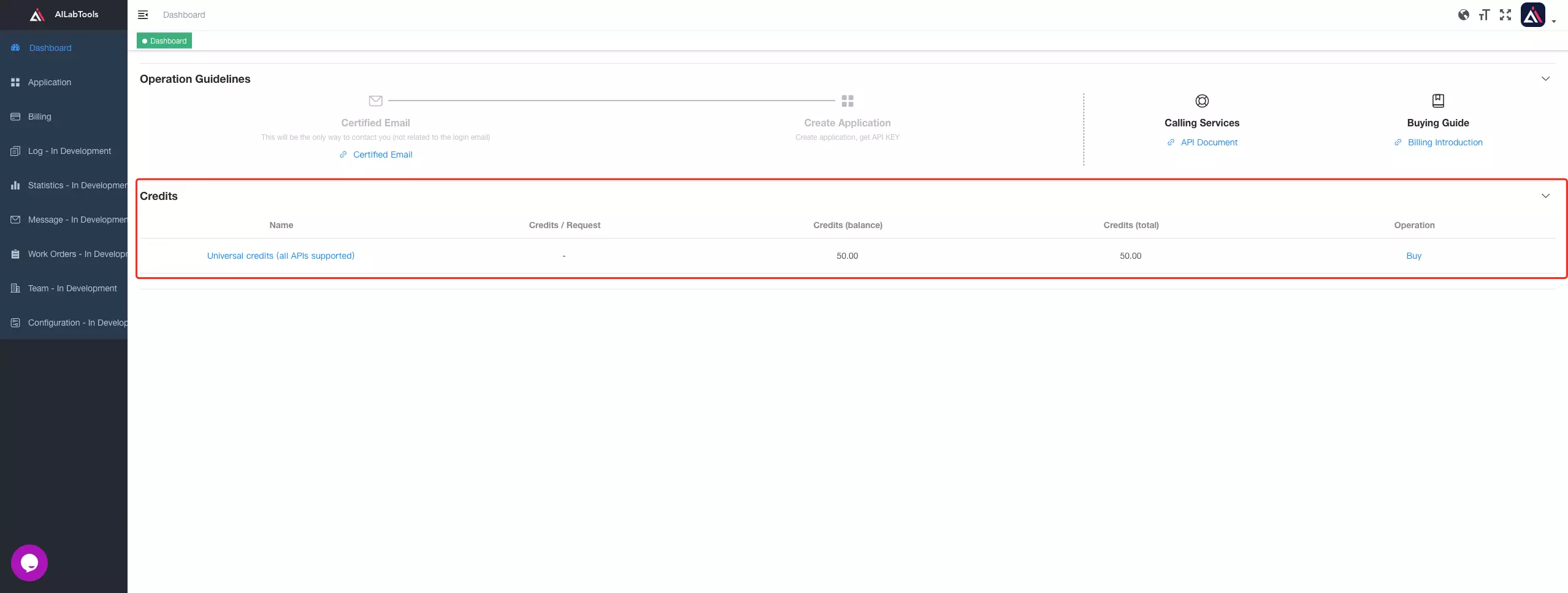
- **Step 3**: Complete email authentication
- The authentication email here is not related to the login email.
- If you have previously authenticated your mailbox on the AILabTools website, you can proceed directly to the next step.
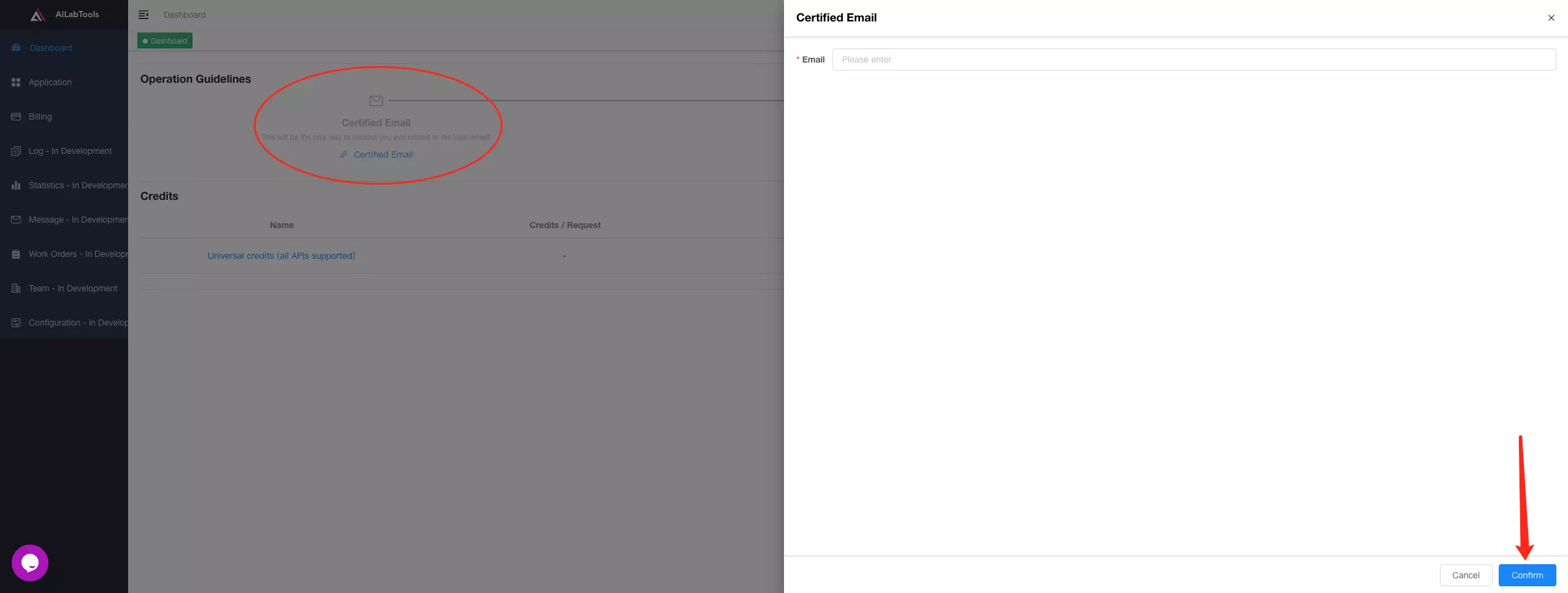
- **Step 4**: Create Application
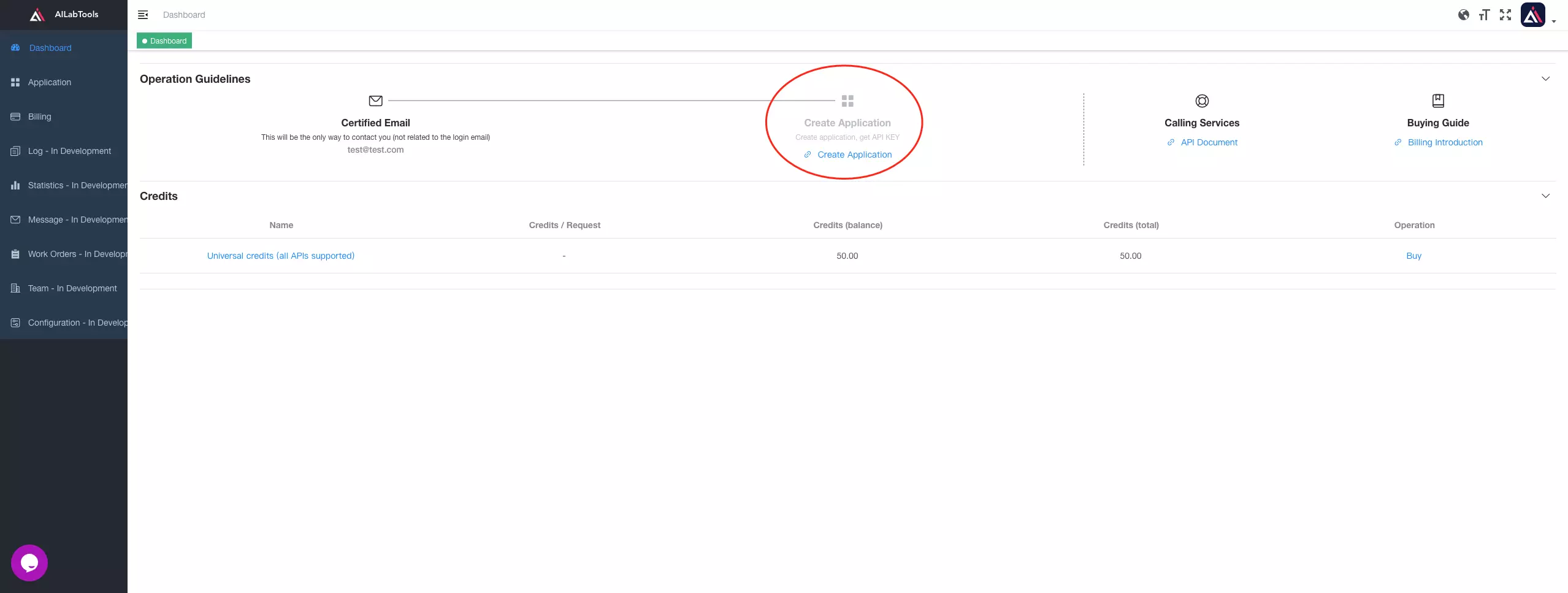
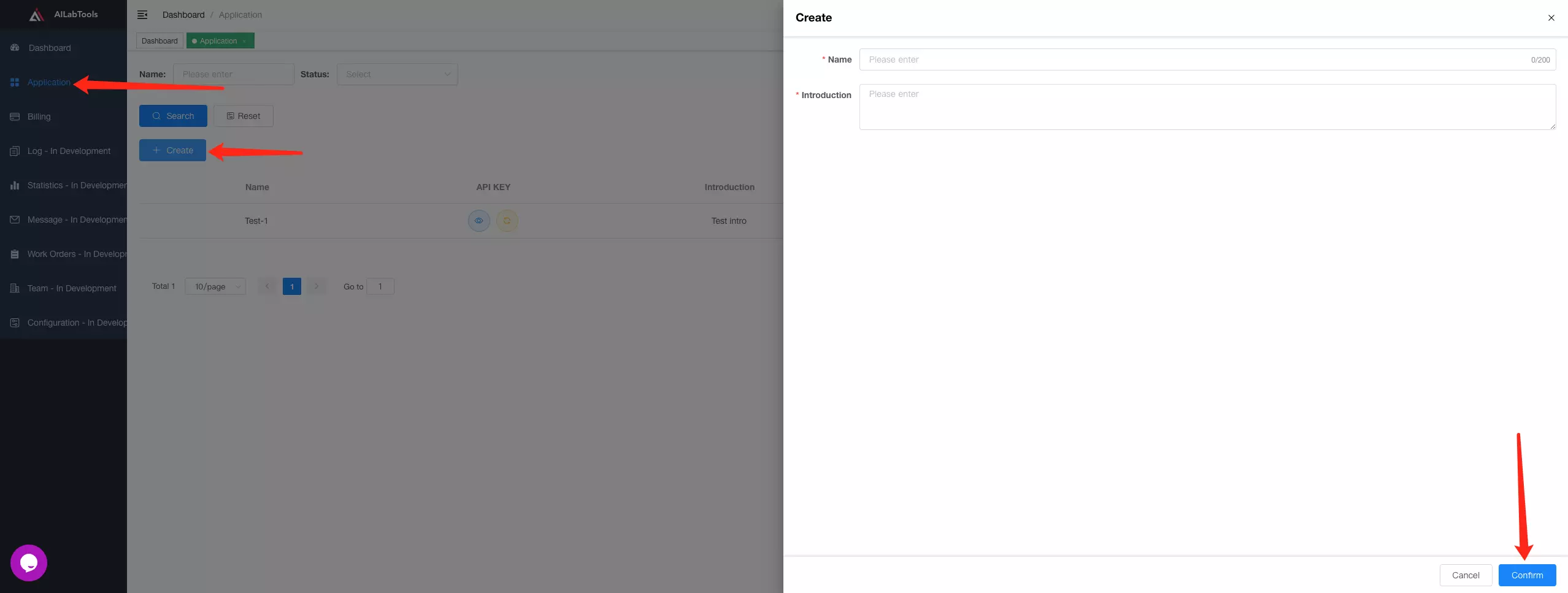
- **Step 5**: Get API KEY
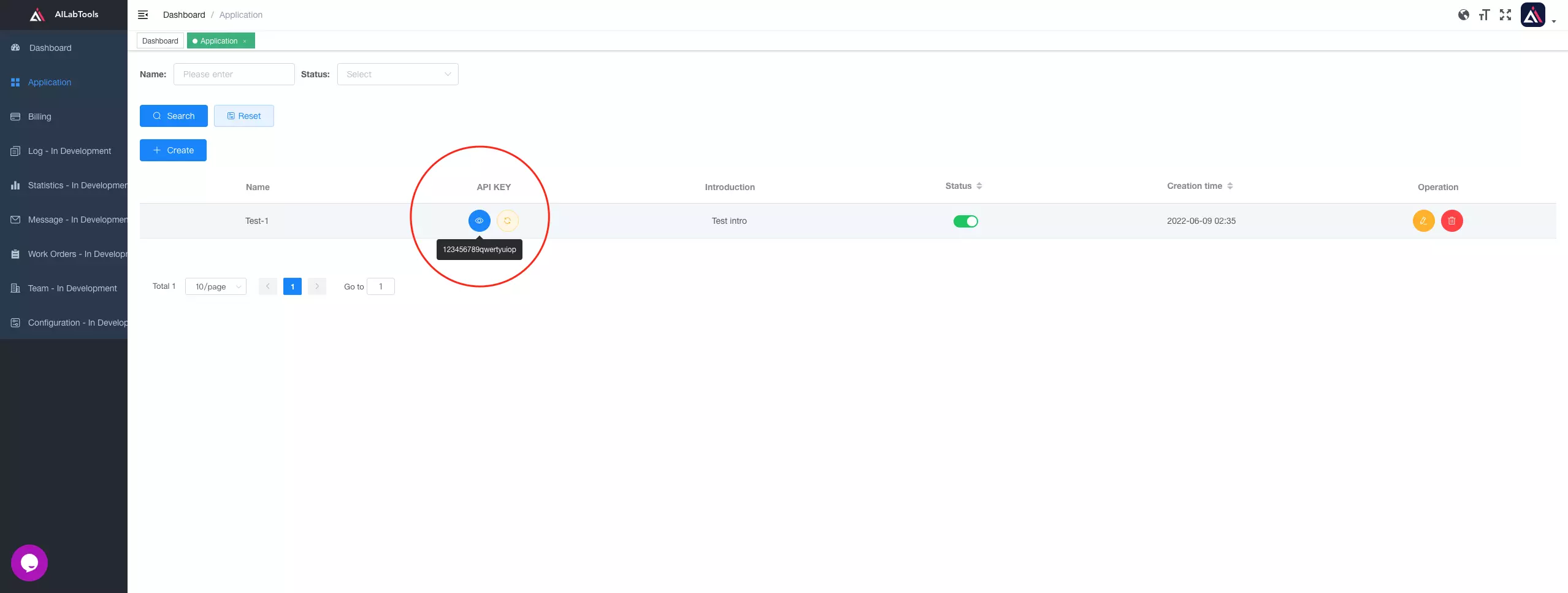
---
## Get Sample Code
# AILabTools API - Get Sample Code
- **Step 1**: Open Sample Code
- **Step 2**: Select the type of sample code you need
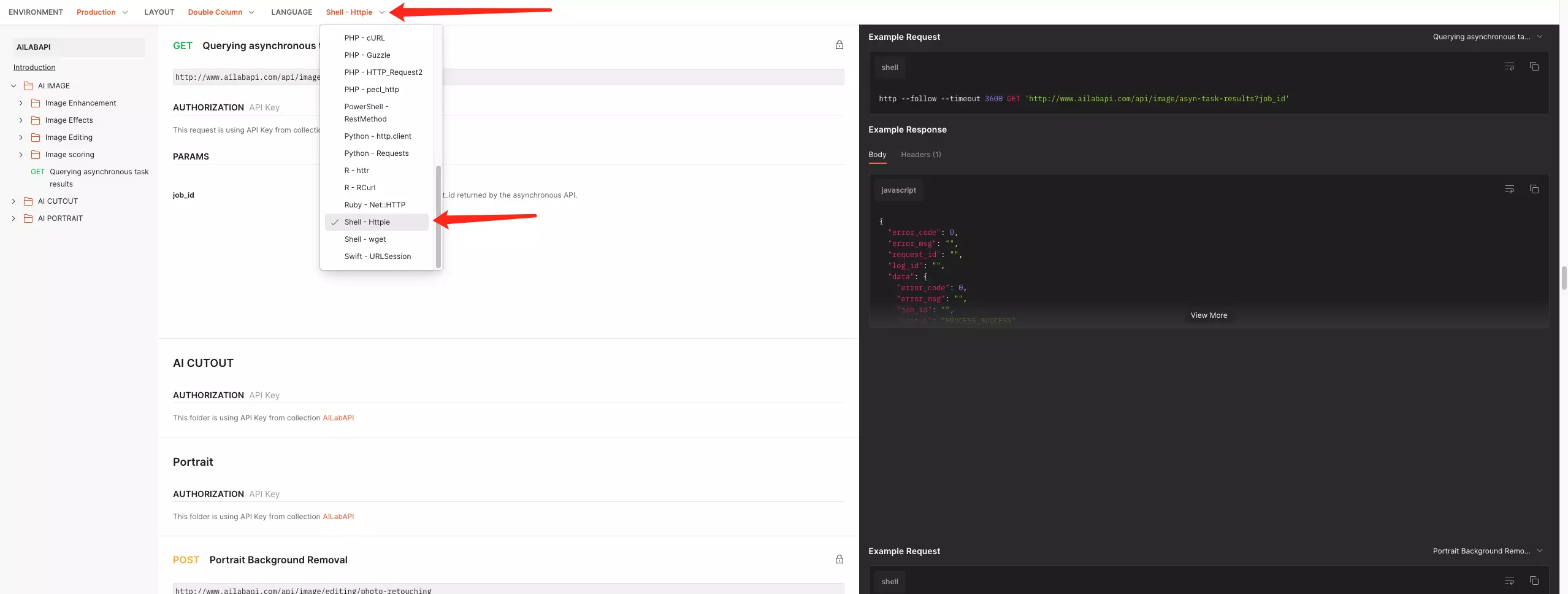
- **Step 3**: The marked part of the diagram is the sample code you need
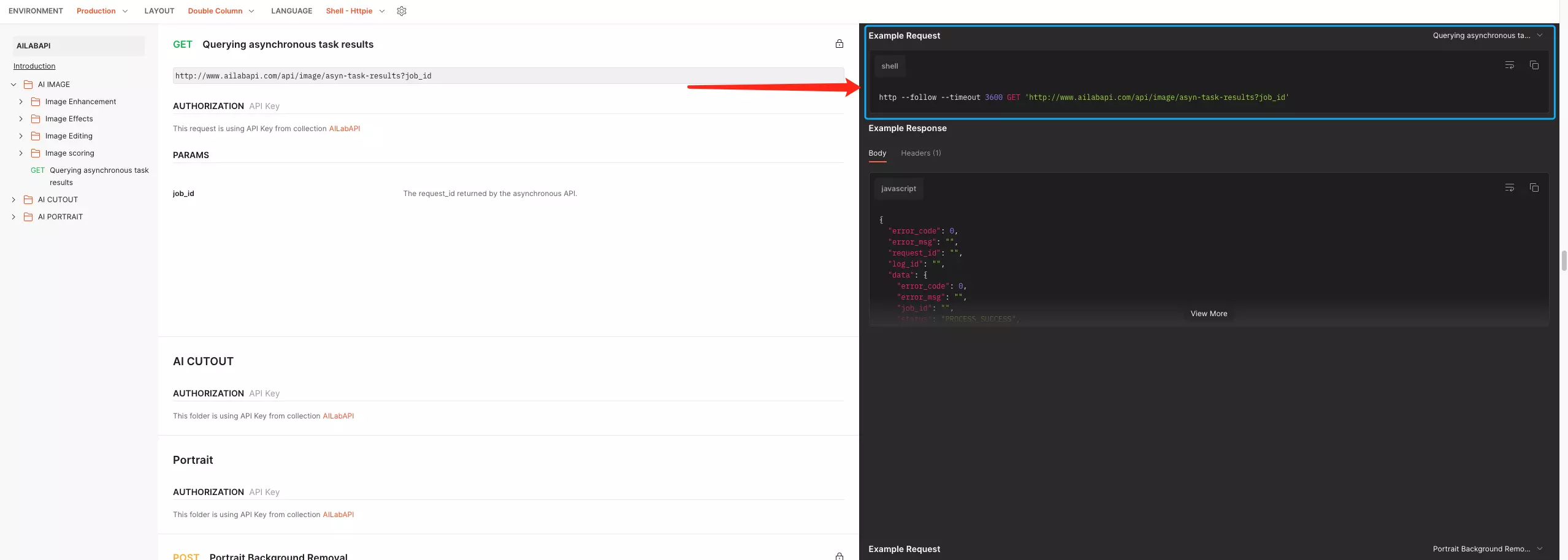
---
## Introduction
# AILabTools API - Introduction
AILabTools is an advanced tool that offers a vast array of simple and flexible API endpoints to suit your specific needs. With just one API KEY ([Get API KEY](get-api-key.md)), you can easily call any of the endpoints and integrate them quickly into your application or workflow, allowing for smooth and efficient operations. AILabTools is continuously evolving, and you can anticipate even more API endpoints being added in the future, further enhancing its capabilities and usefulness for your artificial intelligence and machine learning requirements.
## Disclaimer Statement
When using the API provided by AILabTools please comply with laws and regulations and the AILabTools service agreement. Users are responsible for any violations and resulting disputes, and AILabTools will not be held liable. The platform reserves the right to terminate the user's service immediately and to take legal action if necessary. This statement is intended to ensure that users are aware of their obligations and responsibilities when using the AILabTools API and to maintain a safe environment for all users.
---
## Response Description
# AILabTools - Response Description
## Public Response Fields
| Field | Required | Type | Scope | Description |
|:----------------|:---------|:----------|:---------------------------|:------------------------------------------------------------------------------------------------------------------------------|
| `request_id` | YES | `string` | | Request ID. If there is a problem that cannot be located, this field can be sent to technology for problem location. |
| `log_id` | YES | `string` | | Log ID. If there is a problem that cannot be located, this field can be sent to technology for problem location. |
| `error_code` | YES | `integer` | | Status code. When HTTP Status is 200: error_code=0; otherwise exactly the same as HTTP Status. |
| `error_detail` | YES | `object` | | Error Details. |
| +`status_code` | YES | `integer` | | Status Code. |
| +`code` | YES | `string` | [View](#error_detail_code) | Error Code. |
| +`code_message` | YES | `string` | | The information represented by the Error Code(`code`). |
| +`message` | YES | `string` | | Supplementary information for the `code_message` field. |
## How to Verify if a Request is Successful?
:::warning
- By using the HTTP Status Code:
- **200**: Success.
- **Other**: Failure.
- By using the `error_code` field:
- **0**: Success.
- **Other**: Failure.
:::
## Successful Response Example
```json
{
"request_id": "Request ID",
"log_id": "Log ID",
"error_code": 0,
"error_detail": {
"status_code": 200,
"code": "",
"code_message": "",
"message": ""
}
}
```
## Failed Response Example
```json
{
"request_id": "Request ID",
"log_id": "Log ID",
"error_code": 422,
"error_detail": {
"status_code": 422,
"code": "ERROR_NO_FACE_IN_FILE",
"code_message": "No face detected in the file.",
"message": "pic not has face"
}
}
```
## Parsing of `error_detail.code` {#error_detail_code}
| HTTP Status | Value | Description |
|:------------|:--------------------------------------------|:----------------------------------------------------------------------------------------------------|
| 400 | `PROCESSING_FAILURE` | Processing failed. |
| 400 | `ERROR_PARAMETERS` | Invalid parameters. |
| 400 | `MISSING_PARAMETERS` | Missing parameters. |
| 400 | `ERROR_INVALID_PARAMETER` | Invalid parameter. |
| 400 | `PARAMETERS_CANNOT_EMPTY` | Parameters cannot be empty. |
| 400 | `ERROR_MISSING_LIMIT_PARAMETER` | Missing Limit parameter. |
| 400 | `ERROR_MISSING_TASKS_PARAMETER` | Missing Tasks parameter. |
| 400 | `ERROR_MISSING_ASSURE_DIRECTION_PARAMETER` | Missing AssureDirection parameter. |
| 400 | `ERROR_MISSING_MIN_HEIGHT_PARAMETER` | Missing MinHeight parameter. |
| 400 | `ERROR_INVALID_SIDE_PARAMETER` | Invalid value for Side parameter. |
| 400 | `ERROR_TOO_MANY_FILES` | Number of files exceeds the limit. |
| 400 | `ERROR_FACE_TRACE_LIMIT_EXCEEDED` | Face or Trace limit exceeded. |
| 400 | `ERROR_INVALID_URL` | Invalid URL. |
| 400 | `ERROR_DATABASE_LIMIT_EXCEEDED` | Database limit exceeded. |
| 400 | `ERROR_INVALID_RESPONSE_FORMAT` | Incorrect response format (Accept not supported). |
| 400 | `ERROR_UNSUPPORTED_RESPONSE_FORMAT` | Incorrect response format (Format not supported). |
| 400 | `ERROR_TOO_MANY_GROUPS_IN_GROUP_LIST` | Too many groups in group_list. |
| 400 | `ERROR_TOO_MANY_UIDS_IN_UID_LIST` | Too many UIDs in uid_list. |
| 400 | `ERROR_TOO_MANY_APPS_IN_APP_LIST` | Too many apps in app_list. |
| 400 | `ERROR_BATCH_TASK_LIMIT_EXCEEDED` | Batch task processing limit exceeded. |
| 400 | `ERROR_CLEANING_USER_GROUP_DATA` | Cleaning user group data. |
| 400 | `ERROR_IMAGE_STORAGE_NOT_SUPPORTED` | Image storage not supported. |
| 400 | `ERROR_INSUFFICIENT_RESOURCES` | Insufficient resources. |
| 400 | `ERROR_RESOURCE_IN_TRANSIT` | Resource in transit. |
| 400 | `ERROR_FILE_DOWNLOAD_FAILED` | File download failed. |
| 400 | `ERROR_FILE_UPLOAD_FAILED` | File upload failed. |
| 400 | `FILE_DECODING_FAILURE` | File decoding failed. |
| 400 | `ERROR_FACE_BLENDING_FAILED` | Face blending failed. |
| 400 | `ERROR_FACE_IMAGE_ADDITION_FAILED` | Failed to add face image. |
| 400 | `ERROR_GET_FACE_IMAGE_FAILED` | Failed to get face image. |
| 400 | `ERROR_DATA_TRANSFER_FAILED` | Data transfer (download or upload) failed. |
| 400 | `ERROR_TASK_REVOCATION_FAILED` | Task revocation failed. |
| 400 | `ERROR_RESOURCE_UNAVAILABLE` | Resource temporarily unavailable. |
| 400 | `ERROR_FILE_DOWNLOAD_TIMEOUT` | File download timeout. |
| 401 | `ERROR_USER_NOT_EXISTS` | The user does not exist. |
| 401 | `ERROR_APPLICATIONS_NOT_EXISTS` | The application does not exist. |
| 403 | `ERROR_USER_LOCKED` | The user is locked. |
| 403 | `AI_SERVICE_UNAUTHORIZED` | AI service unauthorized. Please try again later. If not resolved promptly, contact the platform. |
| 403 | `ERROR_ILLEGAL_FILE` | Illegal file. |
| 404 | `ERROR_AI_NOT_EXISTS` | AI does not exist or has been deactivated, please contact the platform. |
| 404 | `AI_SERVICE_NOT_FOUND` | AI service not found. Please try again later. If not resolved promptly, contact the platform. |
| 404 | `ERROR_FILE_NOT_FOUND` | File not found. |
| 404 | `ERROR_FACE_NOT_FOUND` | Face not found. |
| 404 | `ERROR_USER_GROUP_NOT_FOUND` | User group not found. |
| 404 | `ERROR_USER_NOT_FOUND` | User not found. |
| 404 | `ERROR_FACE_TOKEN_NOT_FOUND` | Face token not found. |
| 404 | `ERROR_CONTENT_NOT_FOUND` | Content not found. |
| 404 | `ERROR_RESOURCE_NOT_FOUND` | Resource not found. |
| 405 | `ERROR_ILLEGAL_OPERATION` | Illegal operation. |
| 409 | `ERROR_FACE_ALREADY_EXISTS` | Face already exists. |
| 409 | `ERROR_DATA_ALREADY_EXISTS` | Data already exists. |
| 409 | `ERROR_USER_GROUP_ALREADY_EXISTS` | User group already exists. |
| 409 | `ERROR_USER_ALREADY_EXISTS` | User already exists. |
| 409 | `ERROR_DUPLICATE_GROUP_NAME` | Duplicate group name. |
| 409 | `ERROR_RESOURCE_IN_USE` | Resource is in use. |
| 409 | `ERROR_TASK_CONFLICT` | Task conflict. |
| 409 | `ERROR_TASK_REVOKED` | Task has already been revoked. |
| 410 | `ERROR_RESOURCE_RECLAIMED` | Resource has been reclaimed. |
| 413 | `FILE_SIZE_EXCEEDS_LIMIT` | File size exceeds limit. |
| 413 | `ERROR_CONTENT_TOO_LONG` | Content length exceeds limit. |
| 413 | `ERROR_VIDEO_DURATION_EXCEEDED` | Video duration exceeds limit. |
| 413 | `ERROR_REQUEST_BODY_TOO_LARGE` | Request body size exceeds limit. |
| 413 | `ERROR_RESPONSE_BODY_TOO_LARGE` | Response body size exceeds limit. |
| 415 | `UNSUPPORTED_FILE_TYPES` | Unsupported file types. |
| 415 | `ERROR_INVALID_OUTPUT_FORMAT` | Invalid output format. |
| 415 | `ERROR_UNSUPPORTED_GRAYSCALE_IMAGE` | Grayscale image not supported. |
| 422 | `UNSUPPORTED_PARAMETER_VALUES` | Invalid parameter values. |
| 422 | `ERROR_INVALID_FACE_BOX_PARAMETER` | Face box parameter does not meet requirements. |
| 422 | `ERROR_INVALID_BIG_EYES_PARAMETER` | Big eyes parameter does not meet requirements. |
| 422 | `ERROR_INVALID_FACE_SLIMMING_PARAMETER` | Face slimming parameter does not meet requirements. |
| 422 | `ERROR_INVALID_SMOOTHING_PARAMETER` | Smoothing parameter does not meet requirements. |
| 422 | `ERROR_INVALID_SKIN_WHITENING_PARAMETER` | Skin whitening parameter does not meet requirements. |
| 422 | `ERROR_INVALID_PARAMETER_FORMAT` | Invalid parameter format. |
| 422 | `ERROR_PARAMETER_CONVERSION_FAILED` | Parameter conversion failed. |
| 422 | `FILE_RESOLUTION_EXCEEDS_LIMITS` | File resolution exceeds limits. |
| 422 | `ERROR_LOW_RESOLUTION` | File resolution too low. |
| 422 | `ERROR_HIGH_RESOLUTION` | File resolution too high. |
| 422 | `ERROR_INVALID_FILE` | Invalid file. |
| 422 | `FILE_CONTENT_NON_COMPLIANCE` | File content does not meet requirements. |
| 422 | `ERROR_INCORRECT_FILE_COUNT` | Incorrect number of files. |
| 422 | `ERROR_NO_FACE_IN_FILE` | No face detected in the file. |
| 422 | `ERROR_FACE_SIZE_NOT_MEET_REQUIREMENTS` | Face size does not meet requirements. |
| 422 | `ERROR_FACE_SIZE_RATIO_NOT_MET` | Face size ratio does not meet requirements. |
| 422 | `ERROR_SMALL_FACE_SIZE` | Face size too small. |
| 422 | `ERROR_FACE_COPY_SCENE_MISMATCH` | Face copy scene type mismatch. |
| 422 | `ERROR_FACE_UNRECOGNIZABLE` | Unable to recognize face. |
| 422 | `ERROR_POOR_FACE_QUALITY` | Poor face quality. |
| 422 | `ERROR_BLURRY_FACE` | Blurry face. |
| 422 | `ERROR_OBSTRUCTED_FACE` | Obstructed face. |
| 422 | `ERROR_POOR_FACE_LIGHTING` | Poor face lighting. |
| 422 | `ERROR_INCOMPLETE_FACE` | Incomplete face. |
| 422 | `ERROR_FACE_NOT_FACING_FORWARD` | Face not facing forward. |
| 422 | `ERROR_MISSING_OUTPUT_FORMAT` | Missing output format. |
| 422 | `ERROR_QUALITY_SCORE_NOT_MEET_REQUIREMENTS` | Quality score does not meet requirements. |
| 422 | `ERROR_QUALITY_CONTROL_ERROR` | Quality control error. |
| 422 | `ERROR_LIVENESS_CONTROL_ERROR` | Liveness control error. |
| 422 | `ERROR_SCENE_TYPE_MISMATCH` | Scene type mismatch. |
| 422 | `ERROR_CARTOON_FACE_NOT_SUPPORTED` | Cartoon face not supported. |
| 422 | `ERROR_TEMPLATE_IMAGE_QUALITY_TOO_LOW` | Template image quality too low. |
| 422 | `ERROR_ACTION_VERIFICATION_FAILED` | Action verification failed. |
| 422 | `ERROR_LEFT_EYE_OCCLUSION_TOO_HIGH` | Left eye occlusion too high. |
| 422 | `ERROR_RIGHT_EYE_OCCLUSION_TOO_HIGH` | Right eye occlusion too high. |
| 422 | `ERROR_LEFT_FACE_OCCLUSION_TOO_HIGH` | Left face occlusion too high. |
| 422 | `ERROR_RIGHT_FACE_OCCLUSION_TOO_HIGH` | Right face occlusion too high. |
| 422 | `ERROR_CHIN_OCCLUSION_TOO_HIGH` | Chin occlusion too high. |
| 422 | `ERROR_NOSE_OCCLUSION_TOO_HIGH` | Nose occlusion too high. |
| 422 | `ERROR_MOUTH_OCCLUSION_TOO_HIGH` | Mouth occlusion too high. |
| 422 | `ERROR_SYNTHESIS_DETECTION_FAILED` | Synthesis detection failed. |
| 422 | `ERROR_LIVENESS_DETECTION_FAILED` | Liveness detection failed. |
| 422 | `ERROR_NO_RECOGNITION_TARGET_DETECTED` | No recognition target detected in the image. |
| 422 | `ERROR_IMAGE_RECOGNITION_FAILED` | Image recognition error. |
| 422 | `ERROR_MASK_IMAGE_RESOLUTION_MISMATCH` | Resolution of `mask` and `image` must be the same. |
| 422 | `ERROR_TASK_STOPPED_PROCESSING` | Task has been stopped processing. |
| 422 | `EXCEEDING_LIMITS` | Exceeds limit. |
| 422 | `ERROR_CONTENT_NON_COMPLIANCE` | Content does not meet requirements. |
| 429 | `ERROR_NOT_ENOUGH_CREDITS` | Insufficient credits. |
| 500 | `UNKNOWN_ERROR` | Unknown error. Please try again later. If not resolved promptly, contact the platform. |
| 500 | `SERVICE_INTERNAL_ERROR` | Service internal error. Please try again later. If not resolved promptly, contact the platform. |
| 500 | `FILE_SERVICE_ERROR` | File service error. Please try again later. If not resolved promptly, contact the platform. |
| 500 | `AI_SERVICE_ERROR` | AI service error. Please try again later. If not resolved promptly, contact the platform. |
| 500 | `AI_SERVICE_INTERNAL_ERROR` | AI service internal error. Please try again later. If not resolved promptly, contact the platform. |
| 502 | `ERROR_GATEWAY` | Gateway error, please try again later. If it is not resolved in time, please contact the platform. |
| 503 | `AI_SERVICE_FLOW_RESTRICTION` | AI service is rate-limited. Please try again later. If not resolved promptly, contact the platform. |
| 504 | `AI_SERVICE_TIMEOUT` | AI service timeout. Please try again later. If not resolved promptly, contact the platform. |