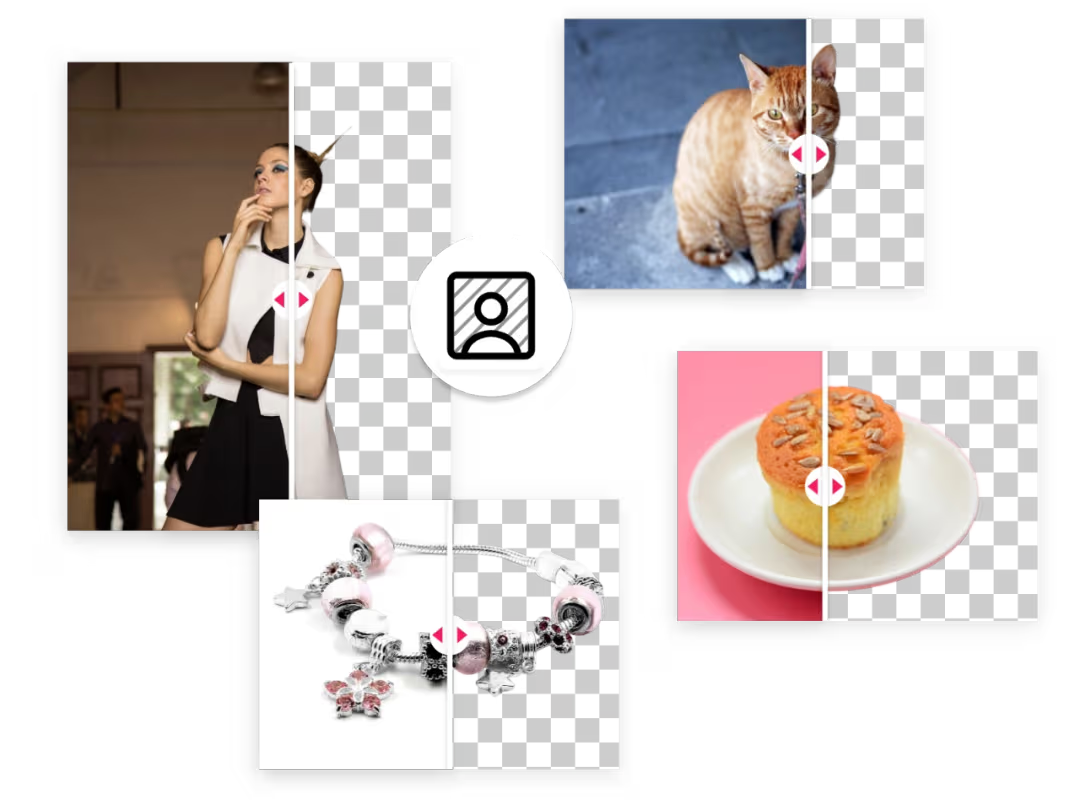
If you’re building an English-first product (eCommerce tooling, creative editors, UGC pipelines, or internal media ops), “remove background” is rarely just a button. In production, it becomes a workflow: validate → process → deliver → persist → observe—with predictable quality, stable costs, and privacy-friendly handling.
This guide shows a production-ready pattern you can ship today using AILabTools Universal Background Removal:
- API overview: Universal Background Removal
- Endpoint details: Universal Background Removal API (POST)
What you can build with this API
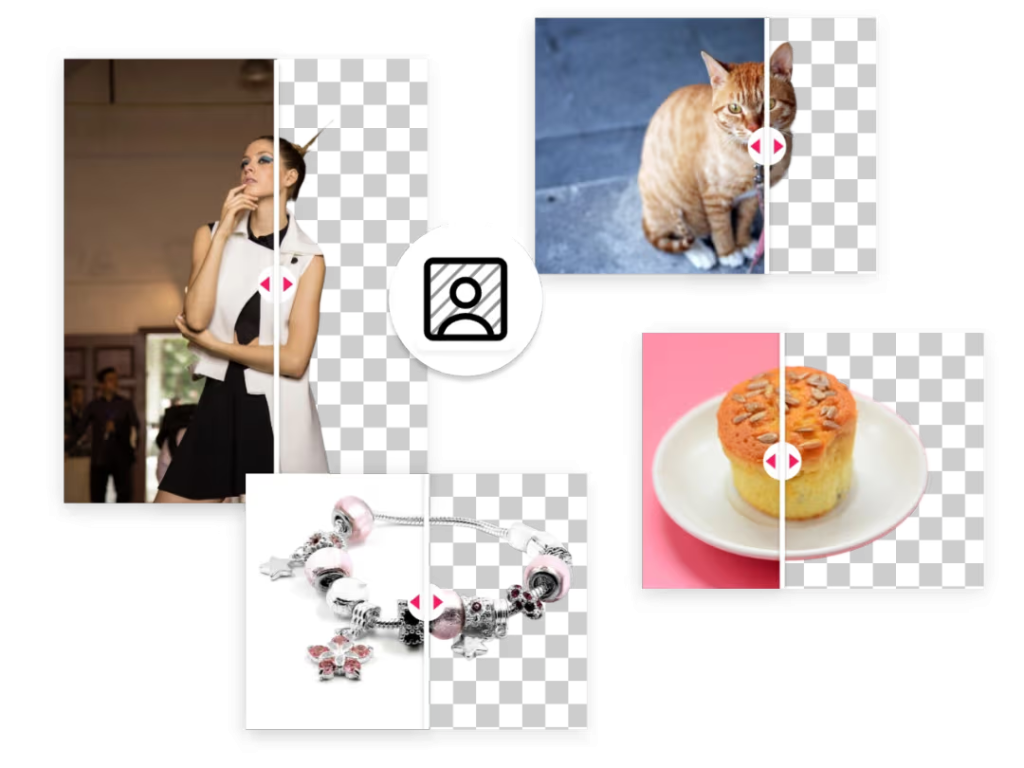
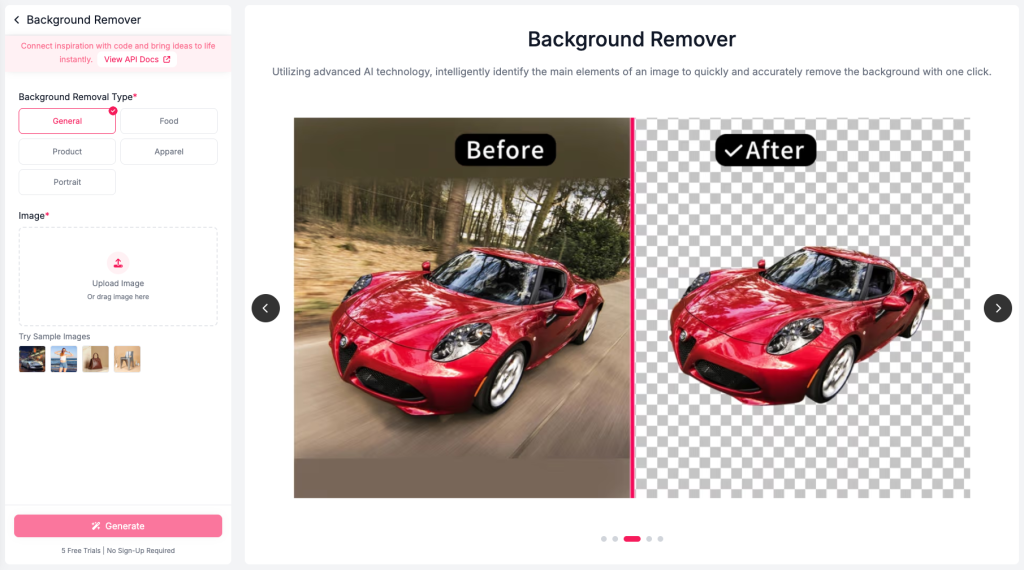
Universal Background Removal automatically detects the main subject and removes the background, suitable for people, animals, food, and objects.
You can request different output forms via return_form:
- default: 4-channel transparent PNG (RGBA)
mask: single-channel maskwhiteBK: white background imagecrop: transparent PNG cropped to remove empty margins
Production workflow patterns (pick one)
Pattern A — Fast “sync” processing (interactive UI)
Use this when you need immediate results (editor previews, small-volume usage):
- Upload image
- Call API
- Render result URL in UI
- Download and persist to your own storage (recommended)
Pattern B — Batch processing (media pipeline)
Use this when you process many images (catalog onboarding, UGC moderation, migration jobs):
- Validate inputs (format/size/resolution)
- Queue work (your job queue)
- Call API per item
- Persist outputs (S3/R2/GCS) and store metadata
- Emit events to downstream services (search indexing, listing publisher, etc.)
Quickstart: Get keys and sample code
- Get your API key: Get API KEY
- Grab runnable samples: Get Sample Code
- Try the web demo: Online Experience
Input requirements (enforce these before calling)
The API accepts multipart/form-data upload and supports image formats: JPEG/JPG/BMP/WEBP/PNG (note: 8-bit only; 16-bit/64-bit PNG not supported).
Constraints:
- File size ≤ 3 MB
- Resolution > 32×32 and < 2000×2000
- Longest side ≤ 1999 px
API integration (exact endpoint + real request)
Endpoint: POST https://www.ailabapi.com/api/cutout/general/universal-background-removal
Auth header: ailabapi-api-key: <api-key>
Body: multipart/form-data with:
image(file, required)return_form(optional:mask,whiteBK,crop)
cURL (transparent PNG by default)
curl --request POST
  --url https://www.ailabapi.com/api/cutout/general/universal-background-removal
  --header 'Content-Type: multipart/form-data'
  --header 'ailabapi-api-key: <api-key>'
  --form image='@example-file'
cURL (white background output)
curl --request POST
  --url https://www.ailabapi.com/api/cutout/general/universal-background-removal
  --header 'Content-Type: multipart/form-data'
  --header 'ailabapi-api-key: <api-key>'
  --form image='@example-file'
--form 'return_form=whiteBK'
Node.js (Fetch + FormData)
import fs from "node:fs";
import FormData from "form-data";

async function removeBackground({ apiKey, filePath, returnForm }) {
  const form = new FormData();
  form.append("image", fs.createReadStream(filePath));
  if (returnForm) form.append("return_form", returnForm); // "mask" | "whiteBK" | "crop"

  const res = await fetch("https://www.ailabapi.com/api/cutout/general/universal-background-removal", {
    method: "POST",
    headers: {
      "ailabapi-api-key": apiKey,
      ...form.getHeaders(),
    },
    body: form,
  });

  if (!res.ok) throw new Error(await res.text());
  return res.json();
}

// Example:
// const out = await removeBackground({ apiKey: process.env.AILAB_API_KEY, filePath: "./input.jpg", returnForm: "crop" });
// console.log(out);
Python (requests)
import os
import requests

API_KEY = os.environ["AILAB_API_KEY"]
URL = "https://www.ailabapi.com/api/cutout/general/universal-background-removal"

with open("input.jpg", "rb") as f:
    files = {"image": f}
    data = {"return_form": "mask"}  # optional: mask | whiteBK | crop
    headers = {"ailabapi-api-key": API_KEY}

    r = requests.post(URL, headers=headers, files=files, data=data, timeout=60)
    r.raise_for_status()
    print(r.json())

Response handling: download and persist safely
A successful response includes data.image_url (a temporary URL).
That URL is valid for 24 hours—if you need longer retention, download it within 24 hours and store it in your own bucket/CDN.
For error parsing and standard fields (error_code, error_msg, etc.), use:
Privacy & file retention (publish this in your compliance notes)
AILabTools’ API file handling policy is straightforward:
- Uploaded files are not stored and are deleted immediately after processing.
- Returned files provided as URL are stored for a default 24 hours and then automatically deleted.
- Files are not used for AI training.
Link this in your product’s trust page: File Storage Policy.
Cost model (so you can estimate unit economics)
Universal Background Removal costs 1 credit per successful request (failed requests are not billed).
Billing reference shows 1 credit ≈ $0.0027 at common tiers, and Universal Background Removal is listed as 1 credit per request.
- Pricing details: Developer Pricing
- Billing table (credits): Billing Introduction
Industry workflows you can ship (templates)
1) eCommerce listing standardization
Goal: consistent “catalog-ready” images.
- Default: transparent PNG (for templates)
- For marketplaces:
whiteBKoutput (white background) - For centered assets:
cropoutput to remove empty edges
Pipeline: ingest → validate → remove bg → crop/whiteBK variant → store → publish.
2) Creative tooling (Canva-like editor)
Goal: instant cutout with editing flexibility.
- Default transparent PNG for live preview
maskoutput for advanced edits (refine edges, manual touch-up, region selection)
Pipeline: upload → process → show preview → export (download/persist).
3) Marketing automation (multi-size creatives)
Goal: cutout once, reuse everywhere.
- Store transparent PNG cutout in your CDN
- Compose into templates (1:1, 4:5, 9:16) in your own renderer
Pipeline: cutout → persist → template renderer → deliver.
Recommended hardening (what breaks in production)
- Validate before request: enforce file size/resolution constraints to reduce failures.
- Retry strategy: retry network/5xx with exponential backoff; avoid retry storms.
- Deduplicate: hash the input file and reuse stored outputs for identical assets.
- Persist outputs quickly: result URLs expire after 24 hours.
- Observability: log
request_id,error_code, and asset IDs for traceability.
FAQ
Does it support people, pets, food, and products?
Yes—Universal Background Removal is designed for people, animals, food, and objects in common real-world scenes.
How do I get a white background output?
Set return_form=whiteBK.
How long are result URLs valid?
Result URLs are temporary and valid for 24 hours.
Next steps (copy into your CTA)
- Read the docs: Universal Background Removal API documentation
- Call the endpoint: Universal Background Removal API (POST)
- Get started: Get API KEY
- Sample requests: Get Sample Code