

[Important: API Service Retirement Notice]Dear Developers,Thank you for your continued trust and support of the AILabTools API.To better focus on delivering more efficient, stable, and future-ready solutions, we are announcing the retirement of this API.Due to its outdated architecture and limitations in performance and scalability, this API will be permanently discontinued and will no longer be available starting from the date of this announcement. Any applications or integrations that still rely on this API may experience service interruptions if no action is taken.We strongly recommend that you evaluate alternative solutions and plan your migration as soon as possible to ensure a smooth transition and uninterrupted service for your users.If you have any questions or need assistance during this transition, our support team is ready to help:
📧 support@ailabtools.comWe sincerely appreciate your understanding and cooperation. Thank you for being part of AILabTools. We remain committed to providing you with more powerful and reliable services.Best regards,AILabTools Support Team
Renderings show
-
Automatic color extension
Enter the number of results to be expanded, that is, the number of expanded color systems. The algorithm calculates the uniform sampling method according to the color space, and gives the results that meet the requirements of the number of expanded colors. Simply put, the number of color systems is how many, and a few pictures are output.
For example, 【Before processing】【
color_count=1】【color_count=4】. The result is as follows:
-
Color palette extension
Input a set of color lists (color swatches), and the algorithm uses the swatches as the main color to expand the original image. This mode provides greater color control. The length of the color list must not exceed the specified value.
For example, 【
color_template=“#DB0D0D,#0E0CBB,#FF0000”】. The color extension result is as follows:
| Before processing | After processing |
|---|---|
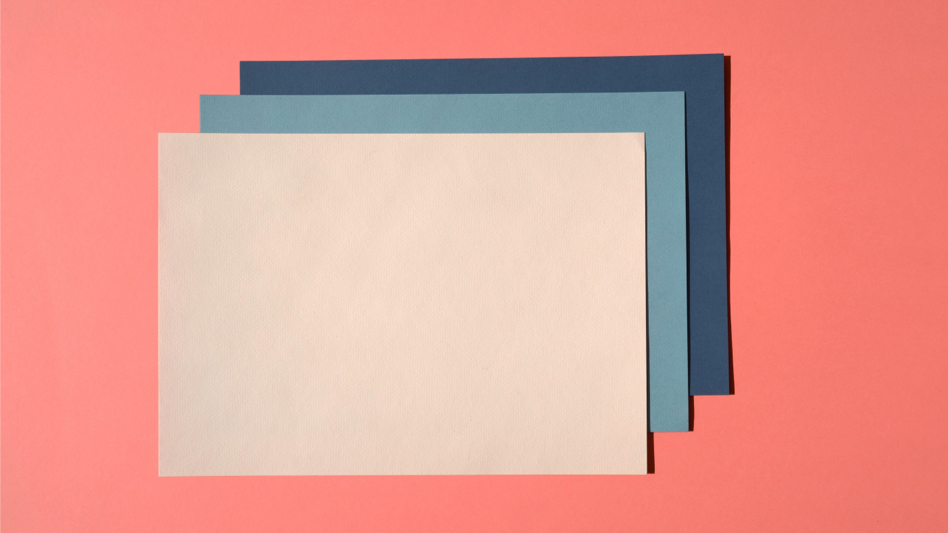 | 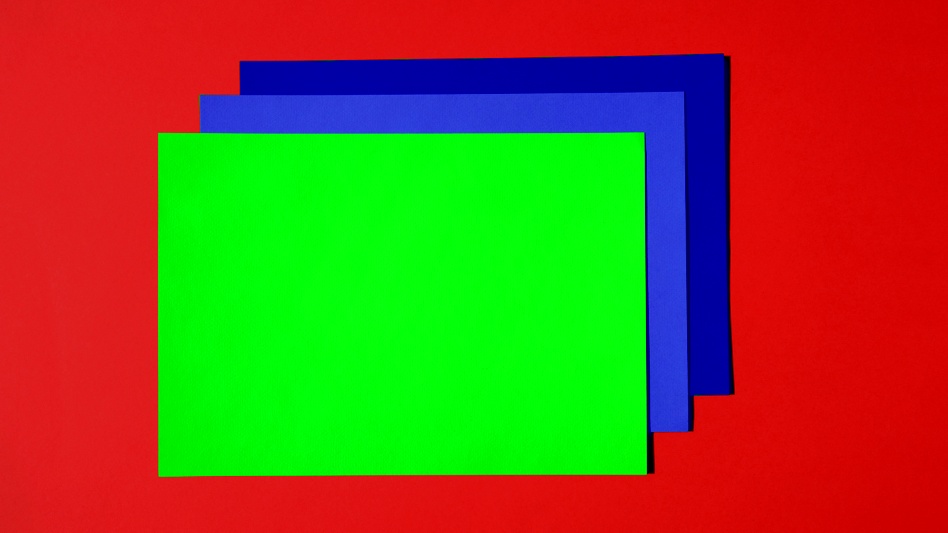 |
- Reference picture extension color You provide a reference image, and the algorithm will colorize the original image based on the reference image.
| Before processing | Reference map | After processing |
|---|---|---|
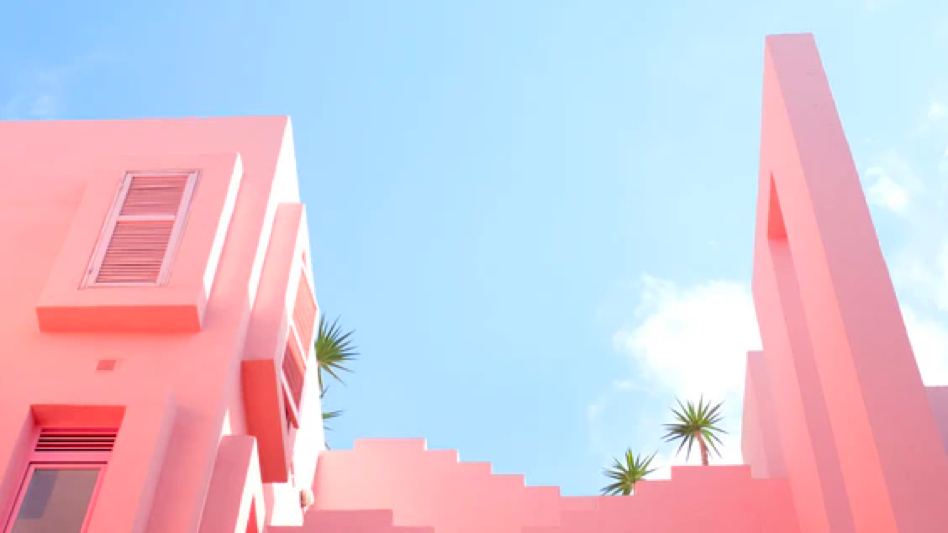 | 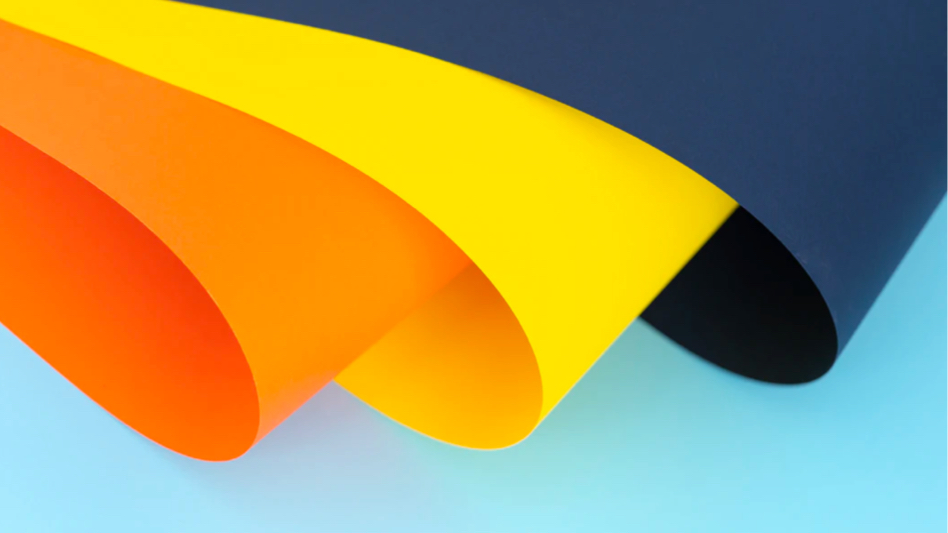 | 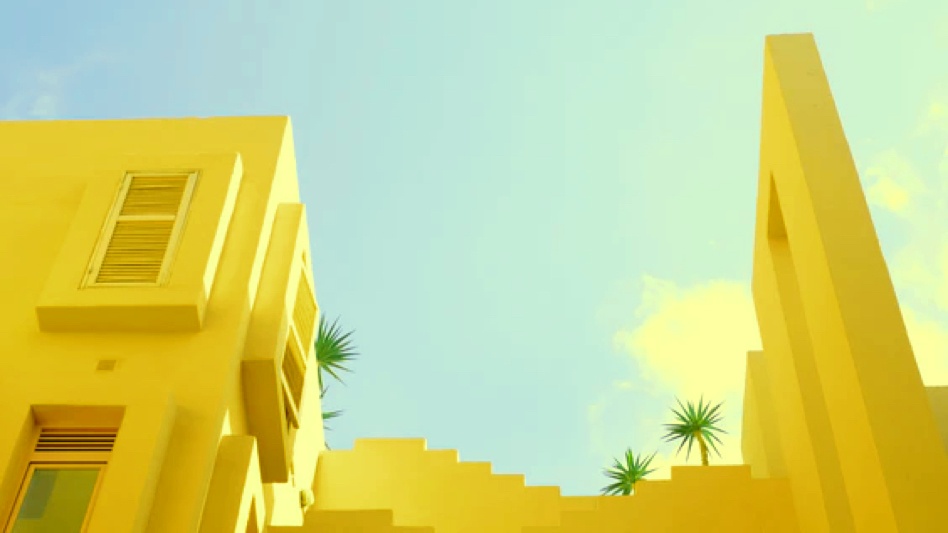 |